Create & Download Canvas Video Mockup
Download Canvas Video Mockups from Mockey AI and take your design to the next level with engaging video animations that capture attention.
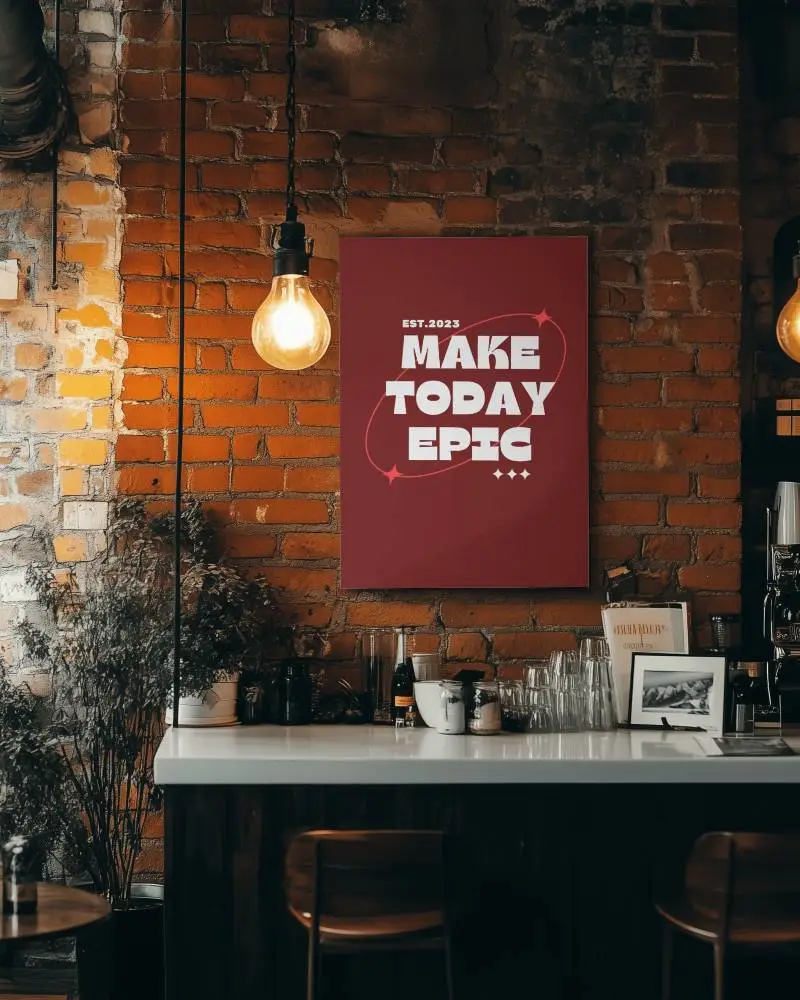
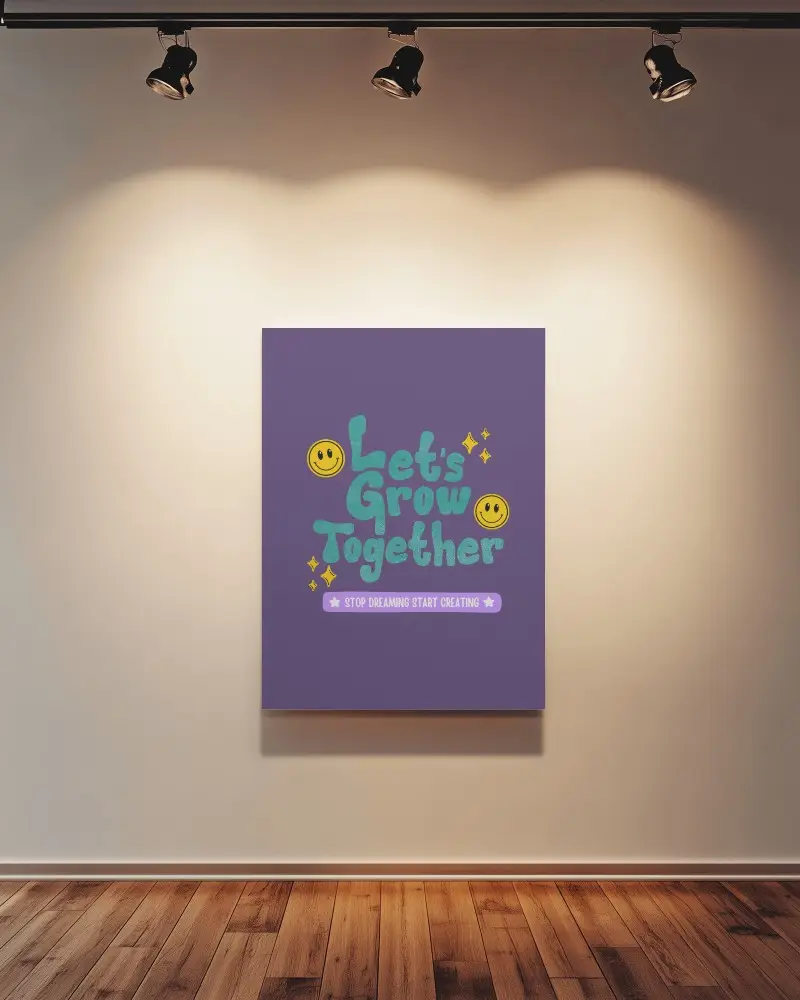
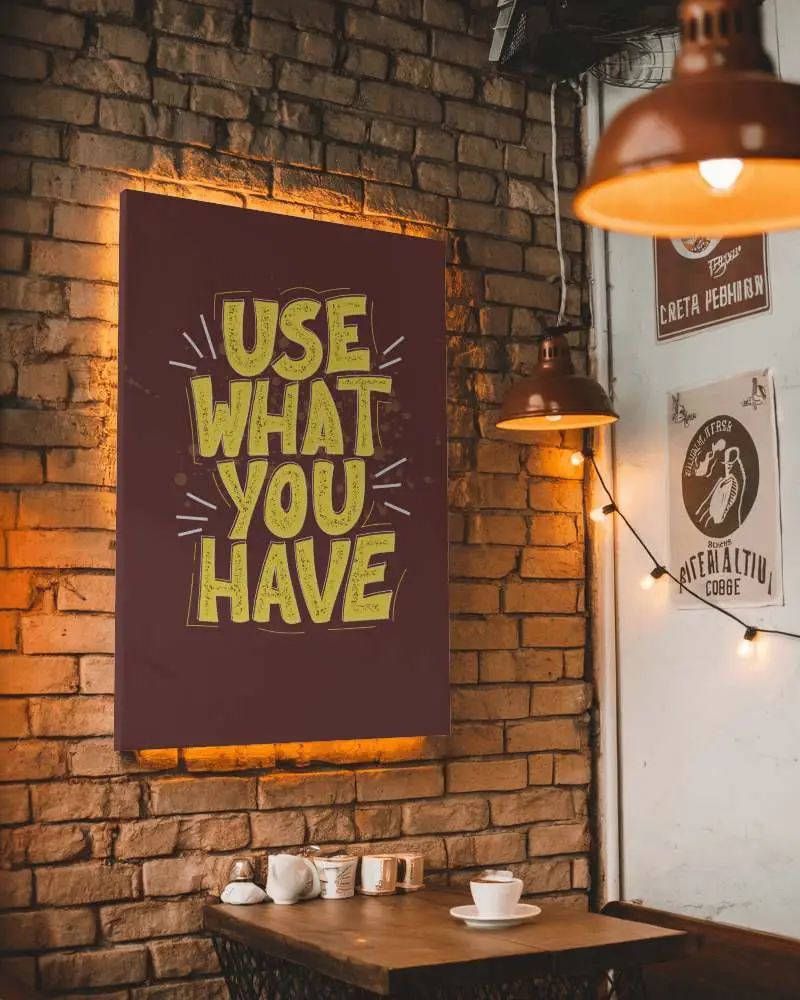
How to Create a Canvas Video Mockup with Mockey AI
To create canvas video mockups:
- Step 1: Please log in and purchase the MAX plan. Tap the 'Video Mockups' and follow 'Print > Canvas'.
- Step 2: Select a video template to upload a design and personalize it.
- Step 3: Click on 'Generate Video' to save the Canvas video mockup.


FAQs on canvas Video Mockups
What is a canvas video mockup?
A canvas video mockup shows your design on a moving canvas. You see it’s hanging or being used. It’s a mix of video and your custom design.
Can I use my own design in the canvas video mockup?
You can add your own design to a canvas video mockup using Mockey AI. Just upload a design. Adjust the size and position. Make sure it fits well. Then export your video.
Does Mockey AI offer canvas mockup images, too?
Mockey AI has many canvas mockup images. You’ll find vertical, interior, and paper-style templates. Choose a template. Upload a design. Make changes as you like. Then download your final mockup.
Why use video animation for canvas mockups?
Canvas mockups look better with video animation. It shows product features clearly. Your design looks real, almost like you can touch it. Ideas are better presented this way. Your message stays clear and consistent.
