Hardcover Book Video Mockup Templates
Generate high-quality Hardcover book video mockups using Mockey’s advanced video mockup generator. Customize scenes, apply animations, and showcase your Hardcover book designs with dynamic, high-quality visual presentations.
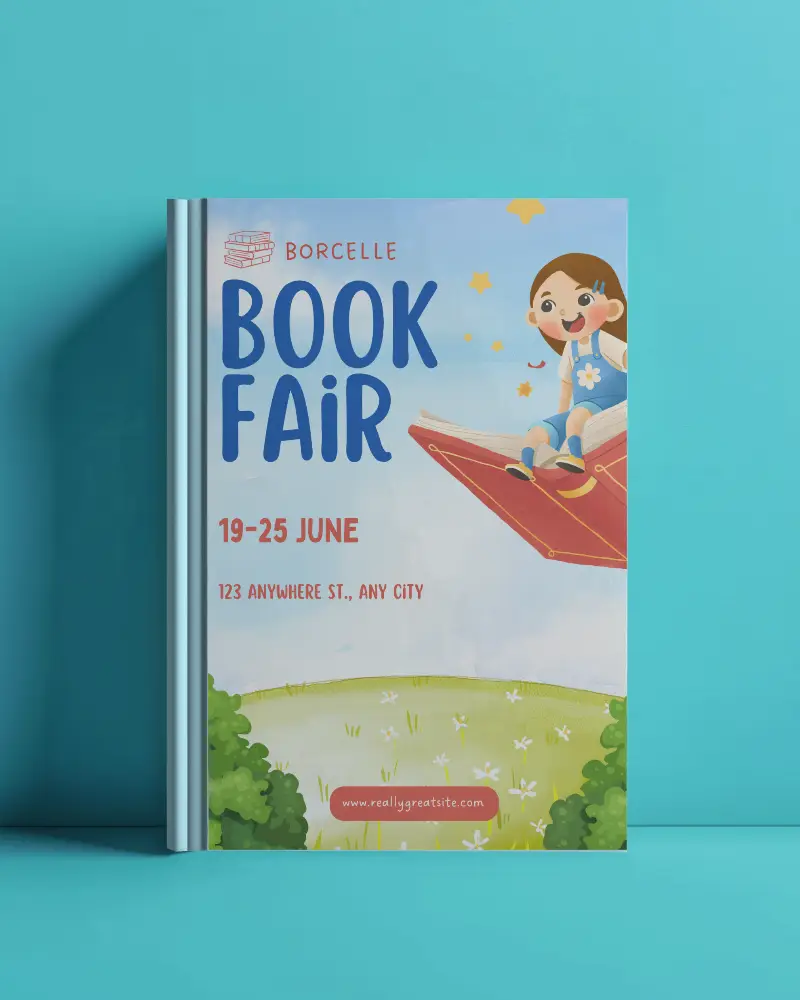
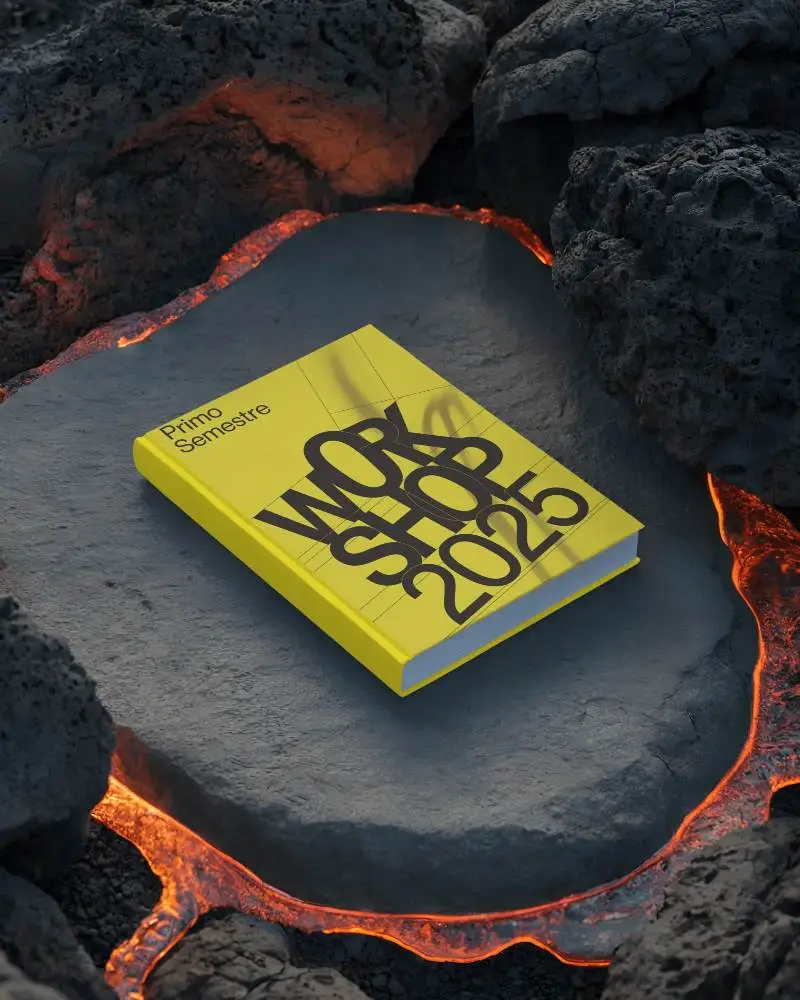
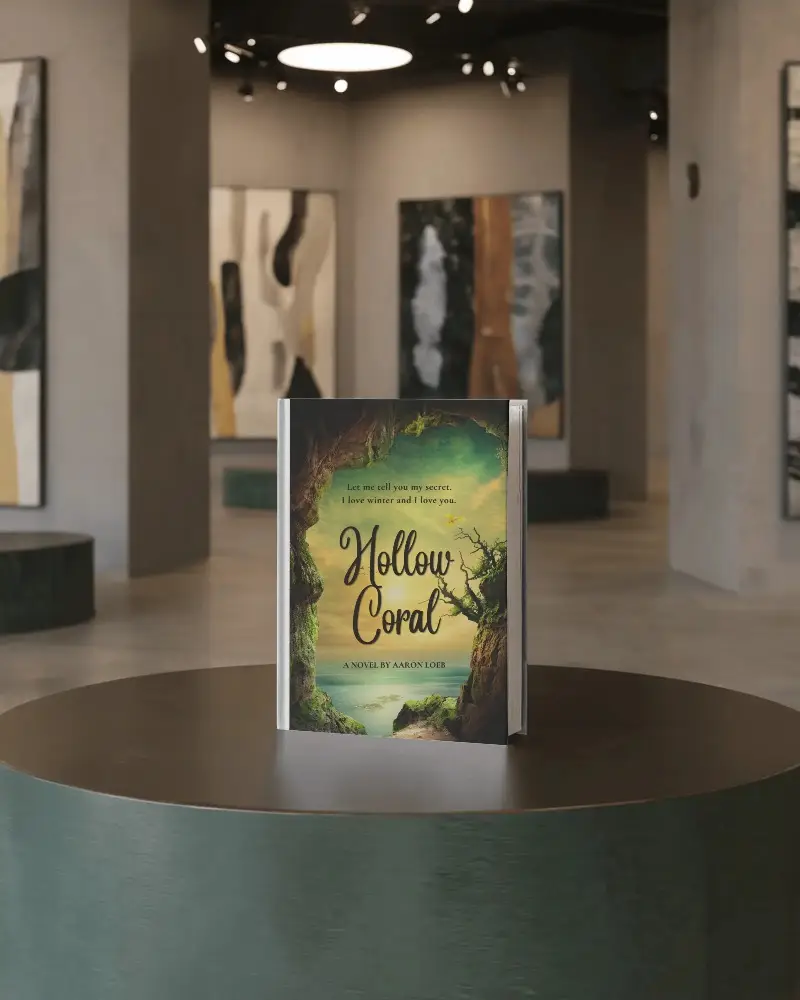
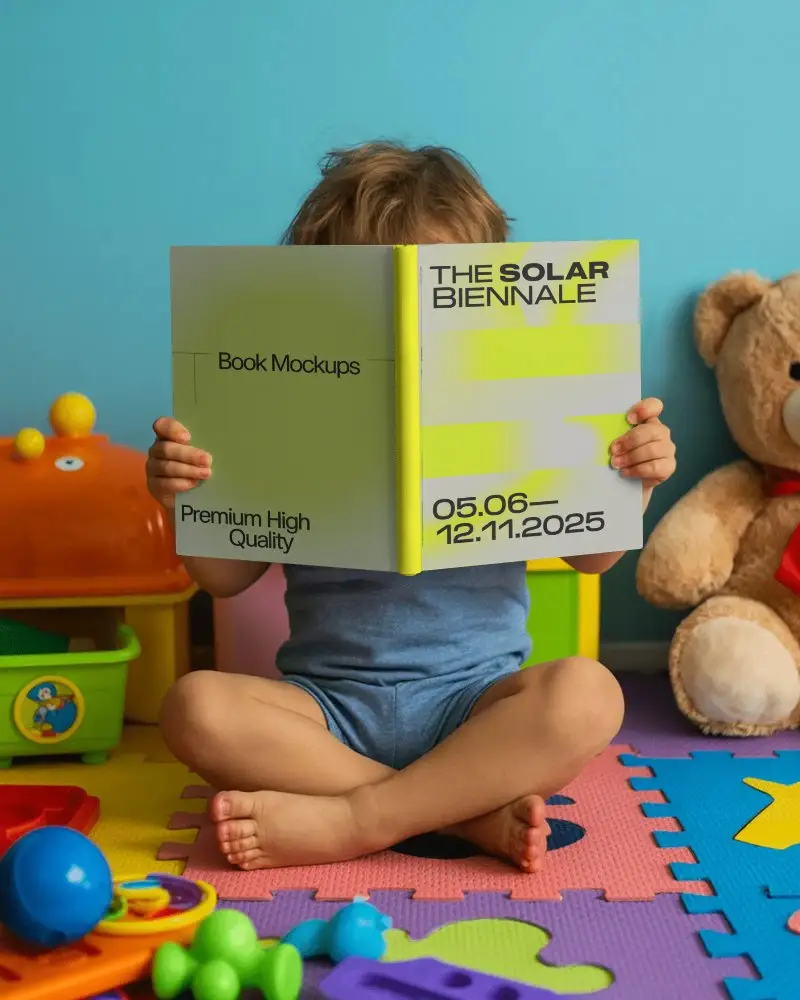
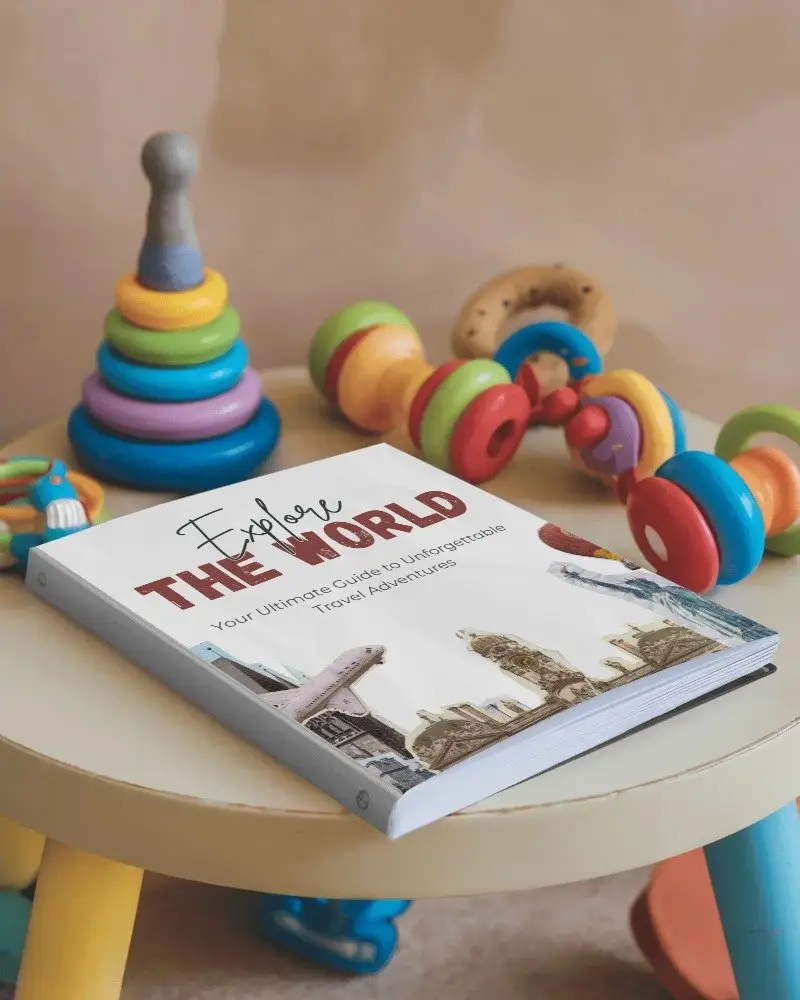
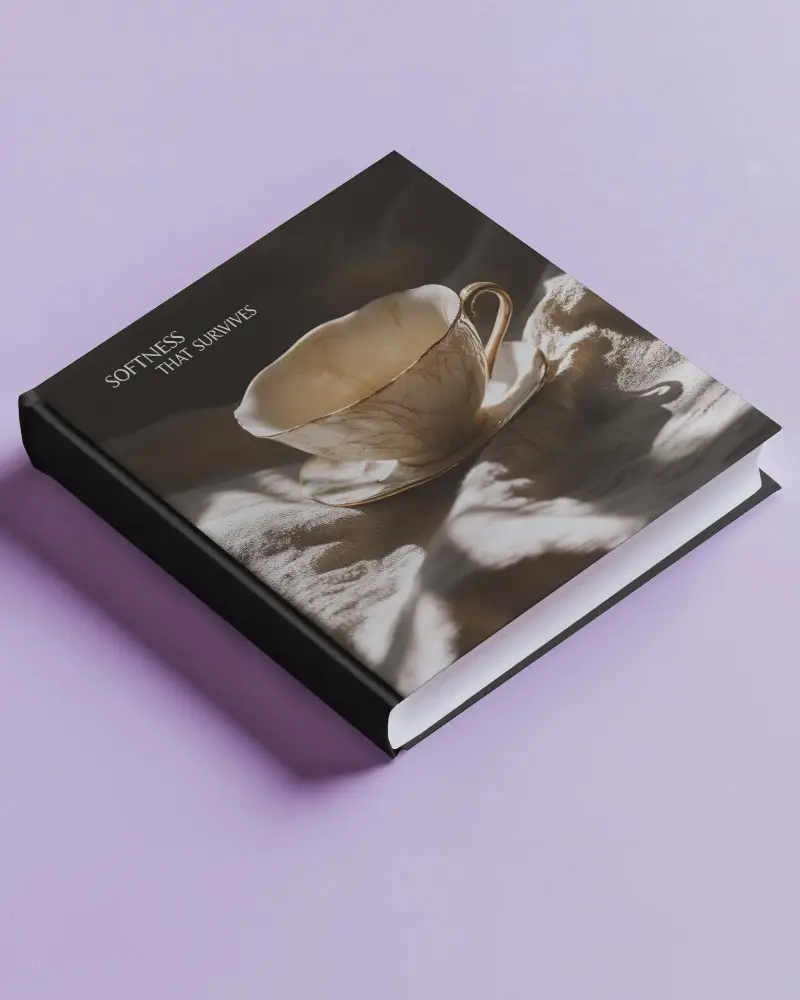
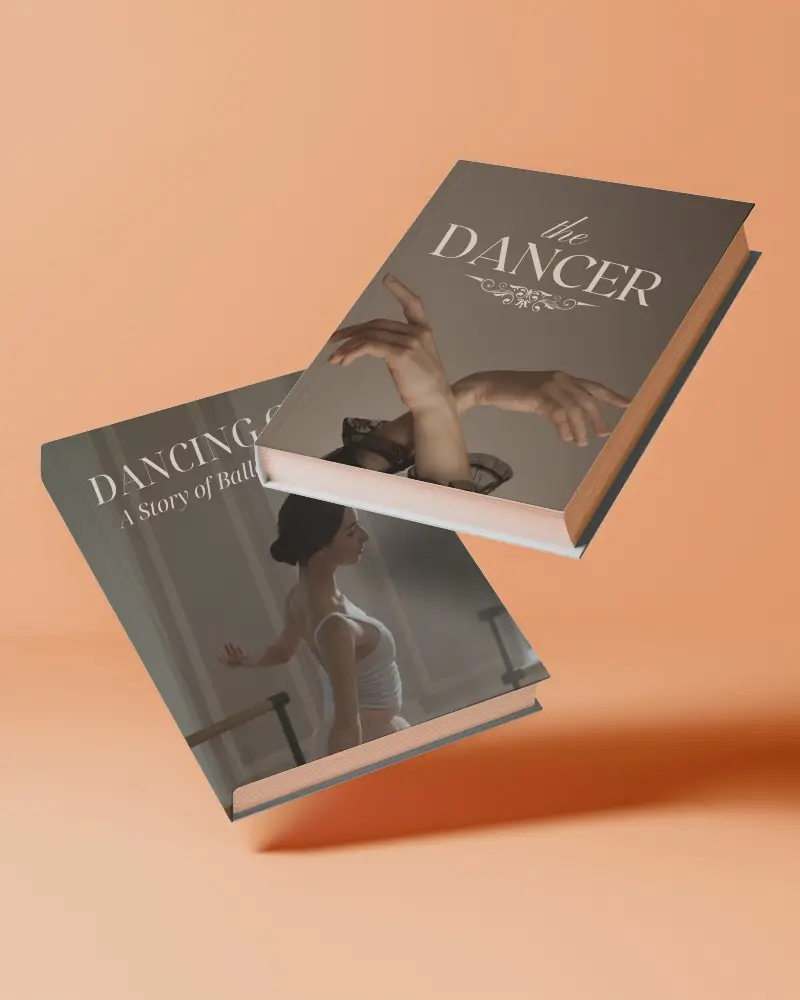
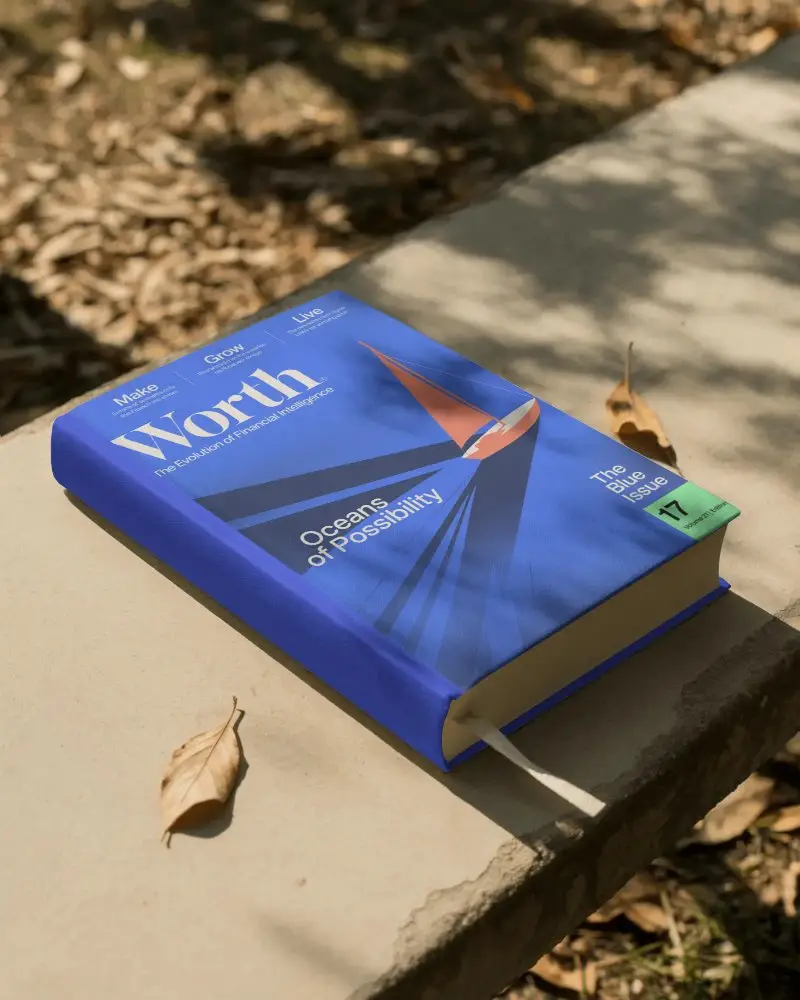
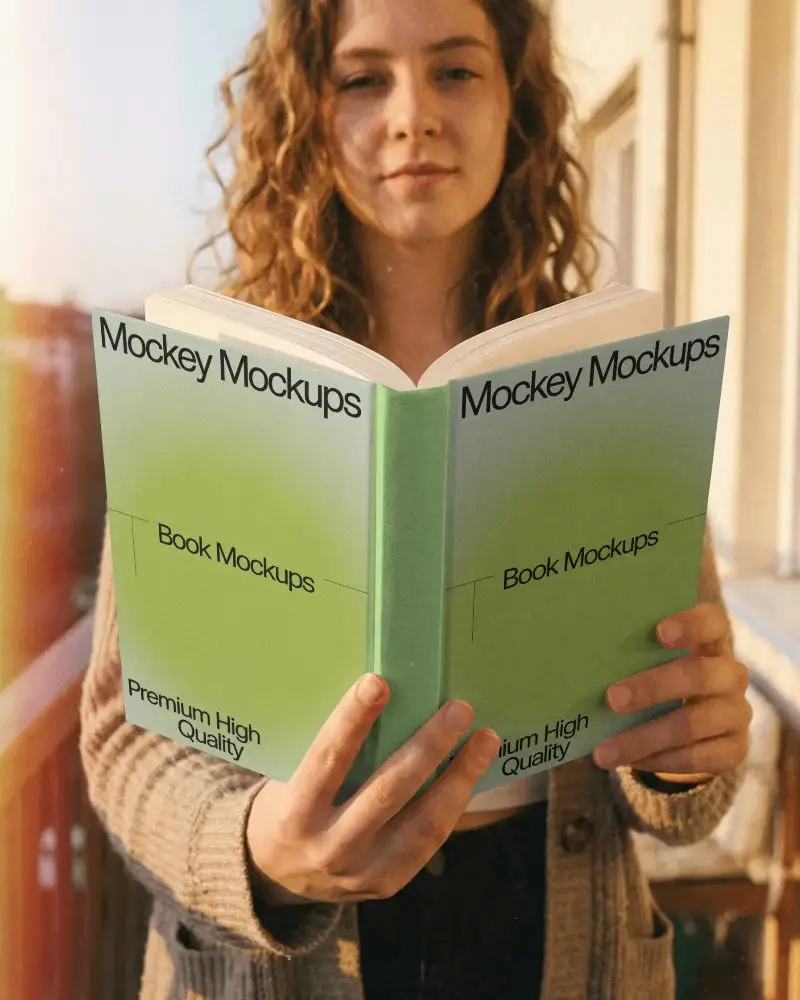
How to Create a Hardcover Book Video Mockup with Mockey
To create Hardcover book video mockups:
- Step 1: Select the Pricing option and purchase the CREATOR or ELITE plan.
- Step 2: Navigate to Video Mockups, then follow Print > Book > Hardcover. Choose a video template and upload your design.
- Step 3: Make any required customizations and click Generate Video to produce and save the Hardcover book video mockup.


FAQs on Hardcover Book Video Mockups
What makes a Hardcover book video mockup effective for branding?
A well-made Hardcover book video mockup uses smooth rendered motion and realistic detail to build trust. It makes the brand feel premium even before the book is printed.
Who can benefit from using Hardcover book video mockups?
Hardcover book video mockups help authors, publishers, designers, marketers, and educators present their books professionally. Covers, inner pages, catalogs, comics, and journals feel more engaging in motion.
Can I customize animation styles in a Hardcover book video mockup?
When creating a Hardcover book video mockup in Mockey AI, the animation style is fixed. You can upload your design and make visual adjustments, and the final MP4 will download exactly as shown in the preview.
Are Hardcover book video mockups suitable for social media promotions?
All Hardcover book video mockup templates from Mockey AI are suitable for social media promotions. Their eye-catching motion helps create a strong first impression on viewers.
What formats can I export my Hardcover book video mockup?
Using Mockey AI, you can export your Hardcover book video mockups in MP4 format, ready for use across websites, ads, and social platforms.
