Box Video Mockup Collection
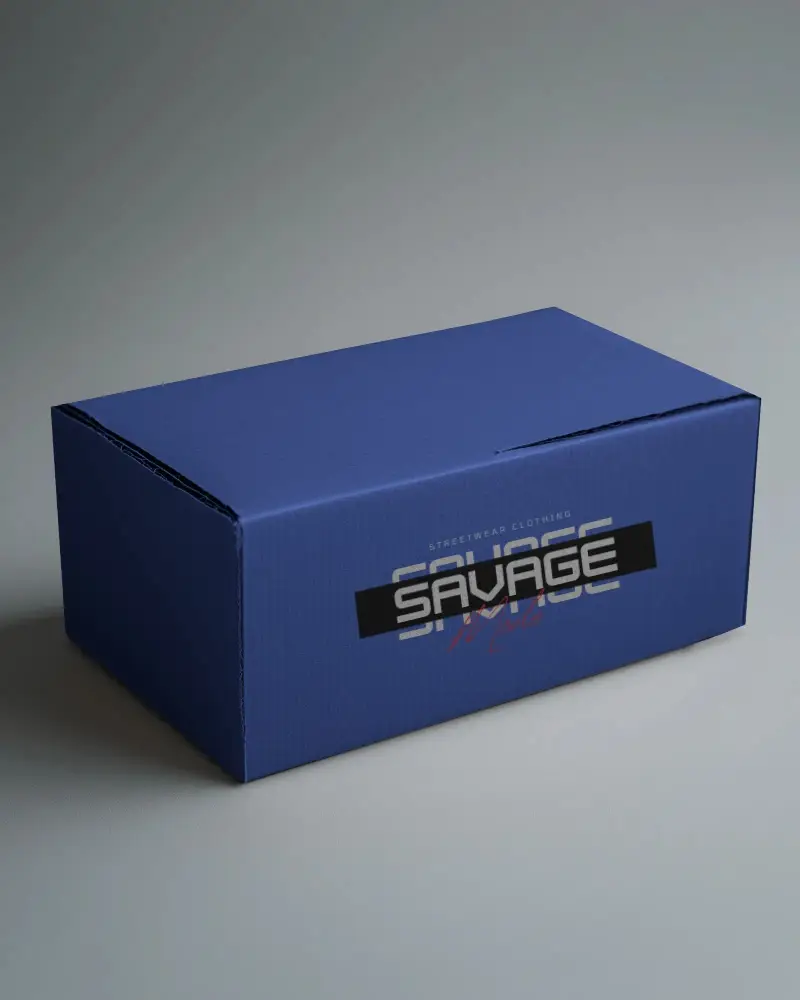
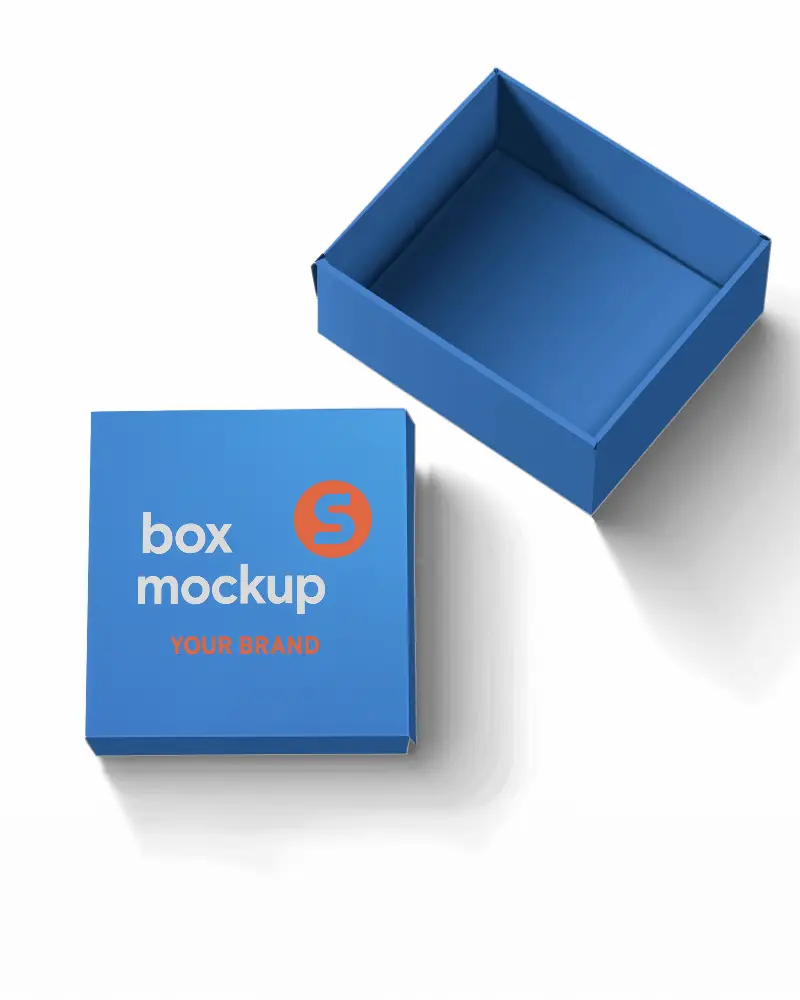
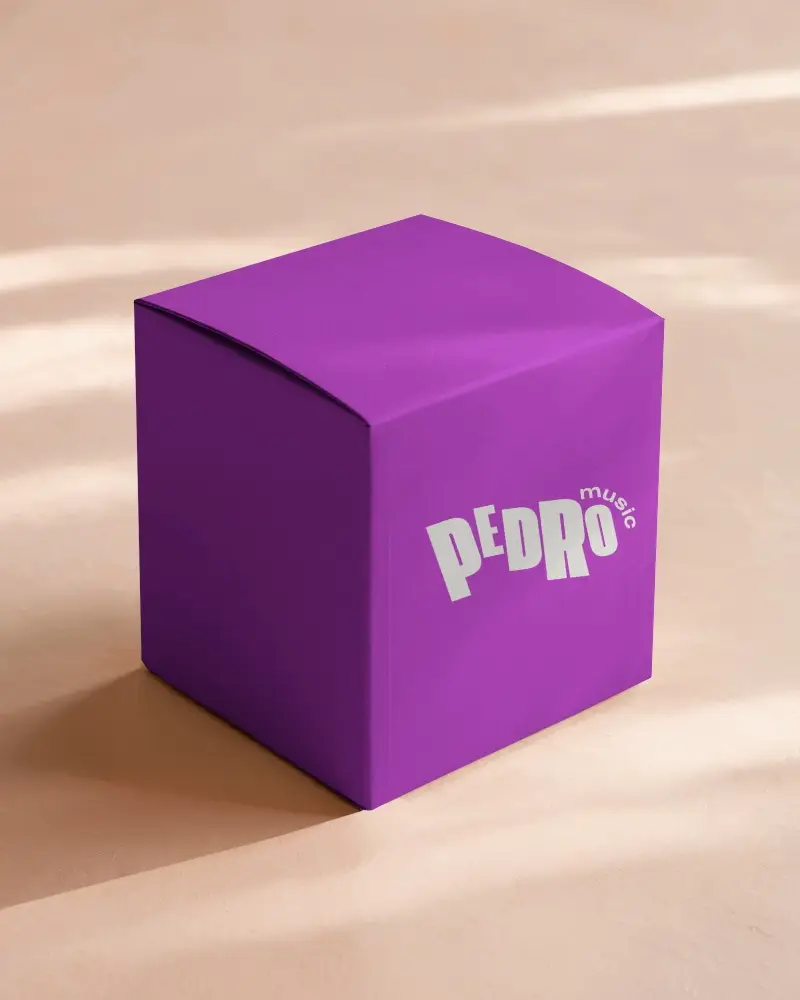
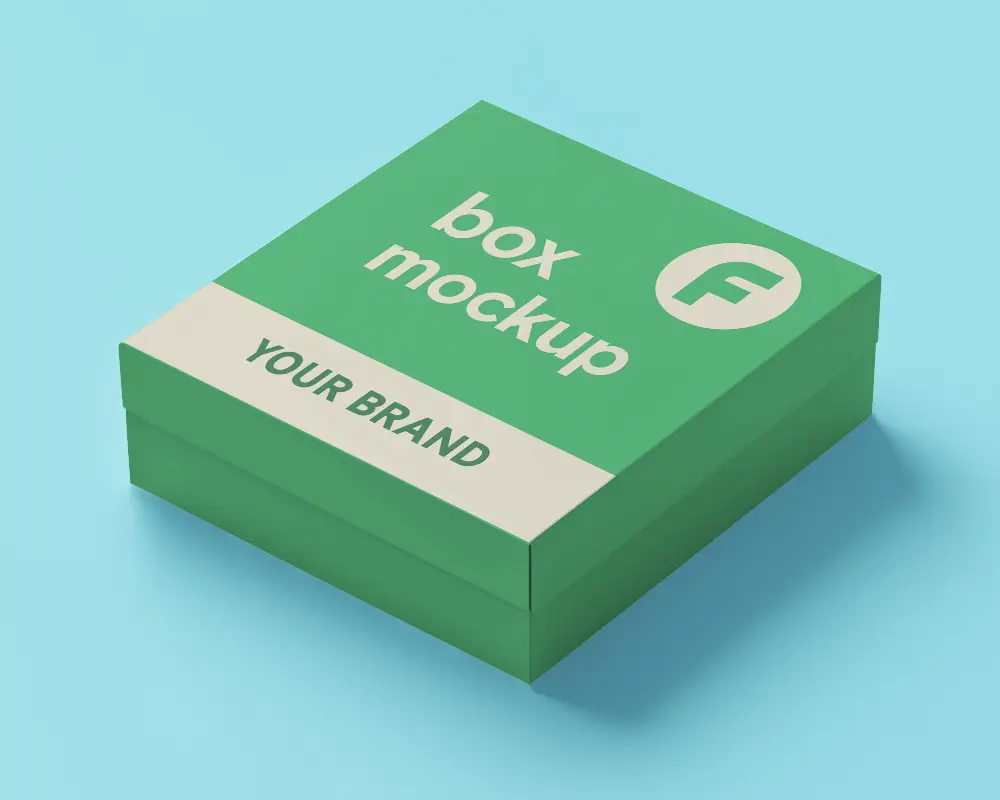
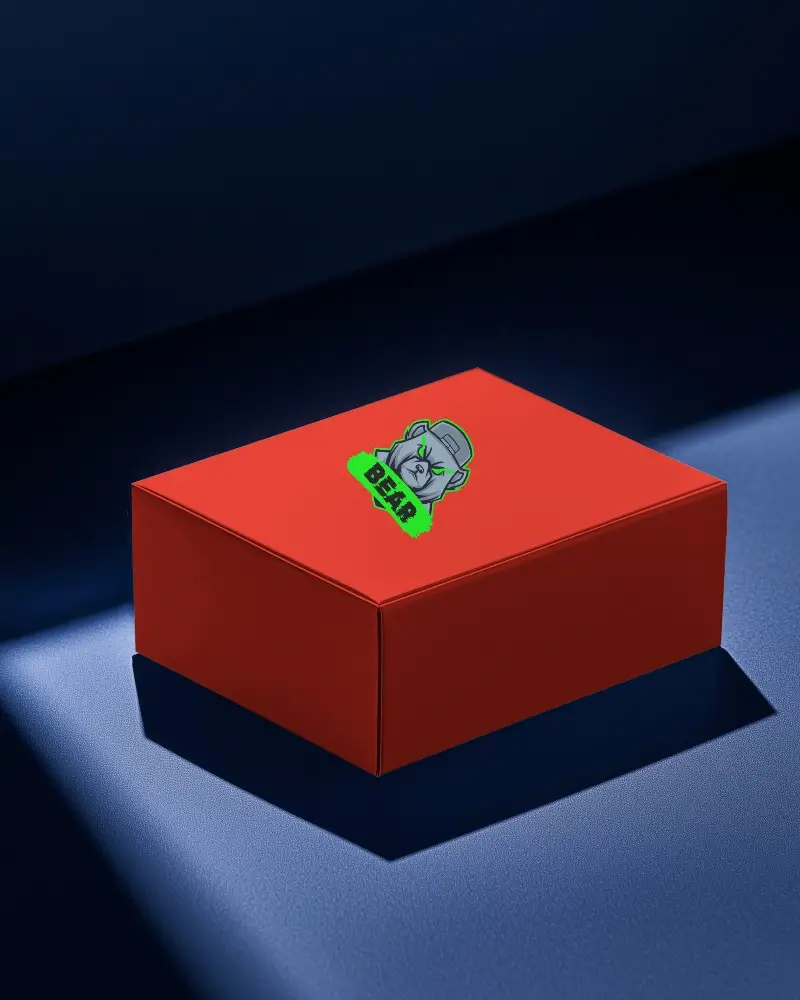
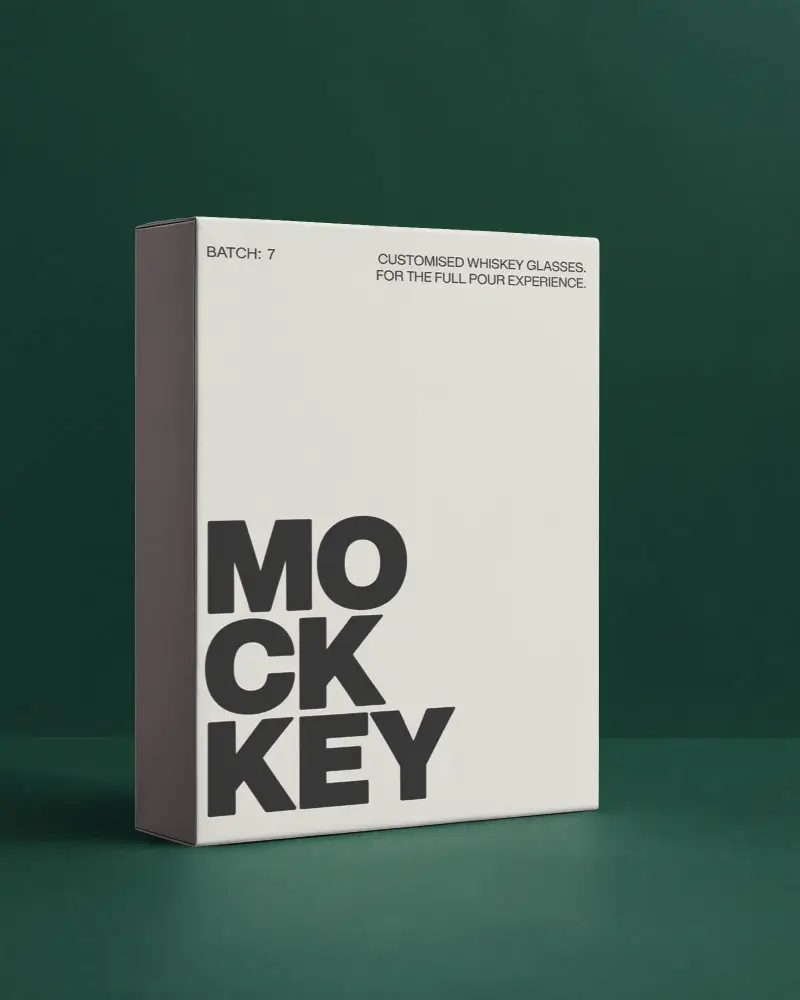
Create stunning box video mockups with Mockey AI’s powerful editor. Showcase packaging in motion using high-quality, customizable box video templates.
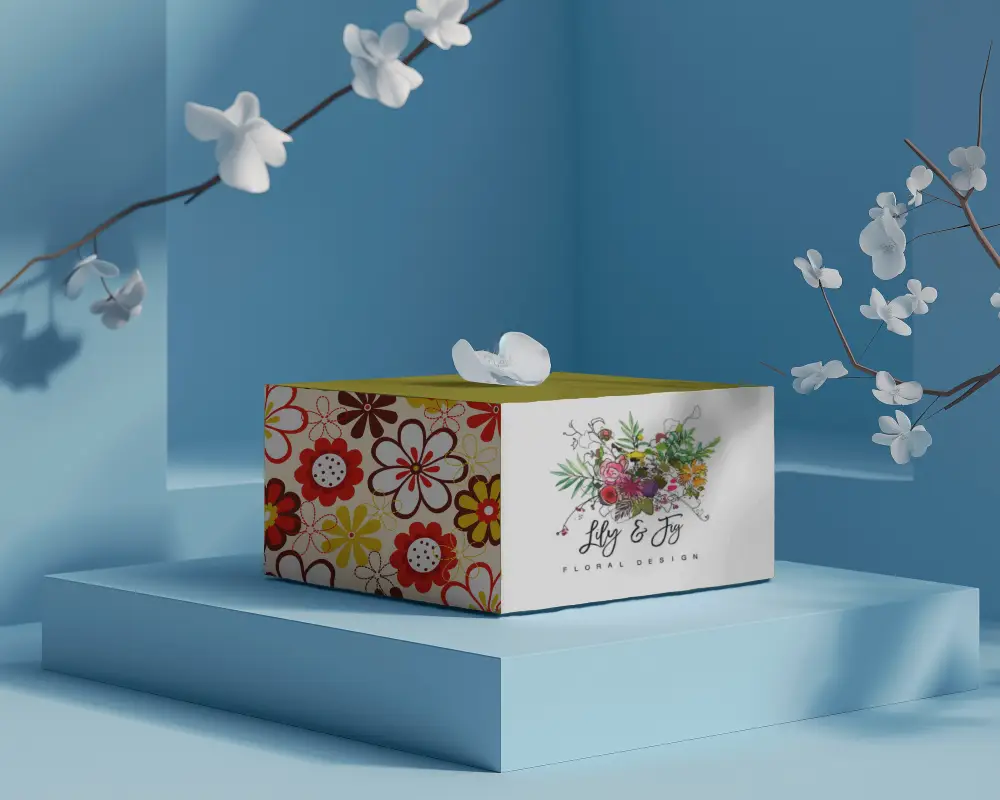
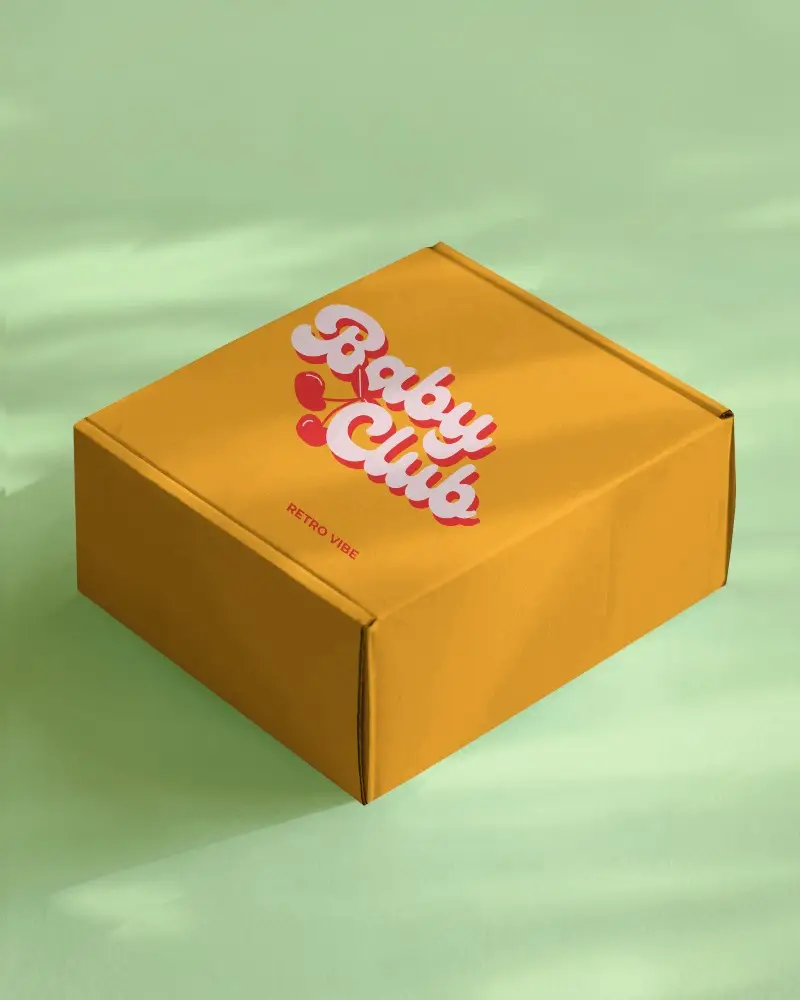
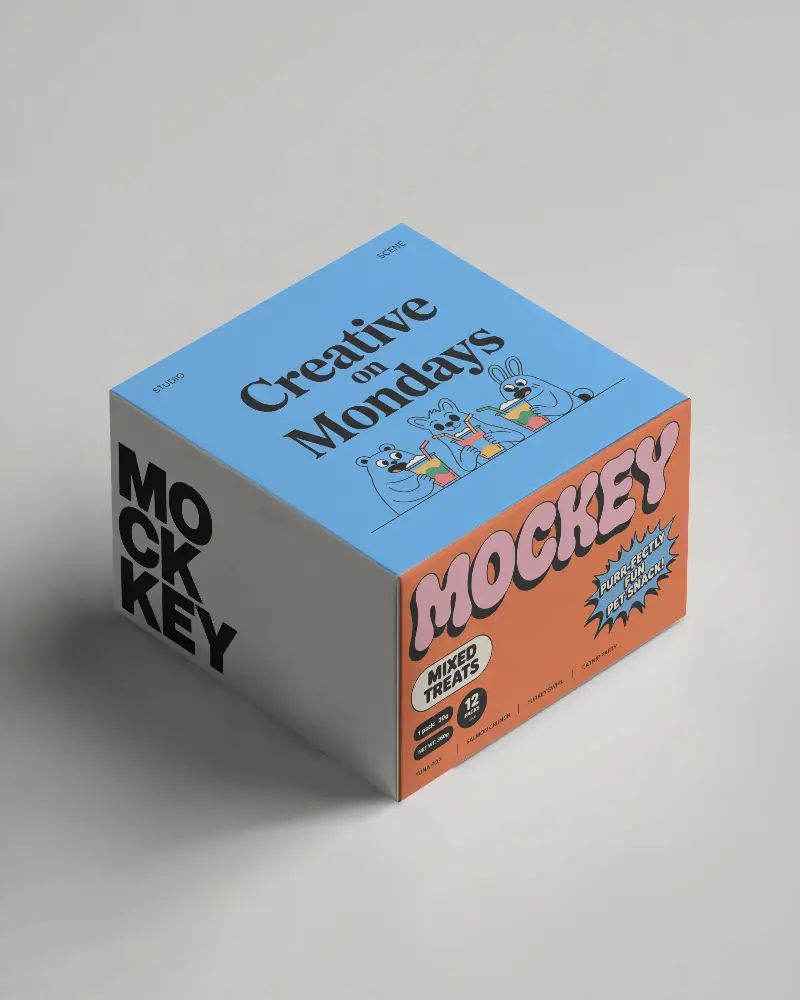
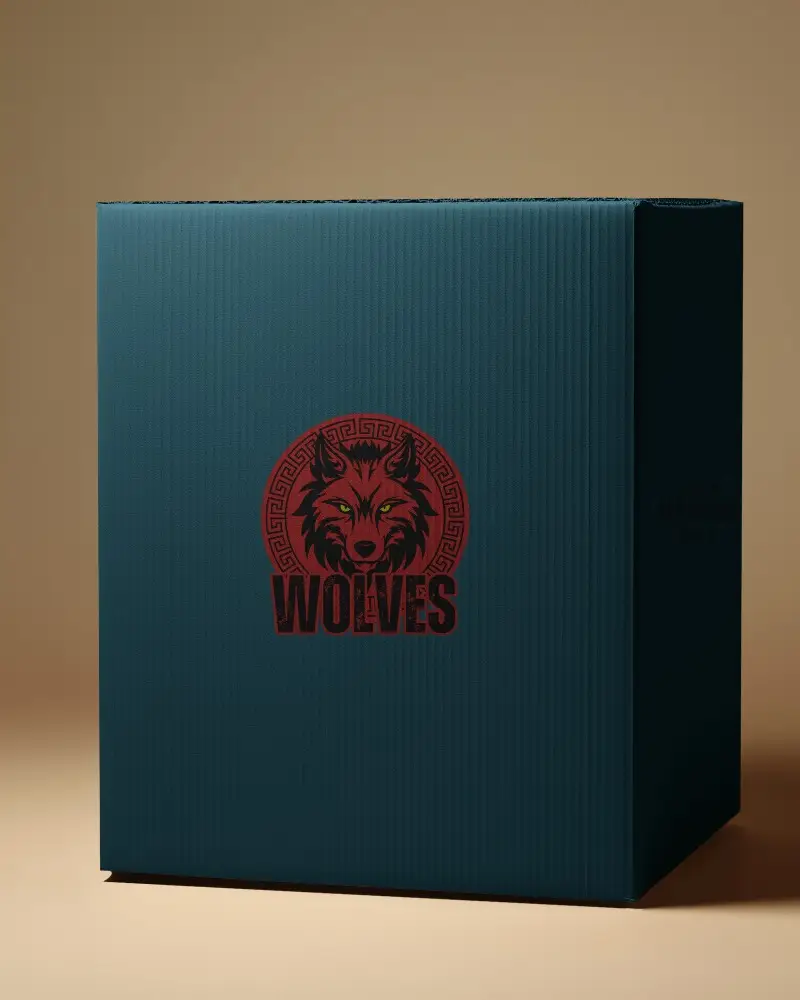
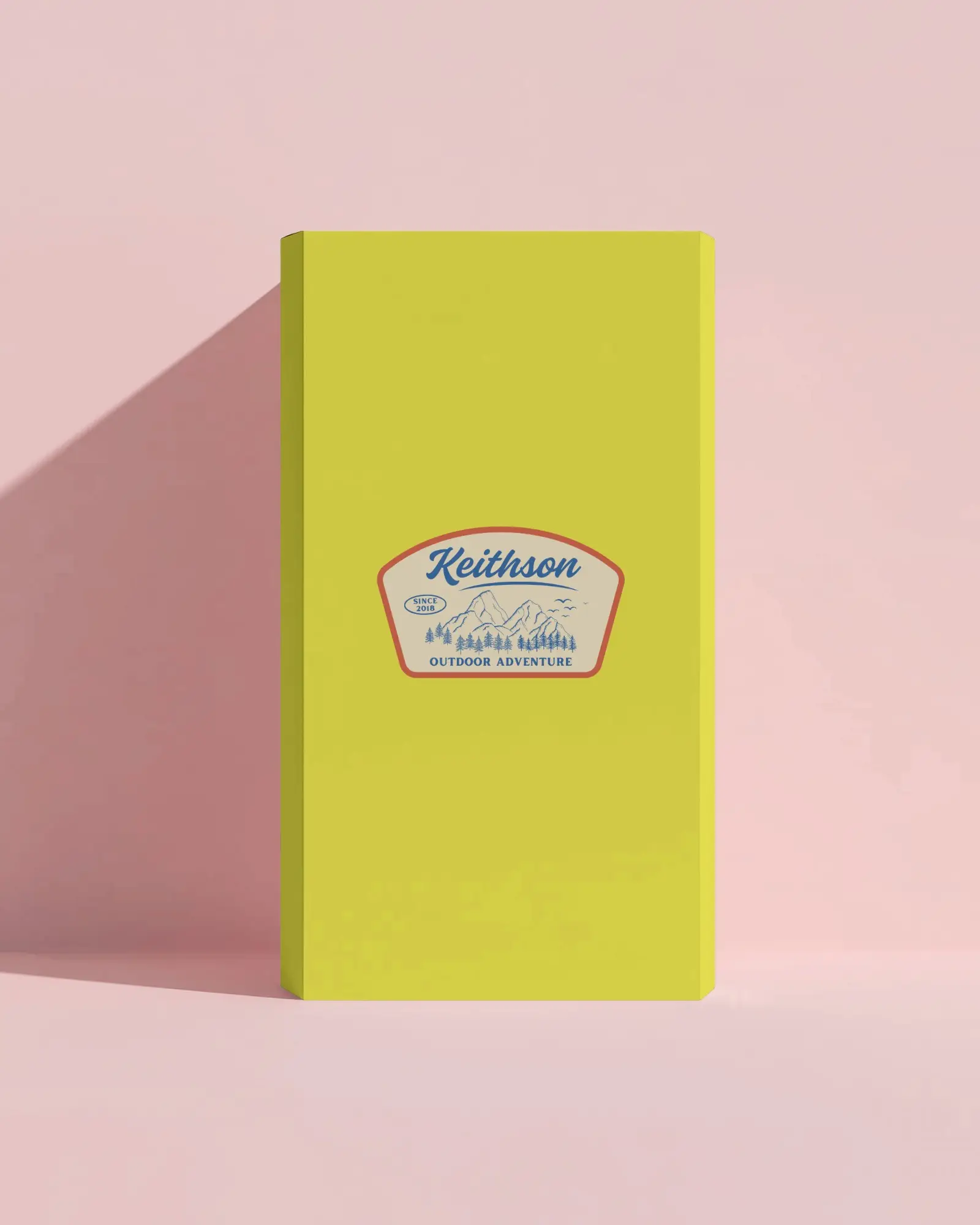
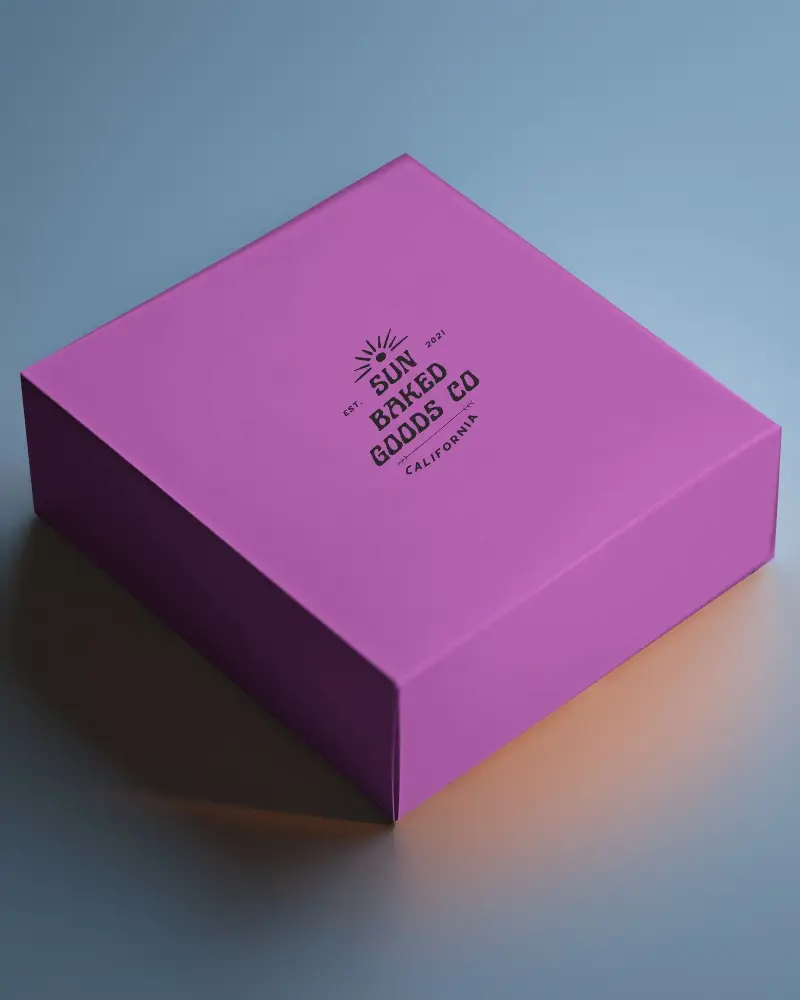
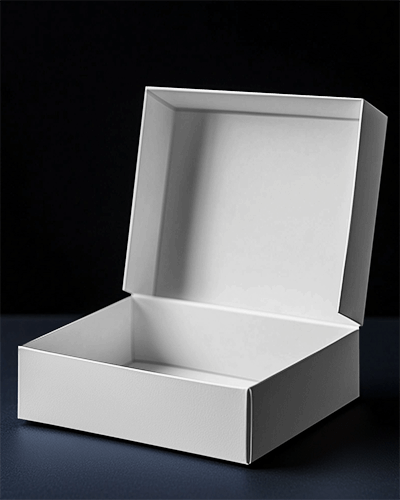
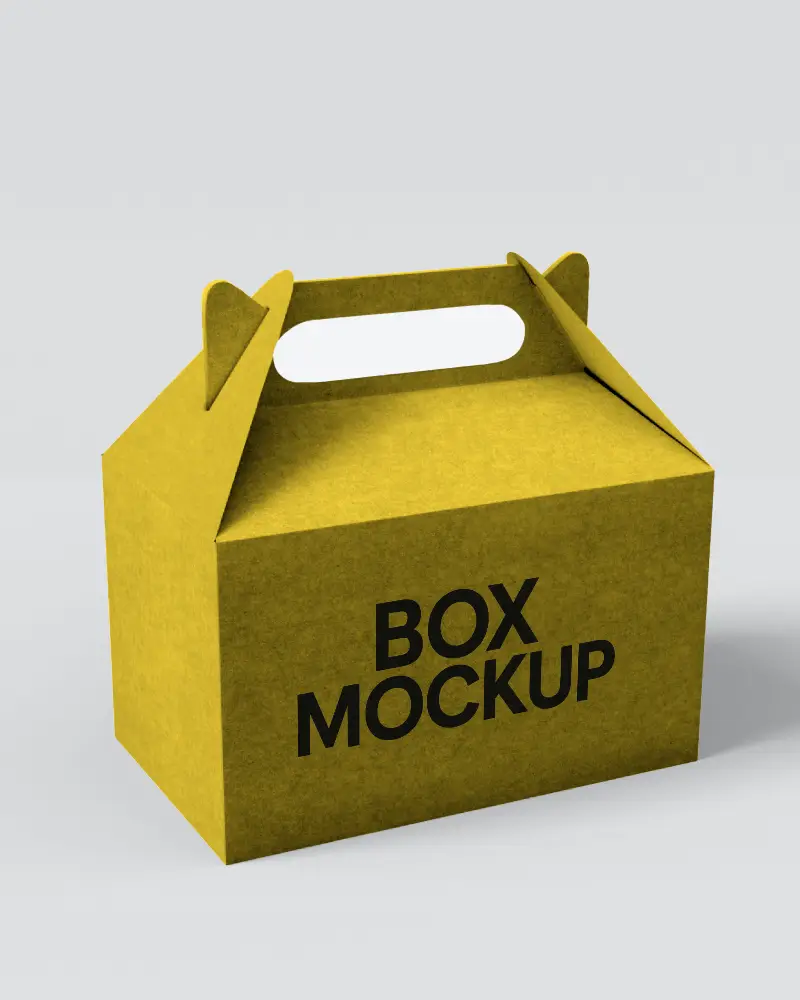
.png)
.png)
(1).png)
.png)
How to Make Box Video Mockup in Mockey AI
To create box video mockups:
- Step 1: Initially, purchase the MAX plan. Subsequently, navigate to 'Video Mockups.'
- Step 2: Within that section, you will locate 'Box' under 'Packaging.' Select it and opt for a template.
- Step 3: Upload your designs, make the necessary edits, and click on 'Generate Video.' Finally, save the Box video mockup.


FAQs on box Video Mockups
What is a Box Video Mockup?
A box video mockup is a digital model of packaging. It shows how a box will look in motion, with realistic light and textures. Designers use it to check the look and function before making the real box. It’s handy for cosmetics, food, electronics, and more.
What are Box Video Mockups commonly used for?
A box video mockup shows product packaging through an animated, realistic perspective. They make it easy to present ideas to clients. They give marketing a push. They help imagine new products before they are made. They also make decisions faster.
What types of products are best suited for Box Video Mockups?
Box video mockups work for many products. They are excellent for anything that comes in a box, such as food, beauty items, electronics, clothes, or even e-books. You can change the design, colors, and materials to match your brand. This makes them a smart choice for any marketing plan.
