box
Cuboid Box Video Mockups
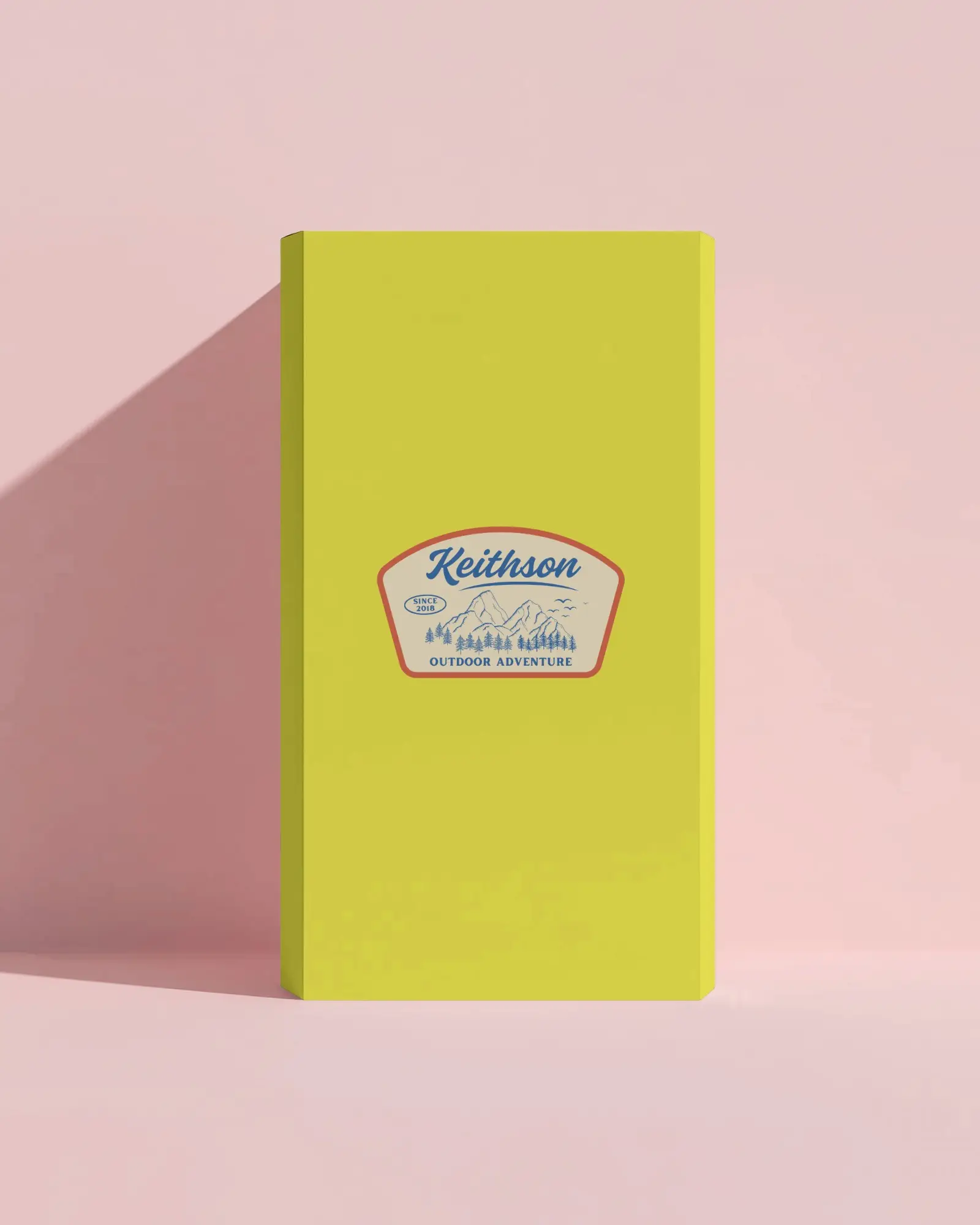
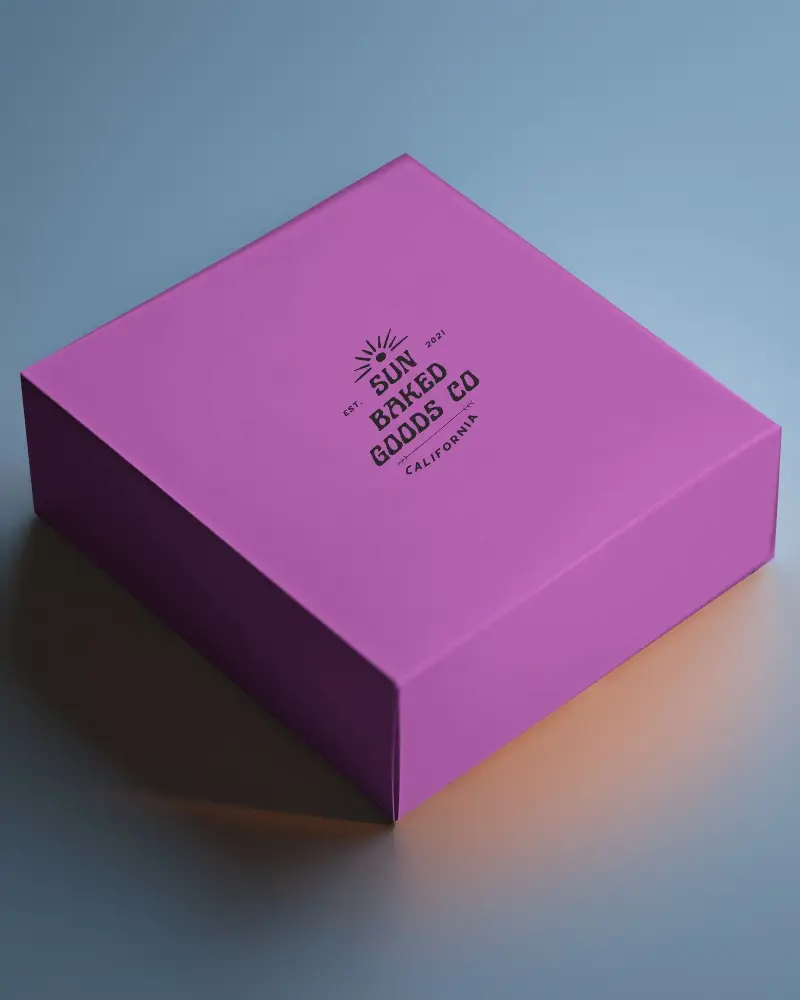
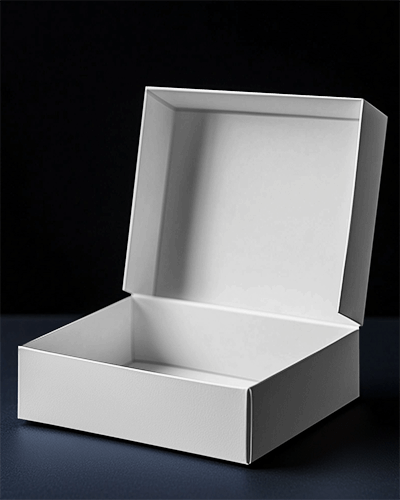
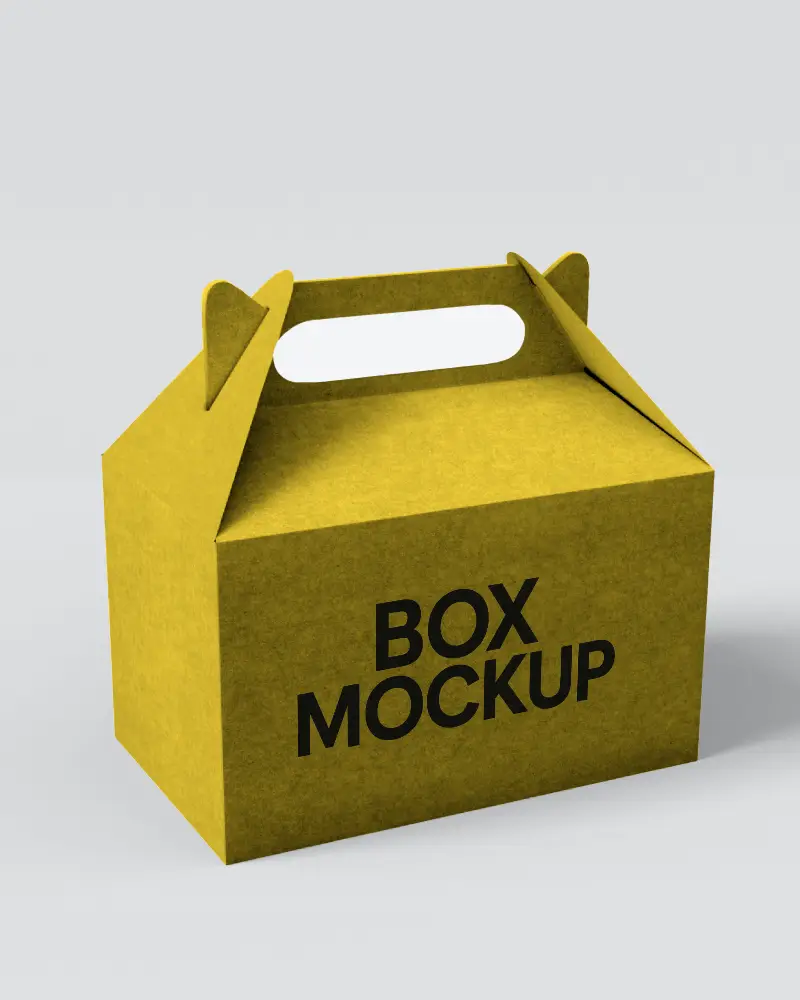
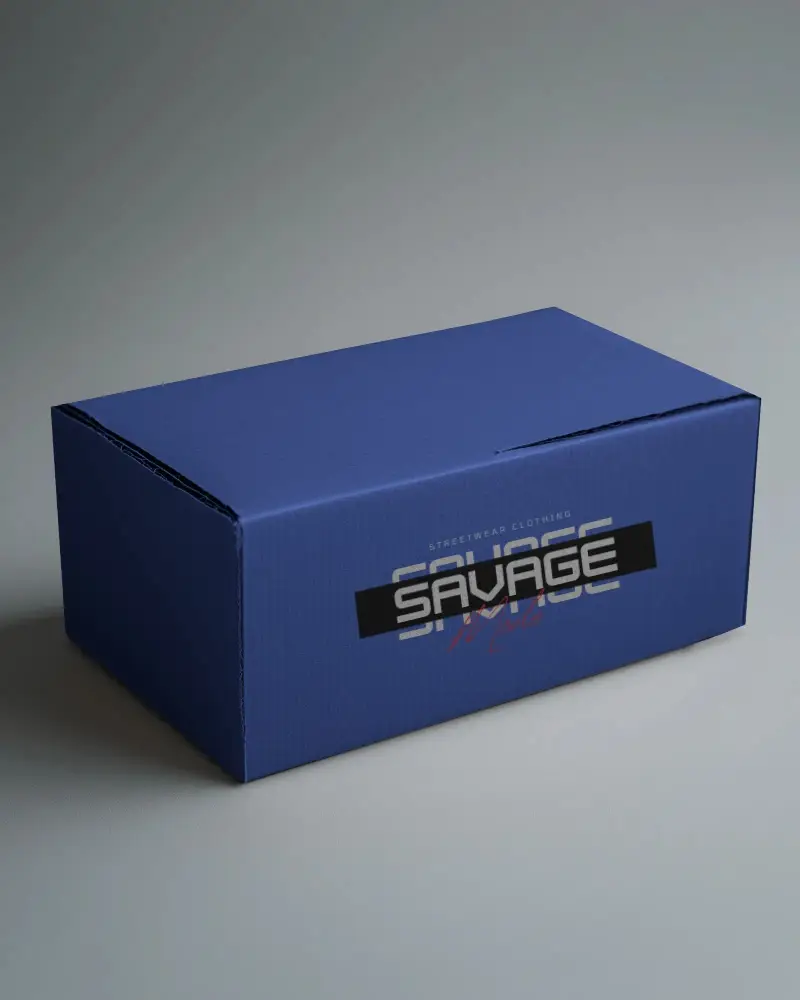
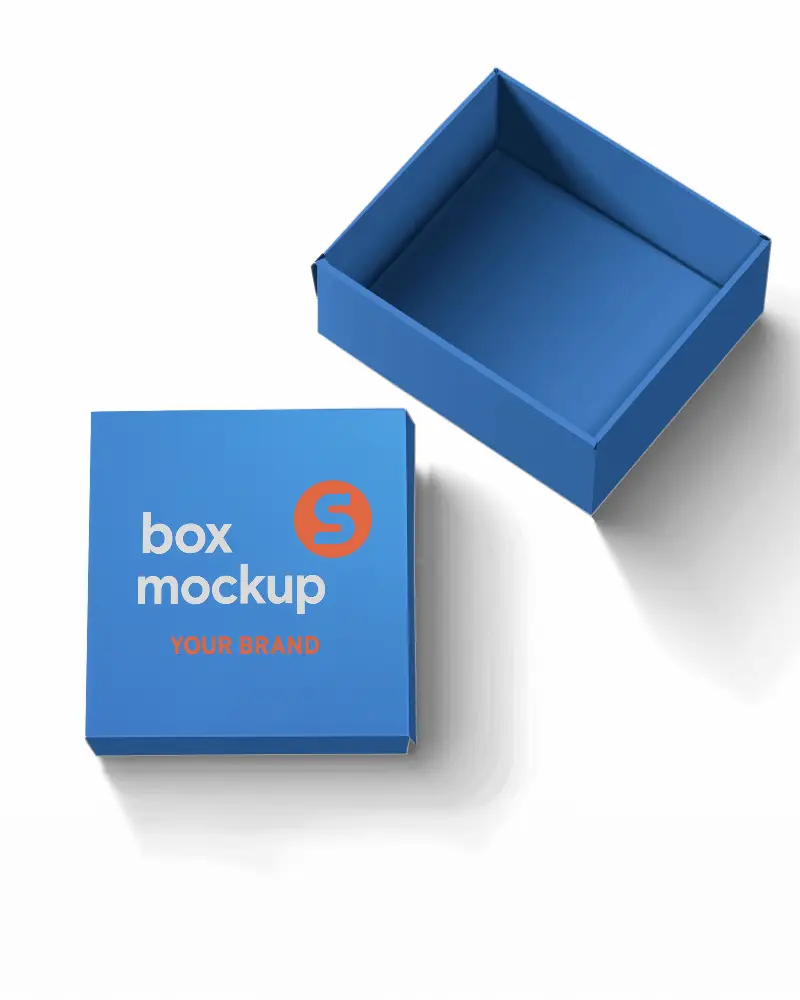
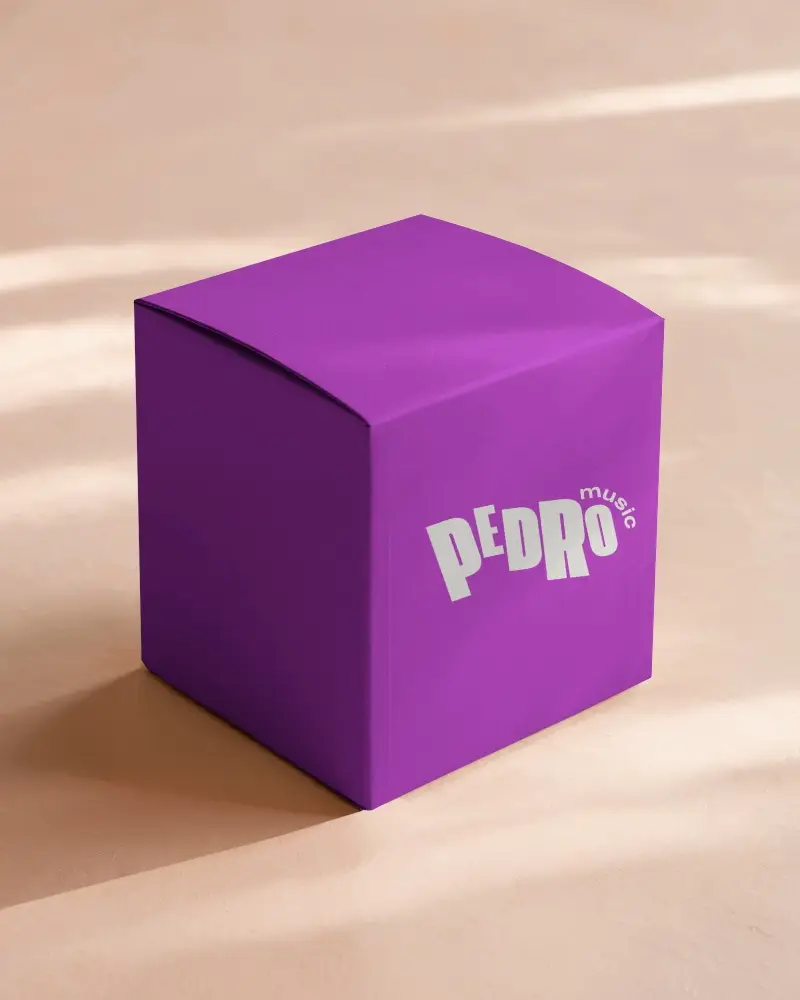
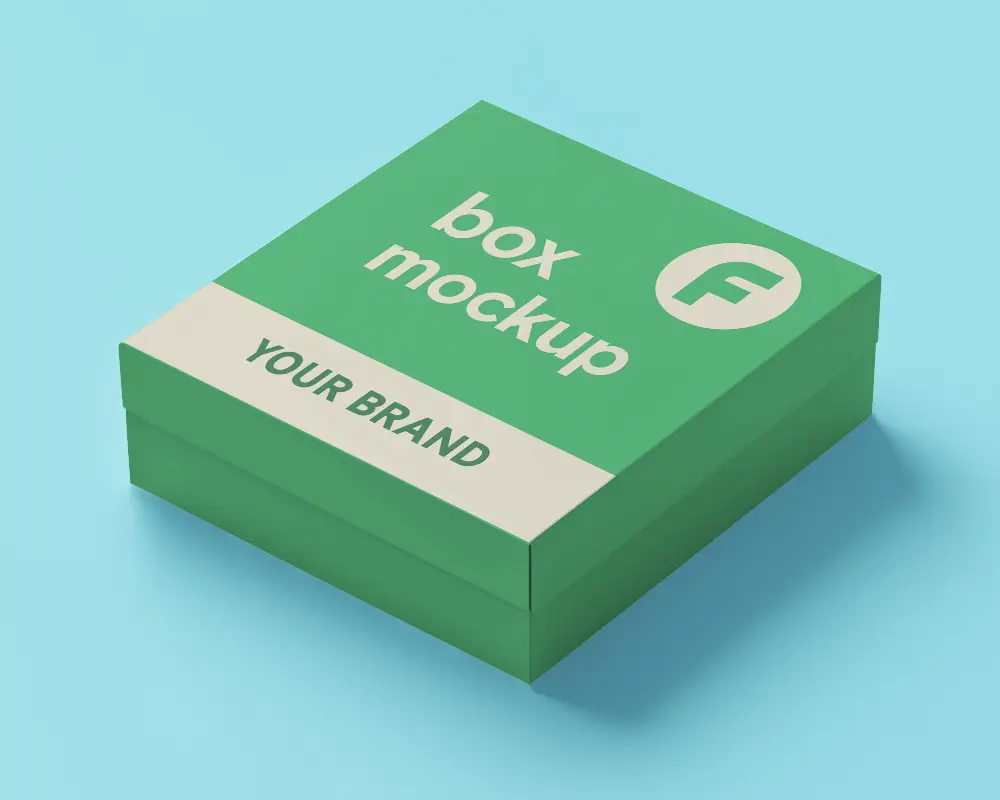
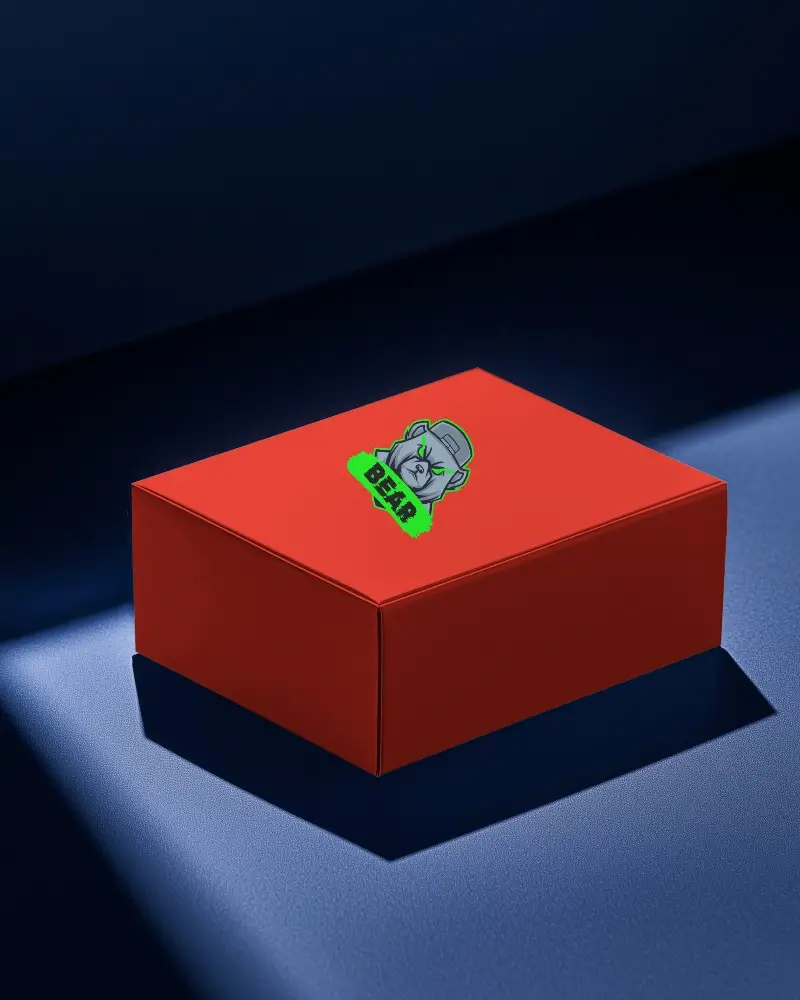
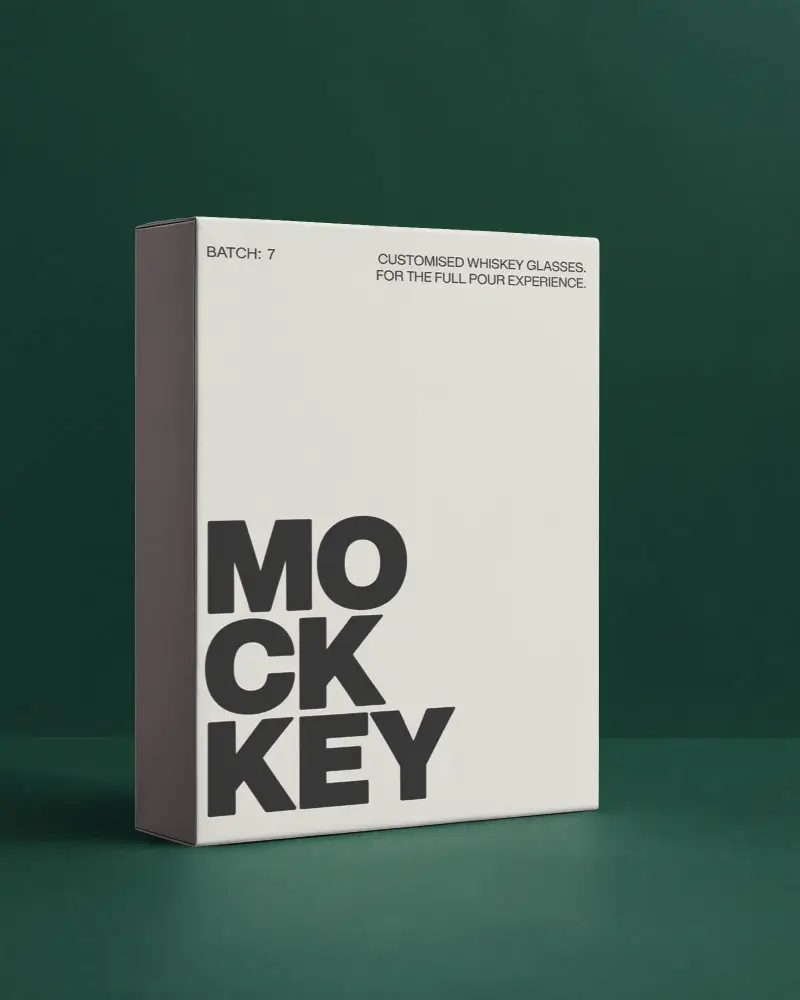
Mockey AI offers premium Cuboid box video mockups with realistic lighting and motion. Perfect for product packaging previews, branding presentations, and marketing campaigns.
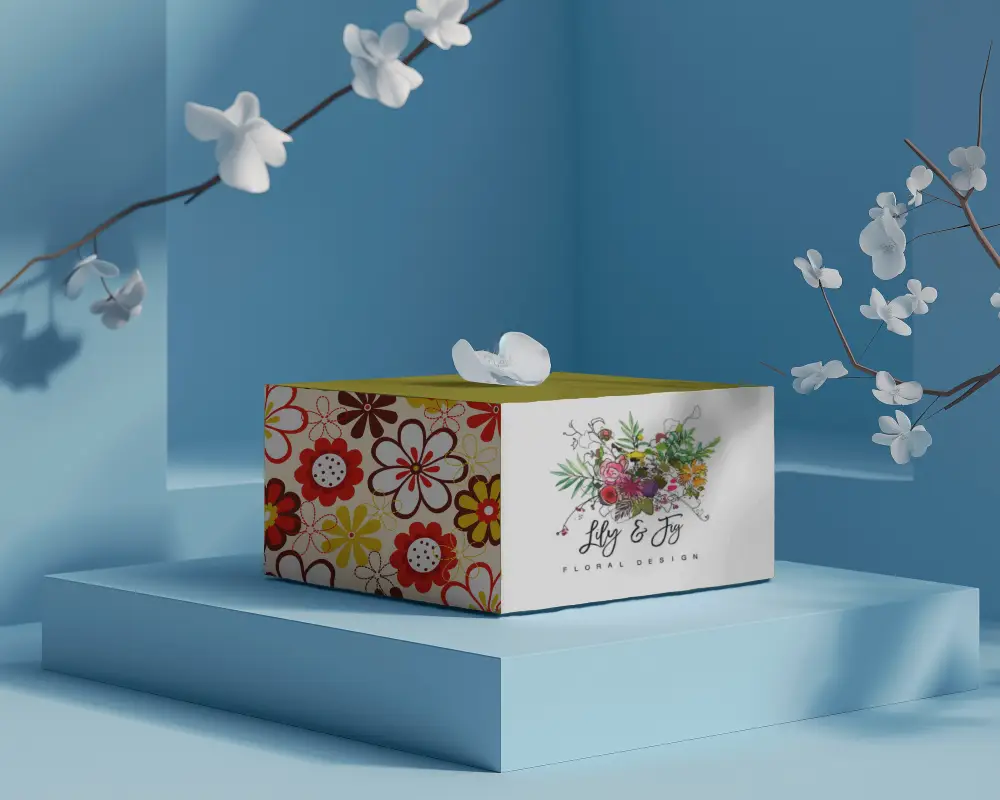
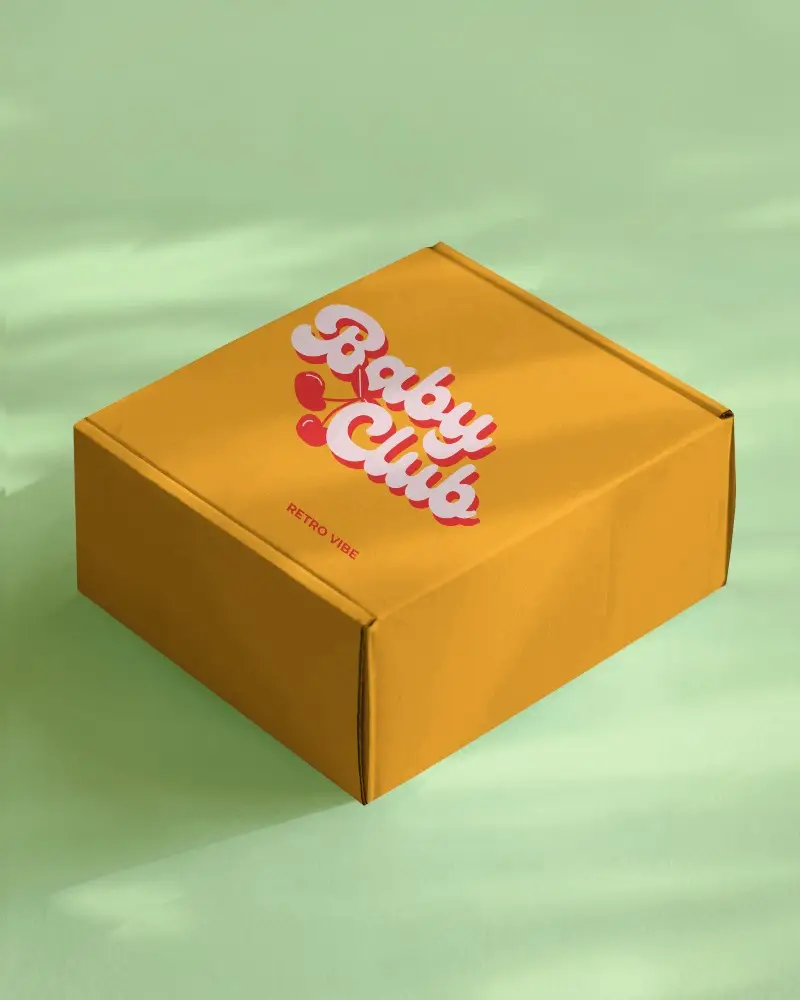
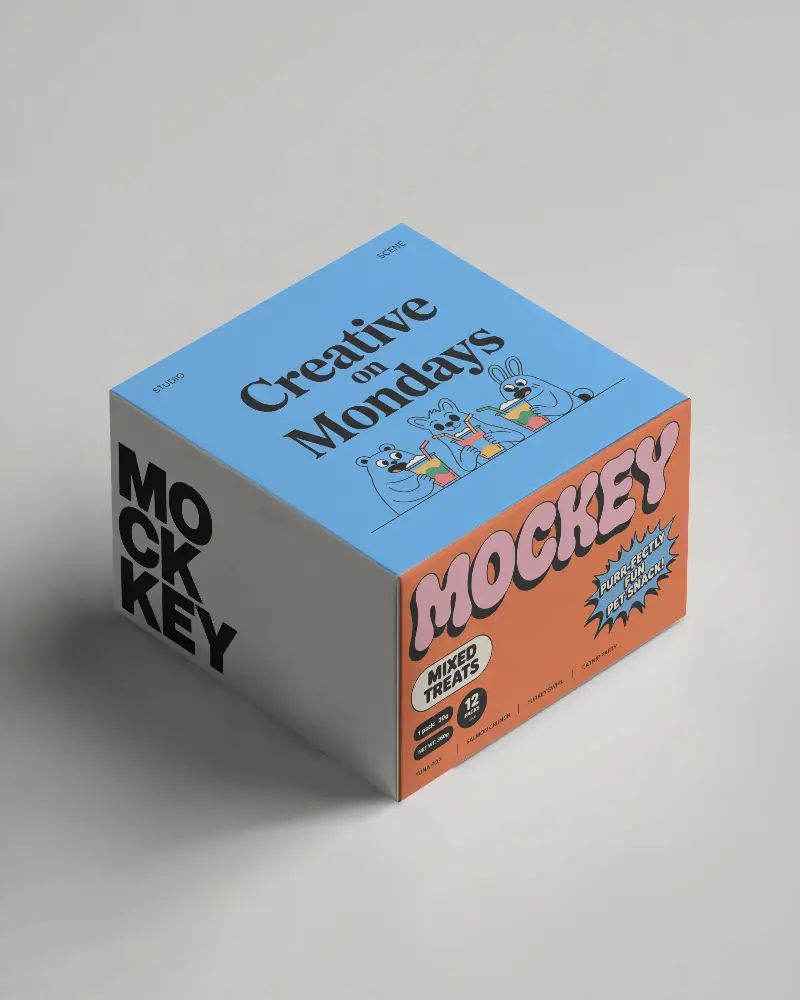
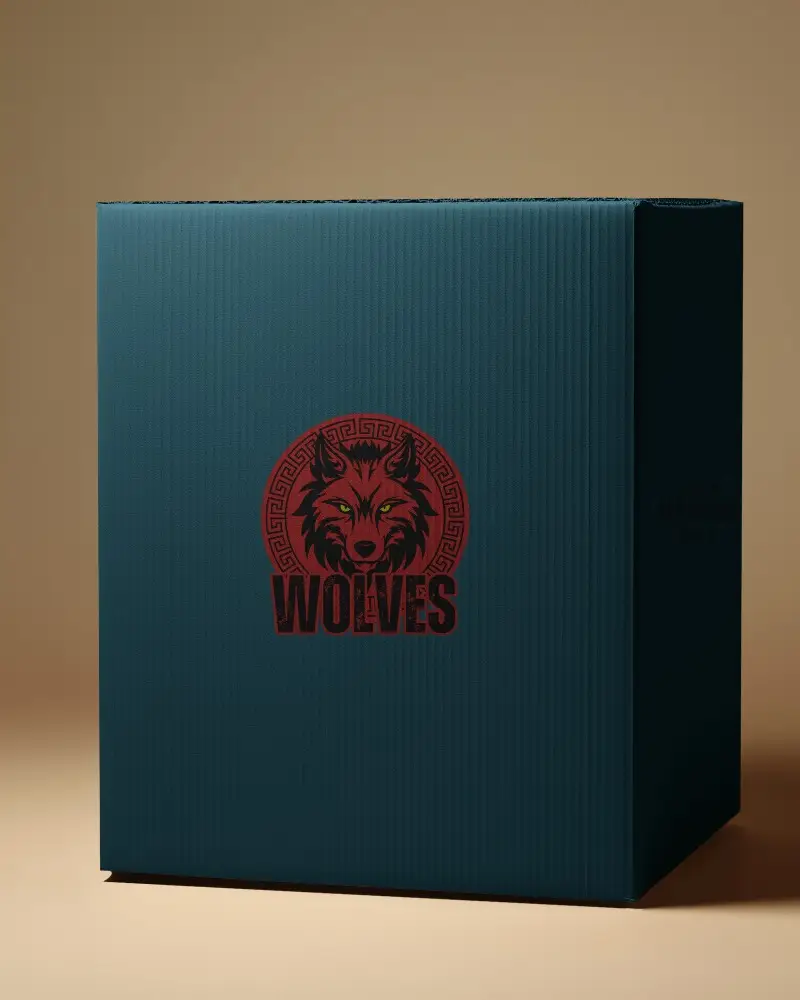
.png)
.png)
(1).png)
.png)
How to Create a Cuboid Box Video Mockup with Mockey AI
To create Cuboid box video mockups:
- Step 1: Upgrade to the CREATOR or ELITE plan to unlock video mockups.
- Step 2: Go to Video Mockups > Packaging > Box.
- Step 3: Upload your design and click Generate Video to download your Cuboid box video mockup.


FAQs on Cuboid Box Video Mockups
What are Cuboid box video mockups used for?
Cuboid box video mockups help brands preview packaging designs in motion before production.
Can I customize a Cuboid box video mockup?
Yes, you can upload your design and adjust it to generate a professional Cuboid box video mockup.
What format are Cuboid box video mockups exported in?
They are exported in high-quality MP4 format.
