Free Tote Bag Video Mockups
Mockey AI offers free tote bag video mockups. Choose your mockup, customize it online with ease, and download high-quality animated visuals instantly!
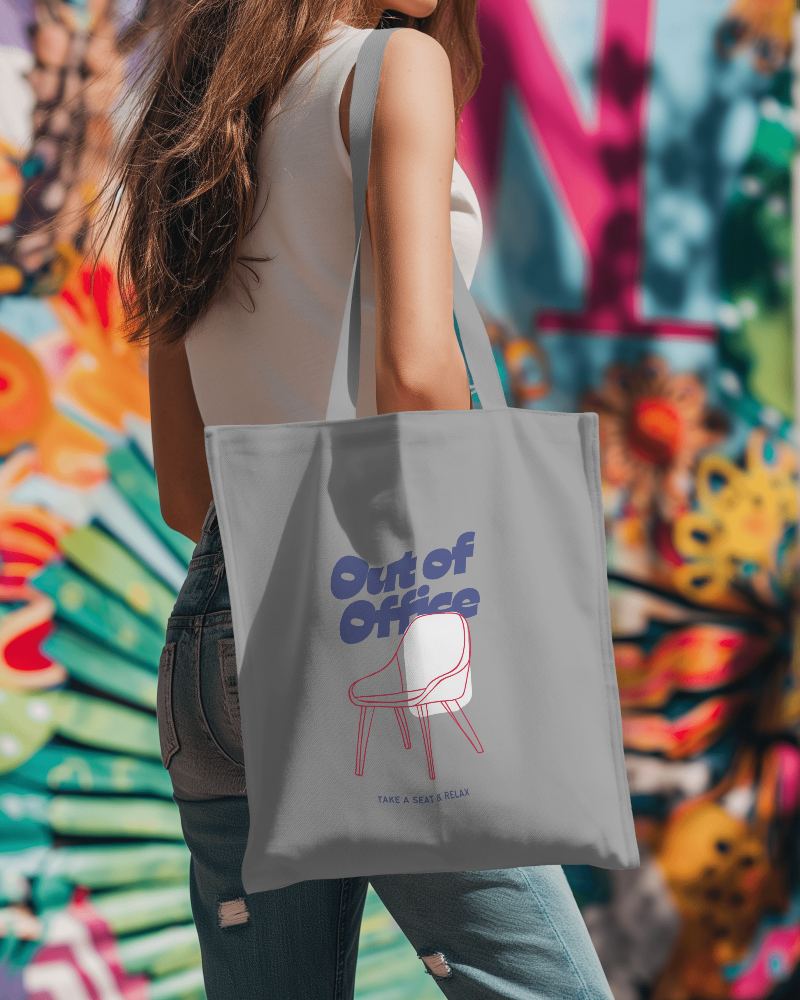
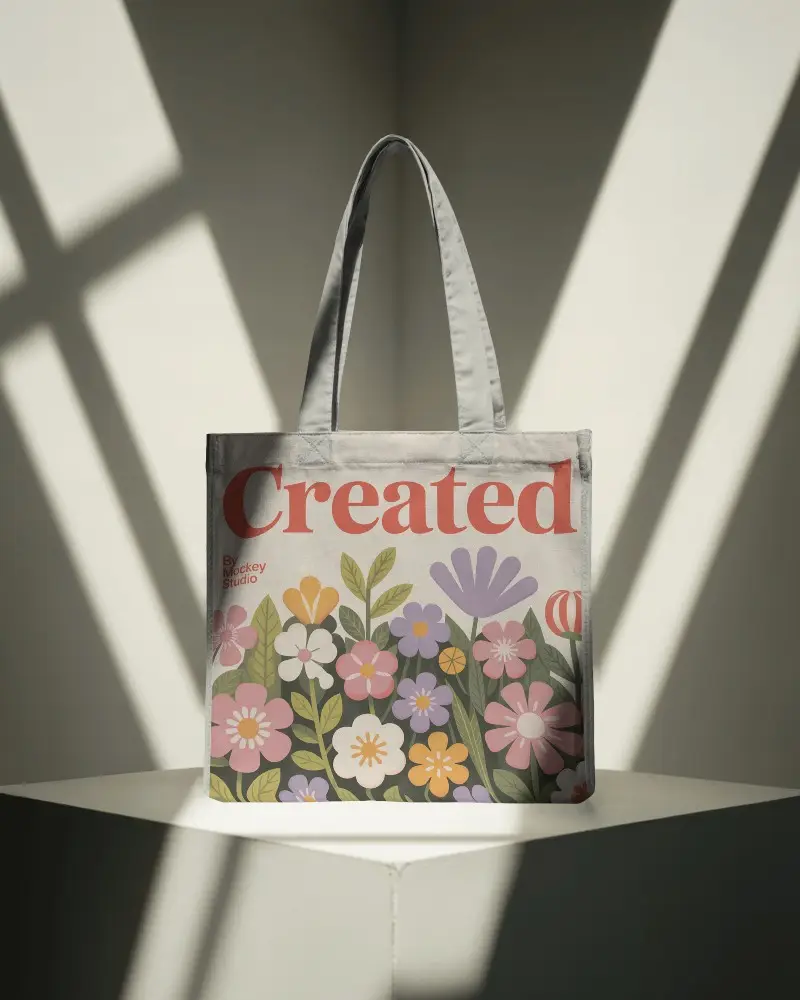
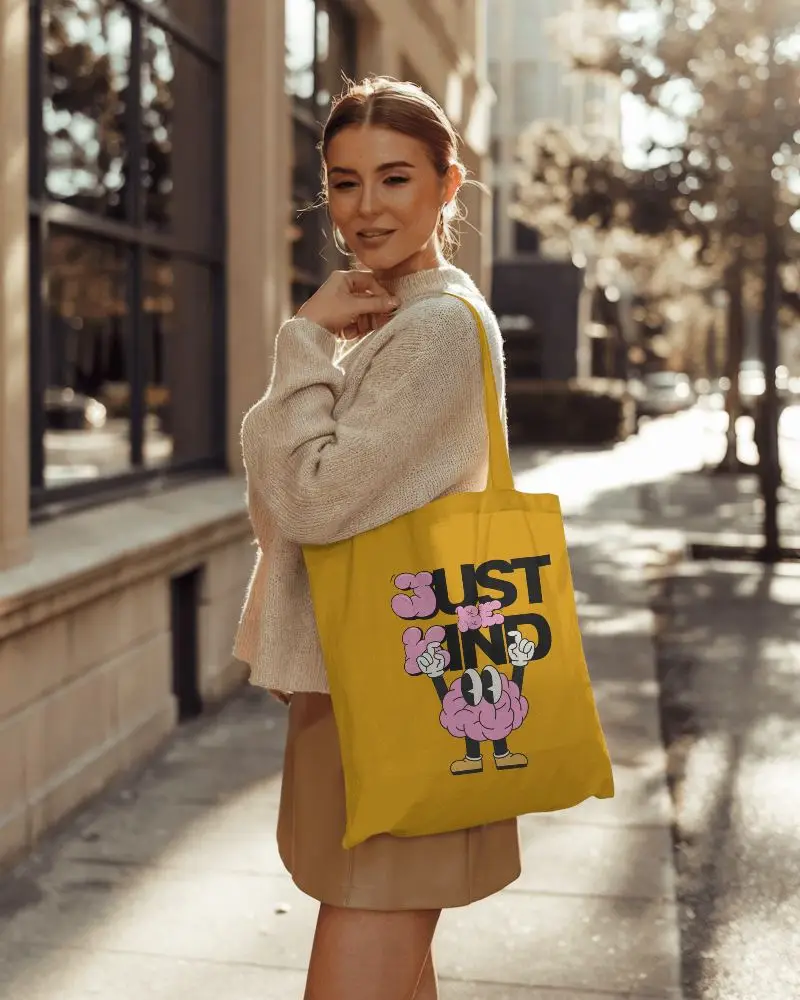
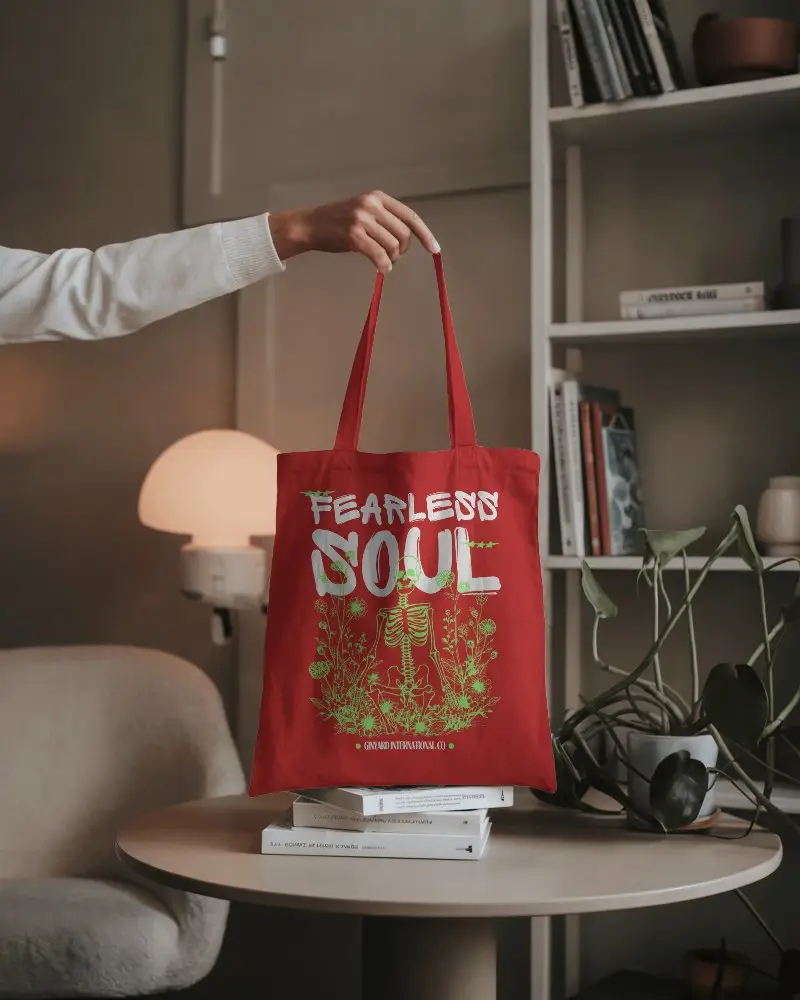
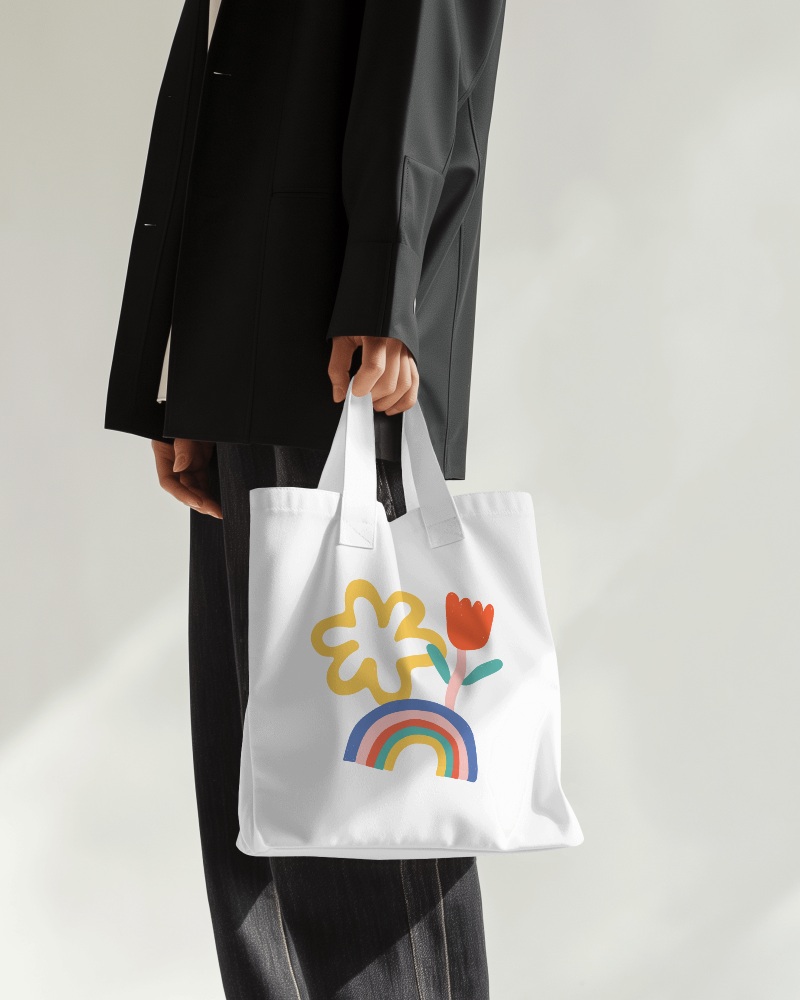
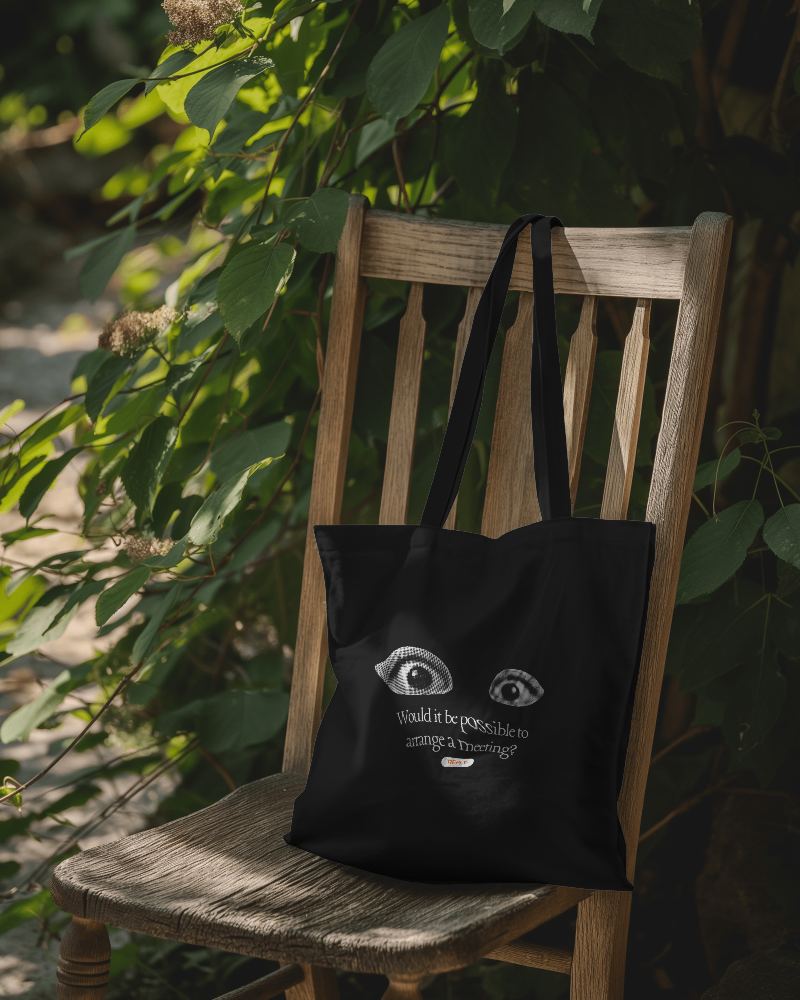
.png)
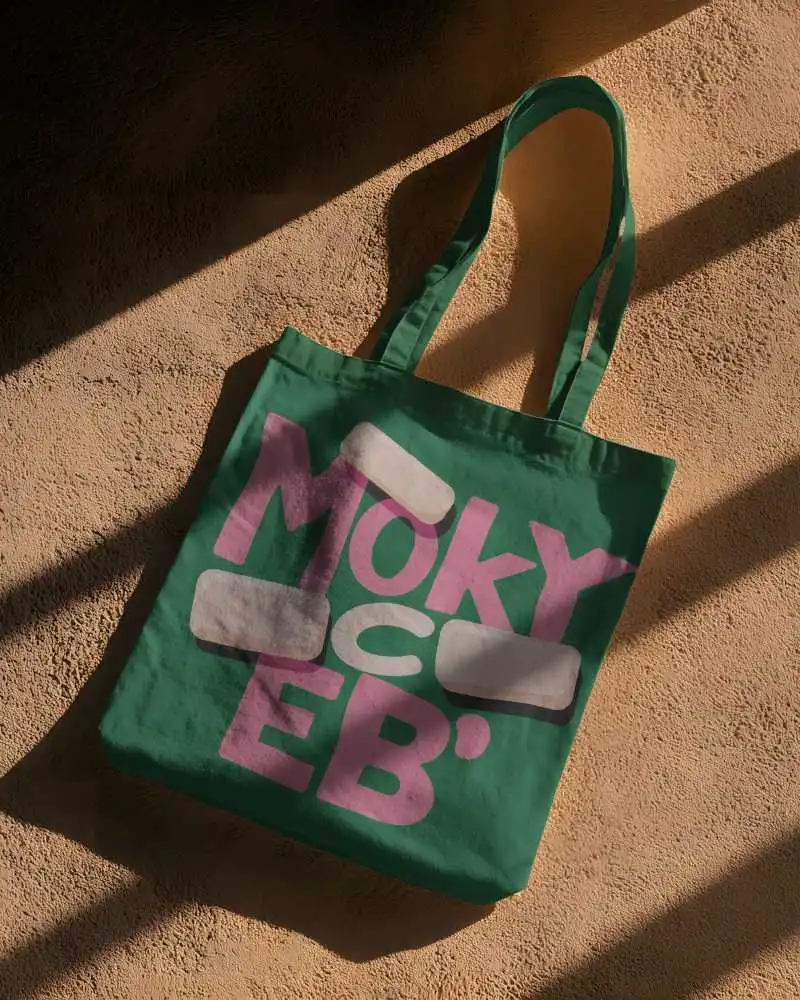
.png)
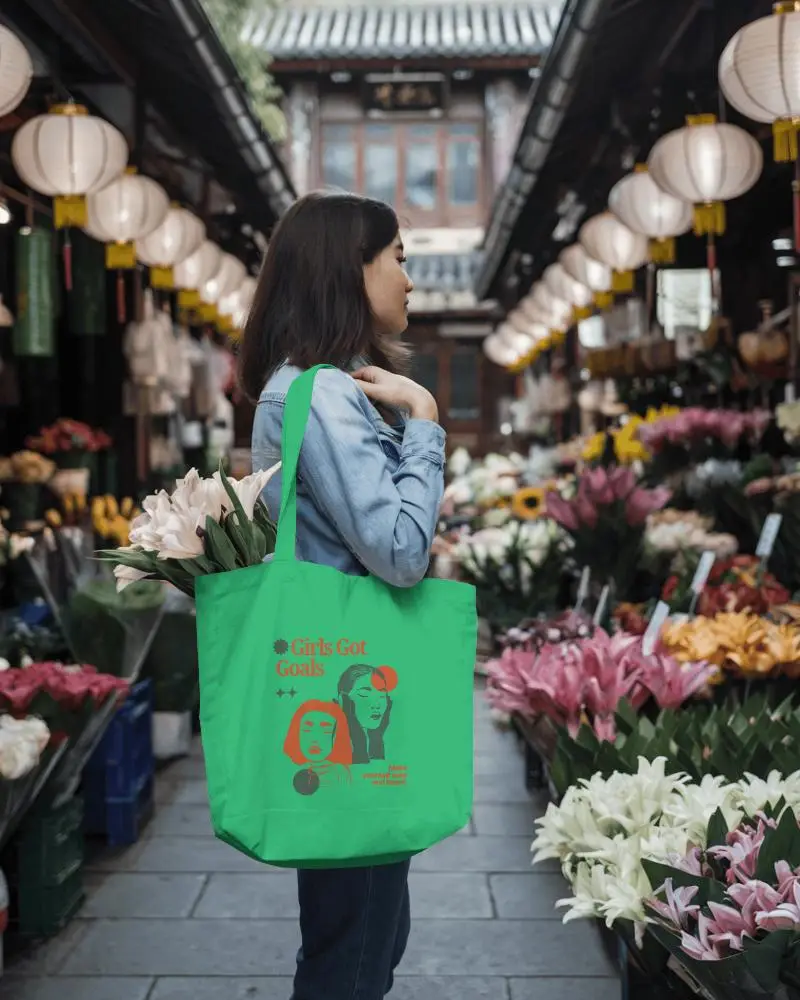
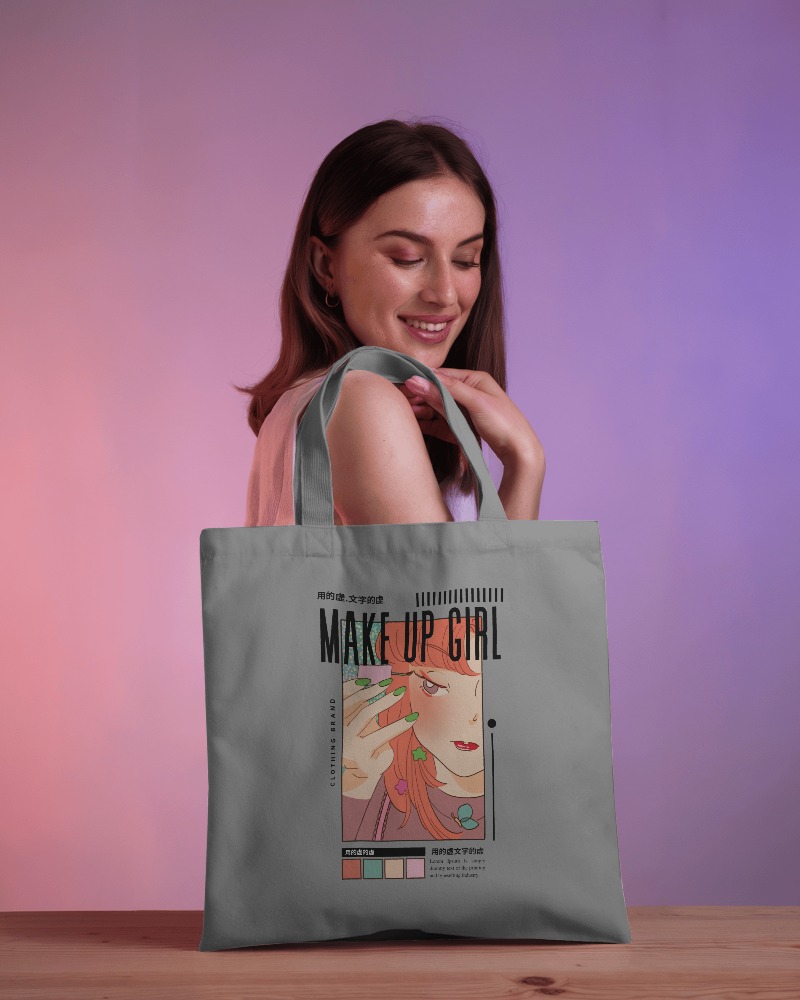
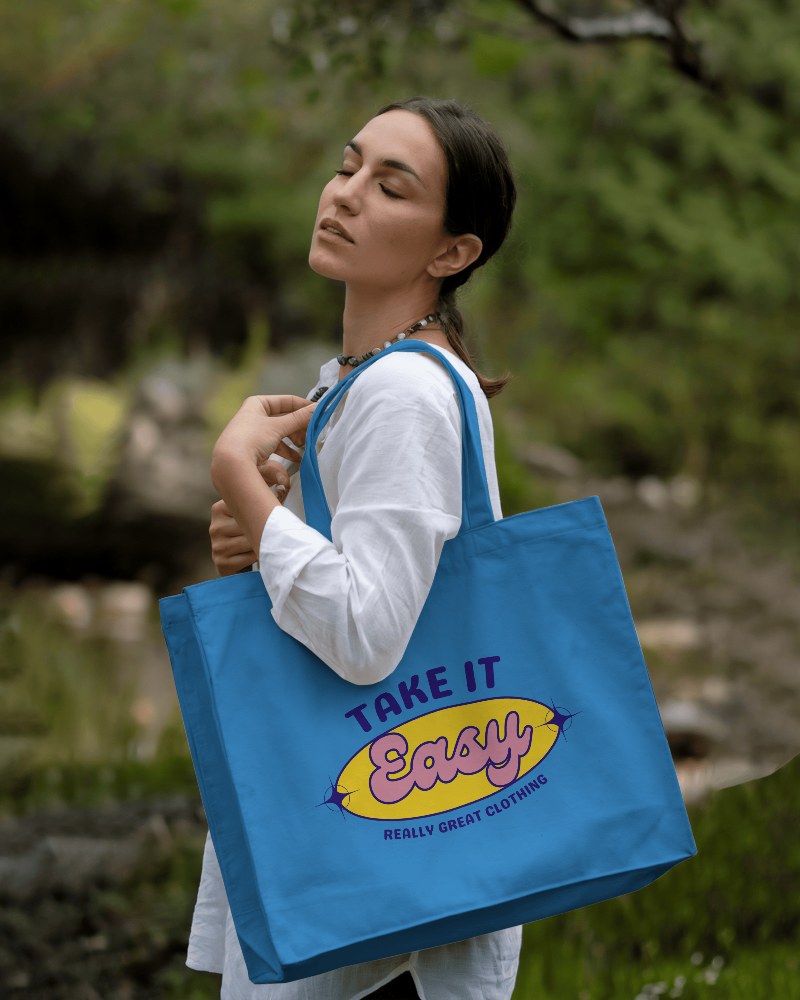
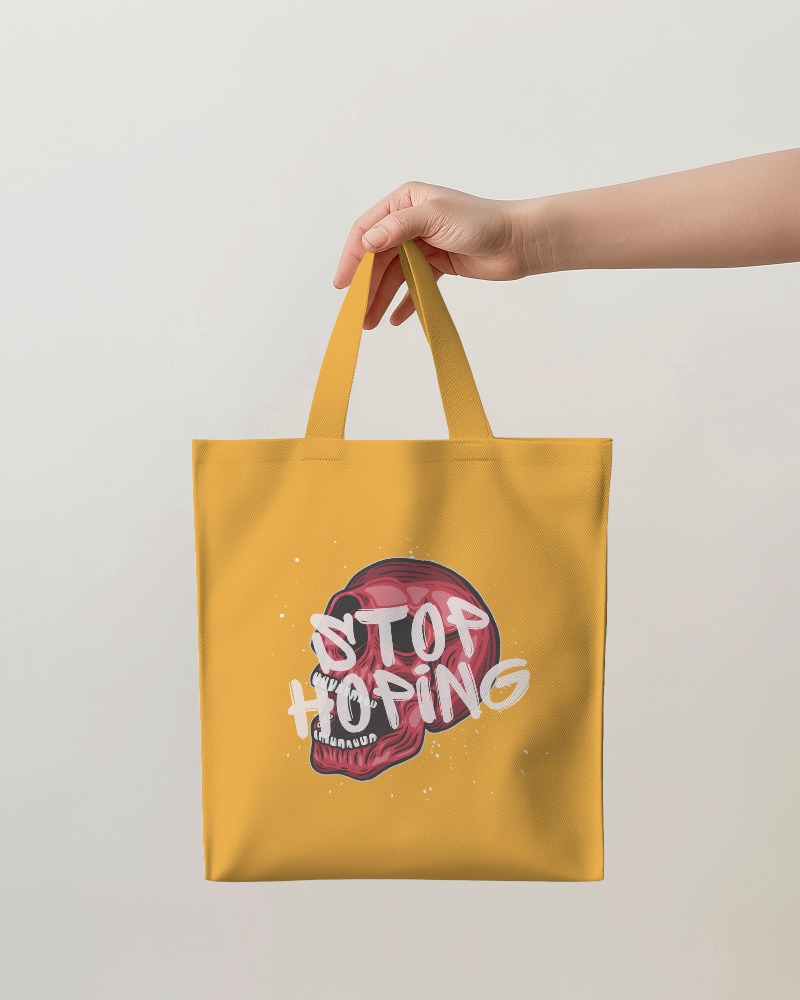
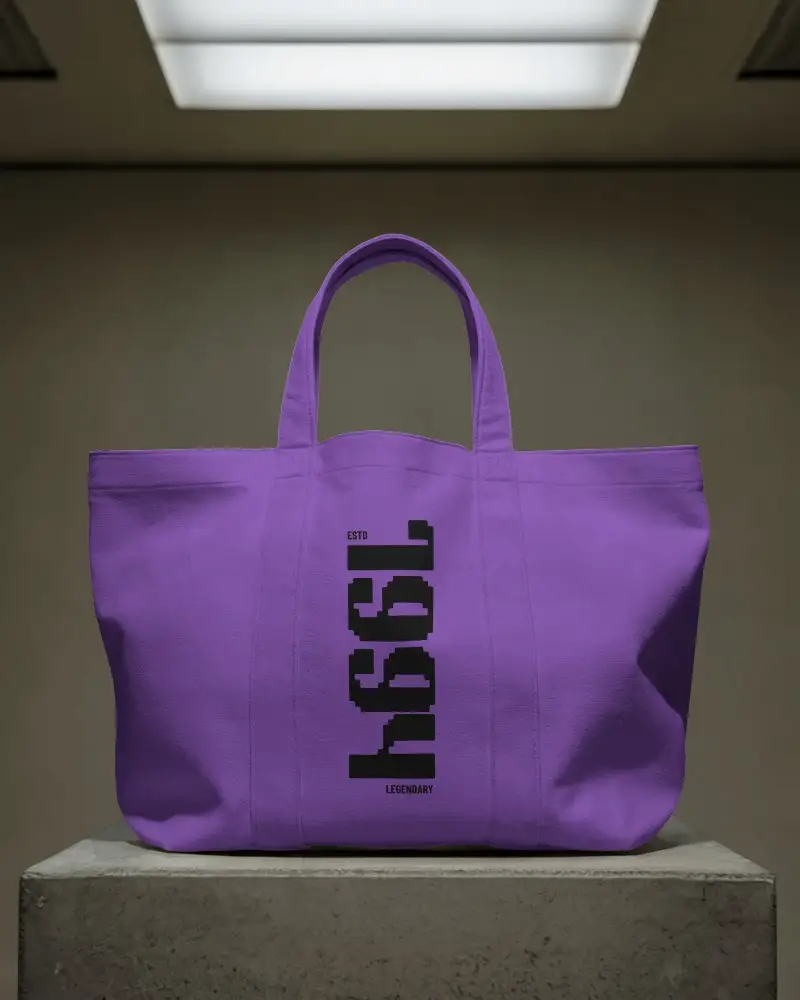
.png)
How to Create a Tote Bag Video Mockup with Mockey AI
To create tote bag video mockups:
- Step 1: Quickly sign in to visit 'Video Mockups'. Follow 'Accessories > Tote Bag'.
- Step 2: Add a design after using a video template and edit it.
- Step 3: Click 'Generate Video' to download the tote bag video mockup.


FAQs on tote-bag Video Mockups
Can I upload my own design to a tote bag video mockup?
Indeed, it is possible to upload a design to the tote bag video mockups. Just select a template and click the Upload Design button to add it.
What types of tote bag video mockups are available?
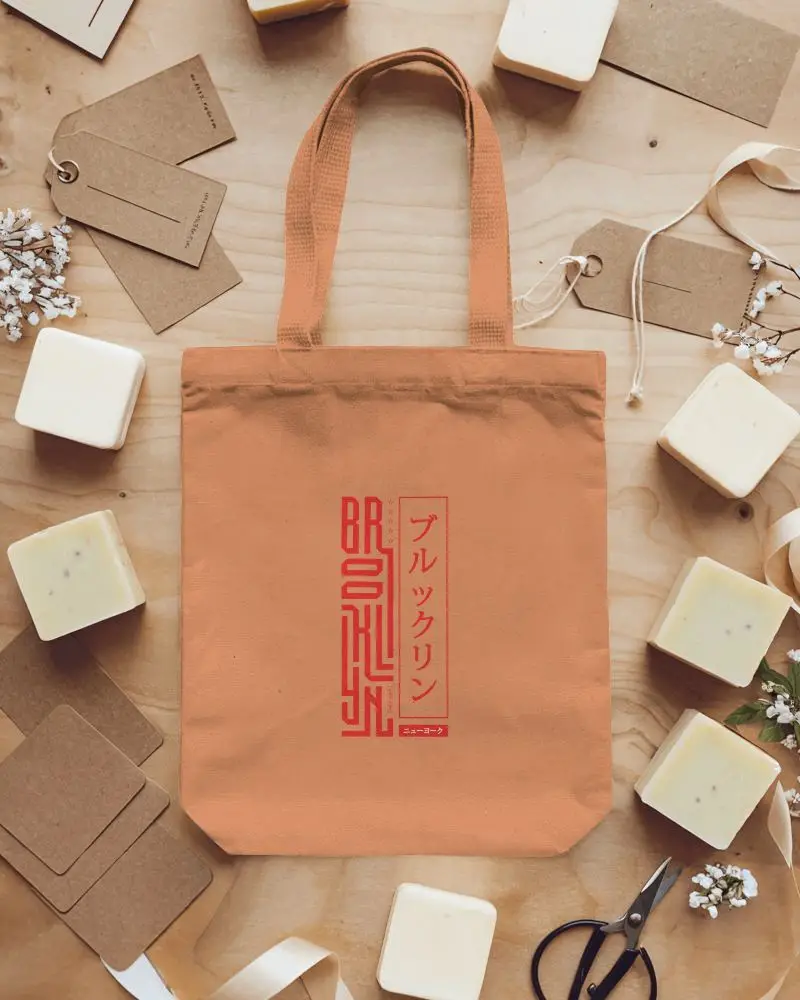
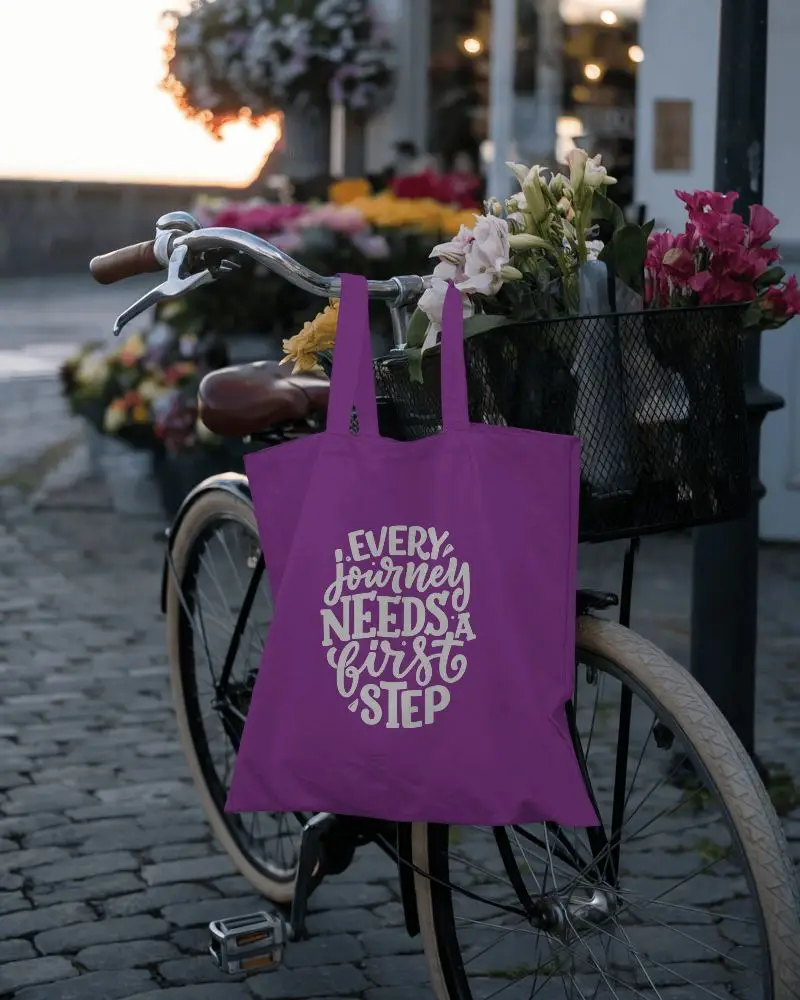
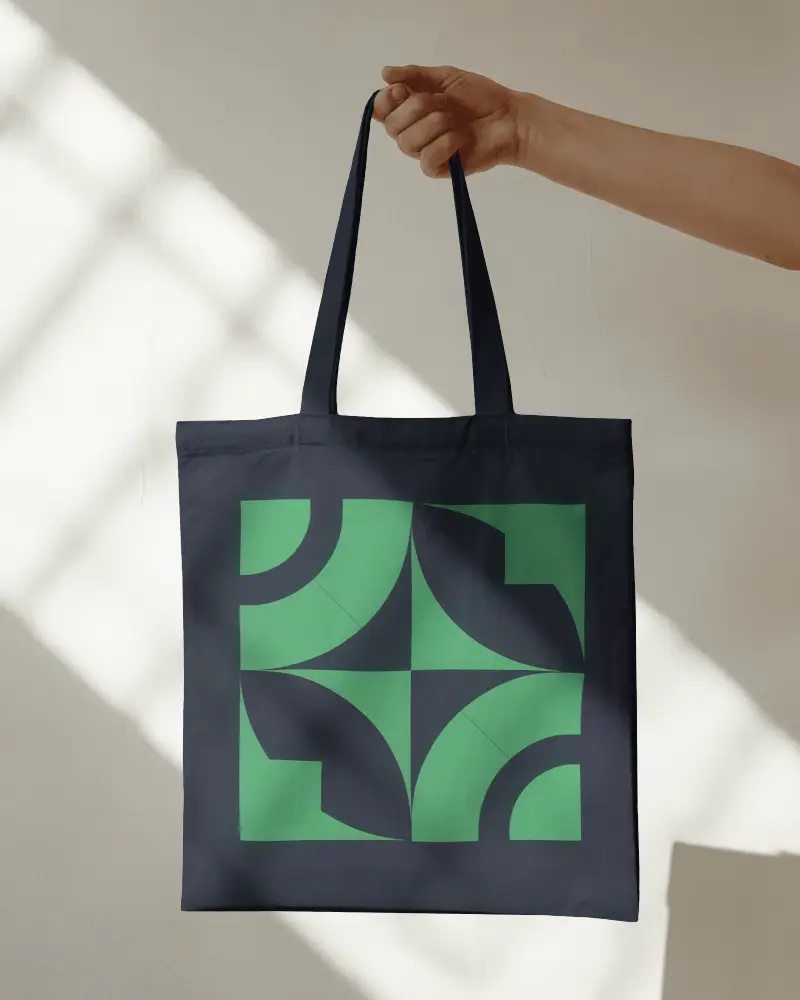
From big-sized to cotton or fabric material tote bags, all are available in urban styles. Just pick one after previewing the template.
How do I customize a tote bag video mockup?
Customizing a tote bag video mockup isn’t that tough. Just use a template, click on Upload Design to add your design, and if needed, you can tweak the colors or make a few adjustments.
Why should I use a tote bag video mockup?
A tote bag video mockup makes your design look more real and engaging. It shows how the bag moves, feels, and looks from different angles. Compared to a 2D mockup, it grabs more attention online, works better for reels or ads, and helps customers imagine the actual product.
