Fashion Tote Bag Video Mockup for Branding & eCommerce - Mockey AI
Showcase your tote bag designs in a realistic and engaging way using Mockey’s Fashion tote bag video mockup. Upload your artwork and preview it on a high-quality tote bag in motion, ideal for designers, print-on-demand sellers, and growing brands.
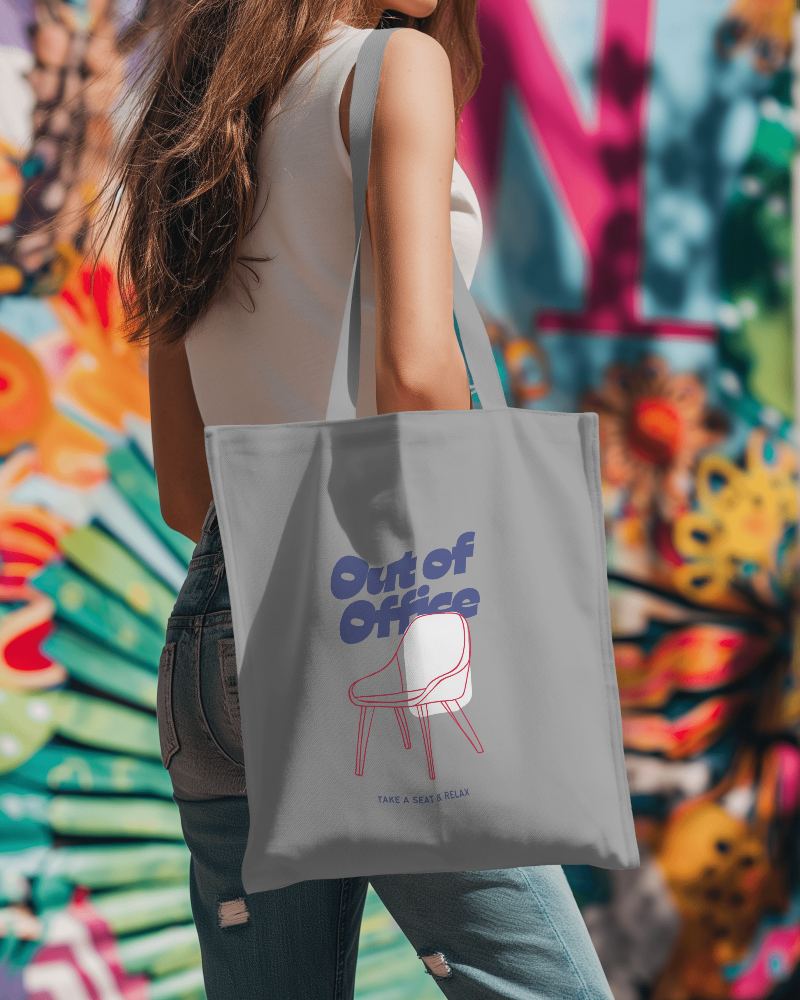
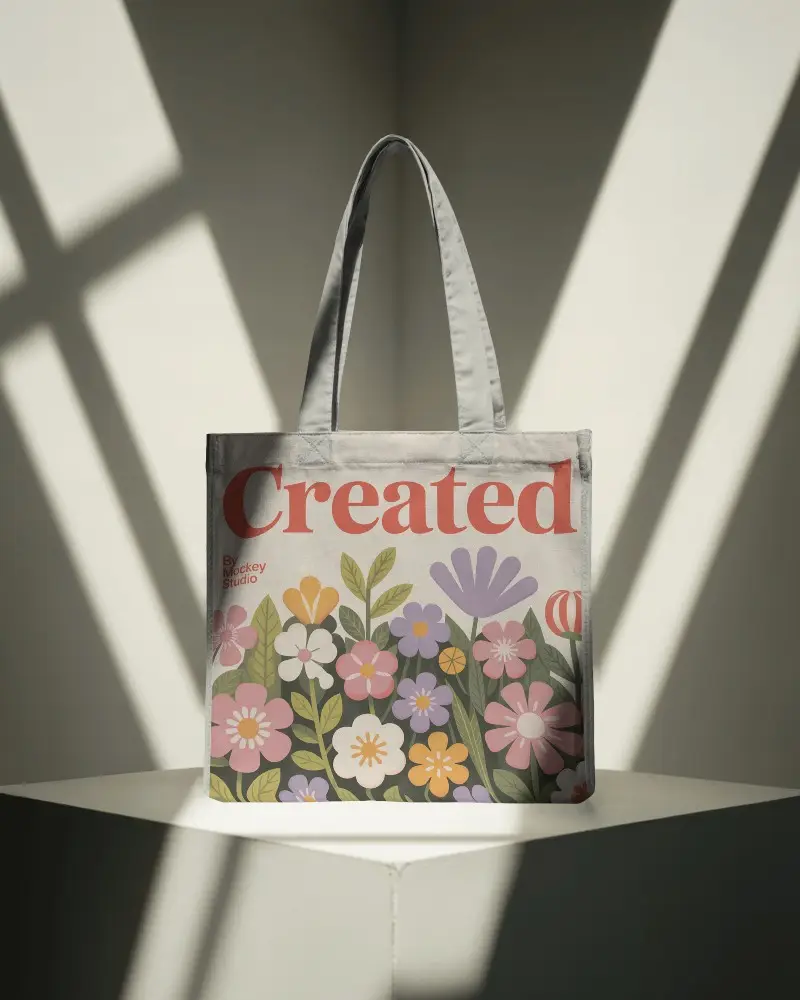
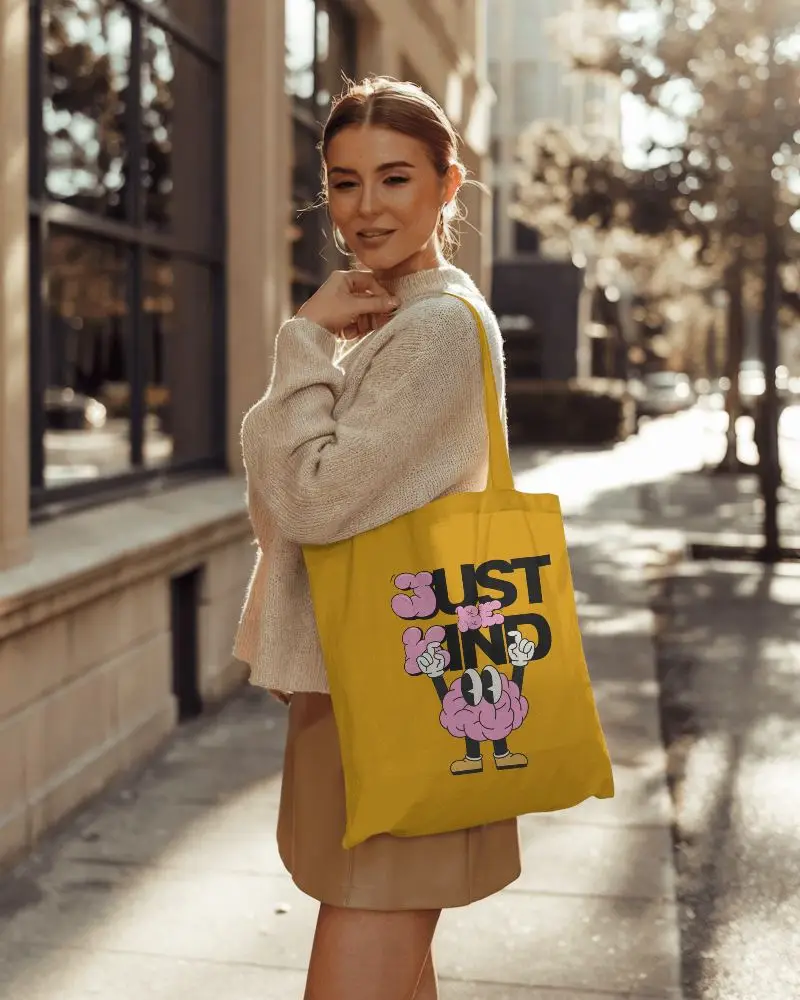
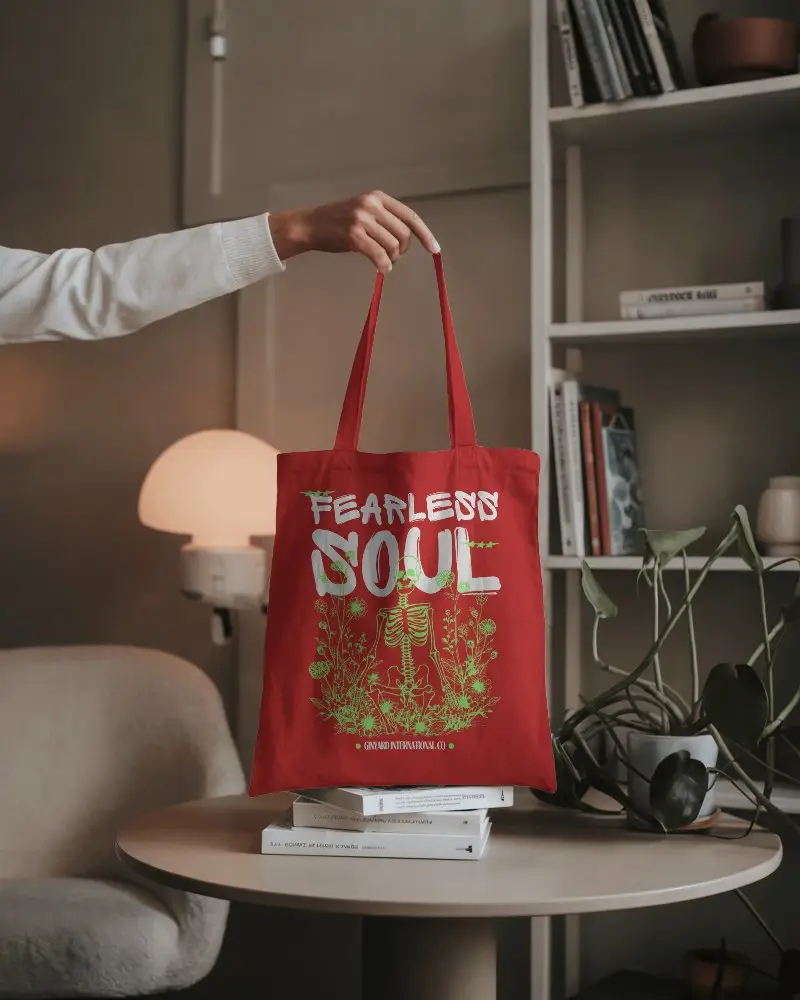
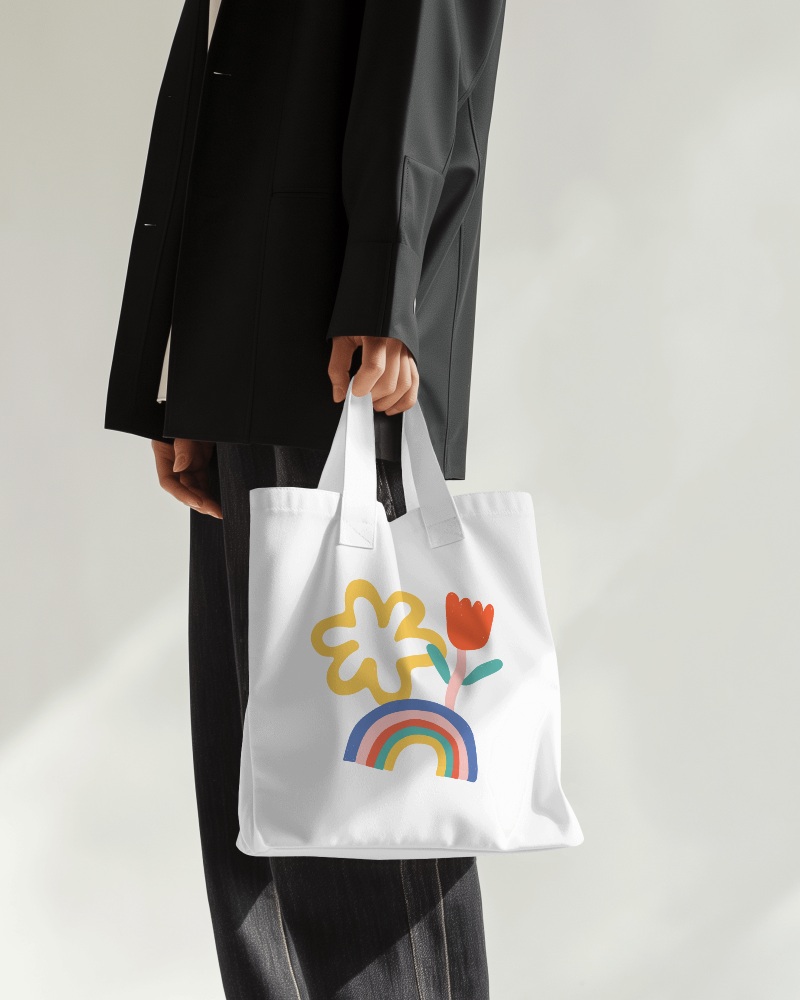
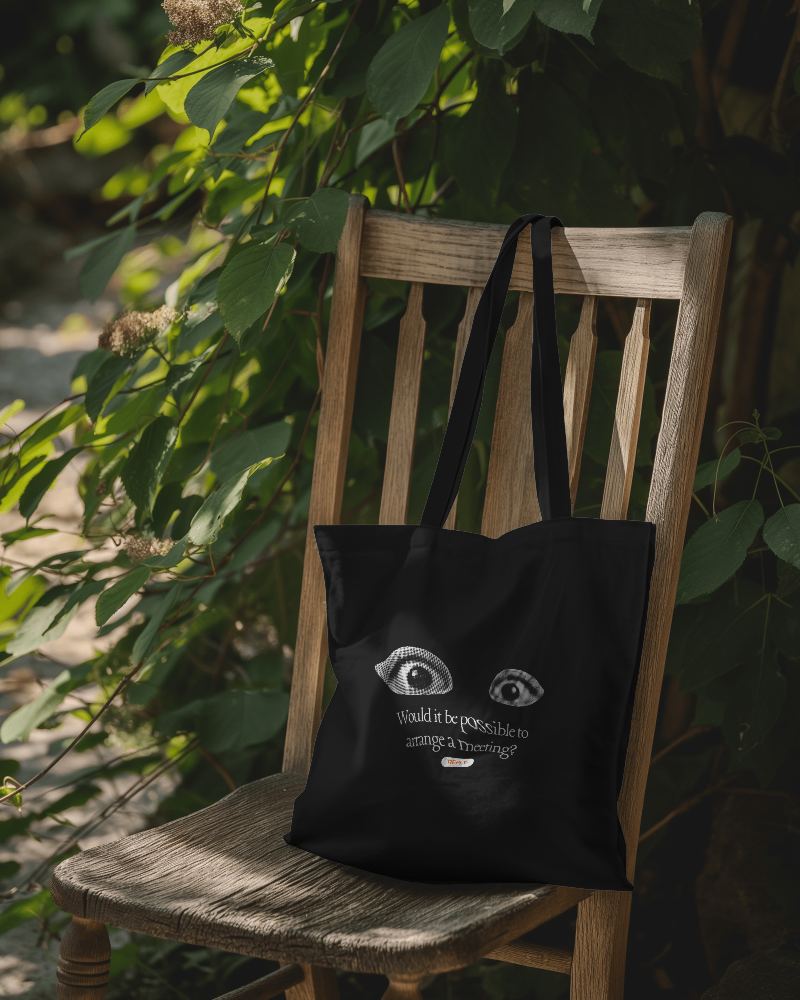
.png)
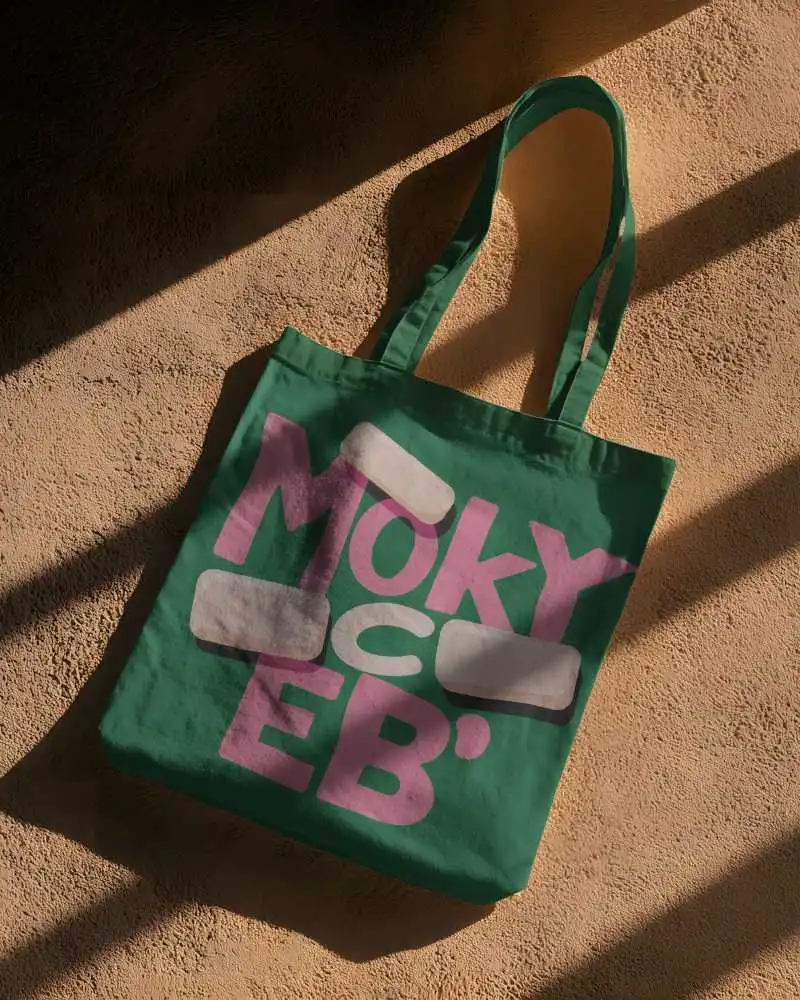
.png)
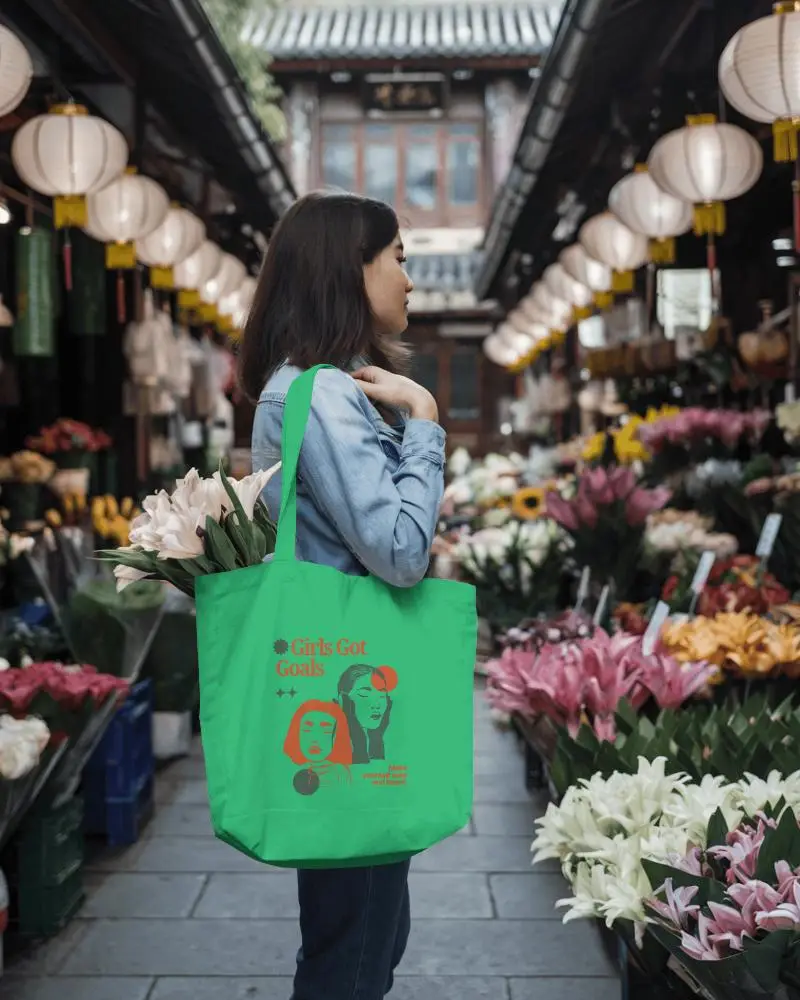
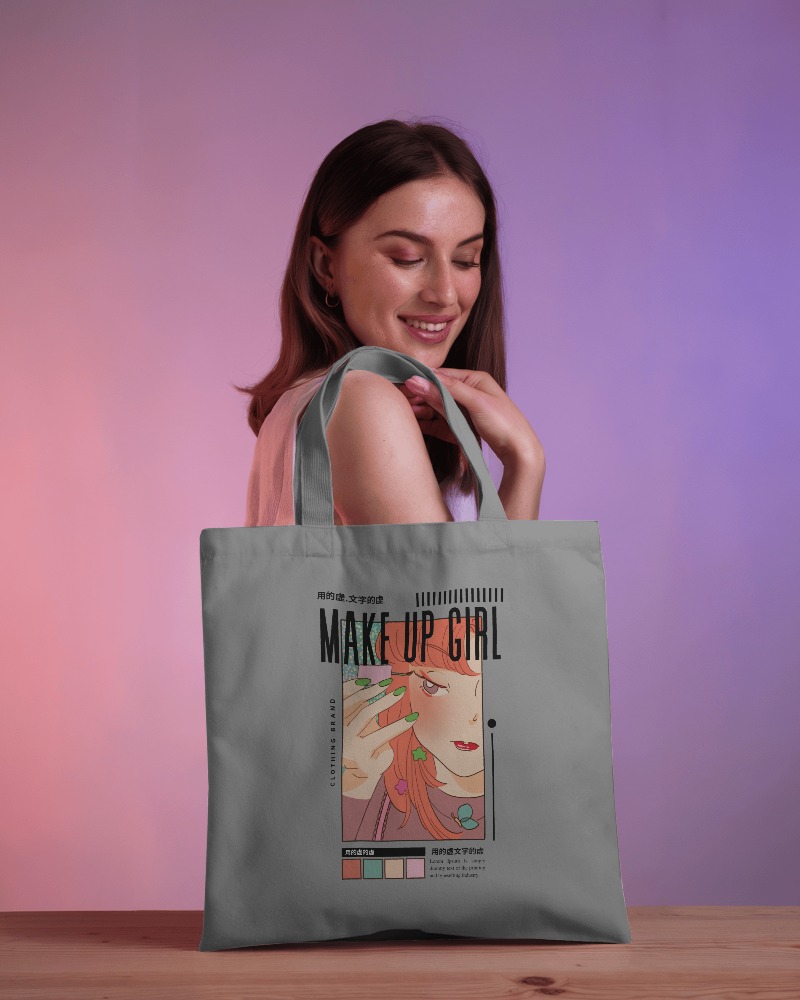
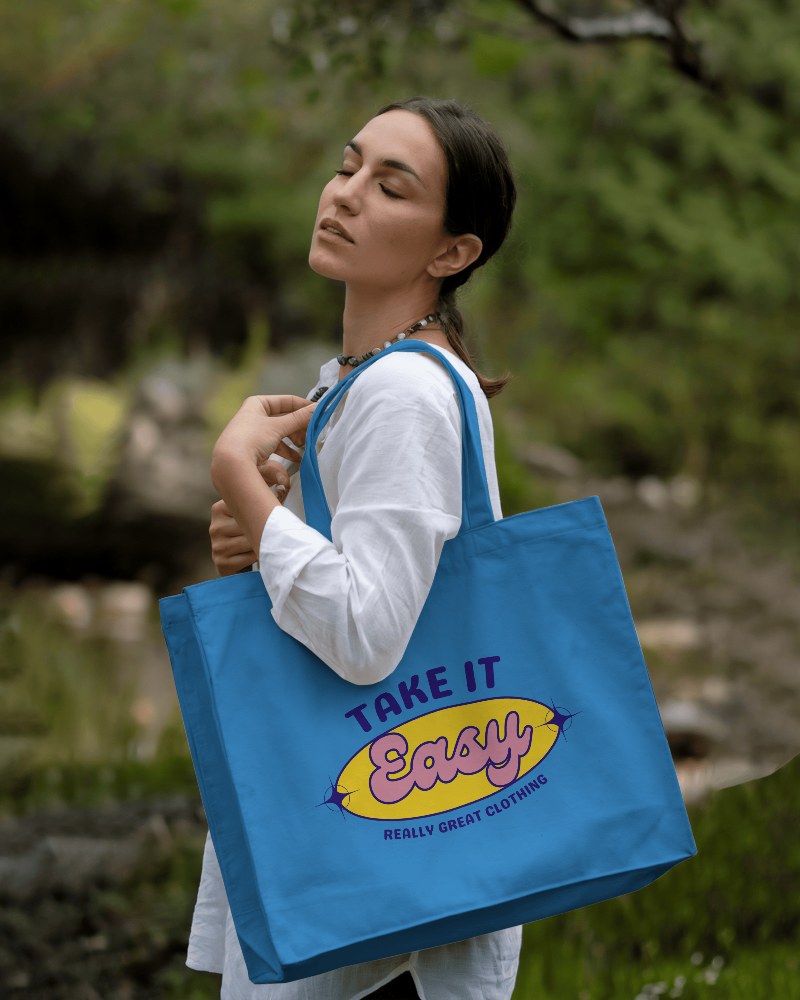
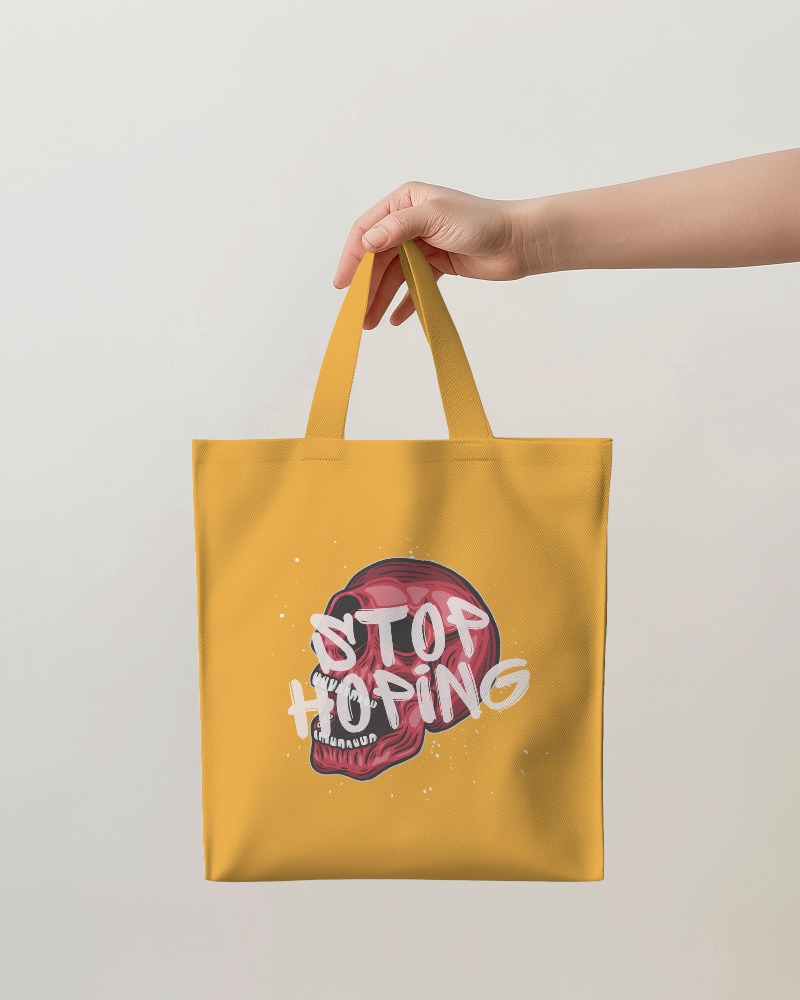
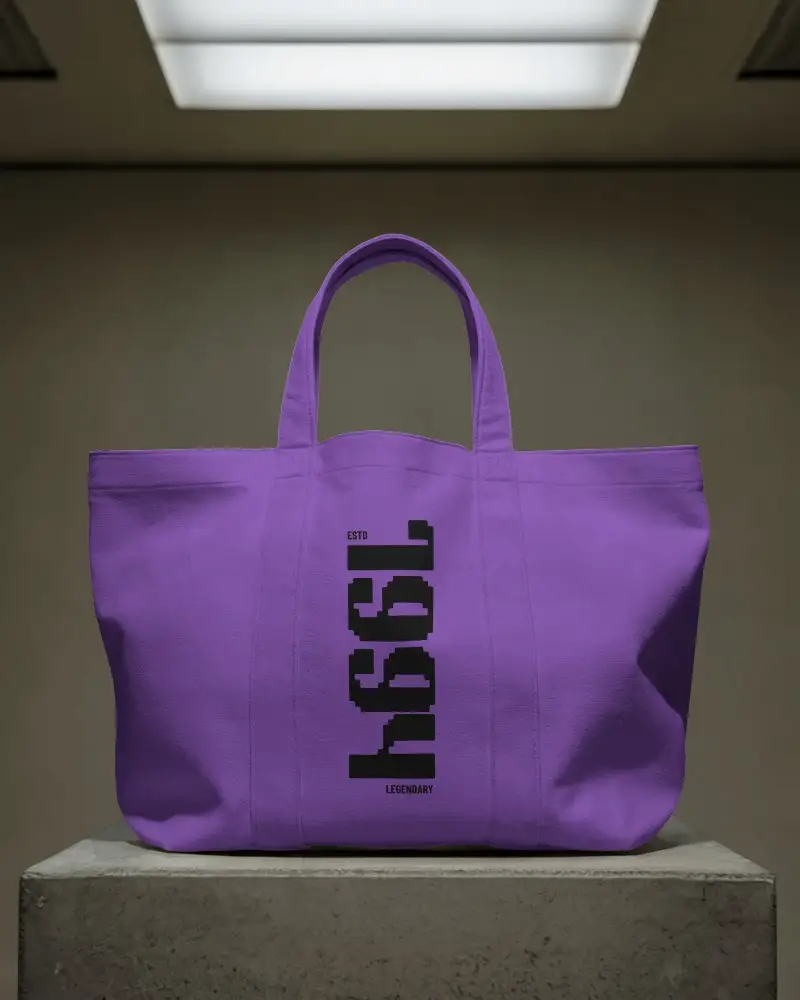
.png)
How to Create a Fashion Tote Bag Video Mockup
To create a Fashion tote bag video mockup:
- Step 1: Log in and open the Video Mockups section.
- Step 2: Navigate to Accessories, select Tote Bag, and choose a video template.
- Step 3: Upload your design, make edits, and click Generate Video to download the mockup.


FAQs on Fashion Tote Bag Video Mockups
What is a Fashion tote bag video mockup?
A Fashion tote bag video mockup is a video template of a tote bag where you can upload your design and preview it in motion to present realistic visuals to clients or customers.
How can I customize the Fashion tote bag video mockup on Mockey?
After selecting a tote bag video template, you can upload your design and adjust colors or apply warping using the editor page. The customization process is simple and intuitive.
Can I download the Fashion tote bag video mockup without a watermark?
Yes, you can download Fashion tote bag video mockups without any watermark by using the CREATOR or ELITE plan on Mockey AI.
Can I use the Fashion tote bag video mockup for print-on-demand platforms?
Fashion tote bag video mockups are ideal for print-on-demand platforms, eCommerce stores, and social media marketing. Video previews help designs look more real and engaging for buyers.
