AI Black Beanie Video Mockups
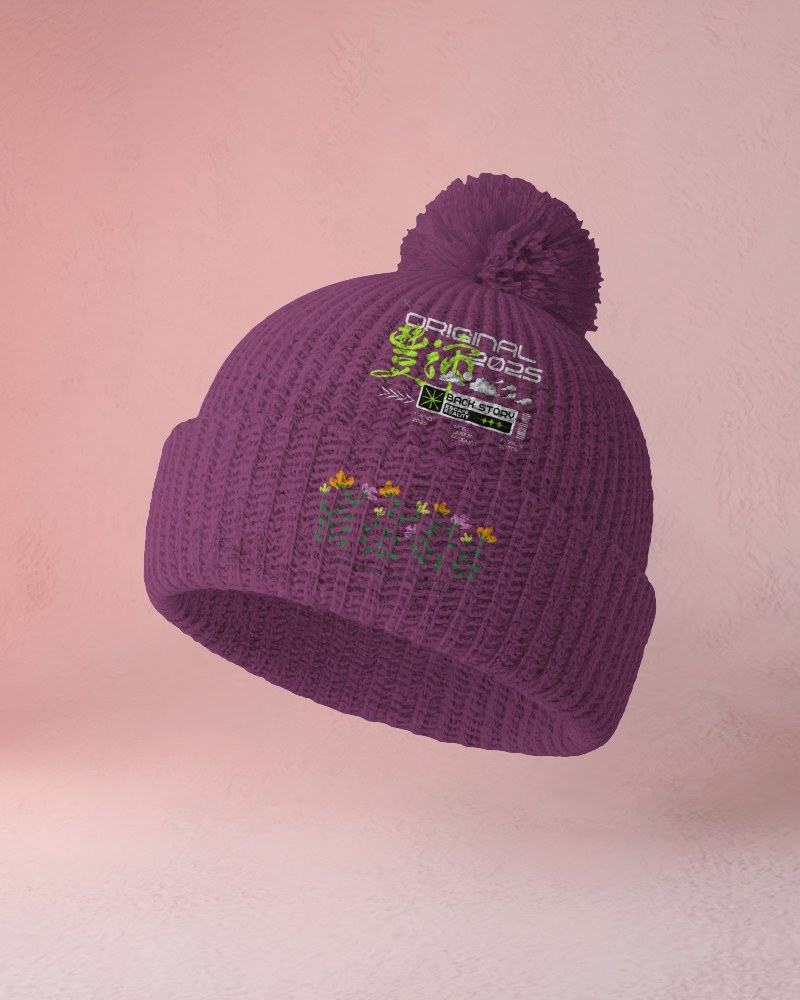
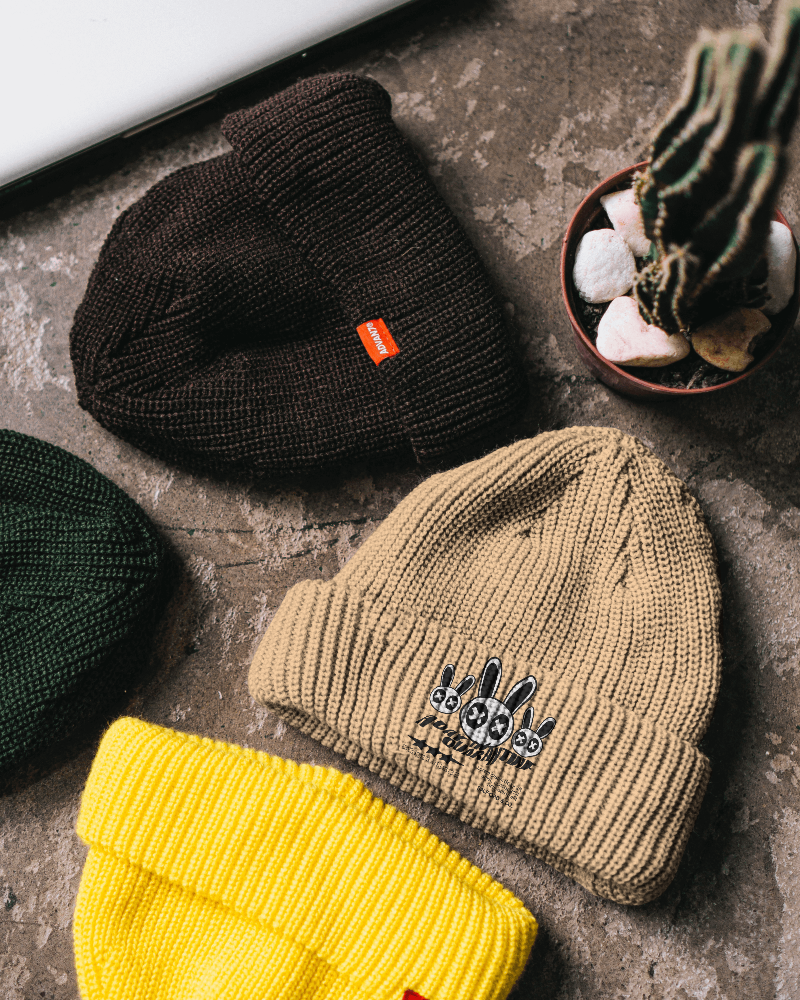
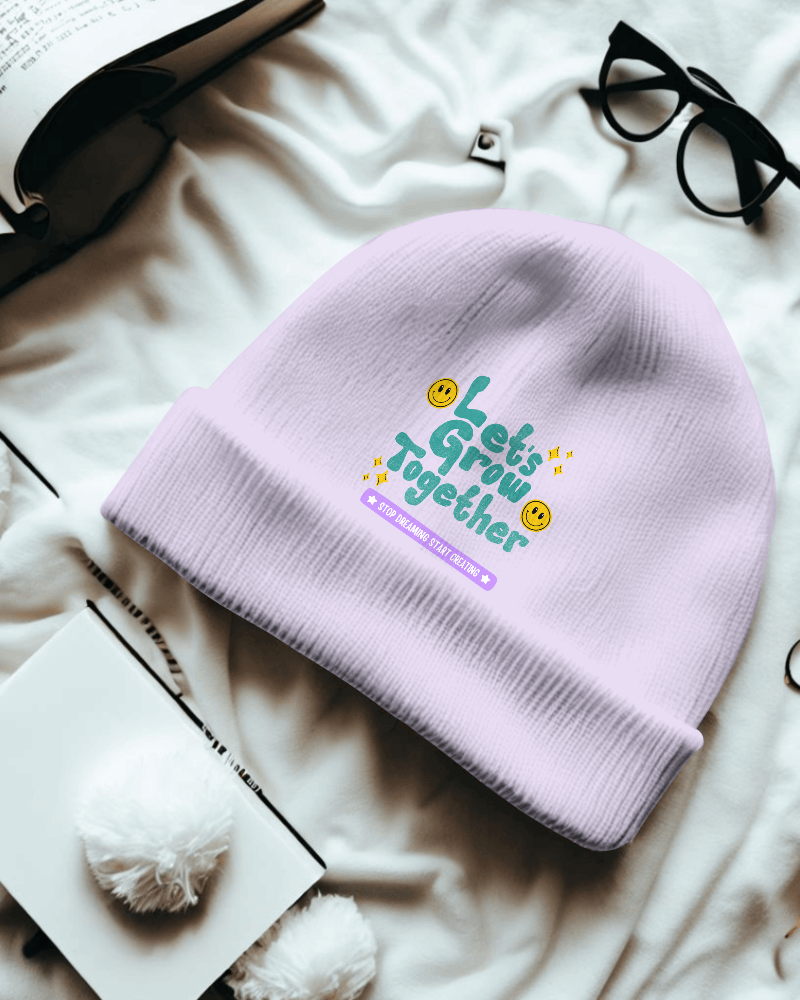
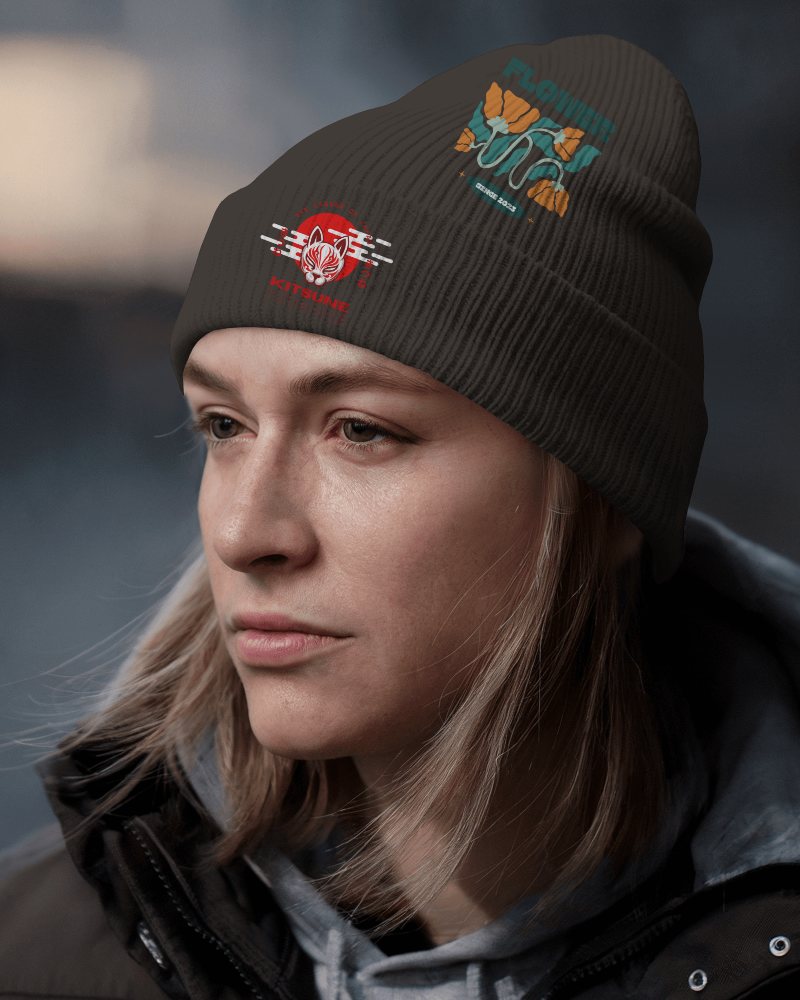
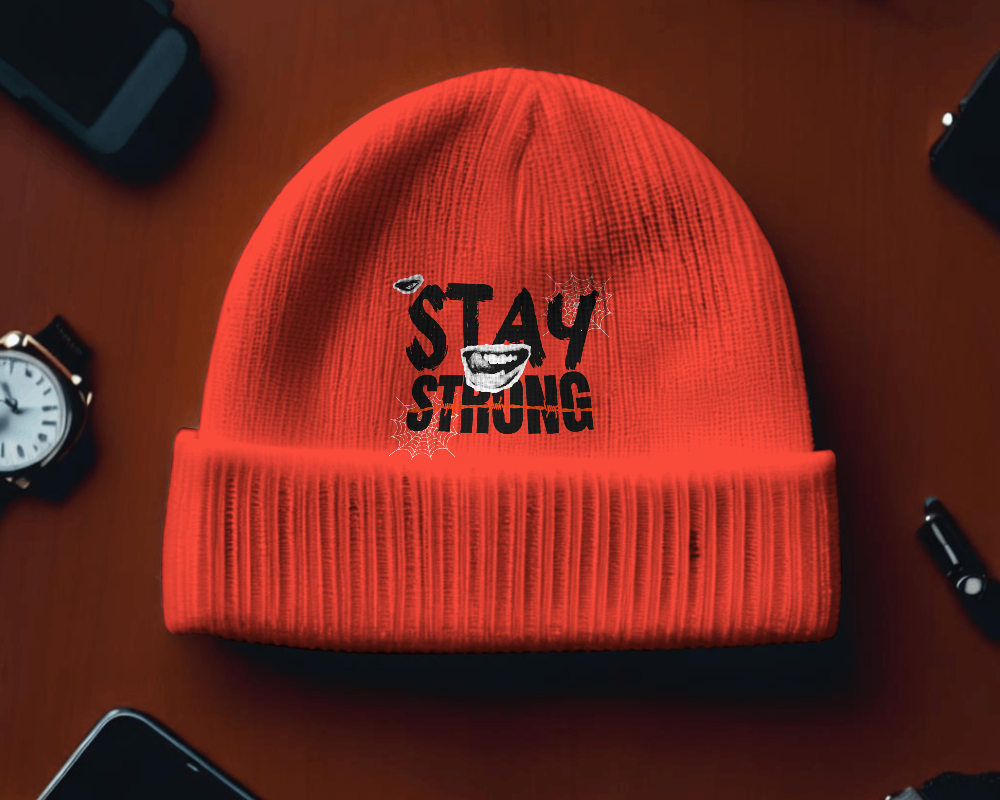
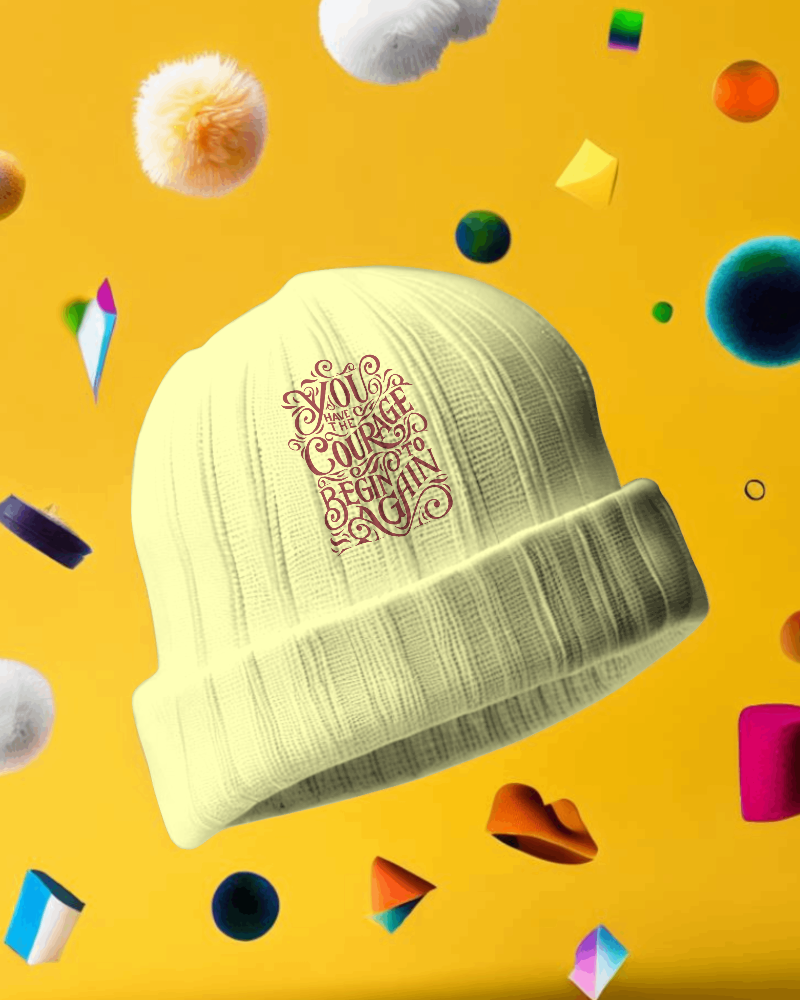
Show your winter apparel designs in a cozy, high-quality format with this Black beanie video mockup. Ideal for clothing brands, POD sellers, and designers, it highlights your artwork, patches, and knit details in smooth motion. Perfect for seasonal launches, ads, and online store displays, it helps your beanie design stand out with a realistic, stylish presentation.




How to Create a Black Beanie Video Mockup with Mockey AI
To create Black beanie video mockups:
- Step 1: Sign up and proceed to the `Video Mockups` tab. Then select `Beanie` from the `Accessories` category.
- Step 2: Use a template by uploading one of your designs and customizing it to your liking.
- Step 3: Once you're satisfied, export the 5-second Black beanie video mockup by clicking on `Generate video.`


FAQs on Black Beanie Video Mockups
What is a Black beanie video mockup?
A Black beanie video mockup is a realistic video template that displays your custom design on a beanie in MP4 format. You can think of it as a visual tool that designers use to showcase their work to clients.
Is the Black beanie video mockup good for apparel branding?
For apparel branding, a Black beanie video mockup works much better than a static image. It increases buyer engagement and helps customers visualize the product through a short video clip.
Do I need design software to use this Black beanie video mockup?
You don’t need any design software to use a Black beanie video mockup if you are using Mockey AI. It's built-in editor allows easy customization and is very user-friendly.
Is this Black video mockup suitable for social media ads?
Mockey AI’s Black beanie video mockups are perfect for social media ads because video templates drive strong buyer engagement. A video that looks realistic and fits perfectly on the beanie is ideal for social media ads.
