beanie
AI Beanie Video Mockups
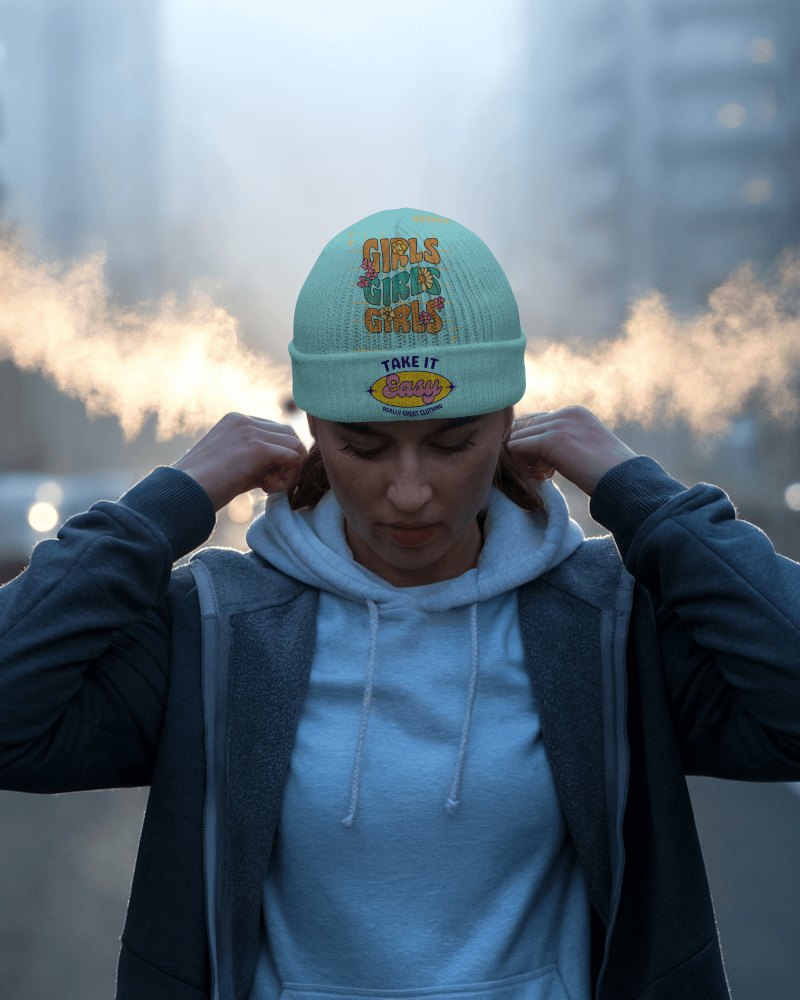
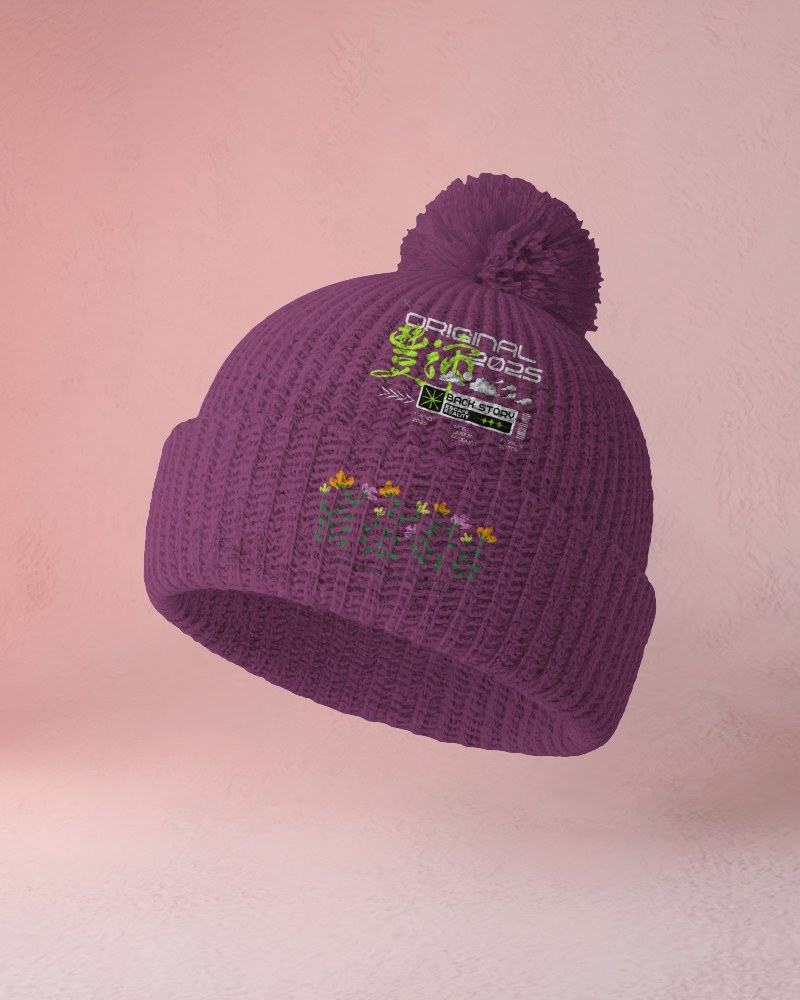
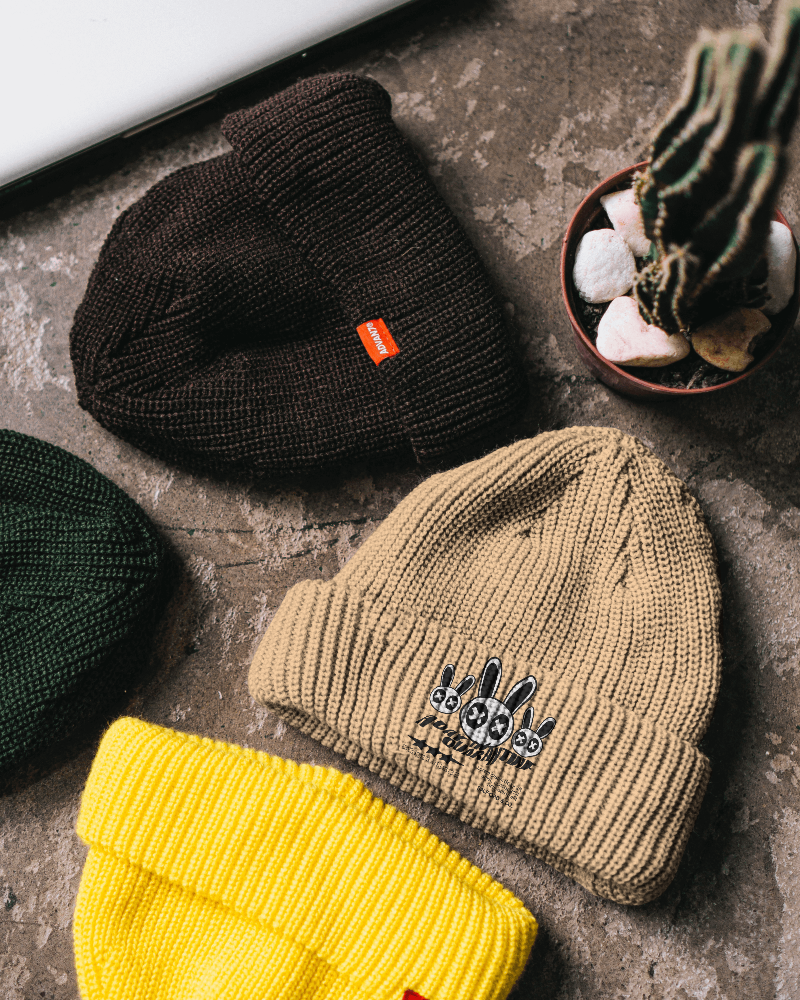
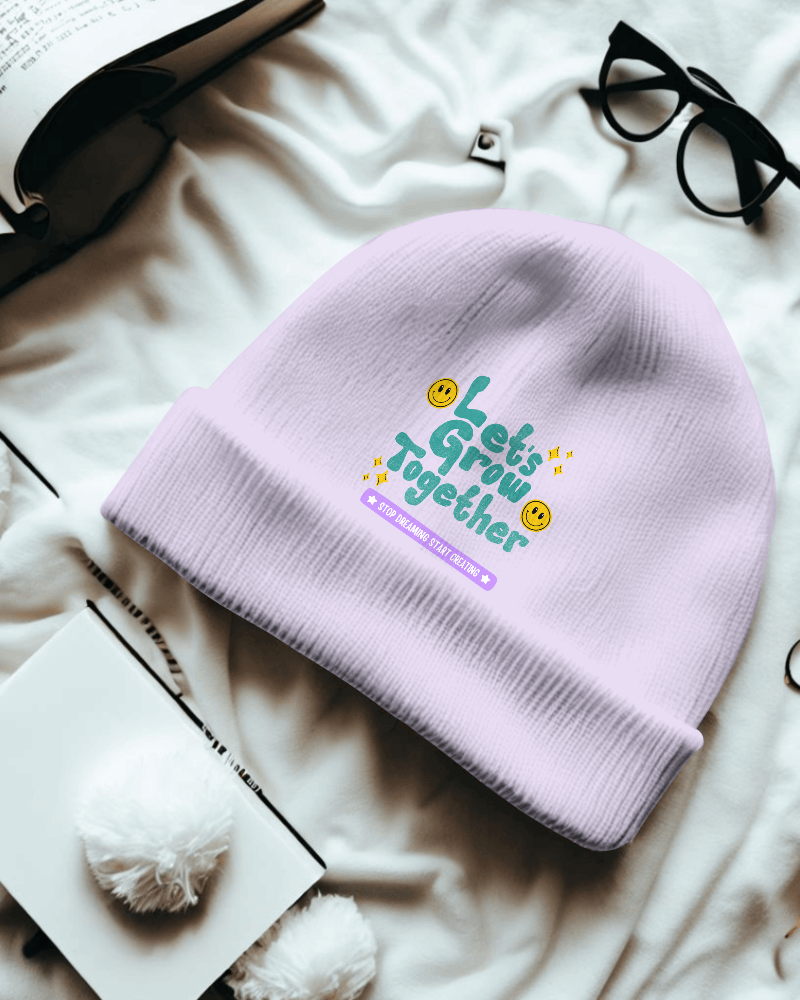
Mockey provides a wide range of free beanie video mockups to showcase your creative ideas in motion for branding, eCommerce marketing, and social media use.



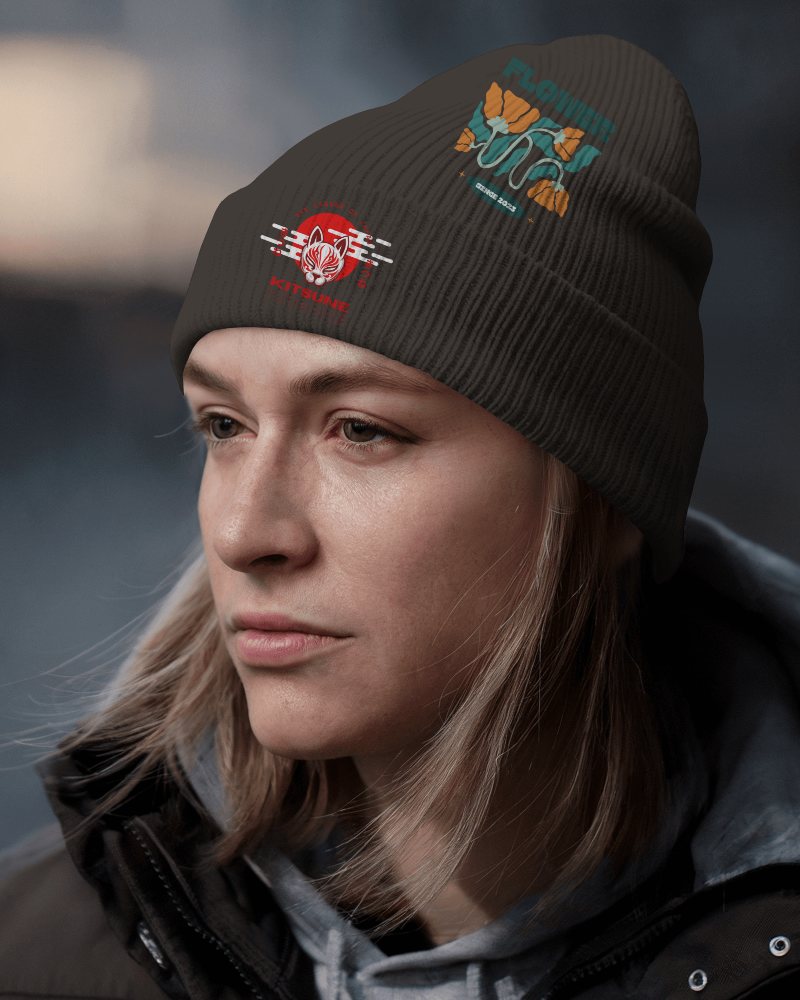
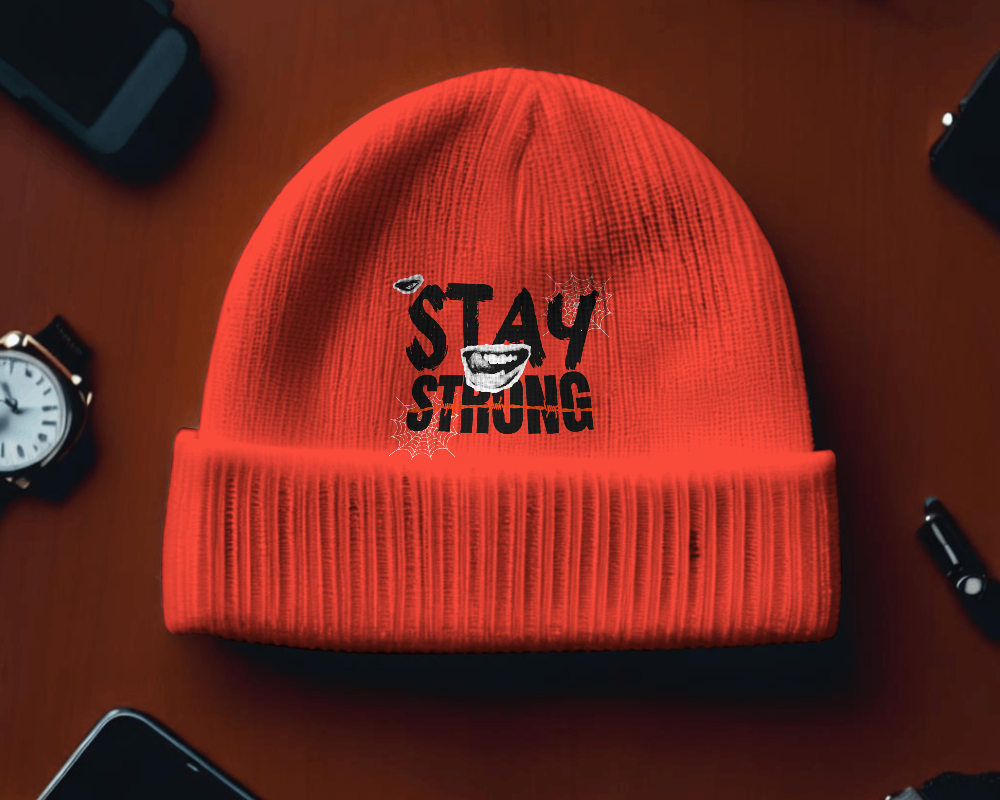
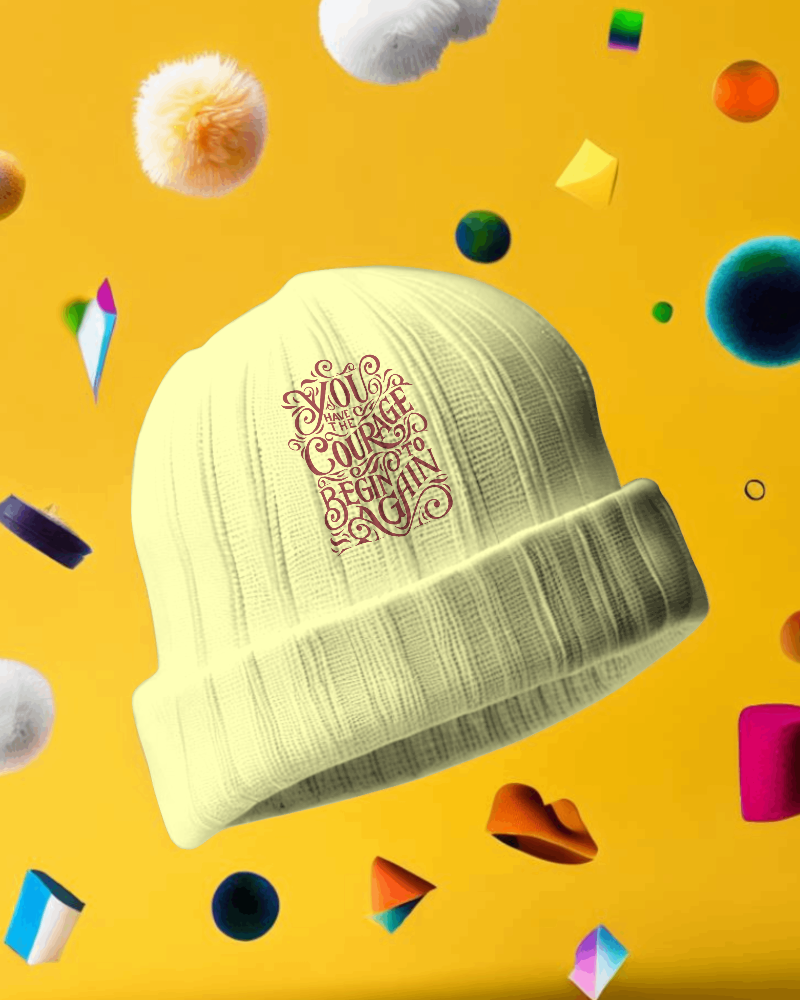
How to Create a Beanie Video Mockup with Mockey AI
To create beanie video mockups:
- Step 1: Log in to Mockey AI and navigate to 'Video Mockups'. Choose 'Beanie' under the 'Accessories' category.
- Step 2: Select a template and upload your design to personalize the mockup.
- Step 3: Tap 'Generate Video' to create a 5-second video mockup and export it.


FAQs on beanie Video Mockups
What formats can I download my Beanie video mockup in?
The Beanie Video mockup will be downloaded to your computer in MP4 format once you complete the download process.
How to showcase your designs using a Beanie Video Mockup?
Add your artwork to the beanie using Mockey AI's video mockup generator. Adjust the colors for a realistic look. Once you're happy, export the video to showcase how the design fits and feels.
