String Lanyard Mockup Free to Download
Bring Your Mockup Designs to Life with Mockey's String Lanyard Mockups and showcase your brand like a pro. Try it now!
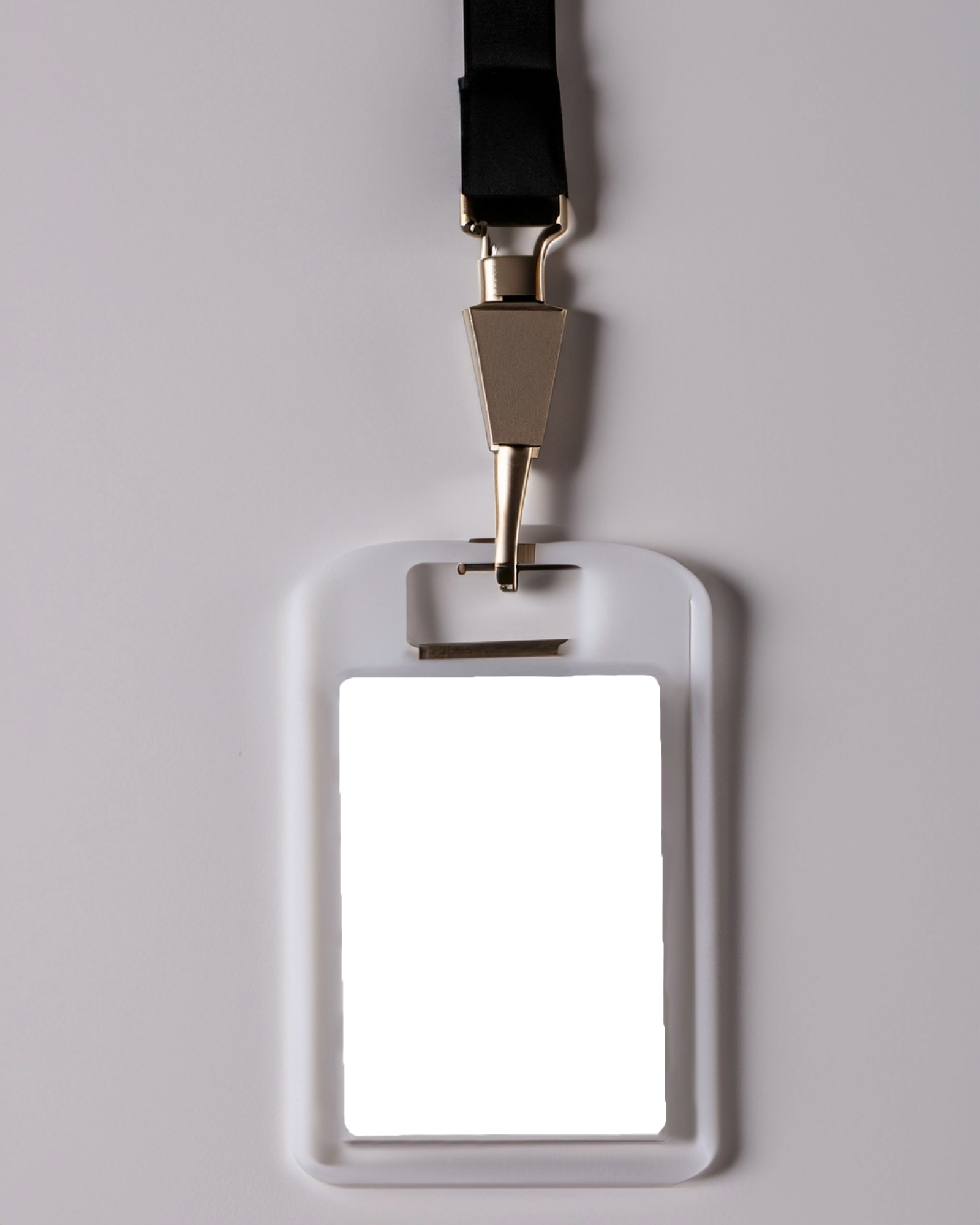

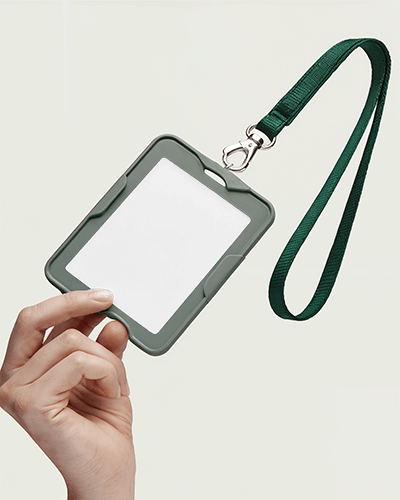




How to Create String Lanyard Mockup with Mockey
Easily design professional String Lanyard mockups with our user-friendly tools; no advanced software needed!
- Step 1: Follow Mockups > Print > ID Card > String Lanyard in the navigation bar.
- Step 2: Pick a template and add your design.
- Step 3: Customize your String Lanyard mockup and download it in high resolution.


FAQs on String Lanyard Mockups
What is an String Lanyard Mockup?
An String Lanyard mockup shows how the card will look with its design, colors, and elements before it's produced. It helps visualize and present the final design in a realistic context.
Why create an String Lanyard mockup?
Designing an String Lanyard mockup helps you display and discuss your design ideas clearly with clients or stakeholders before creating the actual card. It ensures the design meets expectations before production.
Why Use Mockey’s String Lanyard Mockup?
Mockey's String Lanyard Mockup offers a free, high-quality design tool that is easily customizable for advertising, promotions, events, and more. It provides a convenient and professional way to showcase your String Lanyard designs.
Is this String Lanyard Mockup Free?
Yes, Mockey.ai's String Lanyard Mockup is free to use. It includes an online generator with over 1,000 customizable templates, allowing you to create professional ID card designs without any watermarks or costs.
