Free Id Badge Holder Mockup – Download Clean Templates
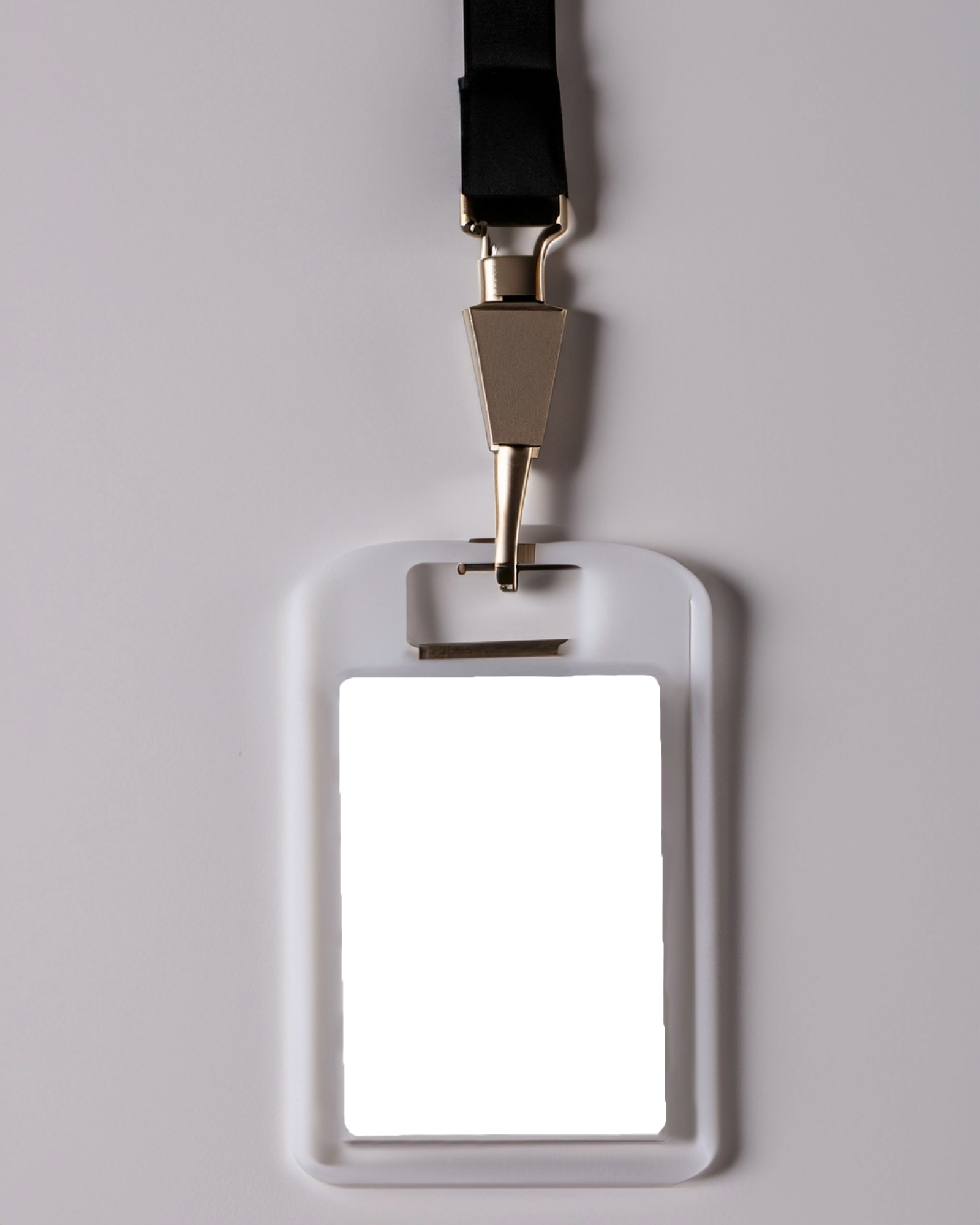
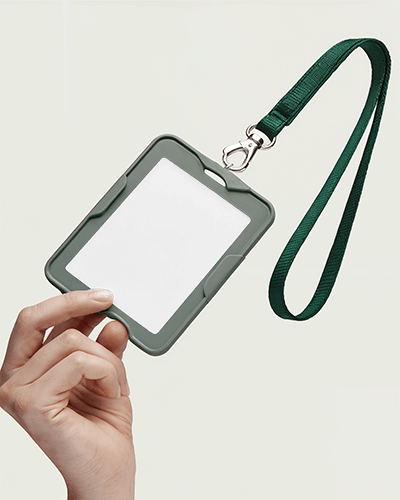
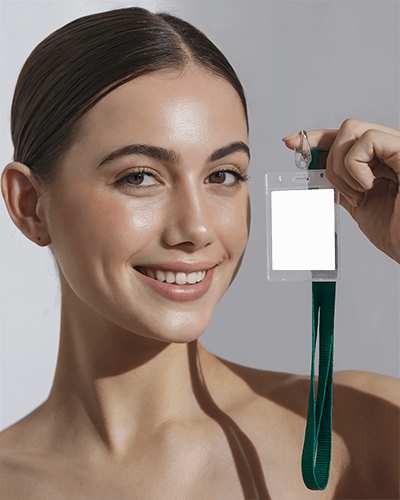
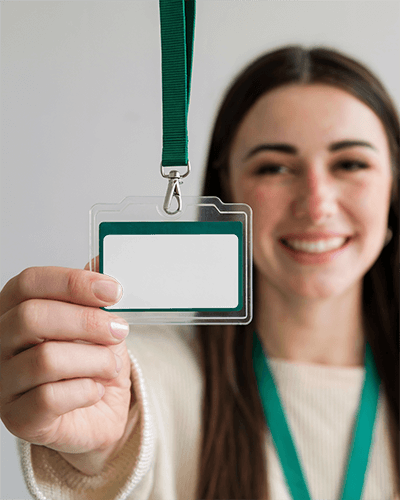
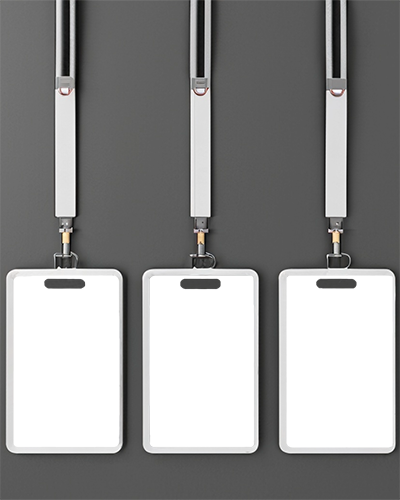
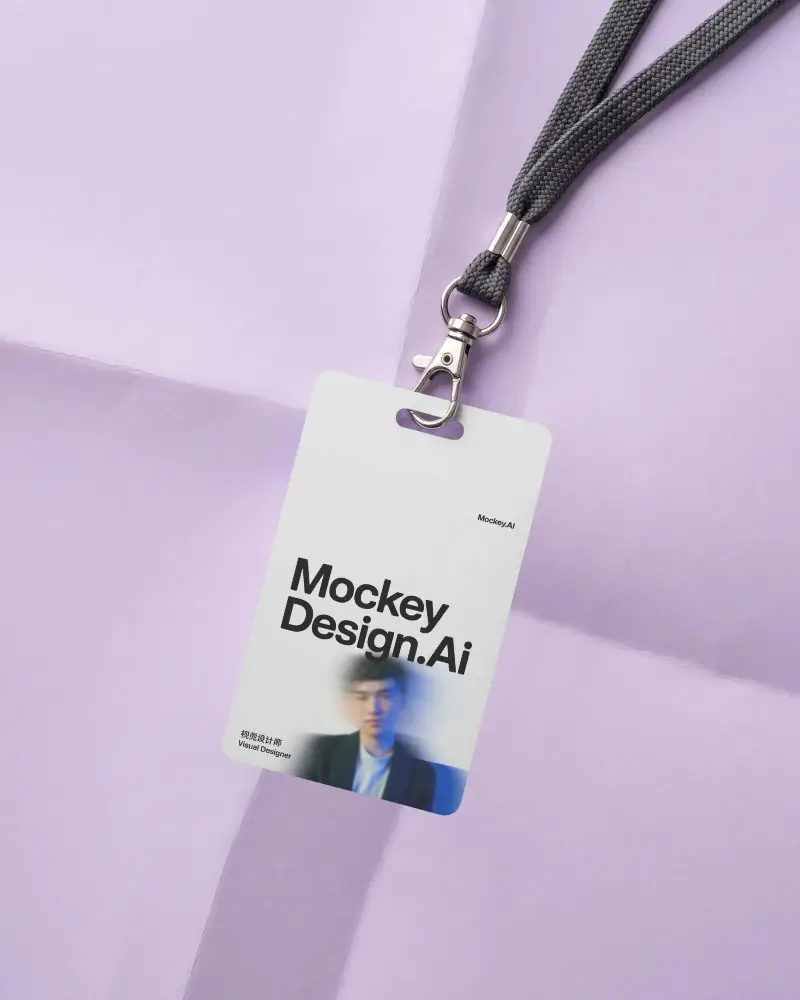
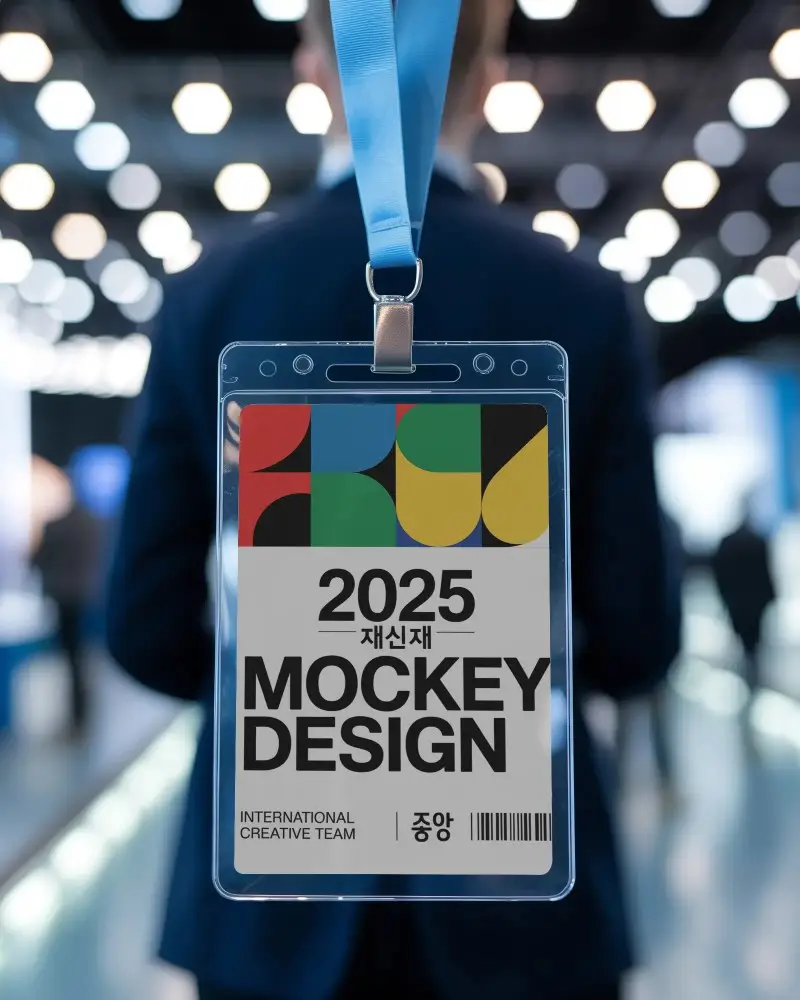
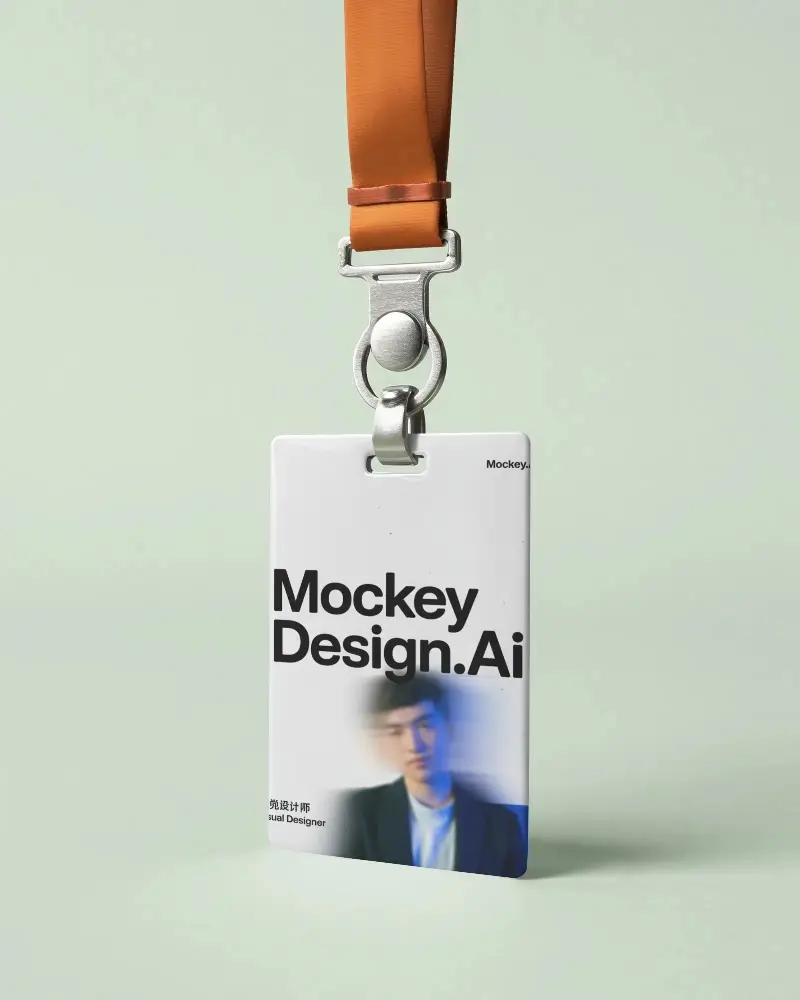
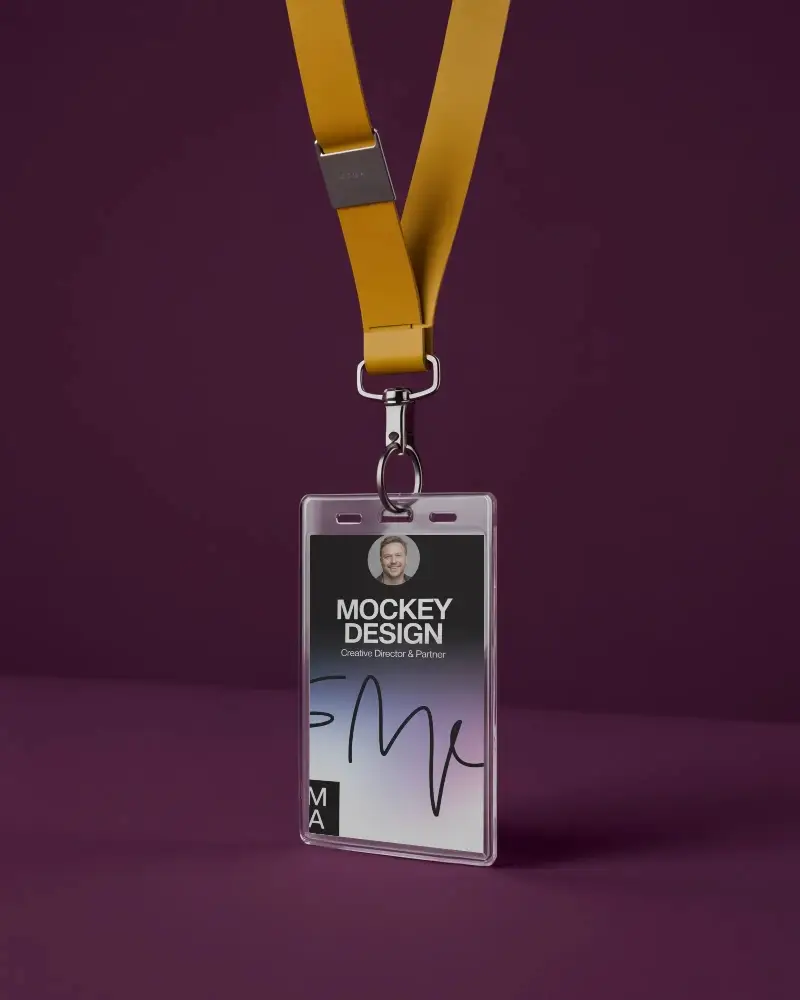
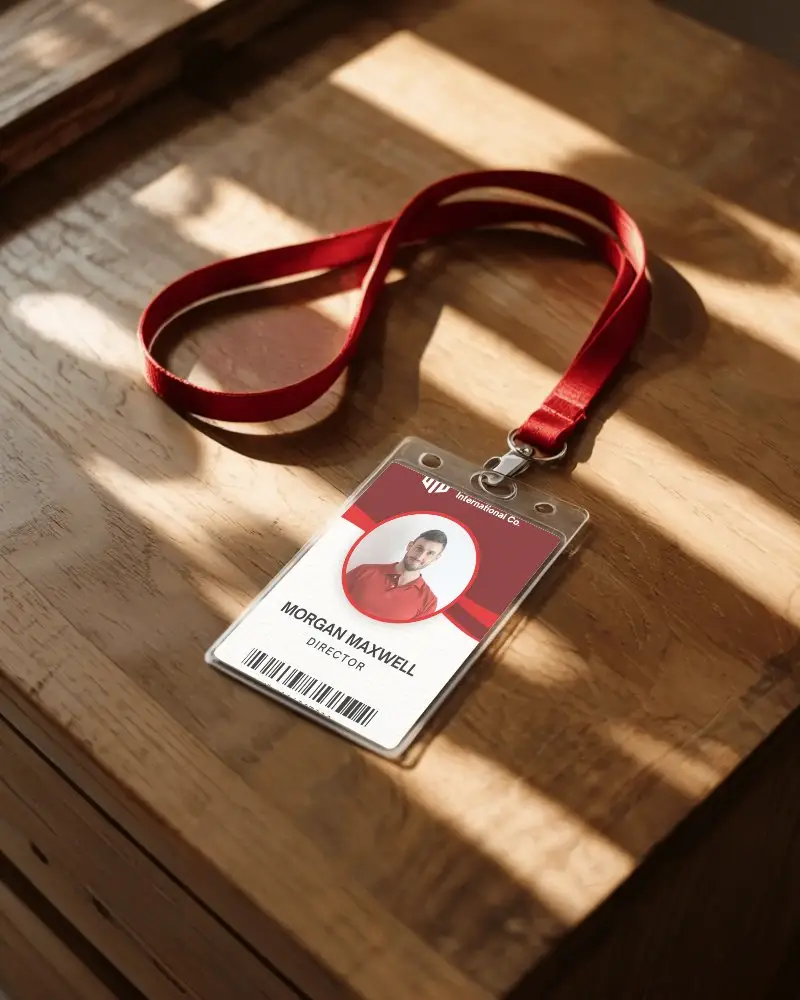
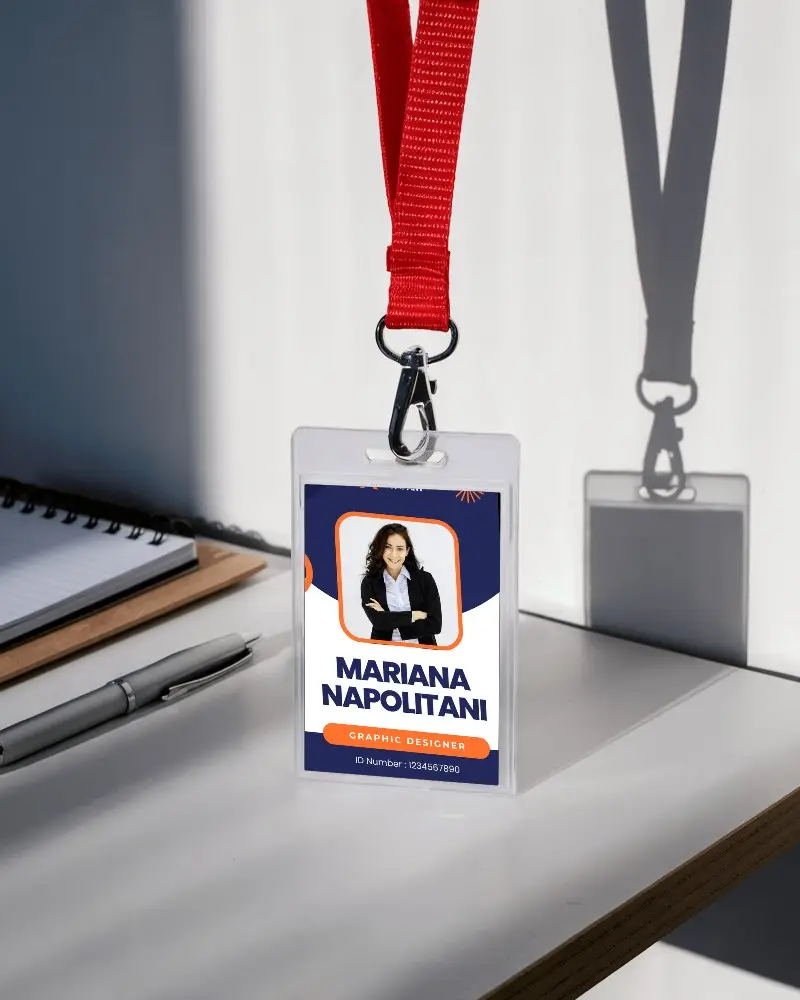
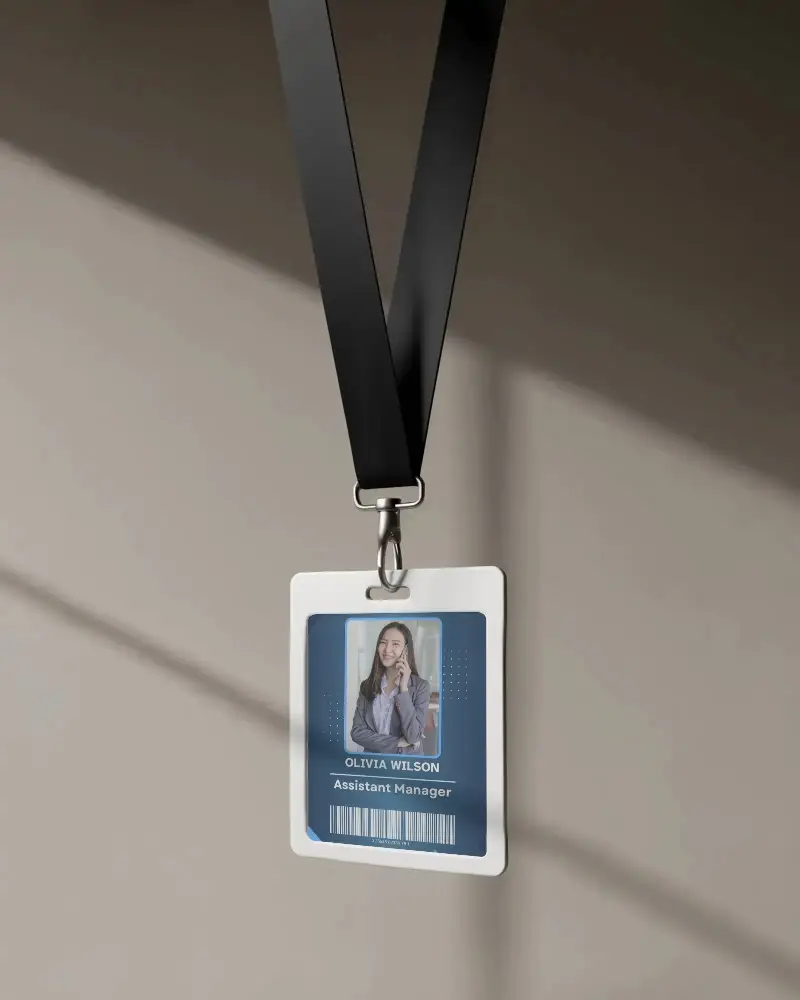
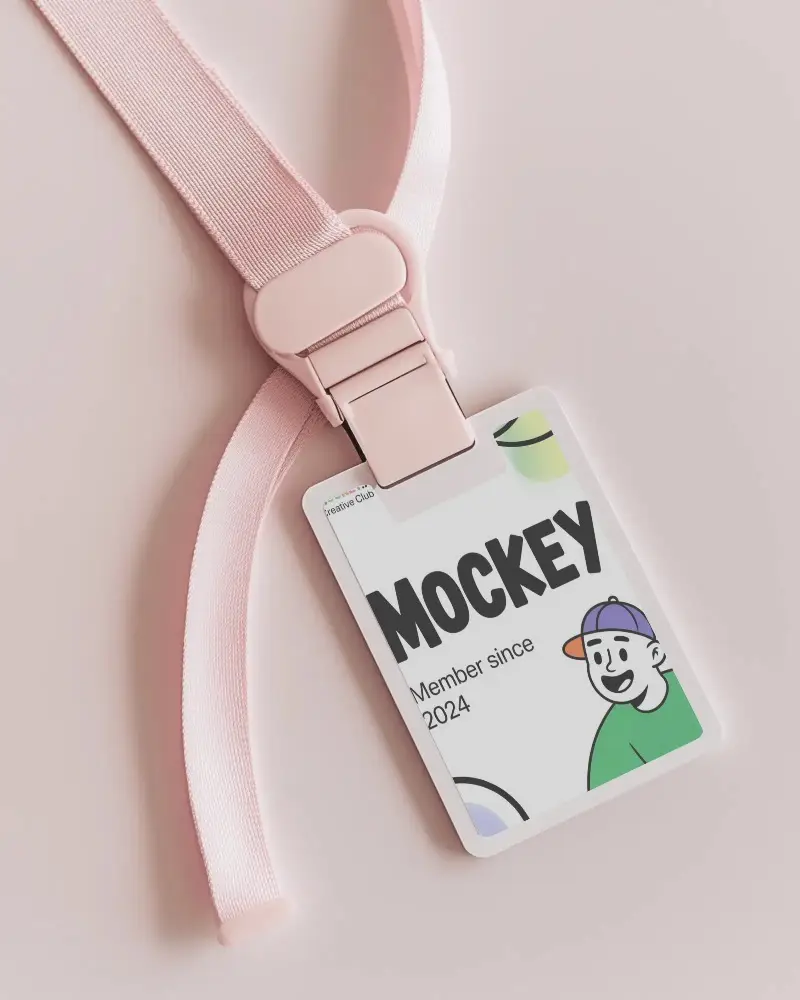
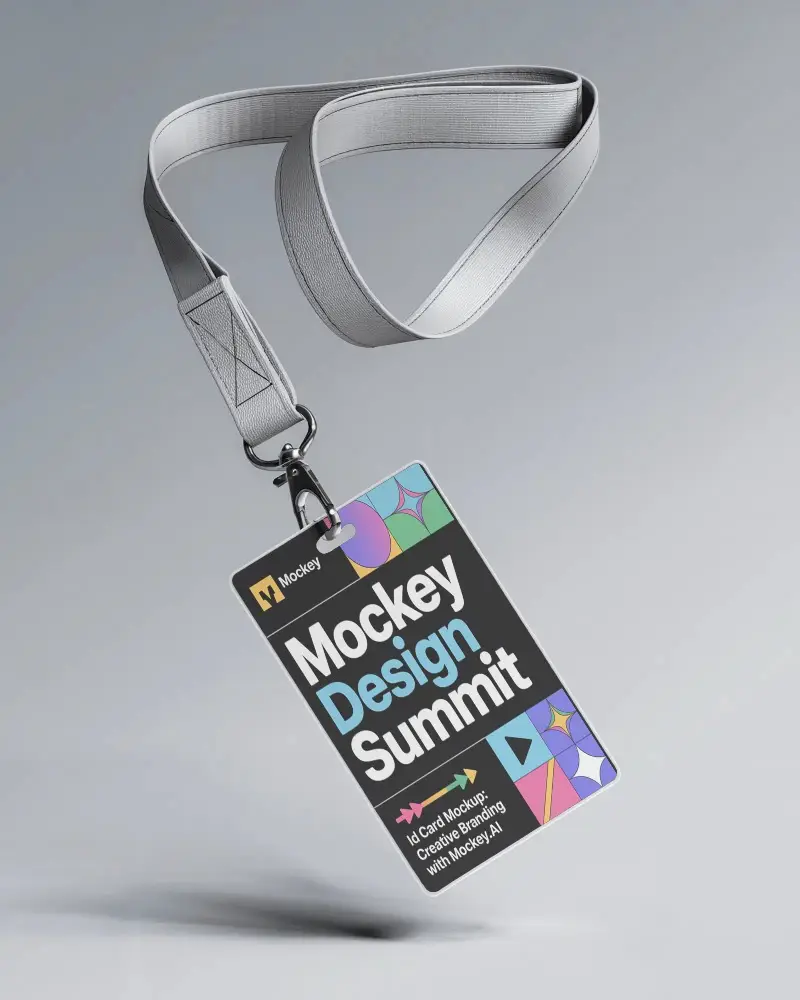
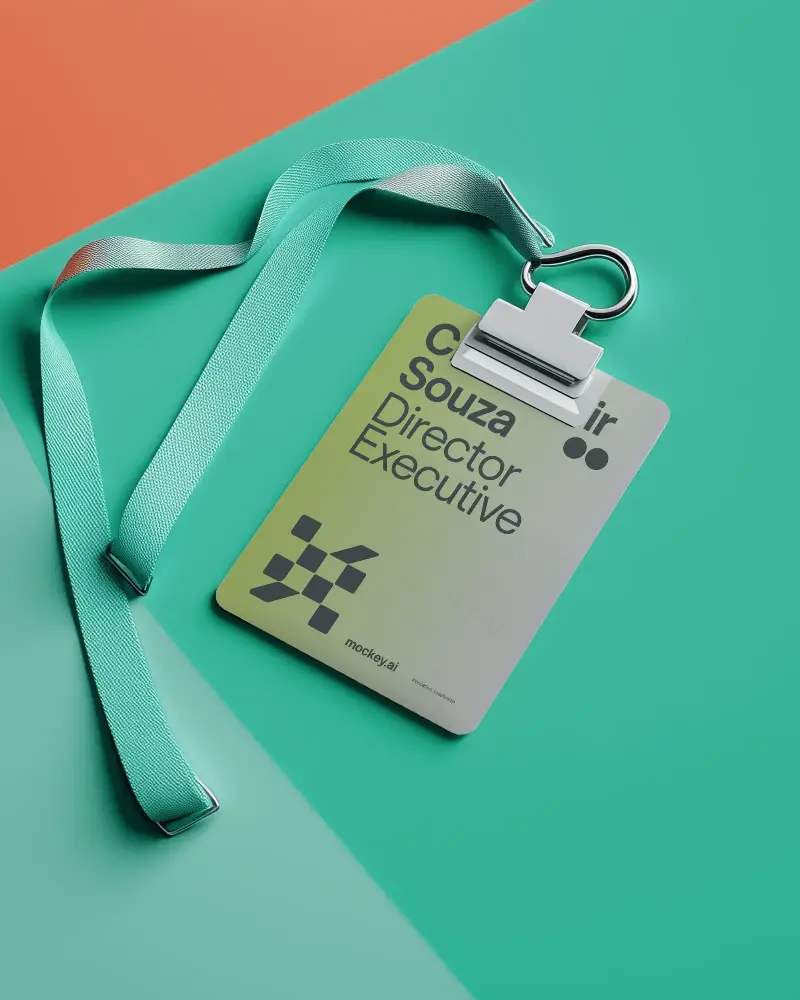
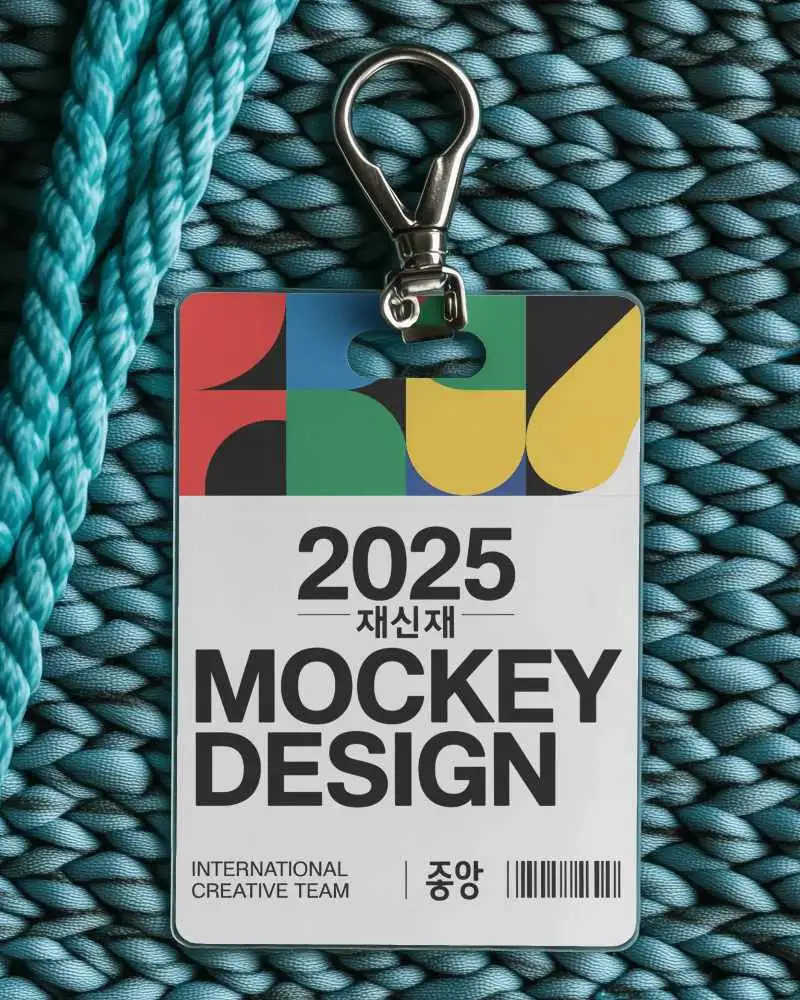
An Id Badge Holder Mockup helps display badge designs inside a realistic holder style. On Mockey, you’ll find clean and high-quality mockups that make staff IDs, office badges, or event passes look more professional.













.png)
How to Create Id Badge Holder Mockup with Mockey
To create an ID badge holder mockup in Mockey AI:
- Step 1: Navigate to Mockups > Print > ID Card > ID Badge Holder and choose a template from the library.
- Step 2: Upload your badge design and customize the mockup using the built-in editor where you can adjust colors, backgrounds, and holder styles.
- Step 3: Click the Download button to export your ID Badge Holder mockup in PNG or JPEG format in different sizes.


FAQs on Id Badge Holder Mockups
What is an Id Badge Holder Mockup?
An ID badge holder mockup shows how an ID card will appear inside a holder with elements like a plastic sleeve, clip, strap, or lanyard. Tools like Mockey AI help designers preview how the badge will look when worn at workplaces, events, or conferences.
Is this Id Badge Holder Mockup Free?
Yes. Mockey AI offers free ID badge holder mockup templates where you can upload your design, preview it instantly, and download the final mockup without any watermark.
Where are ID badge holder mockups commonly used?
ID badge holder mockups are commonly used in corporate offices, schools, hospitals, conferences, and trade shows. They help present staff ID cards, visitor passes, and event badges in a more realistic way.
Why use a badge holder mockup instead of a simple ID card mockup?
Badge holder mockups add realism because ID cards are often used with holders, lanyards, or clips. Showing the design inside a holder provides context, shadows, and reflections that make the preview closer to the real-life product.
