Clean White Background ID Card Mockups
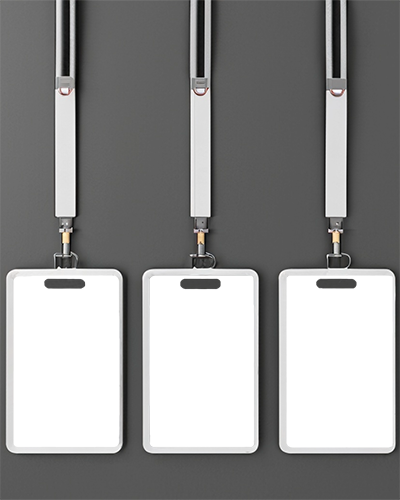
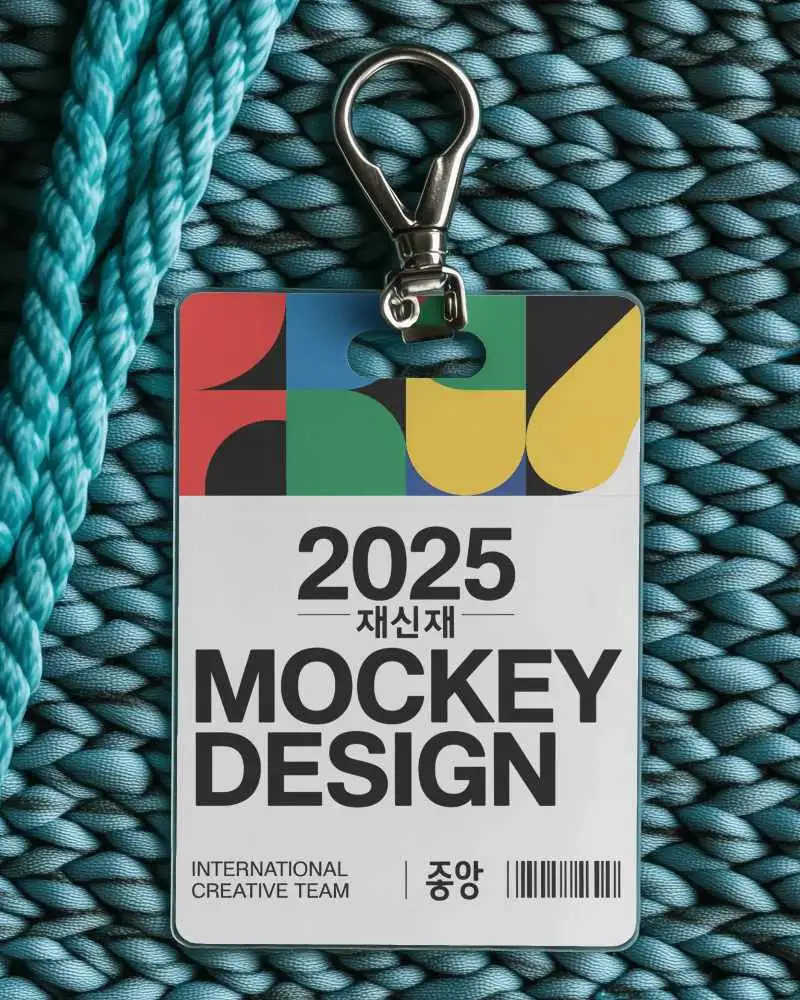
A White Background Id Card Mockup keeps the focus on your design without any distractions. Mockey offers simple, high-quality layouts that make ID cards look neat and professional, perfect for presentations, previews, or design portfolios.


















.png)
.png)





How to Create White Background Id Card Mockup with Mockey
To create a white background ID card mockup in Mockey AI:
- Step 1: Navigate to Mockups > Print > ID Card > White Background ID Card and choose a template from the library.
- Step 2: Upload your ID card design and customize the mockup using the built-in editor to adjust colors, card style, and layout.
- Step 3: Click the Download button to export your White Background ID Card mockup in PNG or JPEG format in multiple sizes.


FAQs on White Background Id Card Mockups
What is a White Background Id Card Mockup?
A white background ID card mockup is an editable template that displays an ID card design against a clean white background. Designers use it to present ID cards clearly for branding, identification, or security purposes.
Is this White Background Id Card Mockup Free?
Yes. Platforms like Mockey offer free white background ID card mockups. You can upload your design online and export the mockup without needing to download PSD files.
Why Use Mockey’s White Background Id Card Mockup?
Mockey AI makes it easy to create ID card mockups. Simply upload your design and the tool automatically places it on a realistic card. You can adjust the layout and download the mockup in high resolution.
What makes a White Background Mockup useful for ID cards?
A plain white background keeps the focus on the ID card design itself, allowing details like the photo, name, barcode, and company logo to stand out clearly.
