Rough Gaming Pad Mockup Free to Download
Bring Your Mockup Designs to Life with Mockey's Rough Gaming Pad Mockups and showcase your brand like a pro. Try it now!
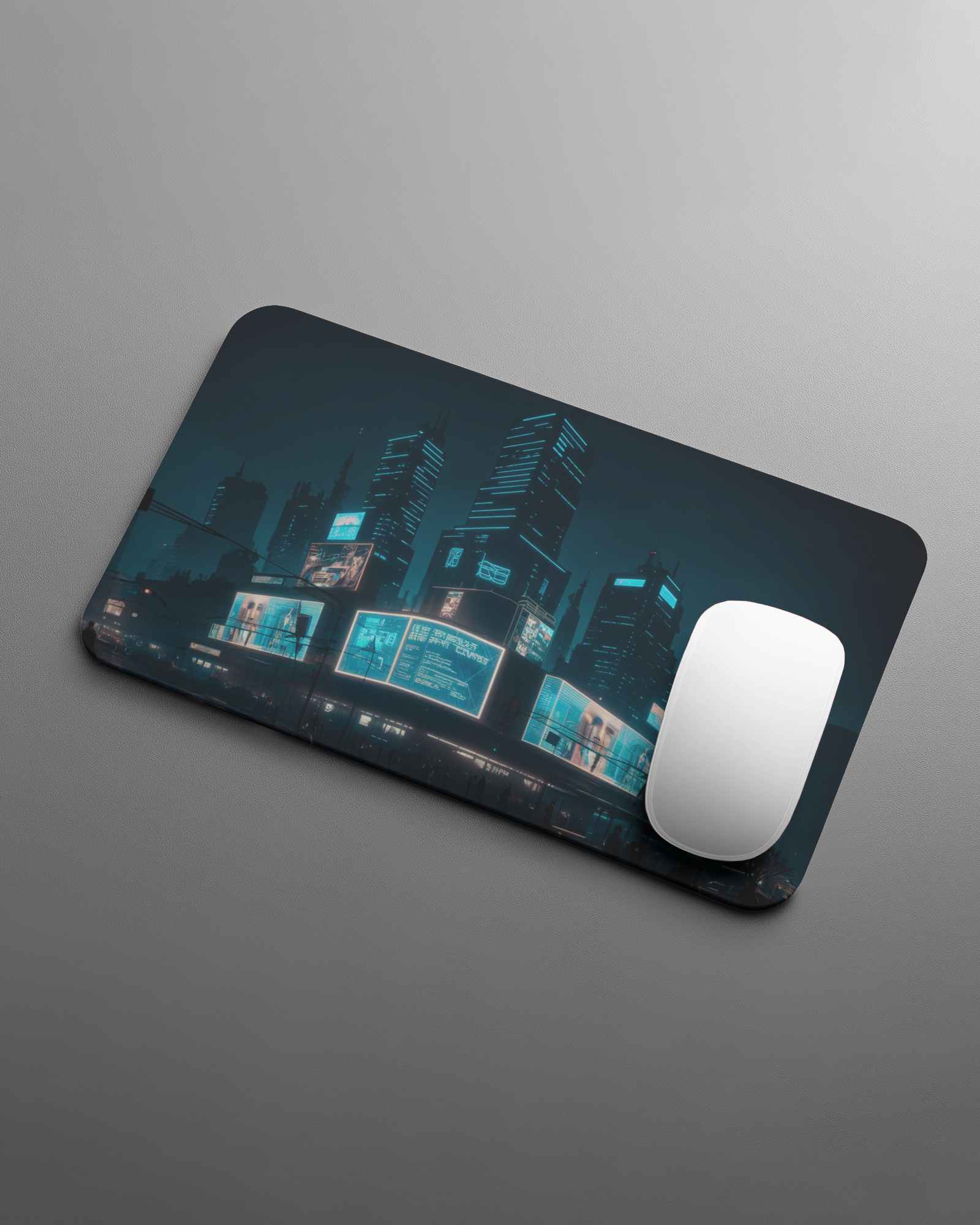
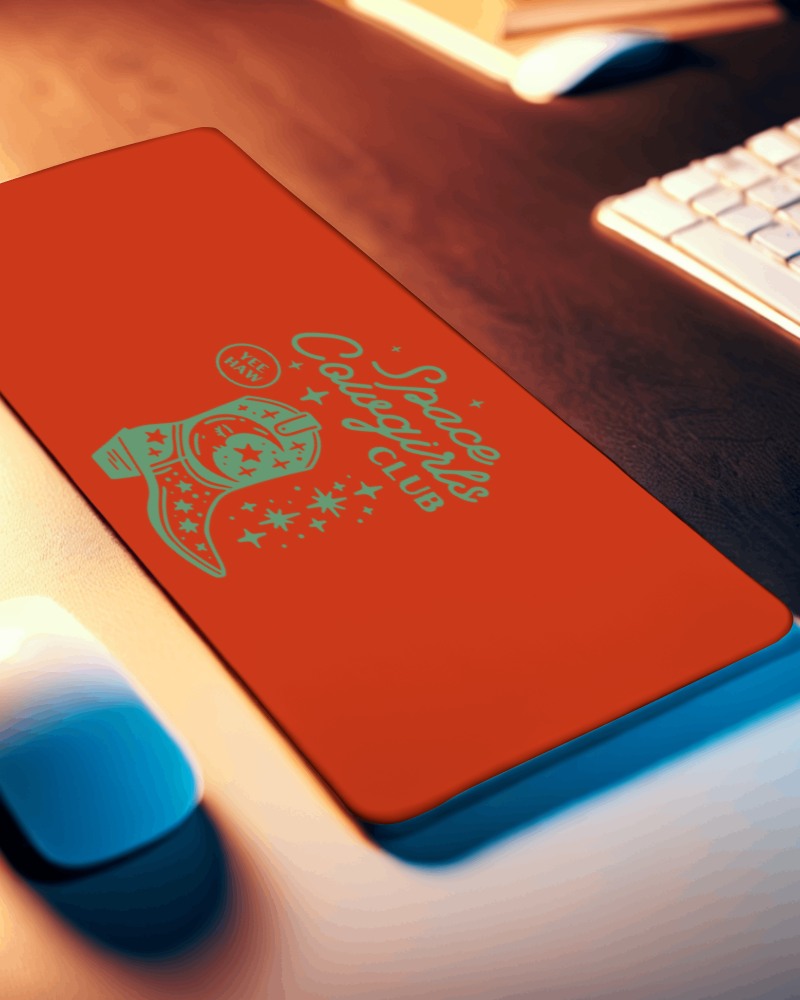
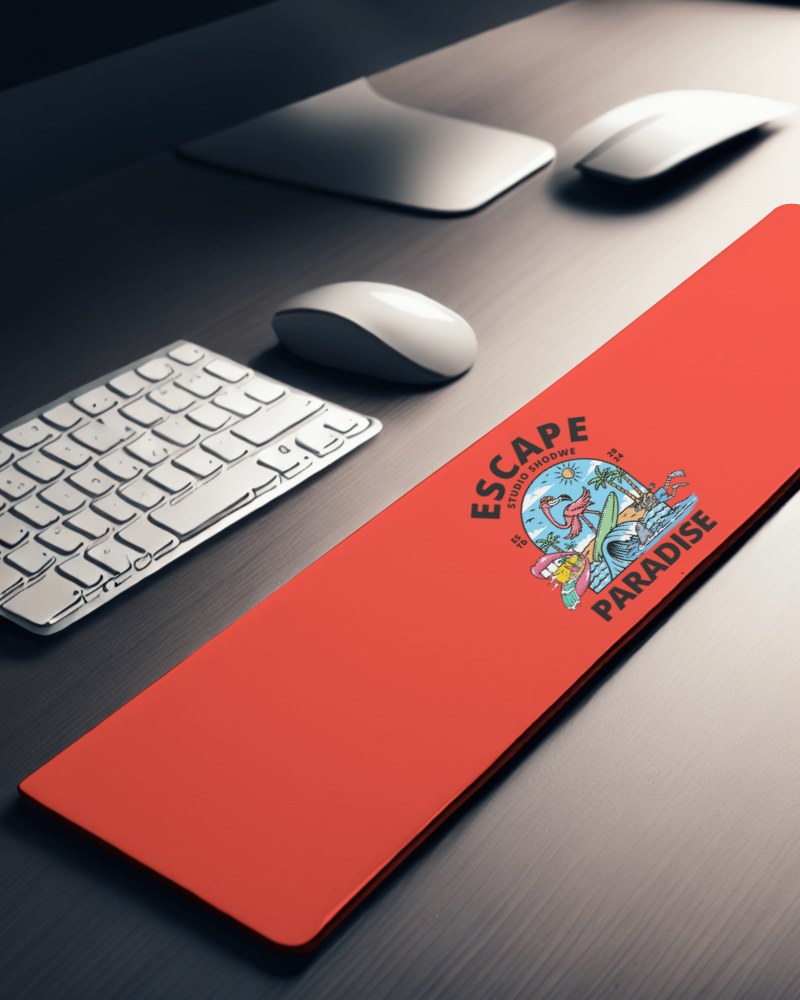
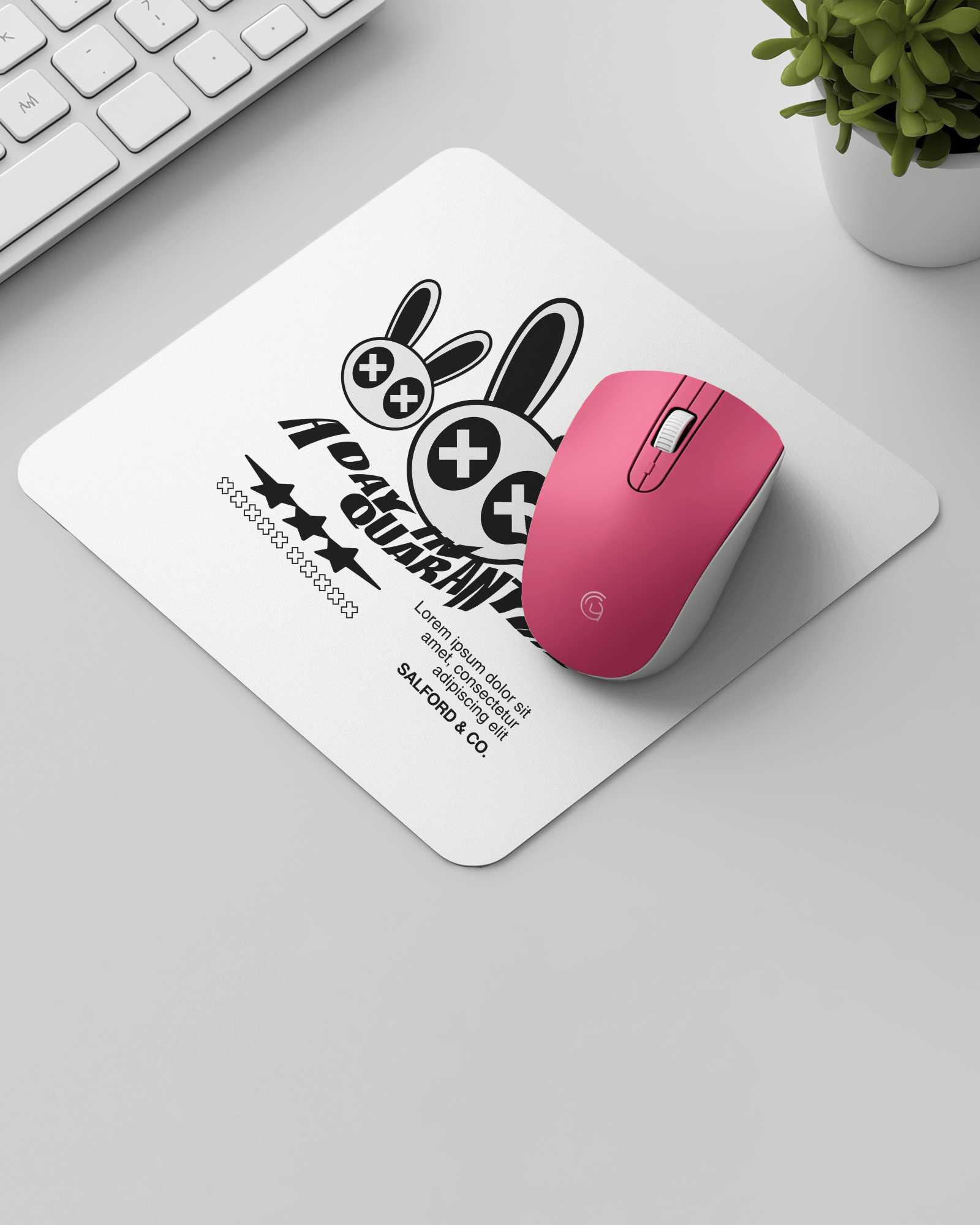

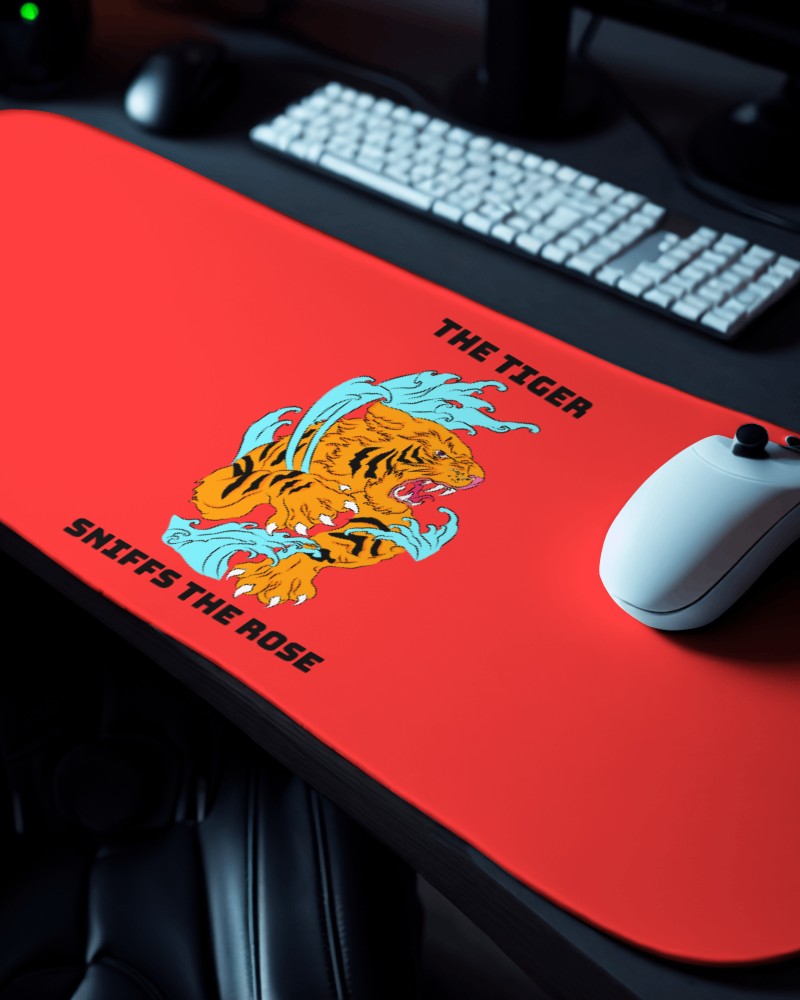
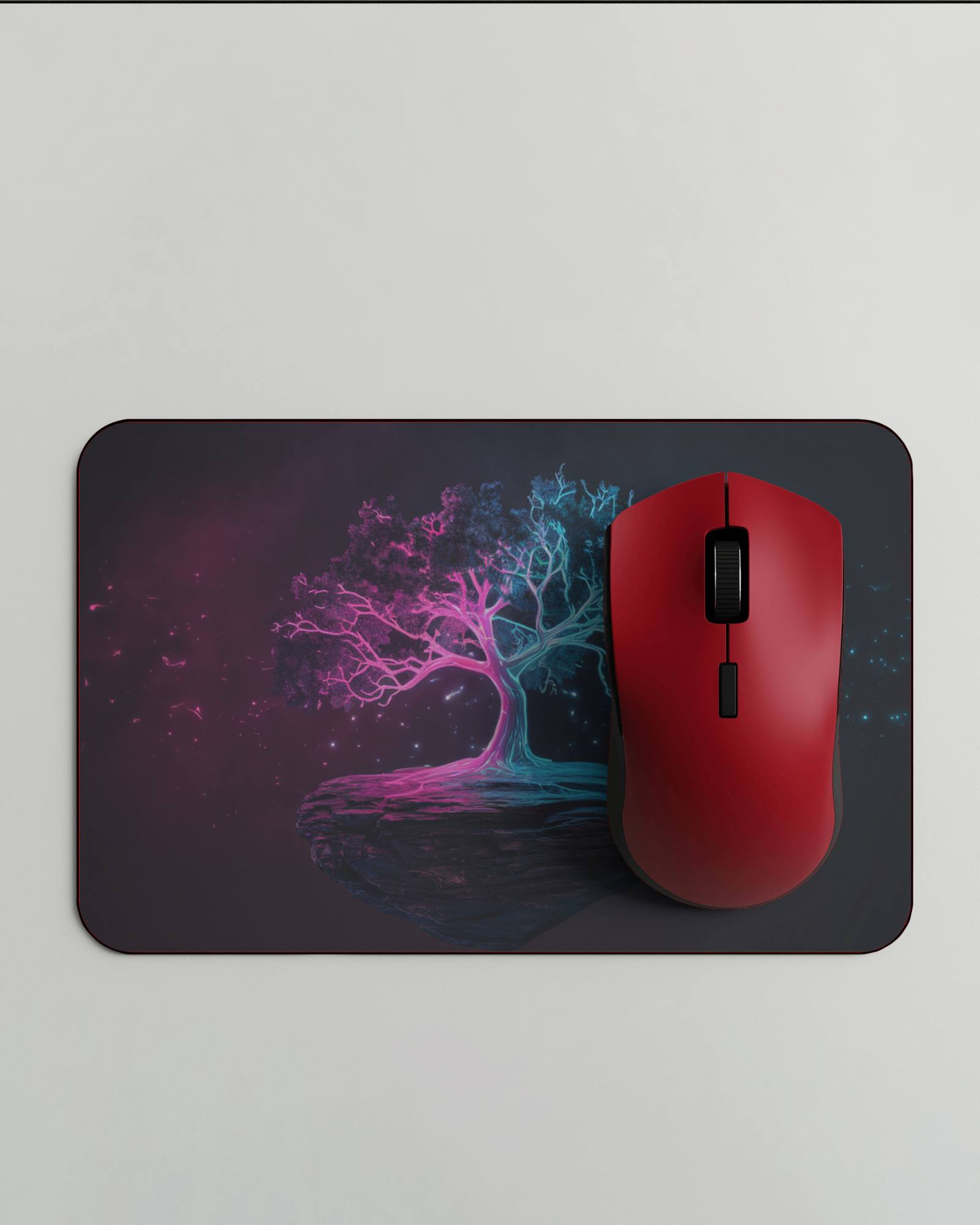
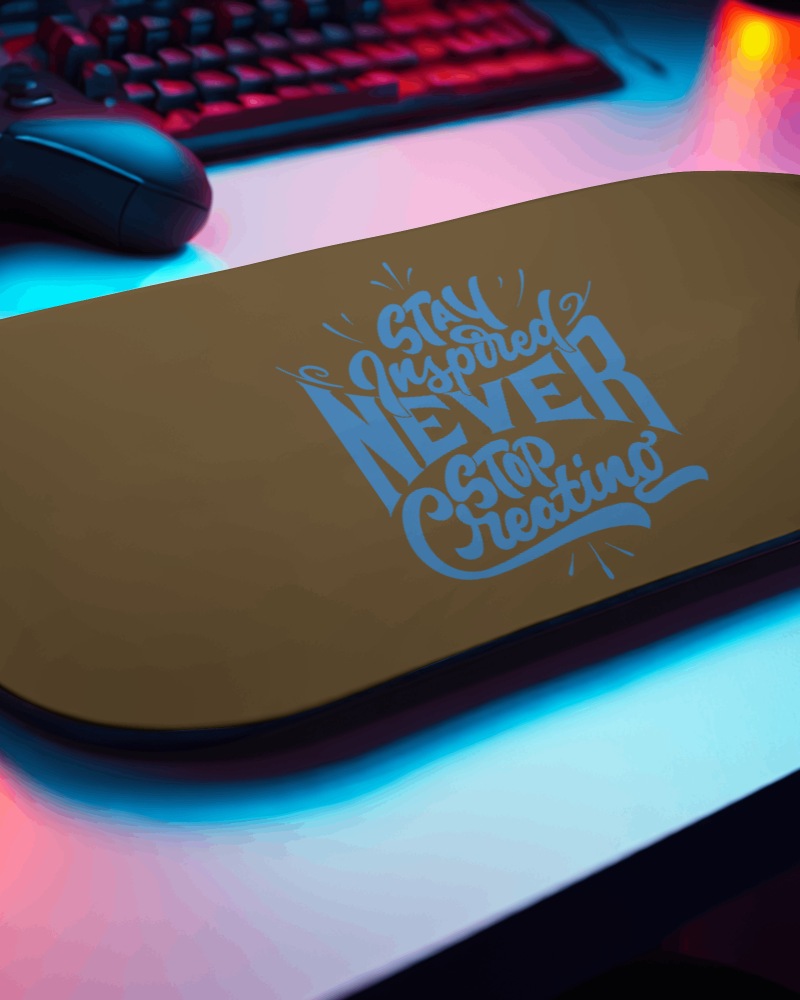
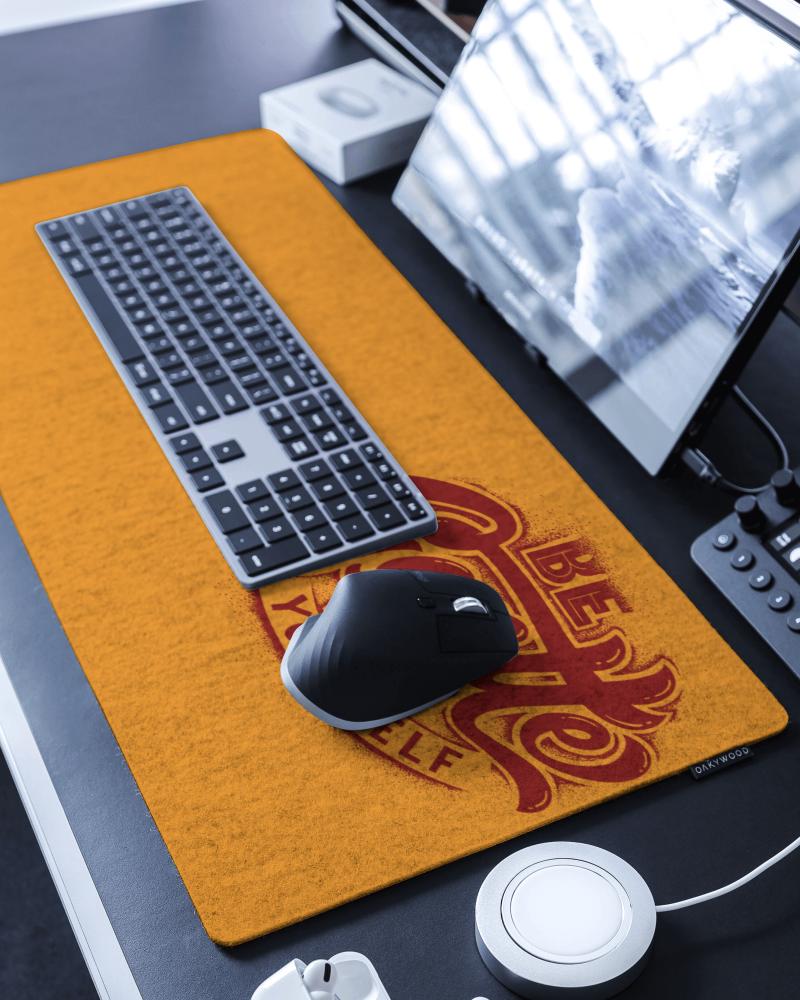
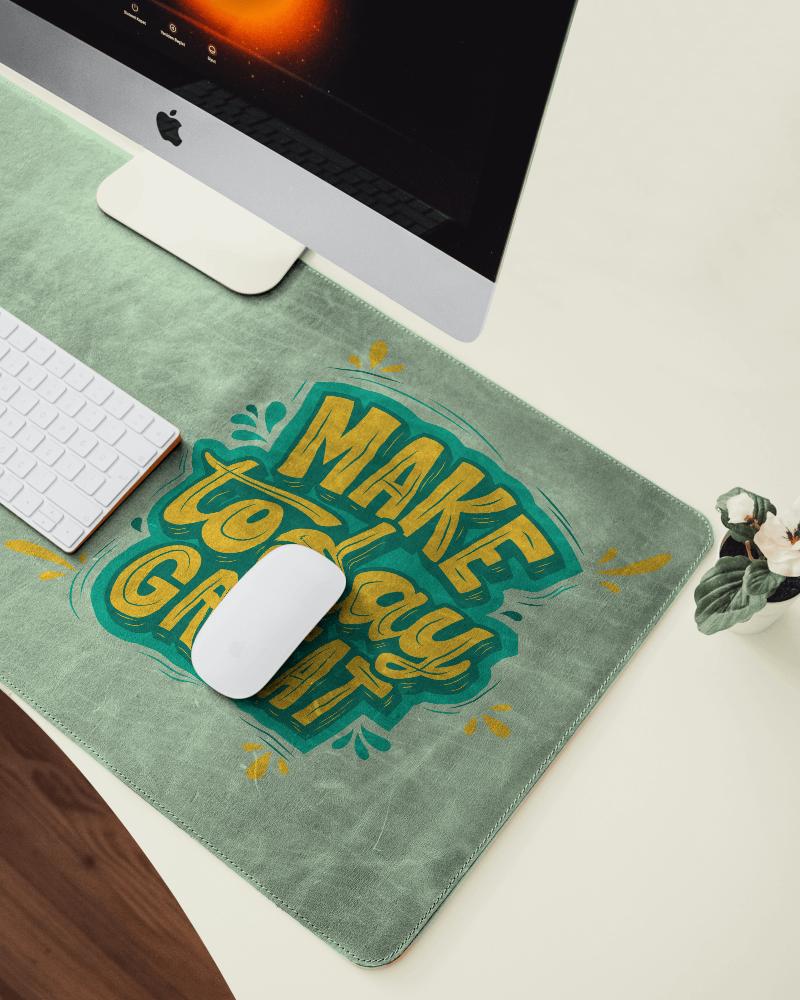
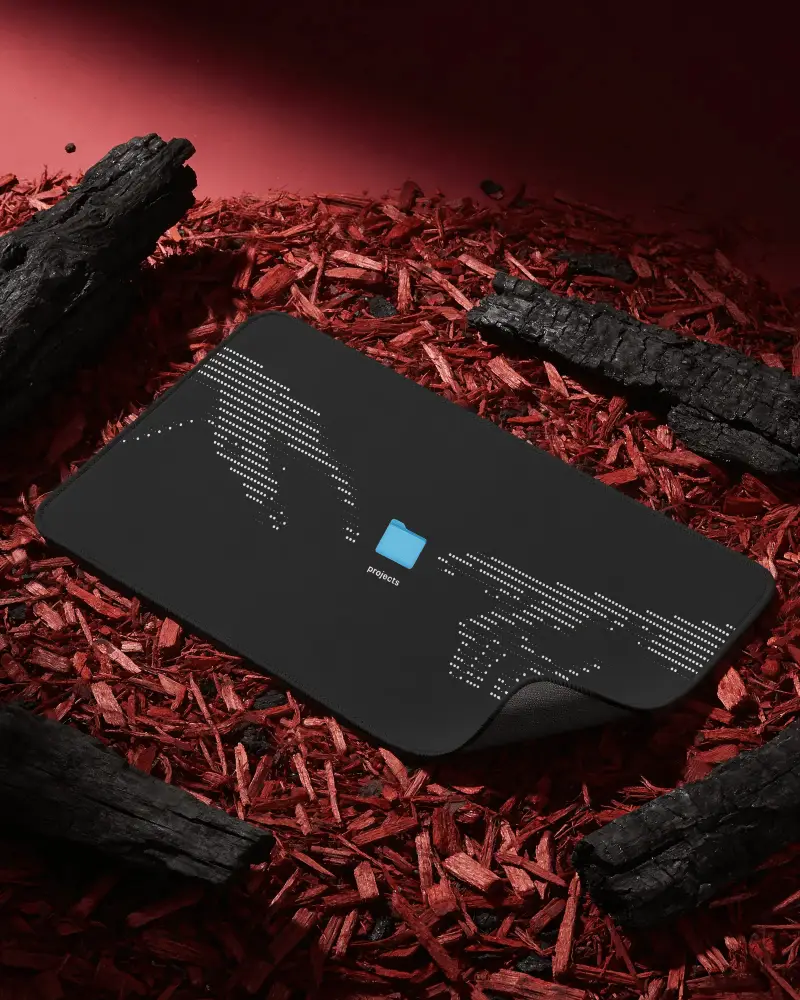
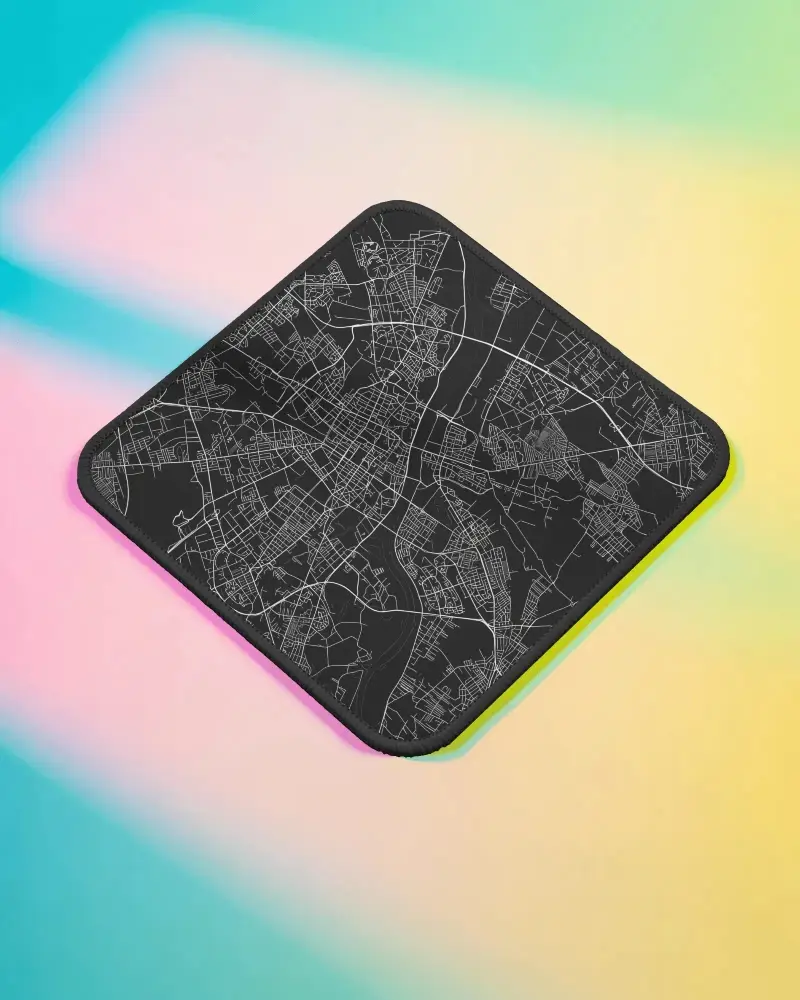
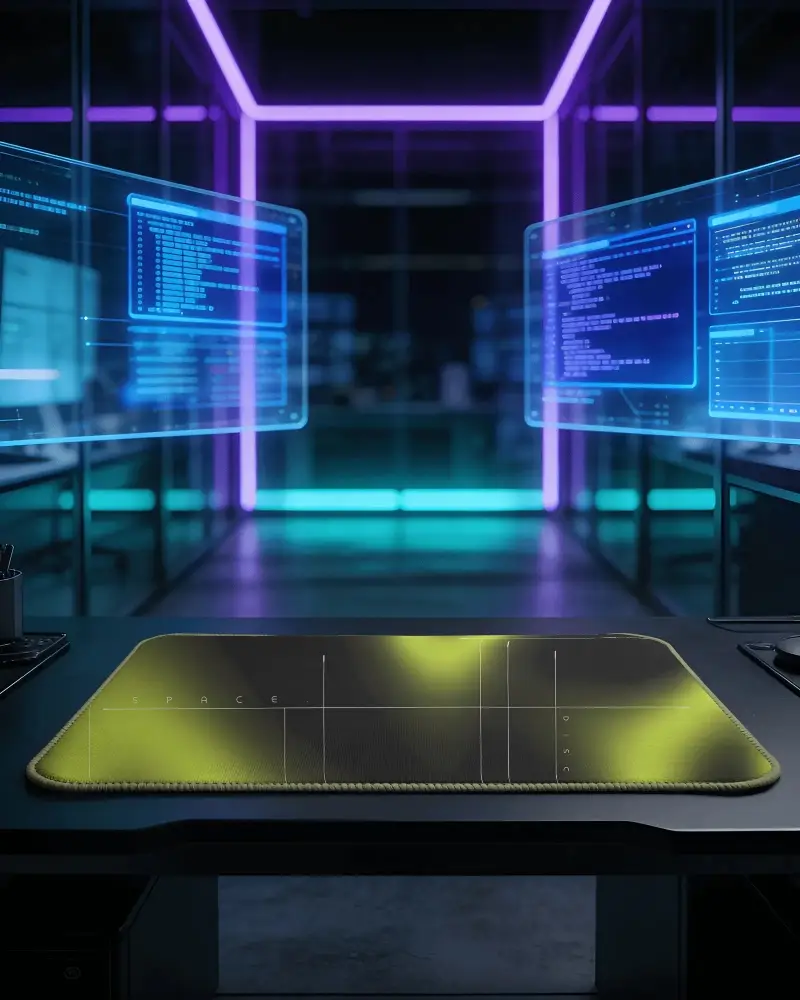
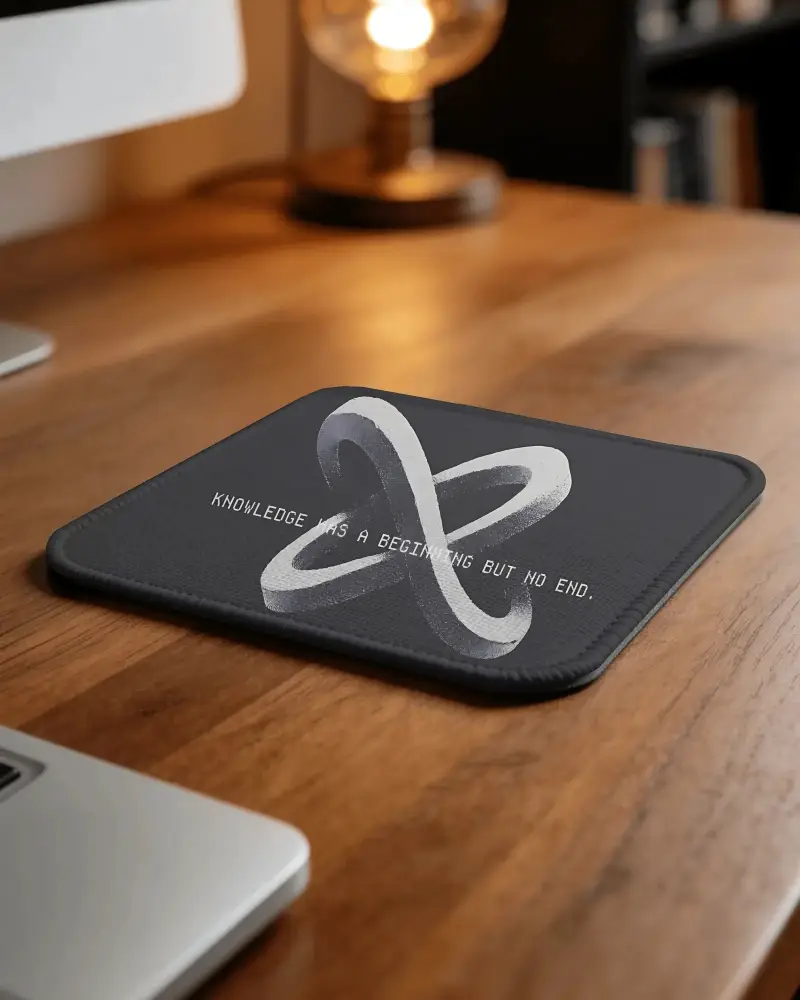
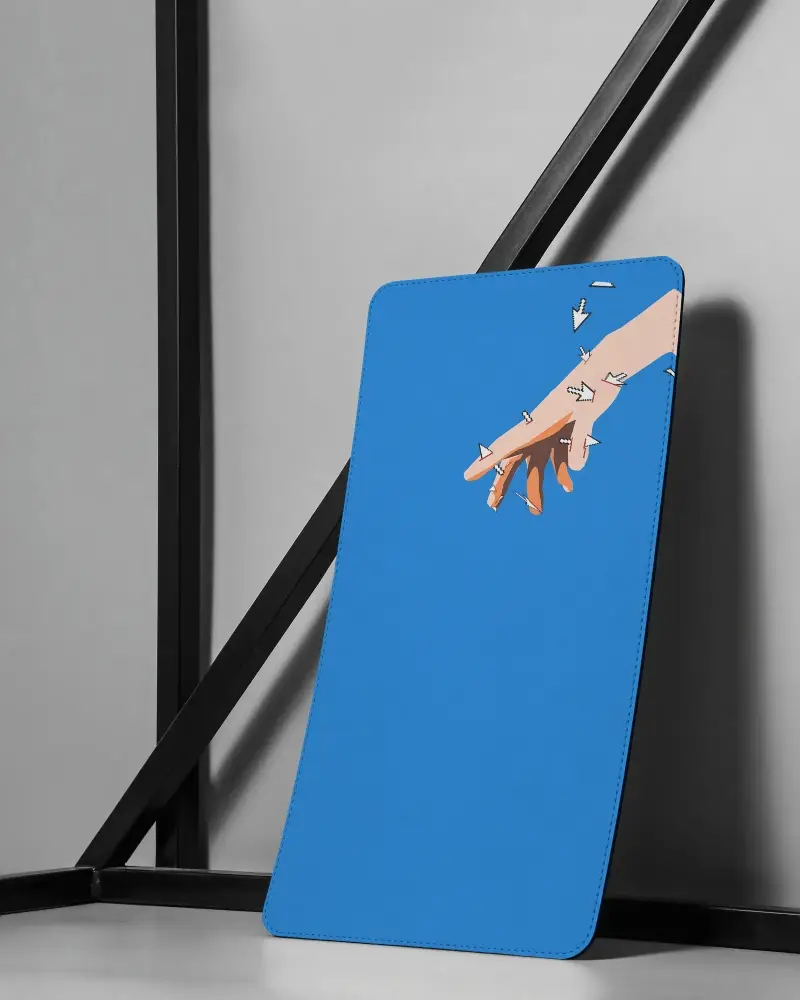
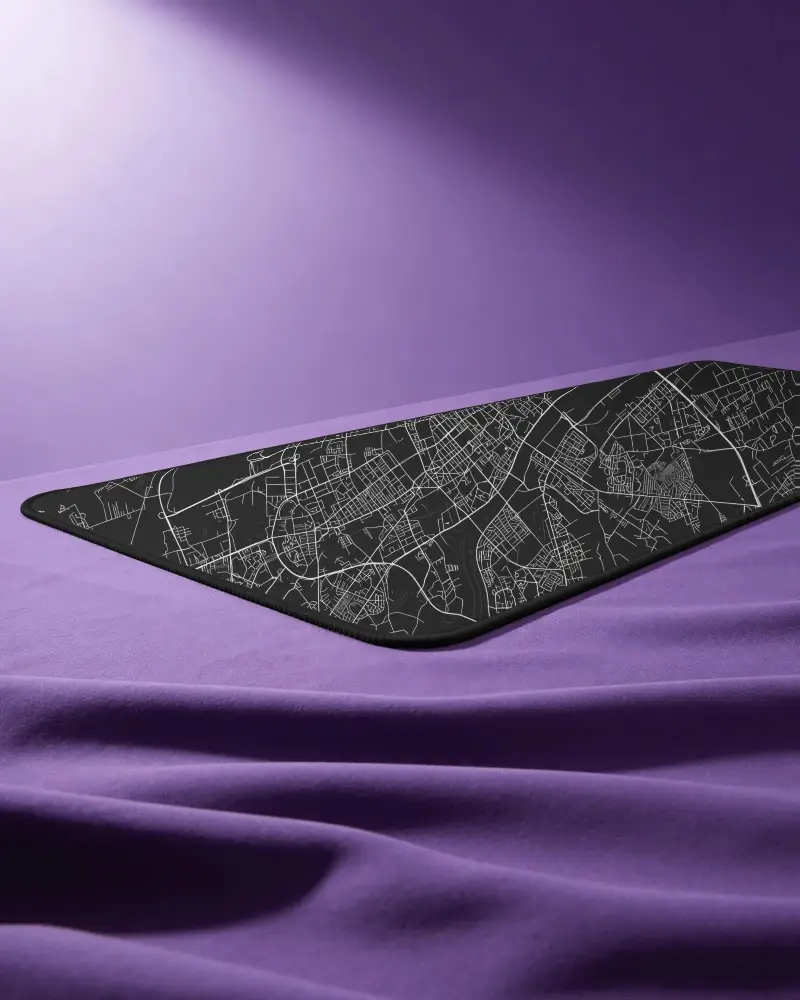
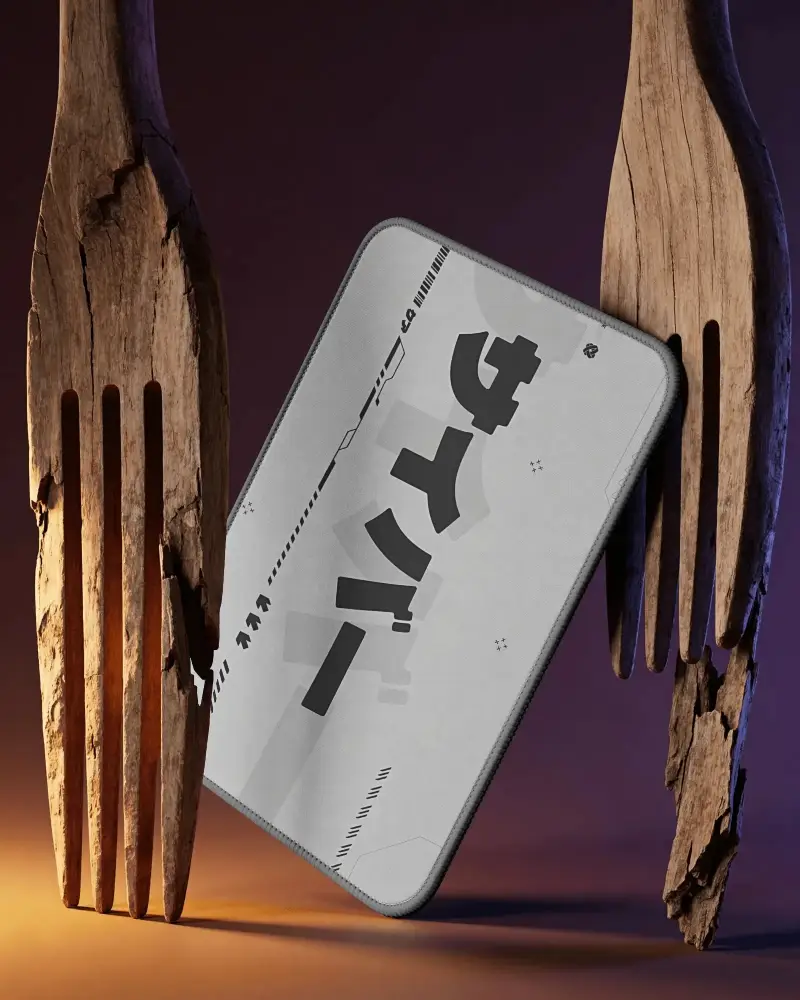
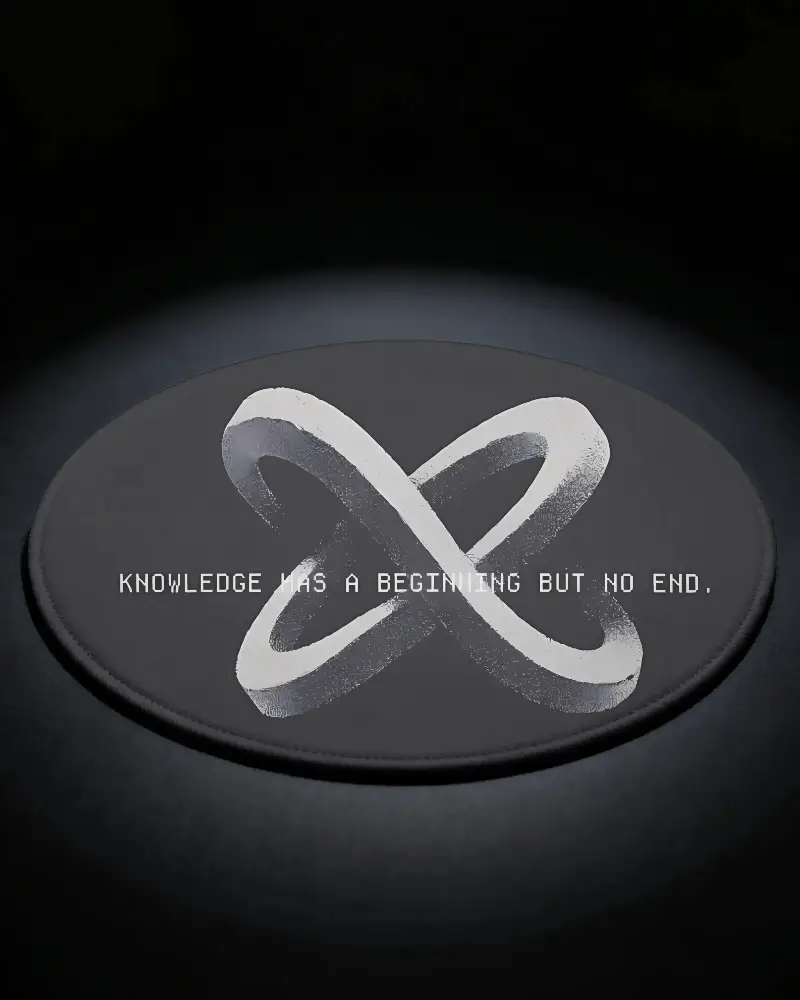
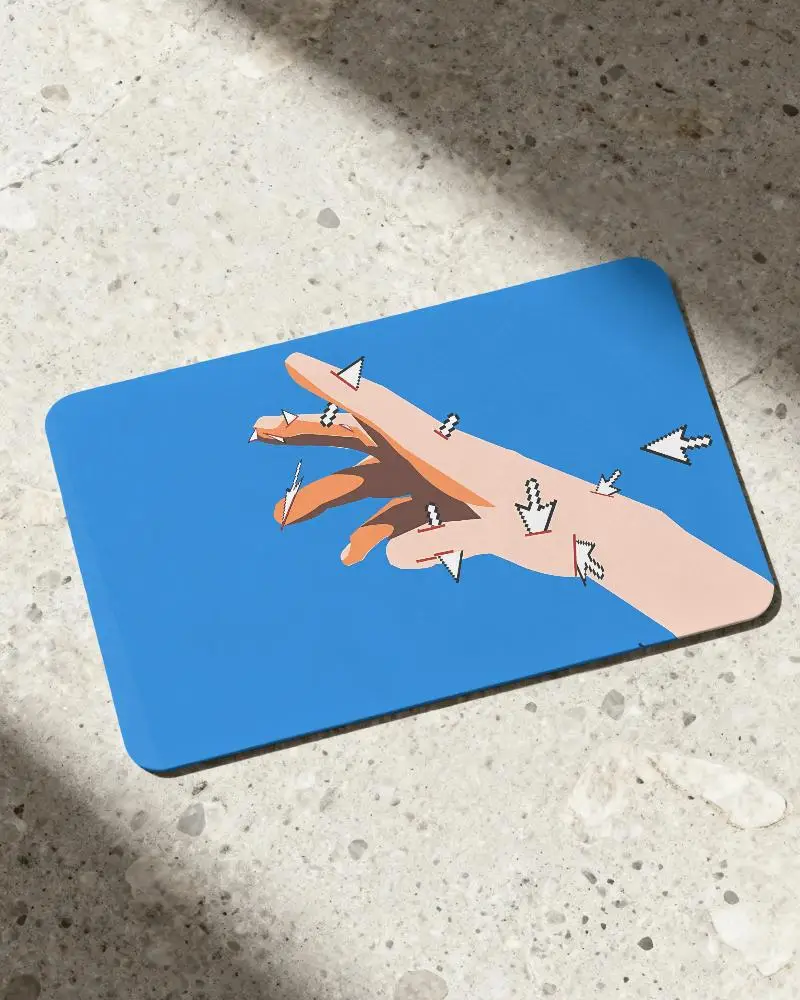
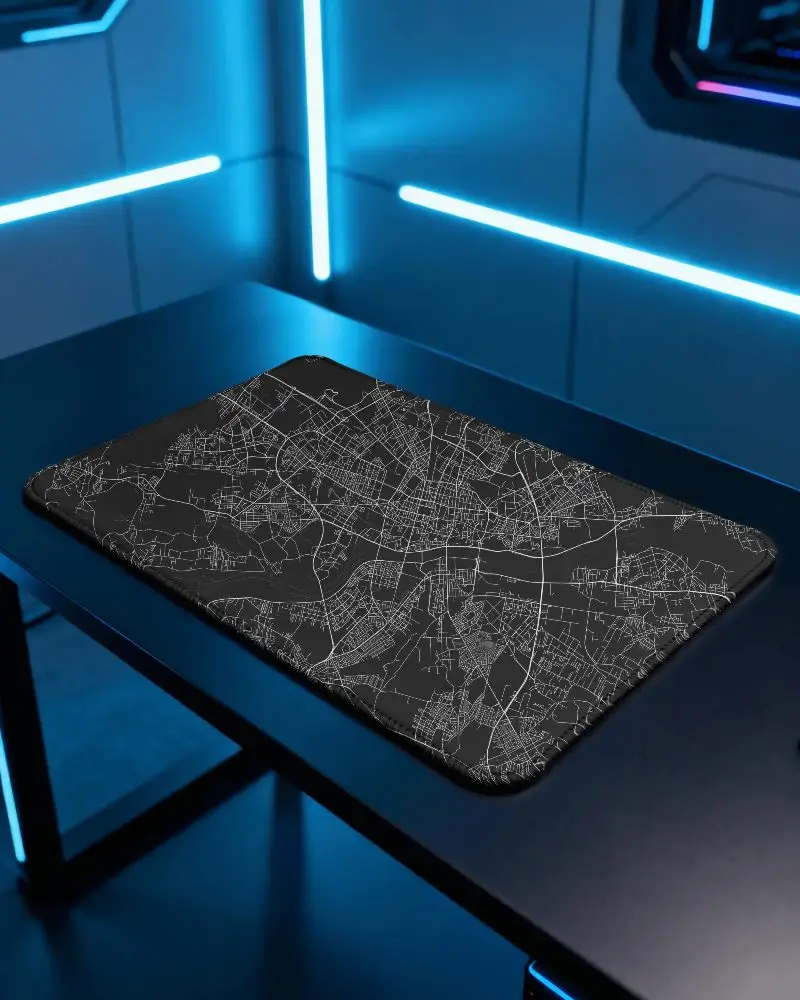
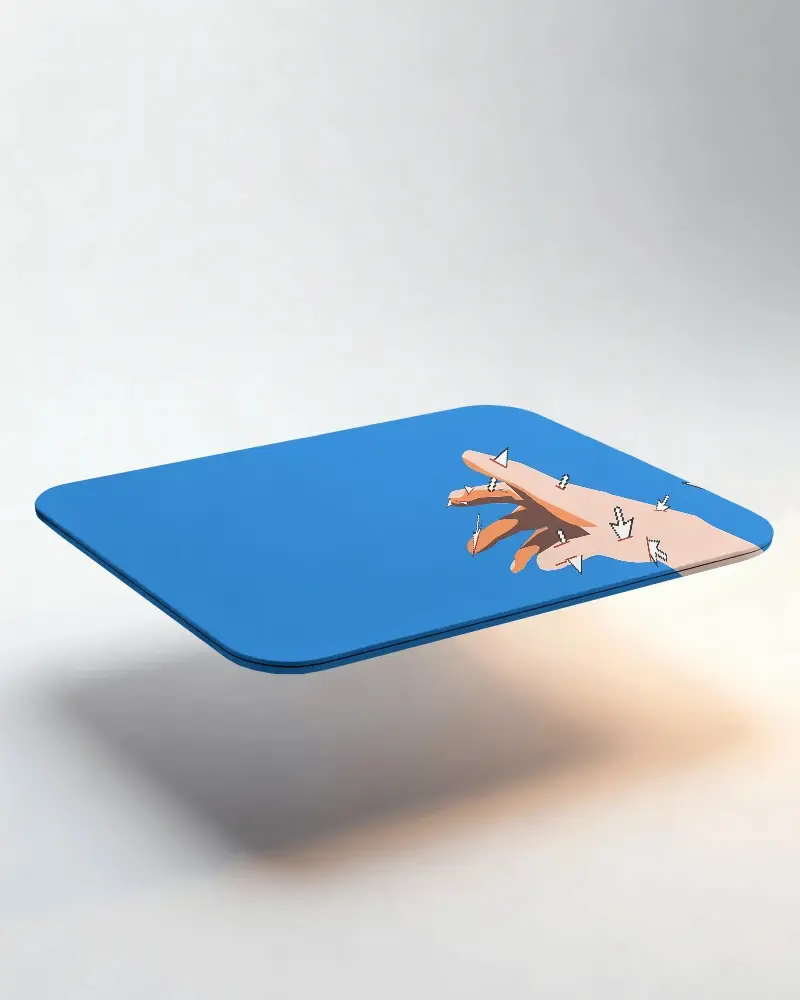
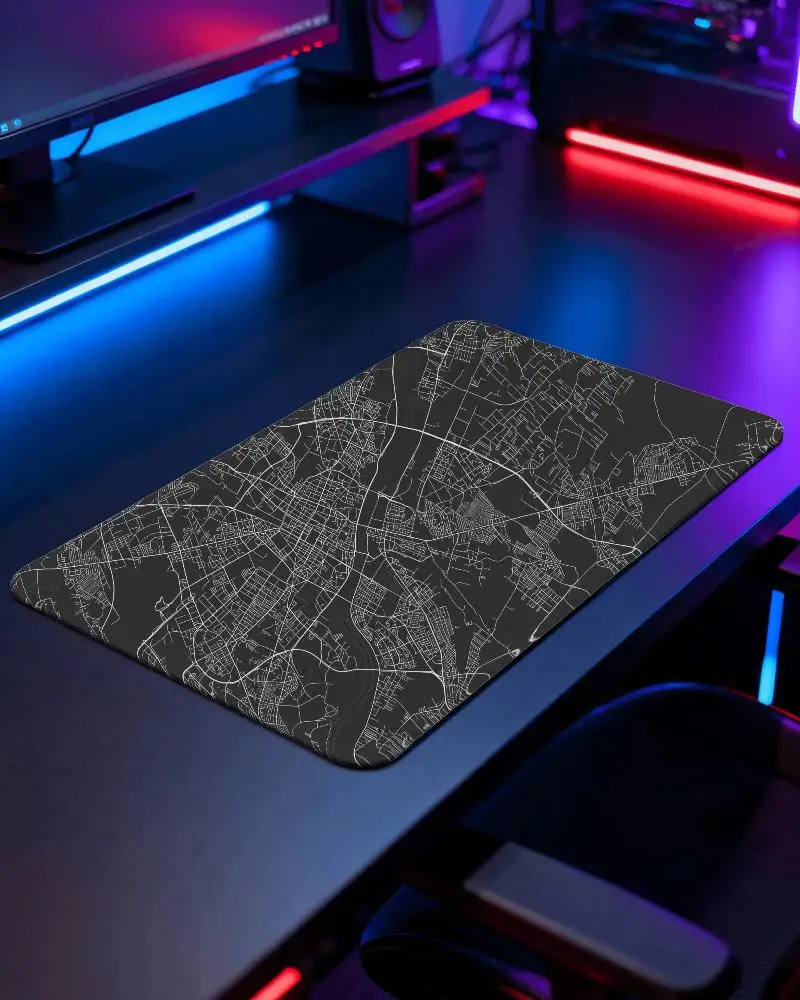
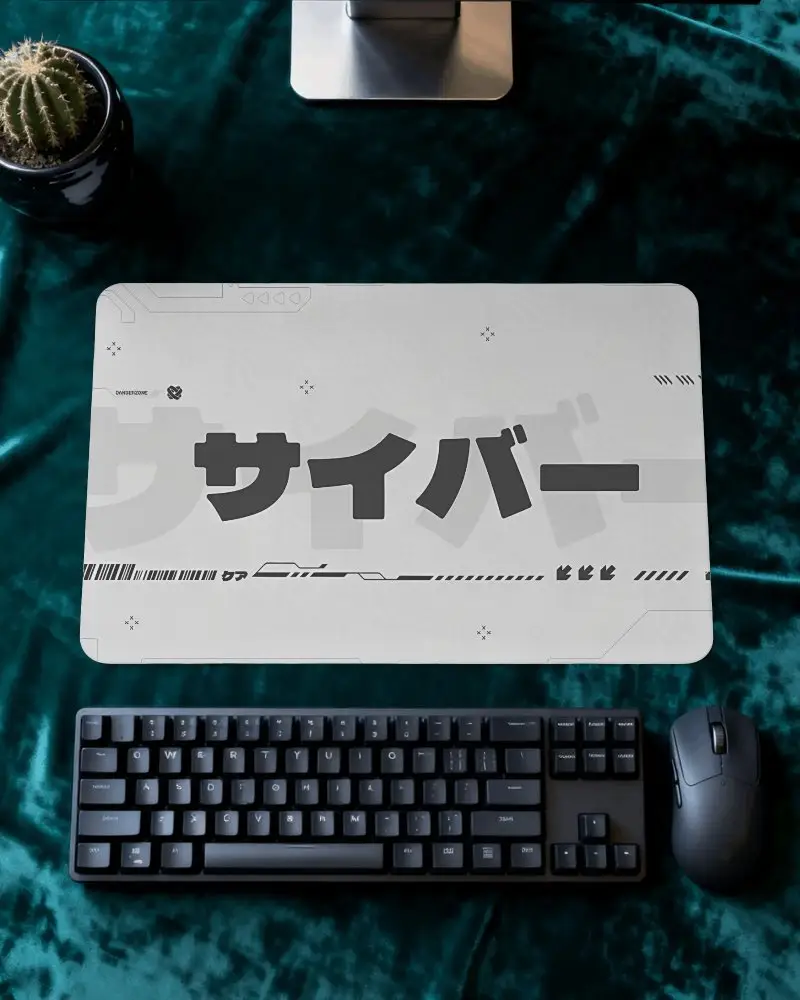
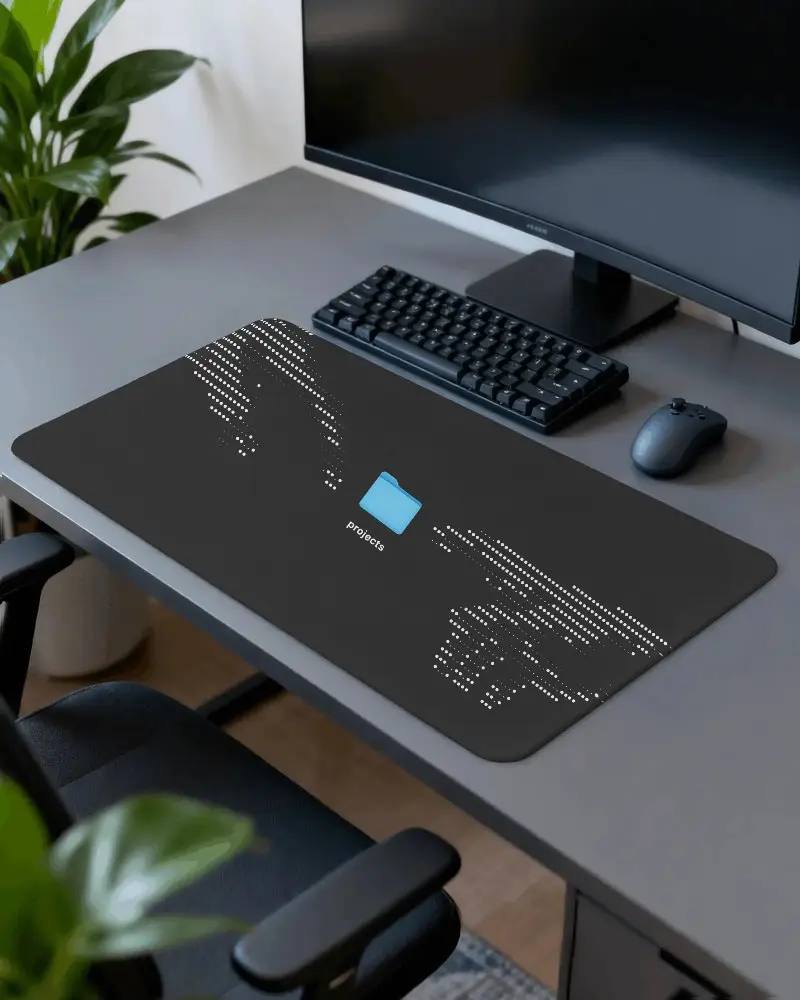
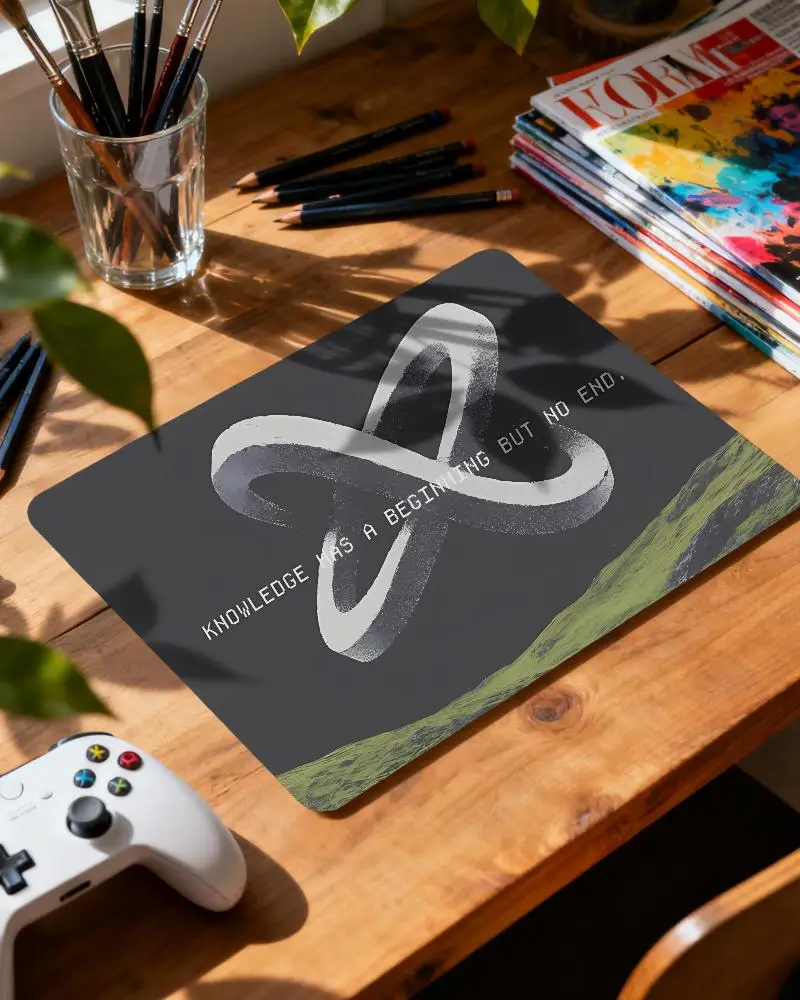
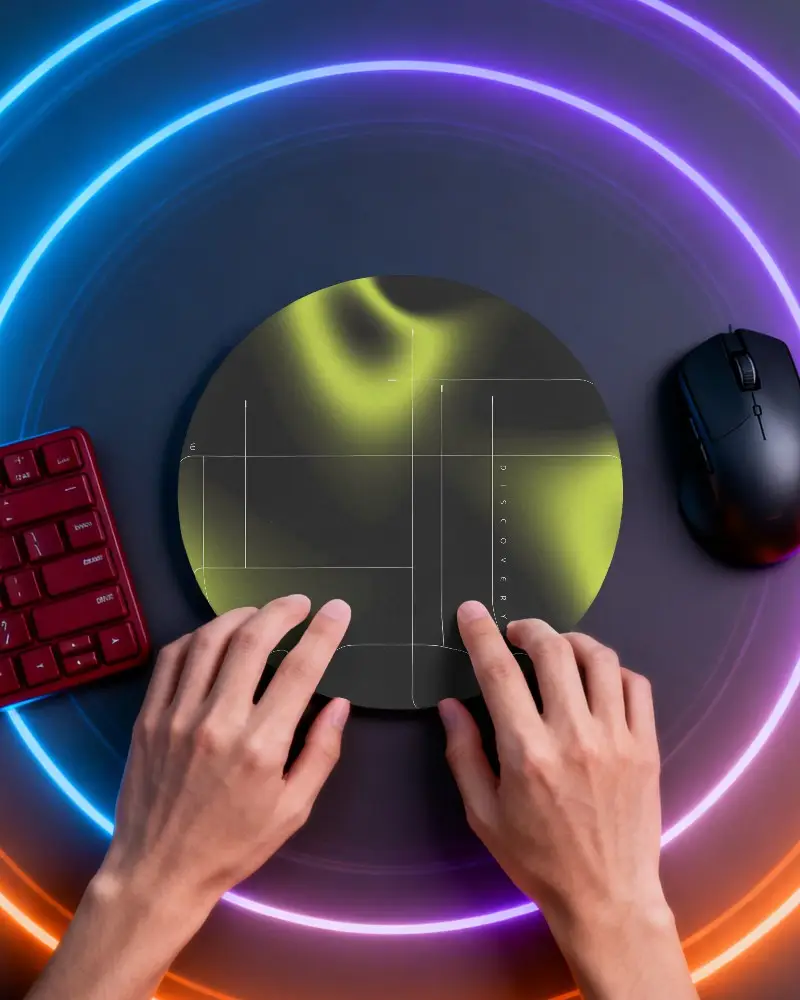
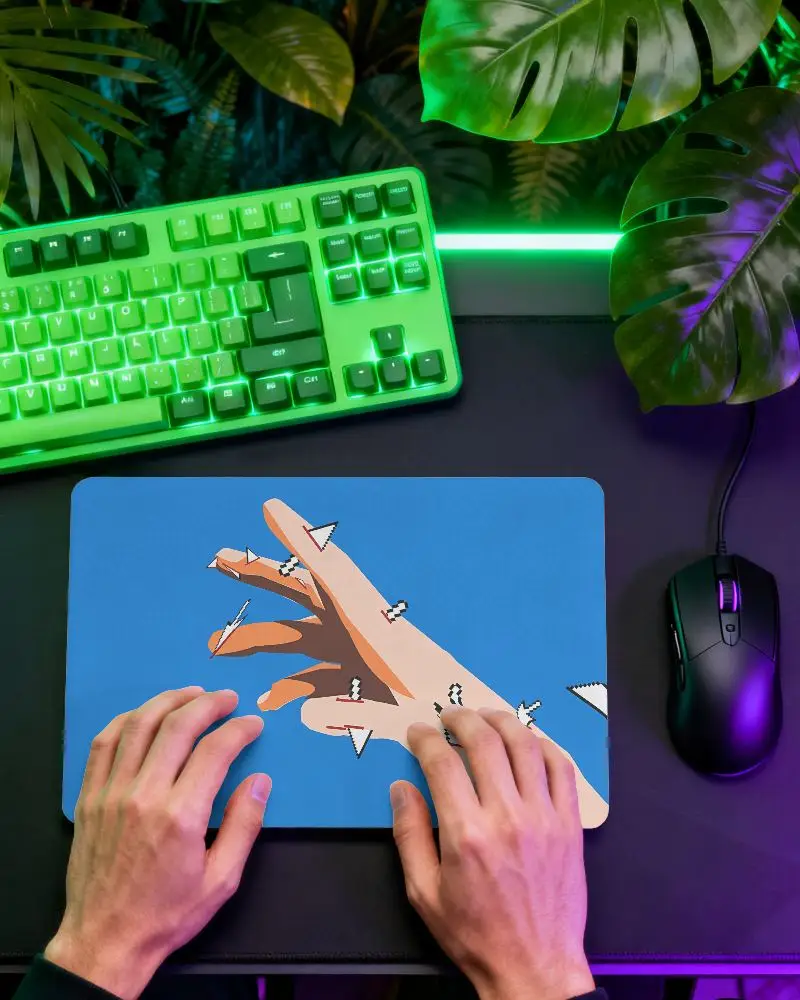
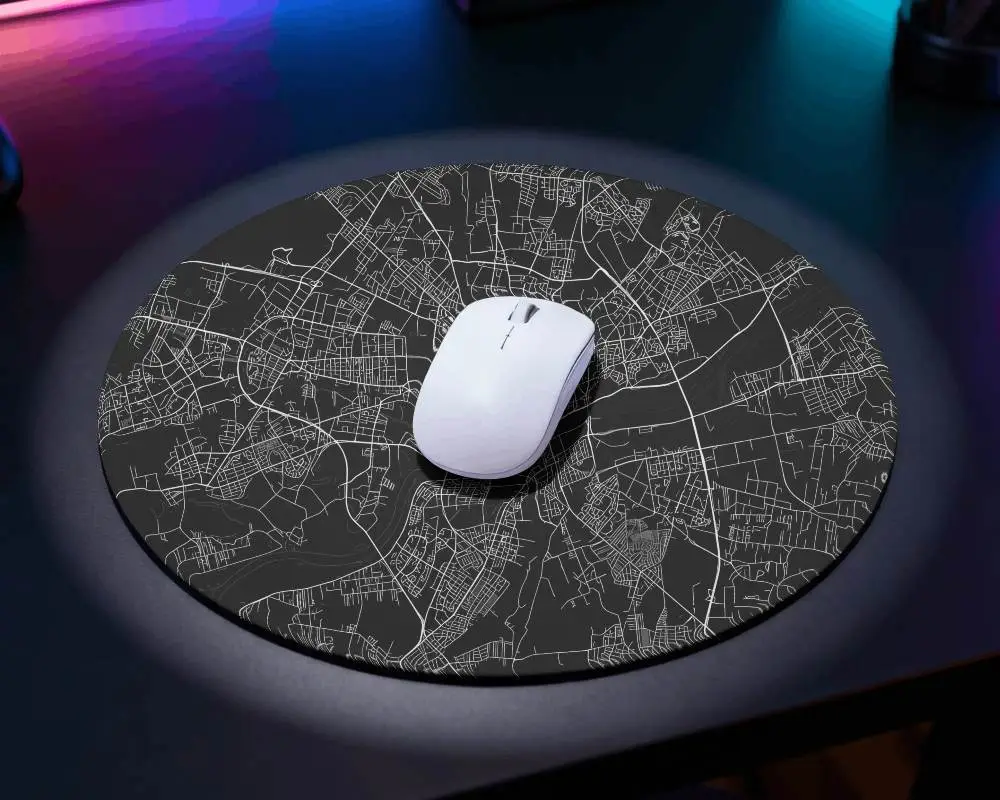
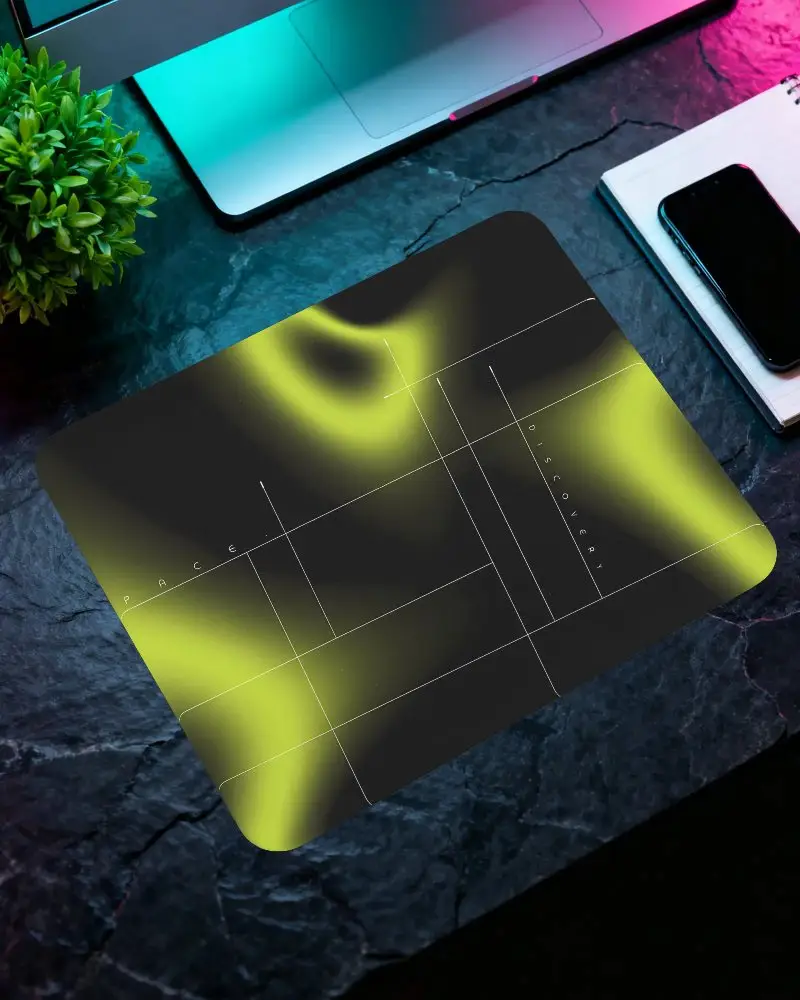
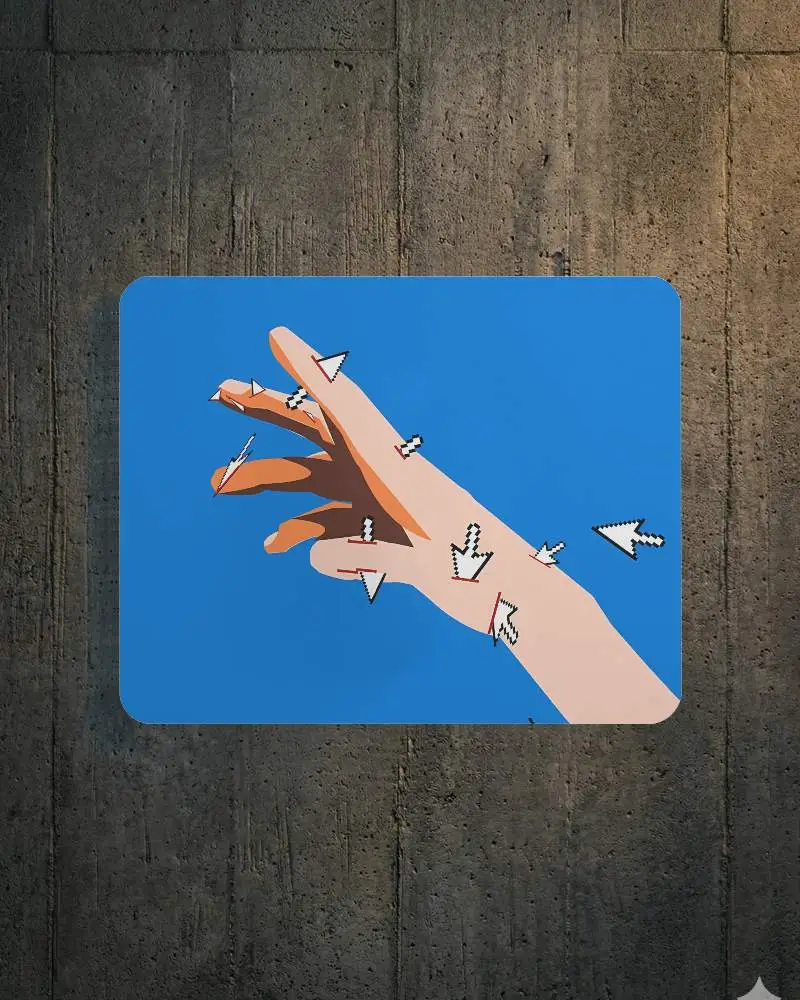
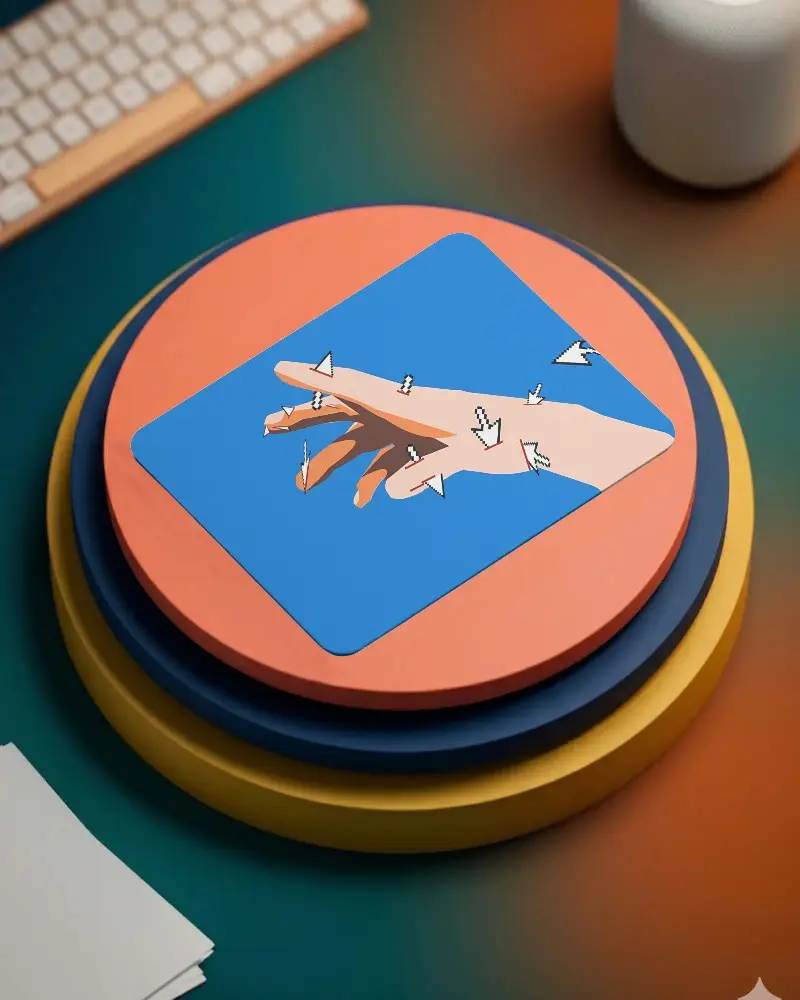
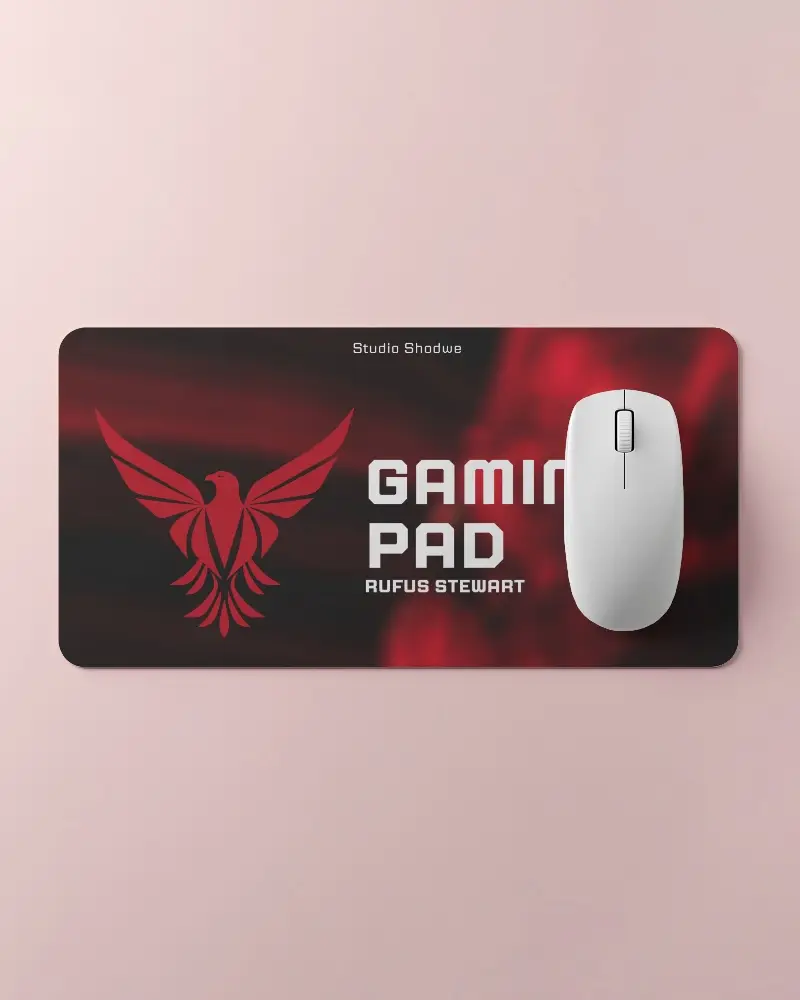
How to Create Rough Gaming Pad Mockup with Mockey
Follow the steps to create Rough Gaming Pad Mockups in Mockey AI
- Step 1: Go to Mockups > Accessories > Gaming Pad > Rough Gaming Pad in the toolbar.
- Step 2: Choose a template and upload your design.
- Step 3: Personalize your Rough Gaming Pad mockup and download it in high resolution.


FAQs on Rough Gaming Pad Mockups
What is a Rough Gaming Pad Mockup?
A Rough Gaming Pad mockup is a digital template that helps you display your designs or branding on a realistic gaming mouse pad. These templates make it easy to create images for promoting your products or services.
Why create a Rough Gaming Pad mockup?
Designing a Rough Gaming Pad mockup helps you see and try out your design on a mouse pad before production. It allows you to visualize the final product and make any necessary adjustments to ensure it meets your expectations.
Why Use Mockey’s Rough Gaming Pad Mockup?
Mockey's Rough Gaming Pad Mockup Generator is a free tool that allows you to create high-quality, customizable Rough Gaming Pad mockups quickly. With a variety of templates and easy customization options, it's perfect for showcasing your designs.
Is this Rough Gaming Pad Mockup Free?
Yes, the Rough Gaming Pad Mockup Generator on Mockey.ai is free to use. You can create and download unlimited high-quality mockups without any fees or watermarks.
