Free Red Beanie Mockup Templates
Create a Red Beanie Mockup for free. Mockey offers high-resolution, customizable beanie mockup templates to showcase your designs perfectly!

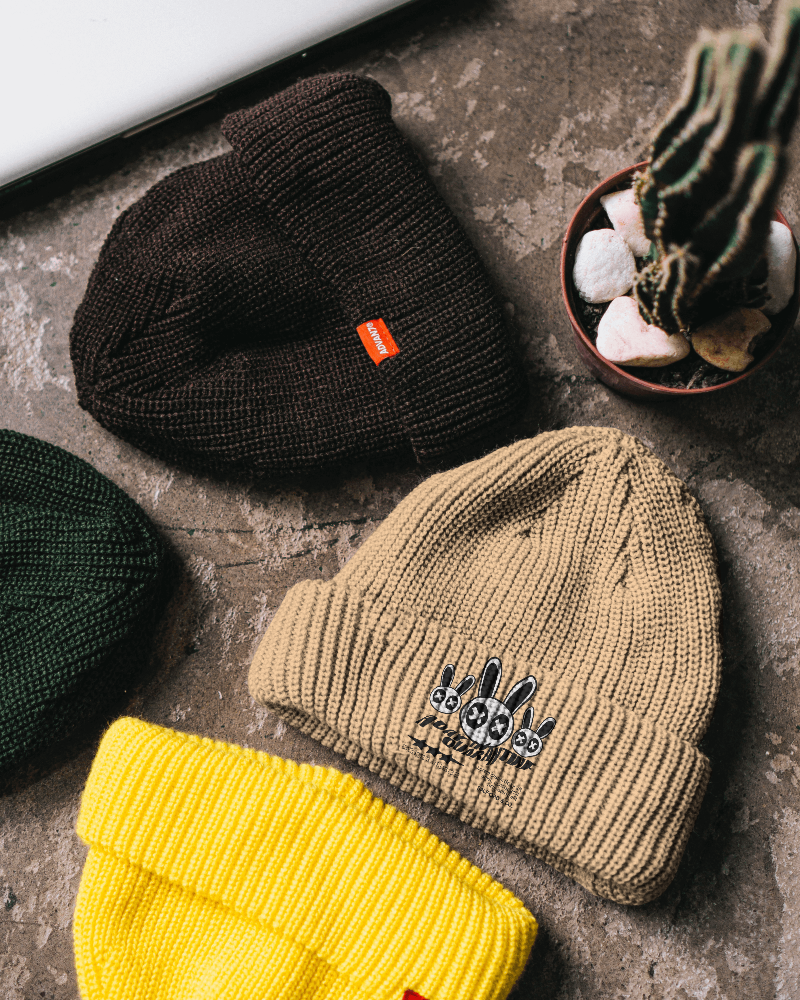



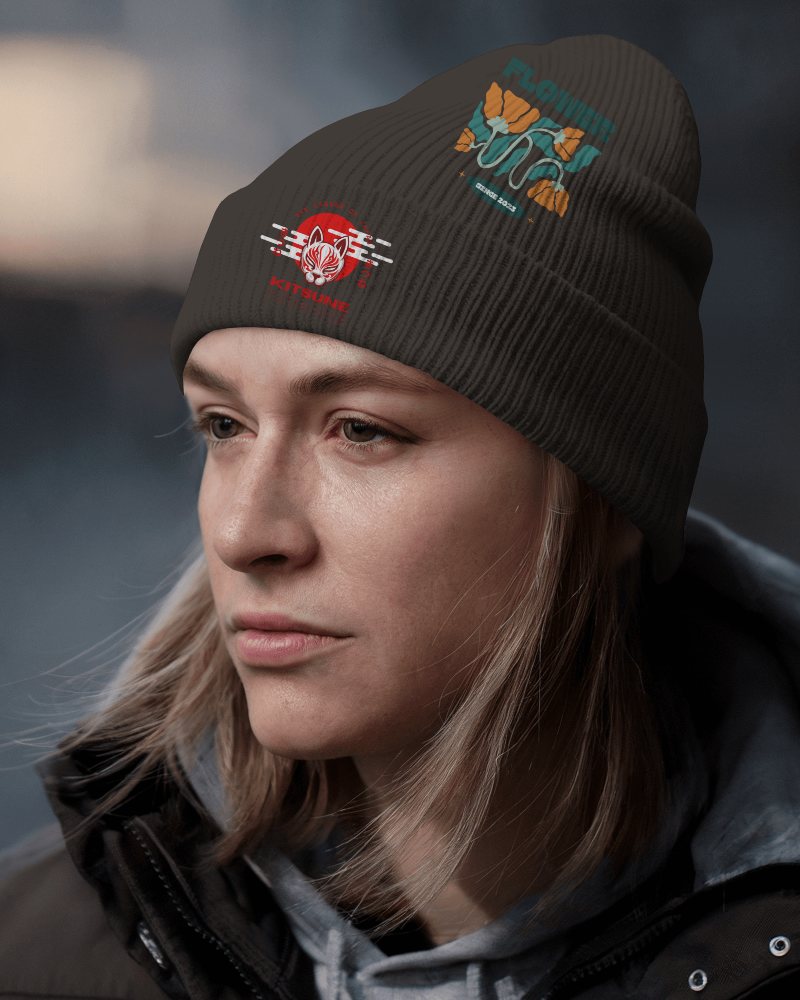

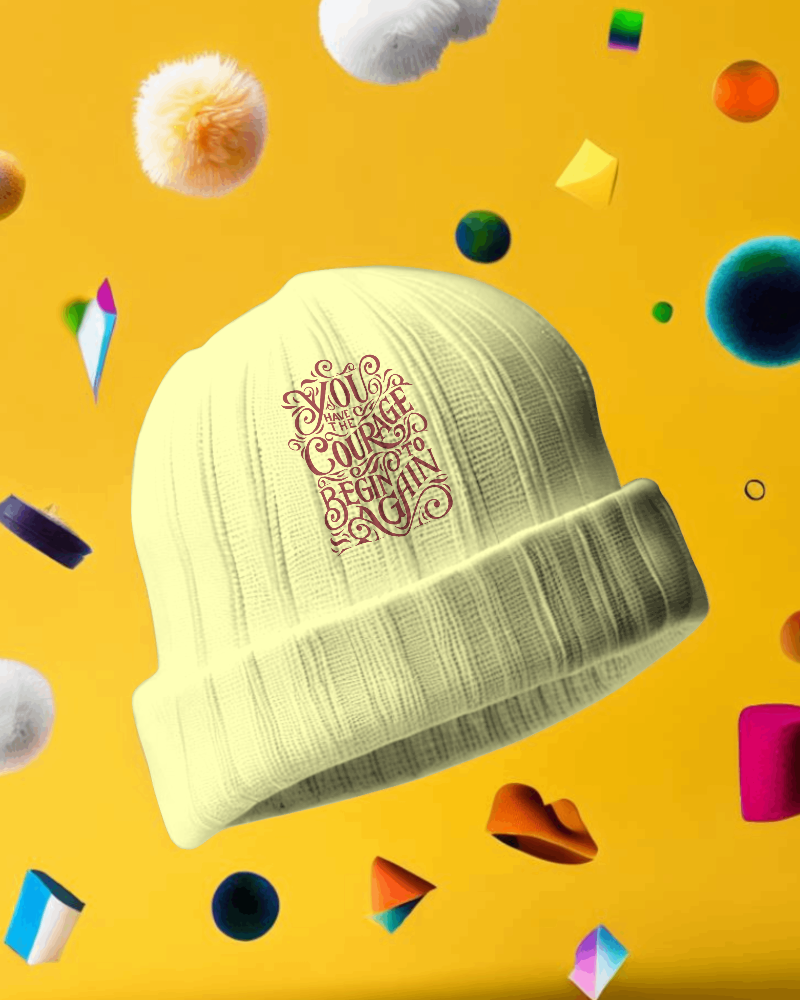
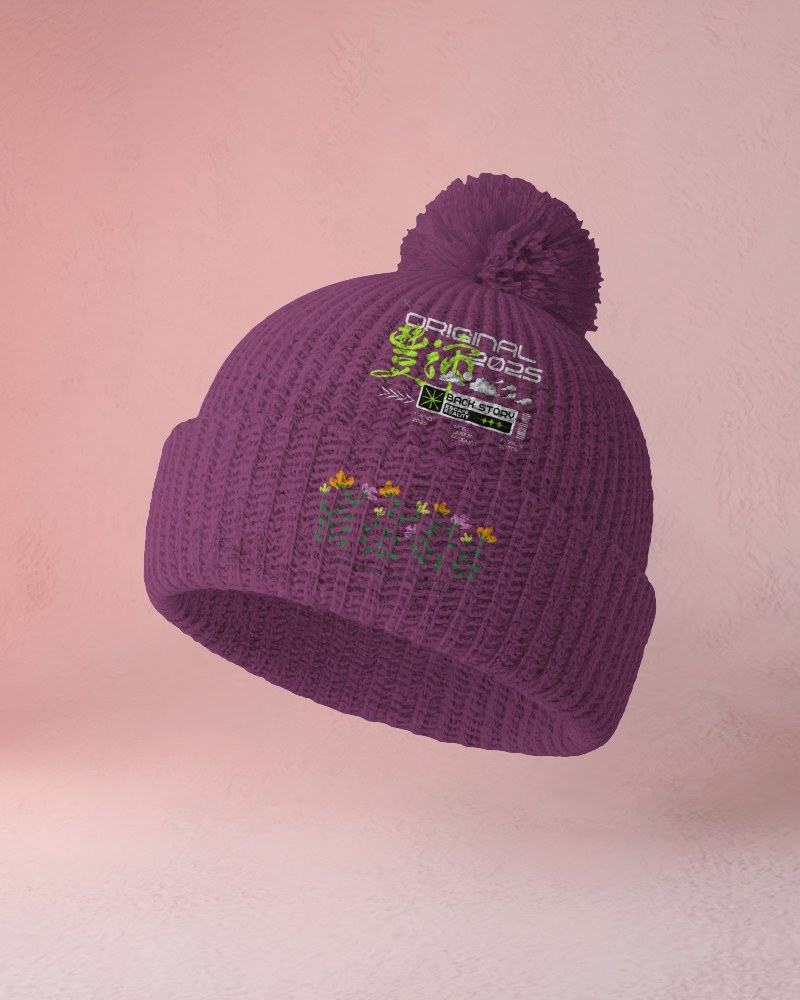

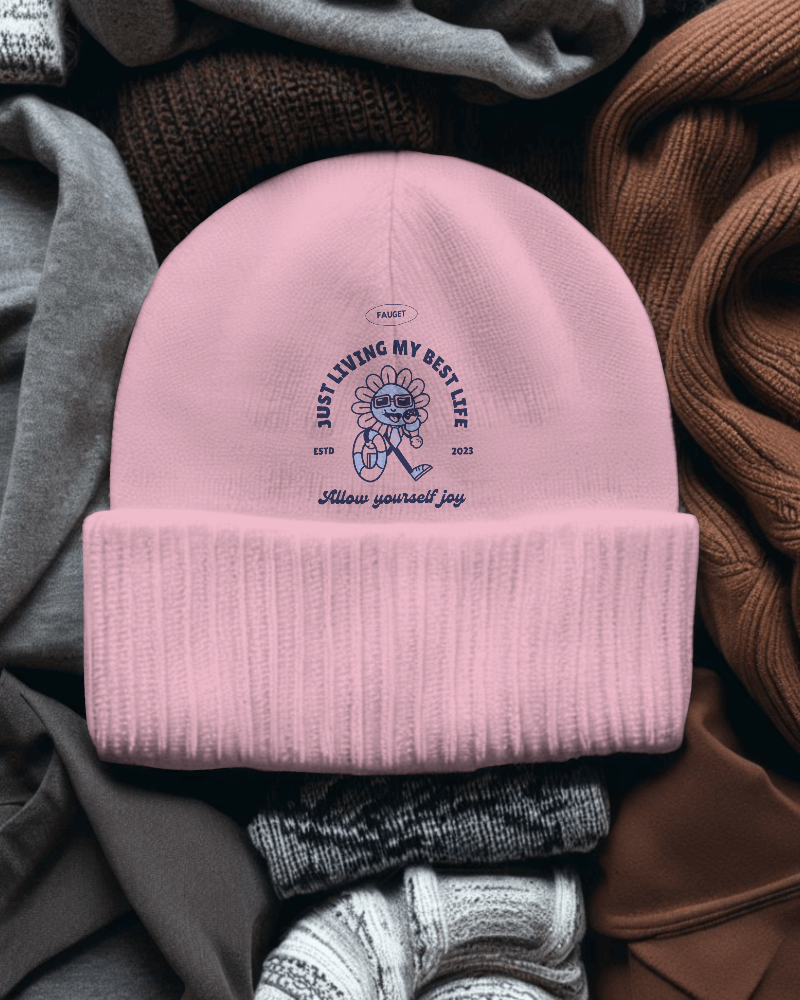
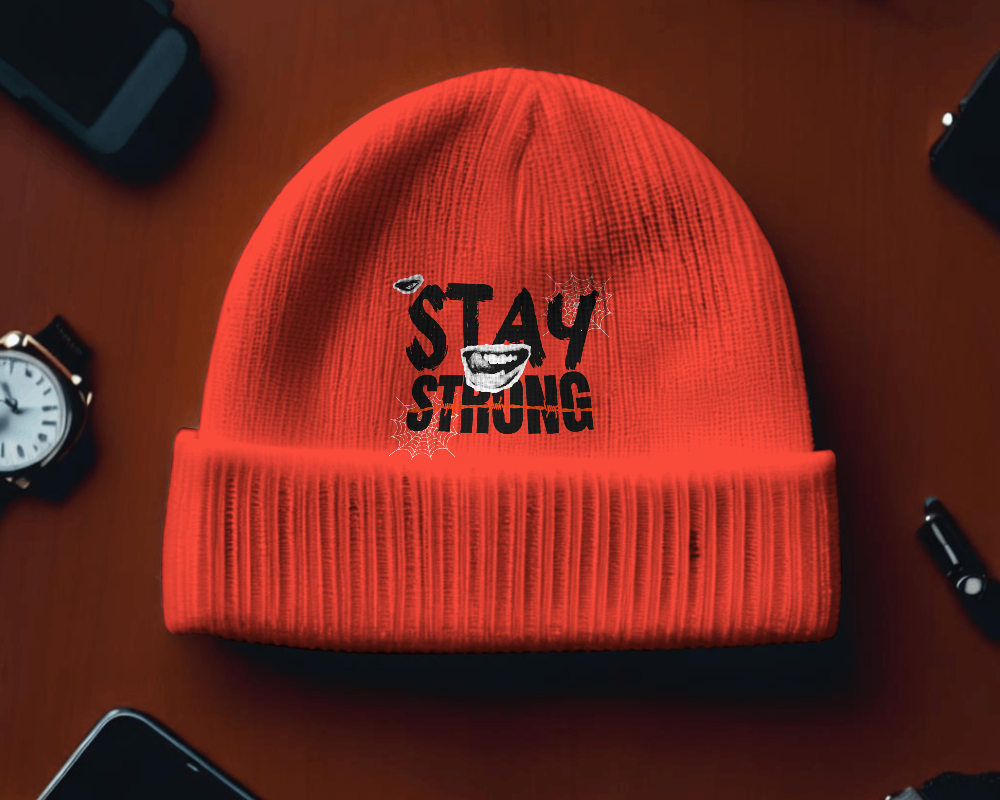

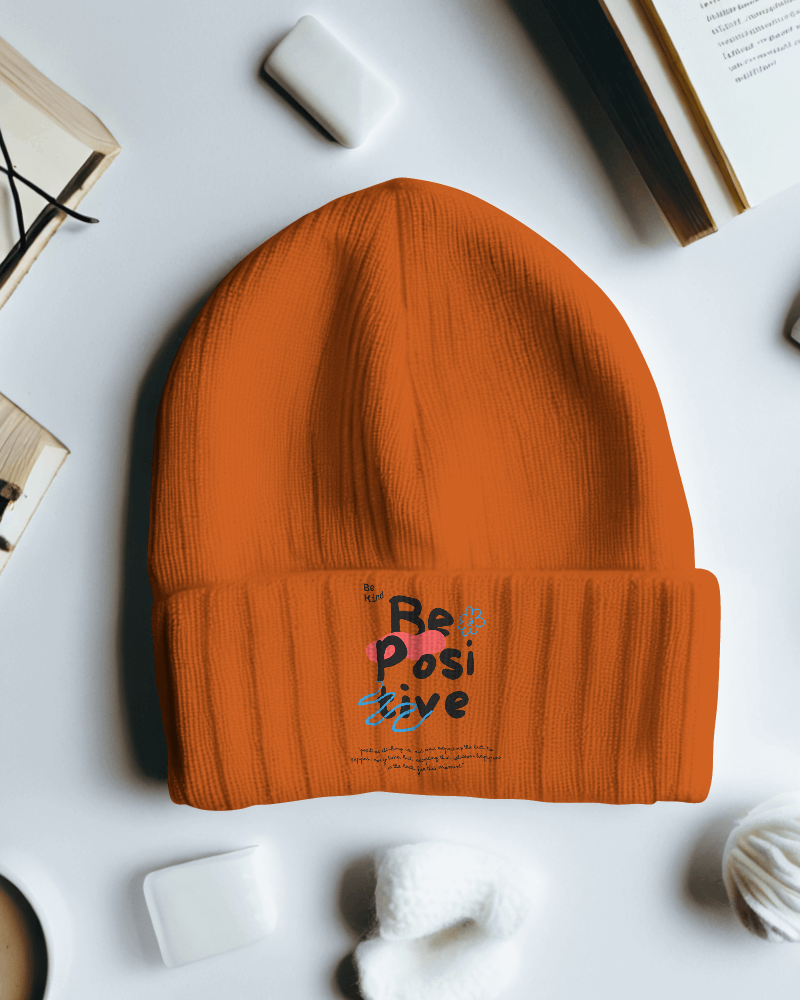

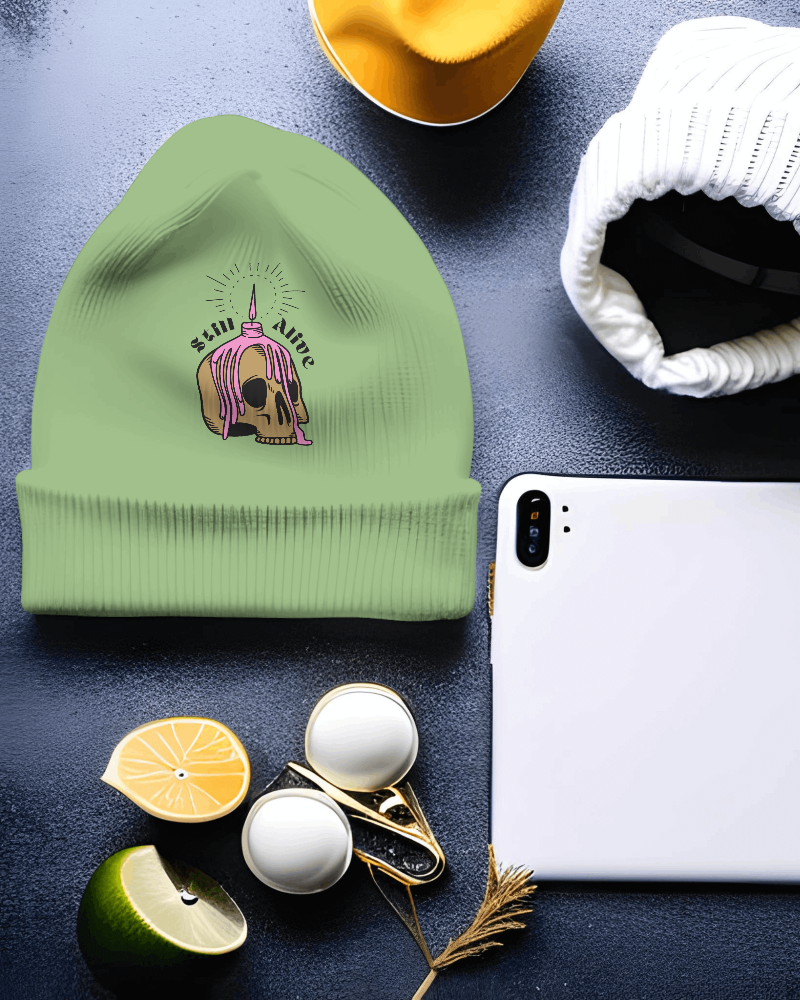

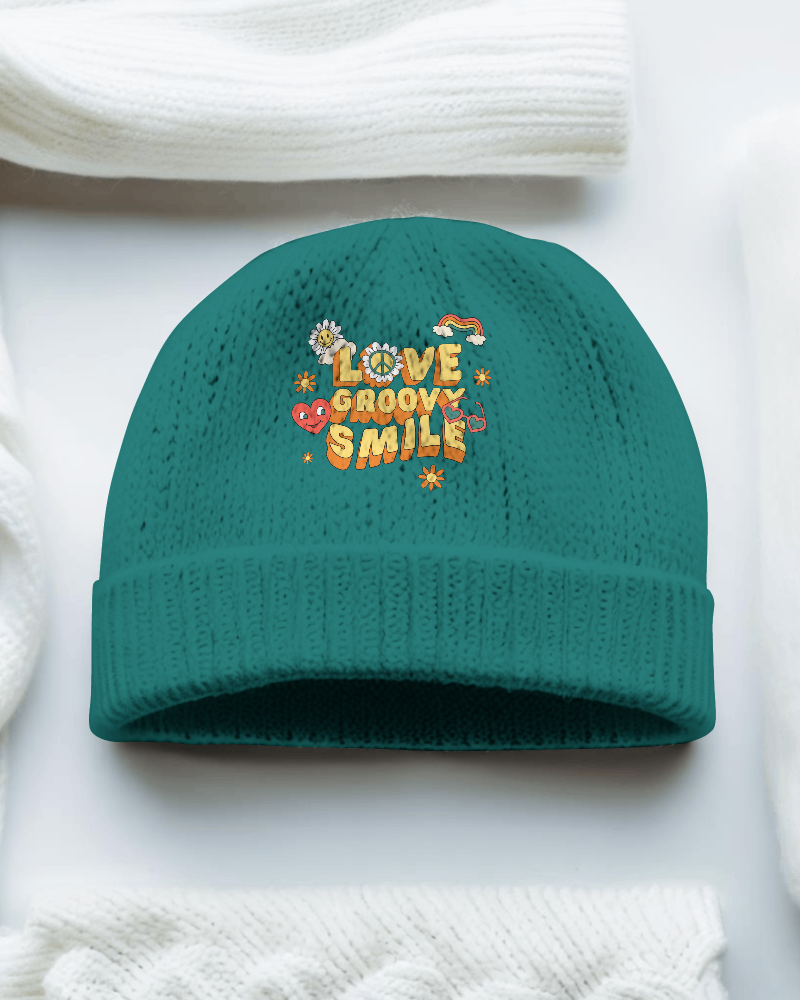
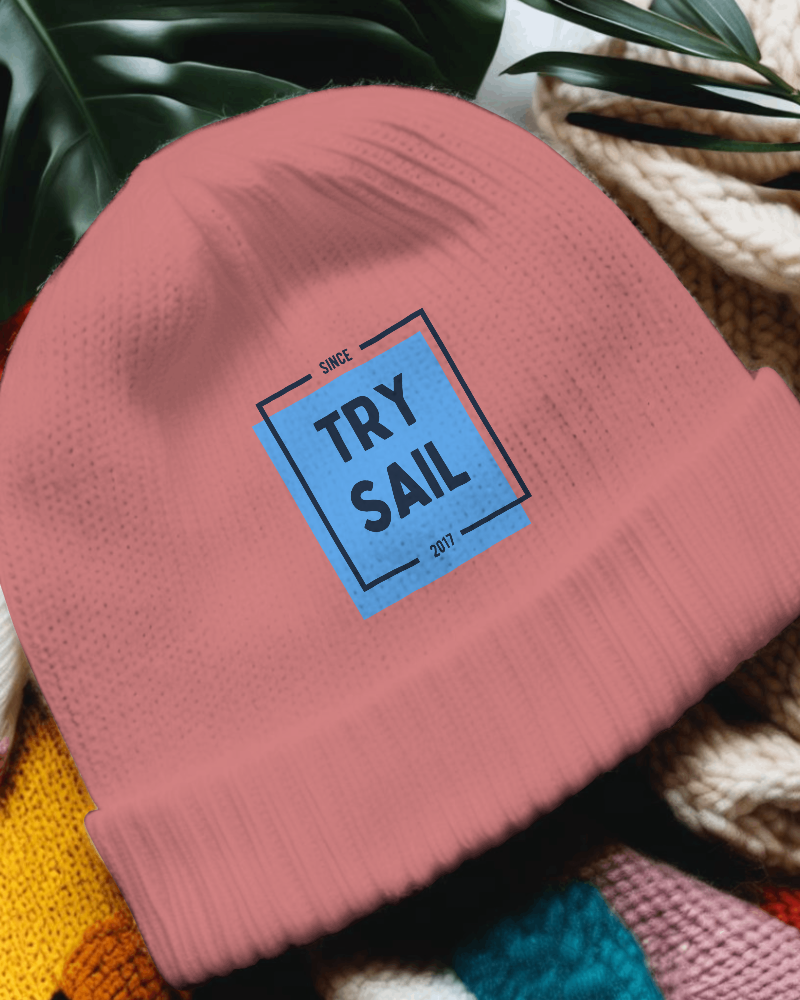
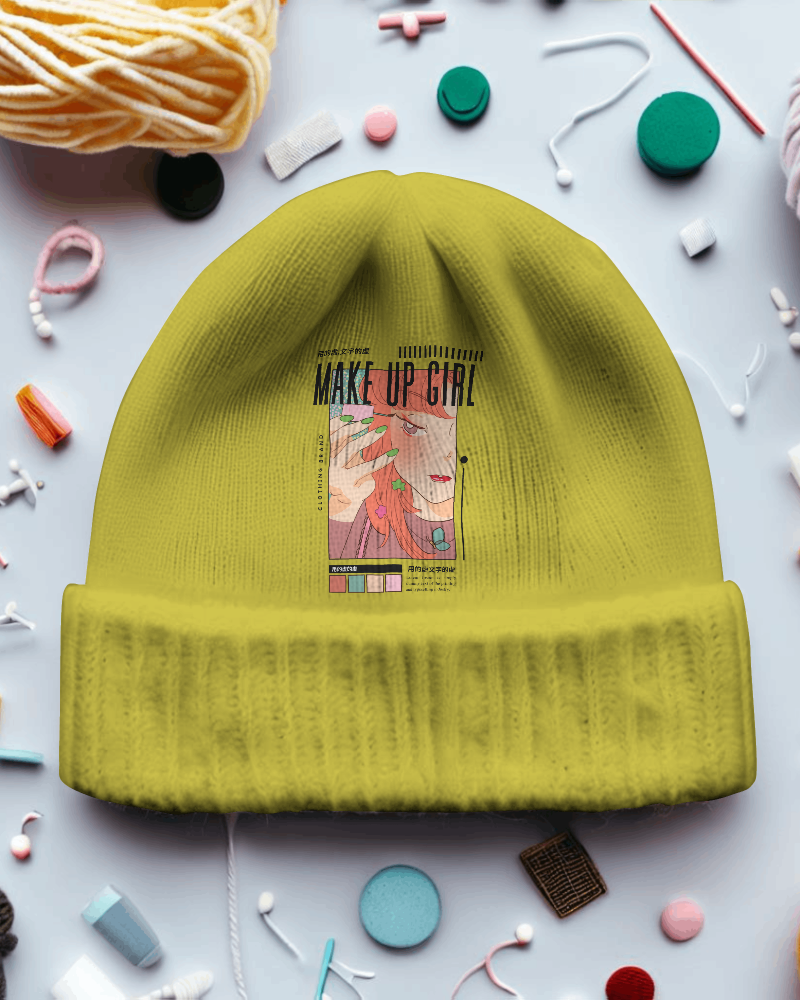
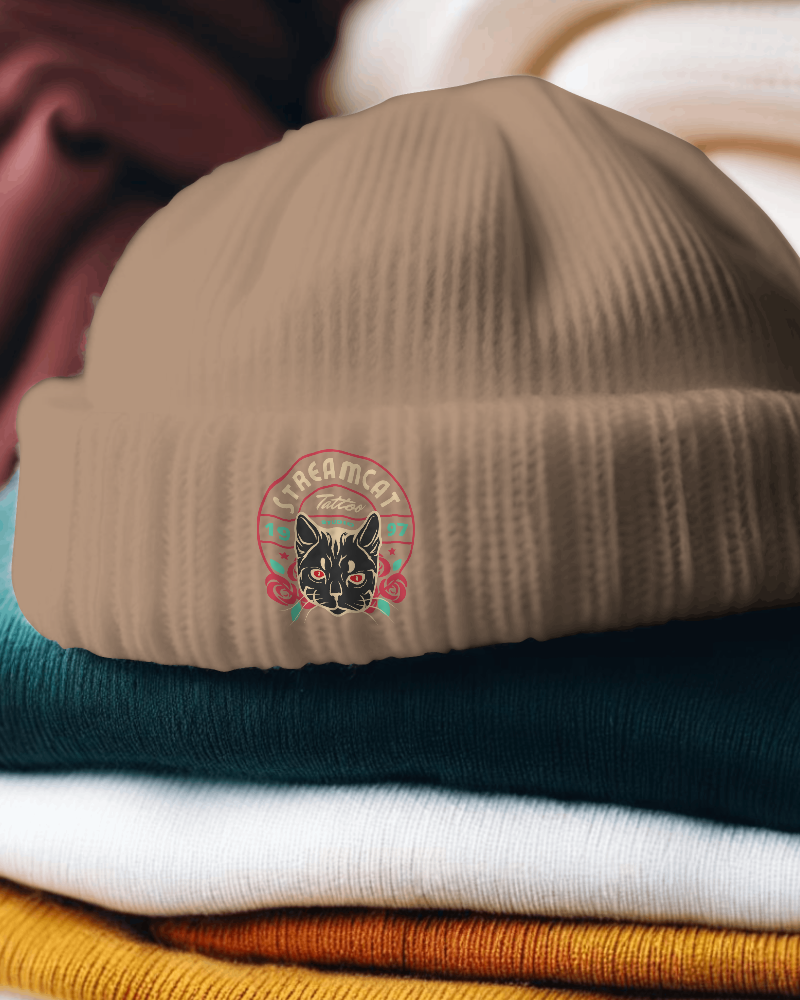
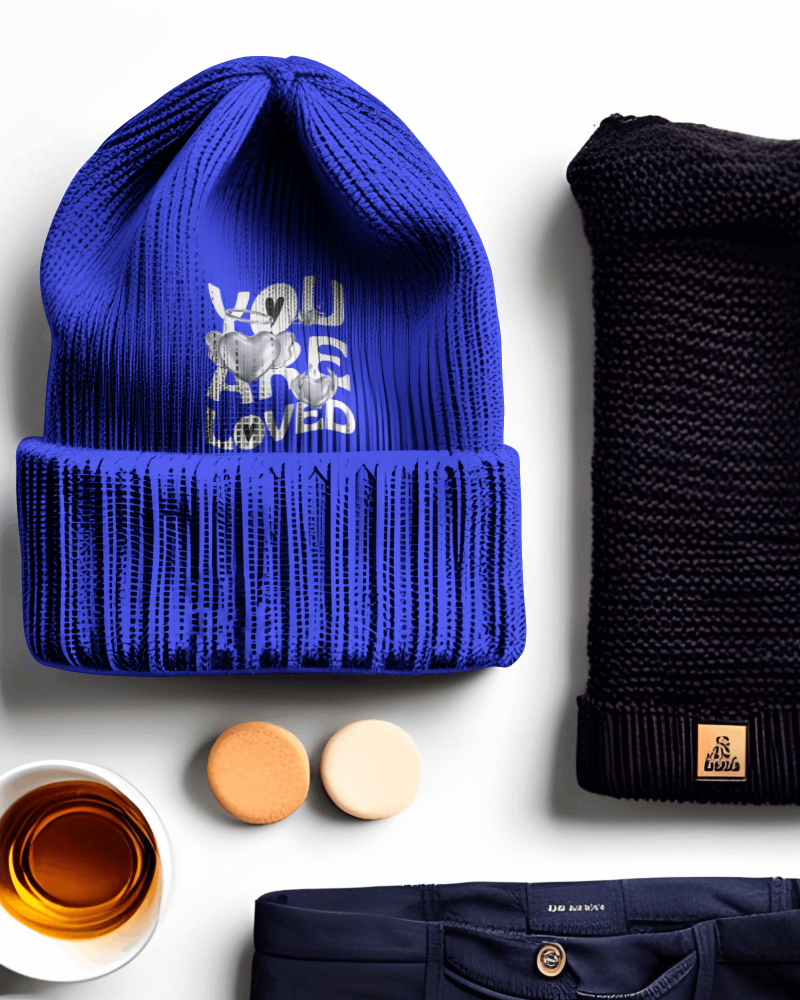
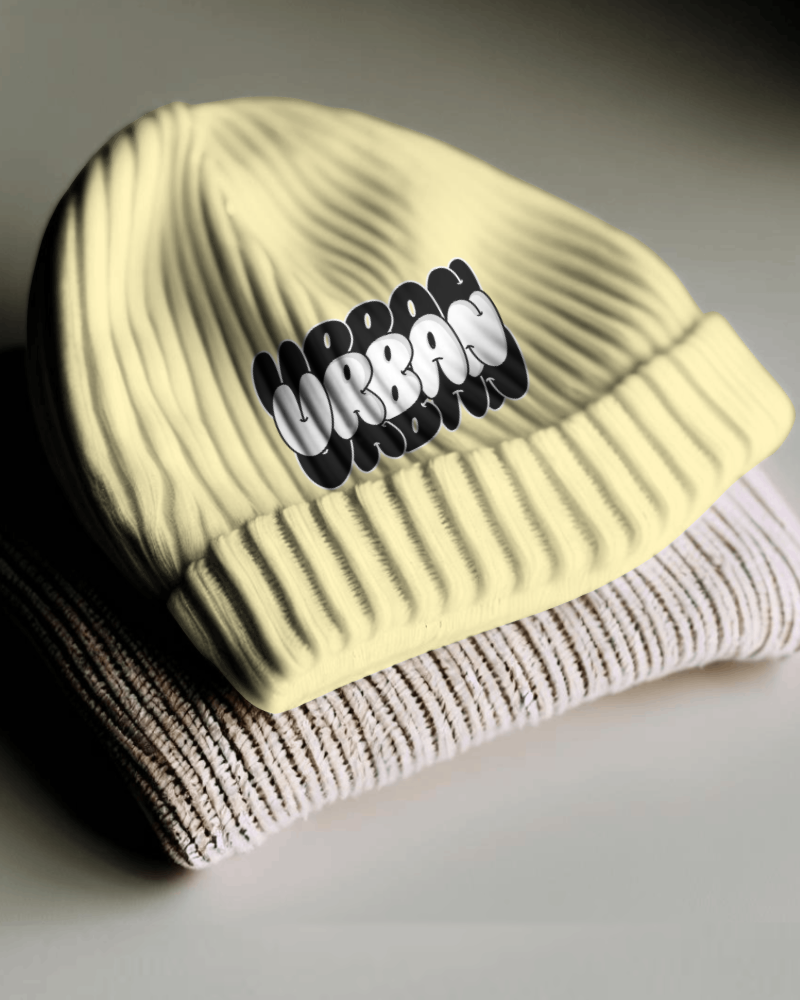
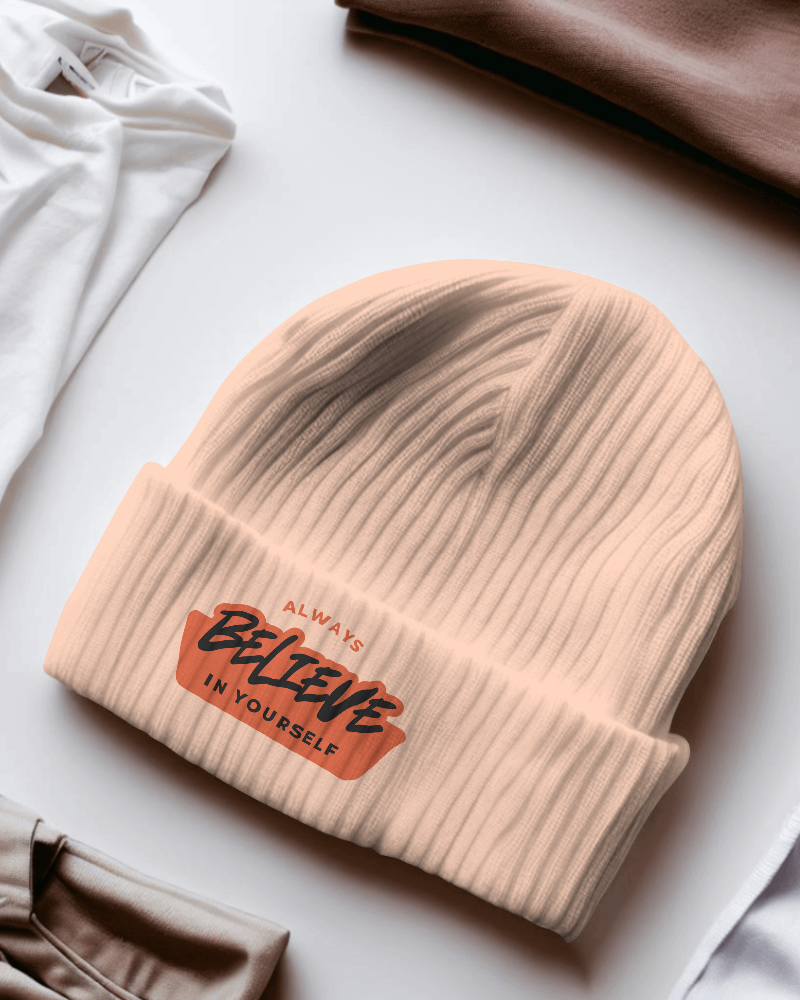
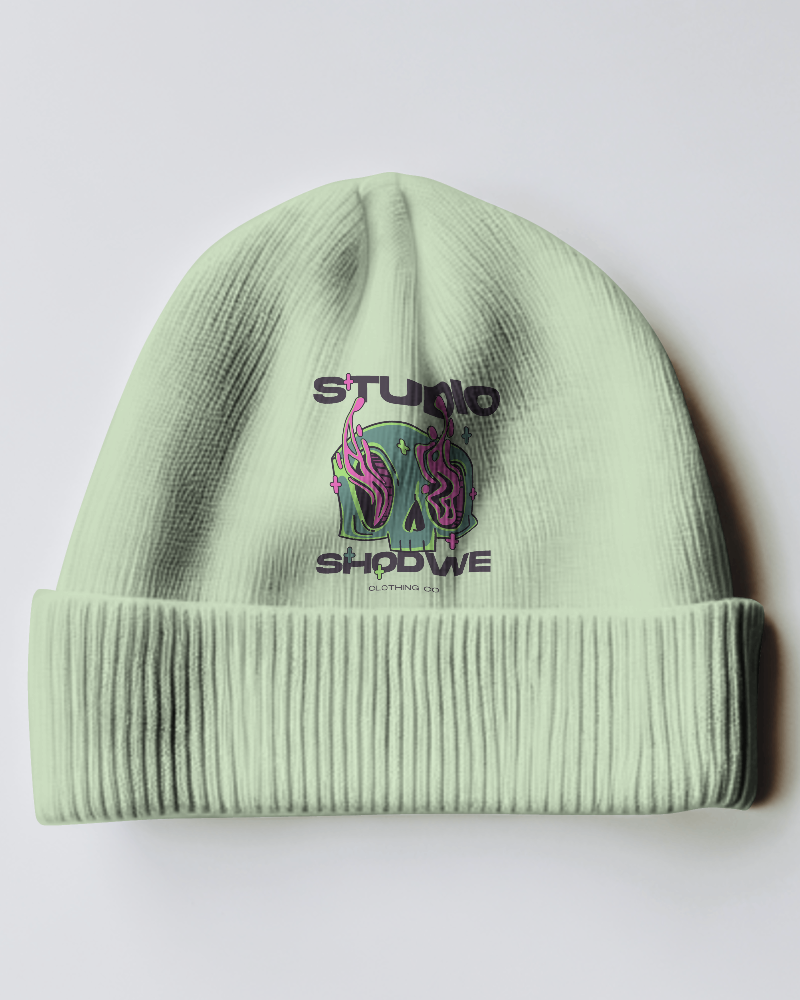
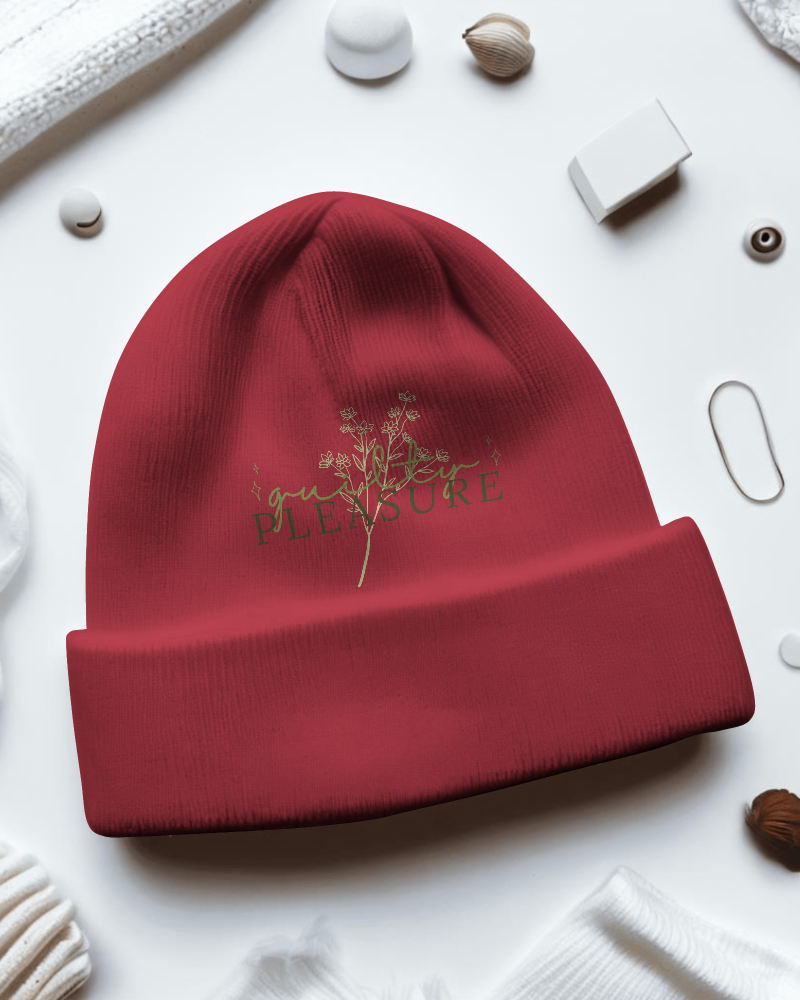
How to Create Red Beanie Mockup with Mockey
Follow these steps to design your Red Beanie mockup using Mockey AI:
- Step 1: Sign up or log in to Mockey.ai.
- Step 2: Go to Mockups > Accessories > Beanie and select the 'Red' tag.
- Step 3: Choose your desired template and upload your design or logo.
- Step 4: Adjust the size, color, and background using customization tools or AI Photoshoot features.
- Step 5: Click 'Download' to save your high-resolution mockup in PNG or JPEG.


FAQs on Red Beanie Mockups
What is a Red Beanie Mockup?
A red beanie mockup is a mimic picture that shows how your design or logo will look on a red beanie hat.
How do I use the Red Beanie Mockup on Mockey.ai?
Sign up there and find the beanie mockup by following Mockups > Accessories. Tap the Red tag to select a template. Add your design or logo, move it how you like, personalize it, check if it looks good, and then download it free in high quality.
Can I customize the Red Beanie Mockup?
Yes, you can easily change the beanie mockup in Mockey AI. Add your design, pick a background, choose colors, or let AI features such as AI Photoshoot and AI Anime help you.
Is the Red Beanie Mockup free to use?
You can download the Mockey AI Red Beanie Mockup for free and use it in your work. It’s okay to use it for business too, as long as you follow Mockey AI’s rules.
Why should I use a Red Beanie Mockup?
A red beanie mockup helps you see colors, shapes, and styles clearly, saves money on samples, and is best for showing others your idea before making the real red beanie.
