Knitted Beanie Mockup Free to Download
Bring Your Mockup Designs to Life with Mockey's Knitted Beanie Mockups and showcase your brand like a pro. Try it now!


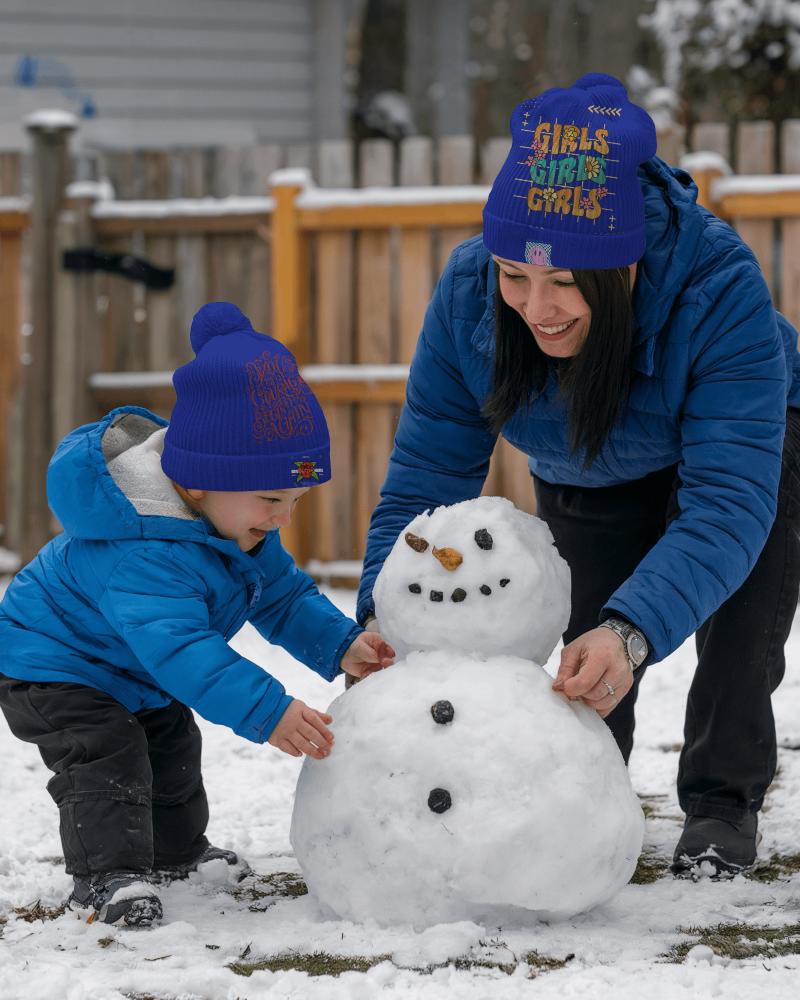
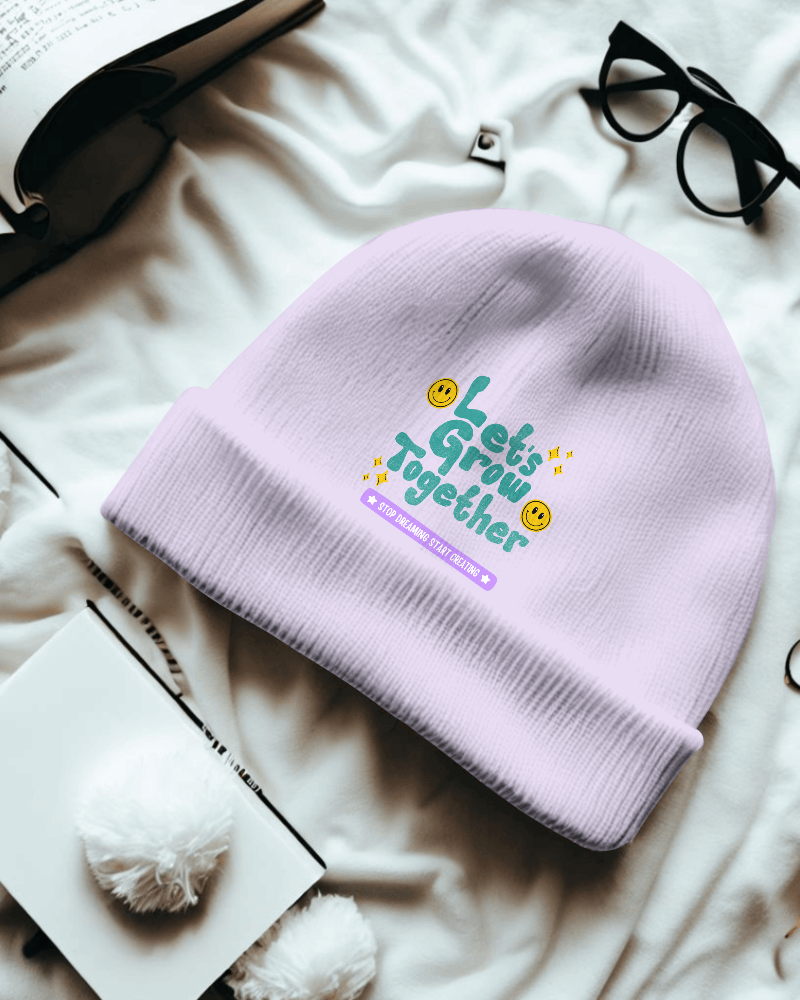
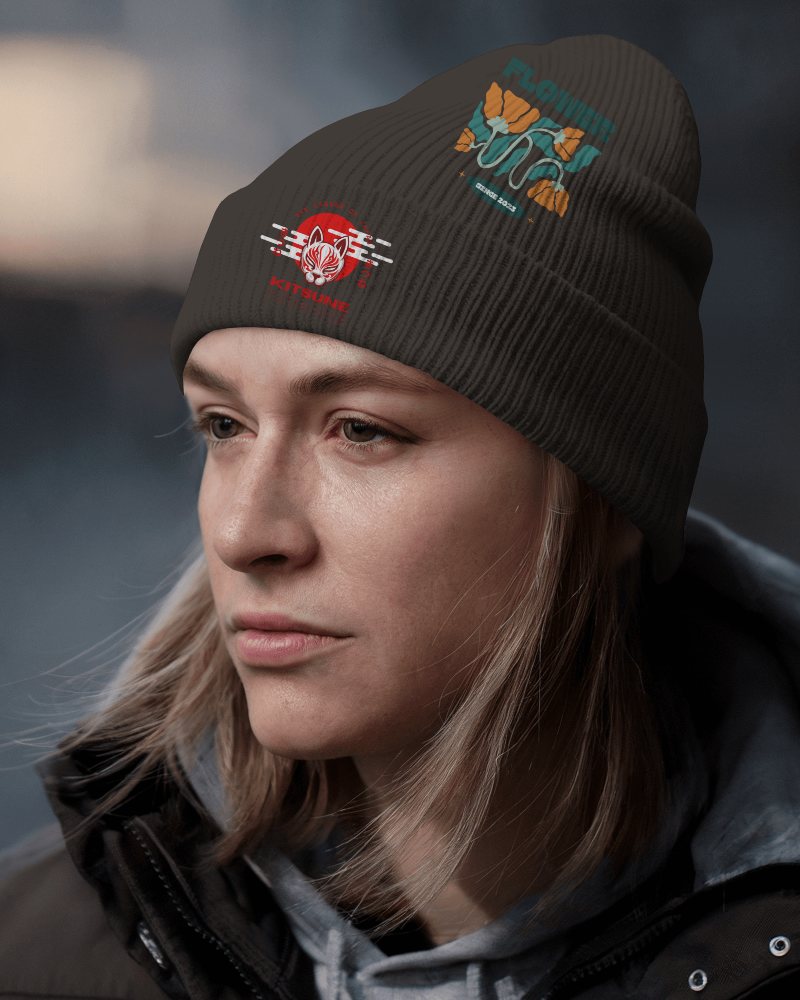
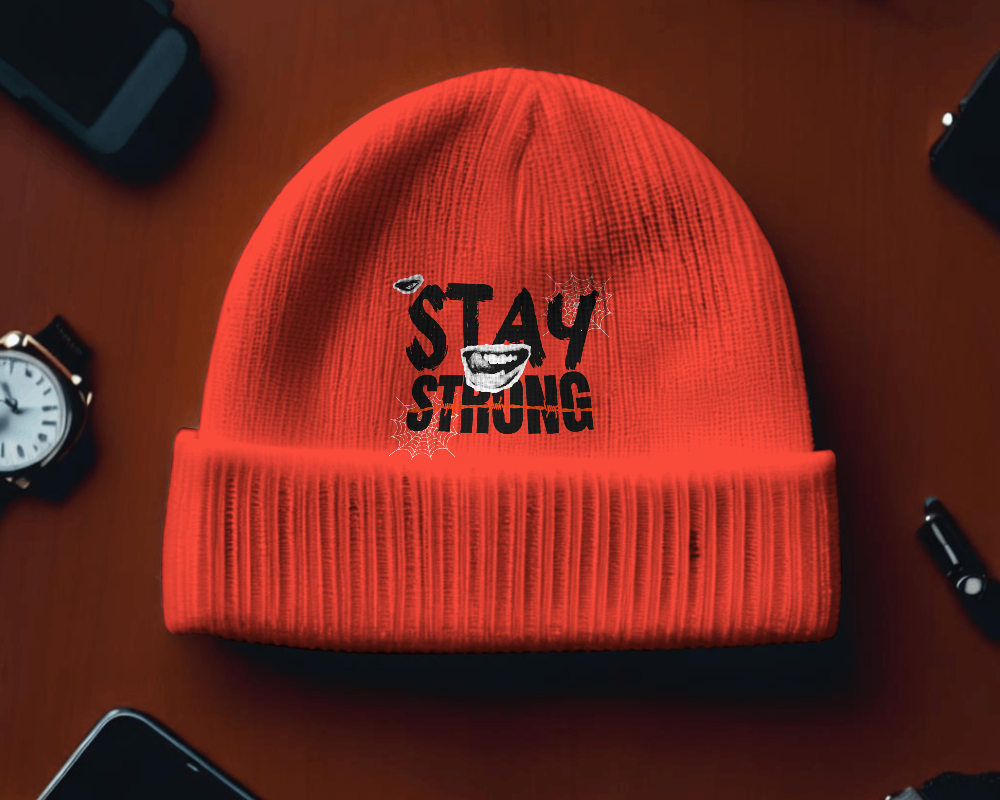
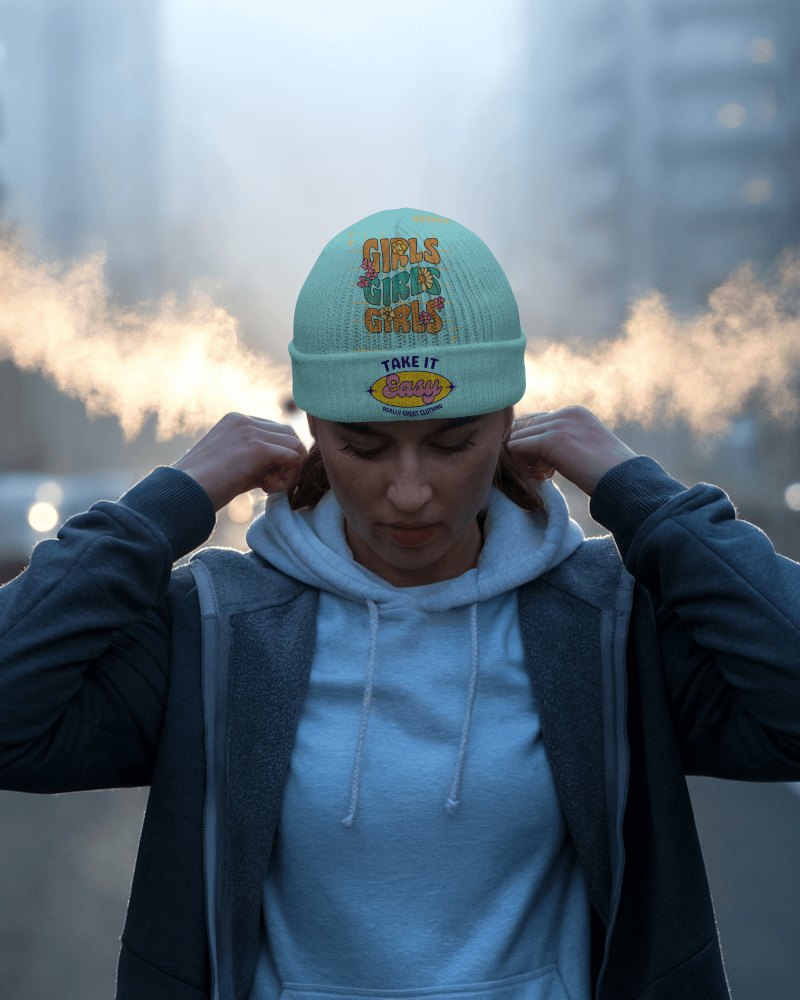
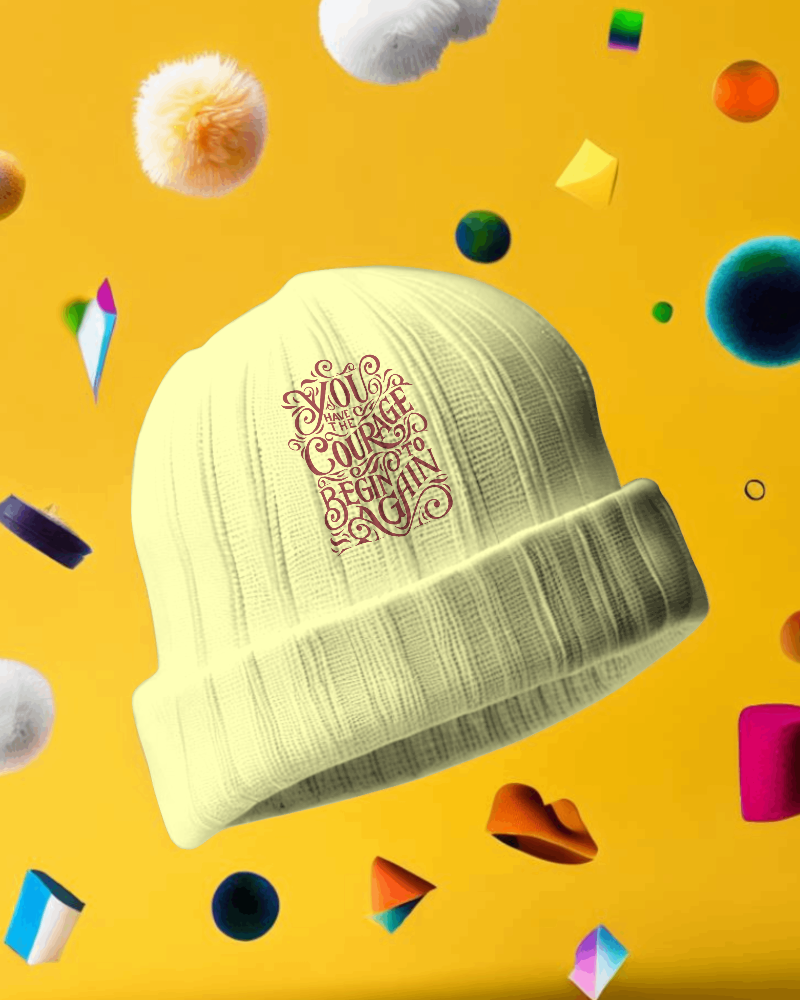
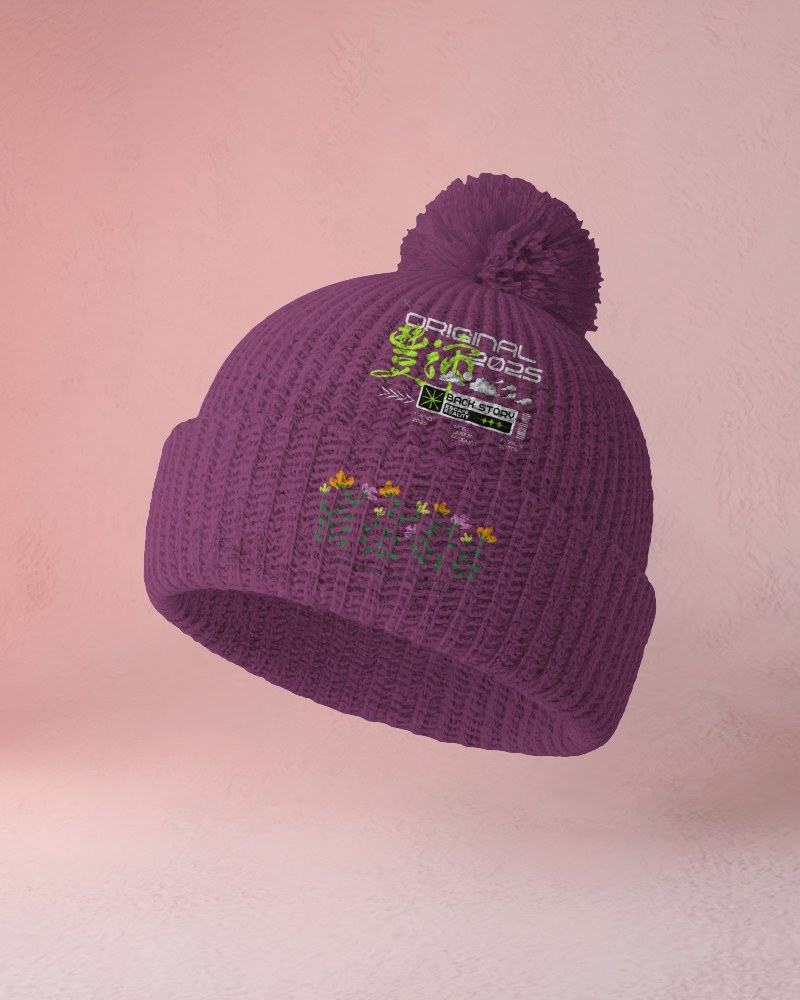
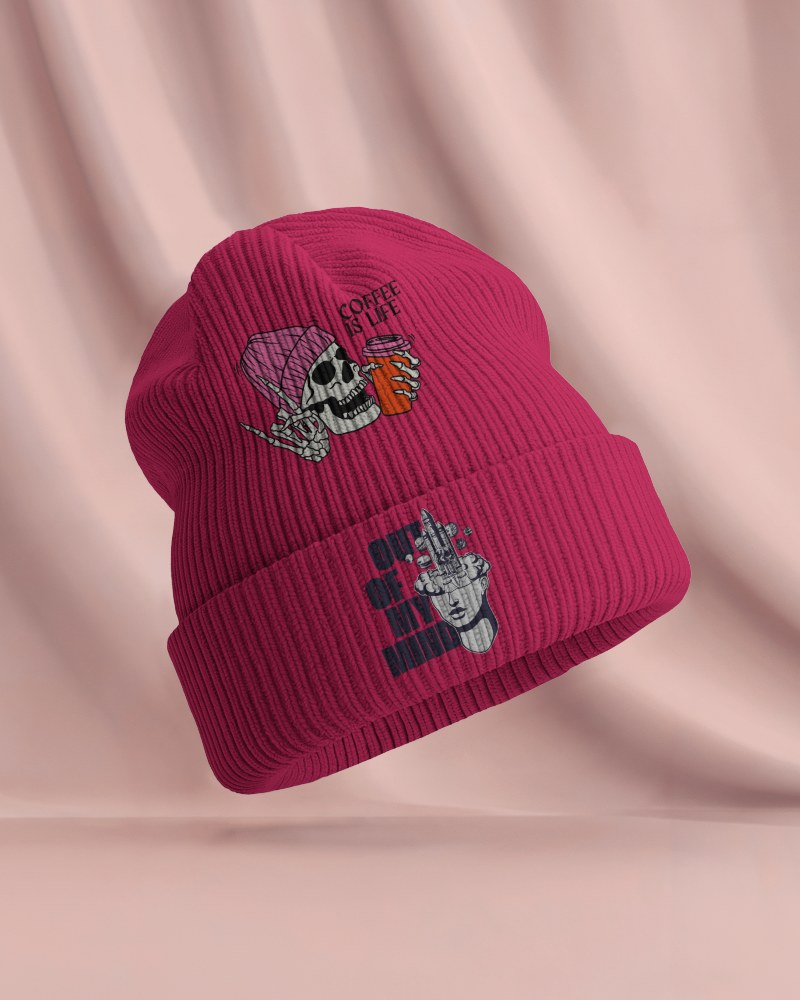
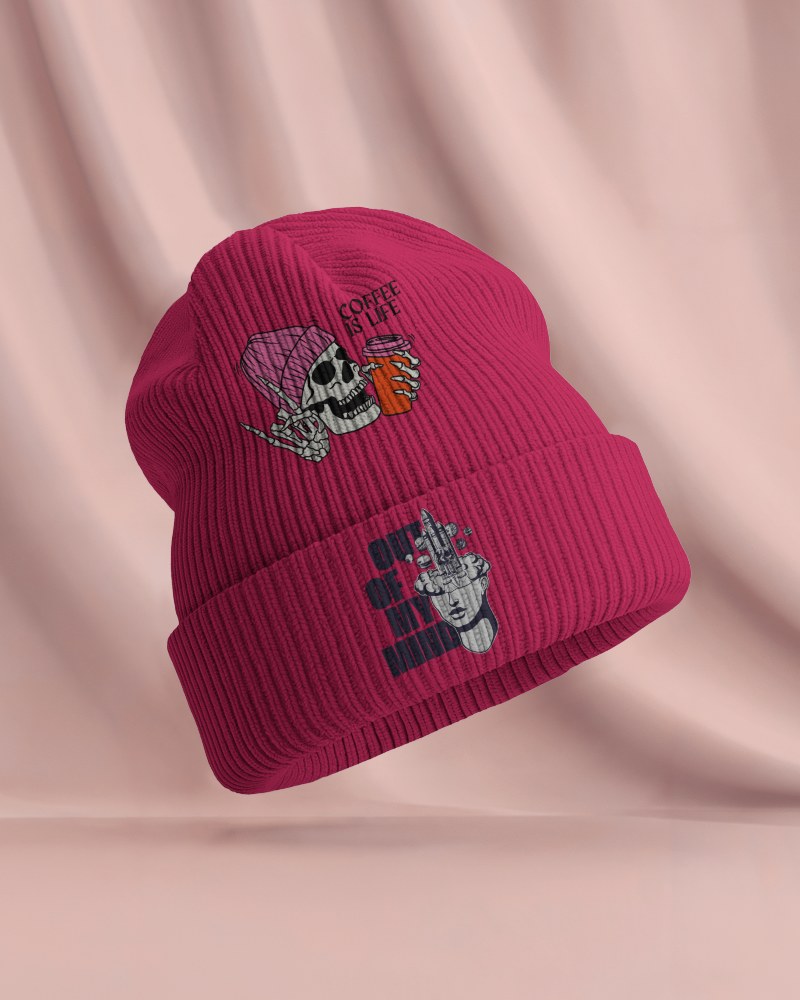
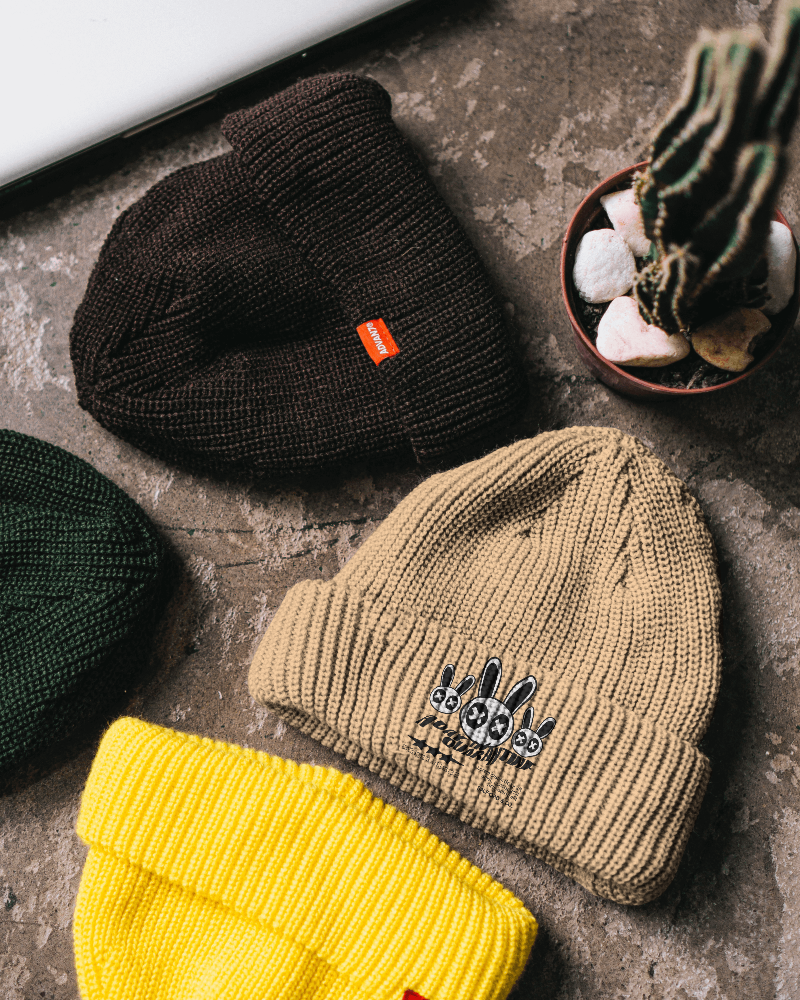
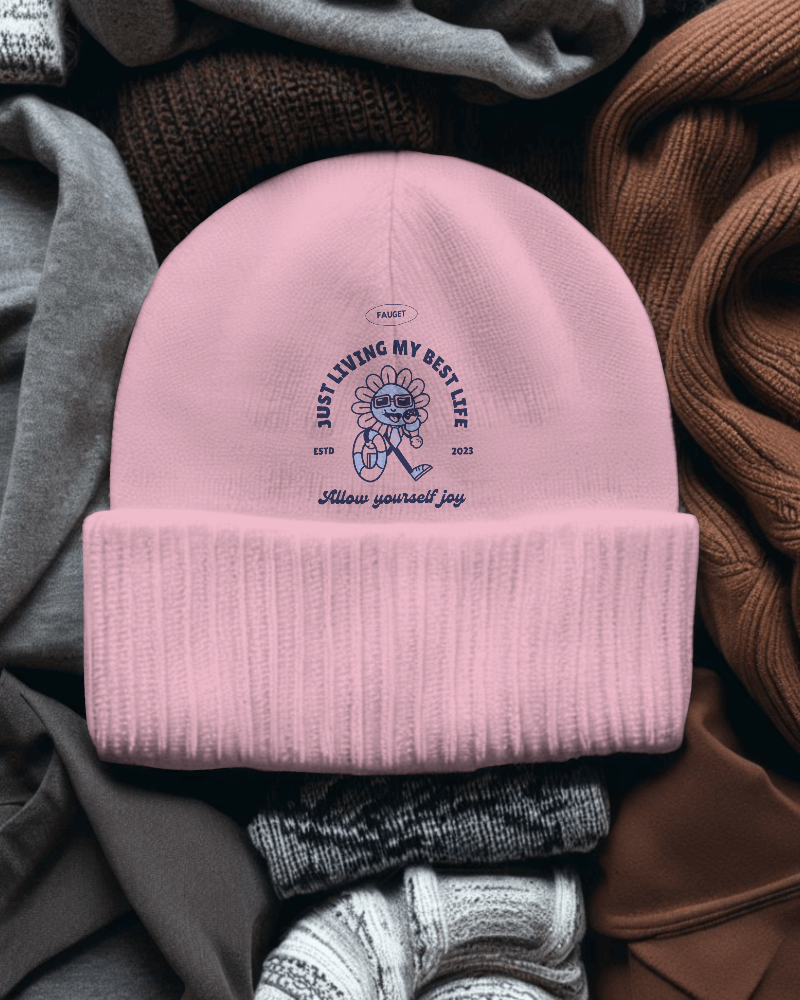

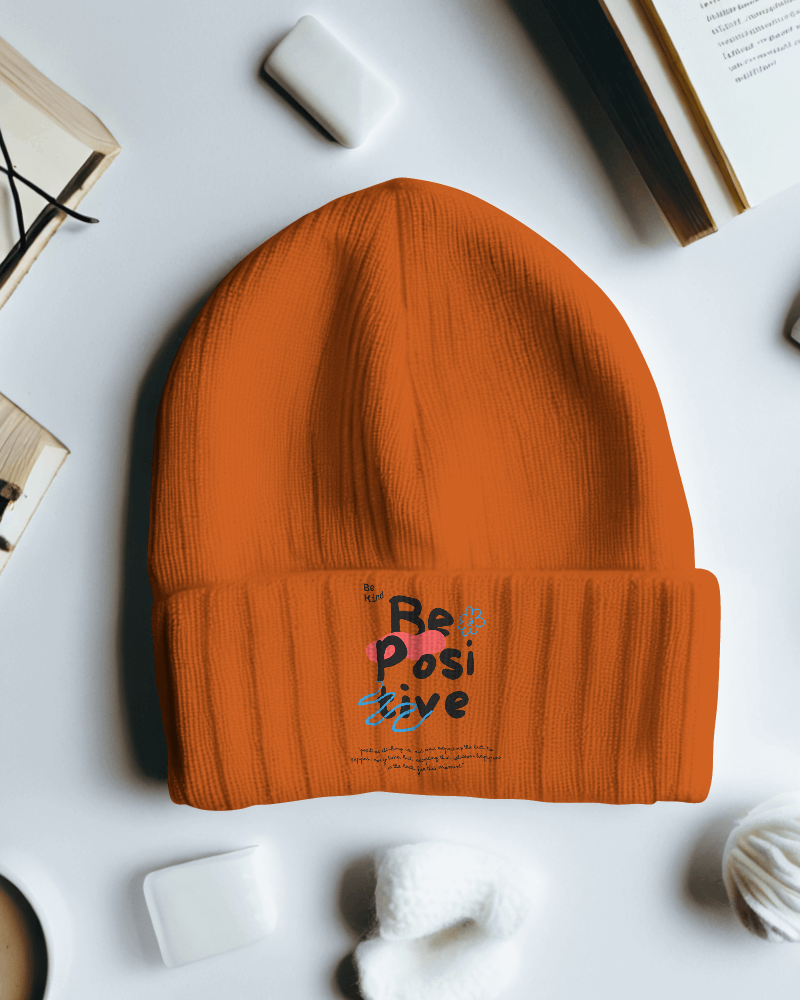

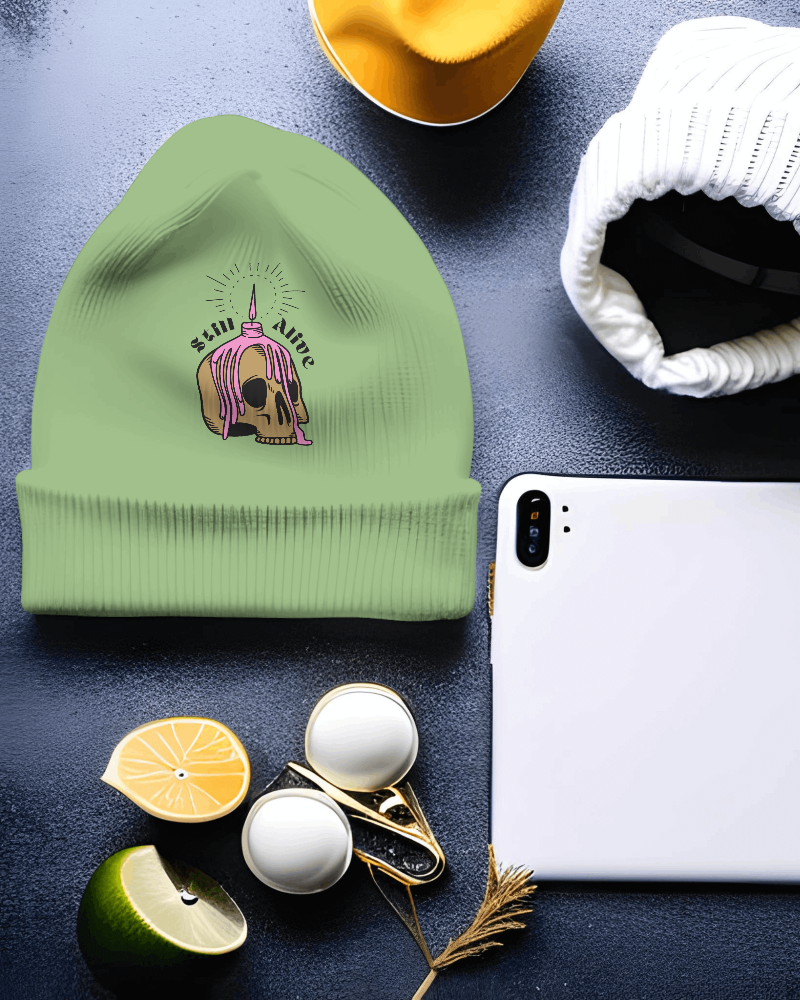
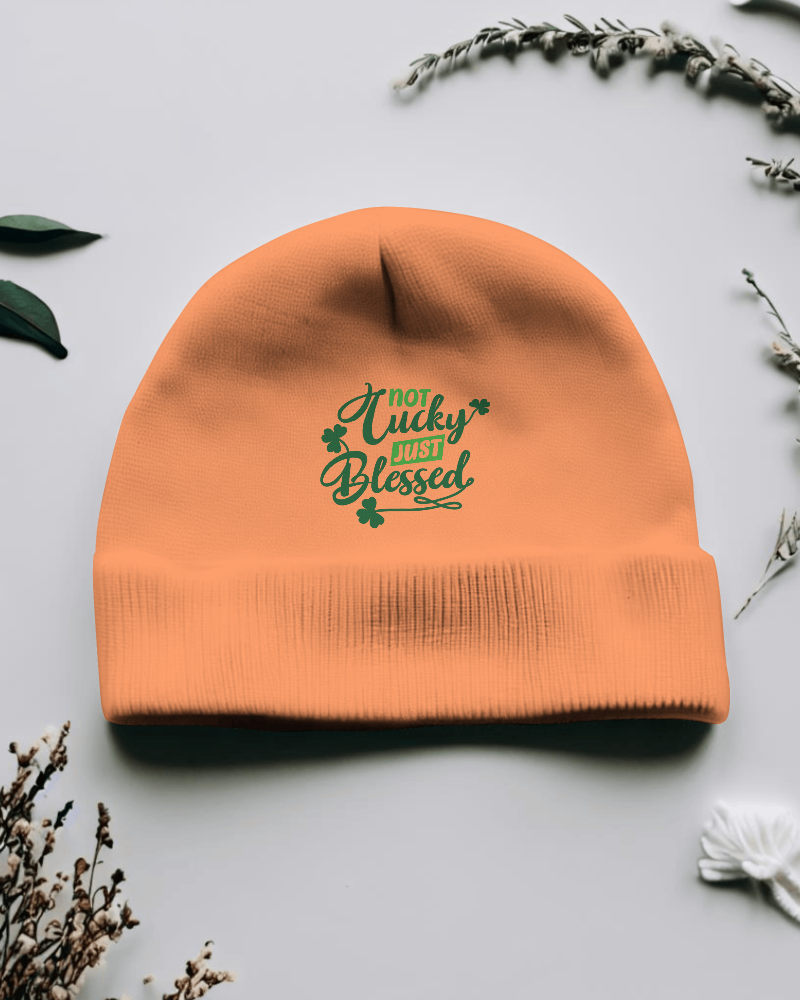
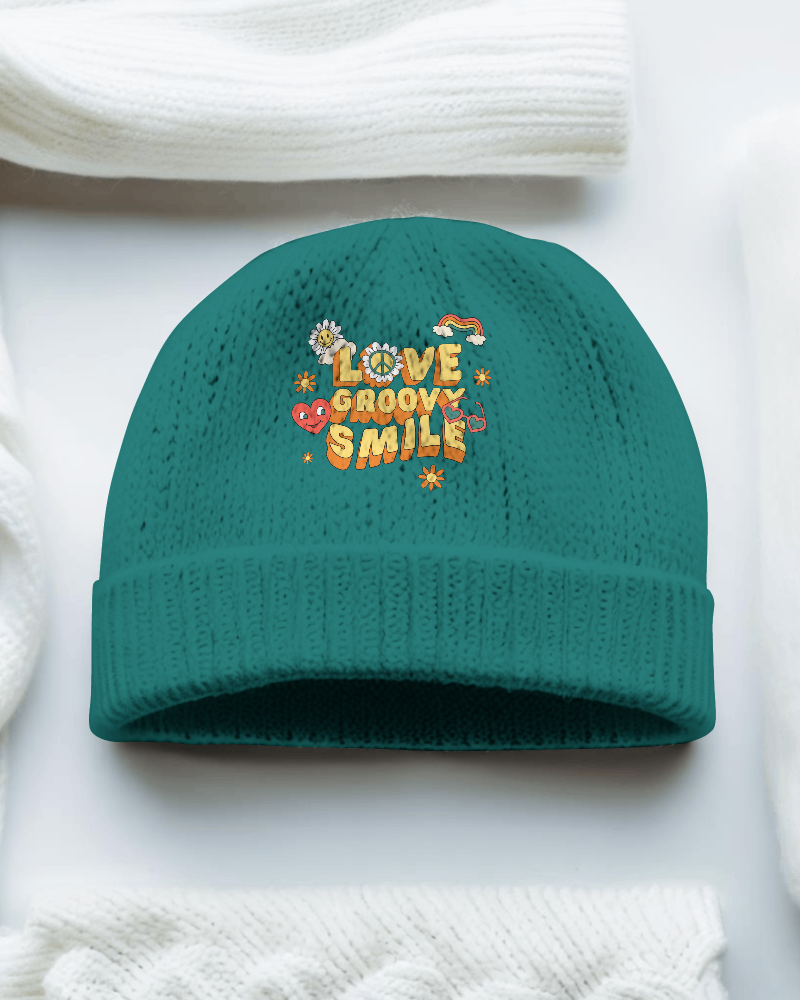
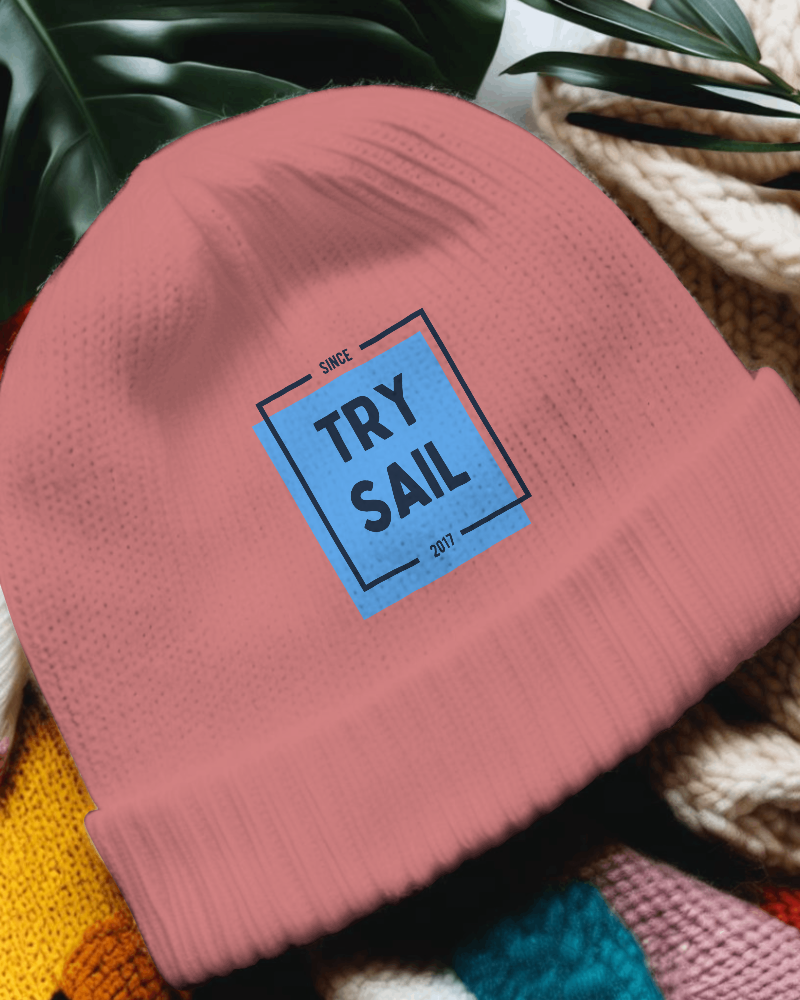
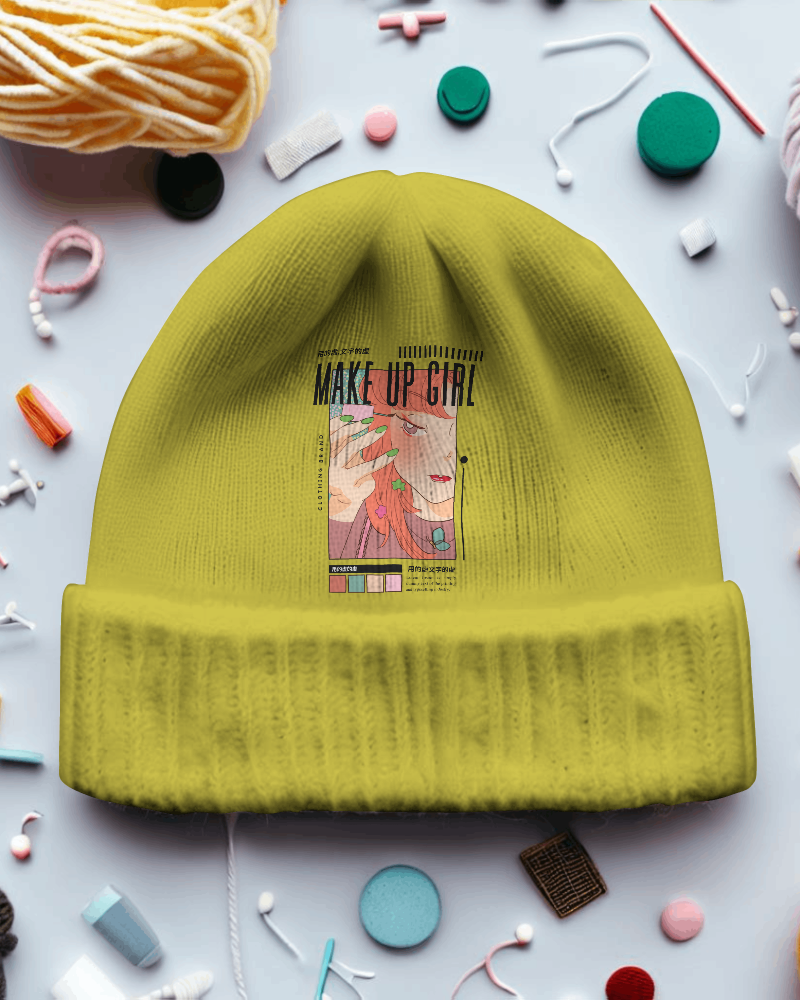
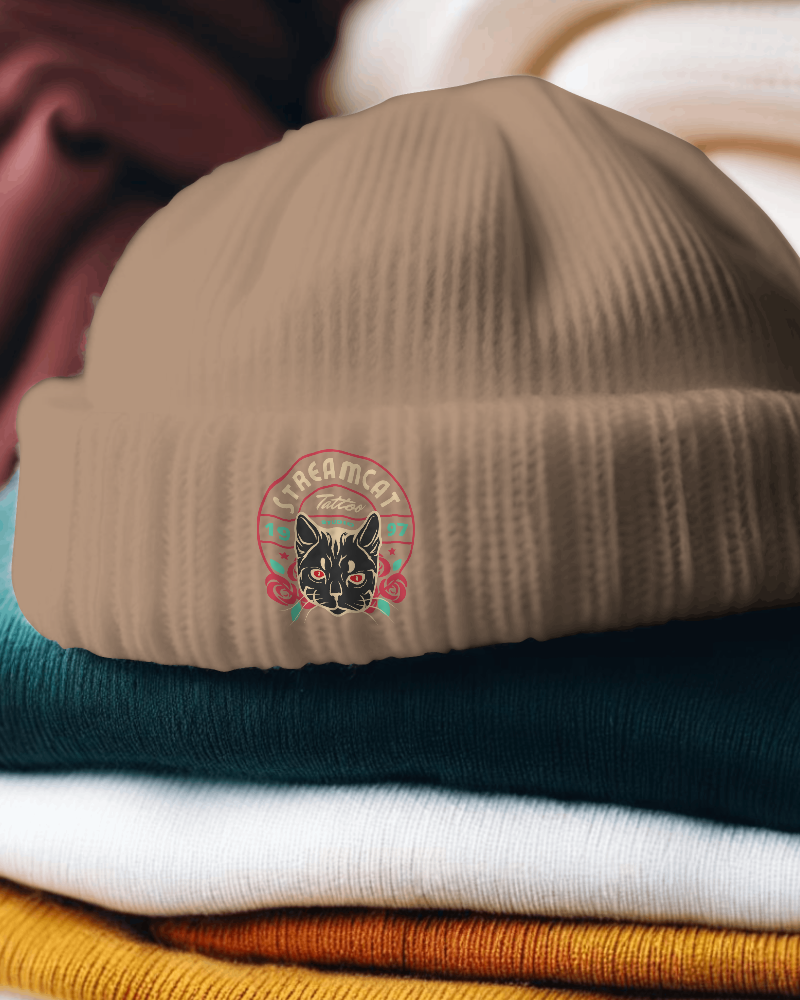
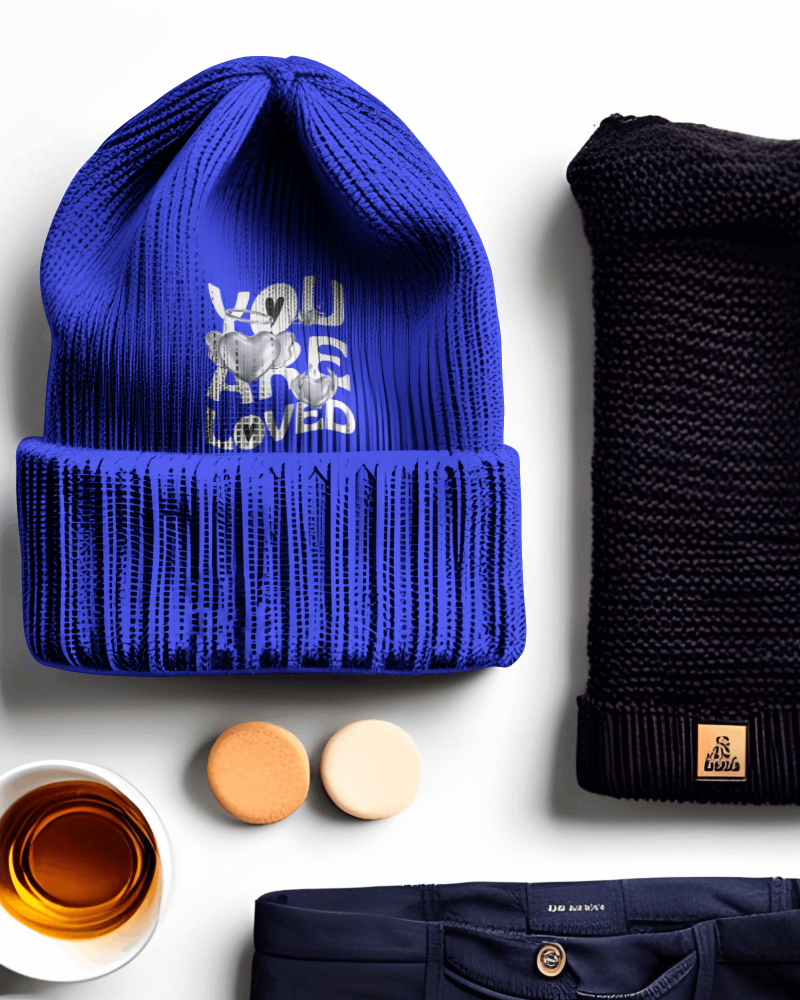
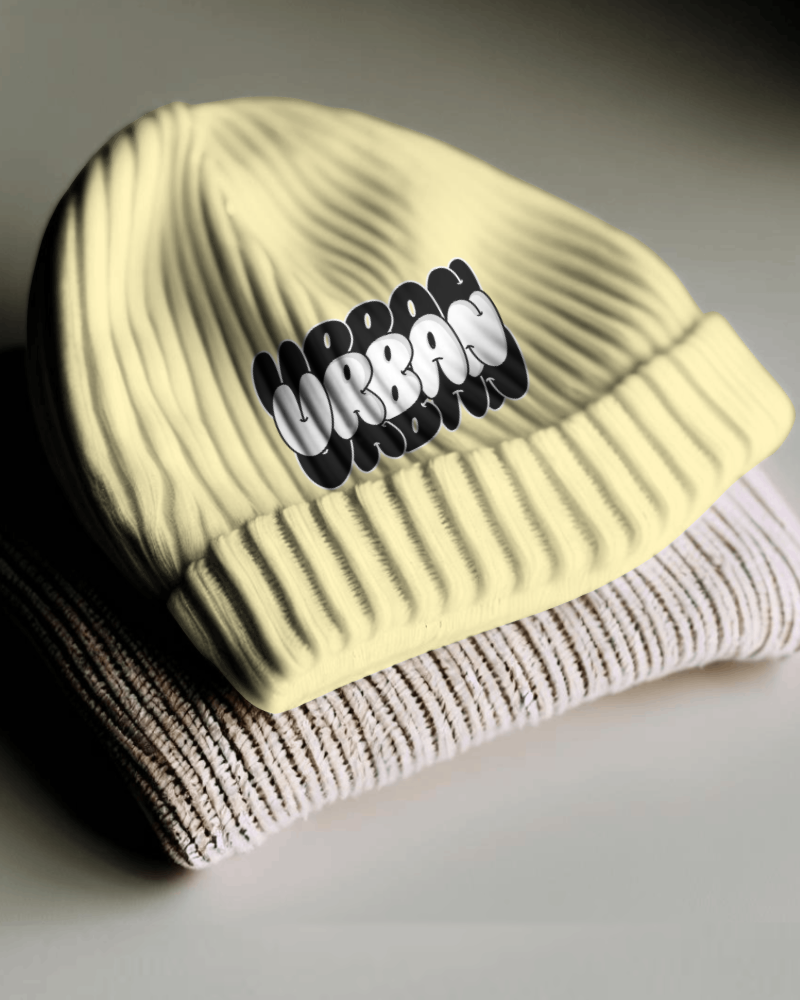
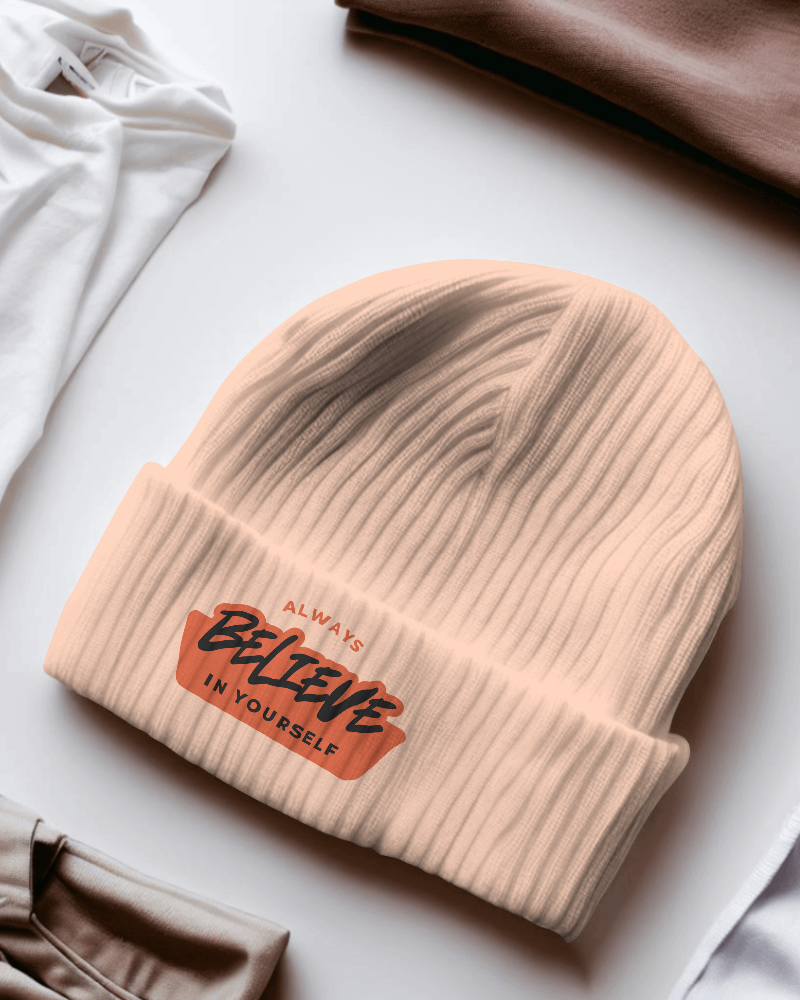
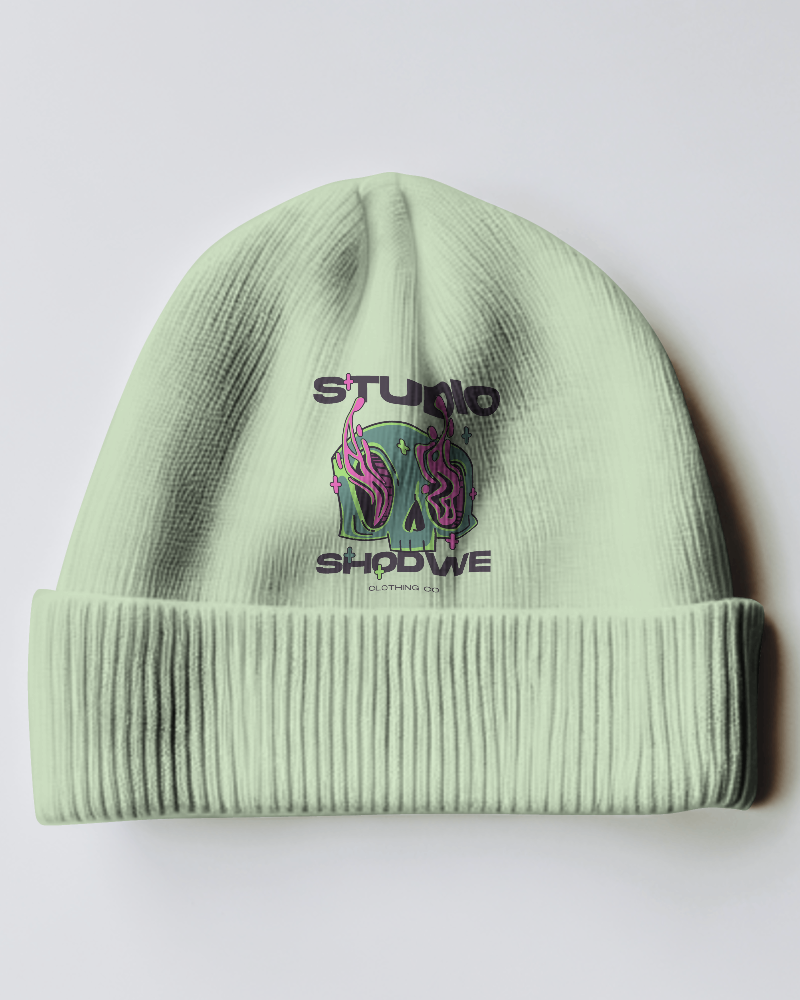
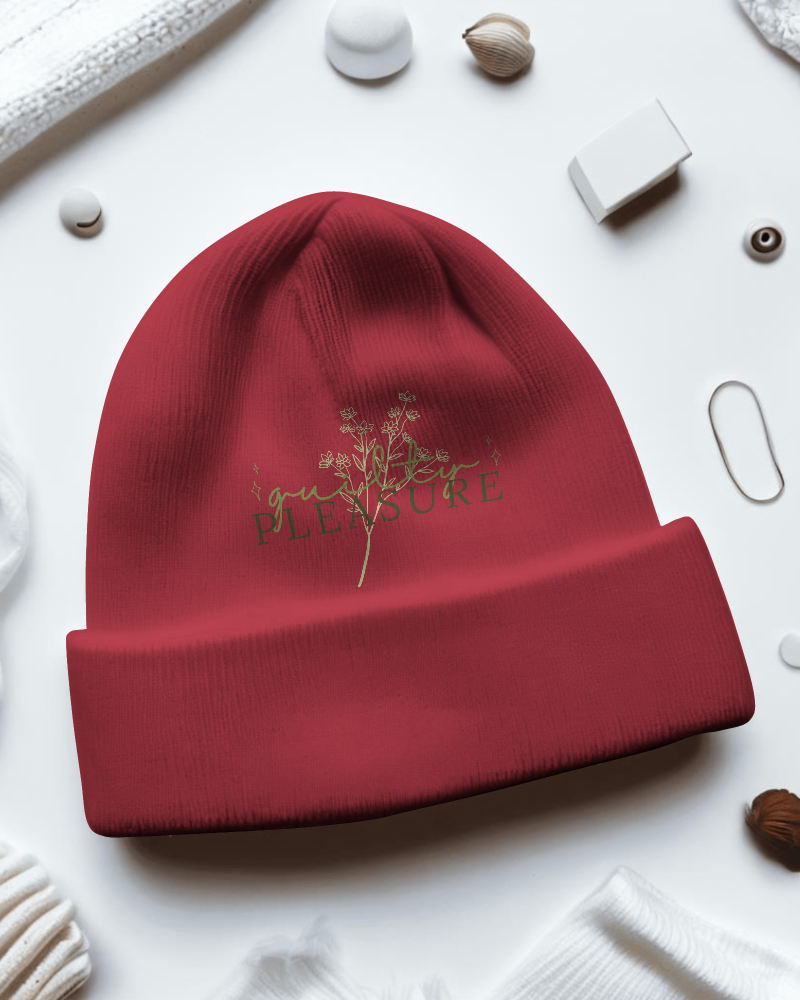
How to Create Knitted Beanie Mockup with Mockey
You can create stylish Knitted Beanie mockups easily with our tools; no need for advanced design software!
- Step 1: Go to Mockups > Accessories > Beanie > Knitted Beanie in the toolbar.
- Step 2: Choose a template and upload your design.
- Step 3: Customize the Knitted Beanie mockup and download it in high resolution.


FAQs on Knitted Beanie Mockups
What is a Knitted Beanie Mockup?
A Knitted Beanie mockup is a digital template that lets you display designs on a Knitted Beanie without making the actual product. You can change the Knitted Beanie color and pattern to see how the final design will appear.
Why create a Knitted Beanie mockup?
Designing a Knitted Beanie mockup lets you see and try out various designs, colors, and branding ideas before making the real product. This ensures the final product meets your vision and matches your brand style.
Why Use Mockey’s Knitted Beanie Mockup?
Mockey's Knitted Beanie mockup generator provides a wide range of free templates that you can customize. This makes it easy to create high-quality Knitted Beanie mockups without watermarks or needing expensive software. It's a quick and affordable way to display your Knitted Beanie designs.
Is this Knitted Beanie Mockup Free?
The Knitted Beanie Mockup Generator by Mockey AI is free to use. It provides more than 1000 templates, allows easy customization, and lets you download high-quality images without watermarks.
