Download High-Quality Free Paper Canvas Mockup Mockup on Mockey AI
Create high-quality Paper Canvas Mockup mockups on Mockey to showcase your designs. Perfect for presentations, portfolios, and product displays with professional results.
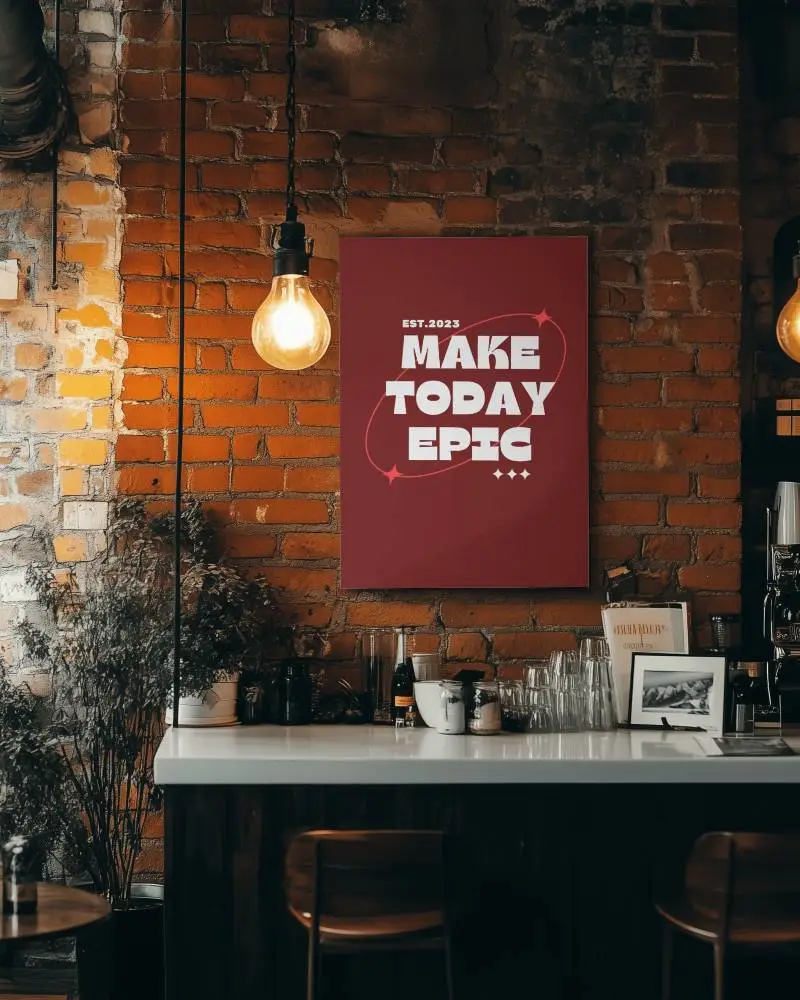
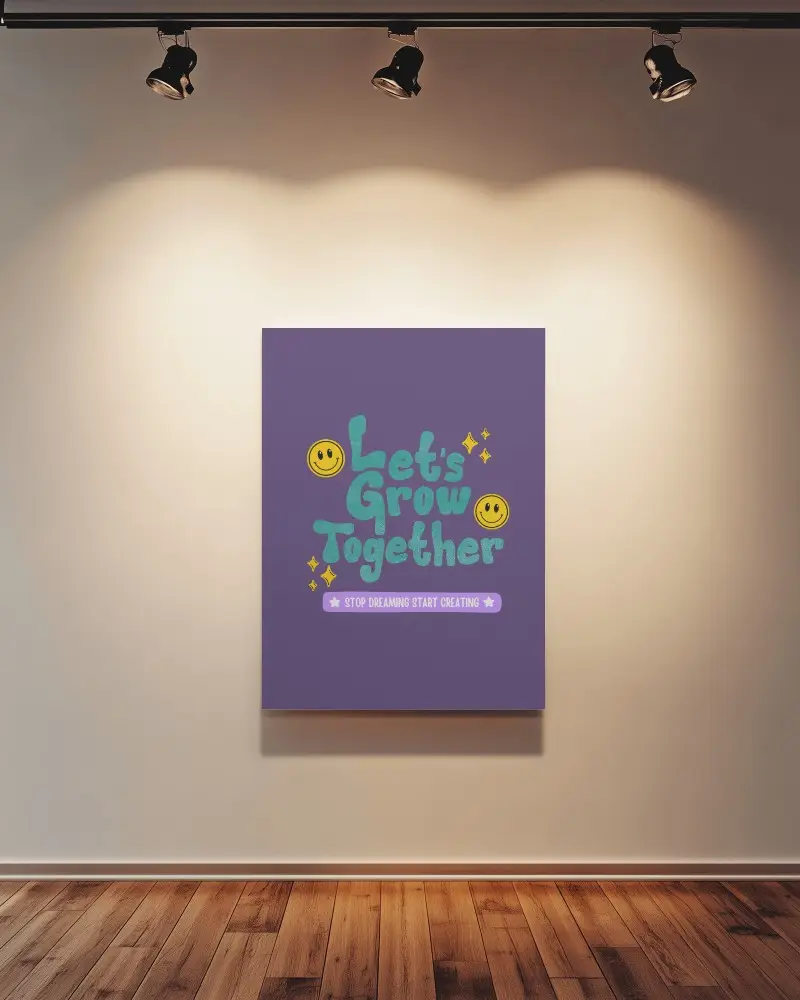
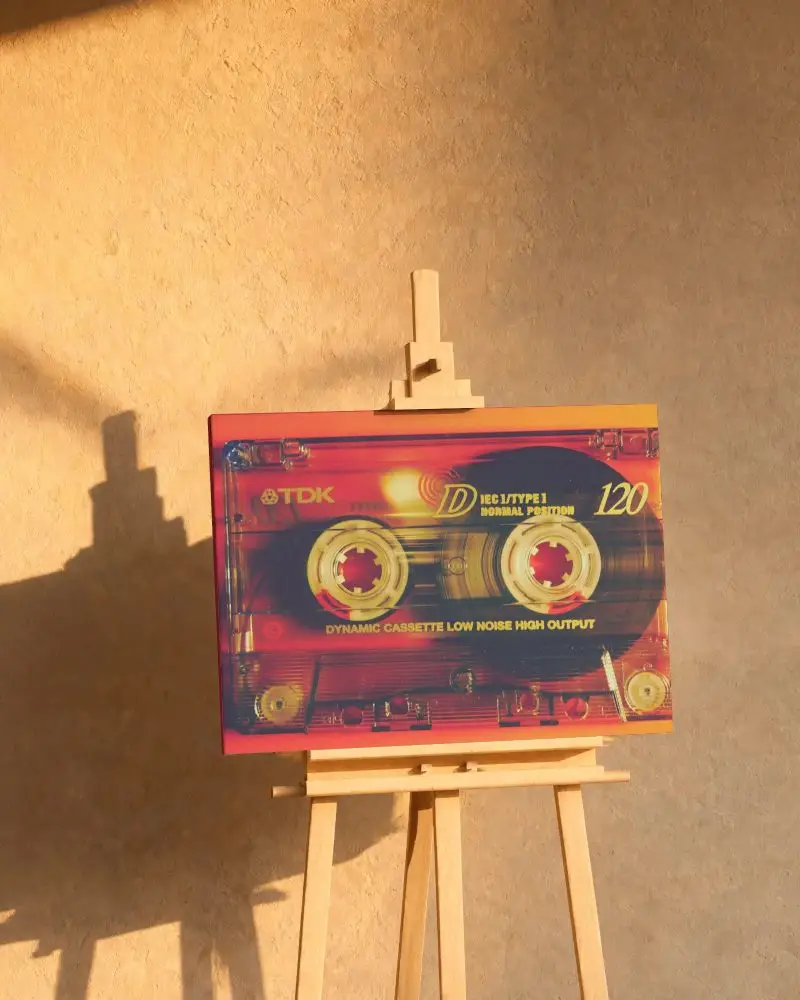
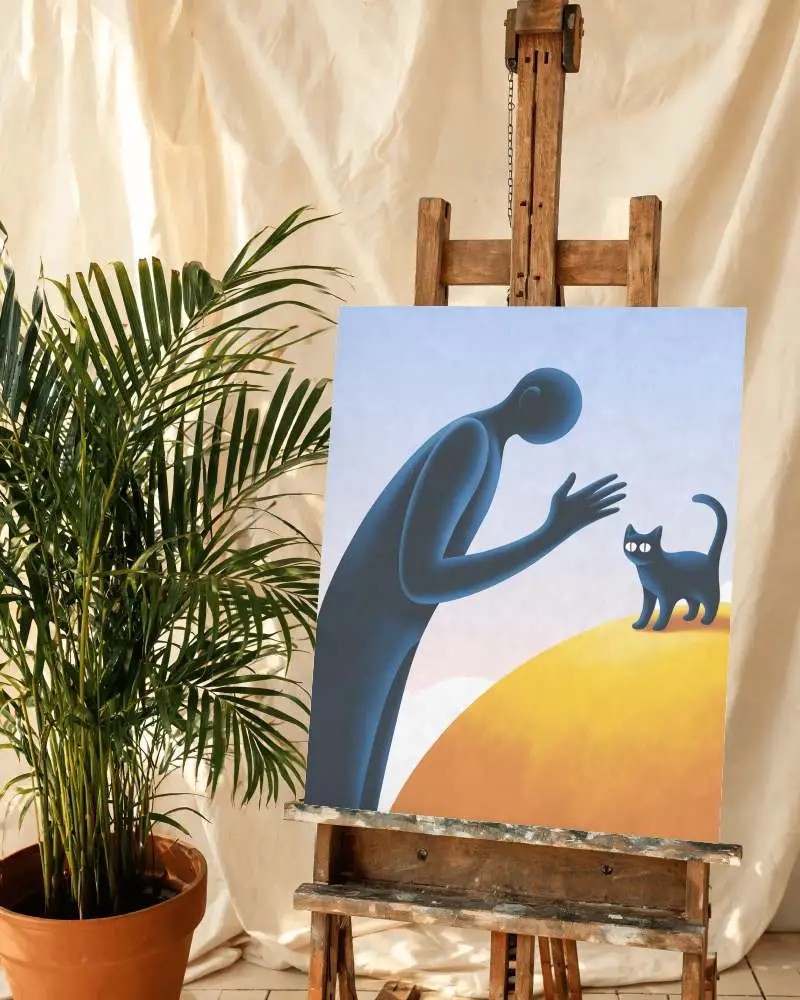
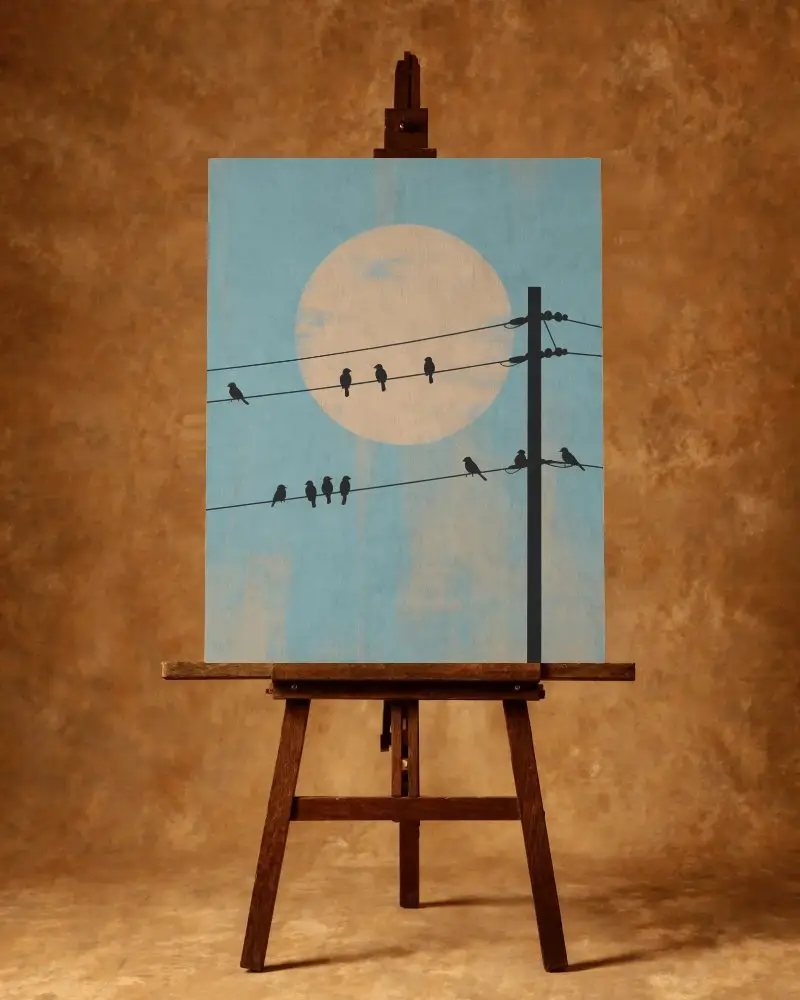
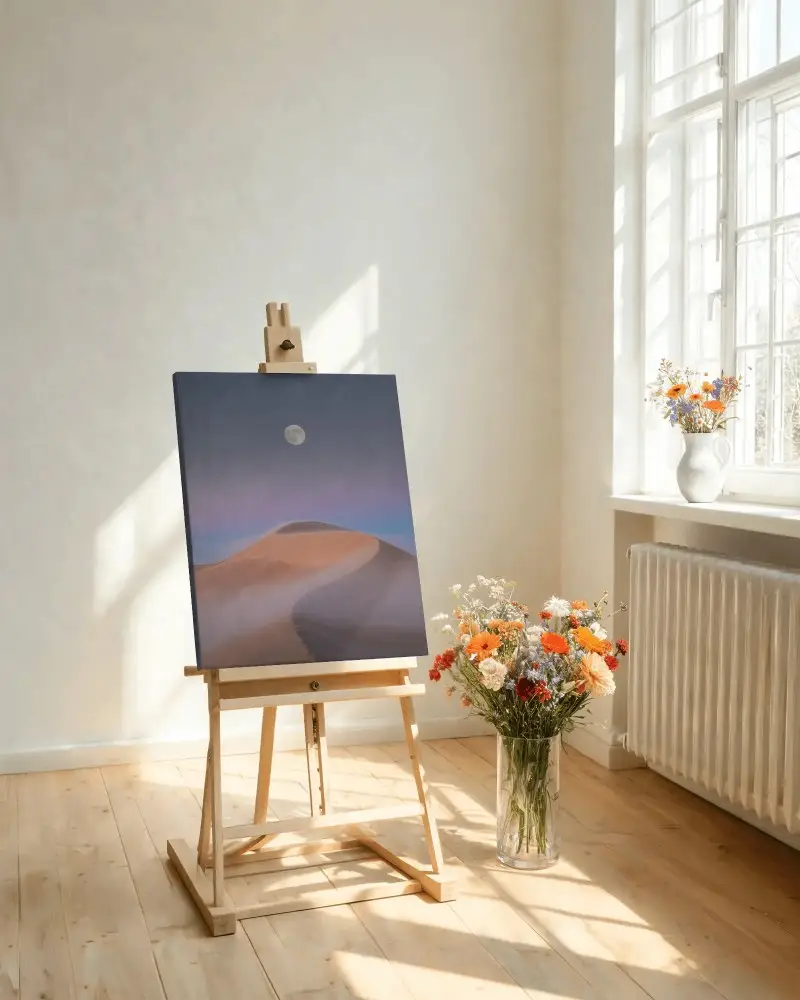
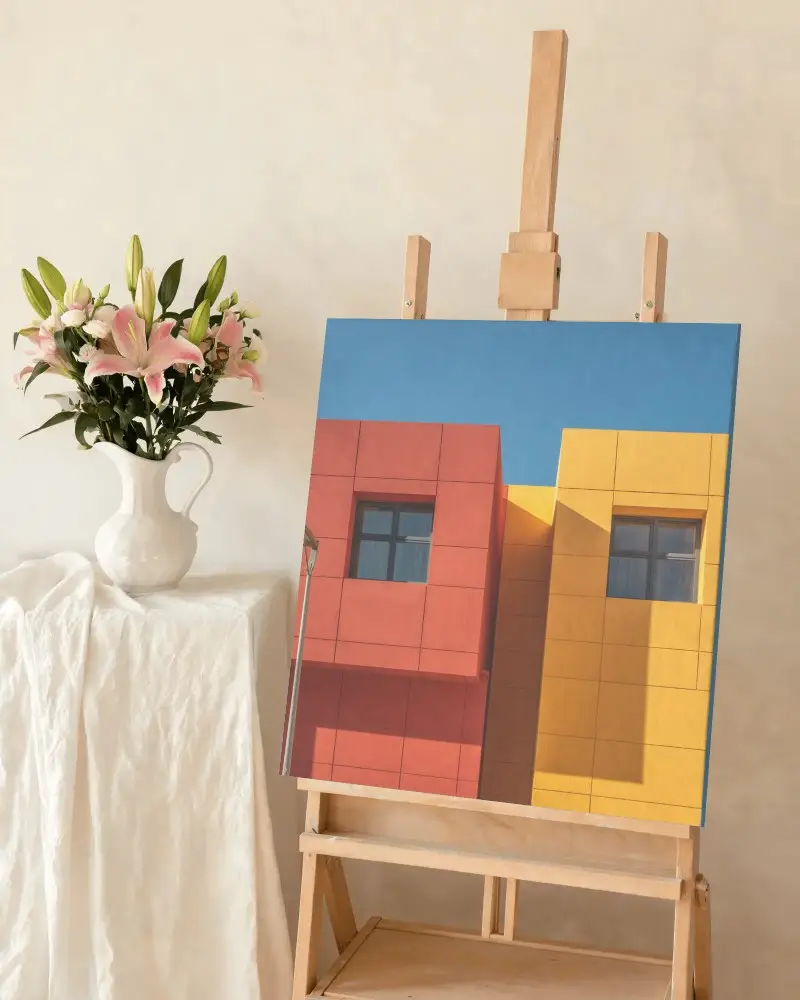
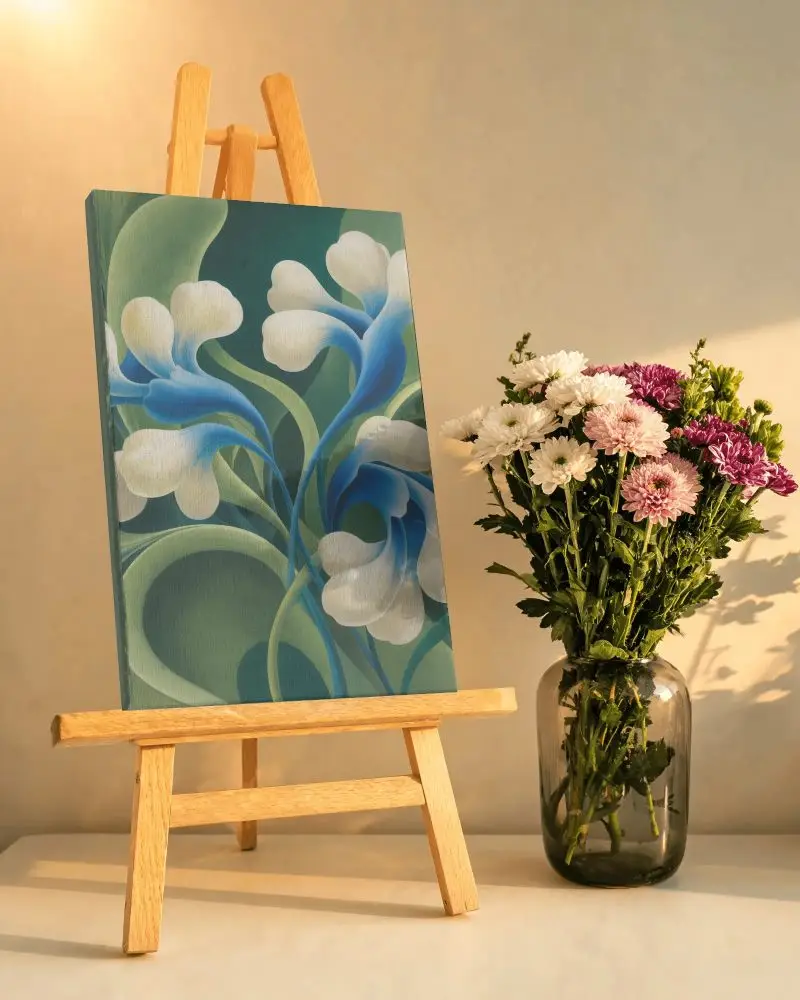
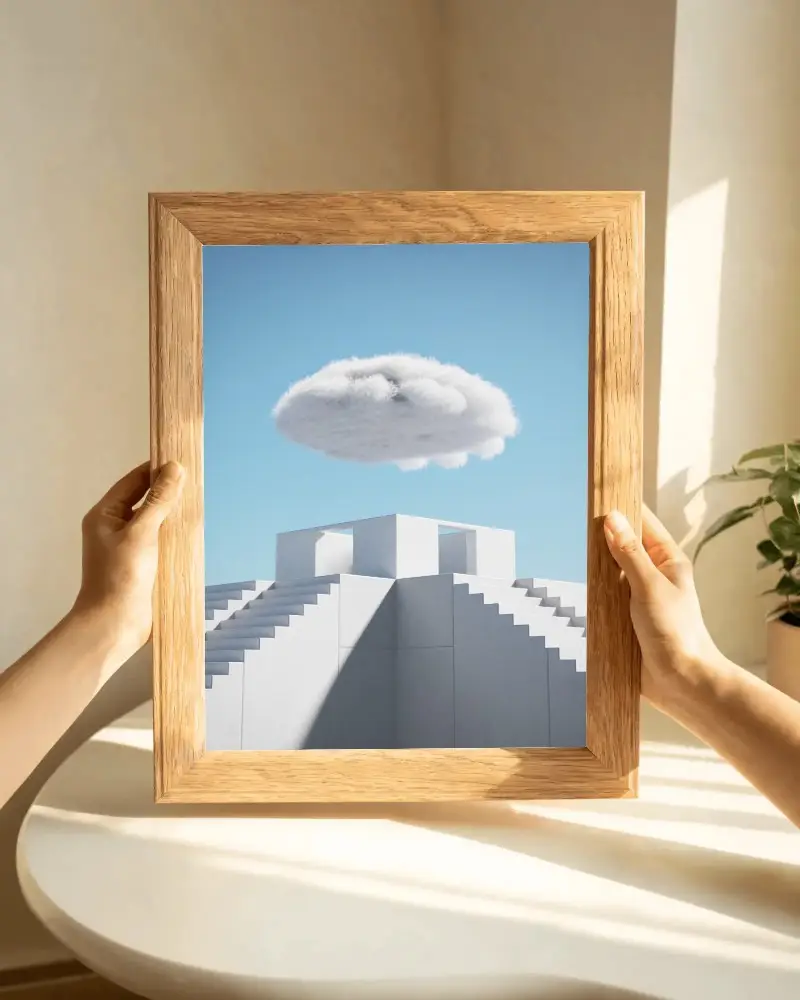
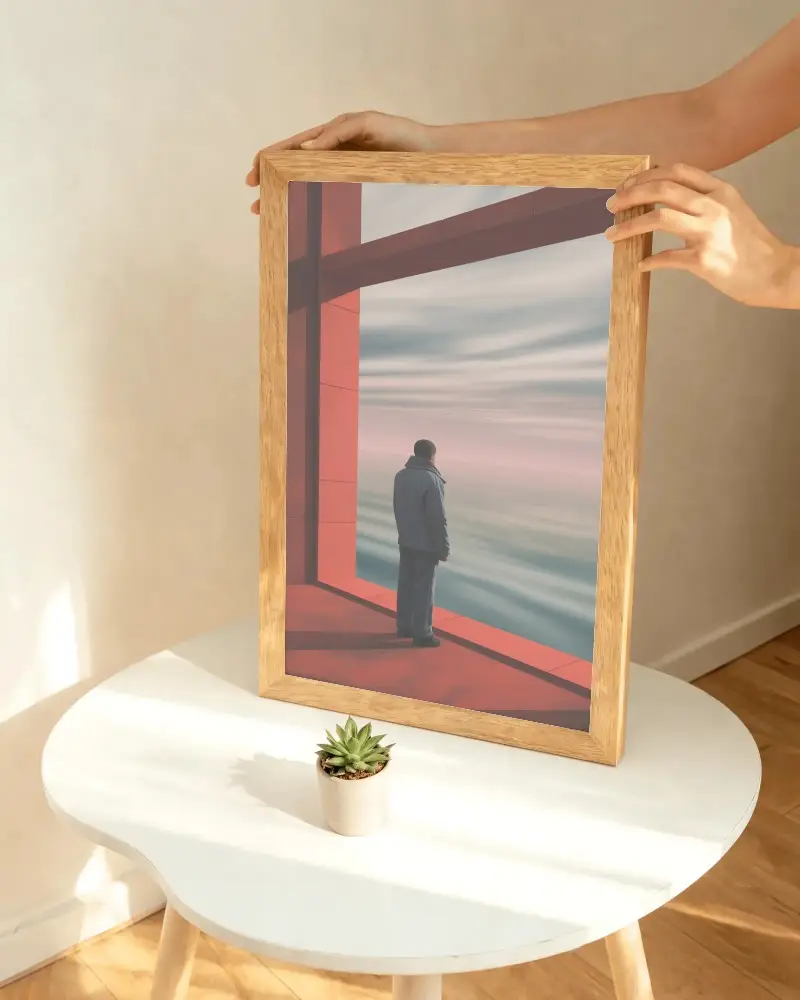
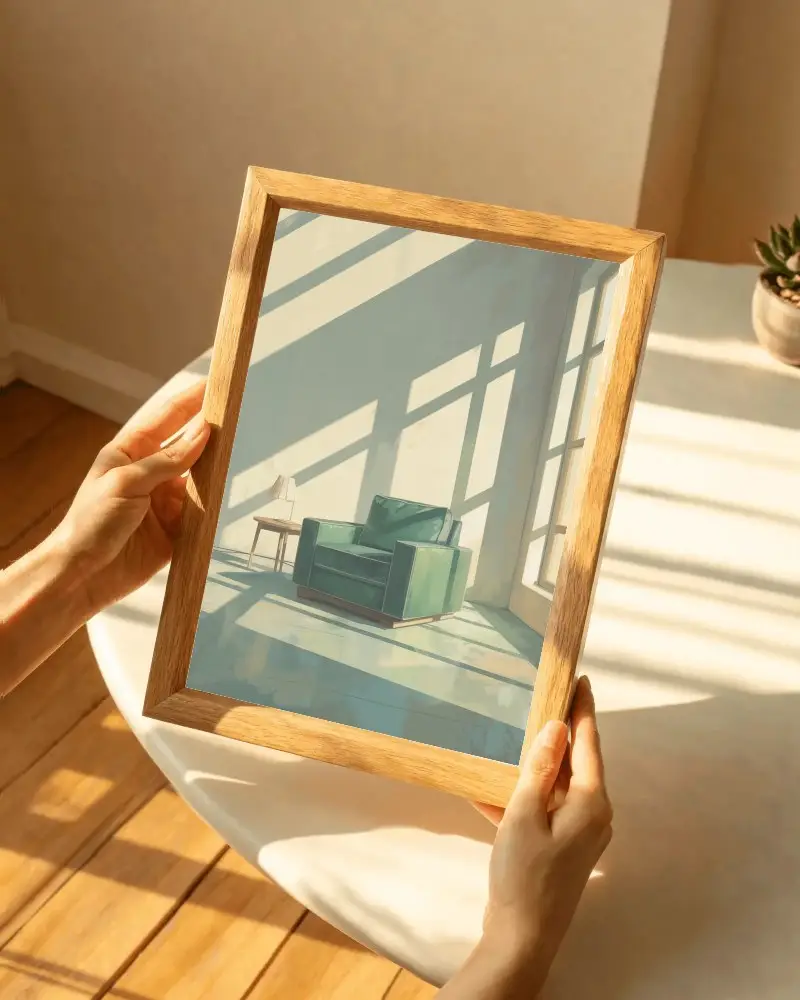
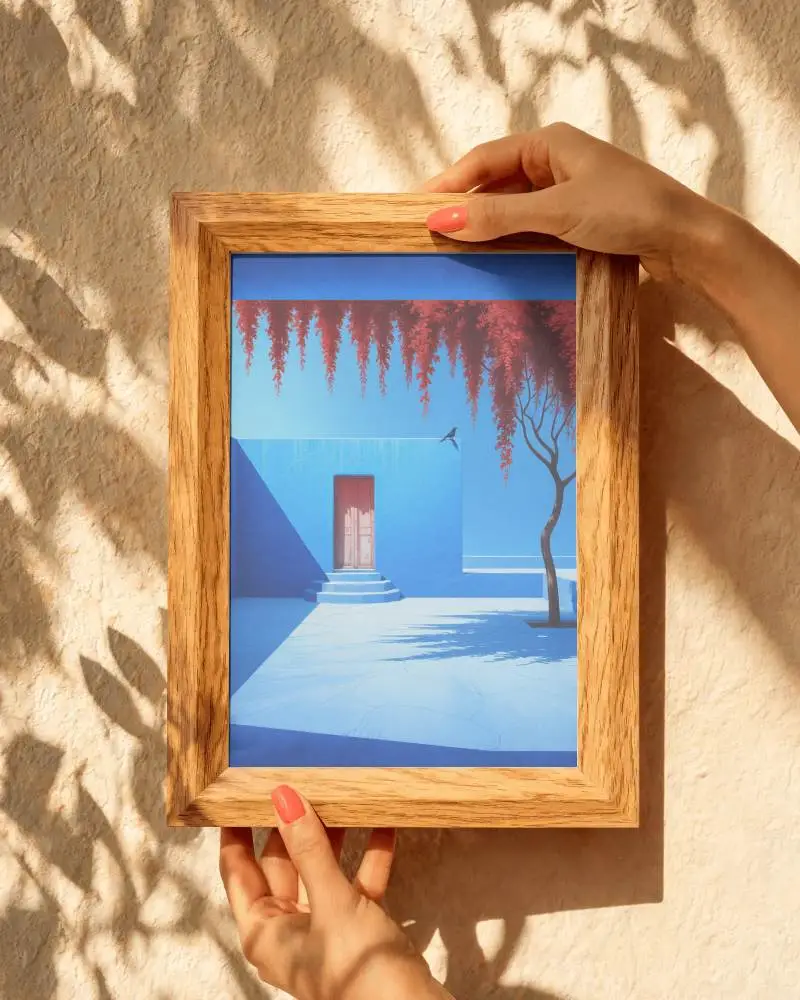
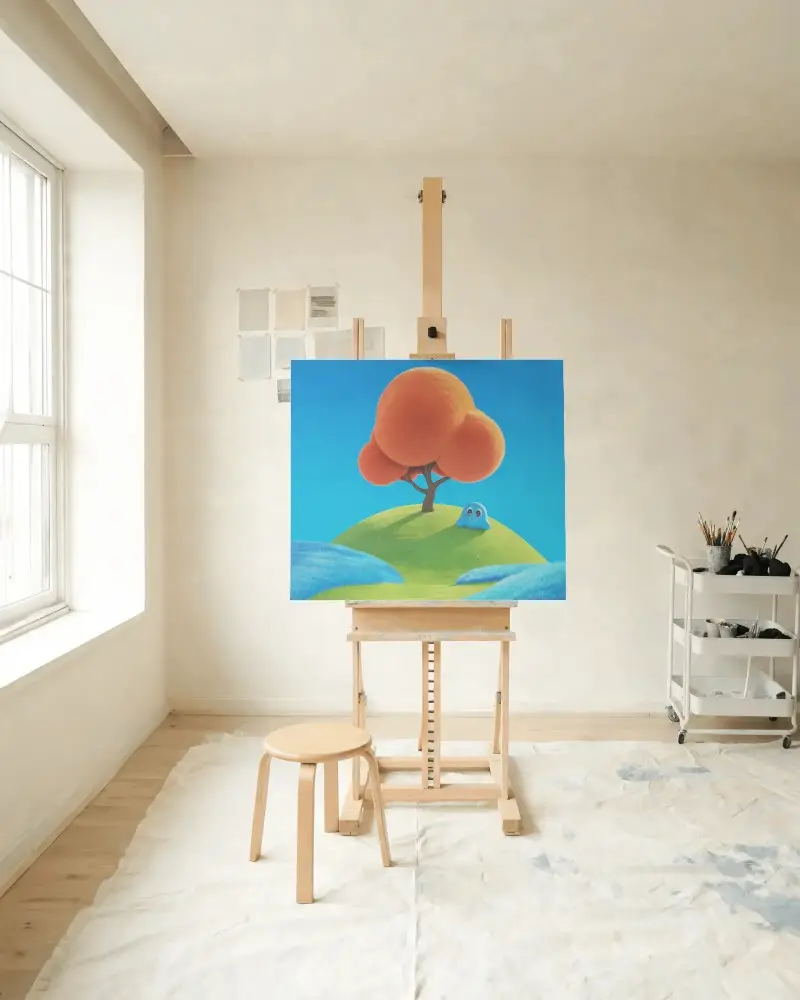
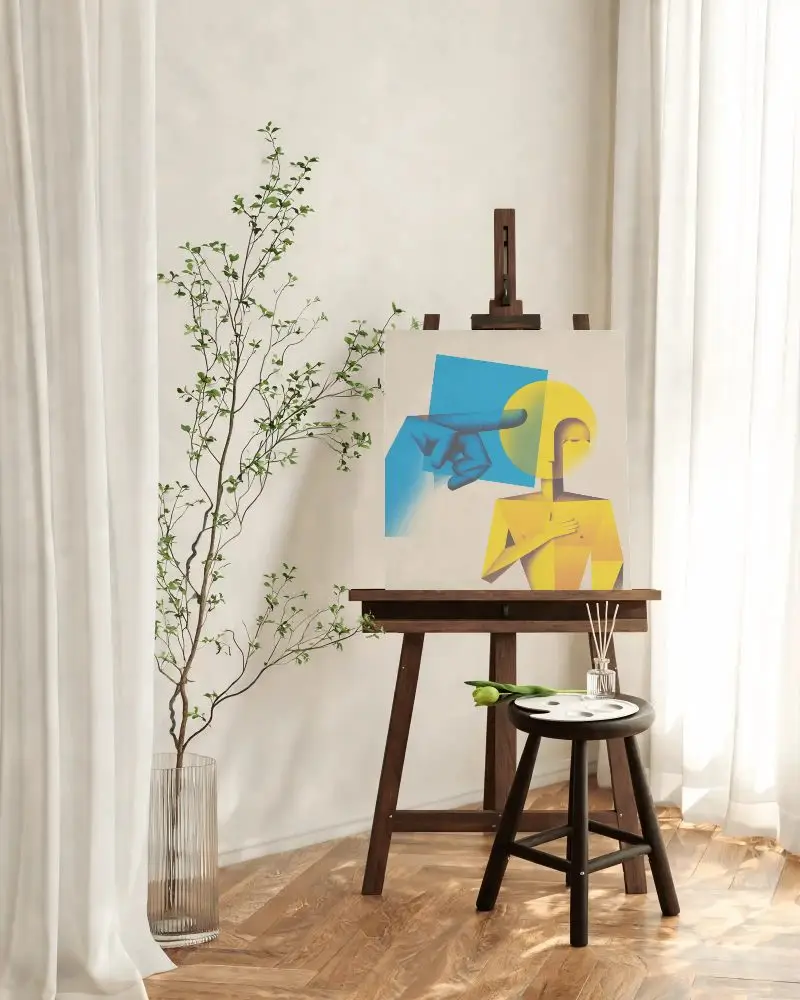
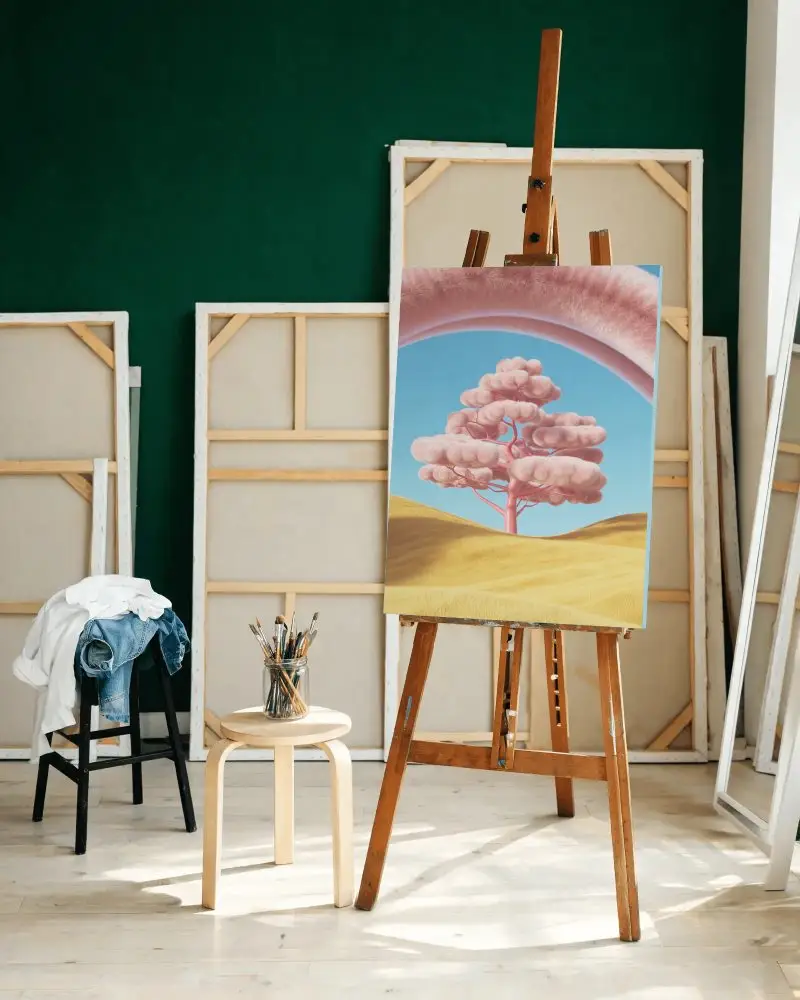
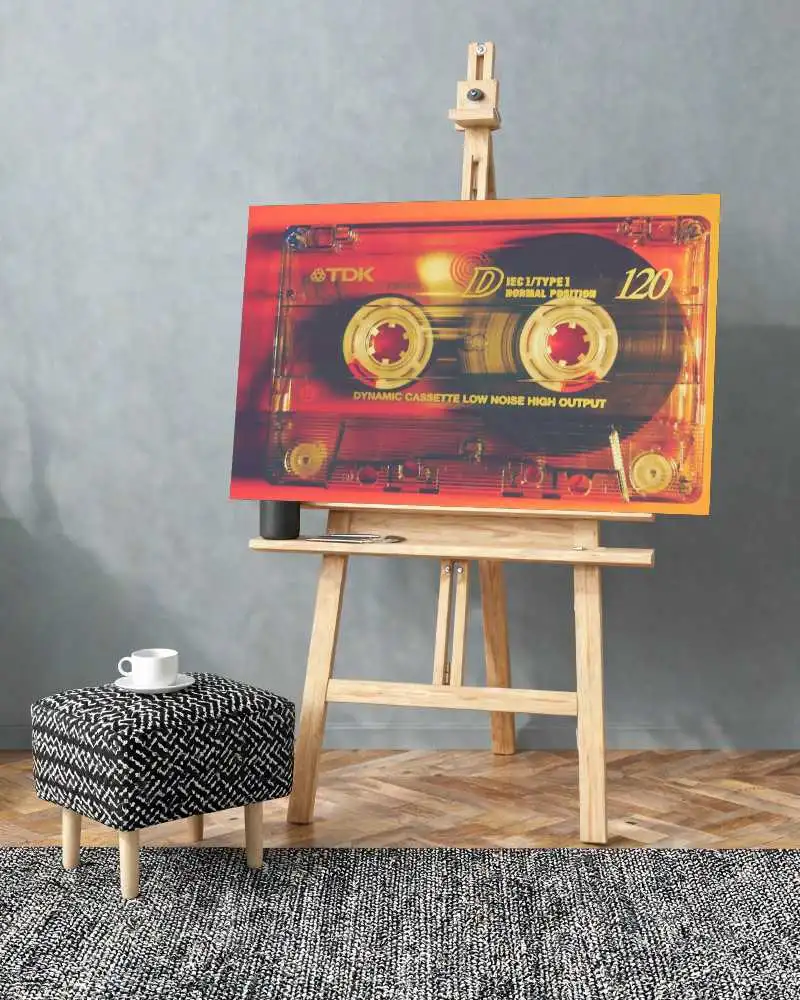

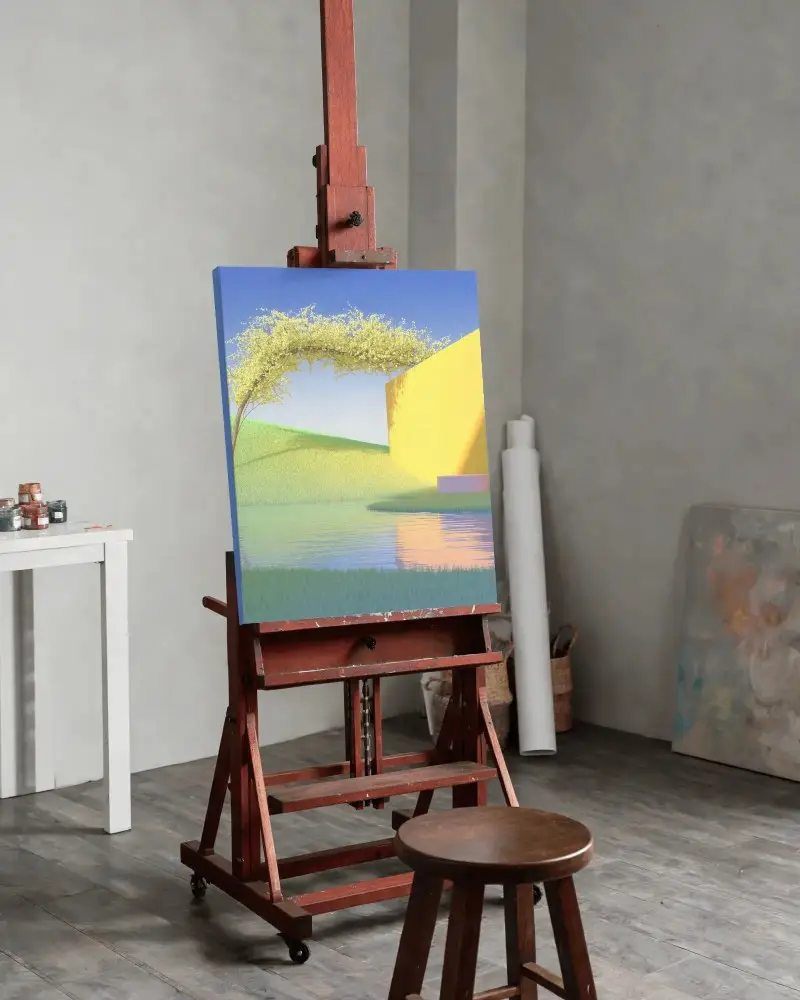
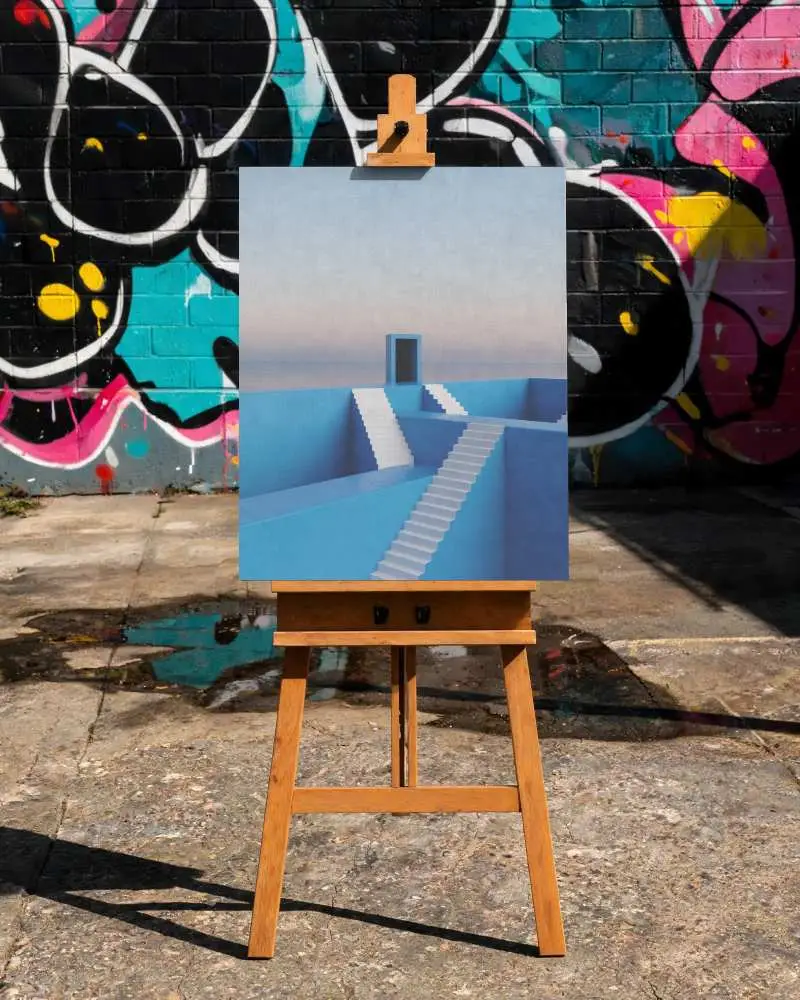
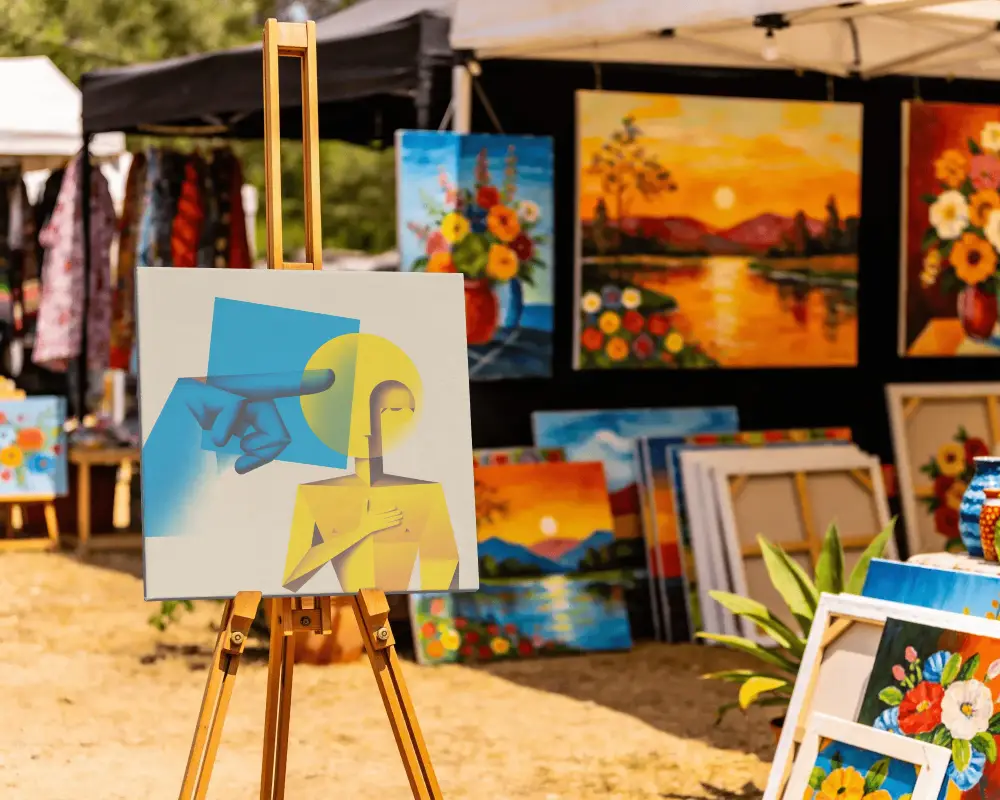
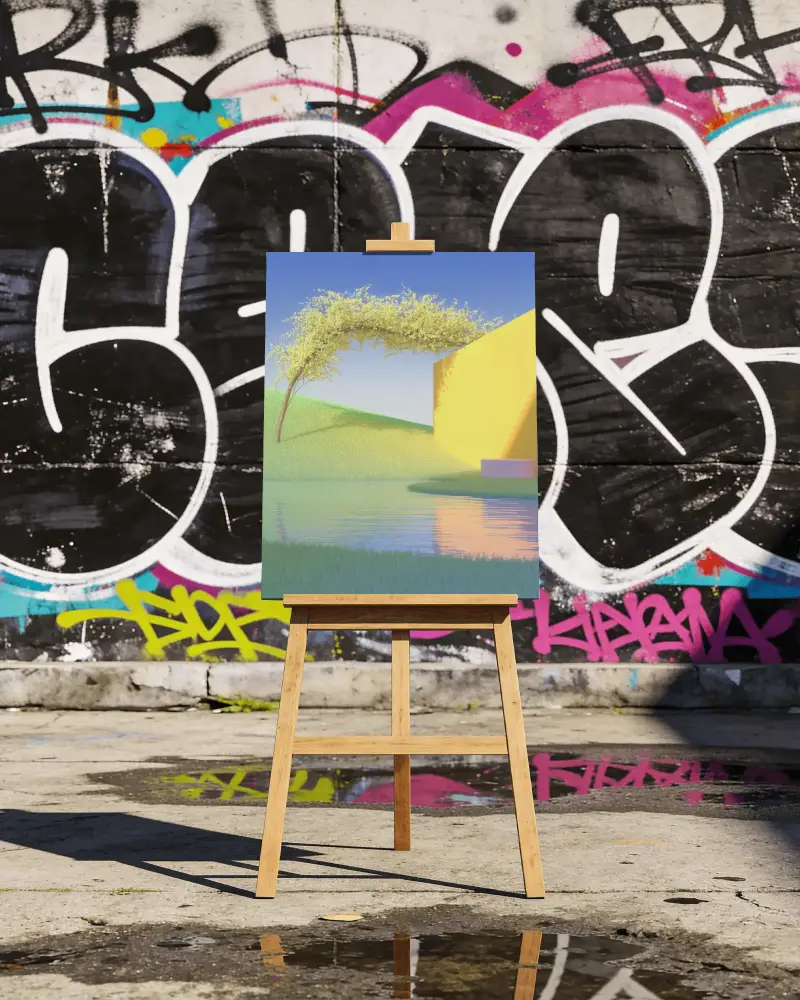
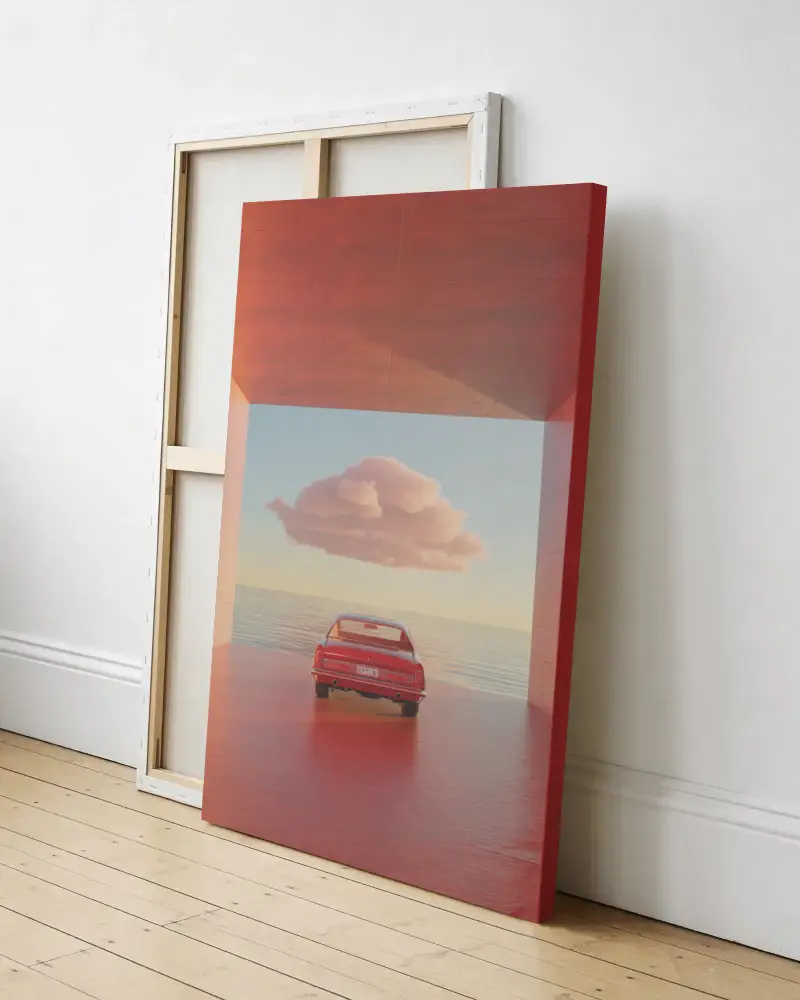
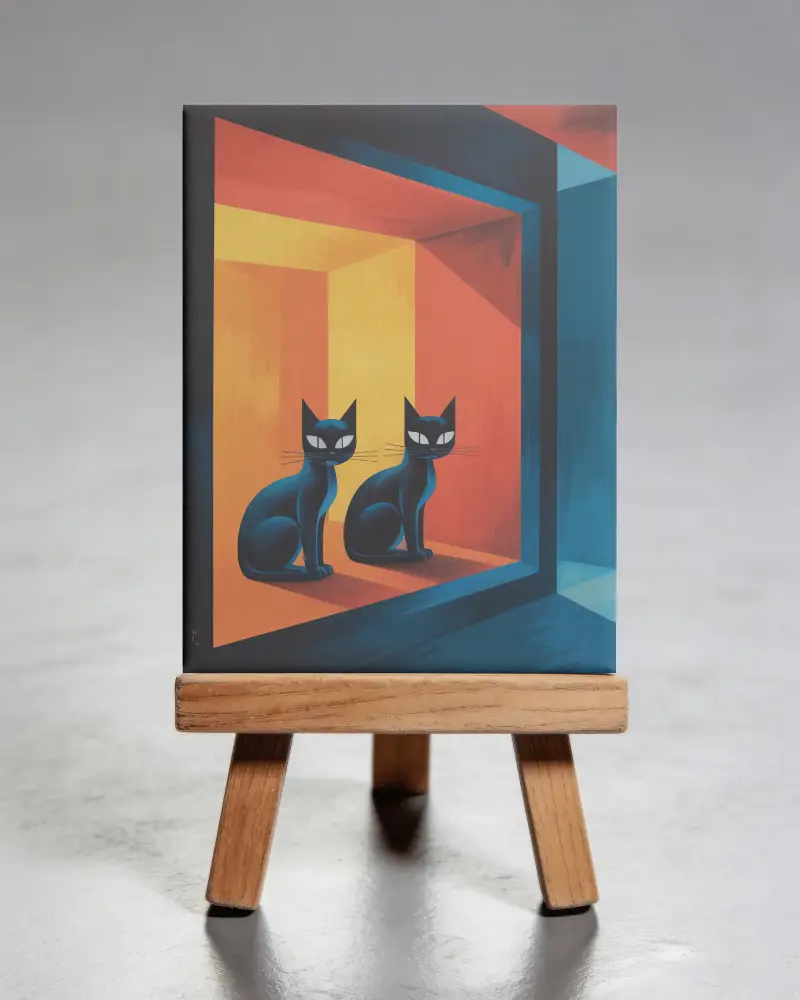
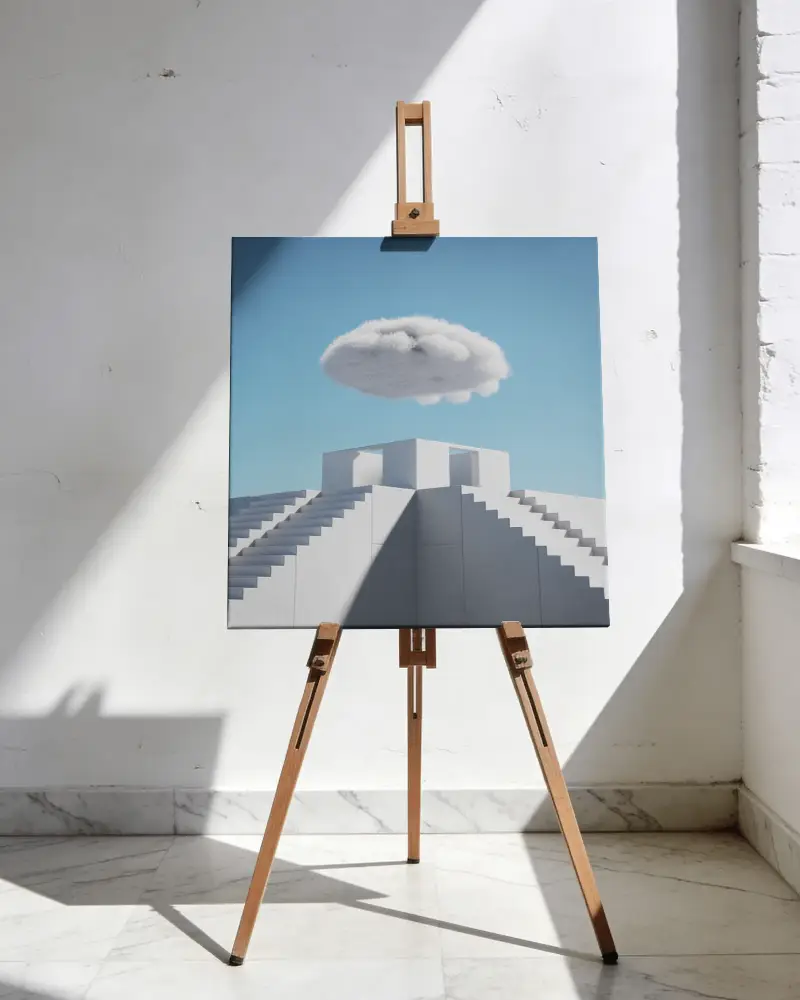
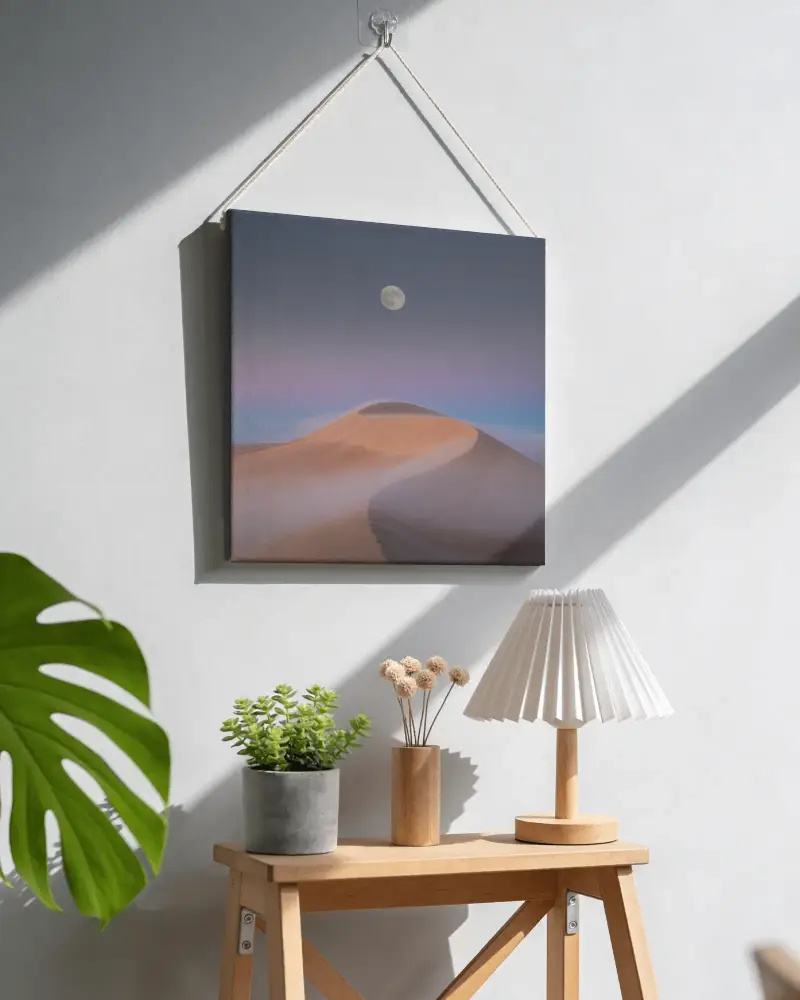
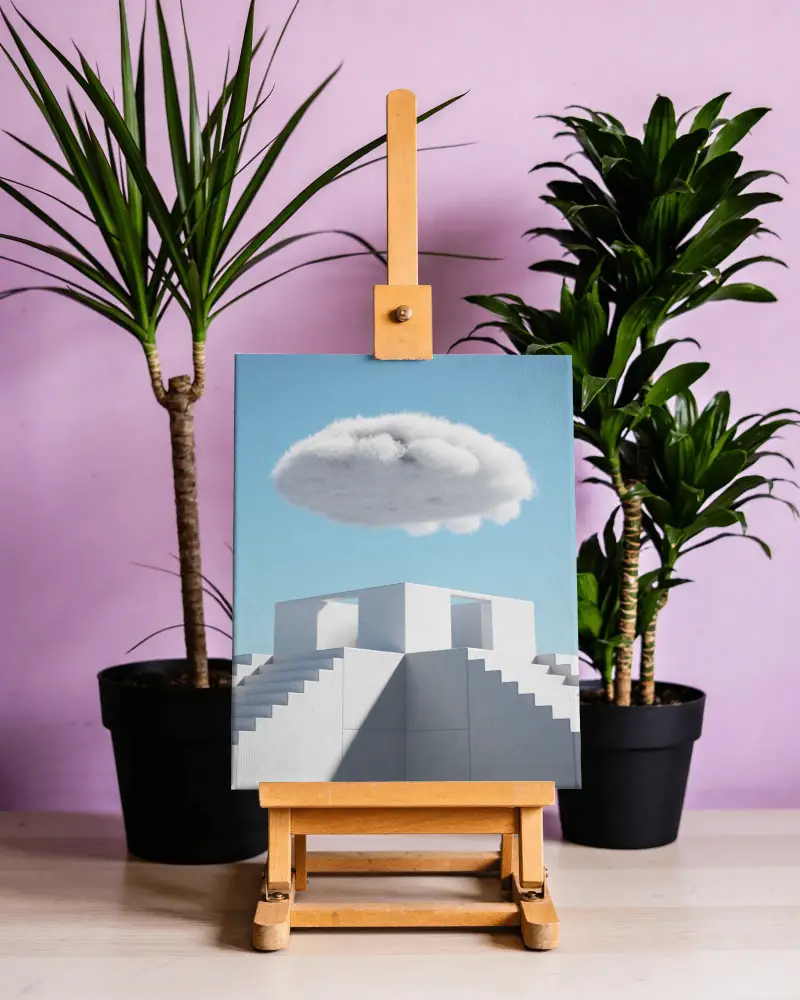
How to Make Paper Canvas Mockup Mockup with Mockey
Follow the steps to create Paper Canvas Mockup Mockups in Mockey AI
- Step 1: On the homepage, go to Mockups > Print > Paper Canvas Mockup and pick a square or landscape design that suits your project.
- Step 2: Next, upload your photo by clicking Upload Design for your Paper Canvas MockupCanvas. You can easily customize it.
- Step 3: Once you're happy with it, download your finished Paper Canvas MockupCanvas mockup for free, without any watermark, in high quality (up to 2000 x 1600 pixels)


FAQs on Paper Canvas Mockups
What is a Paper Canvas Mockup mockup?
A canvas mockup is a digital image that shows how a picture, artwork, or design would look if it were printed on a Paper Canvas Mockupcanvas.
Why create a Paper Canvas Mockup mockup?
Making a Paper Canvas Mockup mockup lets you see how your artwork or design will look on a canvas before you print it. It helps you adjust the design to make sure it fits perfectly.
Why Use Mockey’s Paper Canvas Mockup Mockup?
Mockey's Paper Canvas Mockup Mockup lets you show off your brand designs or custom prints on a canvas. It's stylish and flexible, and you can easily add your logos, artwork, or text to make it your own.
Is this Paper Canvas Mockup mockup free?
Mockey offers free customizable Paper Canvas Mockup templates. You can download them unlimited times without any watermark.
