Free Baby Long Sleeve Onesie Mockups
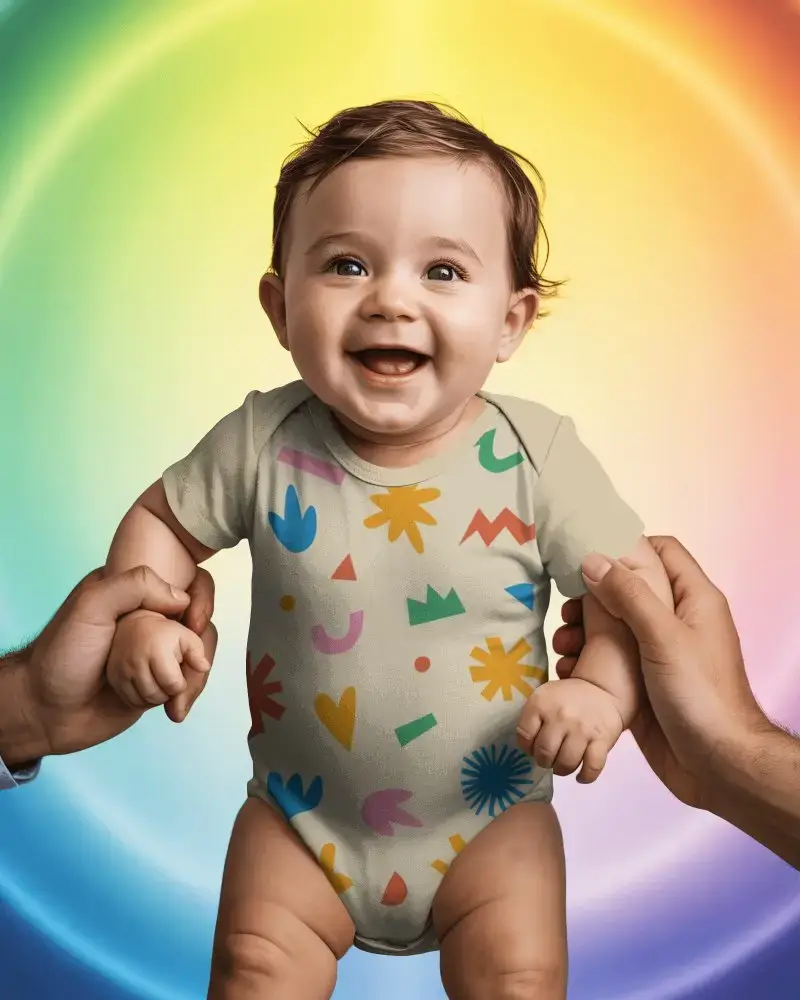
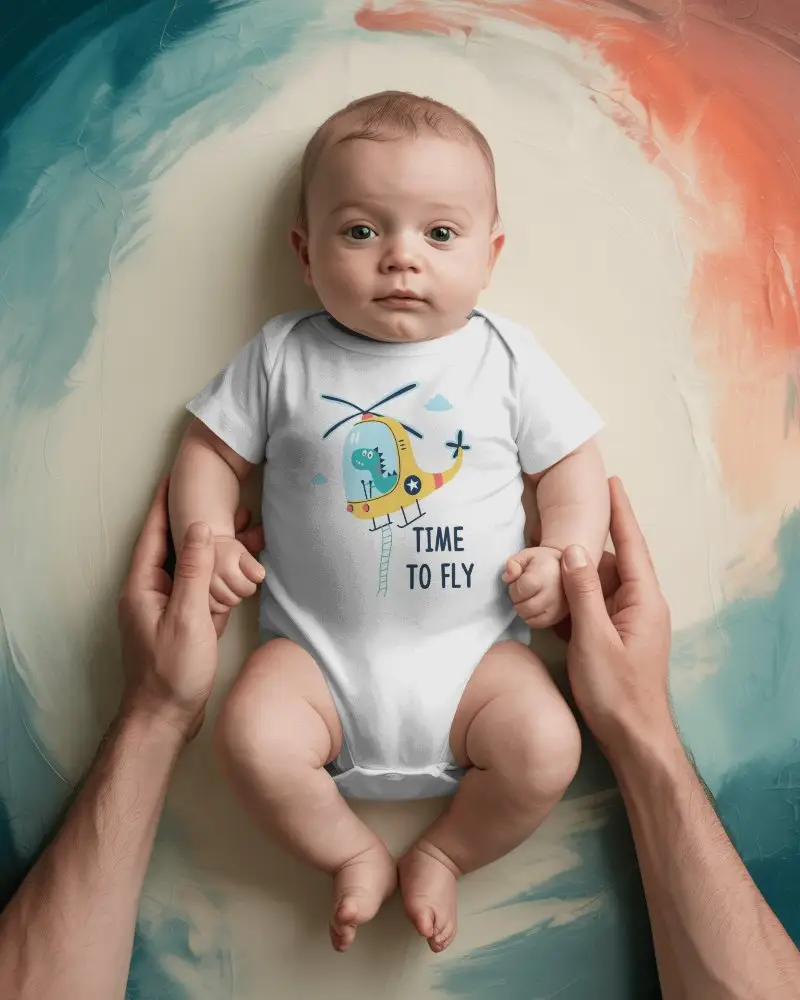
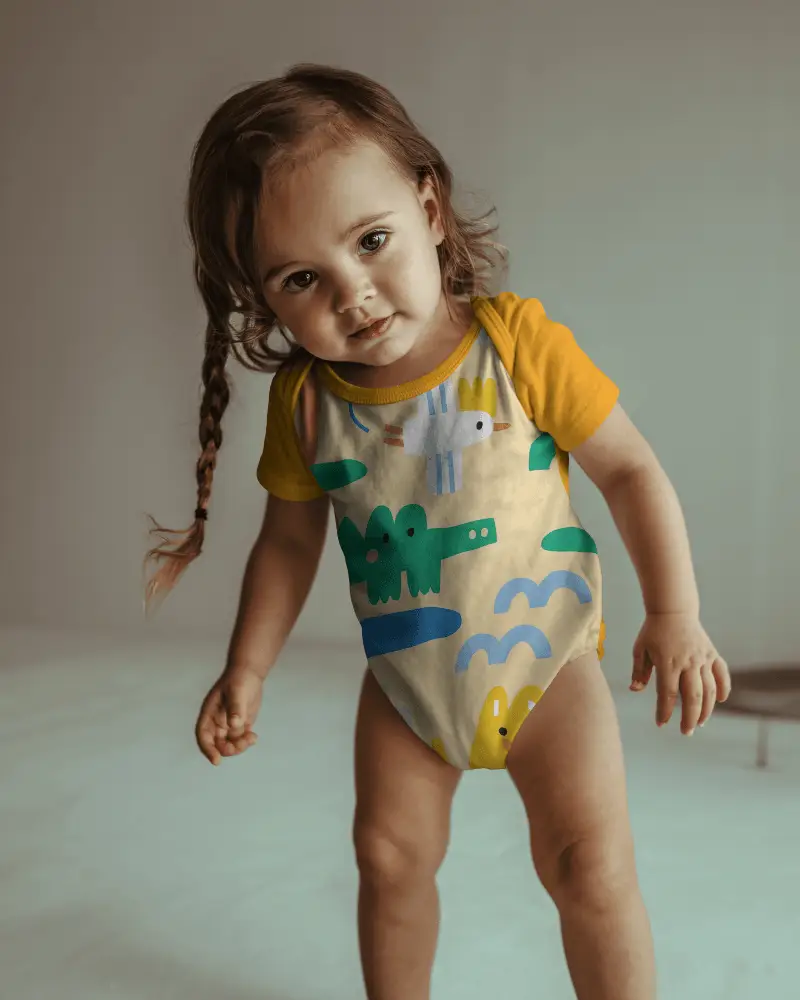
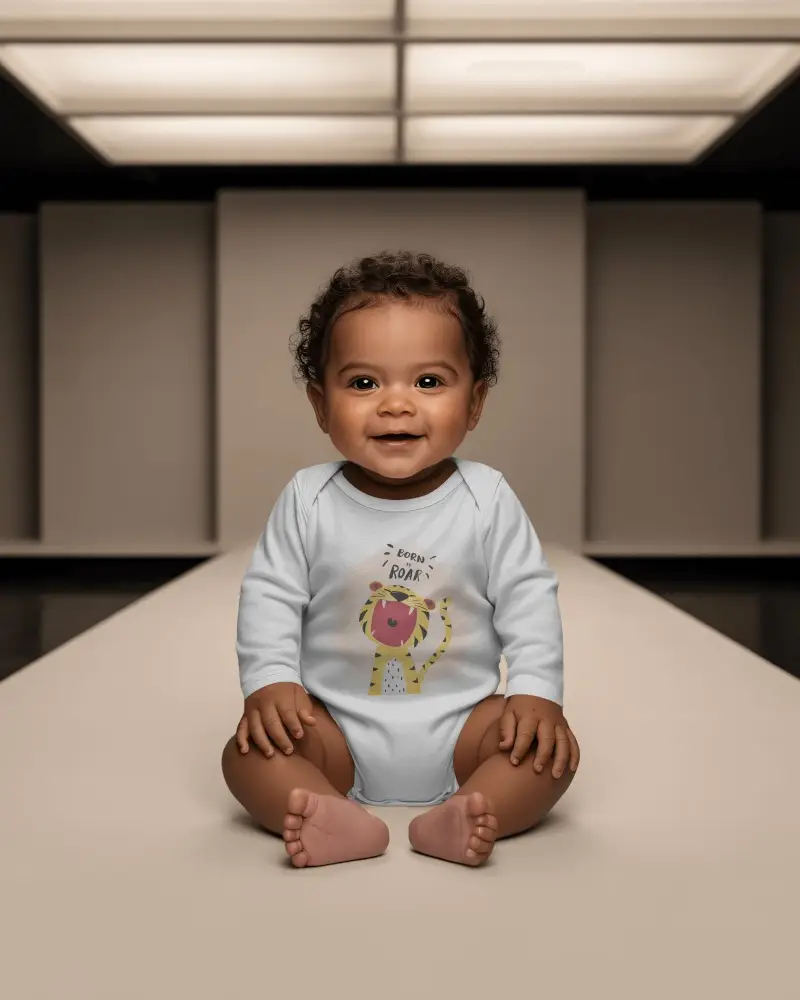
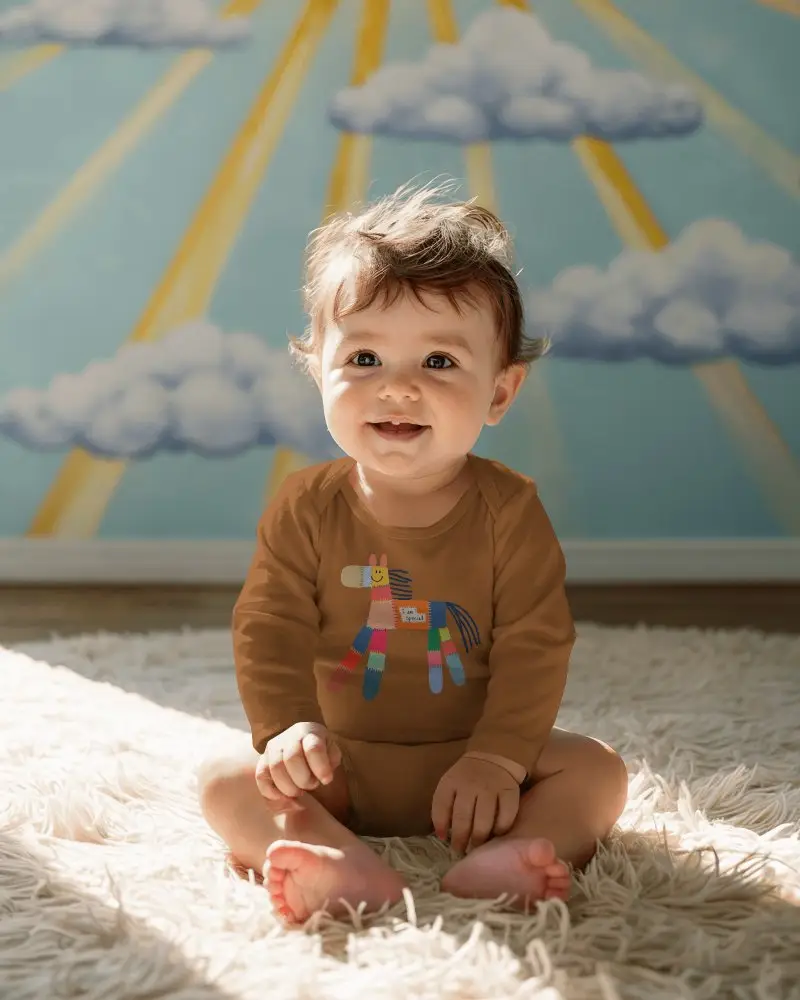
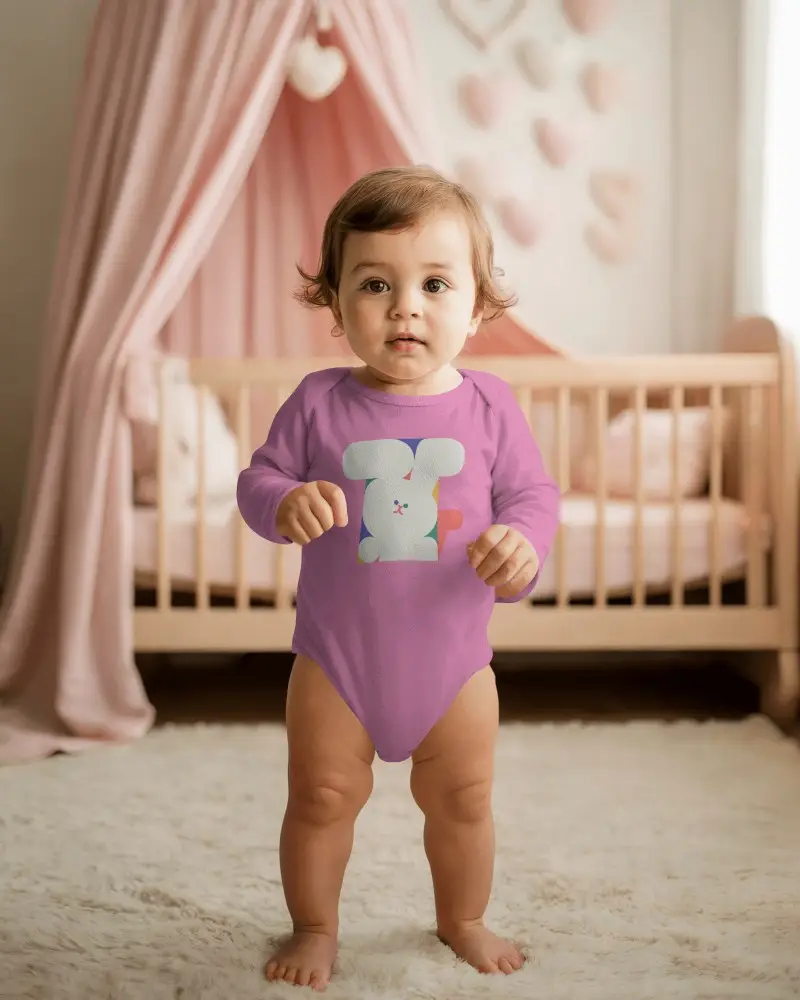
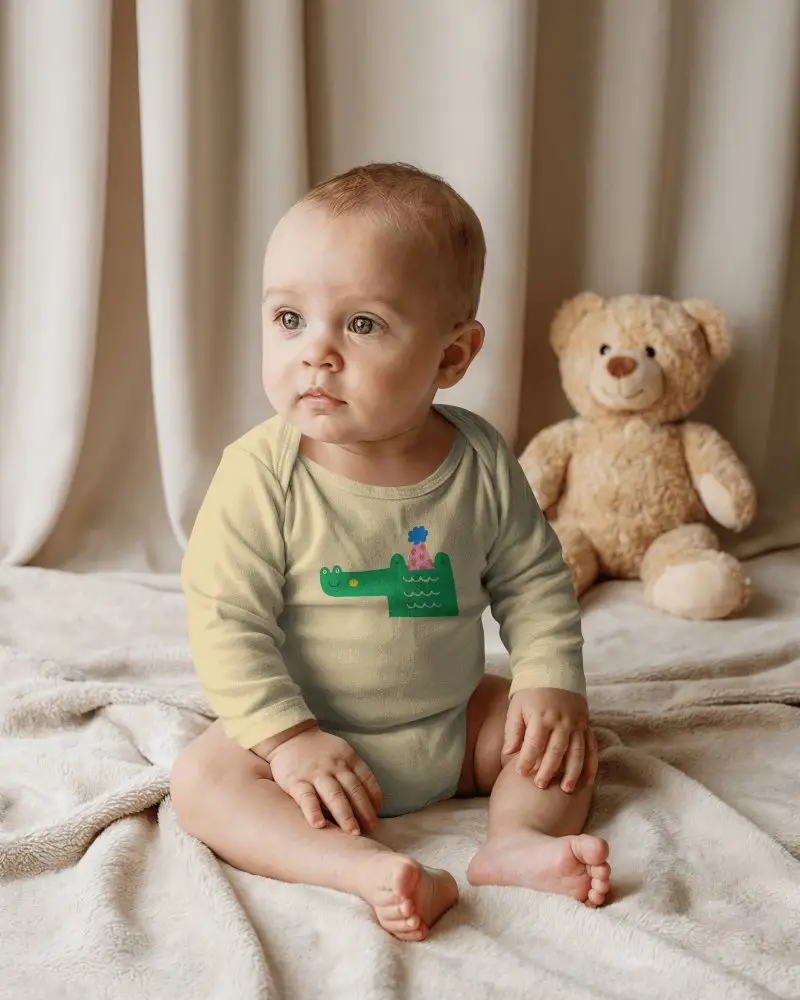
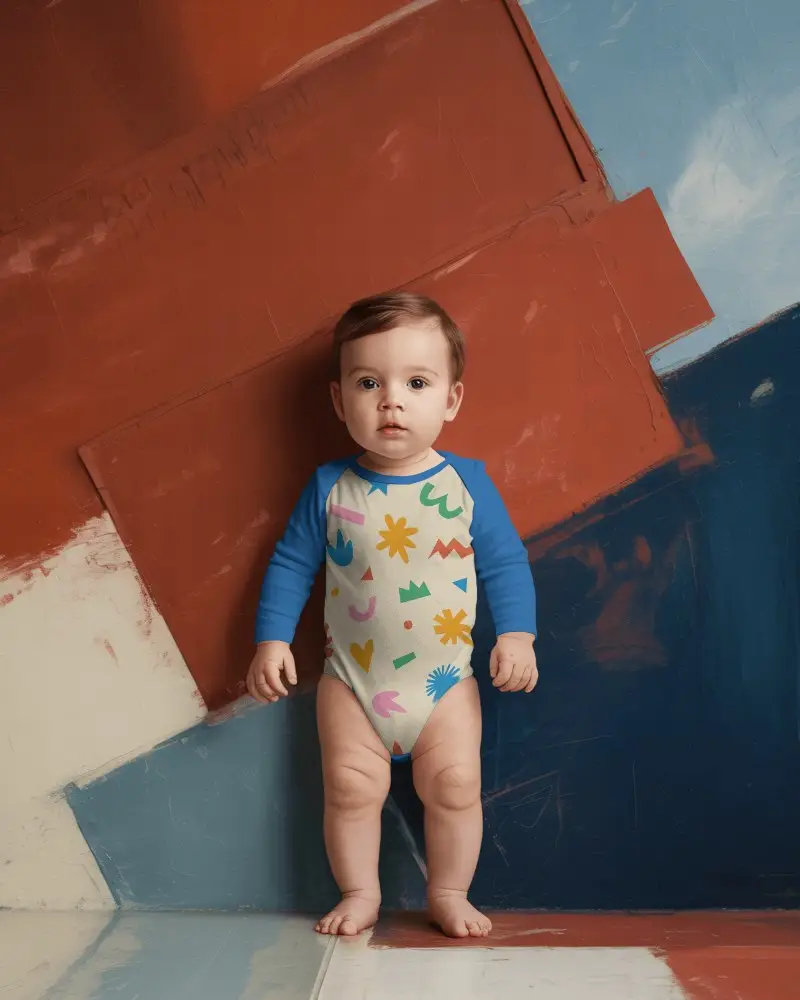
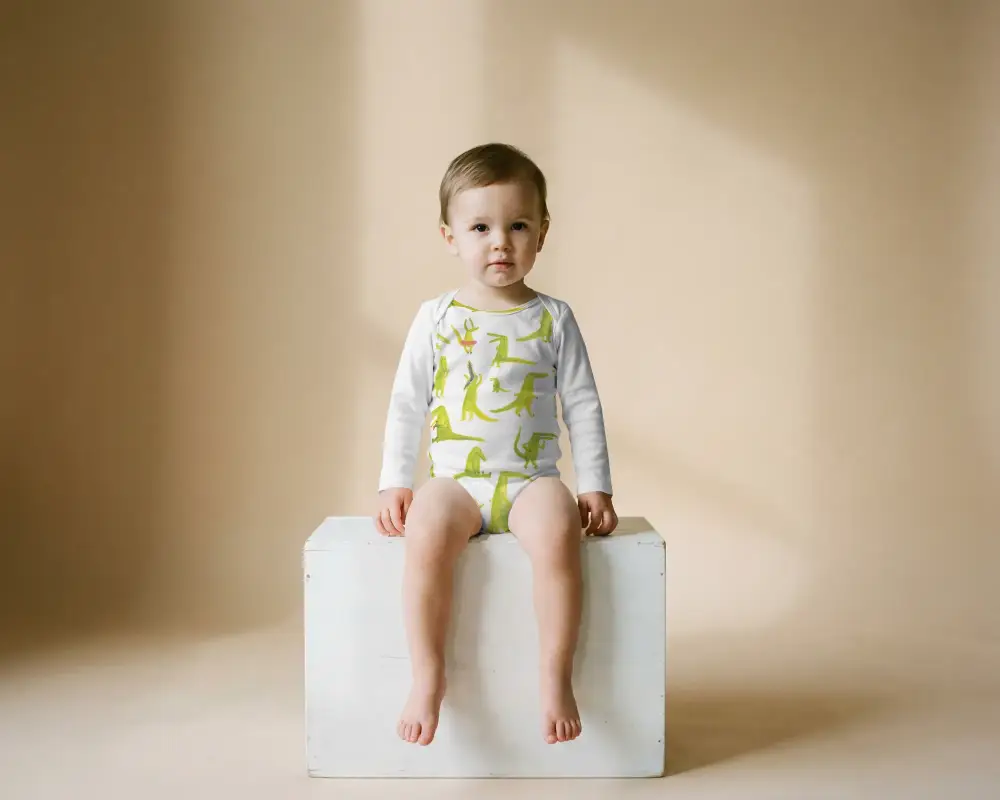
Show your baby wear designs in a warm and natural way using free long sleeve onesie mockups. Mockey is a free AI mockup generator that lets you create clean product previews for online stores, social posts, and POD projects in seconds.
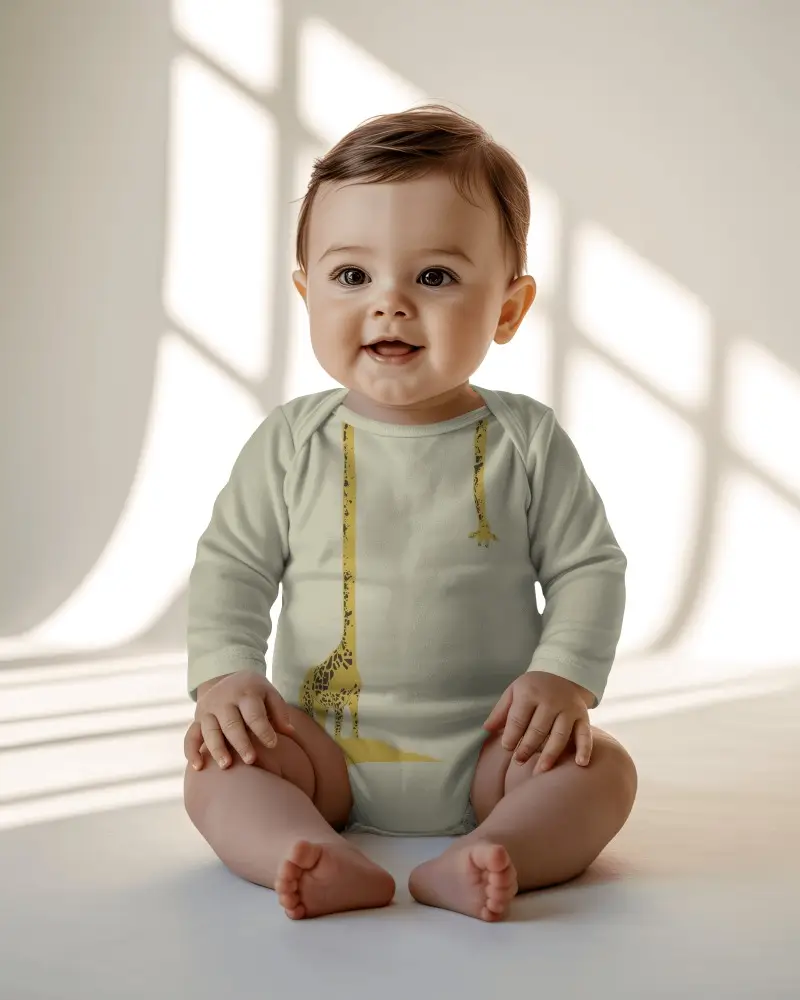
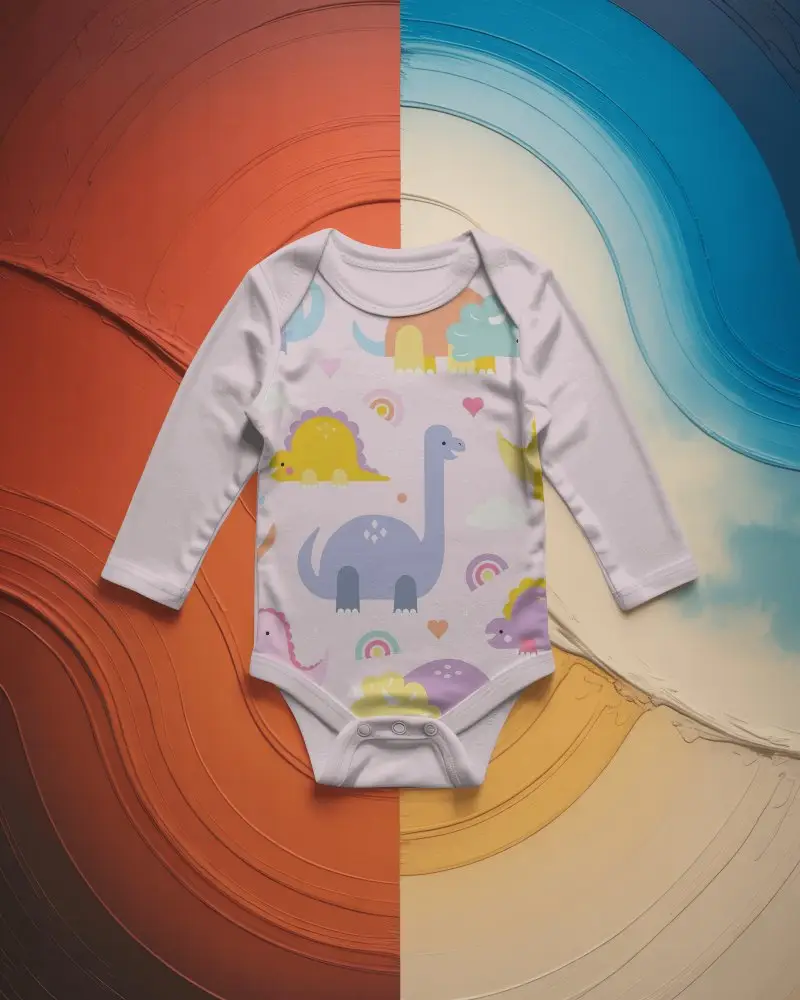
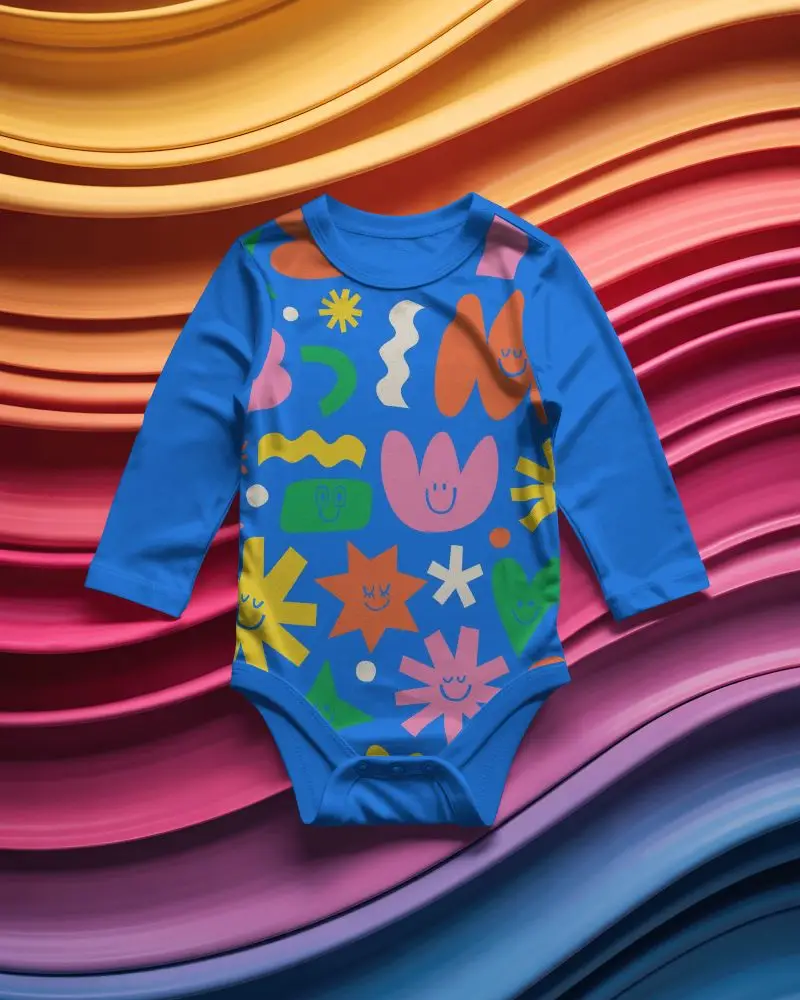
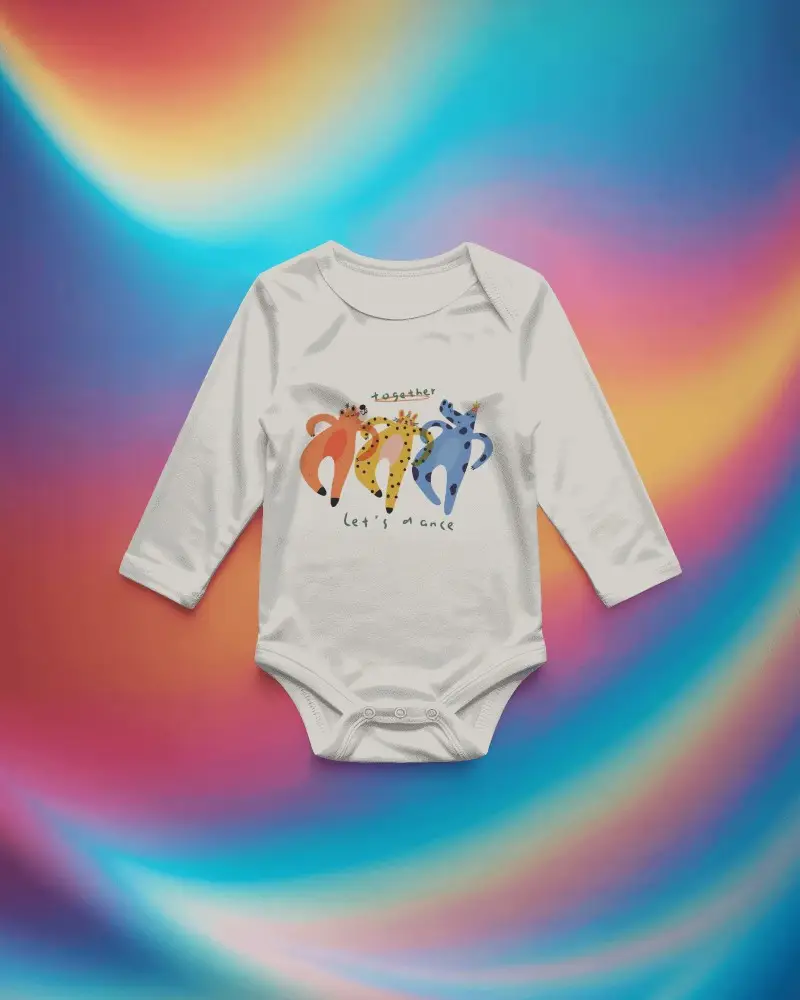
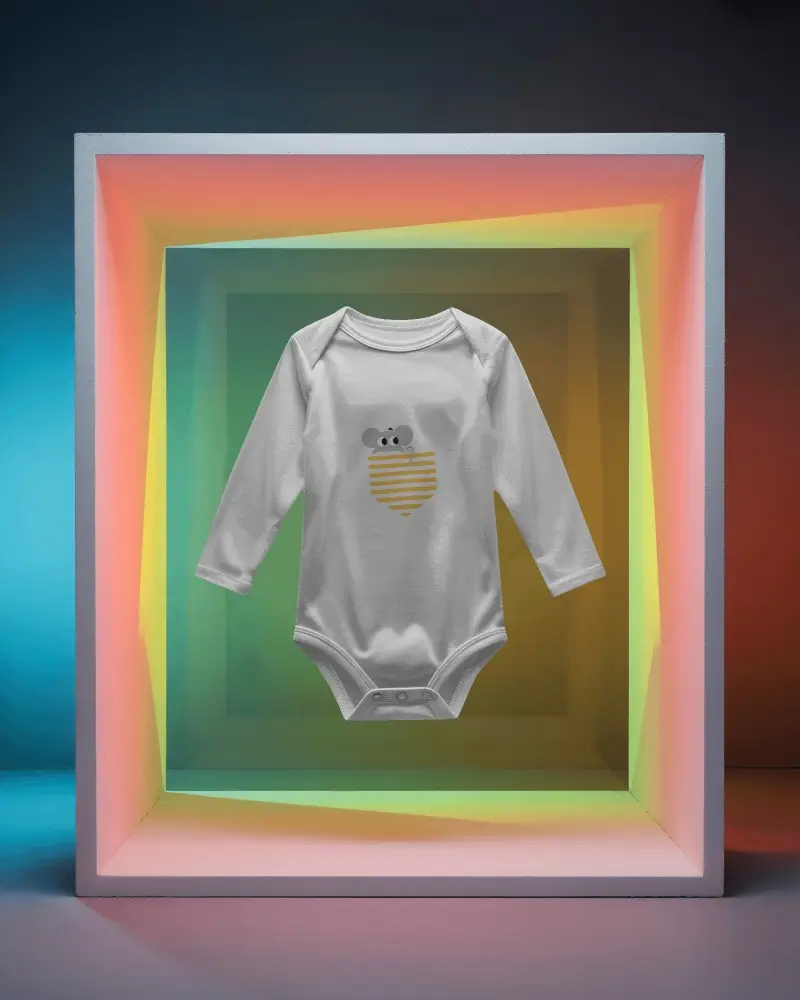
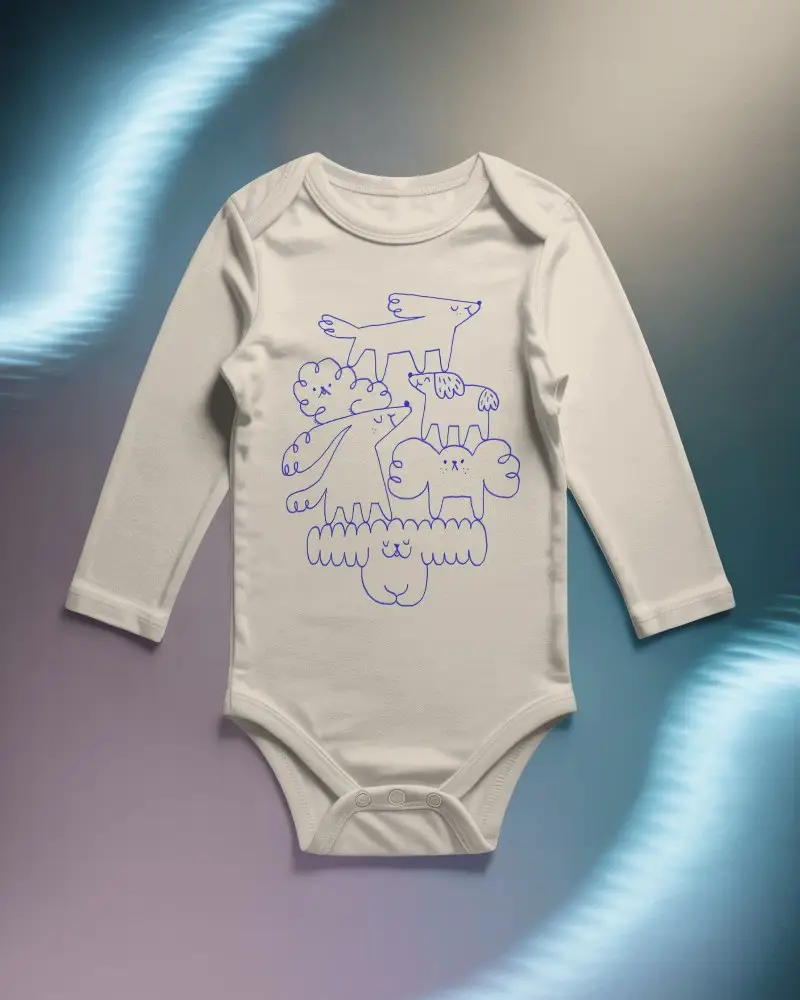
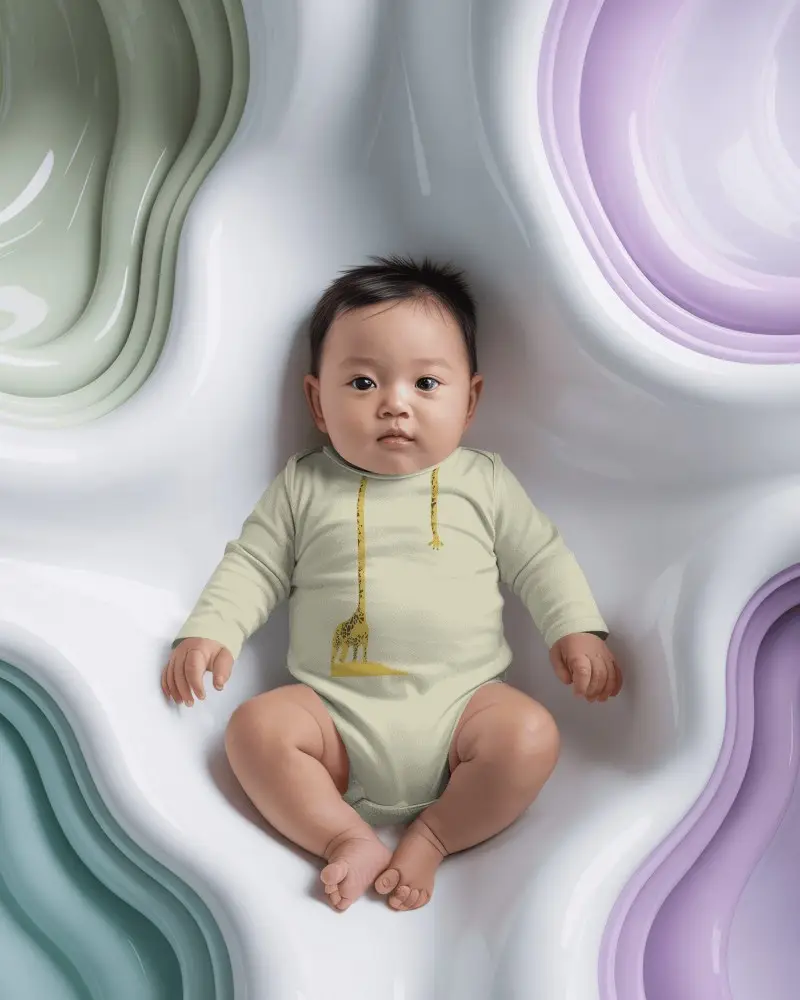
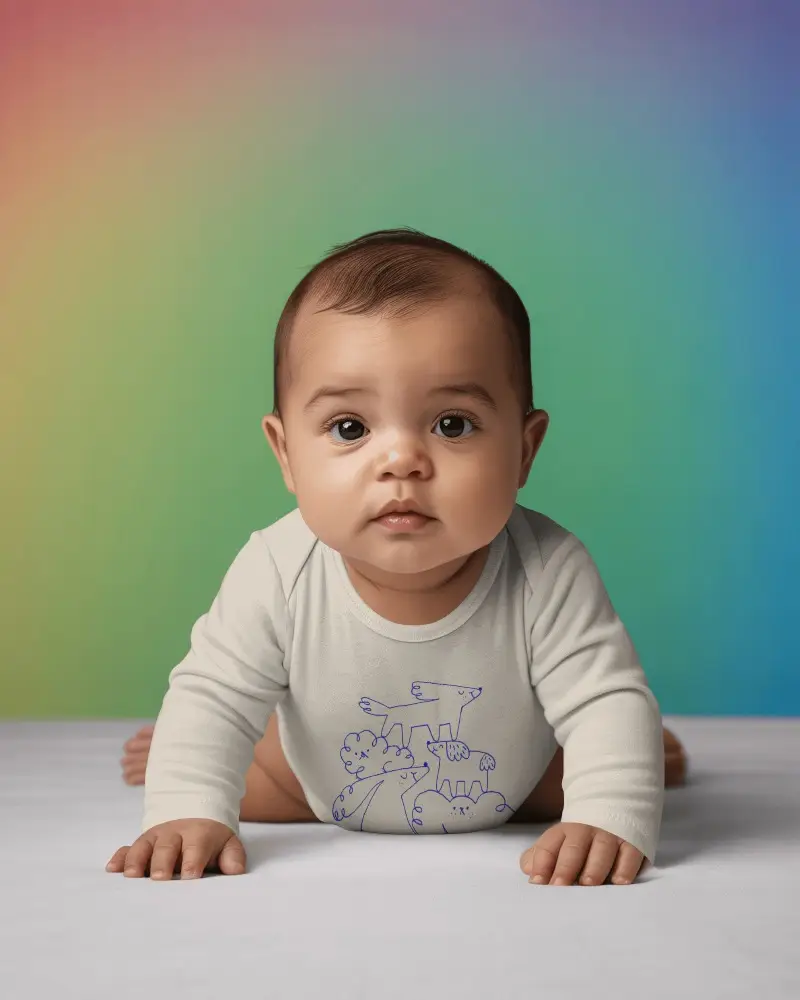
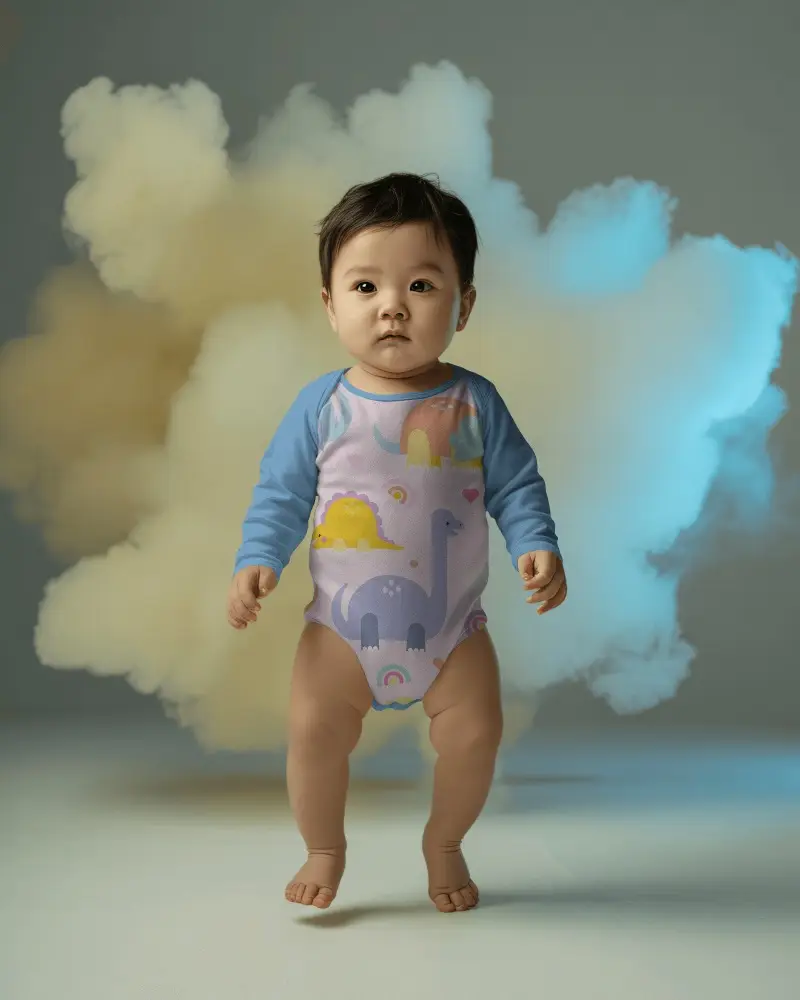
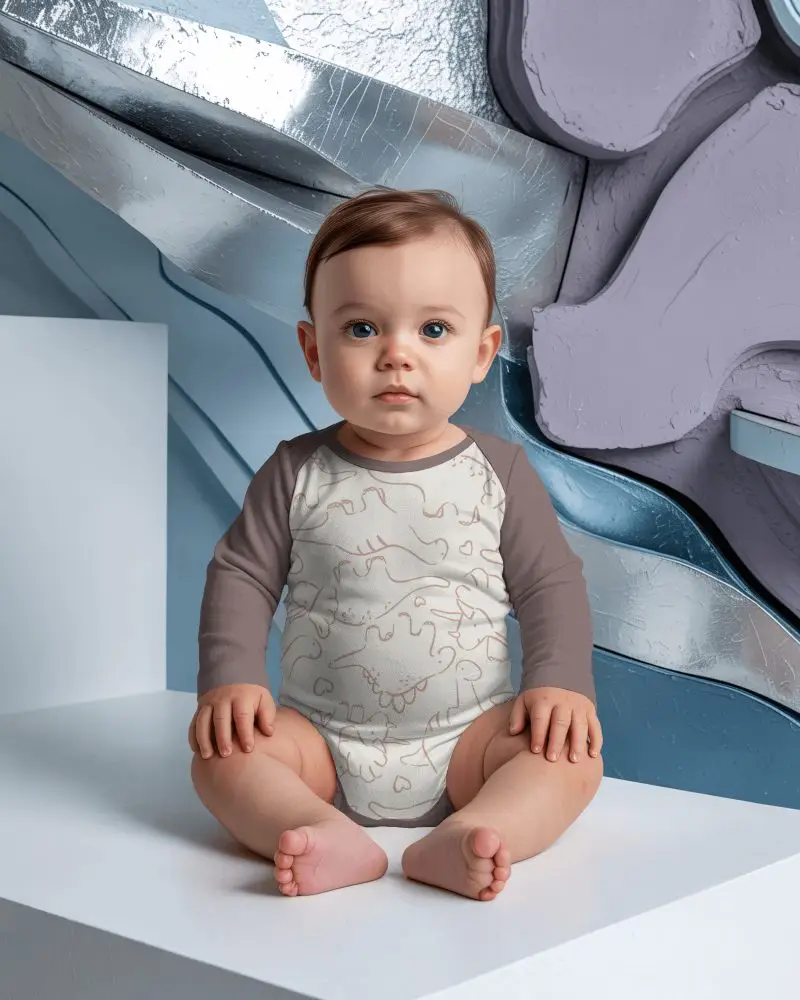
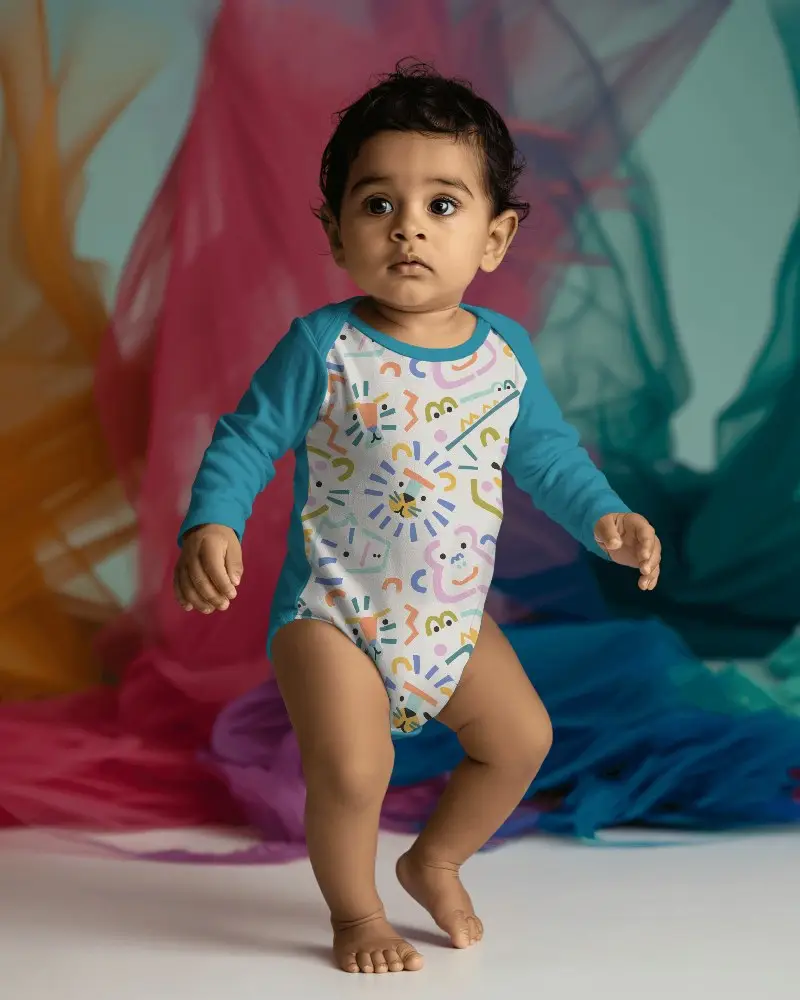
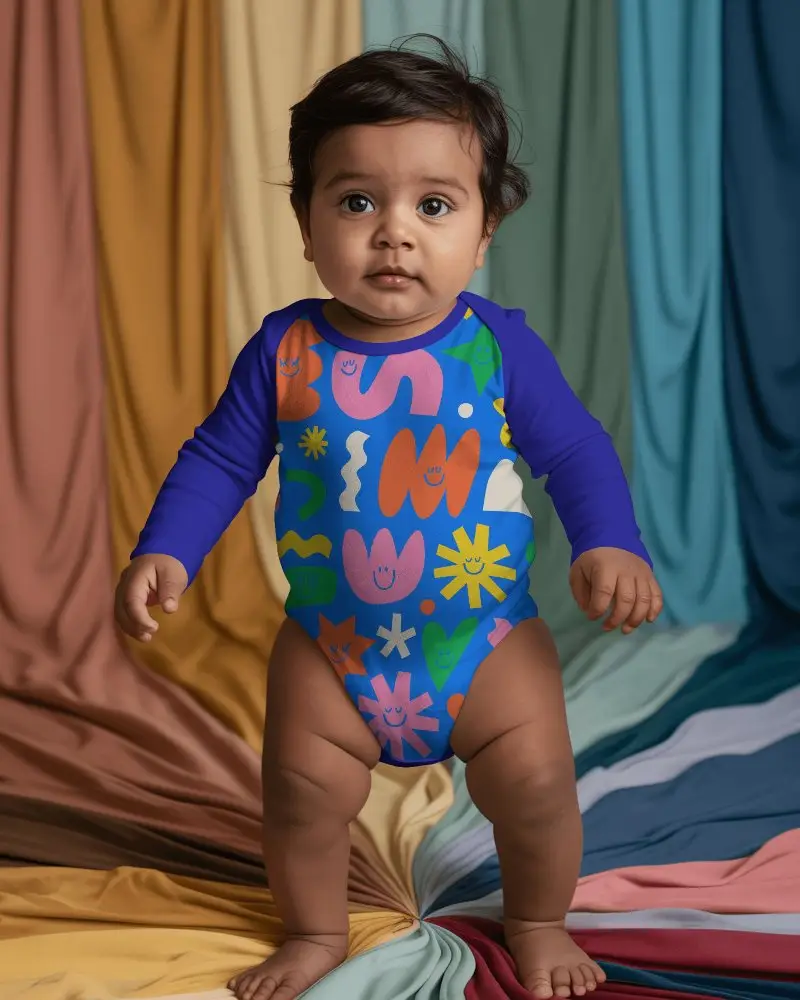
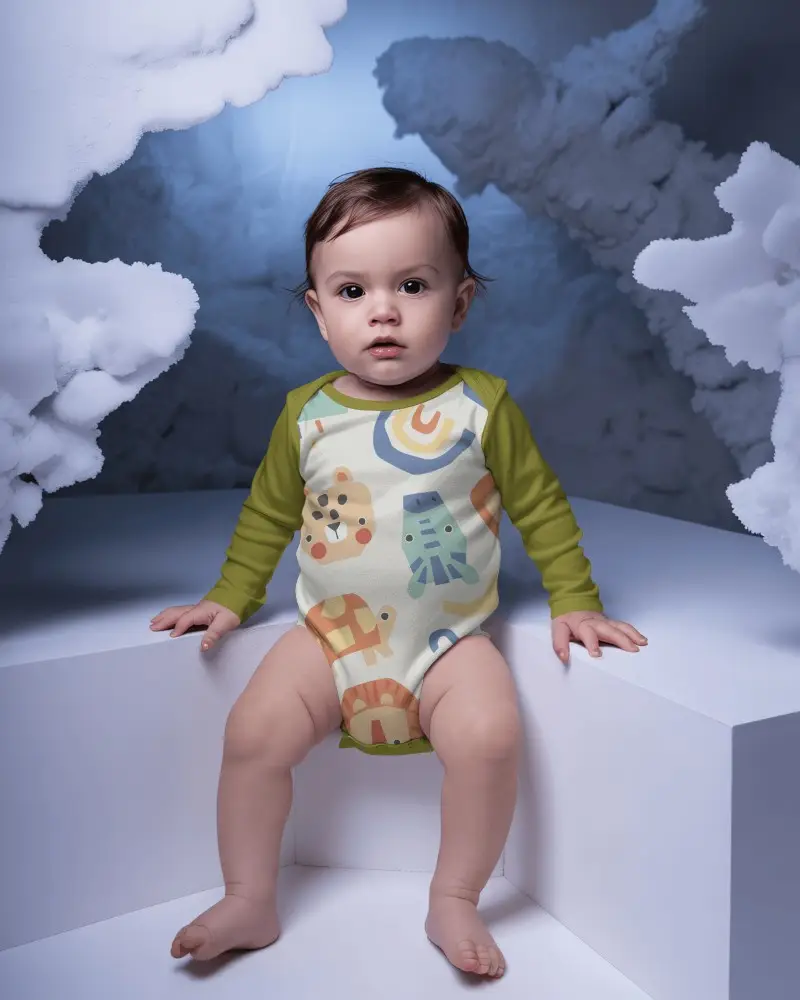
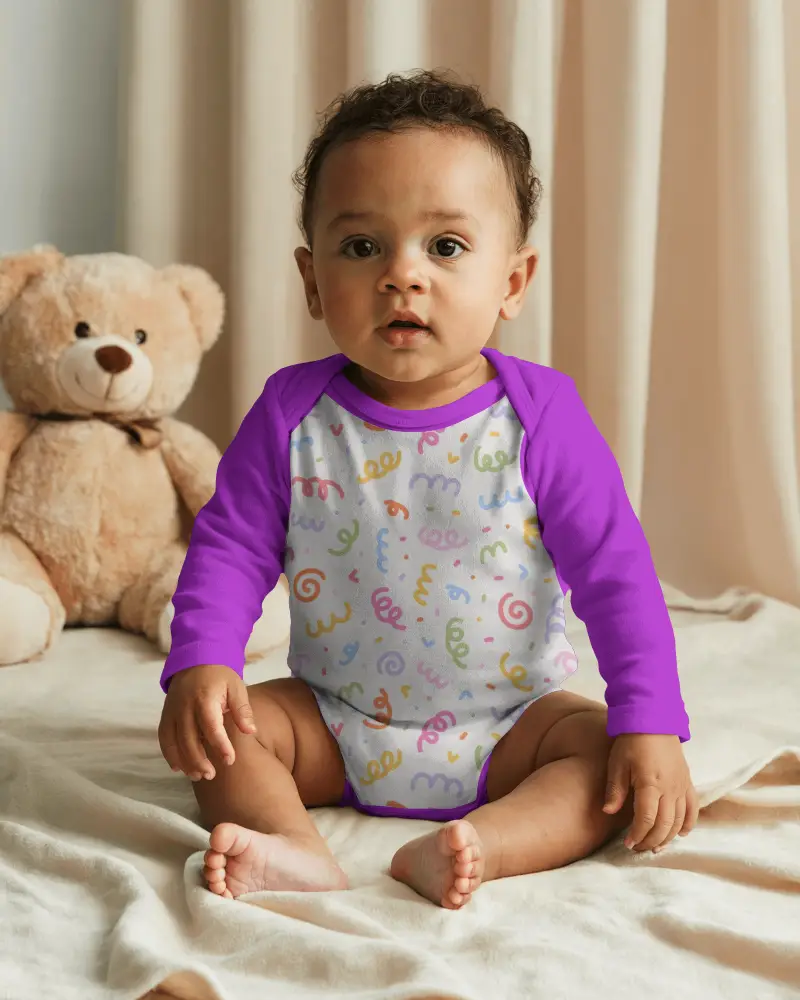
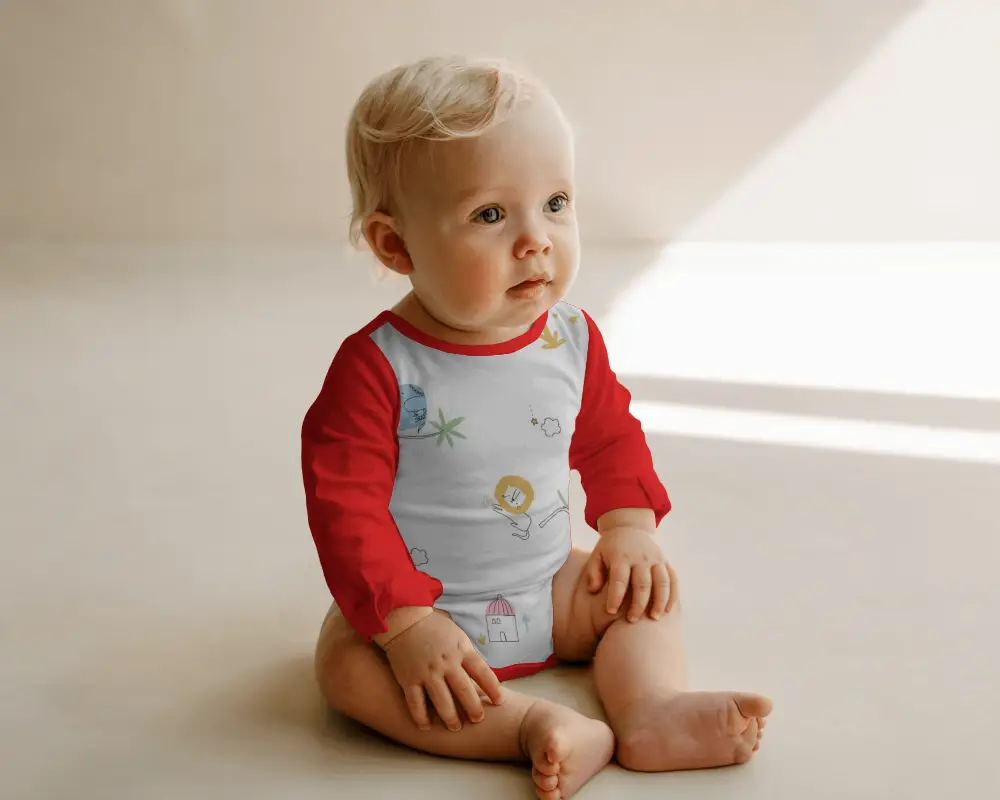
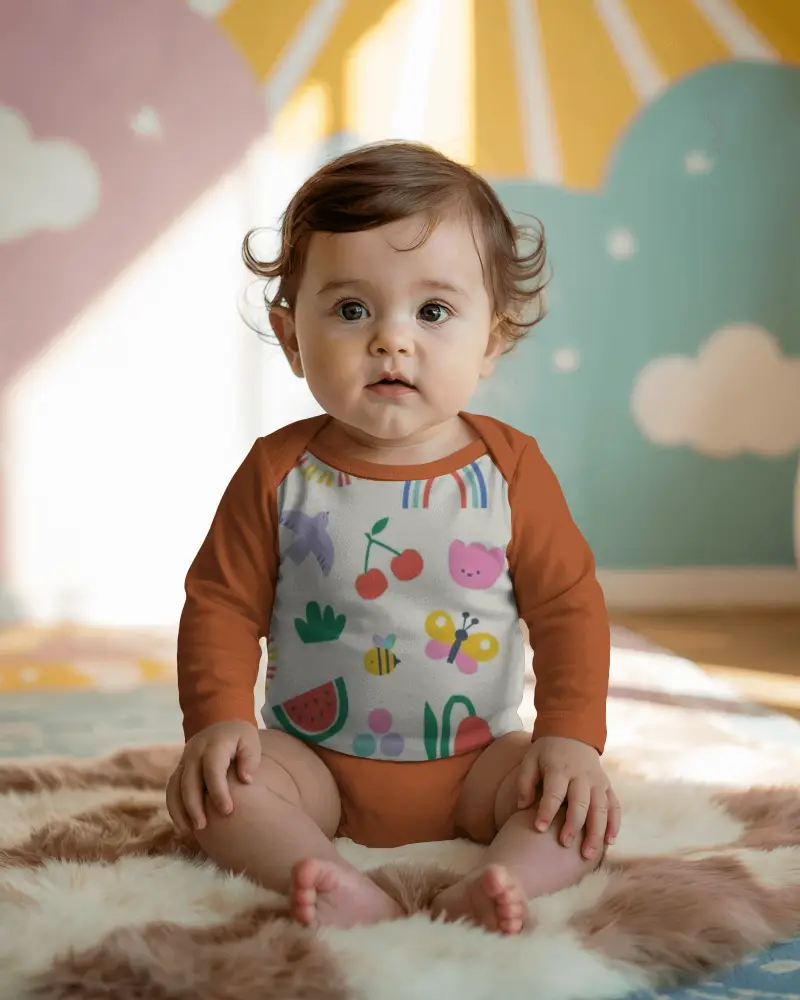
How to Create a Long Sleeve Onesie Mockup
To create a log sleeve onesie mockup:
- Step 1: Register from the Login/Sign up section to begin.
- Step 2: Find Baby under Mockups, and follow Onesie > Long sleeve to choose any style you prefer.
- Step 3: Add a design, and edit it. Hit Download to save the long sleeve onesie mockup.


FAQs on Long Sleeve Onesie Mockups
What is a long sleeve onesie mockup?
A long sleeve onesie mockup is a digital template of a long sleeve baby onesie. Anyone can use it to add a logo or custom design. Mockups help you show buyers a preview before the actual garment is produced.
Why should I use a long sleeve onesie mockup?
A long sleeve onesie mockup makes work simple. You don’t need to keep real stock. You can show your design in seconds. It cuts effort and saves time.
Does Mockey offer long sleeve onesie mockups in different angles?
Mockey AI offers many long sleeve onesie mockups that appear from different angles. All templates look realistic, and the output comes in high quality.
Can I use the mockups for social media ads?
Long sleeve onesie mockups are best for social media ads, but they stand out only when you pair them with real and honest content. Parents connect more with genuine moments than polished images.
Can I use these mockups for my Etsy or Shopify store?
Long sleeve onesie mockups are best for an Etsy or Shopify store. You don’t need a studio or a big photoshoot. Mockey AI gives you ready-to-use templates, so you can create mockups in minutes and keep your workflow smooth.
