Gerber Onesie Mockups for Baby Products
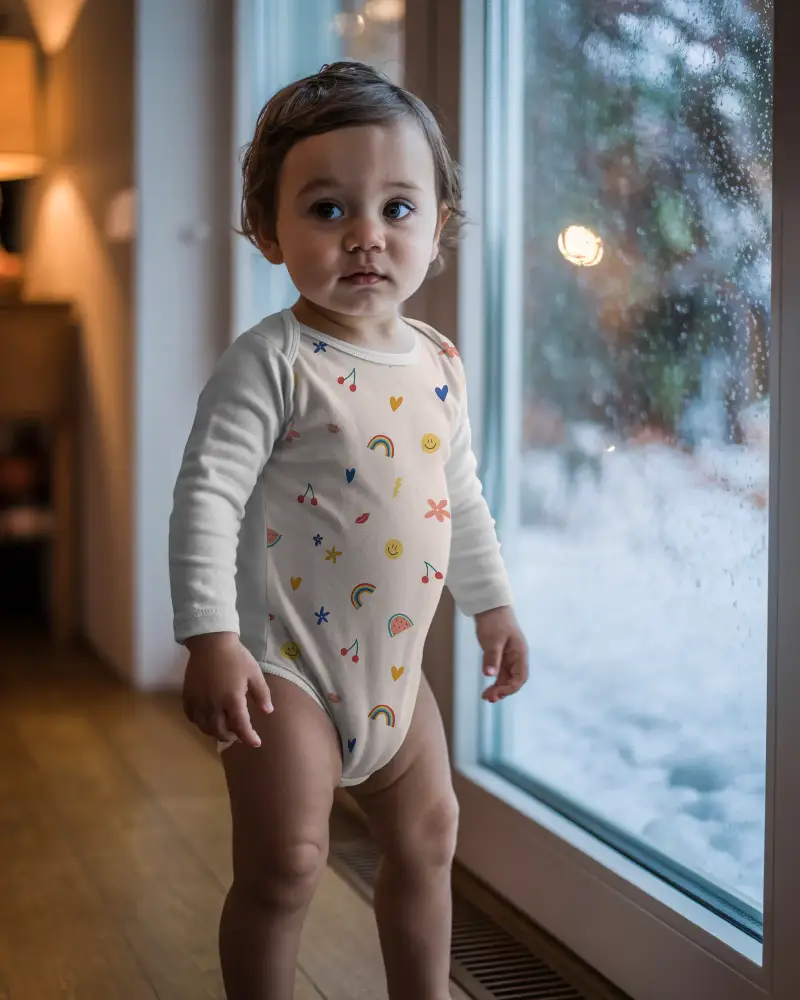
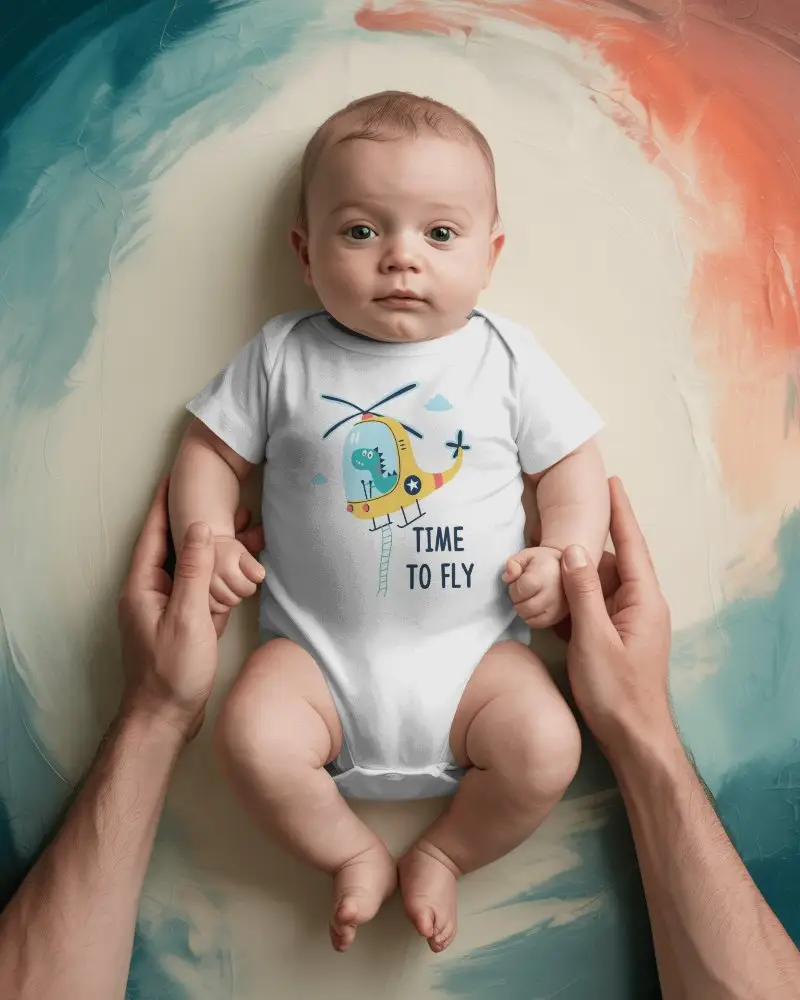
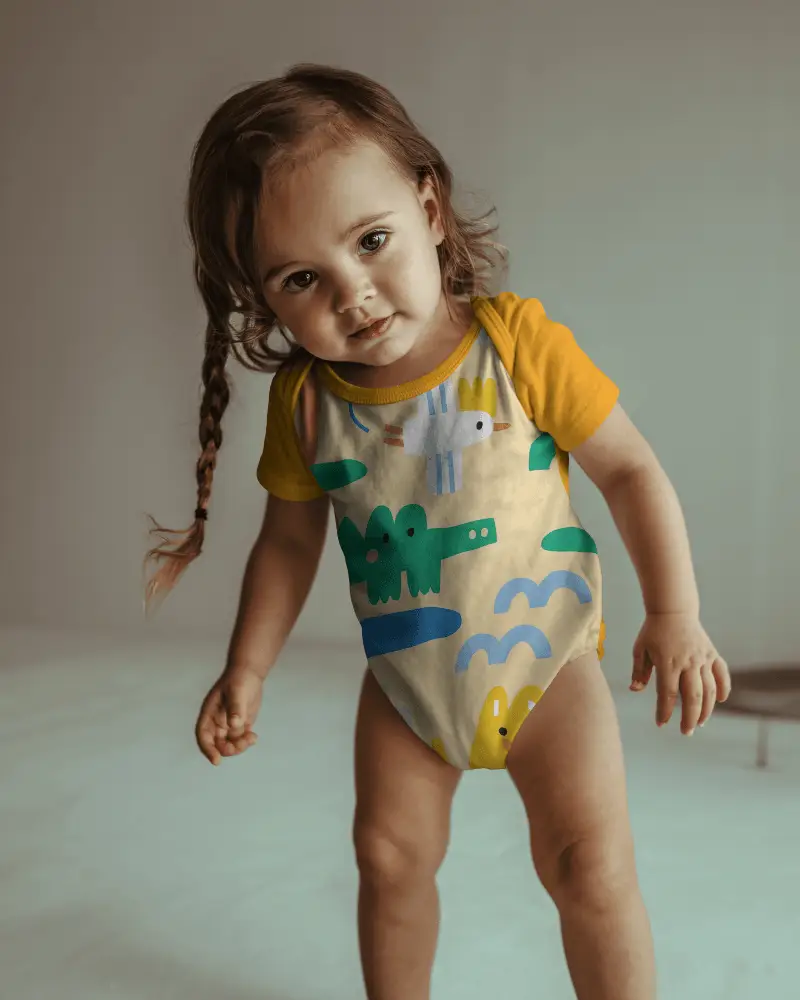
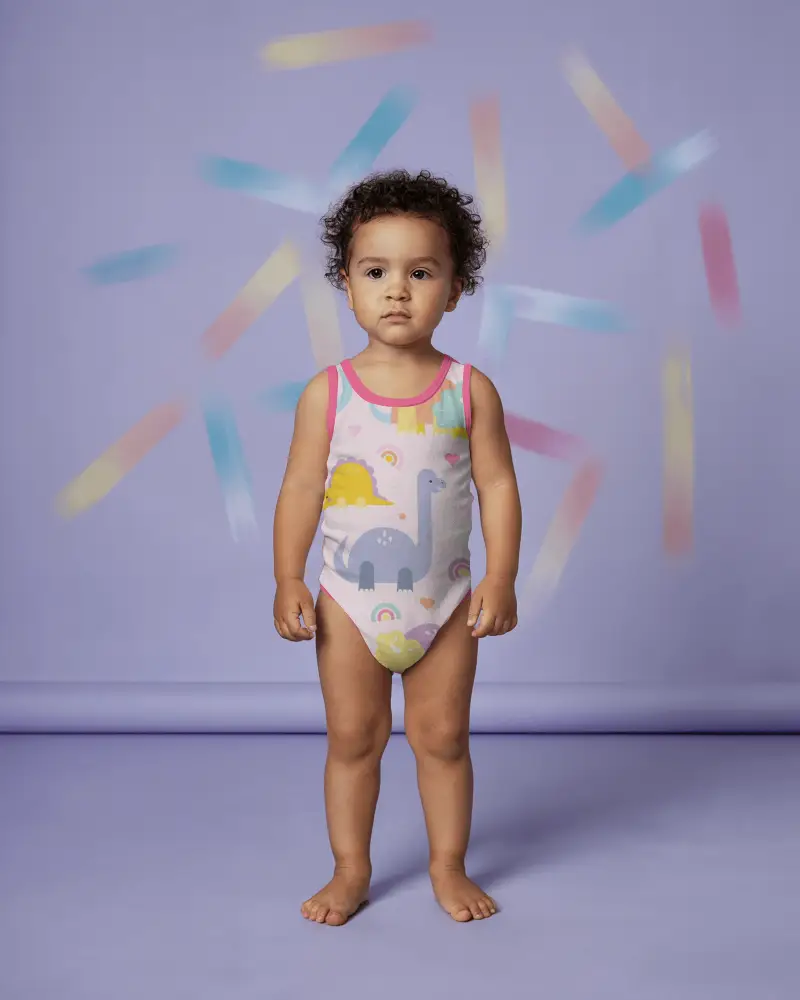
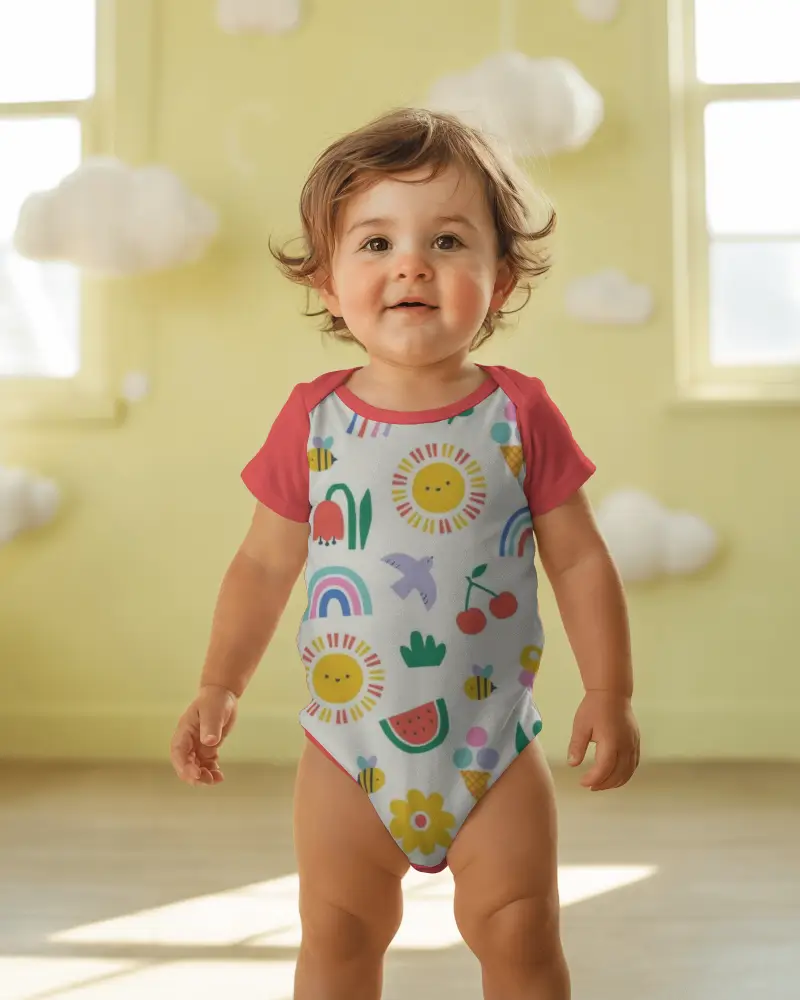
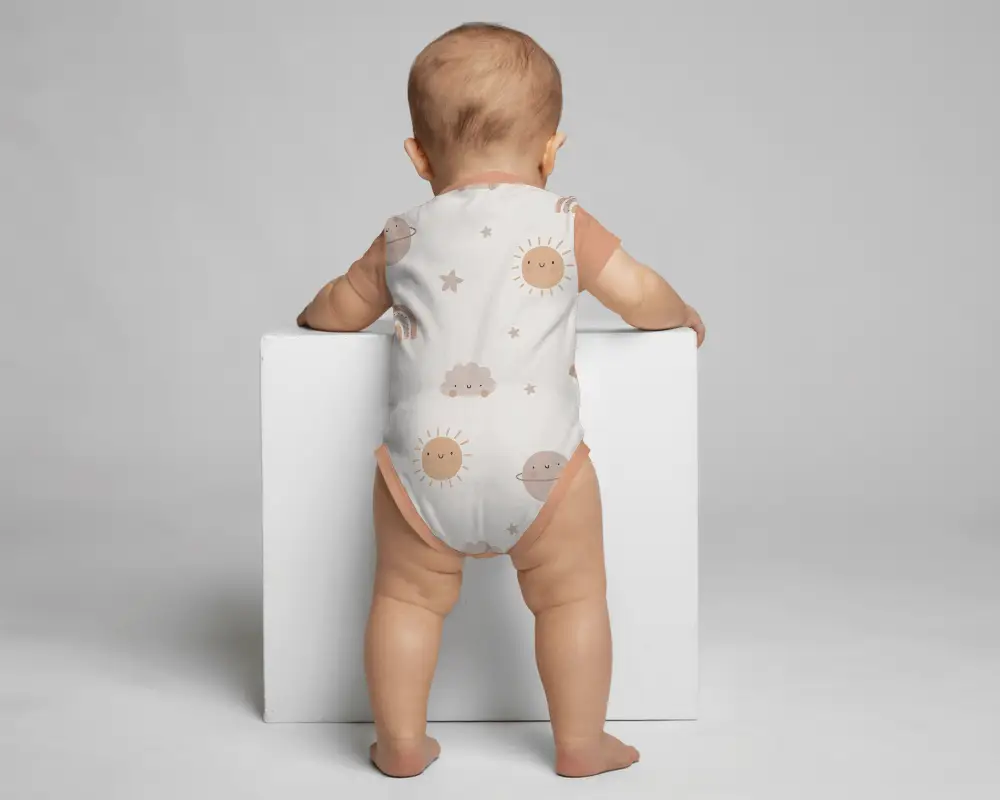
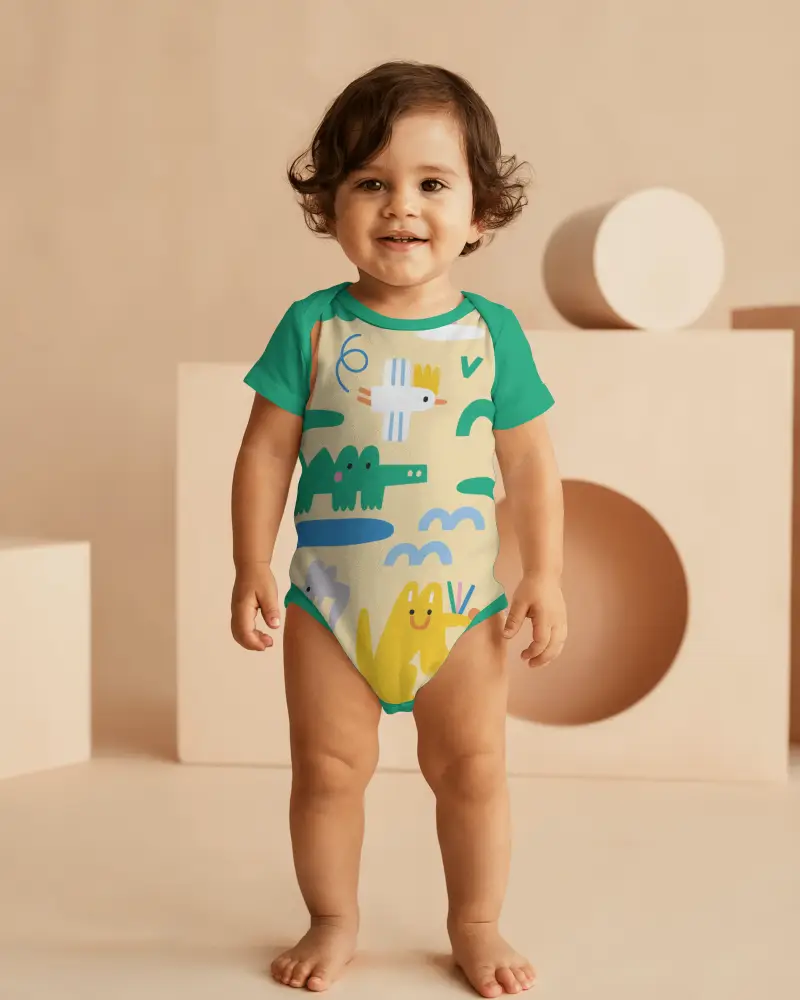
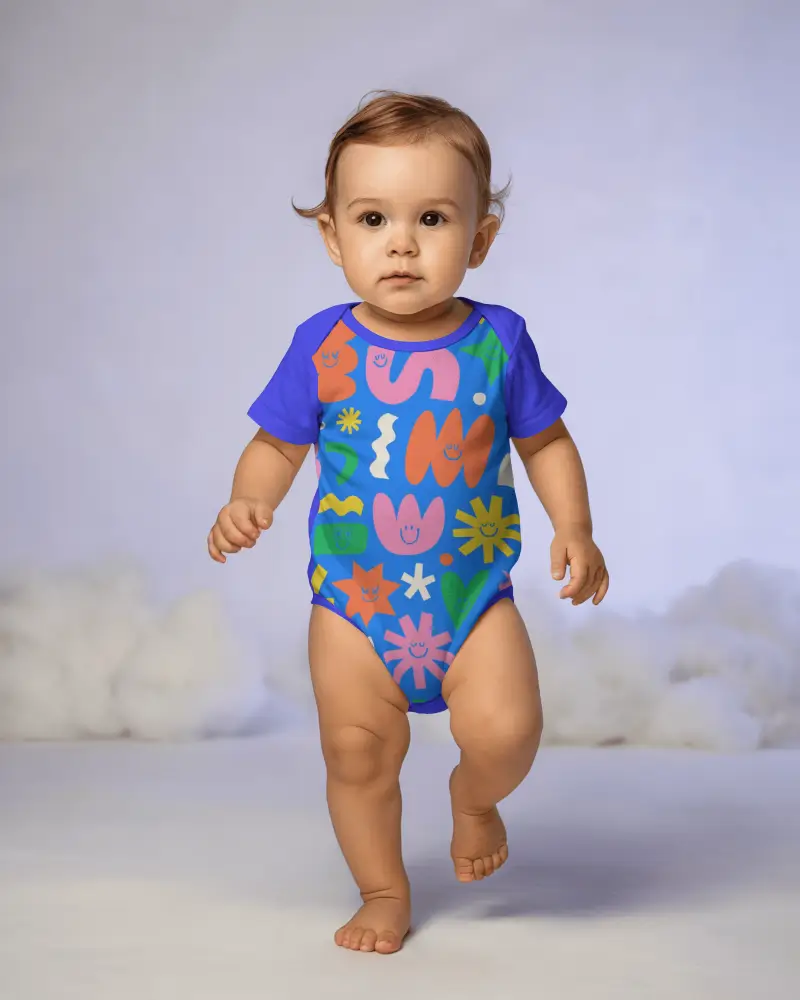
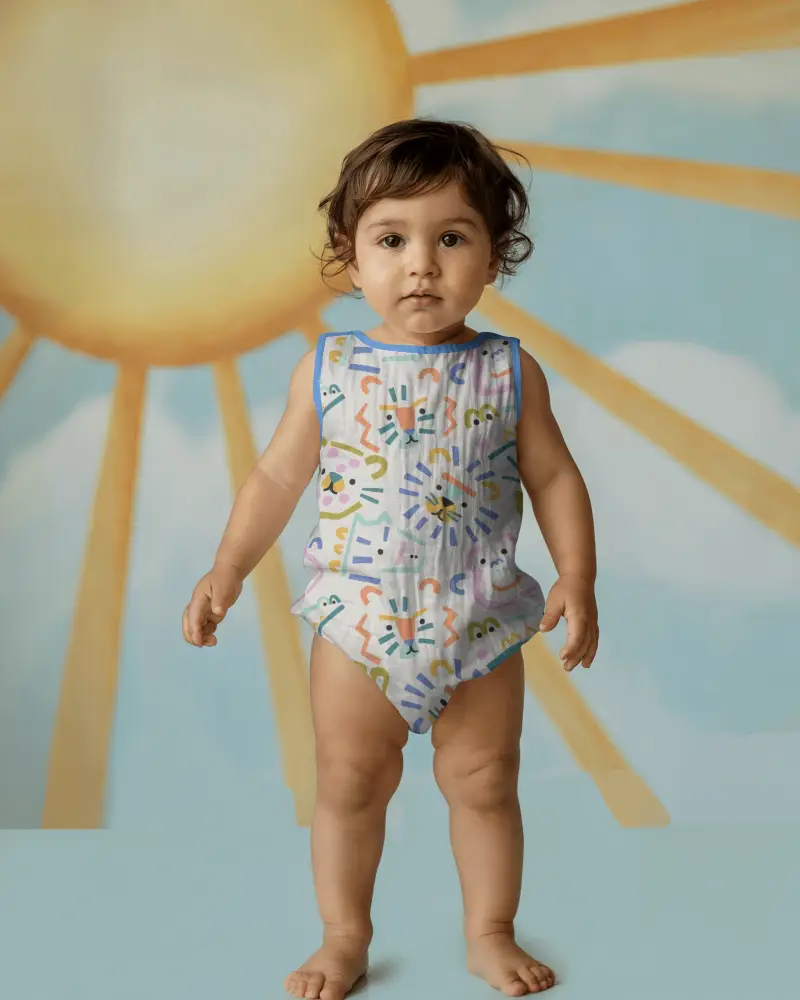
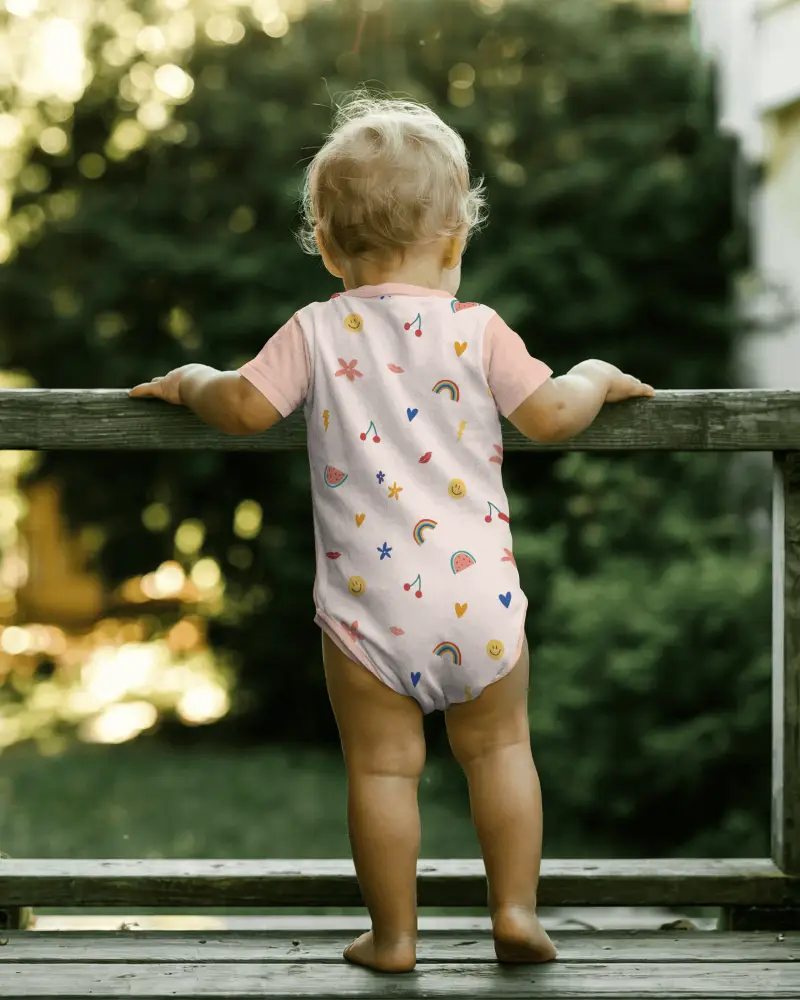
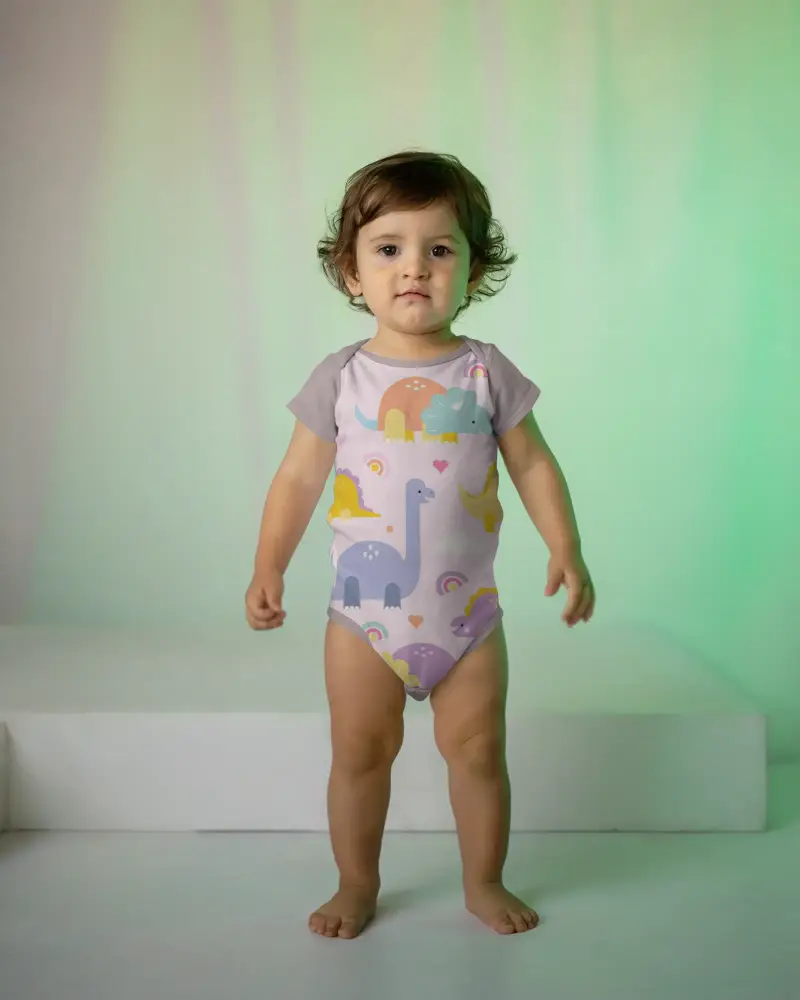
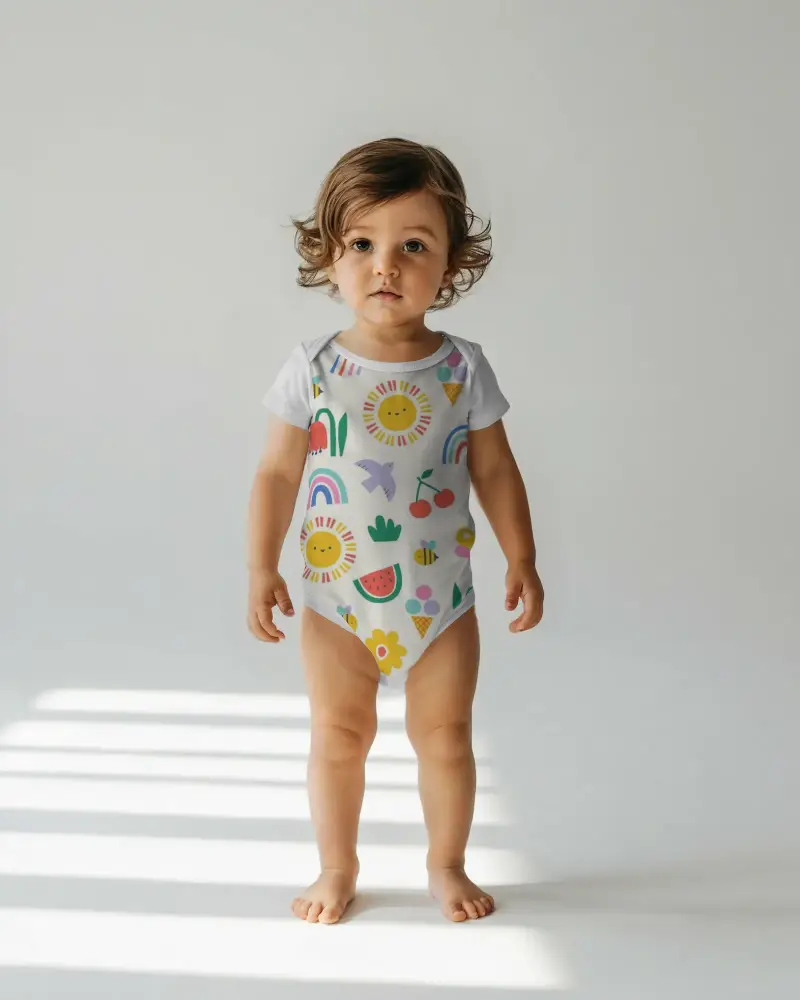
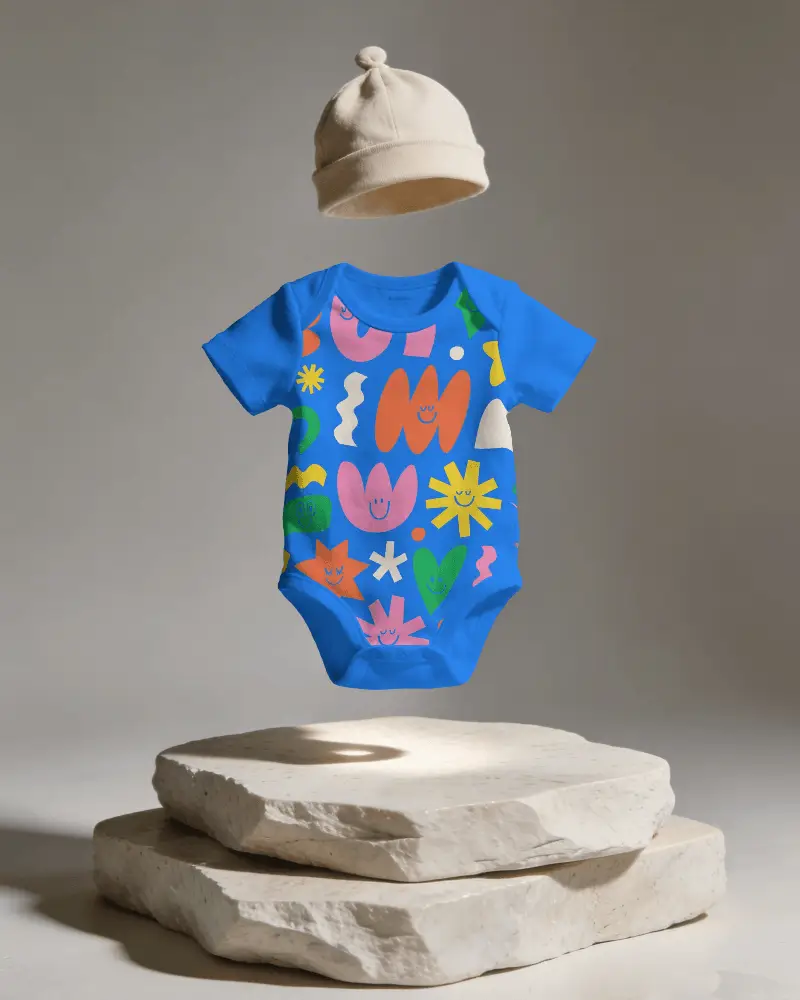
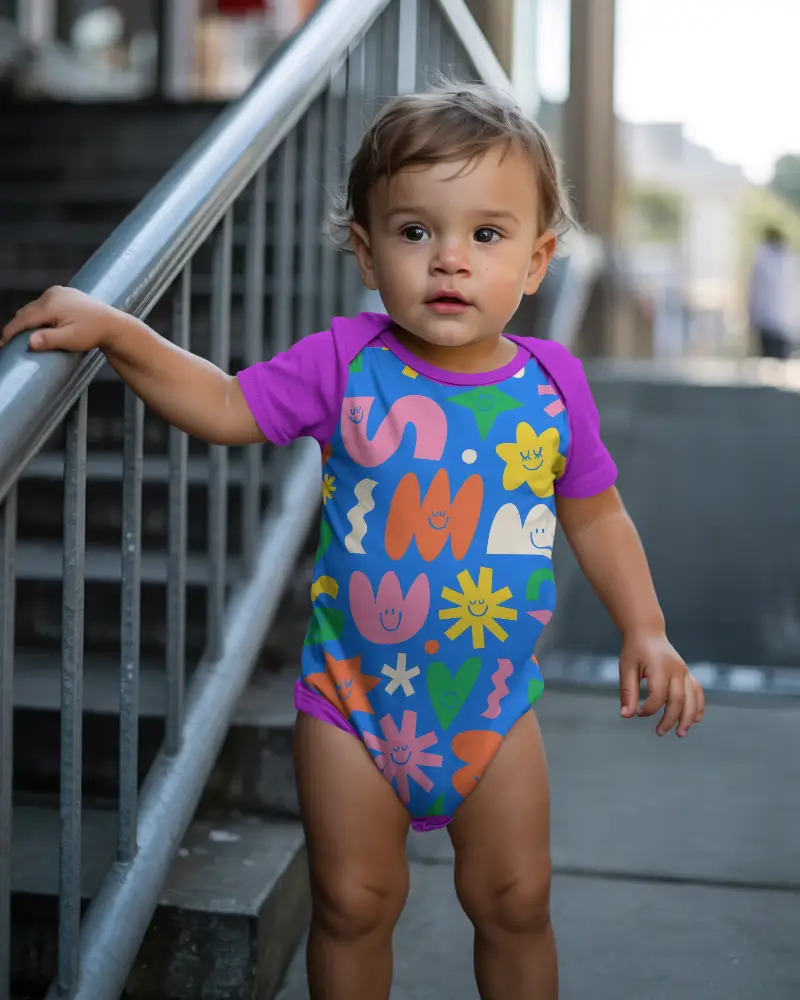
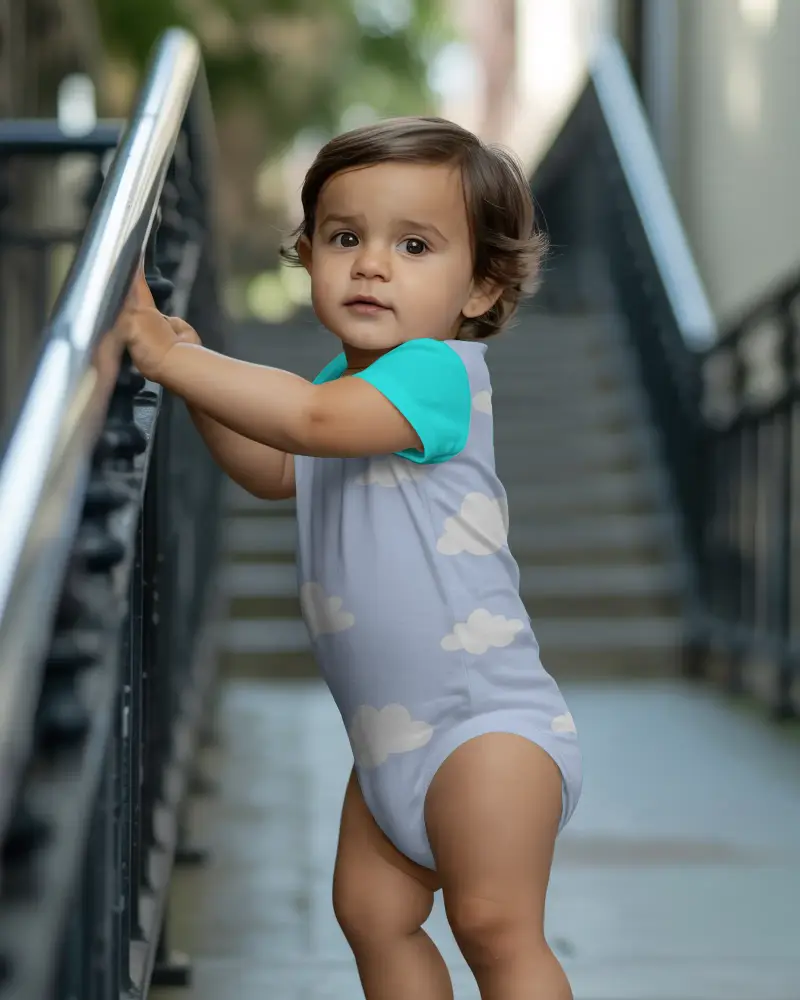
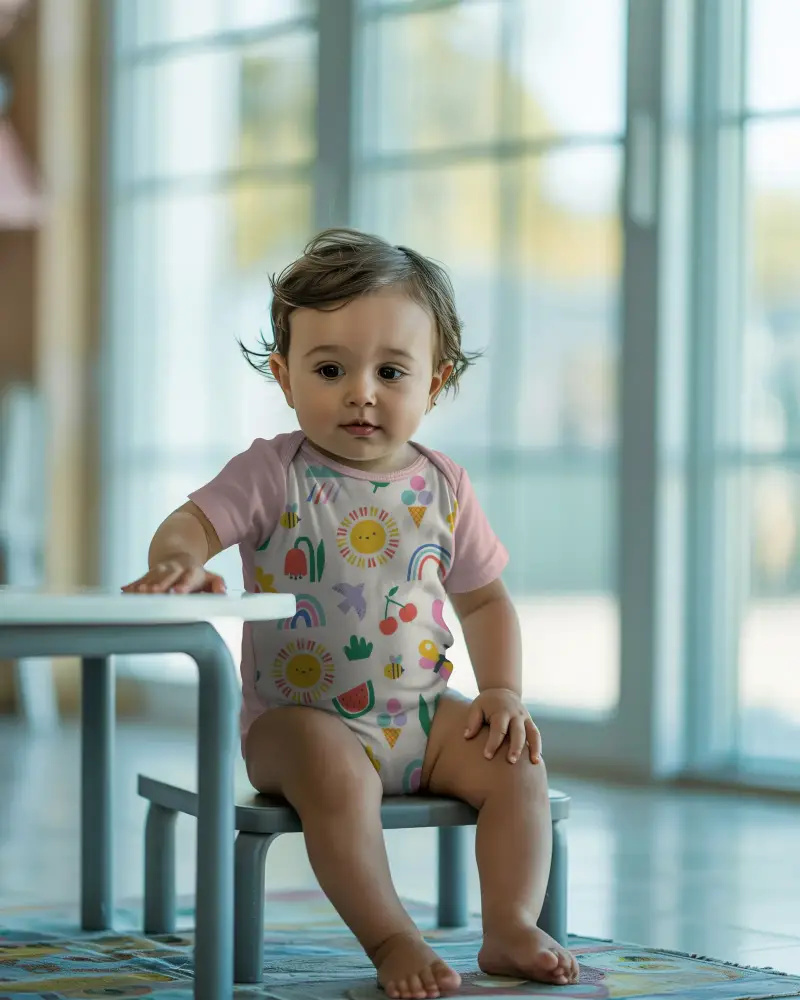
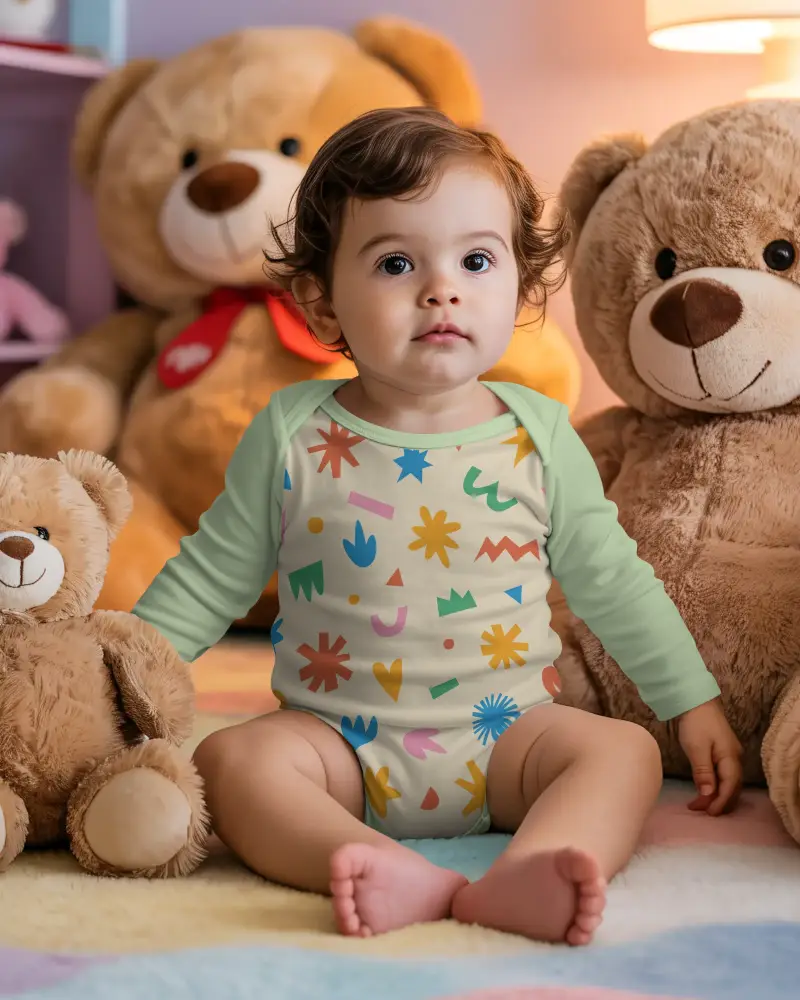
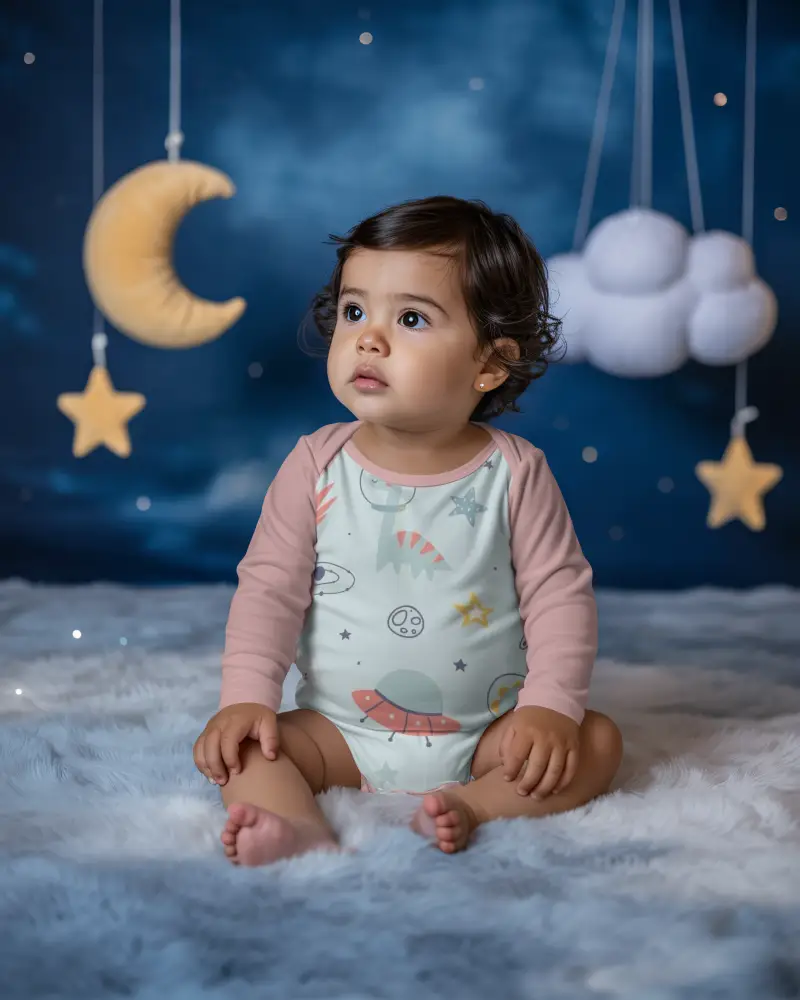
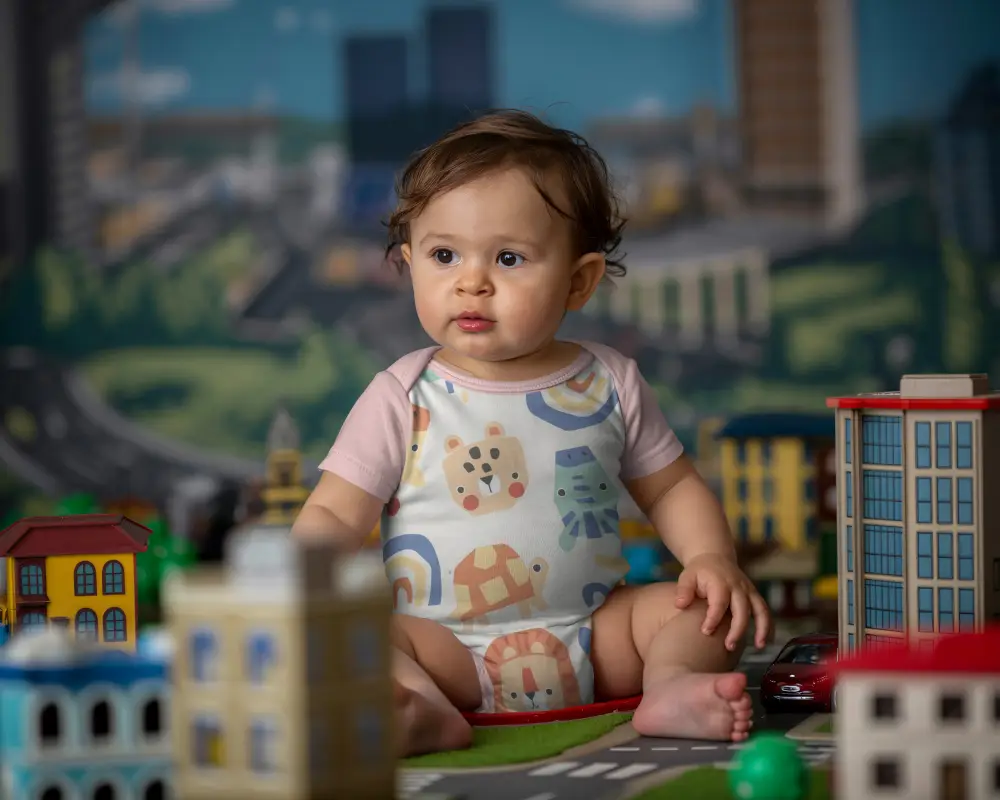
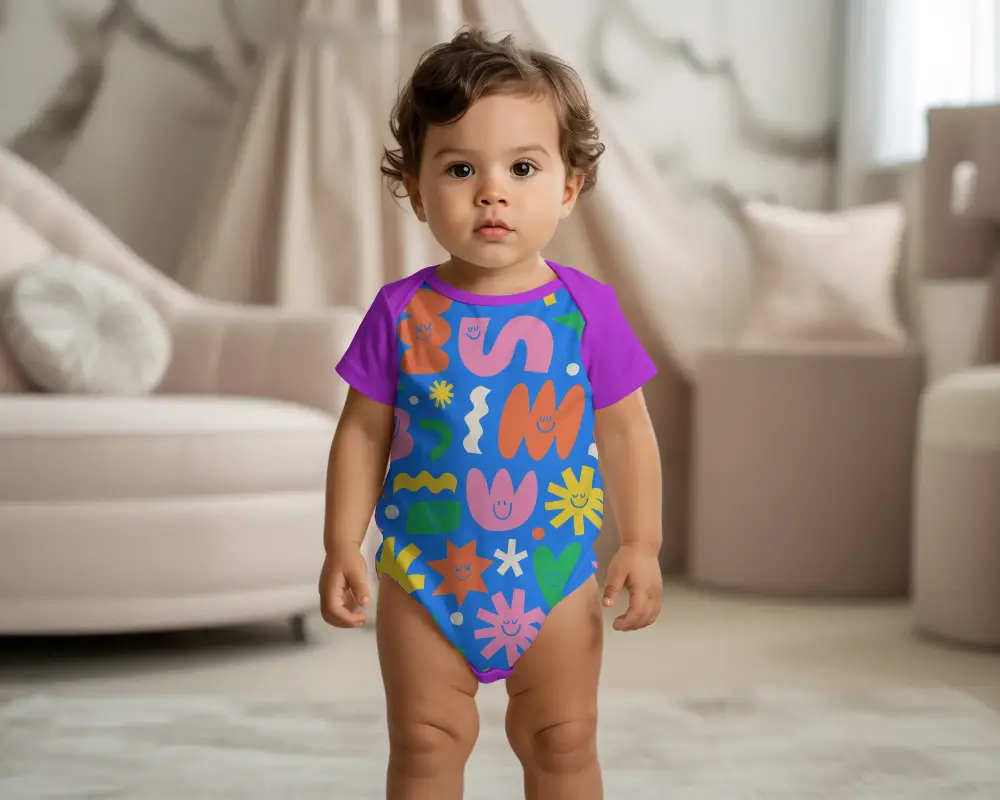
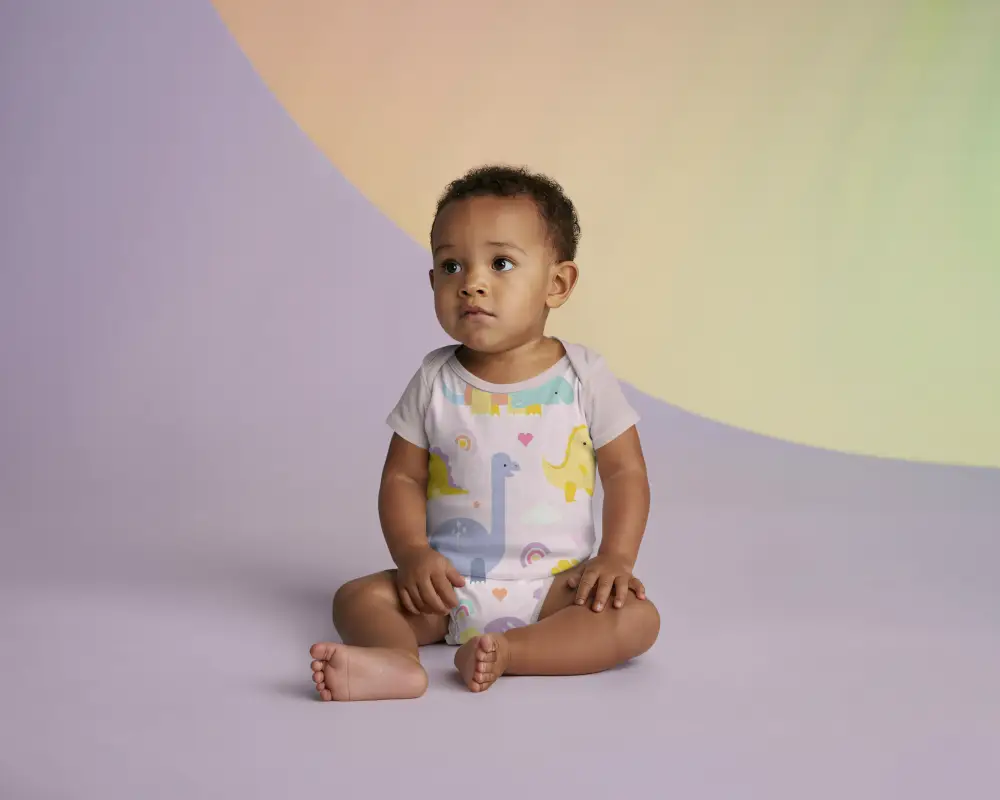
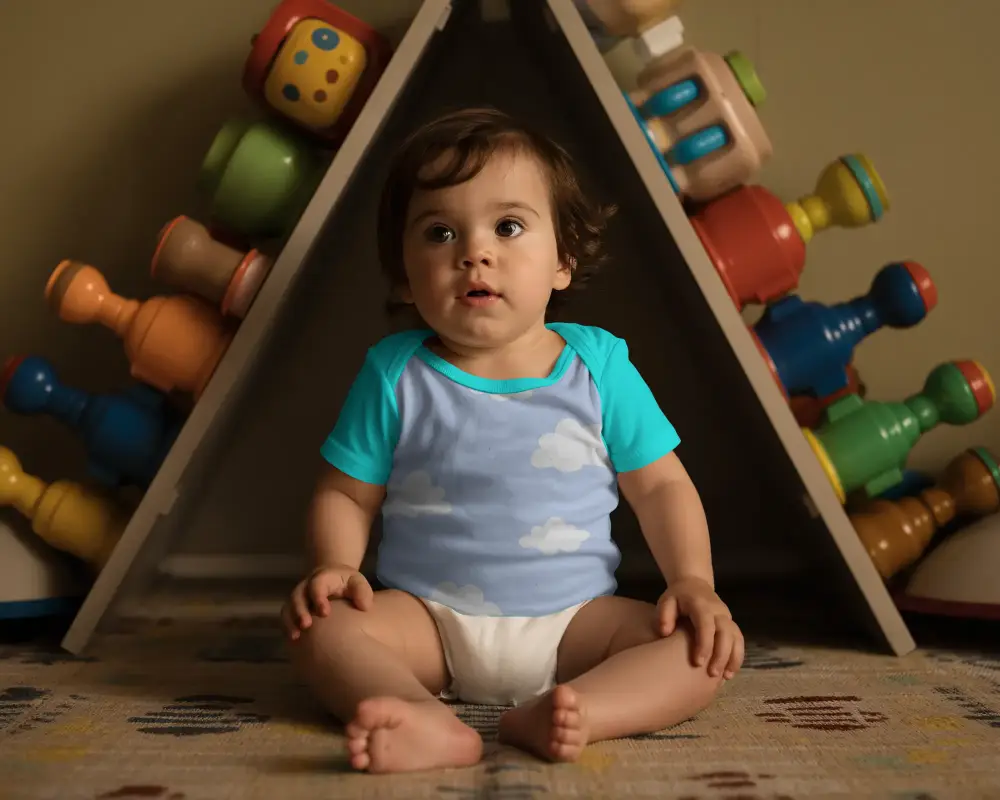
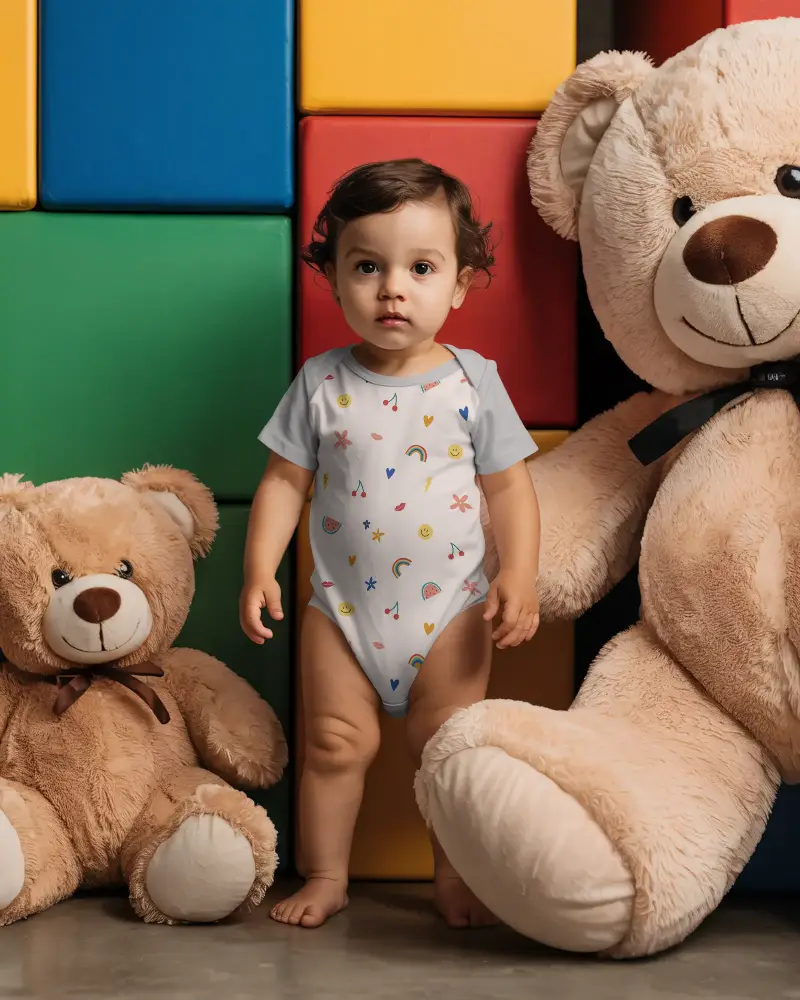
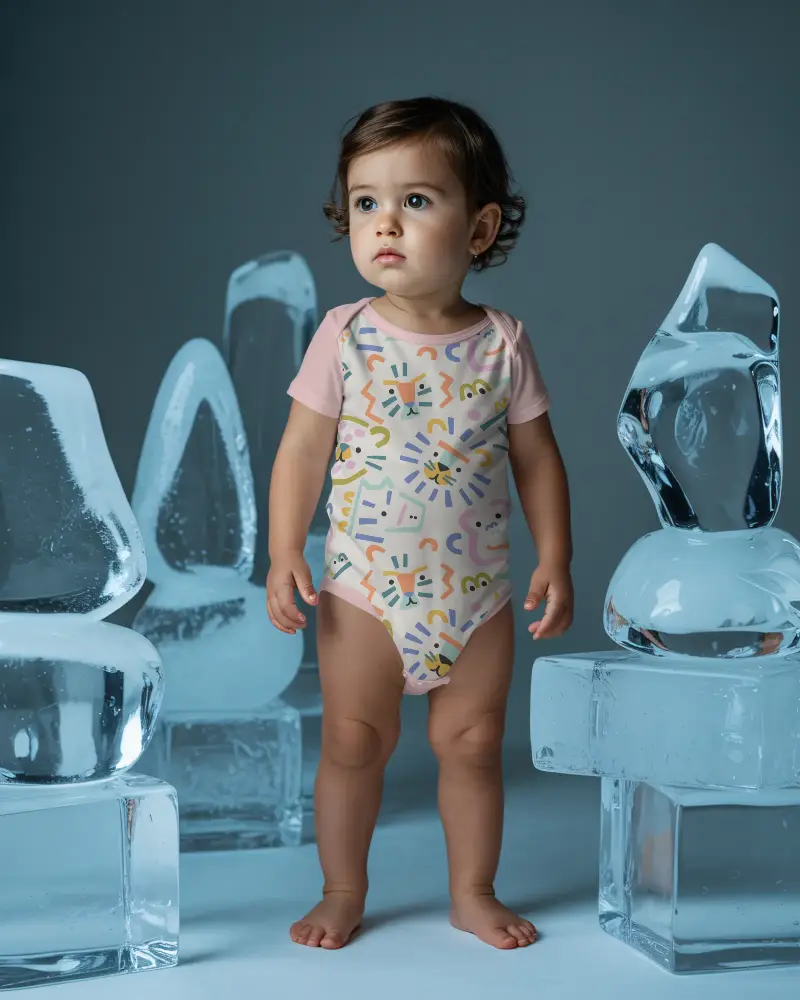
A gerber onesie mockup helps you present baby clothing designs in a clean and natural setting. It lets you check colors, prints, and placement before you publish or share your product images. This makes your workflow smoother and gives buyers a clearer idea of your style.

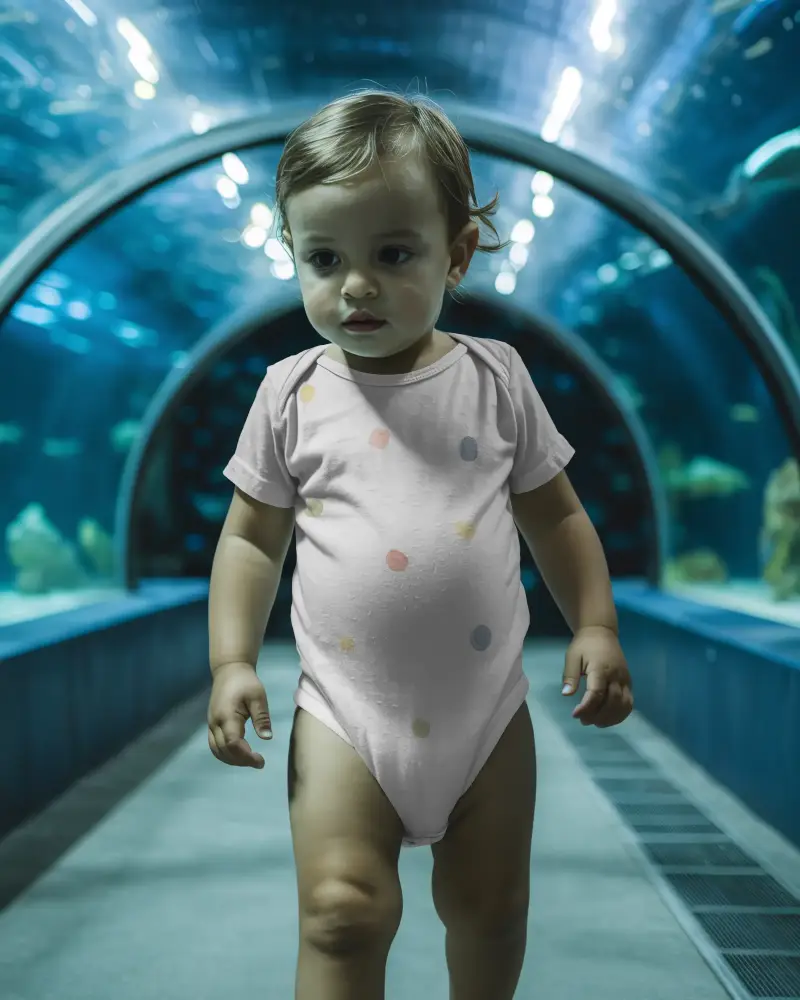
How to Create Gerber Onesie Mockups with Mockey AI
To create a gerber onesie mockup:
- Step 1: Create your profile using the Login/Sign up button.
- Step 2: Enter the Mockups menu, follow Baby > Onesie, and choose Gerber tag.
- Step 3: Upload your visual, and modify it. Save the Gerber onesie mockup by clicking Download.


FAQs on Gerber Onesie Mockups
What is a Gerber onesie mockup?
A Gerber onesie mockup is a digital image of a Gerber brand baby onesie. Sellers or designers add custom designs or brand logos to show buyers how the final product will look. With Mockey AI, creating a Gerber onesie mockup is very easy.
Why should I use a Gerber onesie mockup?
Using a Gerber onesie mockup is beneficial because you don’t need actual inventory. It is easy to display designs, and it saves time.
Does a Gerber onesie mockup support custom colors?
Mockey AI supports custom colors for Gerber onesie mockups. After selecting a template, you reach the editor page where you can change the product color using the color feature.
Do I need editing skills to use these mockups?
You don’t need any design or editing skills to use Mockey AI. Because of its easy navigation and user-friendly interface, even a non-designer can use the mockup generator easily.
