Baby Onesie Mockups for Baby Bodysuit Designs
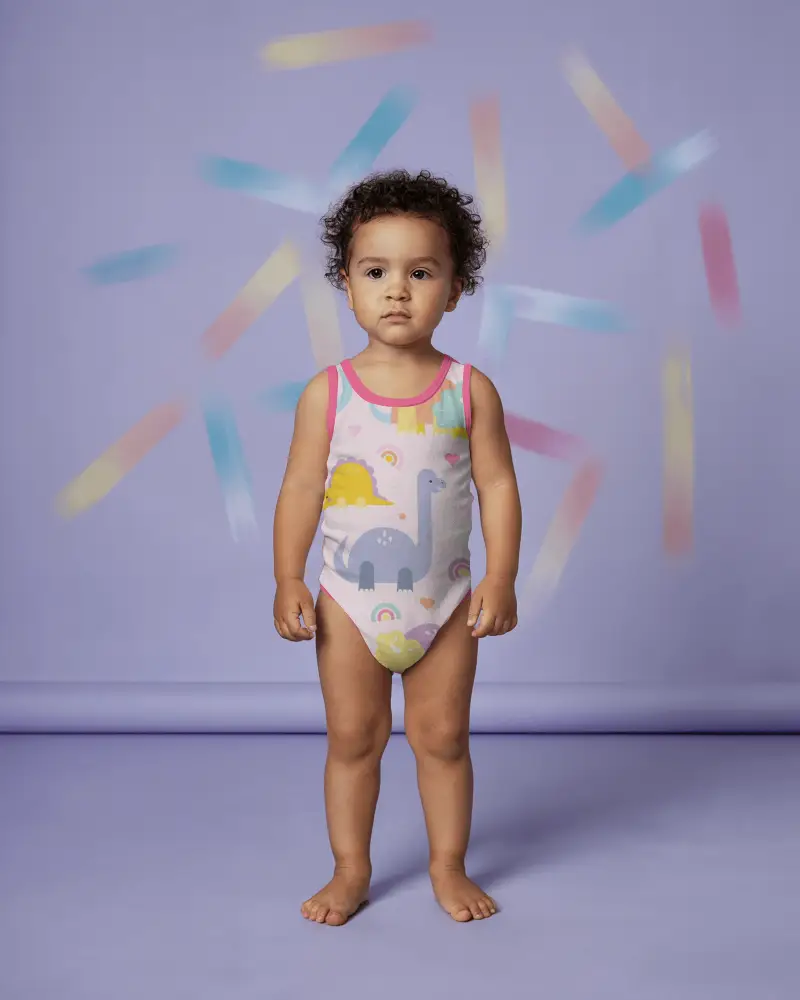
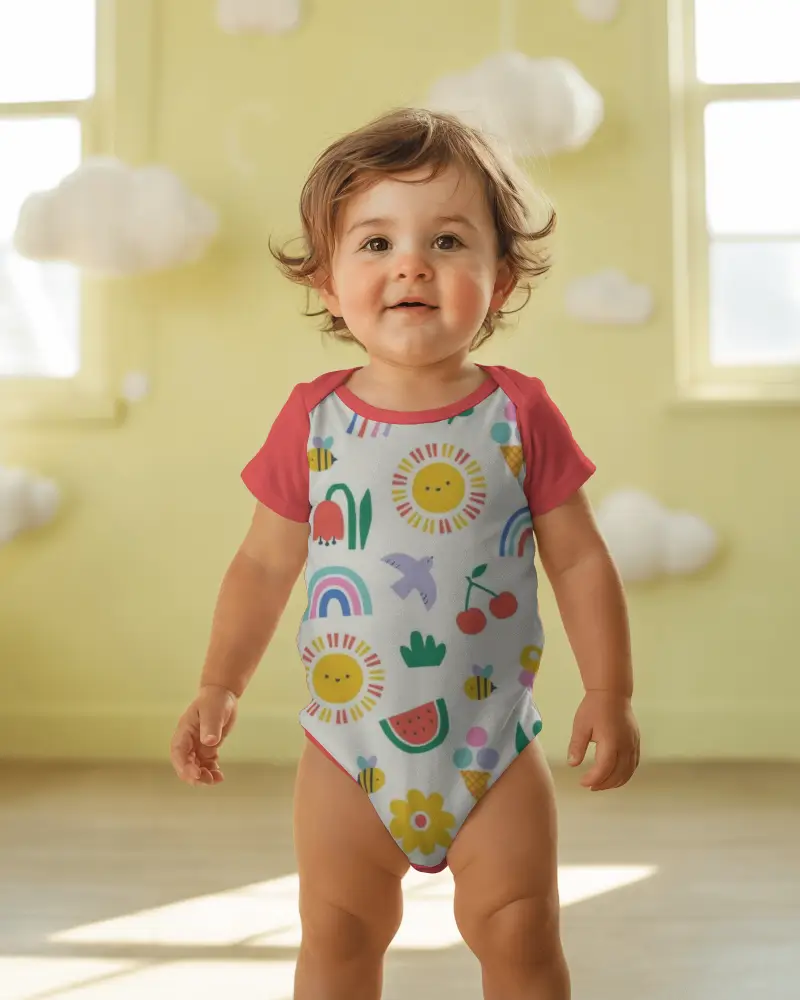
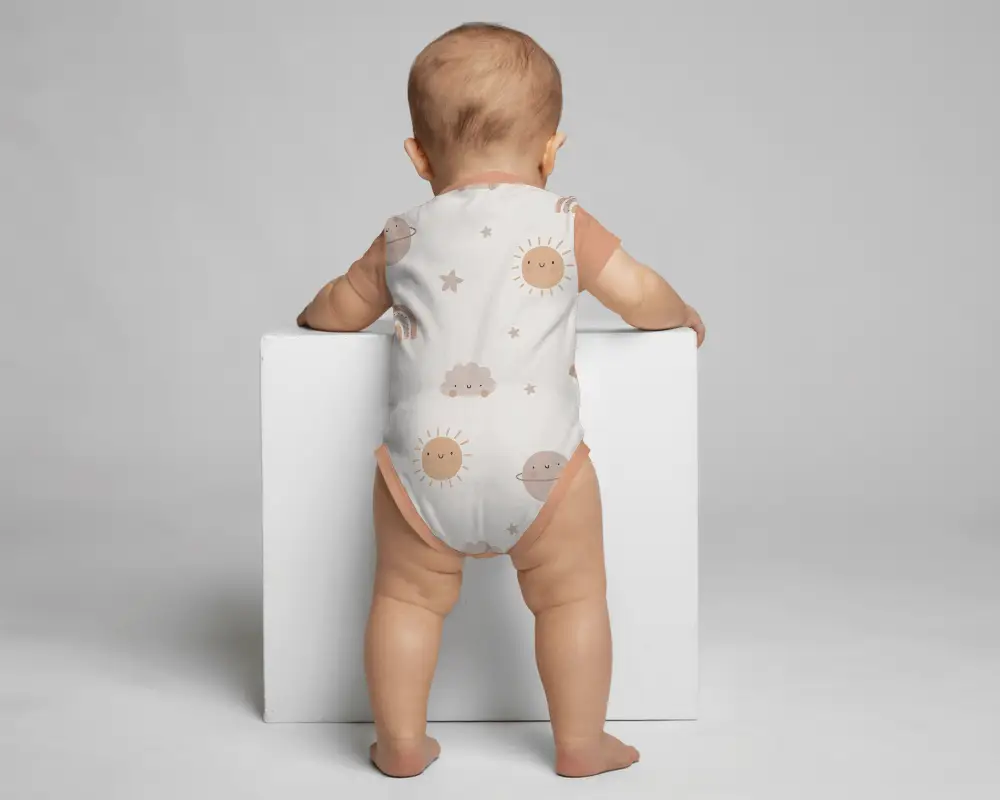
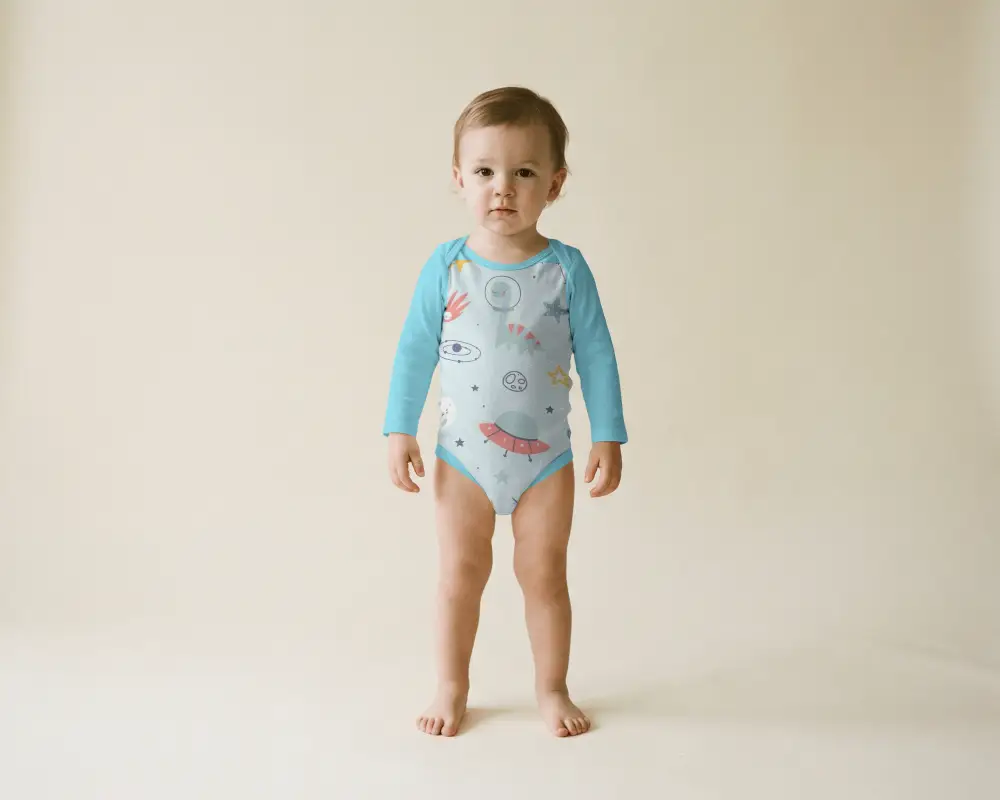
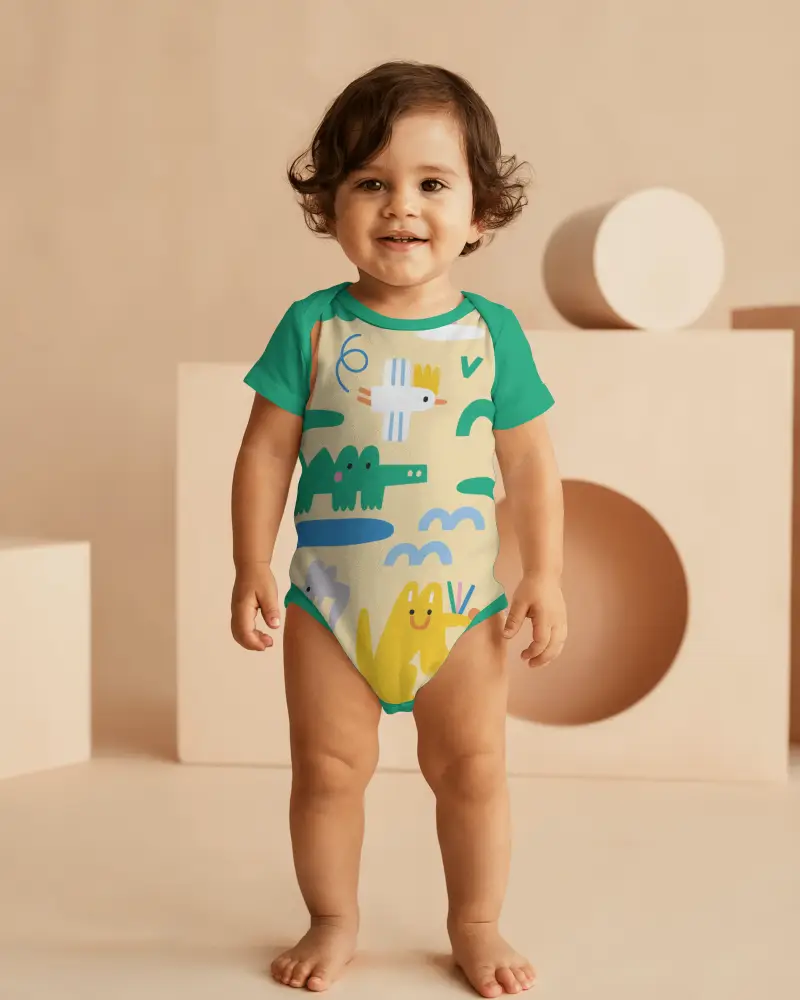
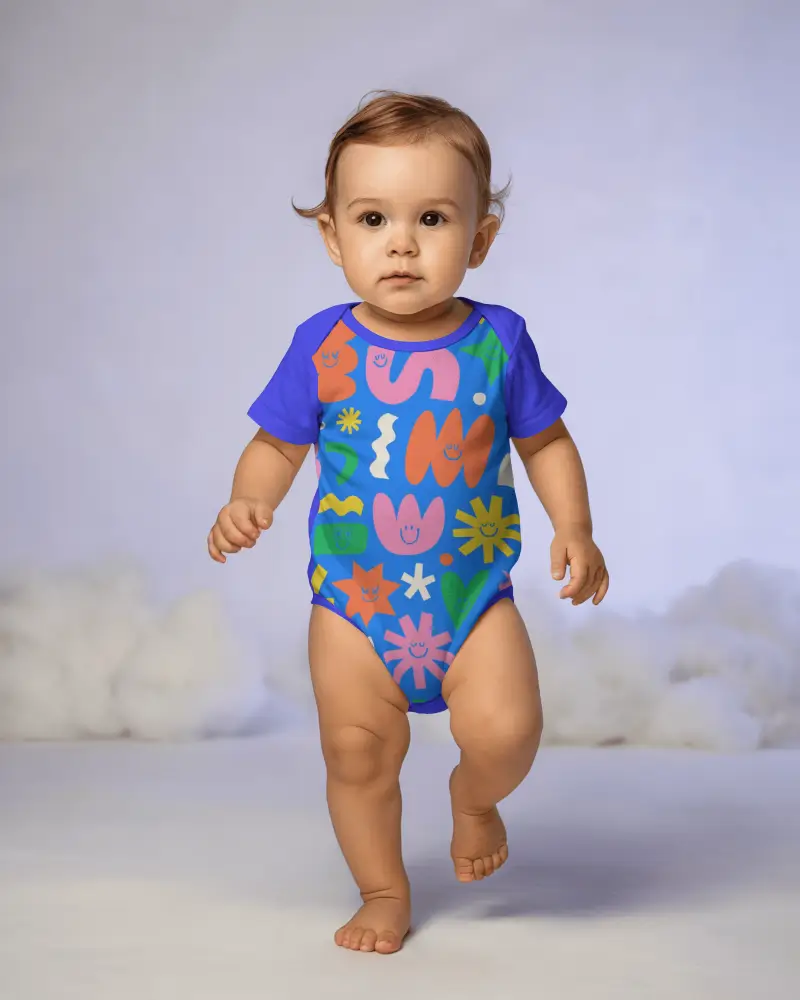
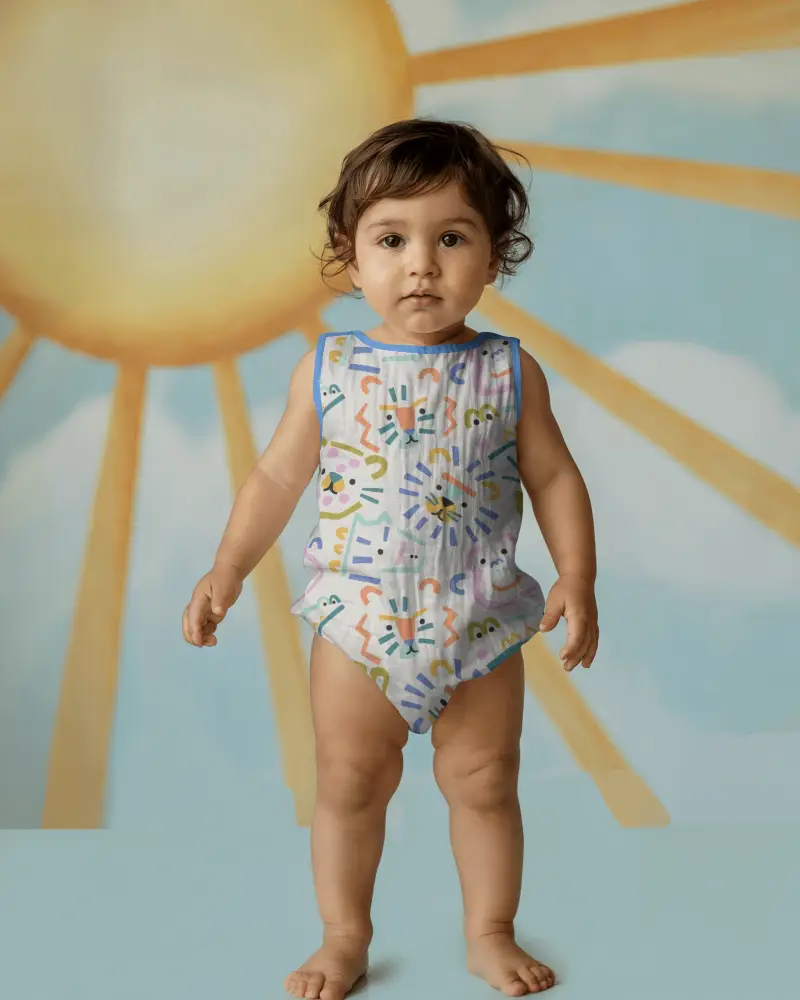
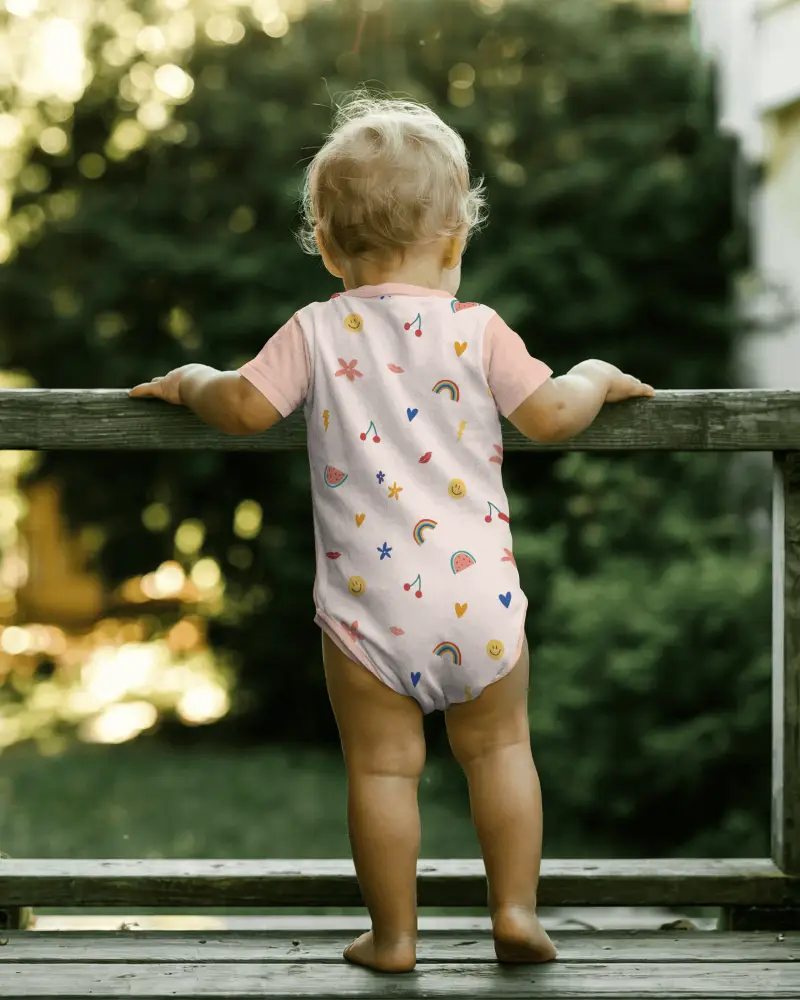
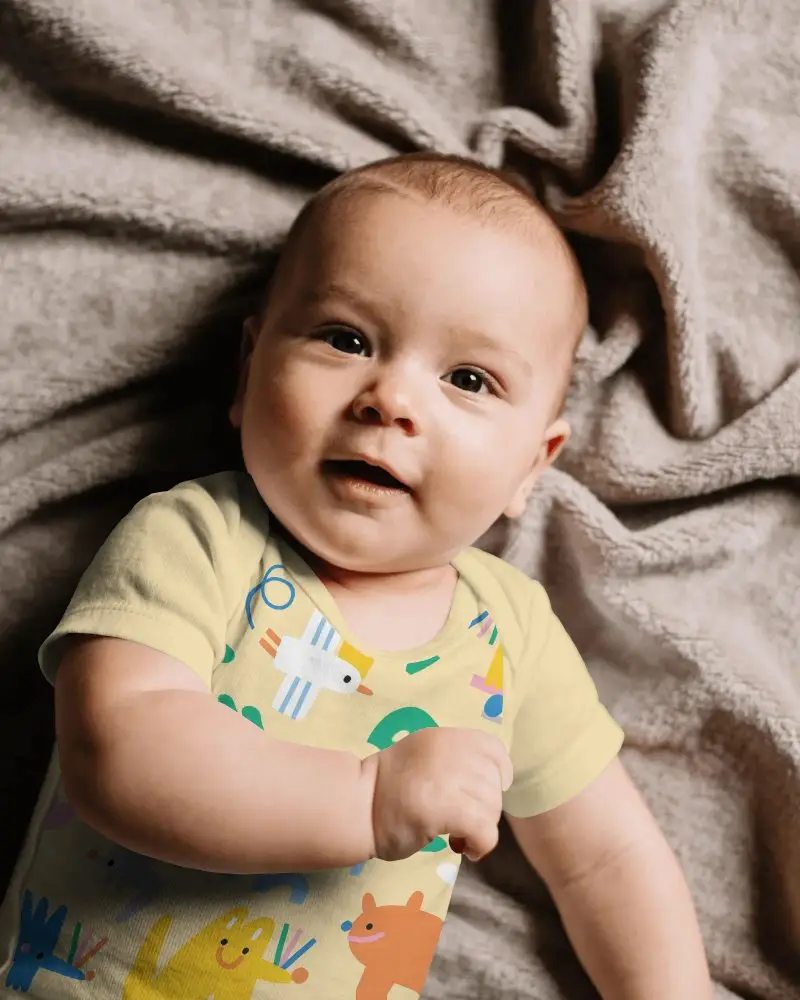
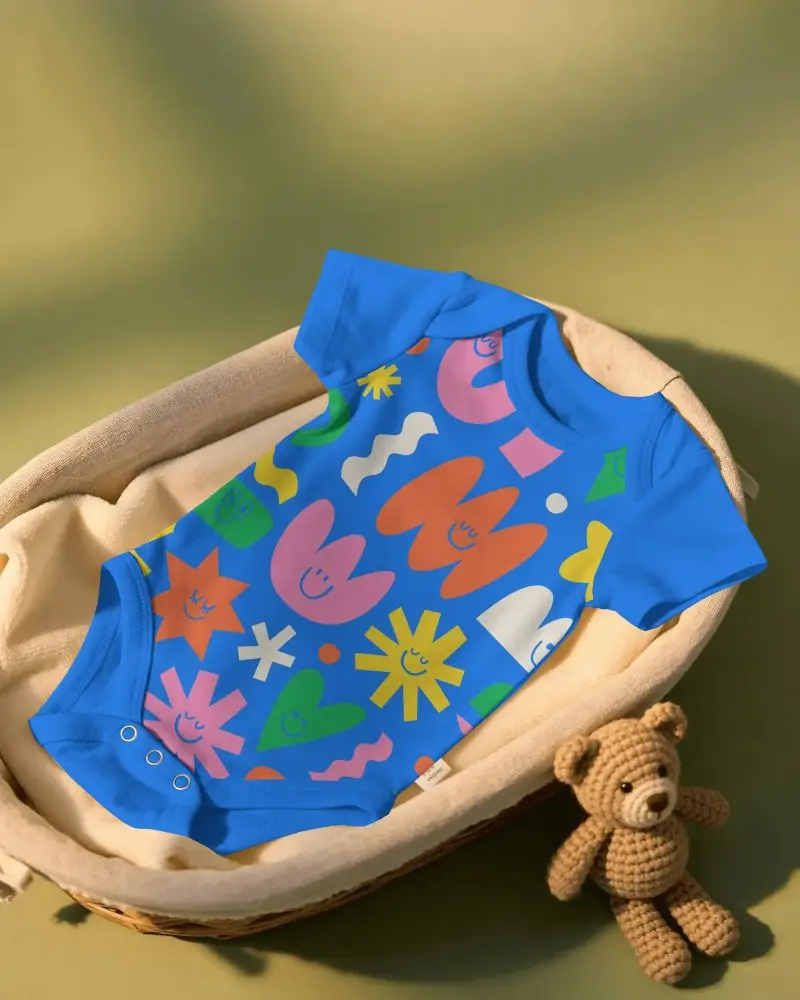
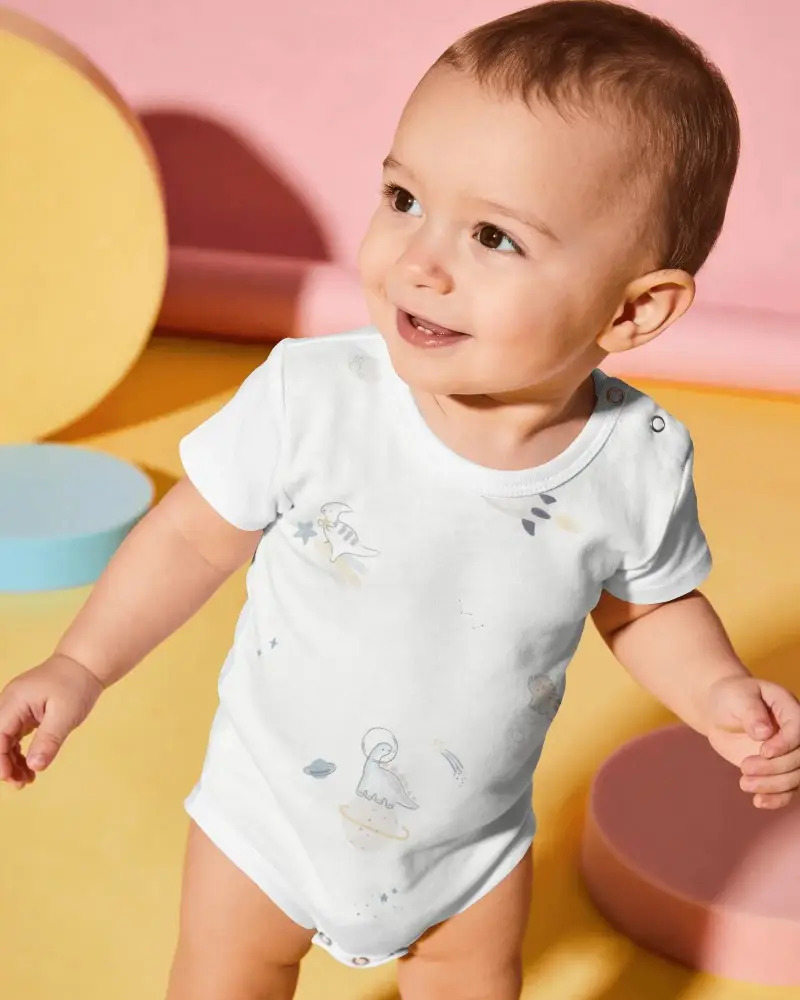
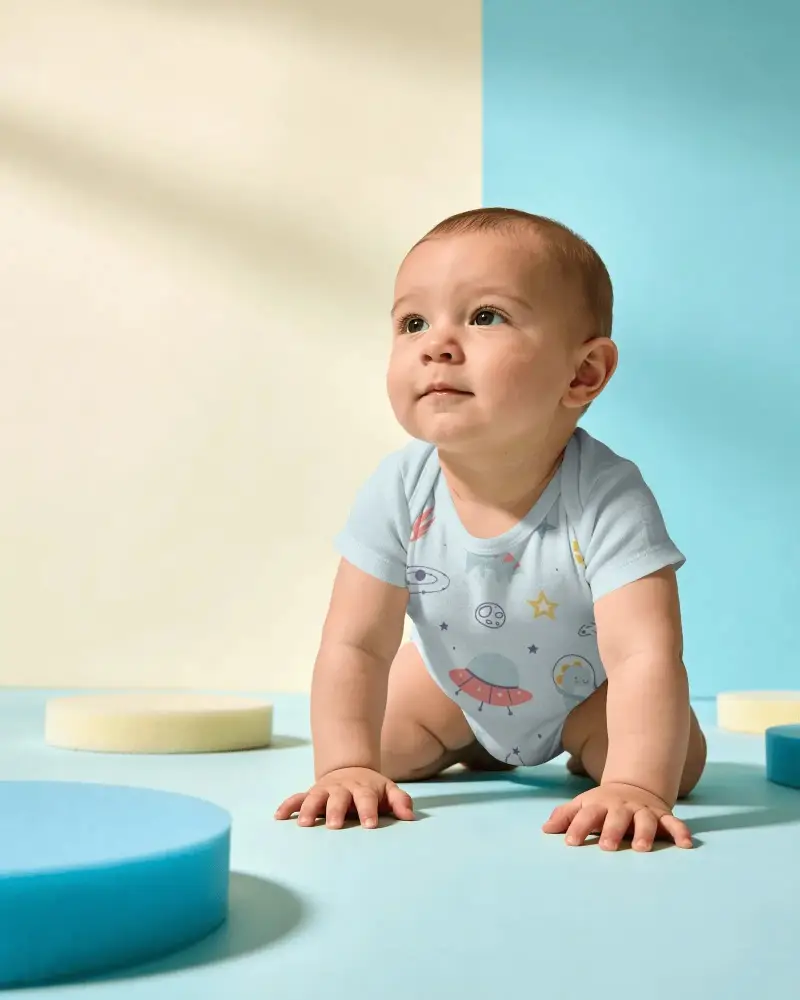
A good onesie mockup helps your baby apparel design look polished and ready for shoppers. With Mockey AI, you can create crisp and natural looking previews that match real product photos. It gives your store a stronger presentation and builds trust with buyers.
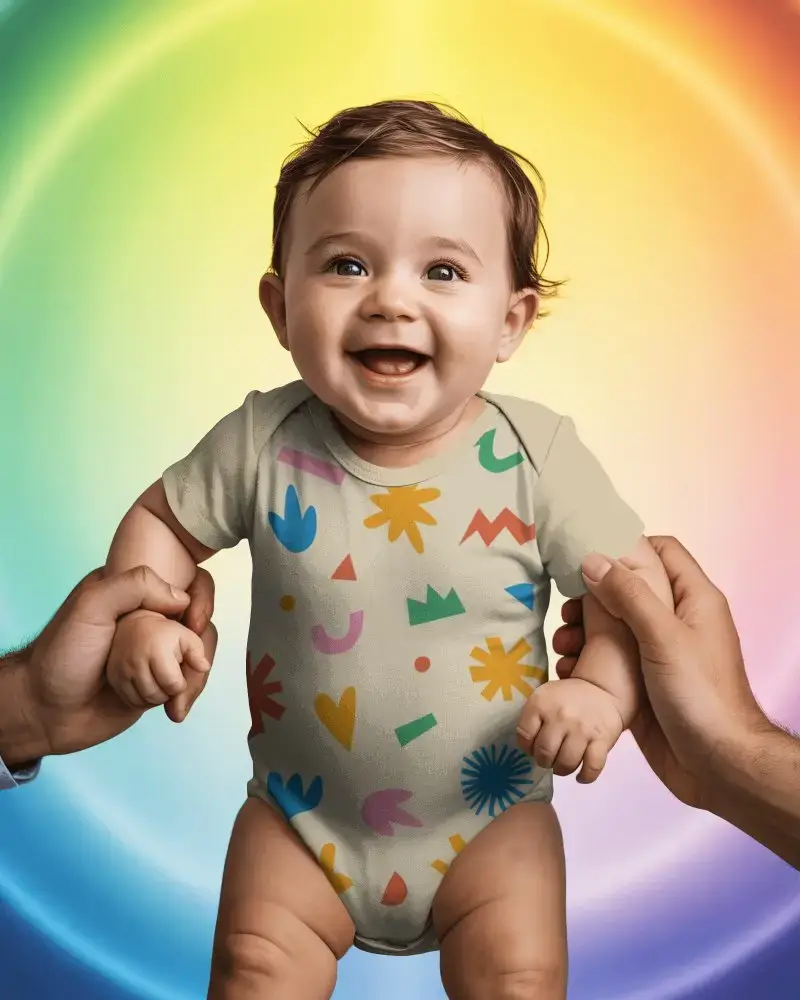
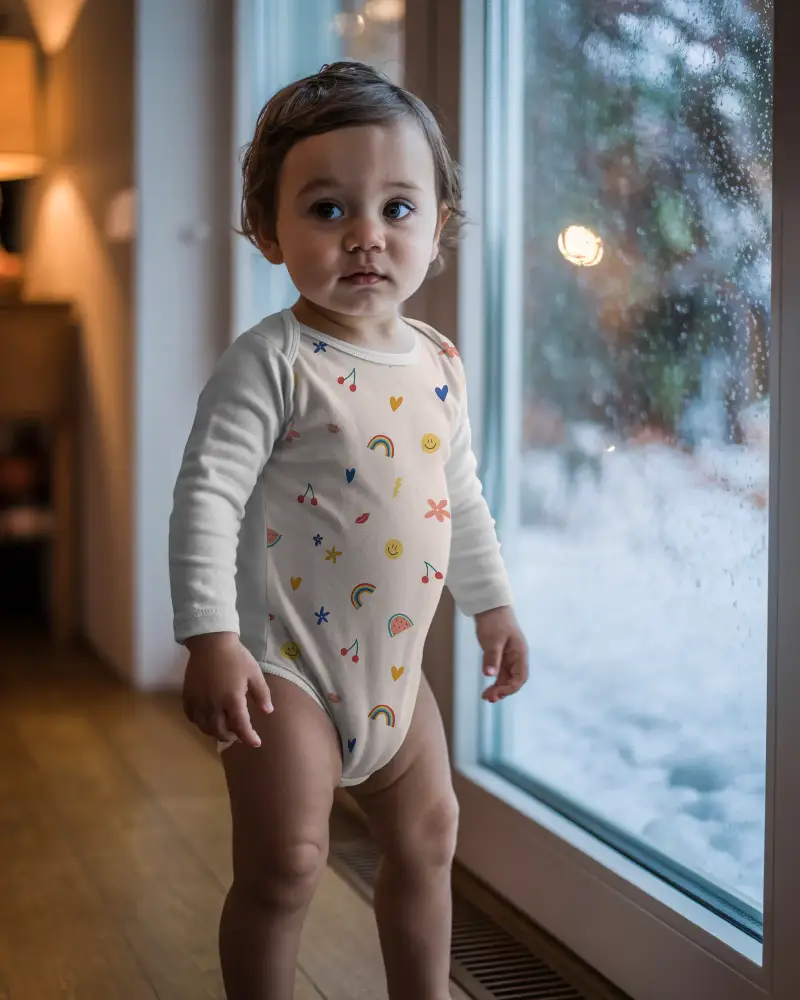
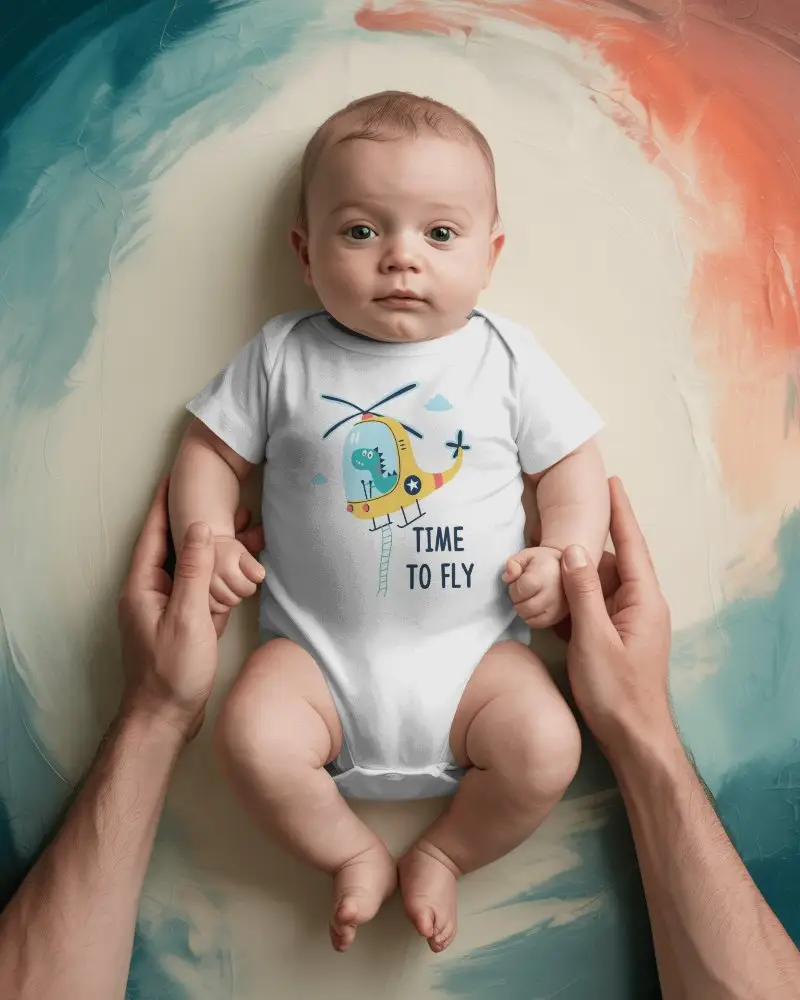
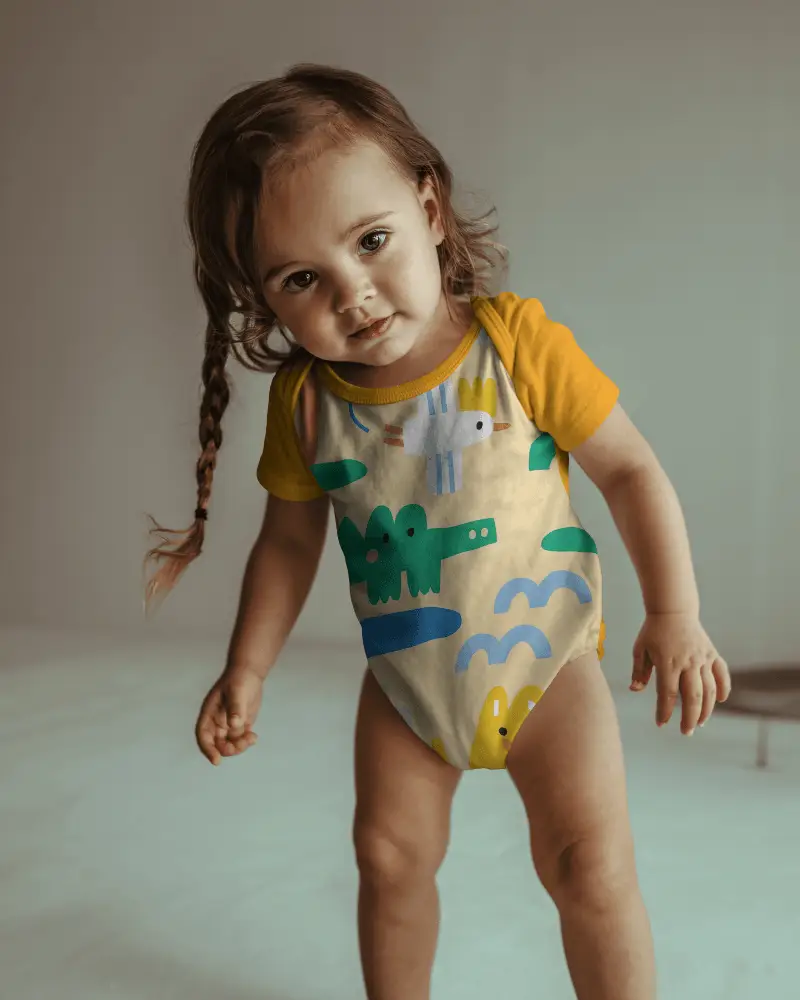
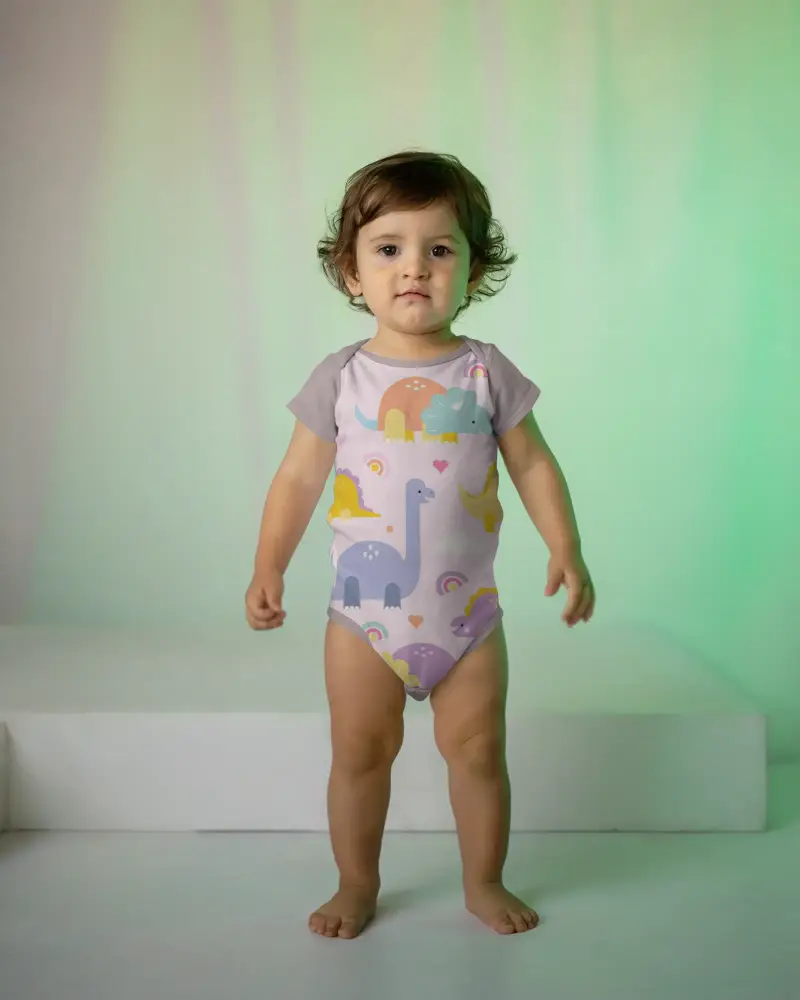
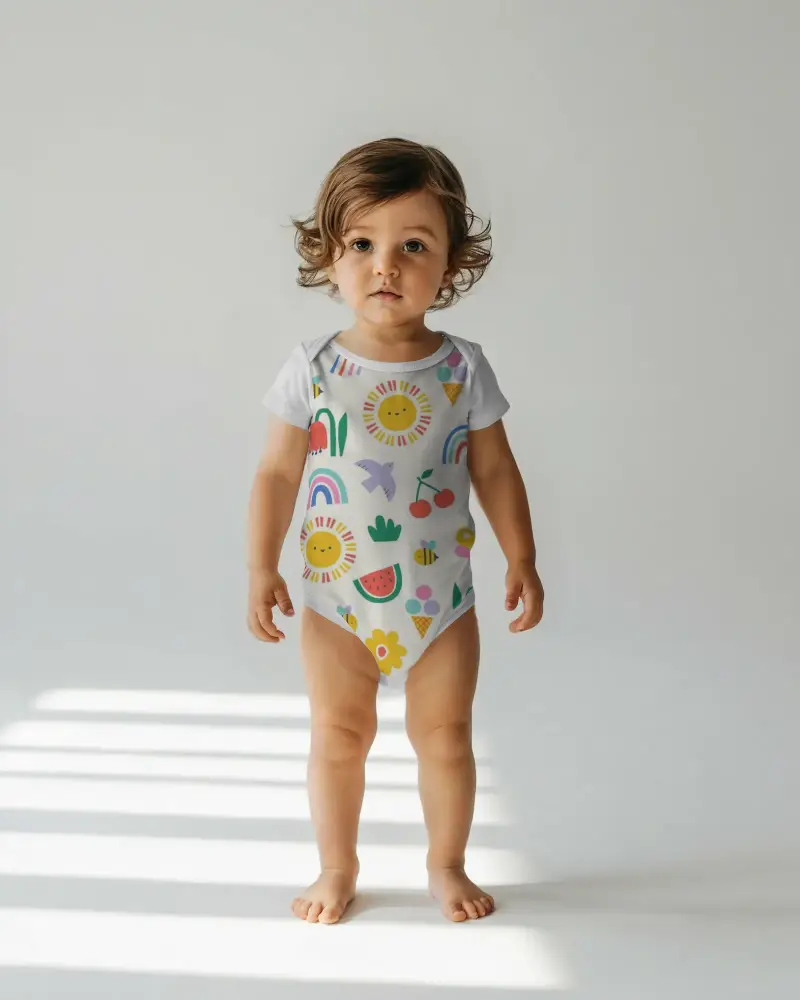
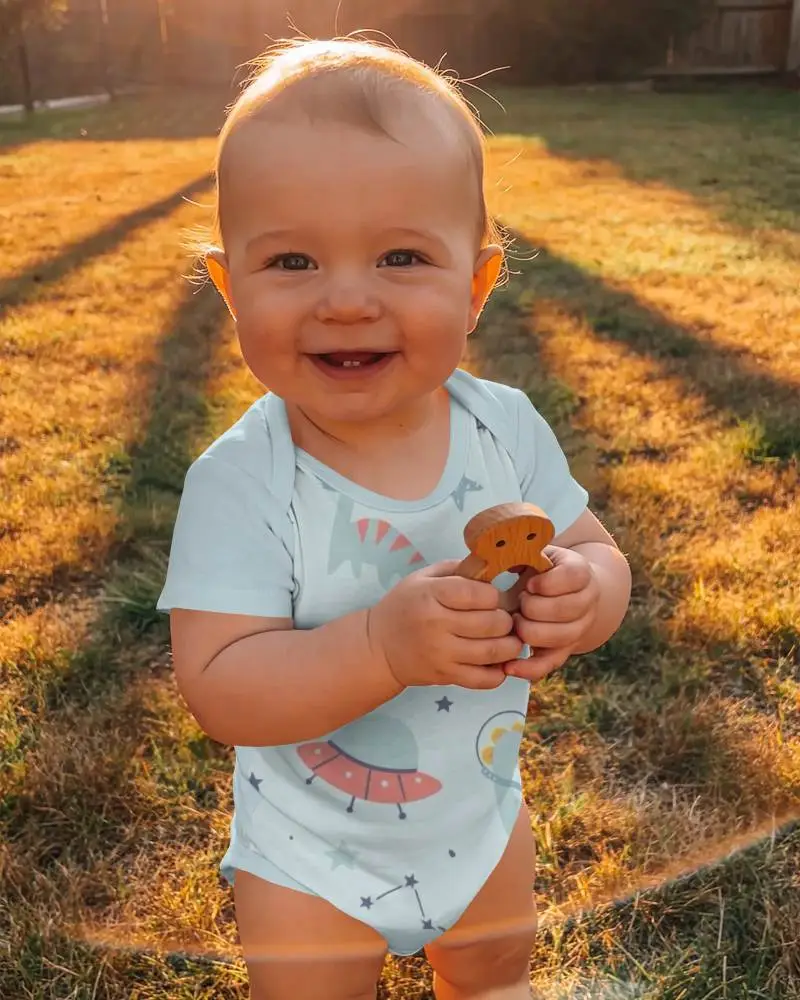
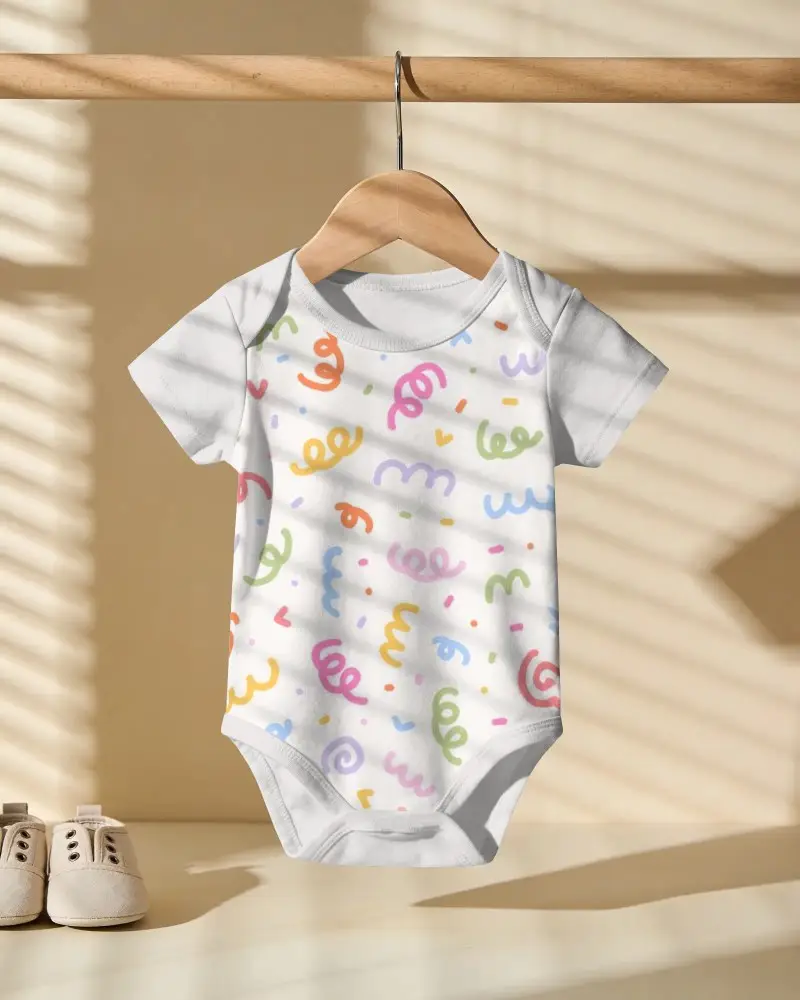
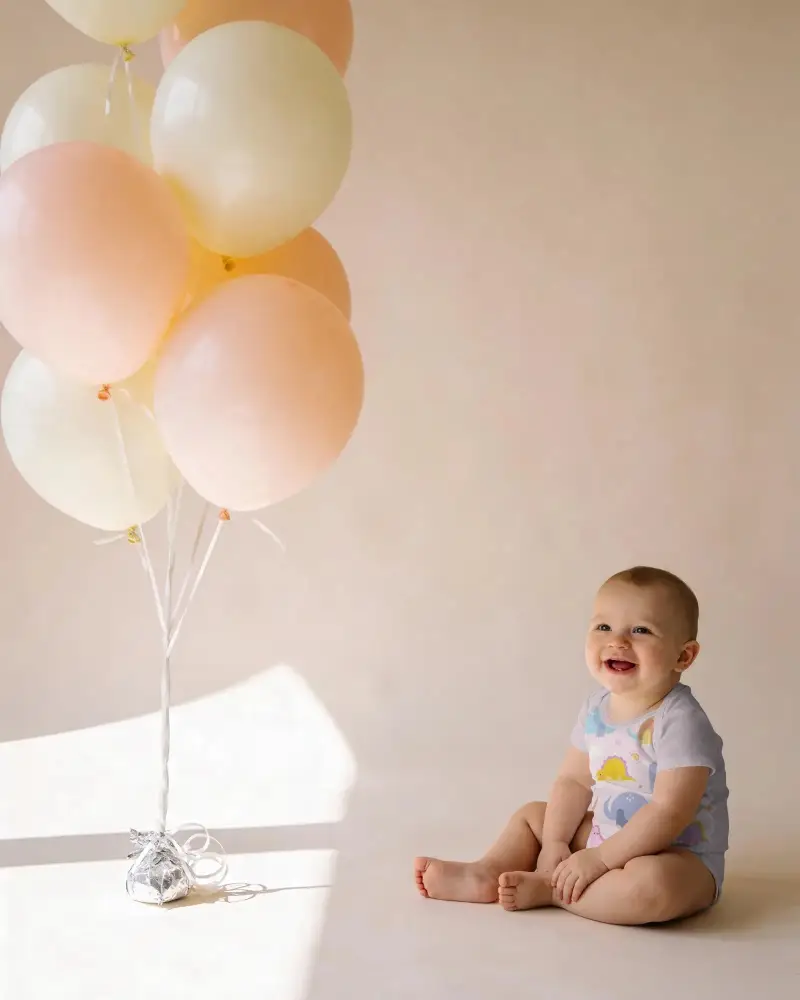
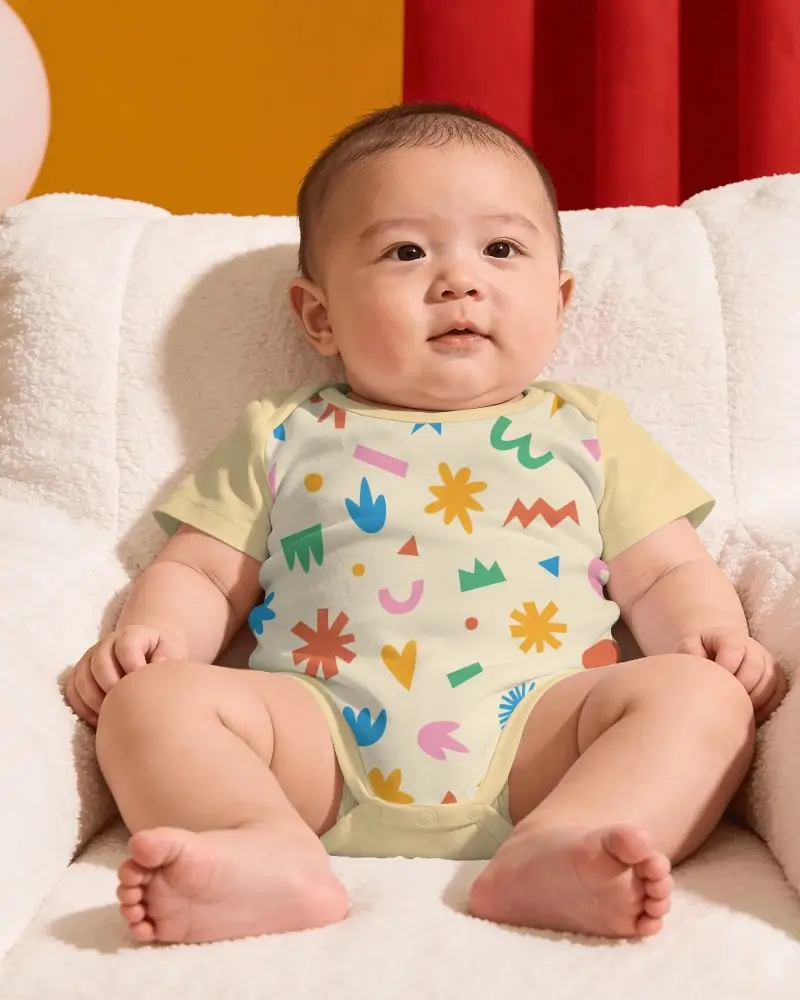
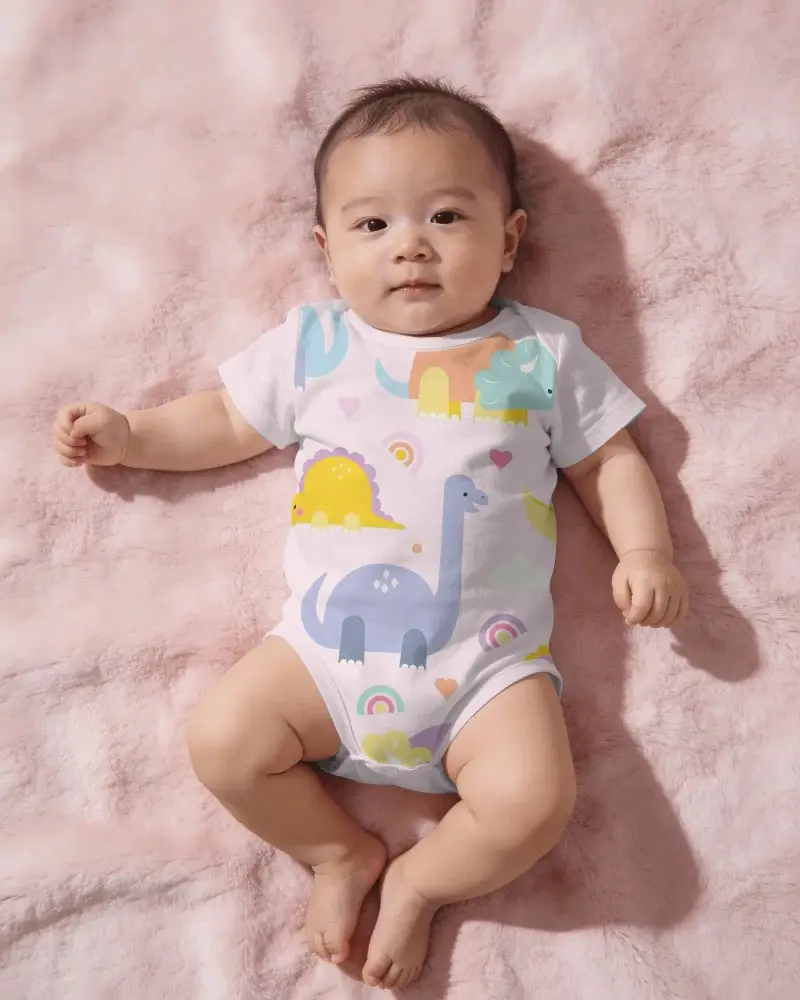
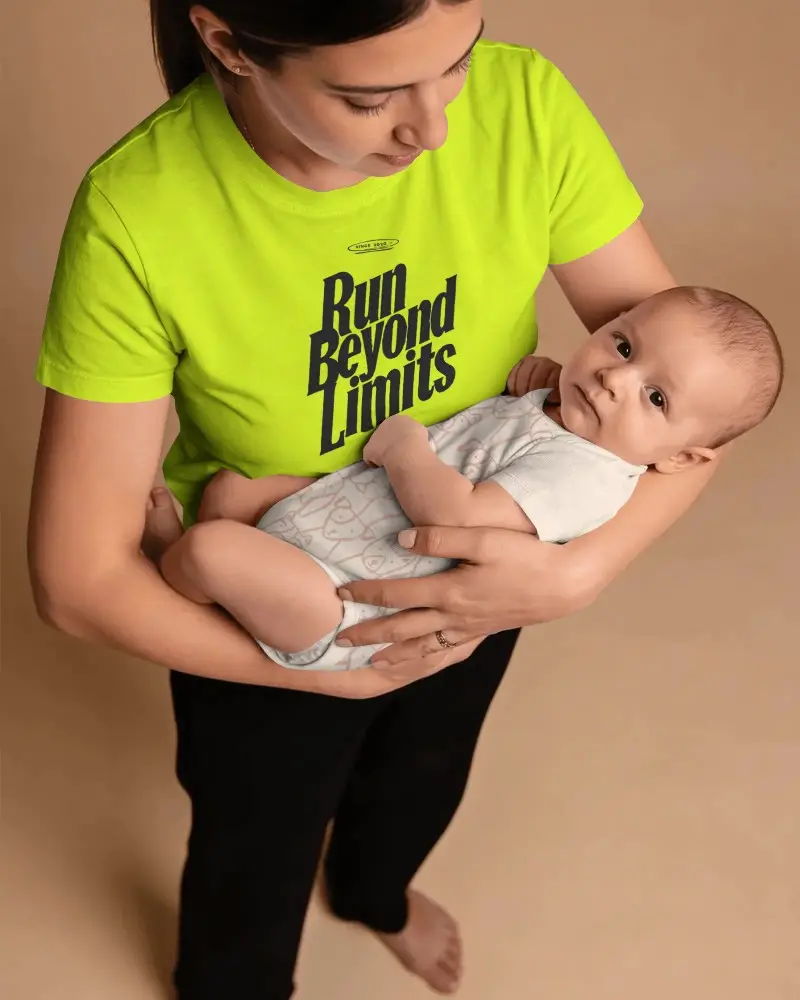
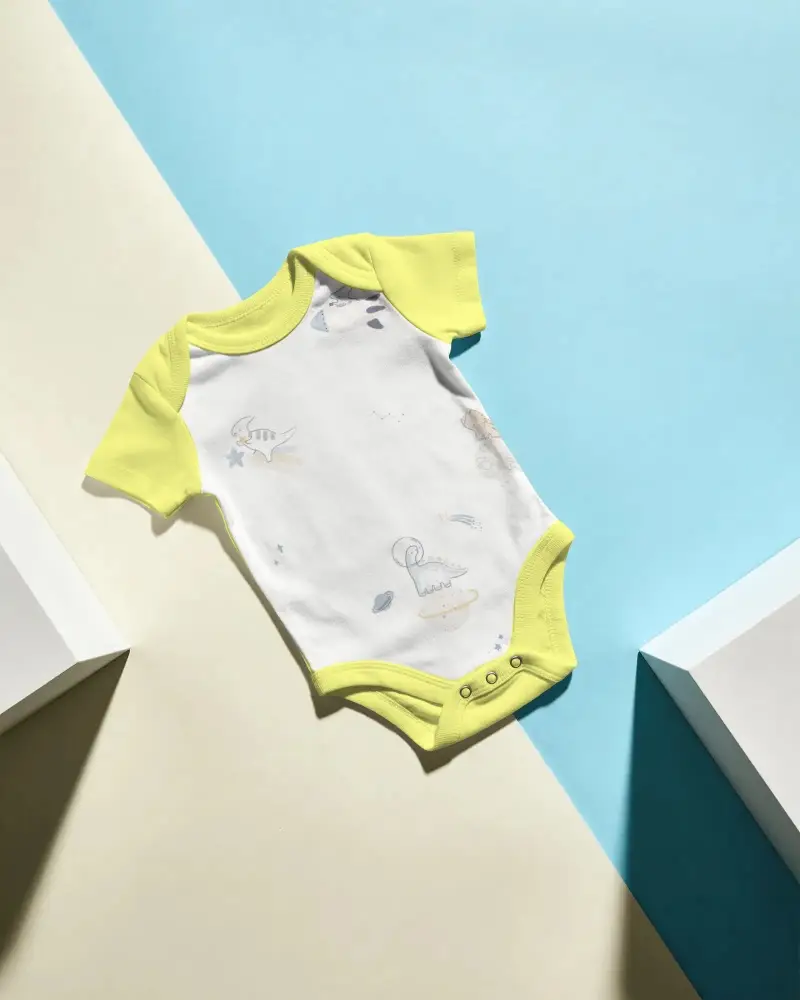
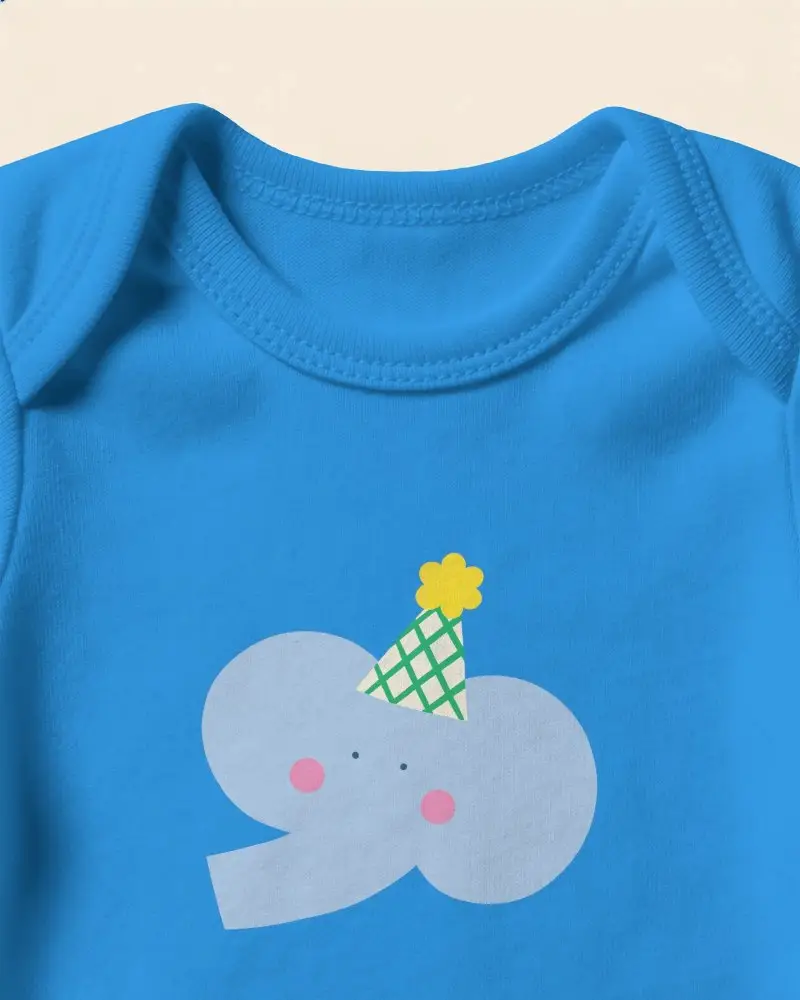
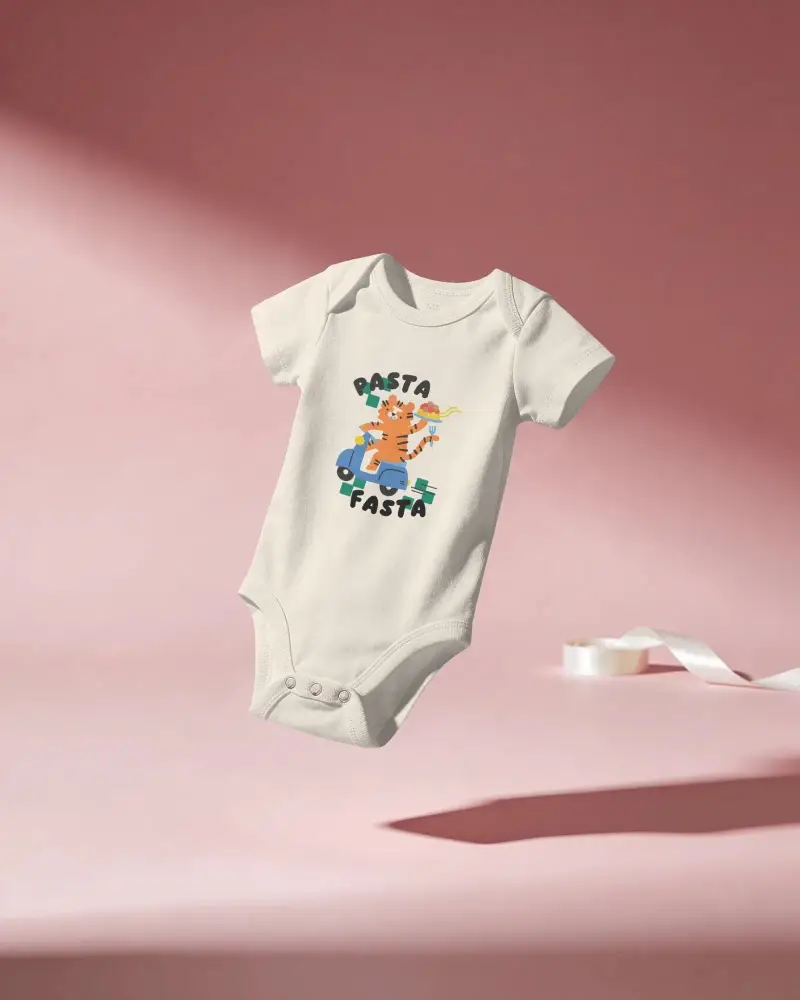
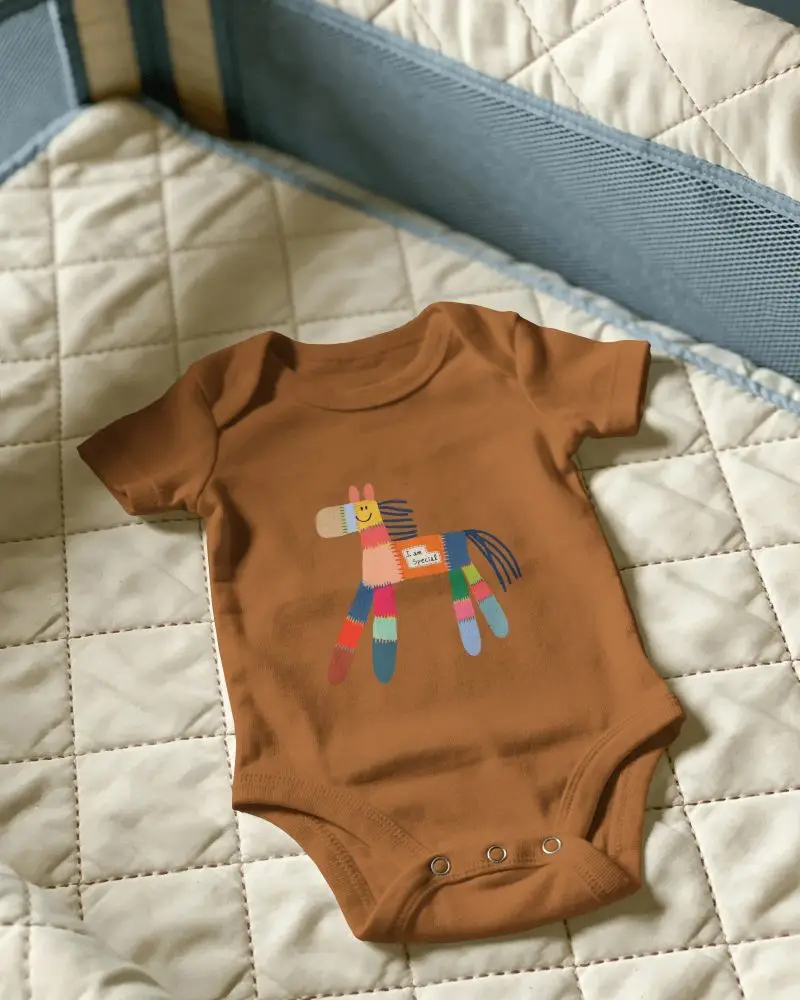
How to Create Onesie Mockups with Mockey AI
To create a onesie mockup:
- Step 1: Start by making an account through the Login/Sign up tab.
- Step 2: Open the Mockups area, follow Baby > Onesie, and pick a template.
- Step 3: Place your graphic or logo, and edit it. Tap Download to save the onesie mockup.


FAQs on onesie Mockups
What is a onesie mockup?
A onesie mockup is a template of a baby onesie where you can upload any custom design or brand logo for visualization. Using a mockup generator, you can explore different templates easily.
Can I use onesie mockups for my e-commerce store?
Onesie mockups are very important for e-commerce stores. Since onesie designs are in high demand, mockups save both time and money for customers.
Are the onesie mockups suitable for print-on-demand sellers?
For POD sellers, onesie mockups are extremely suitable. Mockey AI provides the best templates, so you don’t need a professional photoshoot and can create mockups quickly.
Can I add multiple designs to a onesie mockup?
You can add multiple designs to a onesie mockup depending on the template. If there are multiple baby models or multiple products in a single template, you can upload more than one design.
What type of onesie mockups are available on Mockey AI?
Different types of onesie mockups on Mockey AI include Gerber onesie mockups, long sleeve onesie mockups, and white onesie mockups. You can select any template and start customizing.
Does Mockey AI only provide onesie mockups?
Along with onesies, baby tees, hoodies, coveralls, and baby jumpsuit mockups are also available in Mockey AI.
