Premium iPad Mini Mockup Download Online
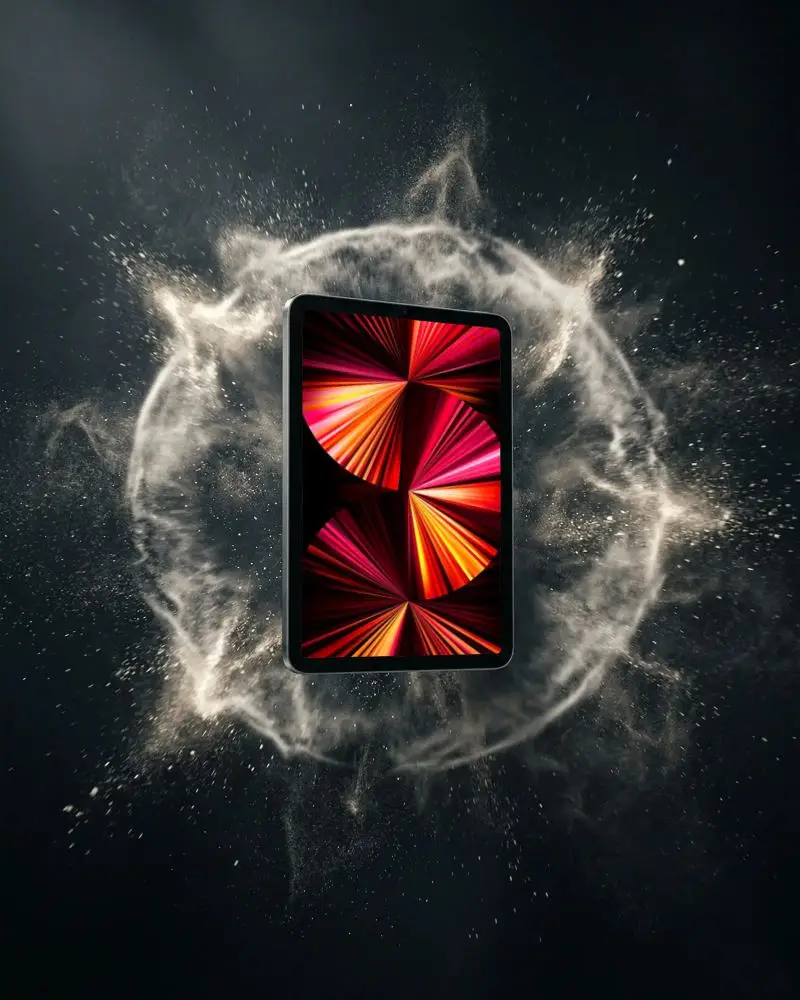
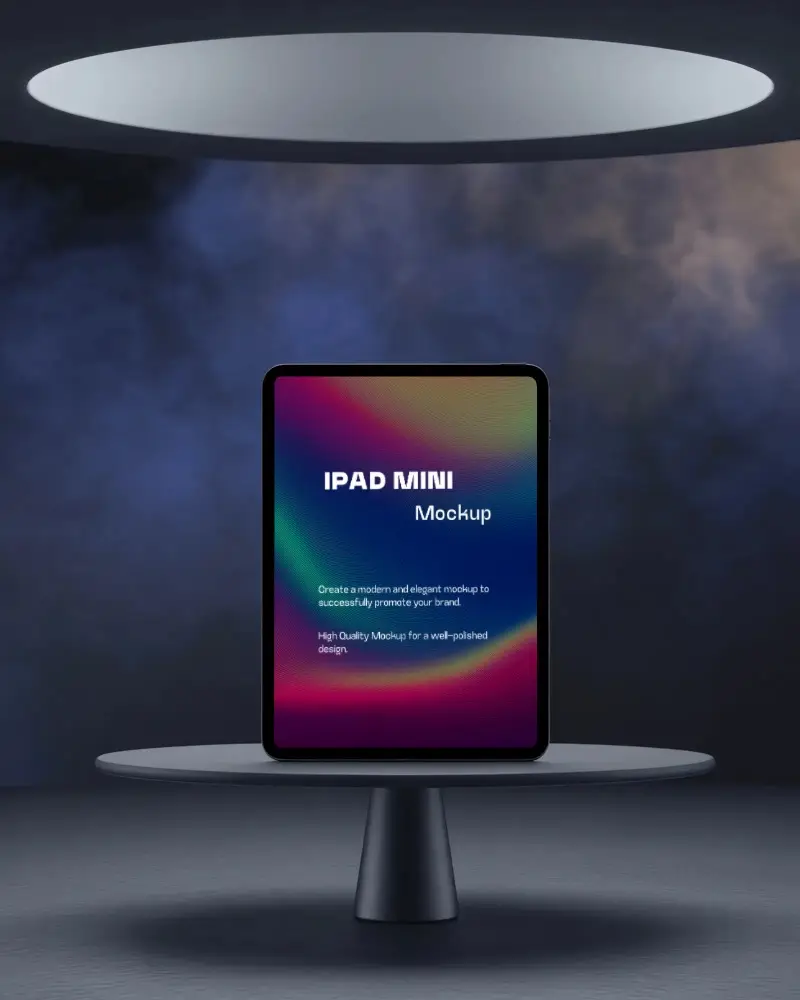
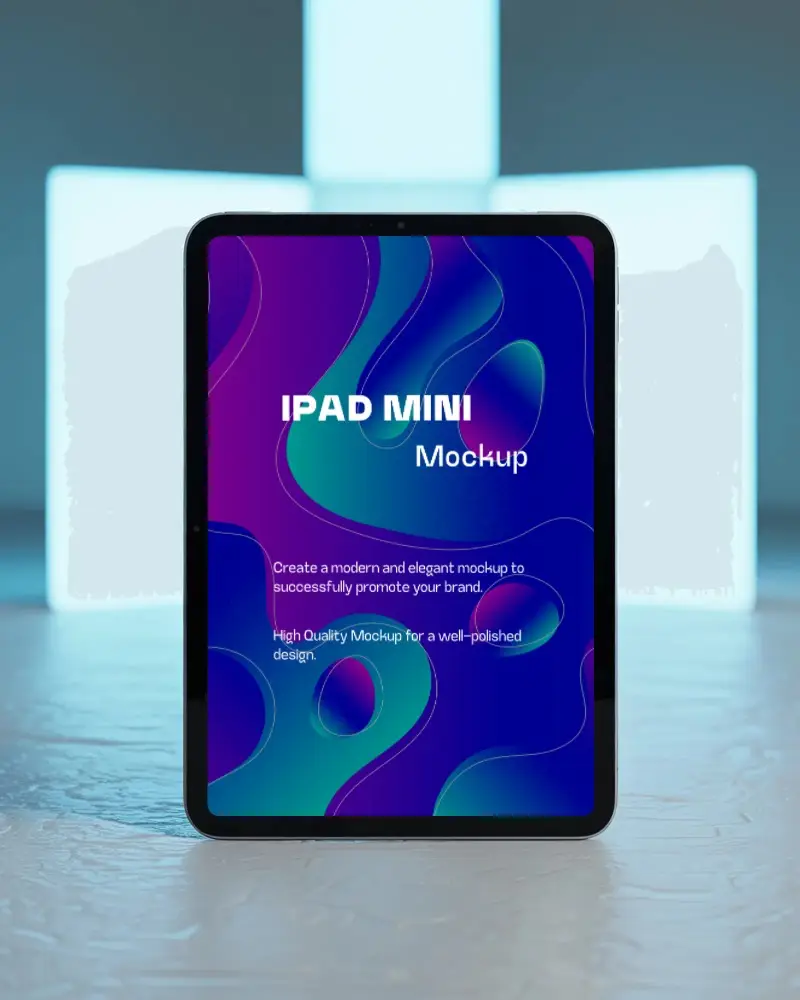
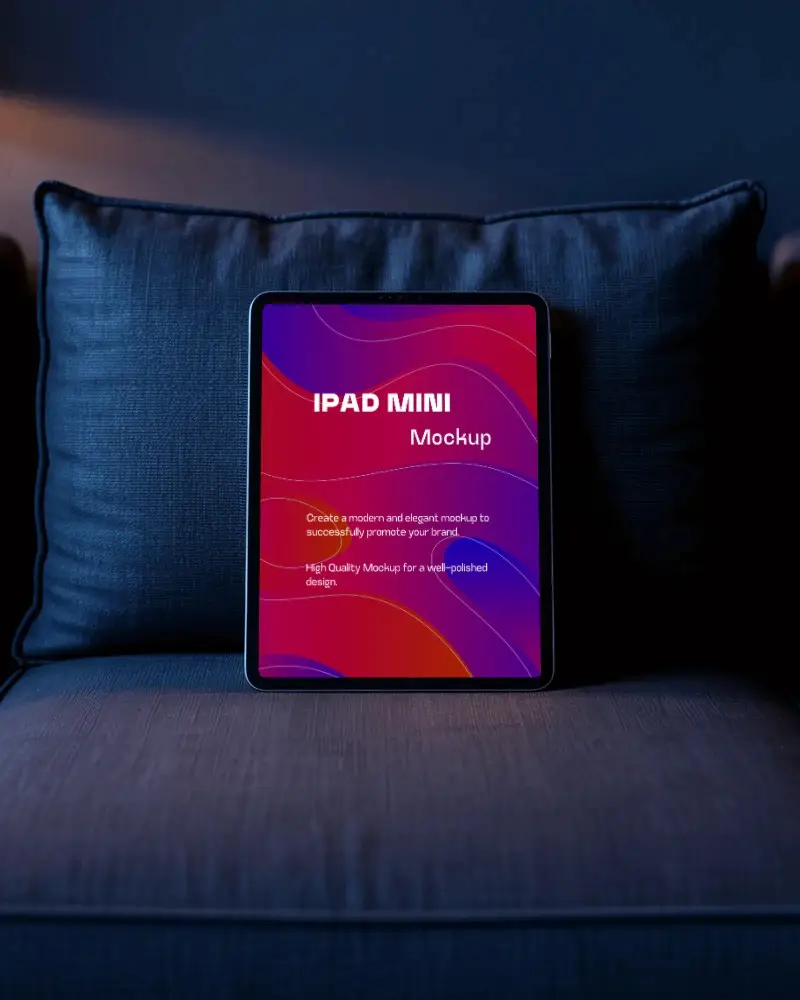
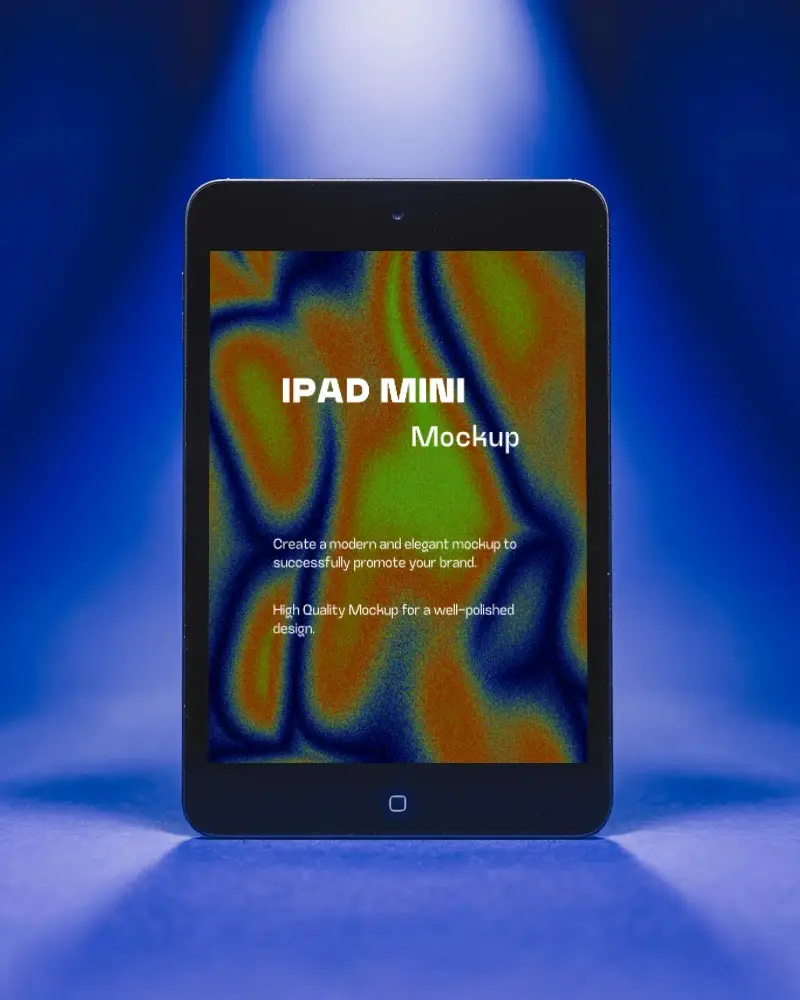
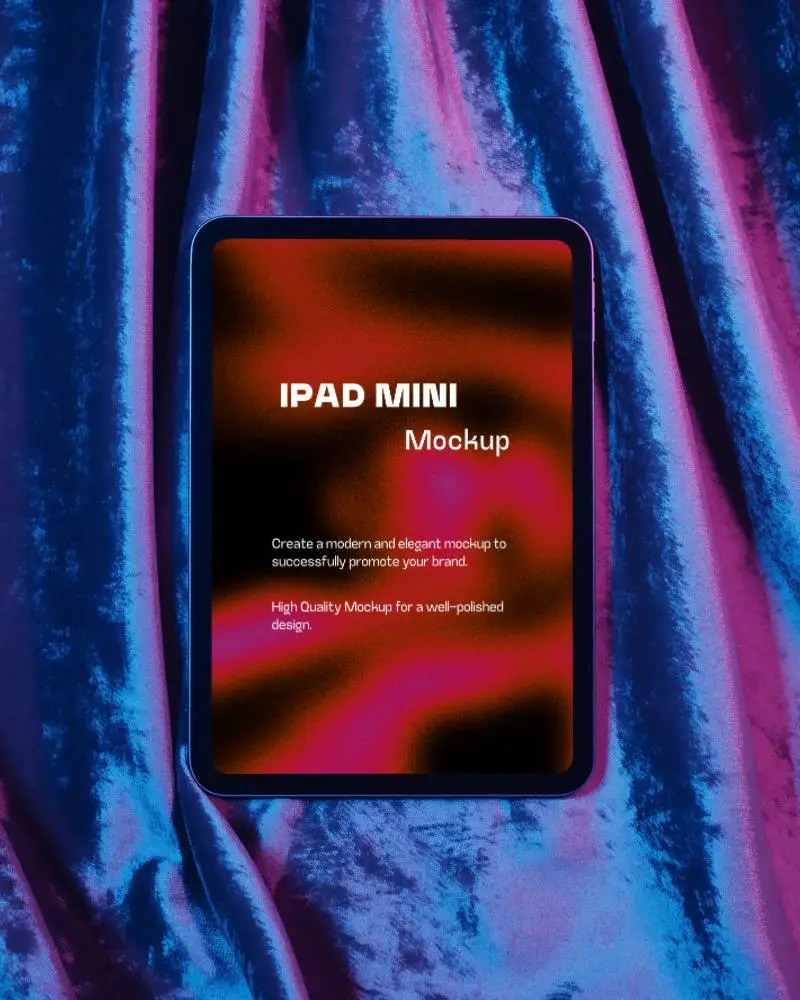
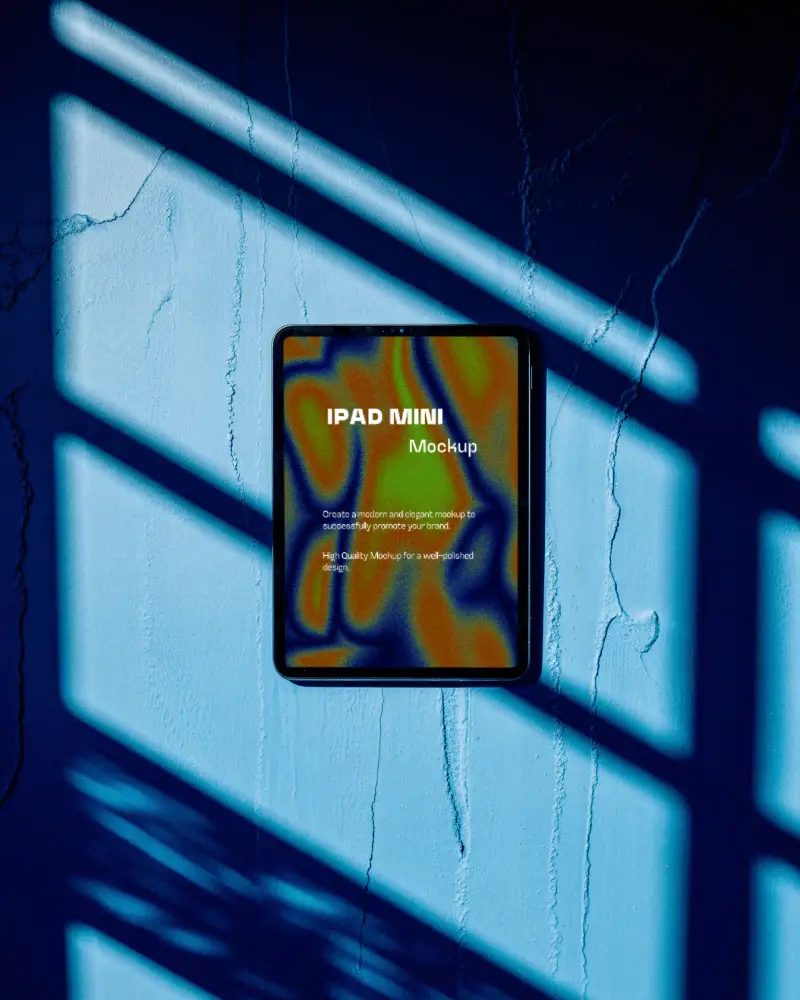
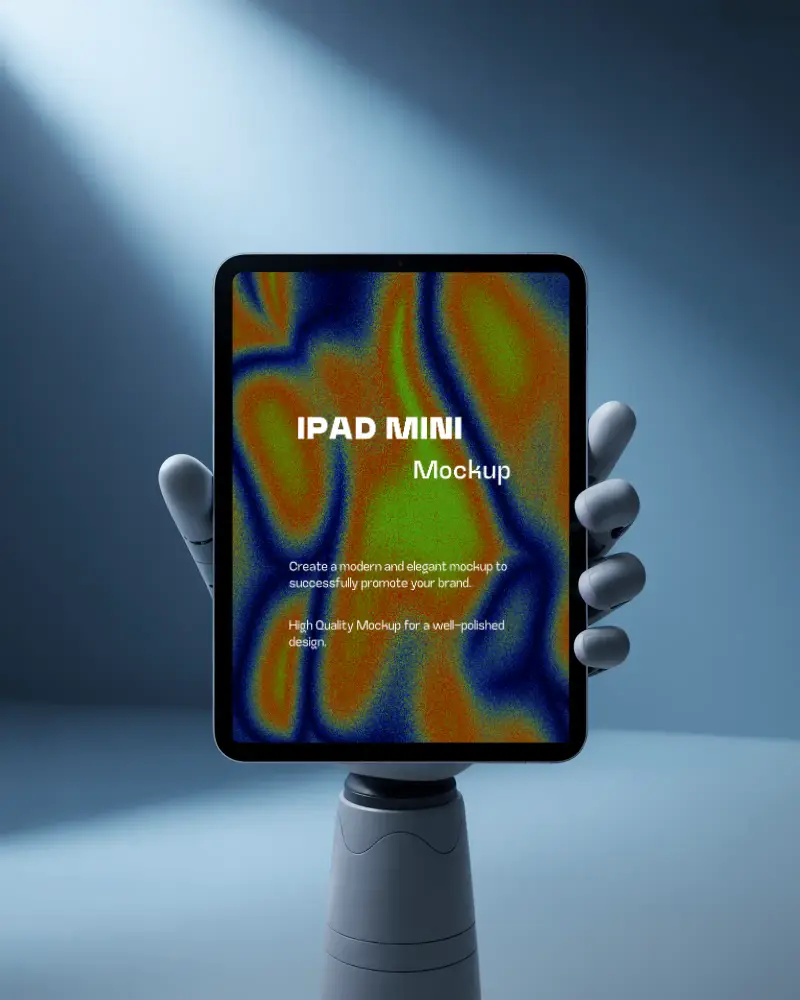
Create iPad Mini Mockups and showcase your app screenshots design in just a few clicks.
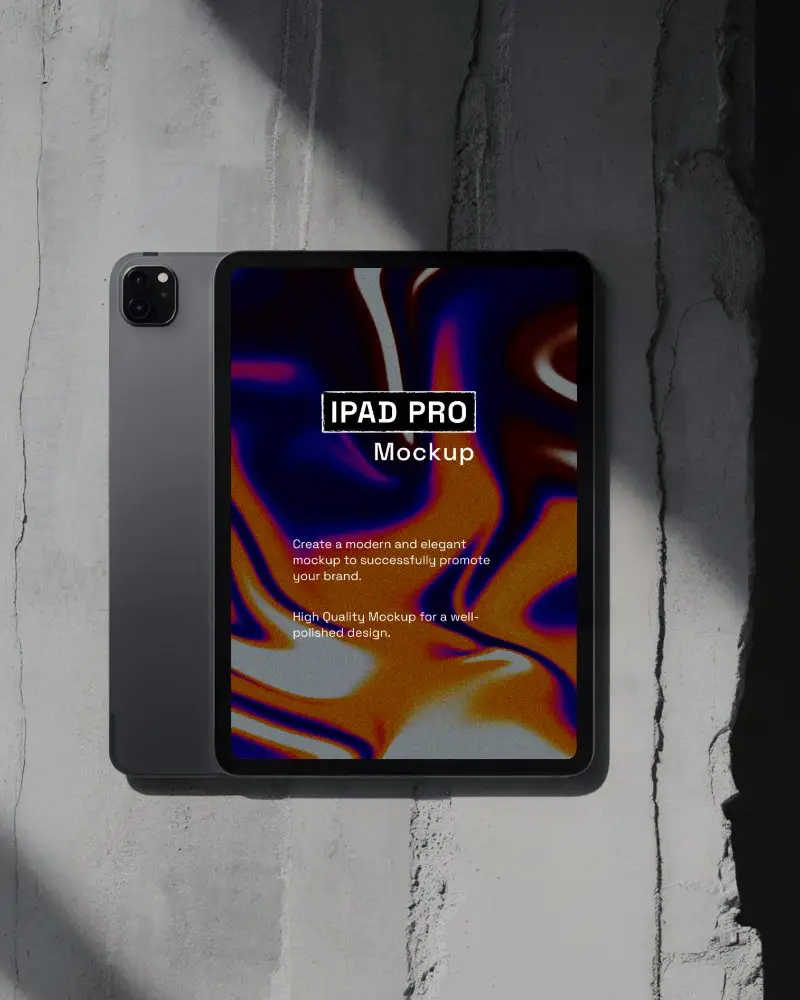
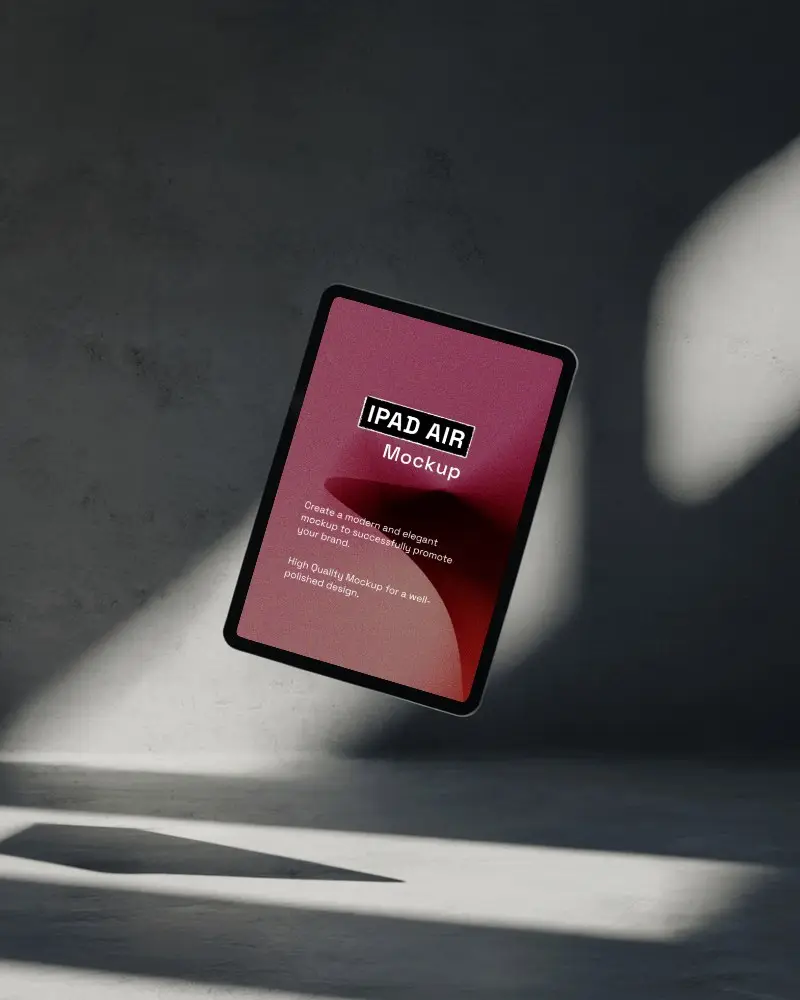
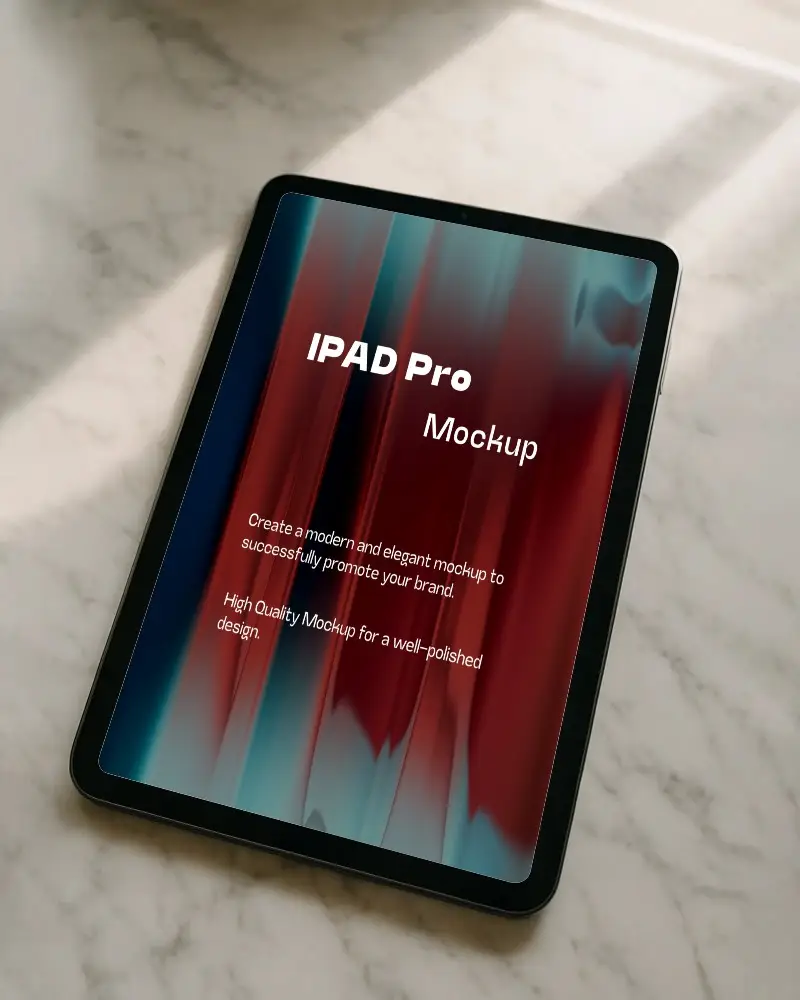
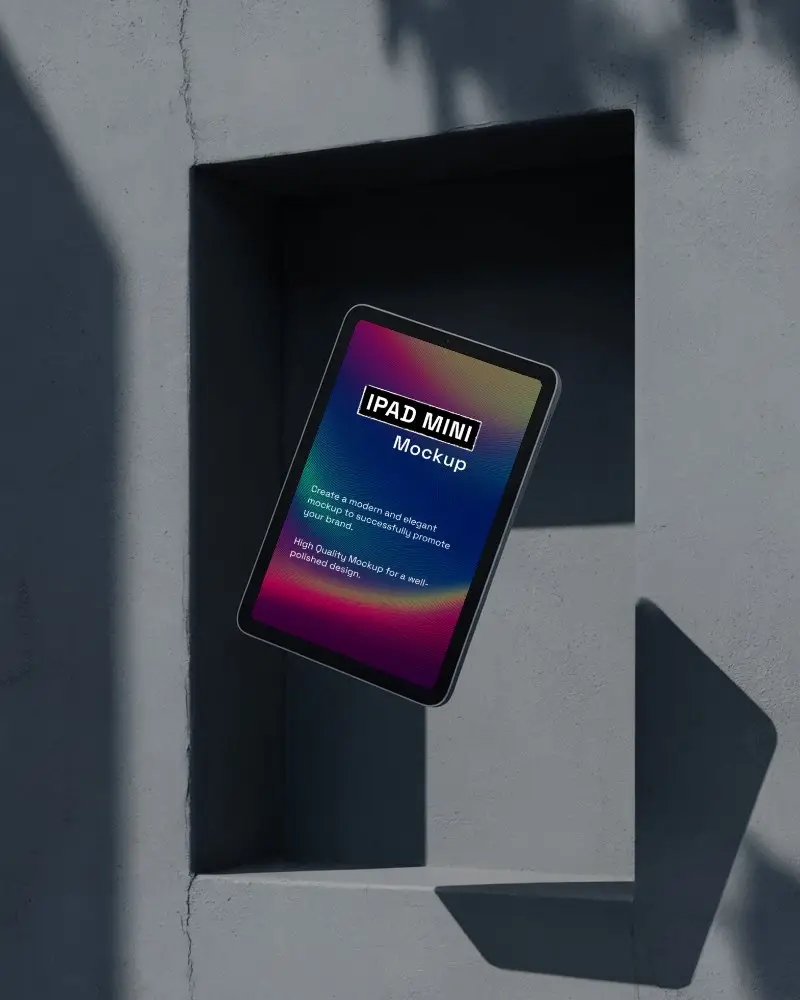
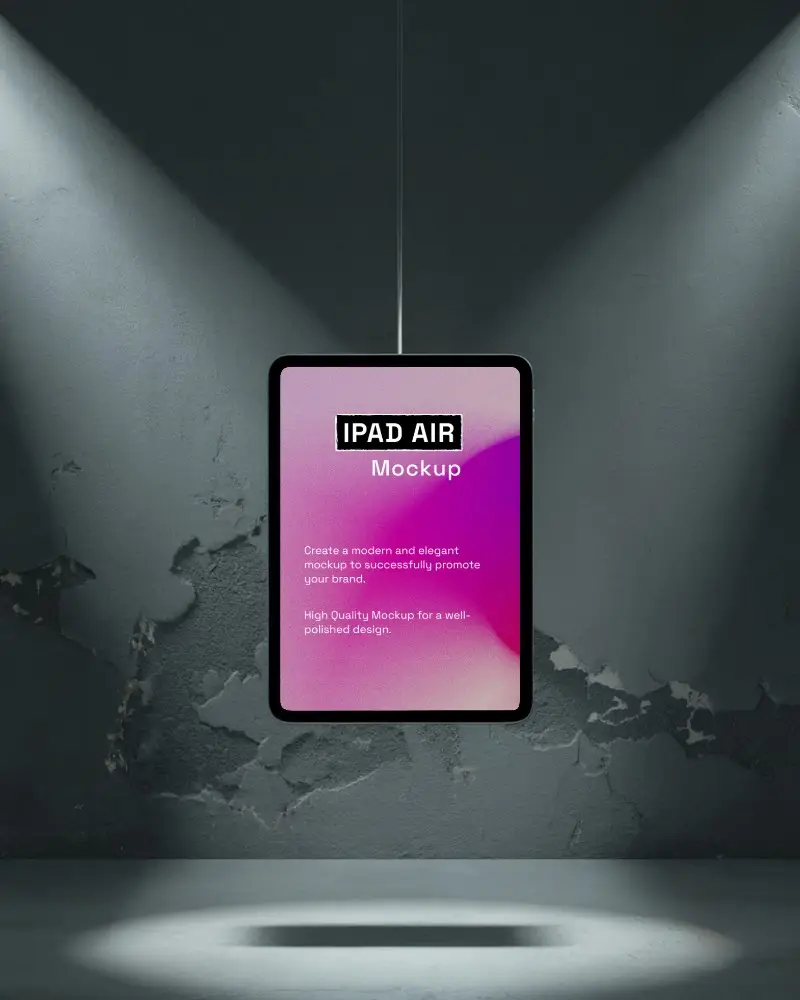
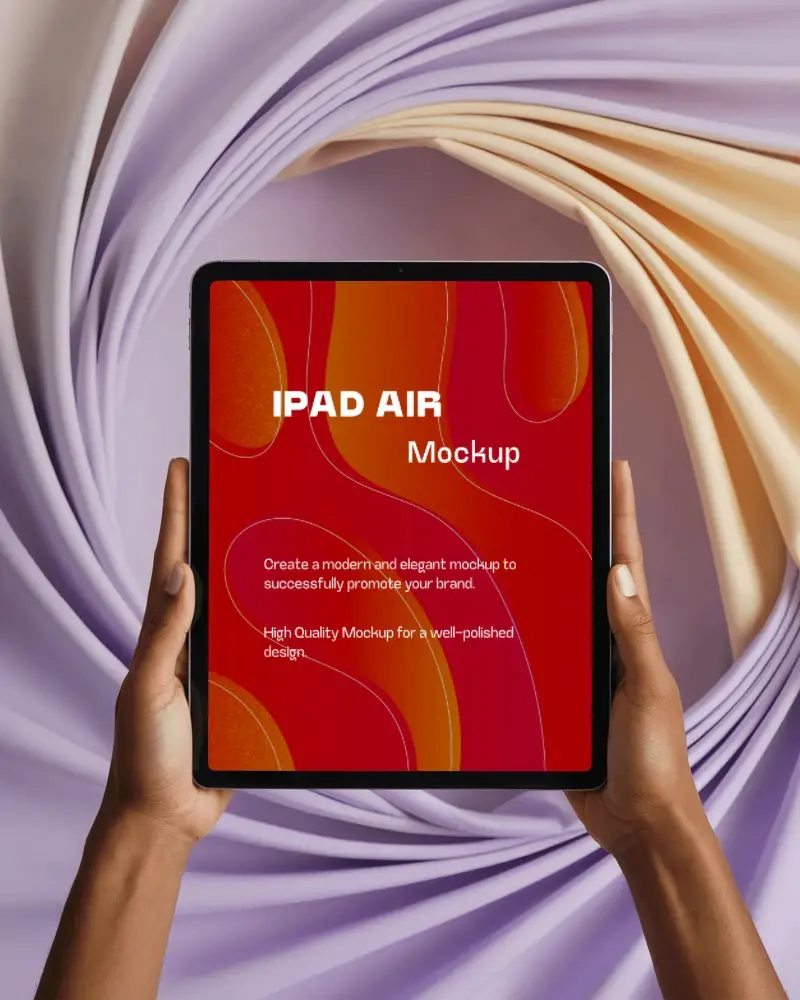
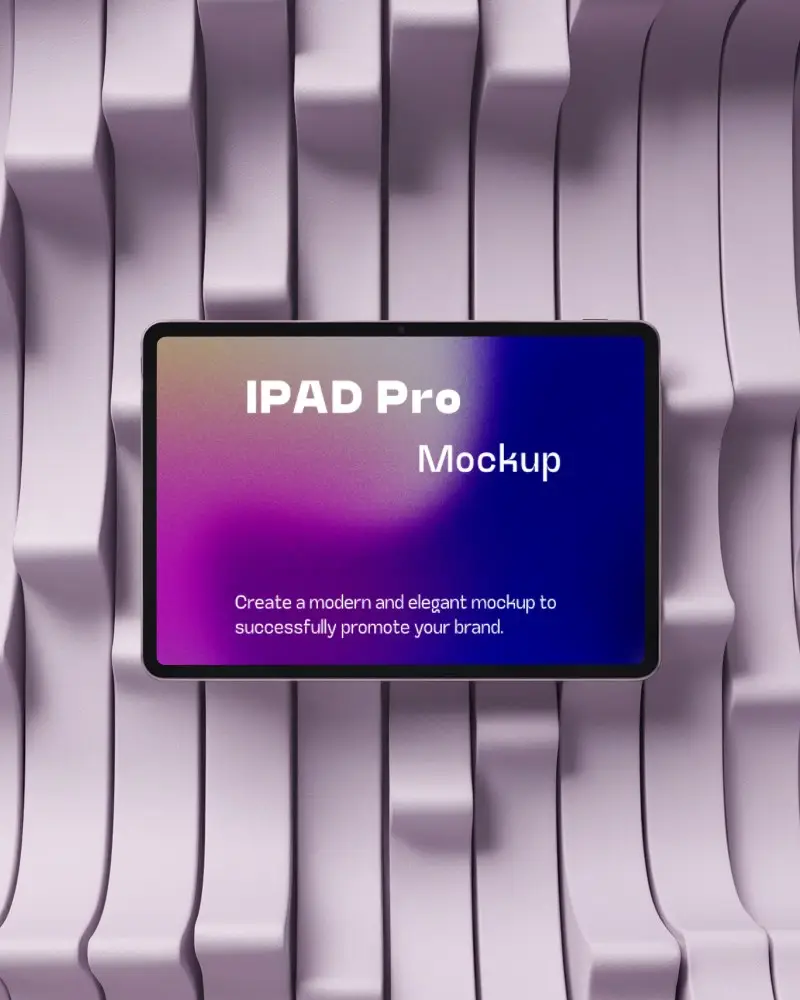
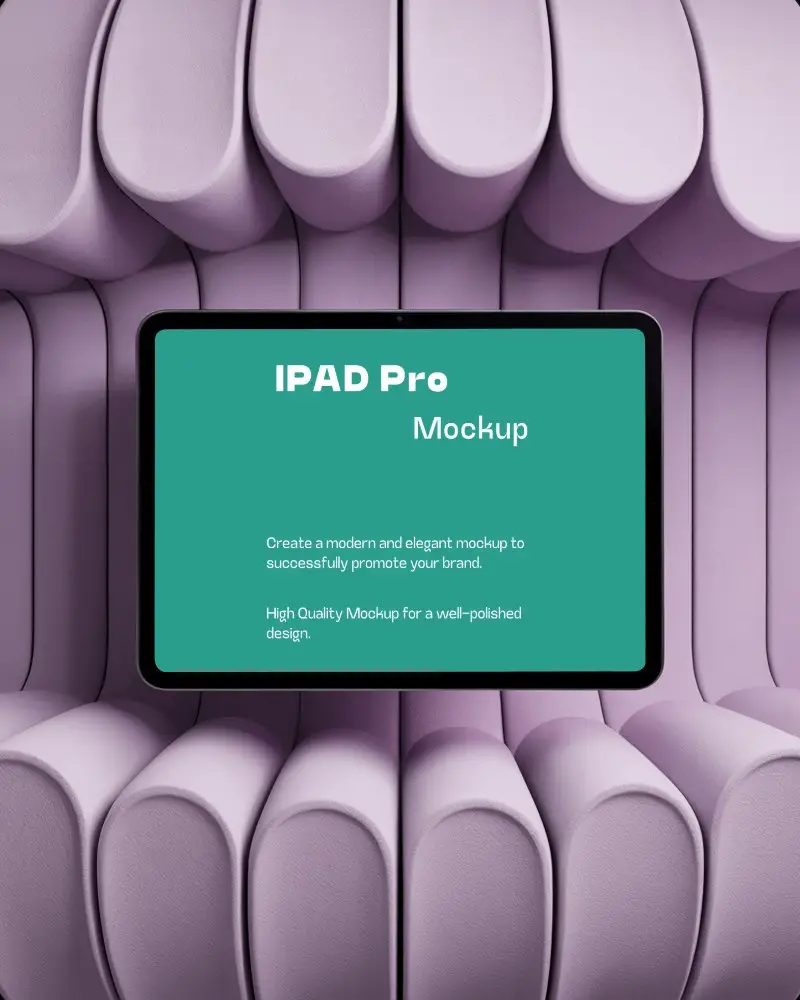
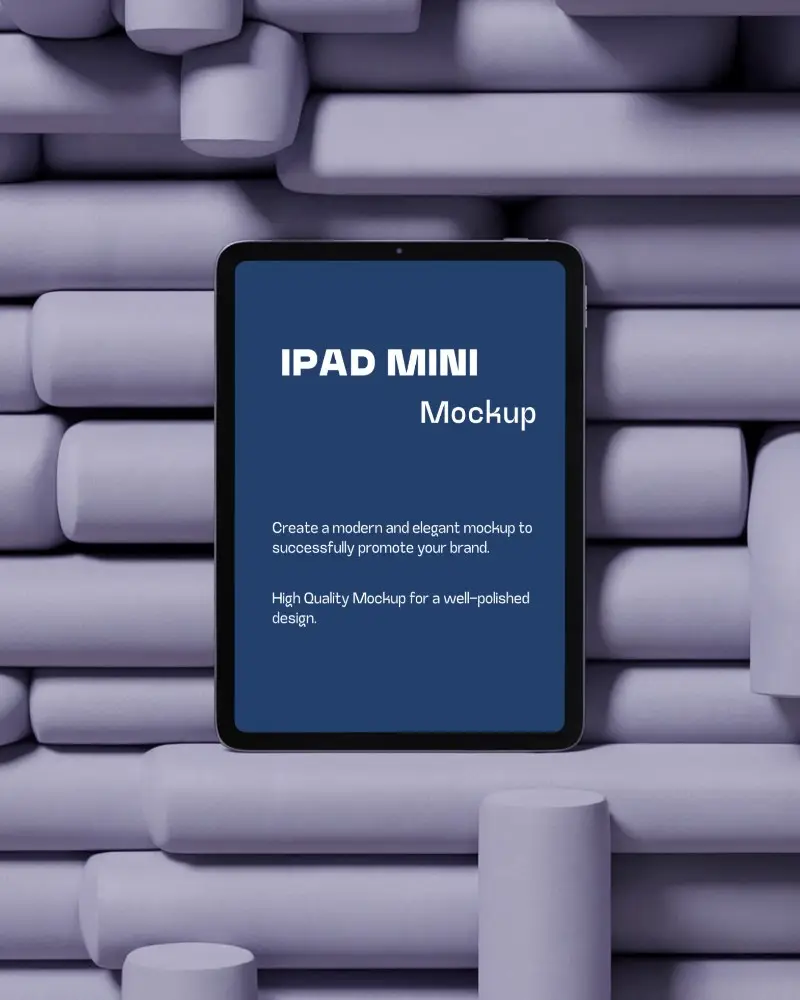

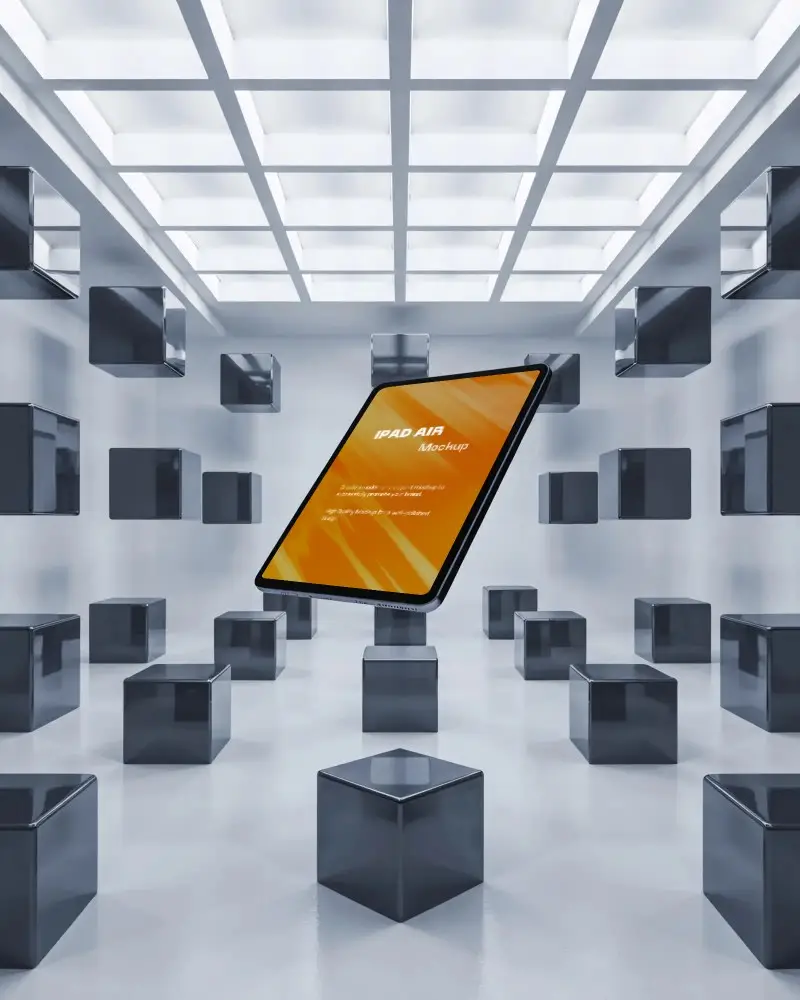
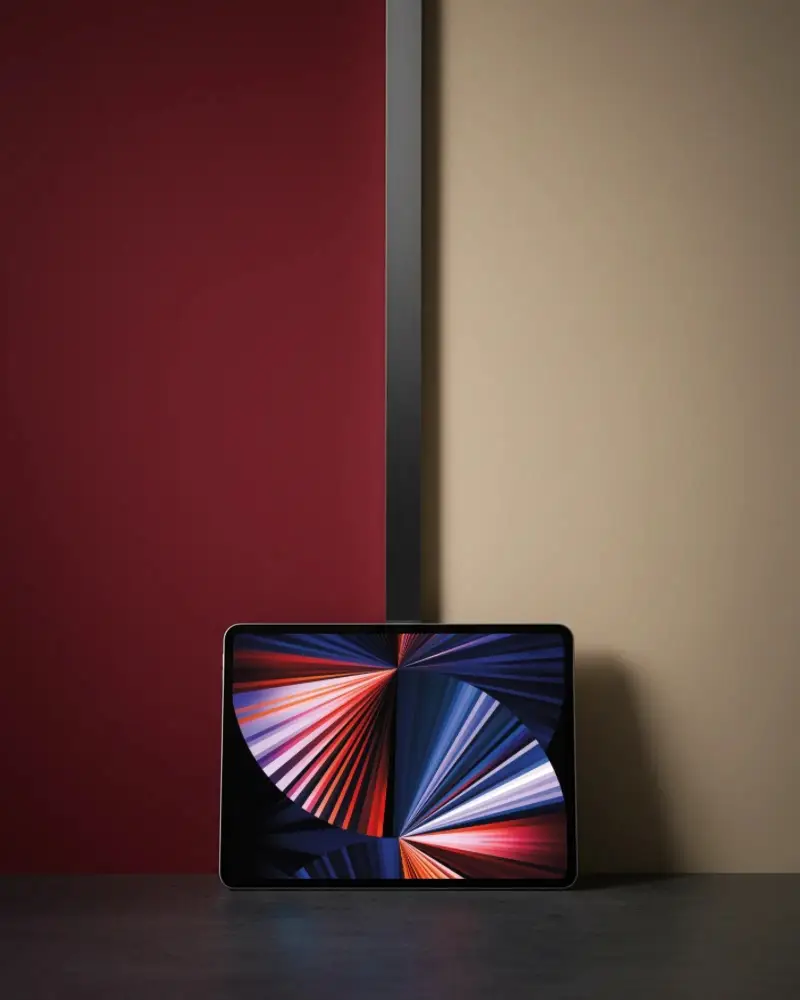
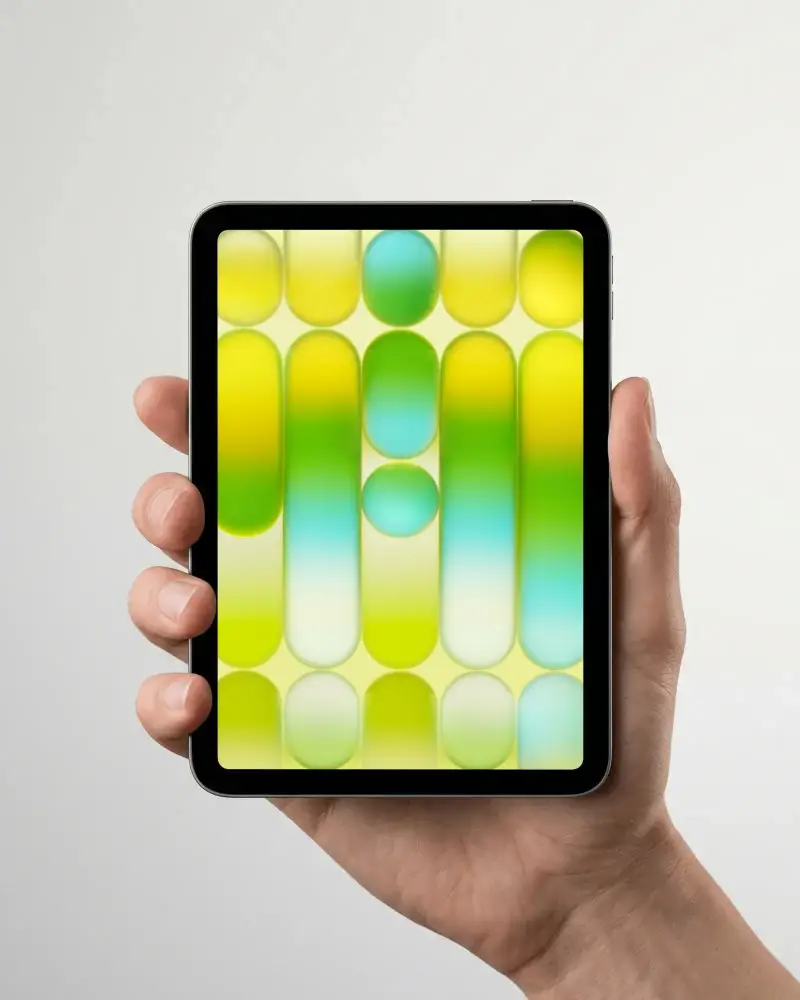
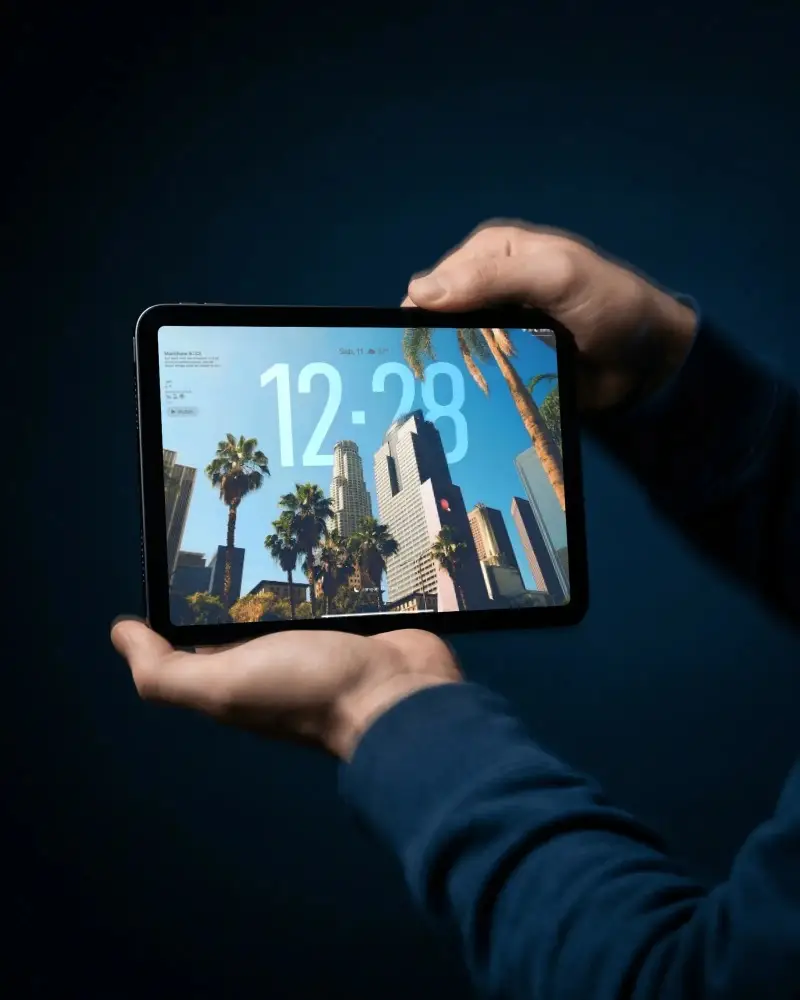
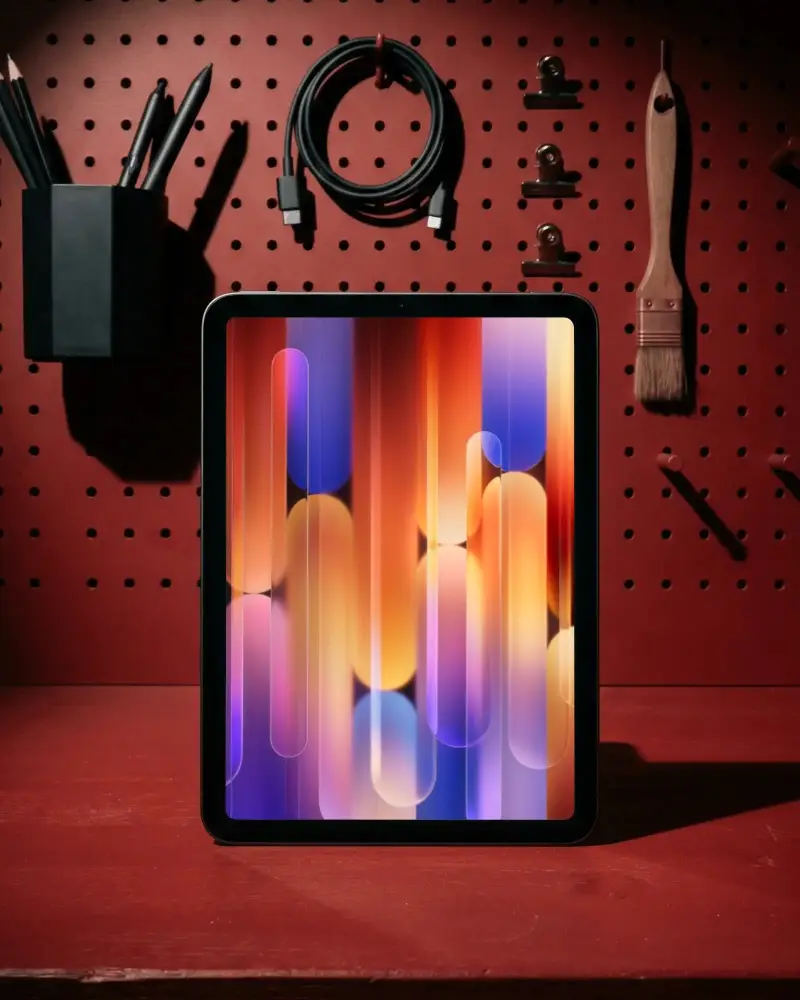
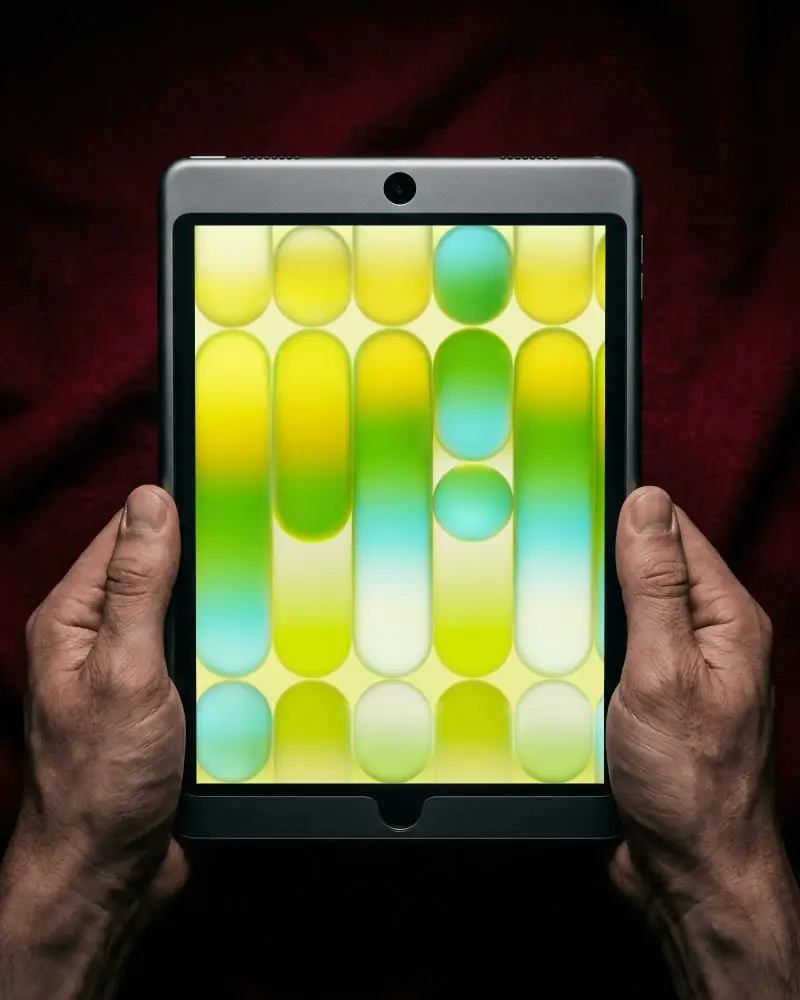
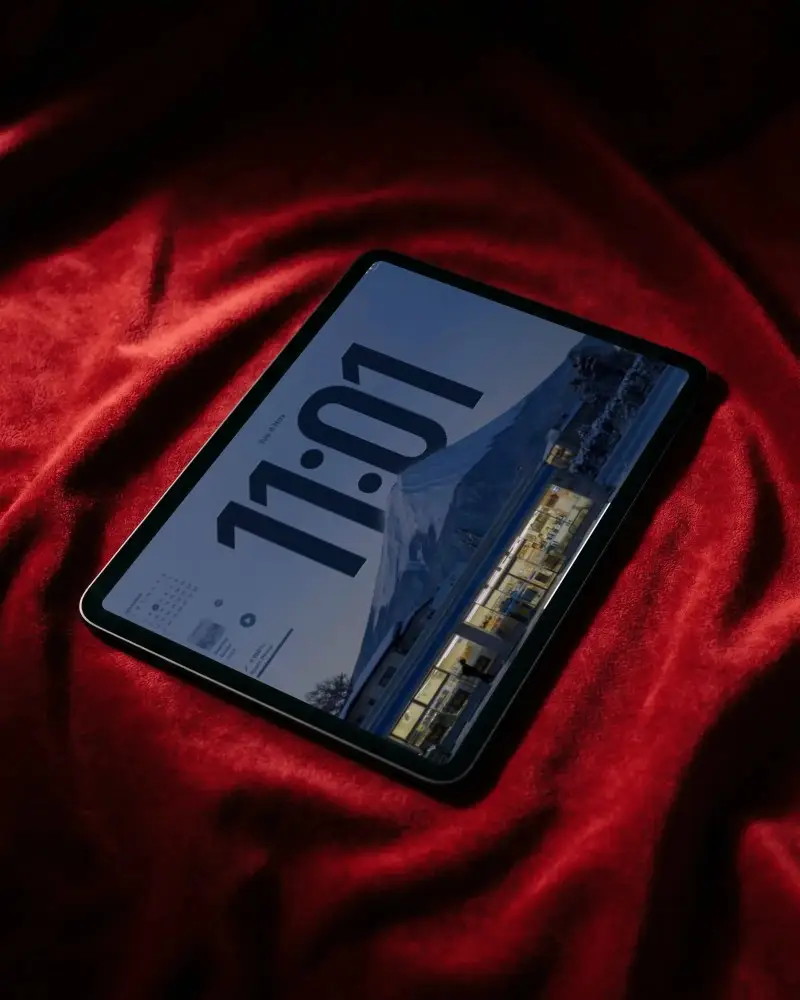
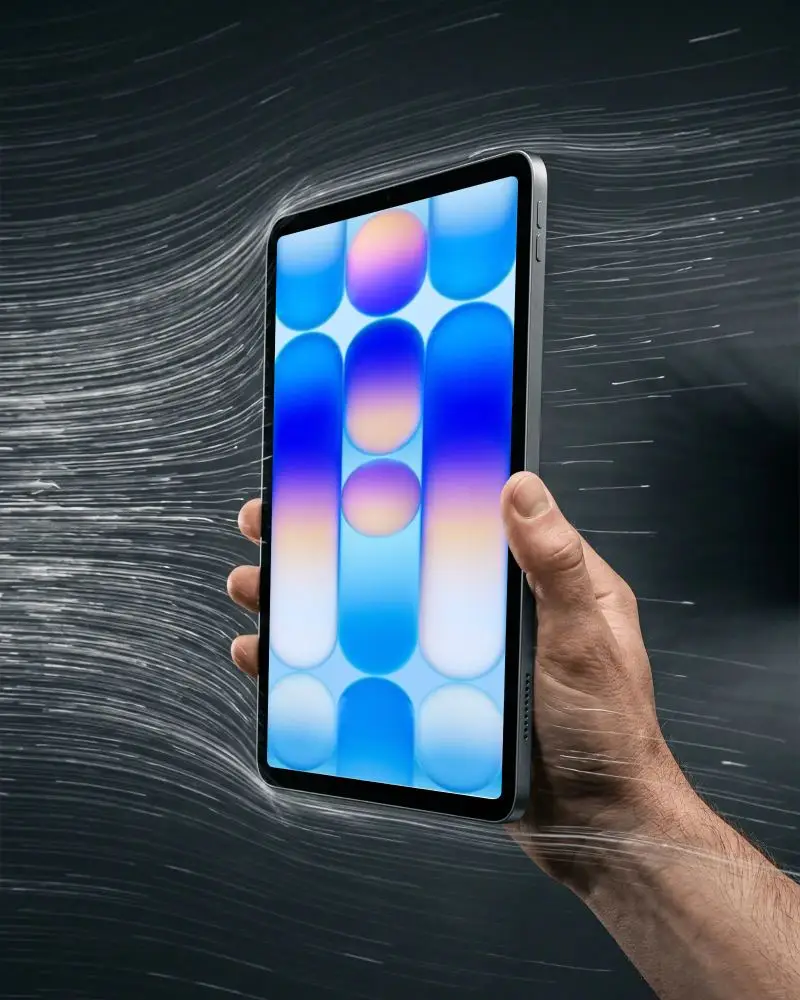
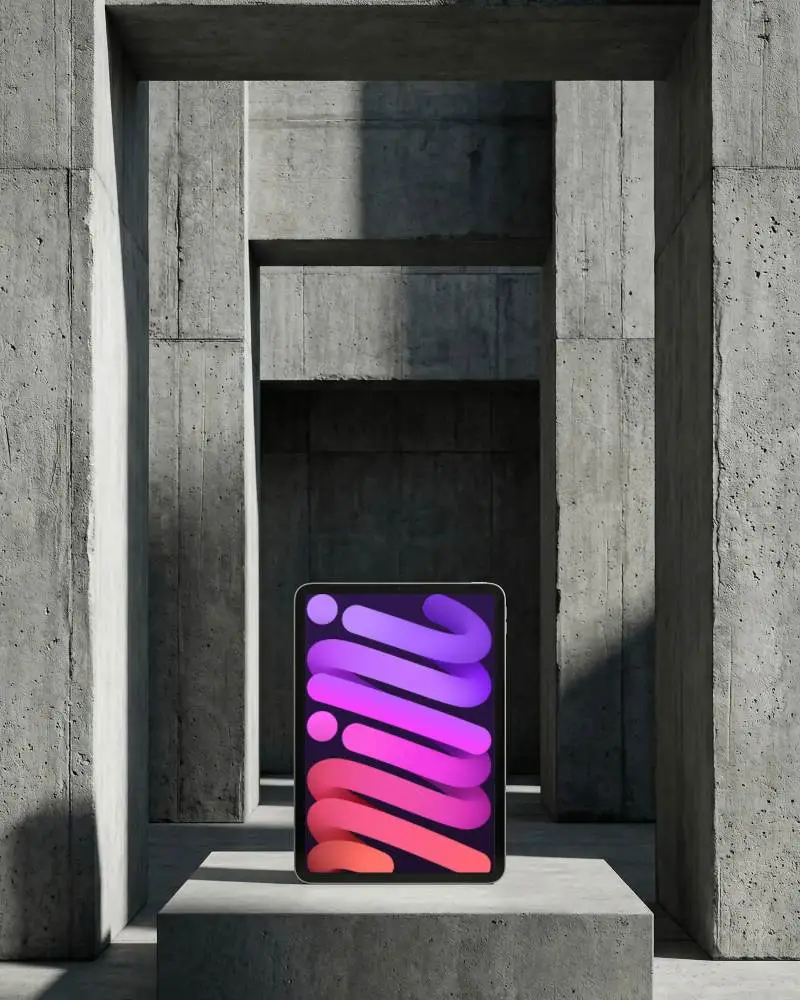
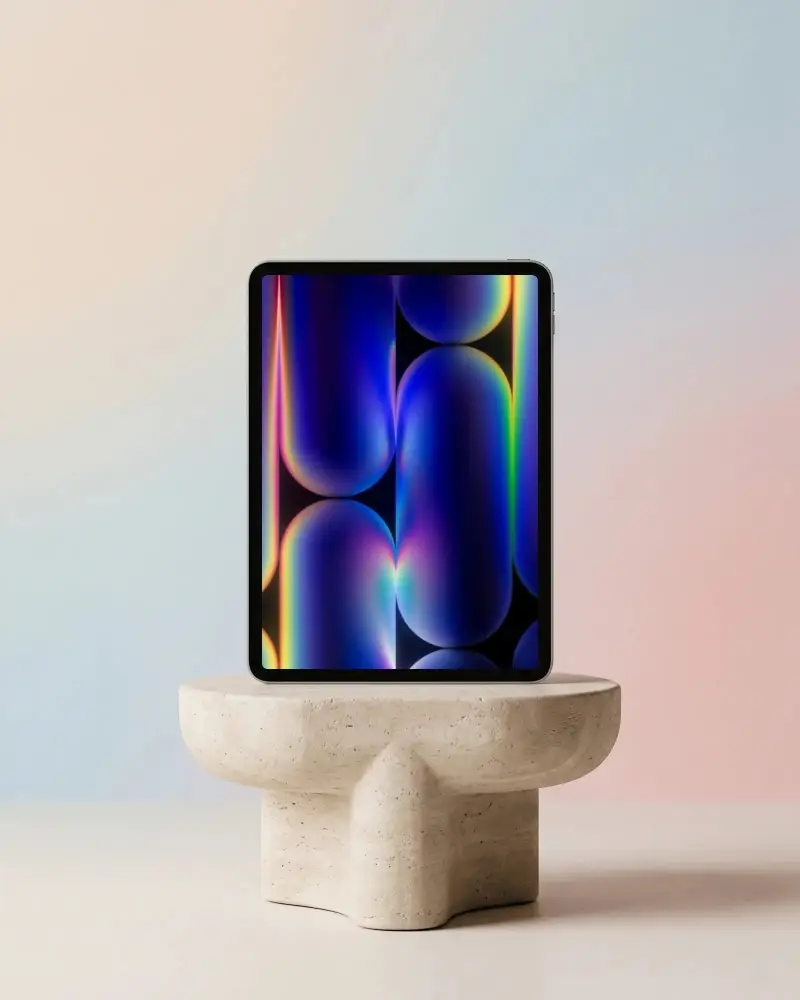
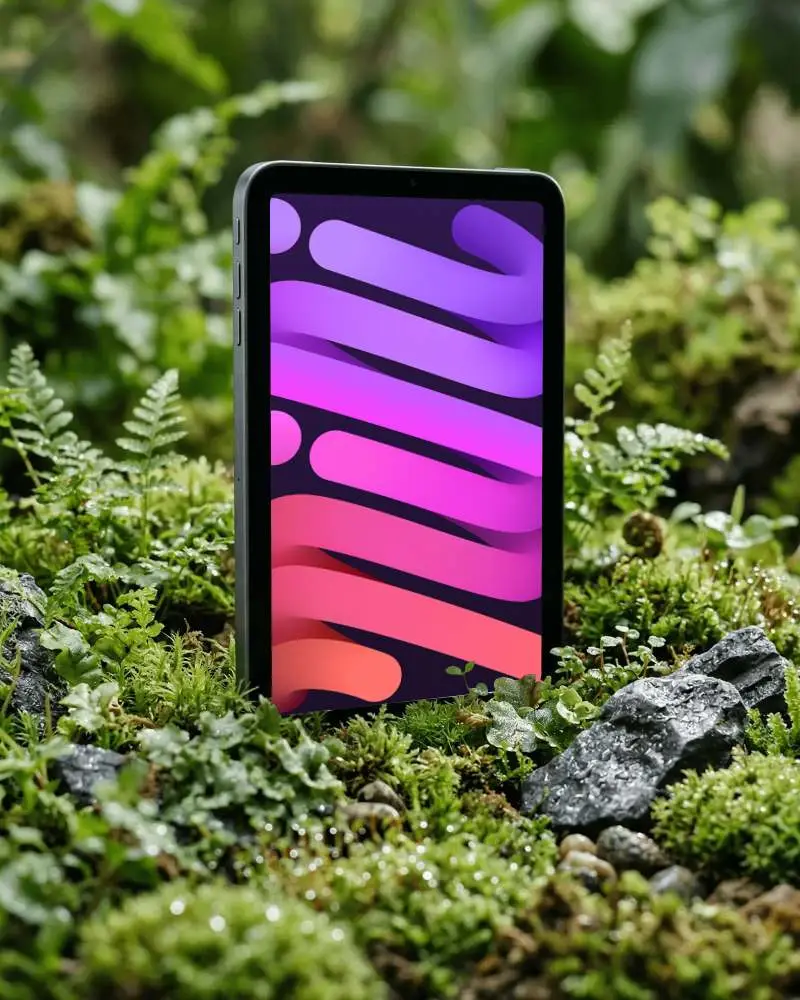

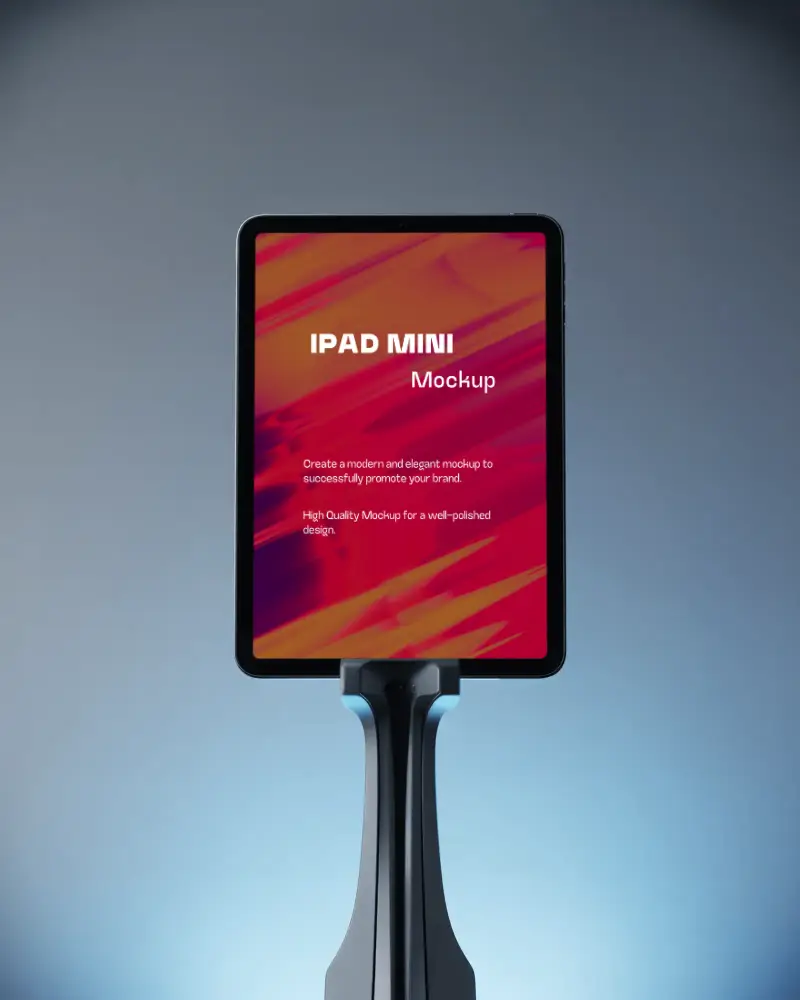
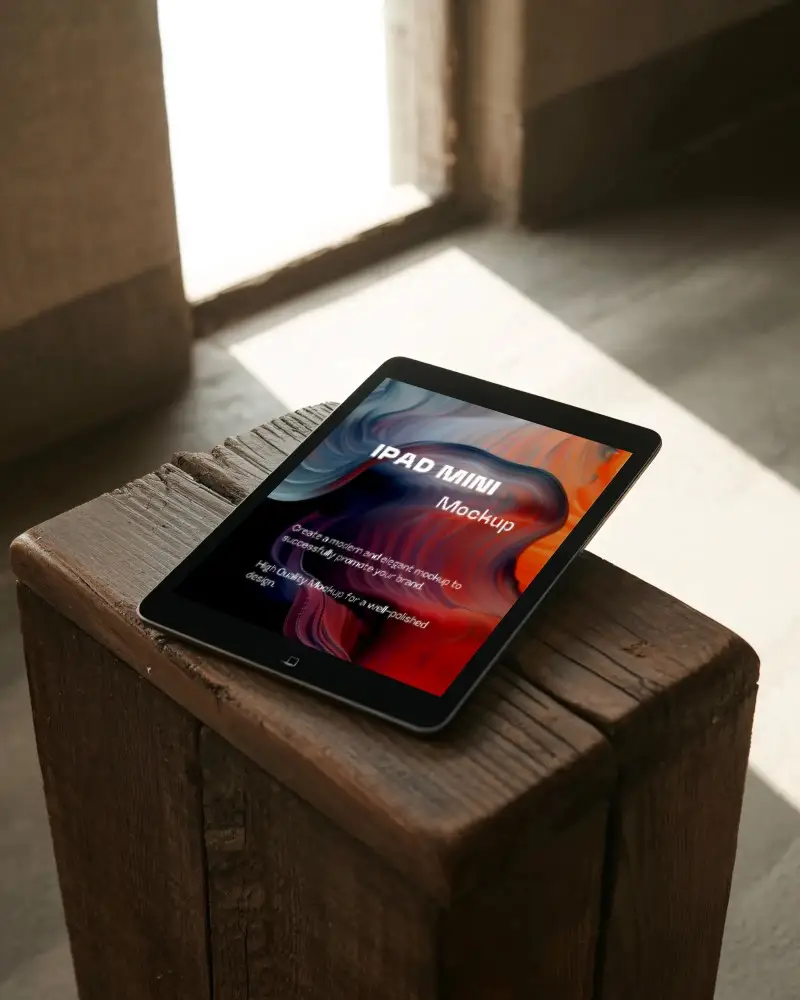
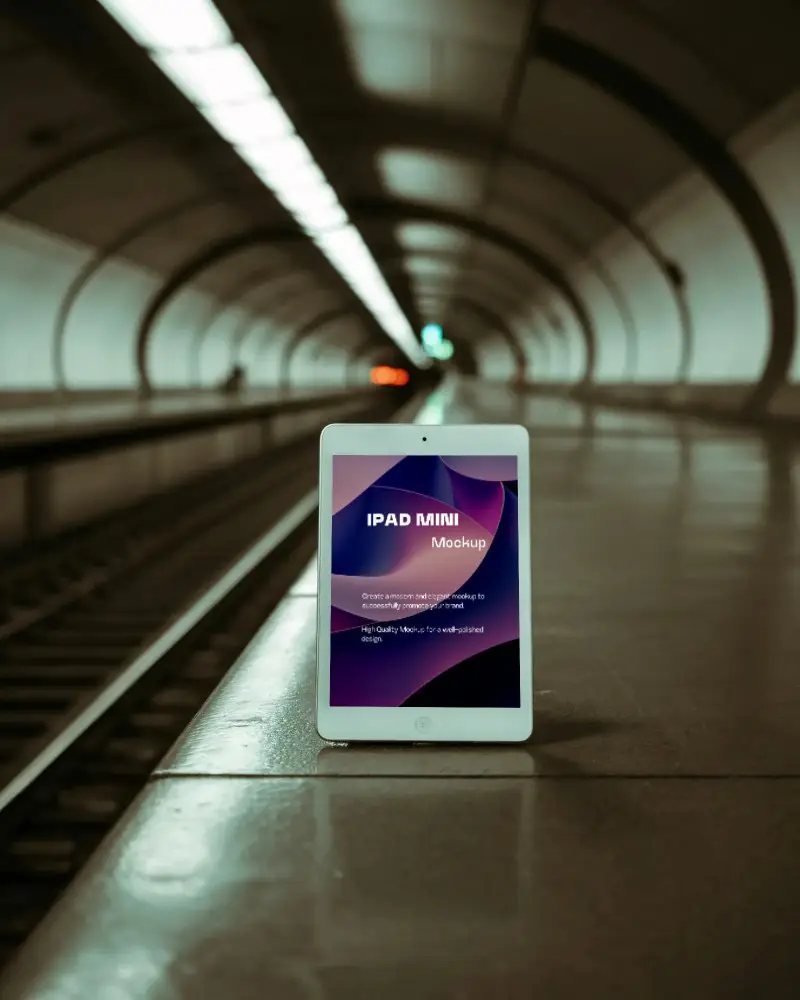
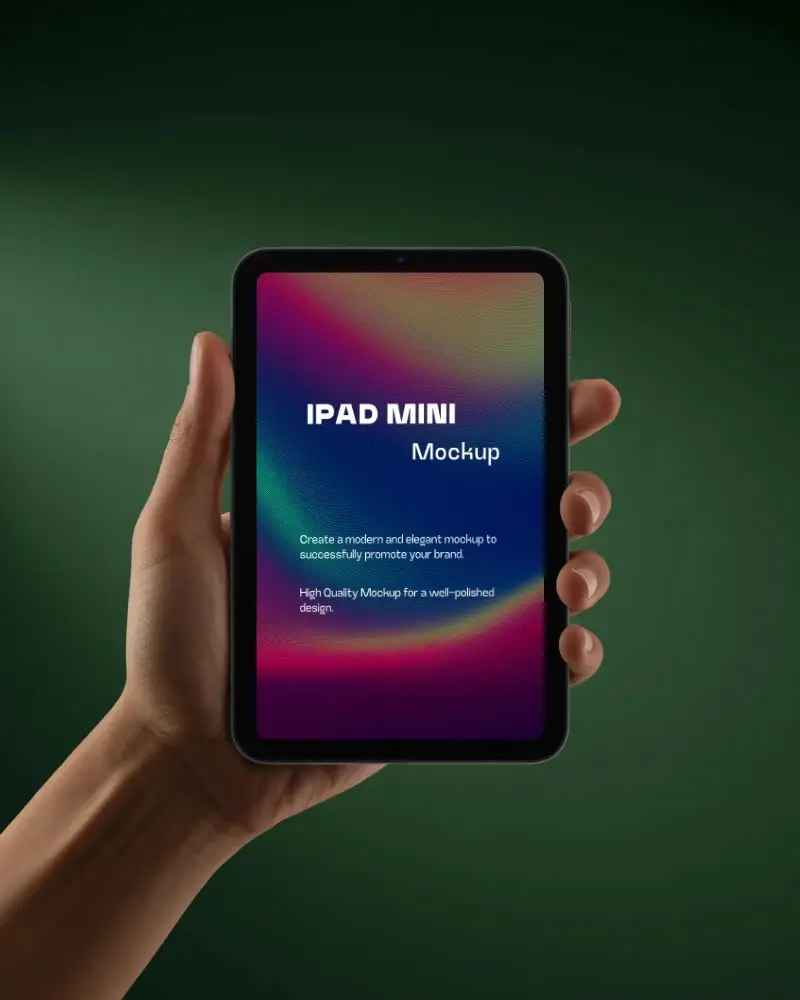
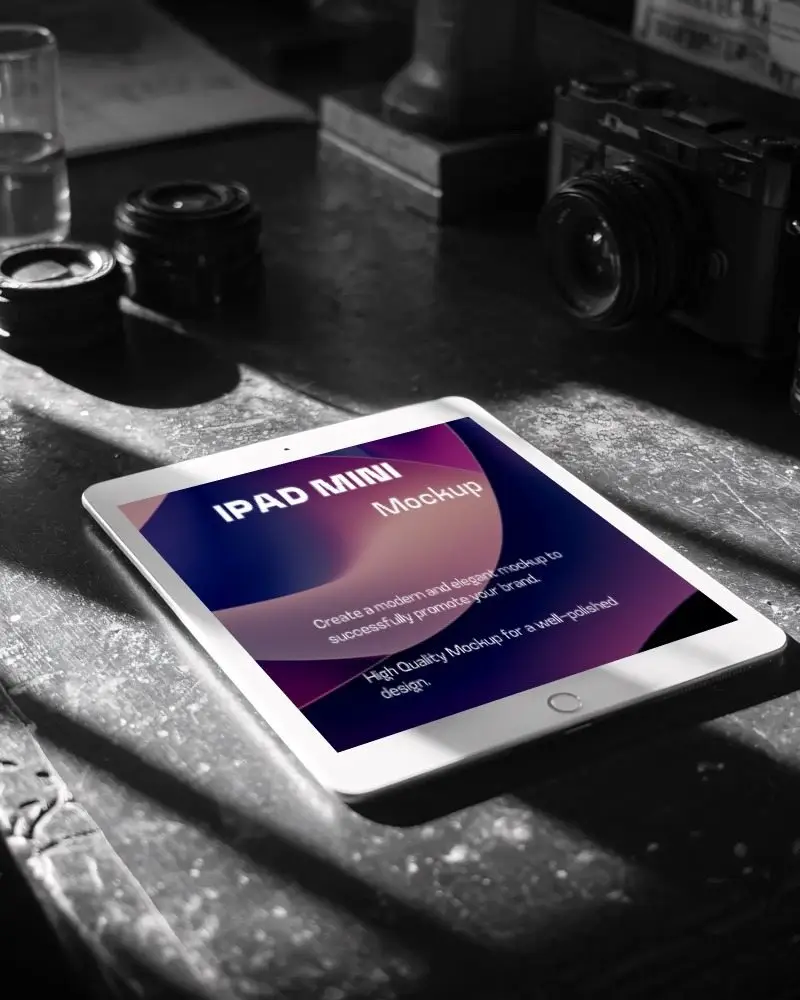
How to Create iPad Mini Mockup with Mockey AI
Follow the steps to create iPad Mini Mockups in Mockey AI:
- Step 1: First, click on 'Mockups' in the menu, then select 'Tech,' and choose 'iPad' and get 'iPad Mini' above tag.
- Step 2: Pick a template and upload your design.
- Step 3: Finally, customize your iPad Mini mockup until you're satisfied, and download it in high quality.


FAQs on Ipad Mini Mockups
What is an iPad Mini mockup used for?
An iPad Mini mockup shows your website or design on a real-looking iPad Mini. You can see your work. Designers use it to share ideas. Clients and investors use it to give feedback.
How do I make a free iPad Mini mockup without Photoshop?
Want to create an iPad Mini mockup without Photoshop? Try Mockey.ai. Upload your design. Pick from various iPad Mini templates. Change the background or colors. Download it without watermarks unlimited times if you are in the Starter. No Photoshop. No hassle.
Which tool is best for customizing iPad Mini mockup templates?
Mockey.ai is a top pick for iPad Mini mockups. It’s free to use. You get 50+ ready templates. All are easy to edit. The final output is sharp. No watermarks. Great for both new users and pros.
Can I use iPad Mini mockups from Mockey AI for commercial projects?
Use Mockey AI’s iPad Mini mockups for commercials. No credit needed. Grab them free. Ideal for ads, online shops, and client slides. Each file is watermark-free, but only three times a day.
Do I need to sign up to use iPad Mini mockups on Mockey.ai?
You need to sign up to use iPad Mini mockups on Mockey.ai. Otherwise, you can't access templates. You can only see without signing up. But for customization, create an account.
Is Mockey AI really free for generating iPad Mini mockups?
Mockey AI gives you a truly free plan. You can make iPad Mini mockups with ease. Change them as you like. But the quality after download will be low in a JPEG format.
