Realistic ID Lanyard Mockup Designs
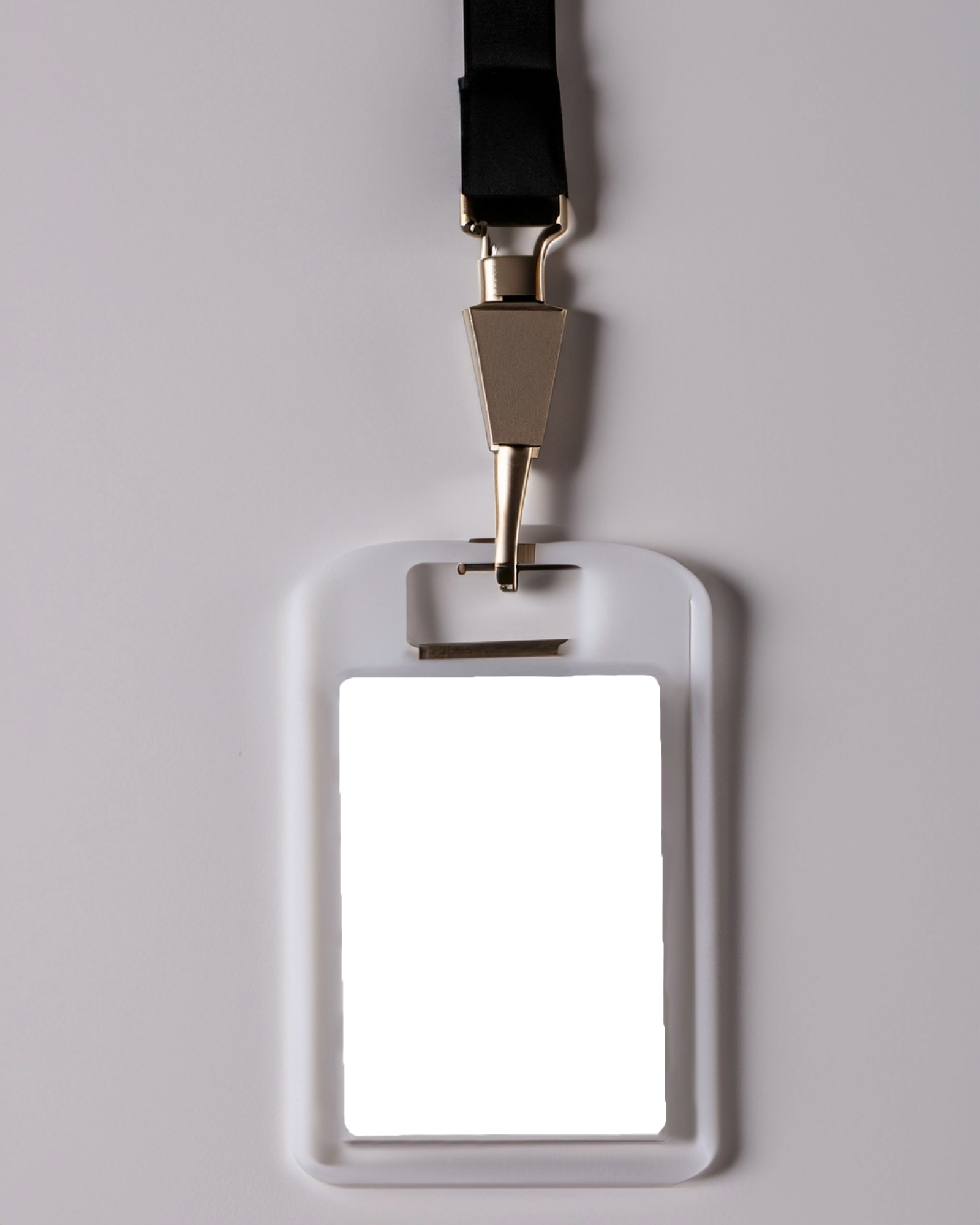
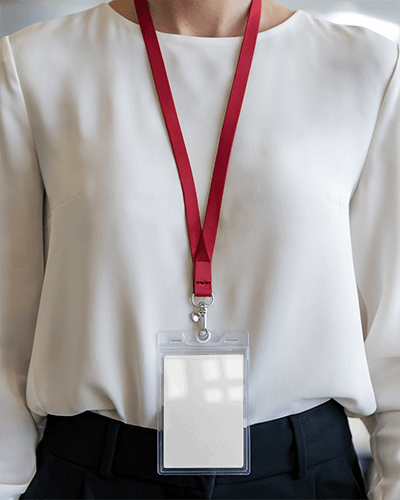
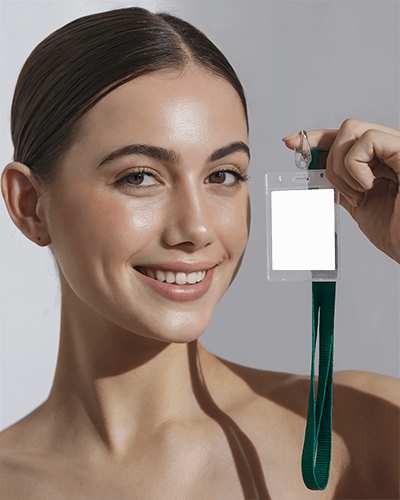
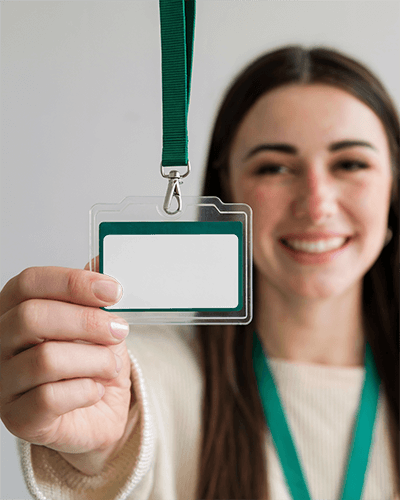
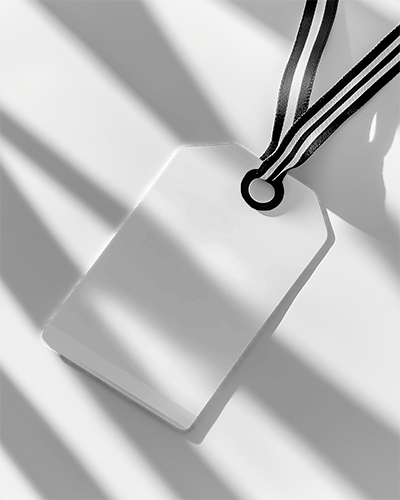
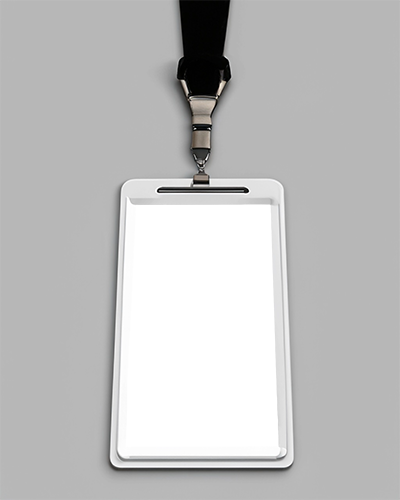
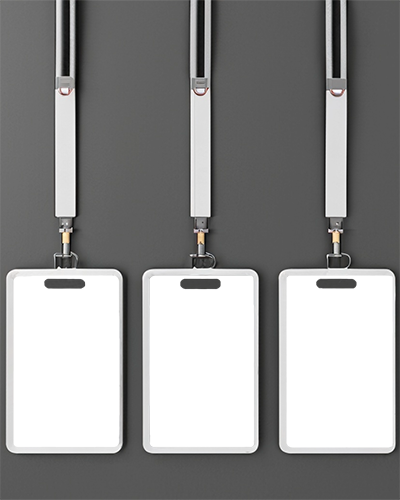
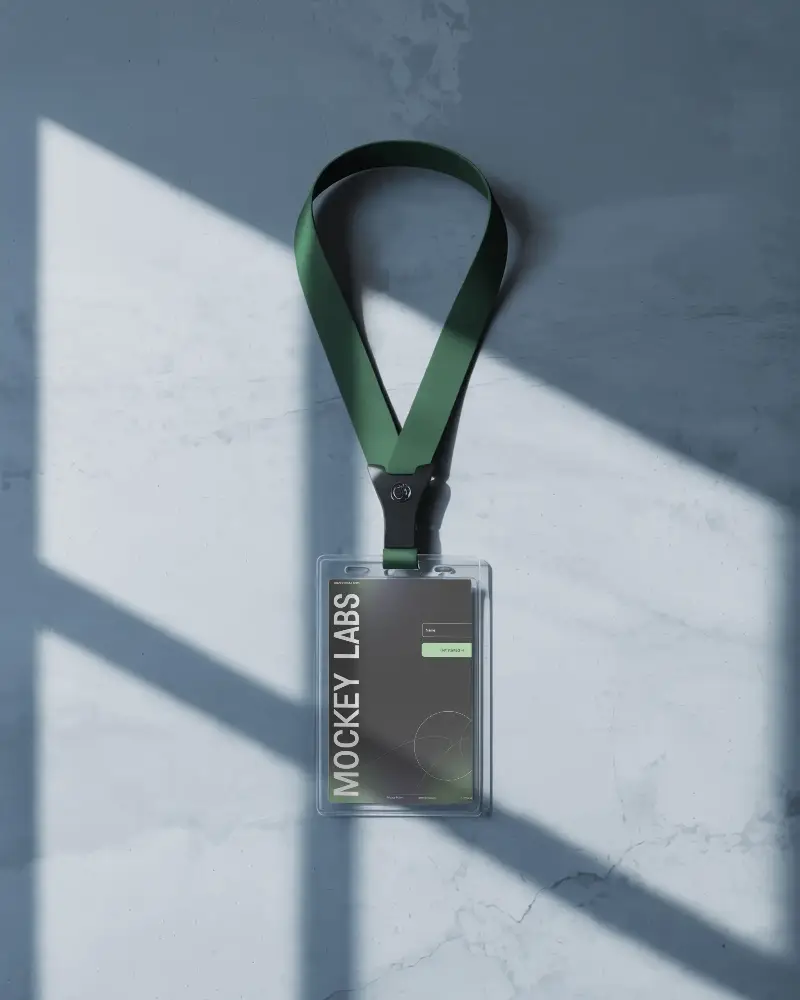
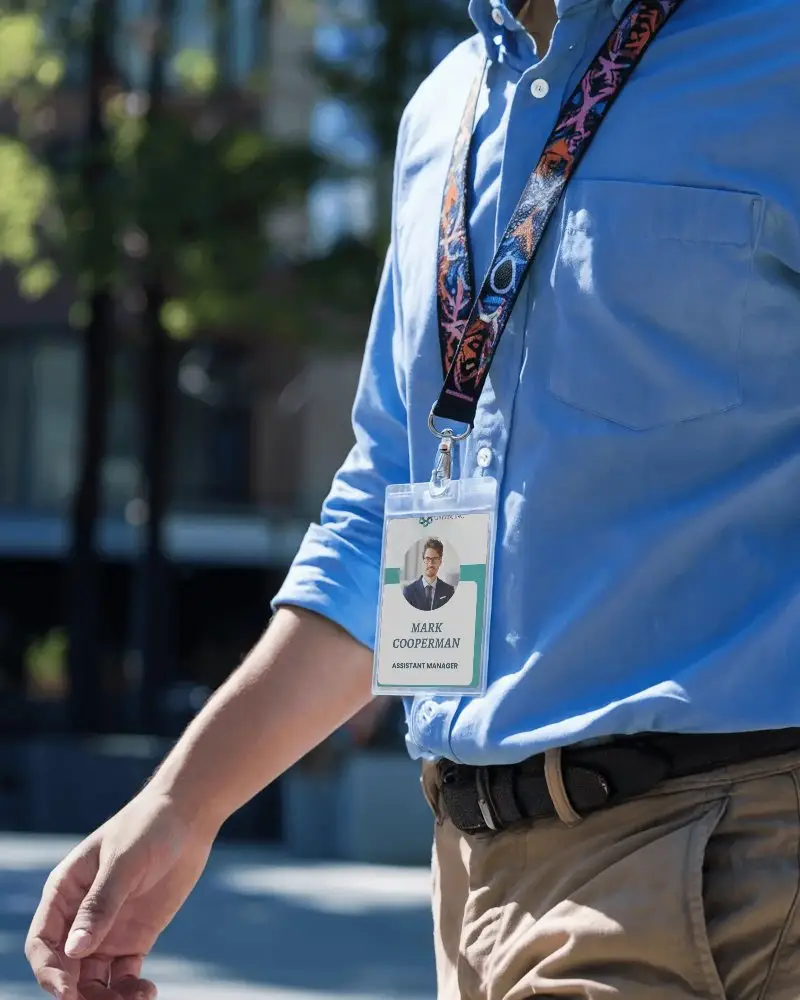
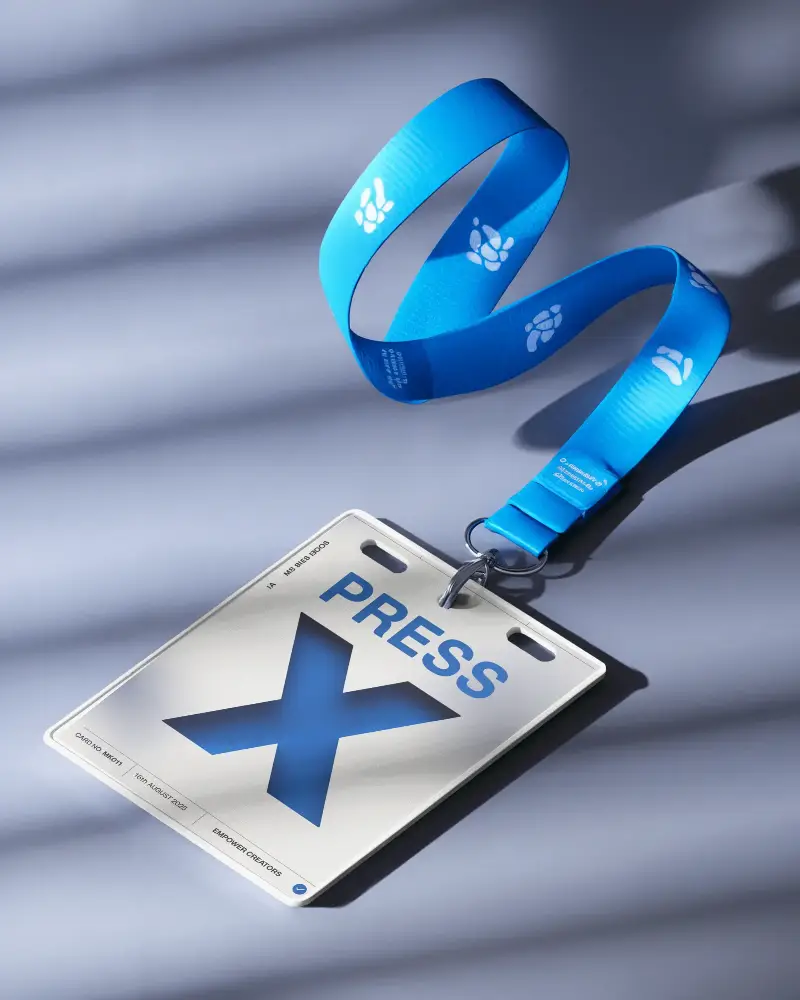
Browse a variety of ID Lanyard Mockup templates on Mockey designed to showcase badge designs in a clean and realistic way. Each mockup is high-quality and available to download without any watermark, making it ideal for presentations, portfolios, or client previews.







How to Create ID Lanyard Mockup with Mockey
To create an ID lanyard mockup in Mockey AI:
- Step 1: Navigate to Mockups > Print > ID Card > ID Lanyard and select a template from our extensive library.
- Step 2: On the next page, upload your design and customize the template’s colors and appearance using the Edit section. Upgrading to the MAX plan also unlocks advanced AI tools for additional customization.
- Step 3: Finally, click the Download button to save your ID Lanyard mockup in PNG or JPEG format in various sizes.


FAQs on Id Lanyard Mockups
What is an ID Lanyard Mockup?
An ID lanyard mockup is a realistic design template that lets you preview how your ID badge and lanyard will look before manufacturing or printing.
Why create an ID lanyard mockup?
Creating a lanyard mockup helps refine your design, maintain brand consistency, and visualize the final product before production.
Why use Mockey’s ID mockup?
Mockey allows you to generate high-resolution and fully customizable ID lanyard mockups instantly without needing any design software.
Is this ID Lanyard Mockup free?
Yes, Mockey AI offers free ID lanyard mockups with commercial usage rights and no attribution required.
Does Mockey offer ID lanyard mockups with different attachments?
Yes, Mockey provides lanyard mockups with different clips, hooks, and badge holders for a more realistic presentation.
Are ID lanyard mockups useful for businesses?
Yes, businesses use ID lanyard mockups to preview employee badges, event passes, and brand identity materials before production.
Do I need design skills to create an ID lanyard mockup?
No, Mockey is beginner-friendly. Simply upload your design, adjust the mockup with built-in tools, and download the final image.
Does Mockey offer vertical and horizontal ID lanyard mockups?
Yes, Mockey provides both vertical and horizontal ID badge mockups with lanyards to suit different design layouts.
