High-Quality ID Badge Mockup Designs
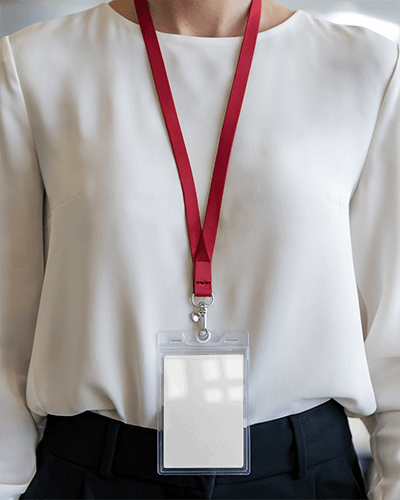
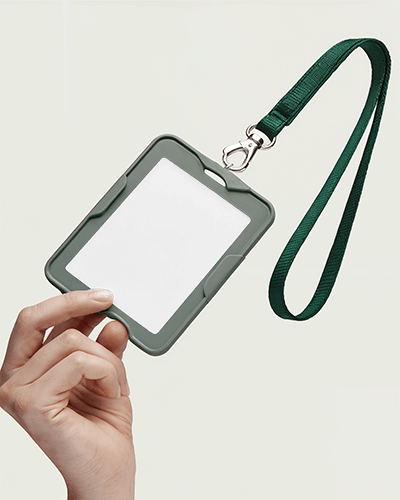
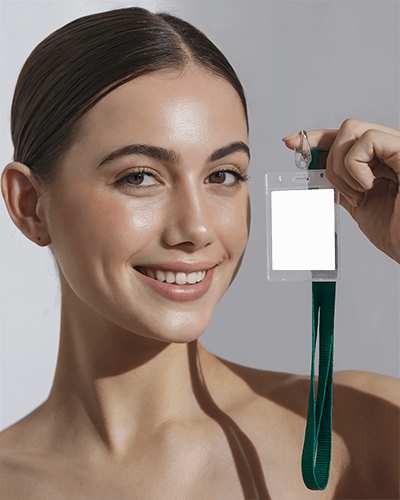
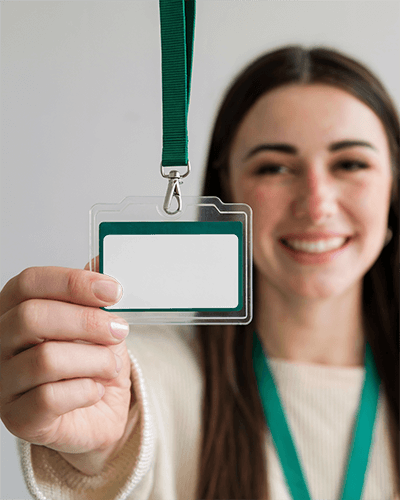
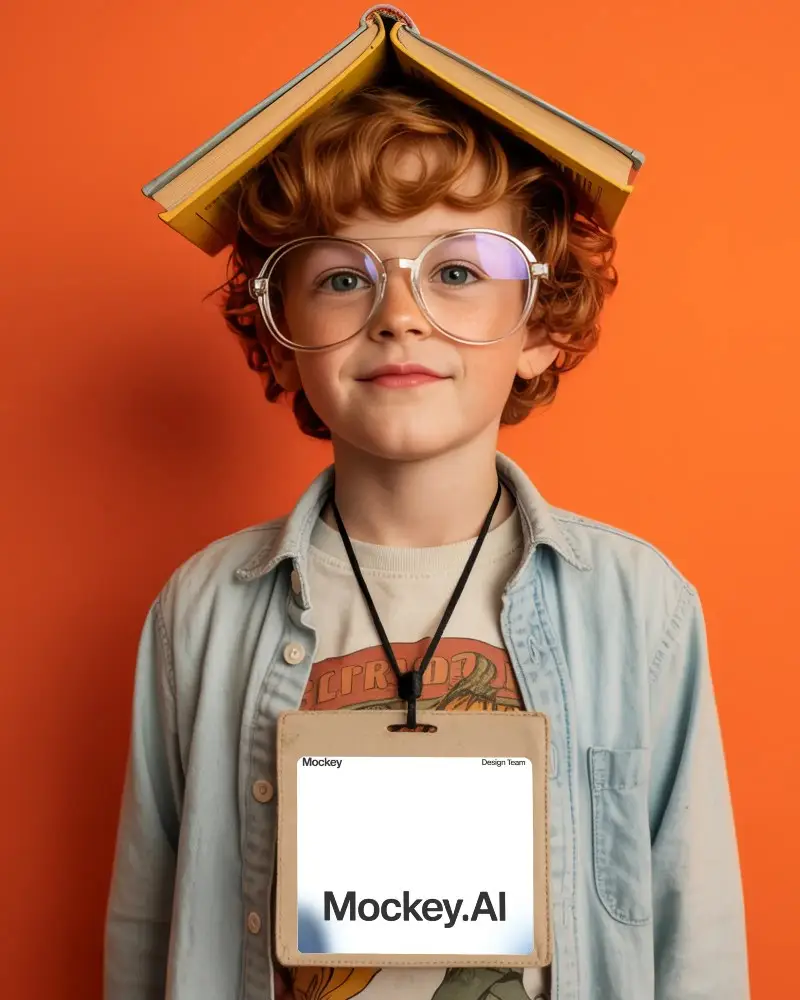
Create professional ID badge mockups easily with Mockey. Choose a free template, upload your design, and preview it on realistic badge styles in seconds. Customize online without design skills and download high-quality mockups for presentations or client previews.
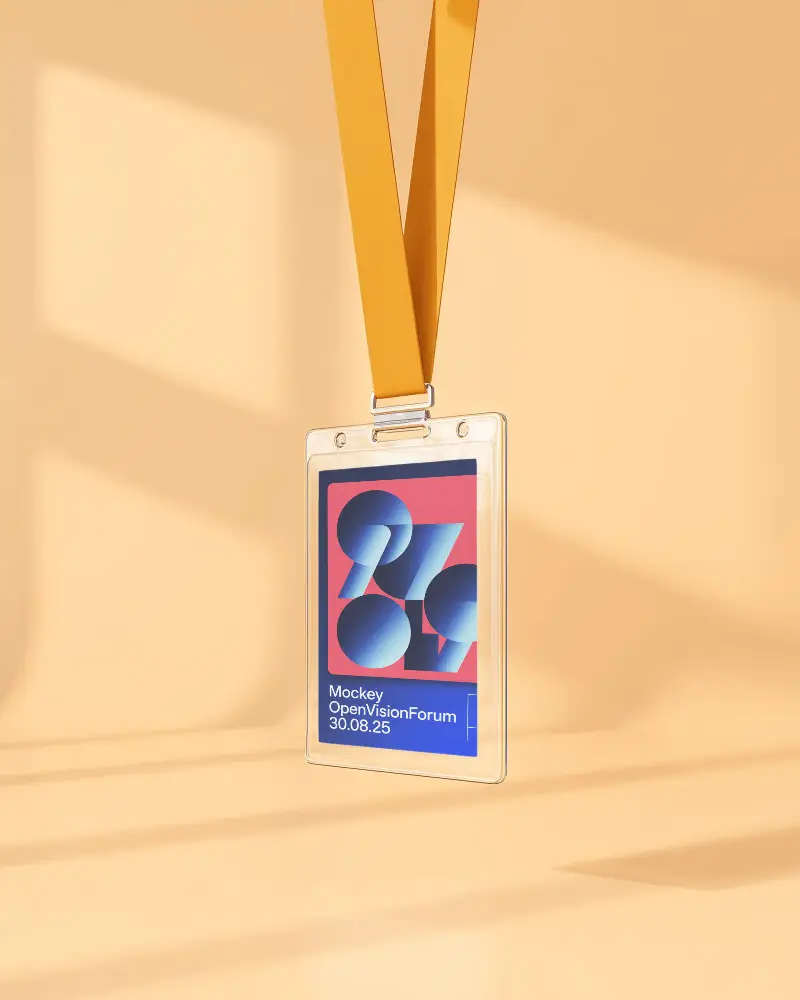
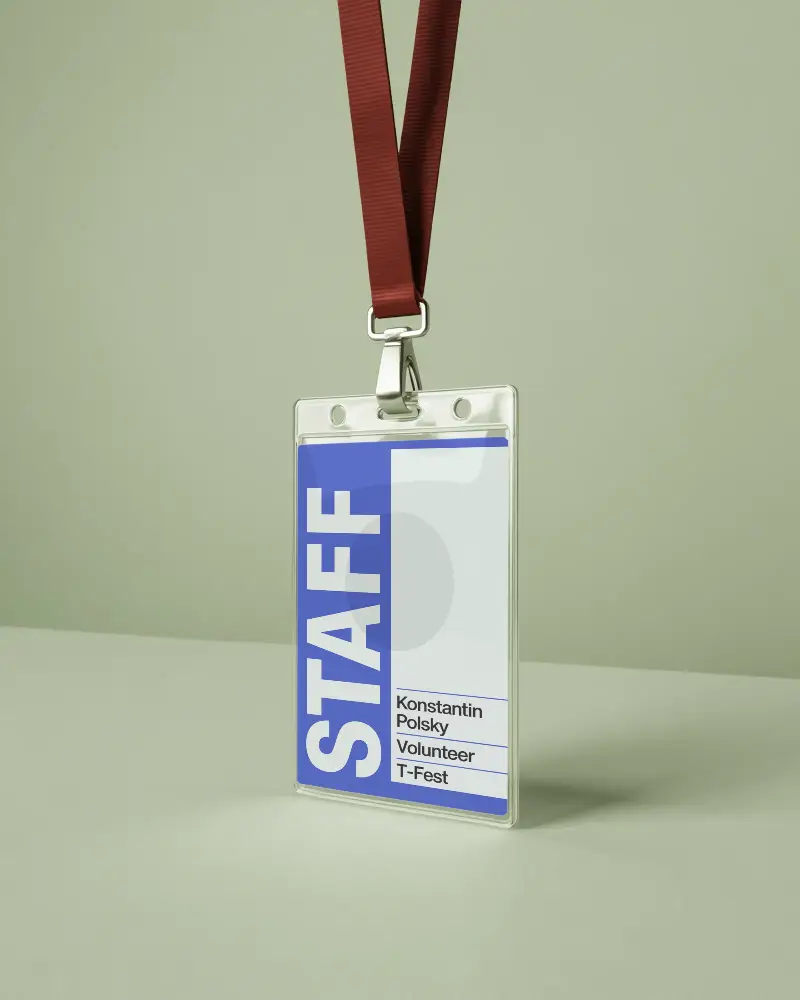
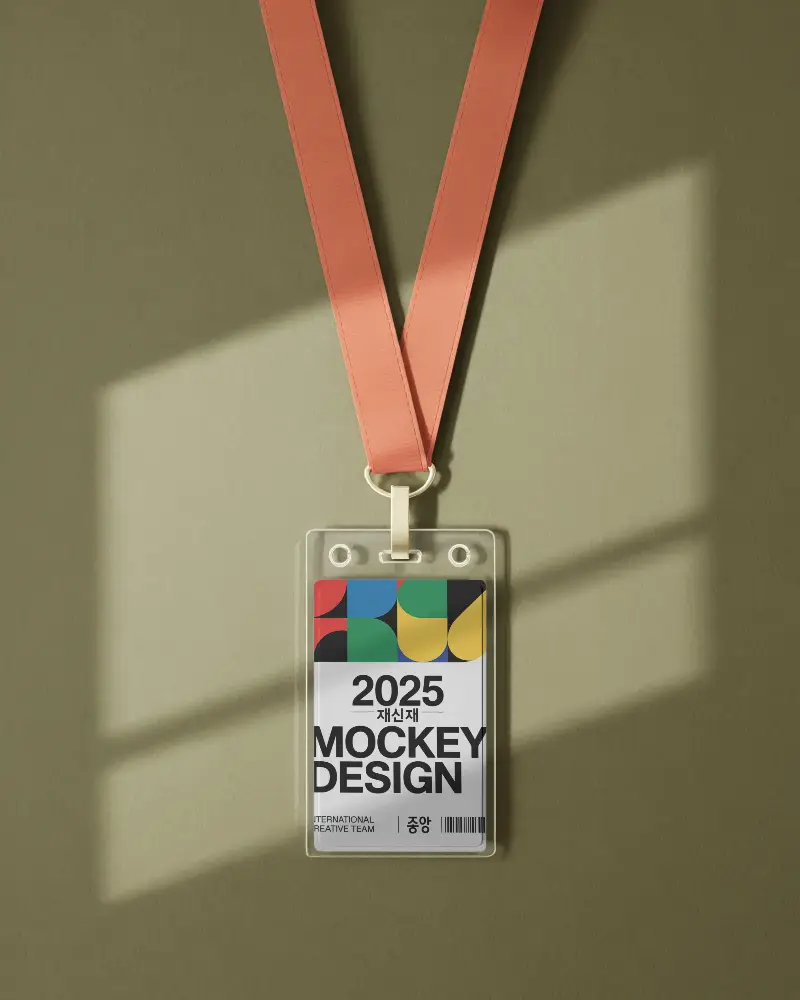
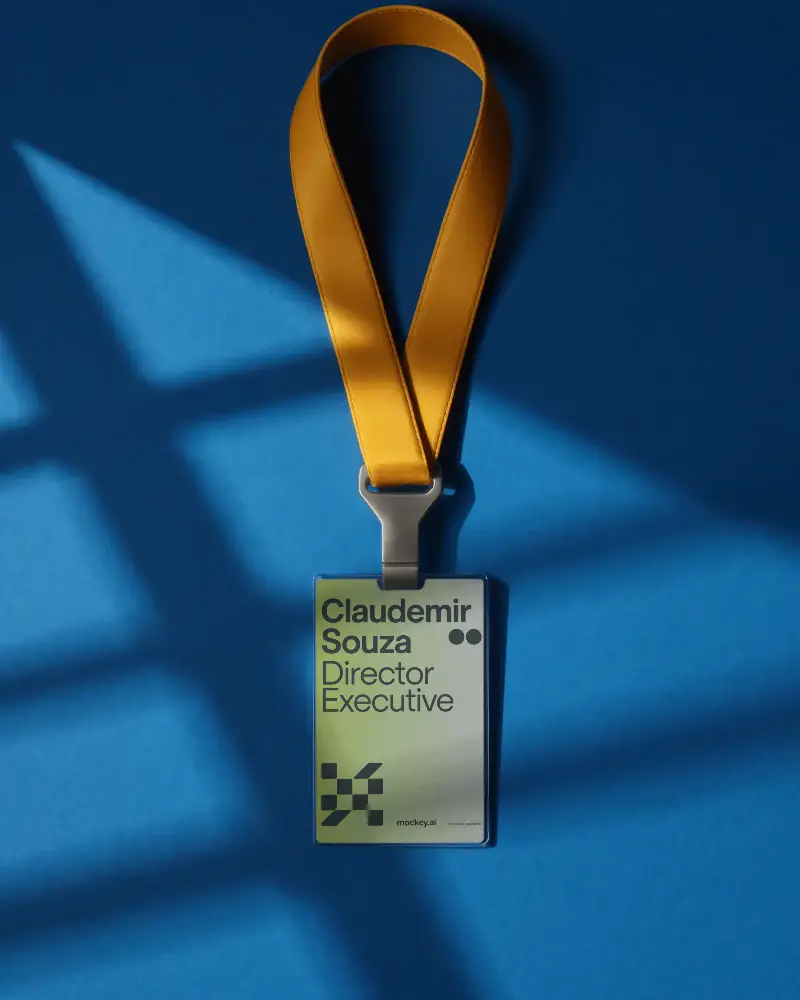
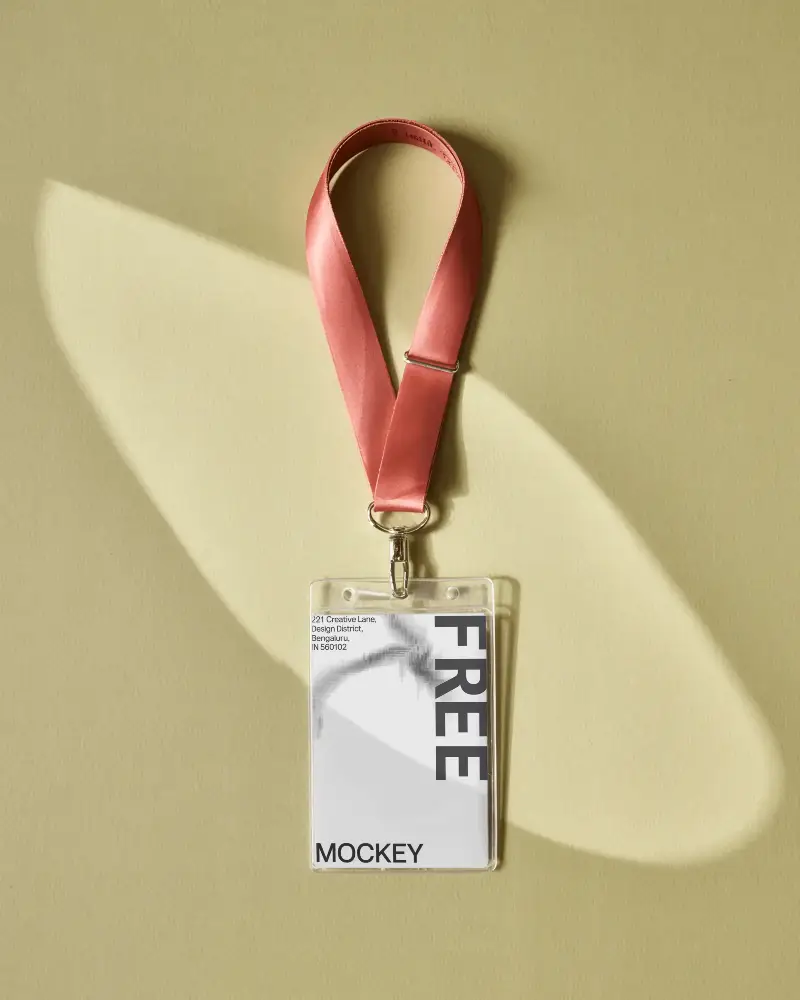
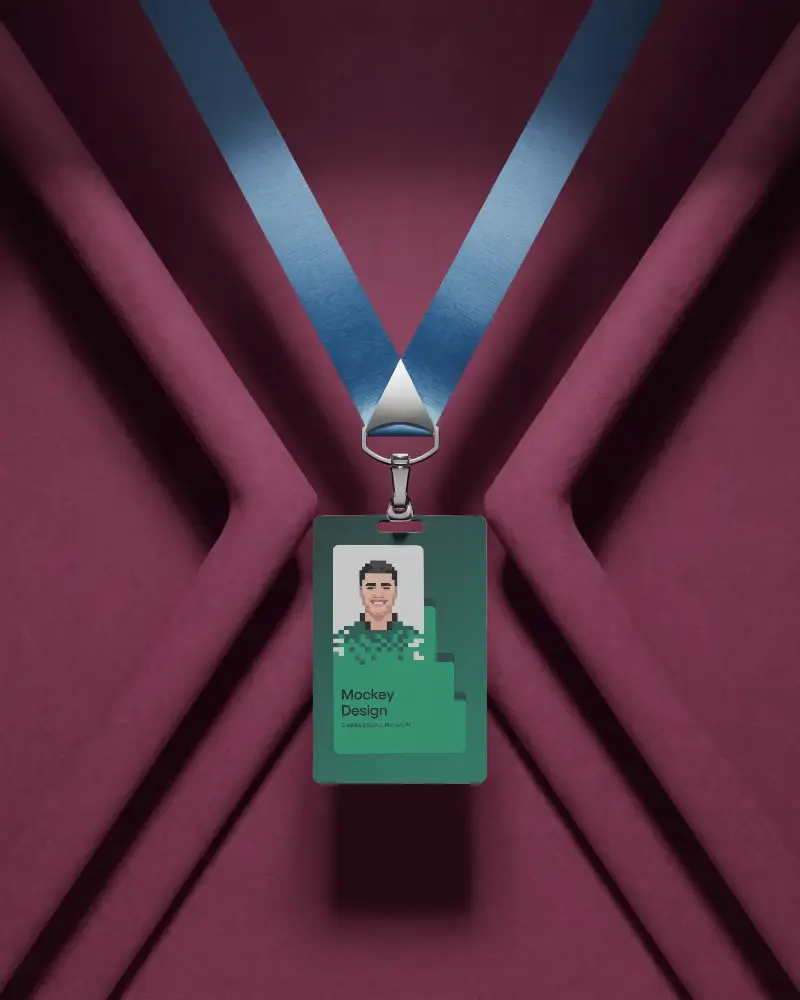
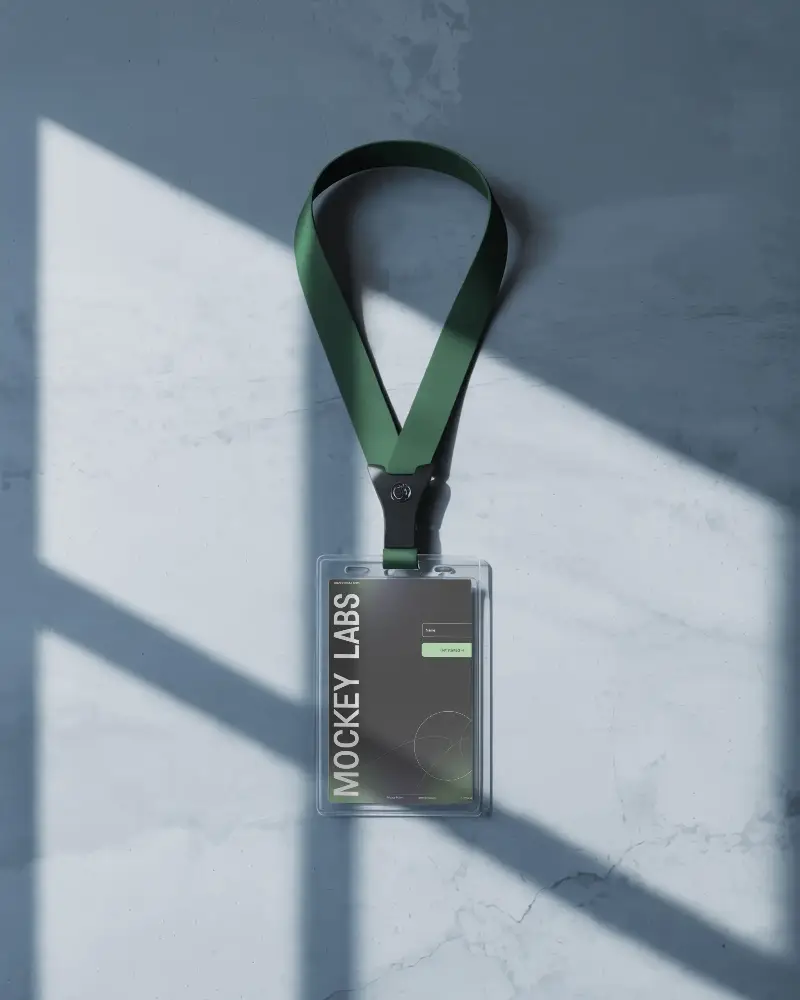



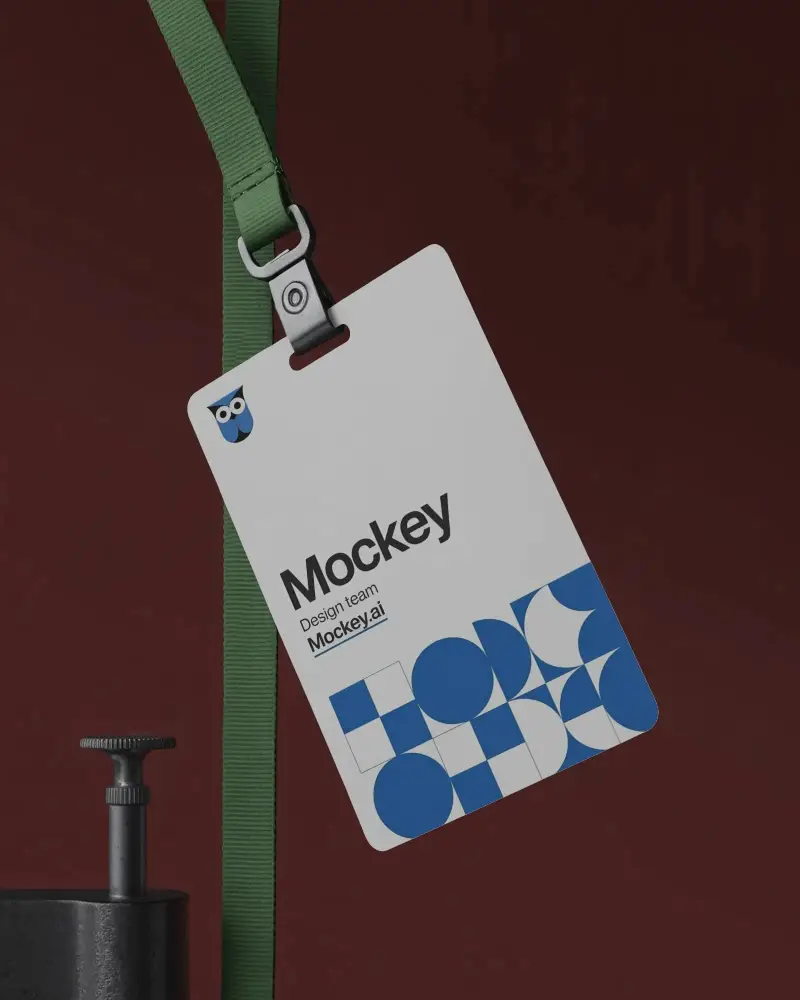




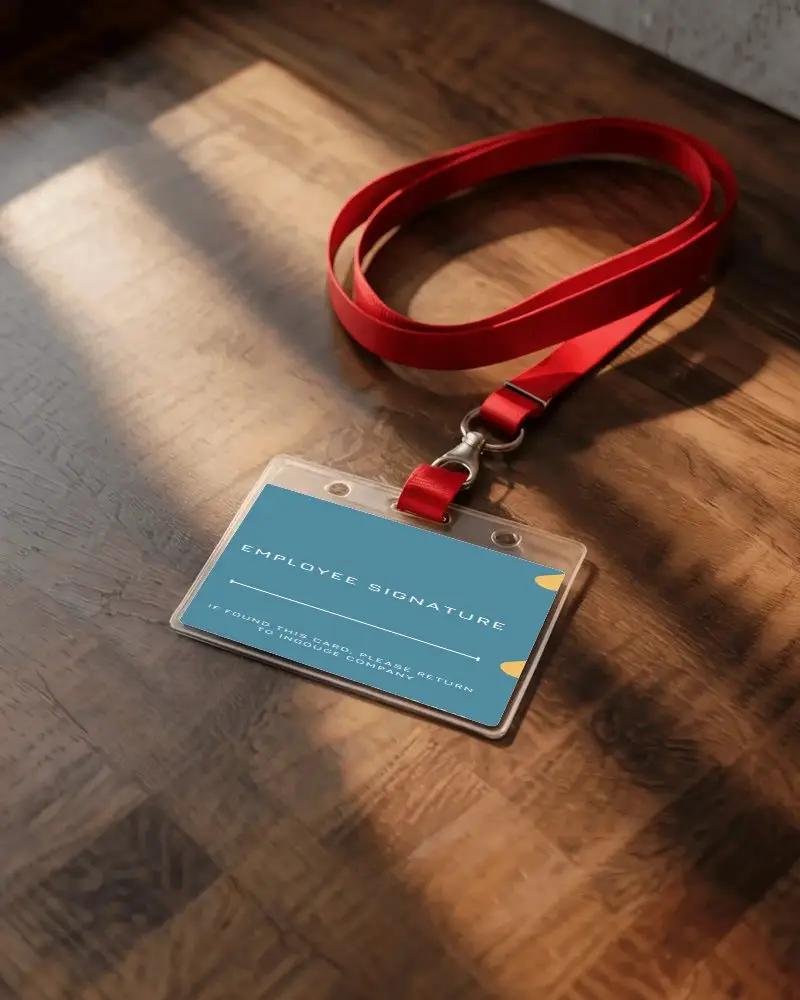
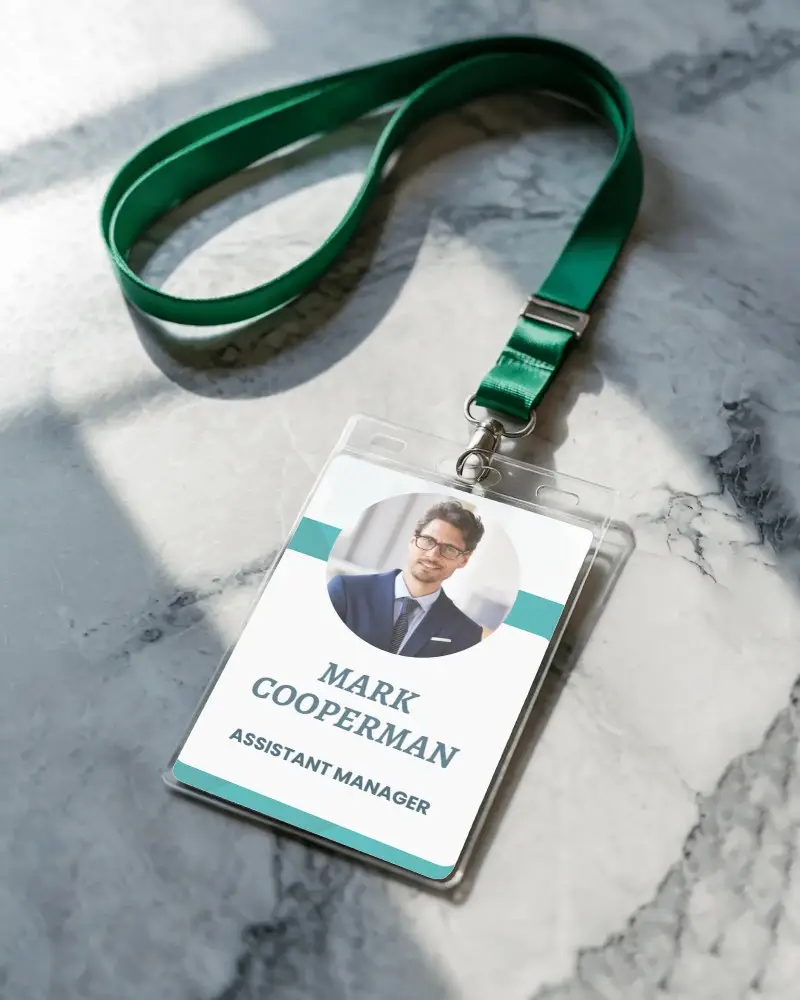
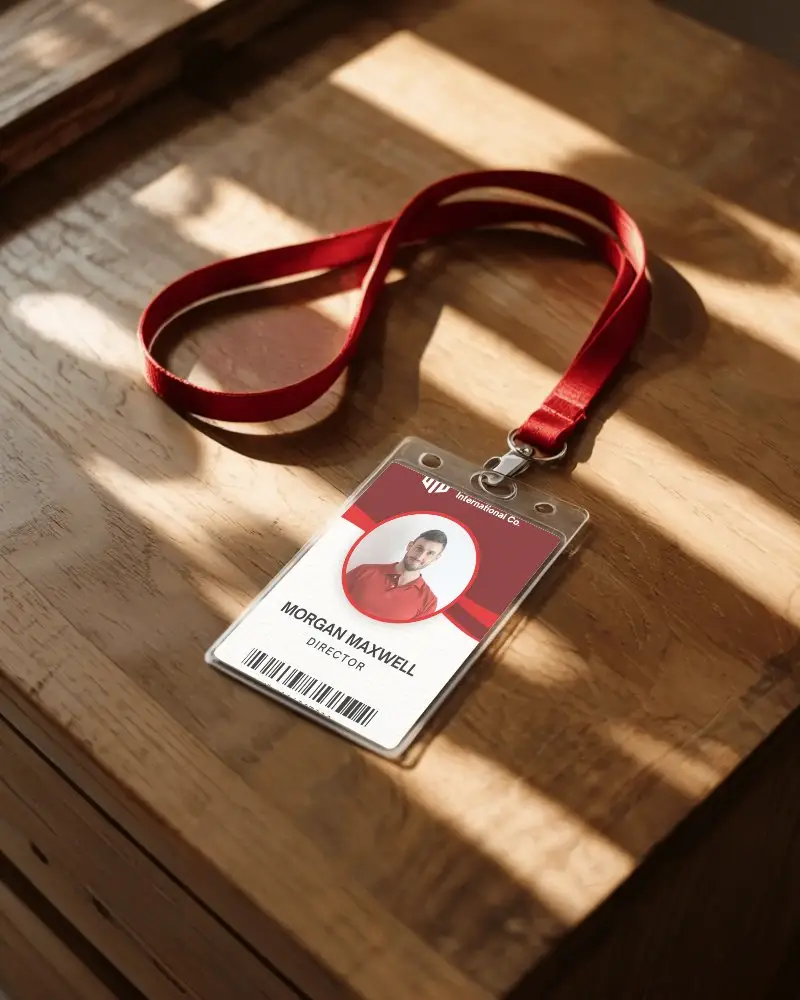
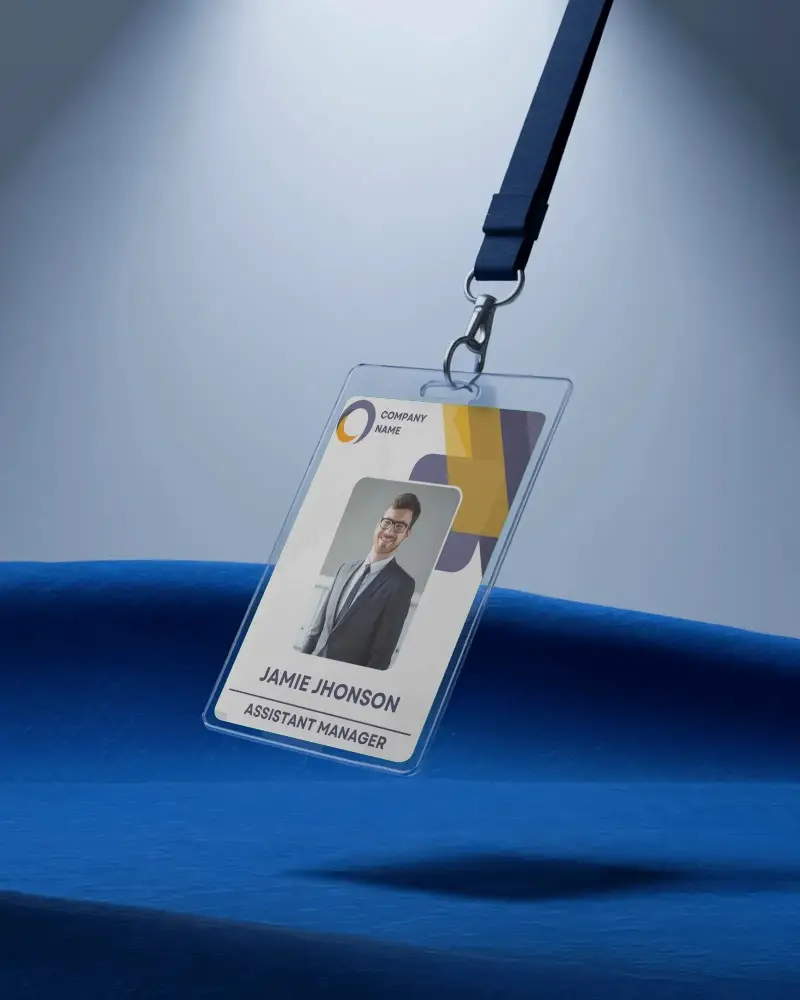

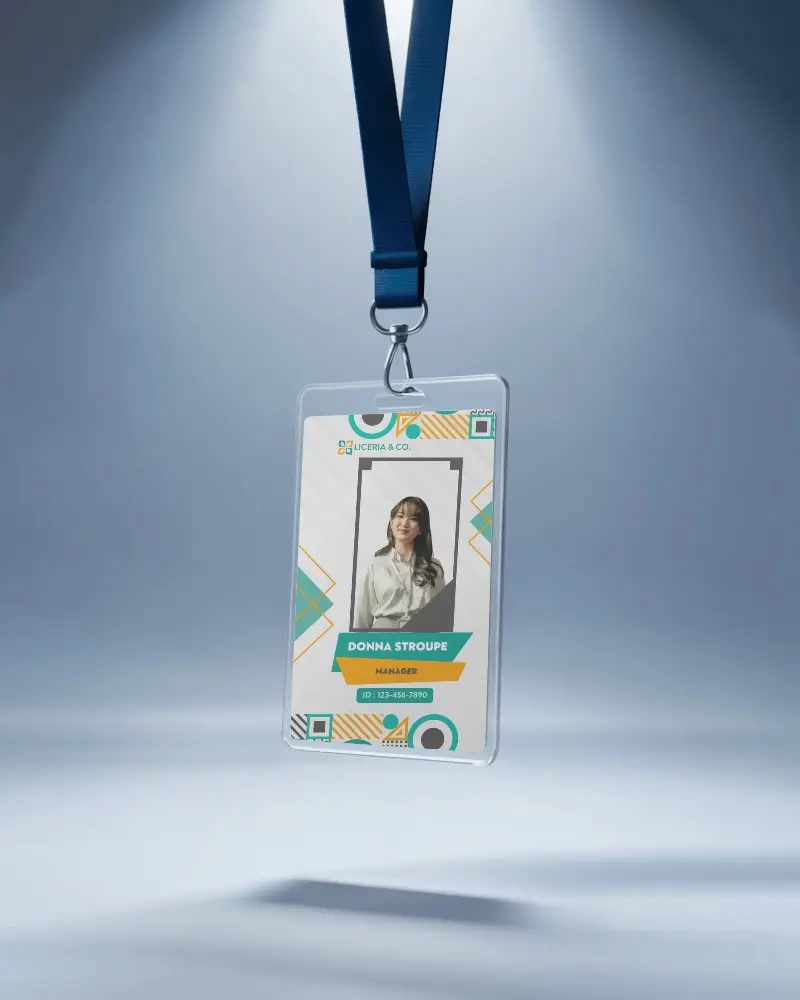
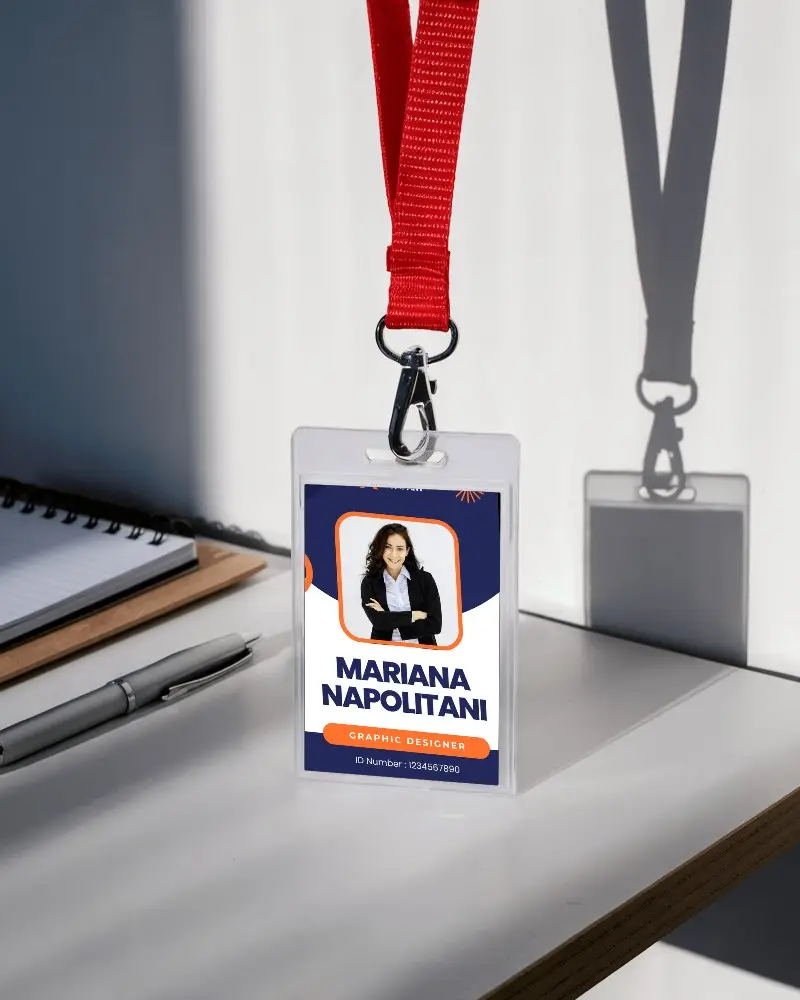
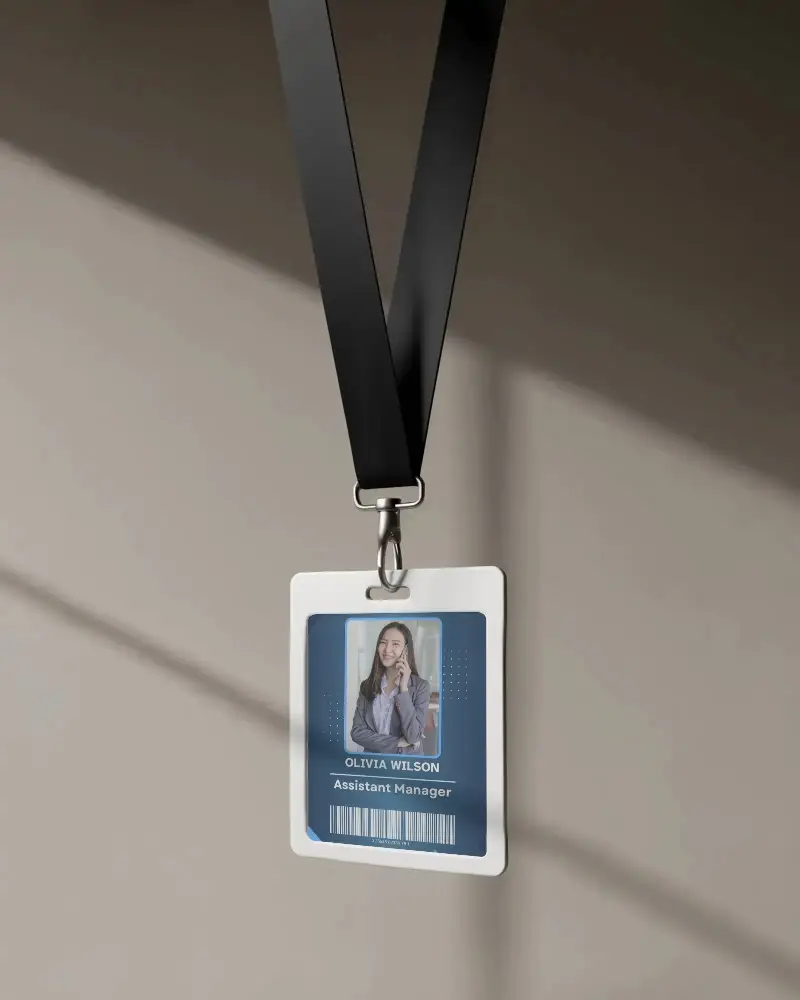
How to Create Id Badge Mockup with Mockey
To create an ID badge mockup in Mockey AI:
- Step 1: Go to Mockups > Print > ID Card > ID Badge and choose a template from the library.
- Step 2: On the next page, you can upload your design and change the colors and background in the Edit section. If you upgrade to the Creator Plan, you can also access AI tools.
- Step 3: Finally, click the Download button to save your ID Badge mockup in PNG or JPEG format in various sizes.


FAQs on Id Badge Mockups
What is an Id Badge Mockup?
An ID badge mockup is a customizable template that helps create and preview ID card designs before printing.
Why create an Id Badge mockup?
Creating an ID badge mockup is crucial for refining the design before printing. It ensures the final badge aligns with branding guidelines and meets the organization’s specific needs.
Why Use Mockey’s Id Badge Mockup?
Create high-resolution, customizable ID badge mockups for free with Mockey—no advanced software required, best for improving your brand identity.
Is this Id Badge Mockup Free?
Yes, Mockey AI offers free ID badge mockups that can be used commercially without requiring attribution.
Does Mockey offer horizontal and vertical ID badge mockups?
Mockey AI provides a huge selection of both horizontal and vertical ID badge mockups that are available in JPEG and PNG formats.
Are ID badge mockups useful for businesses?
Yes, businesses use ID badge mockups to preview employee, student, and event badges before final printing, ensuring a polished look.
Do I need design skills to use an ID badge mockup?
No, Mockey’s free mockup generator is beginner-friendly and creates professional ID badge mockups without design expertise.
What file formats are available for ID badge mockup downloads?
Mockey AI provides high-resolution PNG and JPG file formats to download your ID badge mockup for digital and print use.
