Free Badge Identity Card Mockup
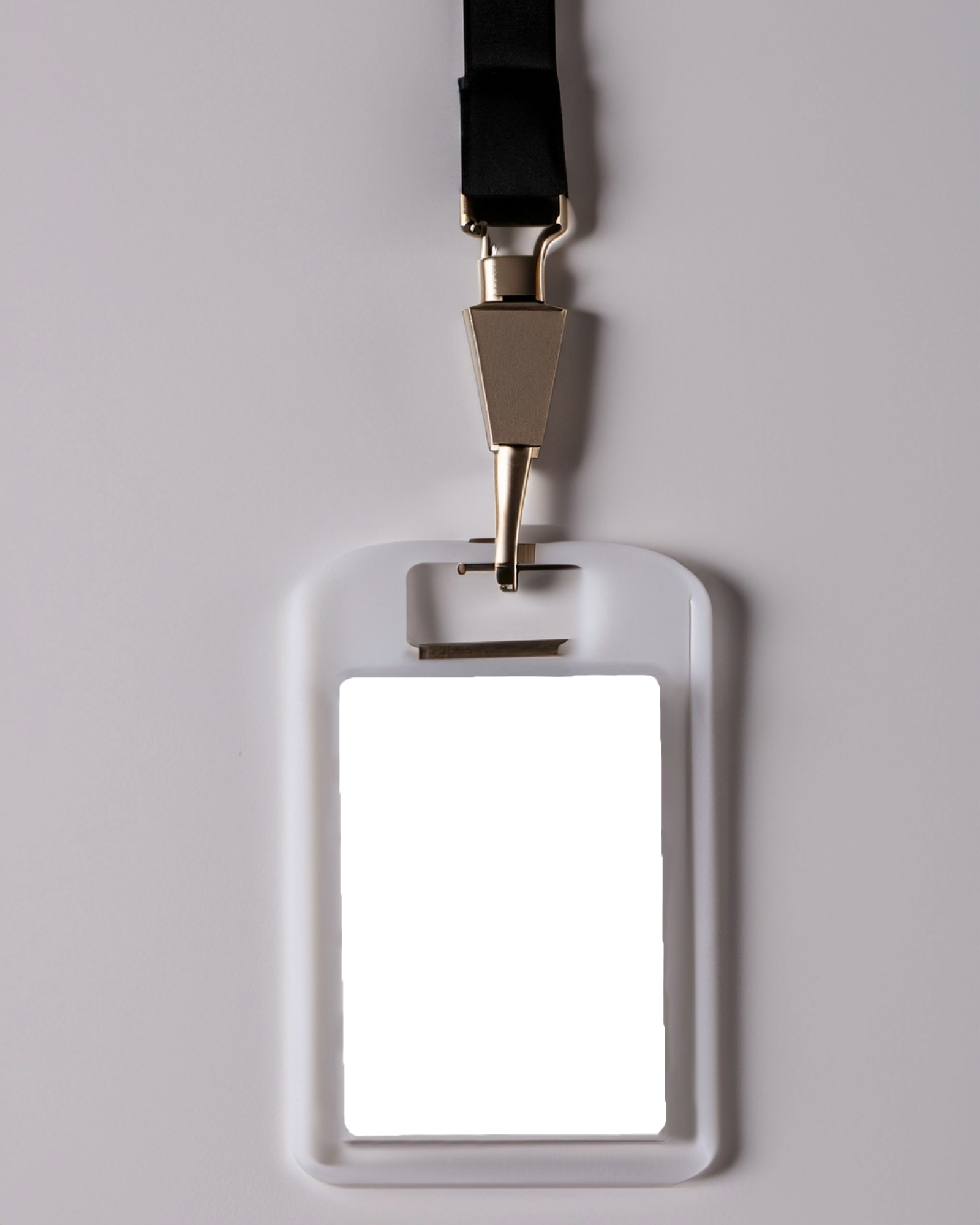
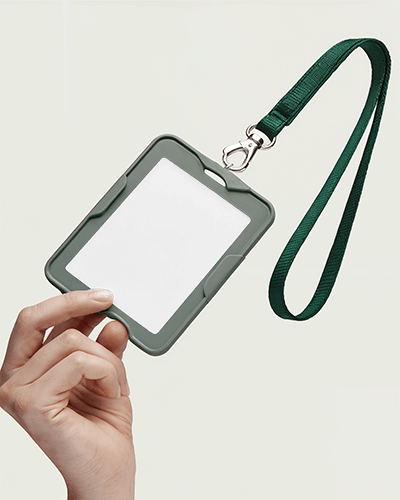
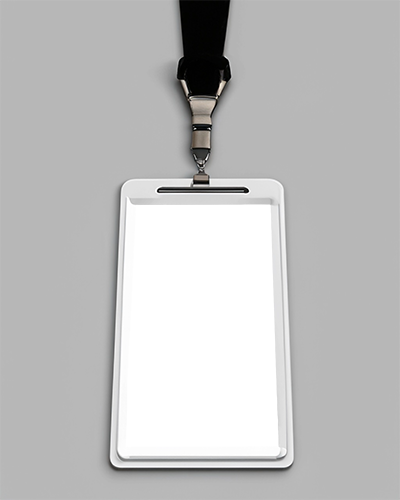
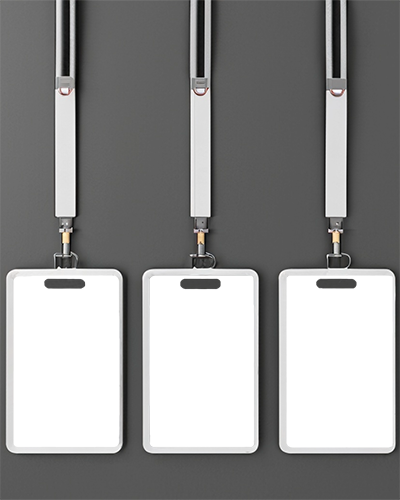
Browse professional Badge Identity Card Mockup templates on Mockey designed to present ID badges in a clean and realistic format. These high-quality mockups are perfect for showcasing staff badges, office IDs, security passes, or event credentials.



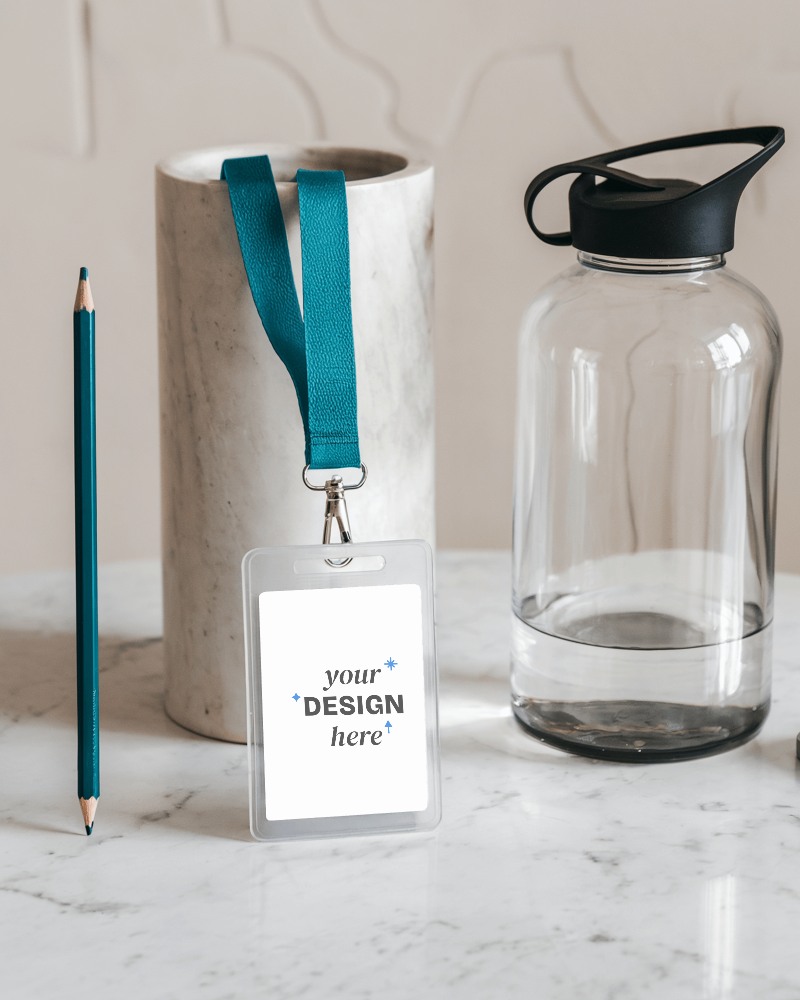

How to Create Badge Identity Card Mockup with Mockey
To create a badge identity card mockup in Mockey AI:
- Step 1: Navigate to Mockups > Print > ID Card > Badge Identity Card and choose a template from the library.
- Step 2: Upload your badge design and customize the mockup using the built-in editor where you can adjust colors, backgrounds, and card styles.
- Step 3: Click the Download button to export your Badge Identity Card mockup in PNG or JPEG format in different sizes.


FAQs on Badge Identity Card Mockups
What is a Badge Identity Card Mockup?
A badge identity card mockup is a template used to preview ID badge designs before printing. You can upload your design and customize the badge to visualize how it will appear in real life.
Can I download Badge Identity Card Mockups for free?
Yes. Mockey provides free badge identity card mockup templates that allow you to upload your design and download the final mockup directly online.
Why Use Mockey’s Badge Identity Card Mockup?
Mockey offers creative templates and an easy-to-use built-in editor, so you don’t need Photoshop or design experience. Simply upload your design and generate a realistic ID badge preview instantly.
Where are Badge Identity Card Mockups commonly used?
Badge identity card mockups are commonly used for corporate employee IDs, school or college cards, conference badges, event passes, security IDs, and membership cards.
