Free Accessories Mockup: 100+ Accessories Design Templates
Enjoy the seamless mockup editor, make it like this
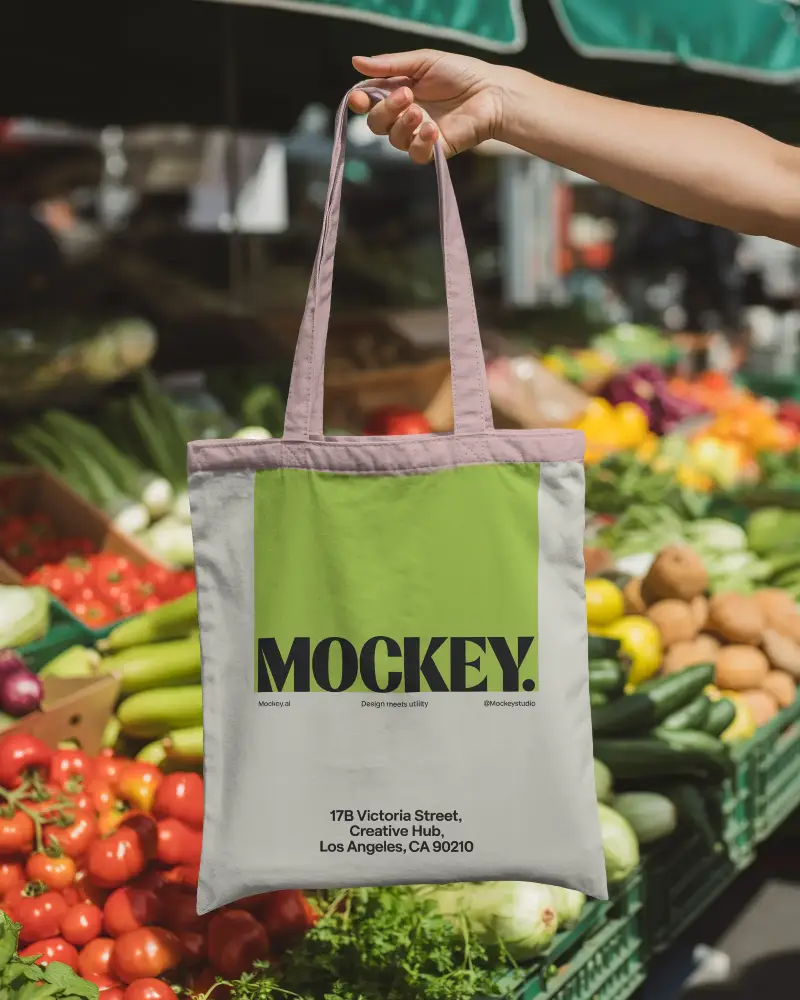
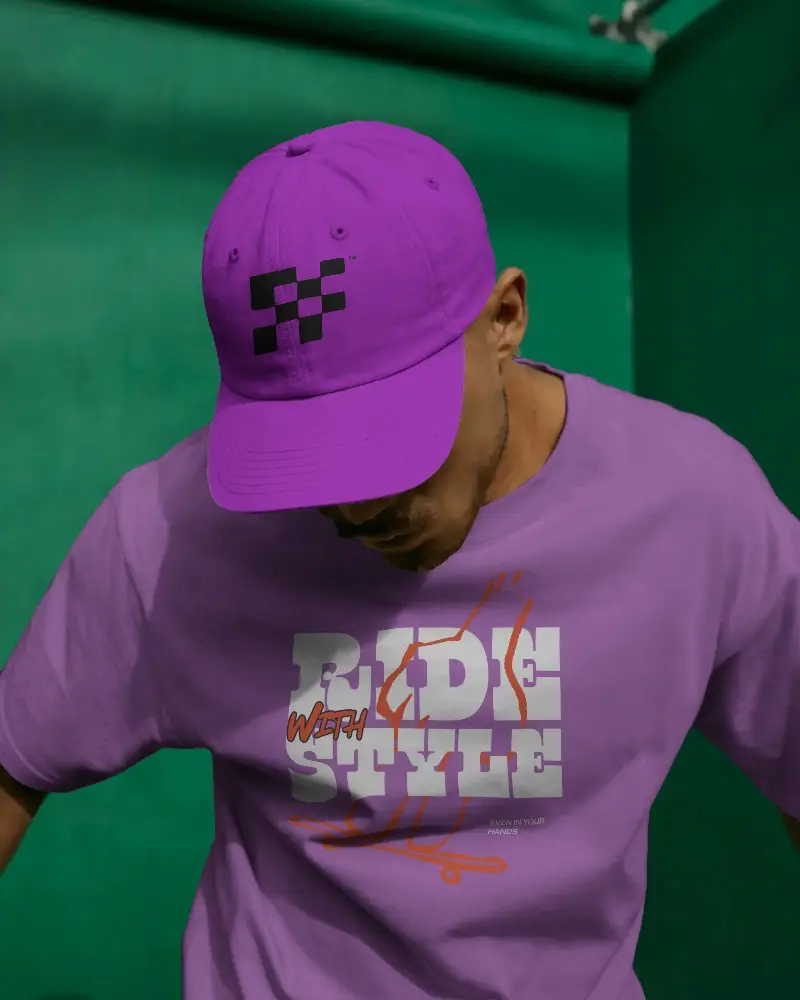
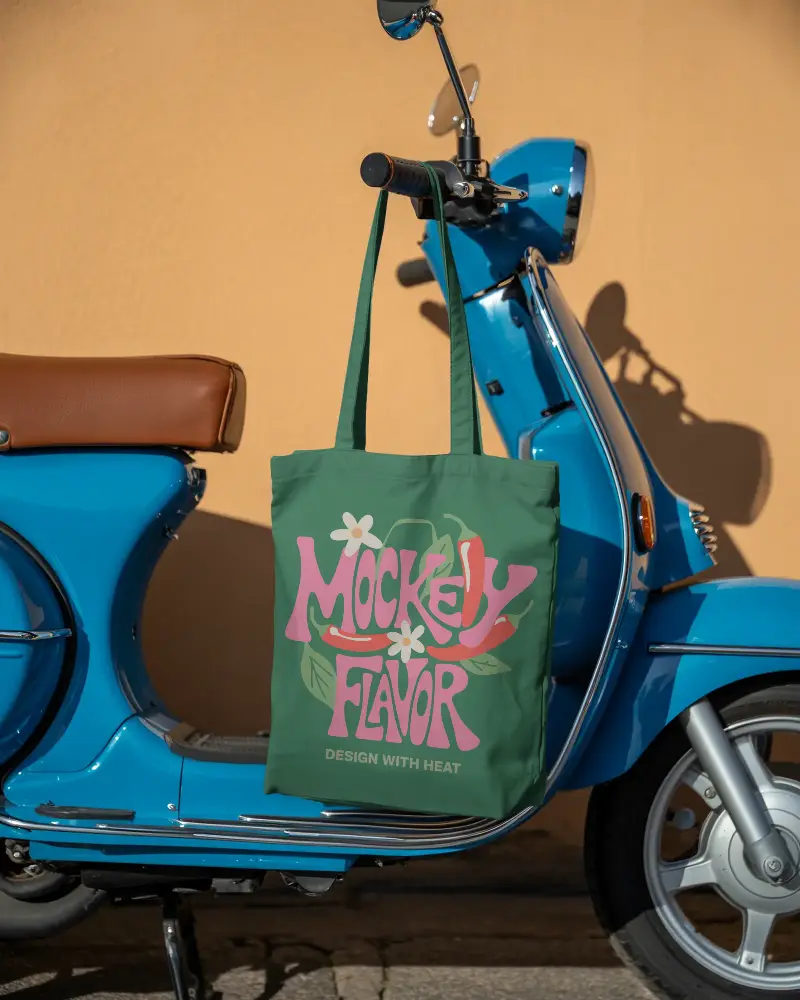
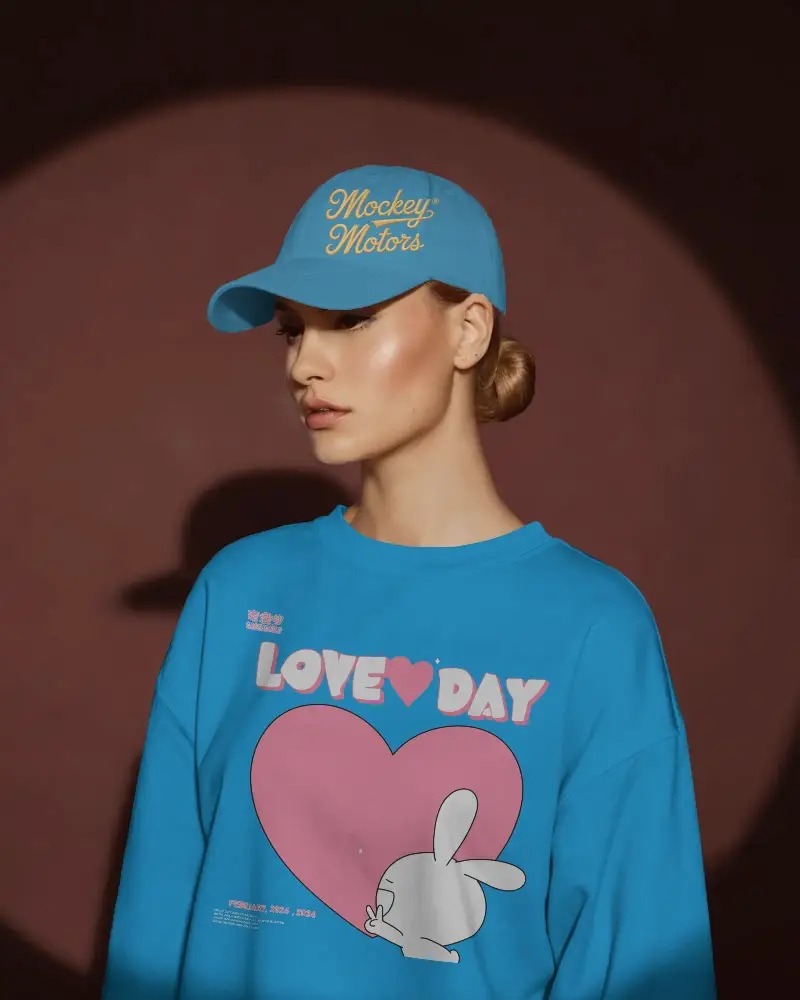

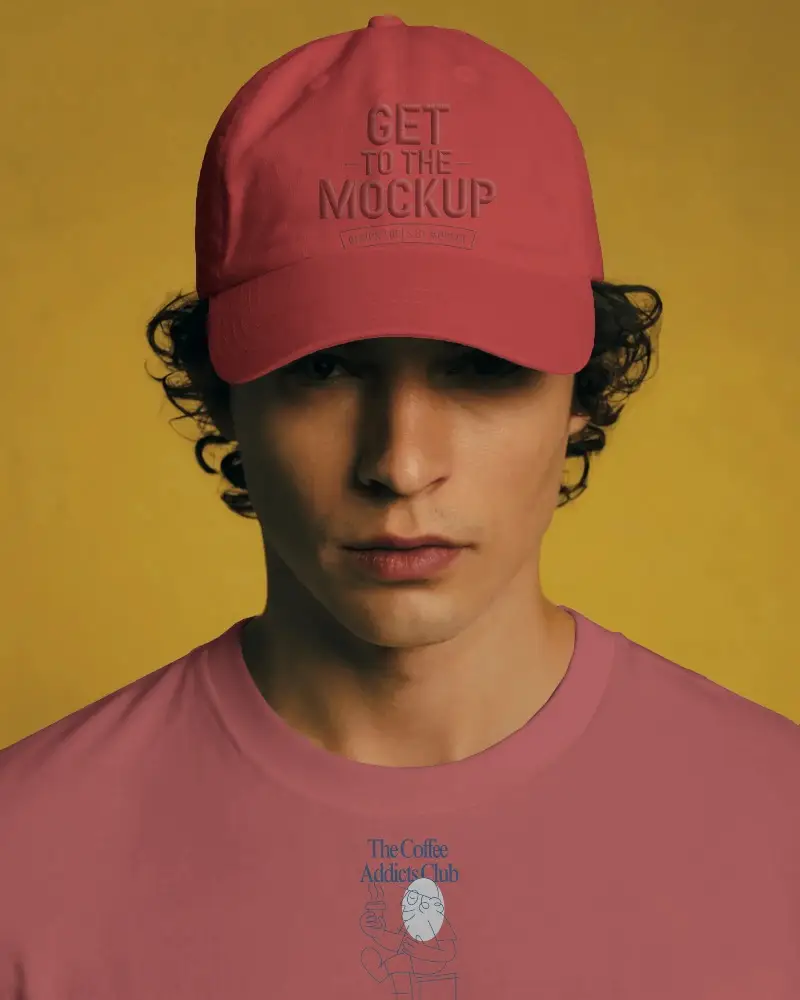

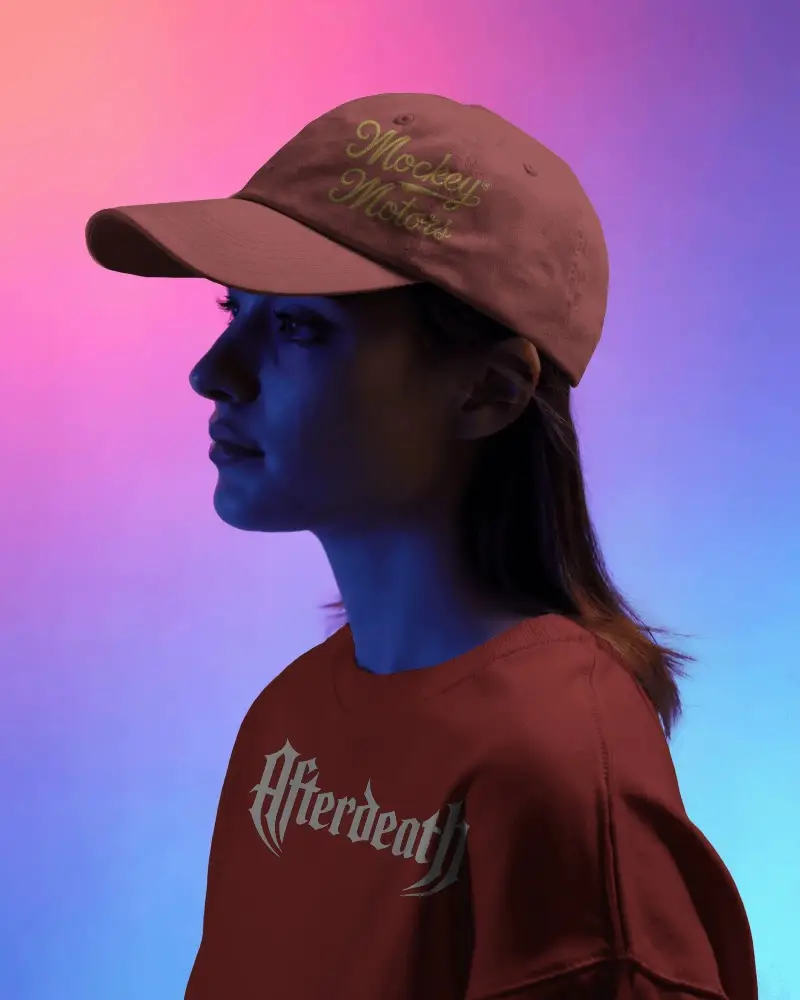
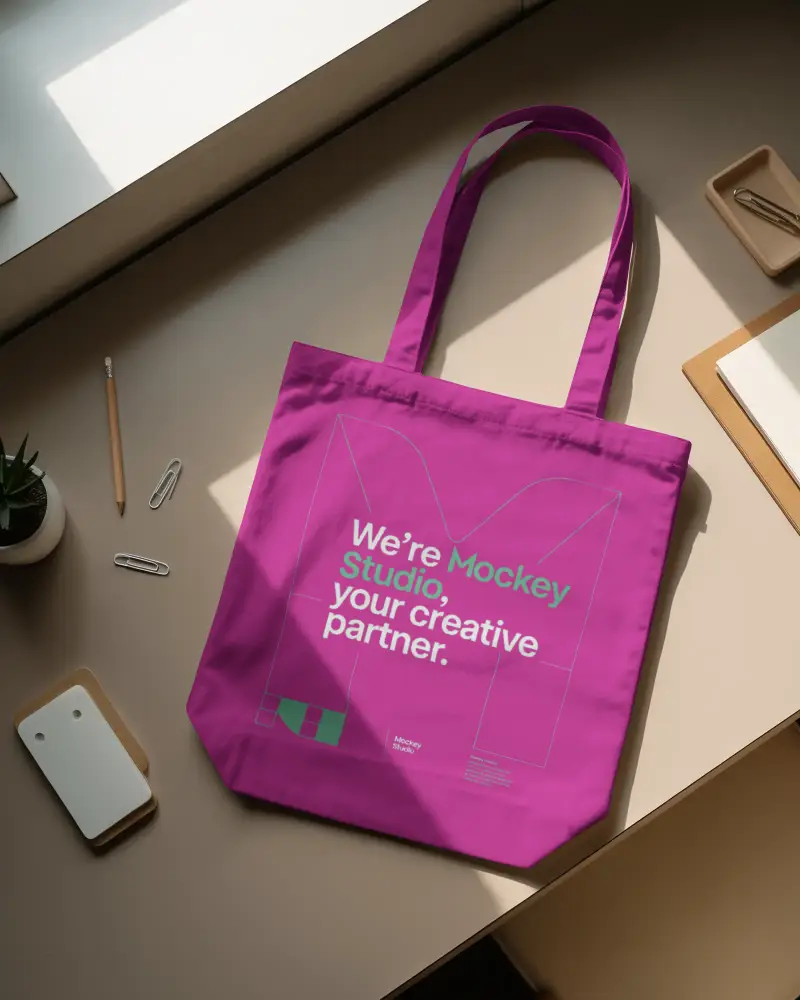
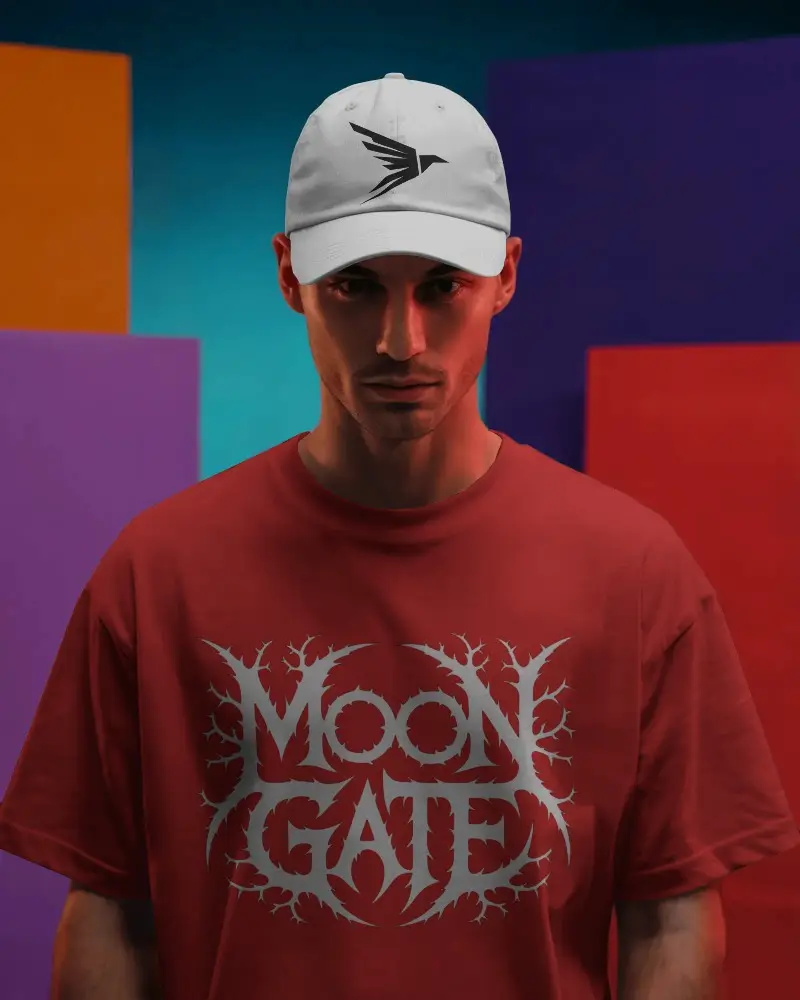
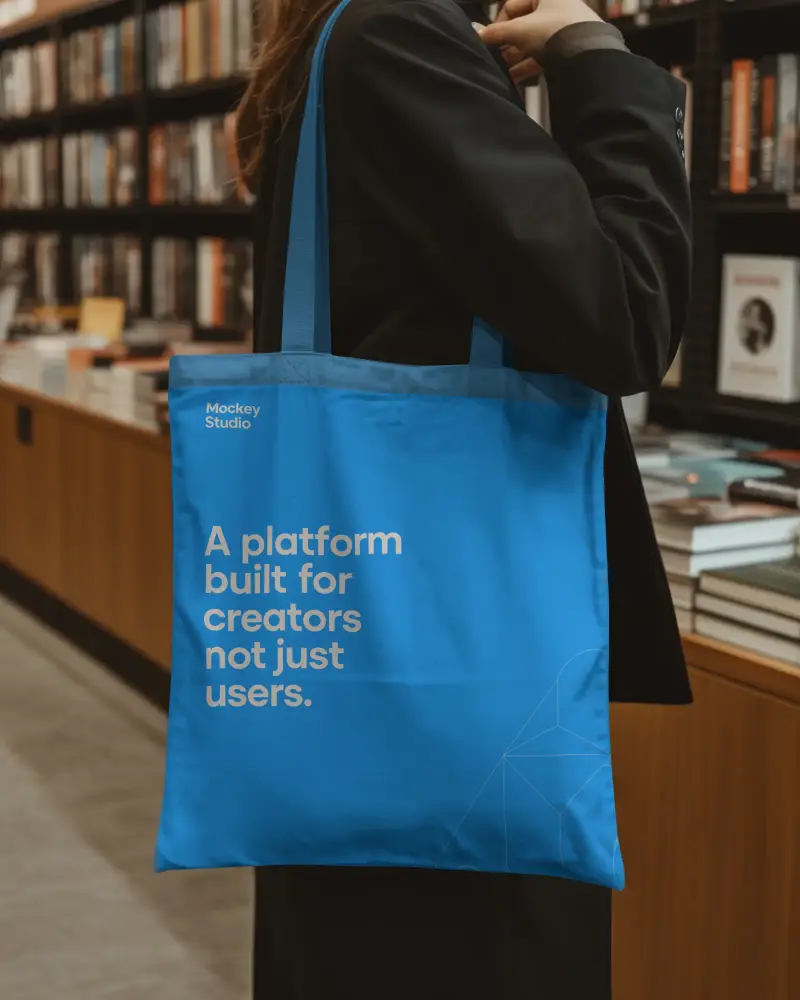

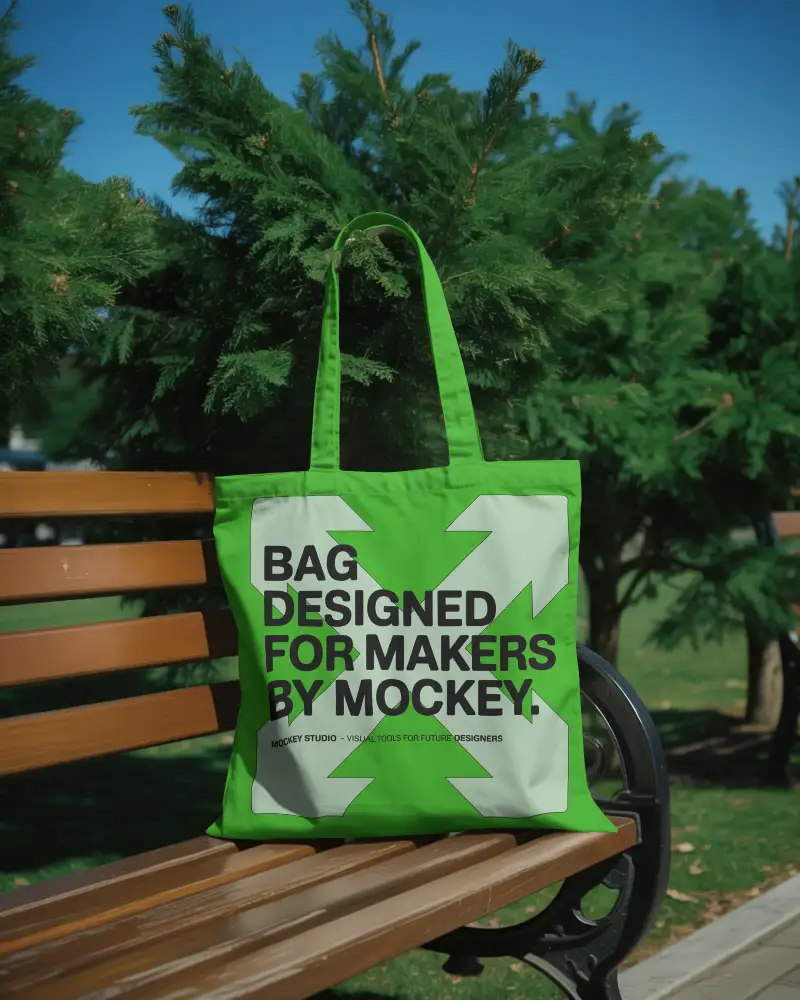

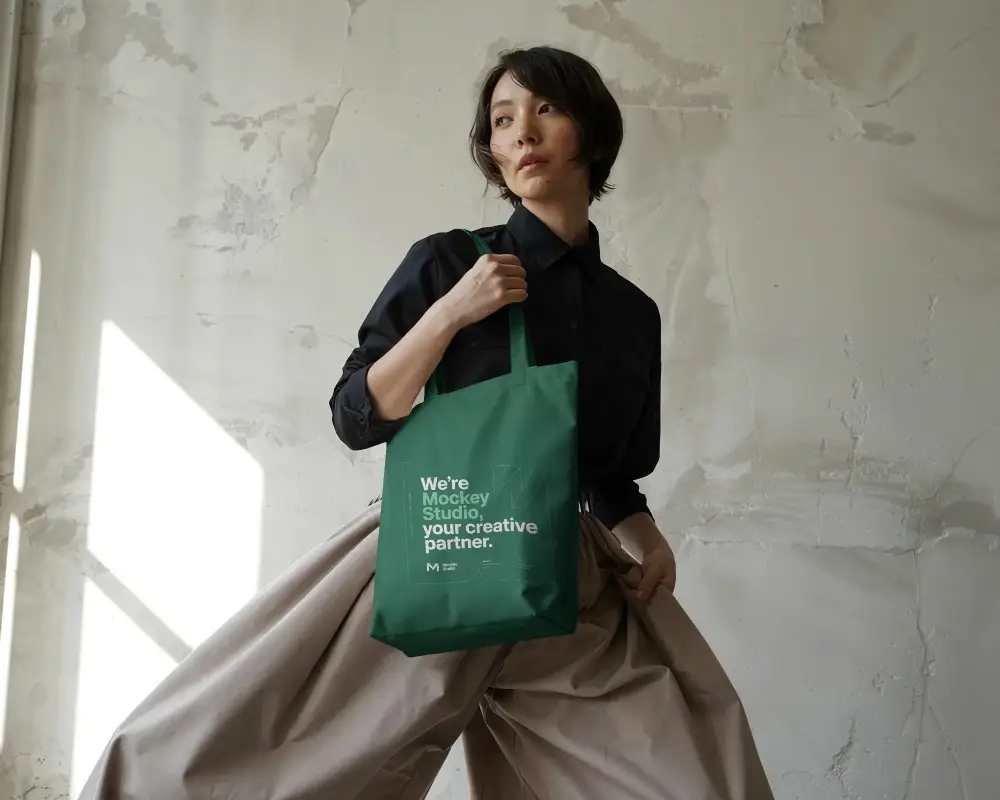

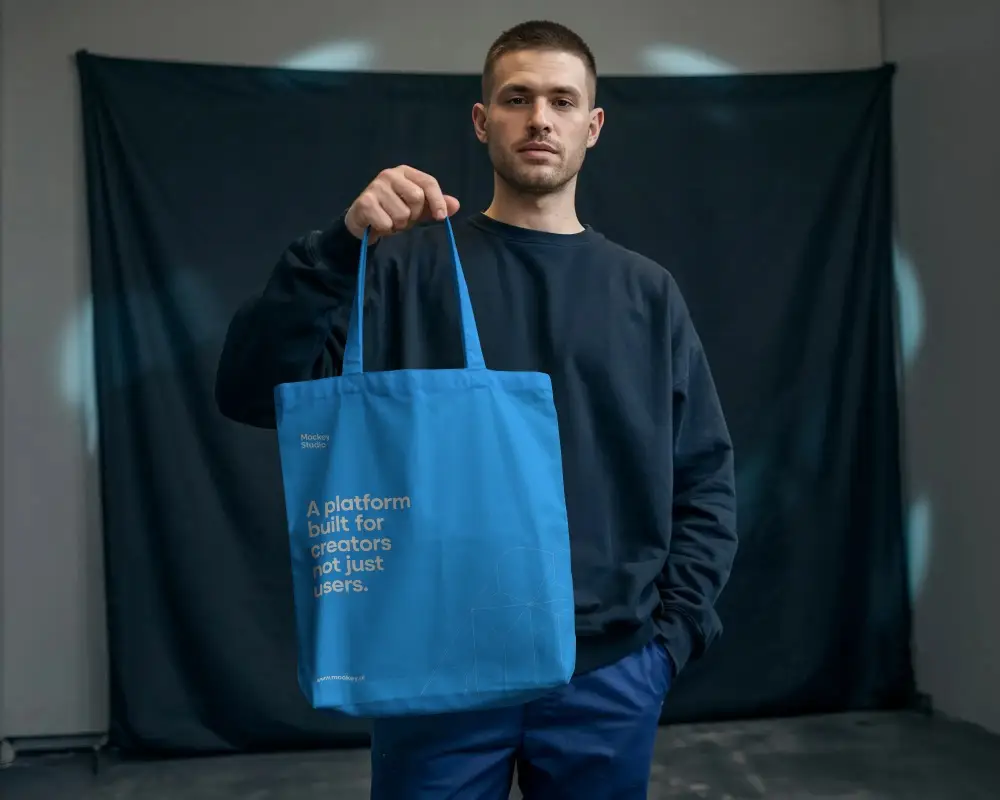
How to Create Accessories Mockup with Mockey?
Follow the steps to Accessories t-shirt mockups in Mockey AI
- Step 1: On the homepage, go to "Mockups," then choose "Accessories" and select a category like Tote Bag, Phone Cover, or Business Card.
- Step 2: Click "Upload Design" to customize your design.
- Step 3: Then hit "Download" to save your mockup without a watermark.


FAQs on Mockups
What is Accessories Mockup?
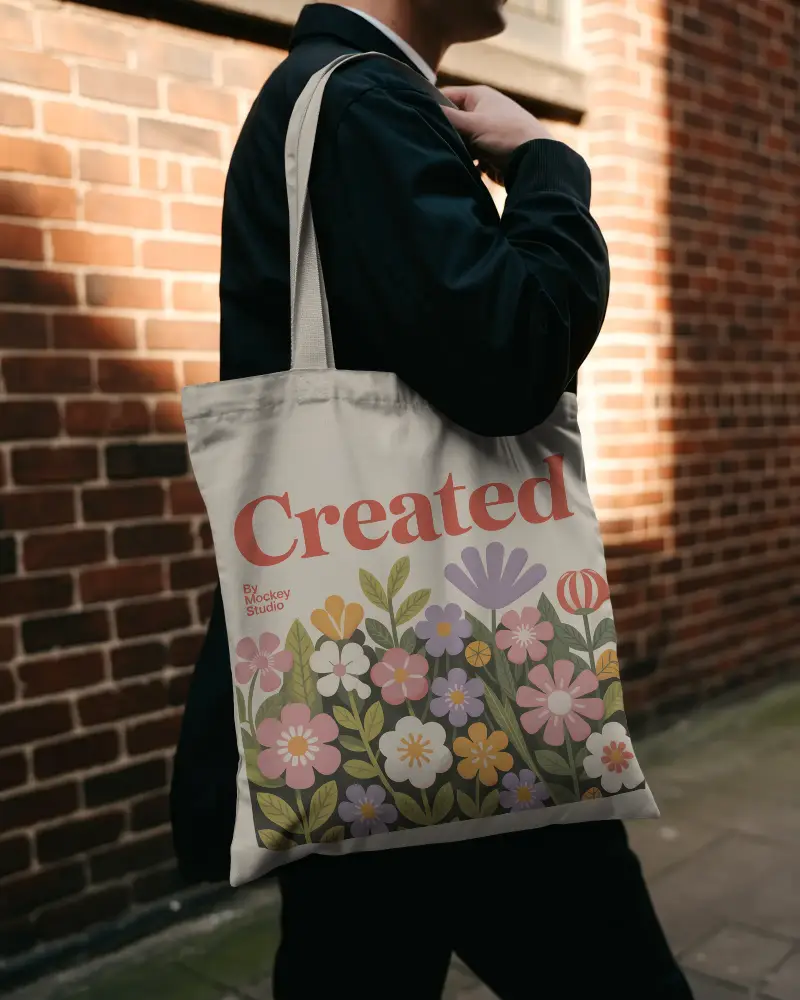
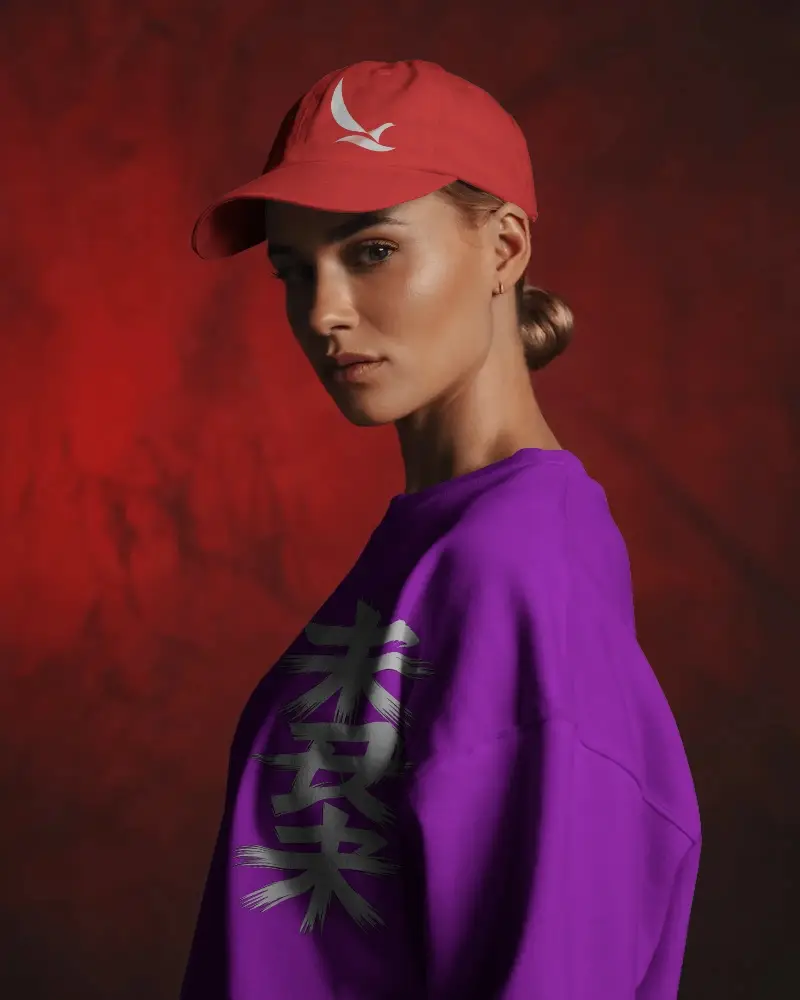
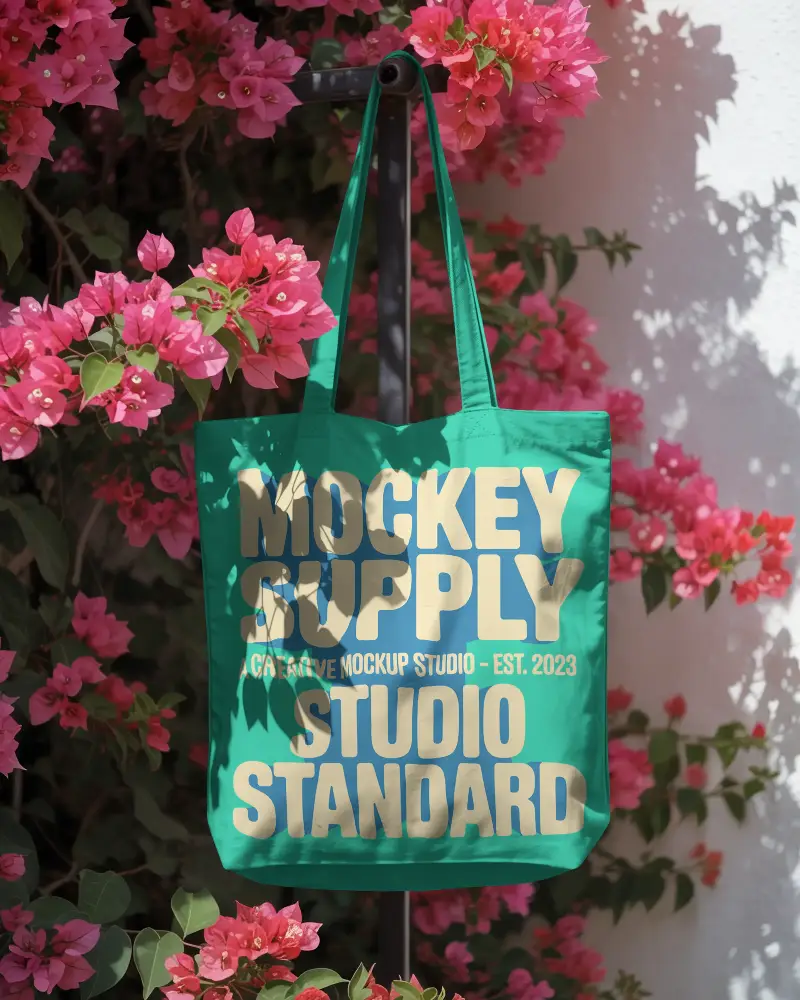
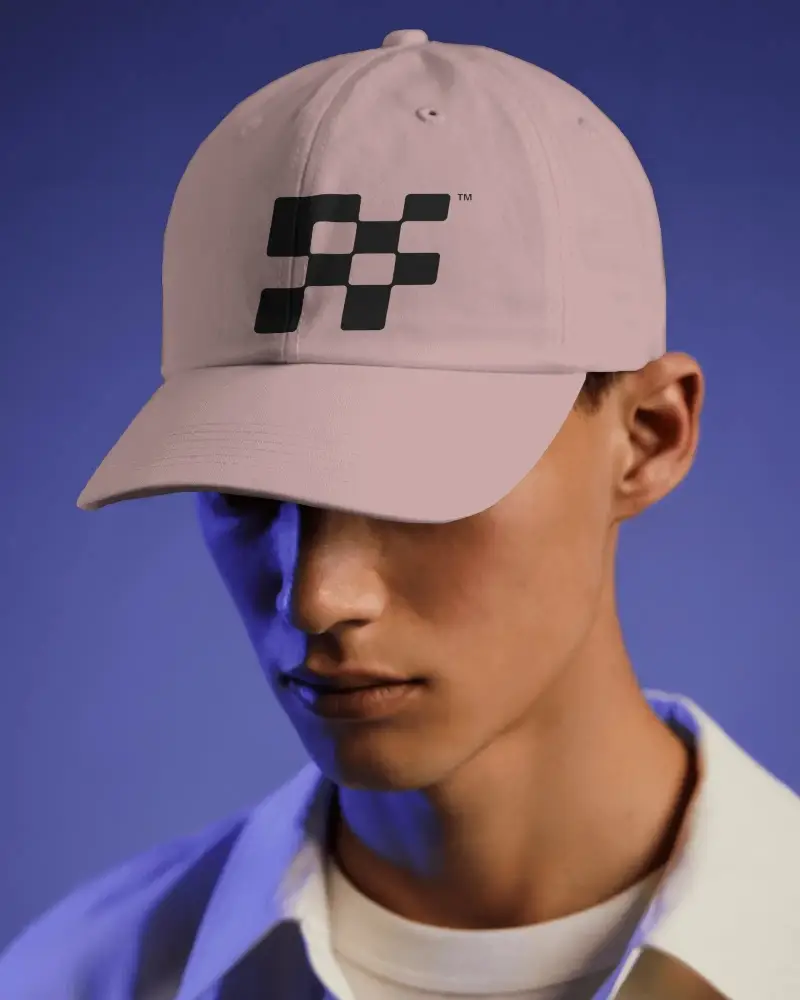
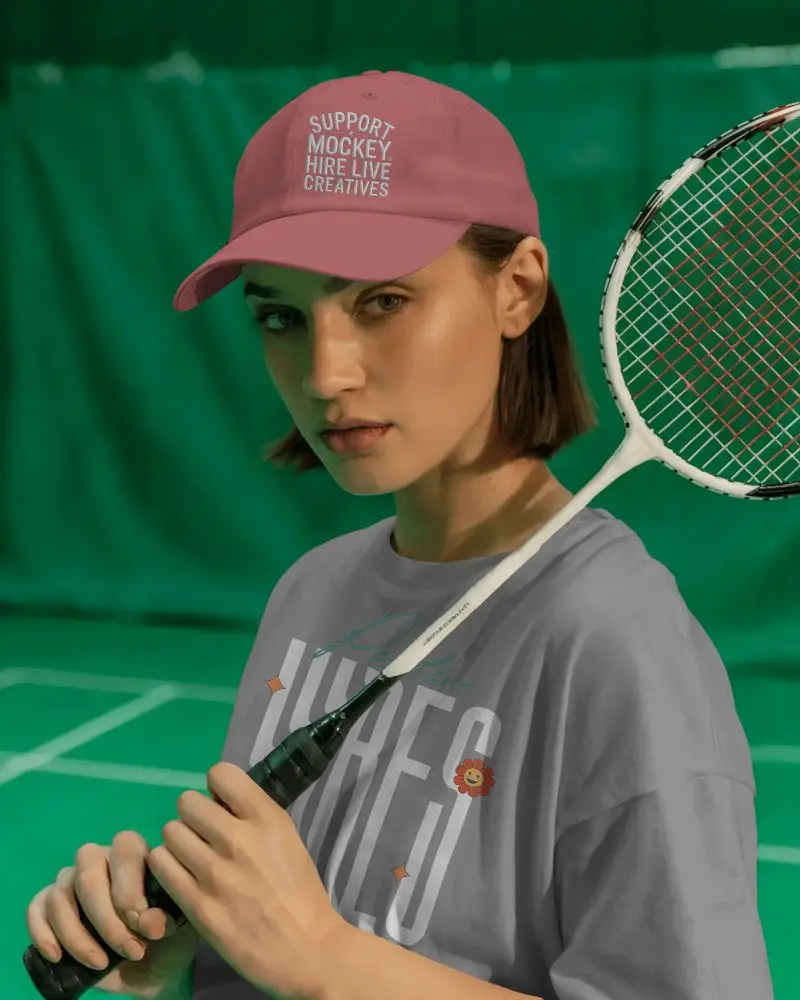
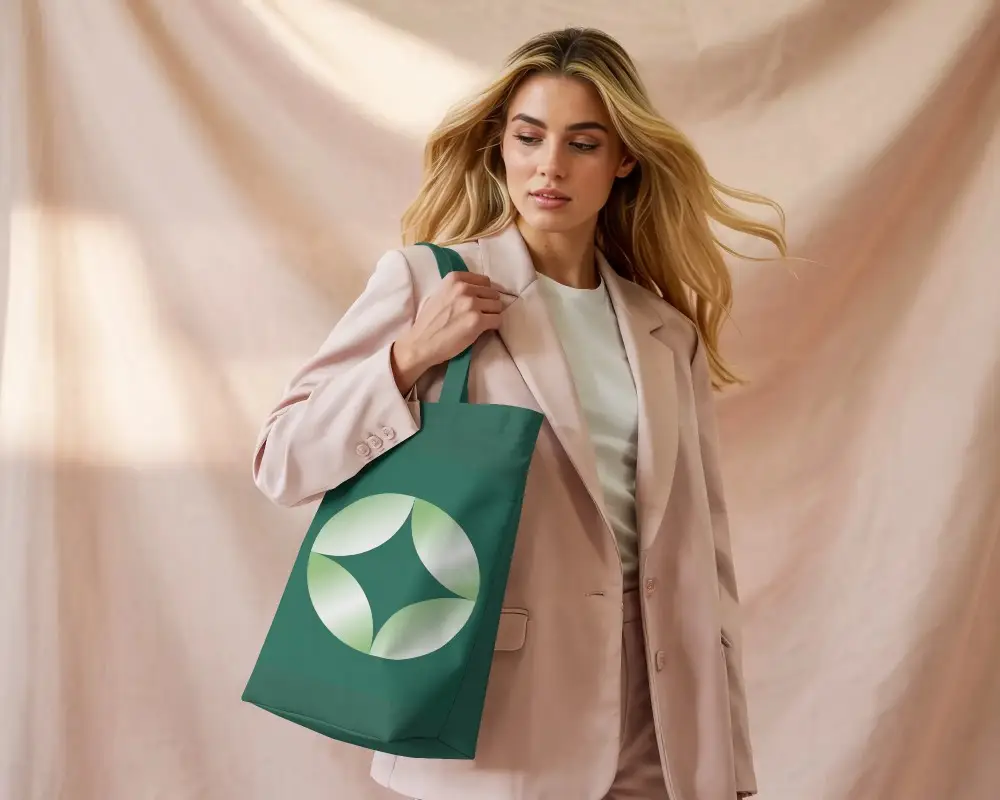
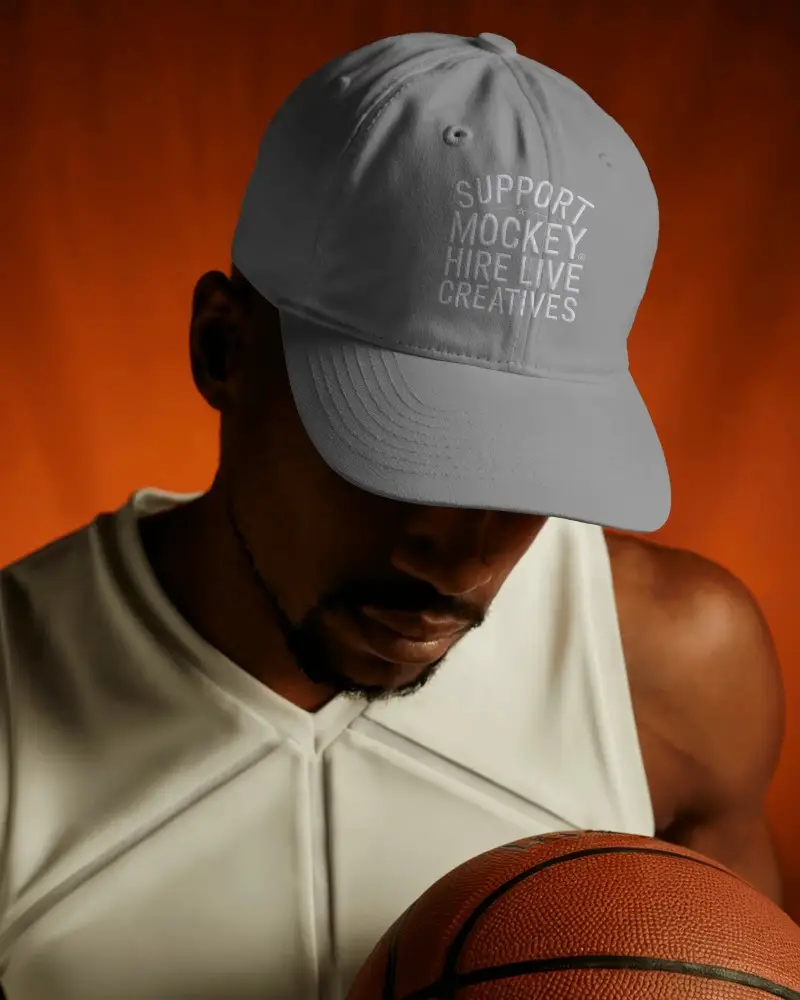
An accessories mockup is a visual model of accessory designs, used in fashion and product design. It shows how items like tote bags, caps, or beanies will look, helping designers get feedback and make changes before making them.
Why create an Accessories Mockup?
Creating an accessories mockup helps designers show their products clearly and realistically. It boosts marketing, highlights design features, and makes it easier to get feedback, which can improve the product and attract more customers.
Why Use Mockey’s Accessories Mockup?
Mockey’s Accessories Mockup is a free, easy-to-use tool that uses AI to make realistic mockups. With over 1,000 customizable templates, it helps users quickly see and share their designs, improving communication and decision-making during product development.
Is this Accessories Mockup Free?
Yes, the Accessories Mockup on Mockey is free. You can create and download high-quality mockups without any extra charges or watermarks. The platform has many customizable templates, making it easy to show off your designs.
