A6 Flyer Mockup Free to Download
Bring Your Mockup Designs to Life with Mockey's A6 Flyer Mockup and showcase your brand like a pro. Try it now!
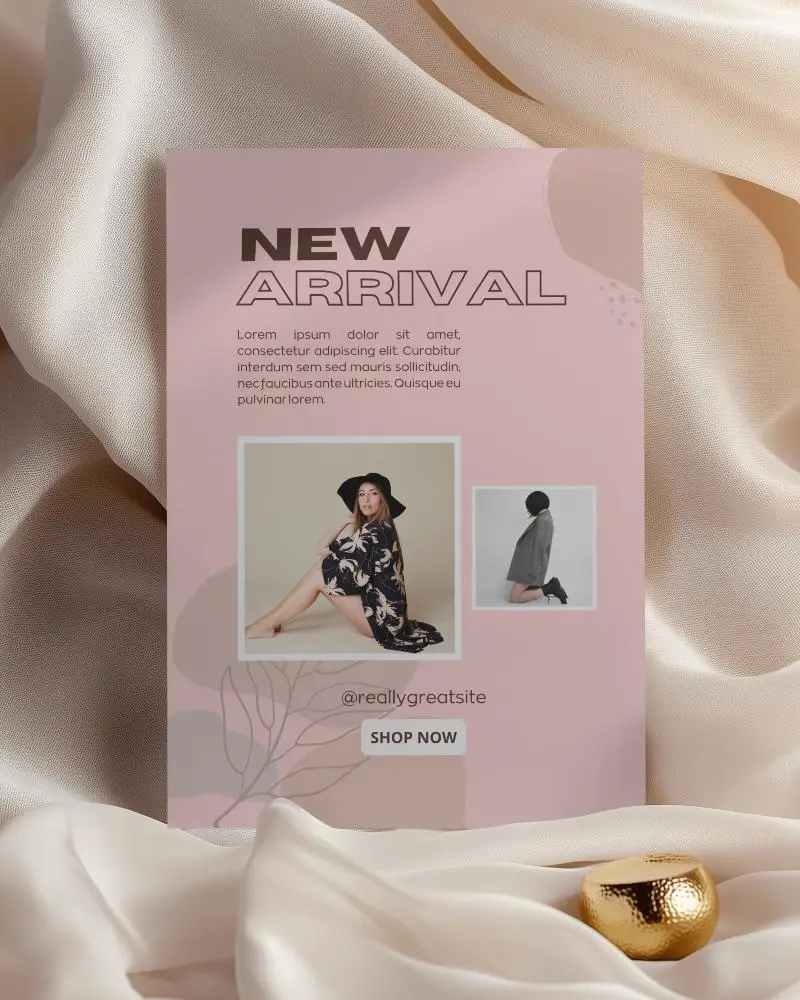
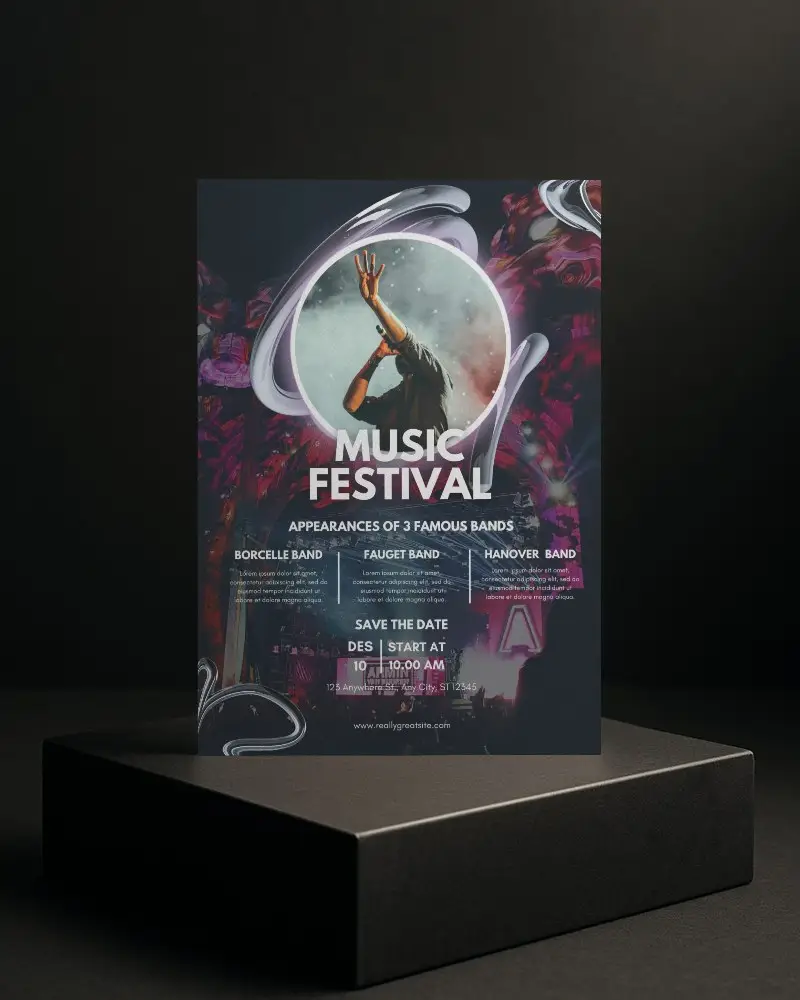
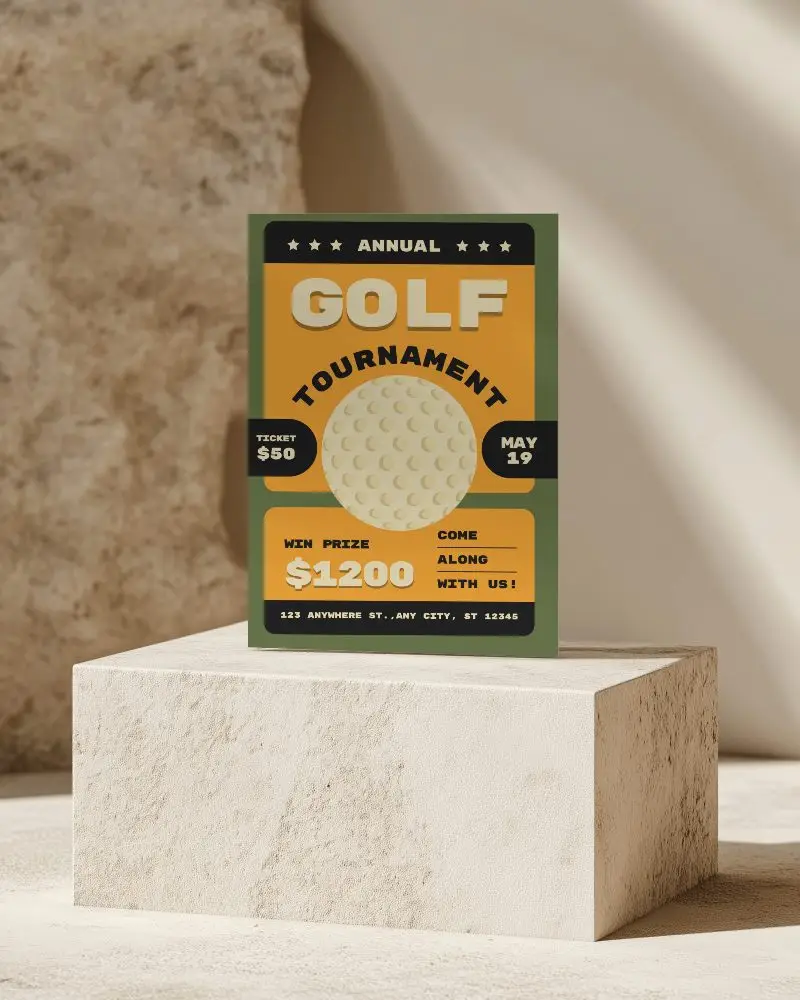
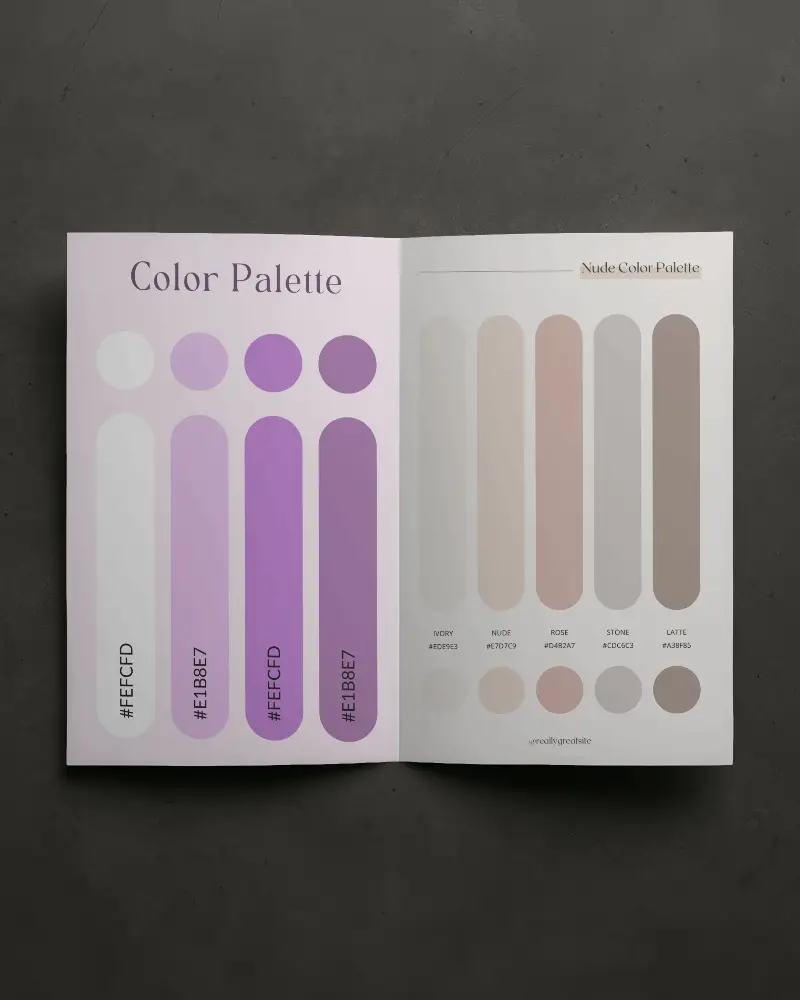
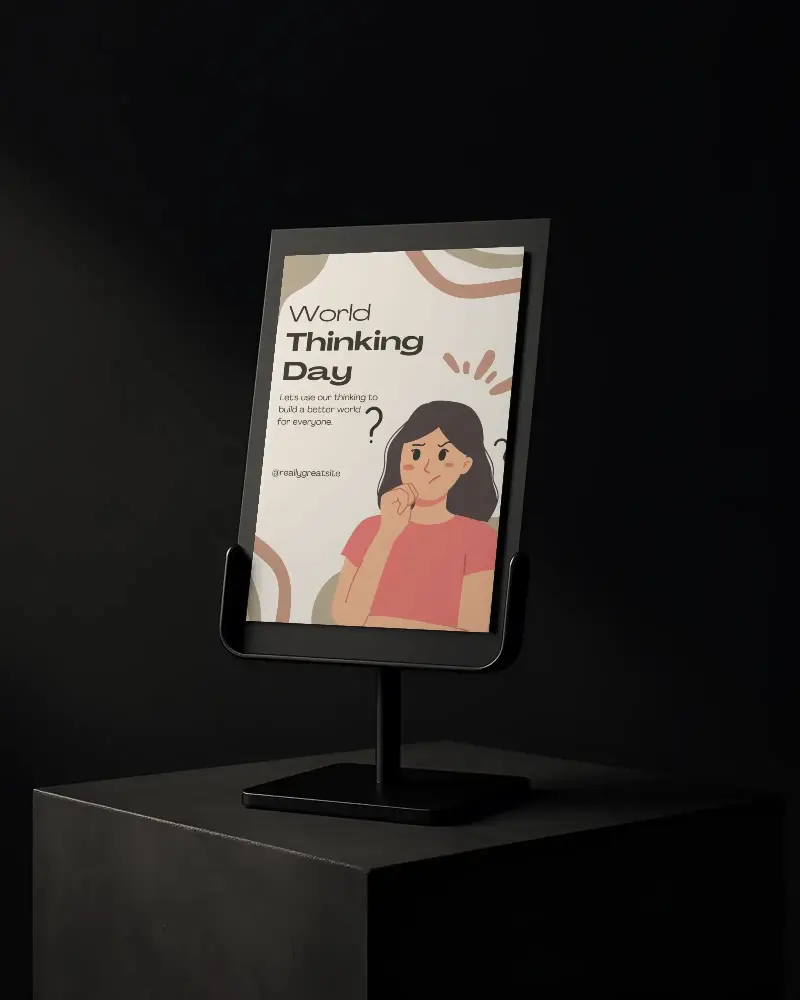

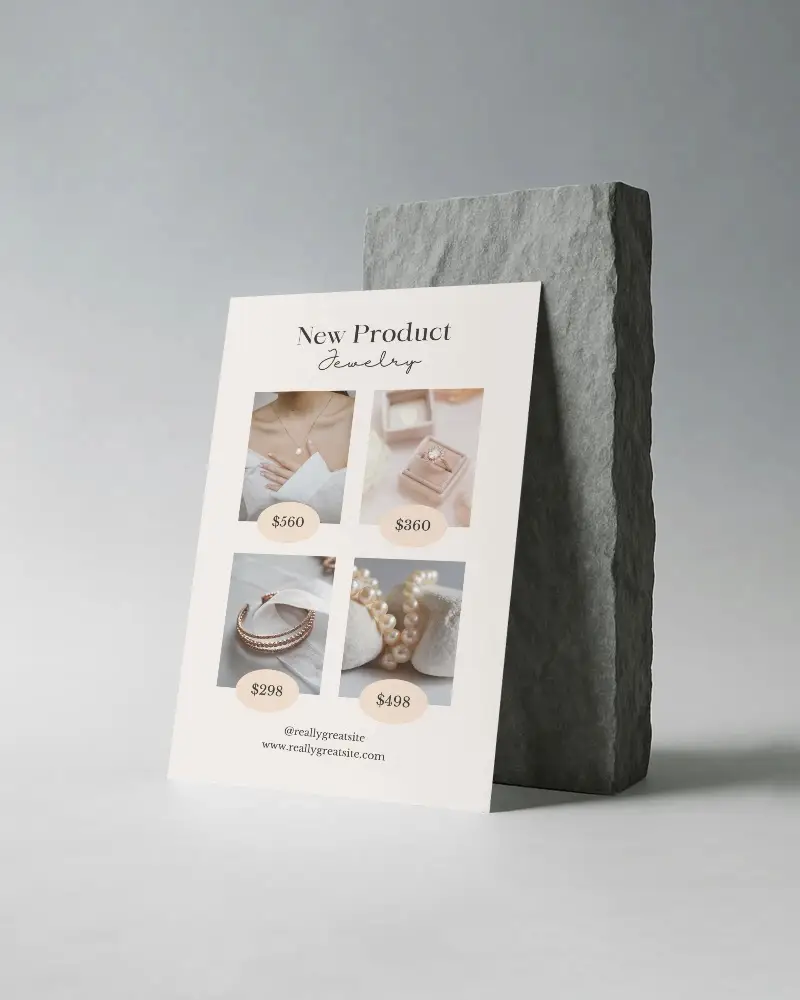

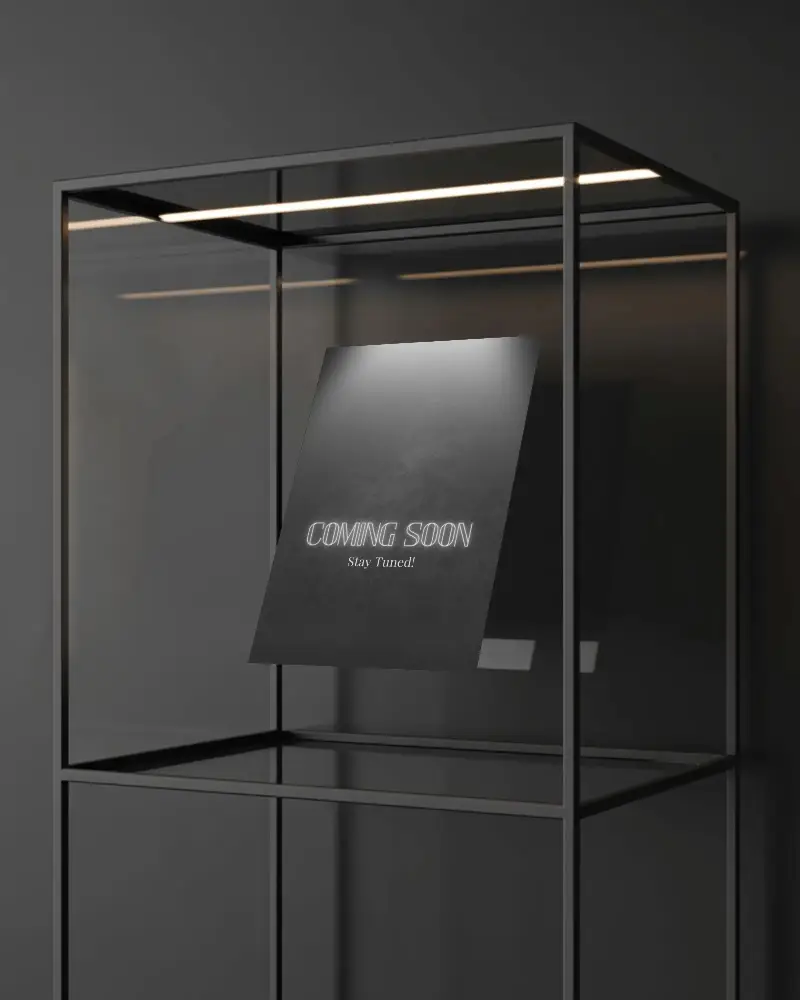
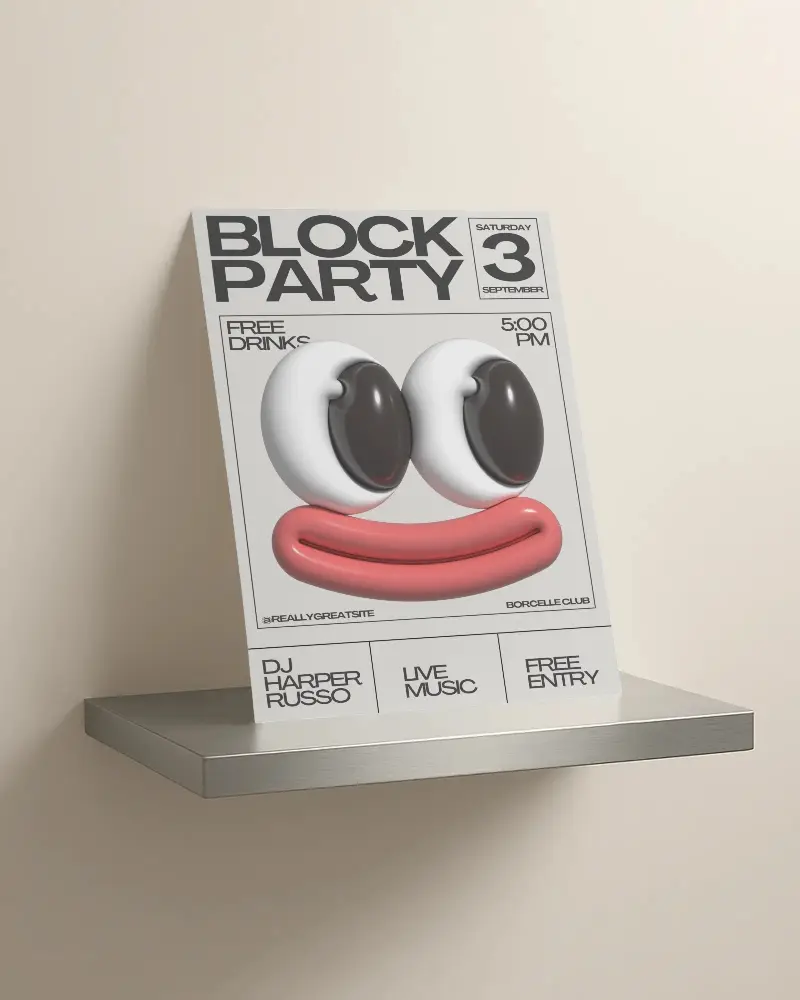

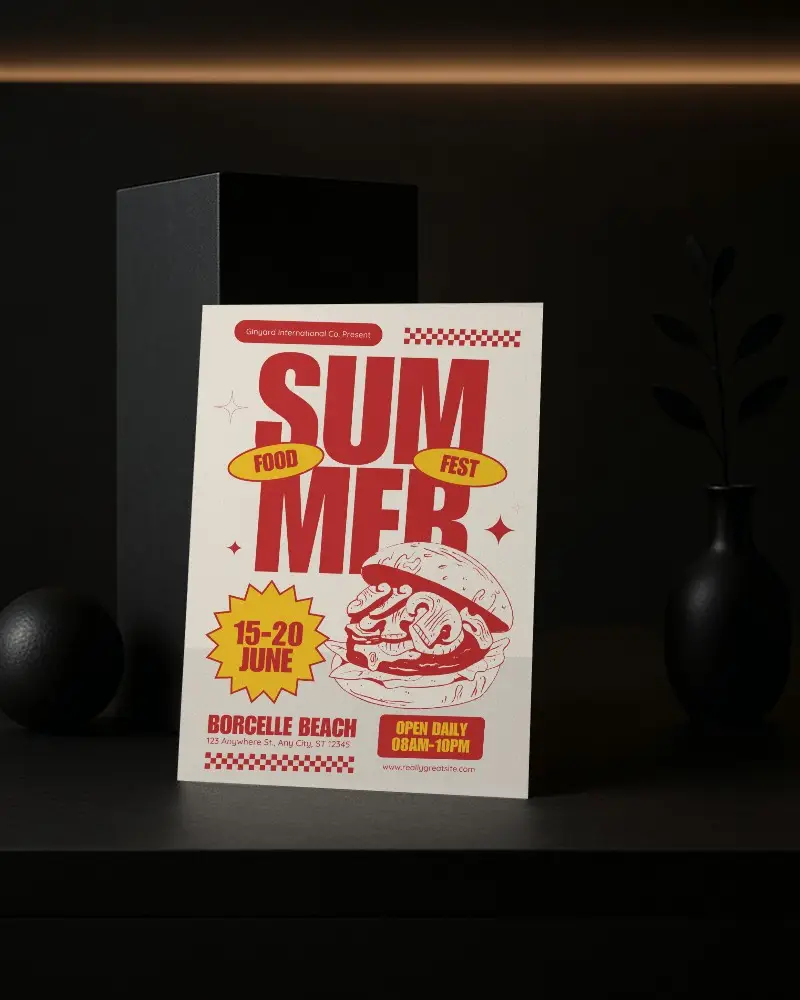
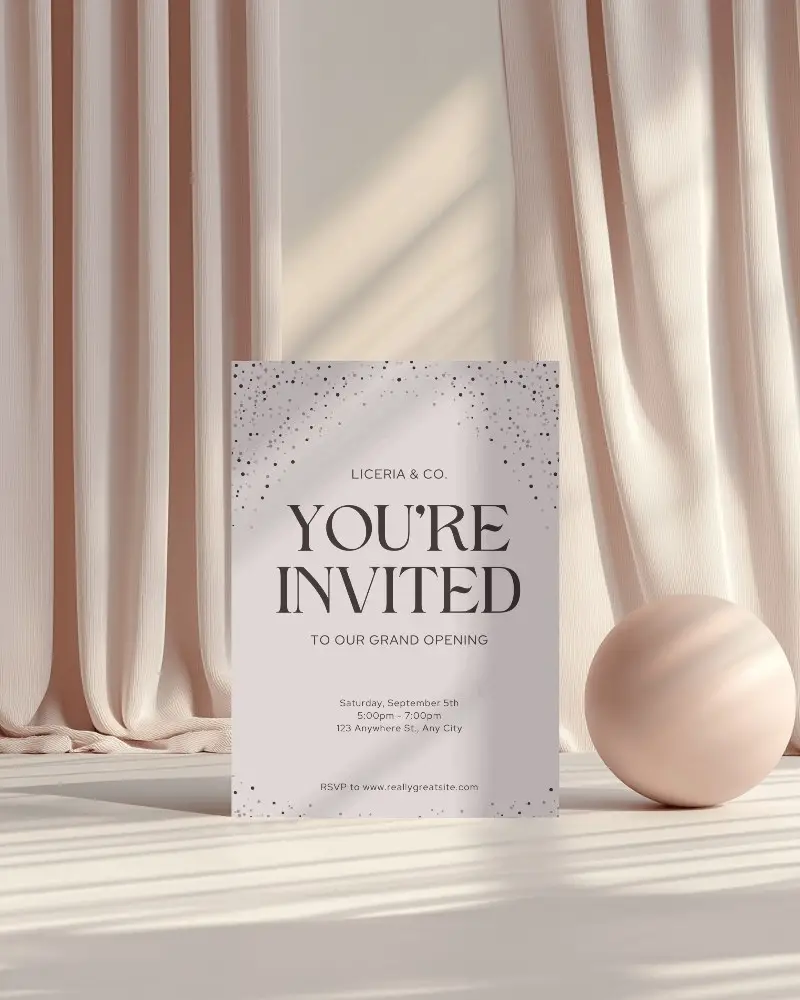
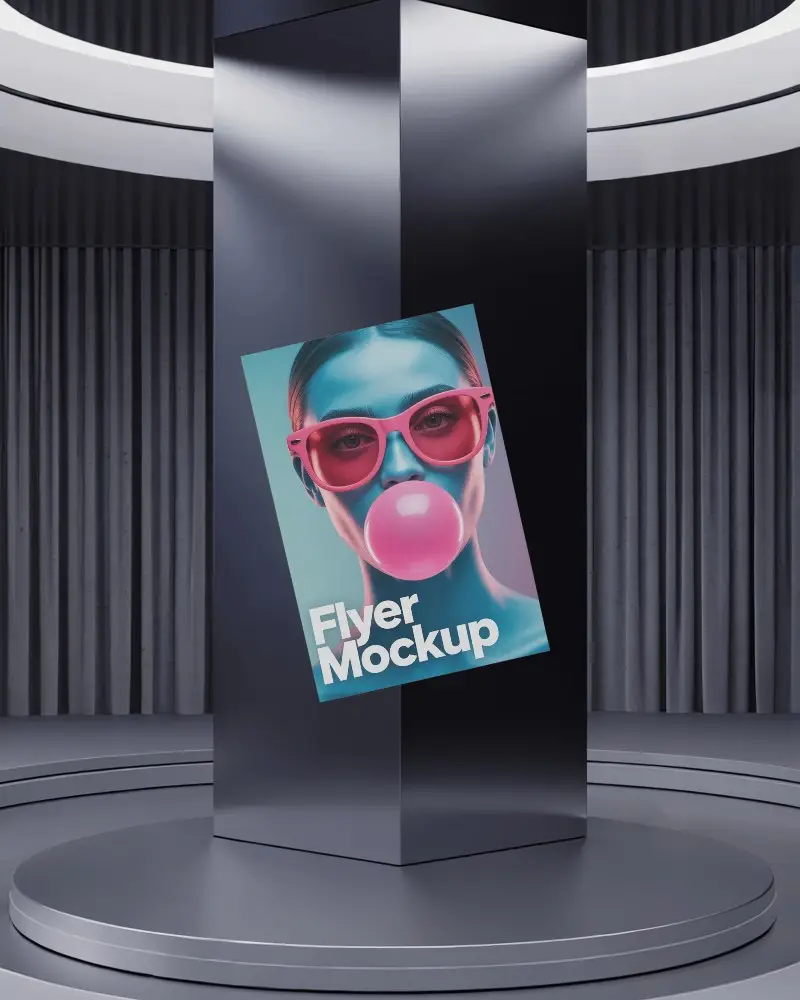
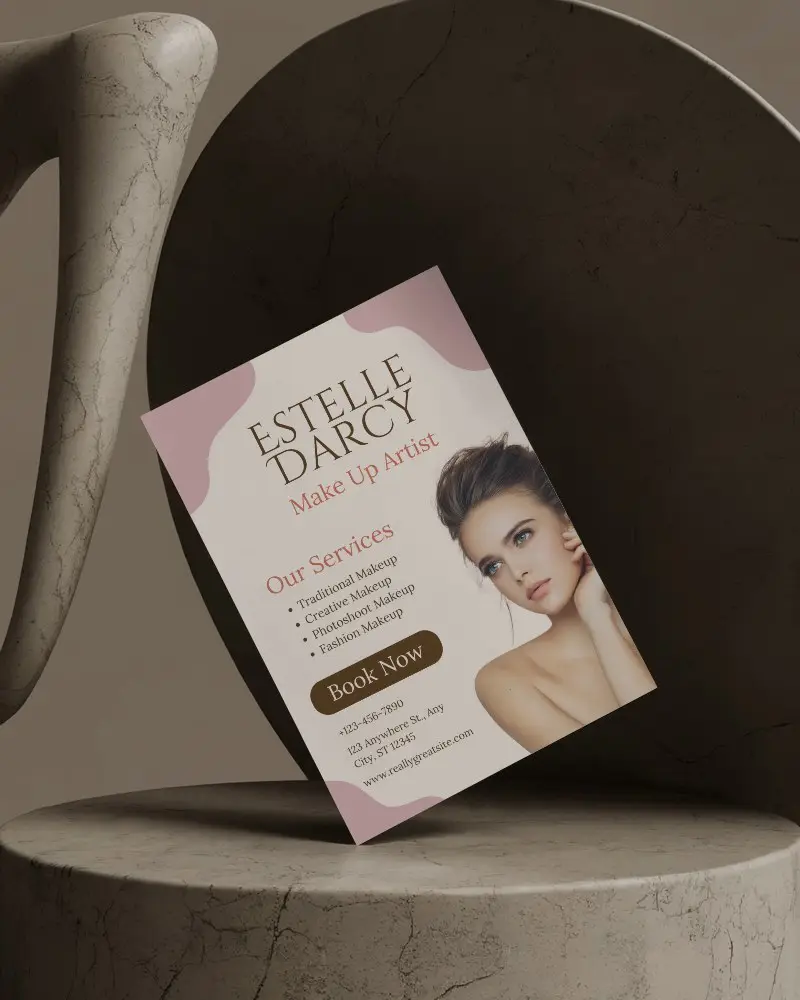

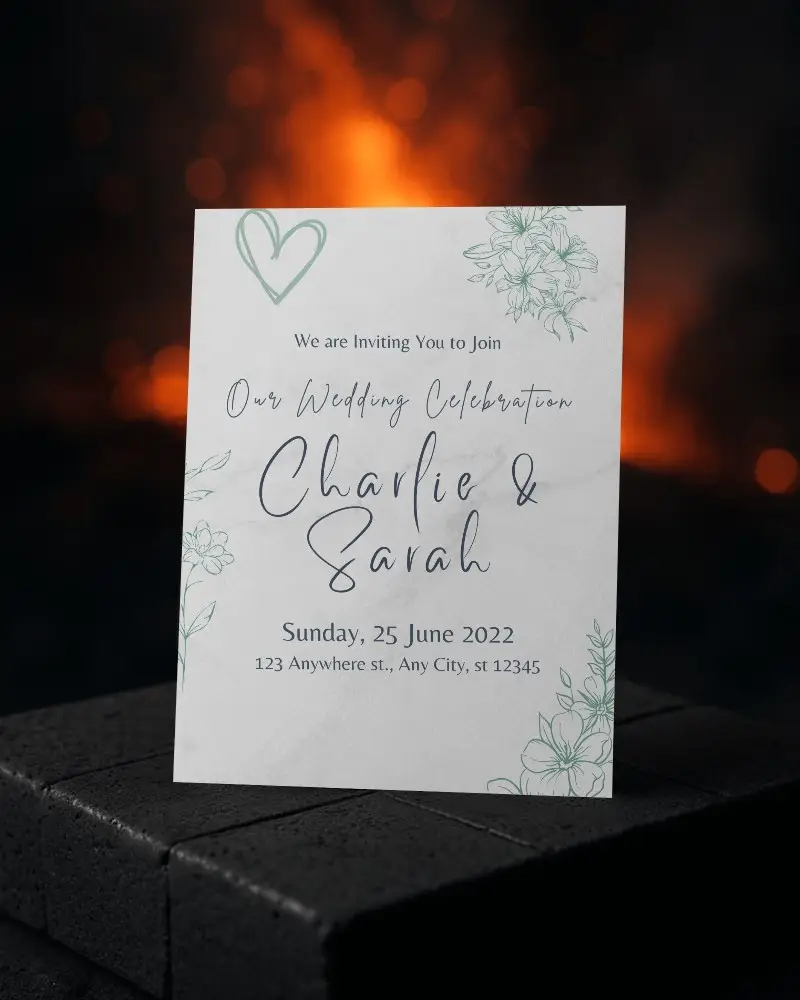
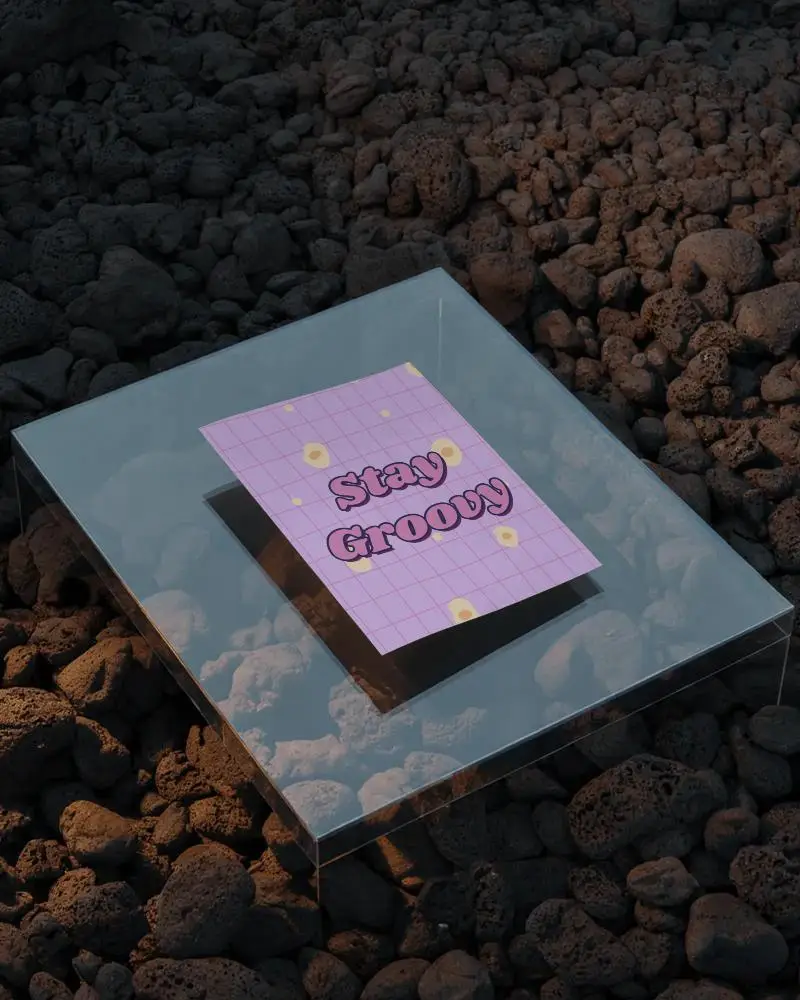

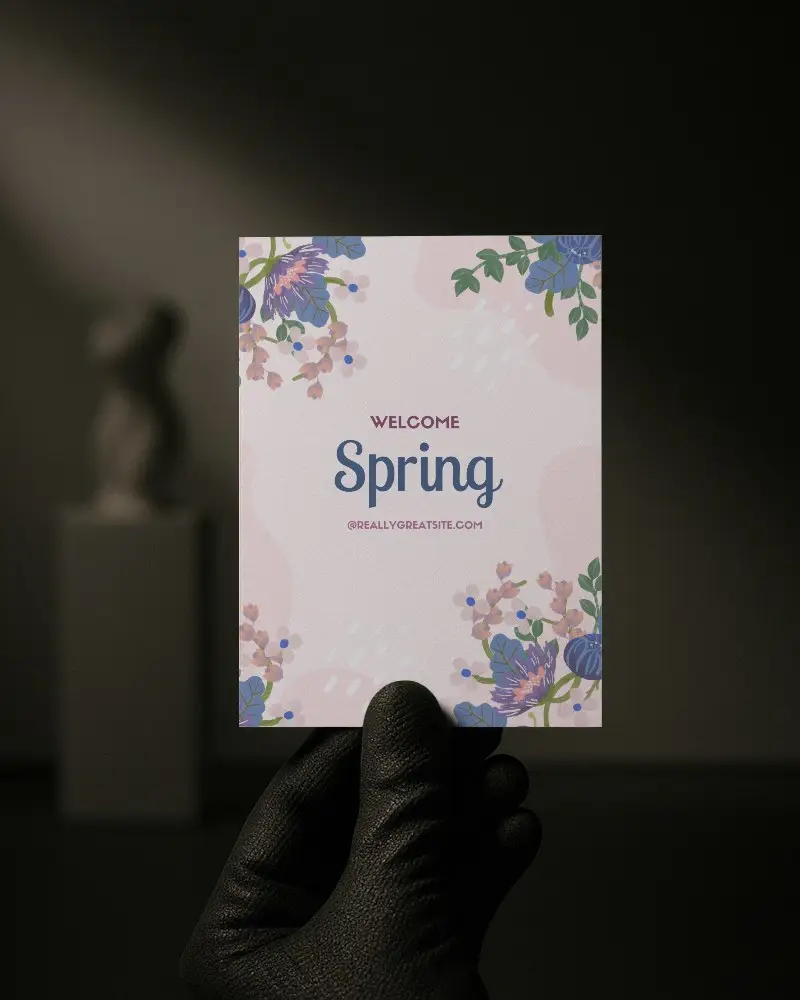

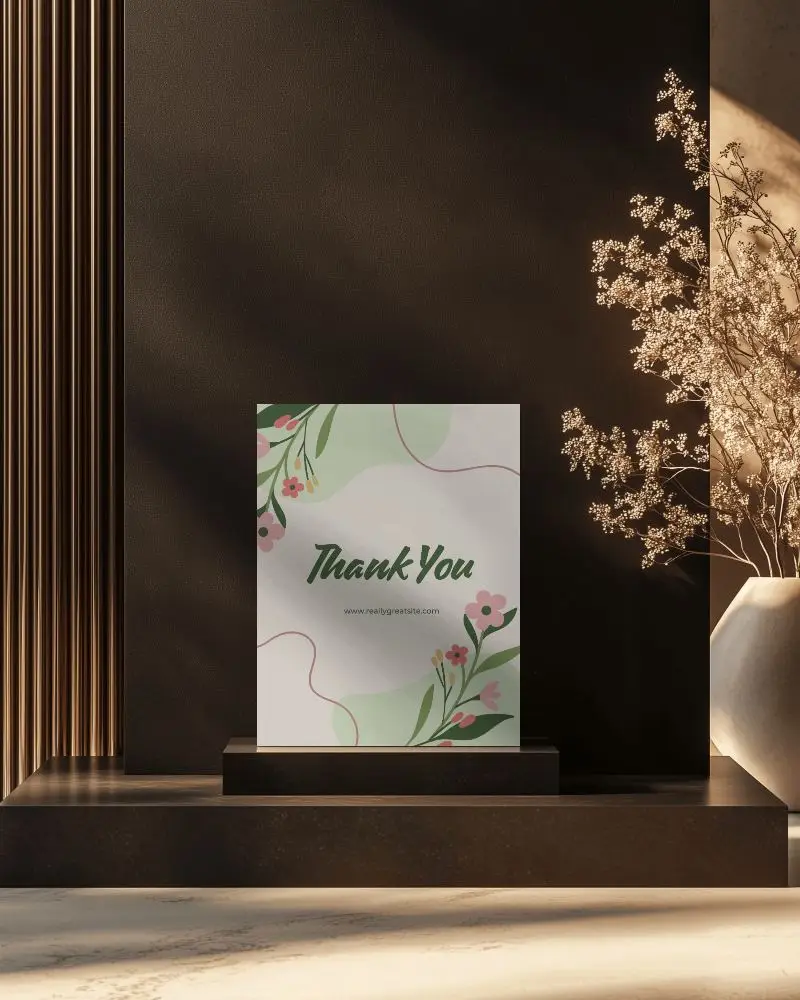
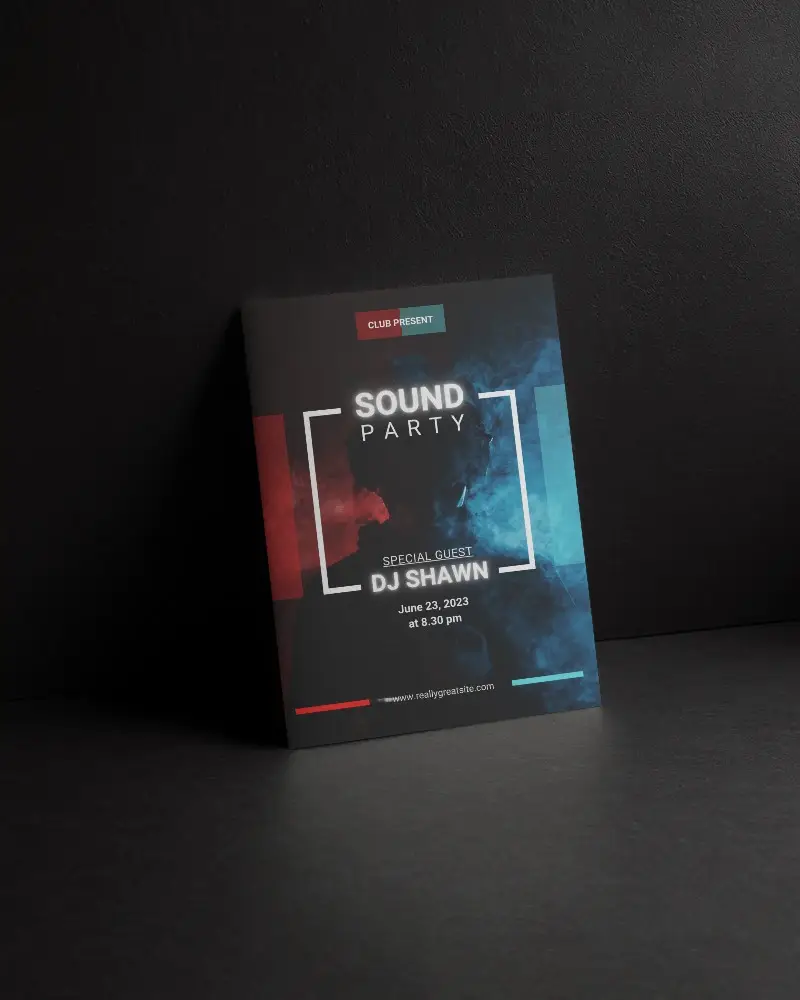
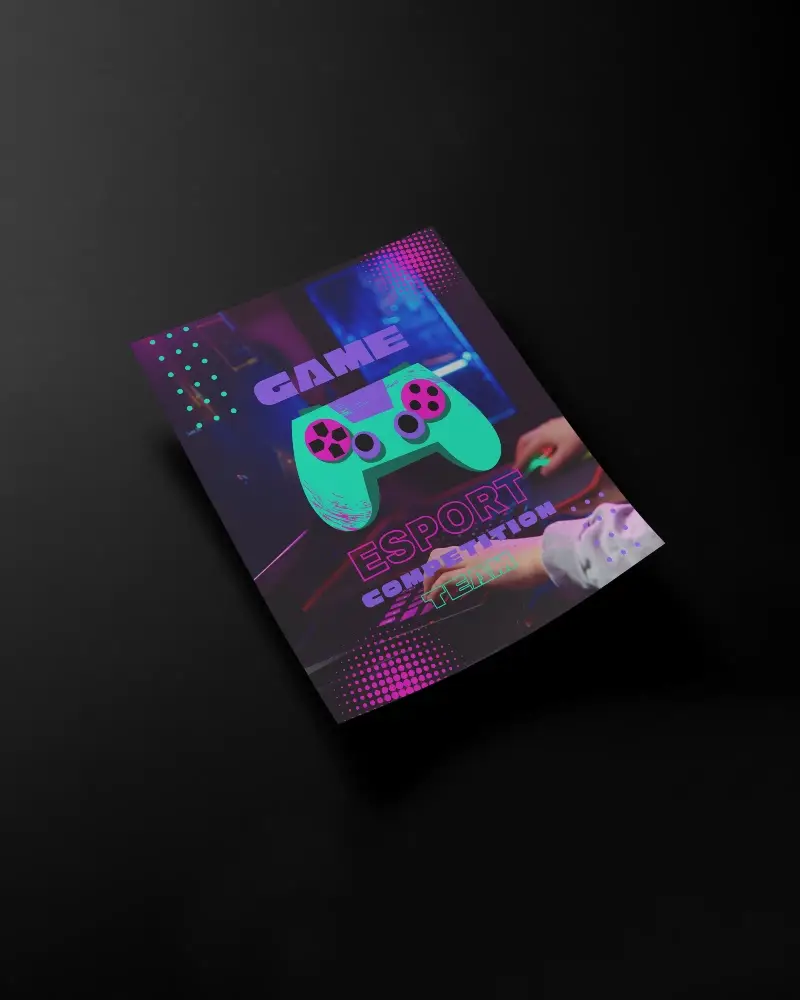
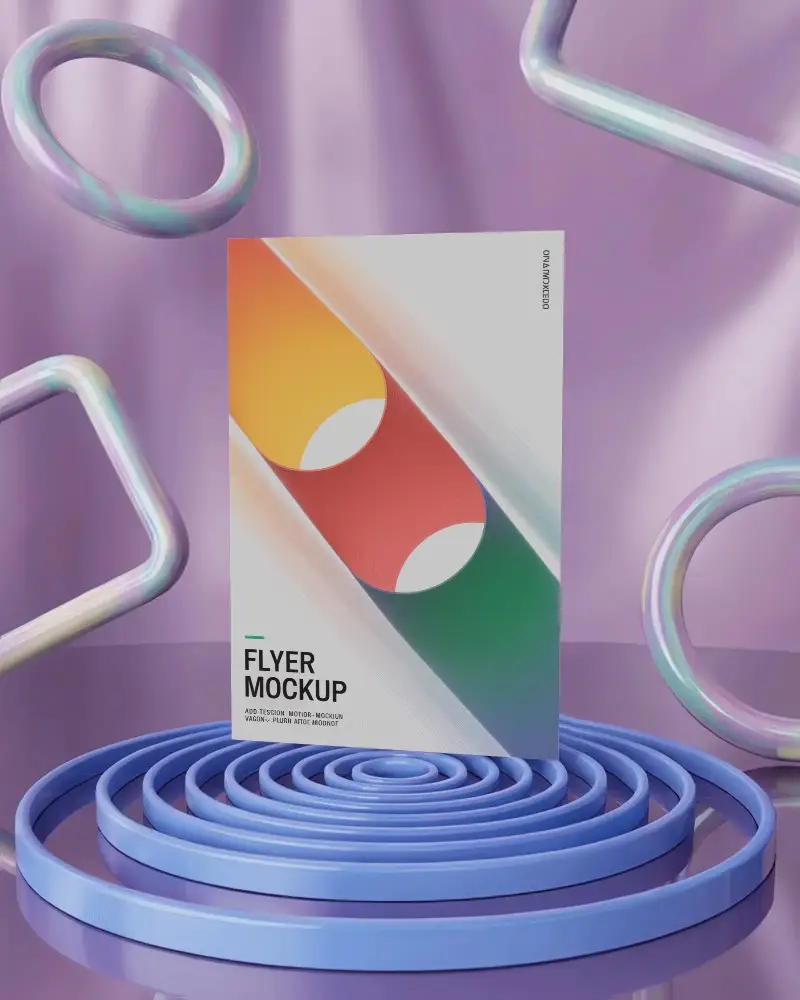
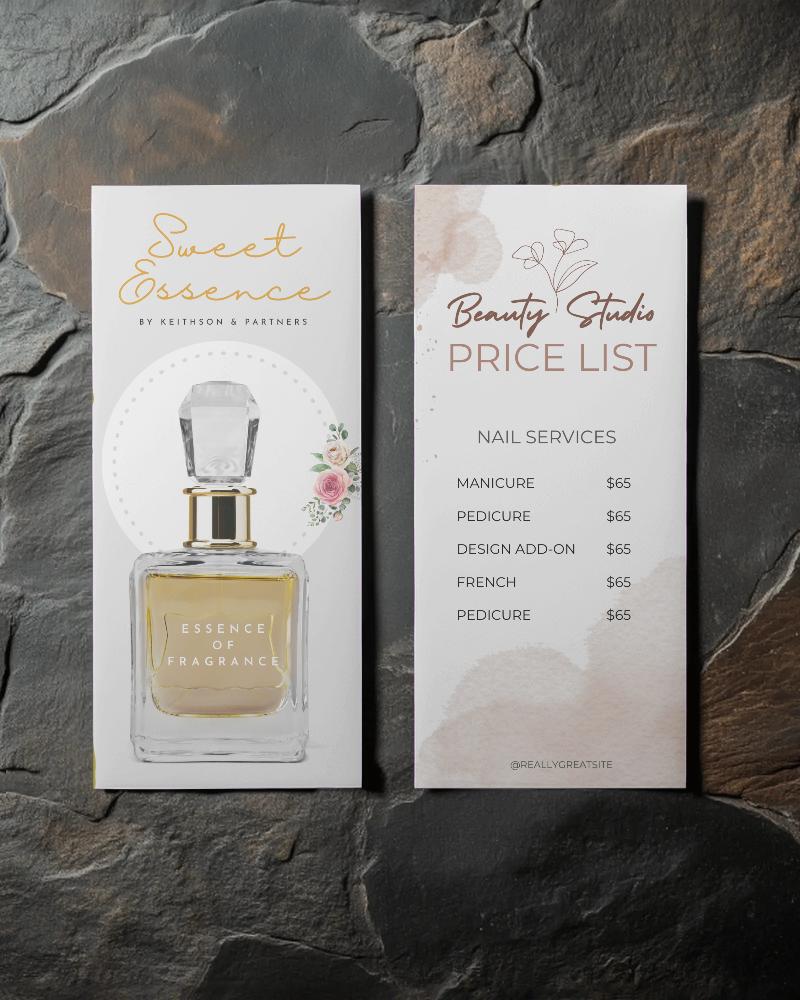
How to Create A6 Flyer Mockup with Mockey
Follow the steps to create A6 Flyer Mockups in Mockey AI
- Step 1: Follow Mockups > Print > Flyer > A6 Flyer in the navigation bar.
- Step 2: Choose a template and upload your design.
- Step 3: Finally, customize your A6 Flyer mockup until you're satisfied, then download it in high quality.


FAQs on A6 Flyer Mockups
What is a A6 Flyer Mockup?
A A6 Flyer mockup is a digital template that provides a realistic preview of how a A6 Flyer design will look once printed. It helps designers see the final appearance and make any necessary adjustments before printing.
Why create a A6 Flyer Mockup?
Designing a A6 Flyer mockup allows you to see and test your design, try different layouts and content, and make changes before printing. This ensures that the A6 Flyer effectively promotes your message and looks professional.
Why Use Mockey’s A6 Flyer Mockup?
Mockey's A6 Flyer Mockup Generator offers over 1,000 customizable templates for realistic design displays. It provides unlimited downloads, real-time previews, and design adjustments, making it suitable for both personal and commercial use.
Is this A6 Flyer Mockup Free?
Yes, Mockey provides a free tool for creating A6 Flyer mockups. You can use over 1,000 customizable templates, upload your designs, personalize the mockups, and download high-quality A6 Flyers without any watermarks.
