DL Flyer Mockup Free Download - DL Flyer Mockup Templates
Get a free DL flyer mockup with Mockey. Easily upload your design, customize it, and download high-resolution flyer mockups for digital or print use.
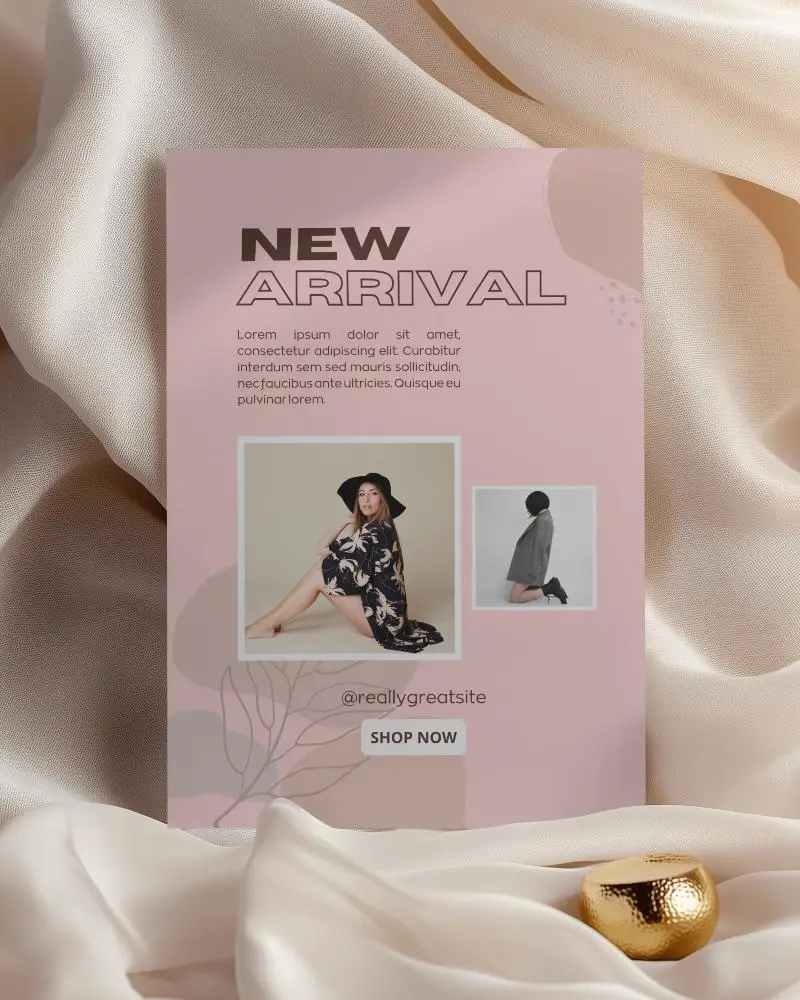
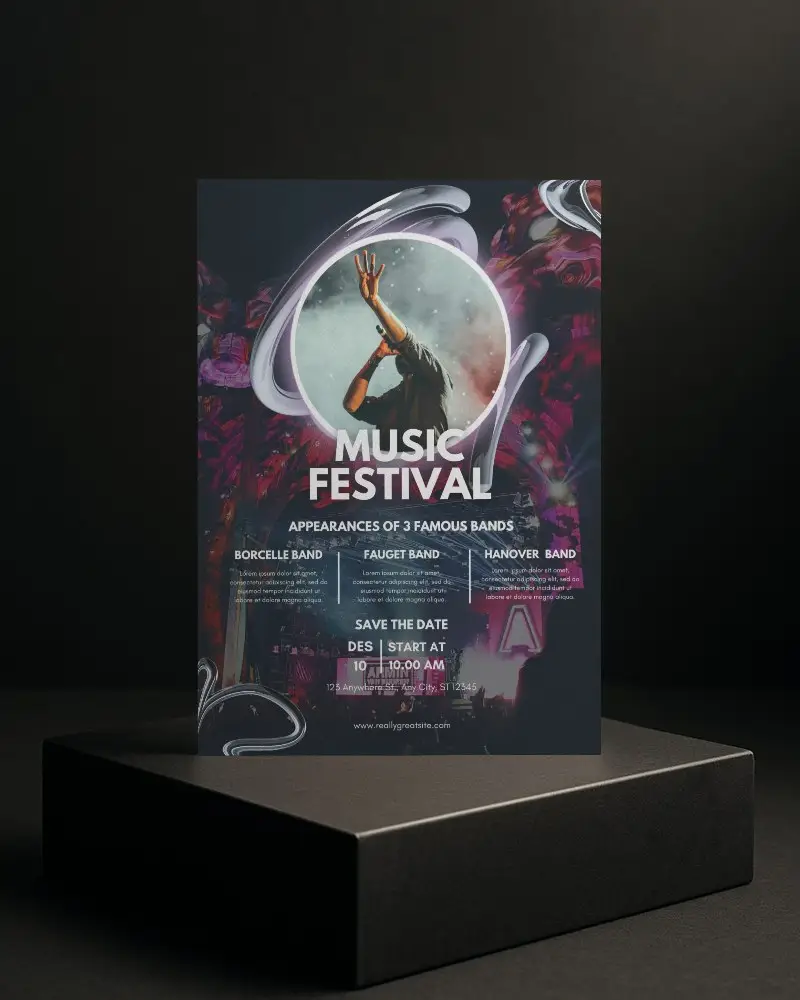
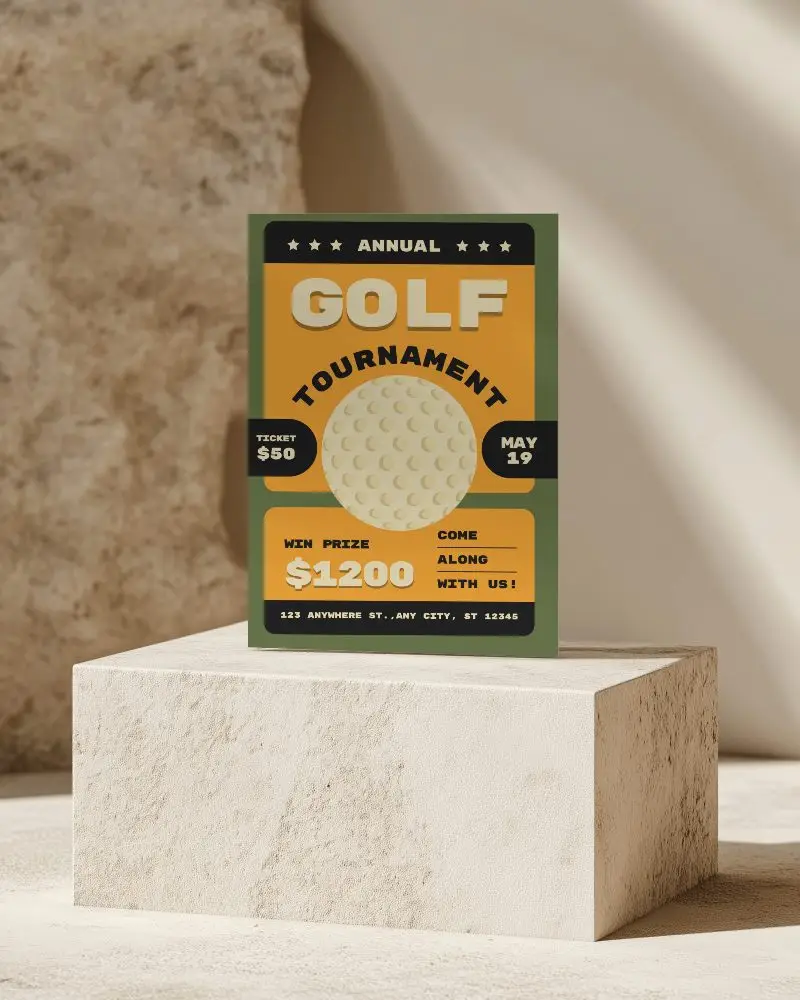
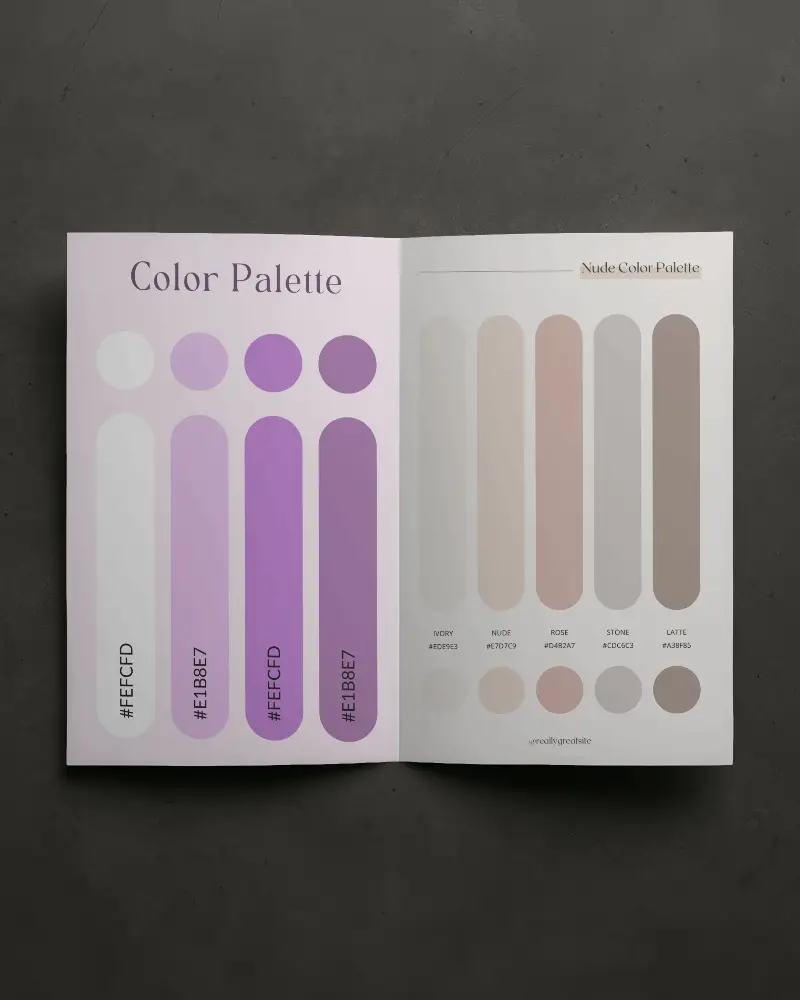
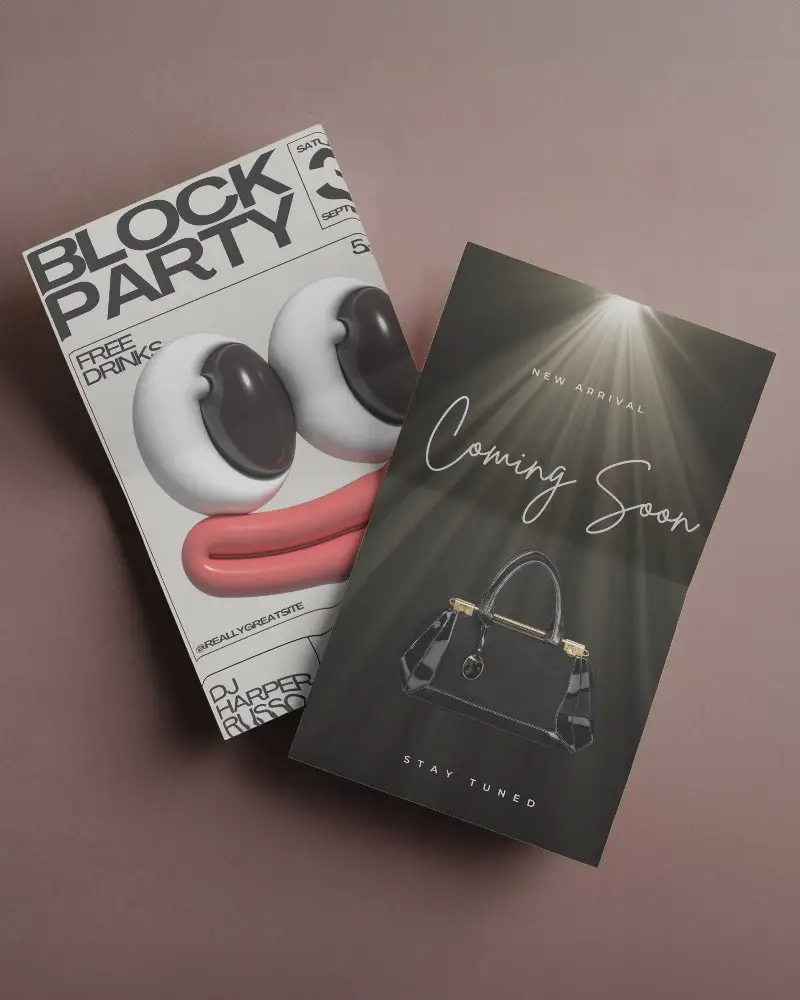
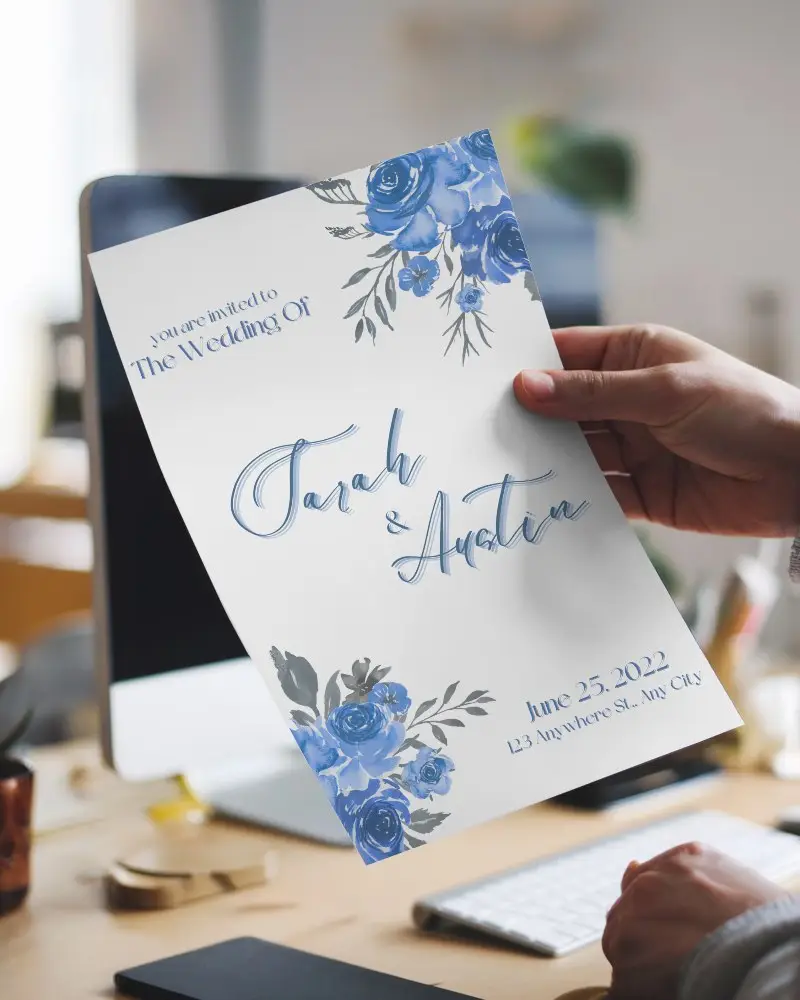
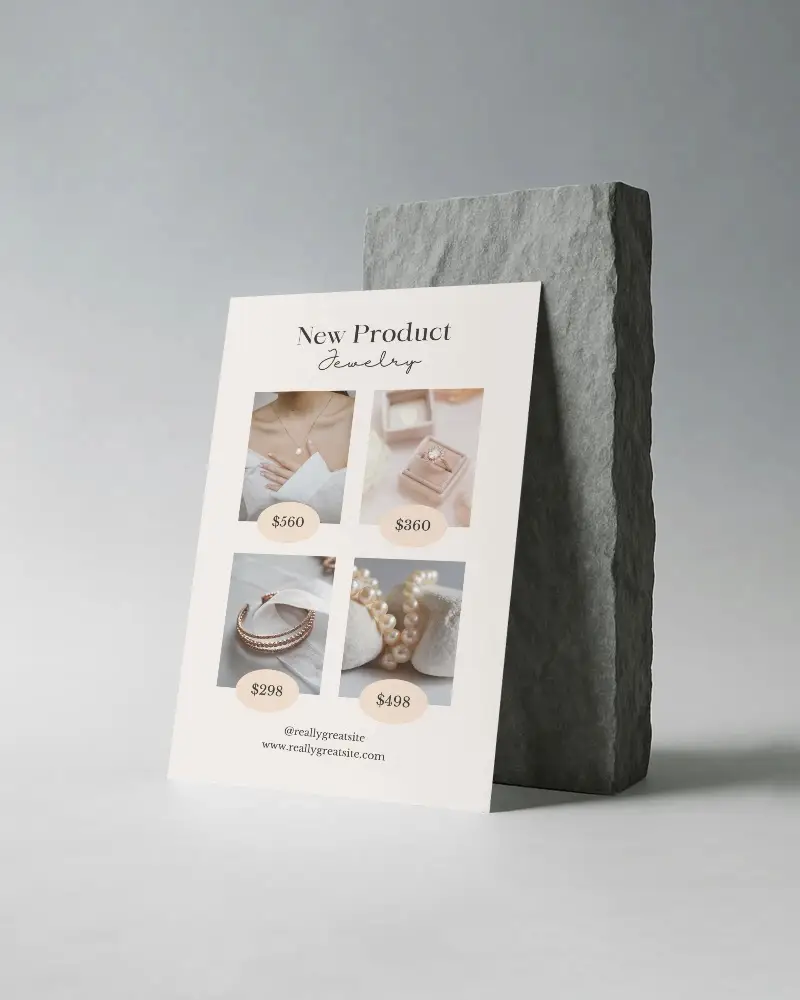
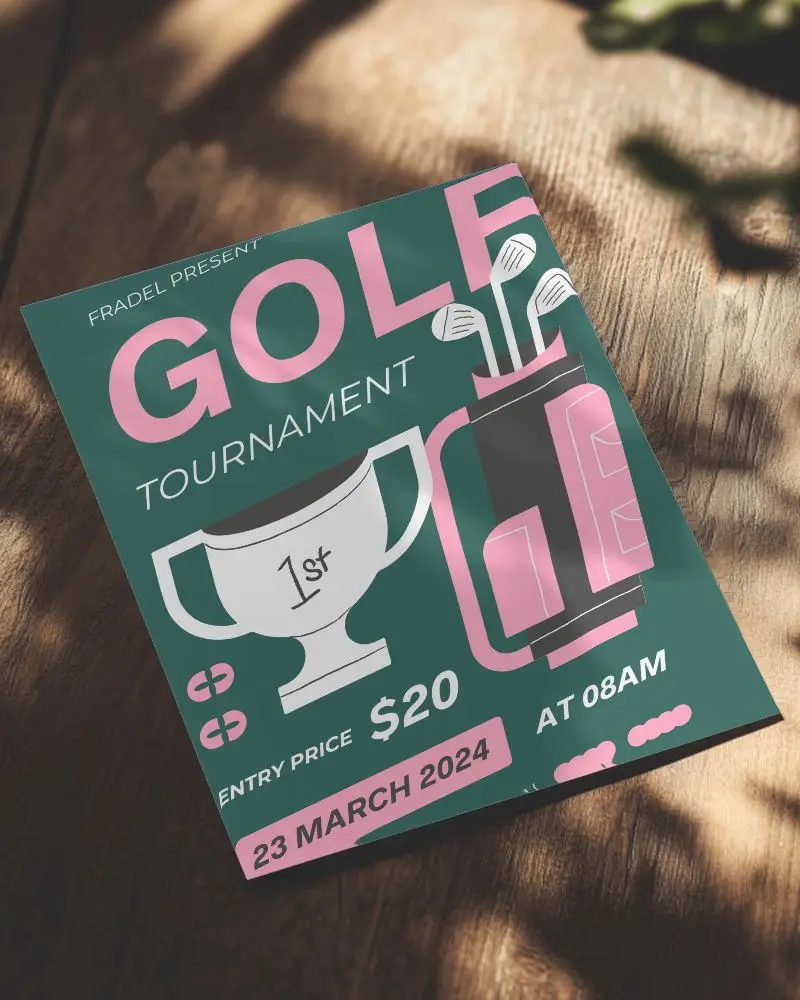
How to Create DL Flyer Mockup with Mockey
To create a DL flyer mockup in Mockey AI:
- Step 1: Begin by visiting Mockups, clicking on Print, and selecting the flyer category to choose a template from the DL tags.
- Step 2: Then, on the next page, click Upload Design to insert your logo. You can also modify colors or use AI tools.
- Step 3: Lastly, click Download to save your DL flyer mockup as a PNG or JPEG.


FAQs on Dl Flyer Mockups
What is a DL Flyer Mockup?
A DL Flyer Mockup is a digital template that displays a flyer in DL size (210 mm x 99 mm) and helps with easy editing in Mockey AI for a high-resolution presentation.
Why create a DL Flyer Mockup?
Making a DL Flyer Mockup helps businesses by showing their custom designs professionally on an editable template with clear design previews.
Why Use Mockey’s DL Flyer Mockup?
Mockey AI’s DL Flyer Mockup is free, simple to use, and lets you save high-quality PNG files on your device.
Is this DL Flyer Mockup Free?
Yes, Mockey AI provides free DL Flyer Mockups. You can edit and save high-quality PNG mockups. They offer simple, tri-fold, and gatefold DL flyer mockups, all available for free.
Where can I find a free DL flyer mockup?
You can get a free DL Flyer Mockup on Mockey AI. They have many free, high-quality PNG mockups in different sizes.
What file formats can I download my DL flyer mockup in?
You can get your DL Flyer Mockup from Mockey.ai in PNG and JPG. These clear images work for printing or online use.
Can I add my brand logo and text to the DL flyer mockup?
You can only upload your logo as a PNG or JPG file. You cannot add text to the template because Mockey AI does not have a feature to include texts.
