How to Create Digital Mockups for Free
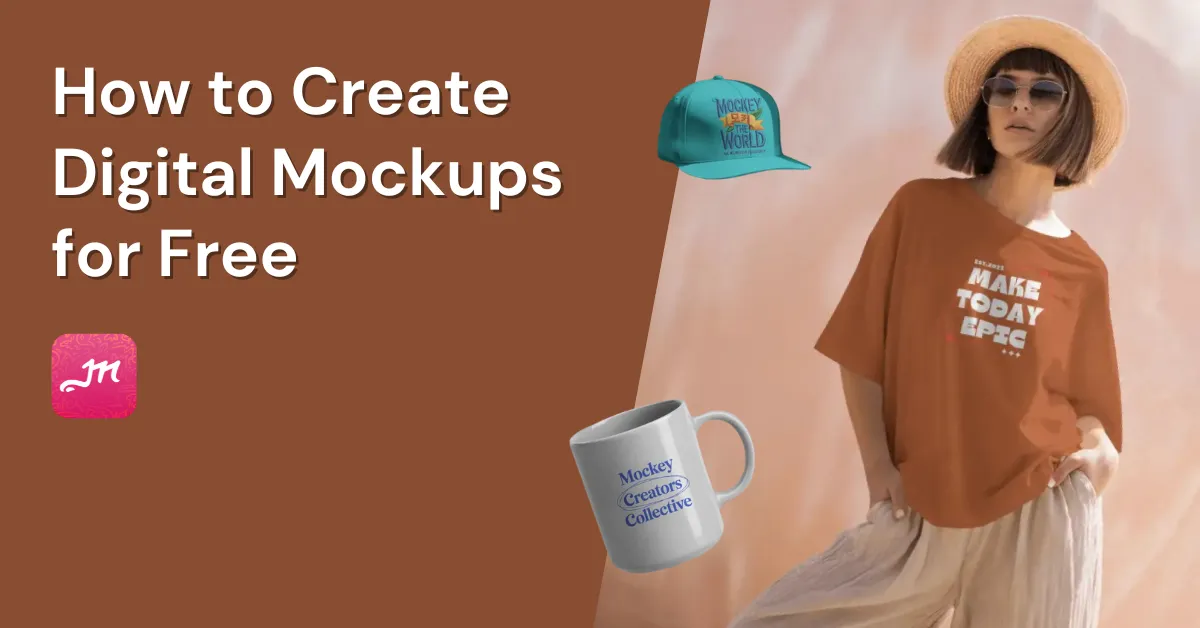
How to create digital mockups? For that, visit Mockey AI and generate different types of free mockups without any watermark.
How to create digital mockups? For that, visit Mockey AI and generate different types of free mockups without any watermark.
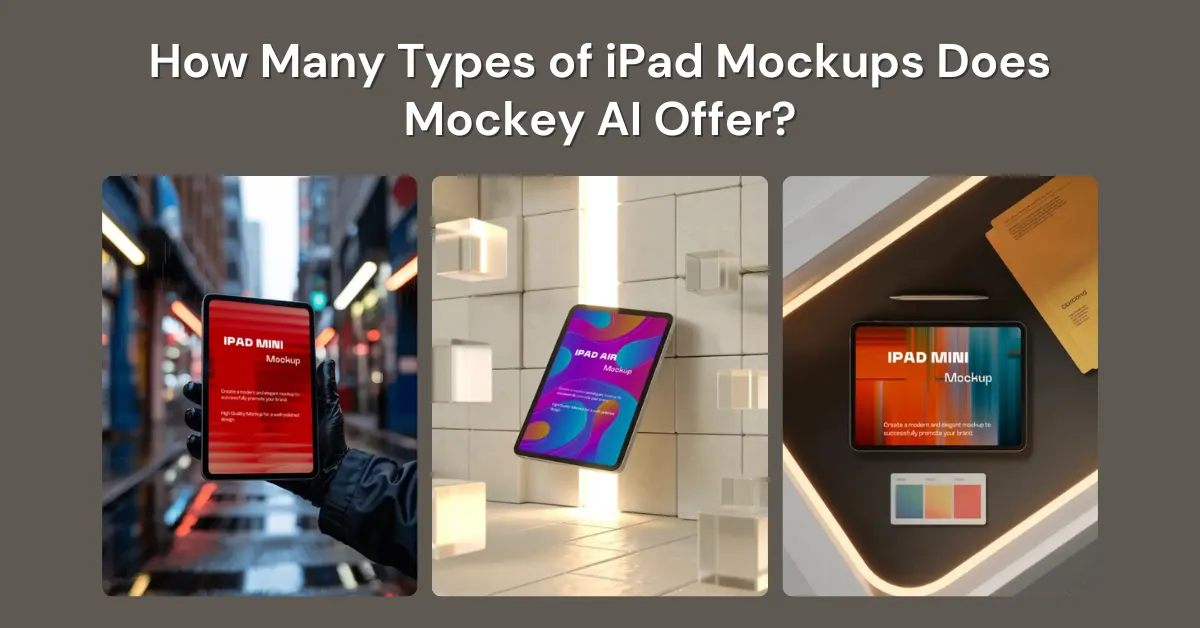
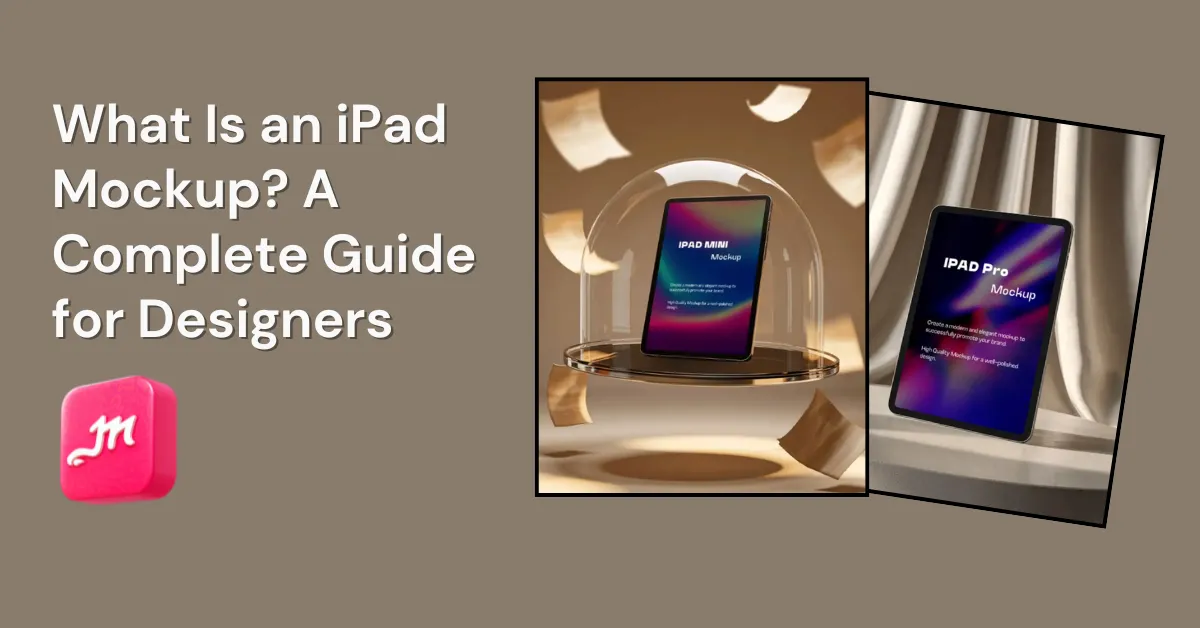
Mockey AI is an AI mockup generator where you’ll find different types of iPad mockups to display your designs realistically.
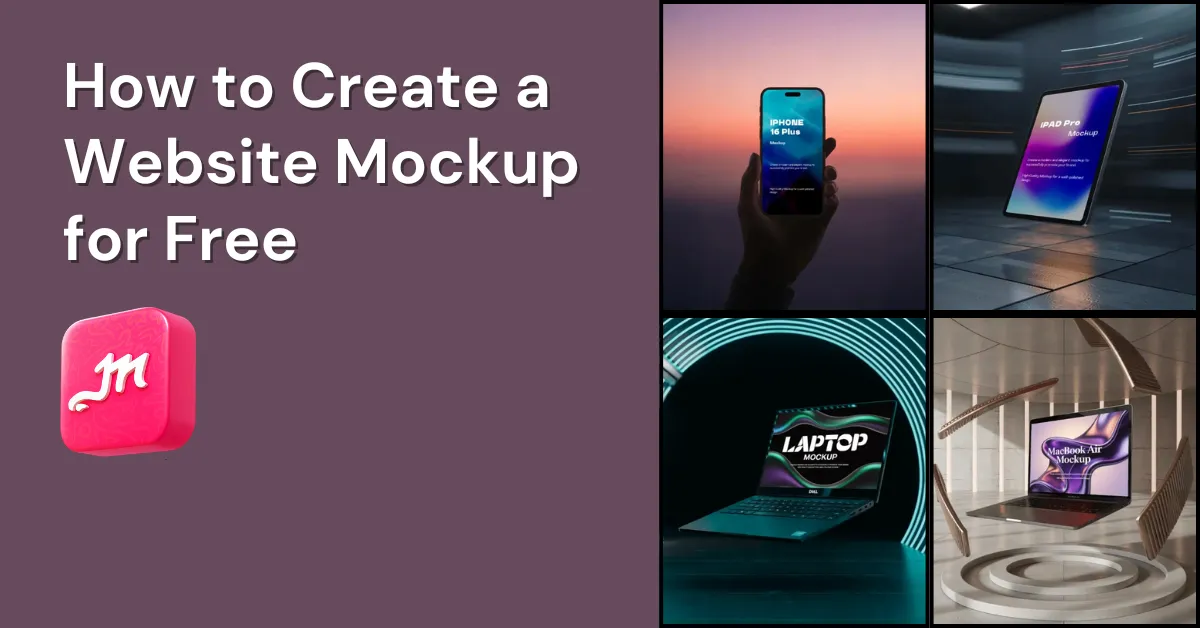
How to create a website mockup? Mockey AI mockup generator has templates for multiple devices where you can add your design and present it.
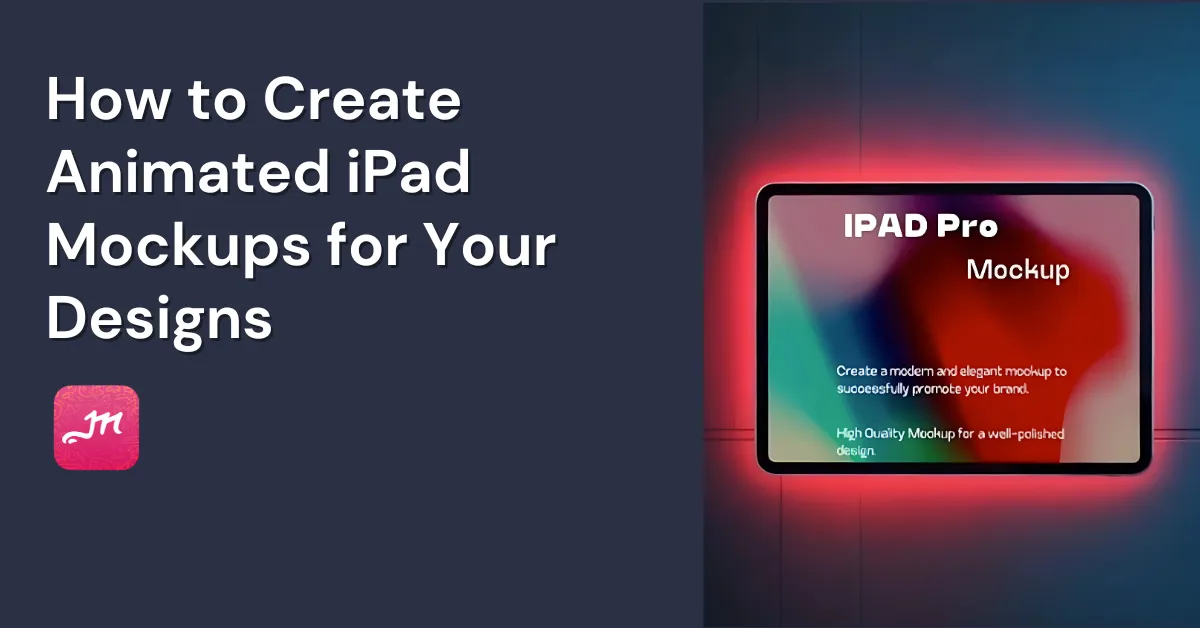
How to create animated iPad mockups? Use Mockey AI templates, add your design, and turn the iPad into an animation with the prompt tool.
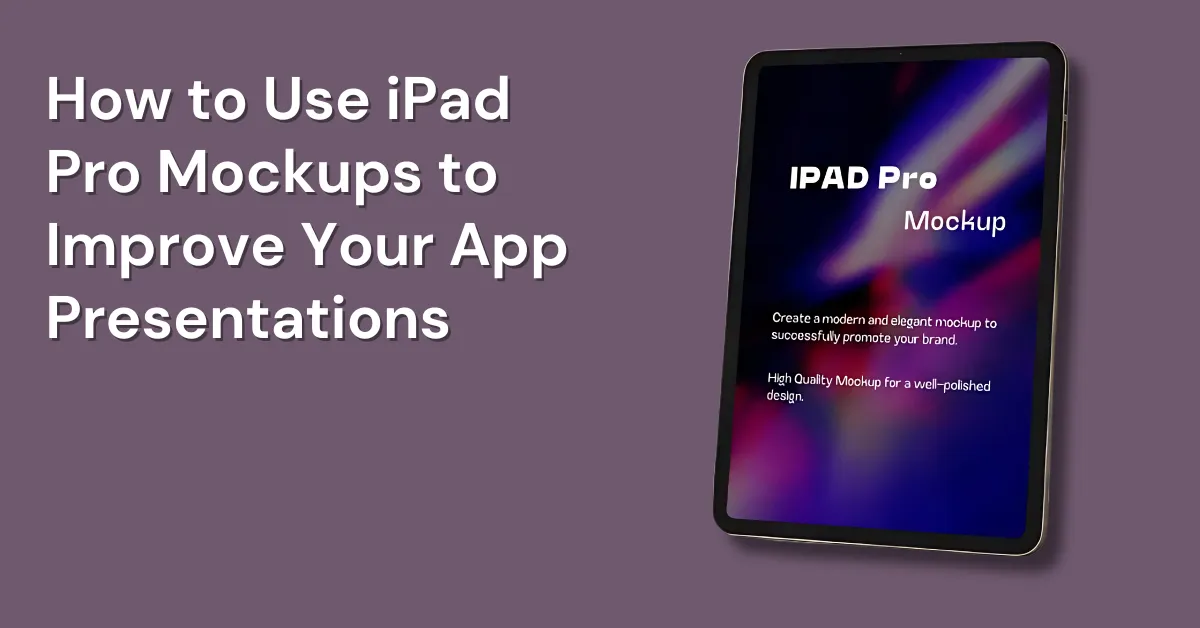
How to use iPad Pro mockups? Pick a high-quality template, upload your app screenshots to the screen, and download the final image in high quality.
What is an iPad mockup? An iPad mockup is a digital template that shows your design, app, or website on an iPad screen. It’s mainly used for presentations and
Why is mockup important? Mockup shows your design ideas in a product. You can spot flaws early and make communication easier for designers and clients.
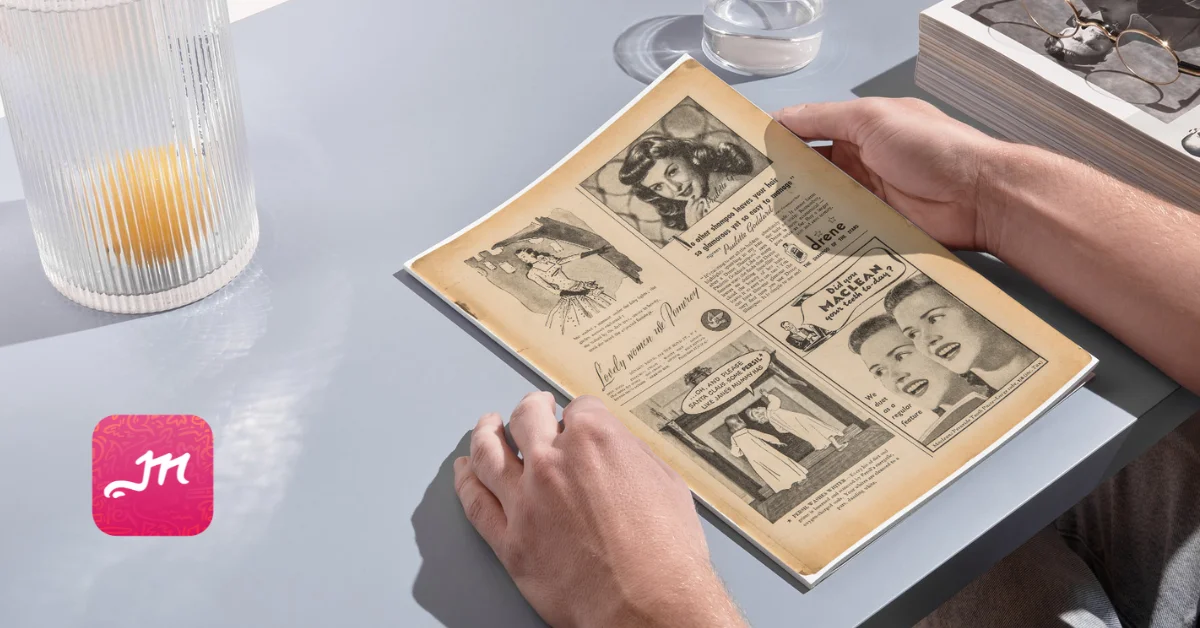
How to create a magazine mockup with Mockey AI? Sign up and head to the Print for Magazine. You can edit a template, add your design, and download it as a PNG.
Top Artboard Studio alternatives are Mockey AI, Glorify, Mockupgenerator.ai, Linearity, Kittl, and Mockup World for mockups, designs, and motion animations.
The best Recraft alternatives are Mockey AI, Tensor.Art, Flux1ai Dev, Mockupgenerator.ai, and Adobe Firefly for mockups and image generation.