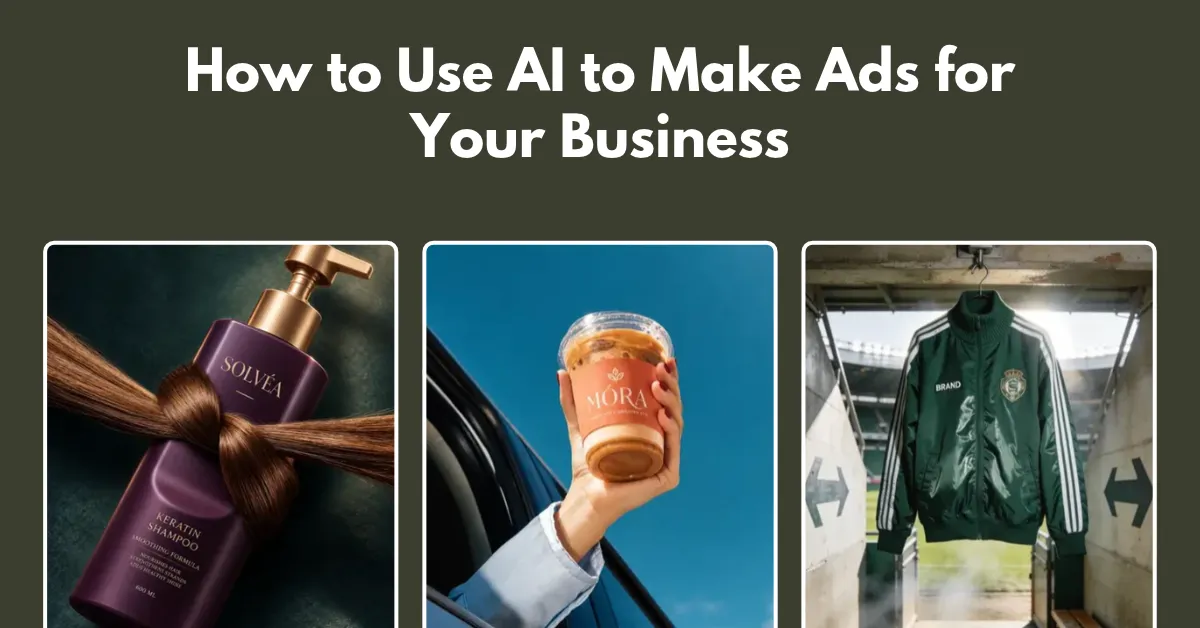
How to Use AI to Make Ads for Your Business
How to use AI to make ads? Use Mockey to upload a product photo, choose an image or video ad template, and download it. Later, add hooks, text, and a CTA.
AI output depends on the image you upload. A well-prepared product image helps AI get the lighting right, avoid messy cutouts, and make the final image look like it was taken with a camera.
Mockey’s Ad Templates help you create product ad images and videos without having to start from scratch. Whether you want to create product listing images for your store or promote products on social media, you can do it with Mockey AI.
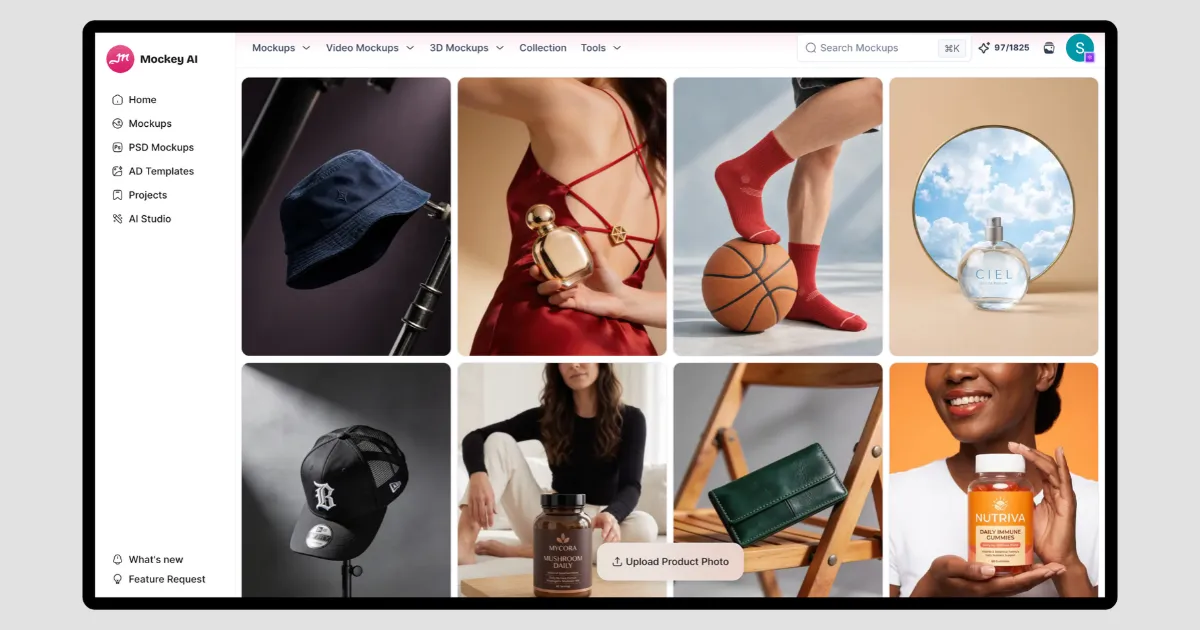
You’ll find templates across categories like fashion, pet care, food and beverage, baby products, electronics, fragrances, home decor, jewelry, skincare, and more.
You can also create AI UGC video ads using this platform. Just put your own product image in the template.
The first step is to prepare your product images.
Take a photo in even light. Use daylight near a window or diffused white light. Avoid harsh flash, as dark shadows clash with the AI template’s lighting.
Also, choose the best AI tool to remove the background.
Place your product in a premium lifestyle scene. No photographer needed.
We’ll use Mockey’s Ad Templates for this. You’ll find image and video templates across different categories, including Food & Beverage, Fragrance, and more.
You just need to replace the product. Let’s start with an example.
Here’s our Can product image.
Let’s pick an image ad template. Make sure you have a Creator plan to access and use the ad templates.
Click on Ad Templates and choose the “Image” option.
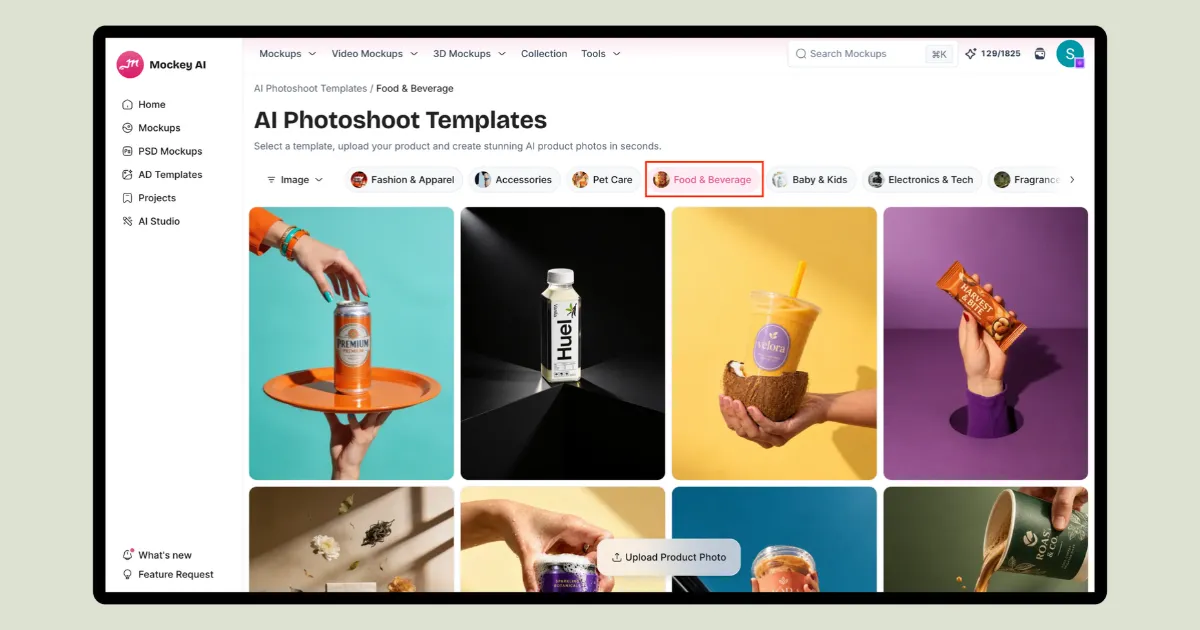
Apply the Food & Beverage filter, and pick a template you want.
Press Replace Product, upload your product image, choose the aspect ratio, and hit Generate.
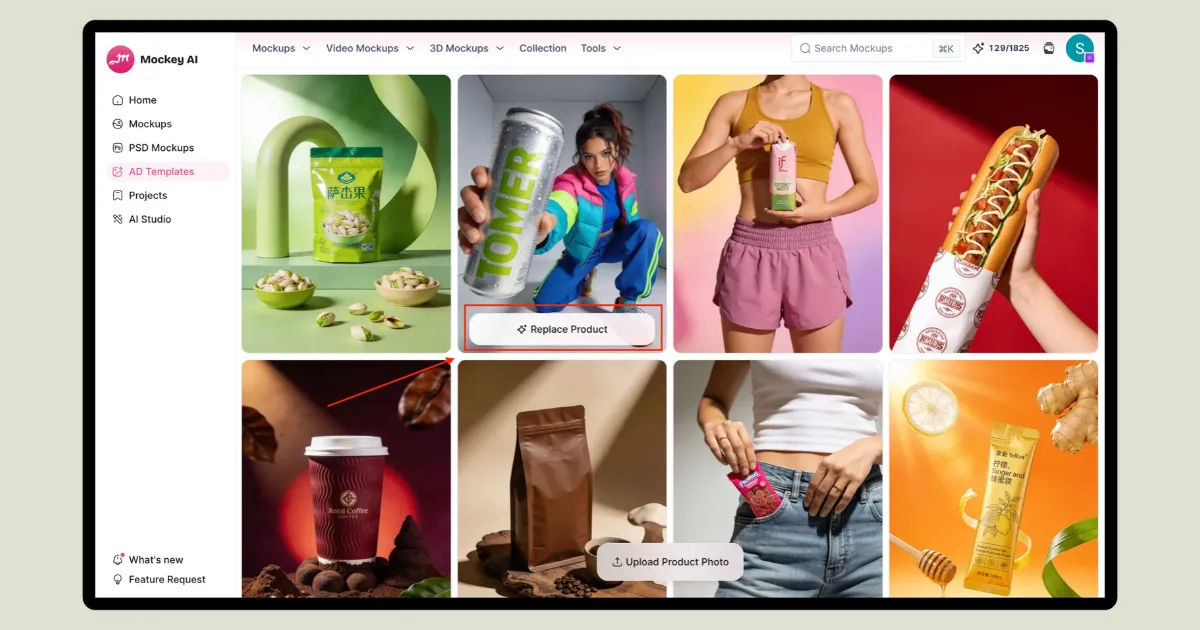
Your new ad image will be ready in seconds.
Look at the output:
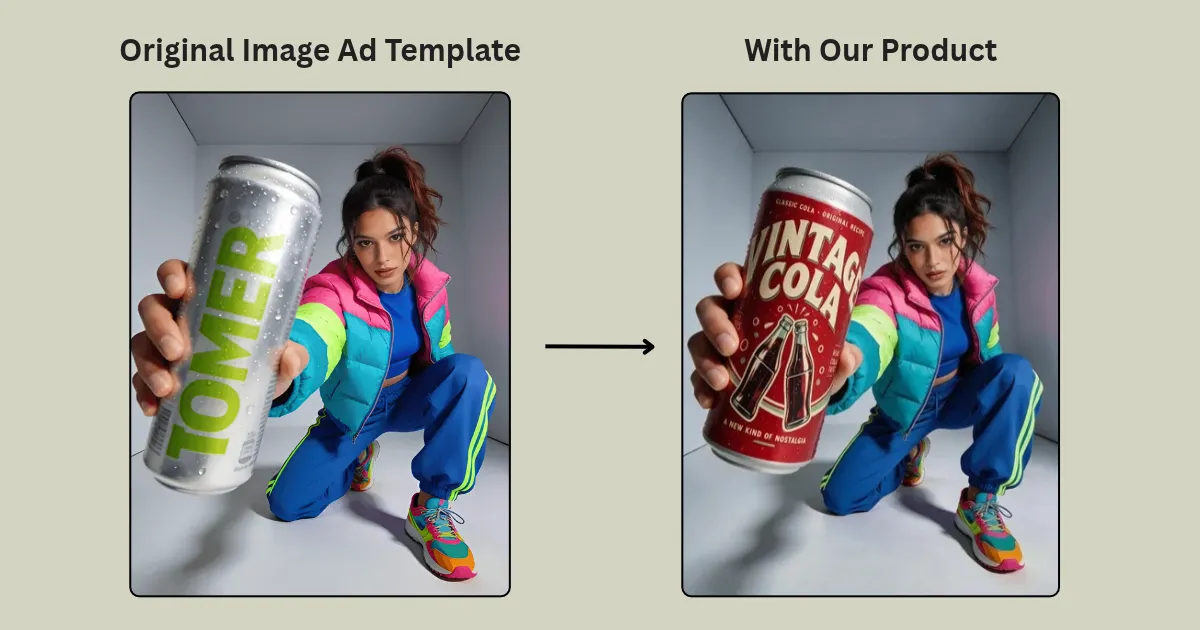
The steps for video ad templates are pretty similar.
Look at the output:
The third step in creating a successful advertisement is to add text and hooks to it. Use sites like Canva or CapCut for making full image ads.
Start with a modern soda can. Transition to the red-and-cream Vintage Cola Can.
Supporting line: “Old-school cola taste.
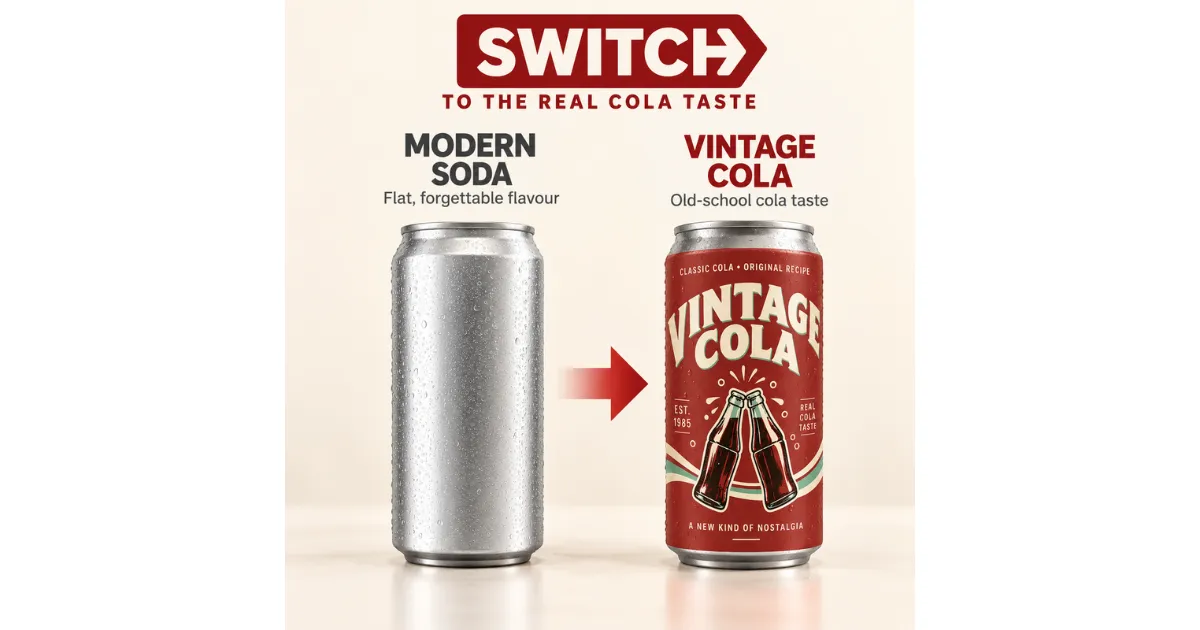
Show close-up shots of the bubbles and can label. Bring in three short lines one by one, using your label’s icons.
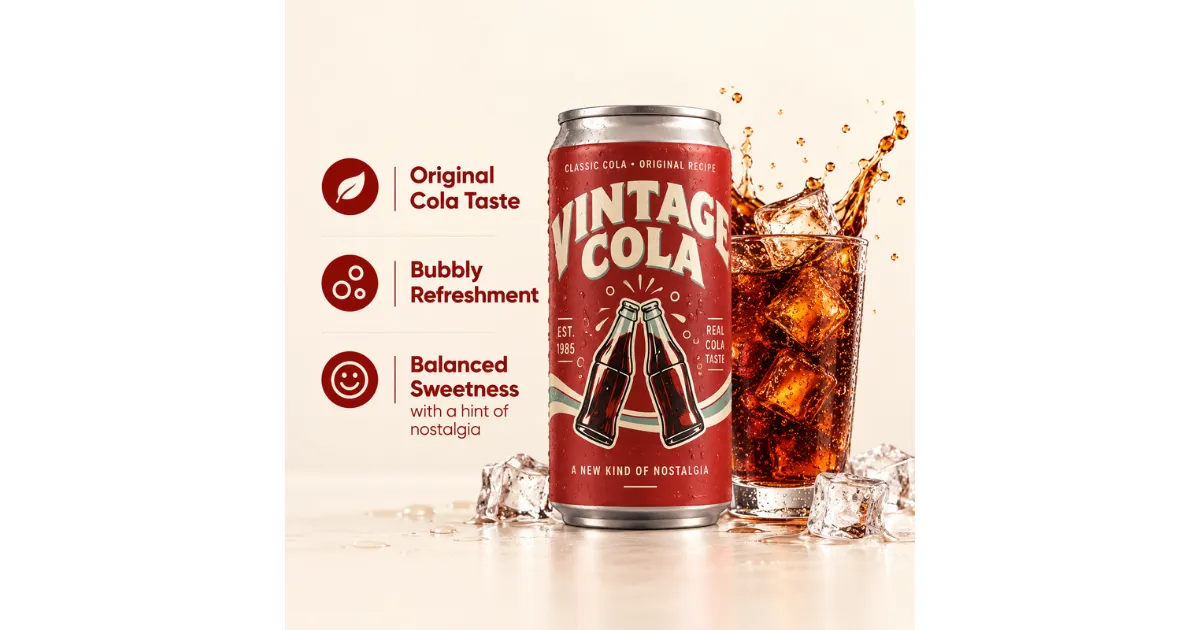
Show a high-quality image that highlights the ingredients.
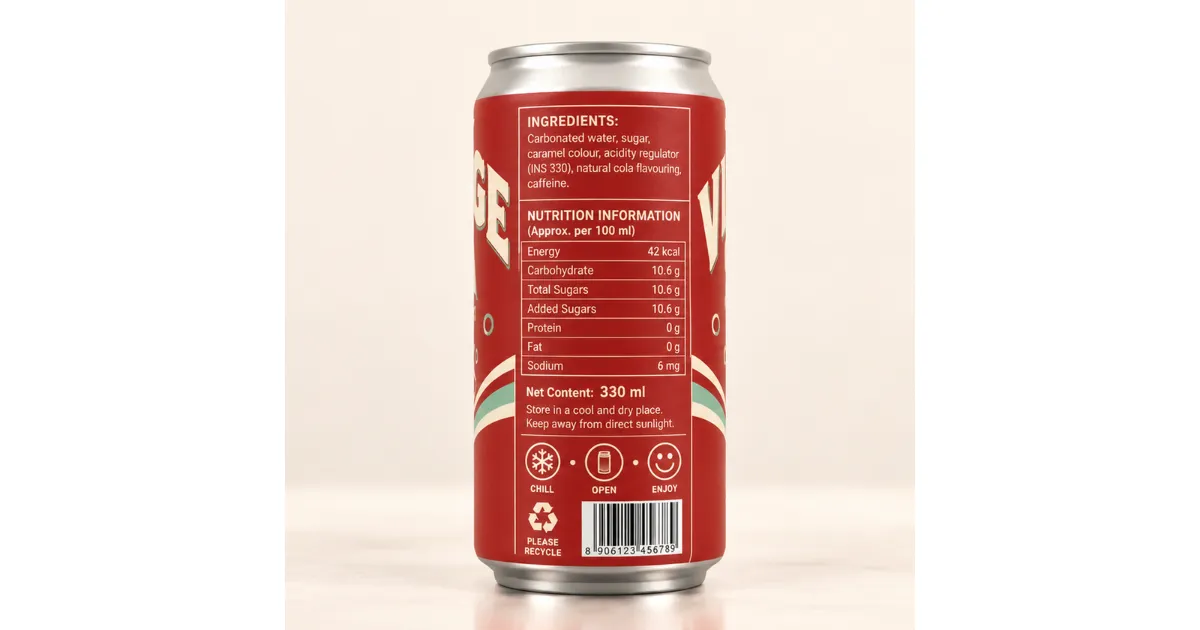
This is the final step. Export your ad in the right format and size for each platform. Keep text sharp, colors accurate, and visuals clear after uploading.
Keep background music around -15 to -20 dB.
Avoid text covering platform buttons and captions at the bottom and right edges.
Export in sRGB to keep your vintage red from looking dull or too bright on mobile screens.
Create one master folder, then export your assets in three formats for different uses.
| Asset Type | Recommended Settings | Target Placements |
| Vertical (9:16) | 1080 × 1920 px, MP4/MOV, H.264, 30–60 FPS | TikTok Ads, Reels, YouTube Shorts |
| Square (1:1) | 1080 × 1080 px, JPEG/PNG or MP4 | Amazon Sponsored Brands, Shopify PDP, Meta Carousel |
| Widescreen (16:9) | 1920 × 1080 px, MP4/MOV | Amazon Video, YouTube Ads, Desktop Banners |
Large files get compressed by ad platforms, which can make your vintage text look blurry or pixelated.
Keep your 15-second video under 20MB. If it’s too large, compress it with a free tool like HandBrake. Compress PNG or JPEG files with TinyPNG. This keeps your label details sharp and helps images load faster on mobile.
You now understand how to use AI to make ads clearly.
Skip the costly shoots. Use Mockey AI’s ad templates and let your product stand out. Bas default product ko replace karna hai aapke product se aur generate karna hai.
Make sure you have a Creator plan, starting at $19/month, to access these features.
Creators often need different tools for different jobs. Mockey offers templates for ad creatives, while Arcads and InVideo AI let you build the full video ad.
Mockey lets you use AI-generated models in paid ads.
In the US, typing a prompt and letting AI make the whole ad doesn't give you copyright over the result. Copyright law requires human creative input.

Sangram Sahoo
I’m a content writer with 4 years of experience. I specialize in creating practical content around mockups, print-on-demand, apparel, and e-commerce design.
