Premium Macbook Air M1 Mockup MacBook Motion Mockup – Bring Your Screens to Life
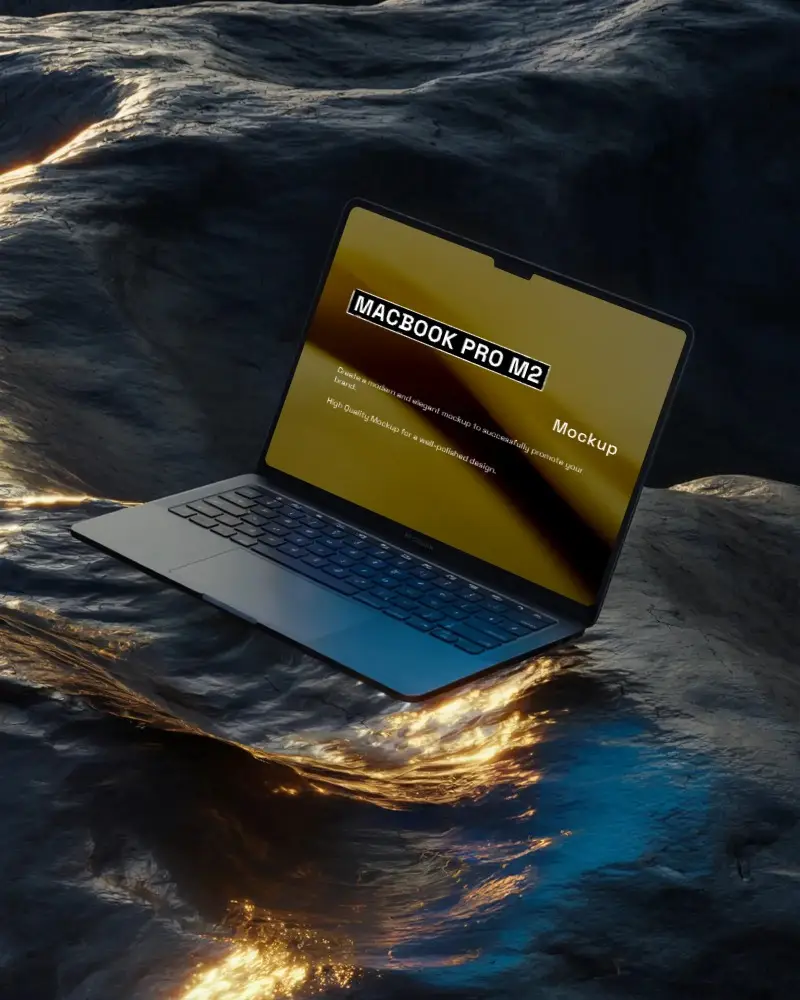
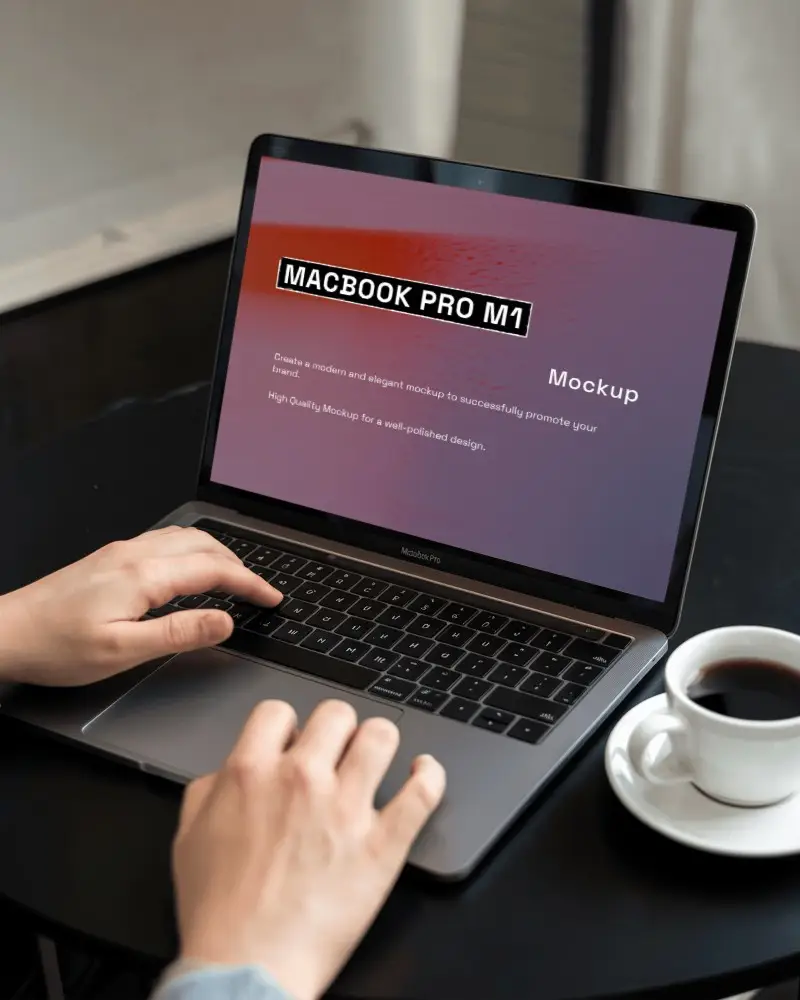
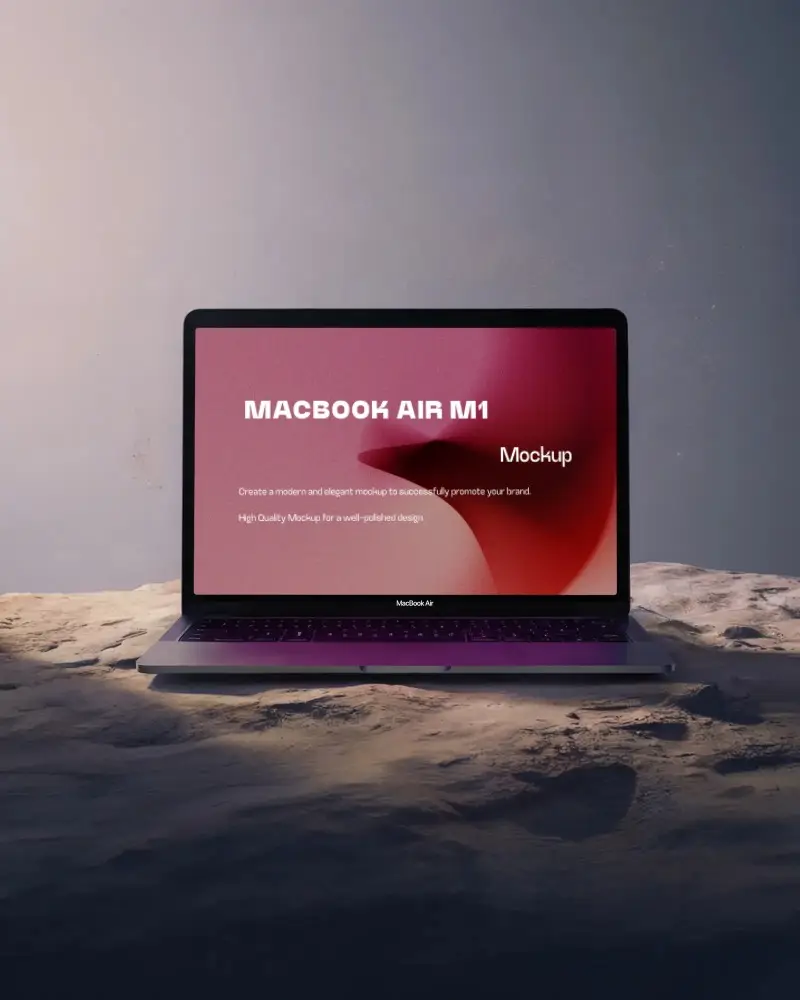
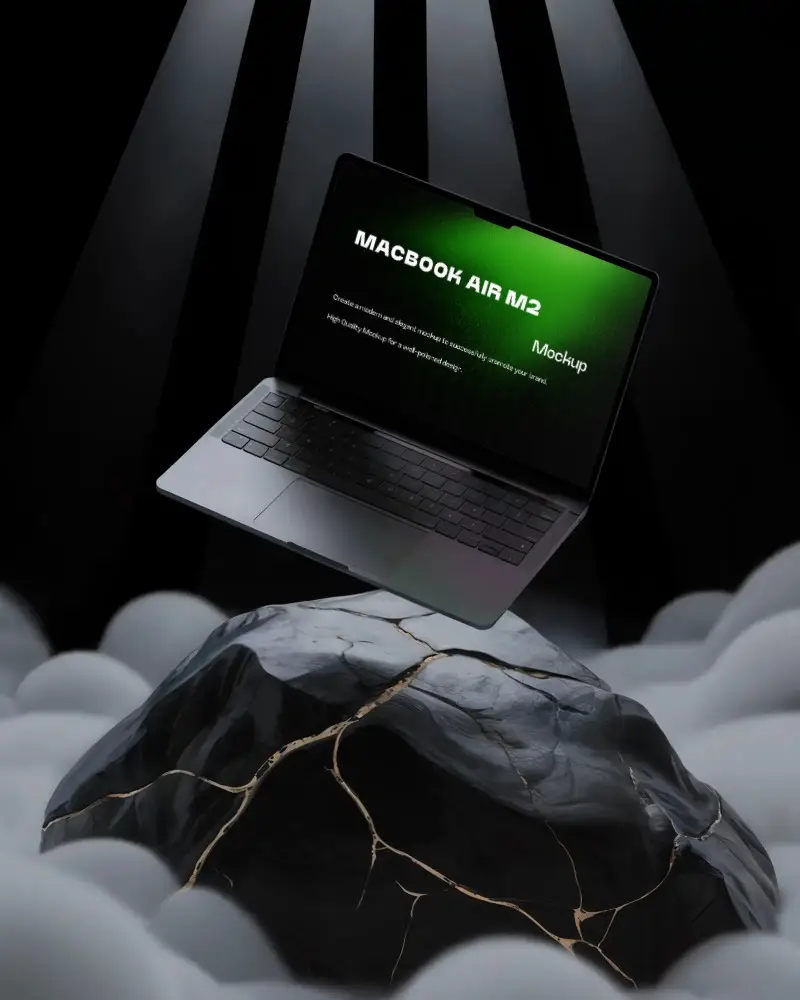
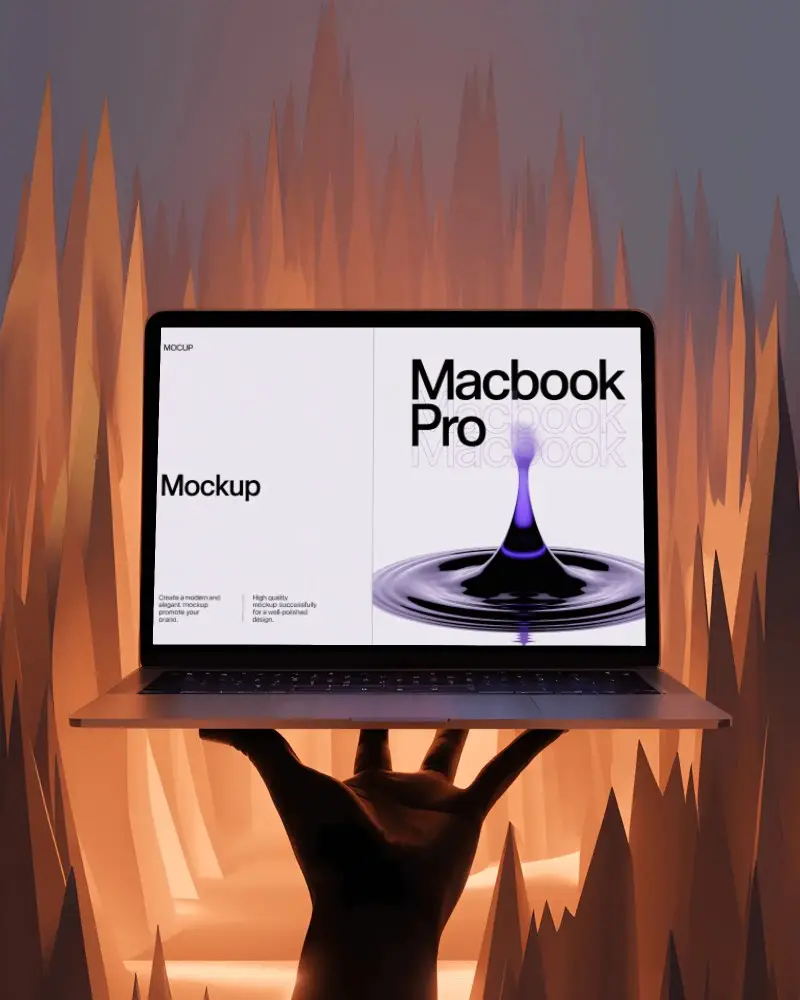
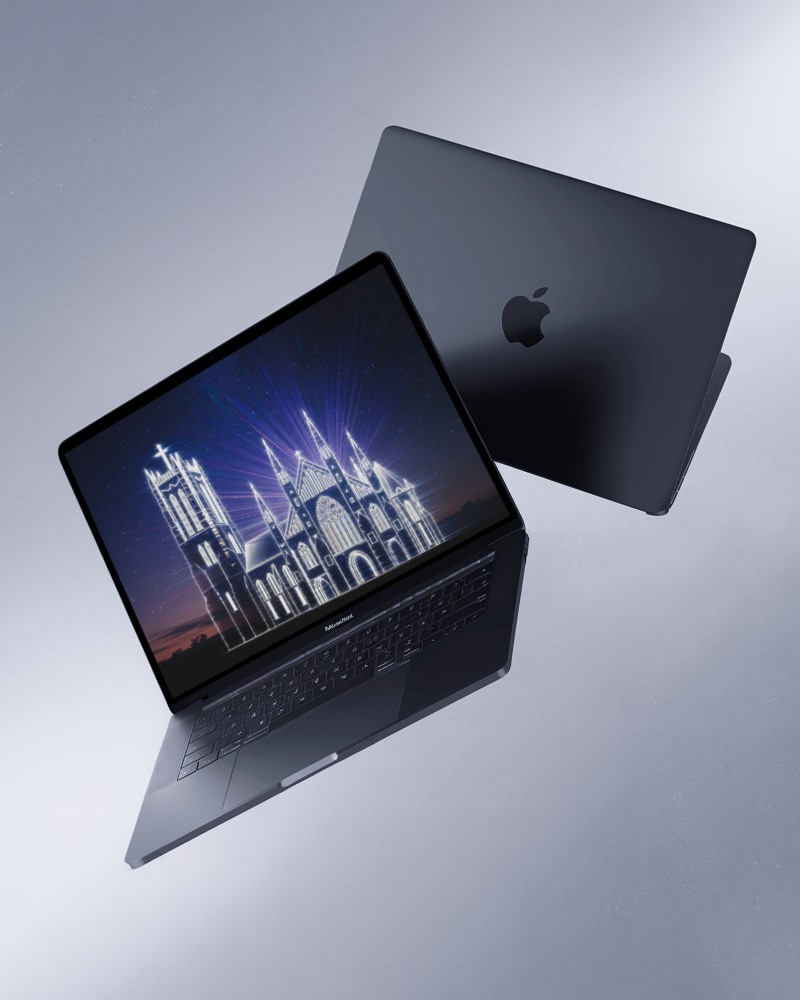
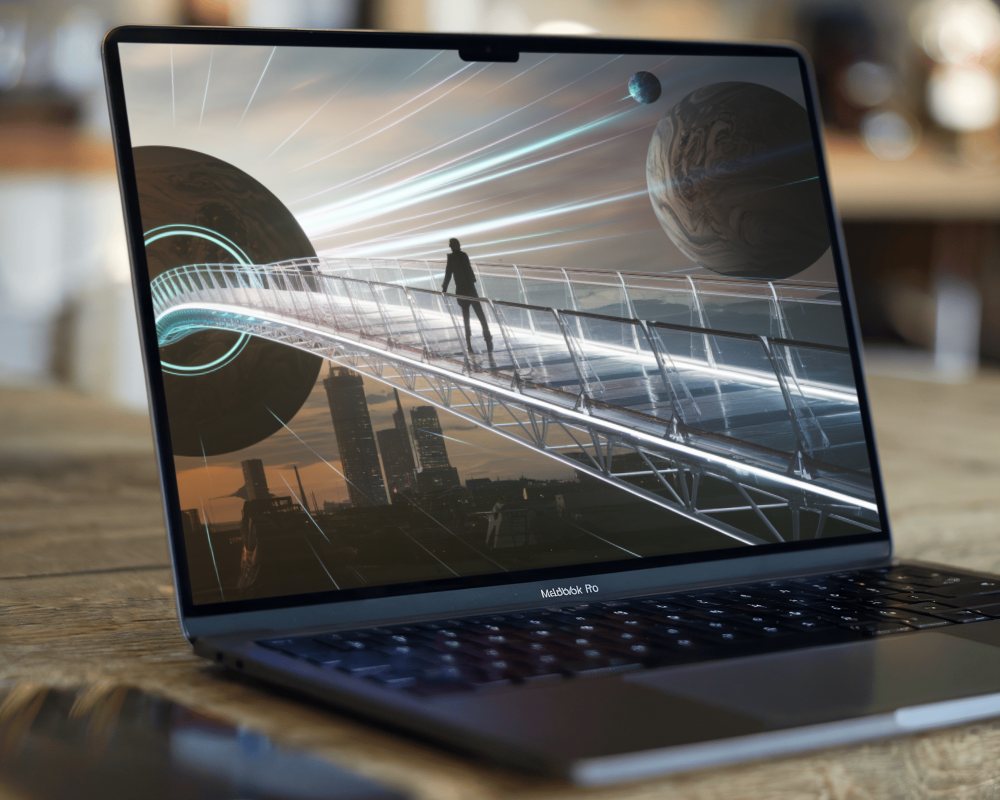
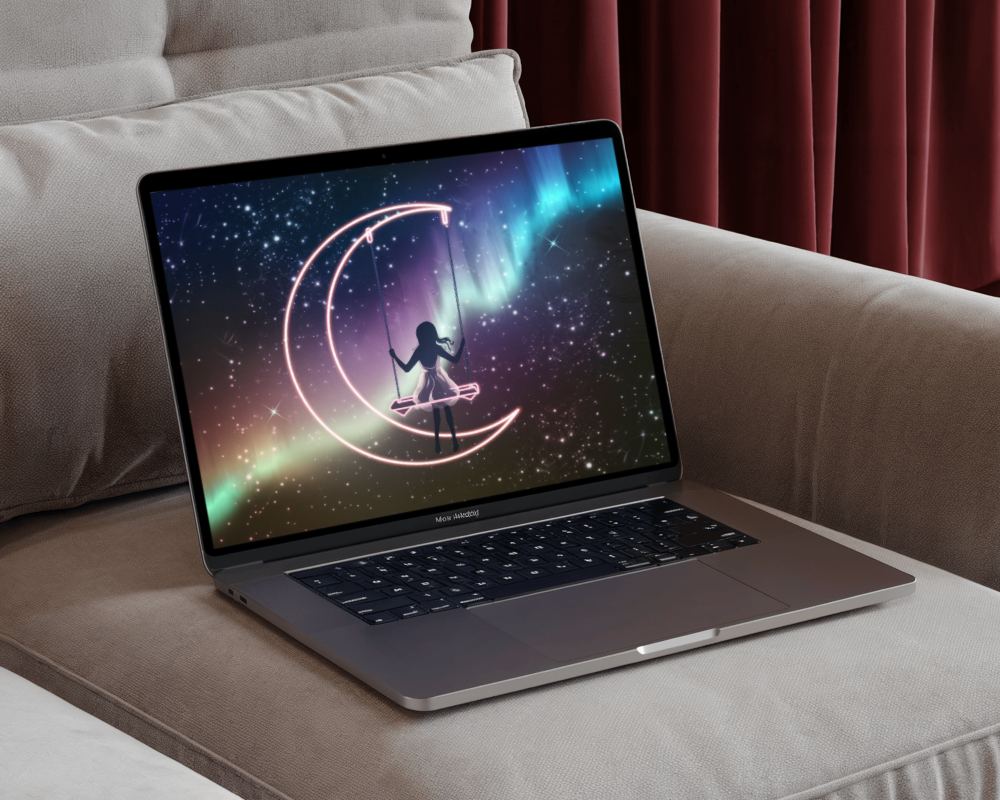
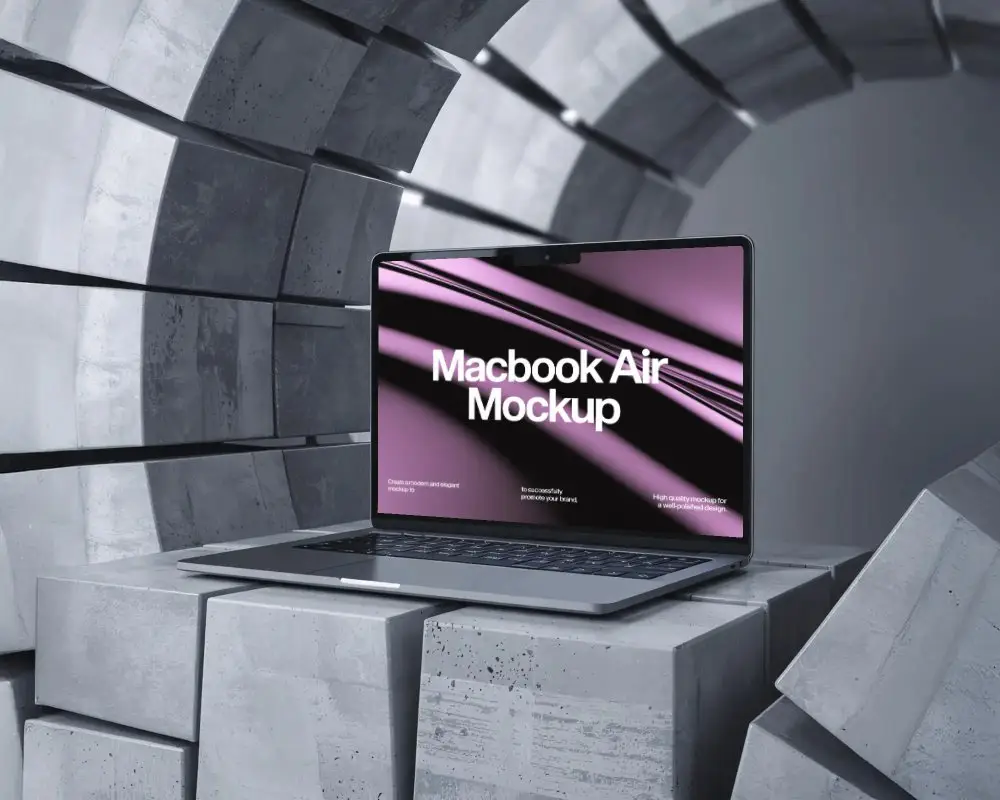
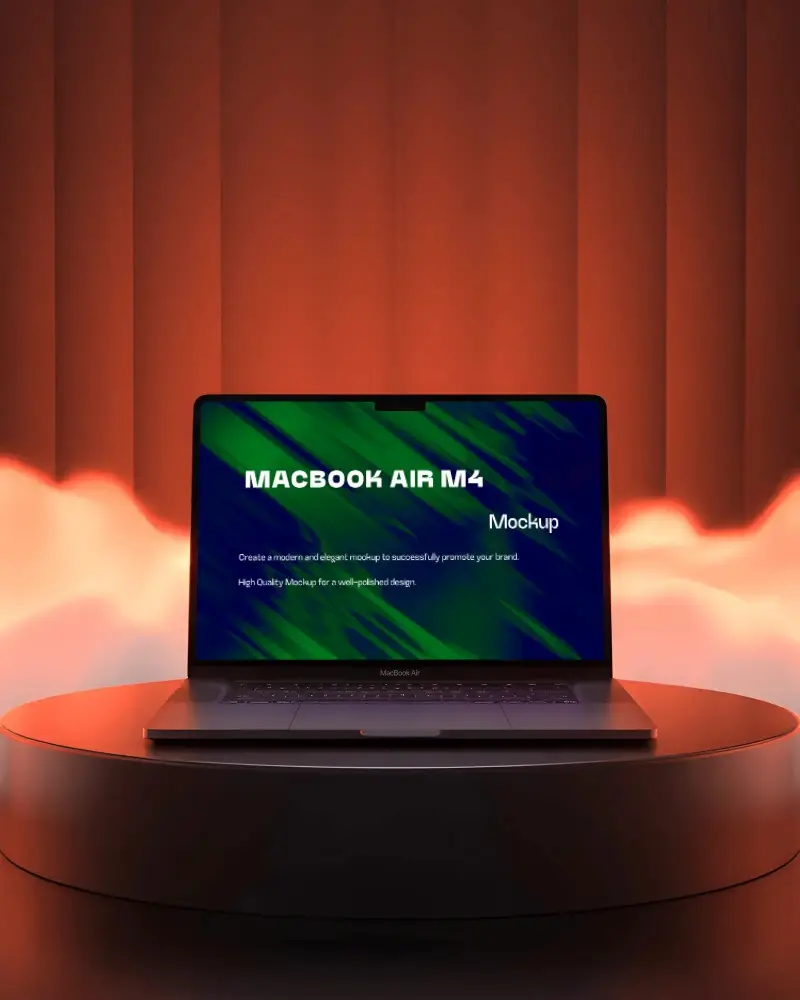
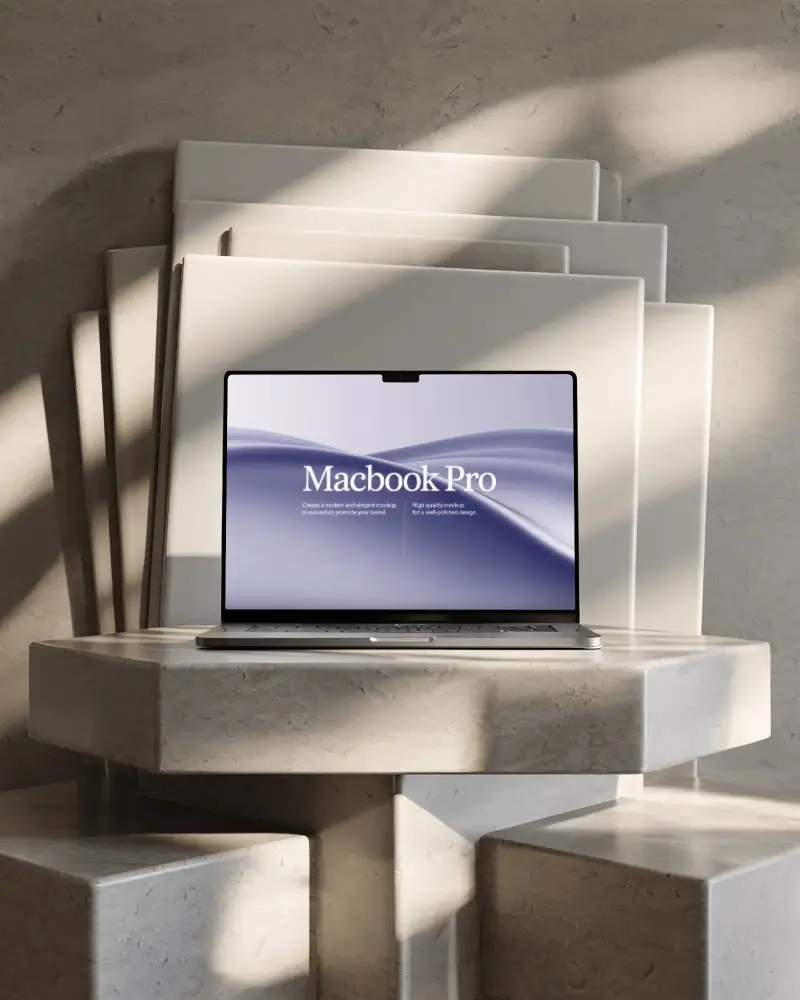
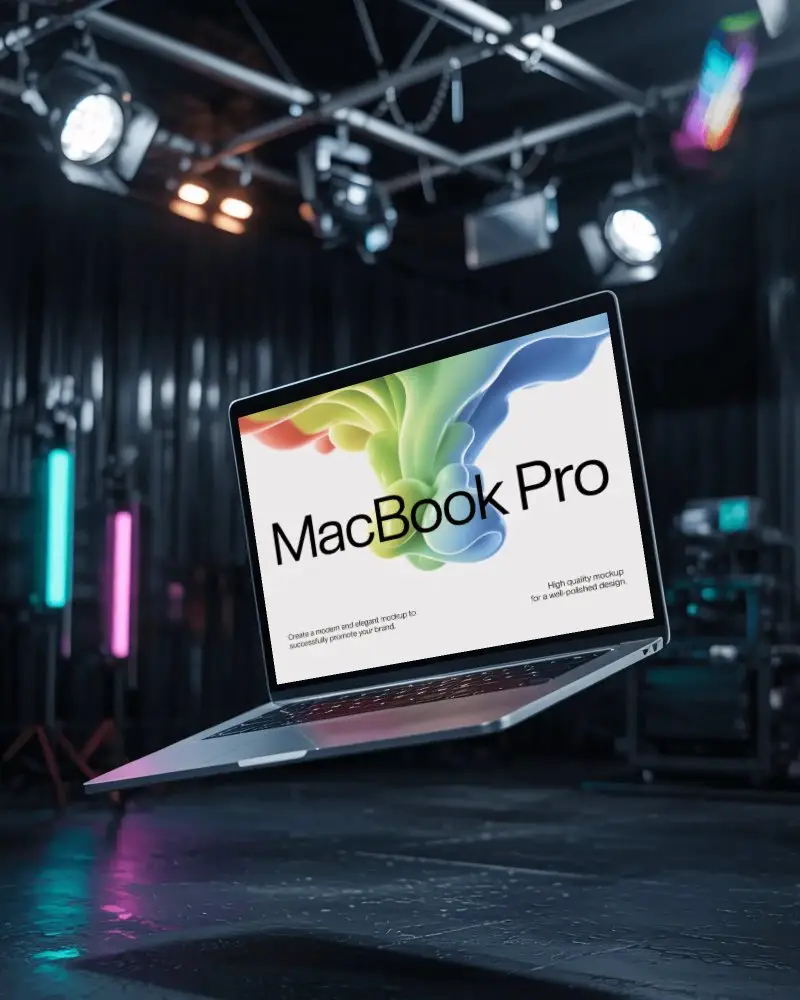
Mockey’s Macbook Air M1 Mockup MacBook video mockup gives your UI, SaaS, and website layouts a clean, cinematic presentation. With subtle motion, crisp angles, and a premium device look, your digital work feels more professional and engaging at a glance.
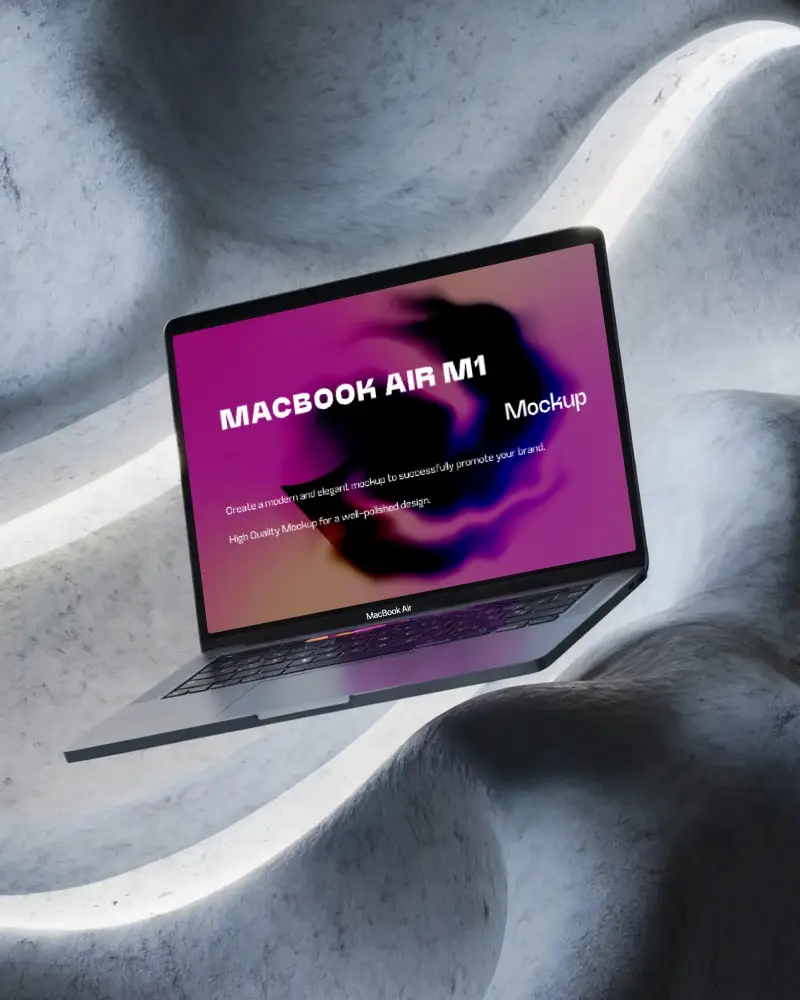
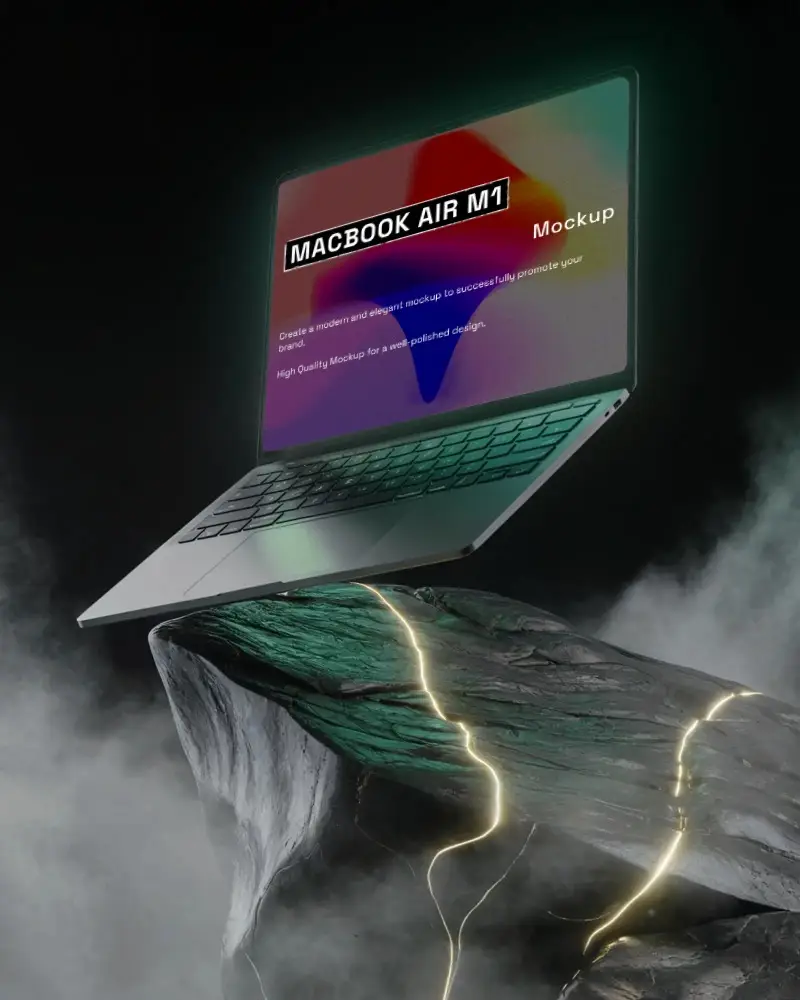
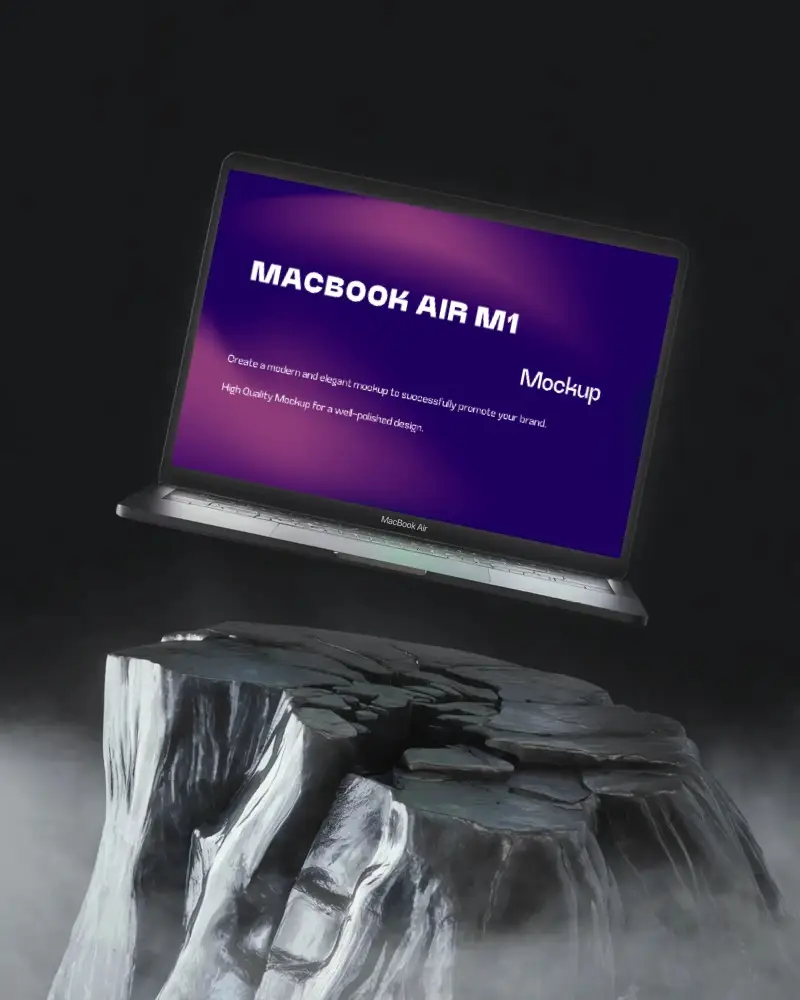
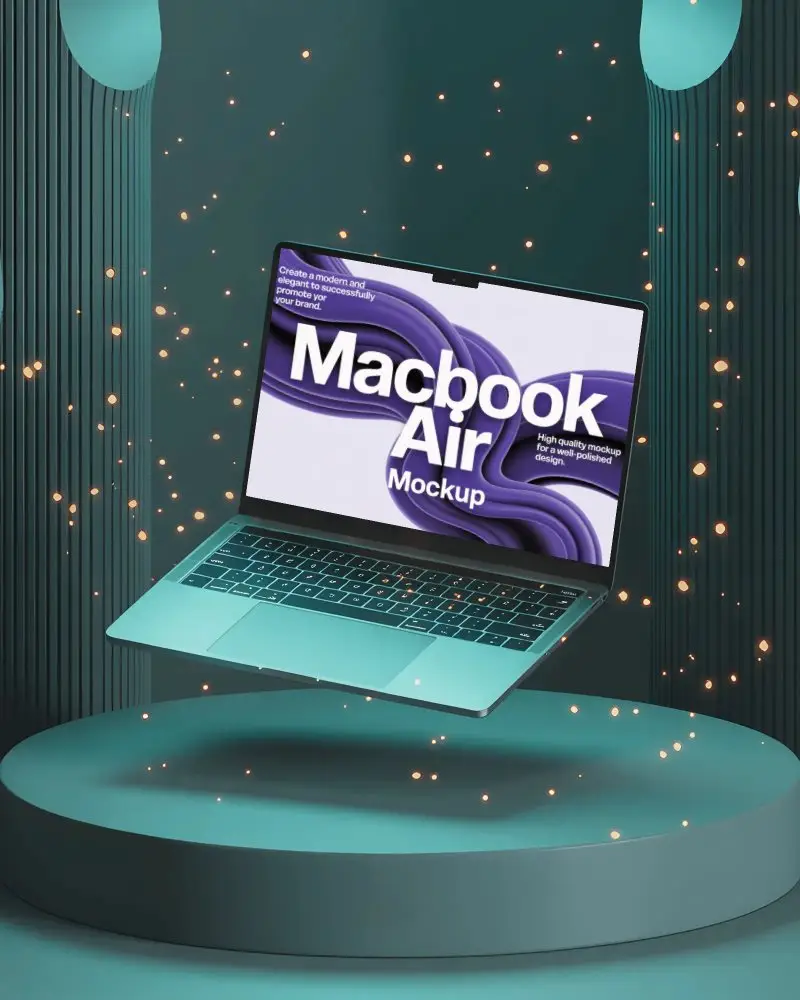
How to Create a Macbook Air M1 Mockup MacBook Video Mockup
To create a Macbook Air M1 Mockup MacBook video mockup:
- Step 1: Purchase the CREATOR or ELITE plan. Open Video Mockups and select MacBook from the Tech category.
- Step 2: Choose a video template, upload your design, crop it, and make any required adjustments.
- Step 3: Click Generate Video to create and save the Macbook Air M1 Mockup MacBook video mockup.


FAQs on Macbook Air M1 Video Mockups
hat is a Macbook Air M1 Mockup MacBook video mockup?
An Apple Macbook Air M1 Mockup MacBook video mockup is a video template on which users can place screenshots or their website design. Video mockups are best for showing previews to clients.
Can I insert any screen size into the Macbook Air M1 Mockup MacBook video mockup?
For best results, upload a design that matches the screen size of the MacBook model you select. This ensures proper cropping and avoids unwanted cut-offs.
Will the motion stay smooth after exporting the Macbook Air M1 Mockup MacBook mockup video?
Yes, Mockey AI exports Macbook Air M1 Mockup MacBook video mockups with smooth motion and optimized settings, so you won’t face jerky or choppy animations.
Do I need editing skills to use the Macbook Air M1 Mockup MacBook video mockup?
No editing skills are required. Mockey AI provides ready-to-use video templates where you simply upload your design and generate the video.
