Magazine Video Mockup – Flip Through Your Design in Motion
Flat pages feel flat. With Mockey’s magazine video mockup, your design flips, flows, and comes alive. From smooth transitions to lifelike lighting, it’s the perfect way to showcase editorials and premium layouts in motion. Make your magazine feel as good as it looks.
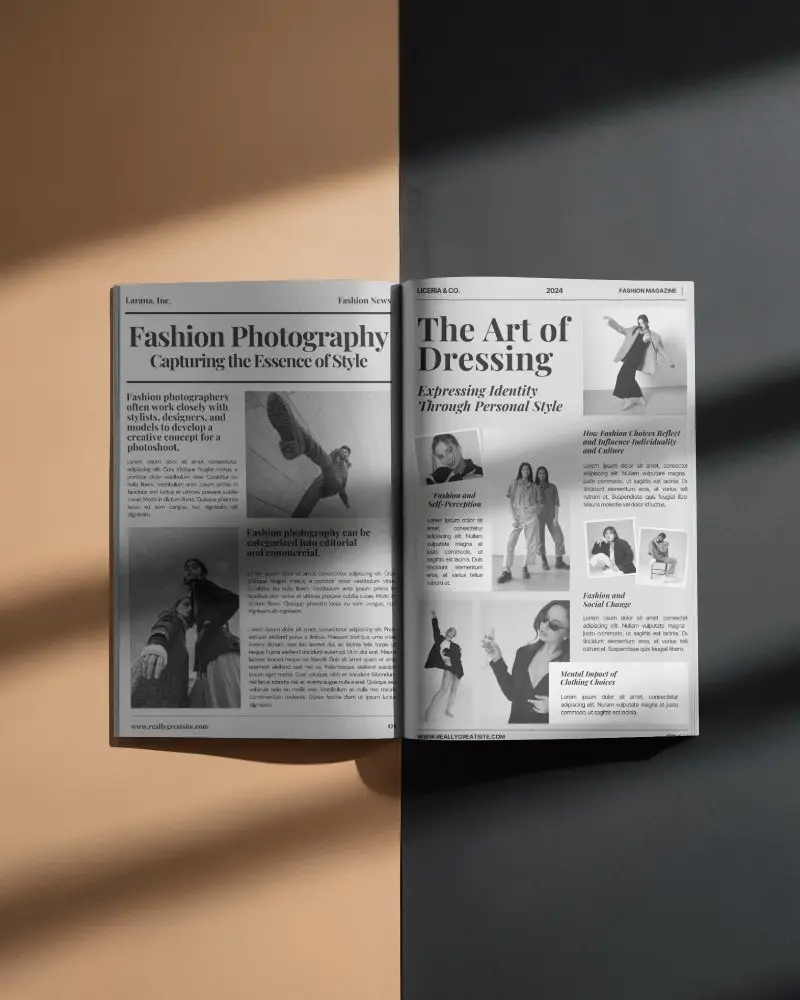
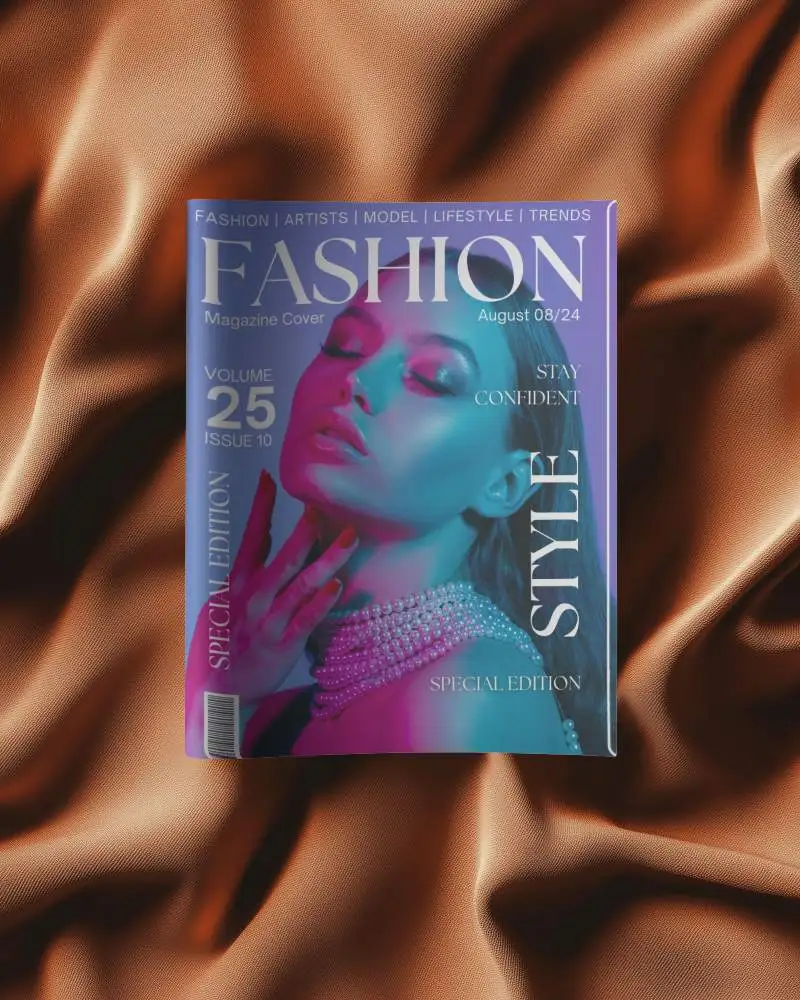
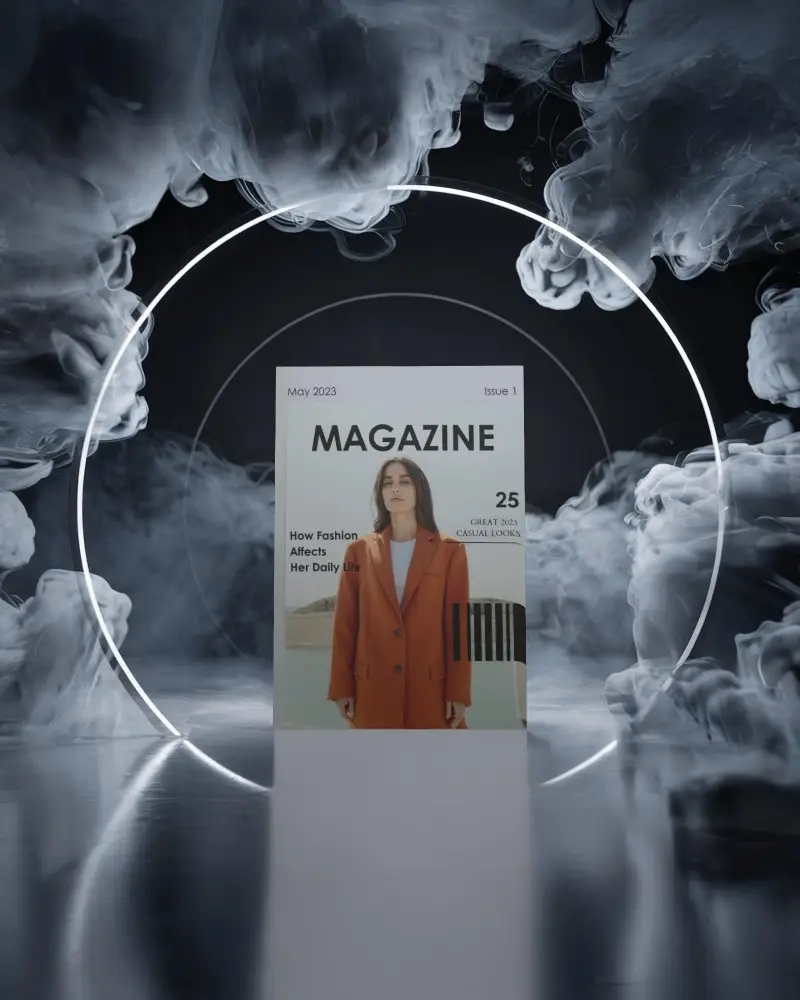
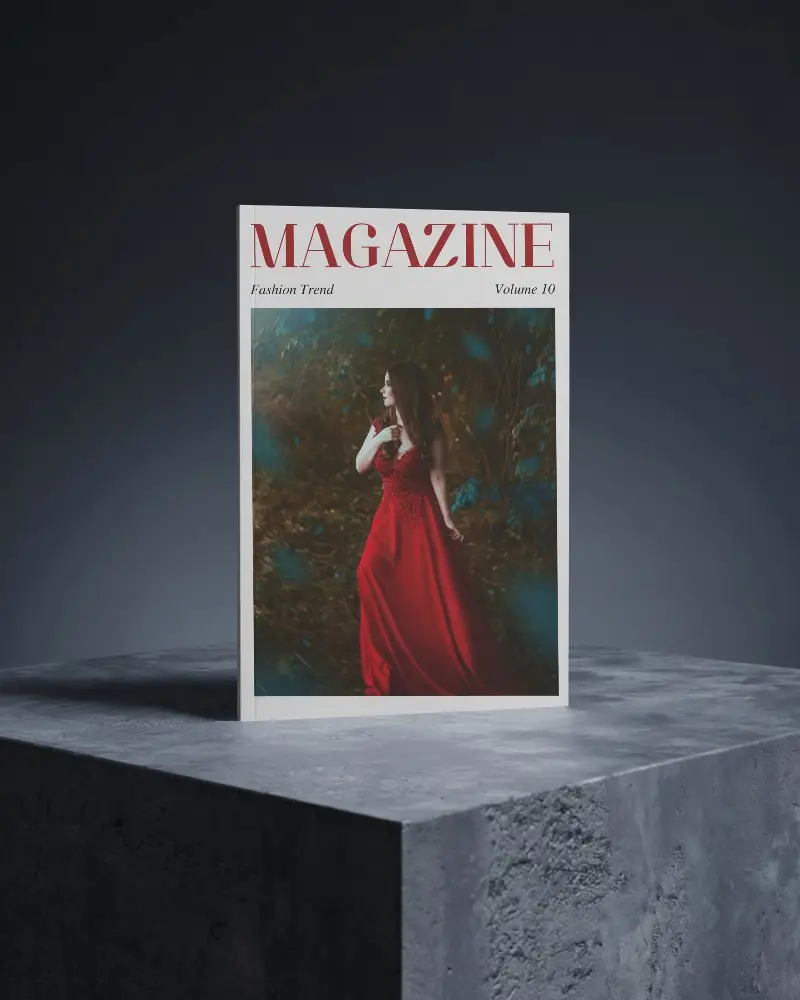
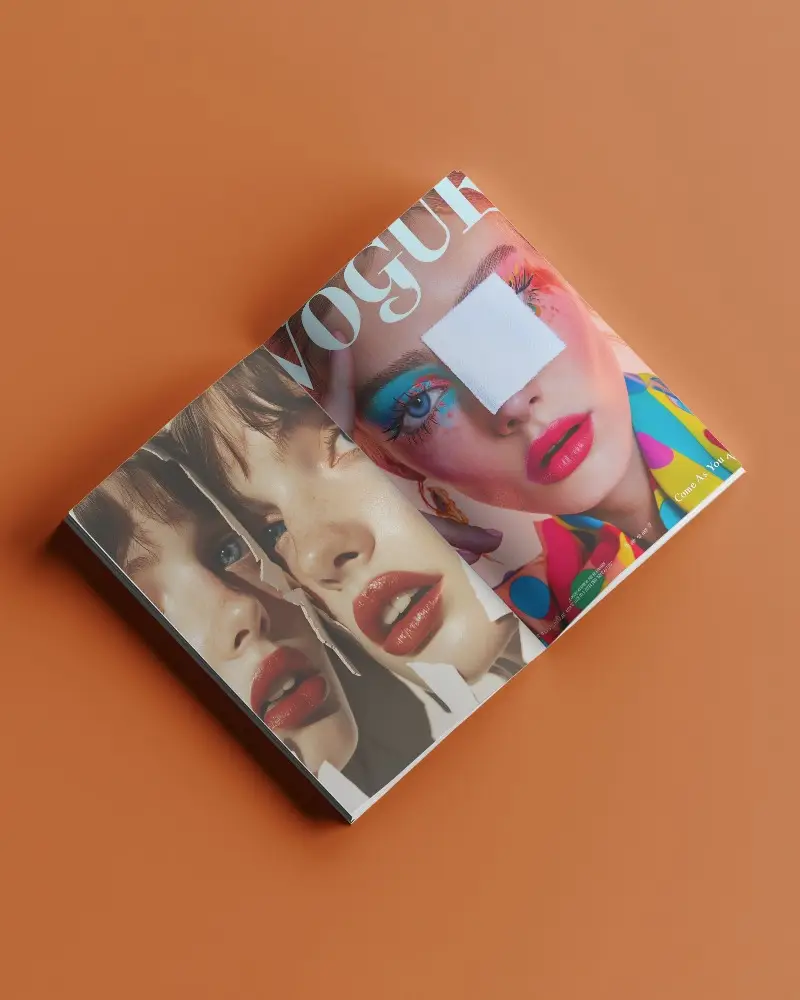
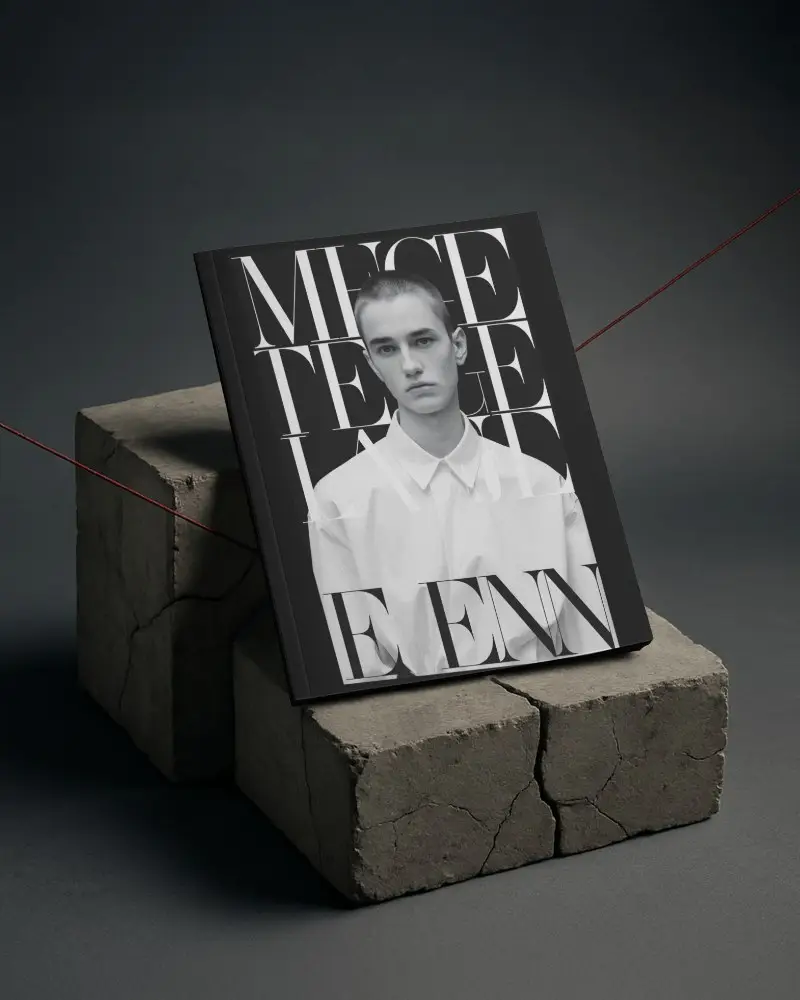
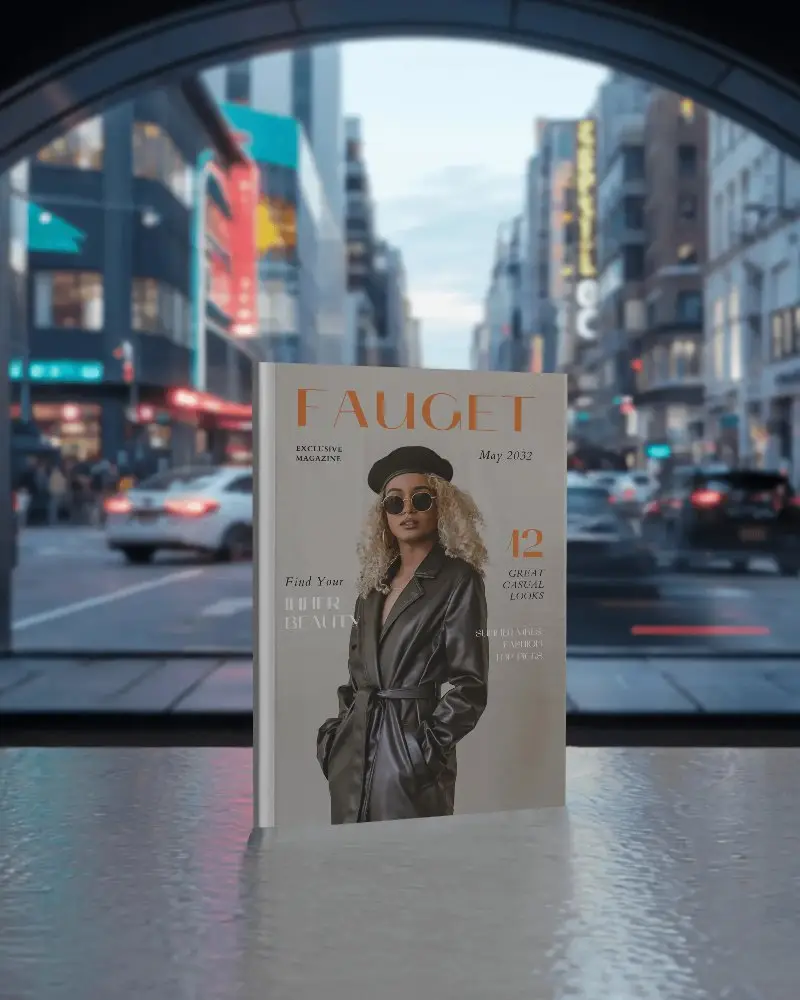
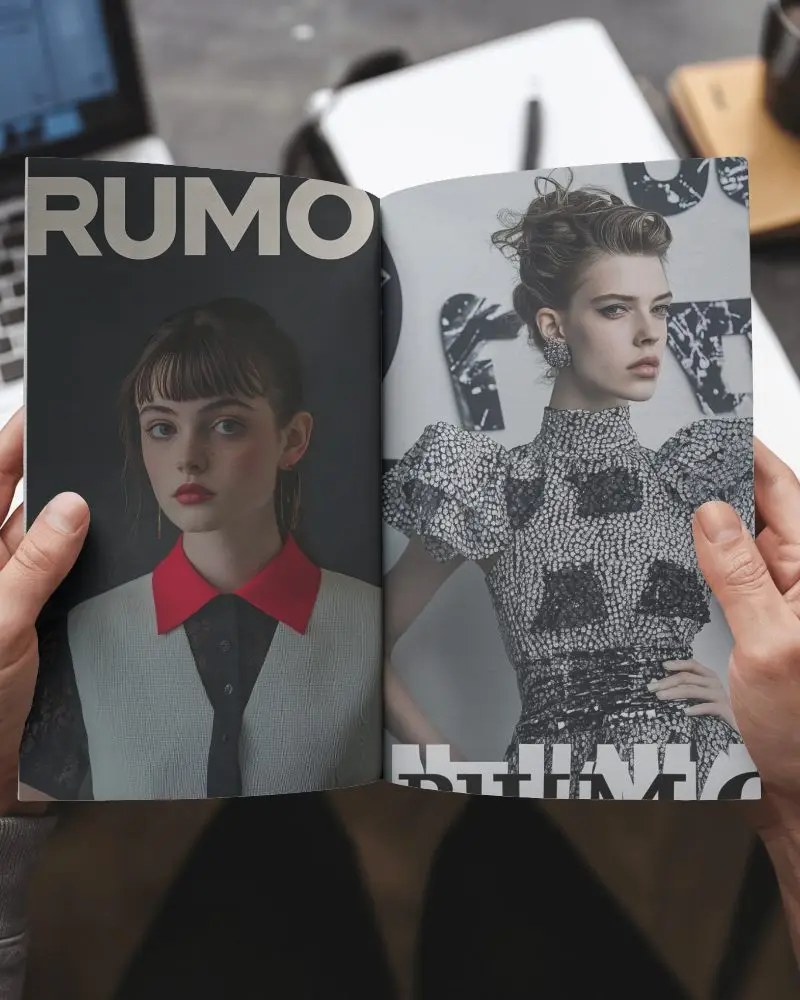
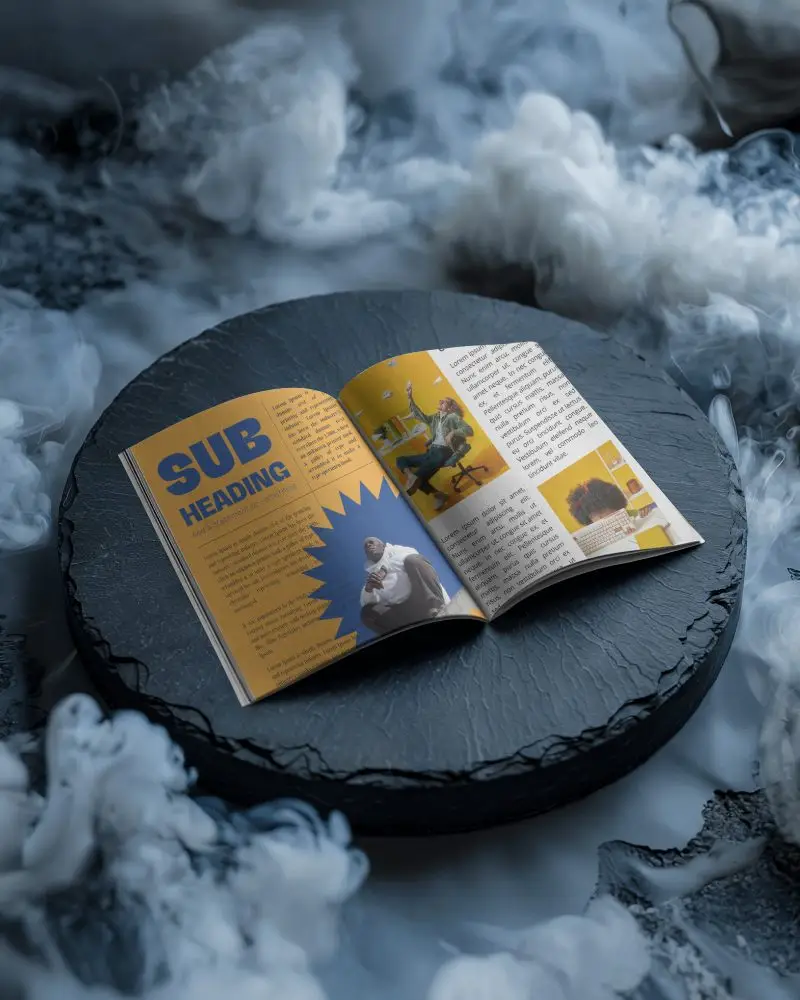
How to Create a Magazine Video Mockup with Mockey AI
To create magazine video mockups:
- Step 1: Register for an account. Acquire and subscribe to the MAX plan.
- Step 2: After selecting 'Video Mockups,' go to 'Print' and select 'Magazine.' To put a design, choose a template.
- Step 3: Make some customizations, then click 'Generate Video' to save the 5-second magazine video mockup.


FAQs on magazine Video Mockups
What is a Magazine video mockup?
A magazine video mockup is a short clip. It looks real, as if someone is flipping through the pages. Your design will look better or be more engaging if you do this.
What is the benefit of using a magazine video mockup?
Magazine mockup templates help you create buzz before launch. Simply upload the artwork, save it, and distribute it online. It works well on Instagram, Facebook, or any other platform. Your audience sees what’s coming, even before printing begins.
Is the magazine video mockup good for online publishing?
Video mockups are particularly effective for online magazines. Static images or PDFs can feel dull. Video attracts more attention. You can use it to promote, advertise, or give a quick preview of your digital magazine.
