Create Lanyard Video Mockups with Animated Mockup Tool
Generate motion Lanyard ID mockups with Mockey AI. Make your lanyard design stand out in dynamic video mockup style — online & easy!
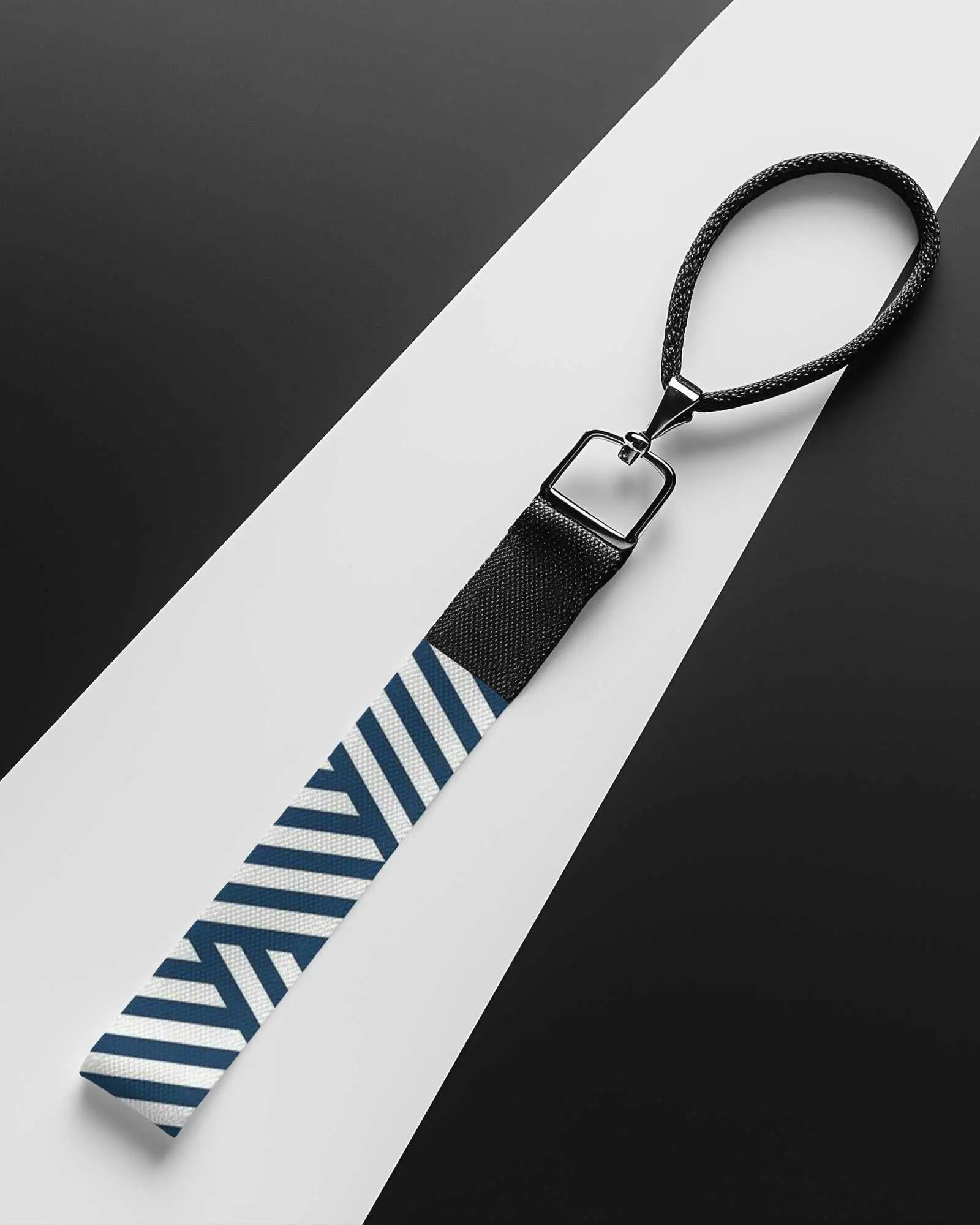
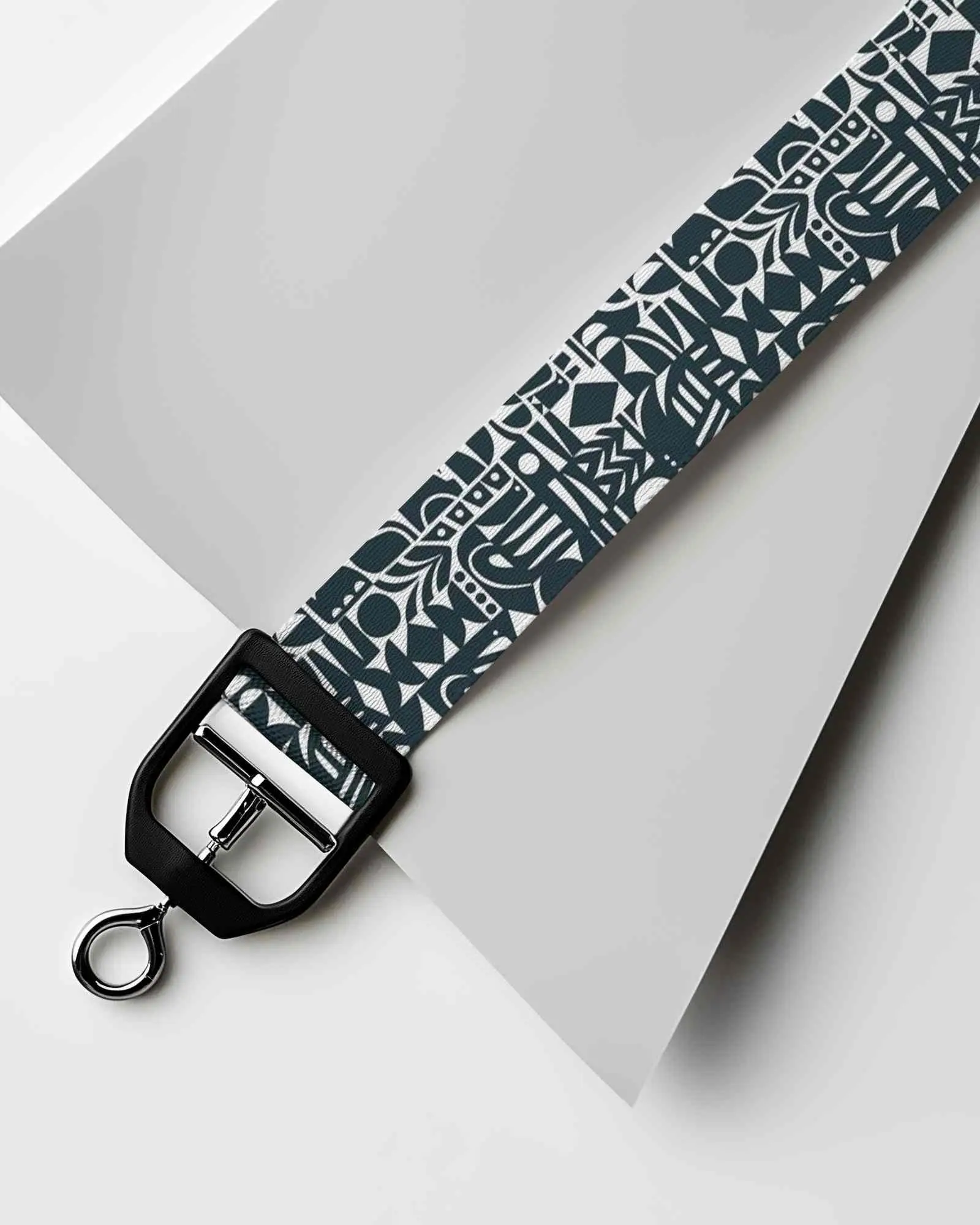
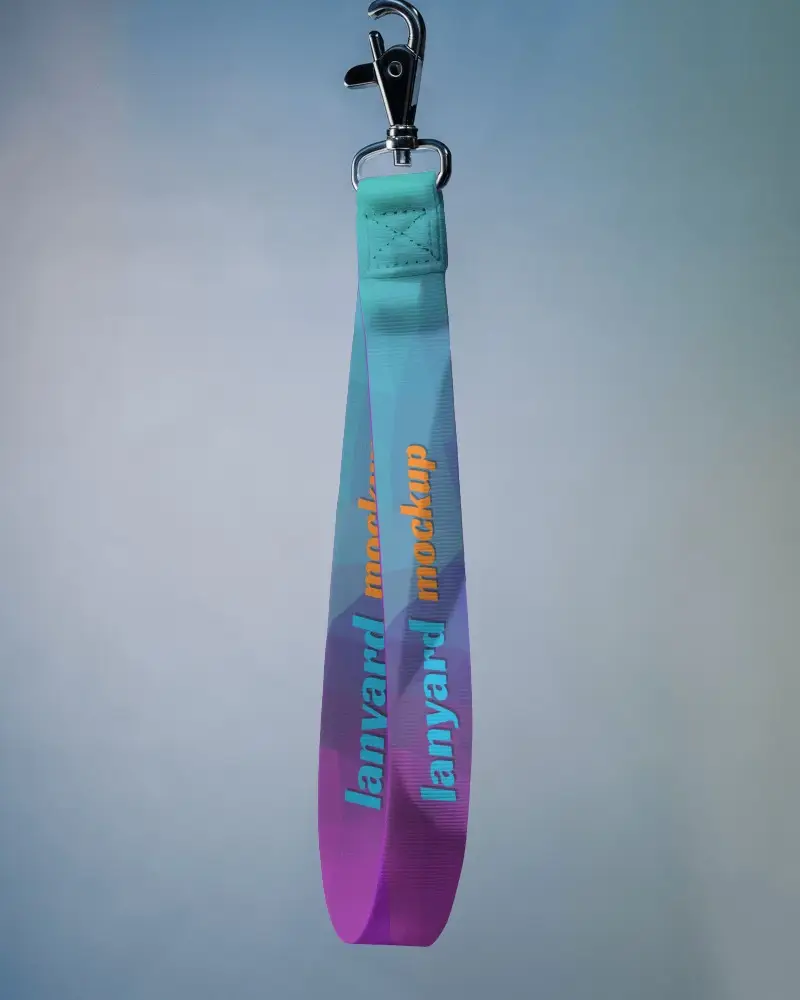
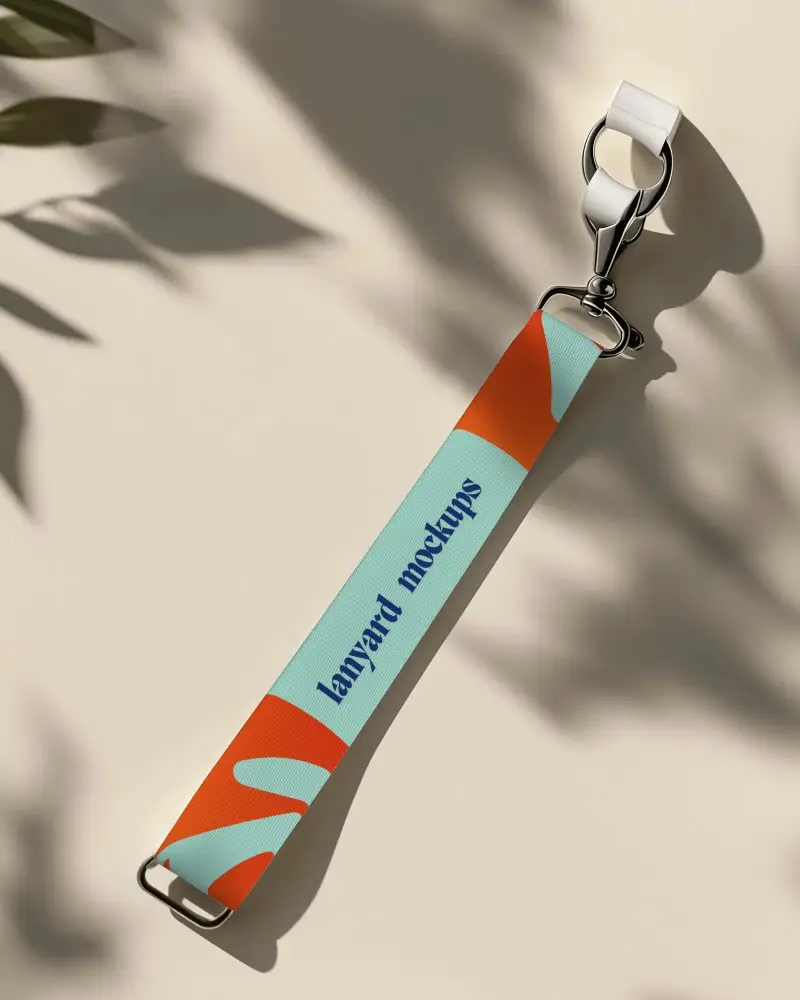
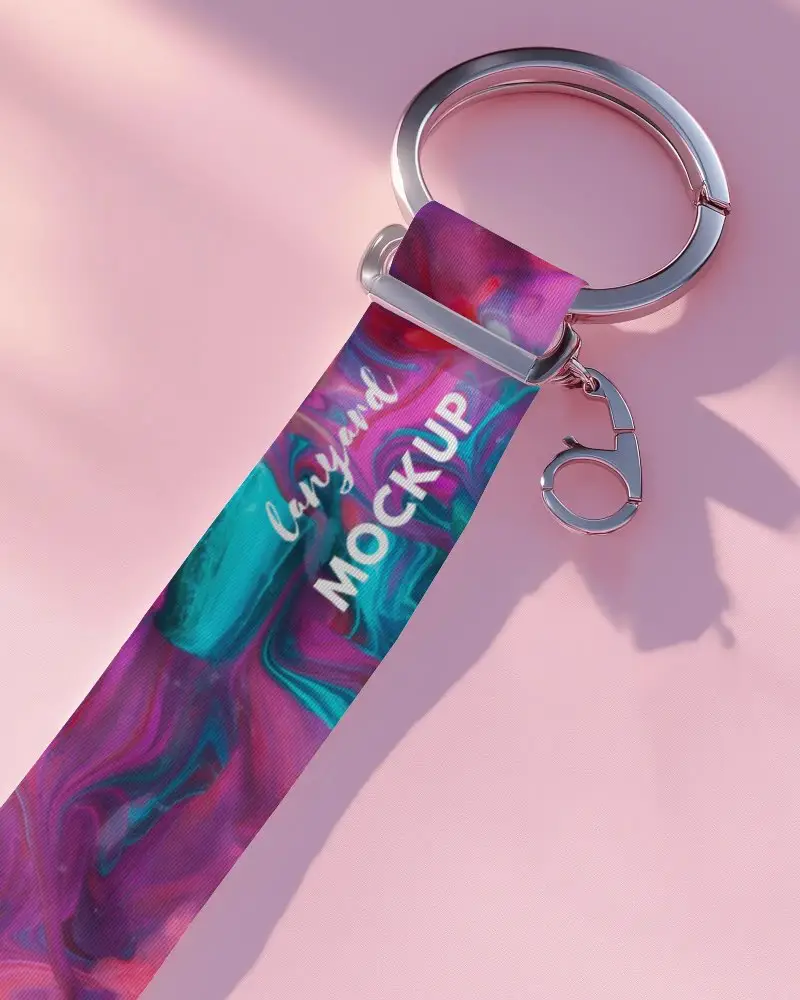
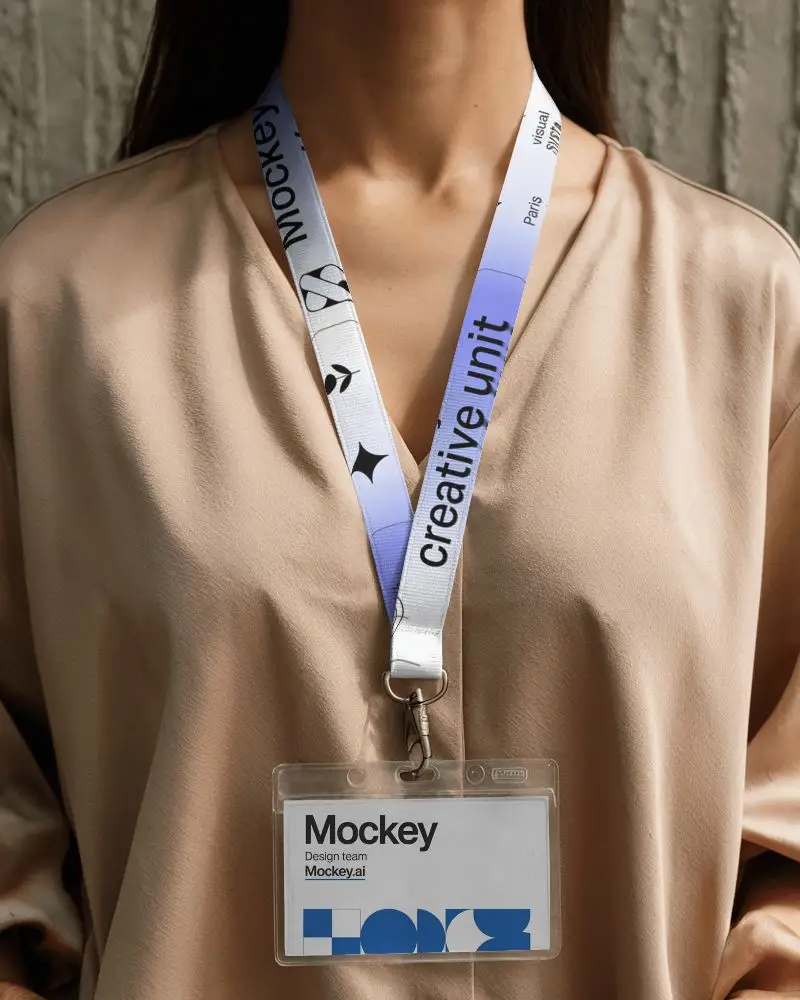
How to Create a Lanyard Video Mockup with Mockey AI
To create lanyard video mockups:
- Step 1: Acquire and register for the MAX plan.
- Step 2: Upon selecting 'Video Mockups,' opt for 'Lanyard' under the Print section. Select a template to incorporate a design.
- Step 3: Click on 'Generate Video' to export the 5-second lanyard video mockup after making a few minor modifications.


FAQs on lanyard Video Mockups
What is a lanyard video mockup?
In a lanyard video mockup, the lanyard is seen being worn in the video. It is used by brands to display designs for staff ID cards, offices, and events.
Can I add my logo to a lanyard video mockup?
You can add your logo to a lanyard video mockup on Mockey AI. Just upload your design. Add your logo. It works with all the lanyard mockup templates.
Is Mockey AI free for lanyard video mockups?
No, in order to use the lanyard video mockup, you must purchase the Mockey AI MAX plan. It costs $19 per month, and there’s currently a 20% discount on the yearly plan.
Which formats can I download the mockup in?
The lanyard video mockup is in the MP4 file type. It works well on most phones and laptops. Easy to share.
What are the best lanyard video mockup tools?
The top lanyard video mockup tools are Mockey AI, Canva, and Dynamic Mockups. Mockey AI adds animation to your mockups. Canva helps you make lanyard videos fast. Dynamic Mockups lets you create many at once. All three have ready templates, quick edits, and budget-friendly plans.
