Packaging Tube Video Mockups
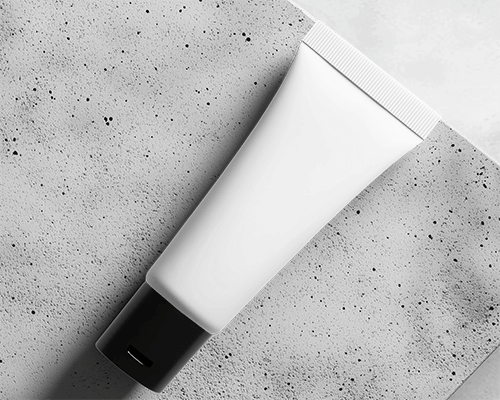
Showcase your tube video mockup using Mockey AI. Customize scenes in seconds and display packaging videos in a clean, professional presentation.

How to Make Tube Video Mockup in Mockey AI
To create tube video mockups:
- Step 1: Begin by purchasing the MAX plan. Subsequently, select 'Video Mockups' and under the 'Tube' section, opt for 'Packaging.'
- Step 2: Choose a template according to your needs. Upload a design, and then make any necessary adjustments.
- Step 3: Finally, click on 'Generate Video.' The tube video mockup will be available for download.


FAQs on tube Video Mockups
What is a Tube Video Mockup?
A tube video mockup shows a product in a tube, but in motion. The end result is a vibrant, realistic display of your design. Unlike still images, it captures movement. You can see the product in use or placed in a well-designed setting.
Who uses Tube Video Mockups?
Tube video mockups help businesses and individuals see how their product packaging will look before production. They work best for tube-shaped containers used in skincare, lotions, toothpaste, and other personal care items. Dropshippers and print-on-demand sellers also use them to showcase products without keeping any stock.
Do Tube Video Mockups help with branding?
Tube video mockups are wonderful for branding. As a result, it's easy to envision how your brand will look in actuality. This builds client trust. It also helps improve designs and makes marketing more effective.
