Bottle Video Mockup | Showcase Your Bottled Products in Motion
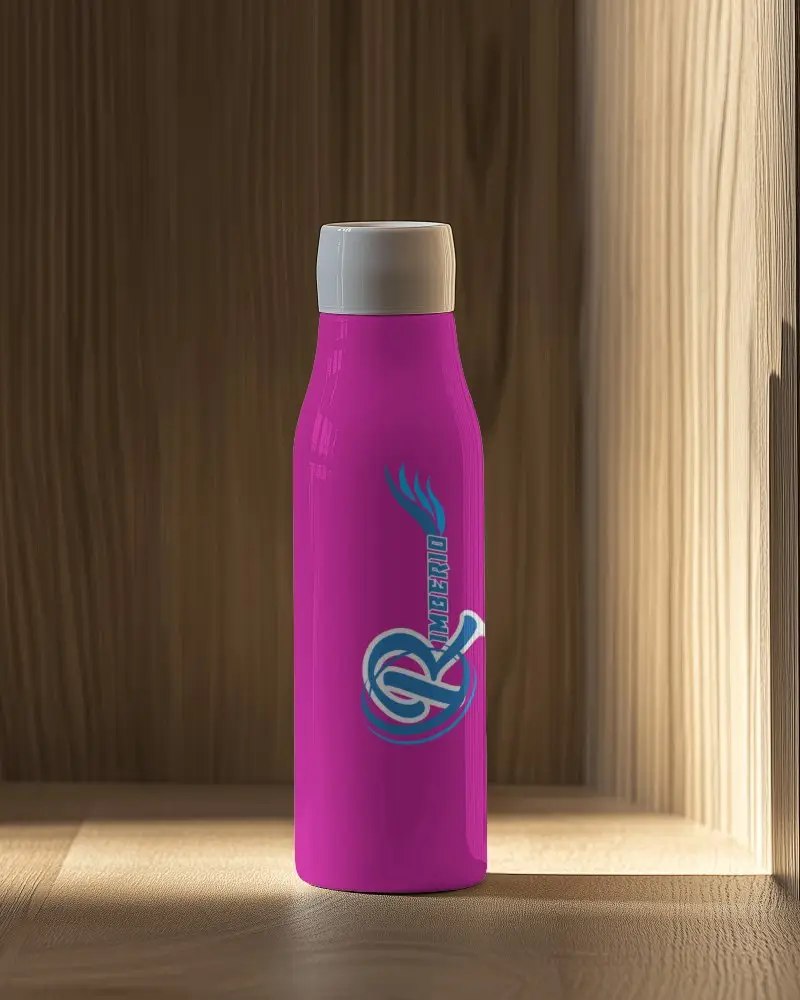
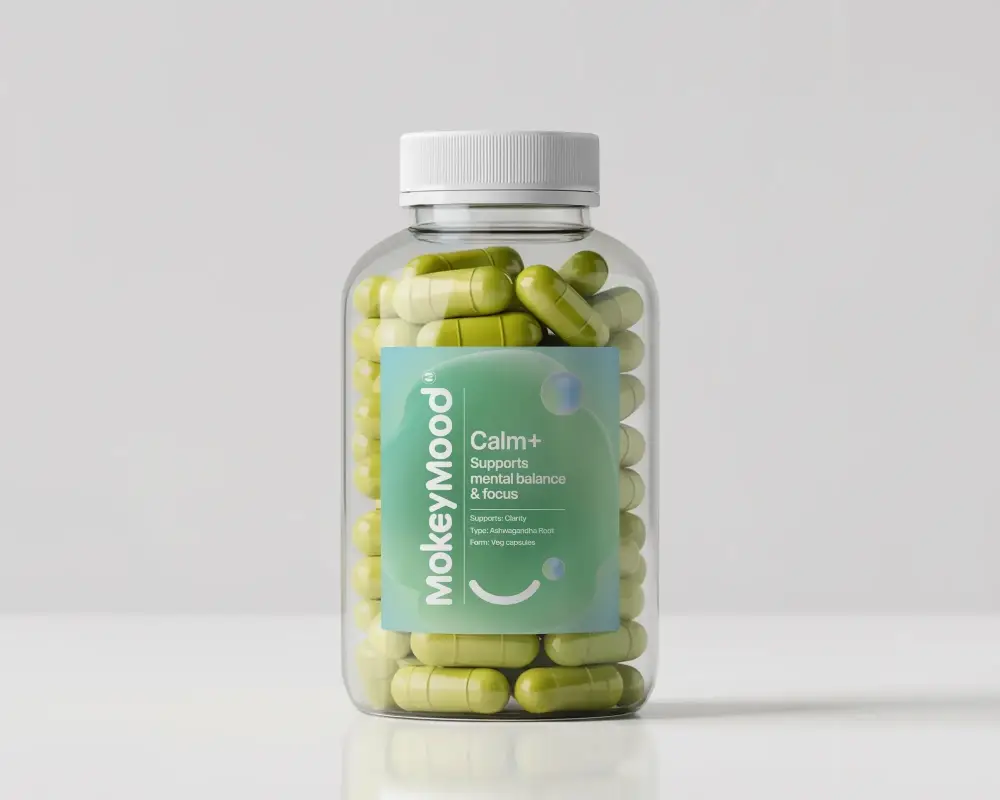
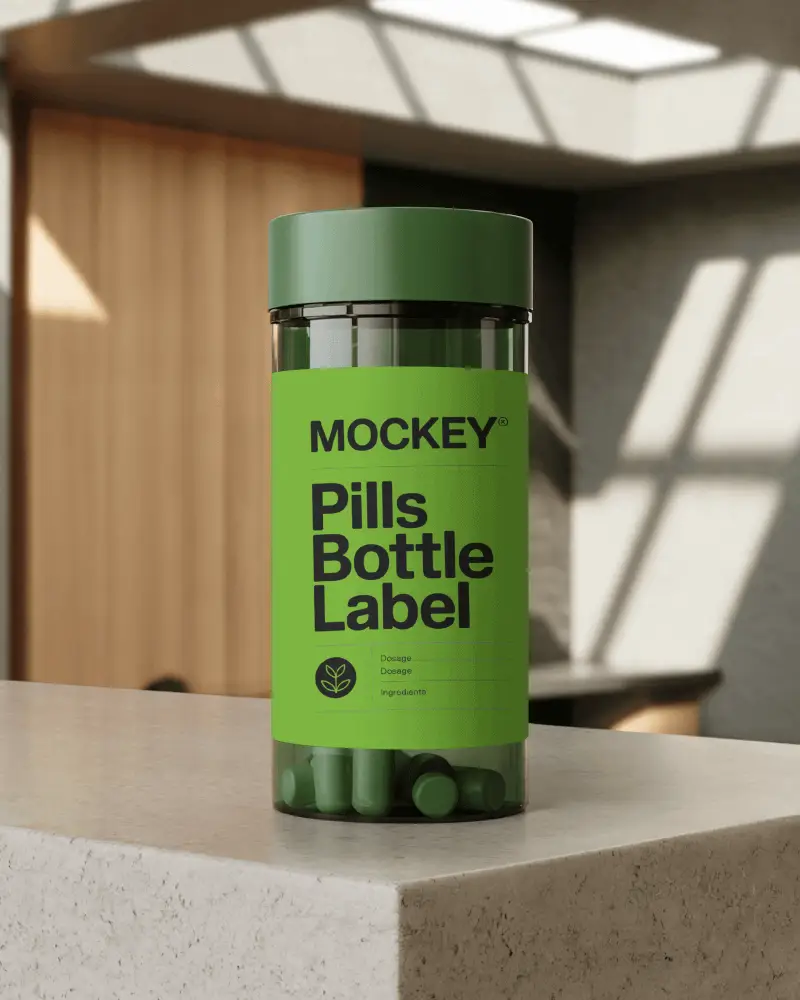
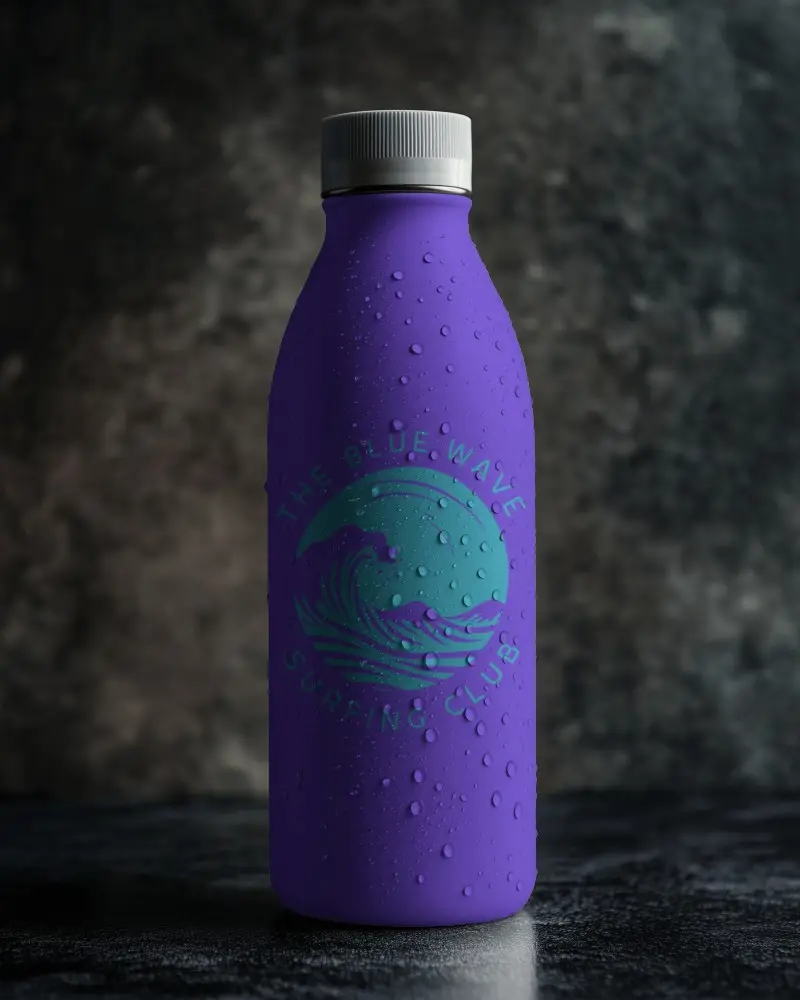
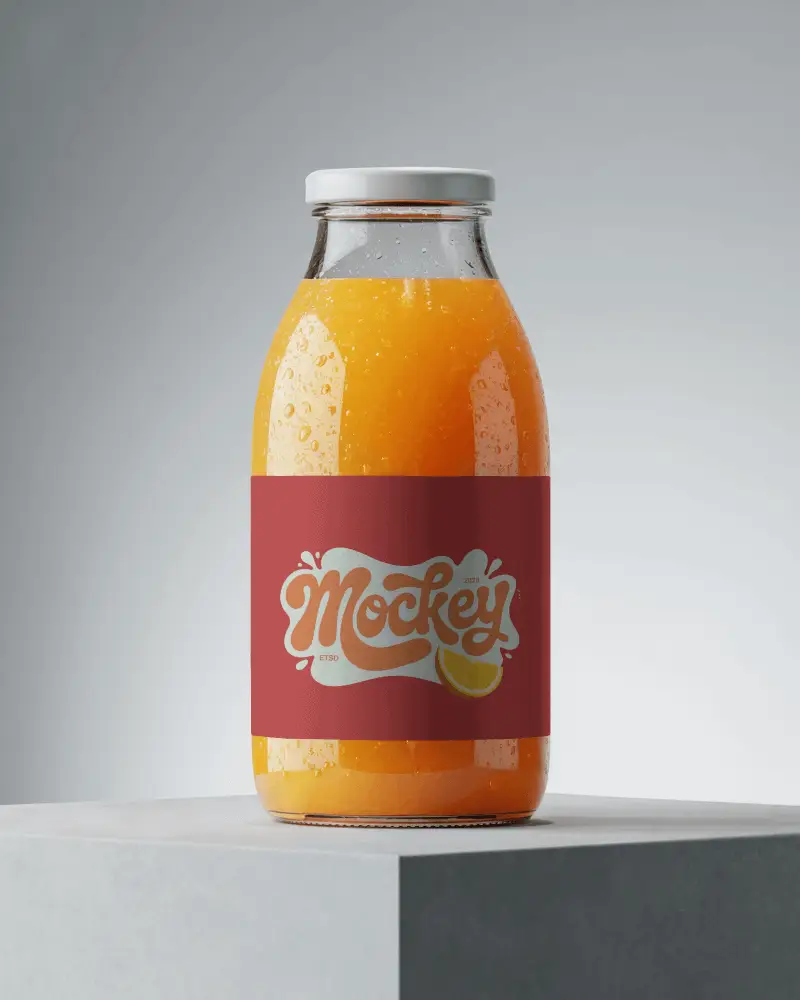
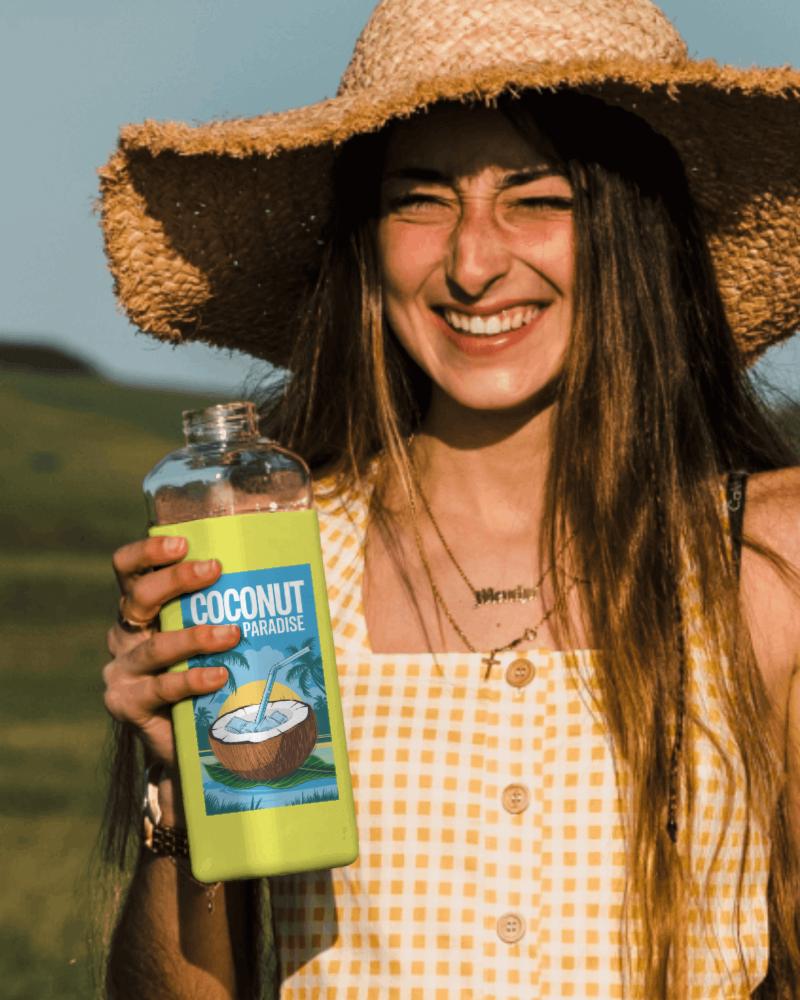
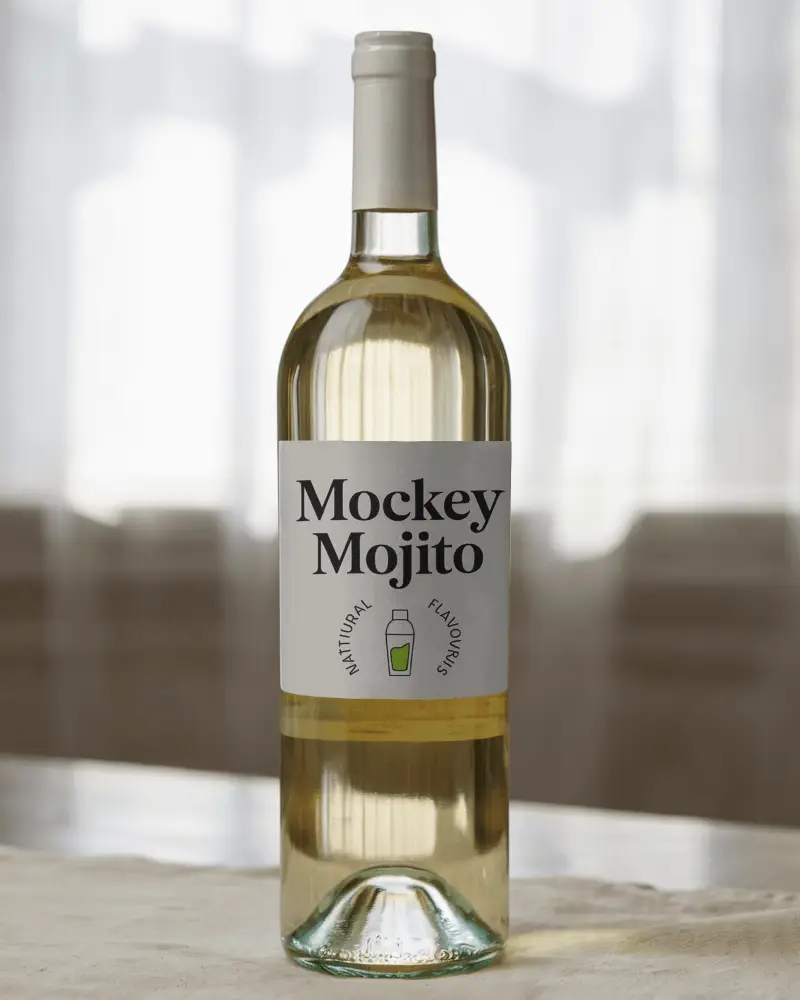
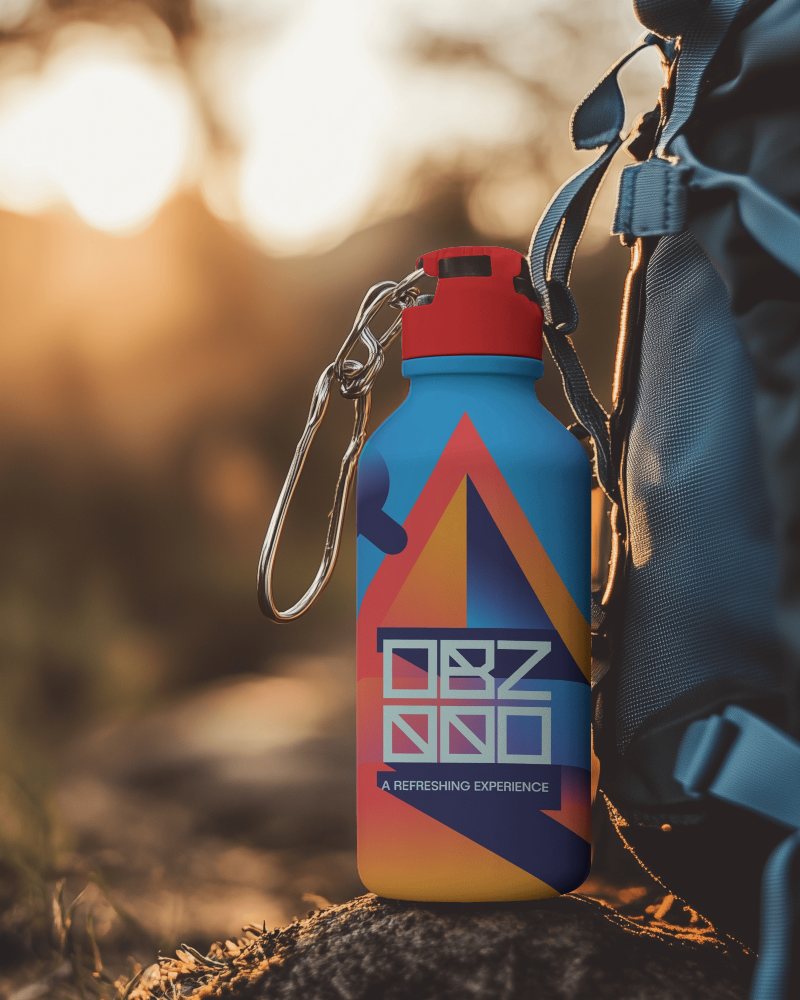
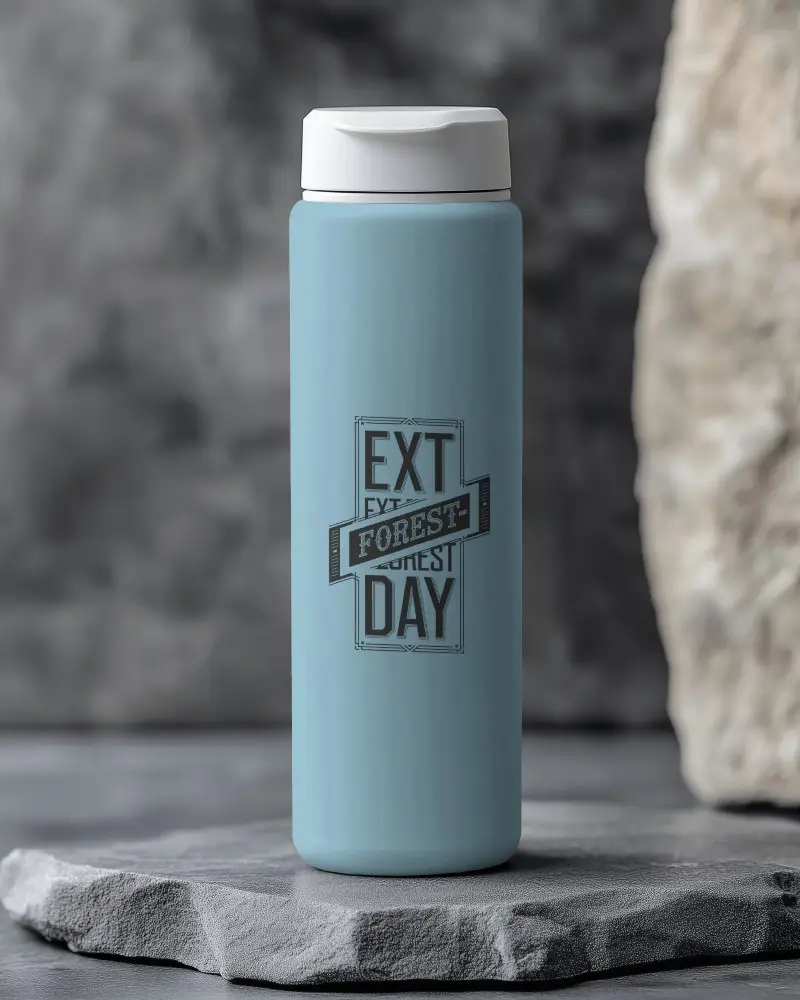
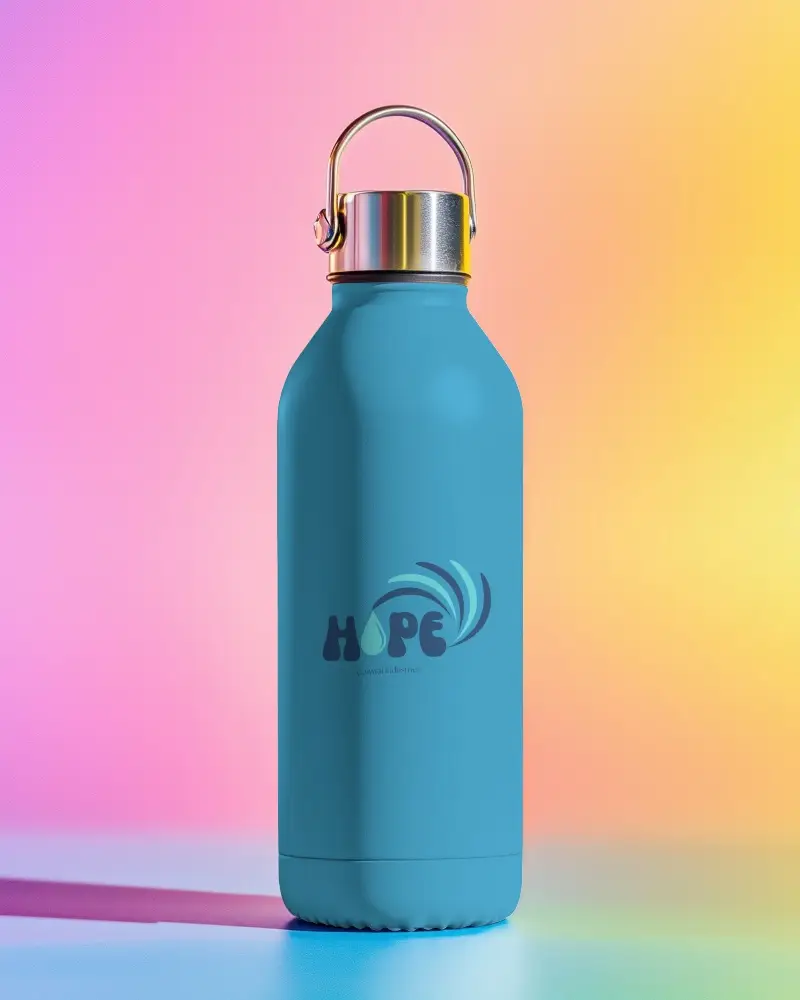
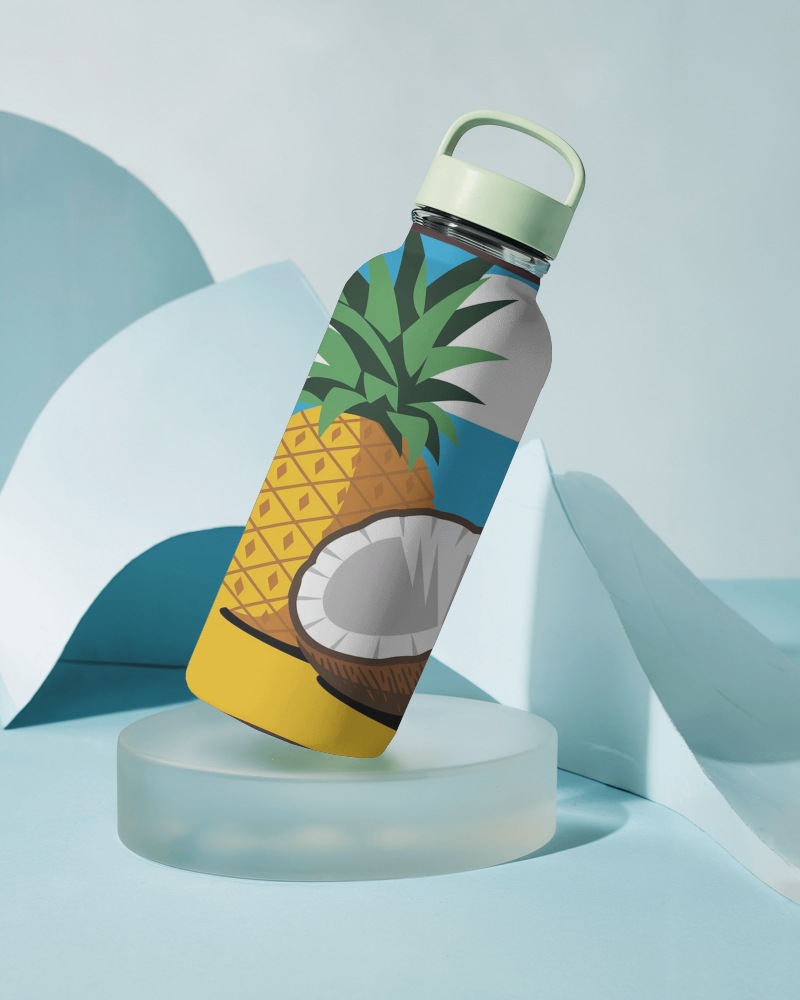
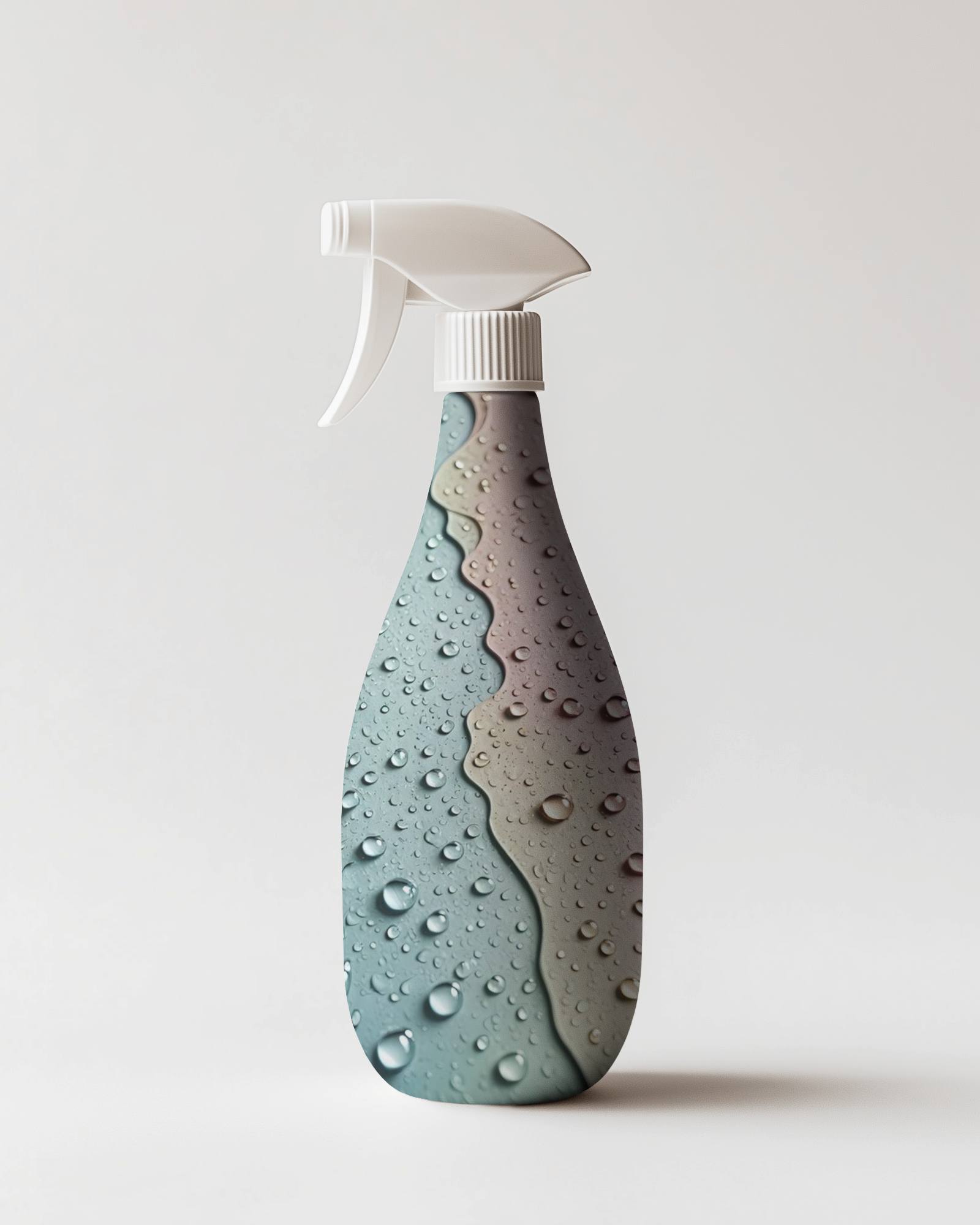
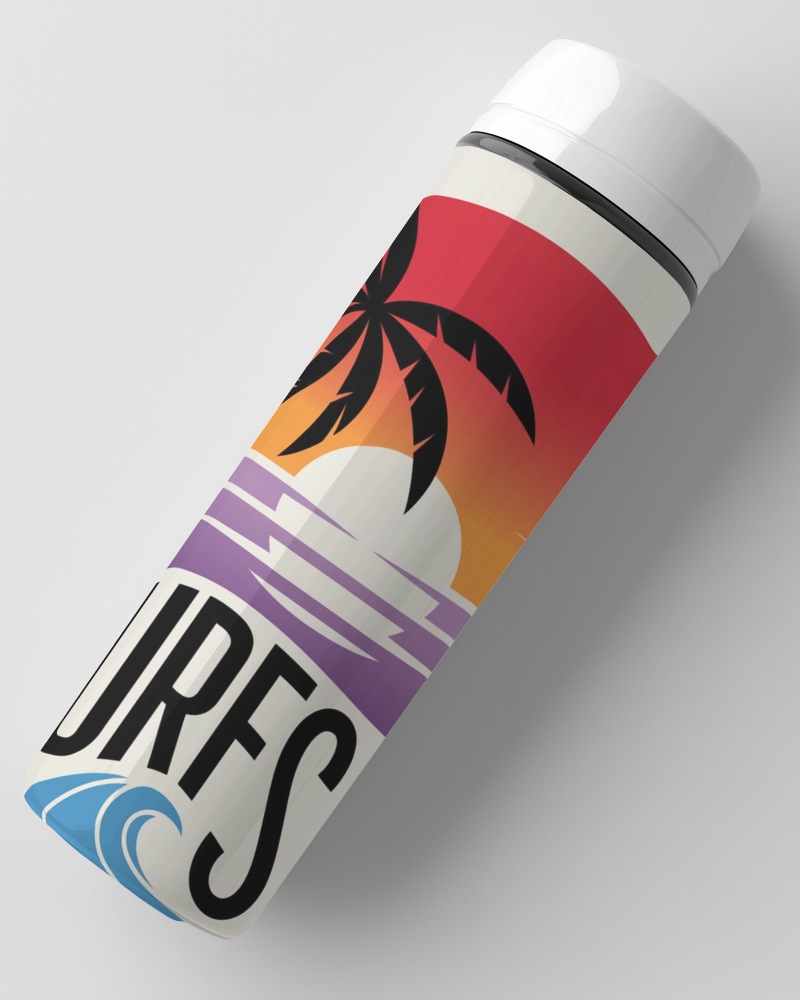
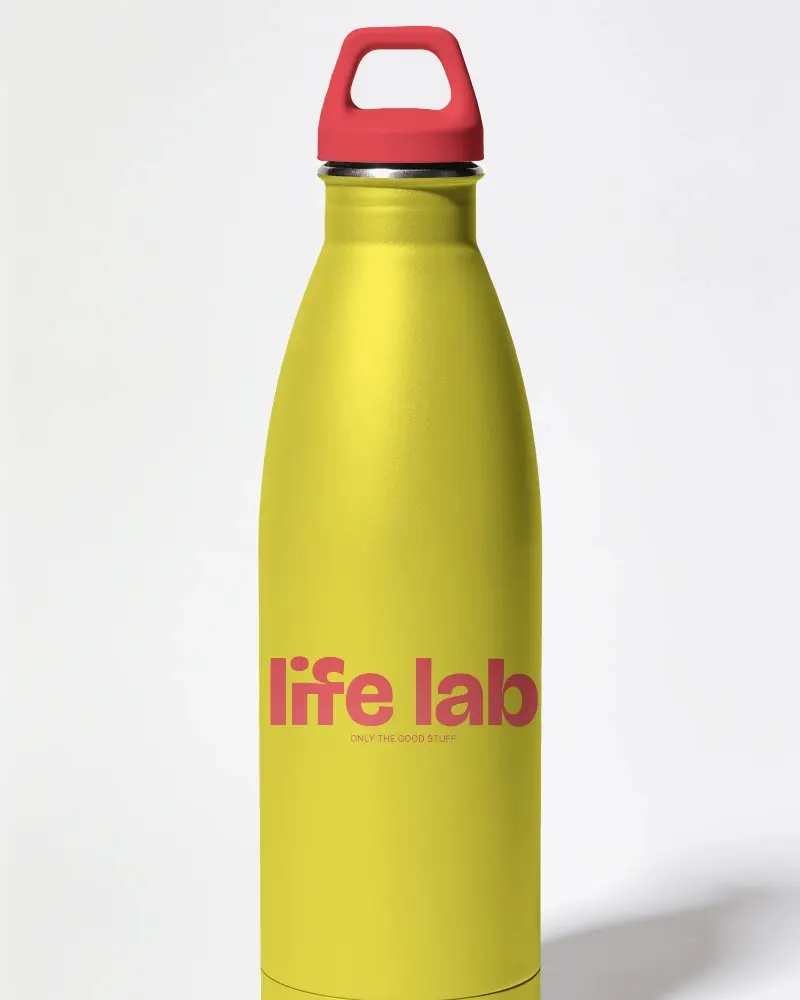
Make your bottle products stand out with Mockey’s Bottle Video Mockup. This easy-to-edit video template beautifully highlights your bottles with realistic visuals and vibrant colors, ideal for social media, ads, and presentations.
How to Create a Bottle Video Mockup with Mockey AI
To create bottle video mockups:
- Step 1: Log in to Mockey AI and navigate to 'Video Mockups > Packaging > Bottle'.
- Step 2: Select a template and upload your bottle design. Customize it according to your brand requirements.
- Step 3: Click 'Generate Video' to export your 5-second bottle video mockup.


FAQs on bottle Video Mockups
Does Mockey’s bottle video mockup support different types of bottles?
Yes! Mockey’s bottle video mockups work with many bottle types, including water bottles, plastic, glass, sports bottles, metallic bottles, protein shakers, supplements, and beverages. Simply choose a template that fits your brand.
Is customer support available if I face issues with Mockey’s bottle video mockup?
Absolutely. Mockey offers customer support for its bottle video mockups. You can reach out via the contact form or email at [email protected]. The support team is ready to help with any issues or bugs.
Can I preview the bottle video mockup before downloading?
You can preview templates on the catalog page. However, after uploading your design, the final preview is only visible once the video is generated and downloaded.
