Gerber Onesie Video Mockups for Online Stores
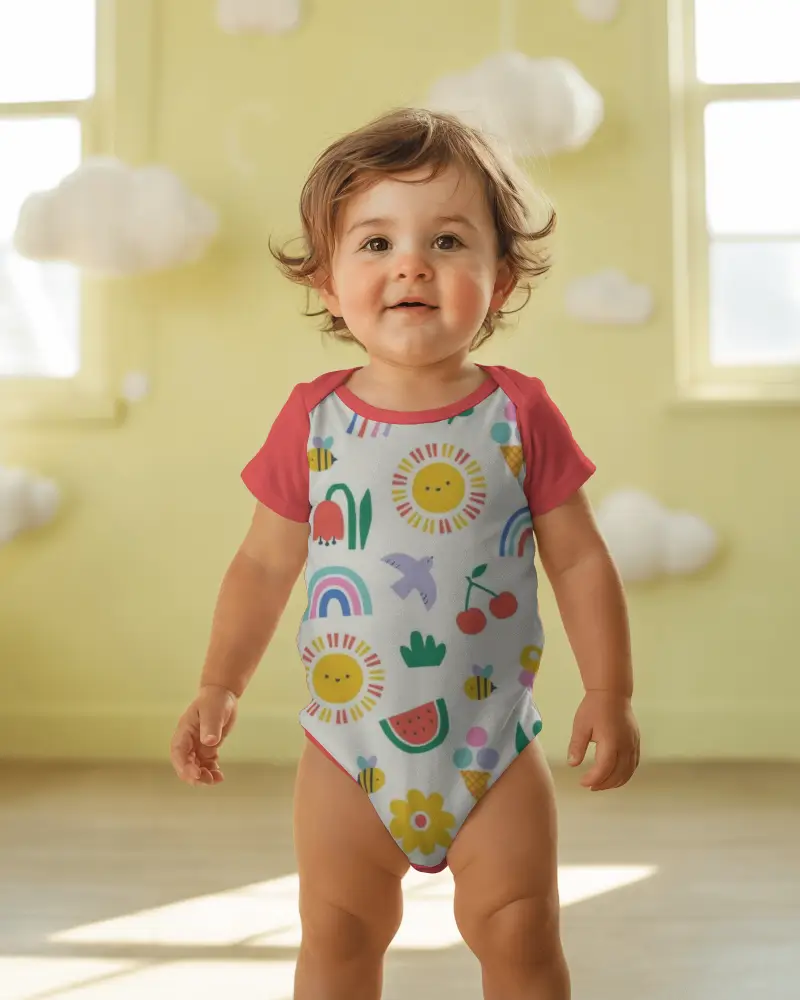
A Gerber onesie video mockup helps brands show baby apparel designs in a natural moving format. Mockey.ai makes it easy to create simple, eye-catching product videos with smooth motion and clean visuals for professional presentation.
How to Create a Gerber Onesie Video Mockup
To create a Gerber onesie video mockup:
- Step 1: Click on Pricing, select a plan, and then proceed to Video Mockups.
- Step 2: In the Categories section, follow Baby > Onesie > Gerber and choose a video template.
- Step 3: Hit Upload Design to add your onesie design, make minor adjustments, and click Generate Video to download the baby Gerber onesie video mockup in MP4 format.


FAQs on Gerber Onesie Video Mockups
What is a Gerber onesie video mockup?
A Gerber onesie video mockup is a short video clip of a baby onesie with your design applied. Instead of a static image, the onesie appears in a moving scene where it may rotate, bounce, zoom, or appear in a nursery-style setup.
Why choose a Gerber onesie video mockup over a static image?
Static mockups work for product listings, but Gerber onesie video mockups stand out more on social media and ads. Motion and cute baby-themed visuals make designs more noticeable and engaging.
Can I use Gerber onesie video mockups for social media ads?
Yes. Short Gerber onesie video mockups perform better on TikTok, Instagram Reels, Facebook ads, and Pinterest because these platforms prioritize video content over images.
Are model-based Gerber onesie video mockups available?
Hiring real Gerber baby models is expensive and complex. Mockey.ai uses AI to generate realistic on-model Gerber onesie visuals that look similar to a professional baby photoshoot.
