Half Sleeve Sweatshirt Video Mockup for Product Previews
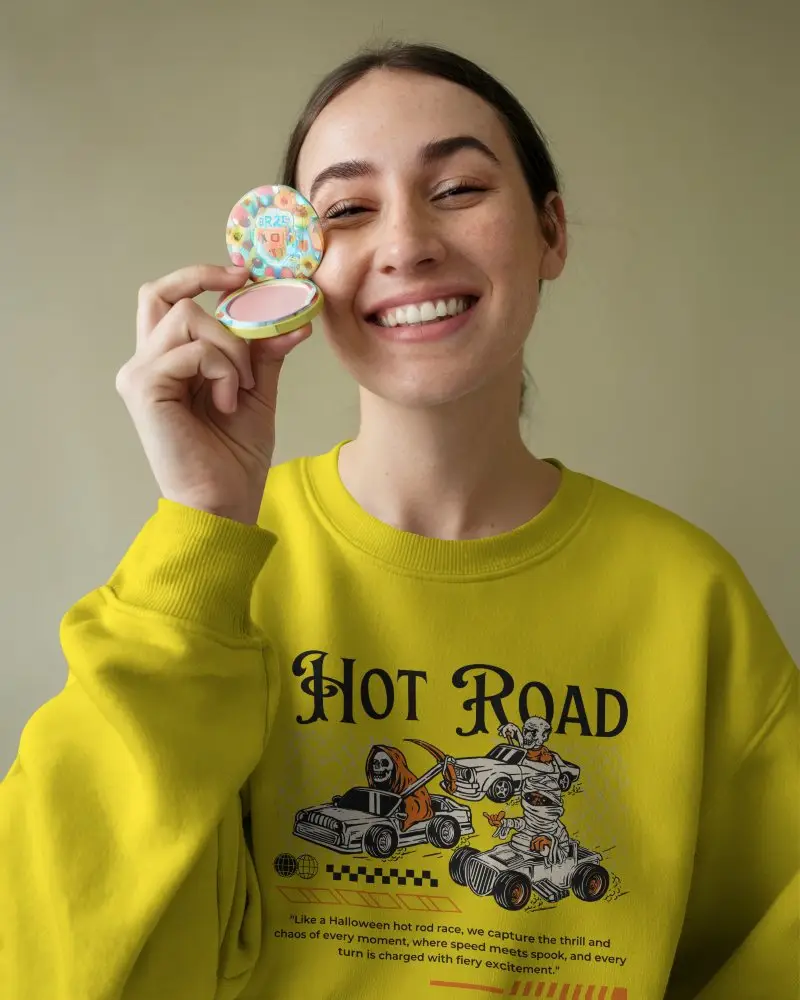
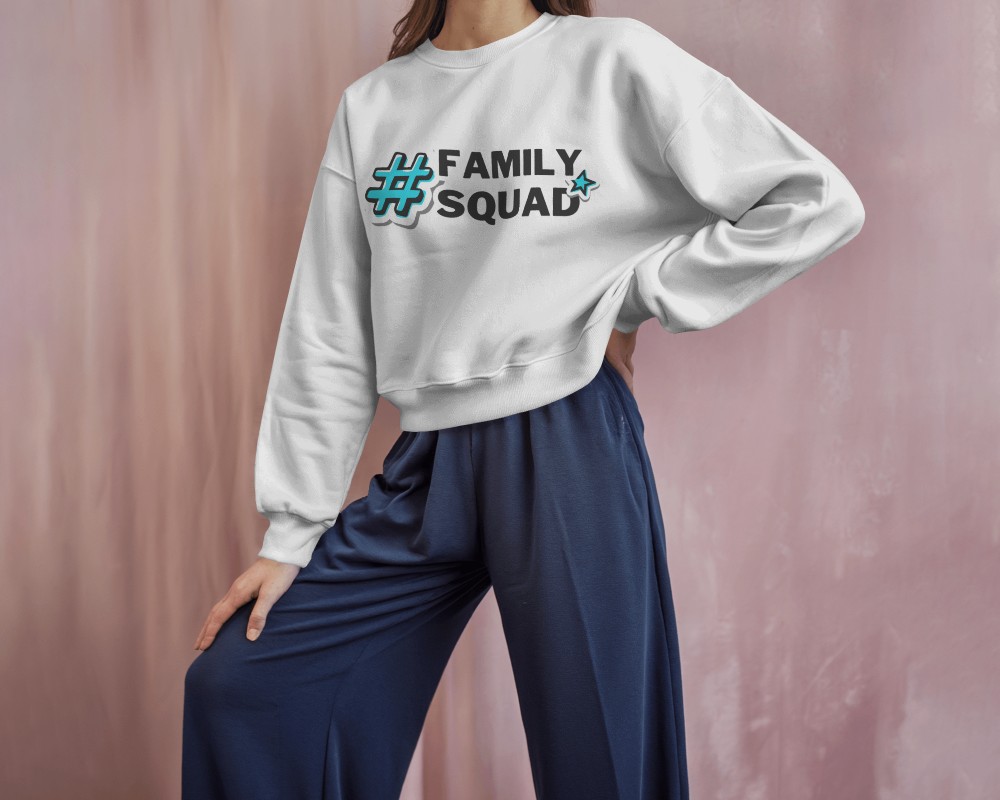
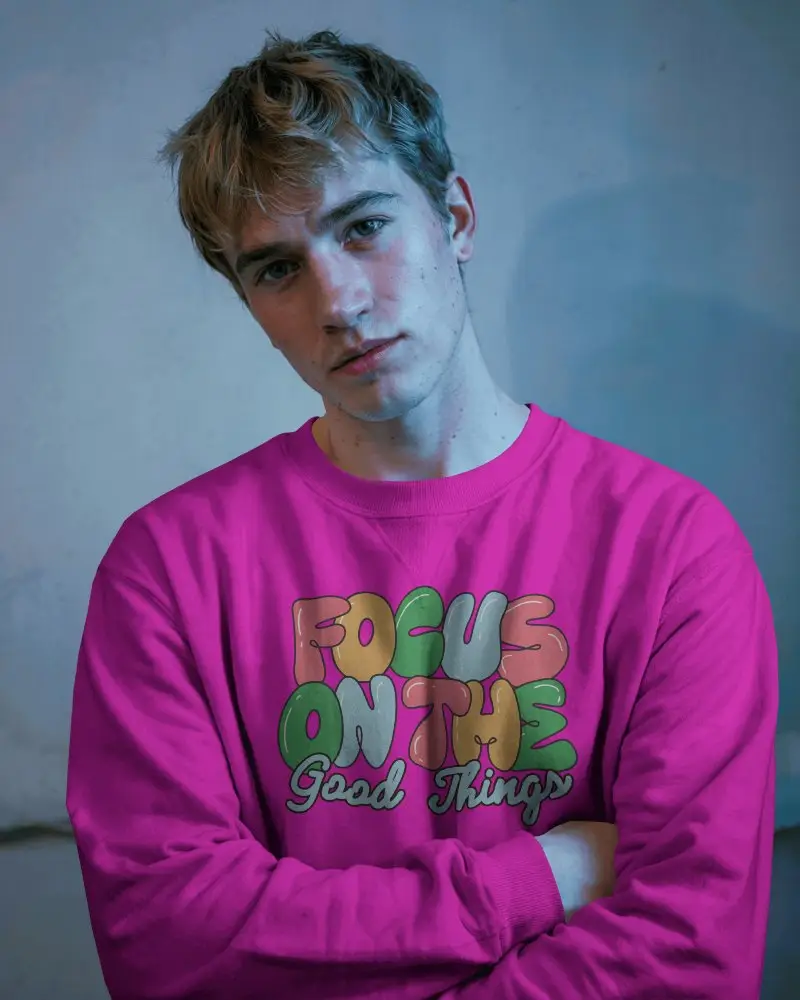
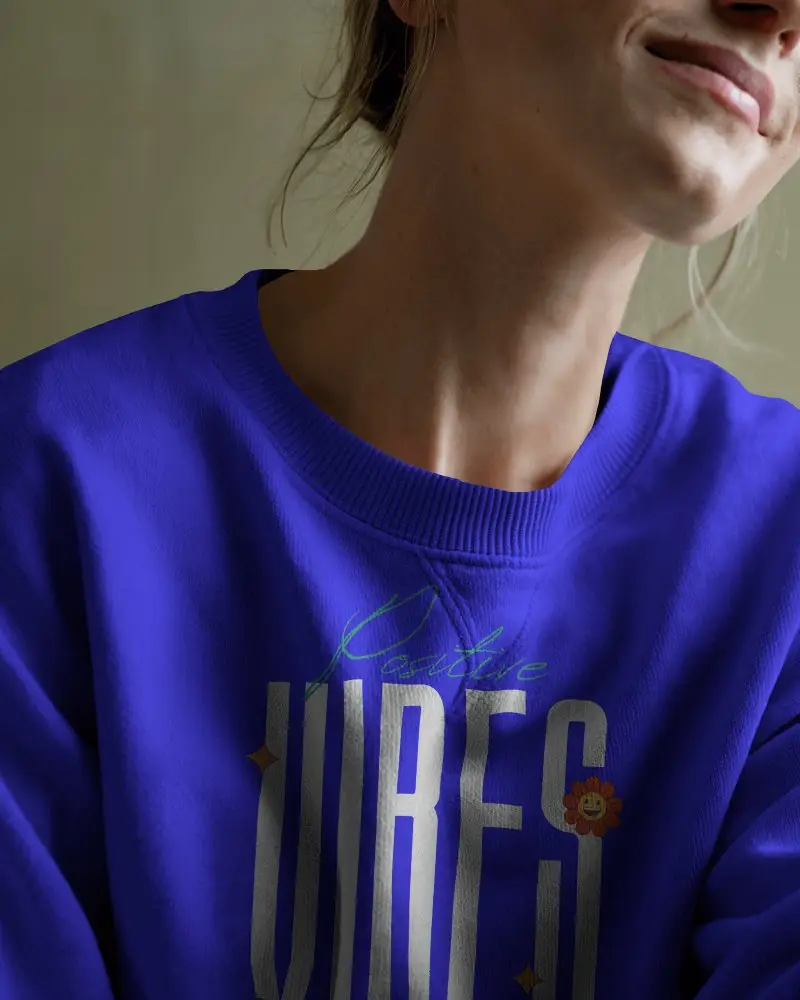
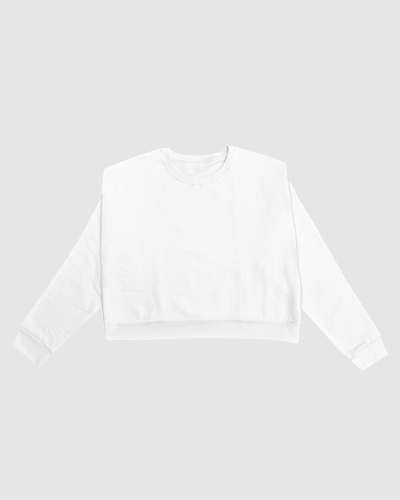
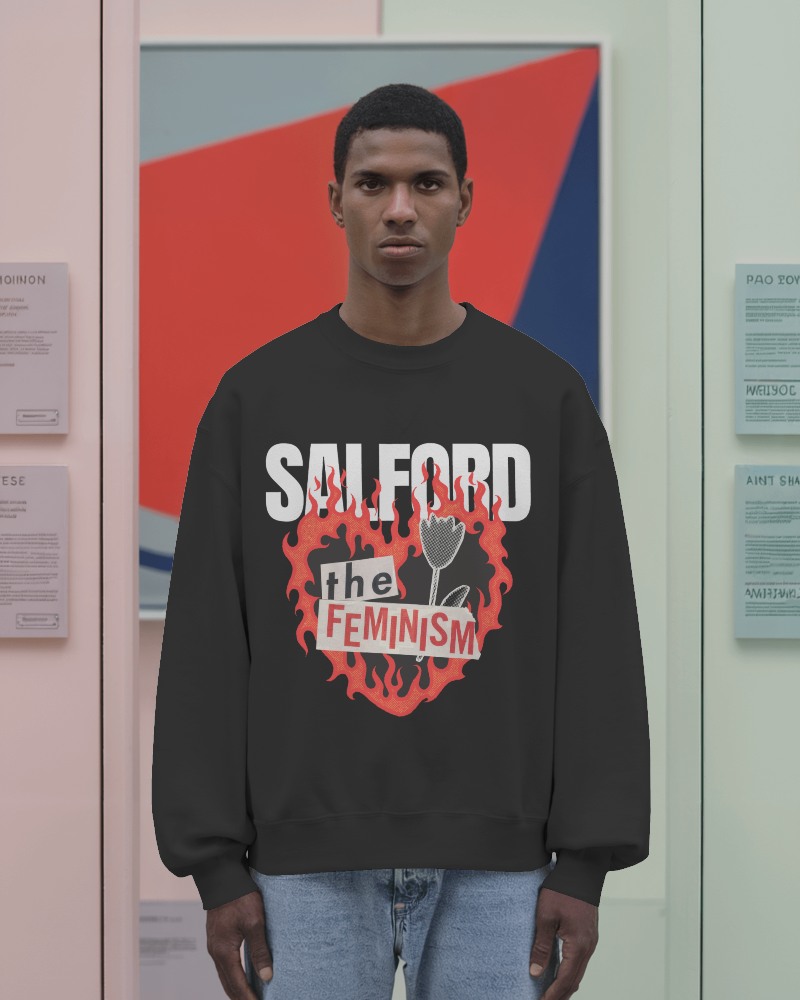
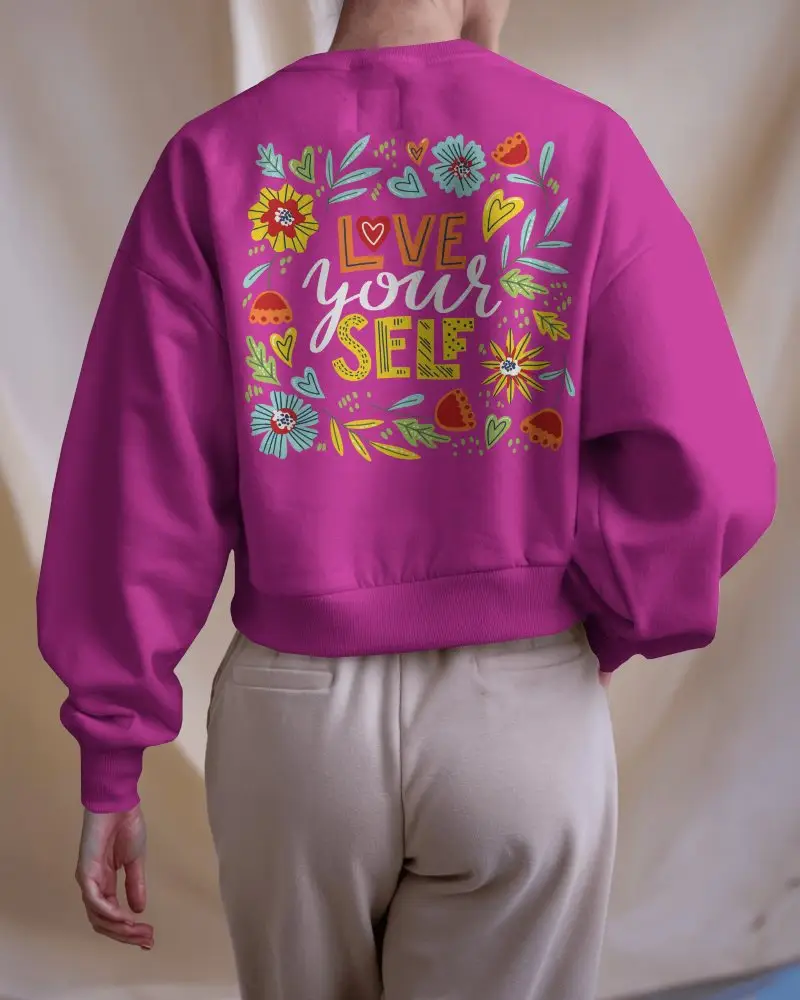
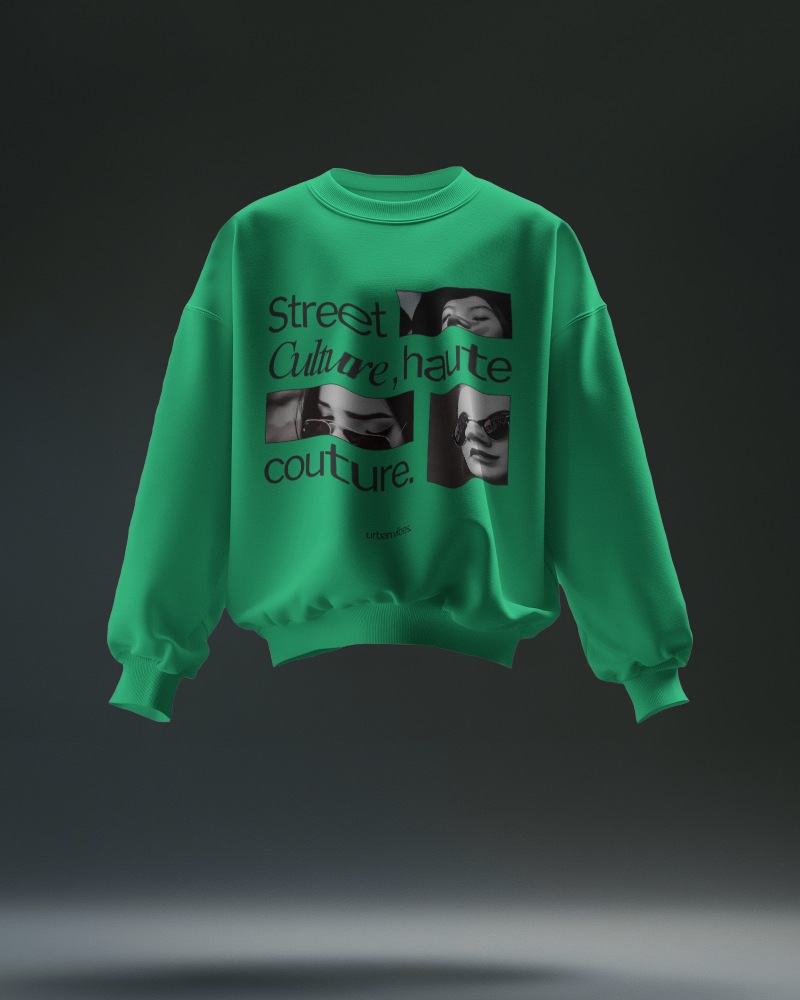
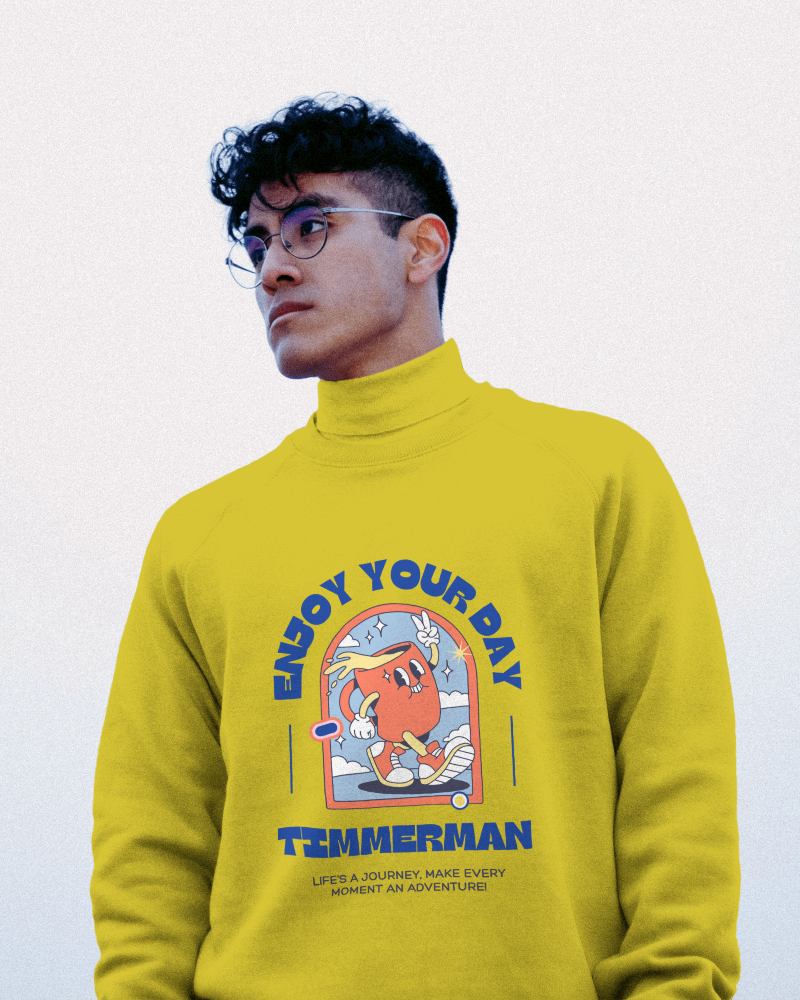
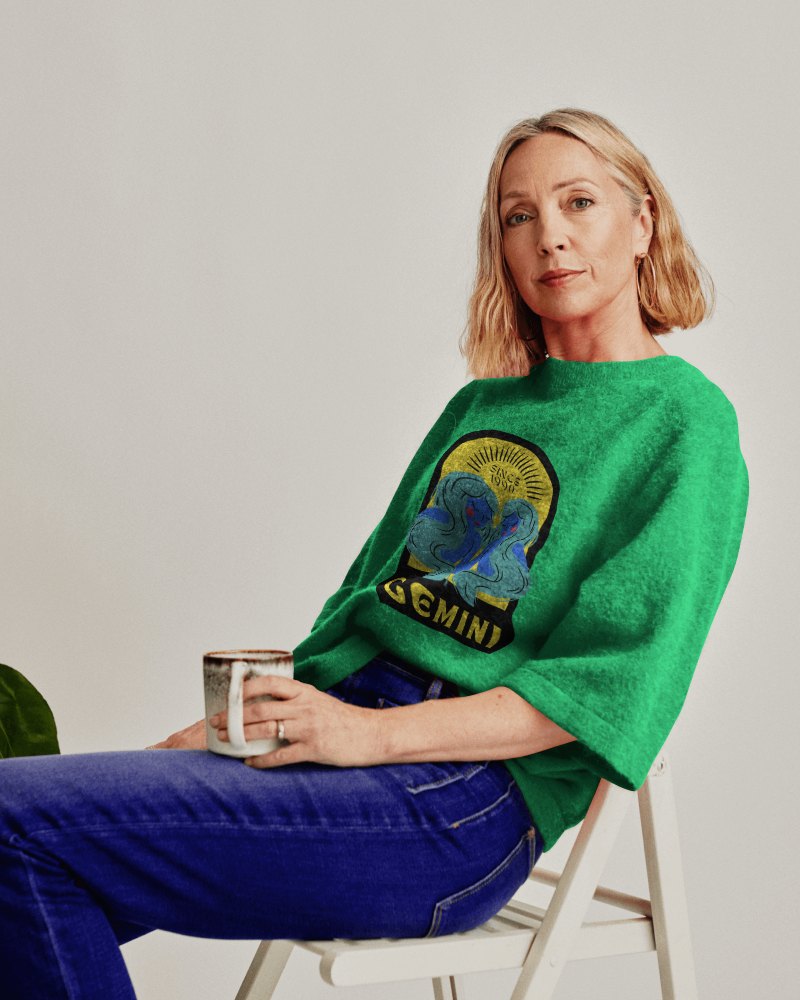
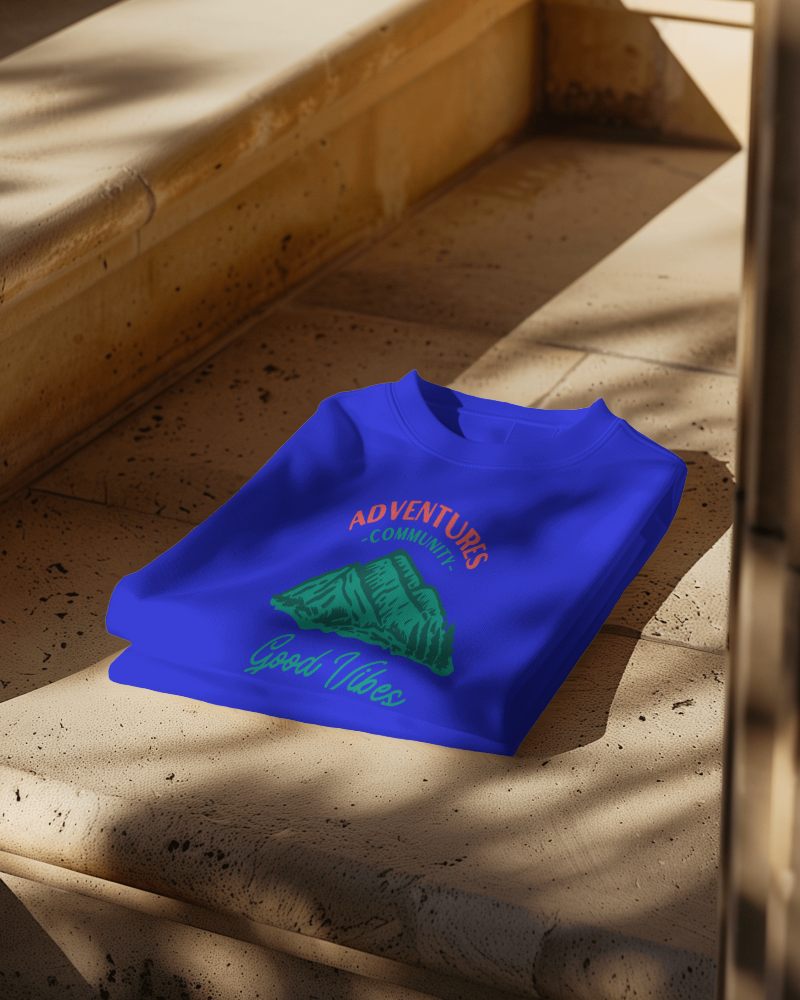
Turn your sweatshirt design into a moving showcase with Mockey Half Sleeve sweatshirt video mockups. Just upload your artwork and watch it appear on a real model in smooth, natural motion.
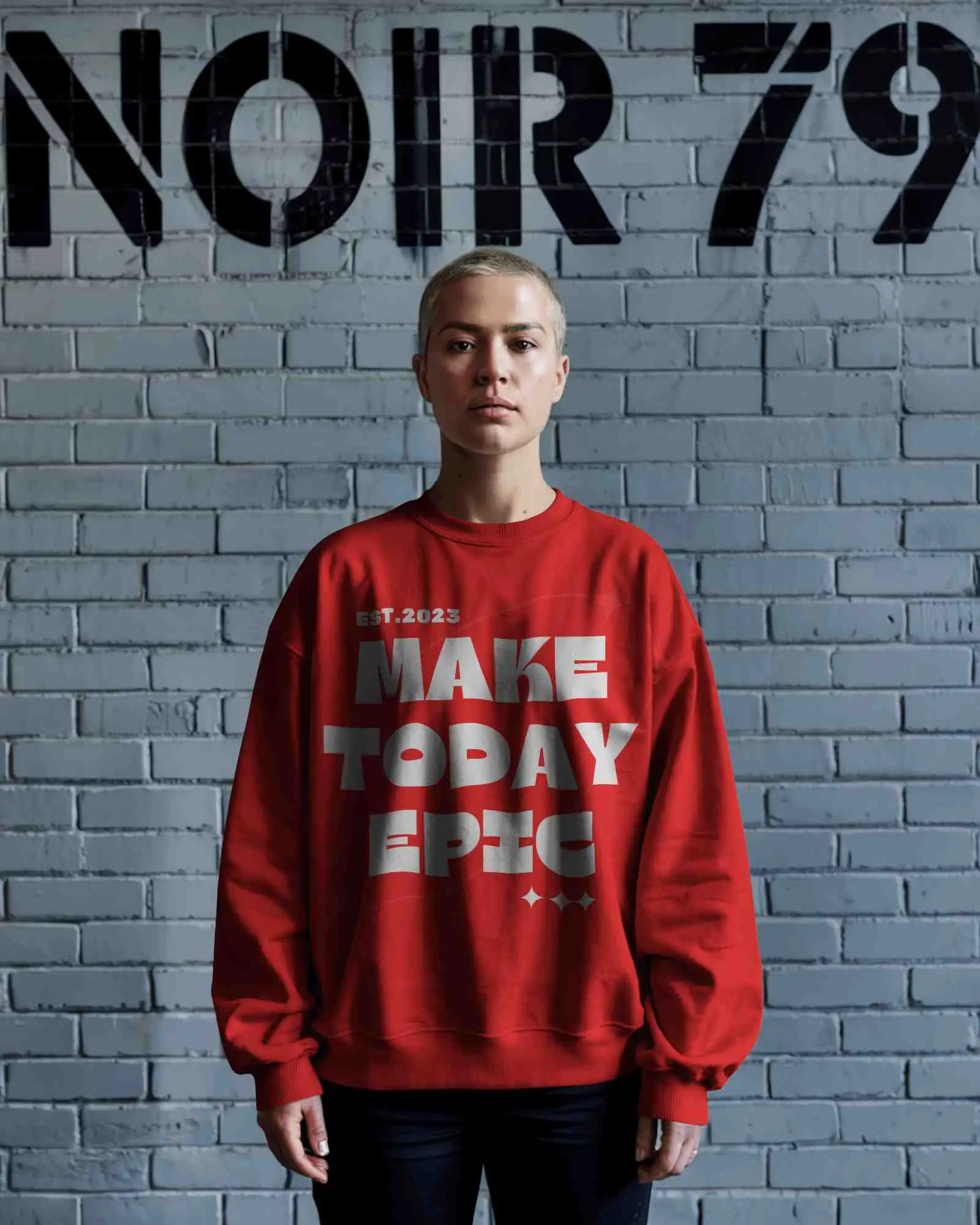
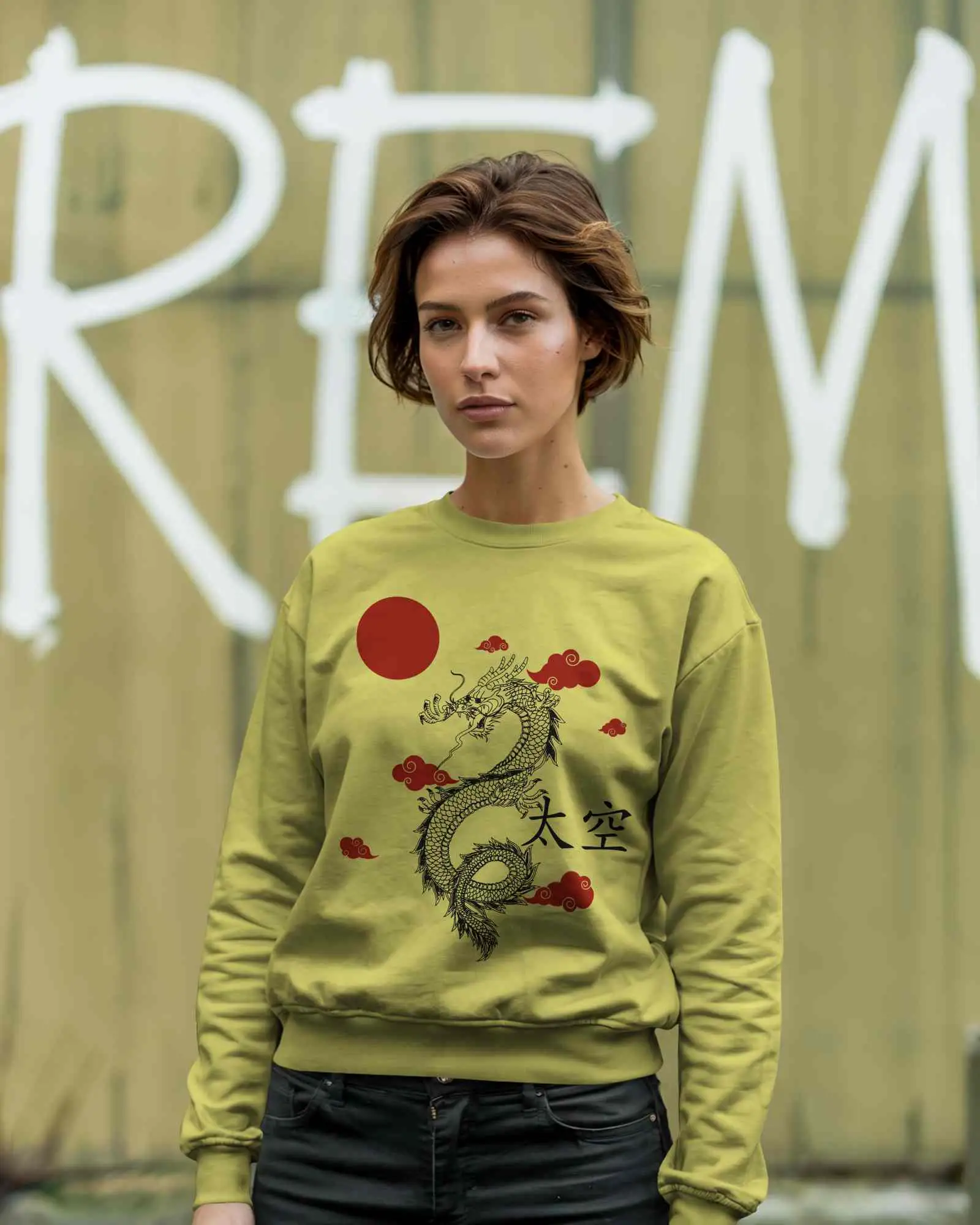
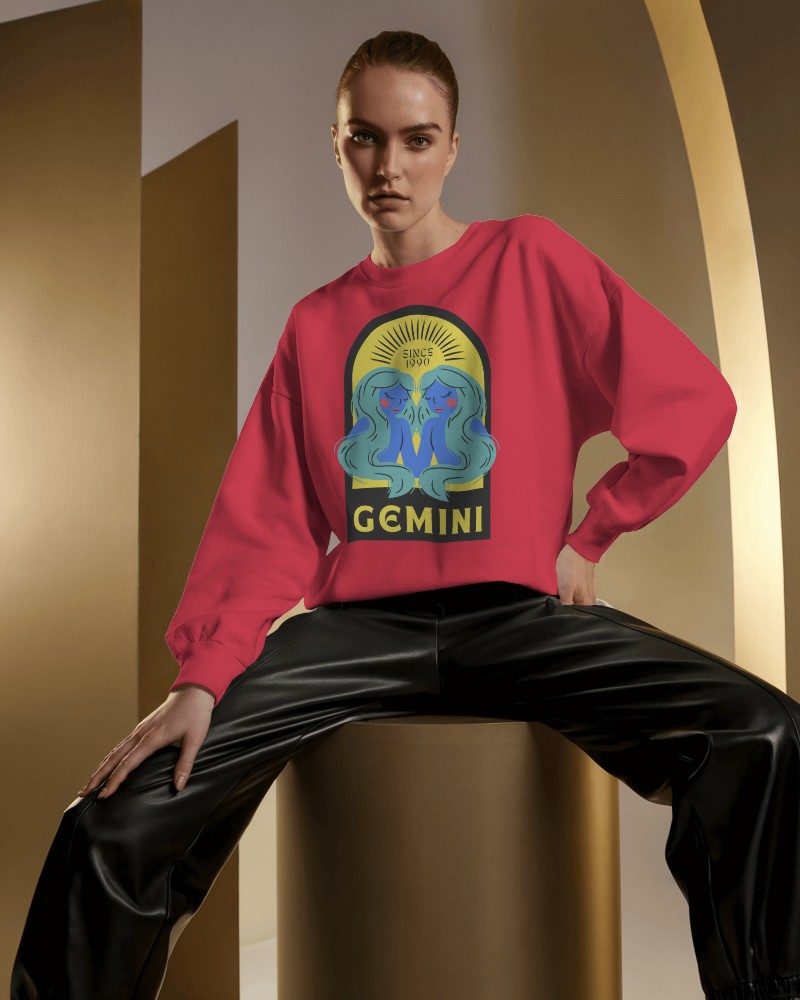
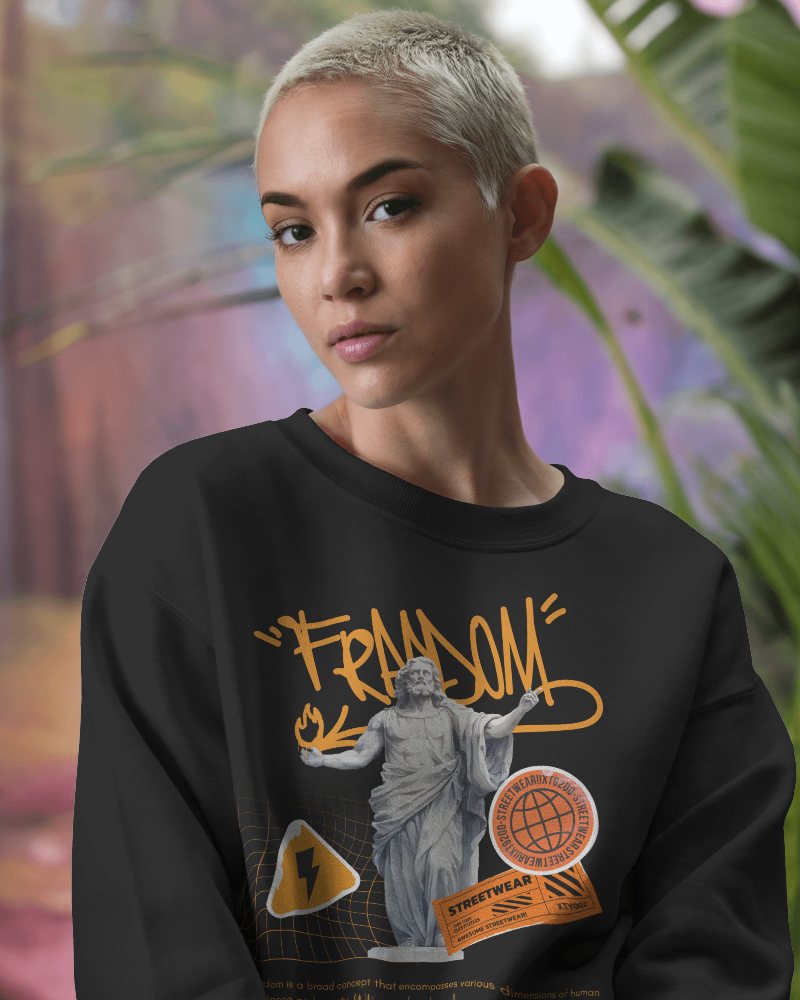
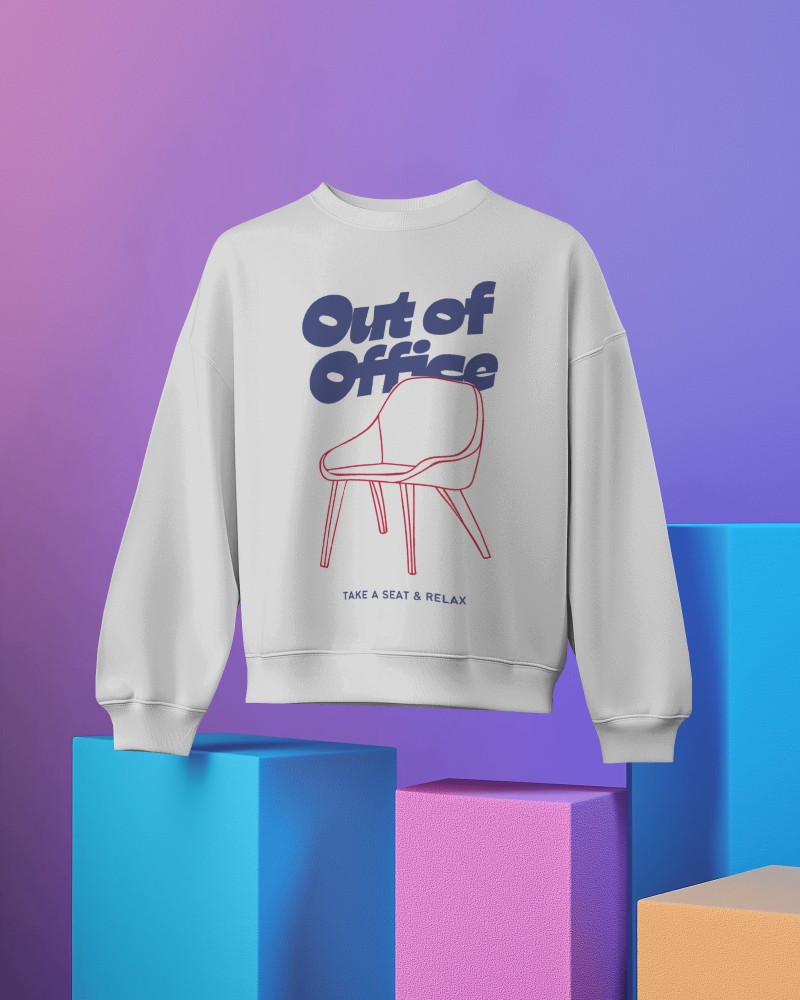
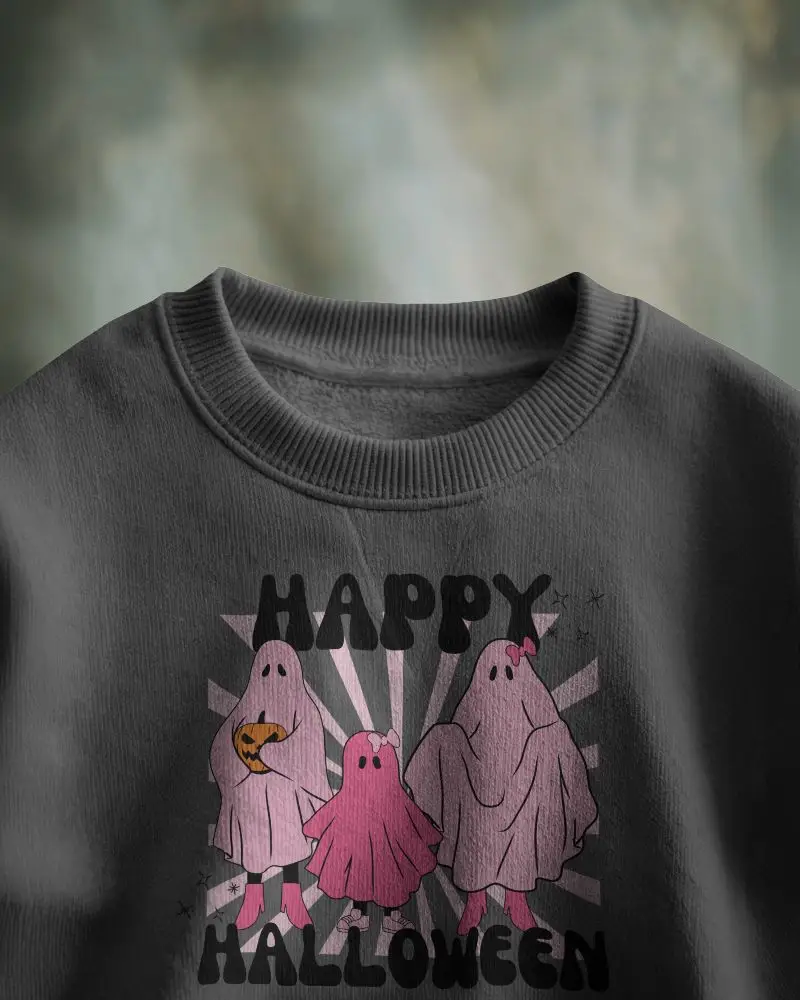
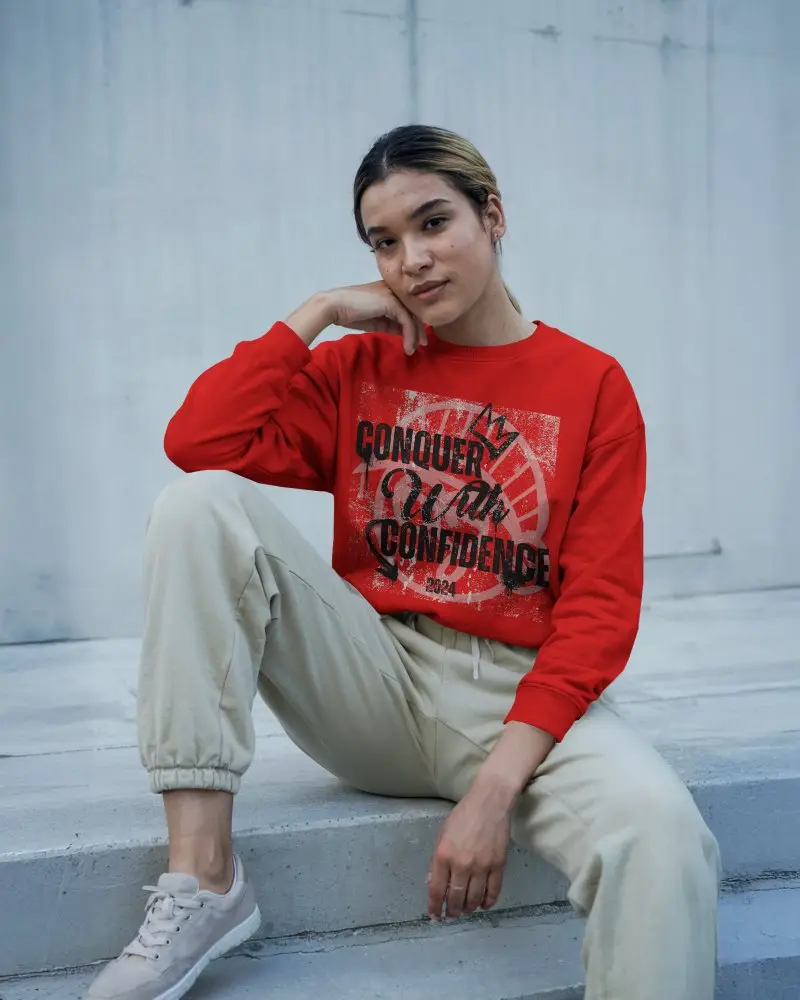
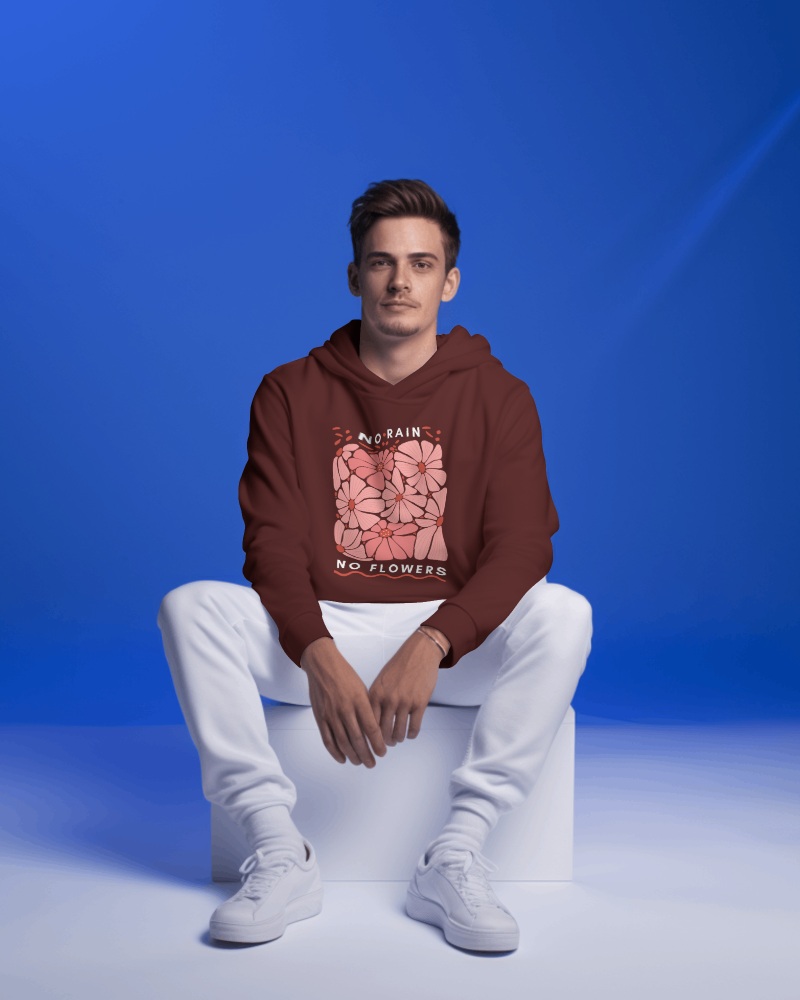
How to Create a Half Sleeve Sweatshirt Video Mockup
To create a Half Sleeve sweatshirt video mockup:
- Step 1: Buy the CREATOR plan once you click Pricing.
- Step 2: Select Video Mockups and pick Sweatshirt from the Apparel options, then choose a template to add your design.
- Step 3: Make a few small tweaks and click Generate Video to create the 5-second Half Sleeve sweatshirt video mockup.


FAQs on Half Sleeve Sweatshirt Video Mockups
What is a Half Sleeve sweatshirt video mockup?
A Half Sleeve sweatshirt video mockup is a video template of a sweatshirt where you can add a logo or design and present it to clients as a short, realistic product clip.
What file formats can I download?
You can download Mockey AI’s Half Sleeve sweatshirt video mockups in MP4 format. Just click Generate Video and your video clip will be ready to download.
Can I use Half Sleeve sweatshirt video mockups for online stores?
Half Sleeve sweatshirt video mockups are made for online stores. They are one of the best ways to showcase sweatshirts in video format and attract buyers.
Why use a Half Sleeve sweatshirt video mockup?
A Half Sleeve sweatshirt video mockup is a budget-friendly alternative to real video shoots. You don’t need to hire models or create physical samples in advance.
