Mesh Shorts Video Mockups
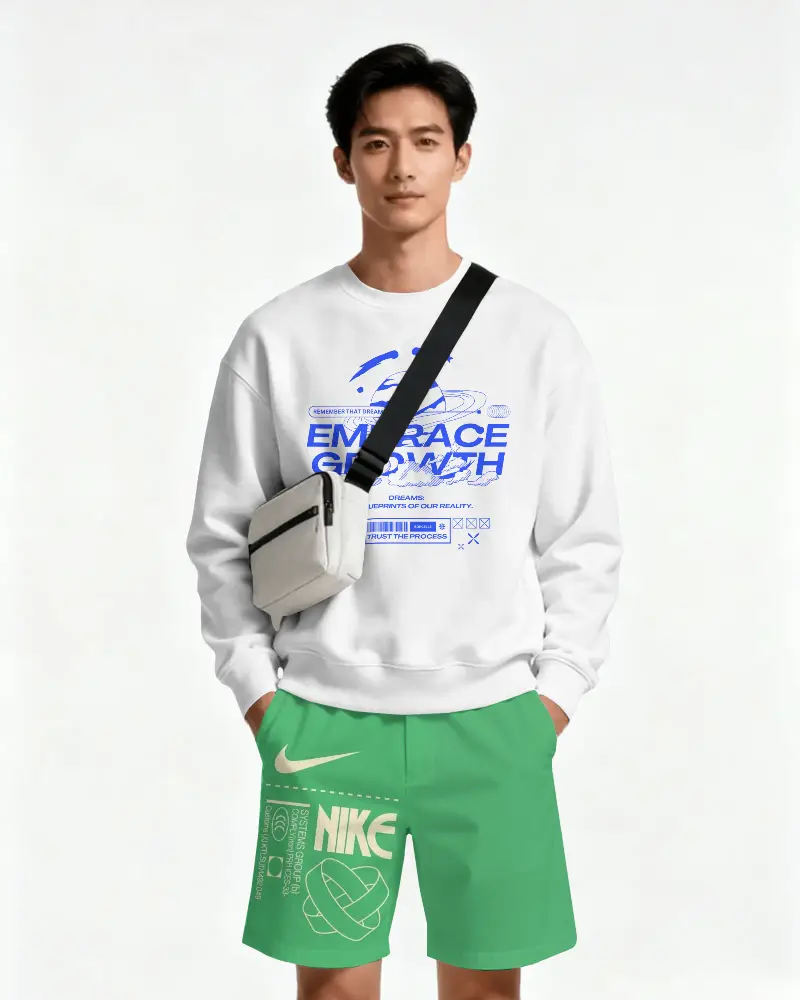
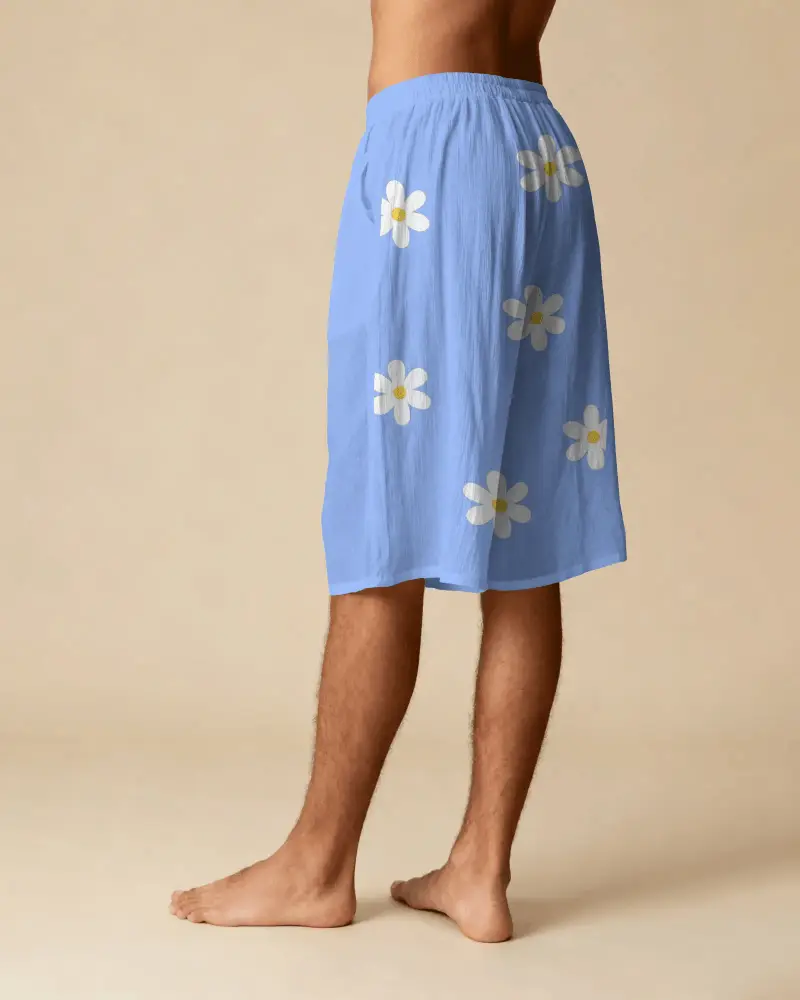
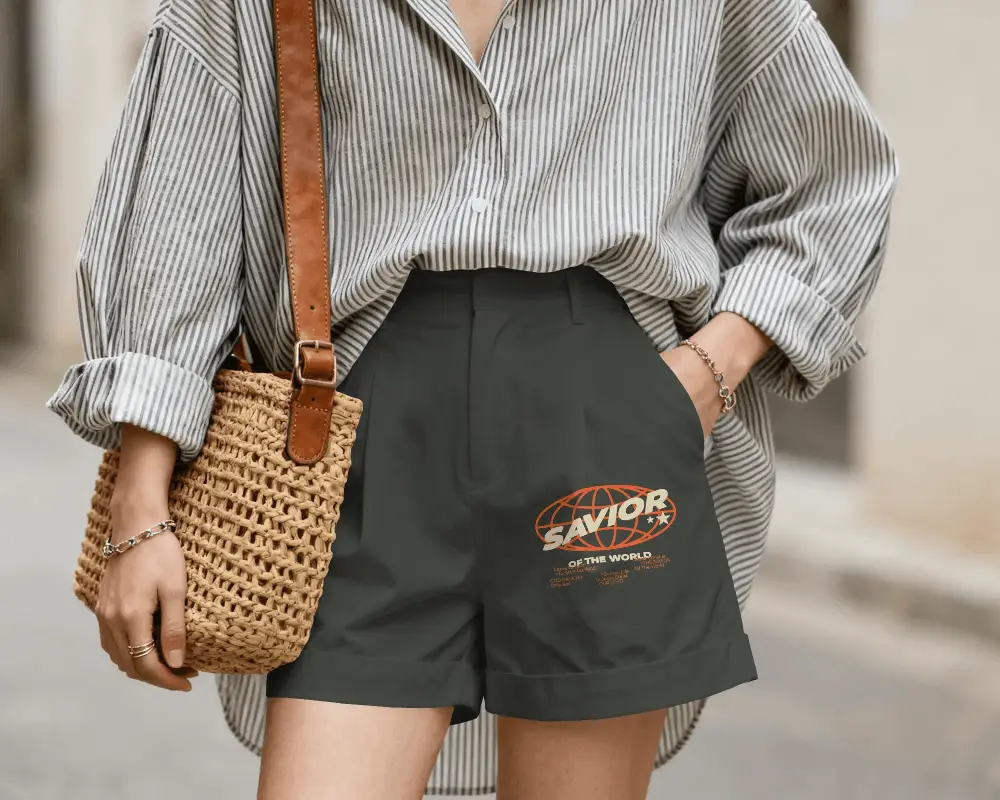
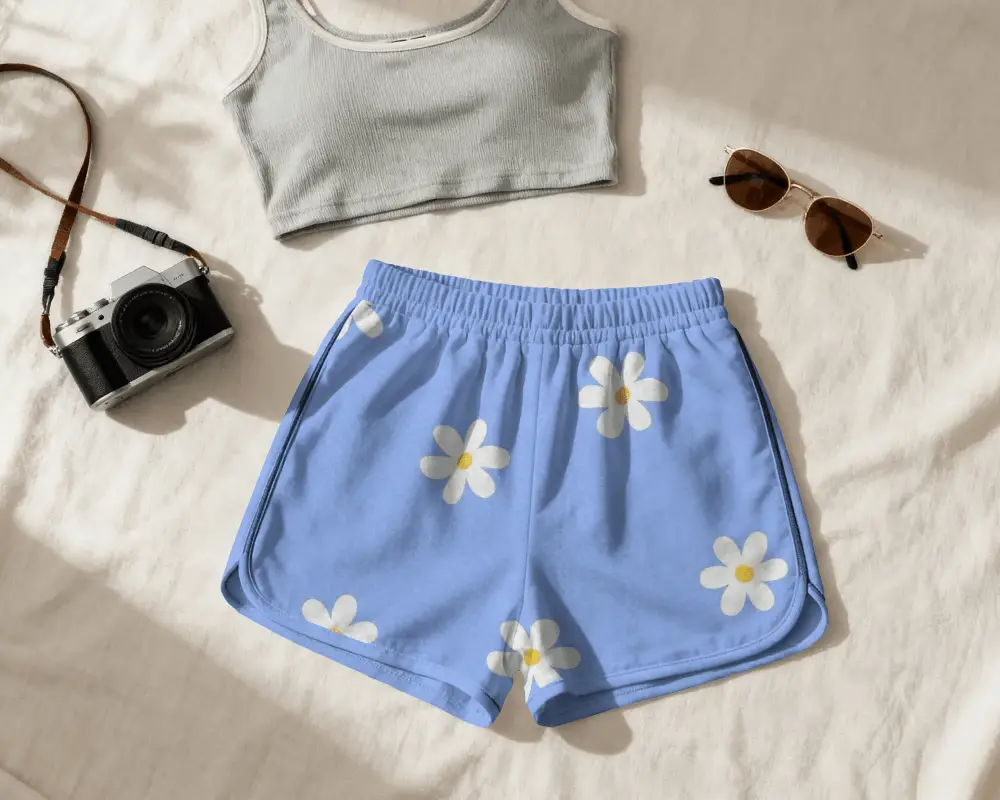
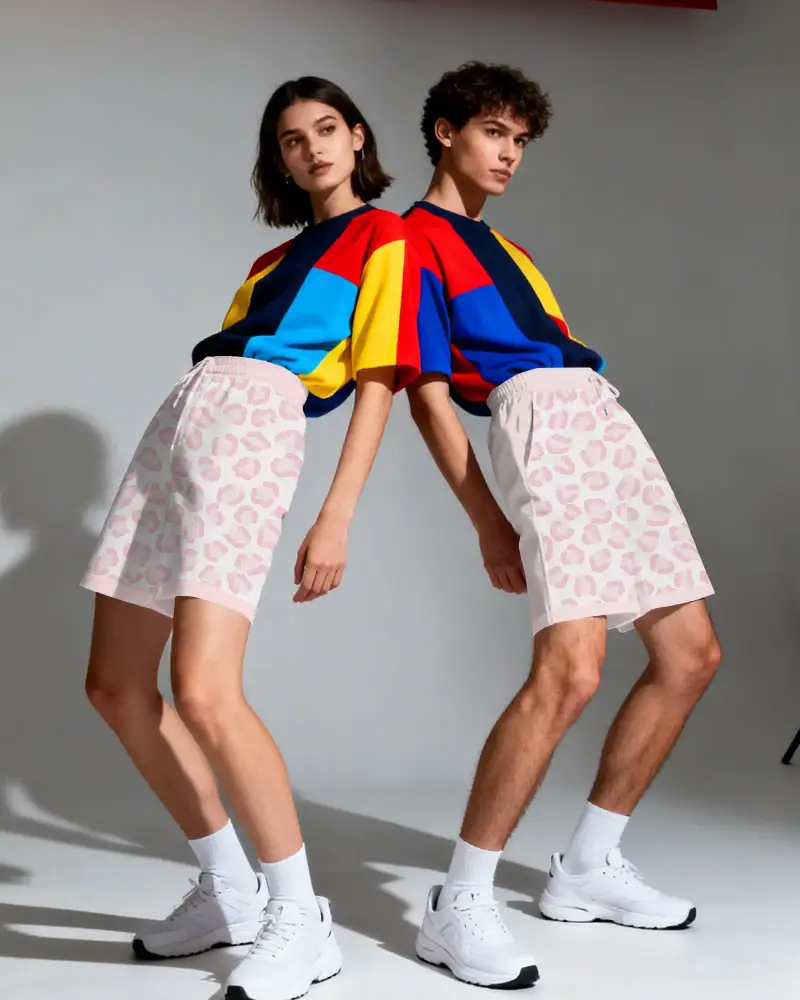
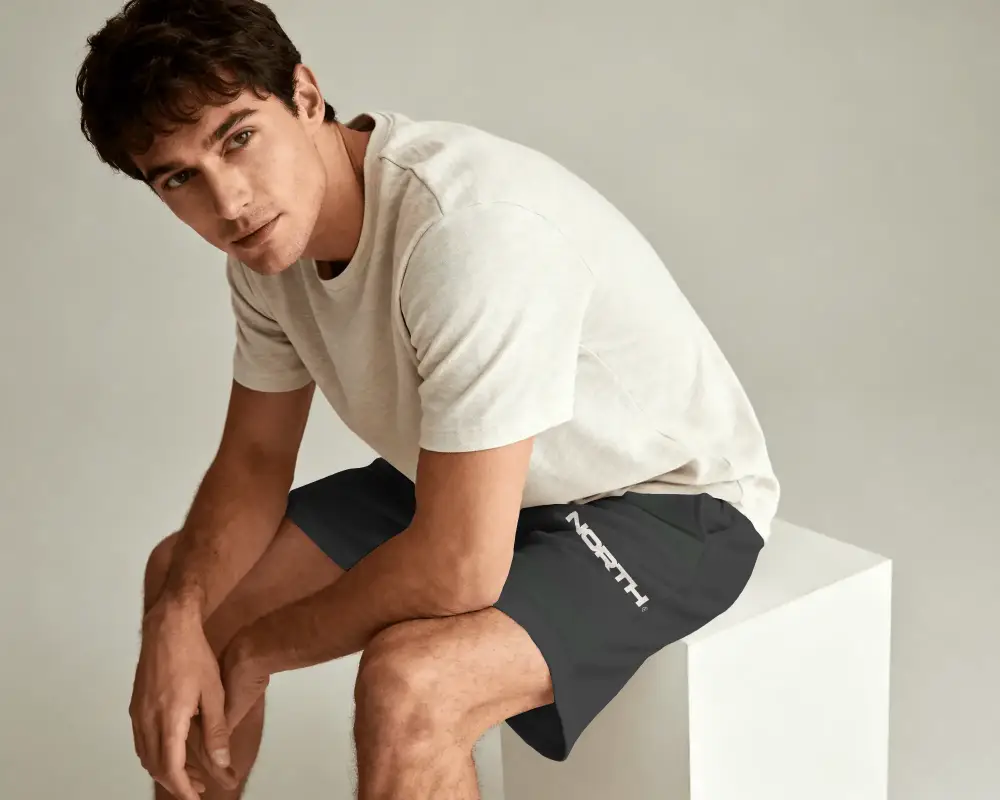
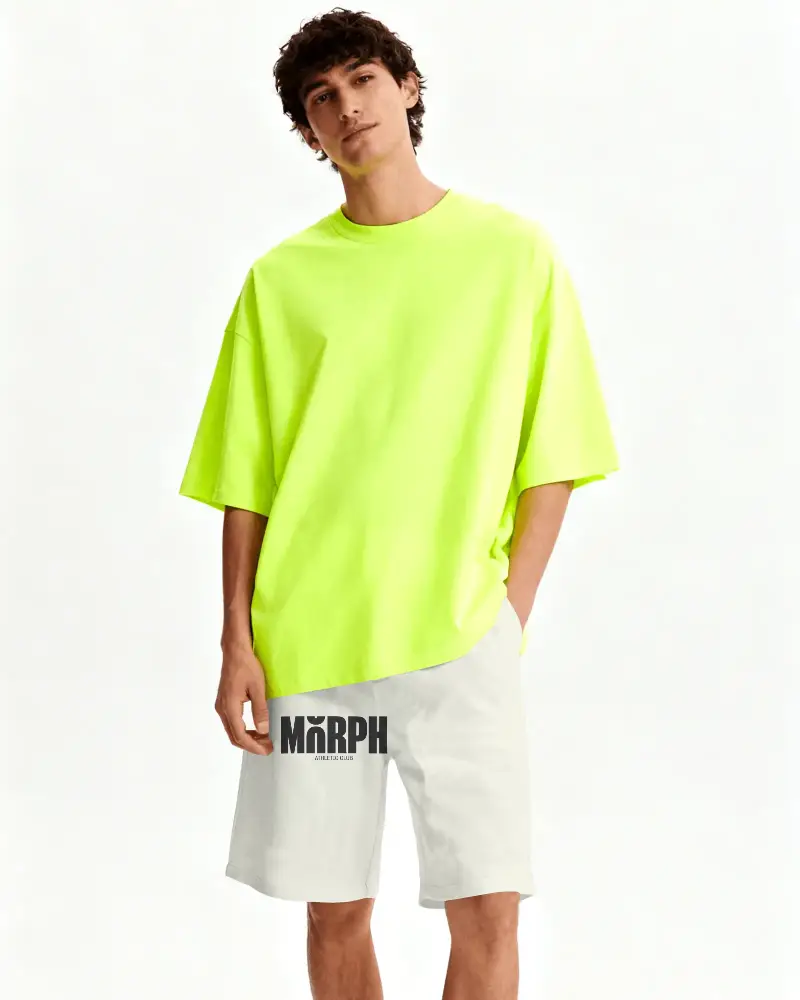
Most shoppers don't just look at a product, they try to imagine how it will actually look. With Mockey AI, you can make that easier by creating Mesh shorts video mockups that show your design in a more real and natural way. Instead of relying only on images, your customers can see how the shorts move, how they fit, and how the design comes together. This helps them feel more confident about what they're buying and makes your product pages more effective.
How to Create a Mesh Shorts Video Mockup
To create a Mesh shorts video mockup:
- Step 1: Choose a shorts video from the different options. Go with what fits your brand.
- Step 2: Click Upload Design to add your logo or graphics. Change colors and adjust it.
- Step 3: Export the Mesh shorts video mockup as an MP4 clip.


FAQs on Mesh Shorts Video Mockups
Are Mesh shorts video mockups customizable?
Mesh shorts video mockups are customizable on Mockey. You can add any design to them in PNG, JPG, or WEBP format. You also get options to use color editing and warping features for better customization.
Can beginners create Mesh shorts video mockups?
Mockey's Mesh shorts video mockups are made especially for beginners. Even those with no design experience can create videos in just a few minutes.
Are Mesh shorts video mockups useful for e-commerce?
Mesh shorts video mockups help e-commerce stores sell more. Listings stand out in search results and get more clicks. You can create them quickly without high costs.
