Crop Top Video Mockup Download
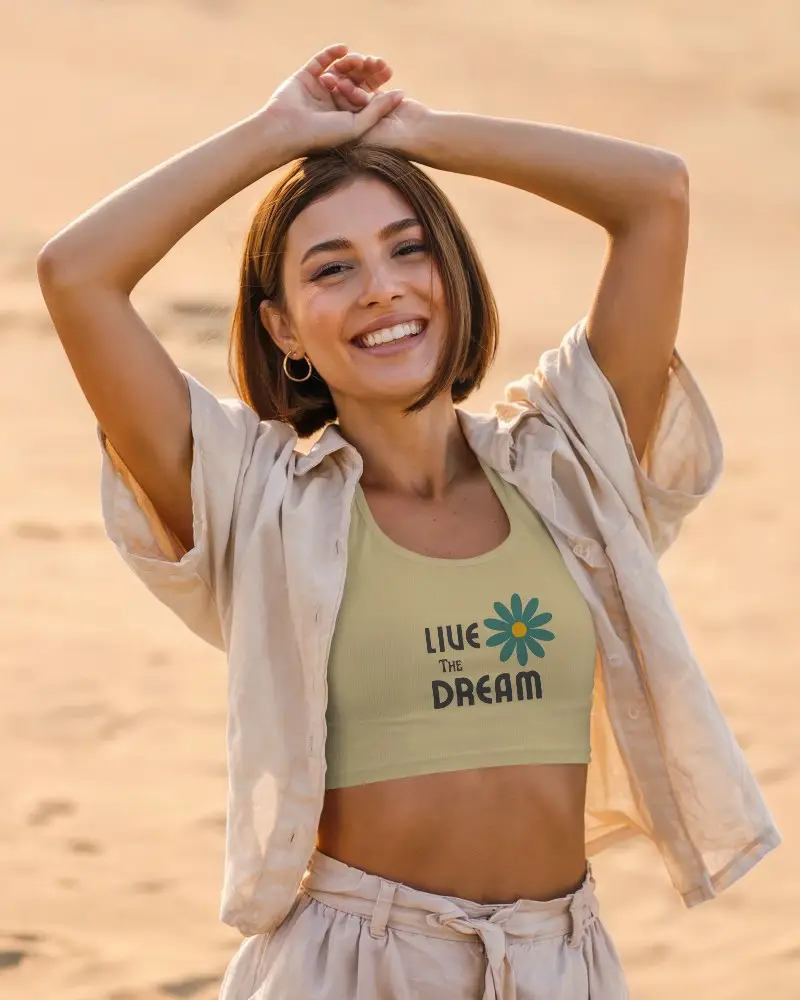
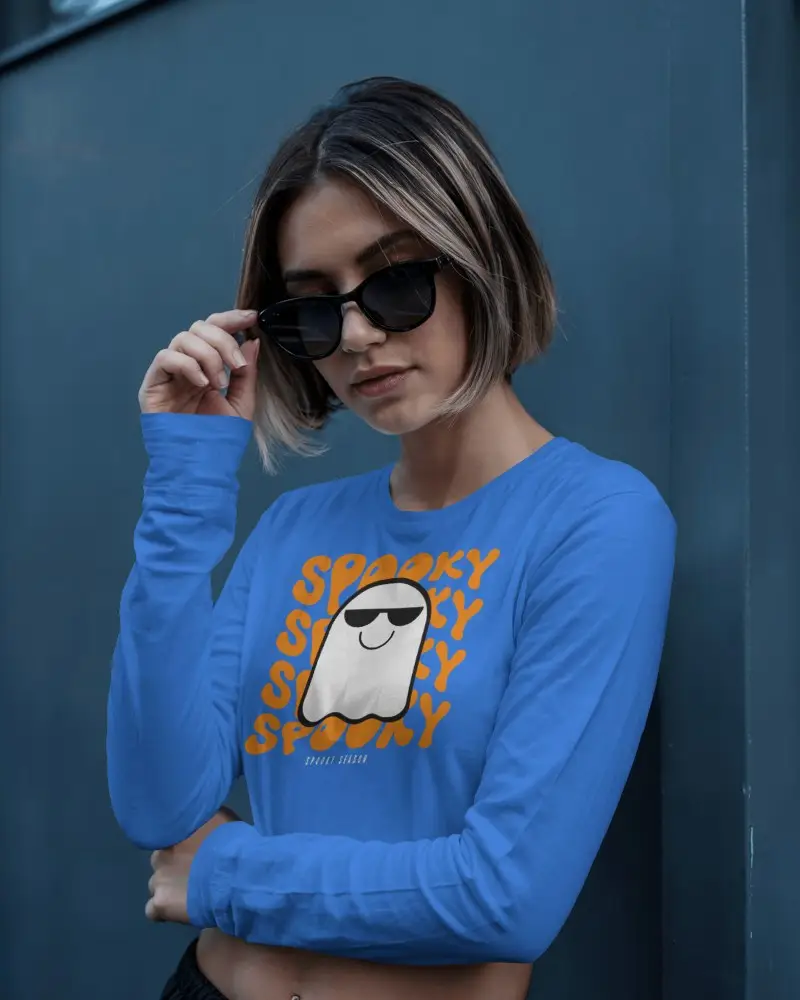
Showcase your design like never before with this crop top video mockup by Mockey. Add movement, realism, and style to your apparel presentations effortlessly.
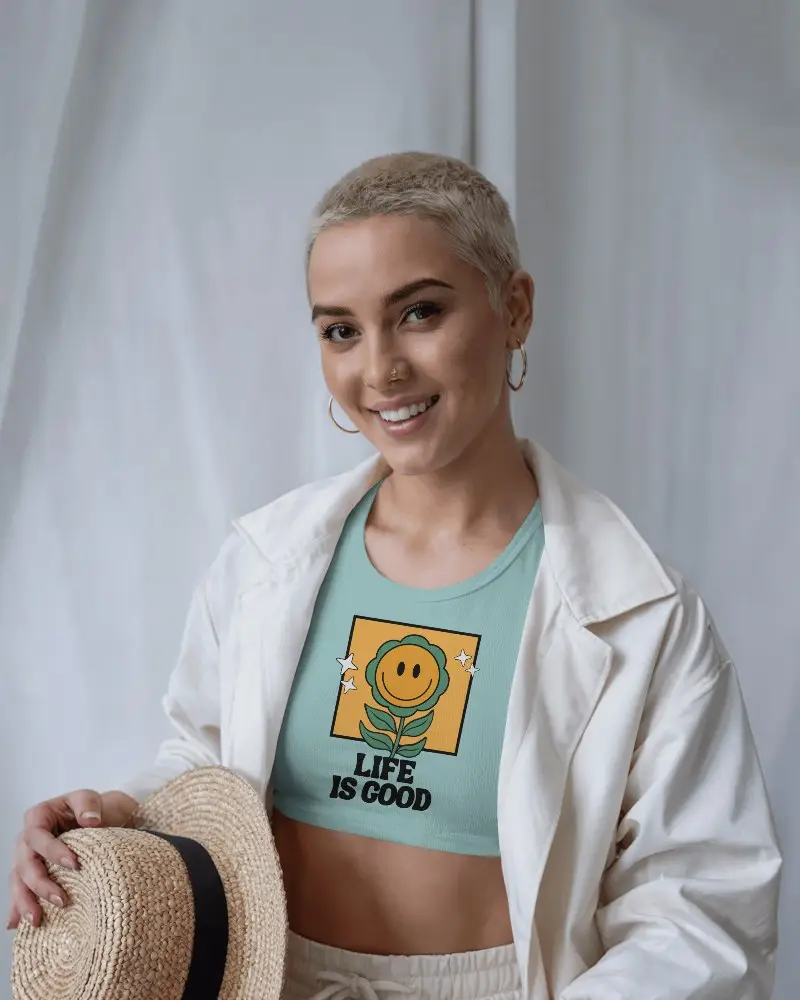
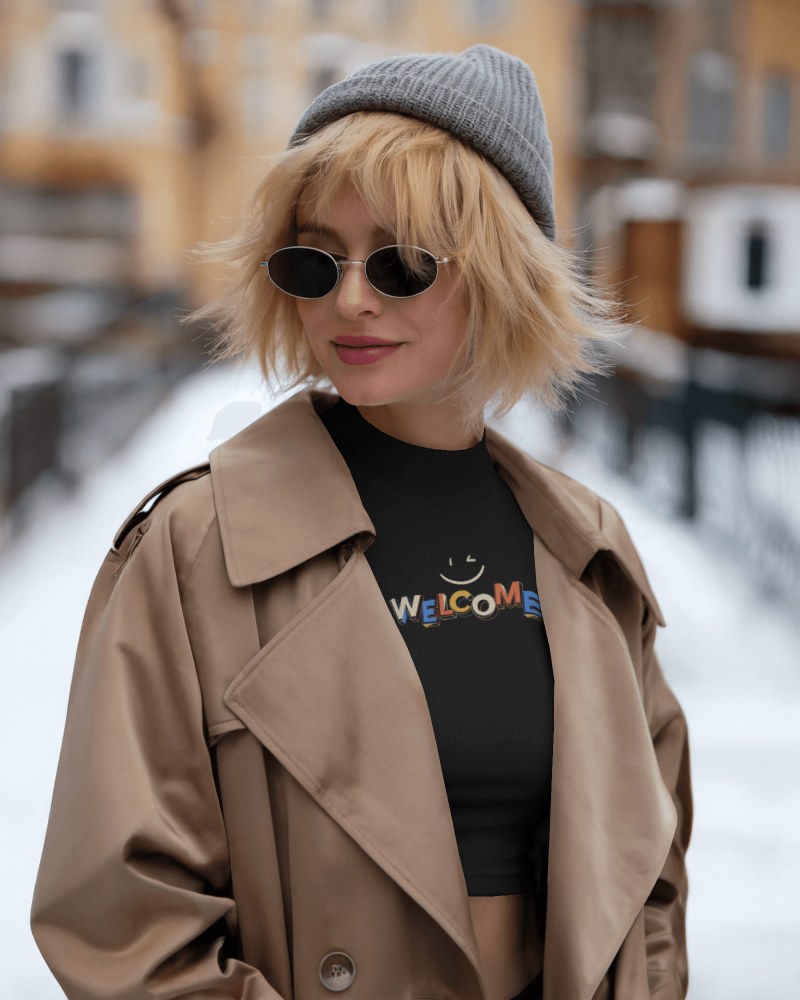
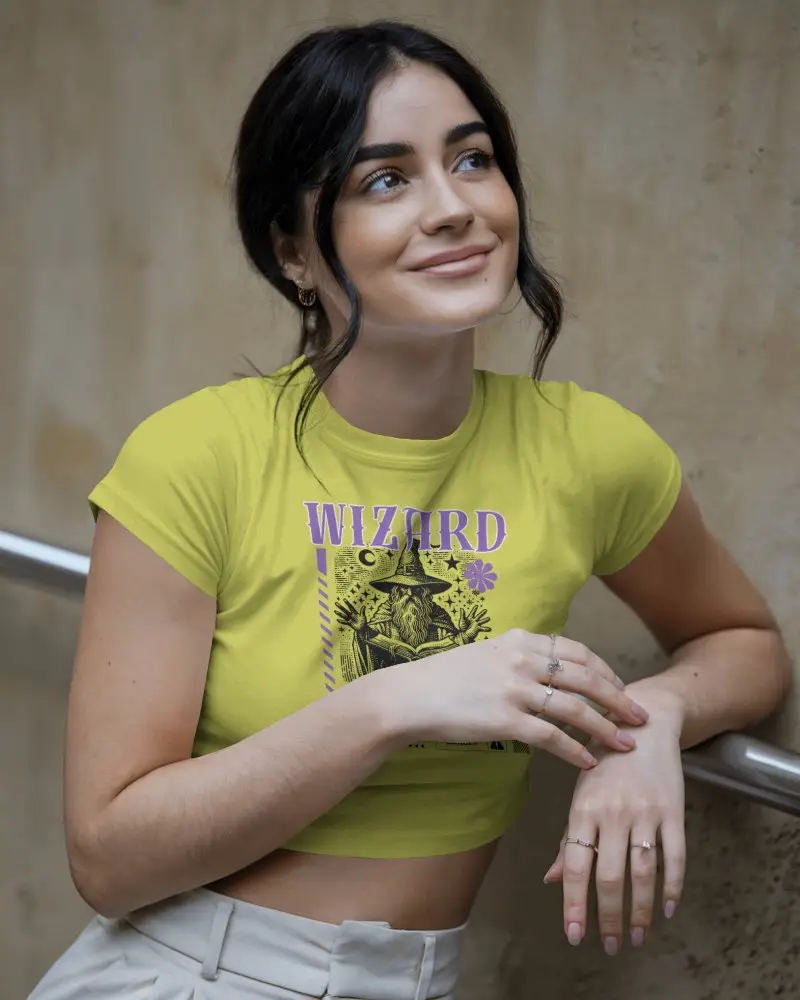
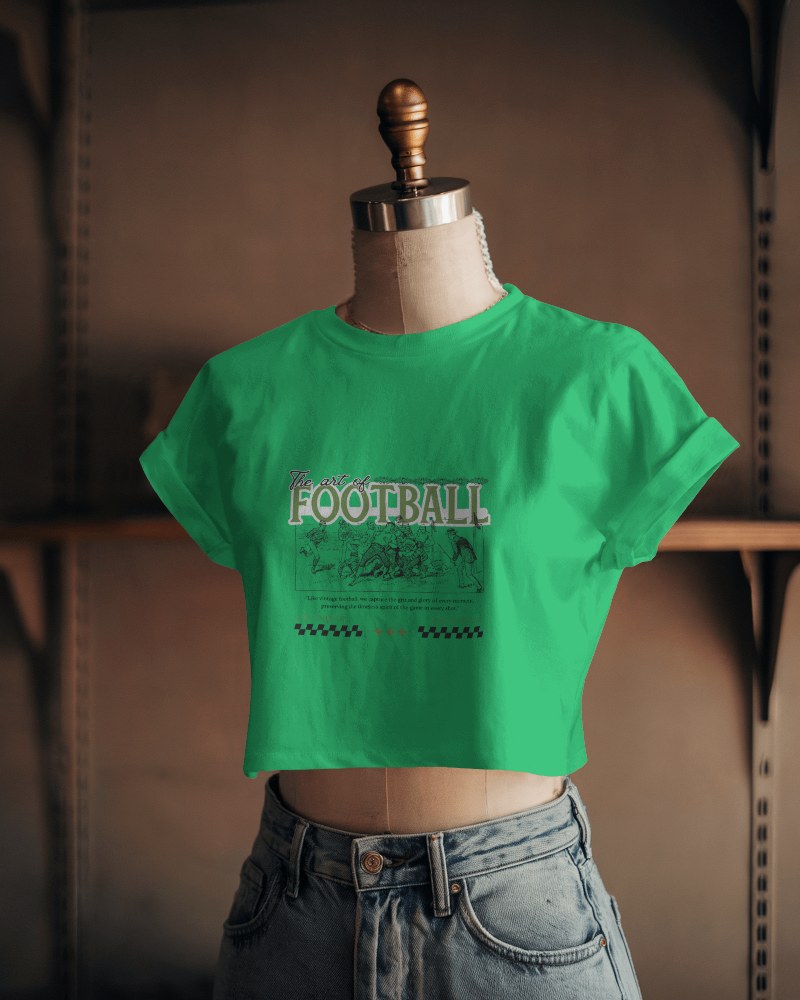
How to Create a Crop Top Video Mockup with Mockey AI
To create crop top video mockups:
- Step 1: Log in and buy the max plan. Click 'Video Mockups' and follow 'Apparel > Crop Top'.
- Step 2: Pick a video template so you can upload your design and customize it.
- Step 3: Press 'Generate Video' to save the crop top video mockup.


FAQs on crop-top Video Mockups
What is a crop top video mockup?
A crop top video mockup shows your design on a moving model. Rather than a still image, it's a short video. In this way, brands can see how their designs look in reality. It feels more real. It’s a smart way to present your work.
How can I customize the crop top video mockup on Mockey?
Select a template and apply your design to a crop top video mockup to make it uniquely yours. After that, you can use the color and warping features for further customization.
Can I use crop top video mockups for my clothing brand promotions?
Yes, you can use crop top video mockups to promote your clothing brand. Just make sure the template is original or licensed. This helps you avoid copyright trouble. Video mockups show your product in action. They also boost engagement on social media. Always take proper rights or permission before using any content.
What formats are available for download?
The crop top video mockup is available for download in an MP4 file. It works on almost all devices and editing tools.
