AI Face Bandana Video Mockups Online
Using Mockey AI, you can present Face bandana video mockups in motion, giving your customers a clear and realistic view of how the design looks on an actual product. These mockups highlight important details like fabric flow, fit, texture, and overall styling, helping buyers better understand the product before purchasing.
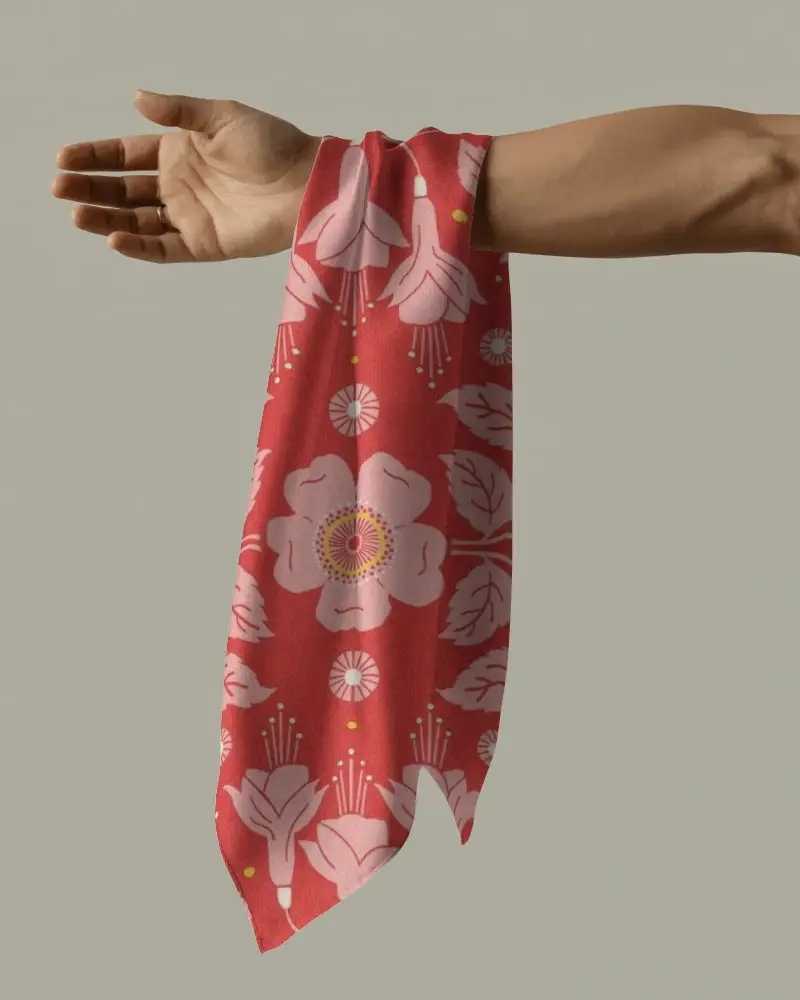
How to Create a Face Bandana Video Mockup
To create a Face bandana video mockup:
- Step 1: Select a bandana video from the available styles.
- Step 2: Upload your designs, change the bandana color, and adjust details.
- Step 3: Download the final Face bandana video mockup once you tap the Generate Video.


FAQs on Face Bandana Video Mockups
How is a Face bandana video mockup different from a regular mockup?
The Face bandana video mockups include motion. It shows the movement of the bandana fabric and displays the design from different angles. This makes it highly effective for conversions, especially when running ads.
Does a Face bandana video mockup help increase sales?
Face bandana video mockups often lead to a noticeable increase in sales. When a model wears the bandana, it presents a realistic view of the product, which builds buyer interest and encourages purchases.
Are Face bandana video mockups suitable for social media ads?
Face bandana video mockups are best suited to fashion and e-commerce companies for social media ads. With the growing demand for short video clips on social platforms, these mockups tend to get higher engagement.
Is it faster to create a Face bandana video mockup compared to a photoshoot?
Creating Face bandana video mockups is much faster compared to real photoshoots. They use ready-made video templates where you simply add your design, and within 1–2 minutes, a realistic video is generated.
