phone-cover
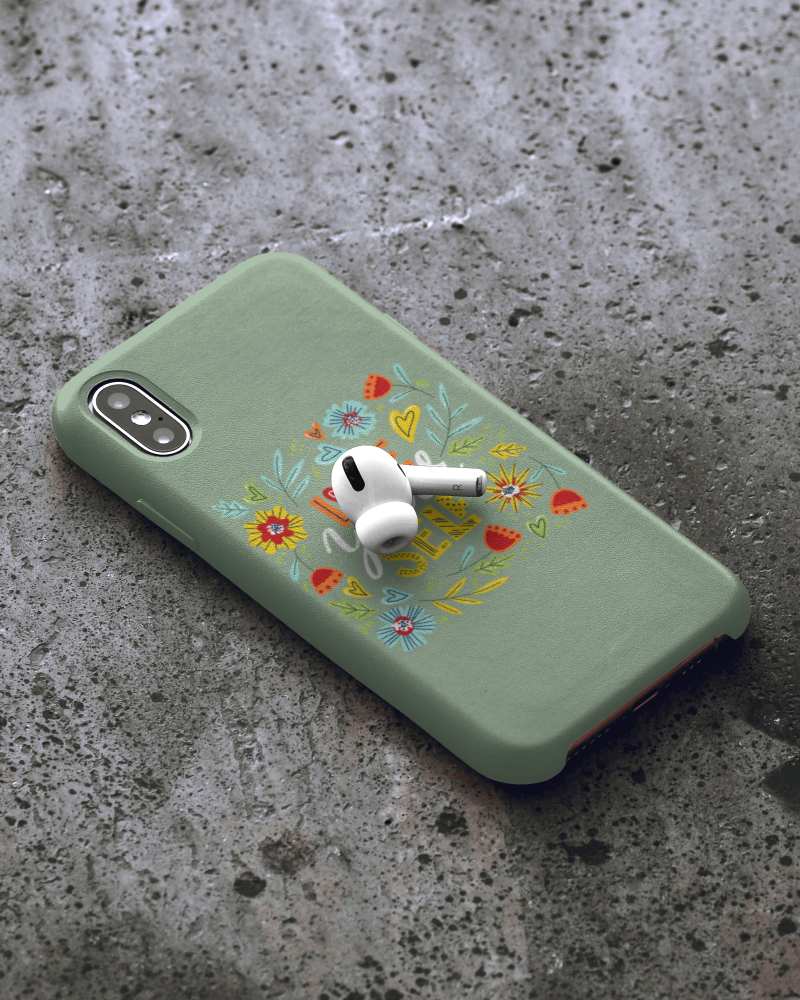
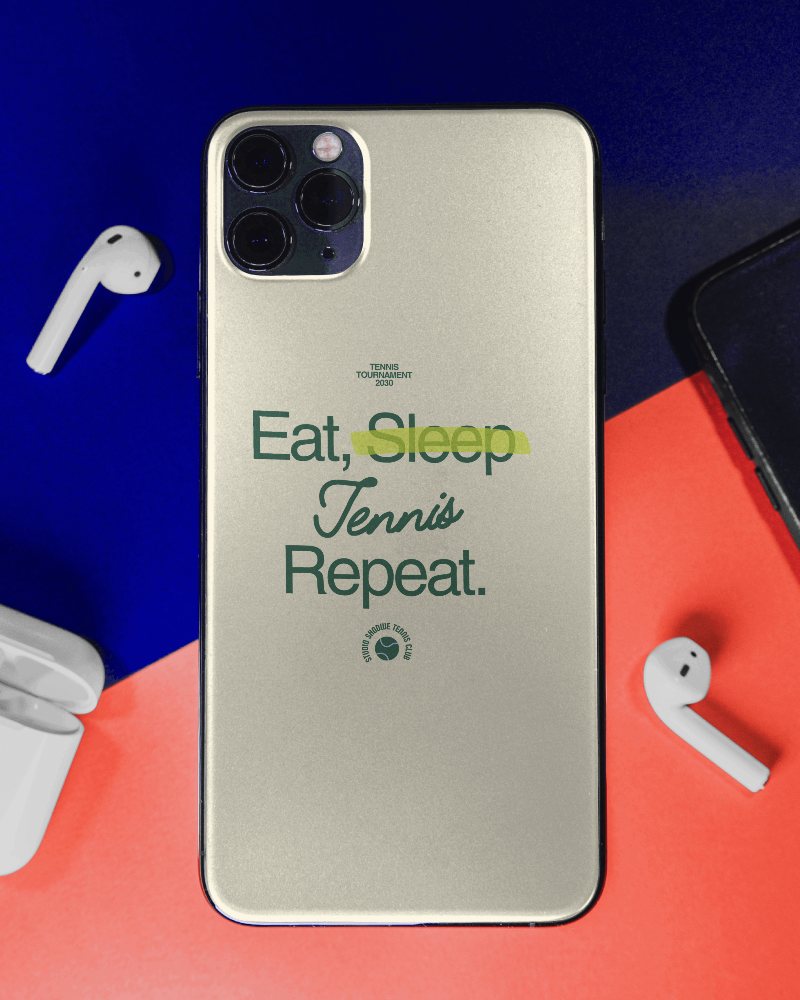
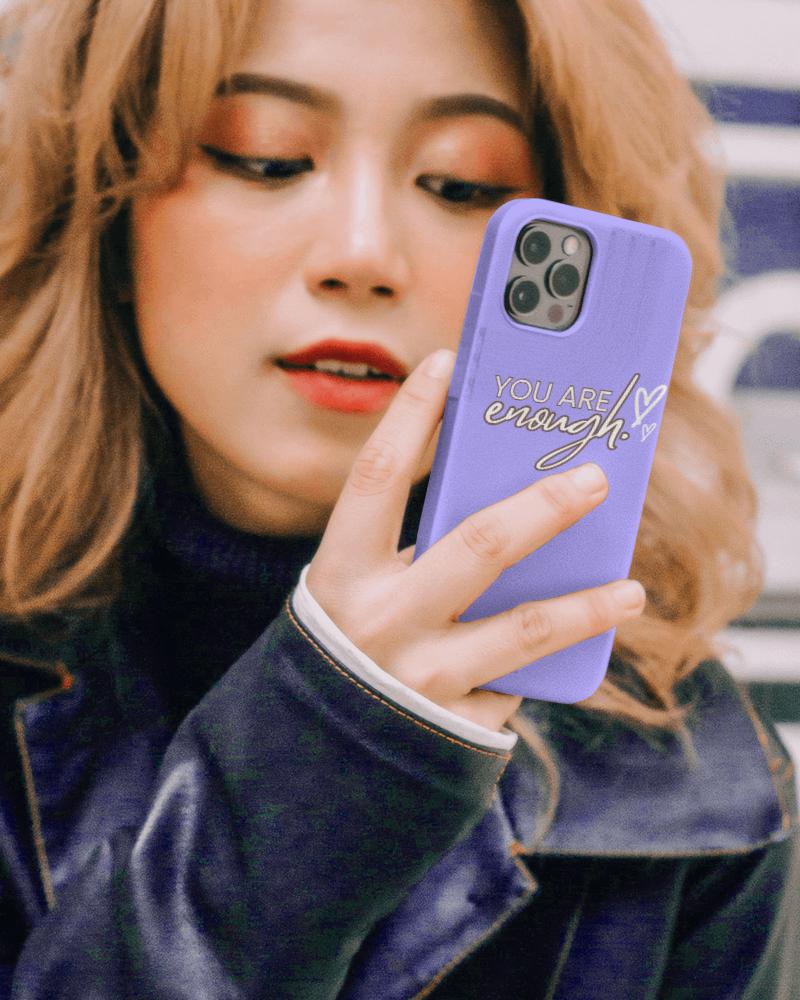
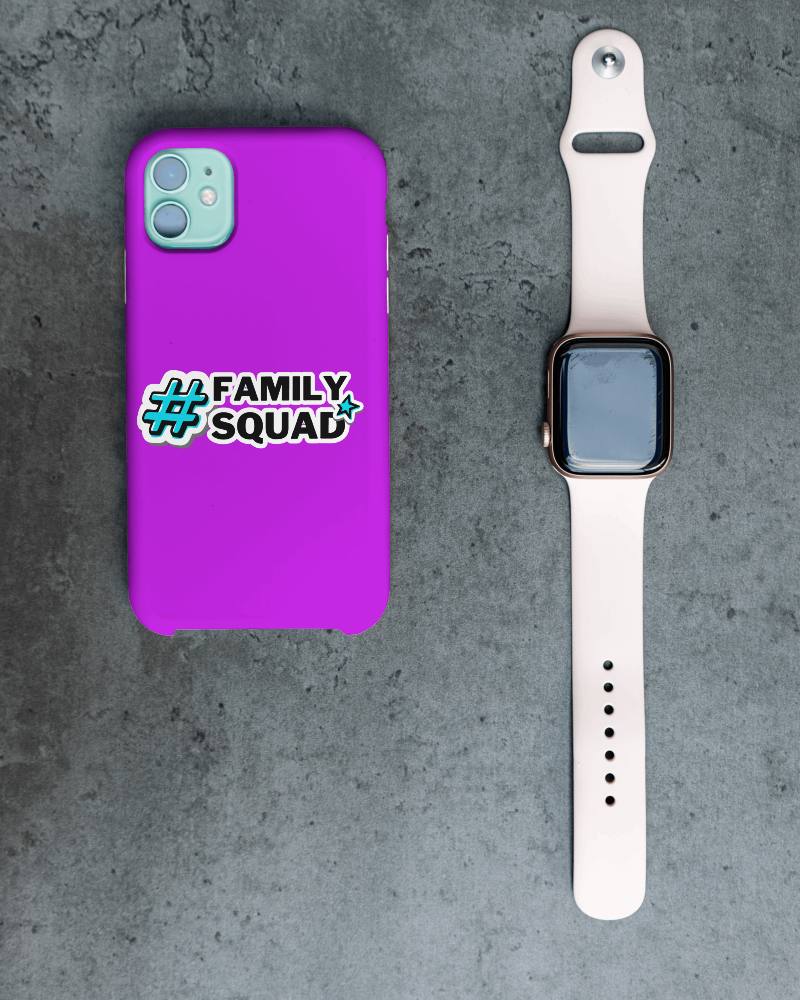
Phone Cover Video Mockups
Create the perfect phone cover video mockup with Mockey AI! Customize stunning phone cover video mockups in seconds using our easy-to-use mockup generator.
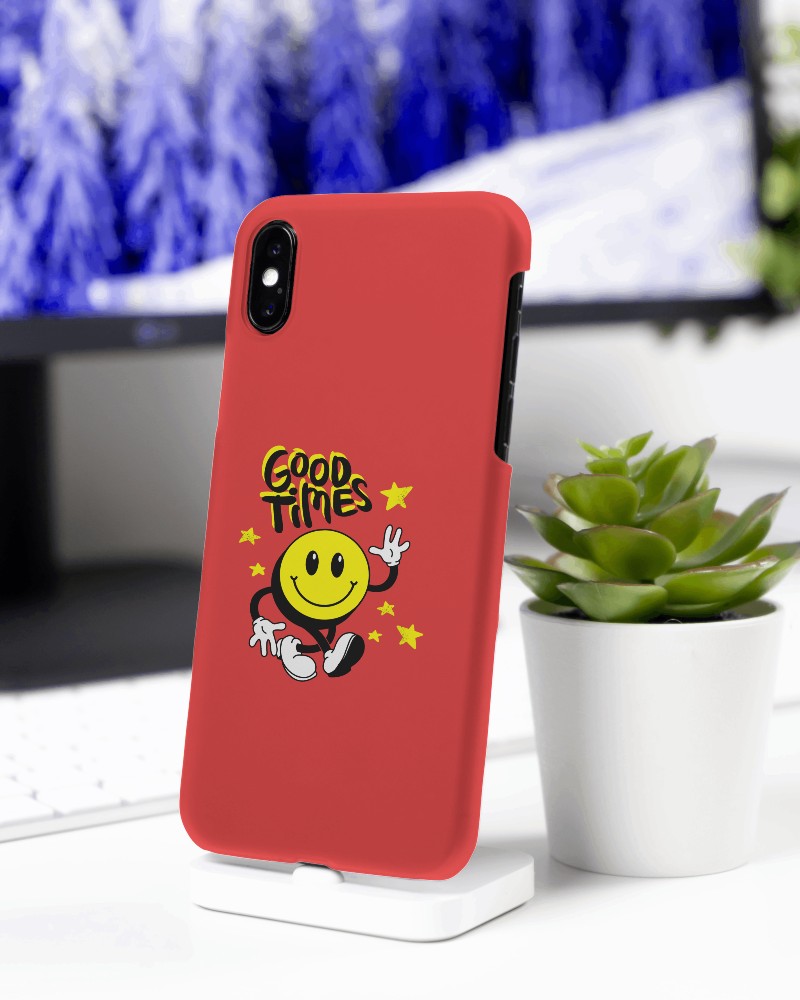
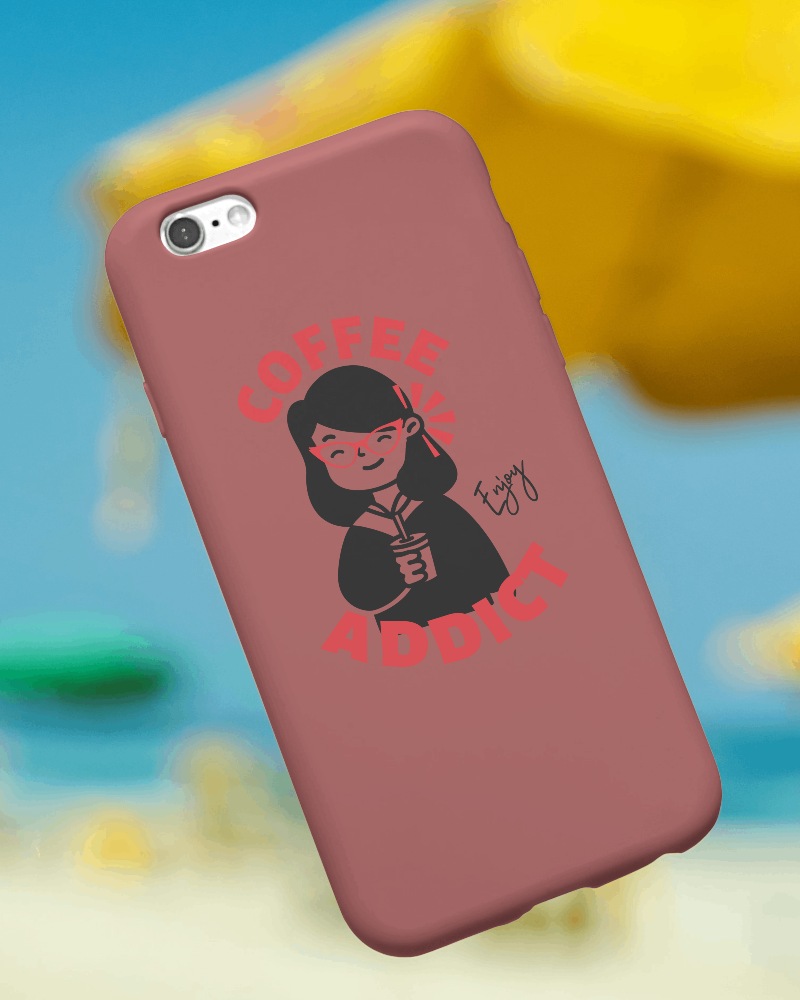
How to Create a Phone Cover Video Mockup with Mockey AI
To create phone cover video mockups:
- Step 1: After signing up, follow 'Accessories > Phone Cover' in the 'Video Mockup'.
- Step 2: Select a template. Press 'Upload Design' to add yours and personalize it.
- Step 3: Click 'Generate Video'. Download the phone cover video mockup in MP4.


FAQs on phone-cover Video Mockups
Who can use phone cover video mockups?
Phone cover video mockups help many people. Designers use them to show their work without making real covers. Online shops use them to look more polished. Marketers, developers, and app makers use them too. Even teachers find them useful for demos.
Are Mockey's phone cover video mockups high resolution?
Yes, you’ll see high-quality phone cover video mockups on Mockey AI. The files are stored in the MP4 format.
