Wide Tote Bag Mockup Free to Download
Create realistic wide tote bag mockups in Mockey.ai and showcase your designs with stunning details, customizable textures, and backgrounds!
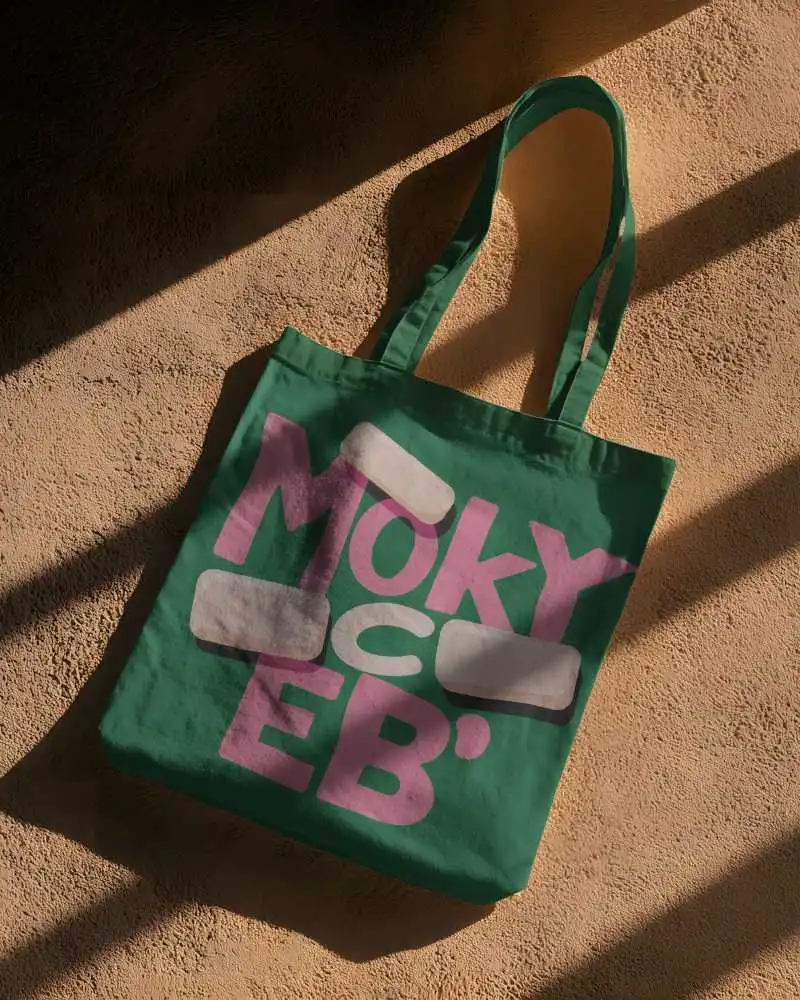
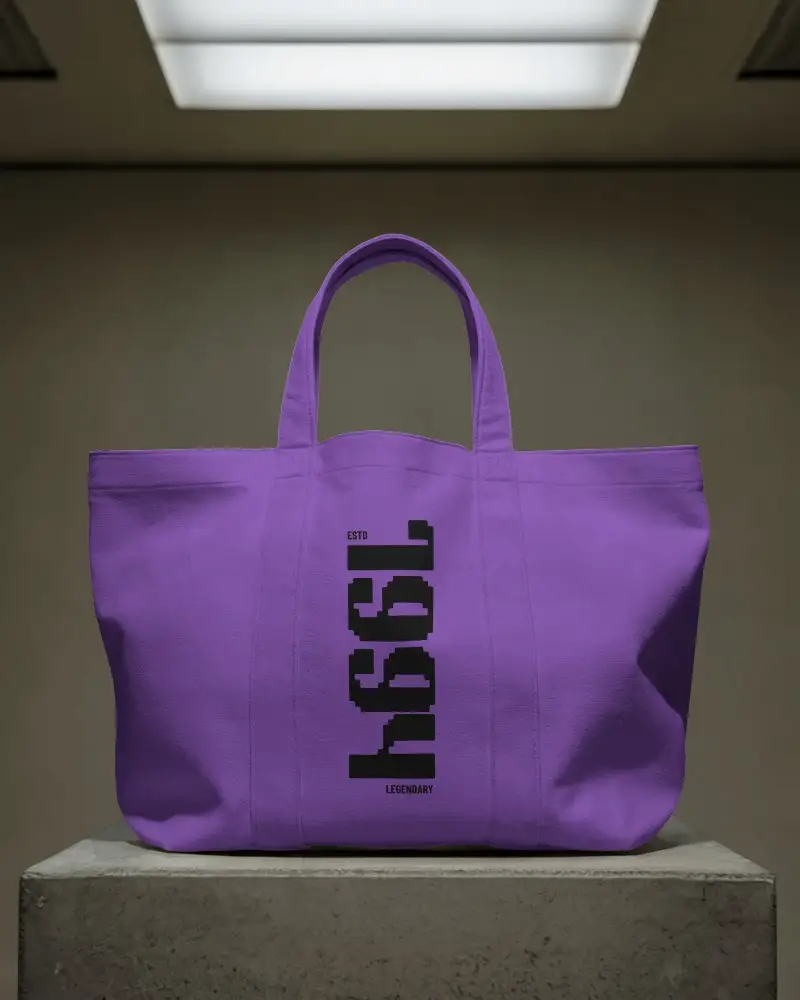
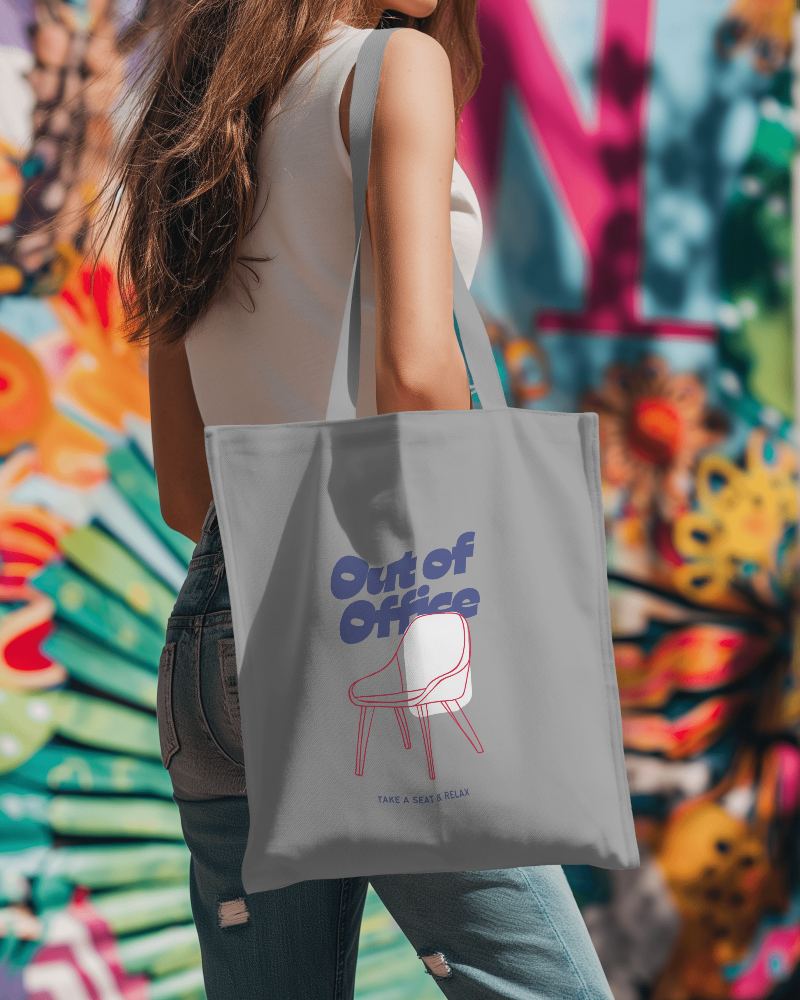
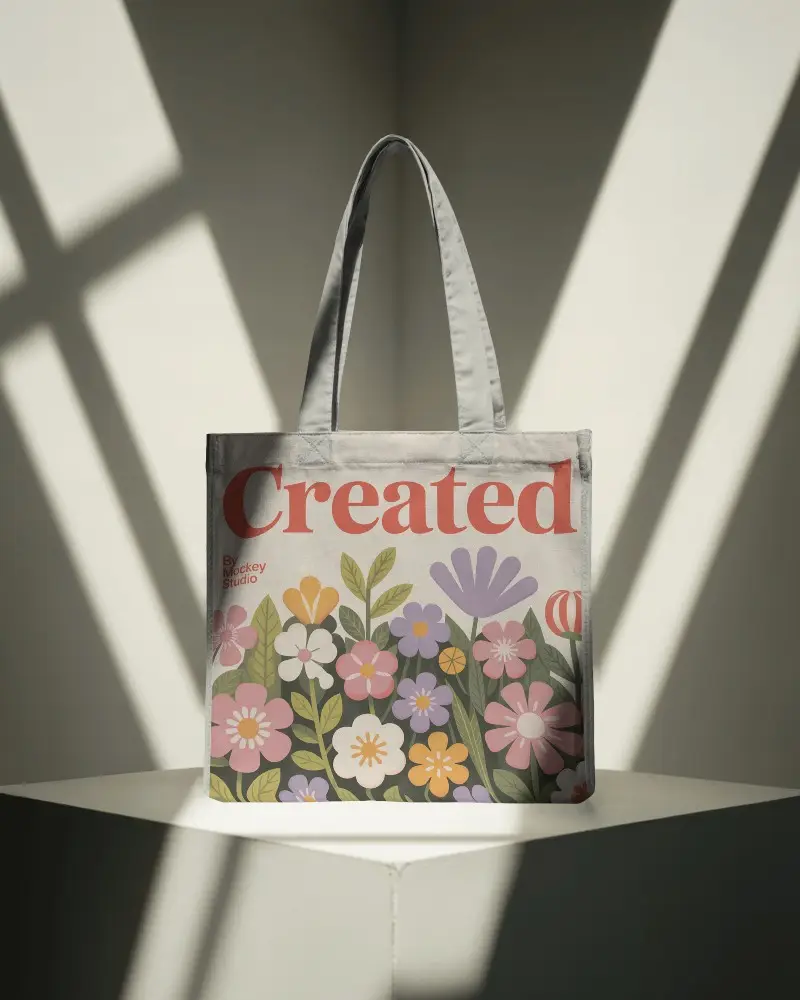
.png)
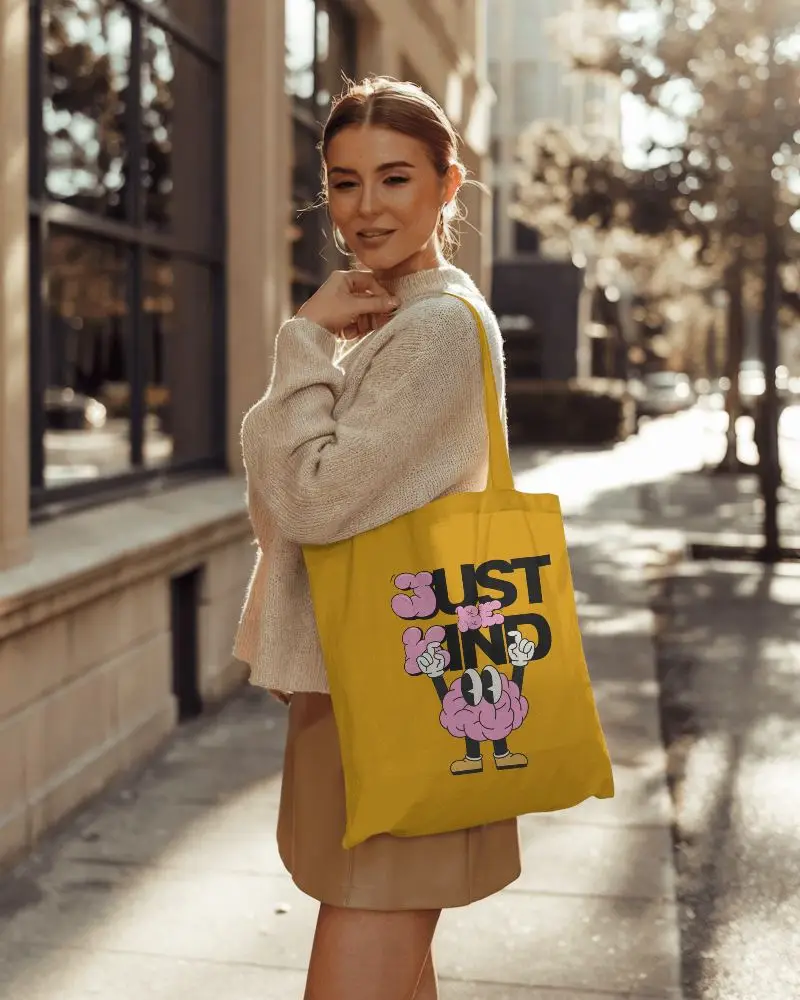
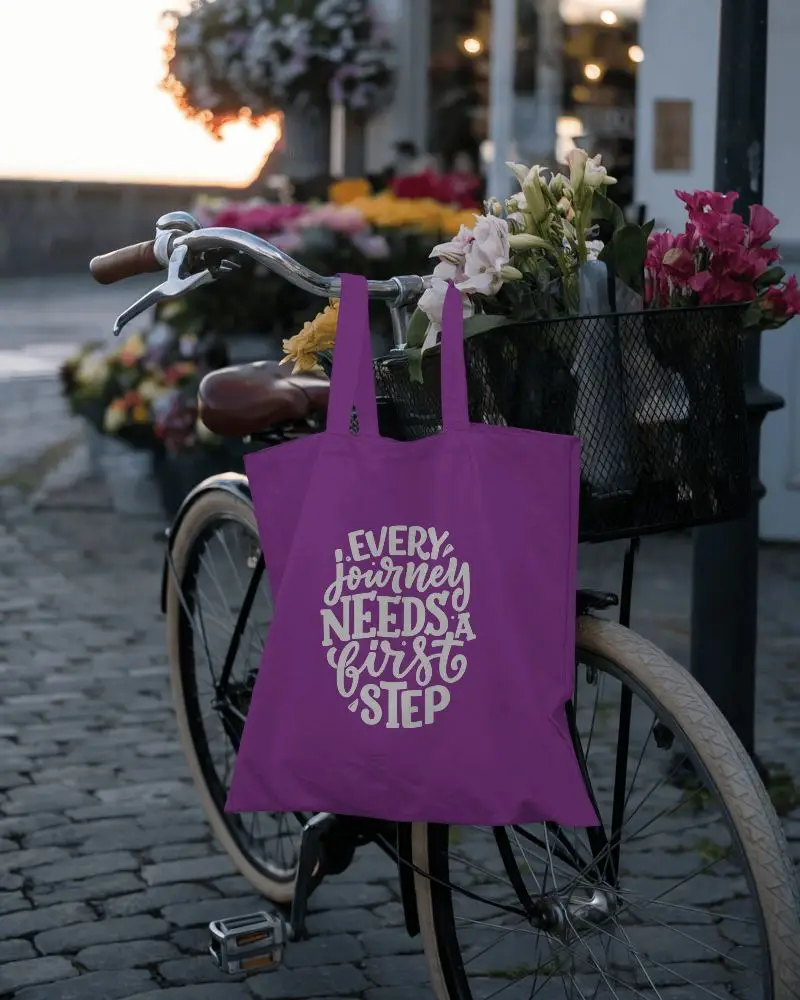
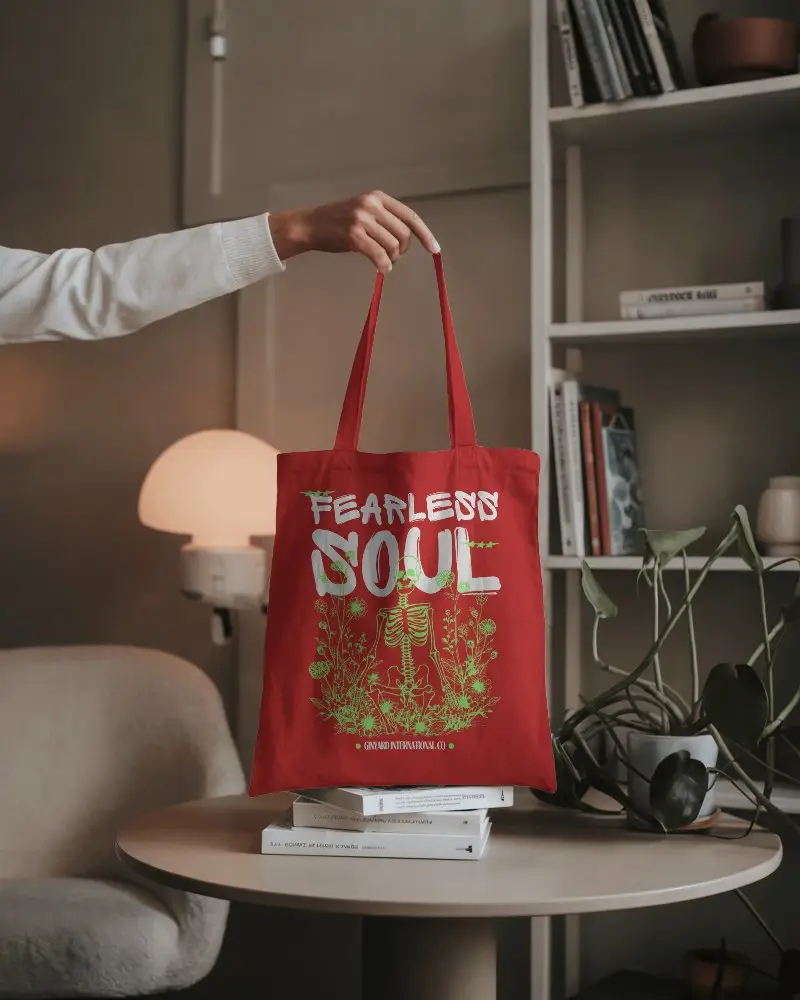
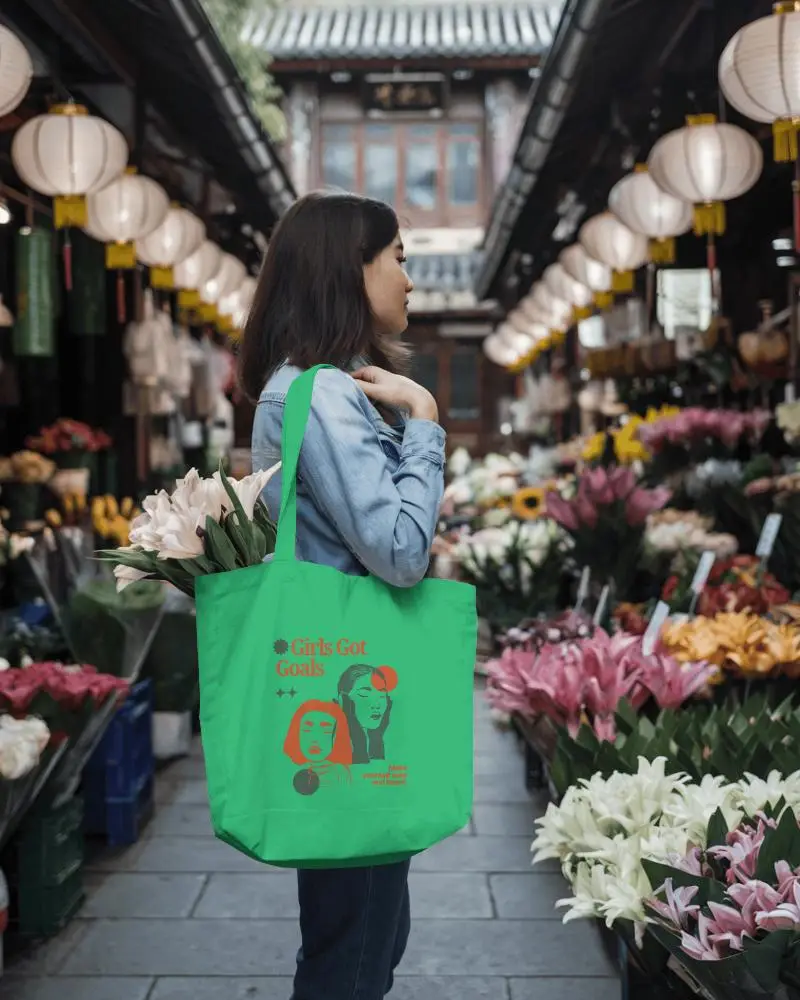
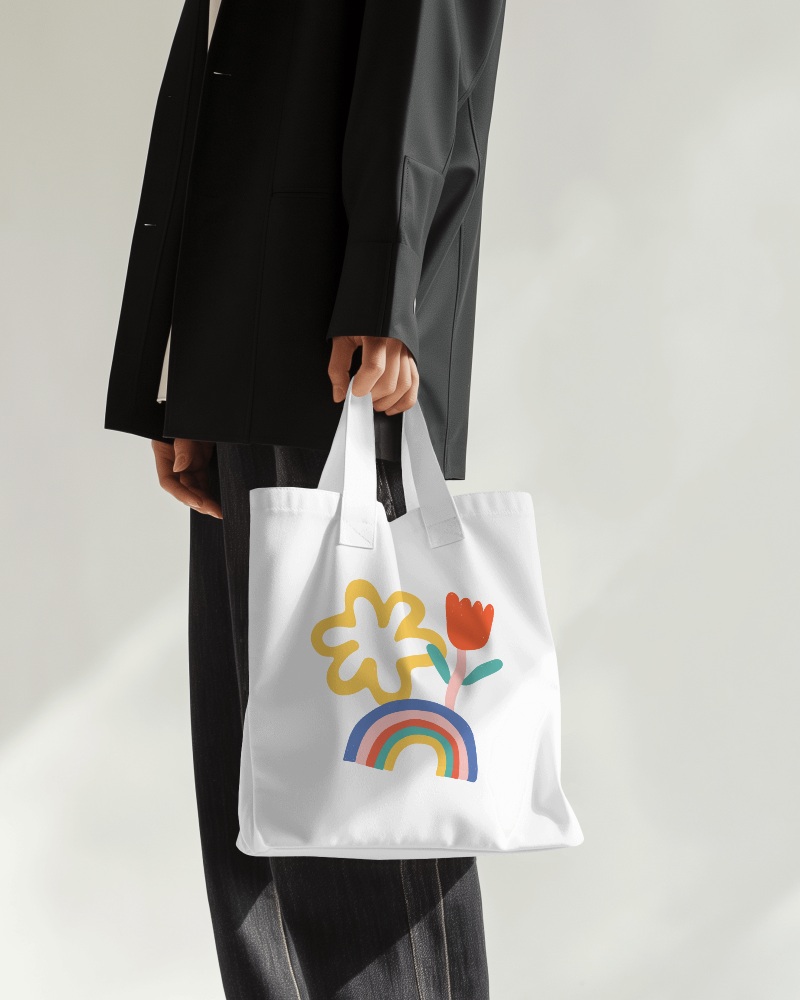
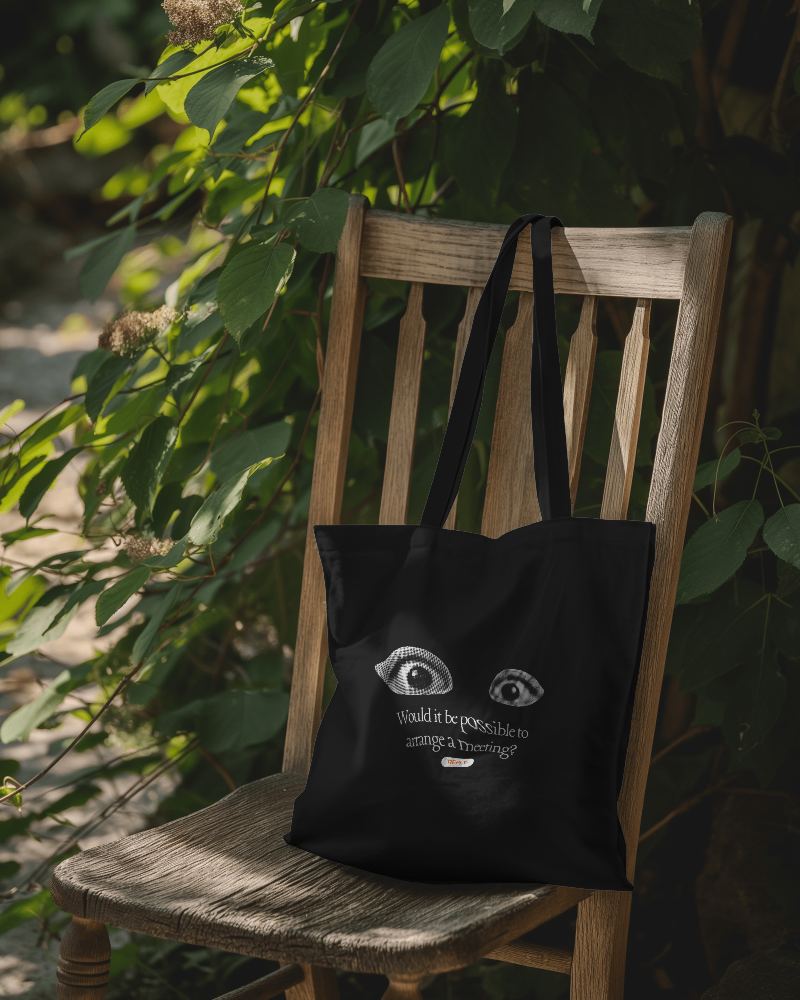
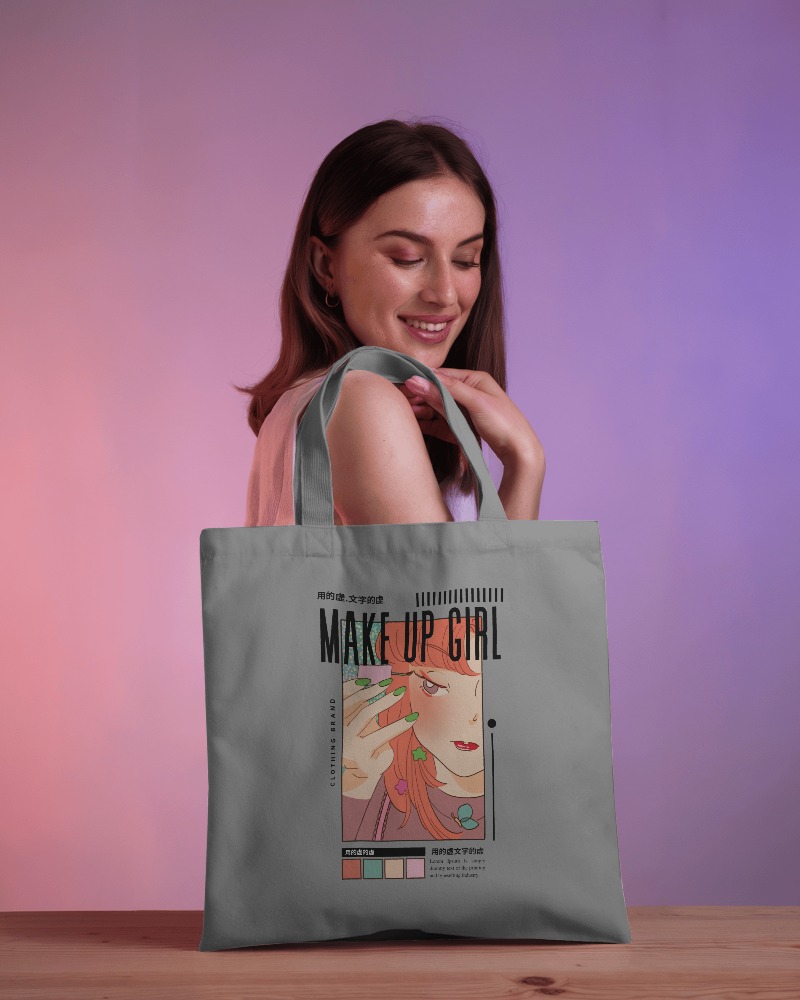
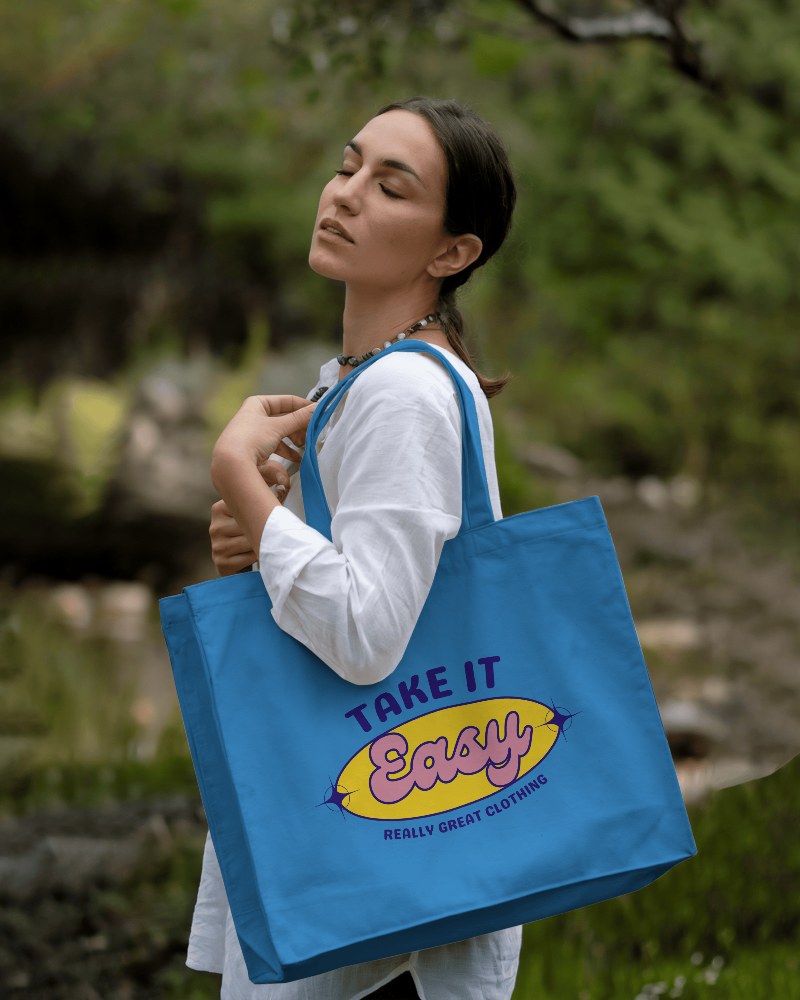
.png)
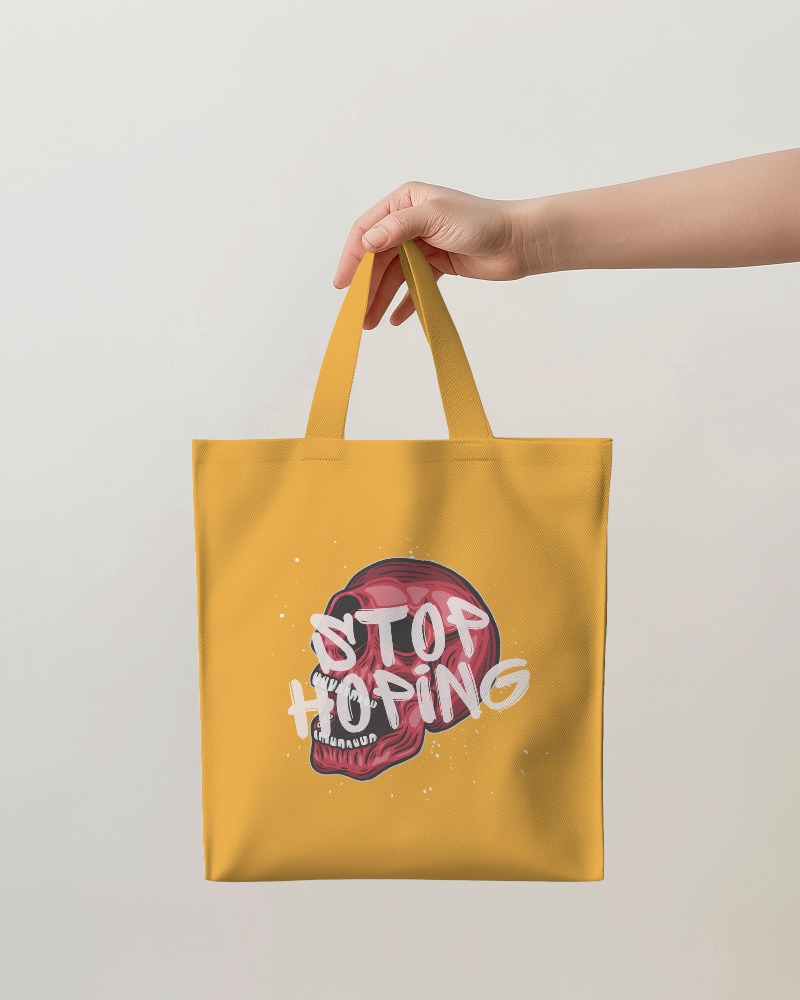
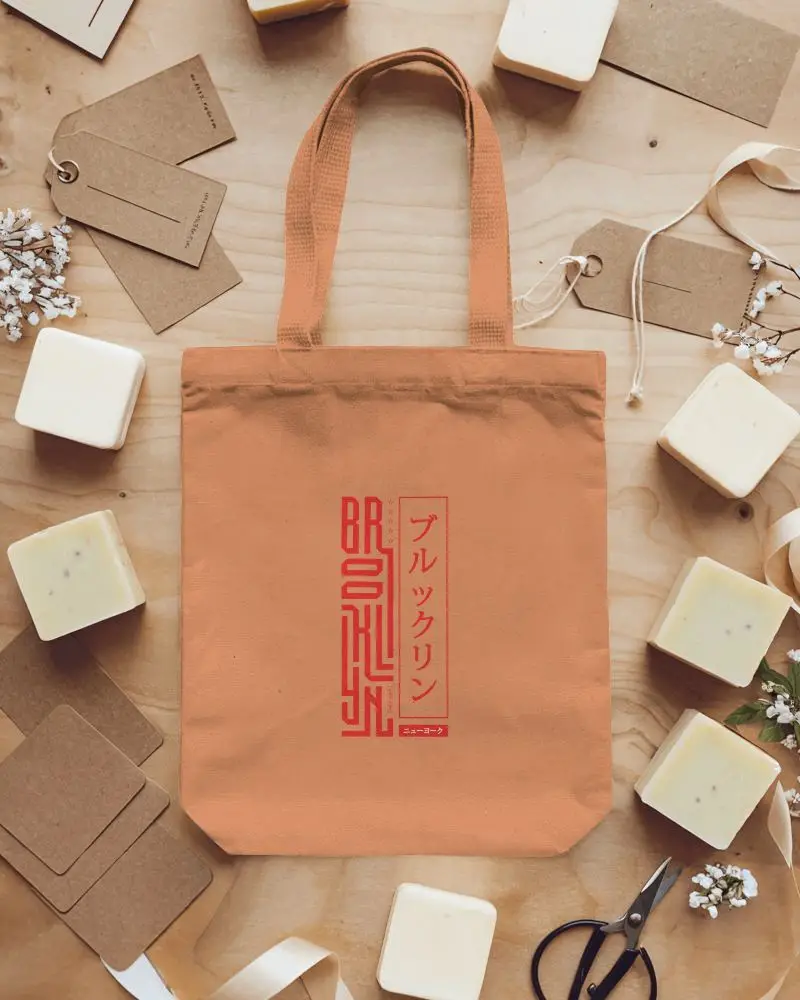
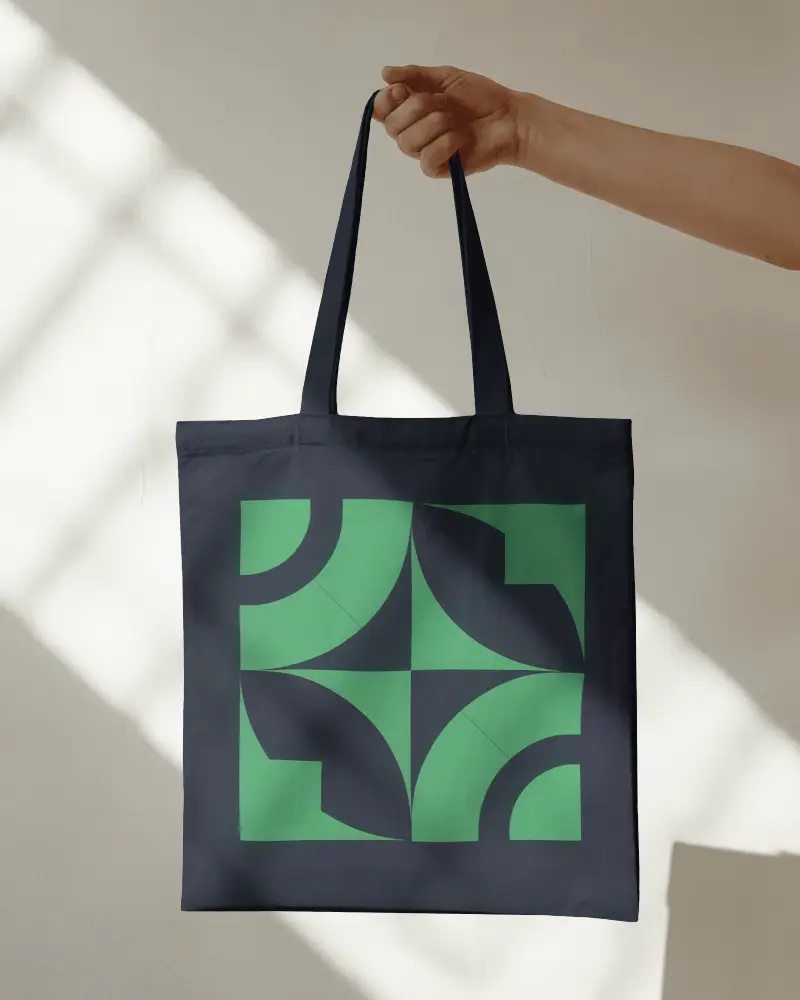
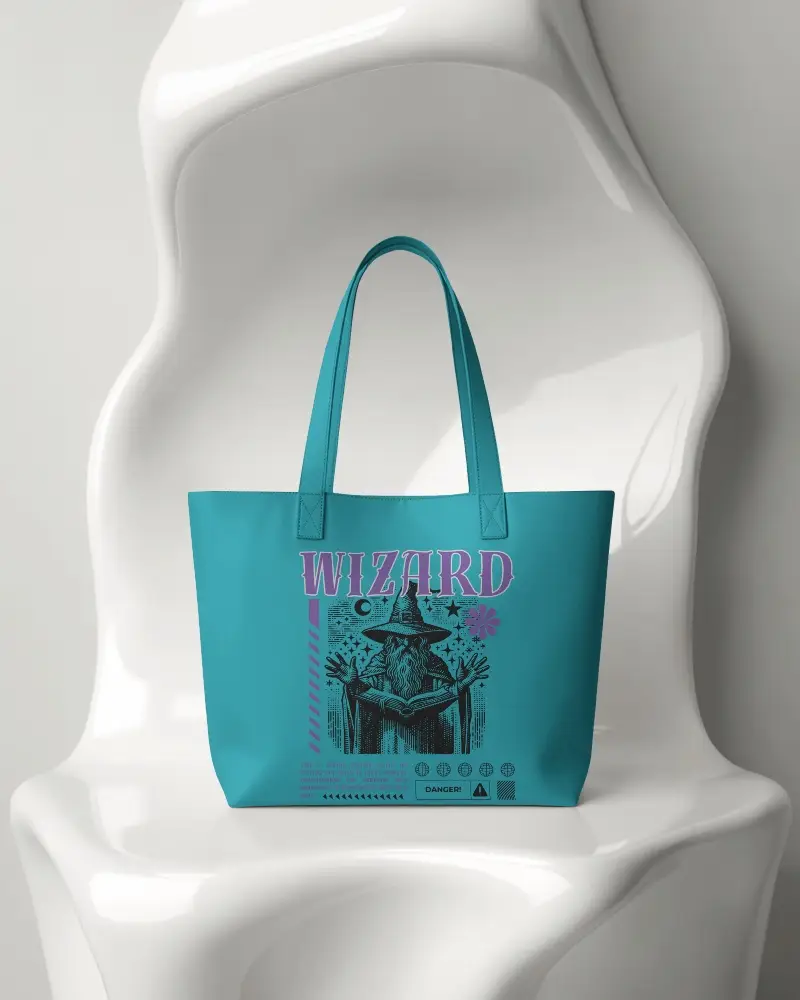
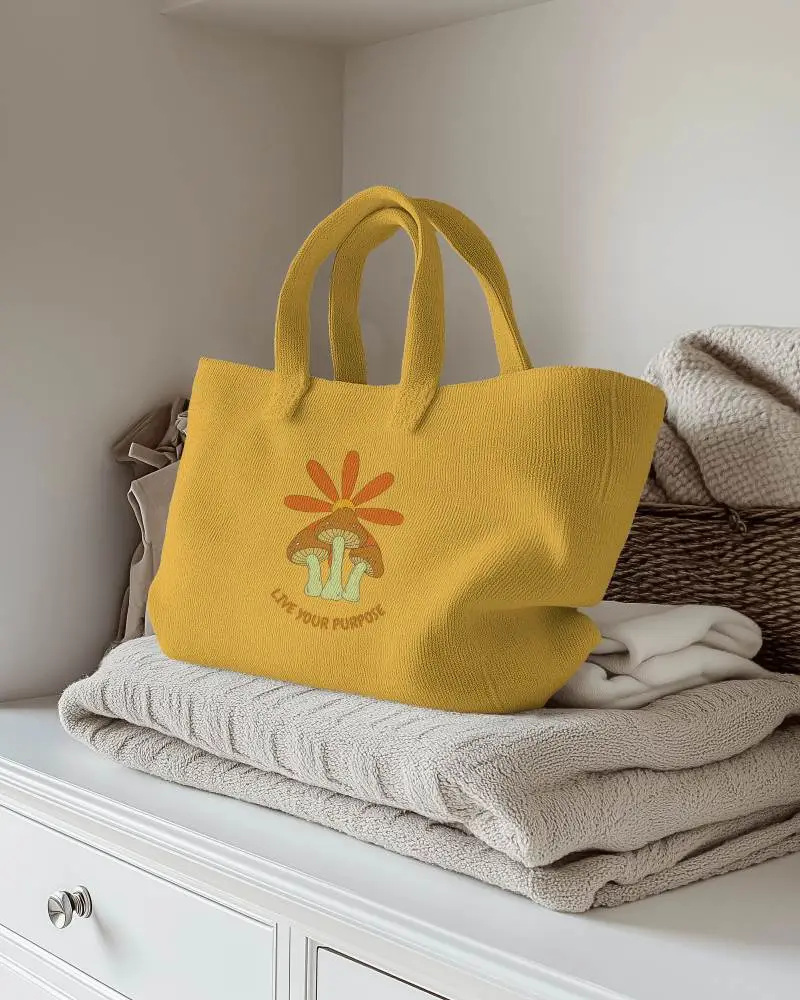
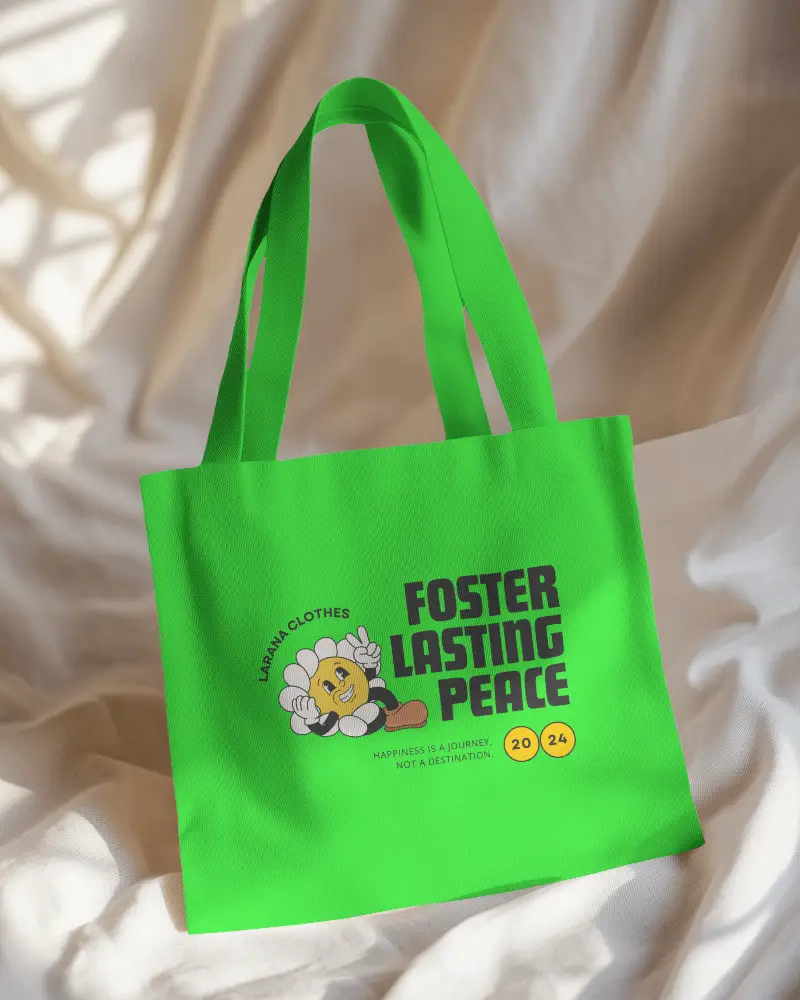
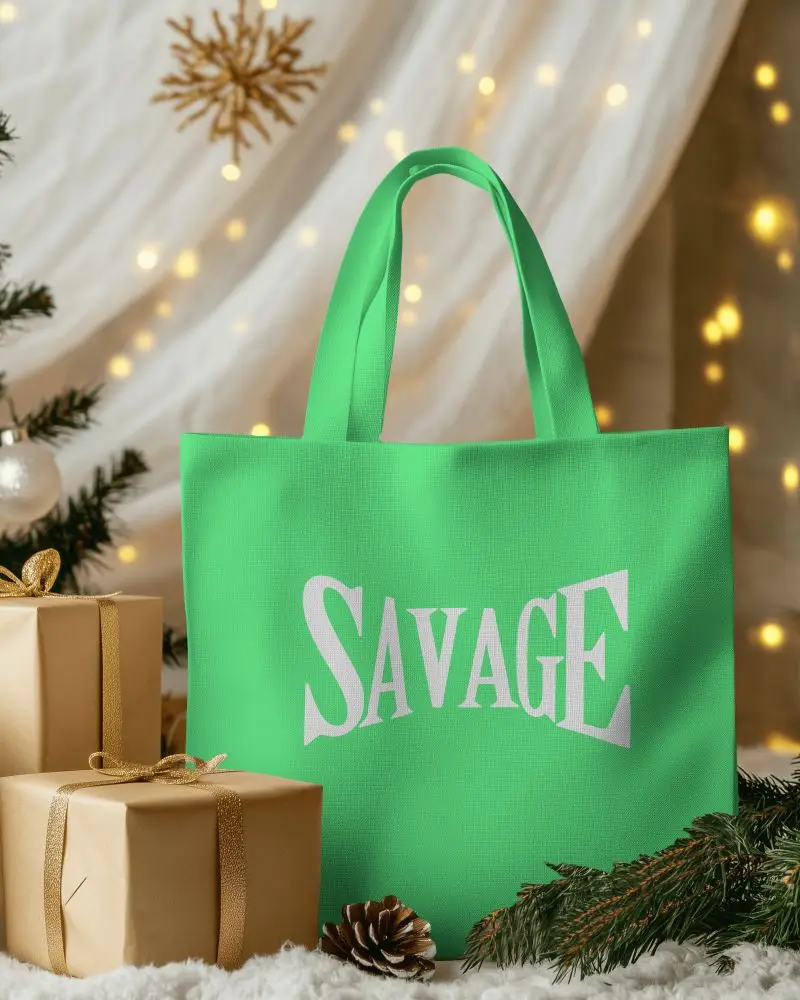
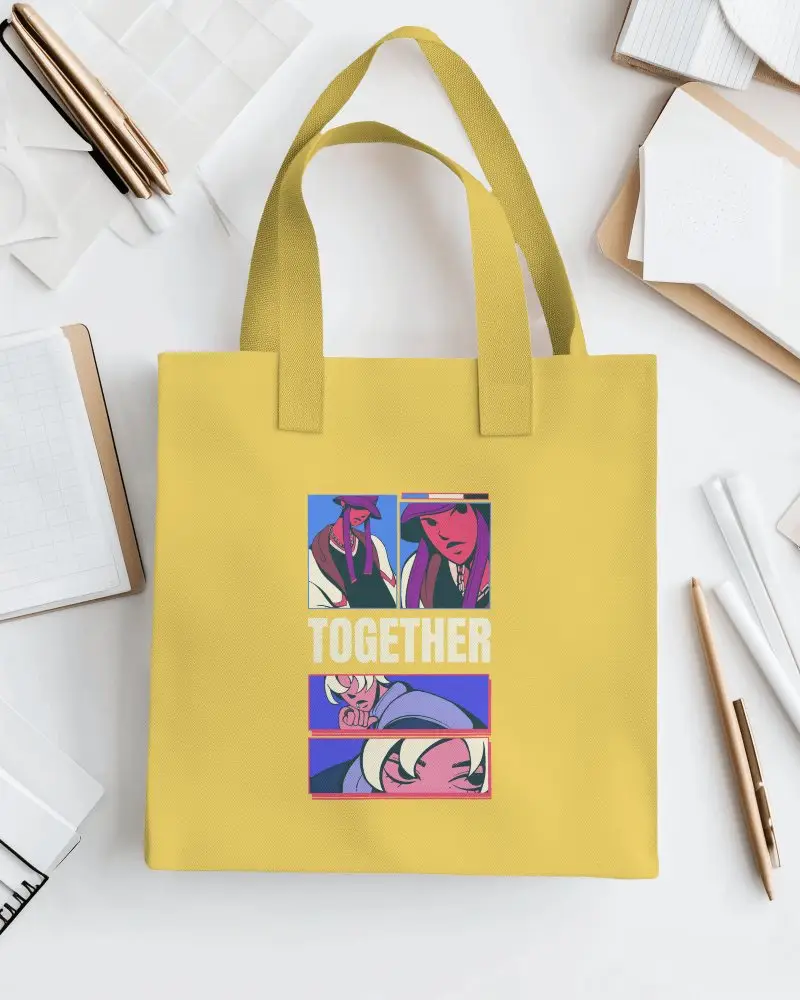
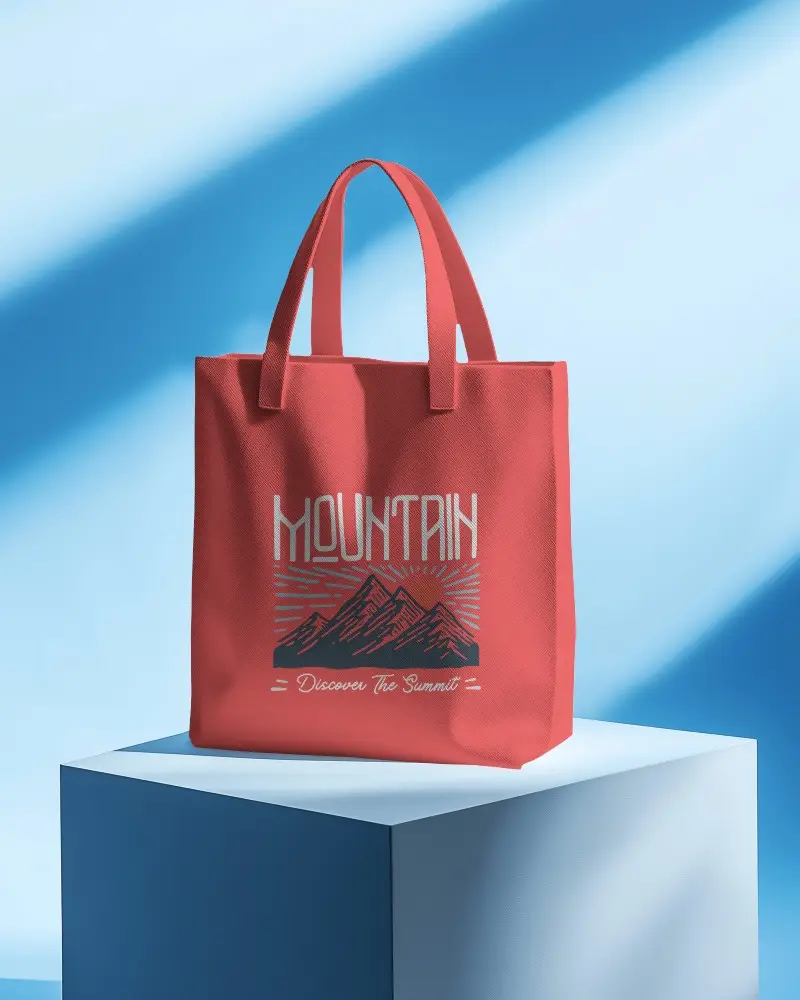
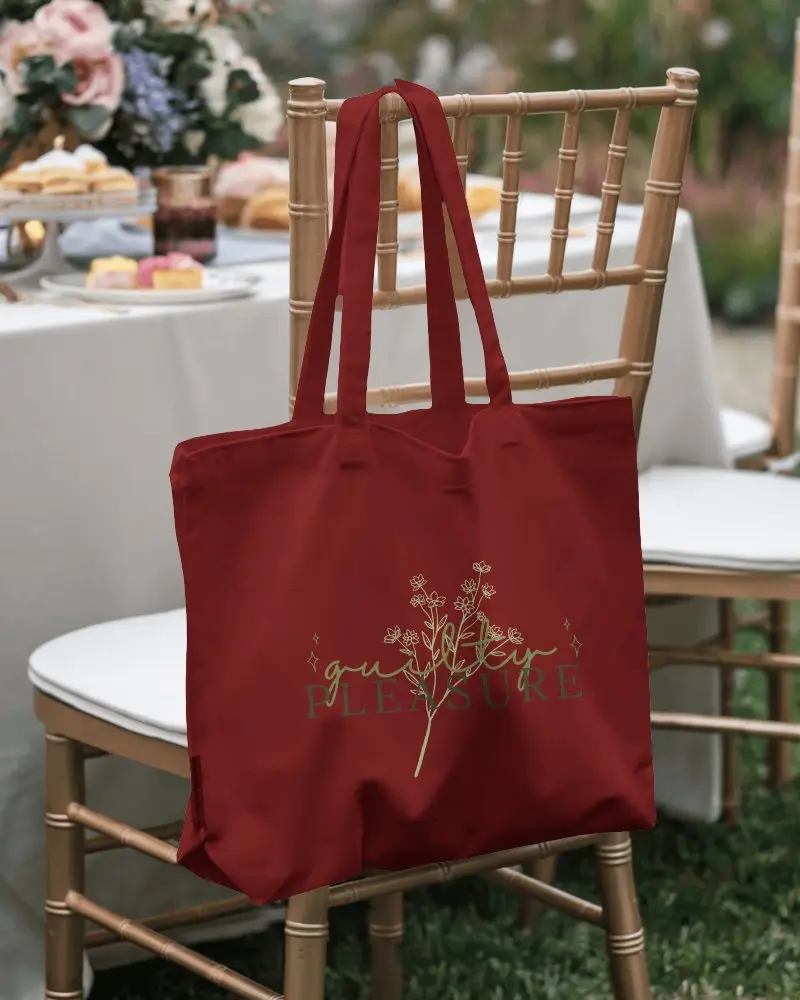
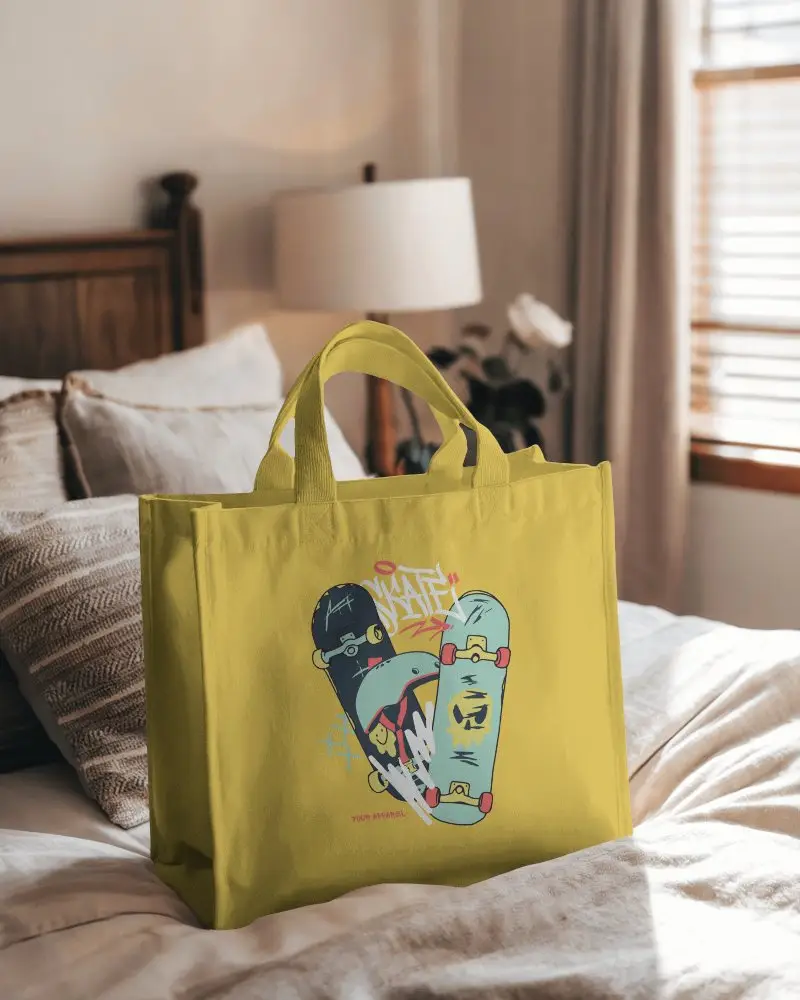
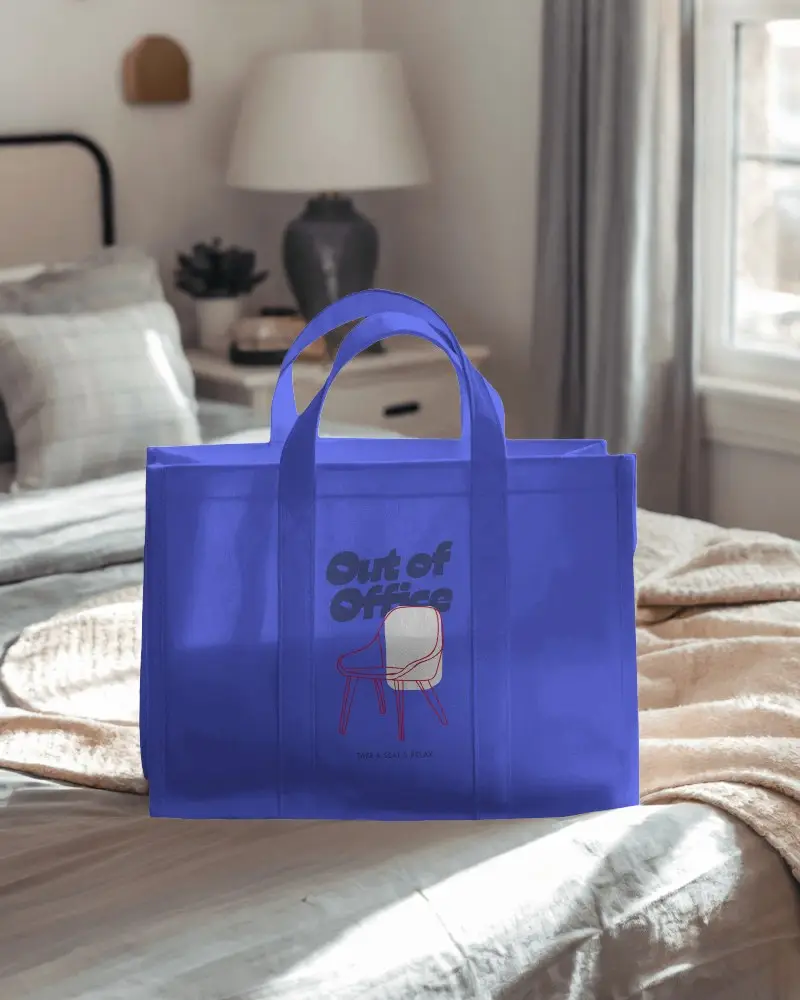
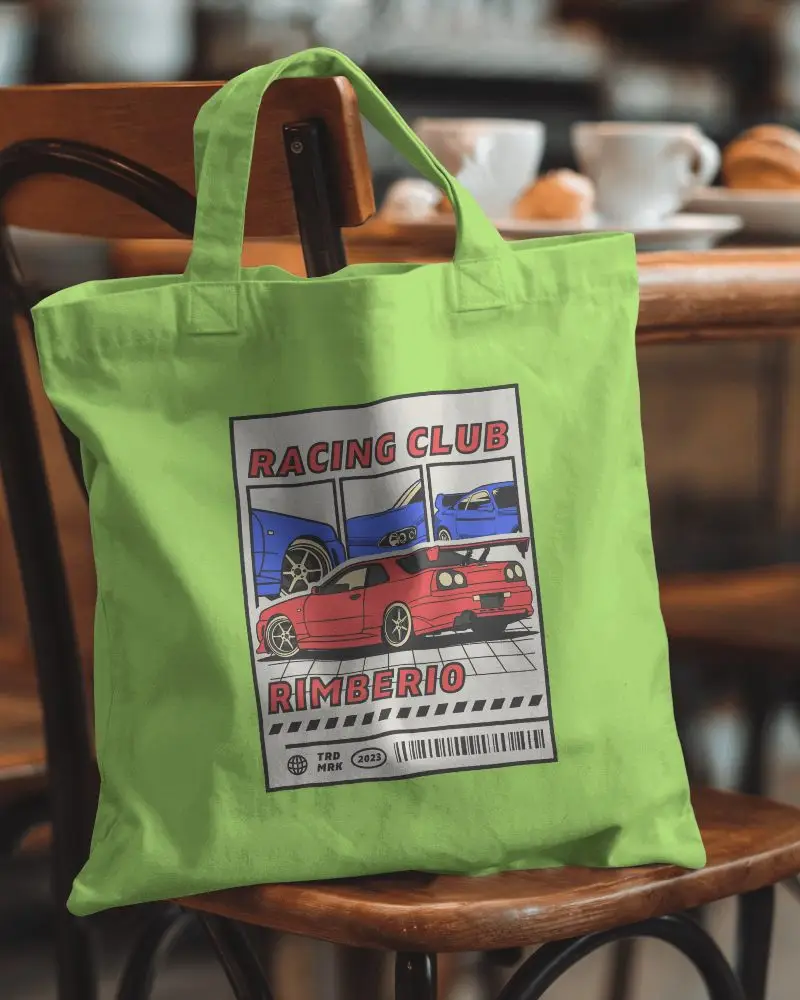
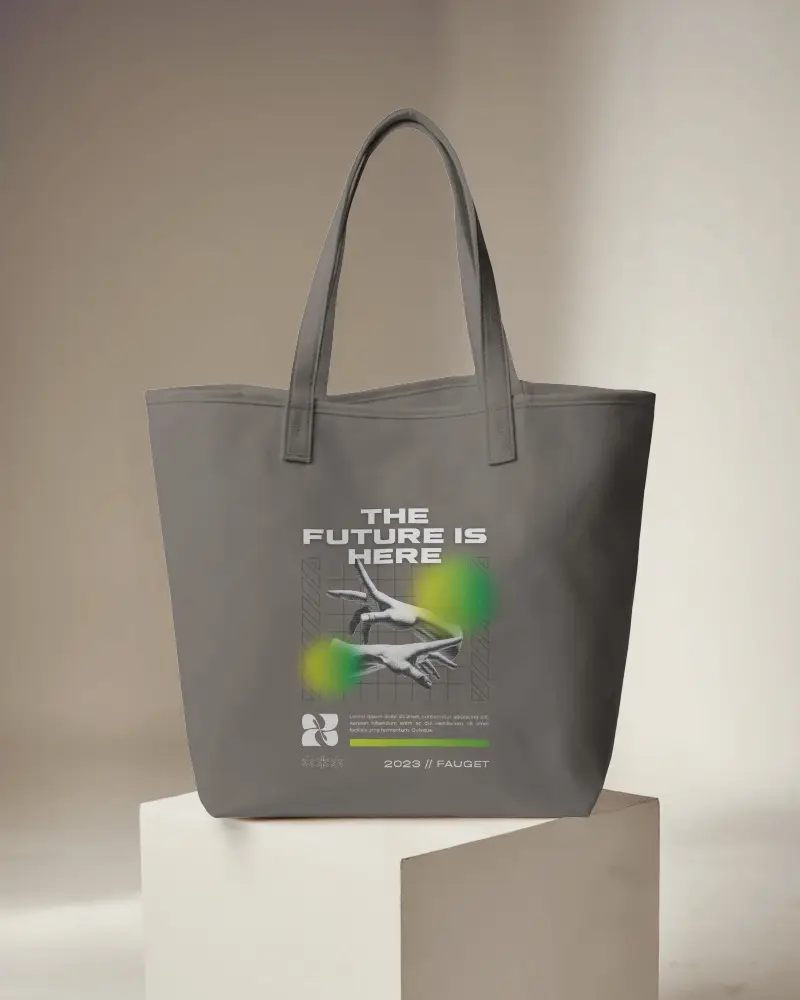
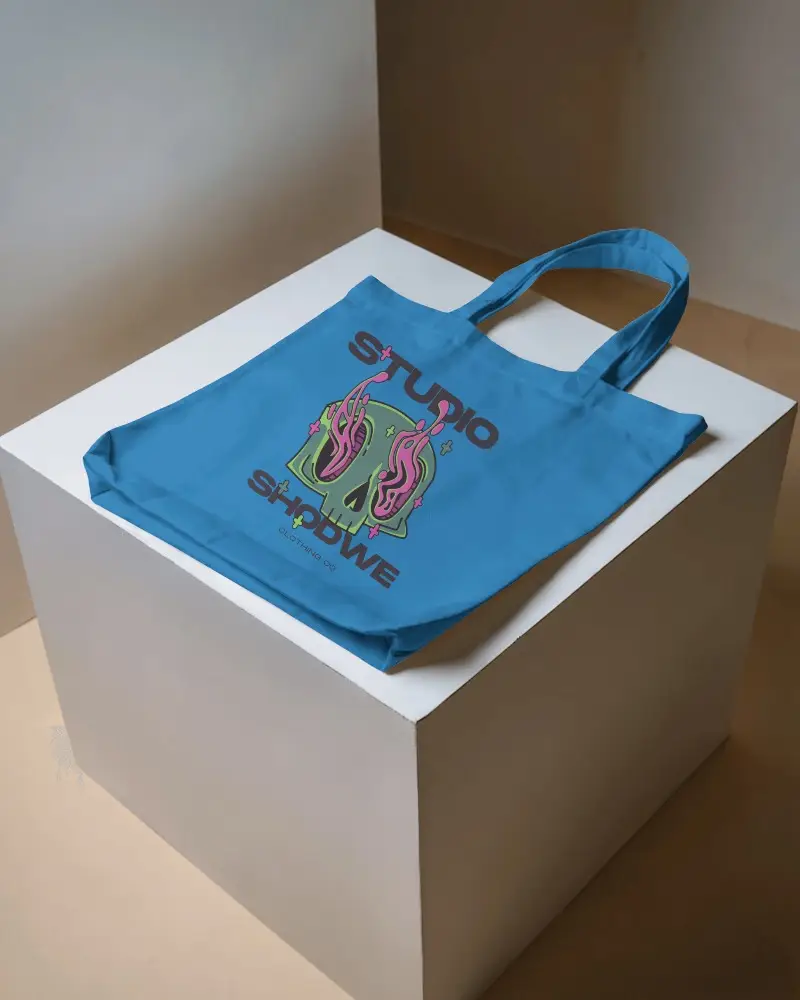
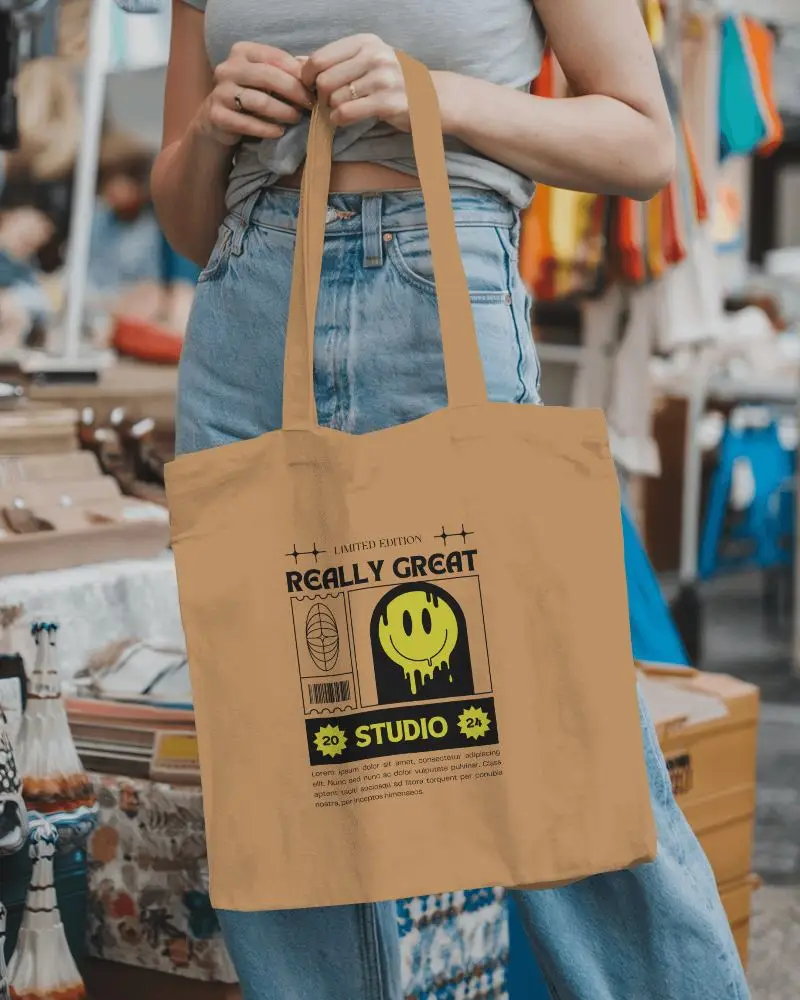
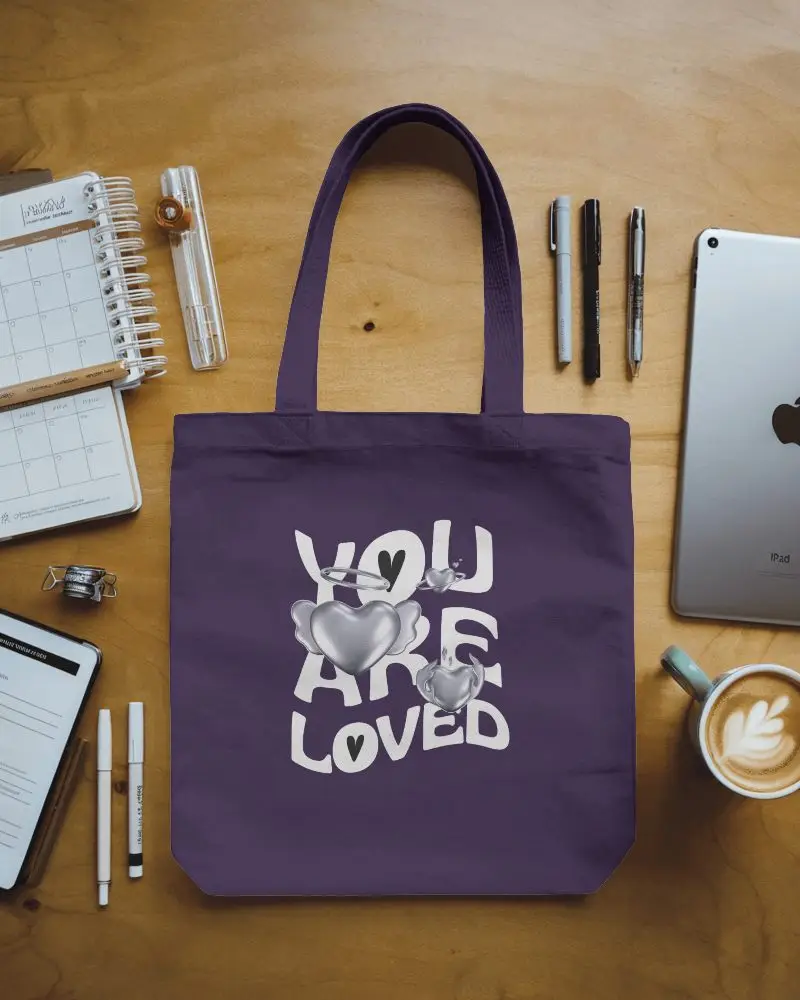
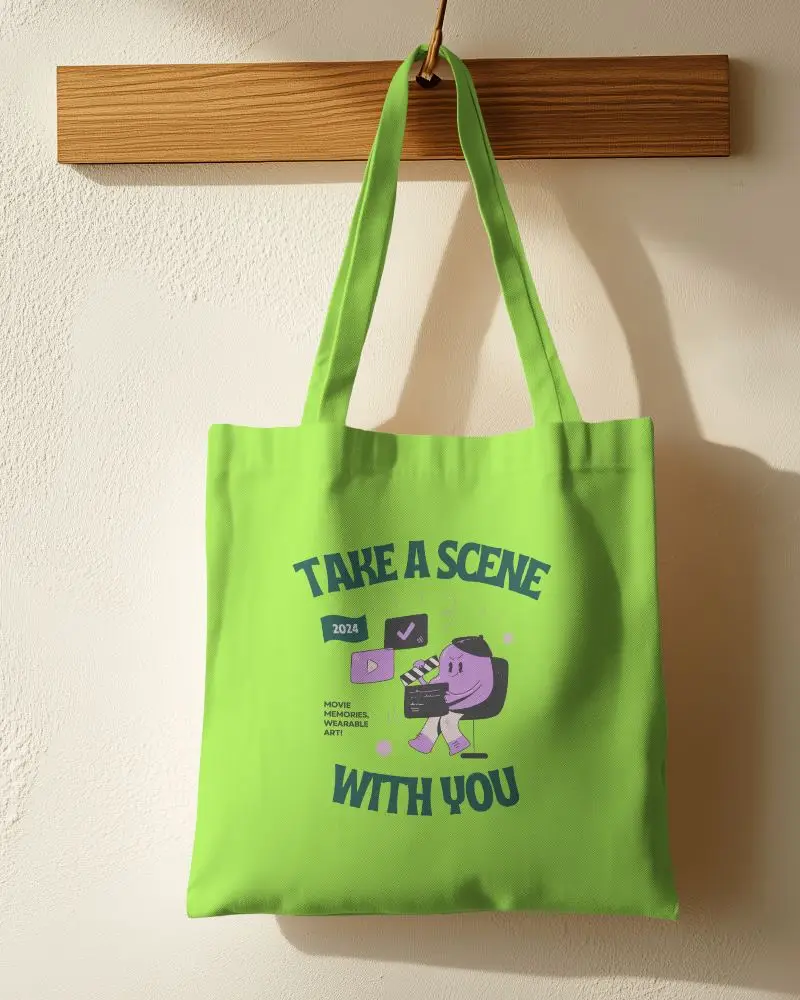
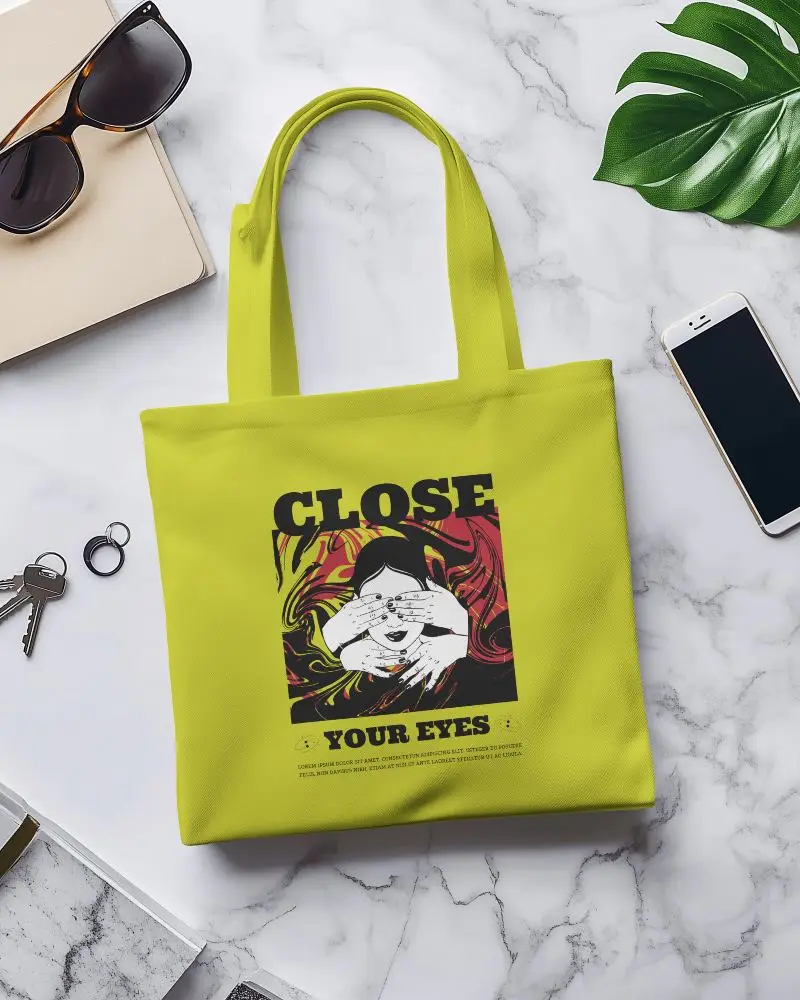
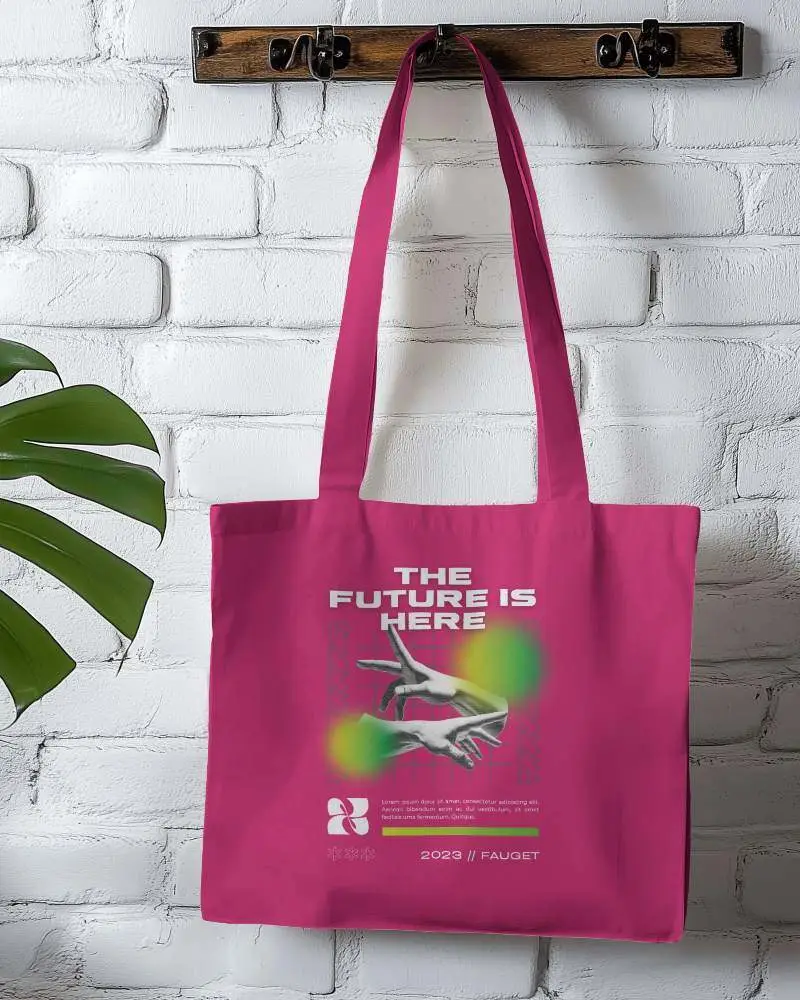
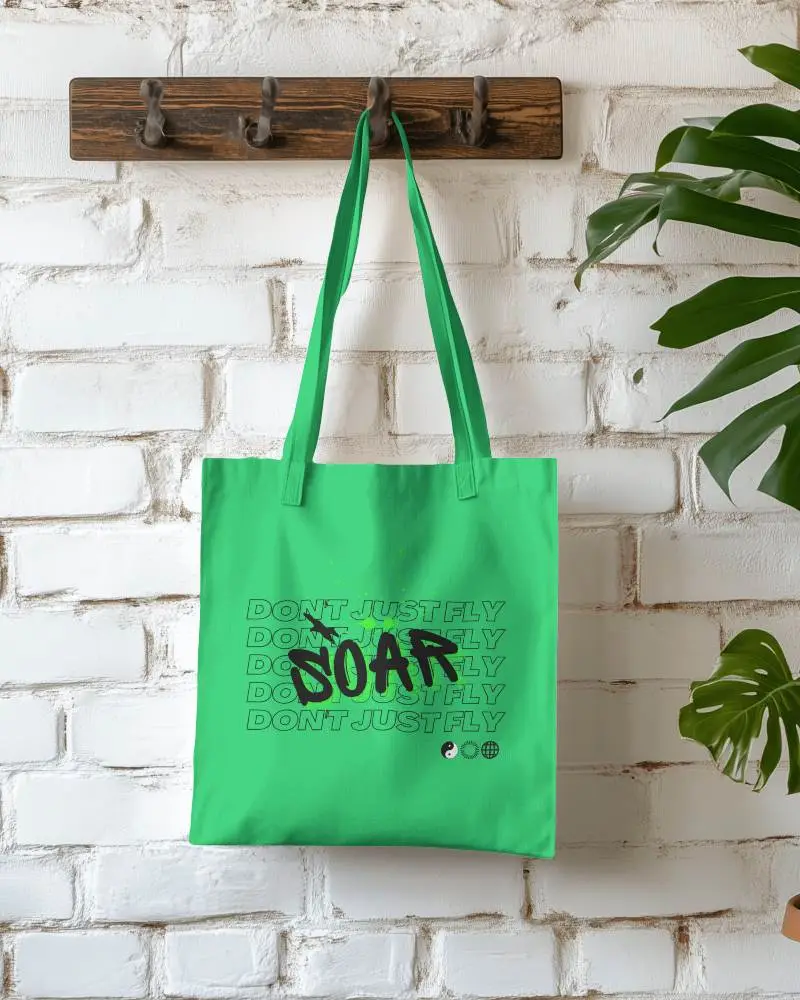
How to Create Wide Tote Bag Mockup with Mockey
Follow the steps to create wide tote bag mockups in Mockey AI
- Step 1: Go to Mockups > Accessories > Tote Bag > tag in the menu.
- Step 2: Select the template you want and upload your design.
- Step 3: Customize your Wide Tote Bag mockup with textures, backgrounds, and details.
- Step 4: Download your mockup in high quality.


FAQs on Wide Tote Bag Mockups
What is a Wide Tote Bag Mockup?
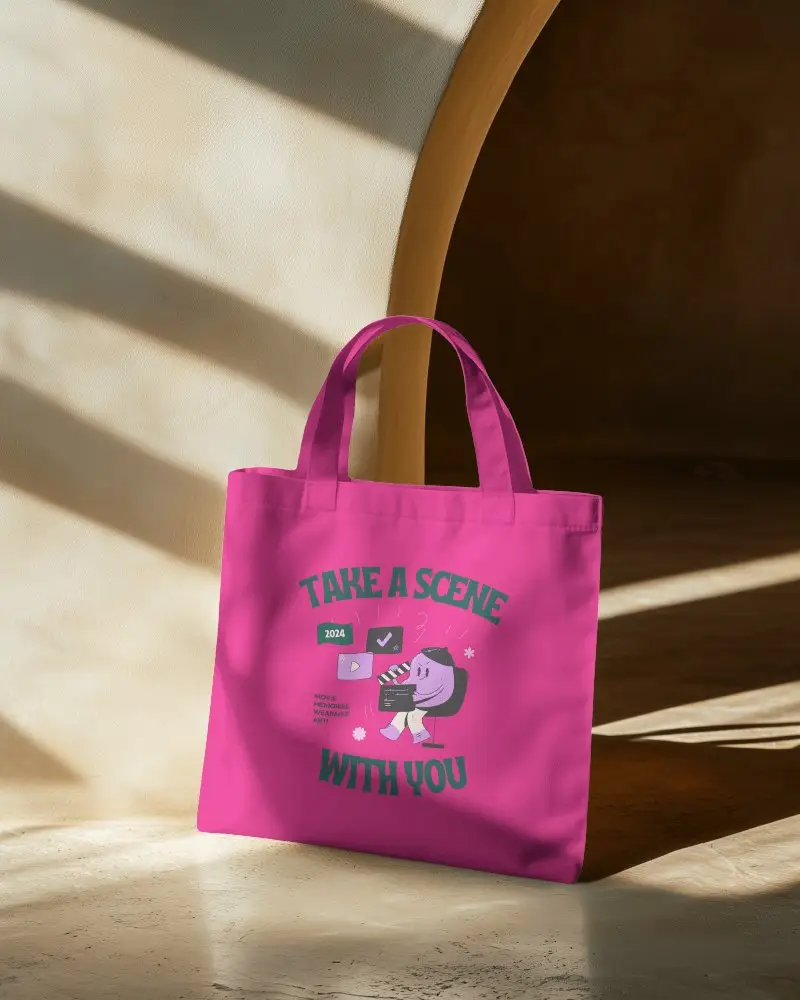
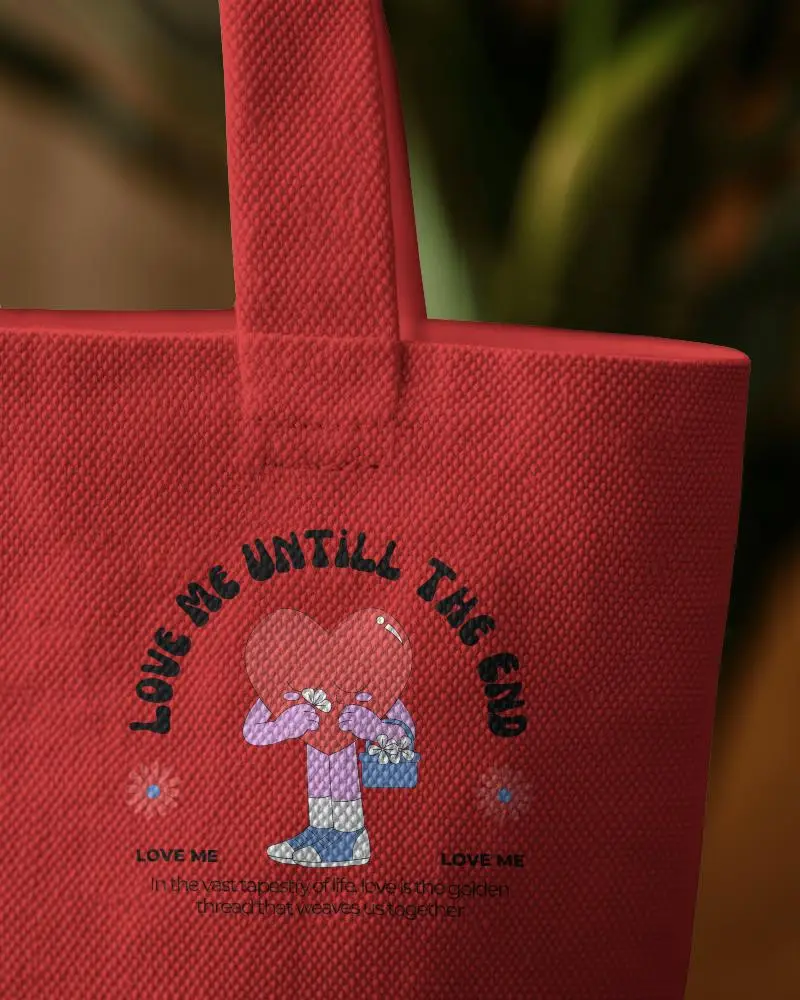
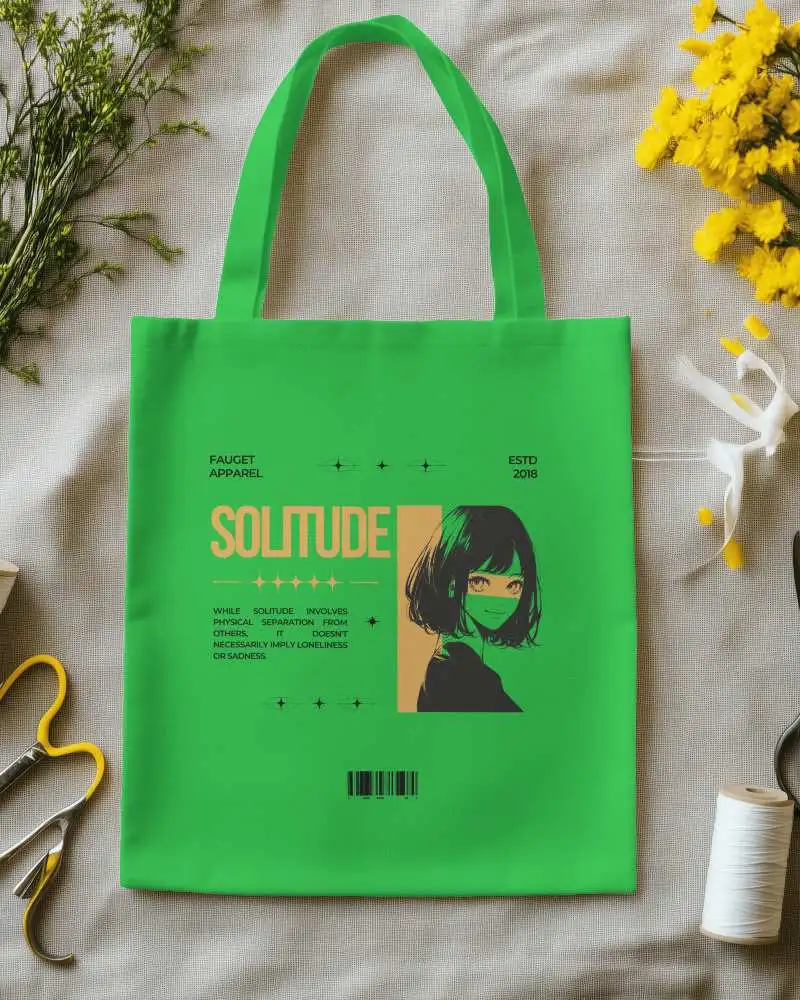
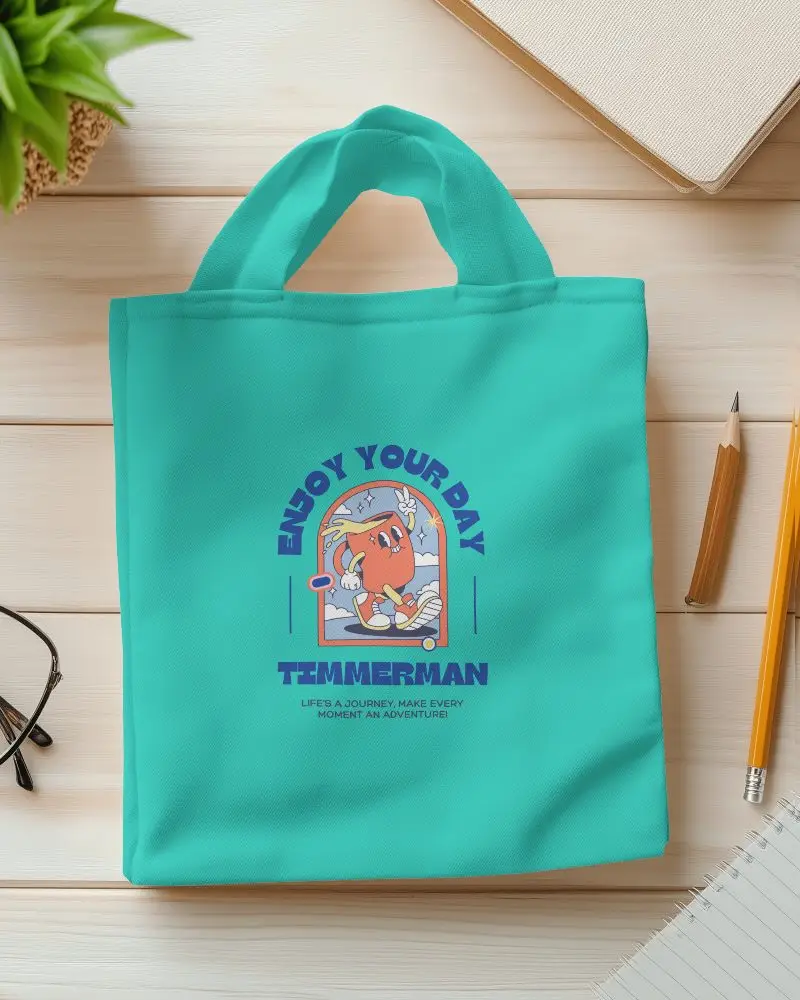
A wide tote bag mockup is a picture or tool that shows how your logo or design will look on a big tote bag. You can add your colors, logo, or artwork to see the final look.
Why create a Wide Tote Bag mockup?
Creating a wide tote bag mockup helps save time, money, and lets you test designs easily. Using tools like Mockey.ai, anyone can create clear, realistic pictures that help sell better.
Why Use Mockey’s Wide Tote Bag Mockup?
Mockey lets you make wide tote bag pictures look real and clear. You can see your design right away and change colors, sizes, or backgrounds. It works online, needs no app, and has many ready-made designs.
Is this Wide Tote Bag Mockup Free?
Mockey AI gives you free wide tote bag mockups you can use, like canvas, hanging, big, and white bags.
