Free Wide Leg Sweatpants Mockups
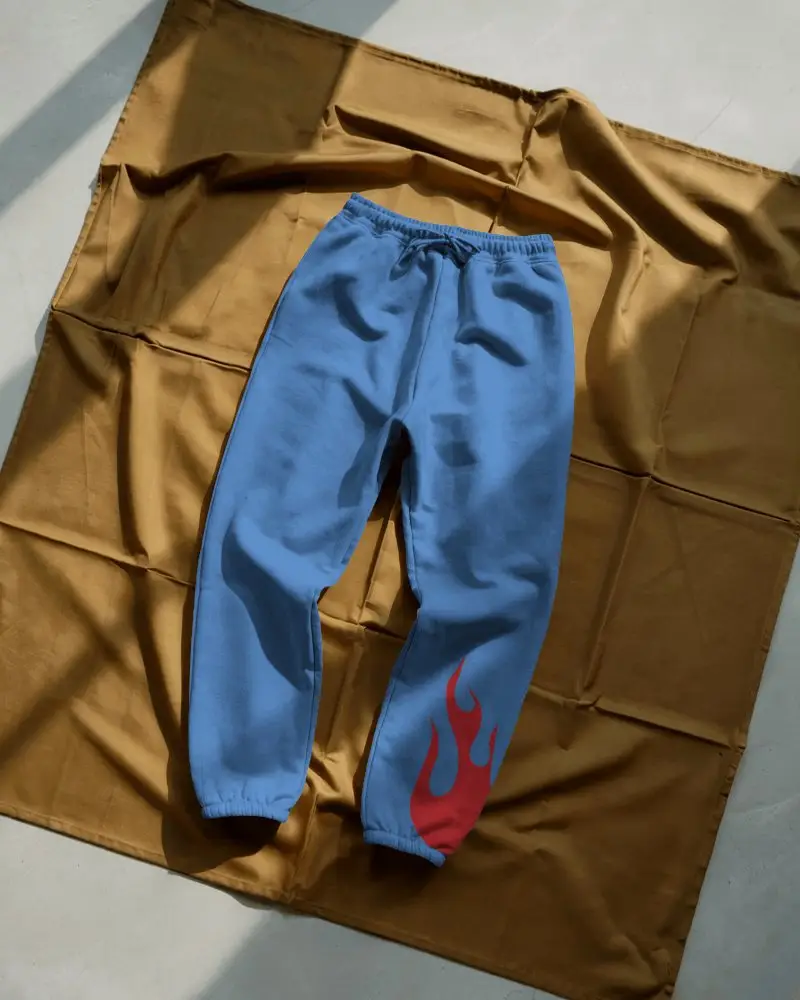
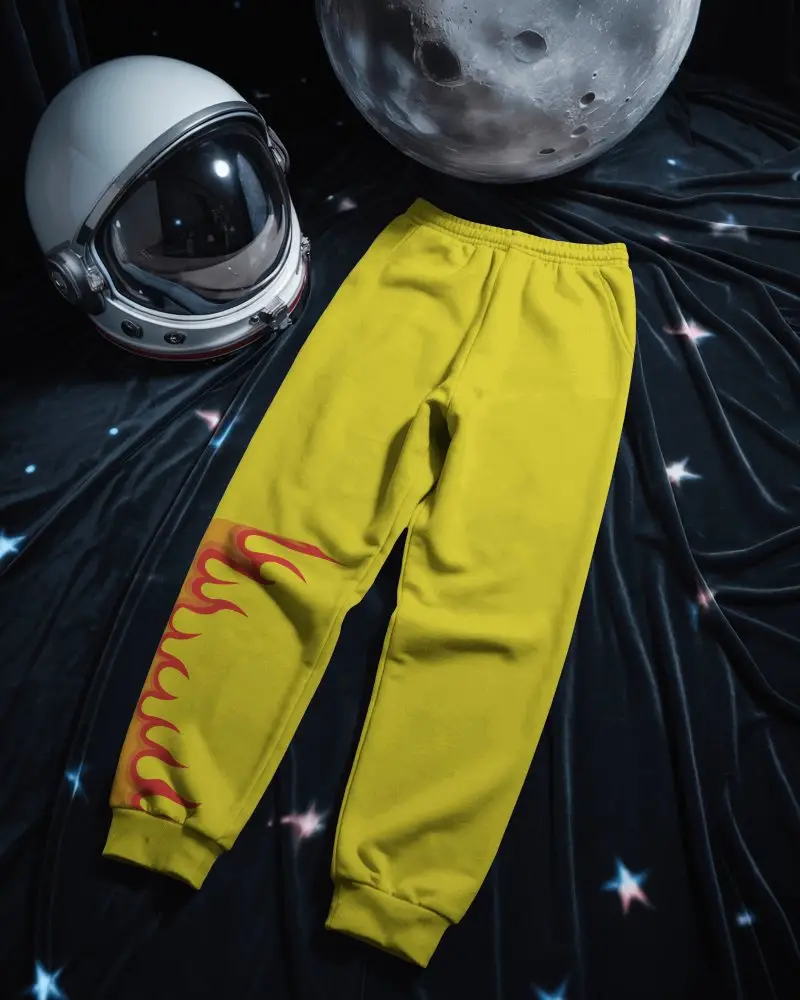
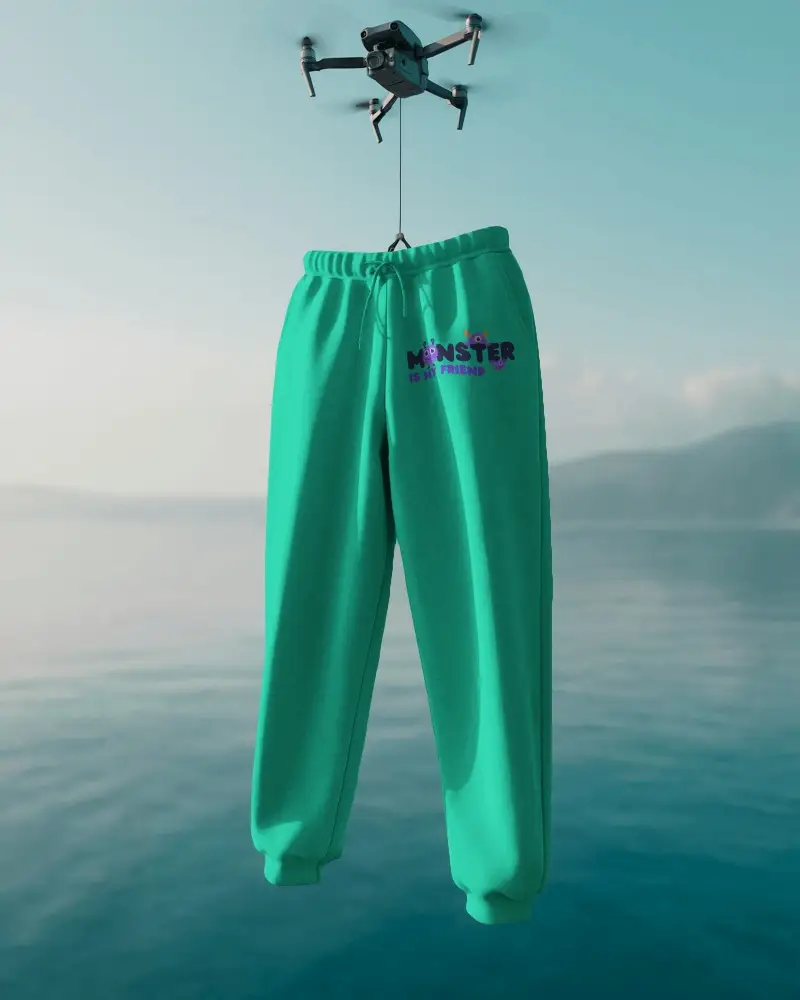
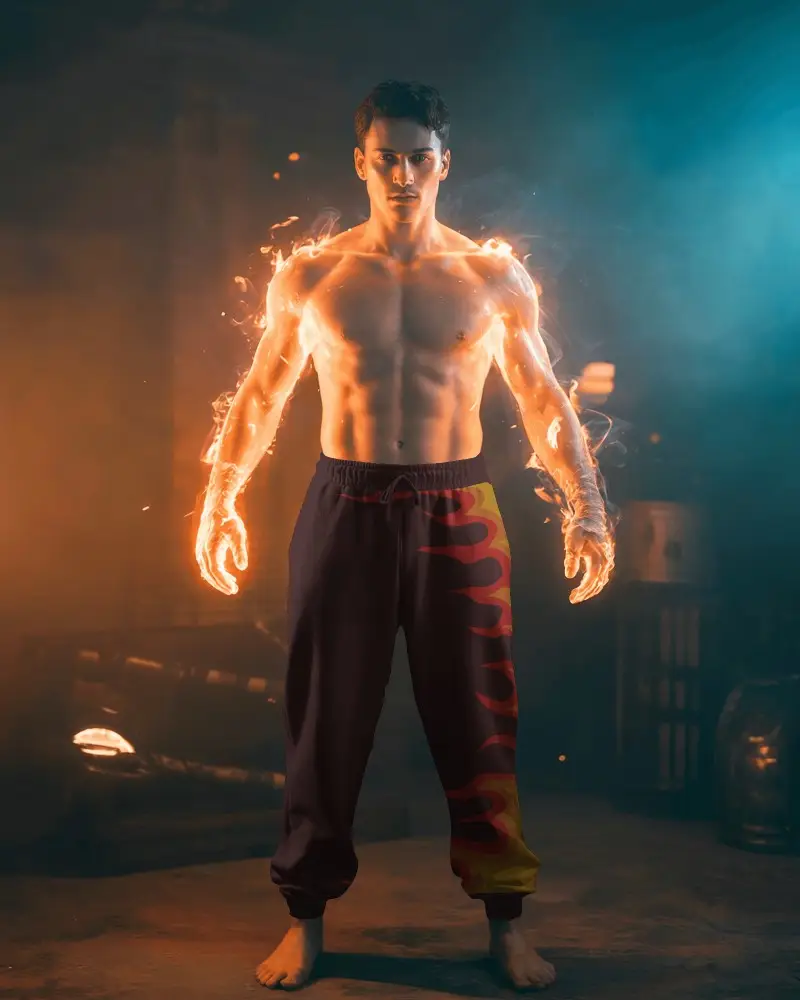
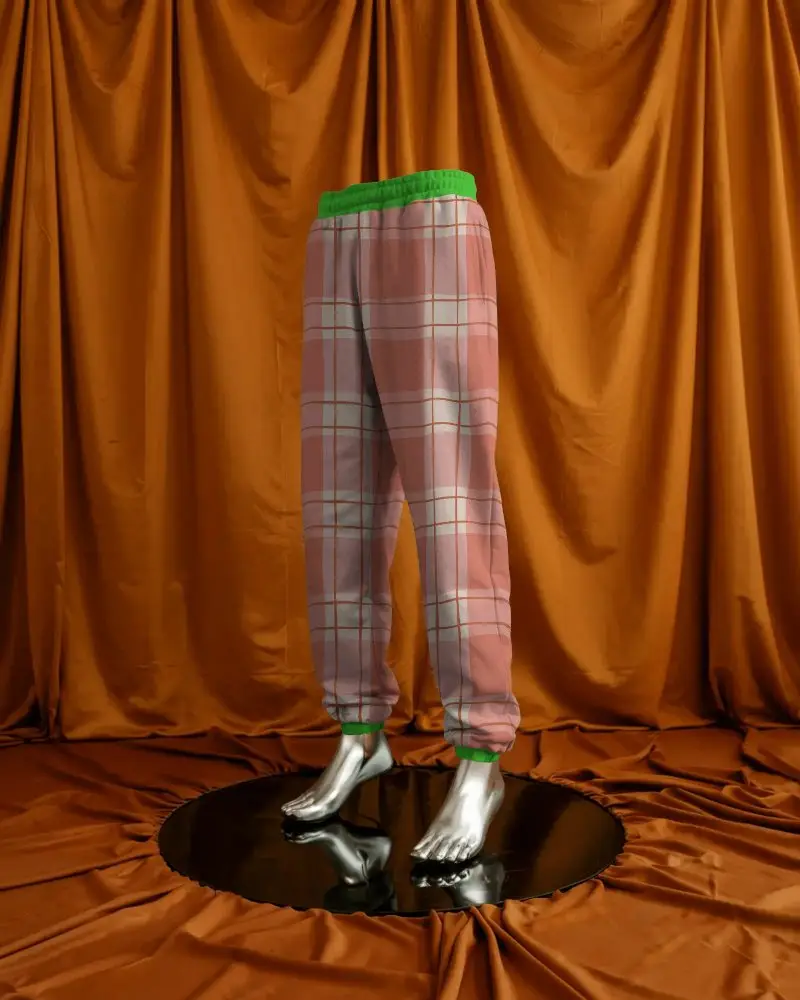
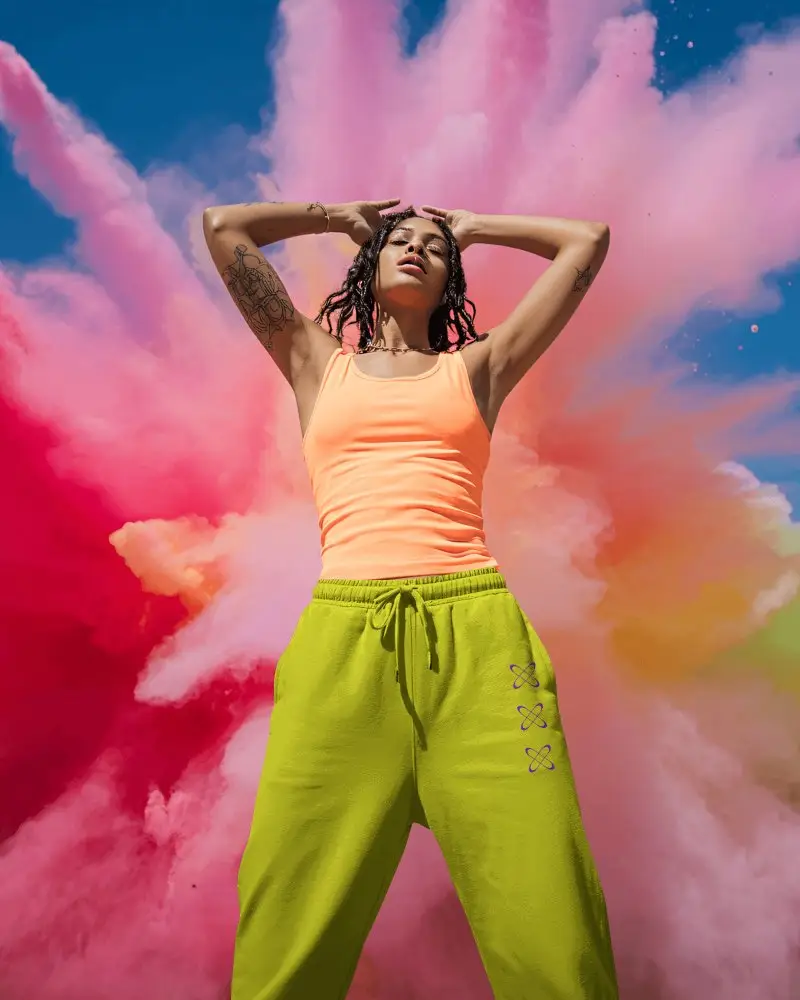
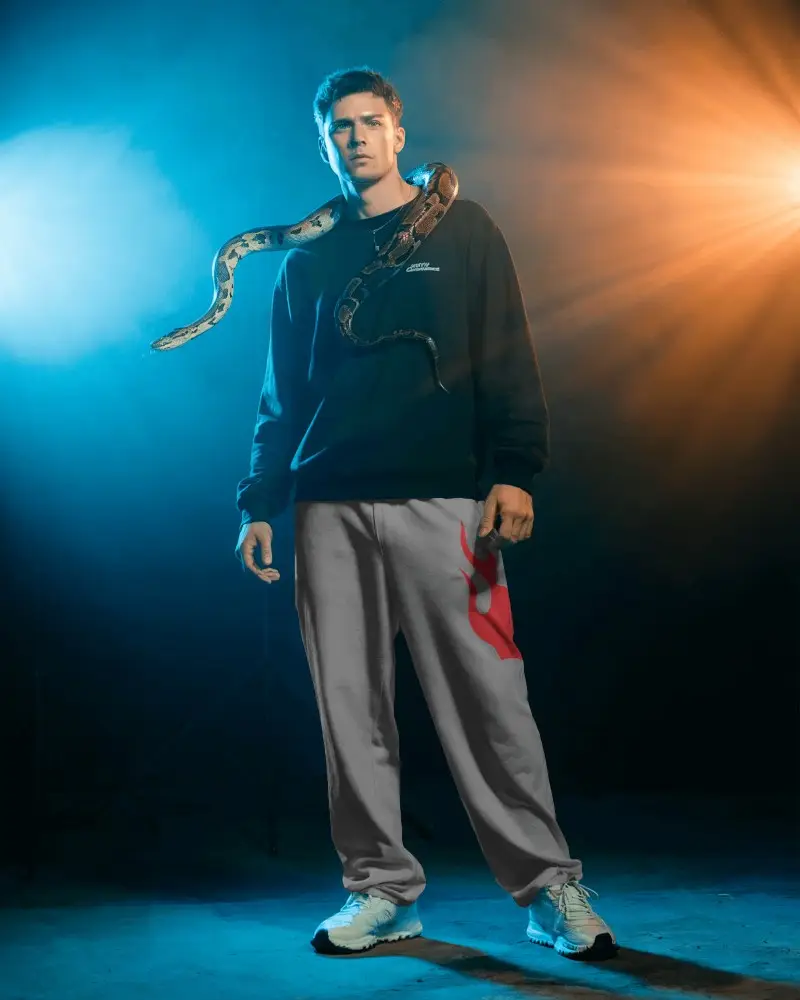
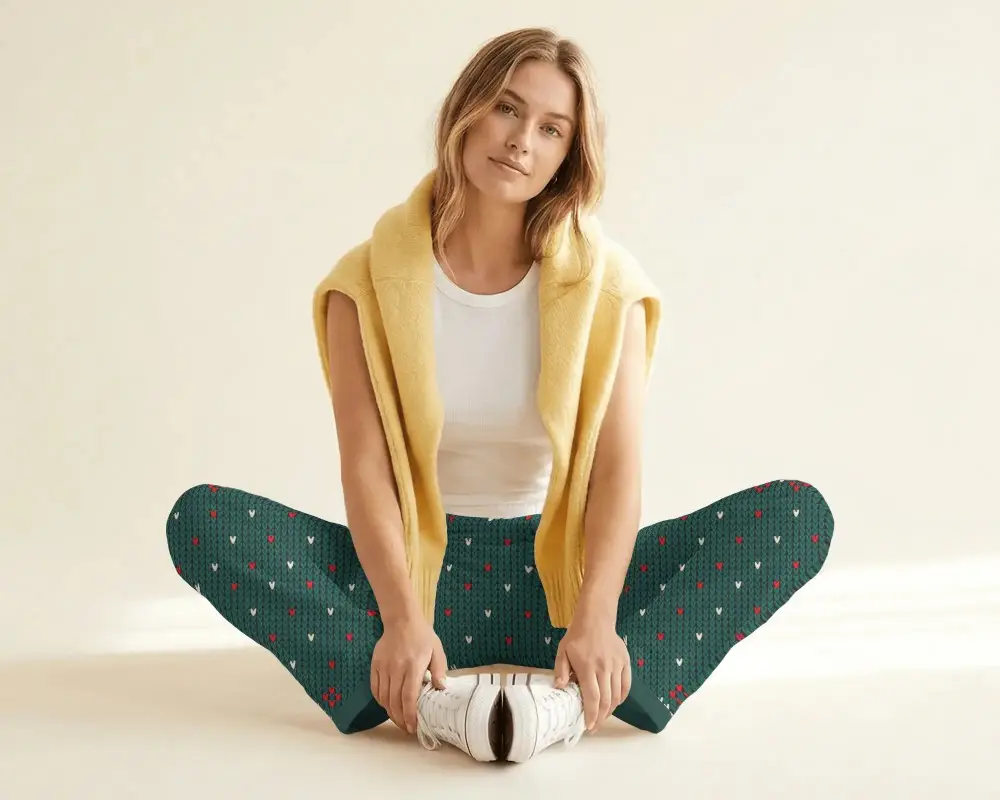
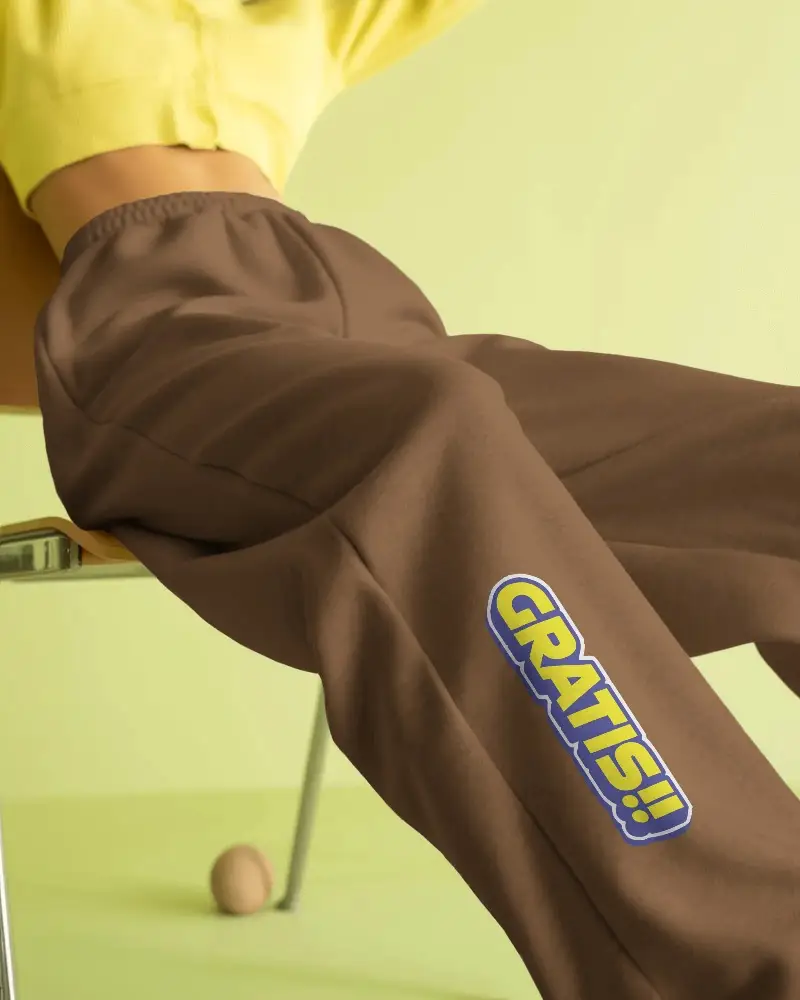
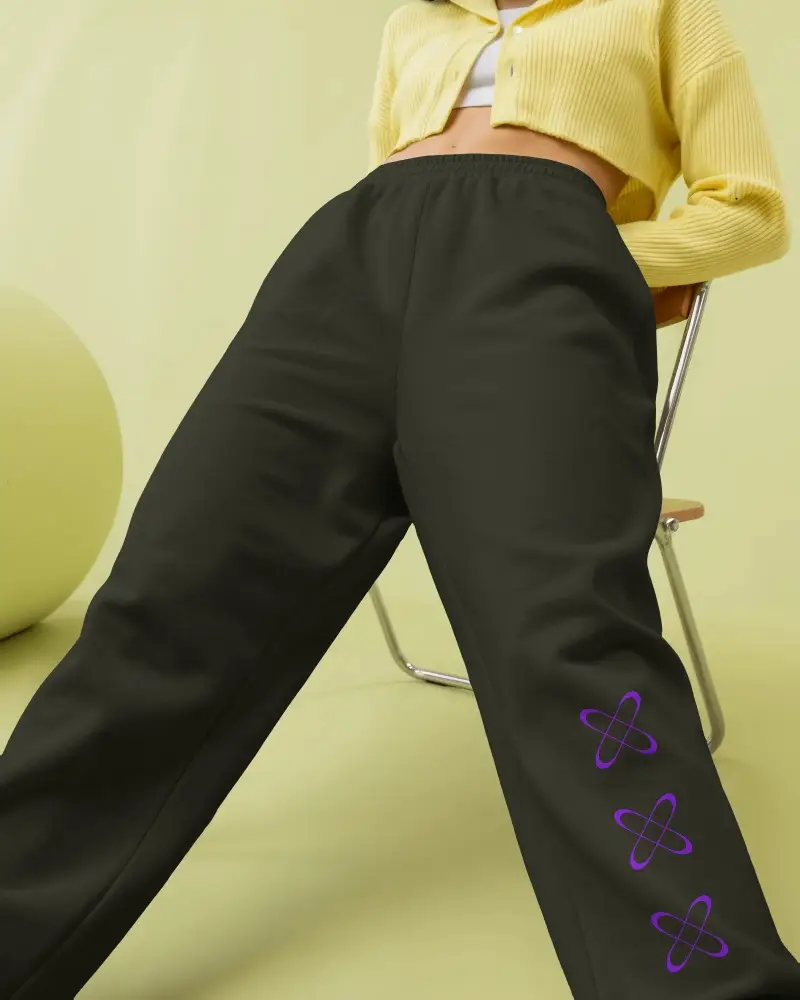
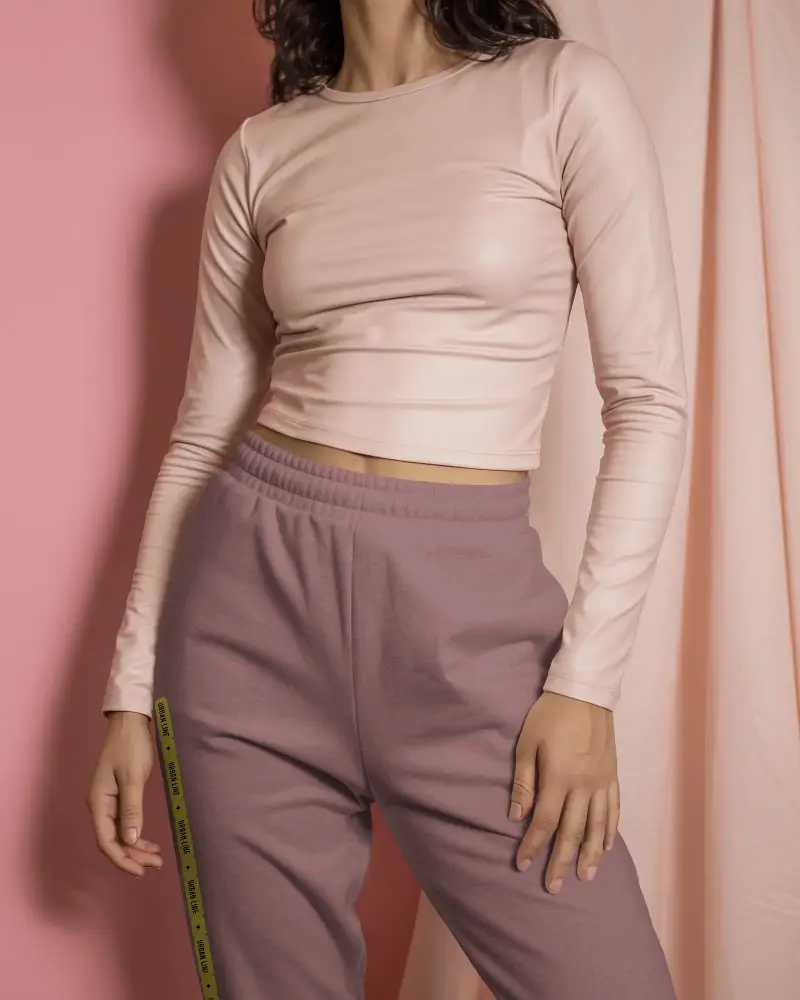
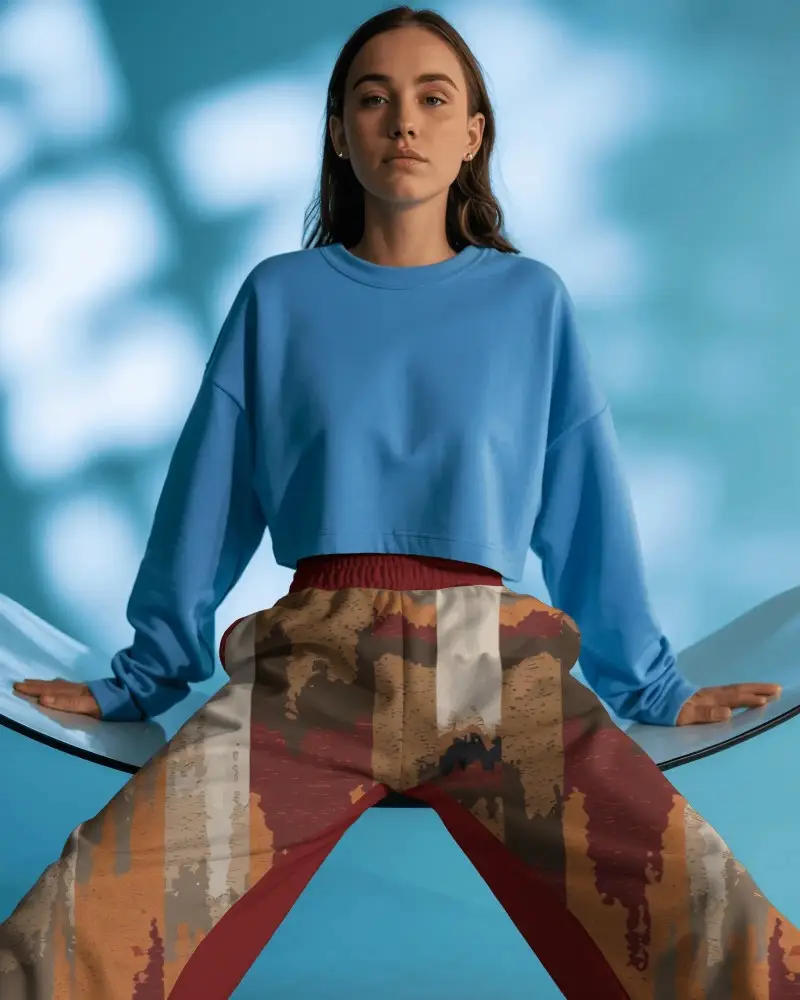
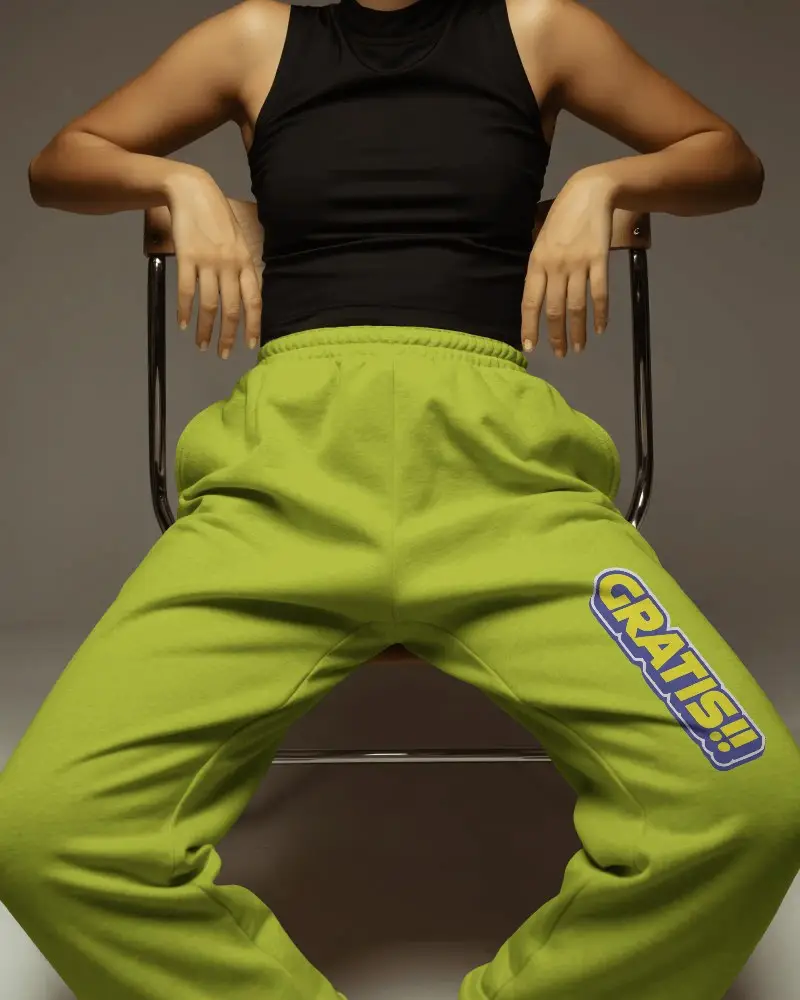
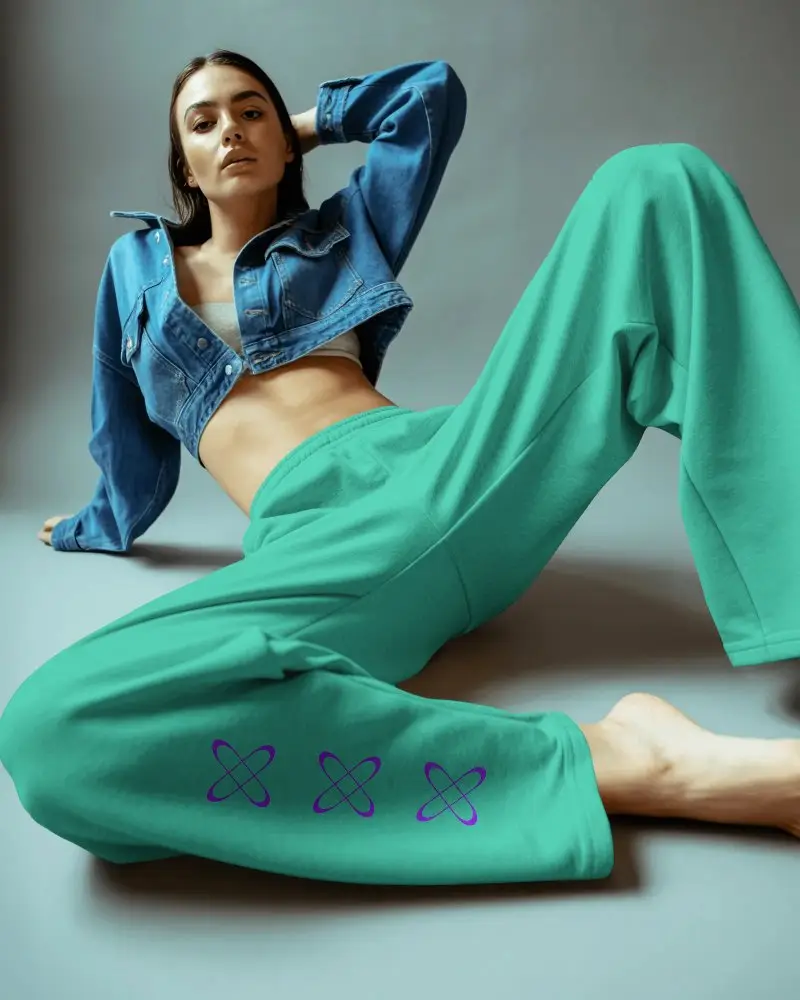
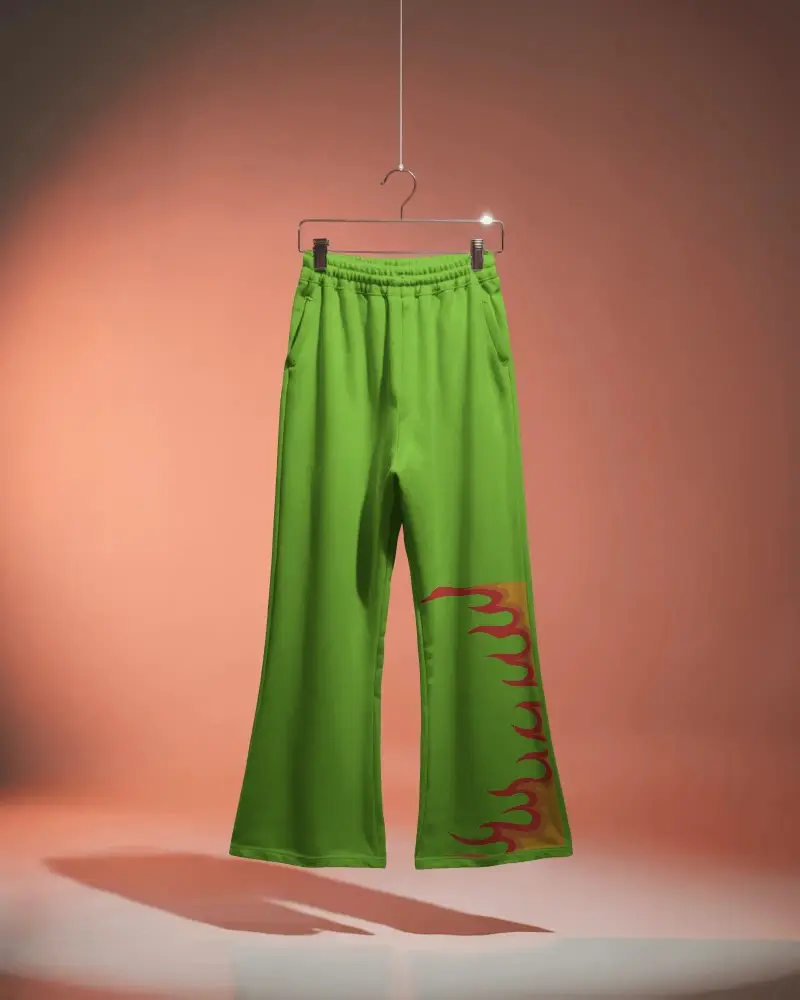
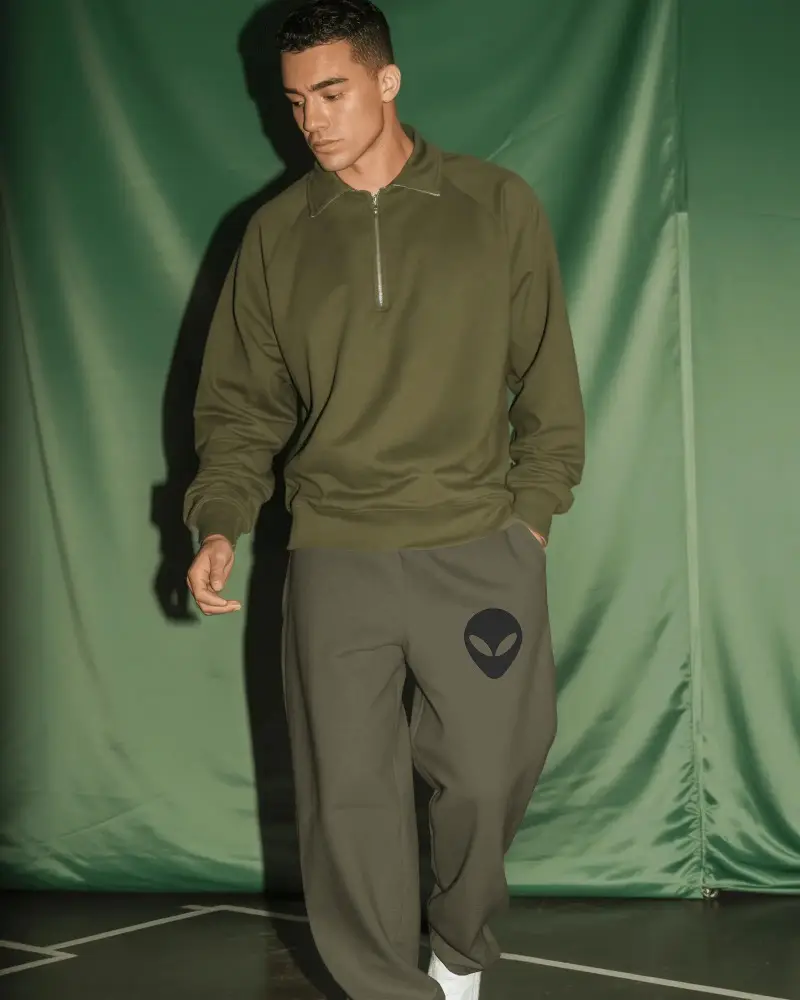
Mockey AI makes it easy to create wide leg sweatpants mockups. Upload your design, customize, and get instant downloads for your fashion projects.



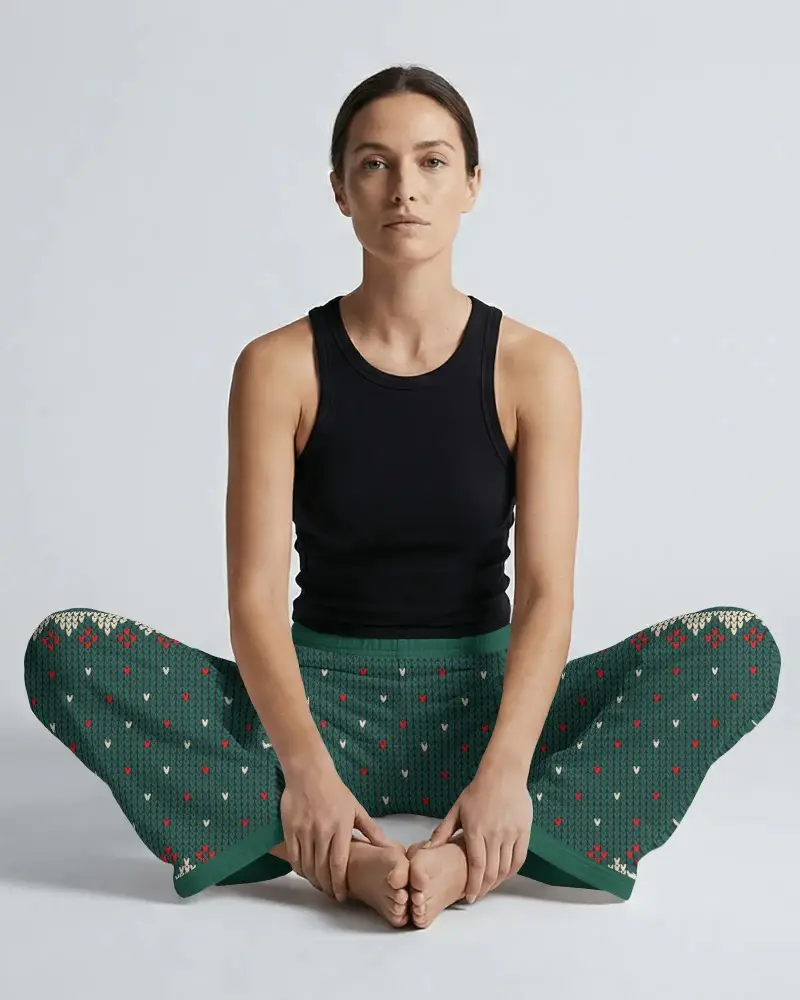
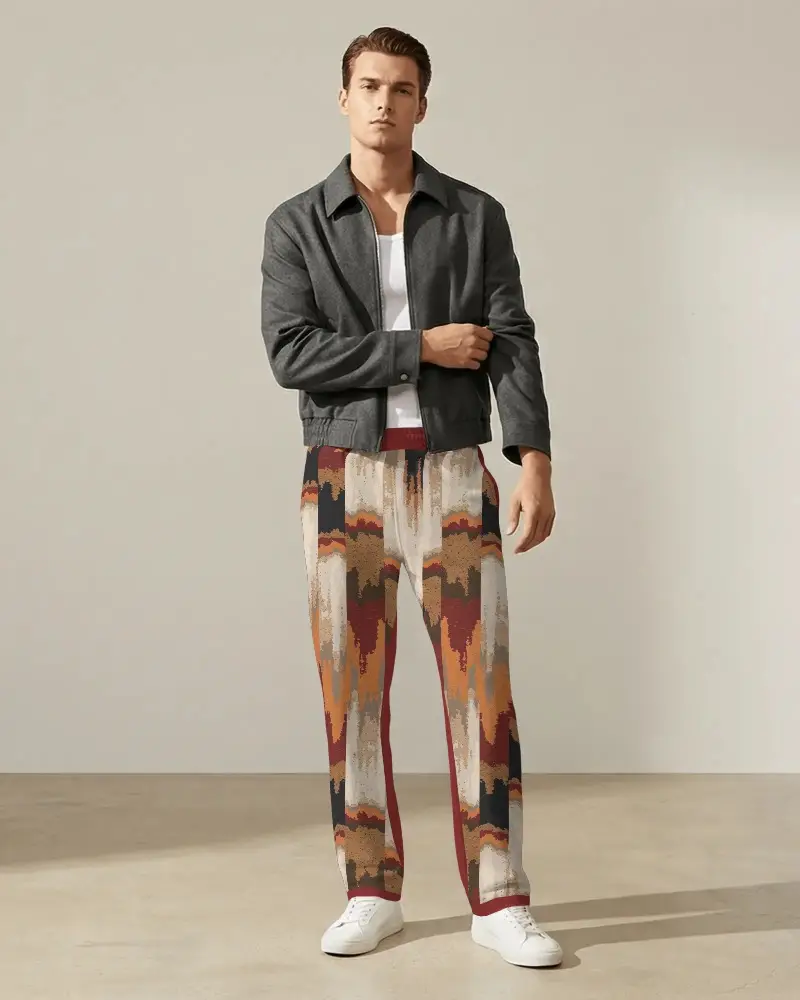
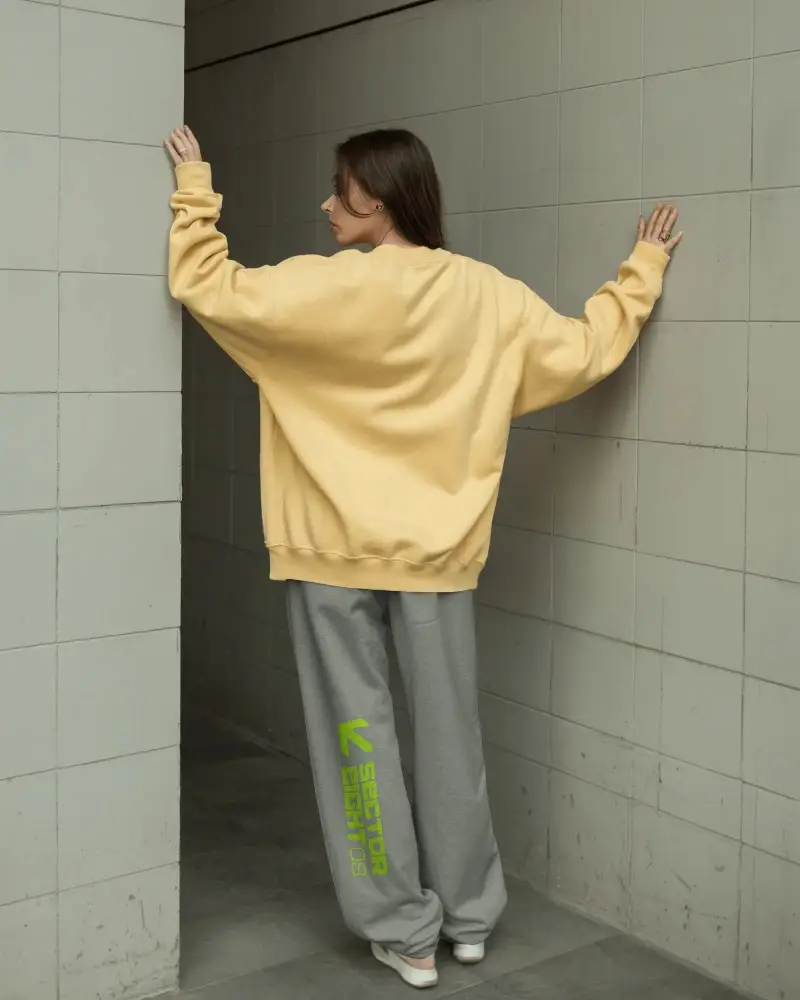
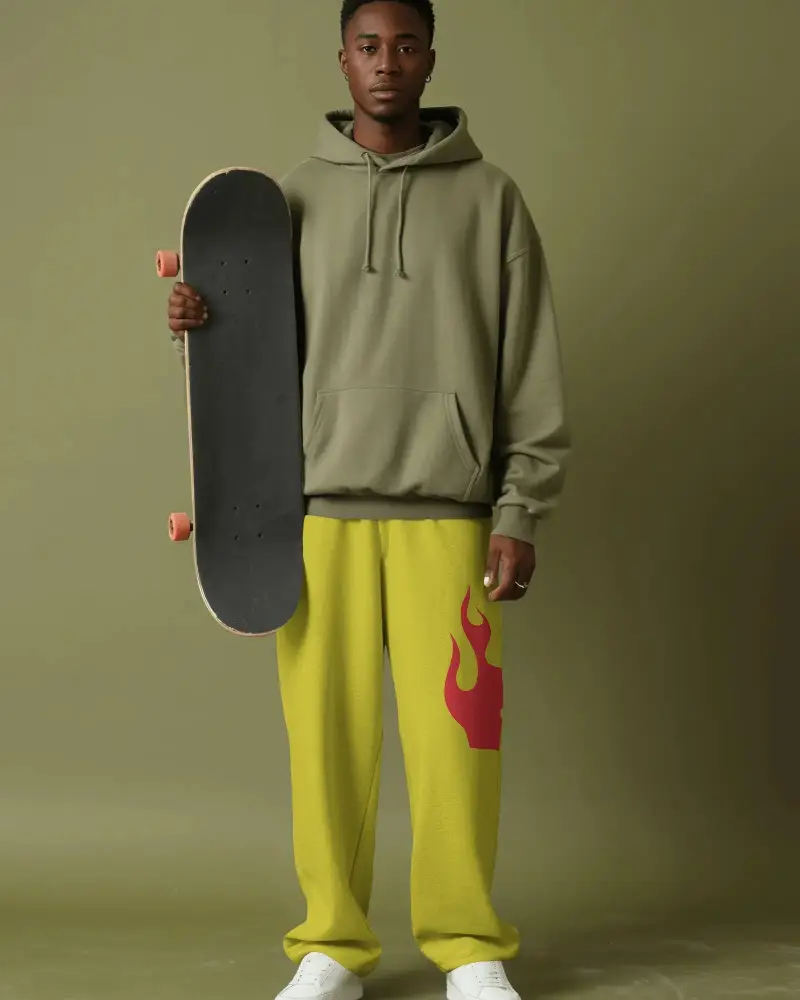

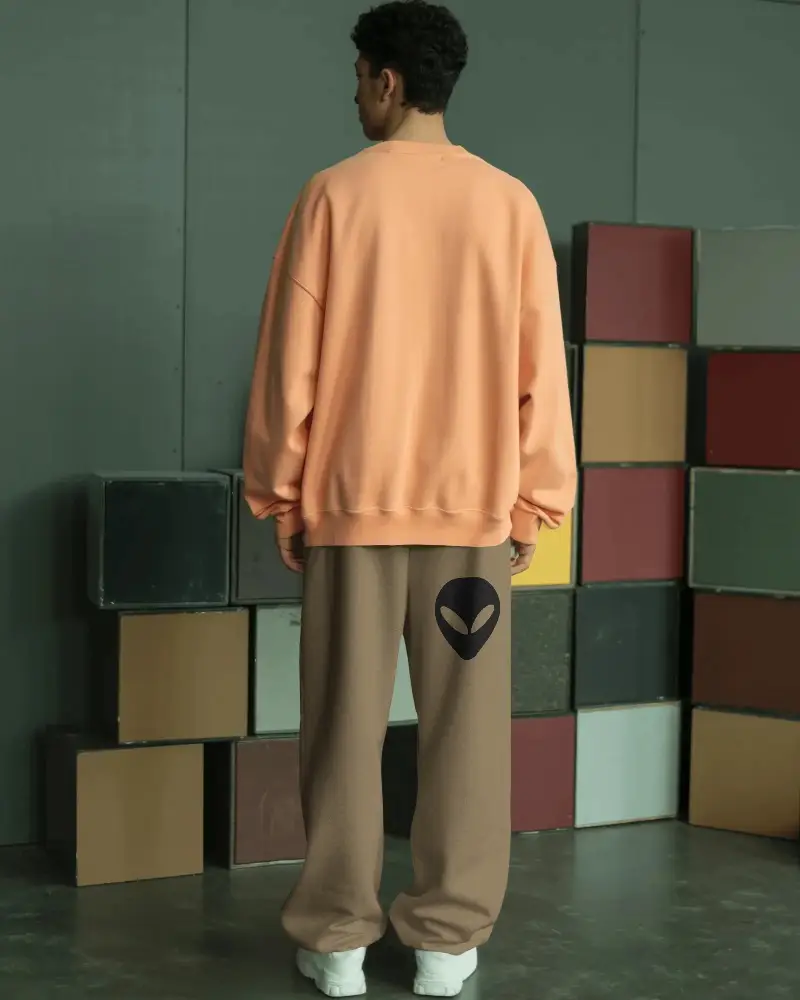
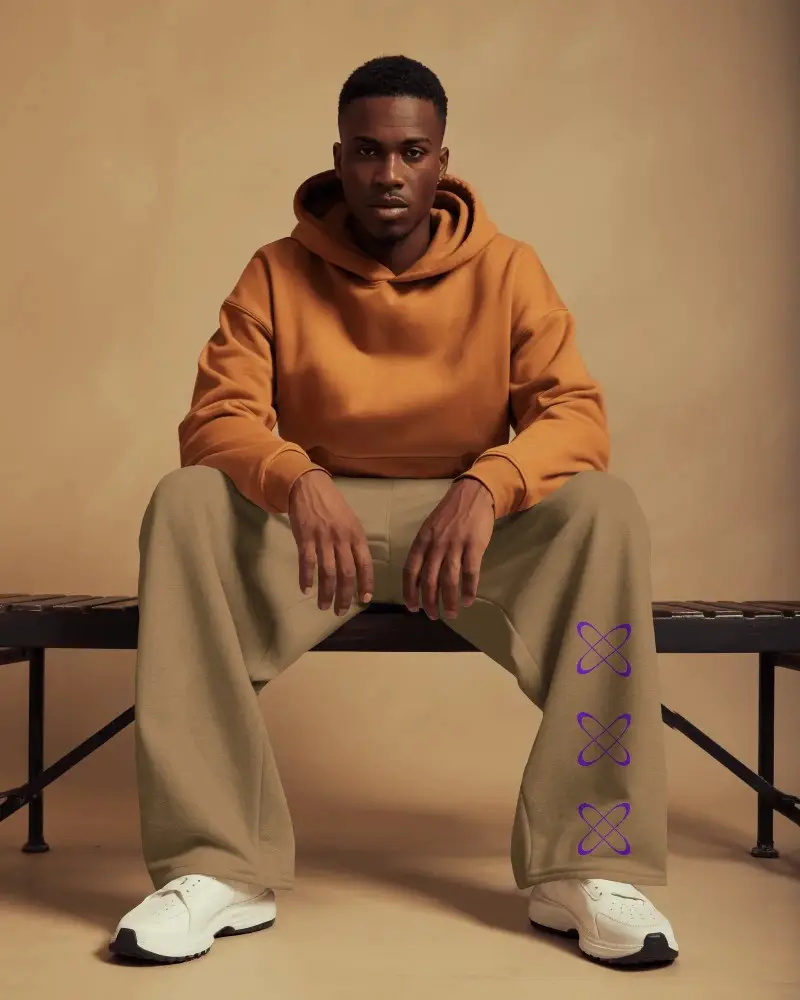
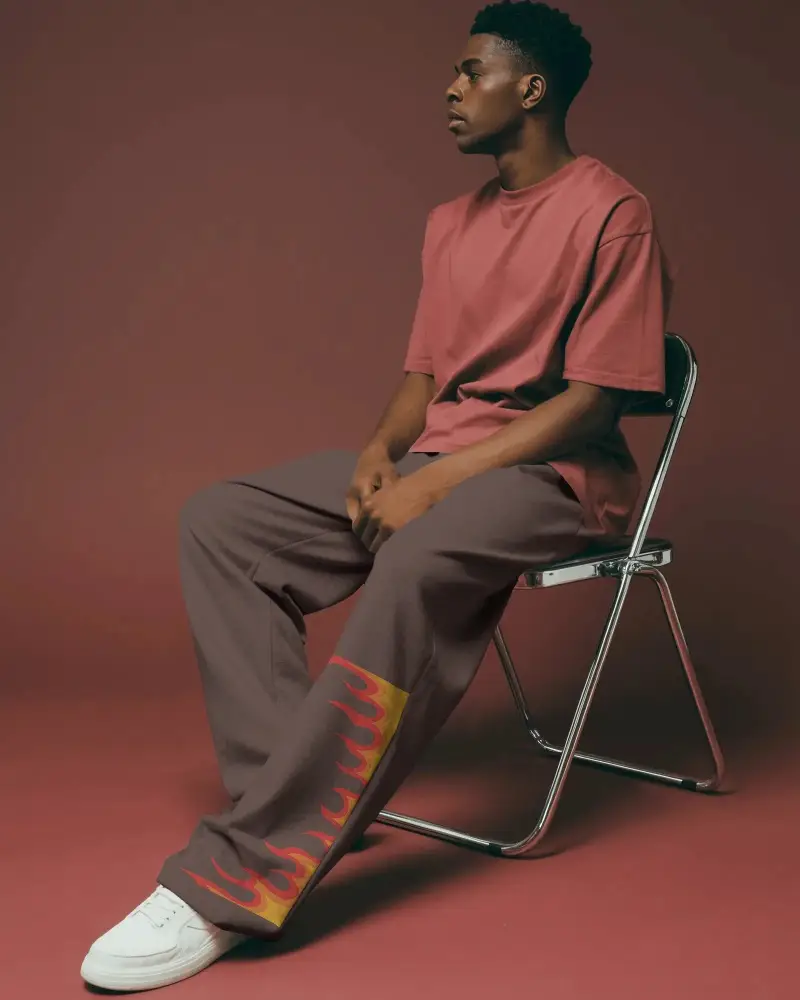
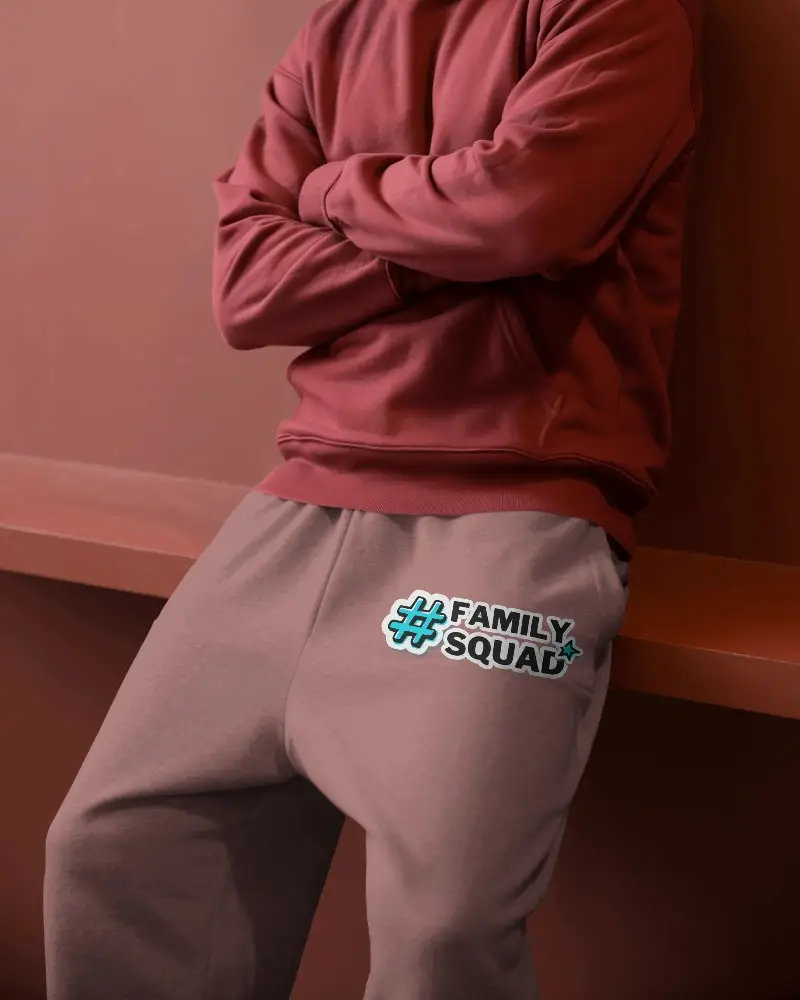
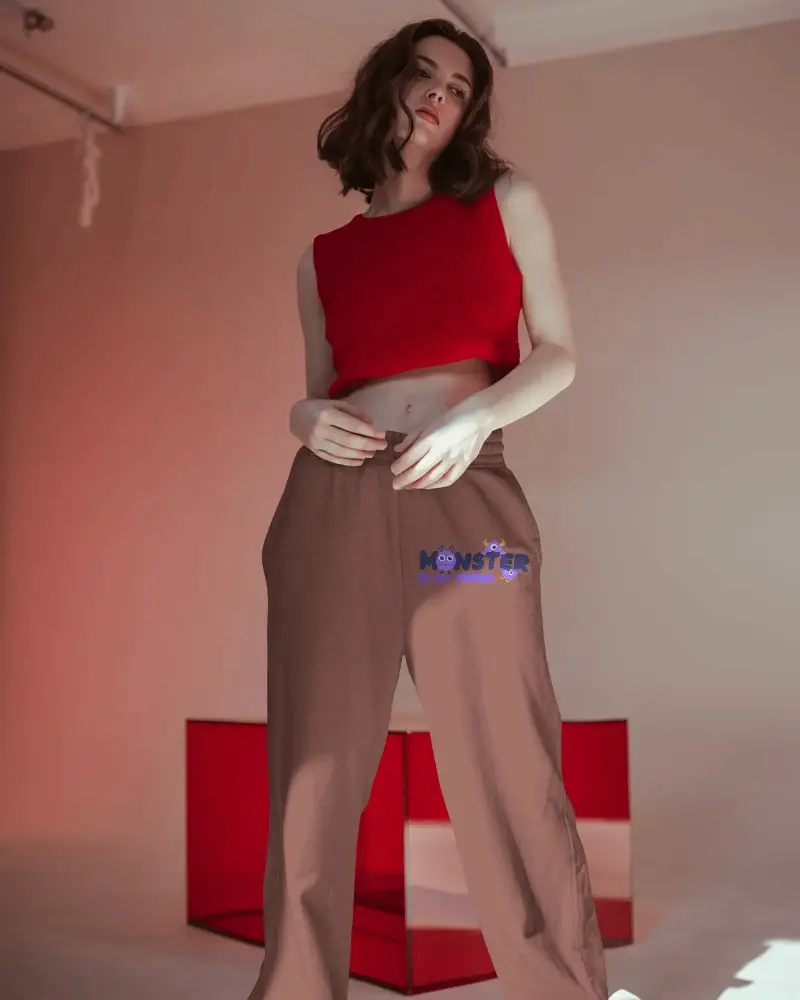
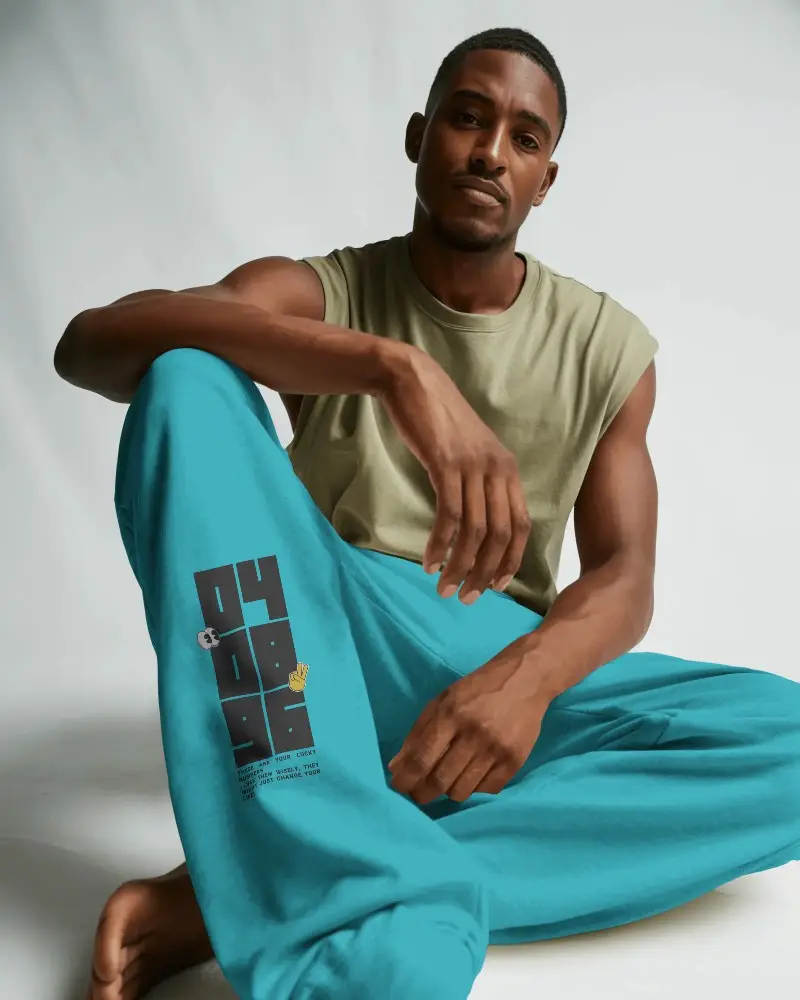
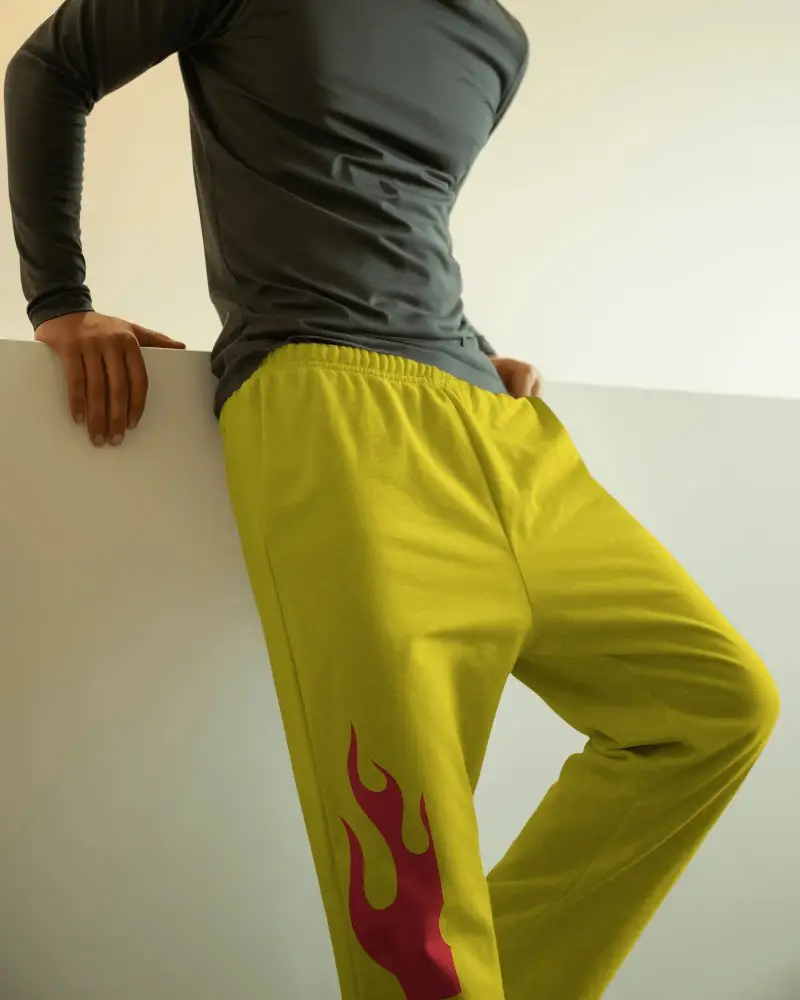
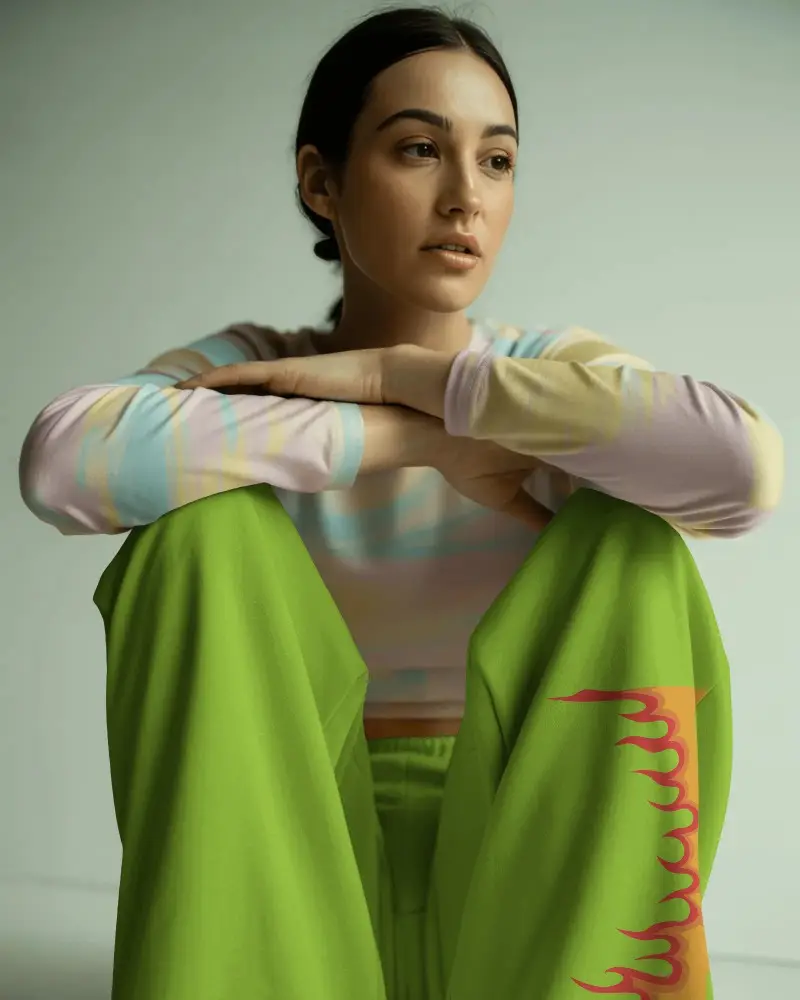
How to Create a Wide Leg Sweatpants Mockup with Mockey AI
To create wide leg sweatpants mockups:
- Step 1: Upon completing the sign-up process, kindly select 'Categories'.
- Step 2: Follow 'Apparel > Sweatpants > Wide leg'.
- Step 3: After selecting a template, you may add a design.
- Step 4: To produce a wide leg sweatpants mockup, personalize it and select 'Download.'


FAQs on Wide Leg Sweatpants Mockups
Why should designers use a wide leg sweatpants mockup?
Designers use wide-leg sweatpant mockups to see how their ideas look on real garments. They test colors, logos, and styles with ease. They also show the drape, texture, and fit in detail. This makes design choices faster, clearer, and more confident for both teams and customers.
Can I download wide leg sweatpants mockups for free?
You can download wide-leg sweatpants mockups in the free plan of Mockey AI. However, the mockups can only be downloaded in JPG format, and you are limited to 3 downloads every day.
Are the wide leg sweatpants mockups realistic?
Wide leg sweatpants mockups look real on Mockey AI. Additionally, it is dependent on the mockup generator that you are working with. If you’re using Mockey AI, the result will definitely be realistic.
Can I customize the color and design of wide leg sweatpants mockups?
You can easily customize wide leg sweatpants mockups. Change colors, add your own artwork, and adjust the design. They give you realistic previews and high-resolution downloads for your designs.
