Free Flared Sweatpants Mockups
Create stylish flared sweatpants mockups with Mockey AI. Explore free templates for branding, fashion design, and client presentations with ease.
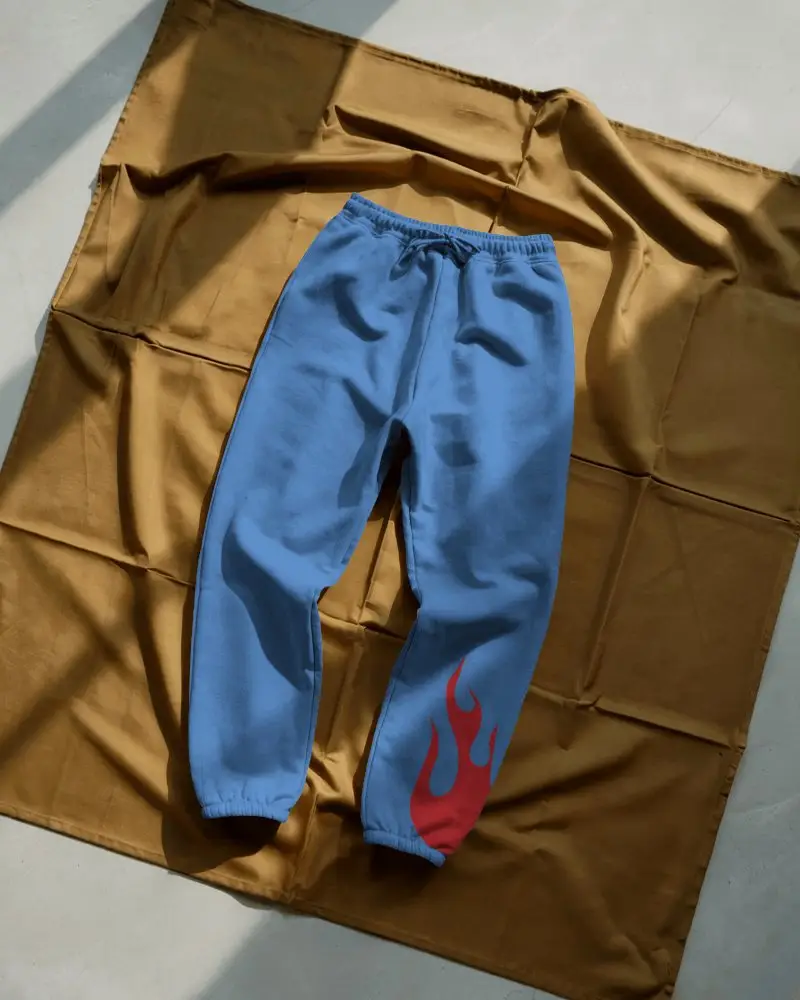
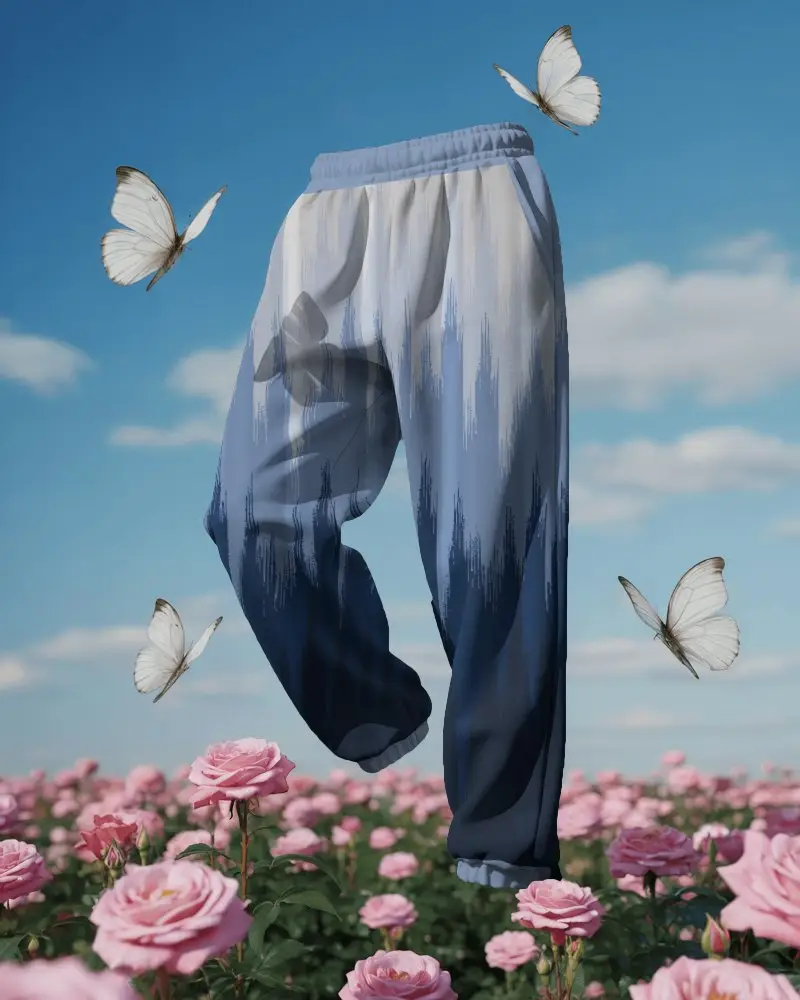
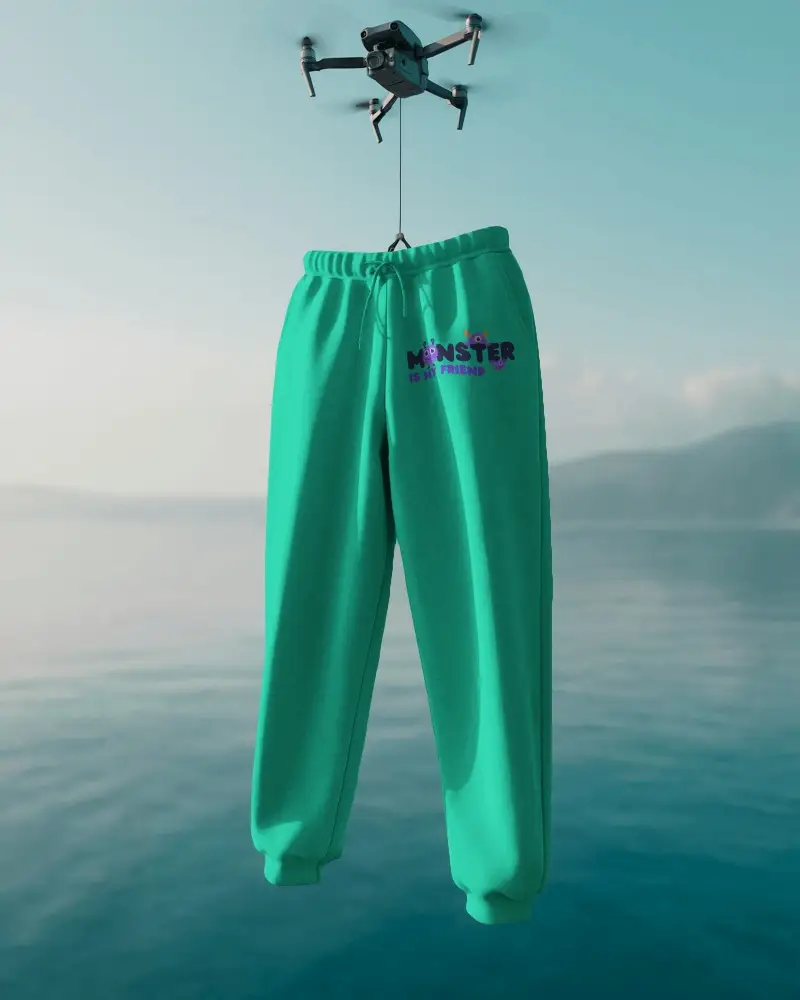
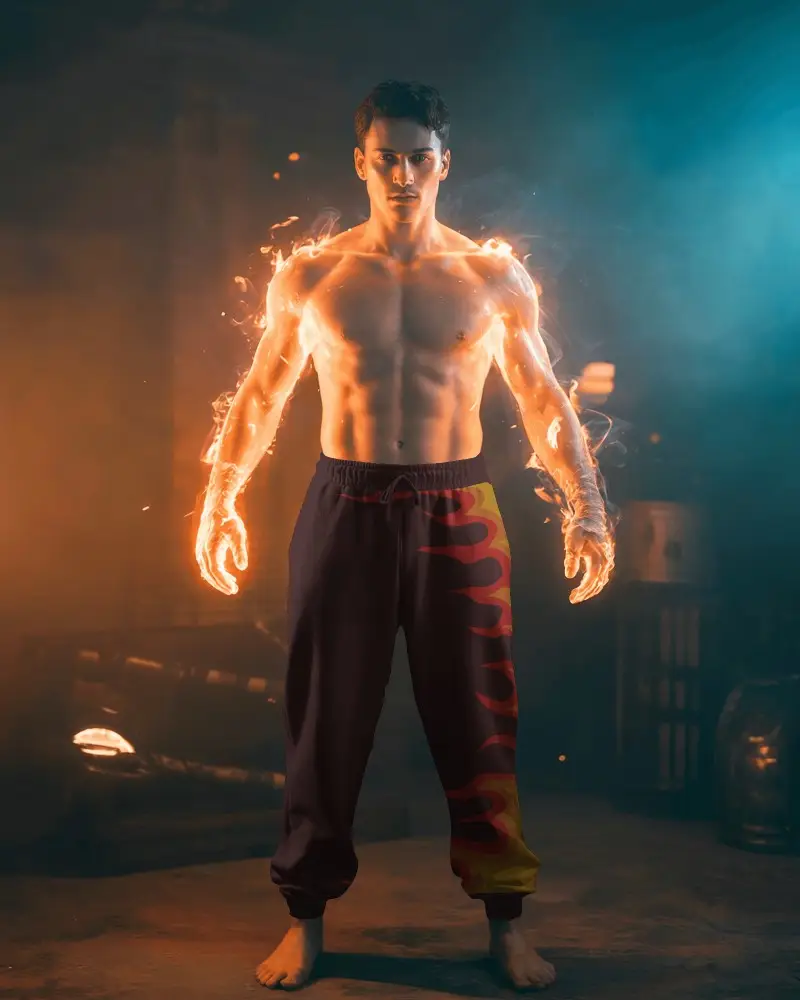
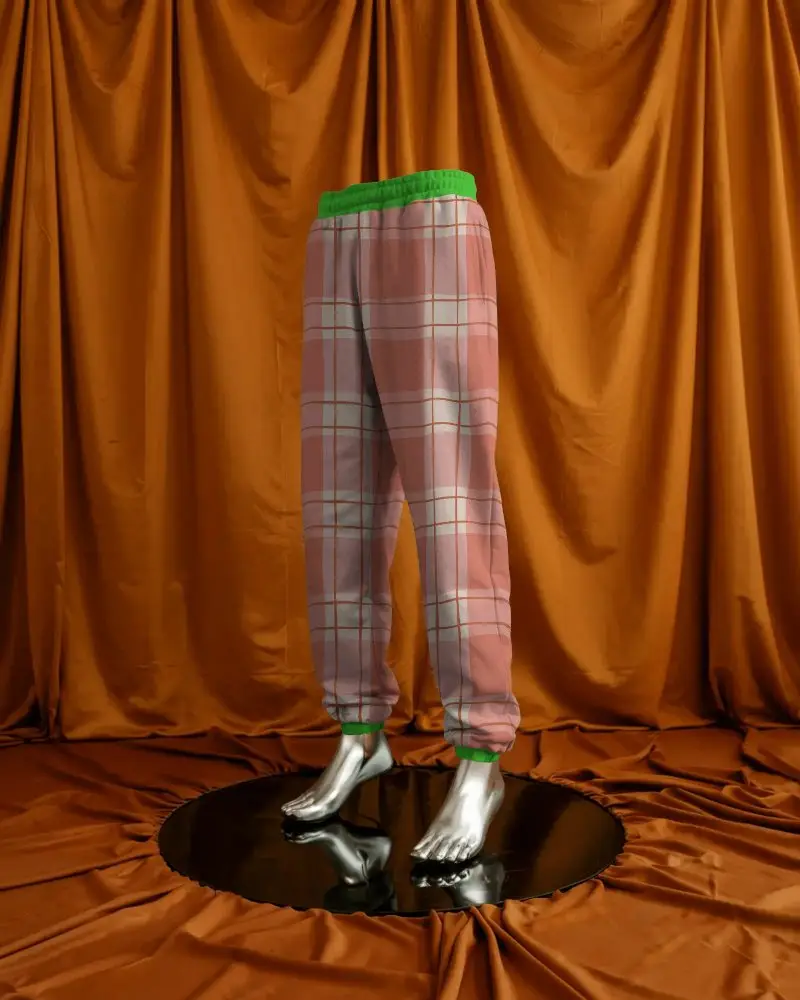
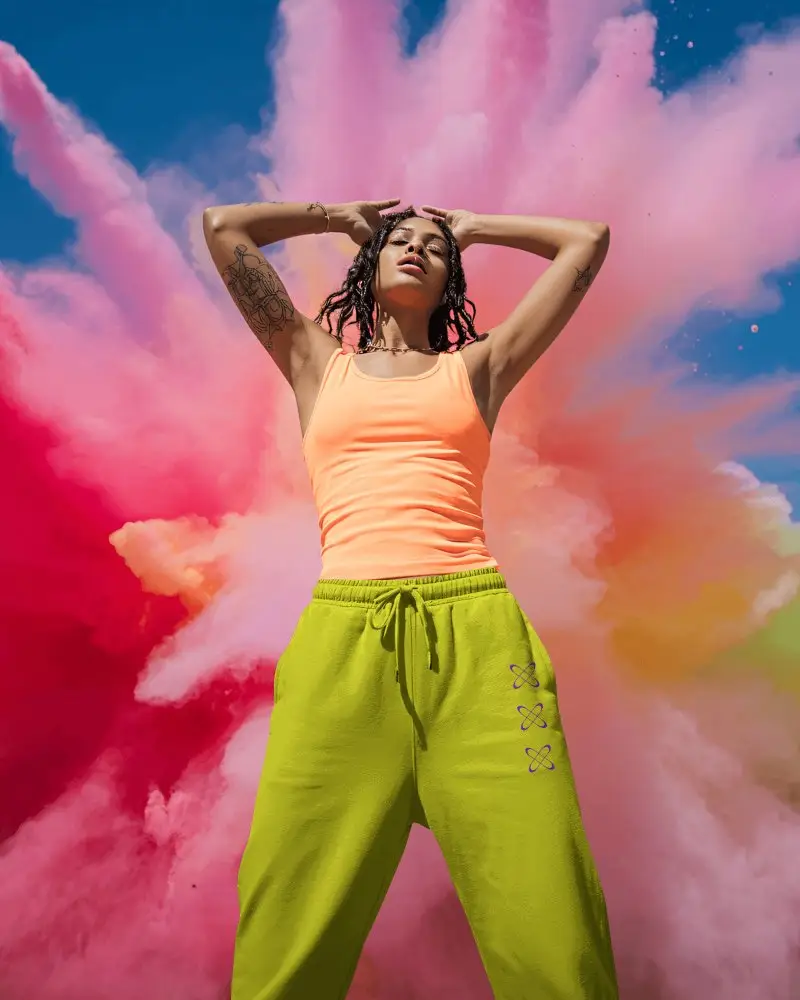

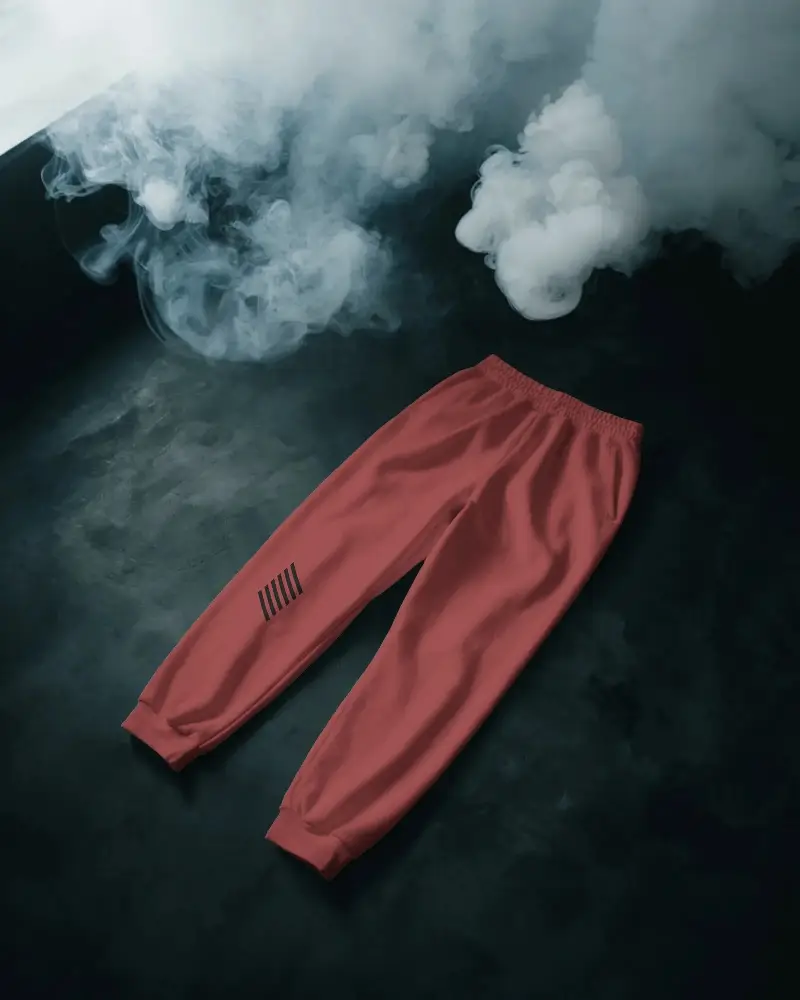
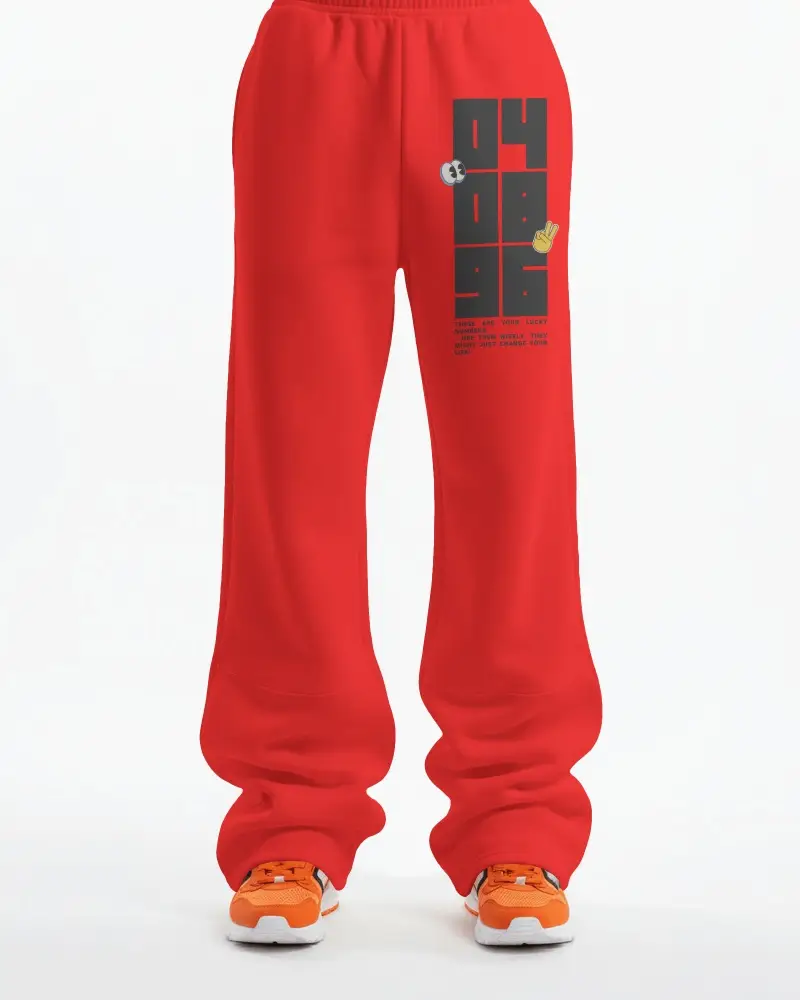
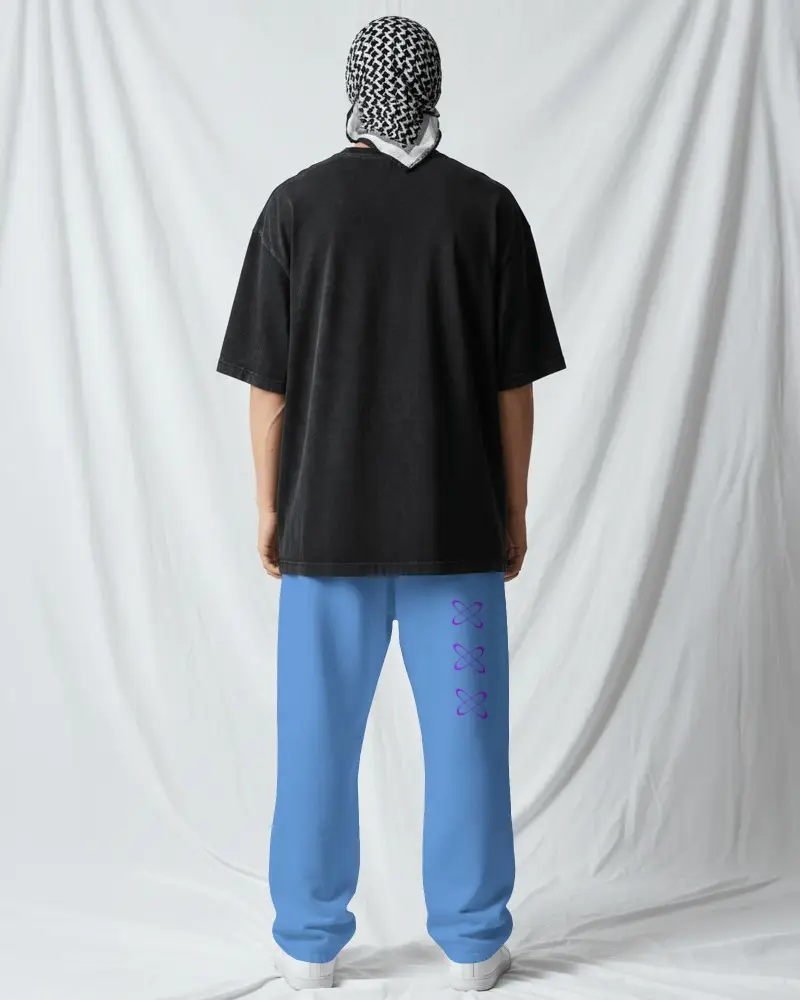
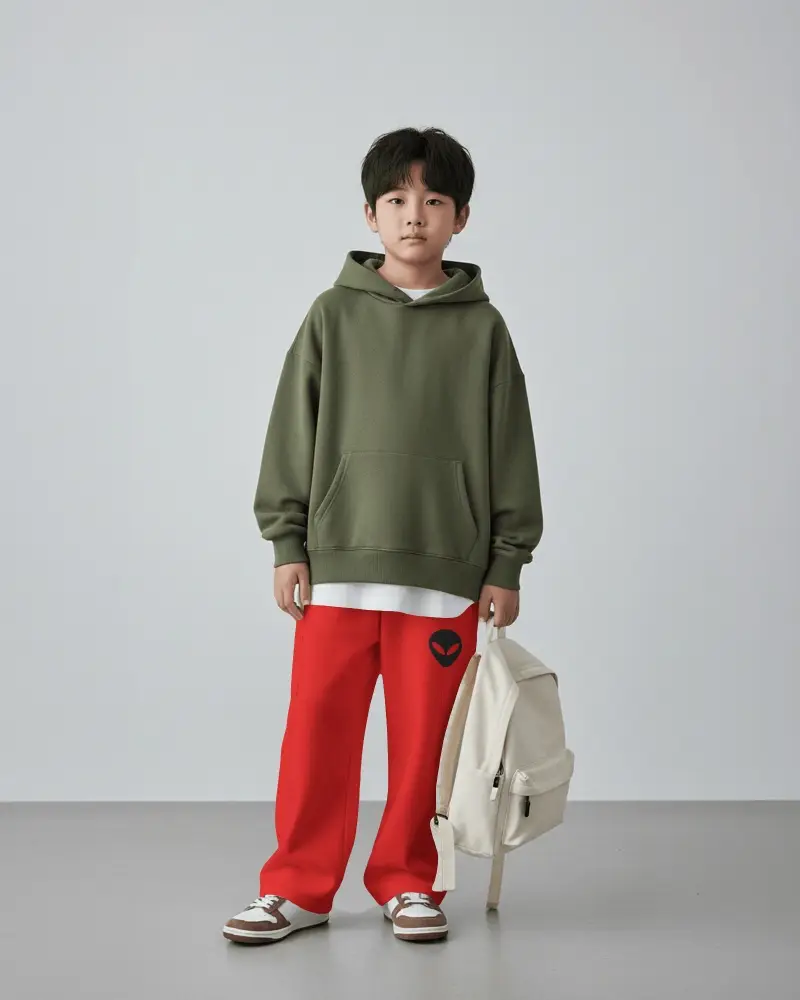
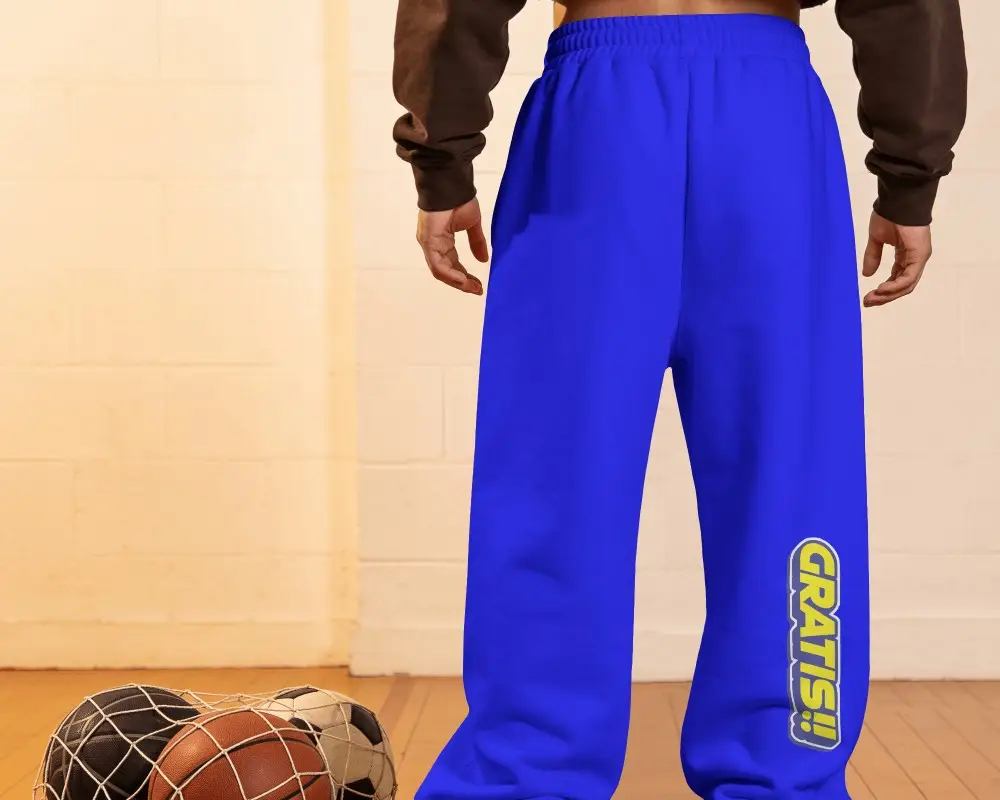
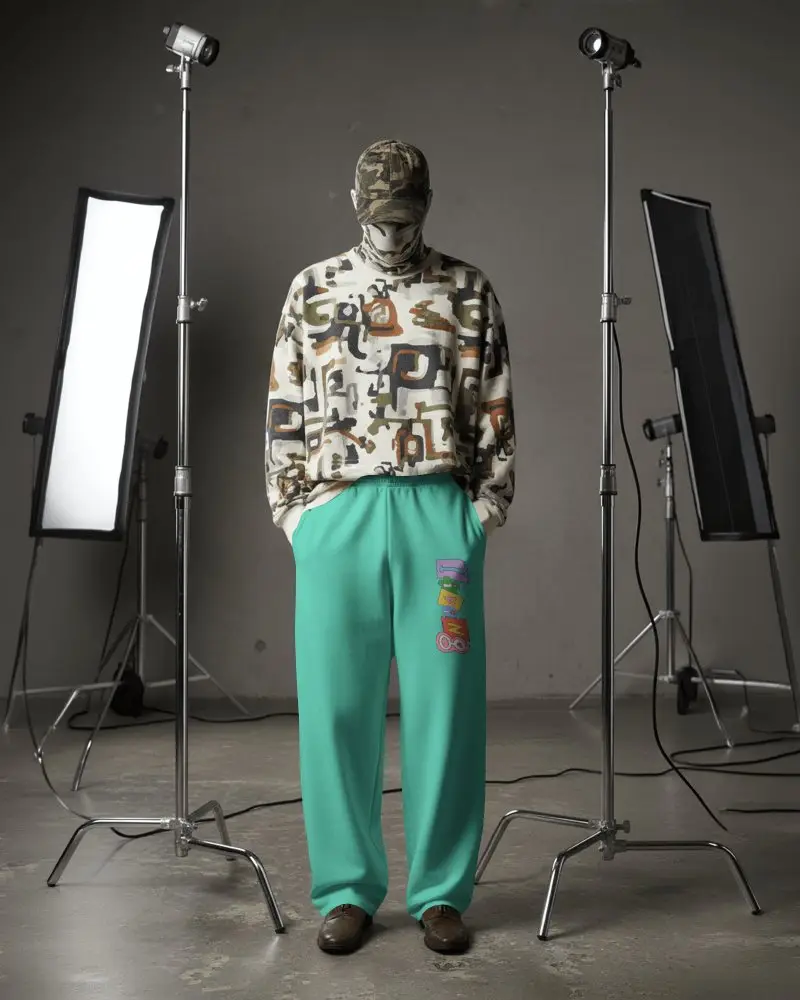
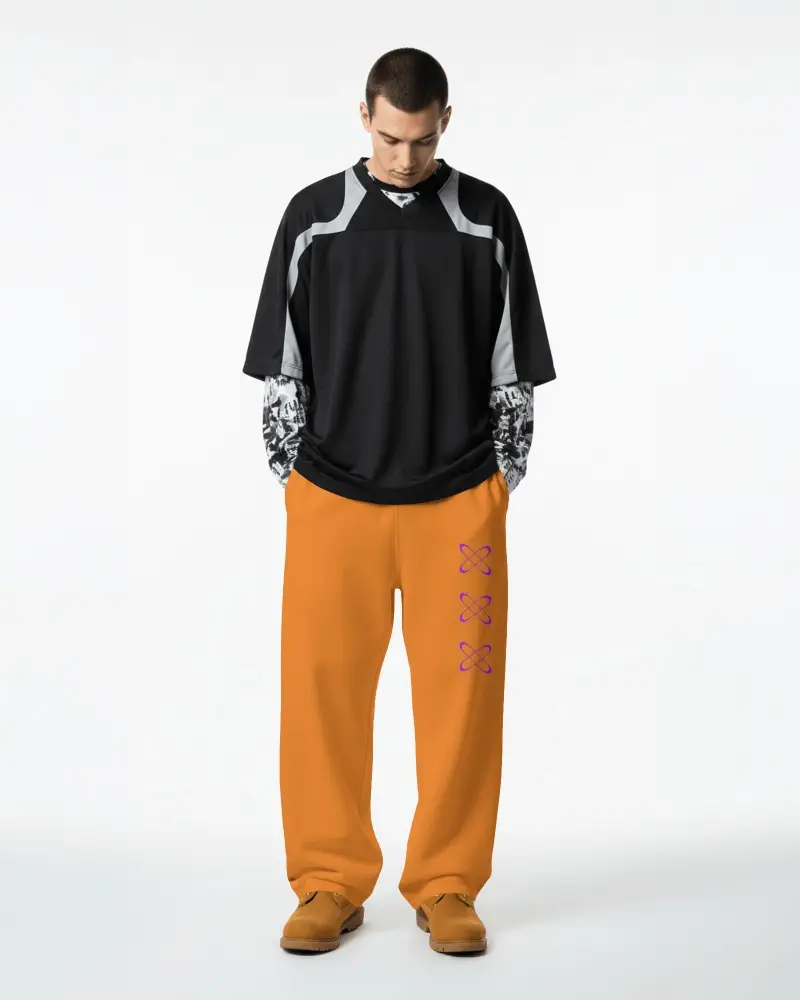
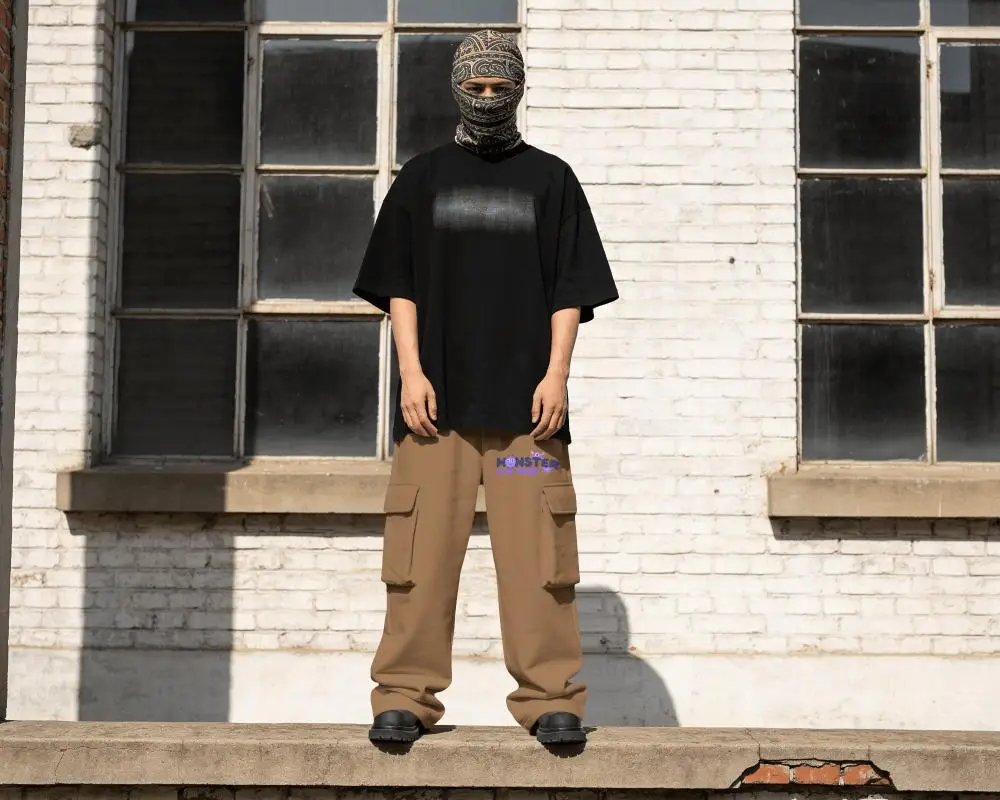
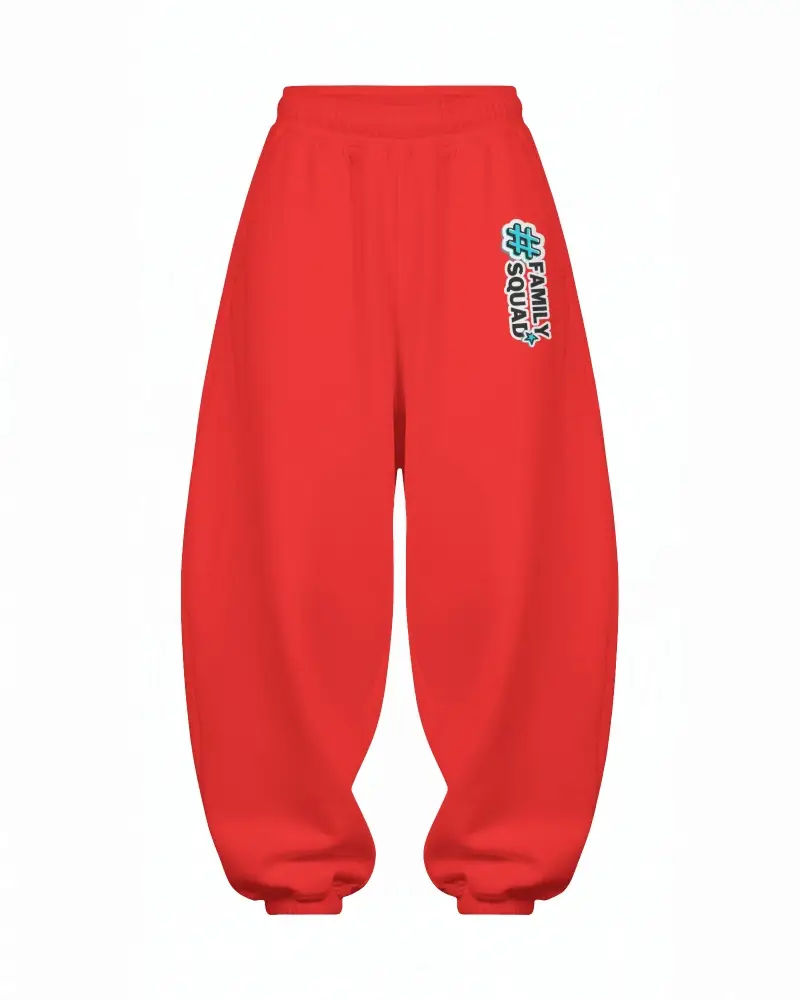
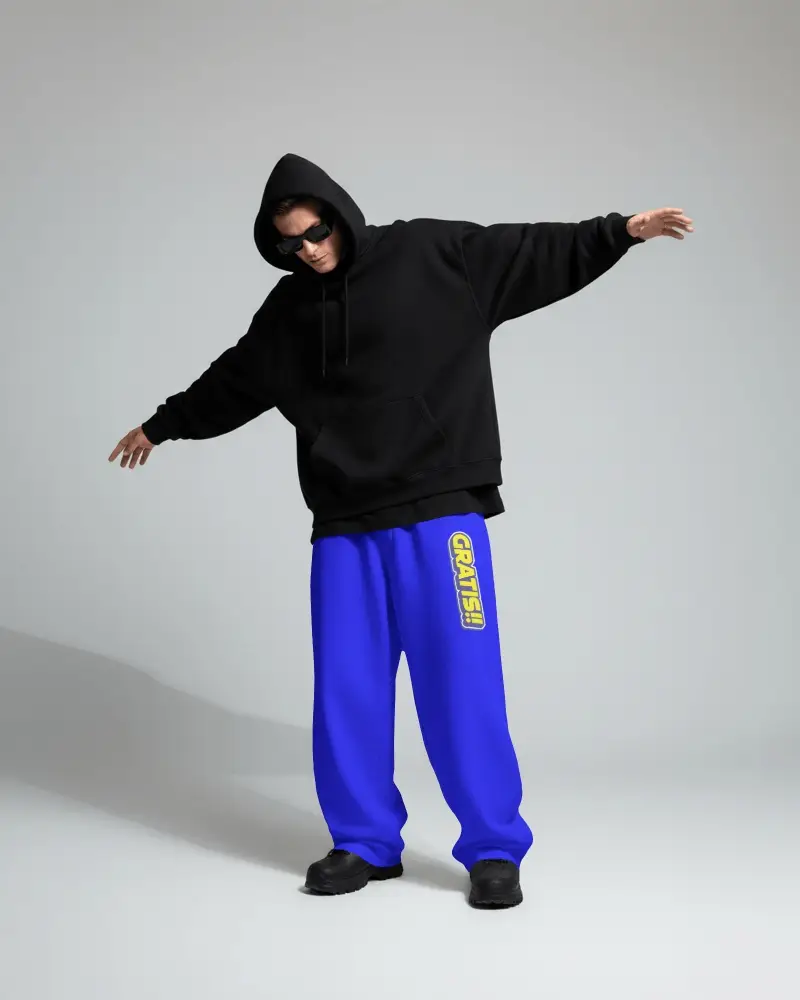
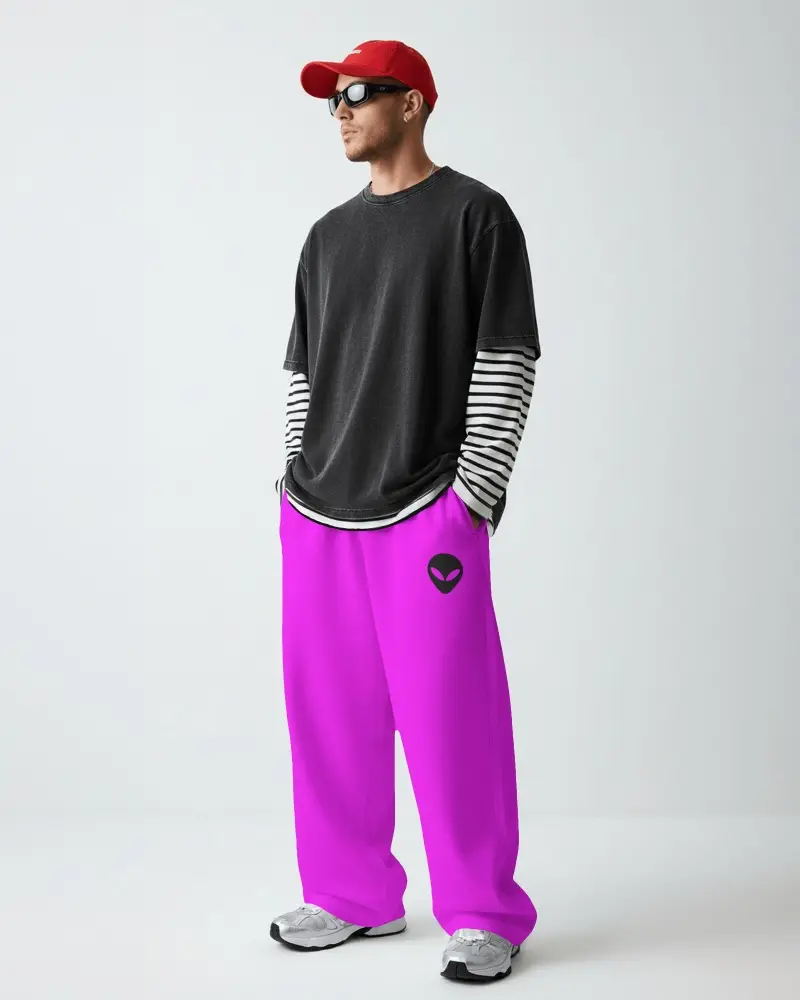
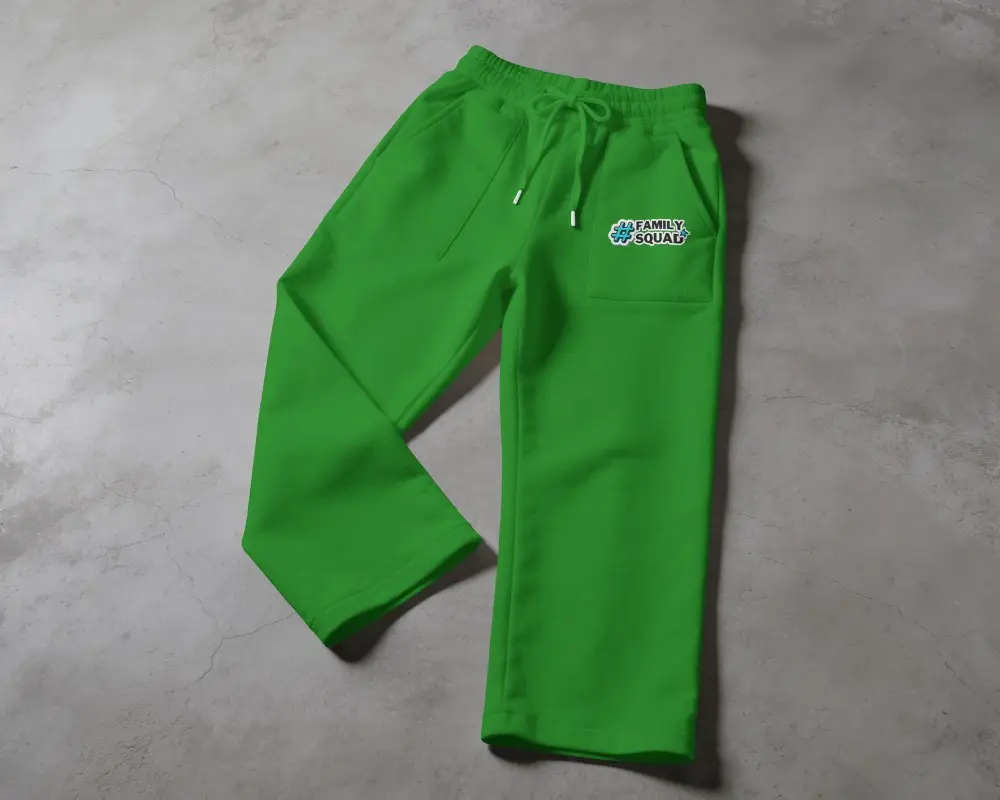
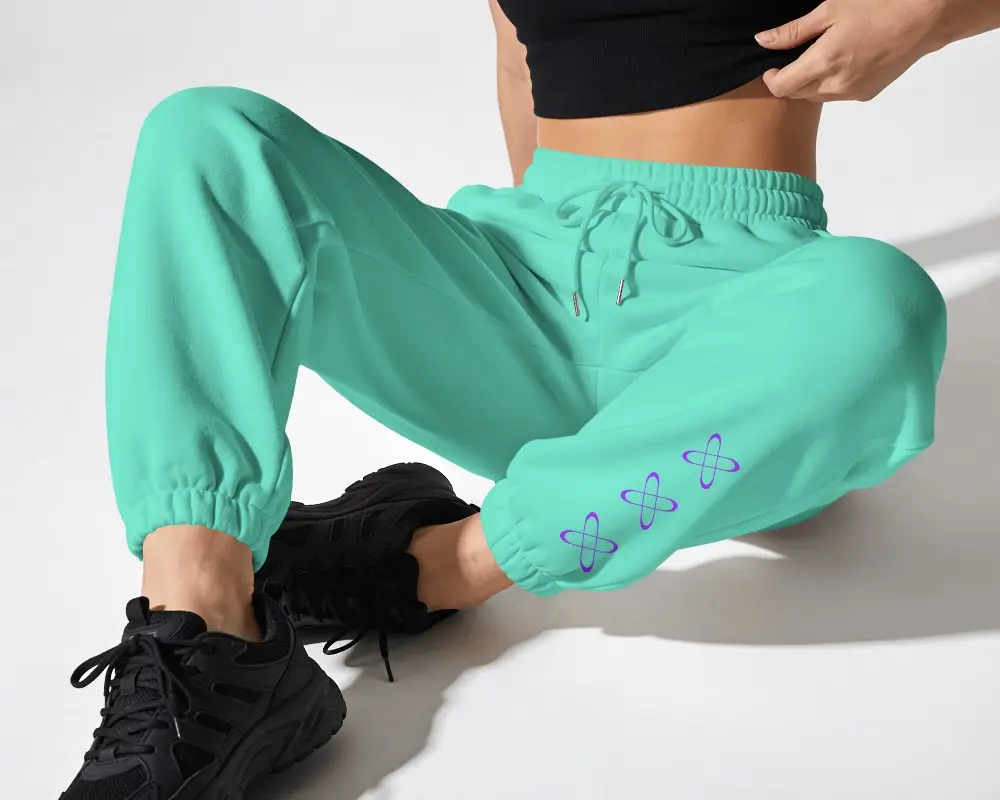
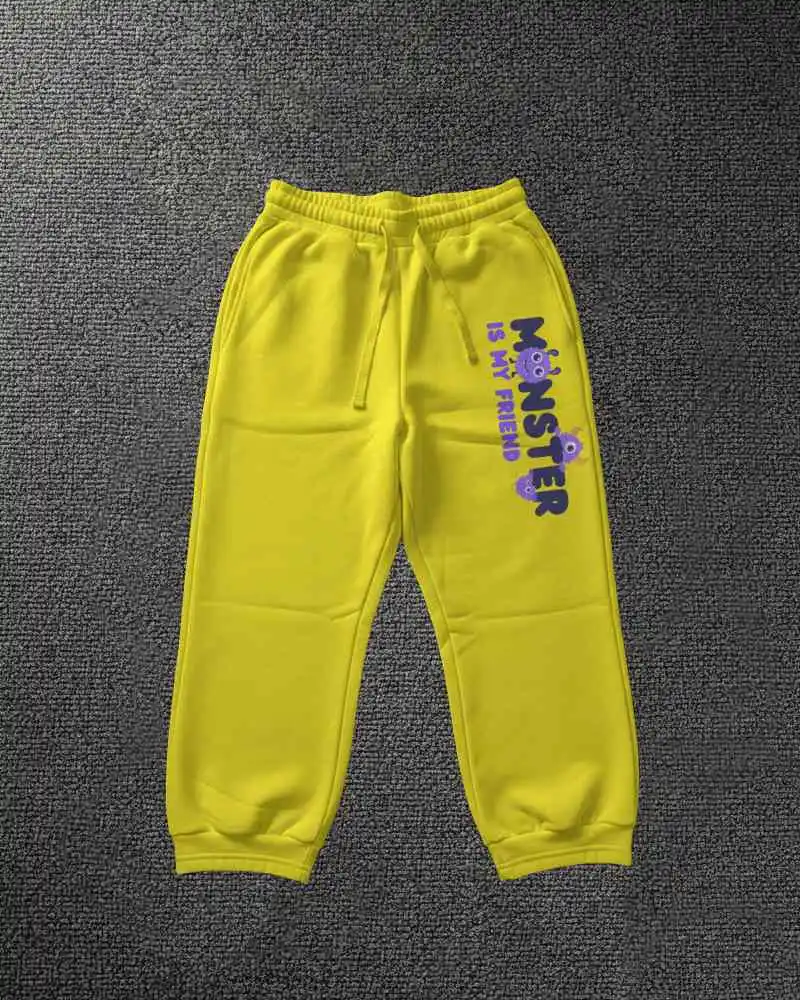
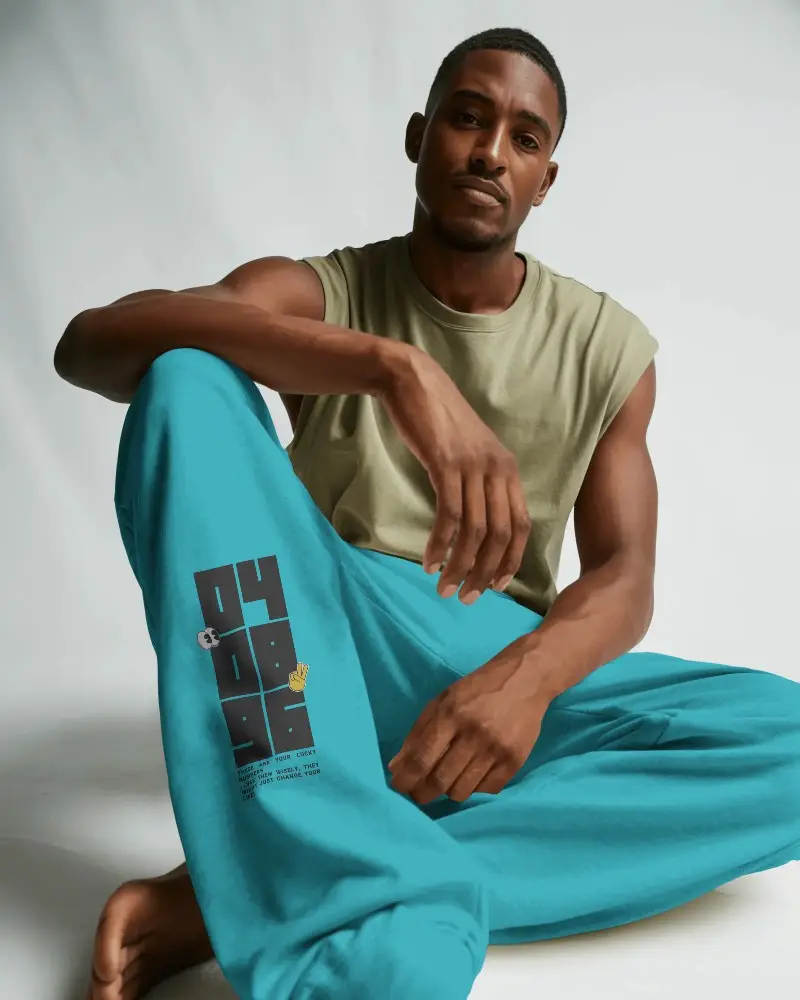
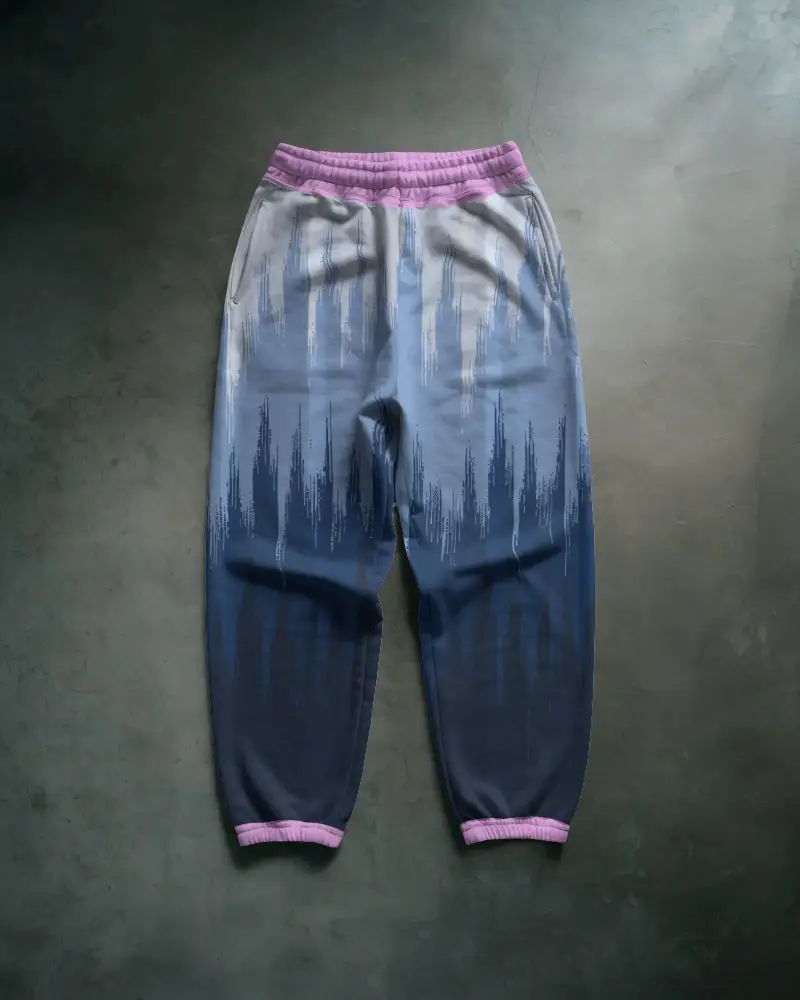
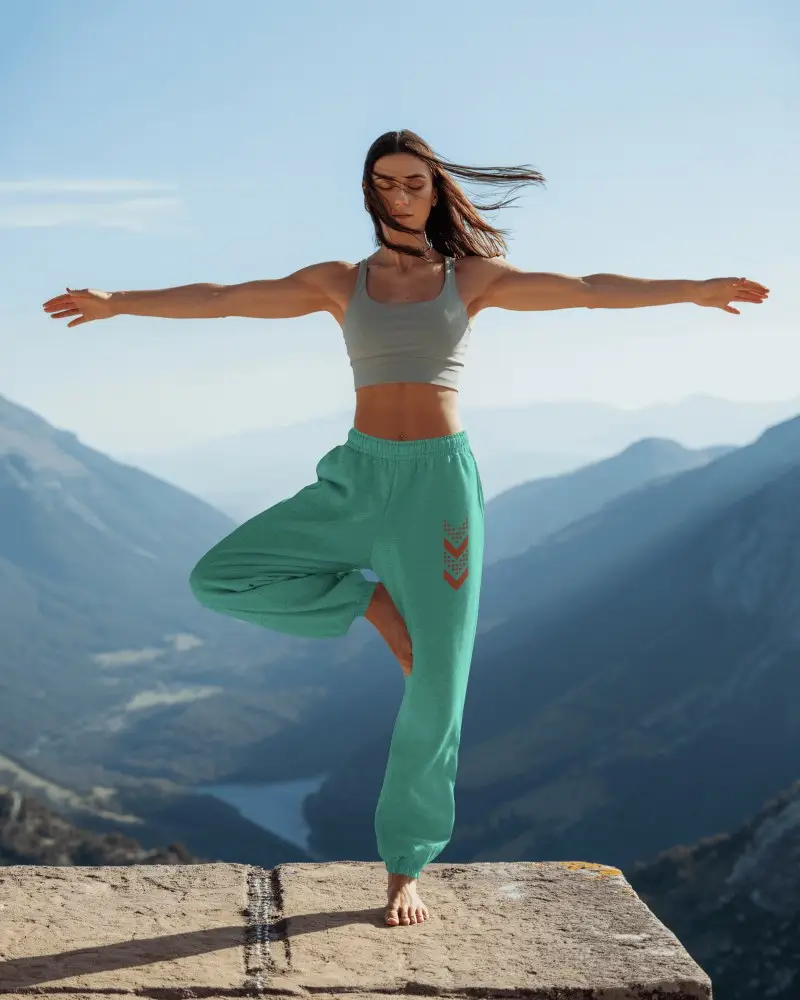
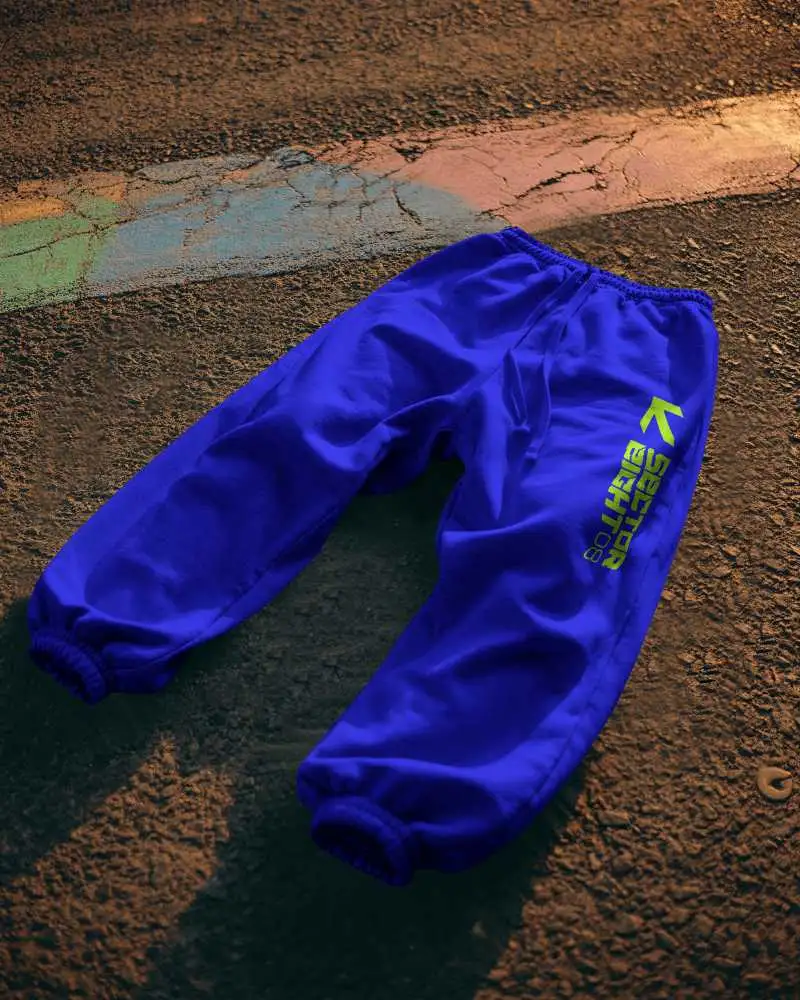
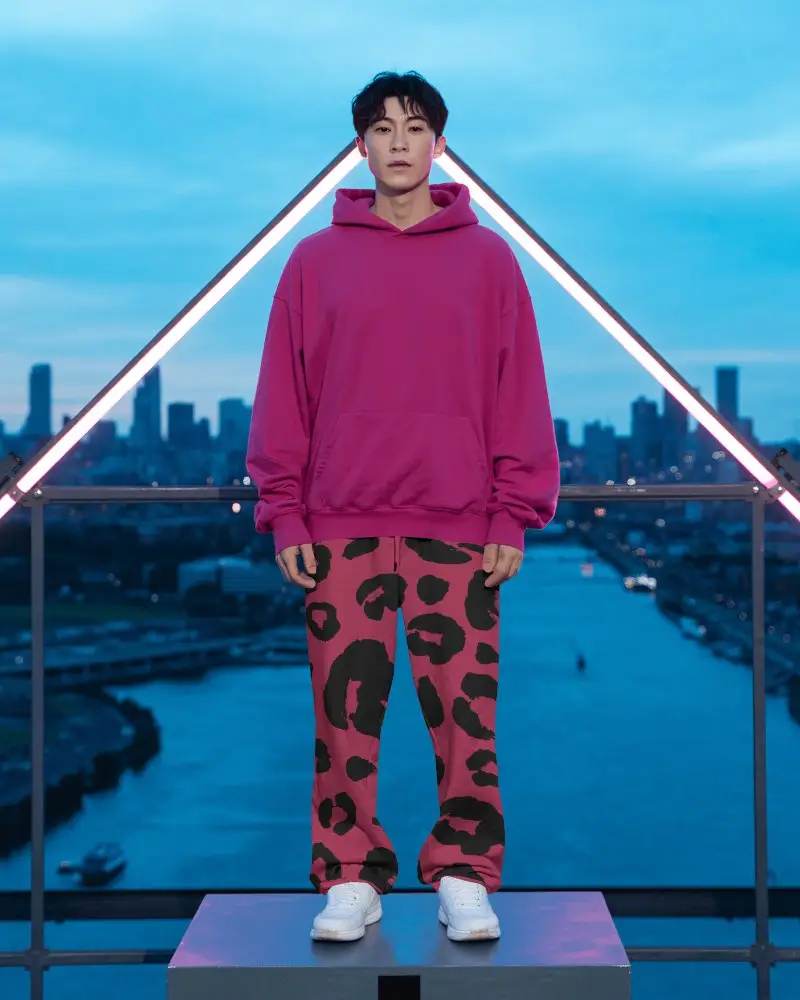
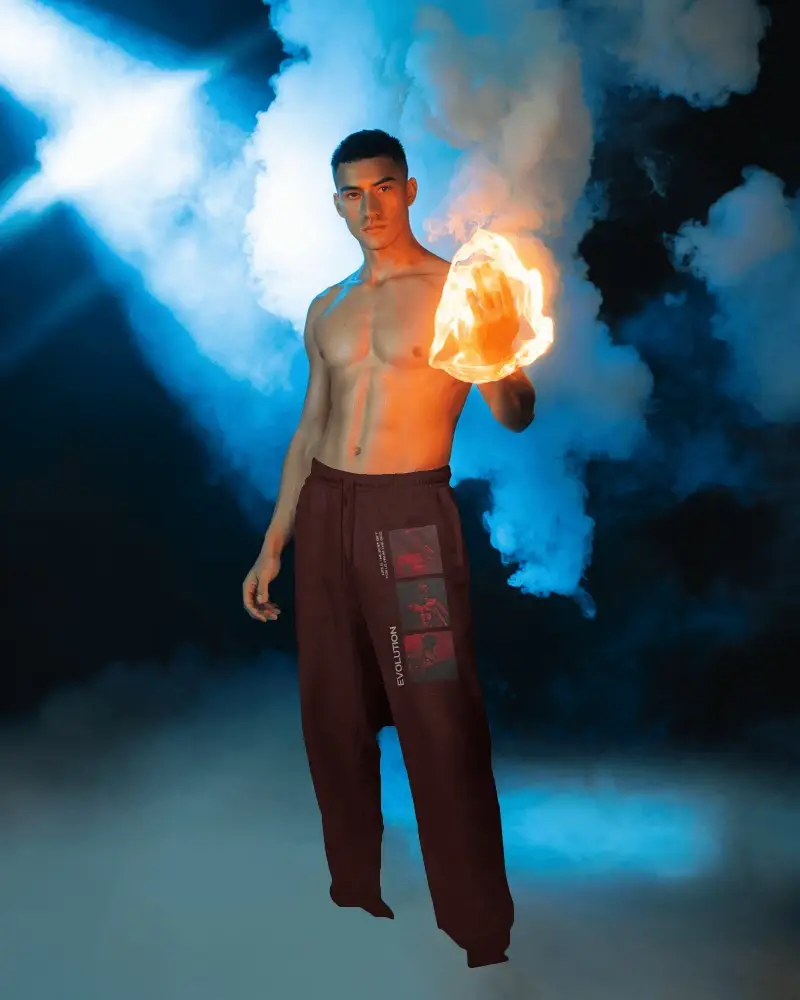
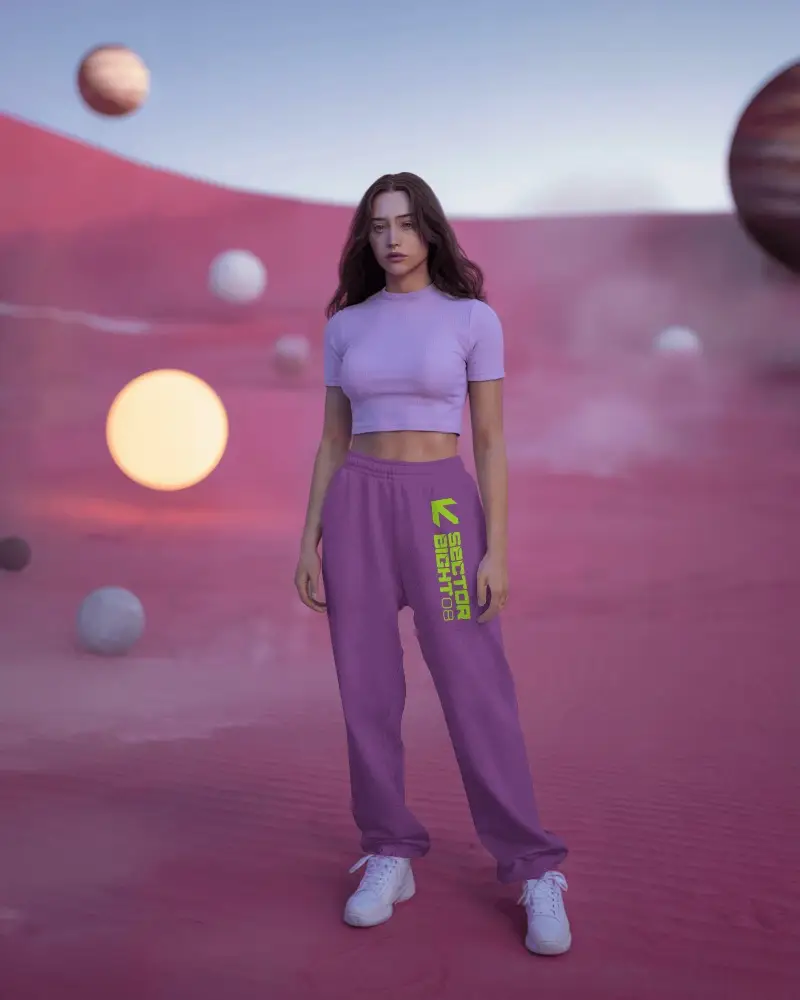
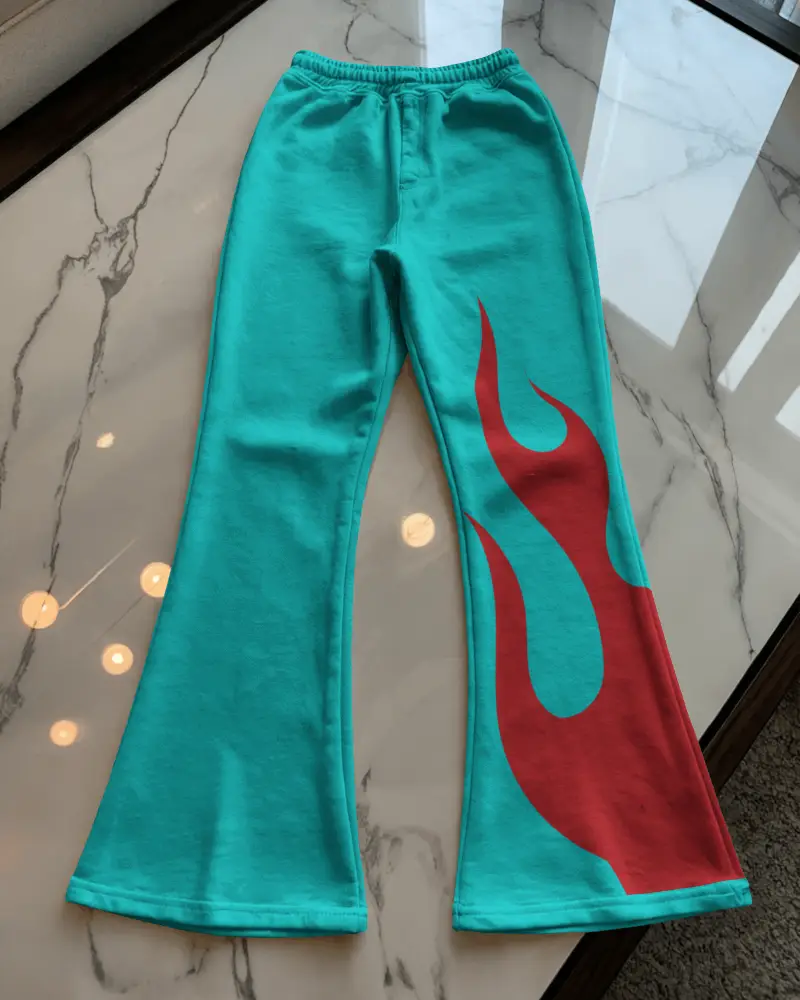
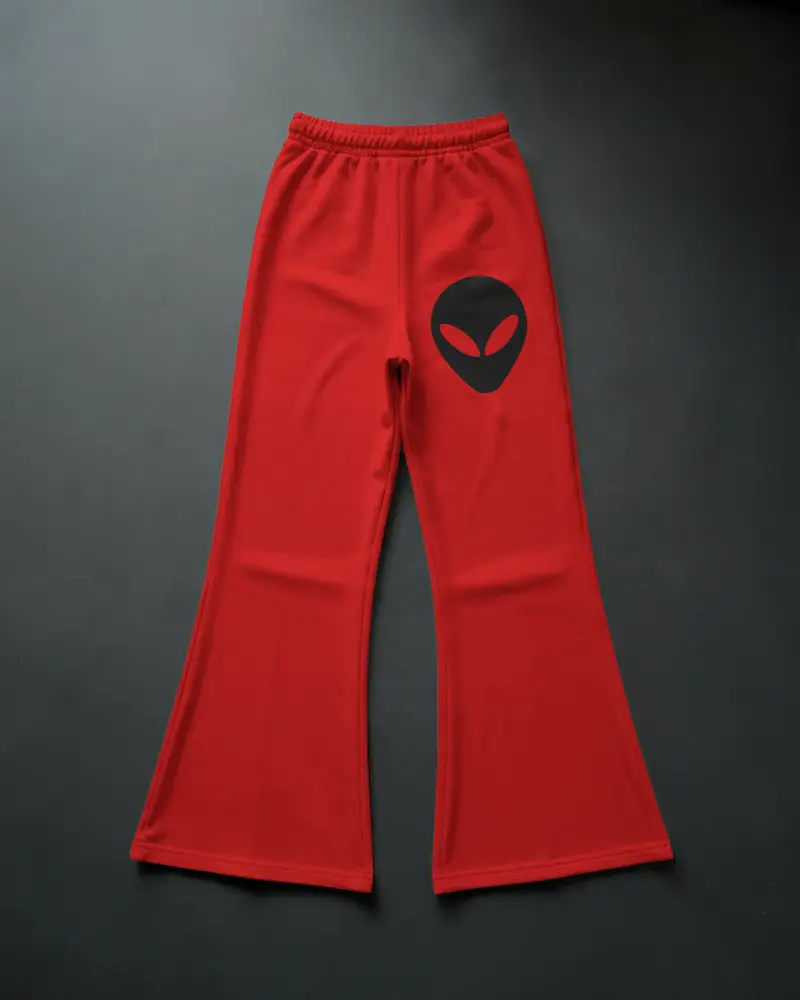
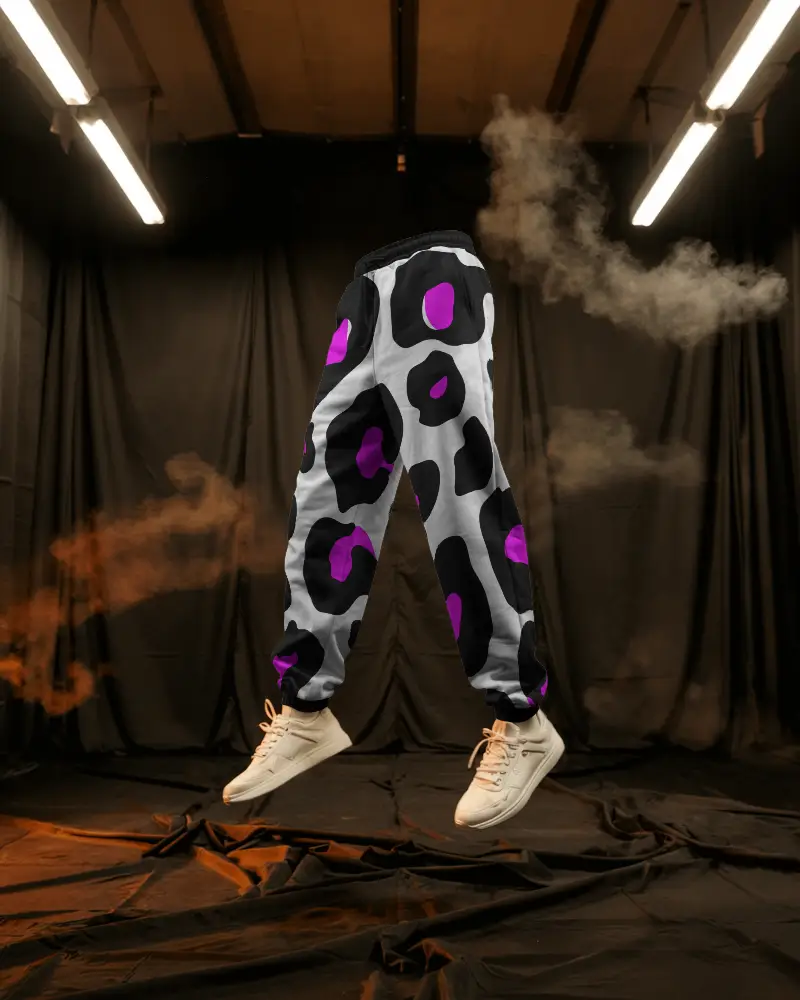
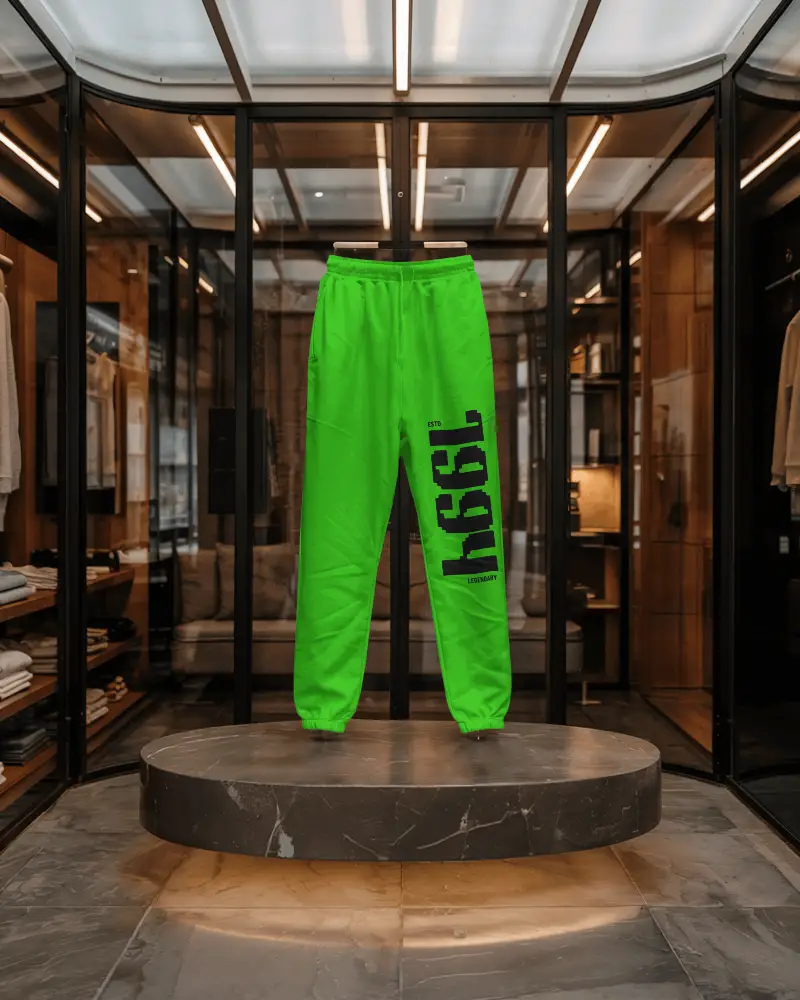
How to Create a Flared Sweatpants Mockup with Mockey AI
To create flared sweatpants mockups:
- Step 1: Sign up and navigate to 'Categories'.
- Step 2: Proceed to 'Apparel > Sweatpants > Flared'. After choosing a template, insert an image.
- Step 3: Modify it and select 'Download'. Save the flared sweatpants mockup.


FAQs on Flared Sweatpants Mockups
What is a flared sweatpants mockup?
A flared sweatpants mockup is a ready-to-use design template. It works like a blank canvas to show custom designs on sweatpants. At the thigh, the style is tight, and below the knee, it becomes wider.
How can I use a flared sweatpants mockup?
Start by signing up and heading to 'Categories.' Go to 'Apparel > Sweatpants > Flared' and pick a template. Add your image, make changes, and hit download. Your flared sweatpants mockup is ready.
Are flared sweatpants mockups free on Mockey AI?
Yes, Mockey AI offers free flared sweatpants mockups. You can customize them easily, preview them, and download designs with no watermarks.
Can I customize colors and designs on the mockup?
Yes, you can change both colors and designs in the mockup. Most tools like Mockey AI let you upload the artwork, pick color schemes, and tweak design elements. In this manner, the finished product precisely reflects your brand and original idea.
Why use a flared sweatpants mockup instead of photoshoots?
A flared sweatpants mockup helps you skip expensive photoshoots. You can create professional and customizable design displays. Editing and changing colors is quick before production. Designers can share clear ideas with manufacturers without confusion.
