Free Trucker Hat Mockups
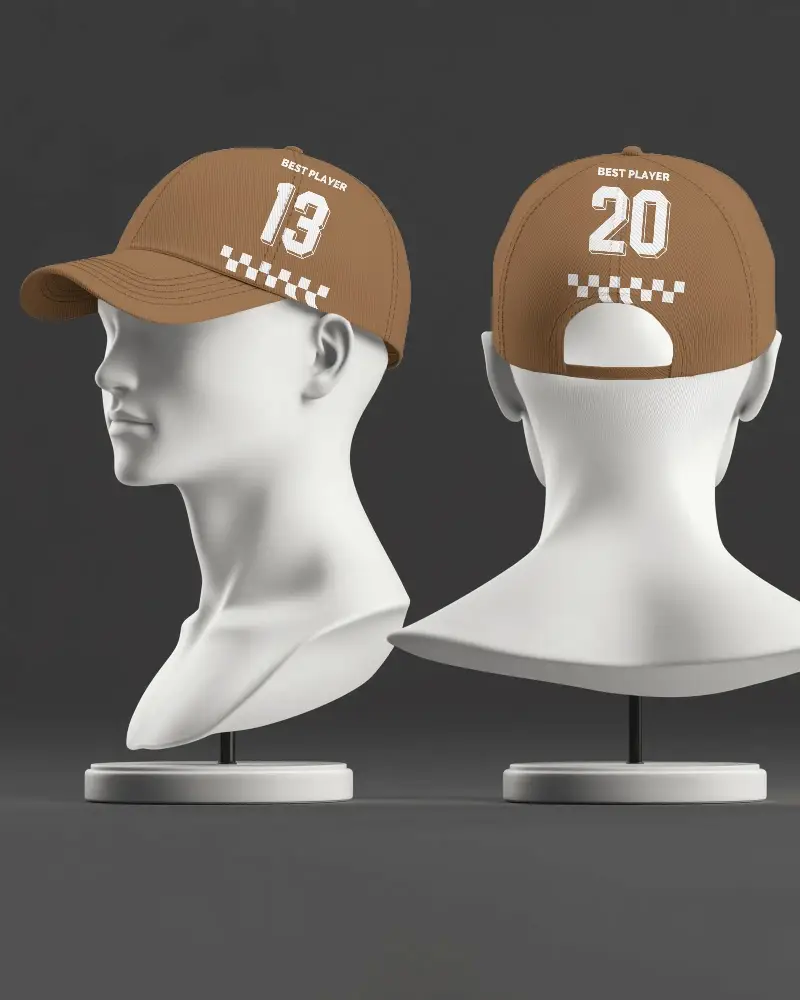
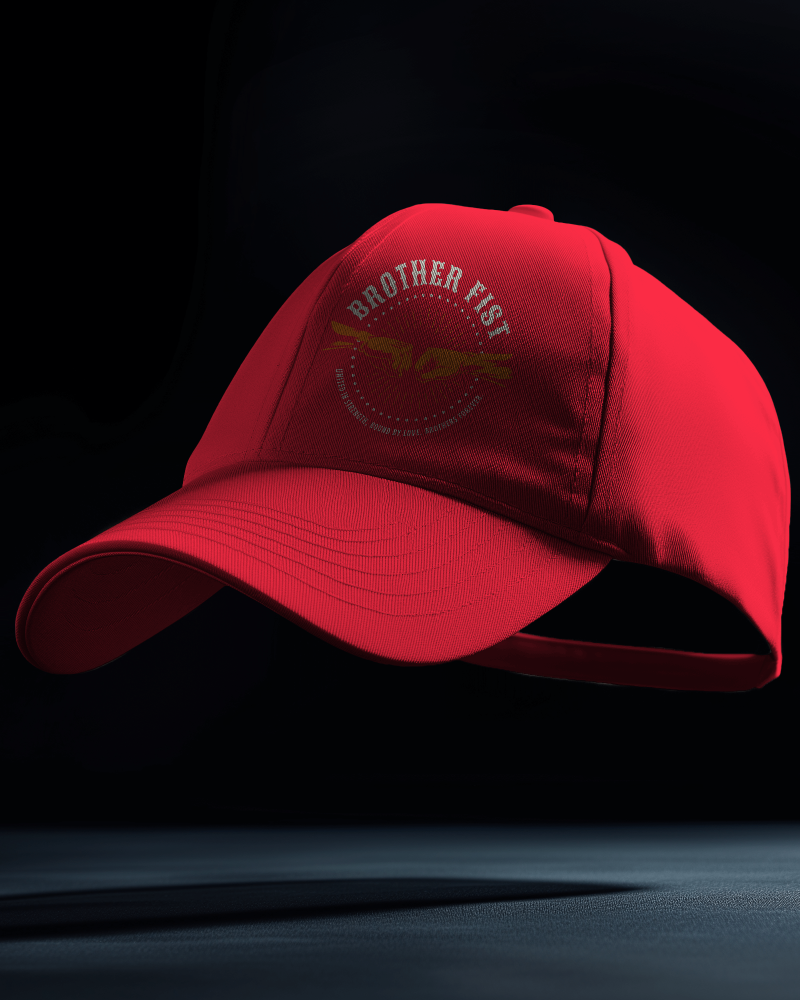
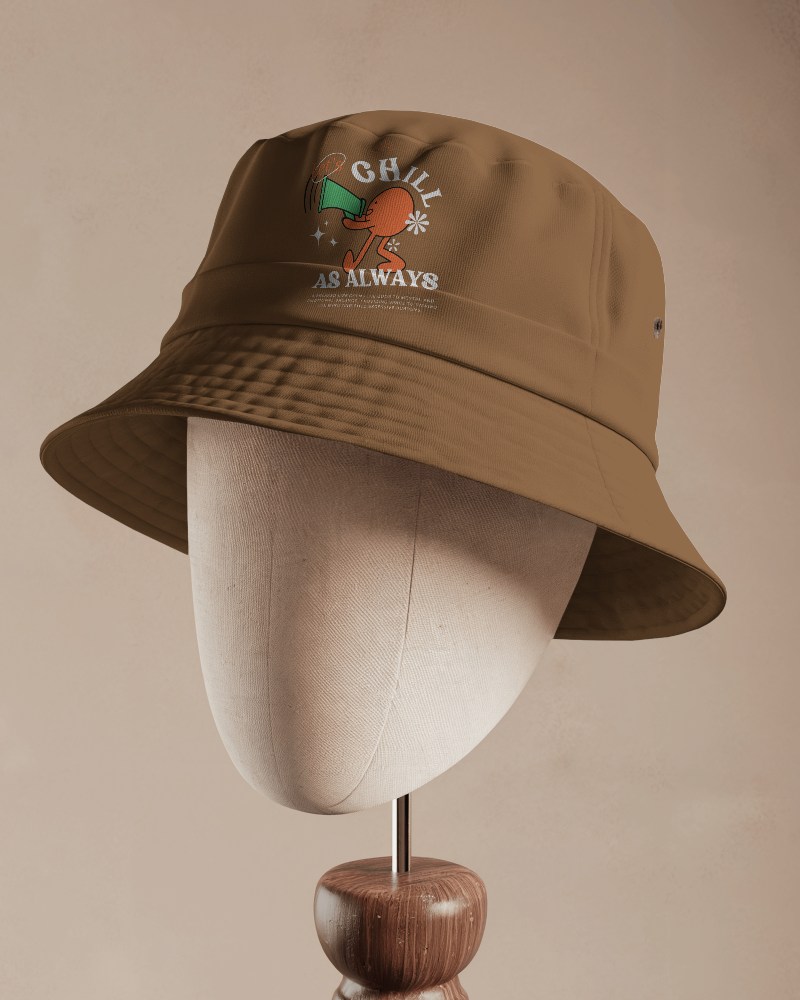
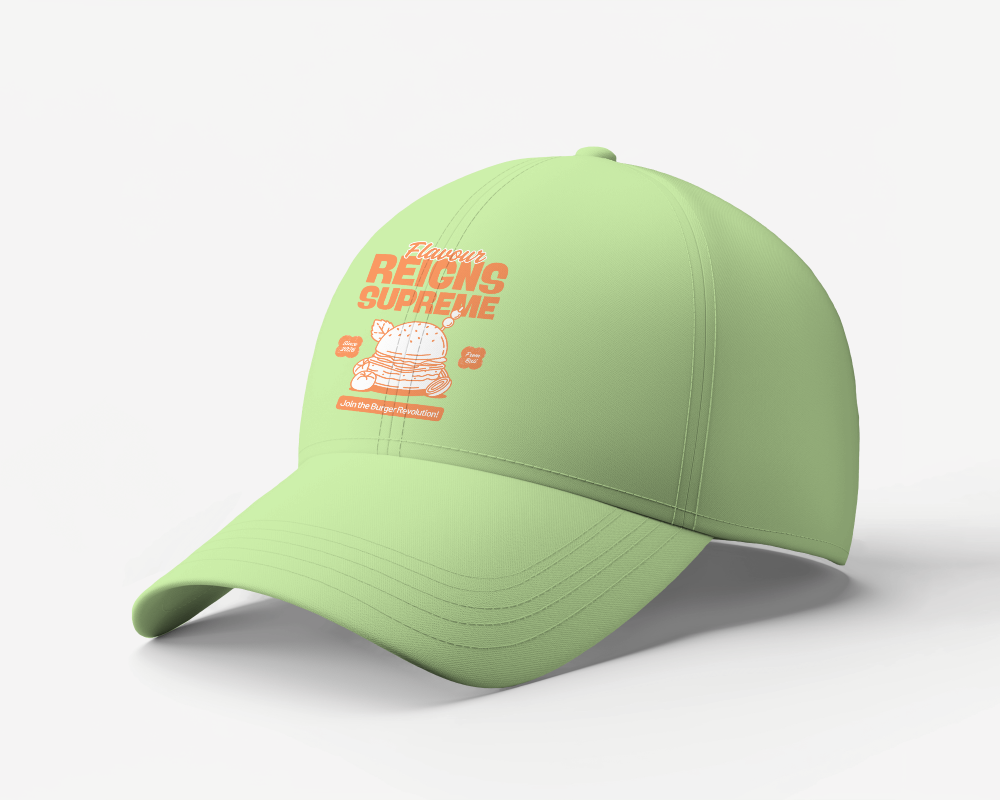
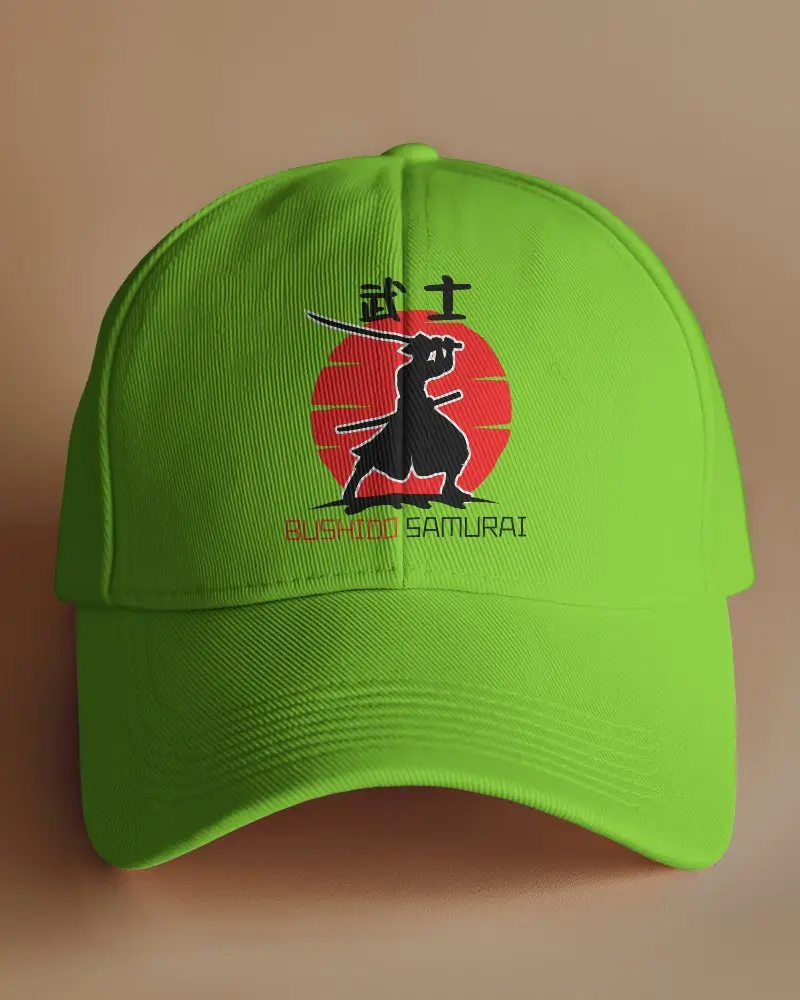
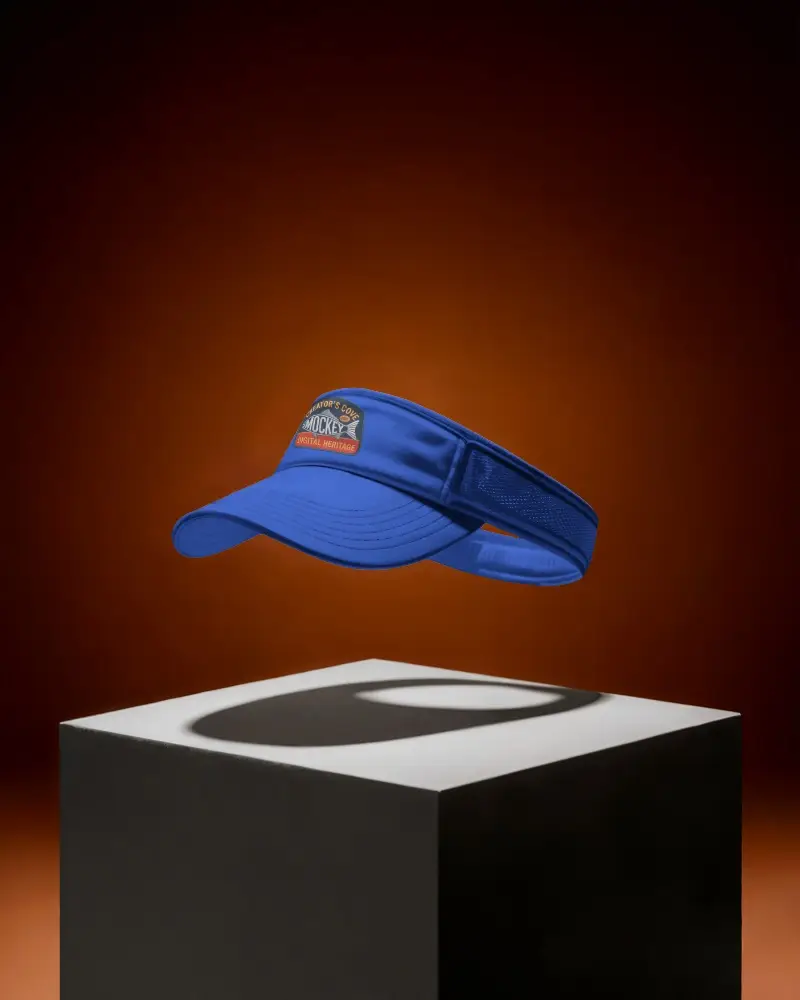
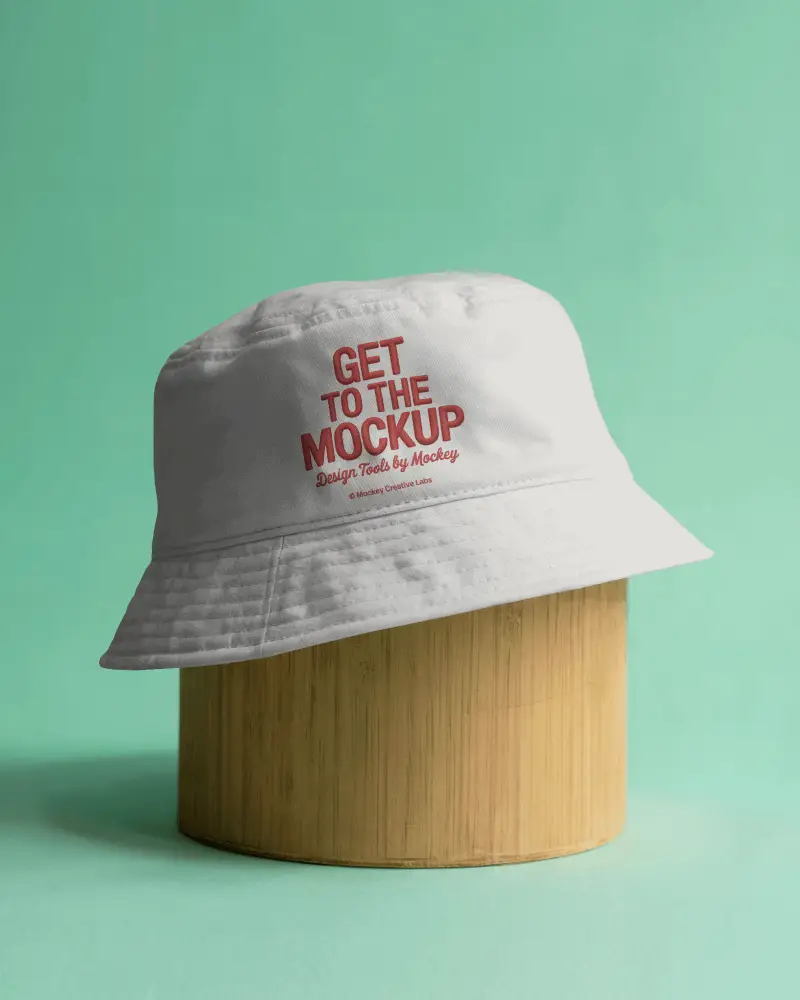
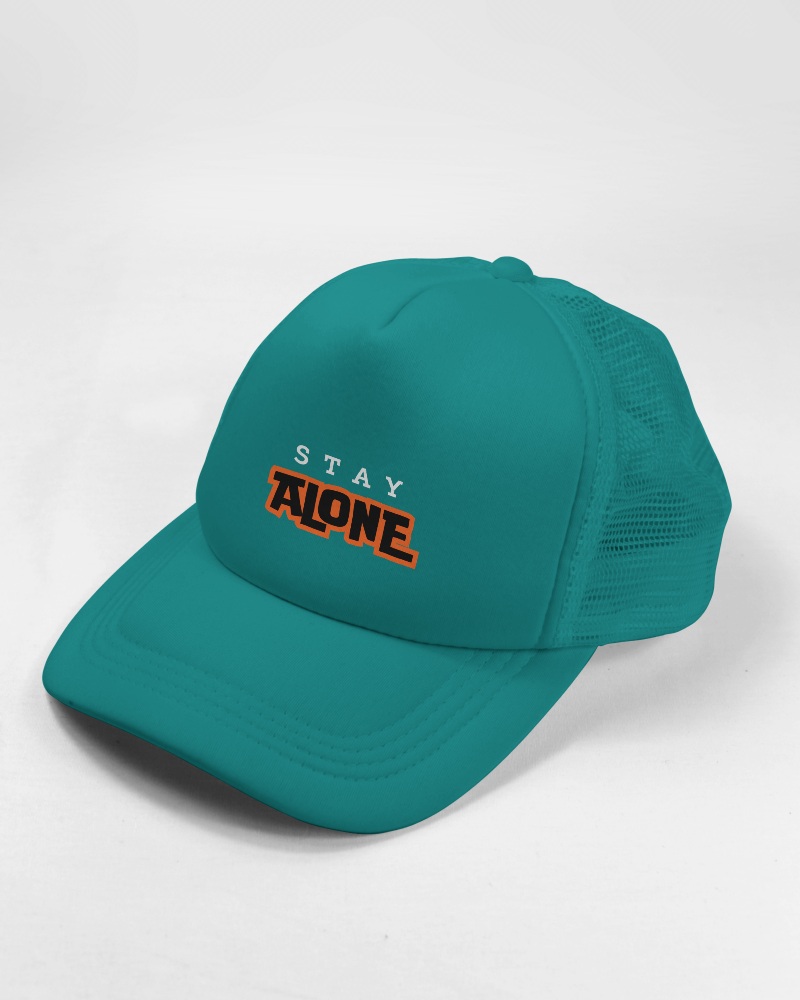
Create the perfect trucker hat mockup to showcase your design! Customize stunning free trucker hat mockups in seconds with our easy-to-use trucker hat mockup generator from Mockey.ai. Perfect for branding, print-on-demand, or portfolio presentations.





























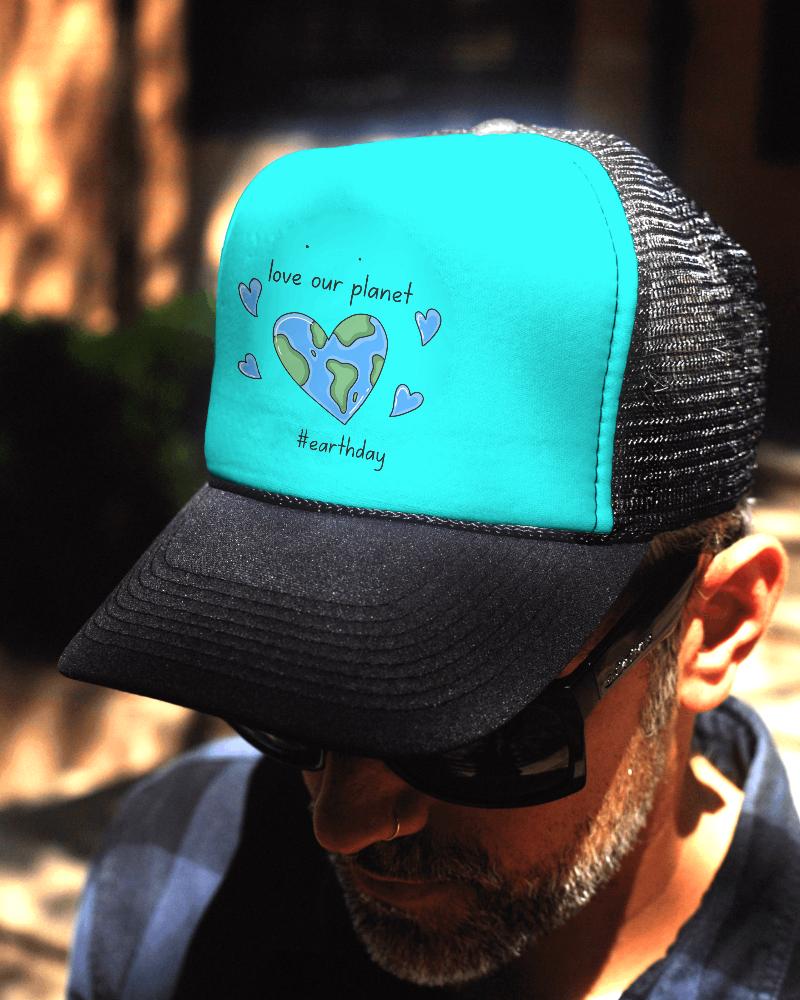
How to Create Trucker Hat Mockup with Mockey AI
To create trucker hat mockups:
- Step 1: Go to Mockey.ai and sign in or sign up for free.
- Step 2: Navigate to ‘Mockups > Accessories > Hats’ and select the ‘Trucker Cap’ tag.
- Step 3: Upload your design, customize the colors, and download your mockup in JPG or PNG format.


FAQs on Trucker Cap Mockups
What is a Trucker Cap Mockup?
A trucker cap mockup is a mimic cap picture used to show how a logo will look on a real trucker cap.
How can I customize a Trucker Cap Mockup?
After you choose a template, you can customize it on your own by changing the colors and using AI tools to make it look visually appealing.
Do I need design skills to use a Trucker Cap Mockup?
Using a trucker cap mockup doesn't require you to be a designer. Mockey AI makes it very easy.
Is the Trucker Cap Mockup free to use?
You can use the Mockey Trucker Cap Mockup for free and save mockups in JPG without a watermark. But if you want better features like PNG files, AI backgrounds, or more templates, you need to pay $7 each month.
Can I change the background of the Trucker Cap Mockup?
No, you can’t change the background of the trucker cap mockup. However, you can improve the mockups using a prompt, which will modify the background as per your prompt.
