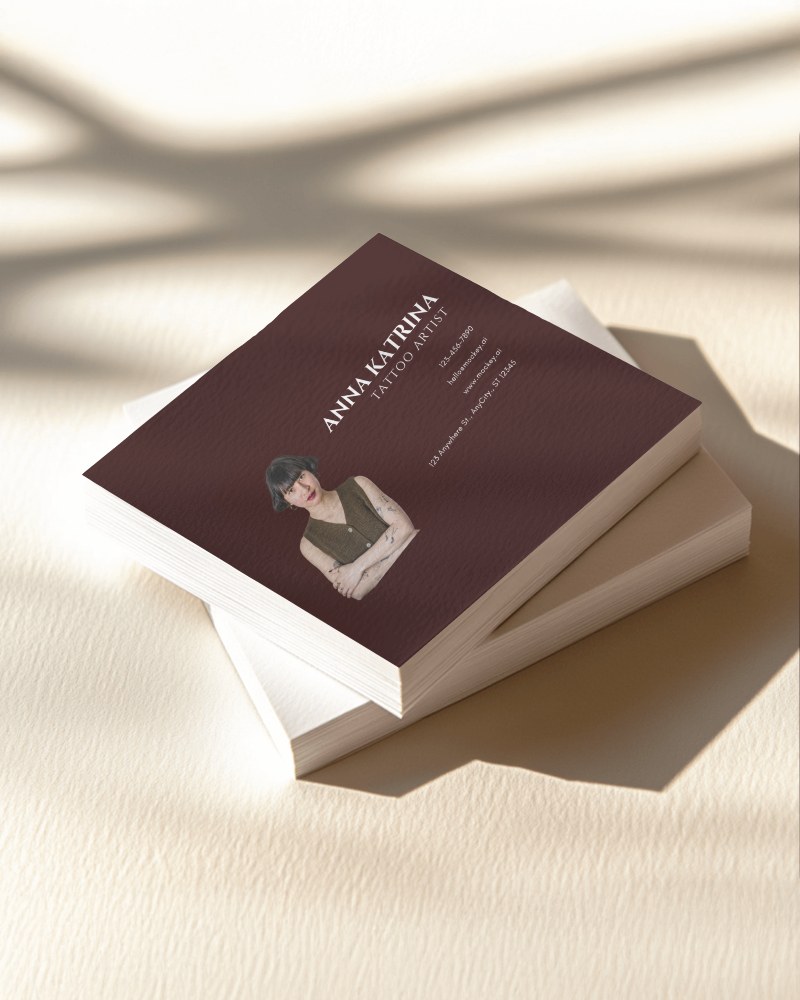
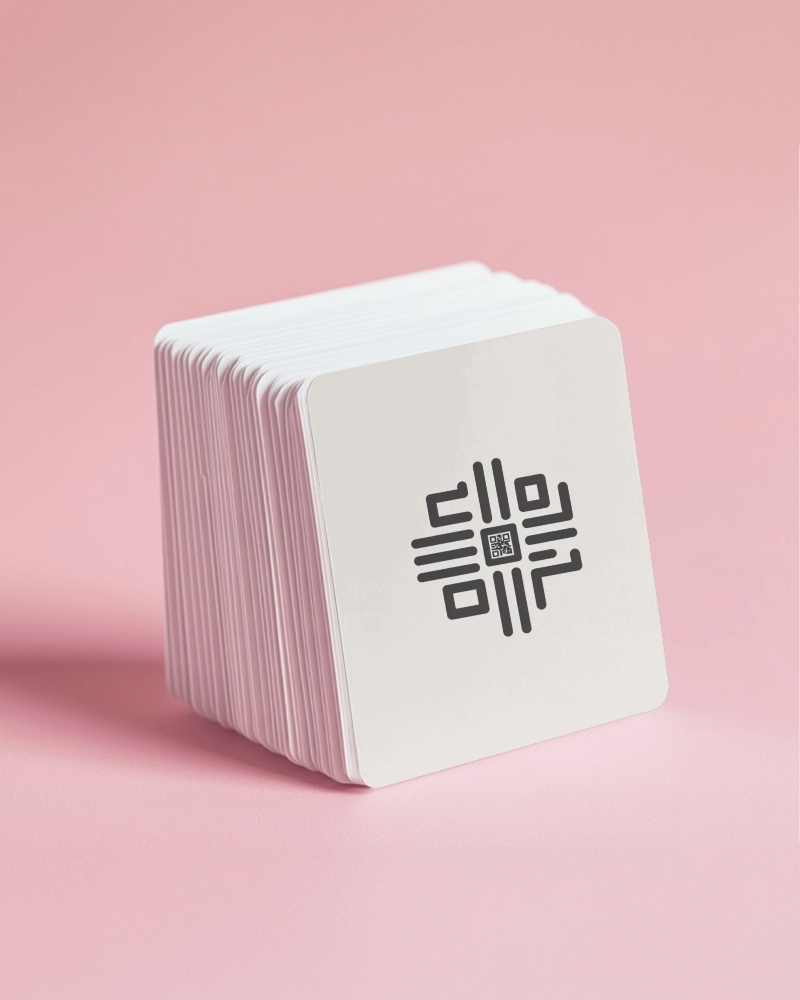
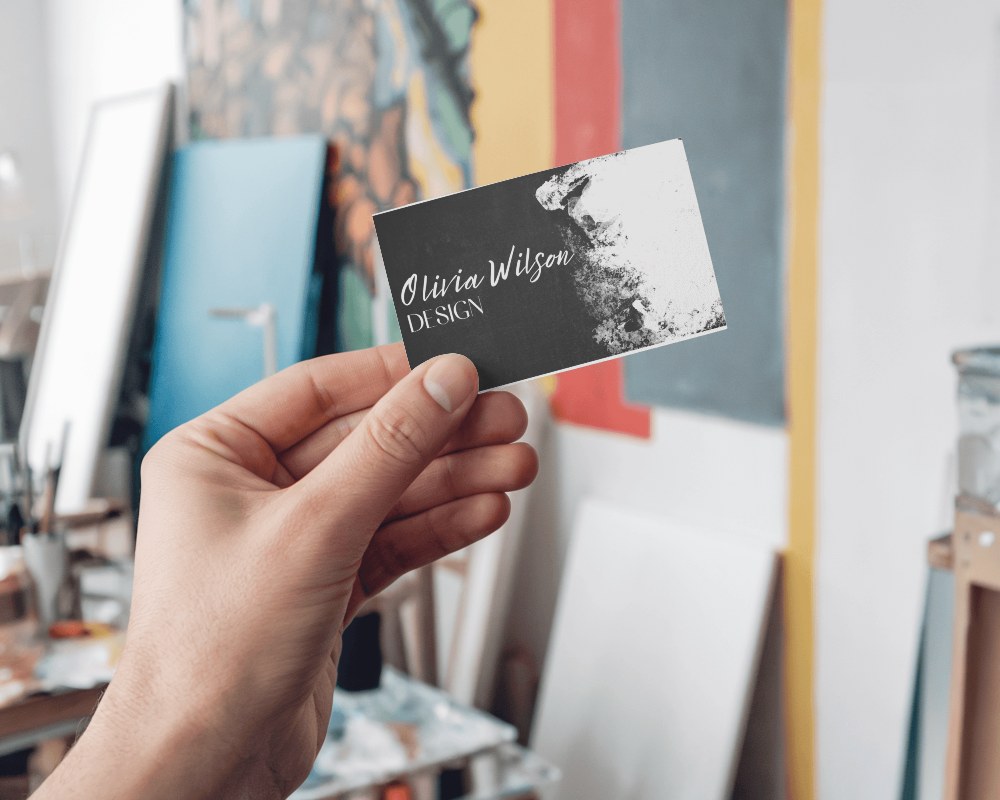
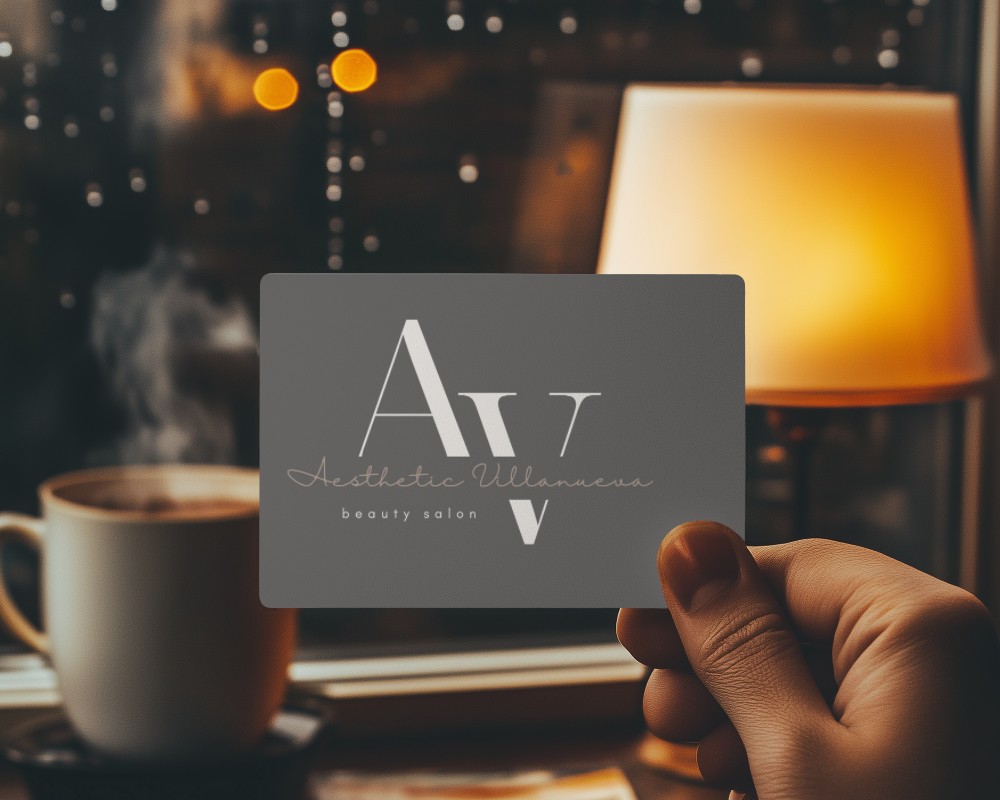
Square Business Card Mockup Free - Design & Download Instantly
Create a Square Business Card Mockup for free with Mockey. Customize your design and download high-quality Business Card mockups instantly.
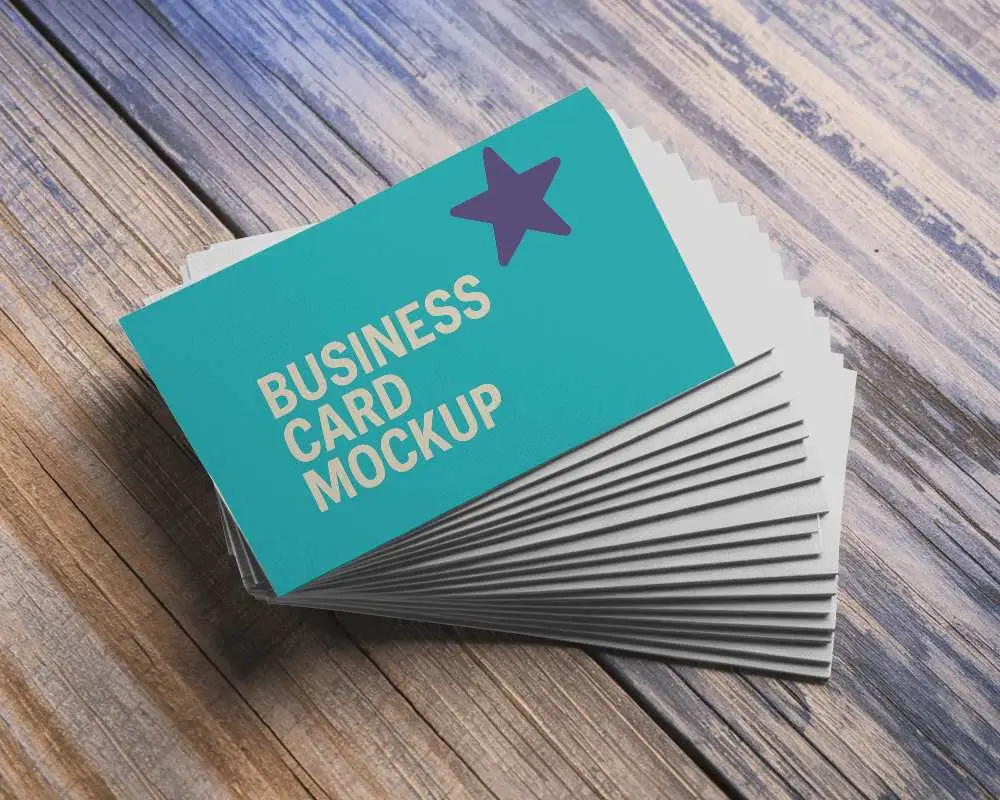
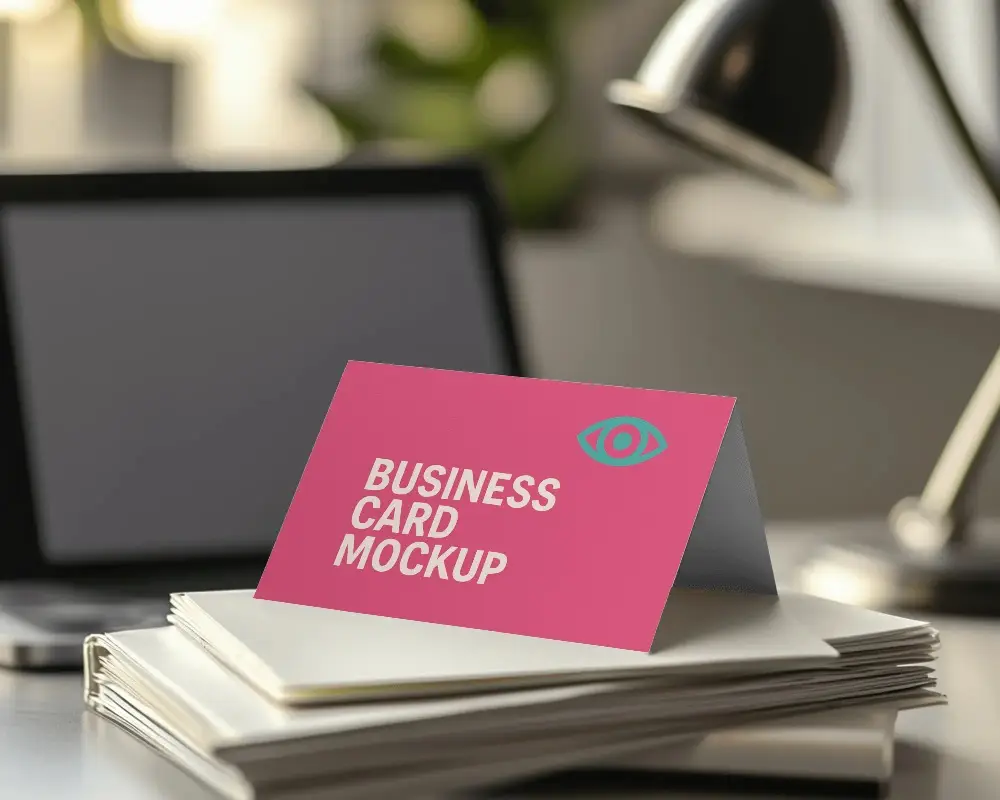
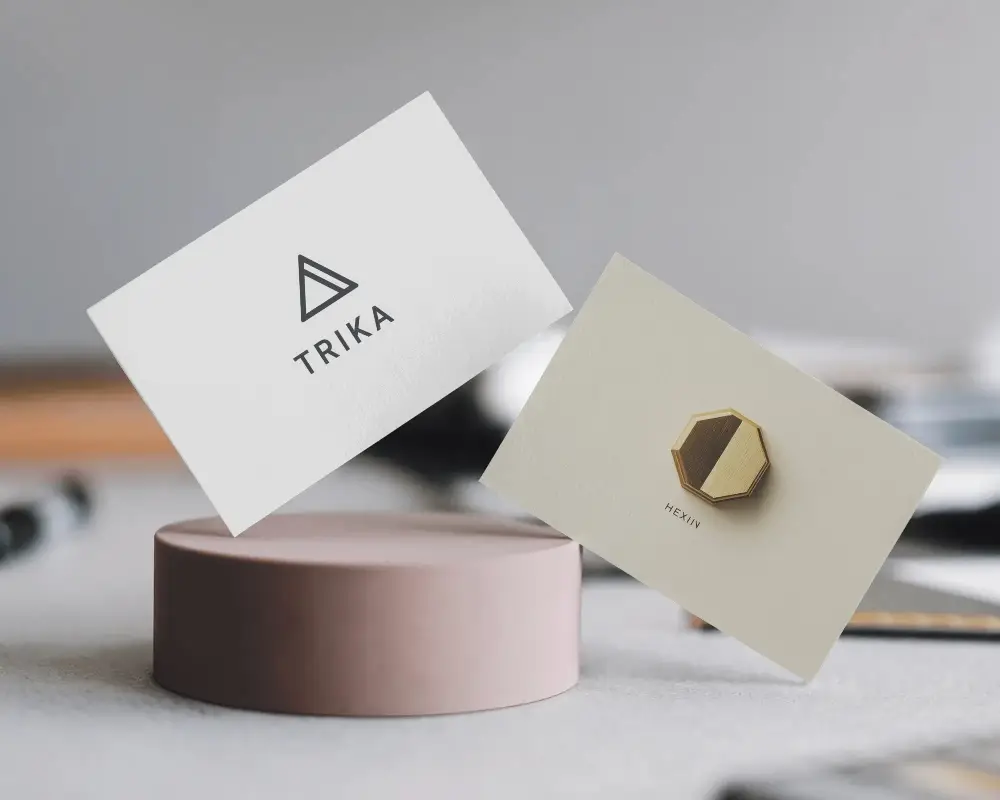
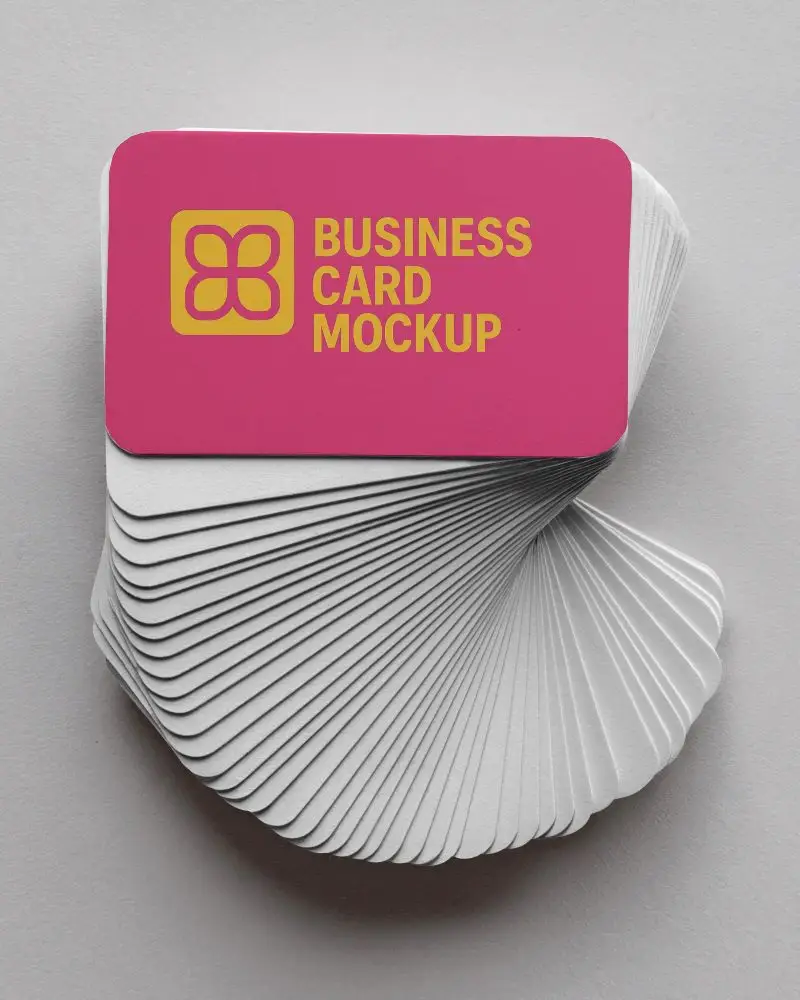
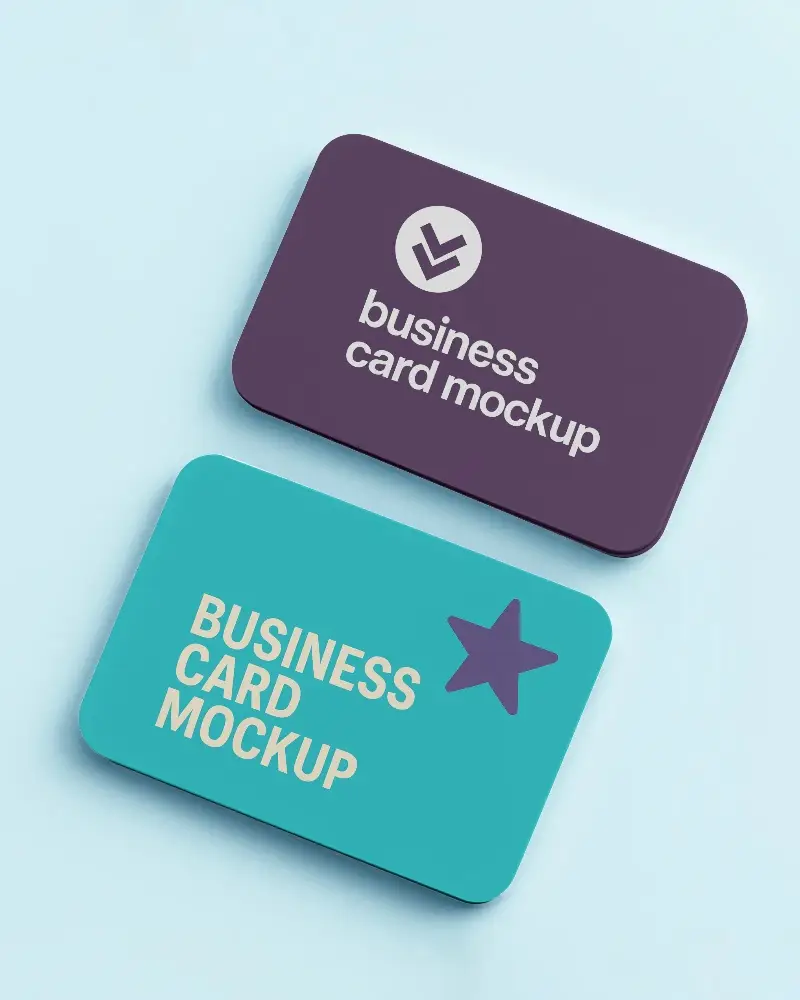
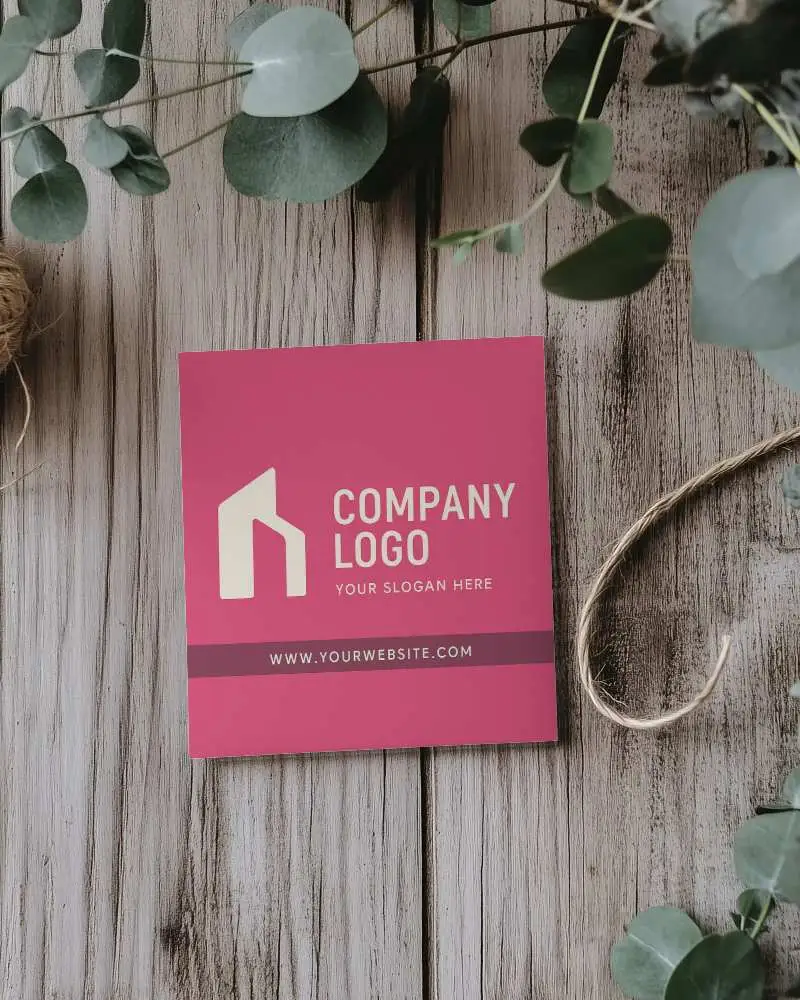
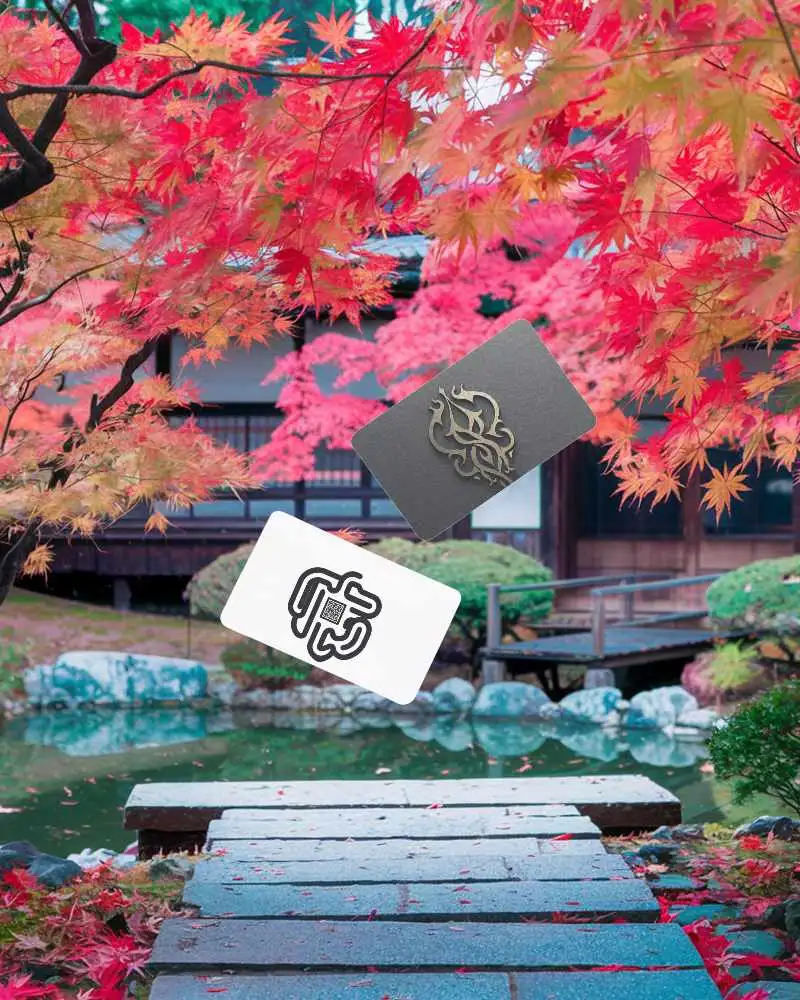
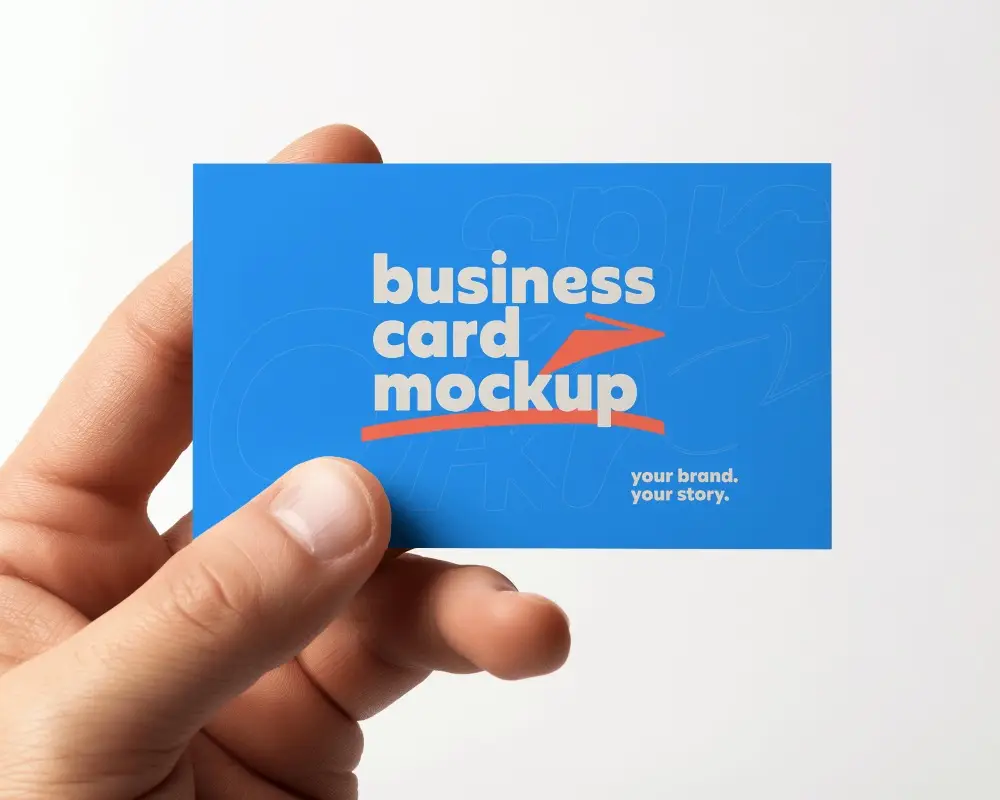
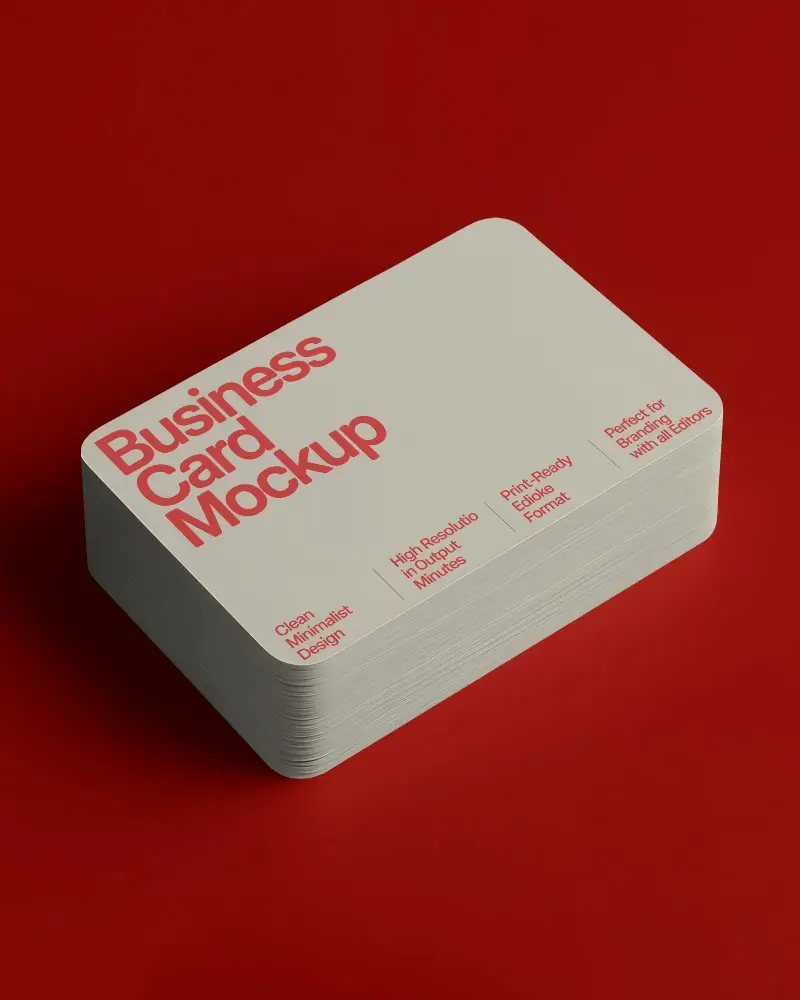
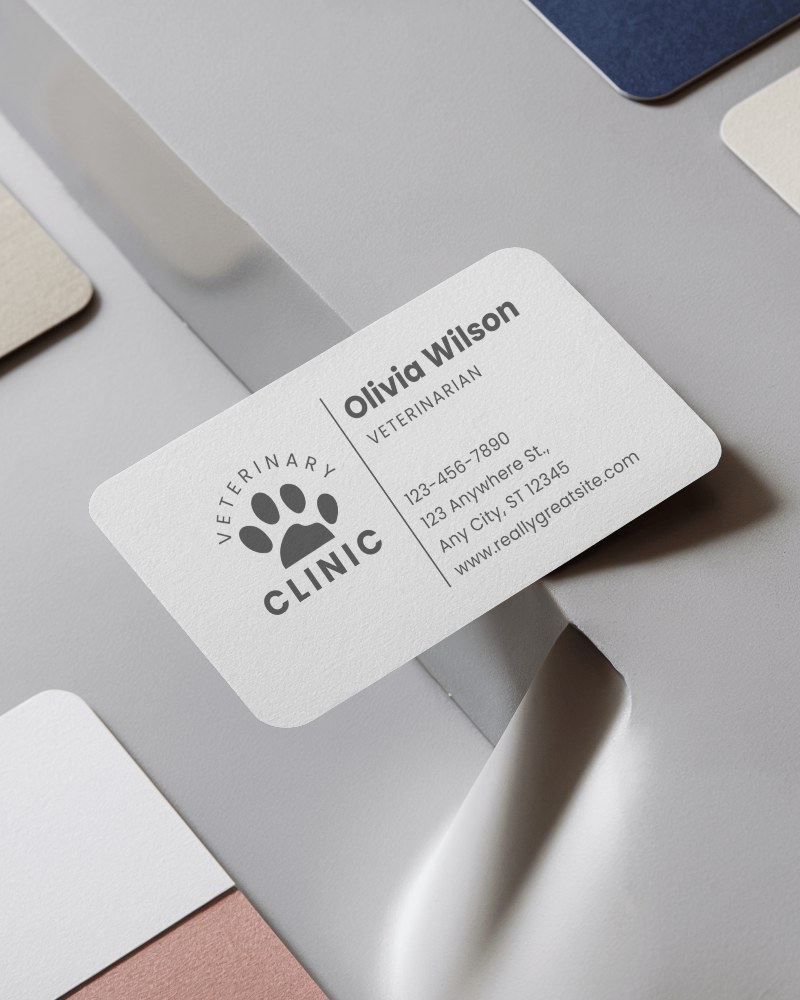
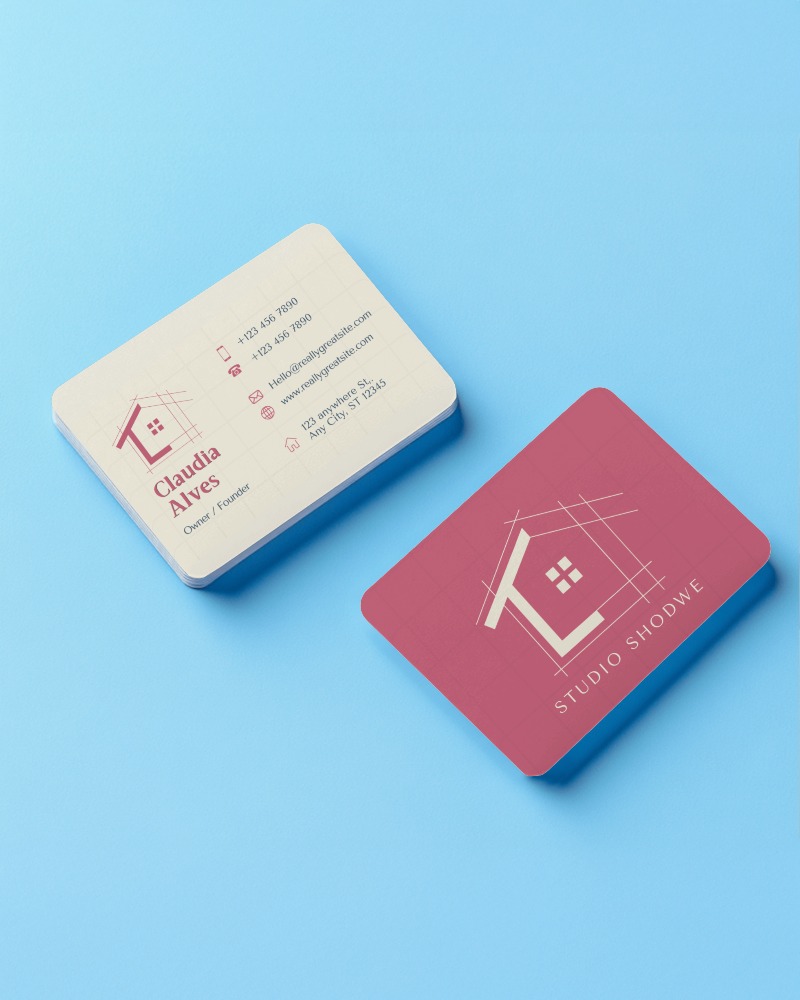
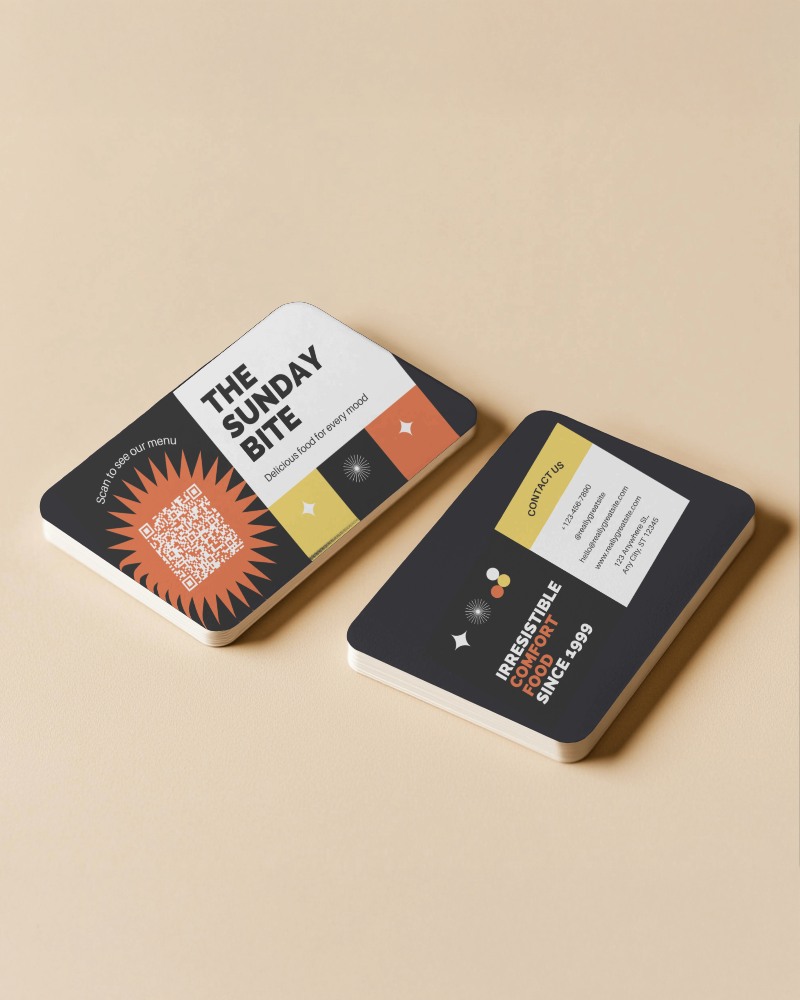
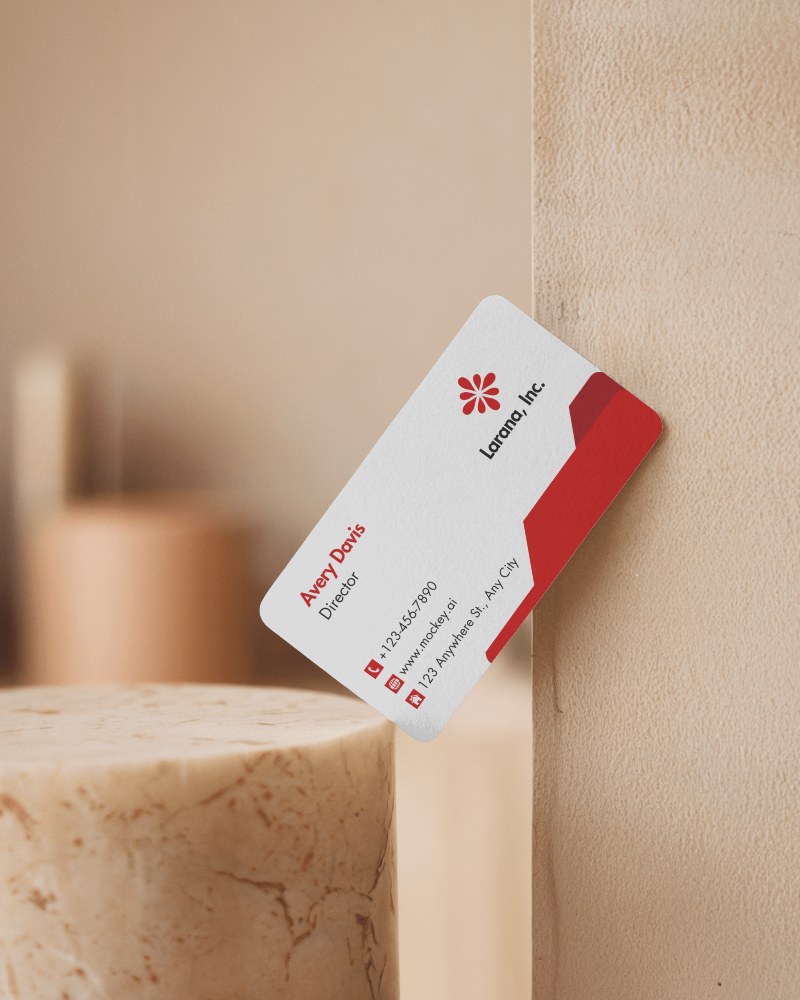
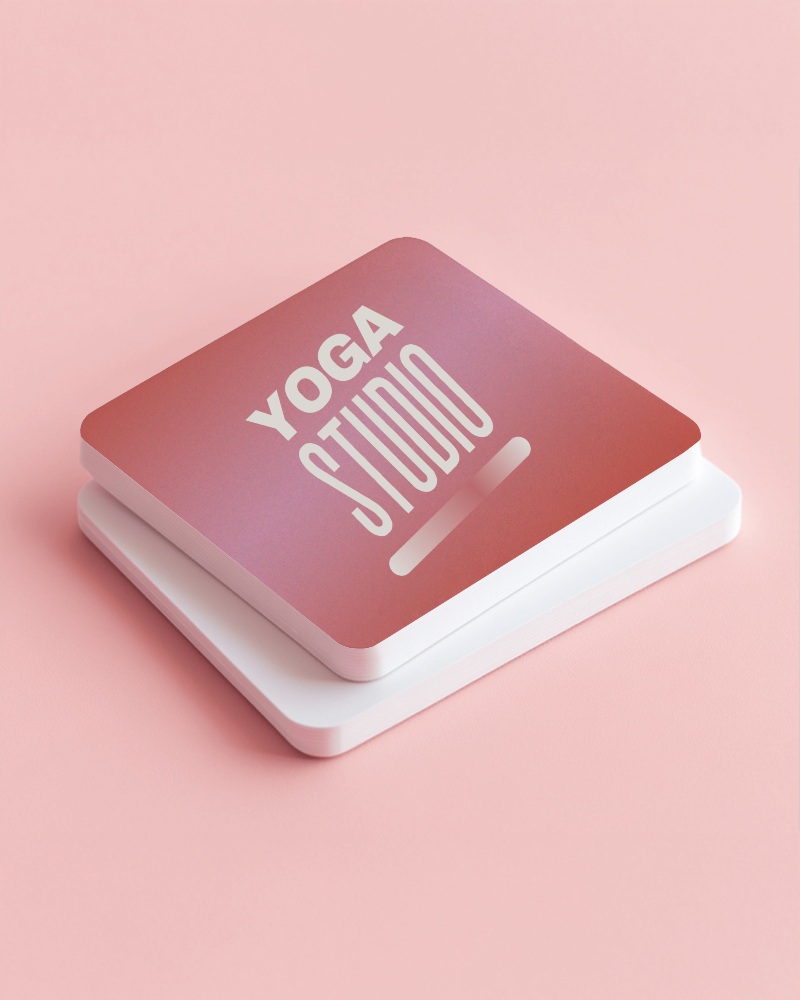
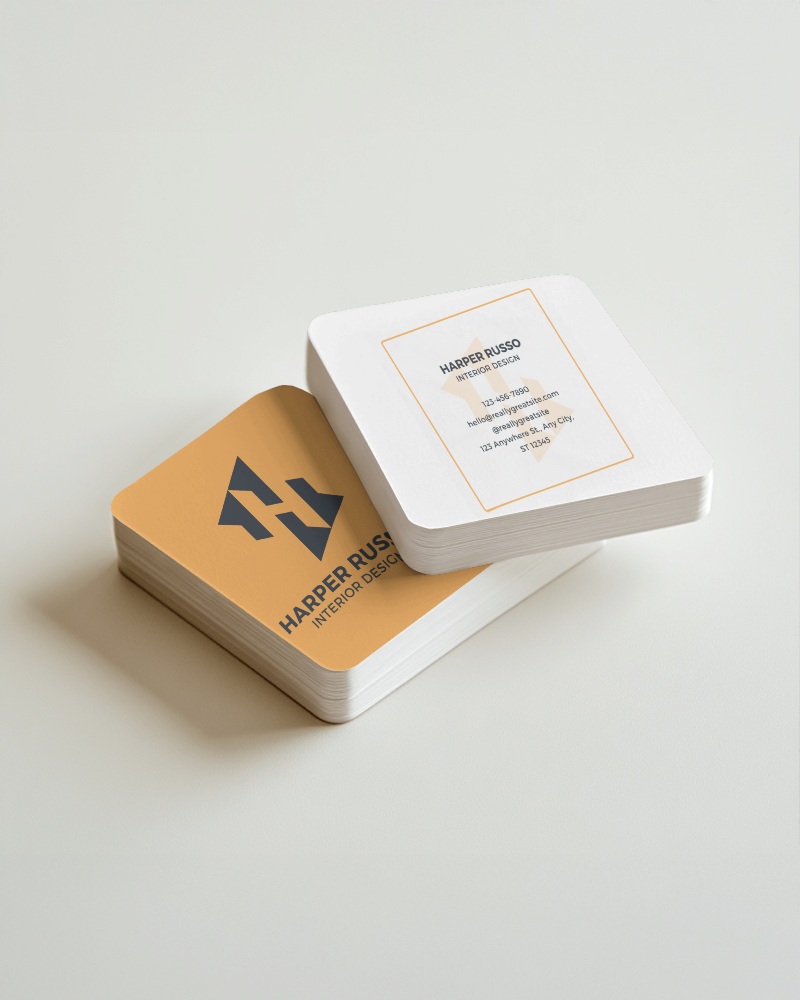
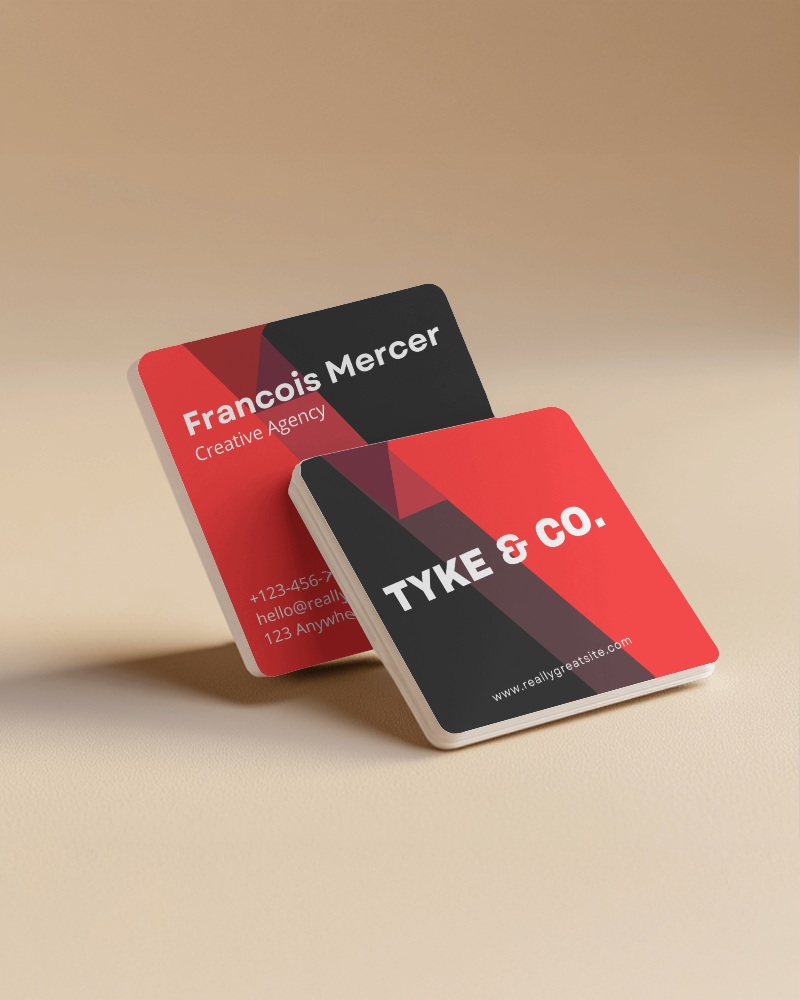
.png)

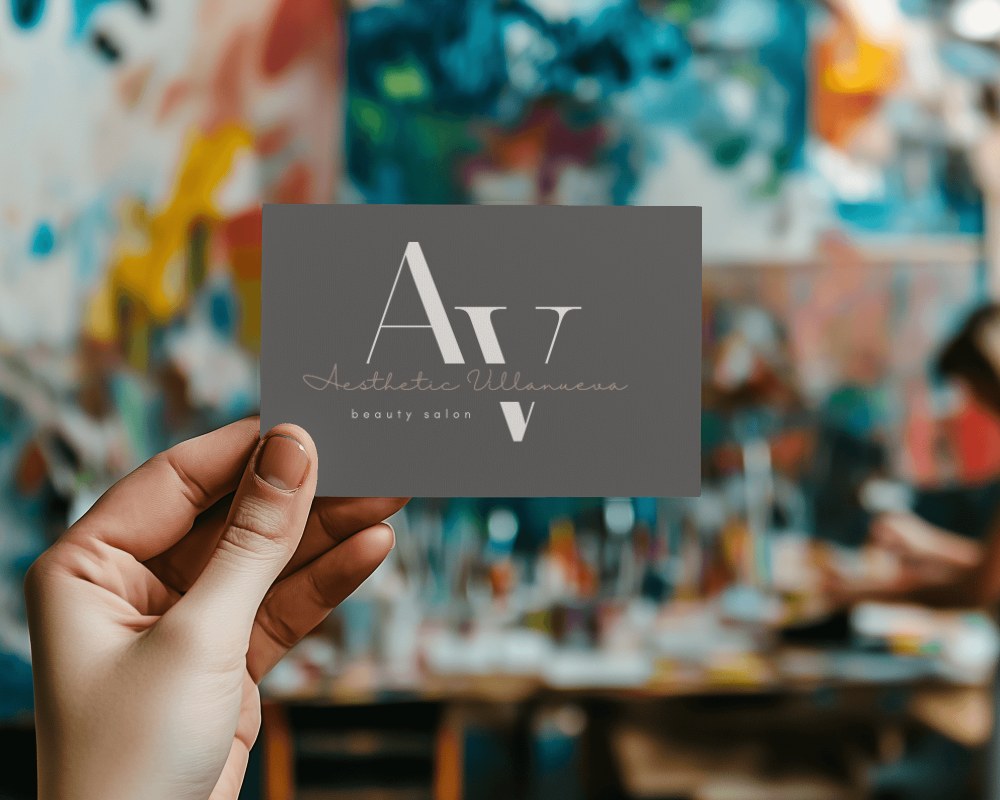
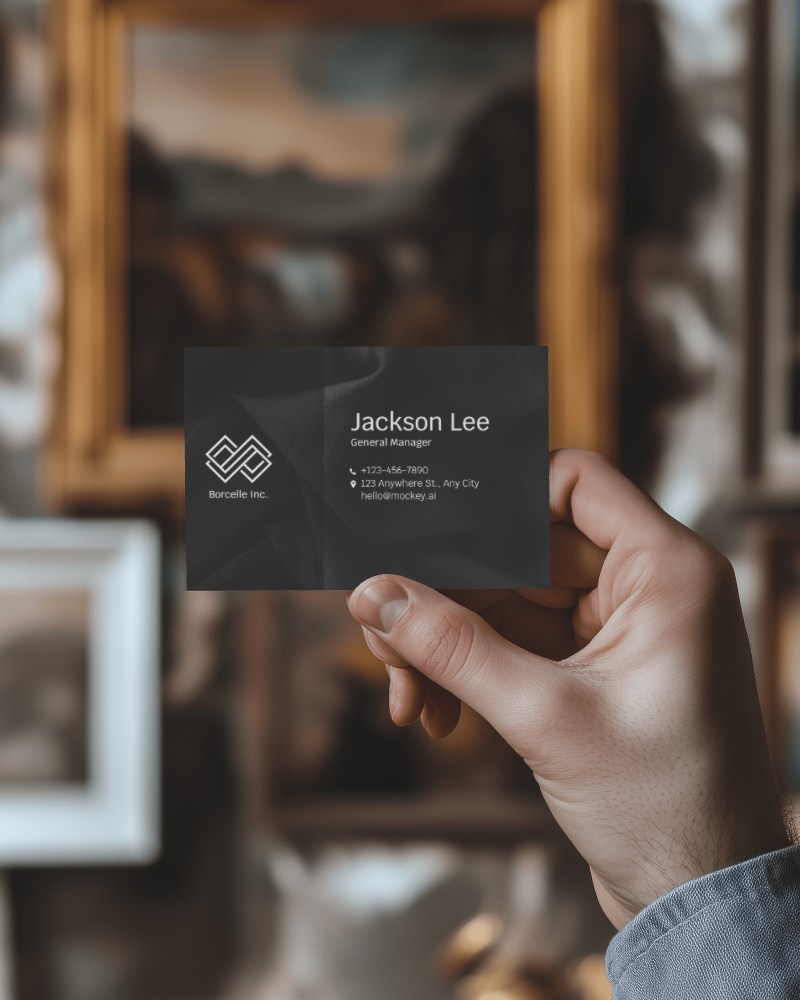
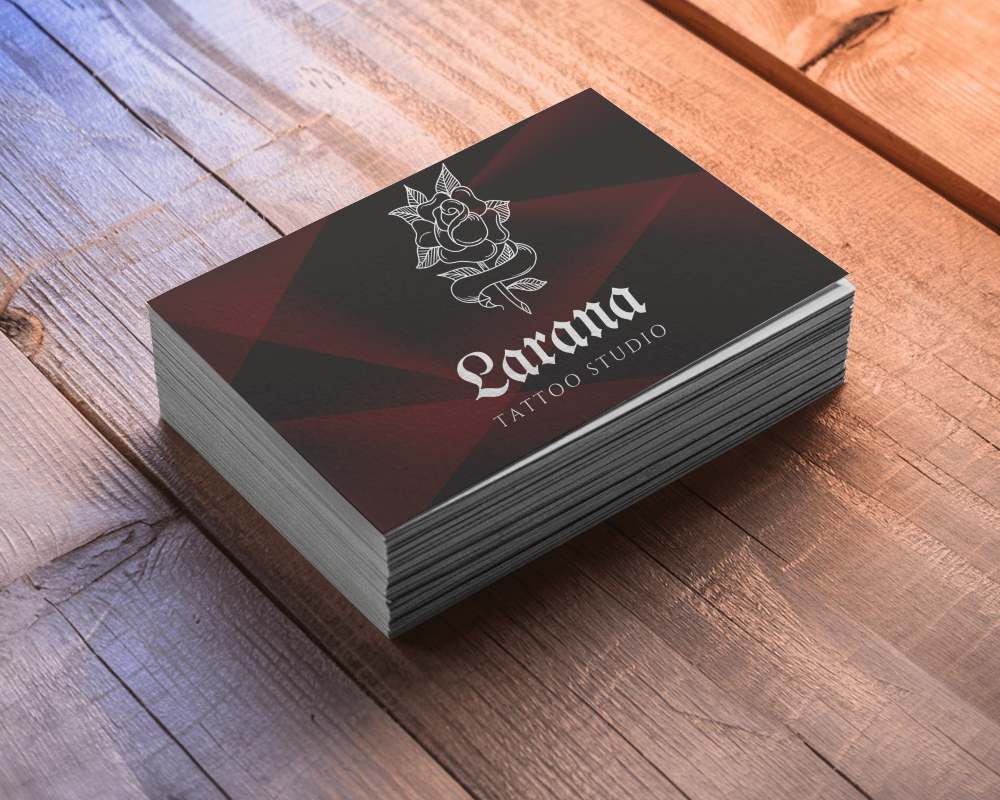
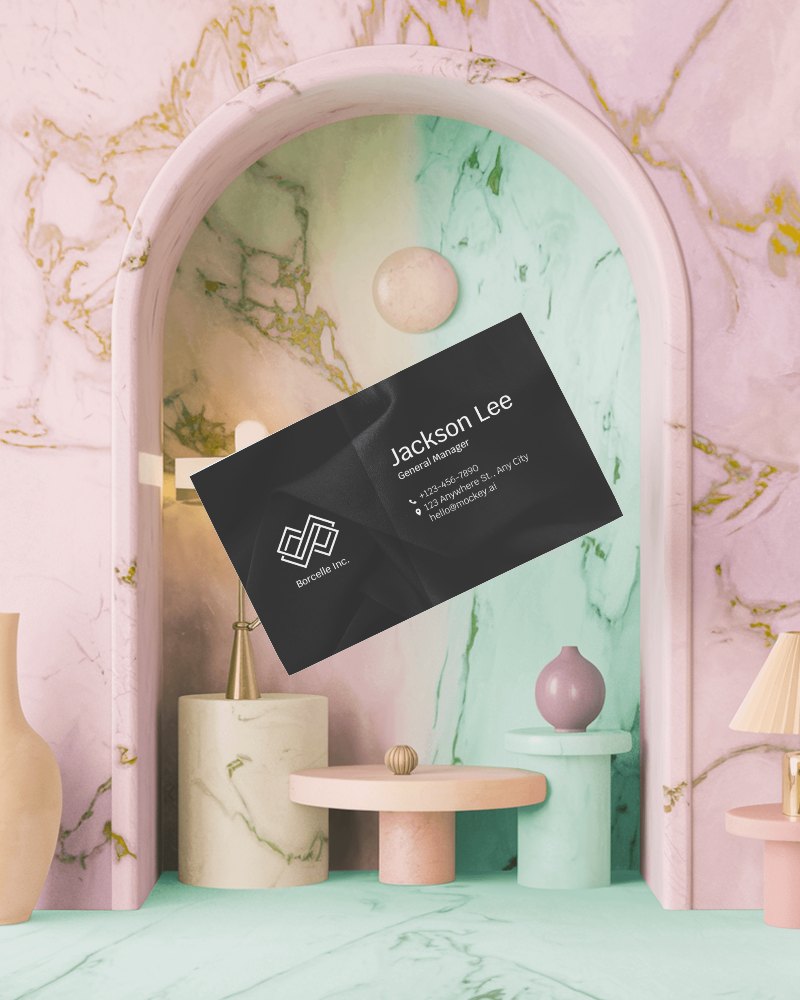
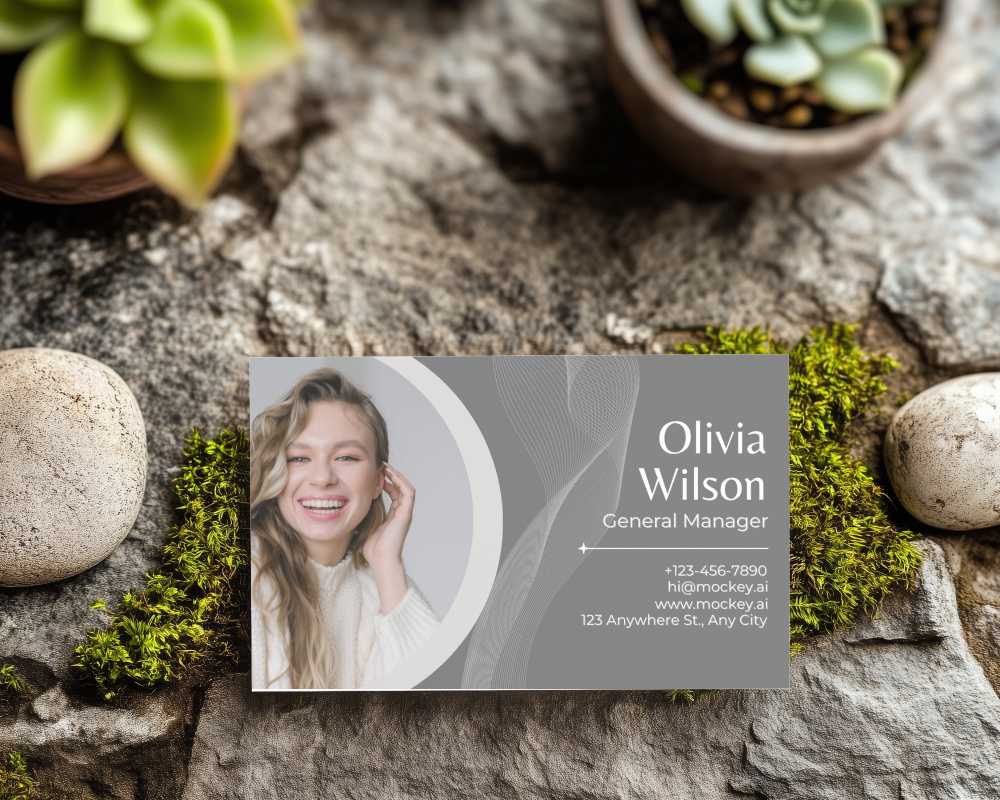
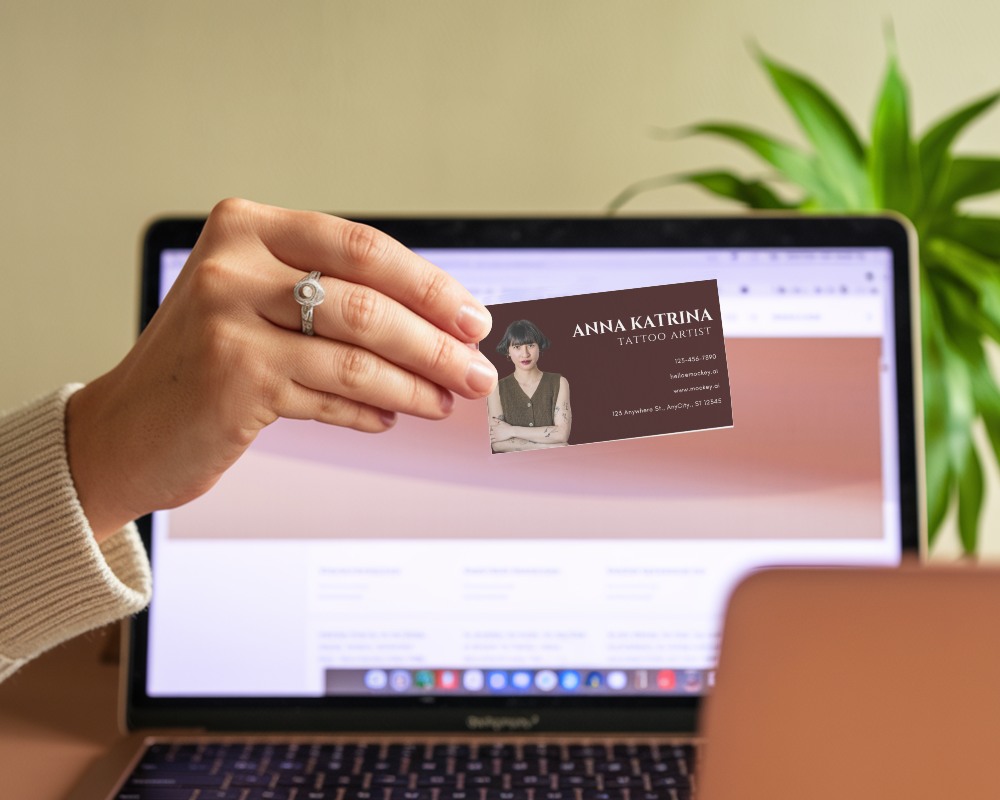
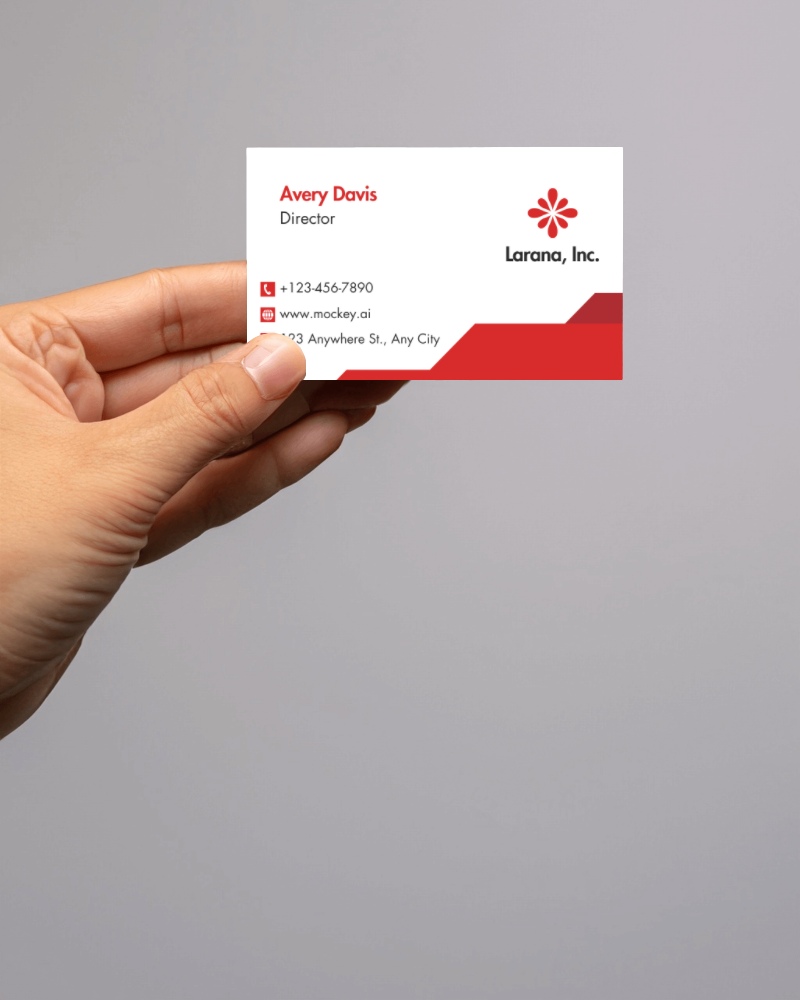
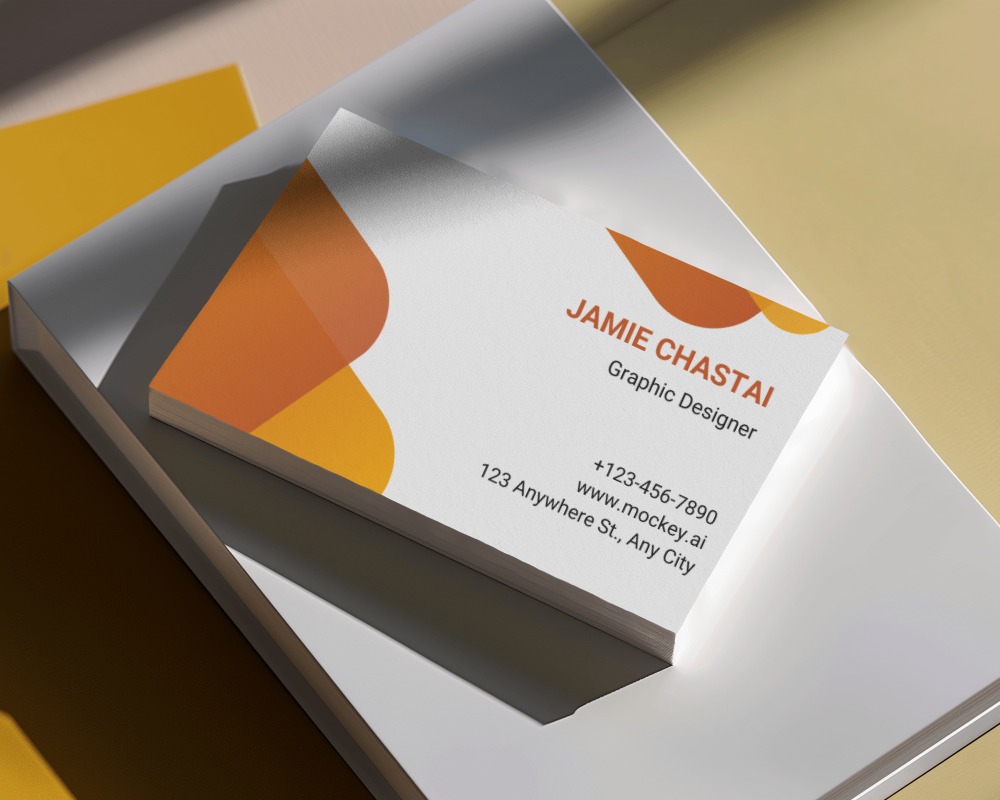
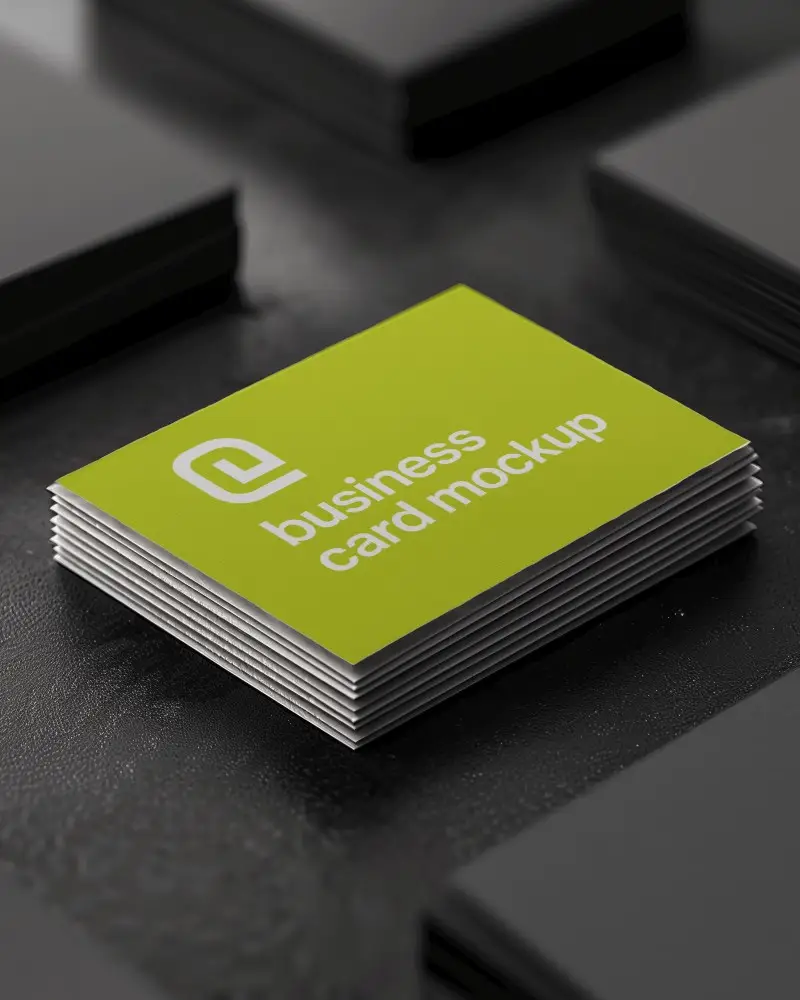
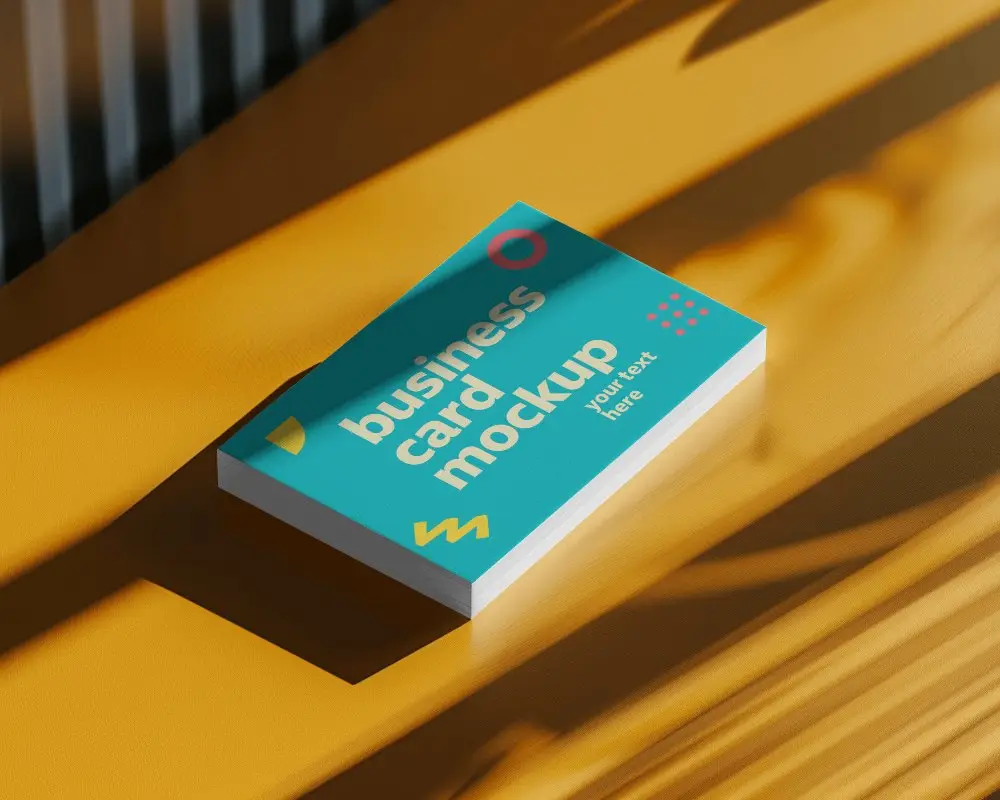
How to Create Square Business Card Mockup with Mockey
To create a Square Business Card Mockup in Mockey AI:
- Step 1: Go to Mockups > Print > Business Card > Square and pick a template.
- Step 2: On the next page, add your logo and change the template’s color in the Edit section. If you upgrade to the Creator Plan, you can also use AI-powered tools.
- Step 3: Finally, tap Download to save your square business card mockup as a PNG or JPEG in different sizes.


FAQs on Square Business Card Mockups
What is a Square Business Card Mockup?
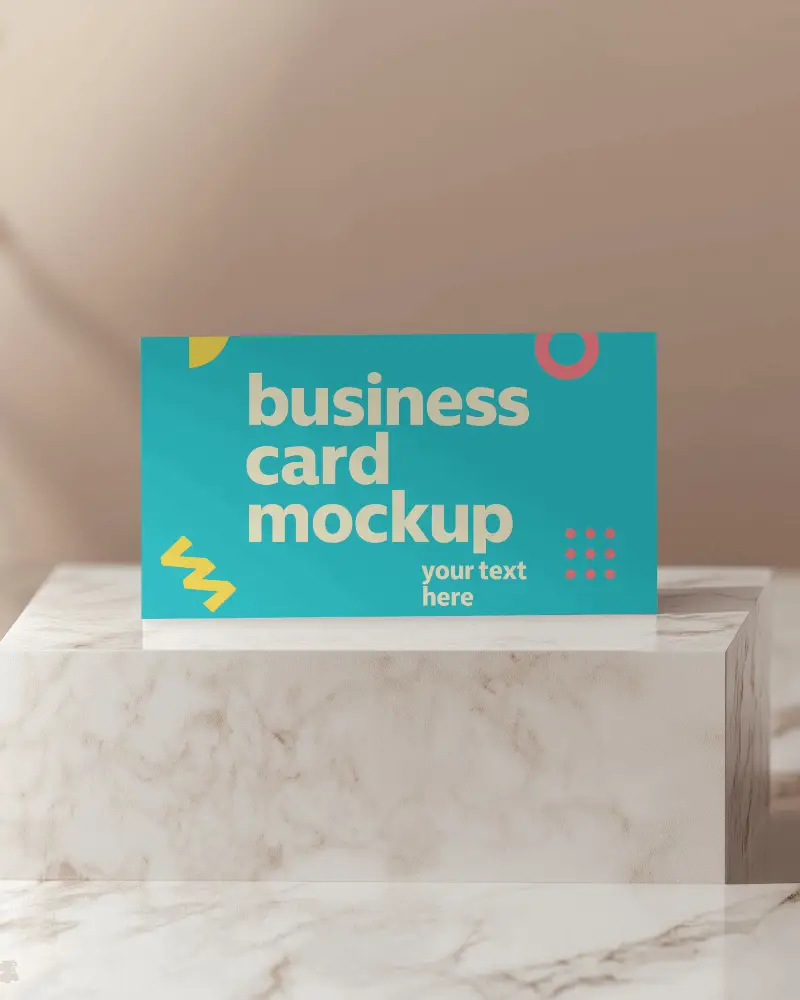
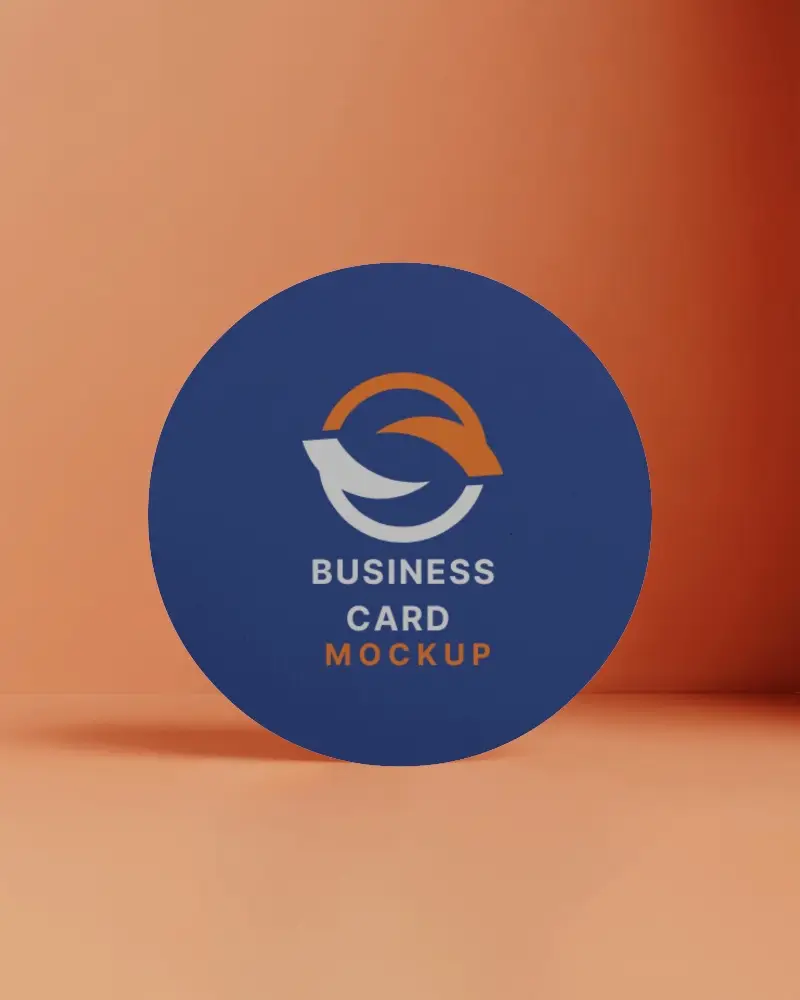
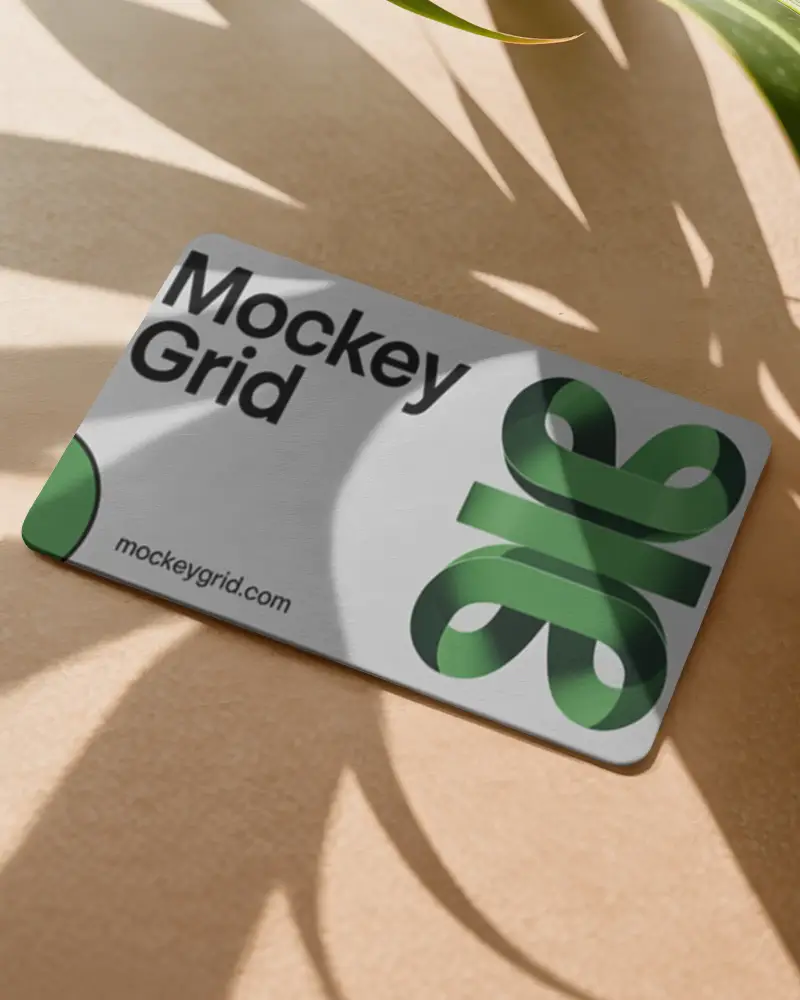
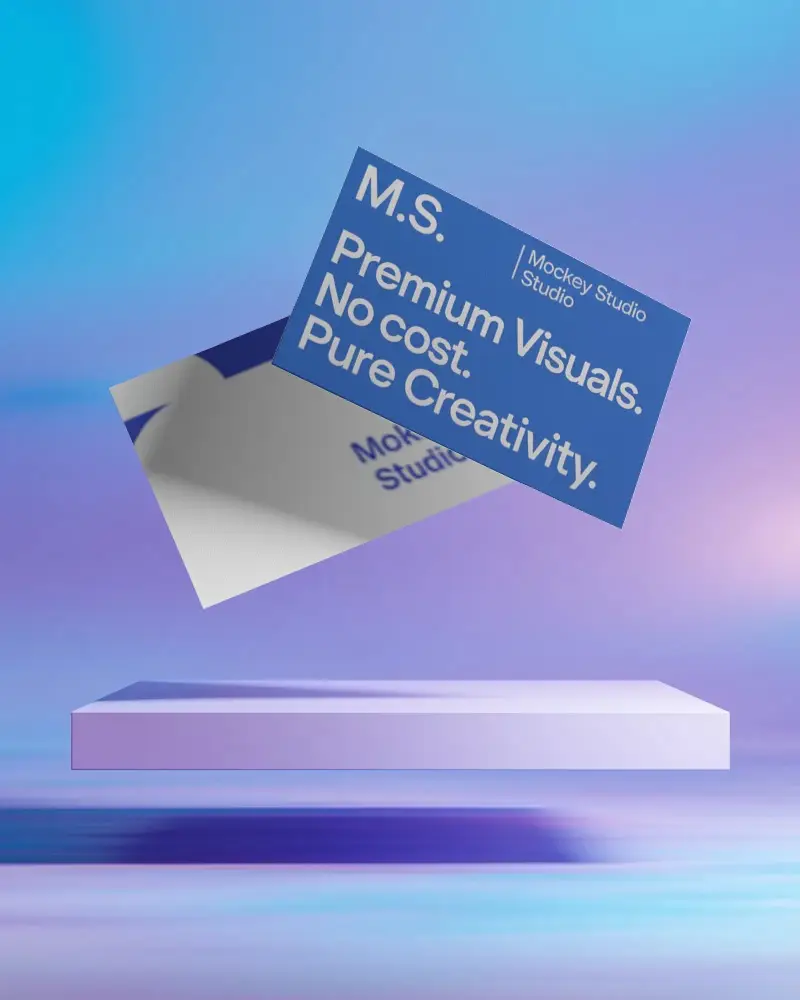
A square business card mockup is a digital template that helps preview and design square business cards before they go to print.
Why create a Square Business Card mockup?
Create a square business card mockup to express a modern, unique brand image, show creativity, and portray ideas realistically.
Why Use Mockey’s Square Business Card Mockup?
Make use of Mockey's square business card mockup to increase brand awareness due to its unique look, high level of modification, and realistic presentation.
Is this Square Business Card Mockup Free?
You can customize free square business card mockups on Mockey.ai using design tools.
Does Mockey offer free Square Business Card Mockup templates?
Mockey AI mostly has free square business card templates that you can customize with colors and backgrounds.
Can I customize my Square Business Card Mockup on Mockey?
Yes, you can use AI photoshoots and AI Anime in Mockey AI to customize square business card mockups, change the background, and adjust the colors.
Can I download Square Business Card Mockups in high resolution?
Yes, you can download square business card mockups as PNG files or use an AI anime tool for higher resolution.
