business-card
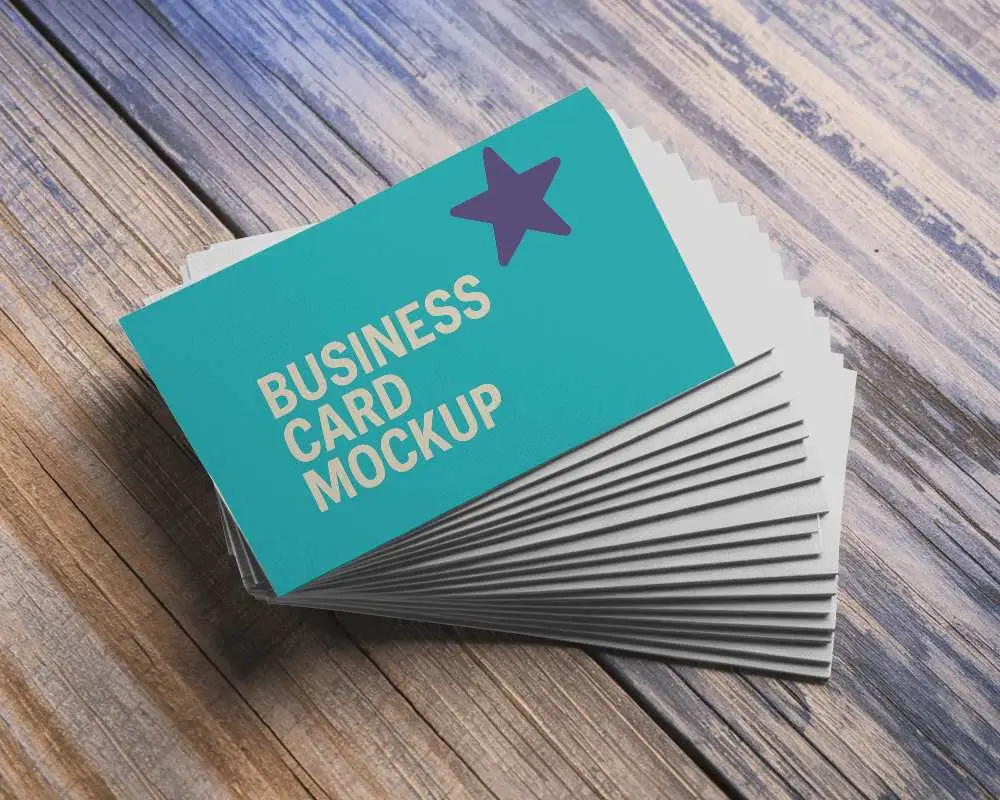
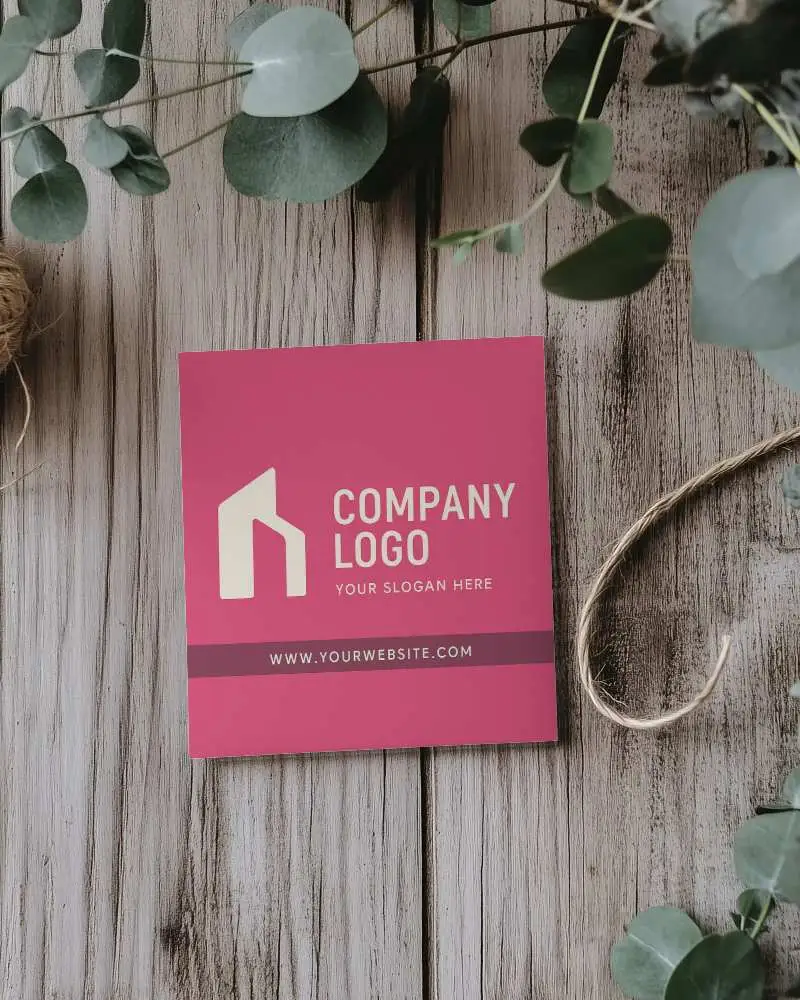
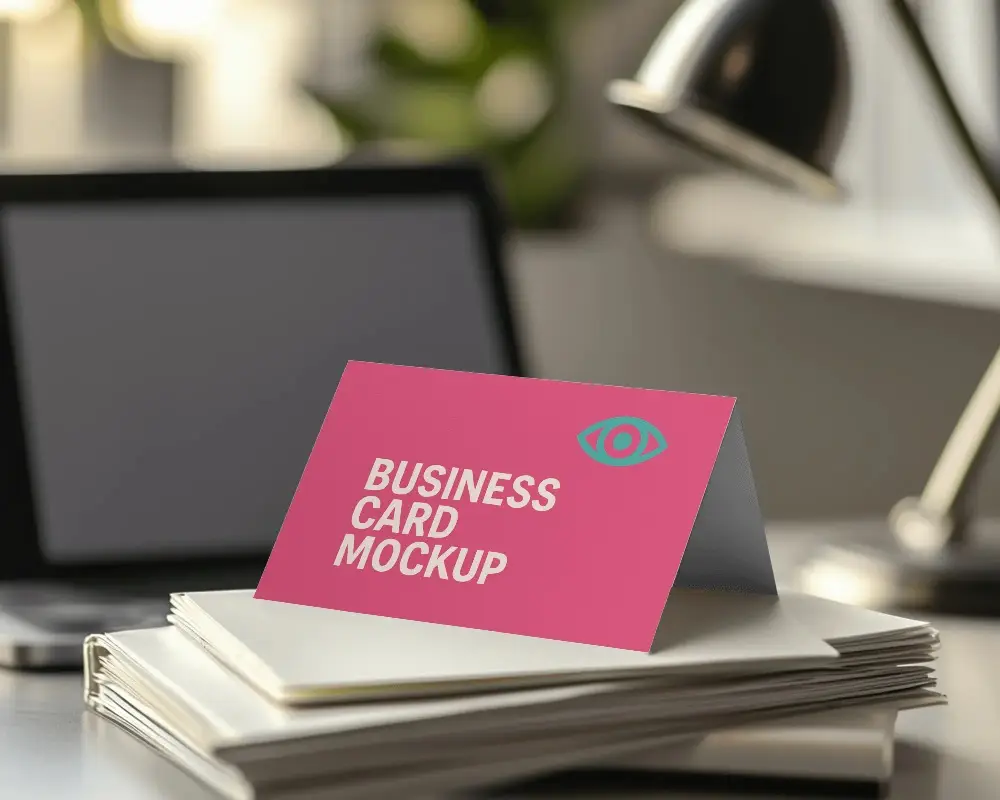
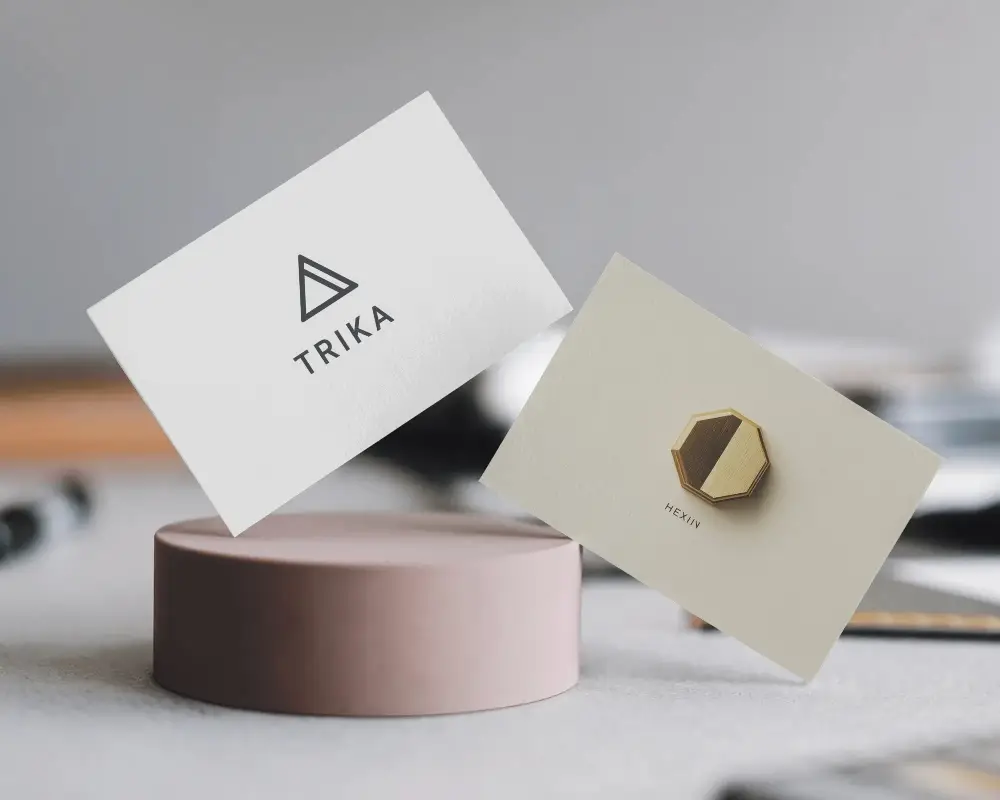
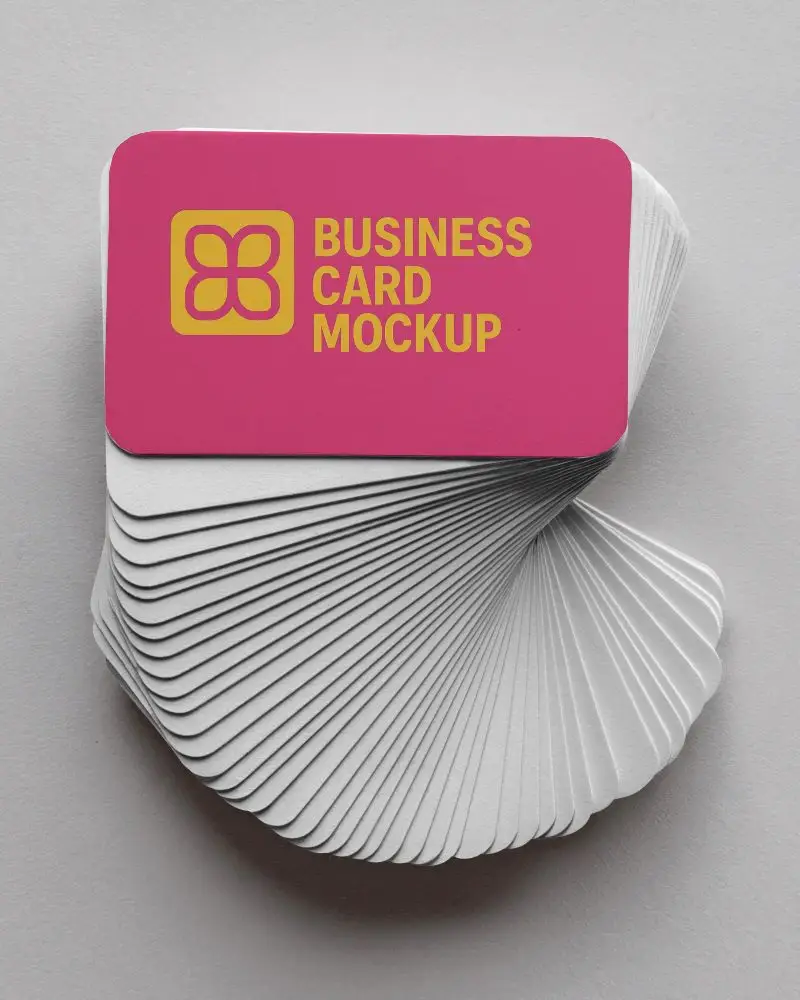
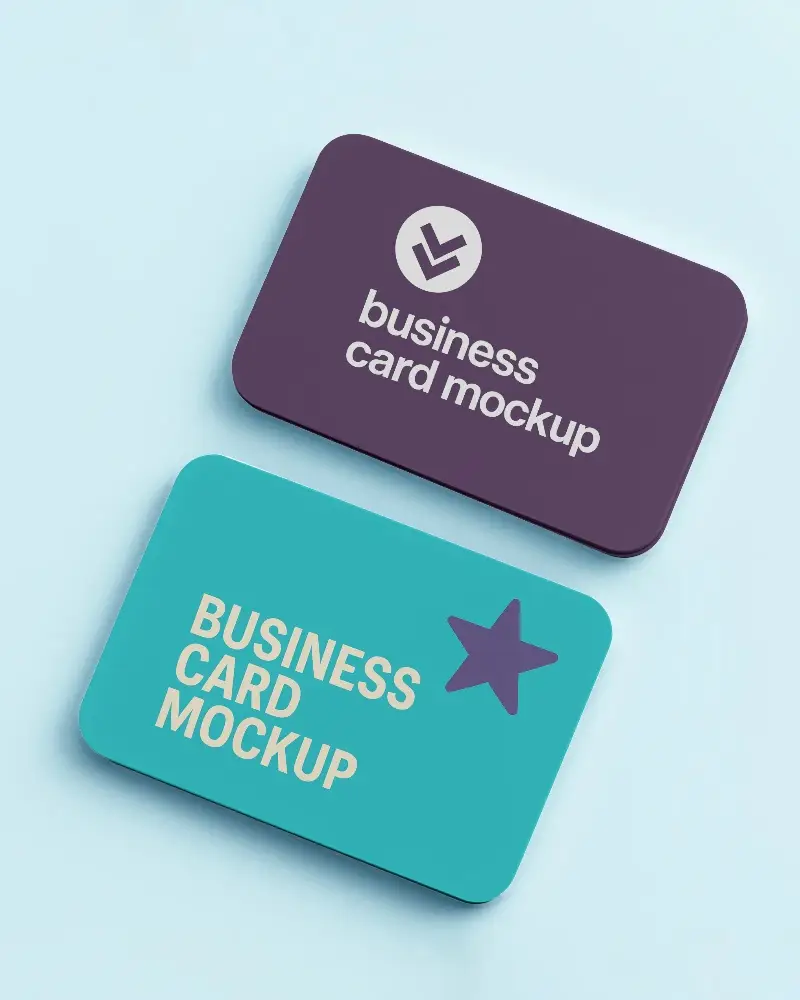
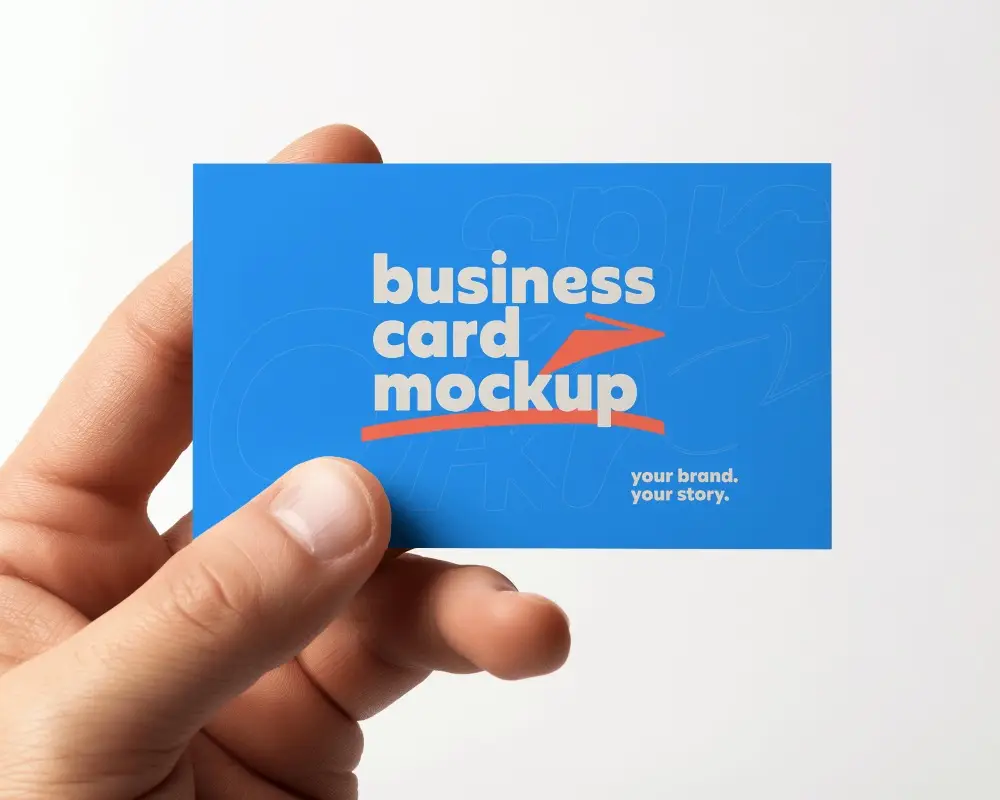
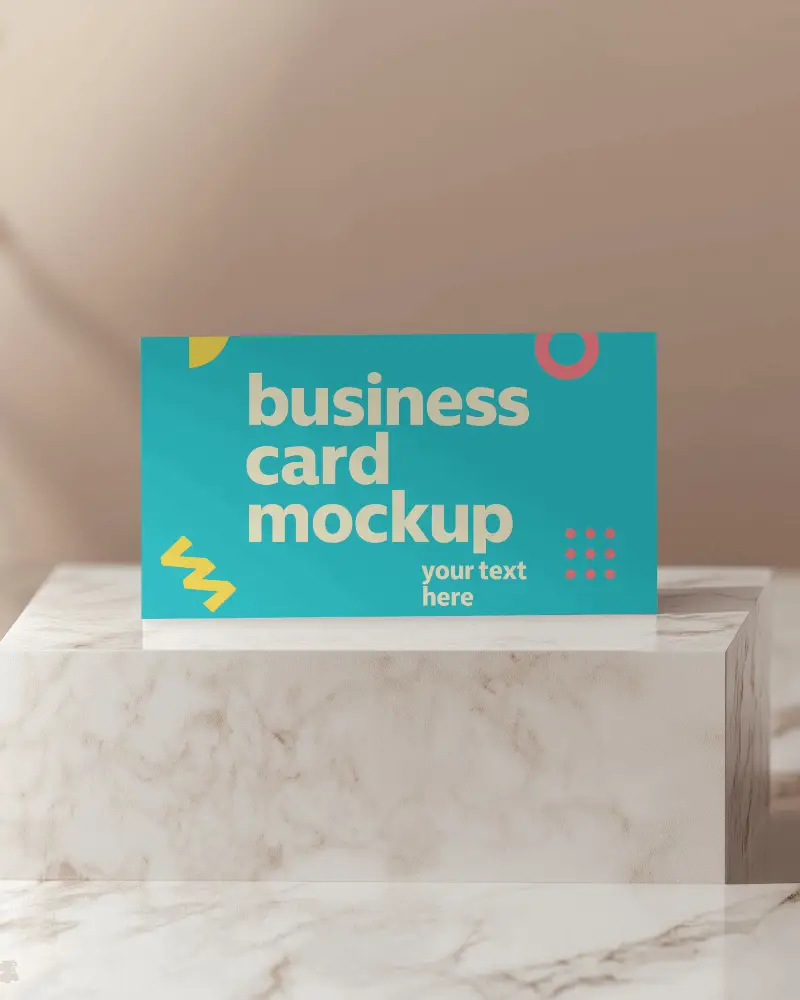
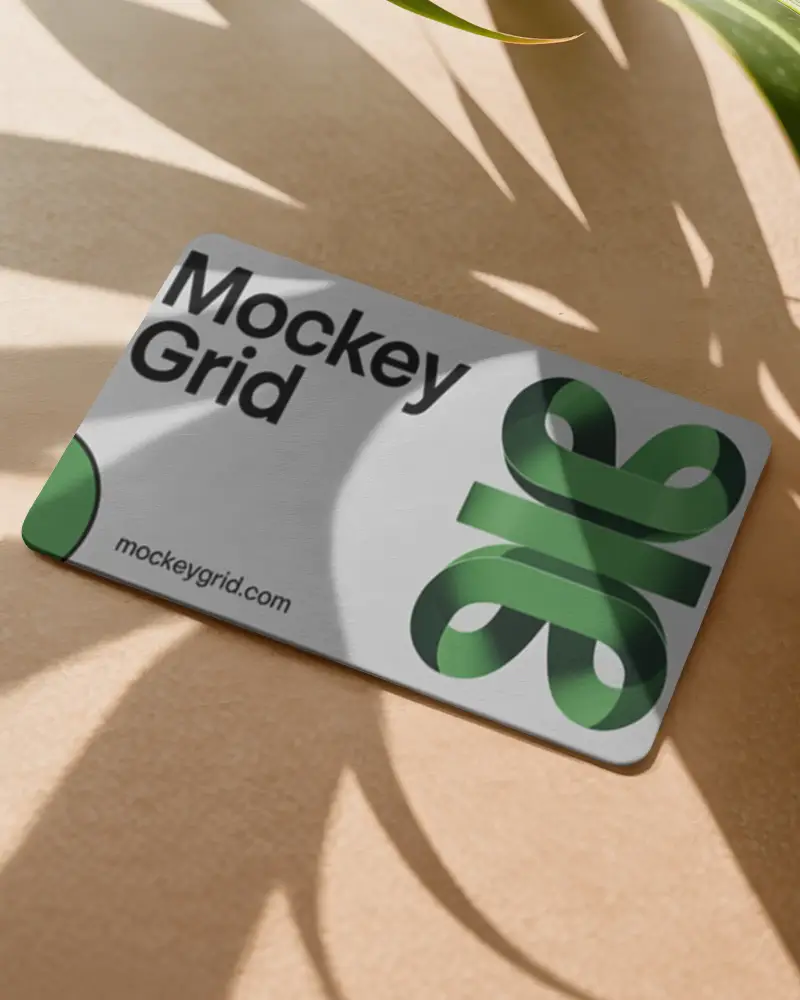
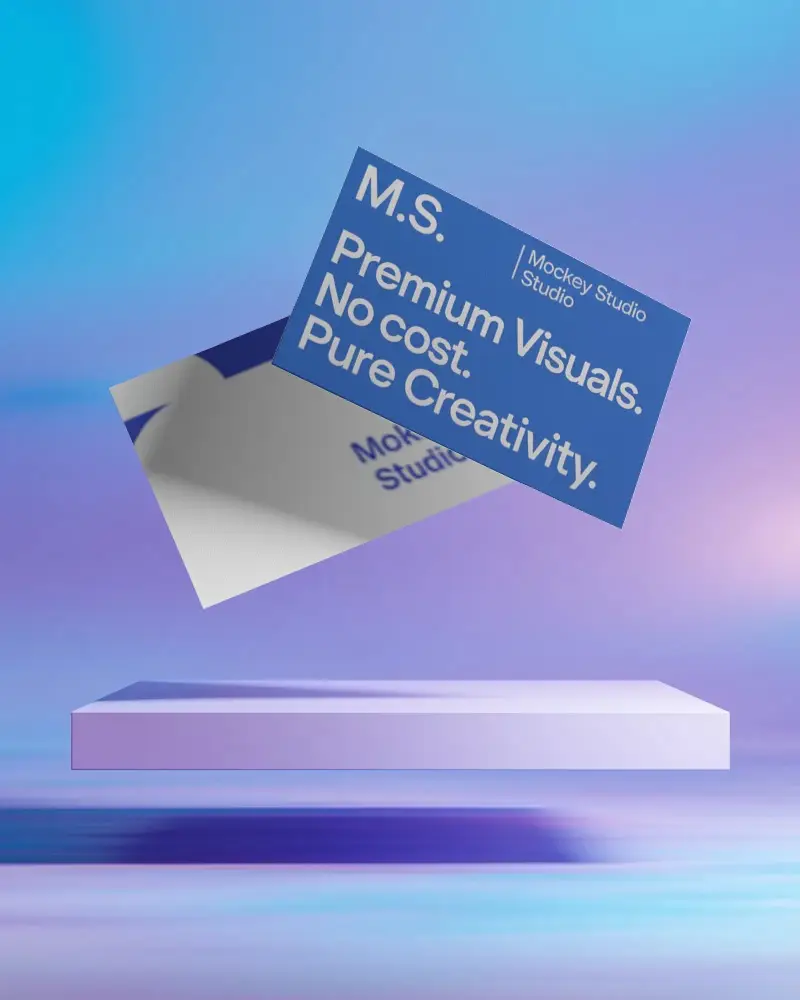
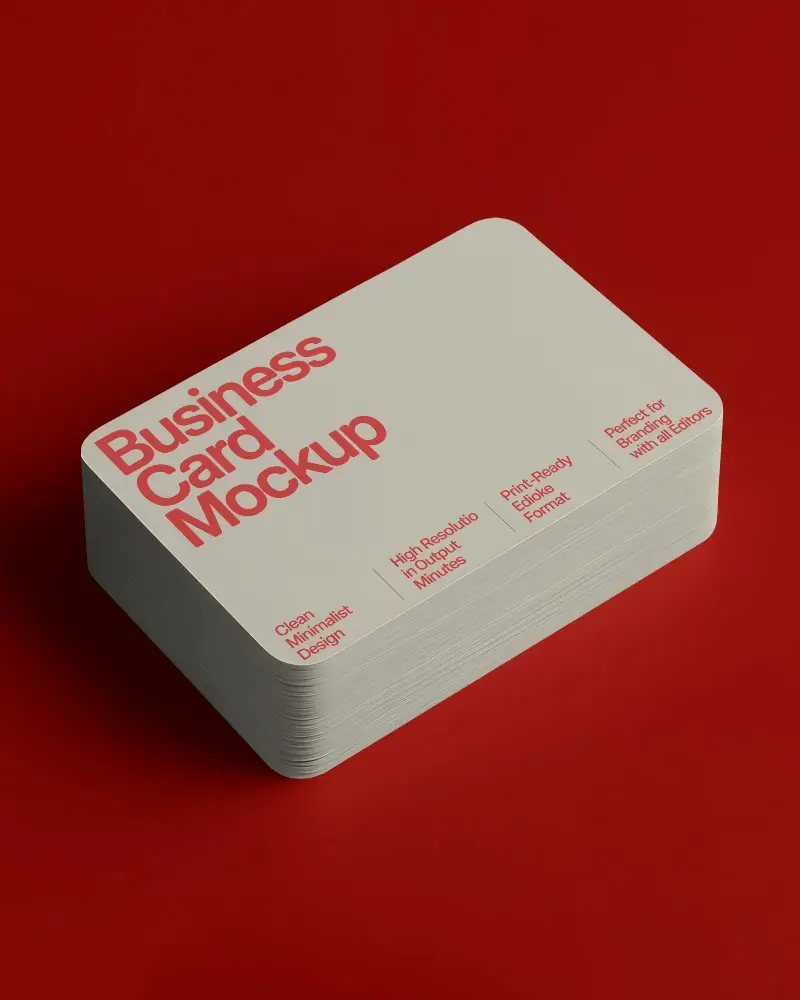
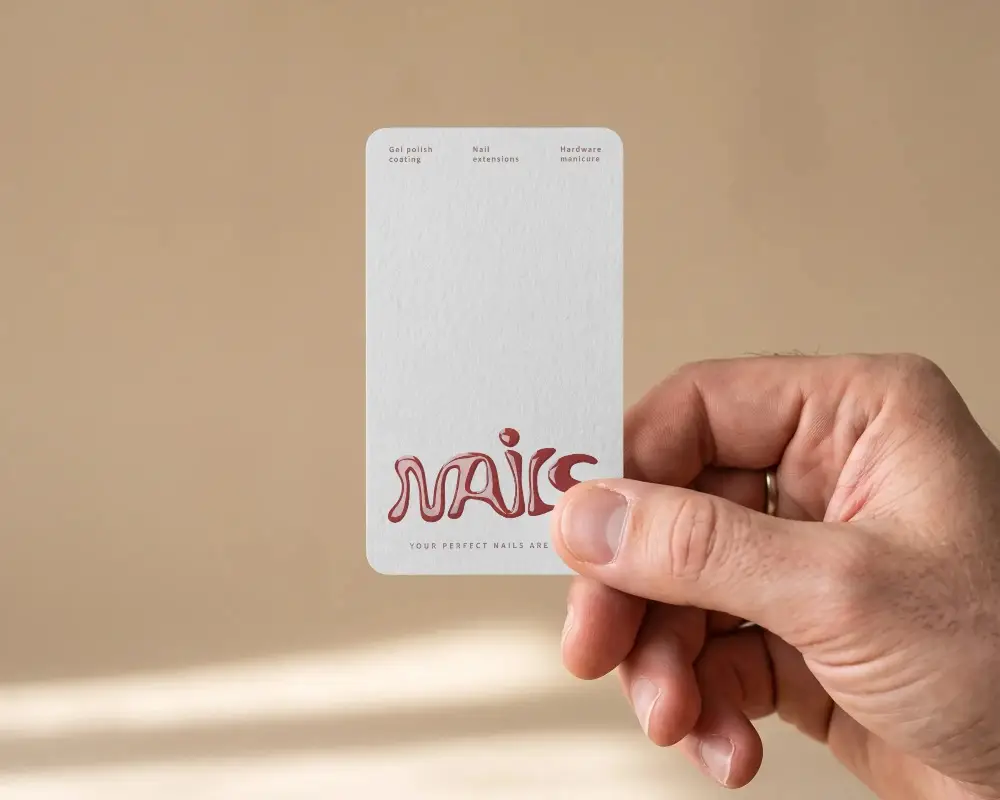
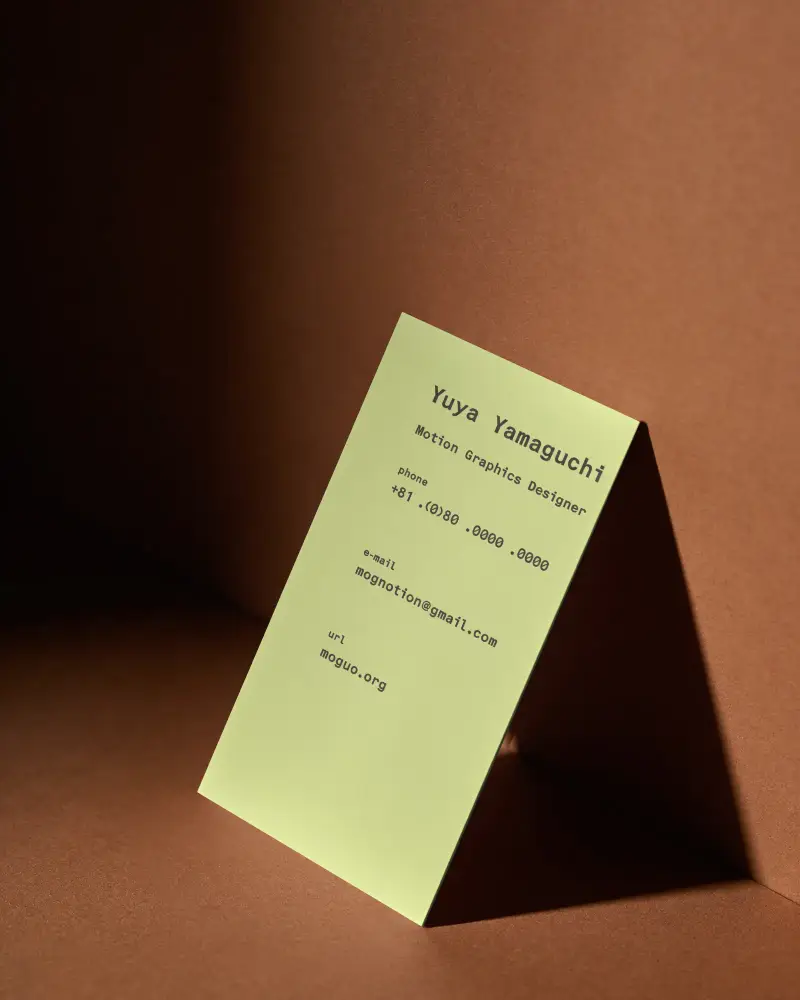
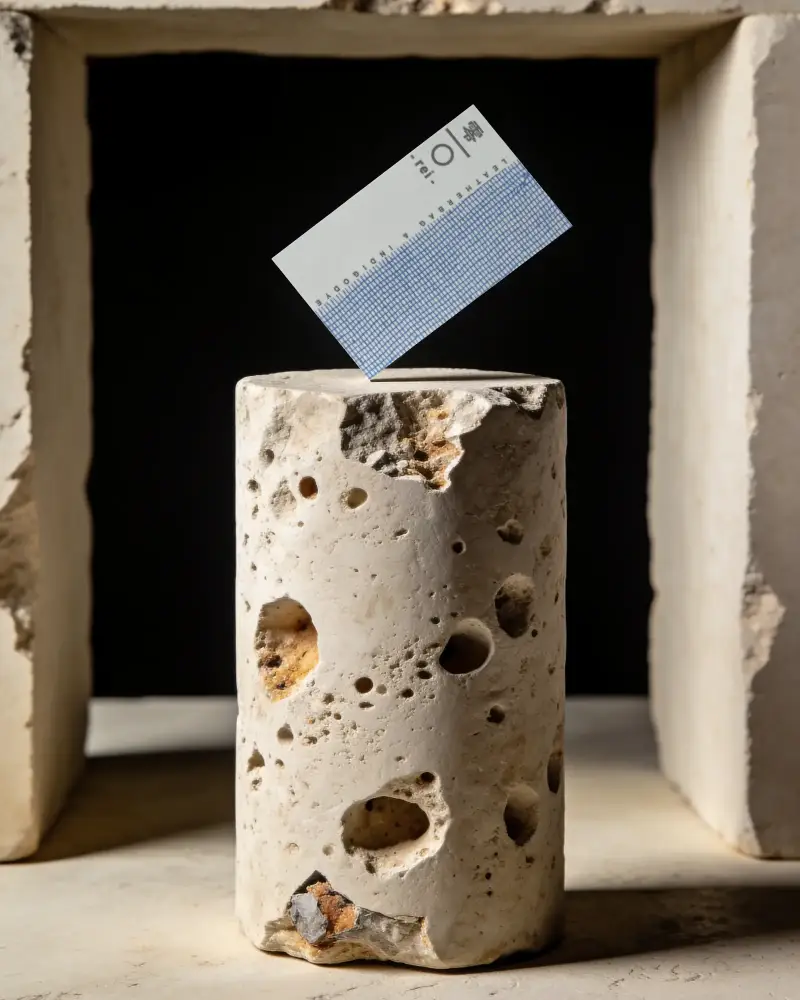
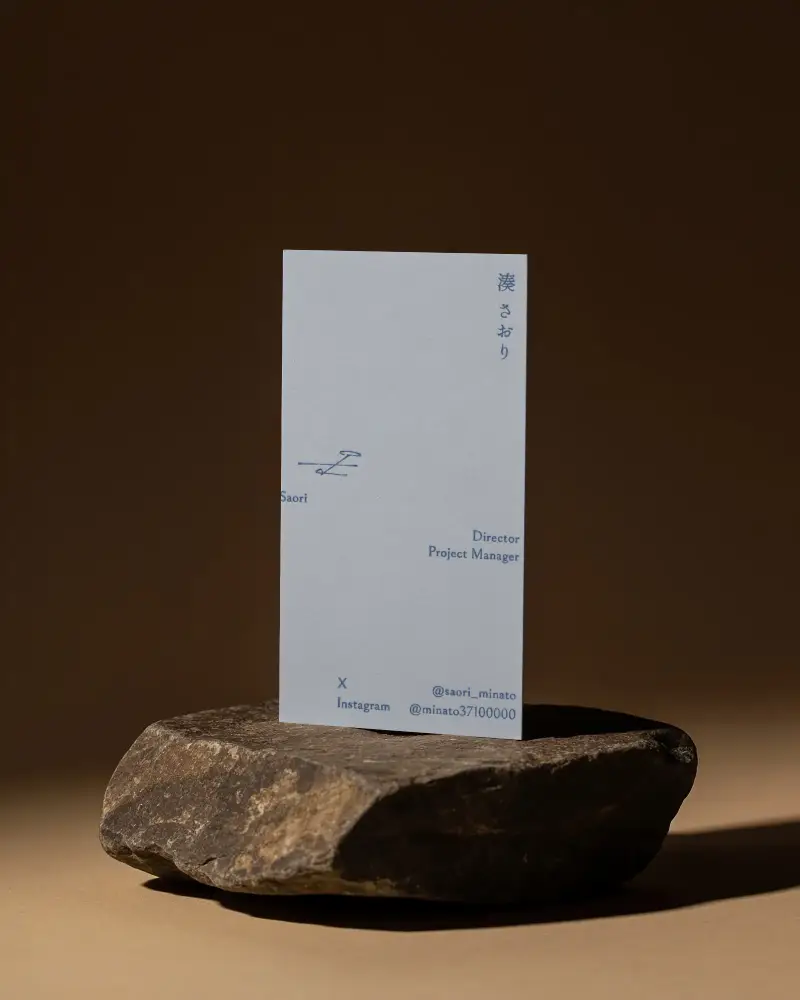
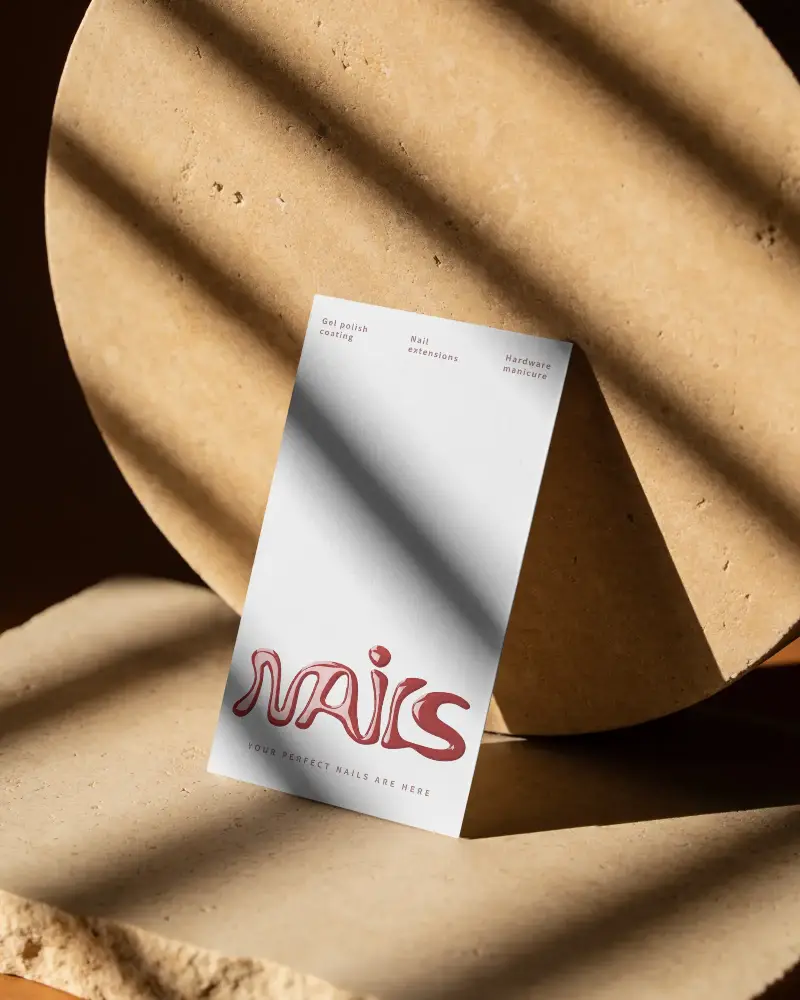
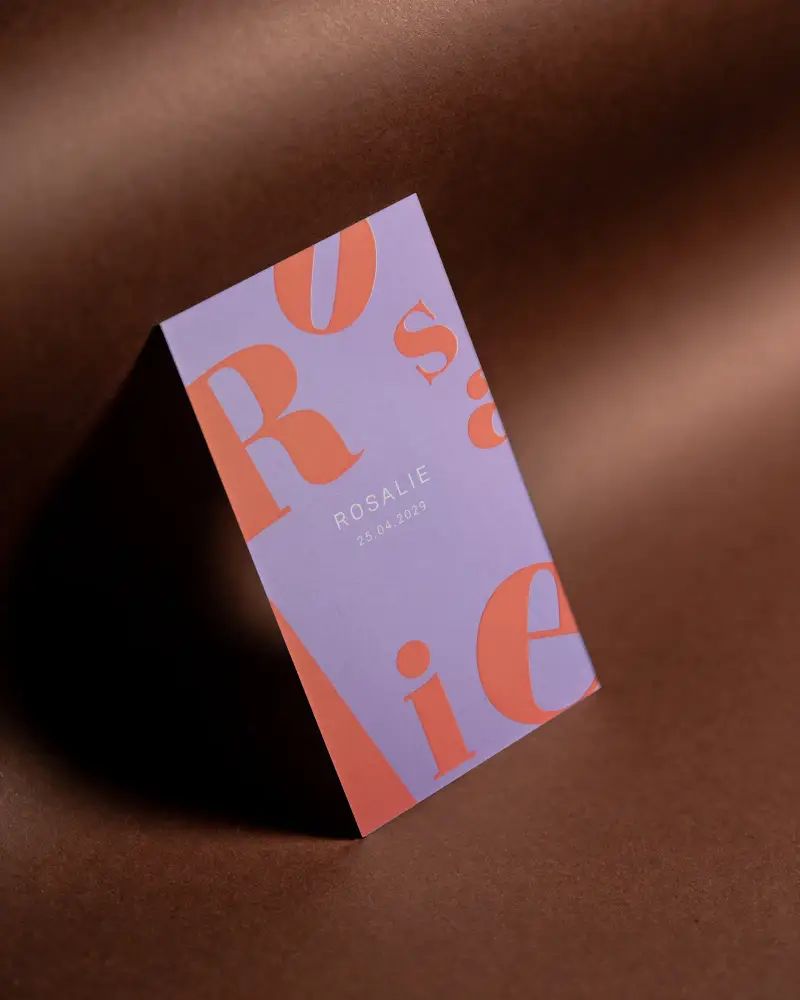
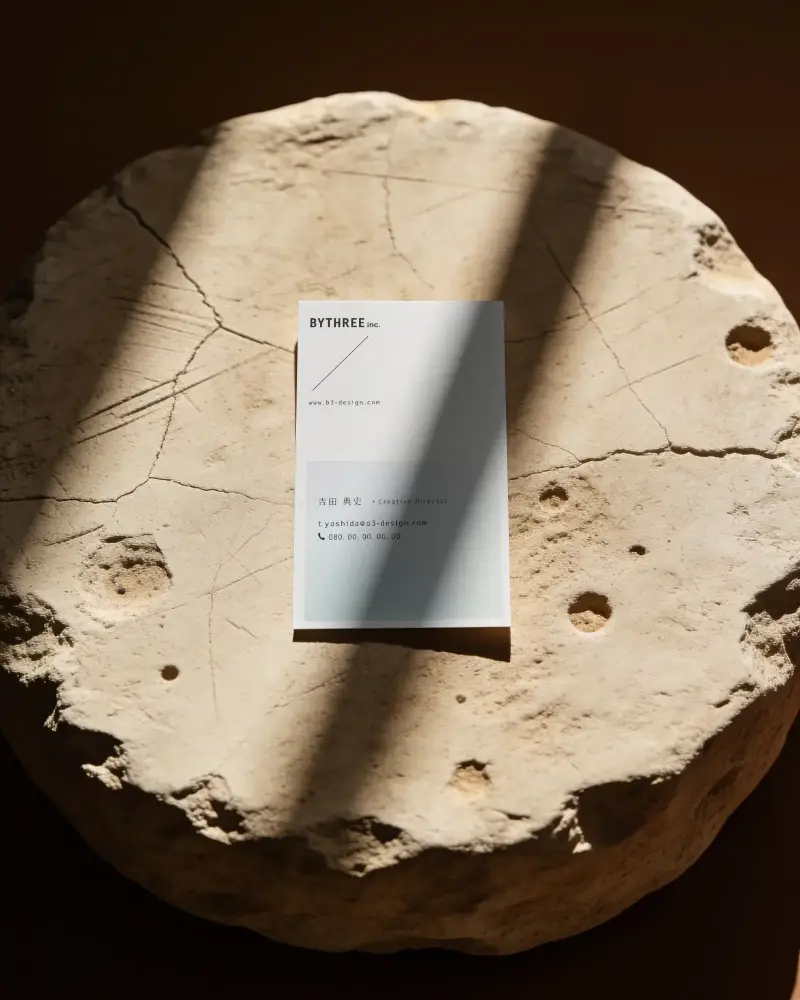
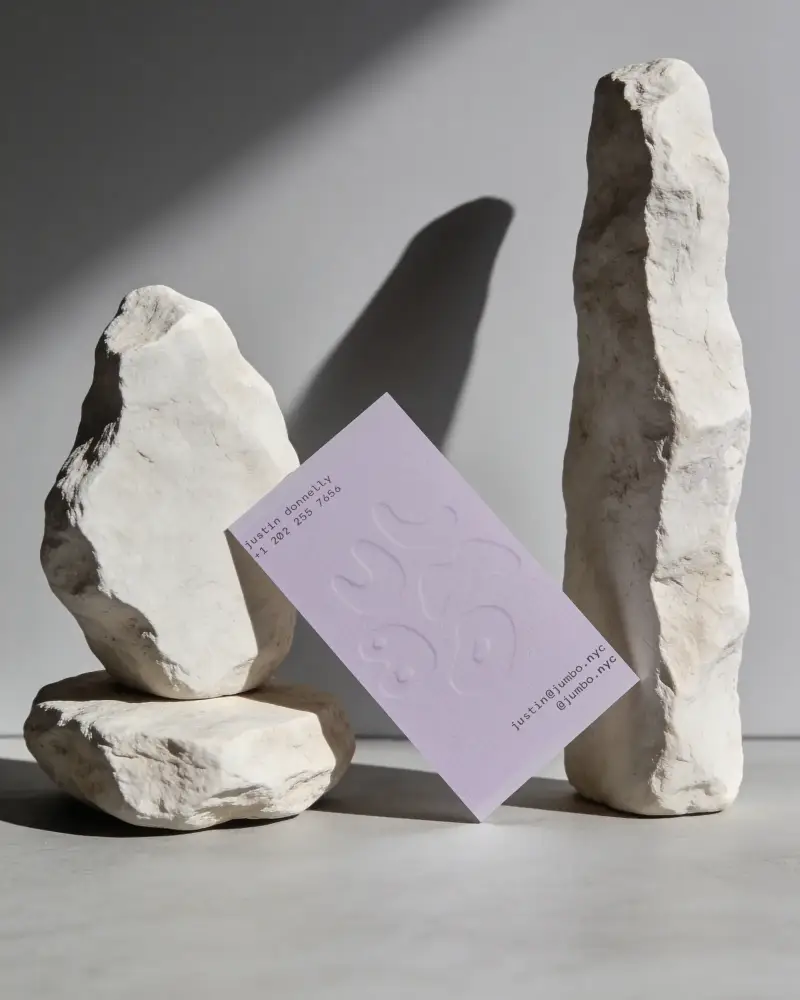
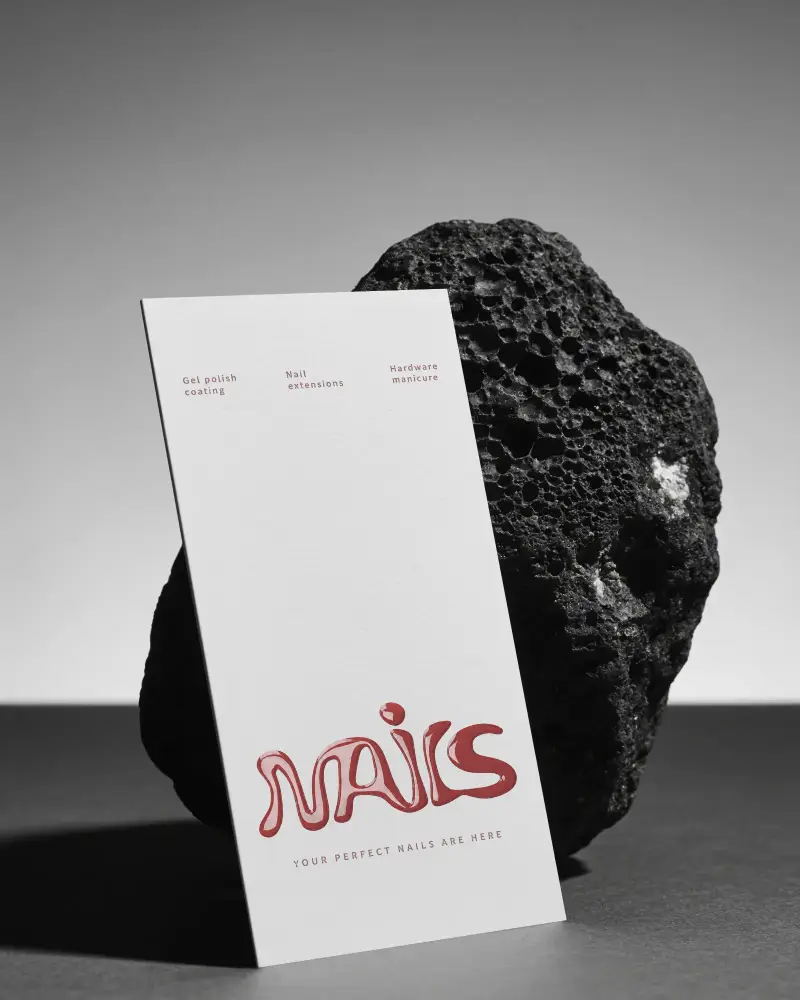
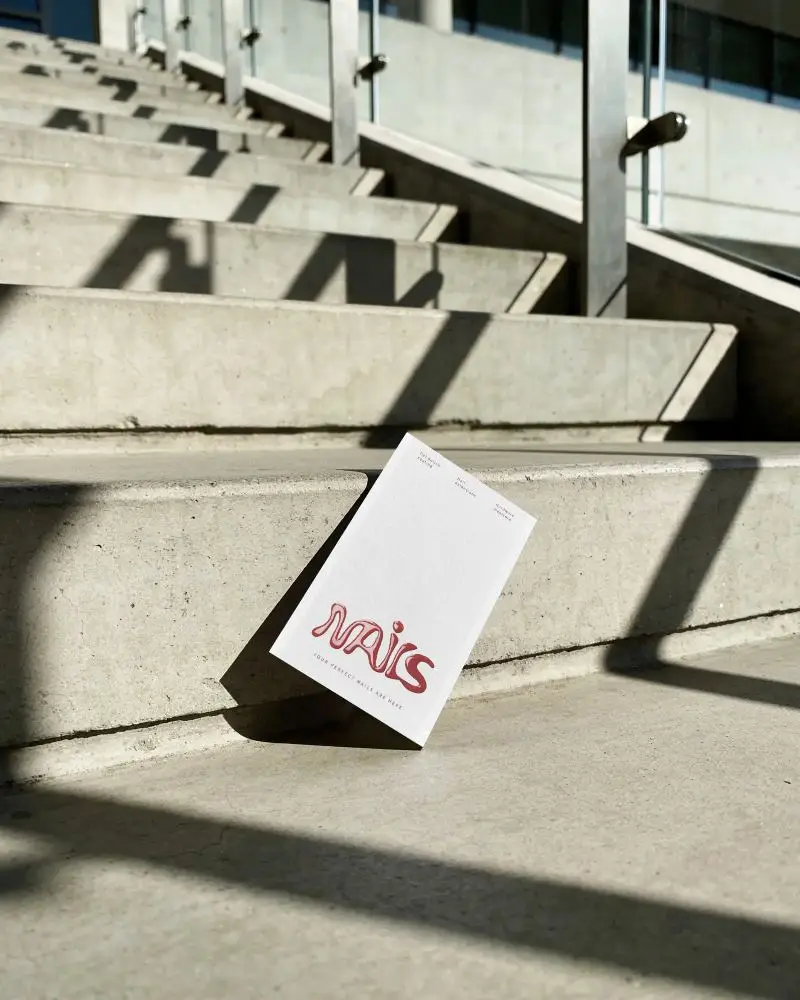
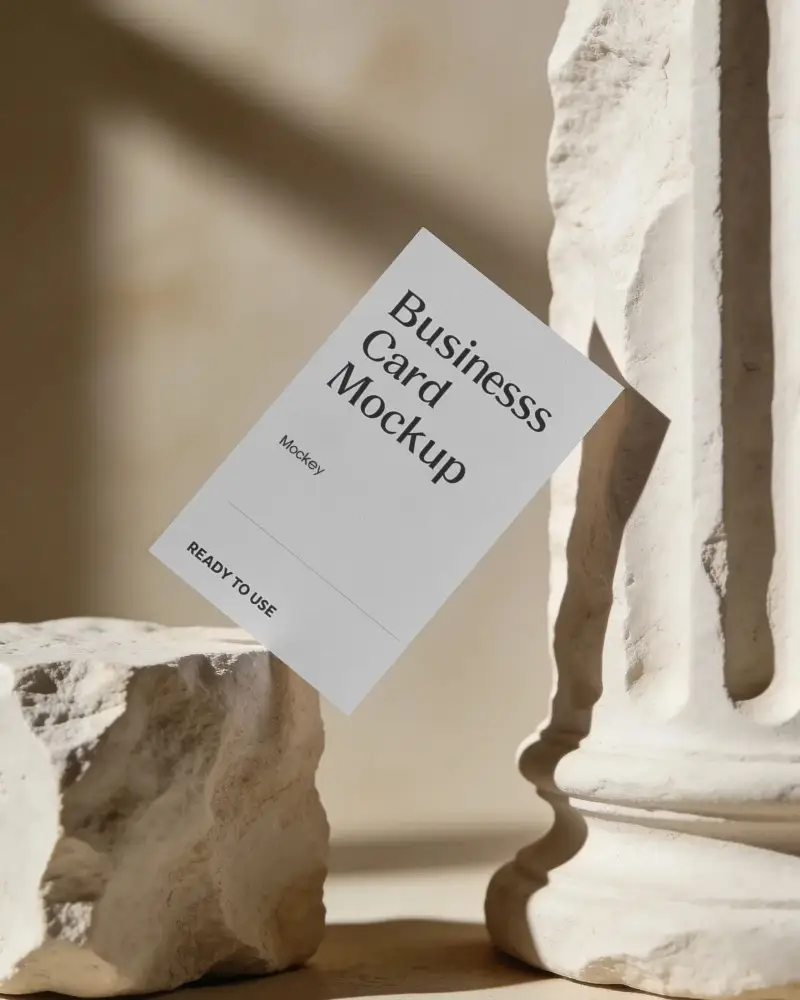
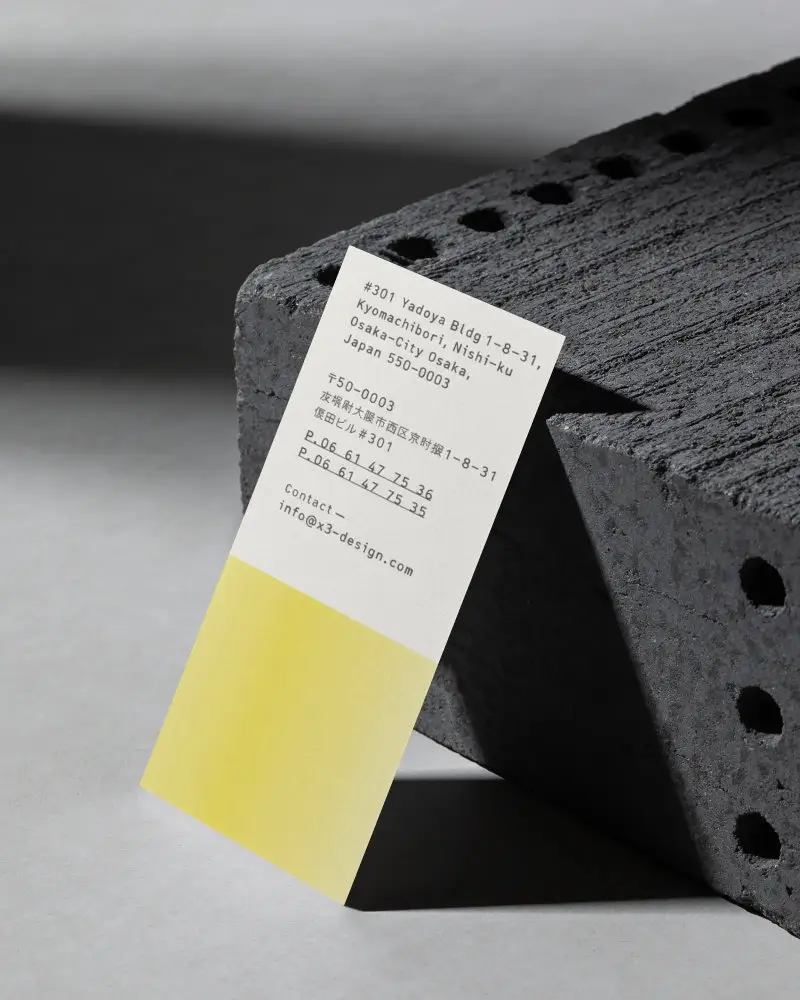
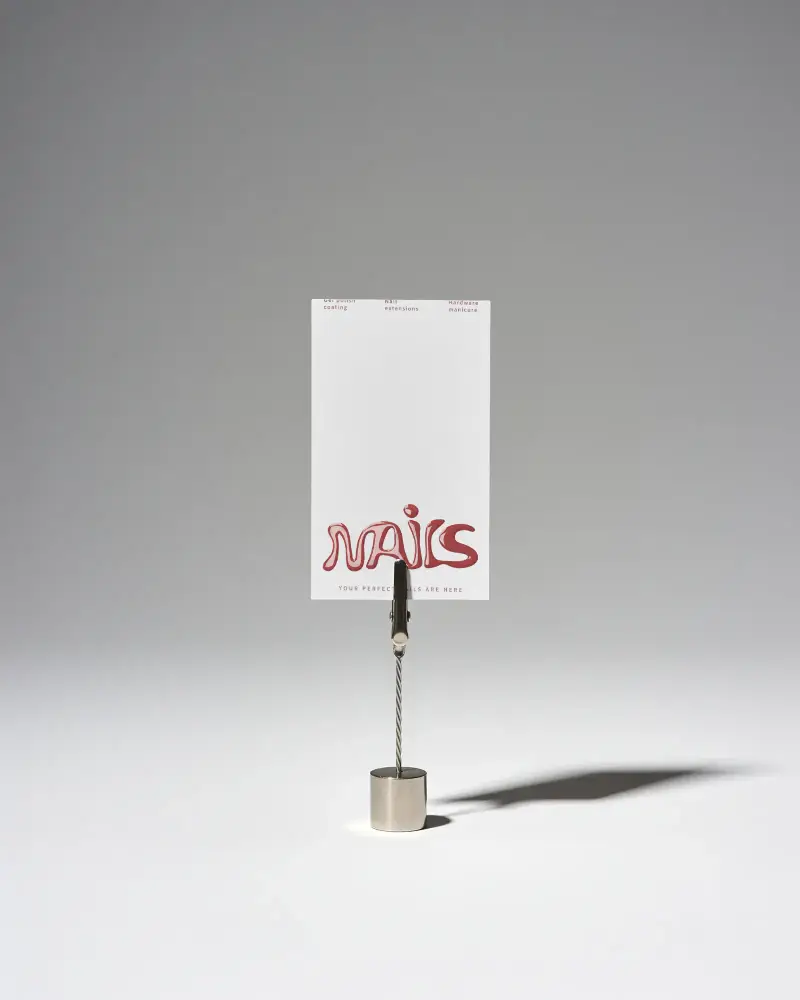
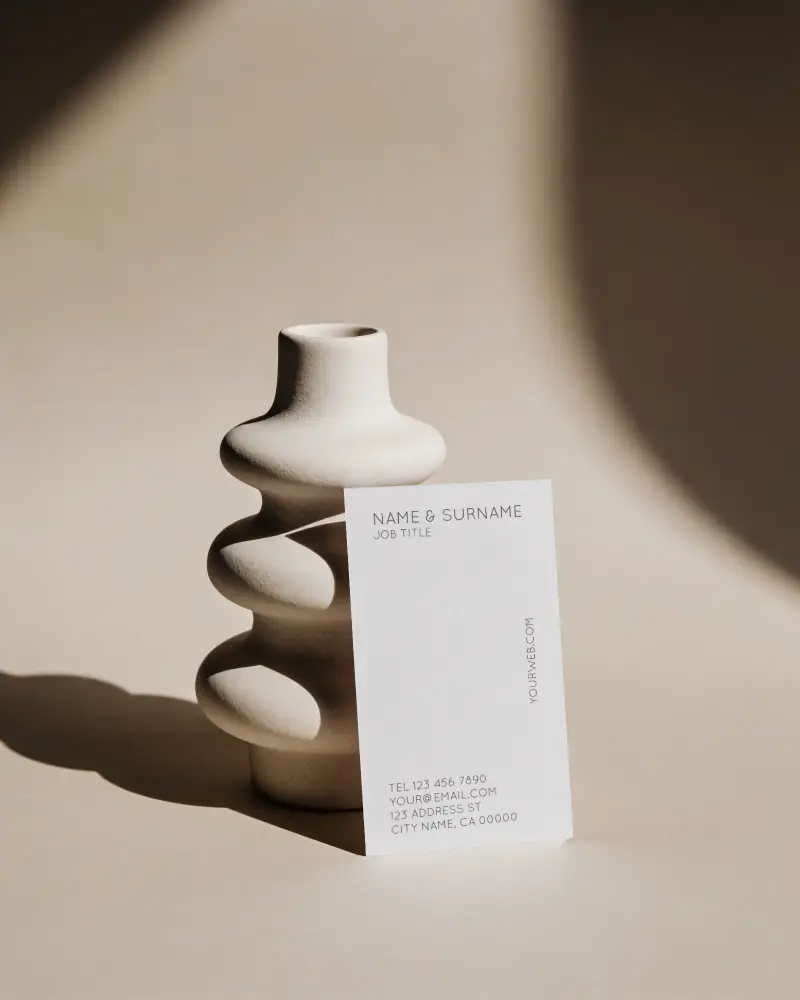
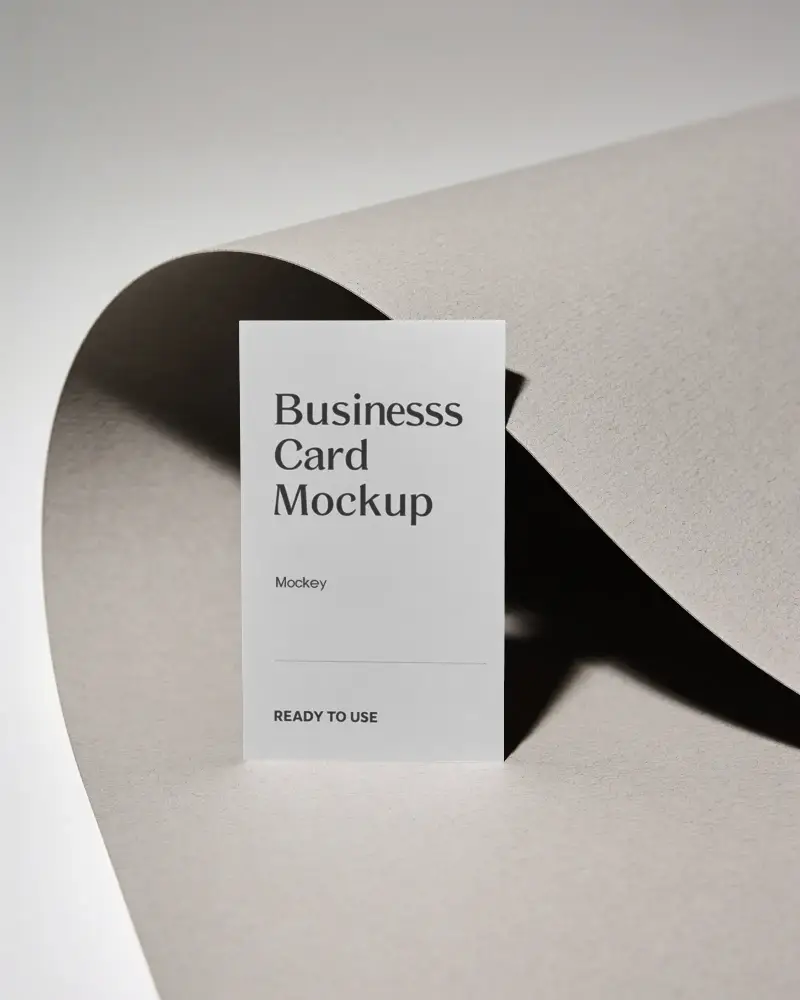
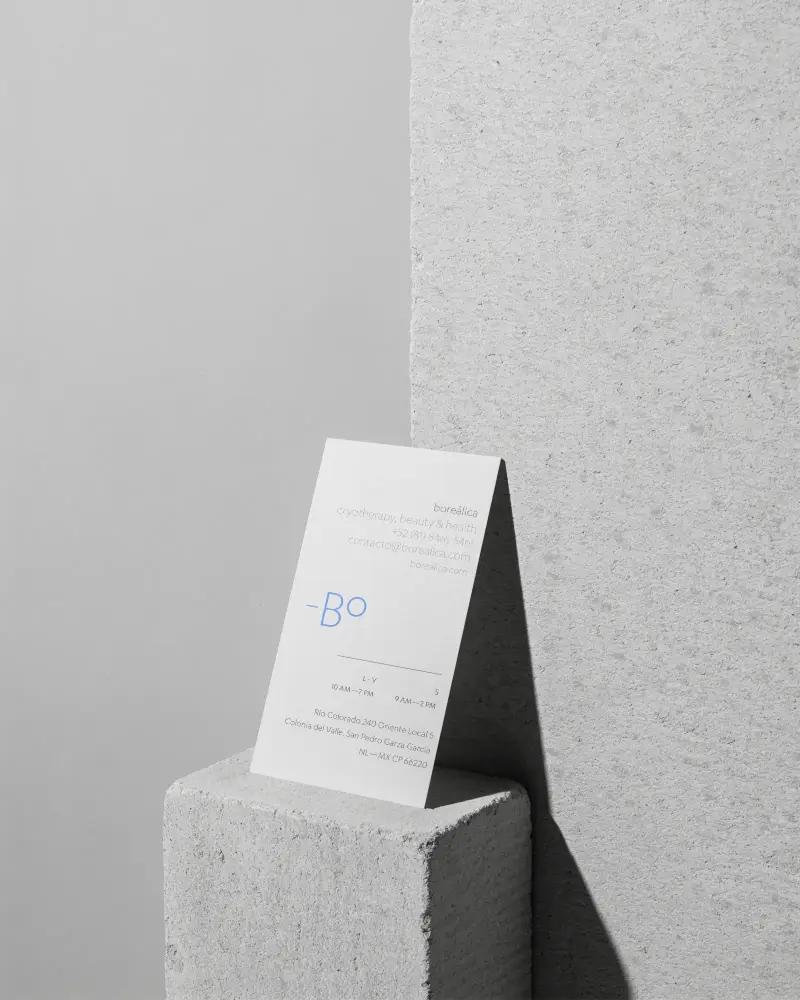
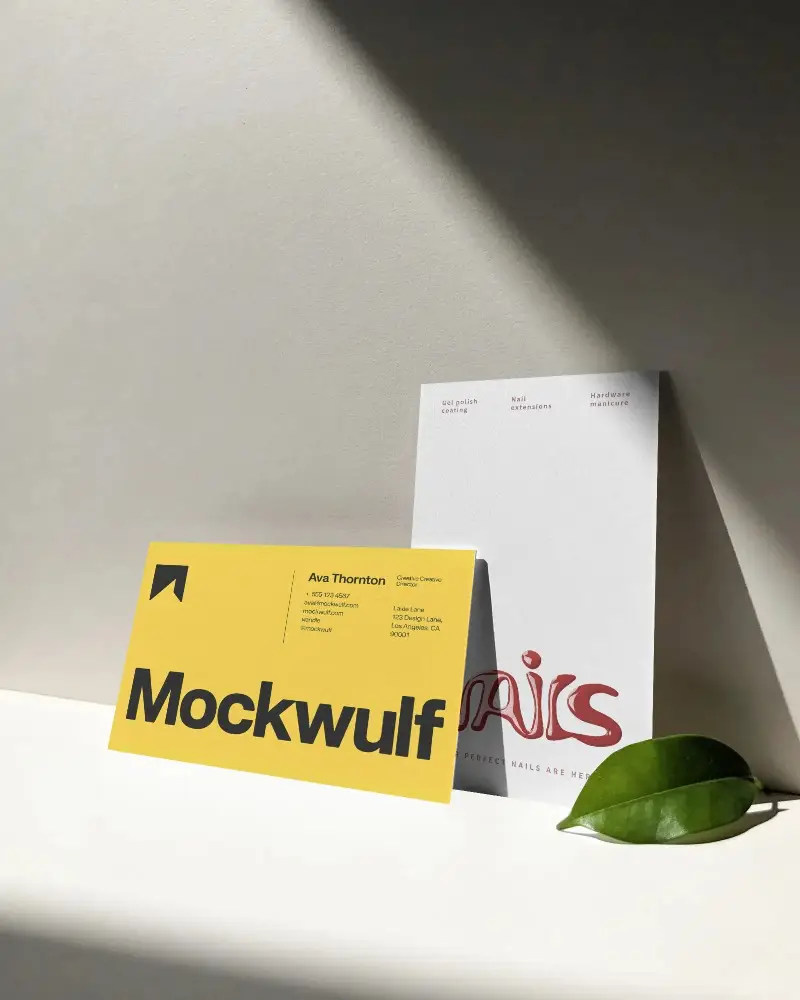
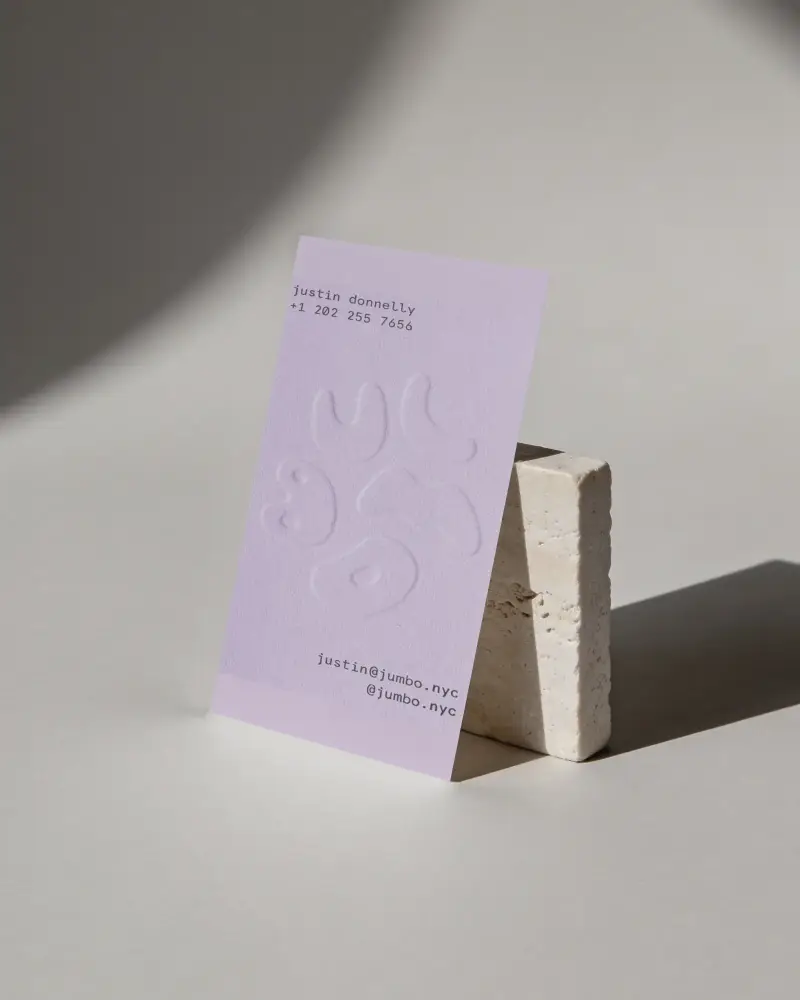
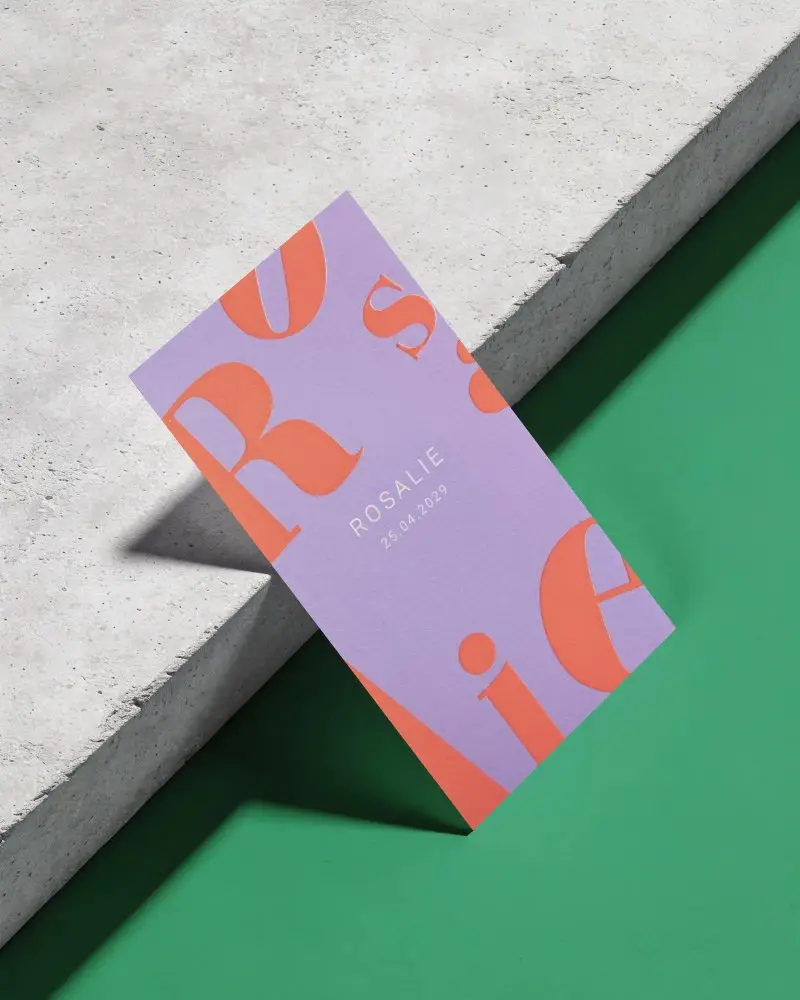
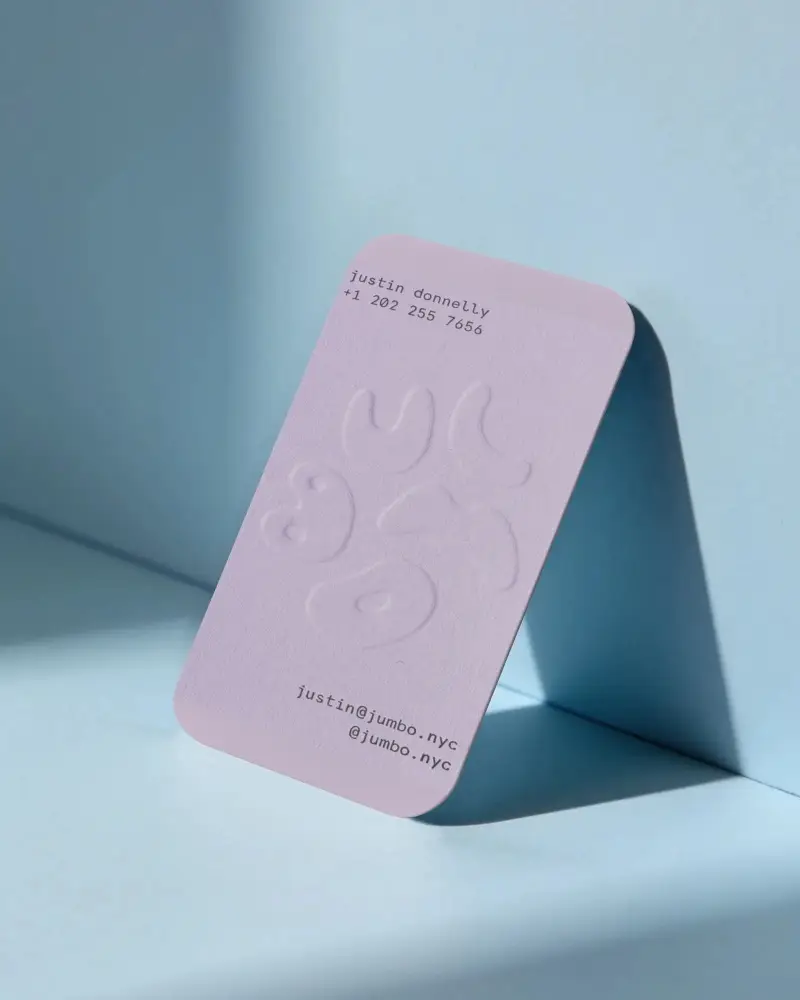
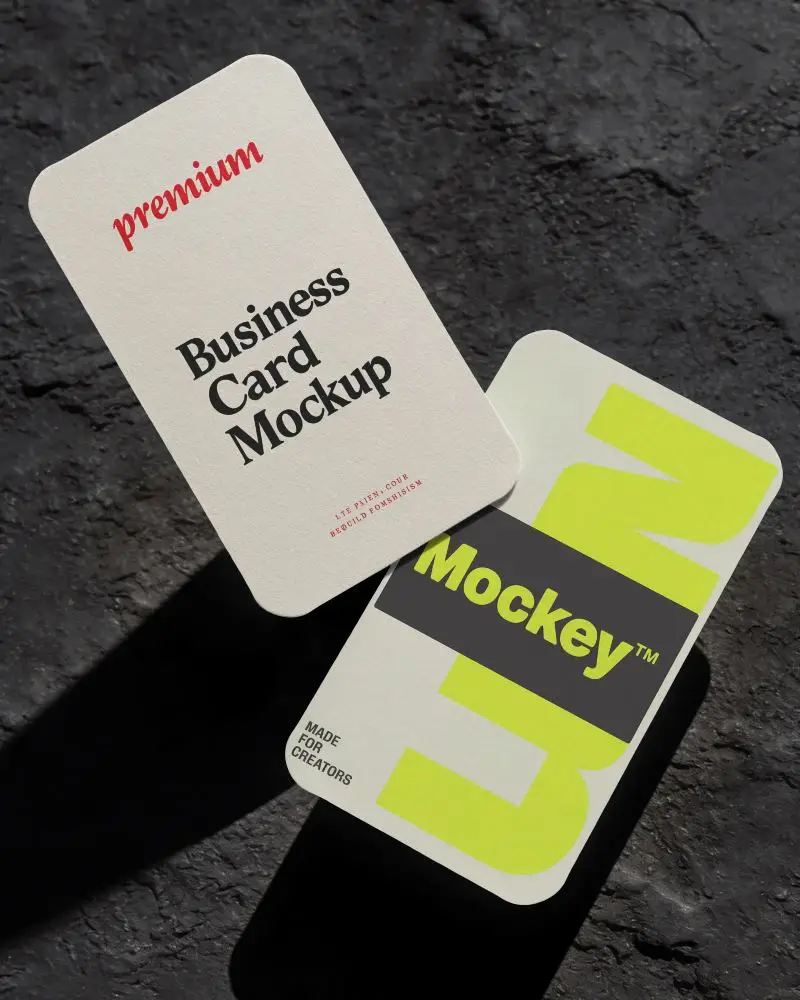
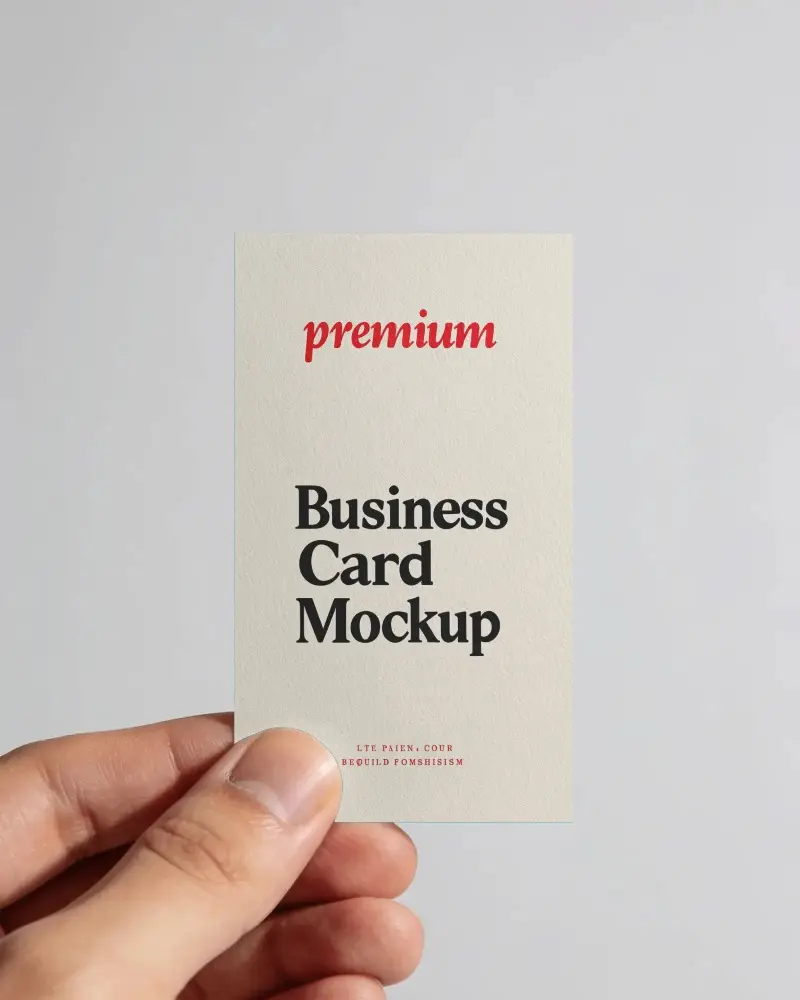
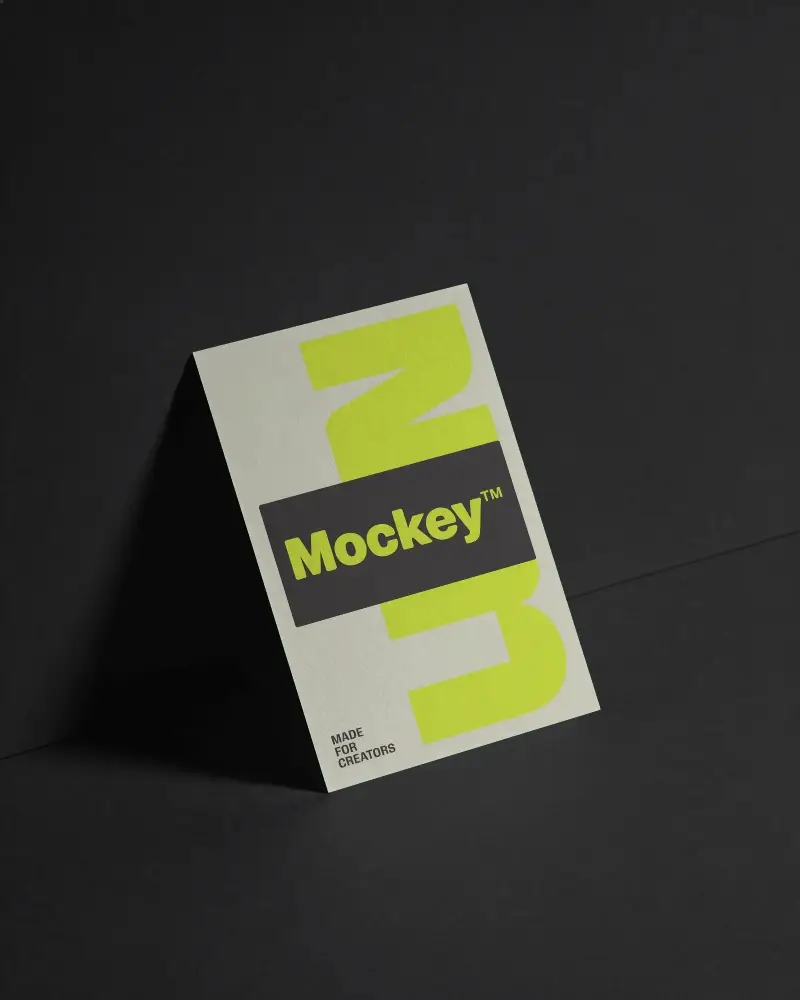
Free Vertical Business Card Mockup
Create free vertical business card mockups effortlessly with Mockey.ai. Just upload your design, customize it, and download a high-quality mockup in minutes.
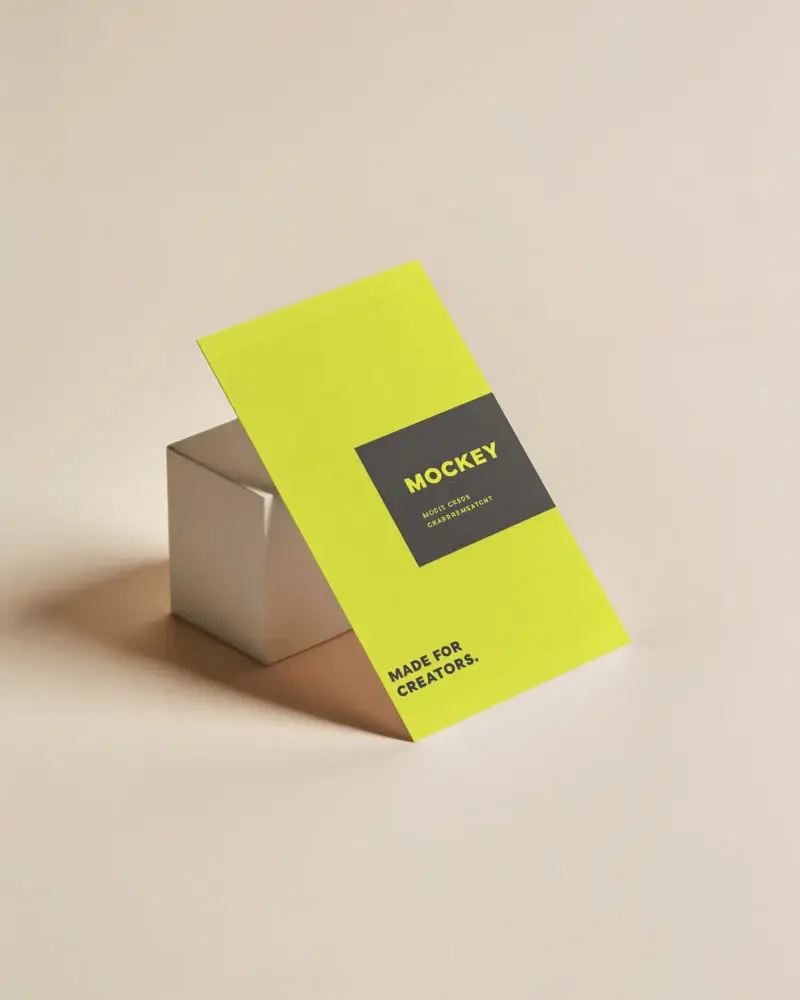
How to Create a Vertical Business Card Mockup with Mockey
Follow these steps to create a vertical business card mockup using Mockey AI:
- Step 1: First, sign up on the website. Then go to Mockups and choose 'Business Card' under the Print category.
- Step 2: Next, tap the 'Vertical' tag and pick a template you like. You can add your design, move it, change colors, or try fun tools like AI Photoshoot and AI Anime.
- Step 3: When you're happy, press the 'Download' button to save your vertical business card in high resolution.


FAQs on Vertical Business Card Mockups
Why use Vertical Business Card Mockups?
Vertical business card mockups are easy to use, save money, look real, and help your brand stand out before printing.
Can I create vertical business card mockups for free?
With Mockey AI, you can create and download vertical business card mockups for free. No need to pay. Other sites may ask for money before letting you download.
