Rounded Business Card Mockup Free to Download
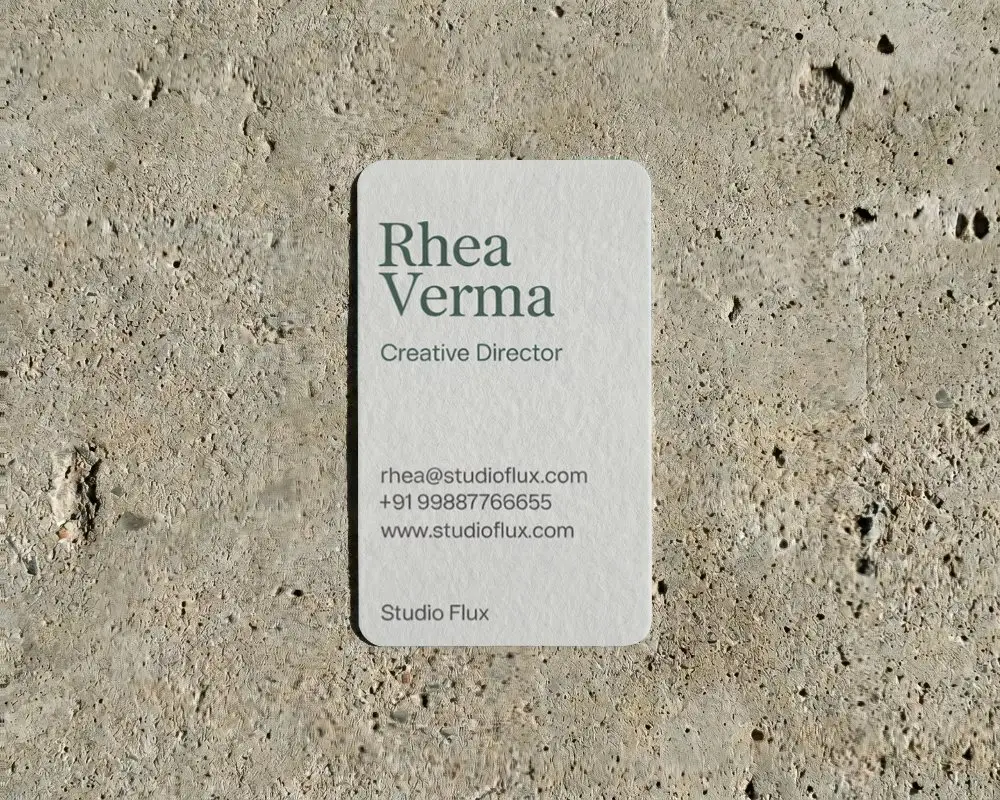
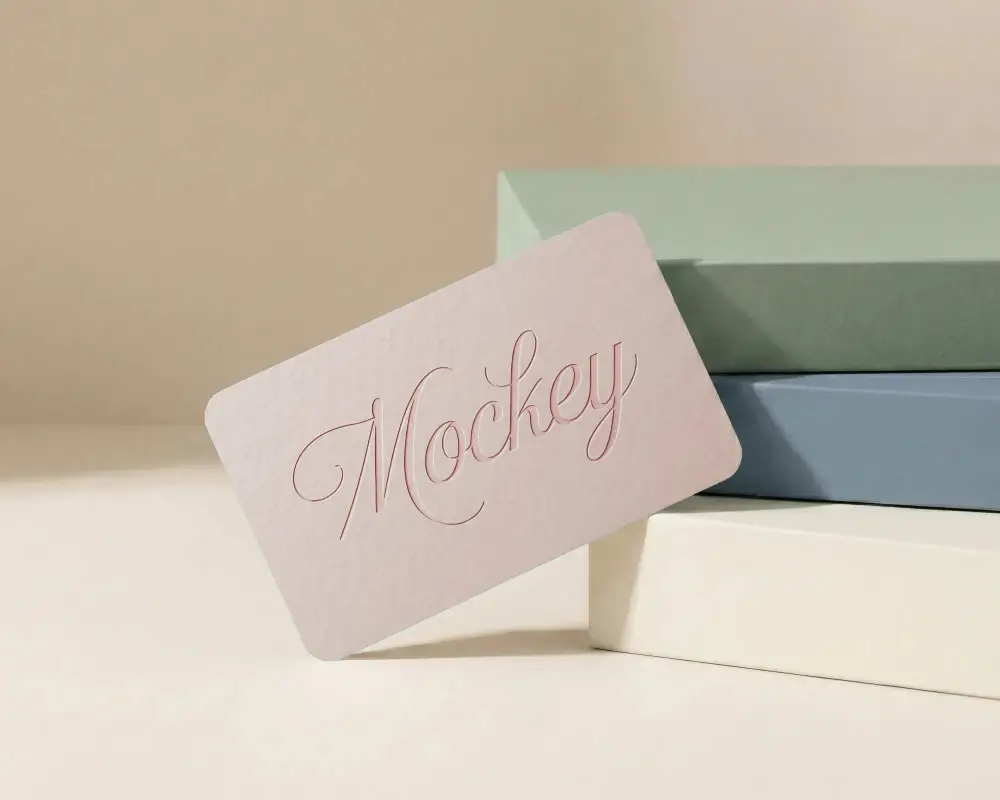
Design a Free Rounded Business Card Mockup online with Mockey. Adjust background, shadows, and textures to bring your business card design to life.
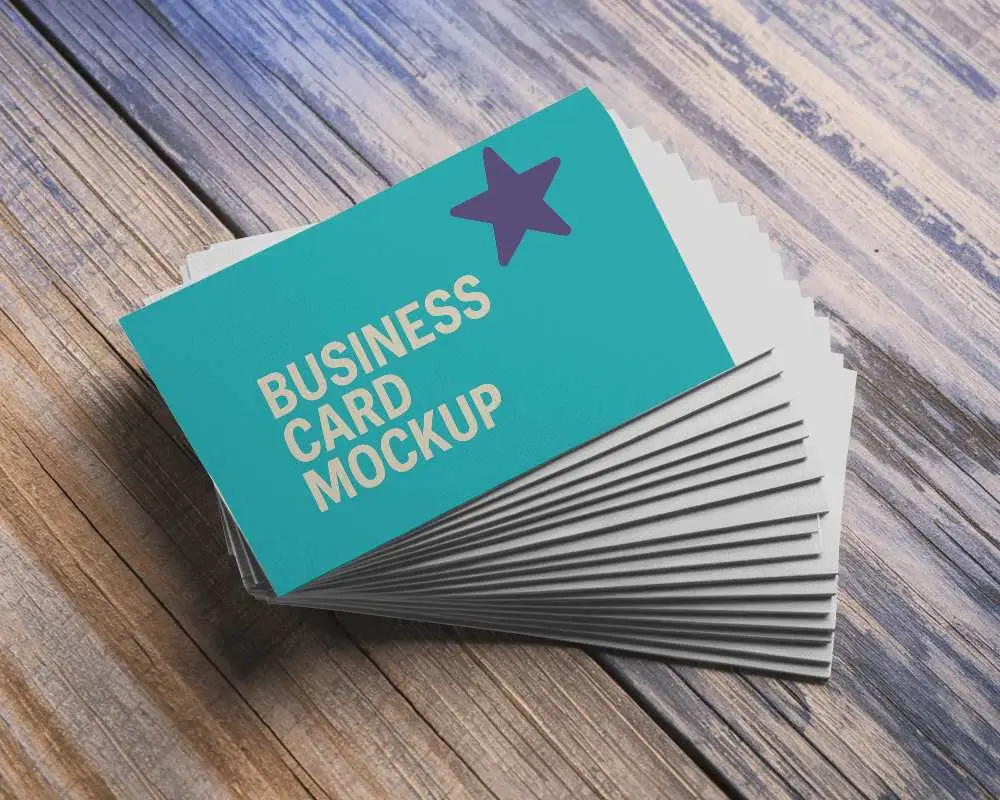
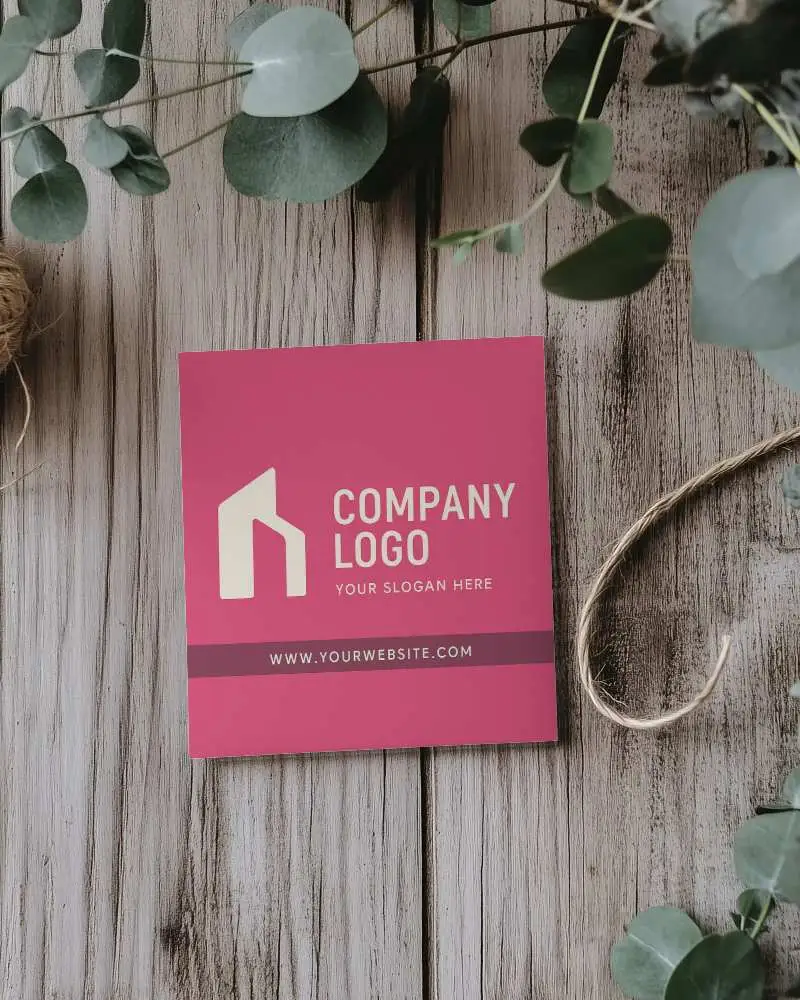
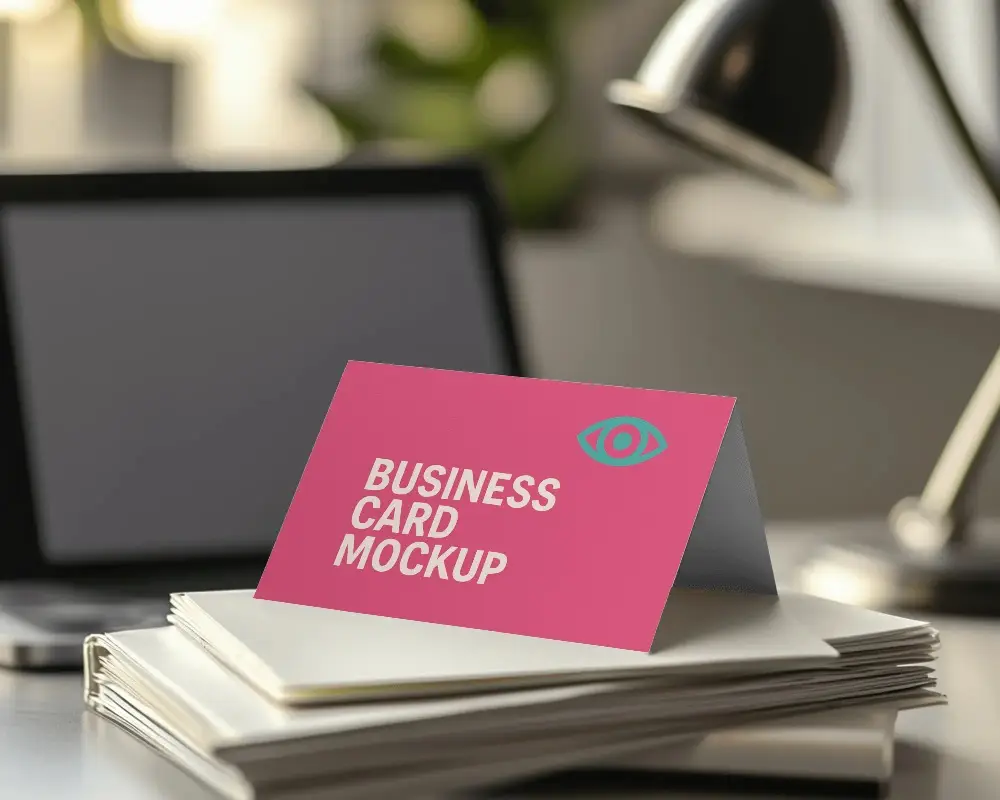
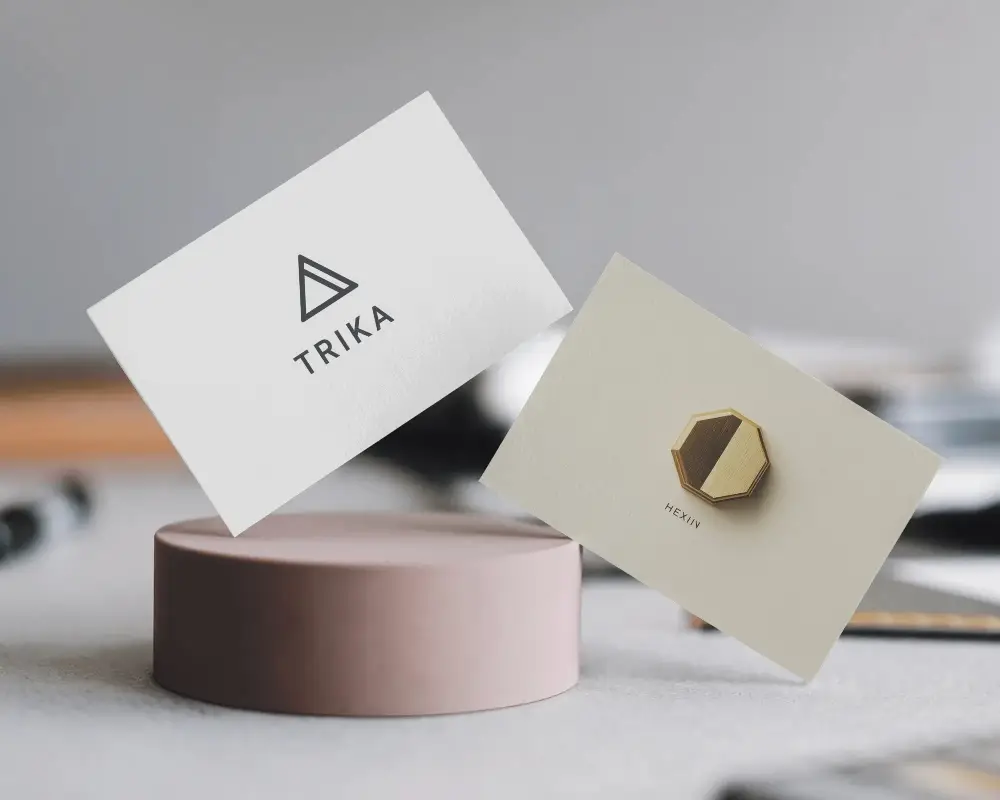
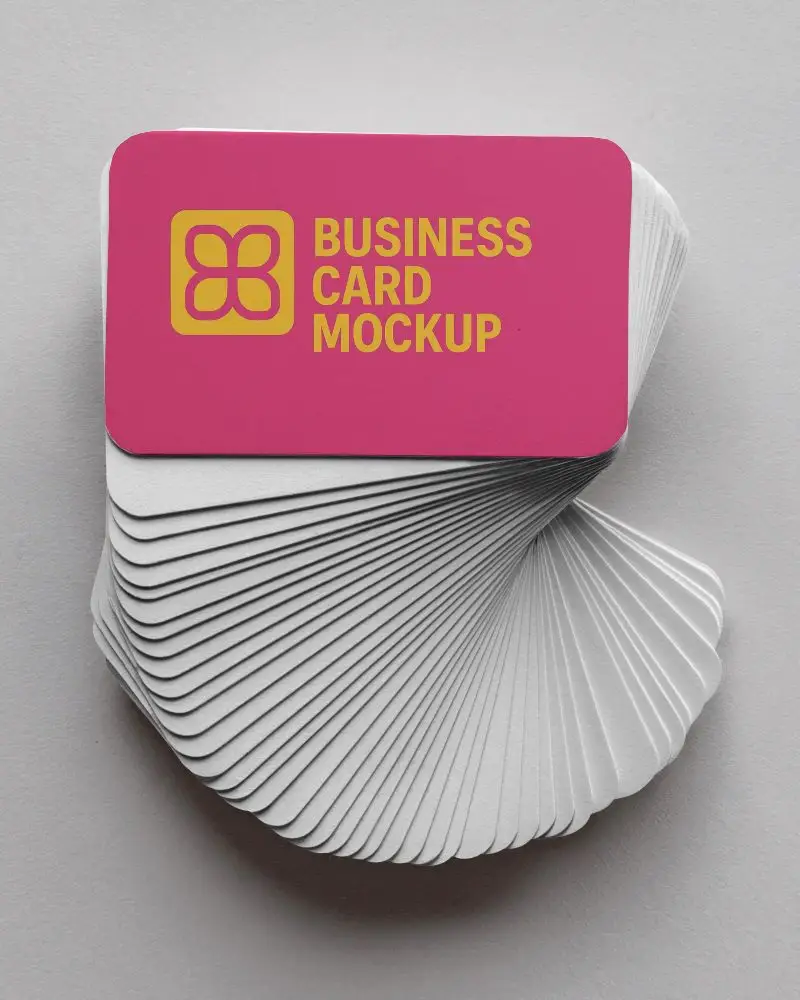
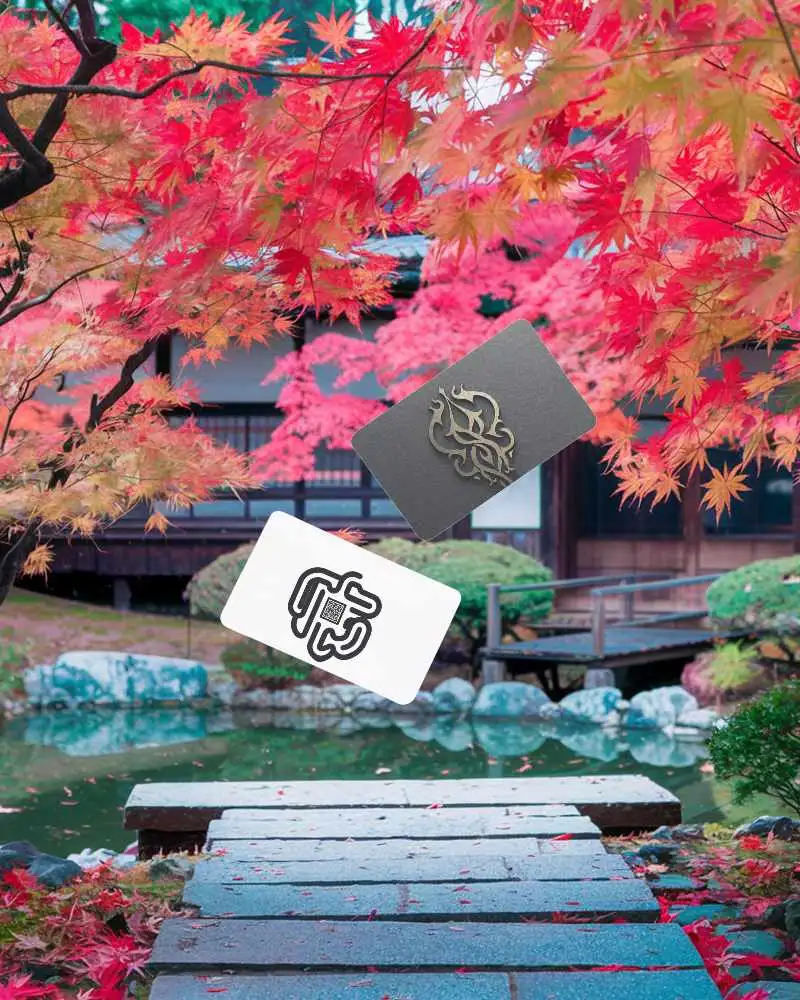
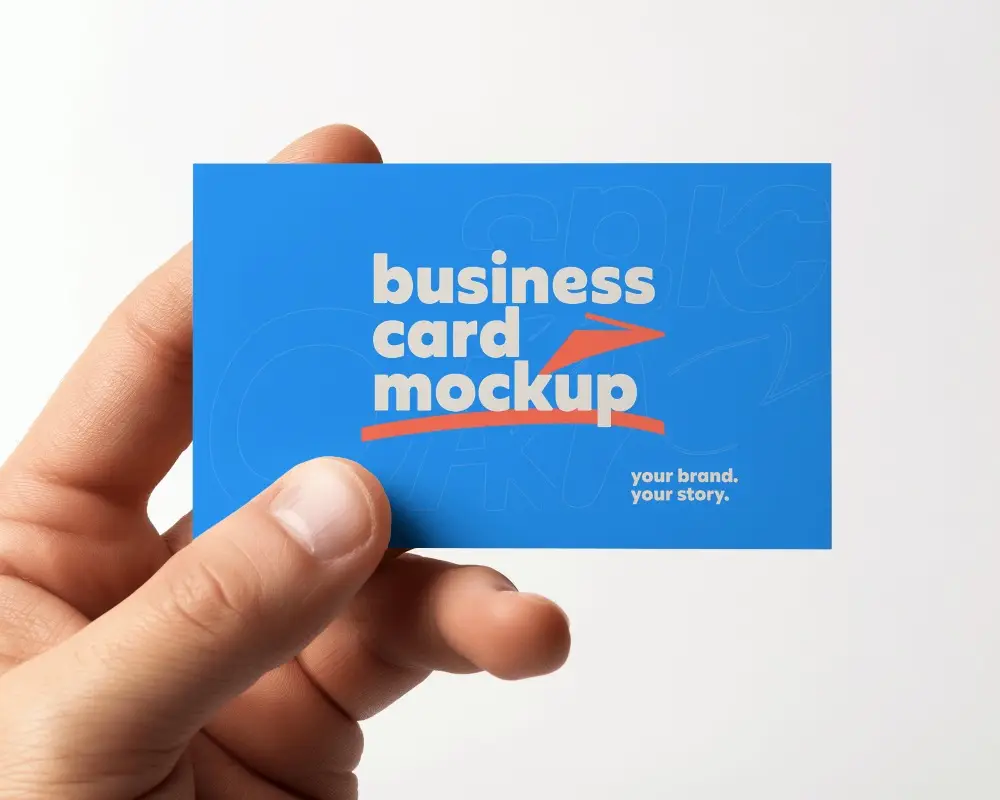
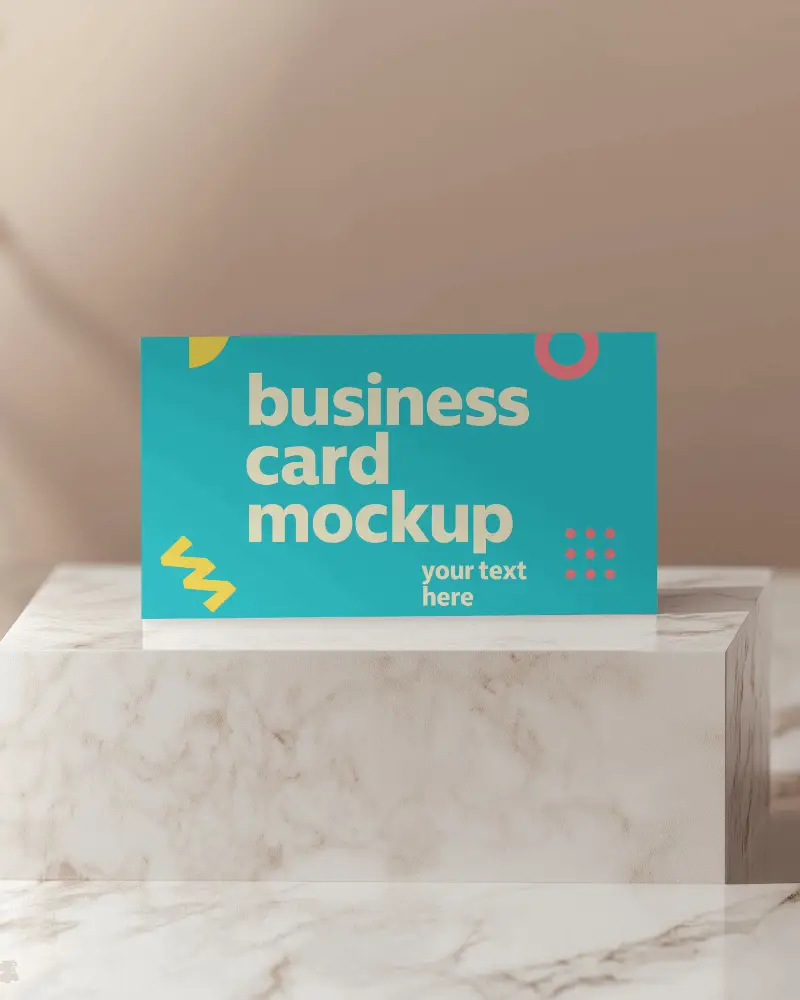
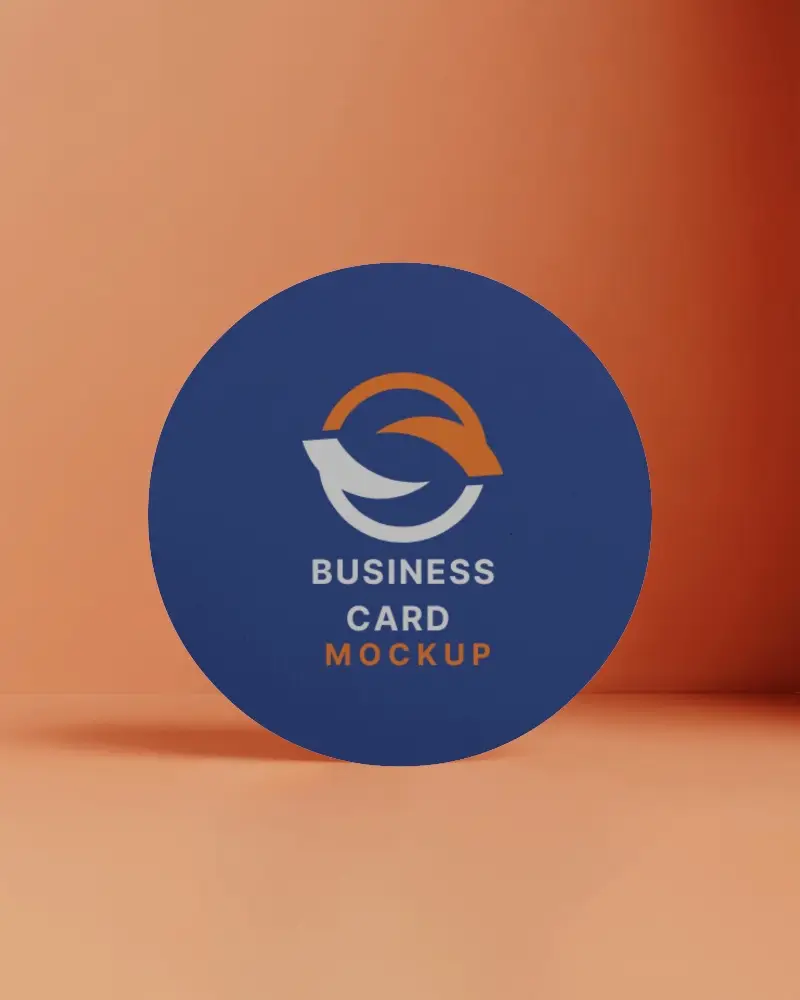
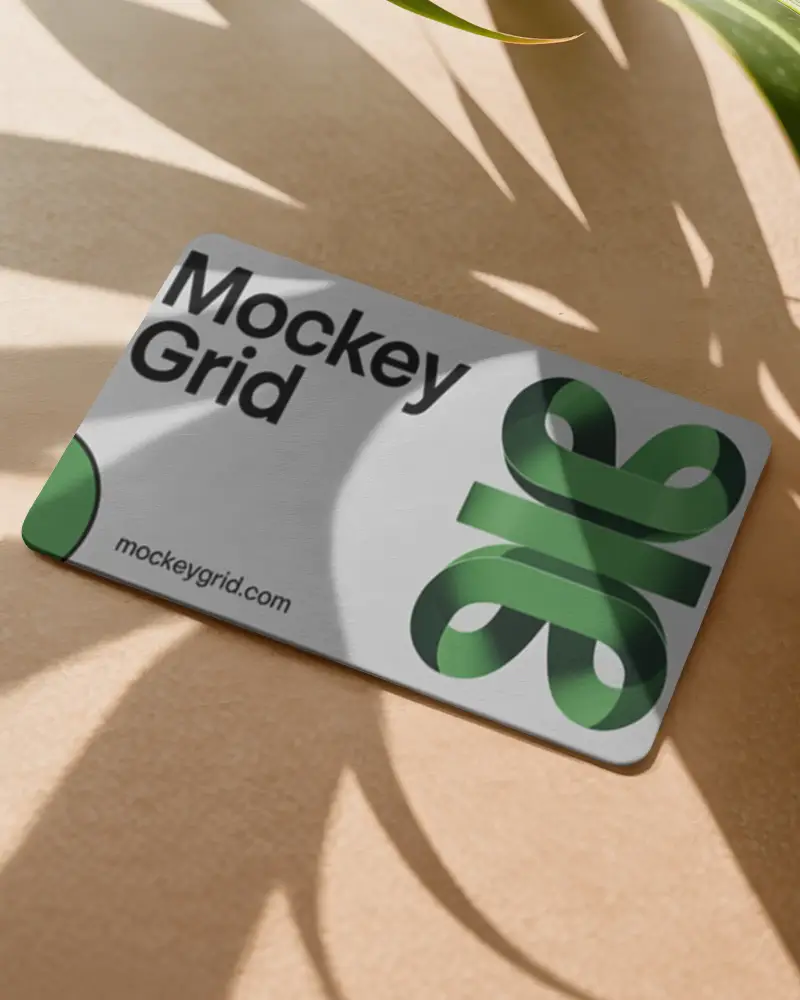
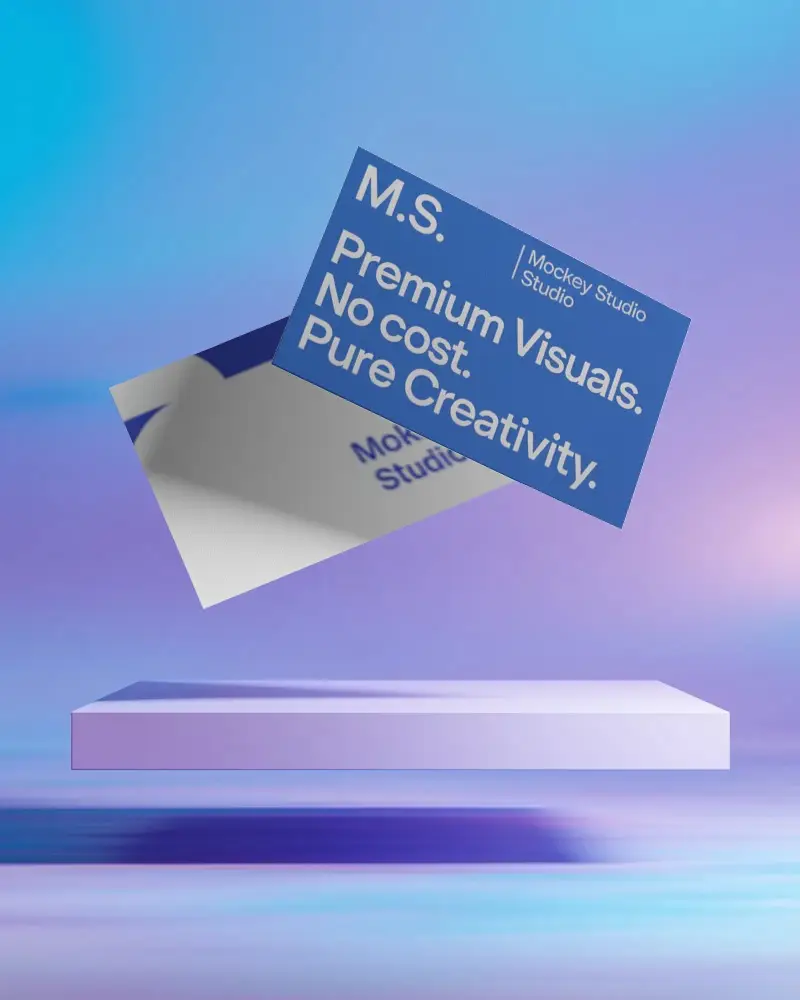
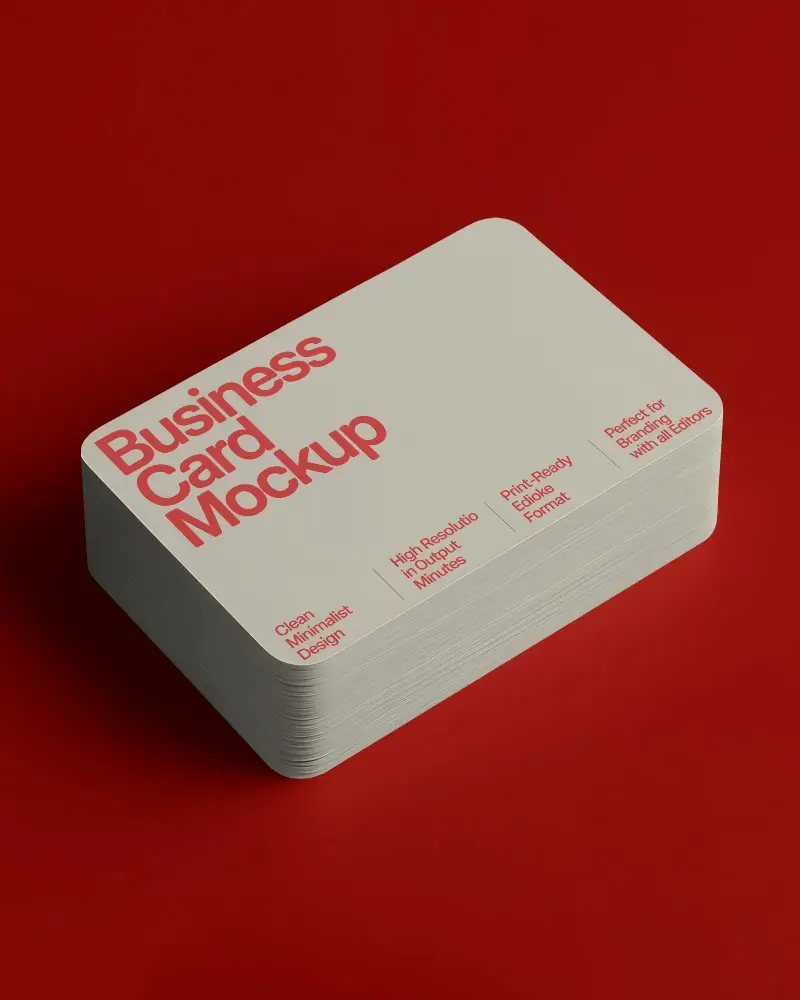

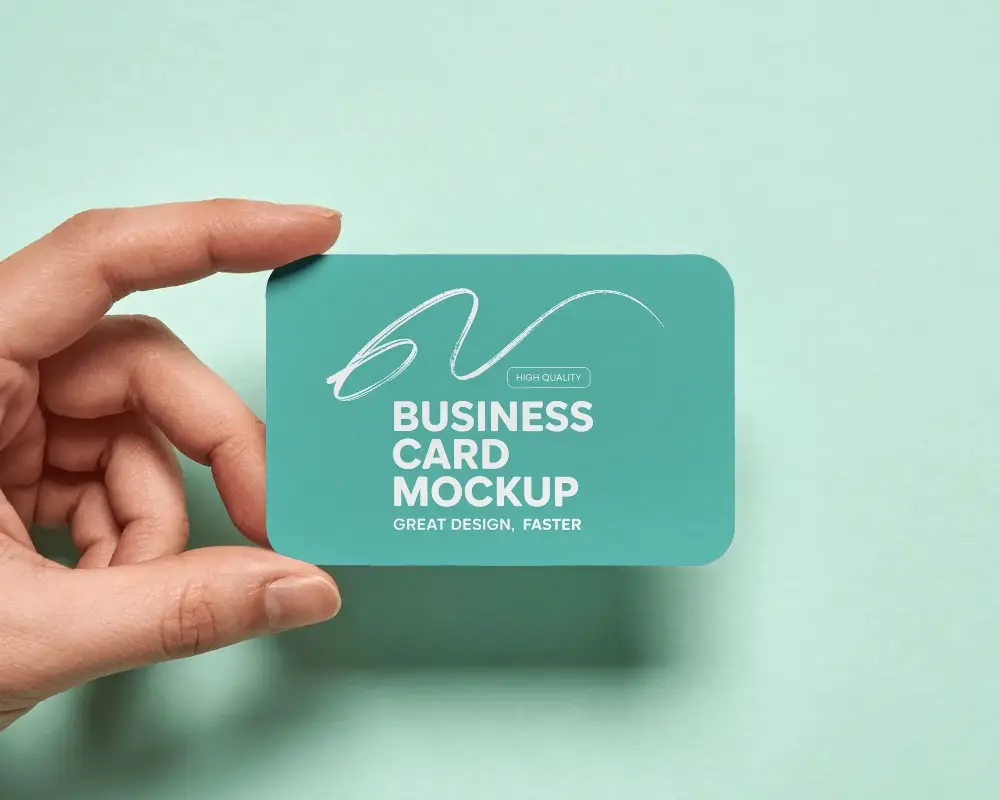
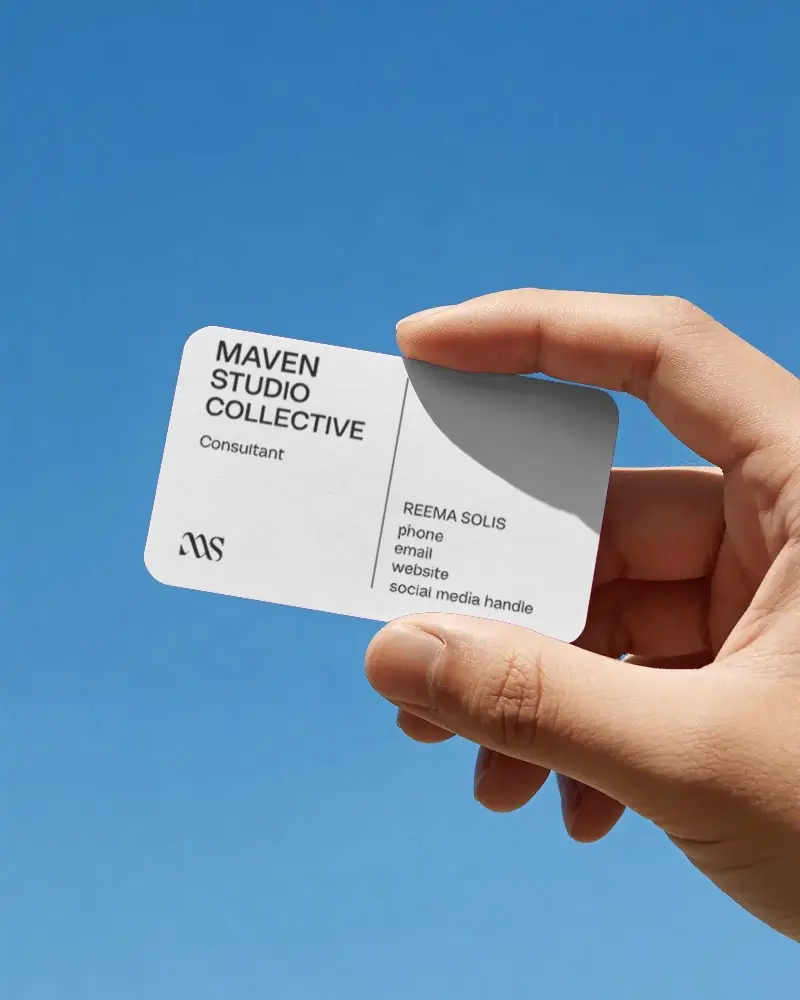
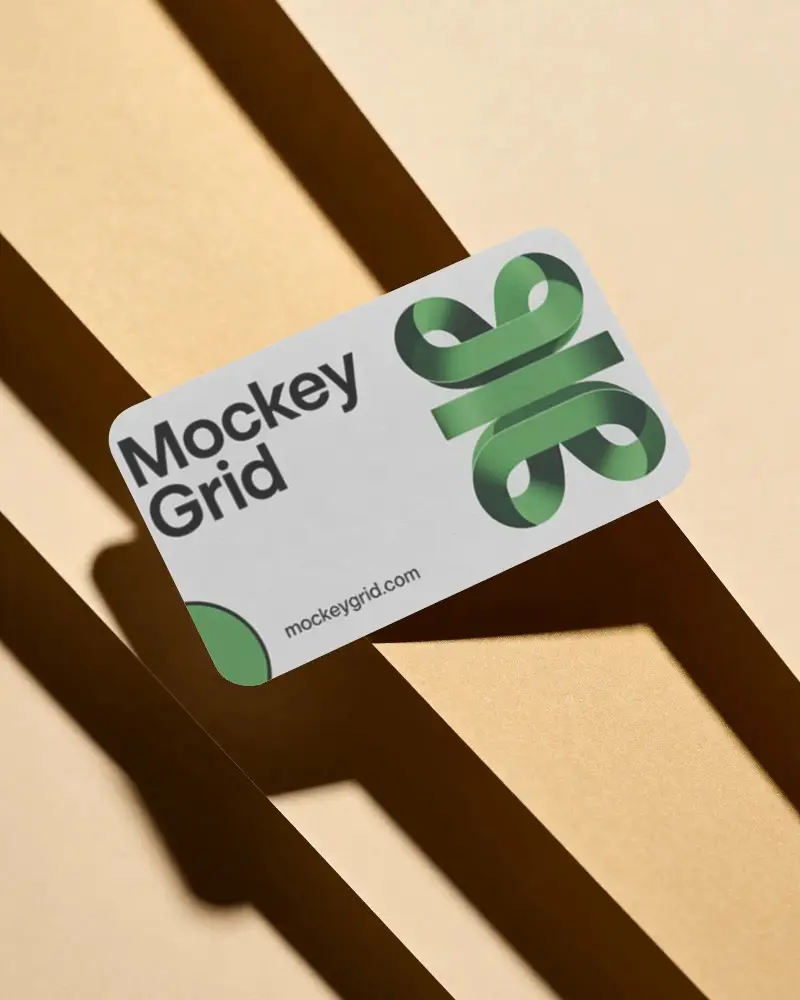
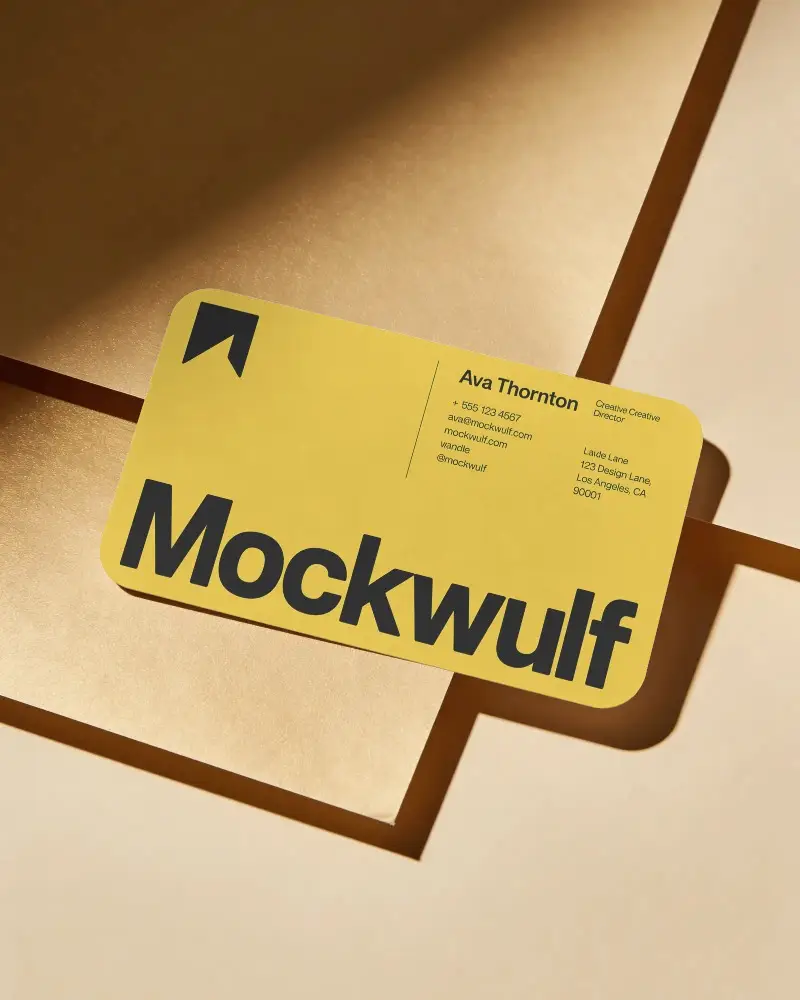
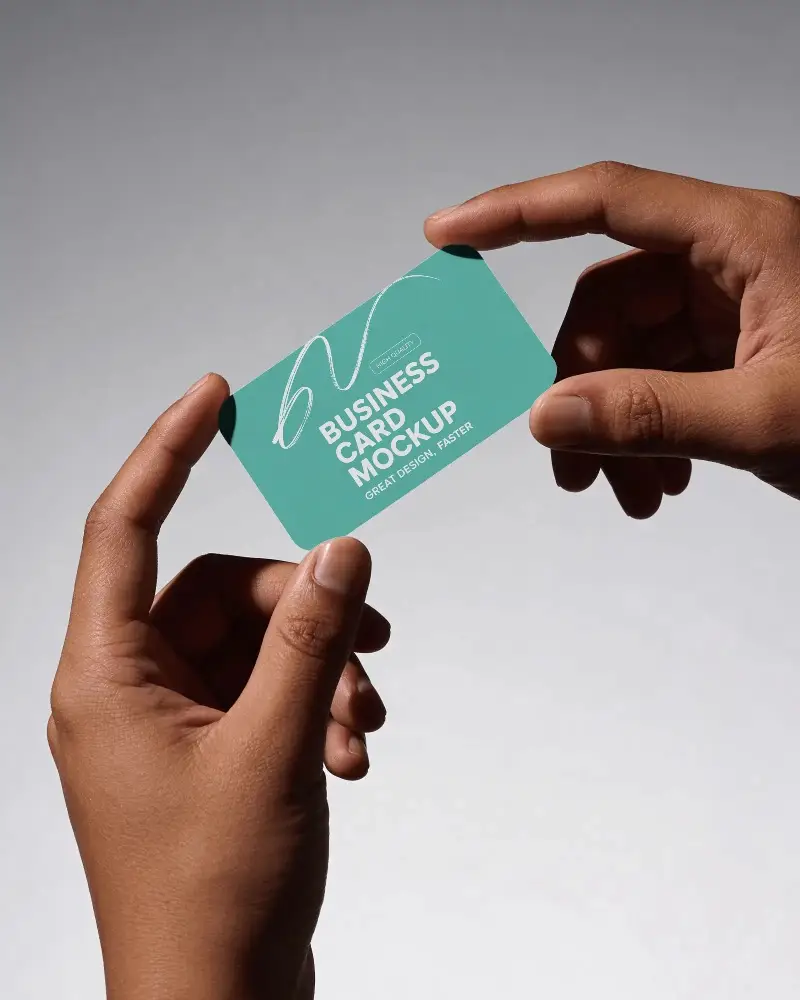
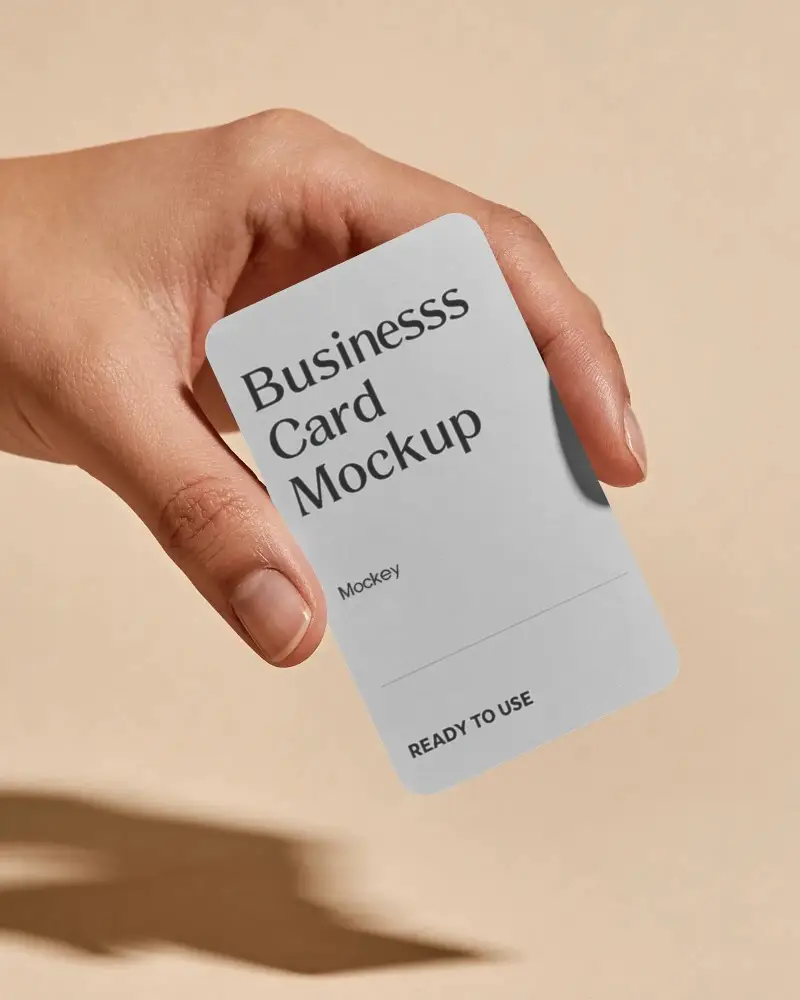
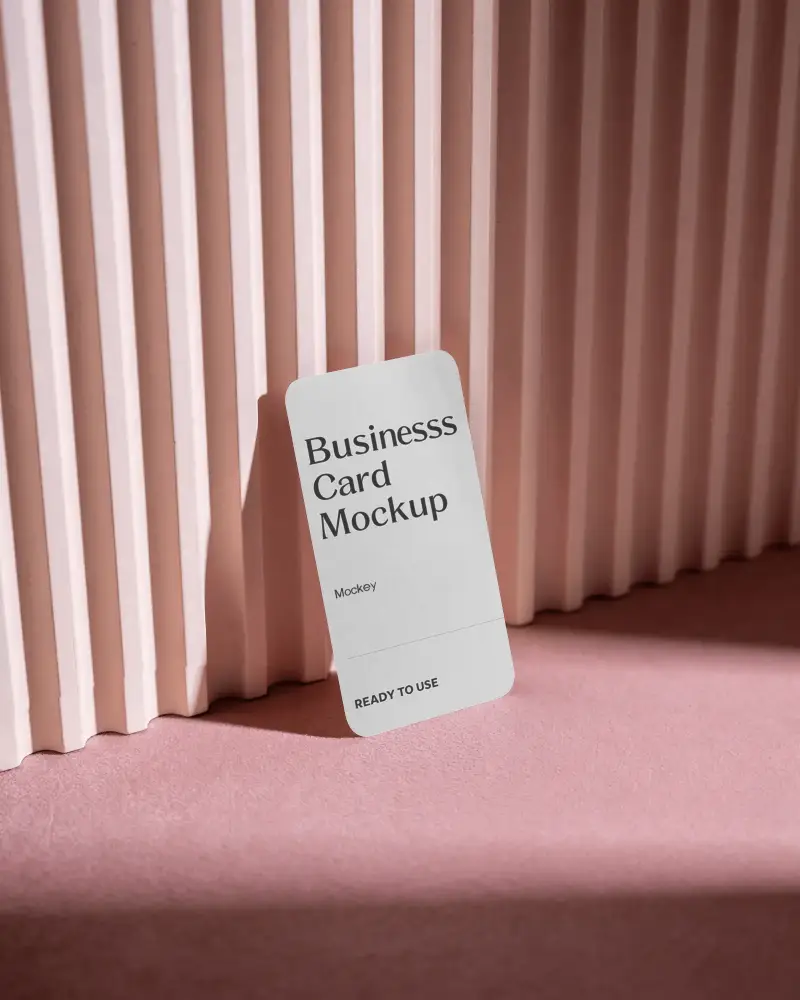
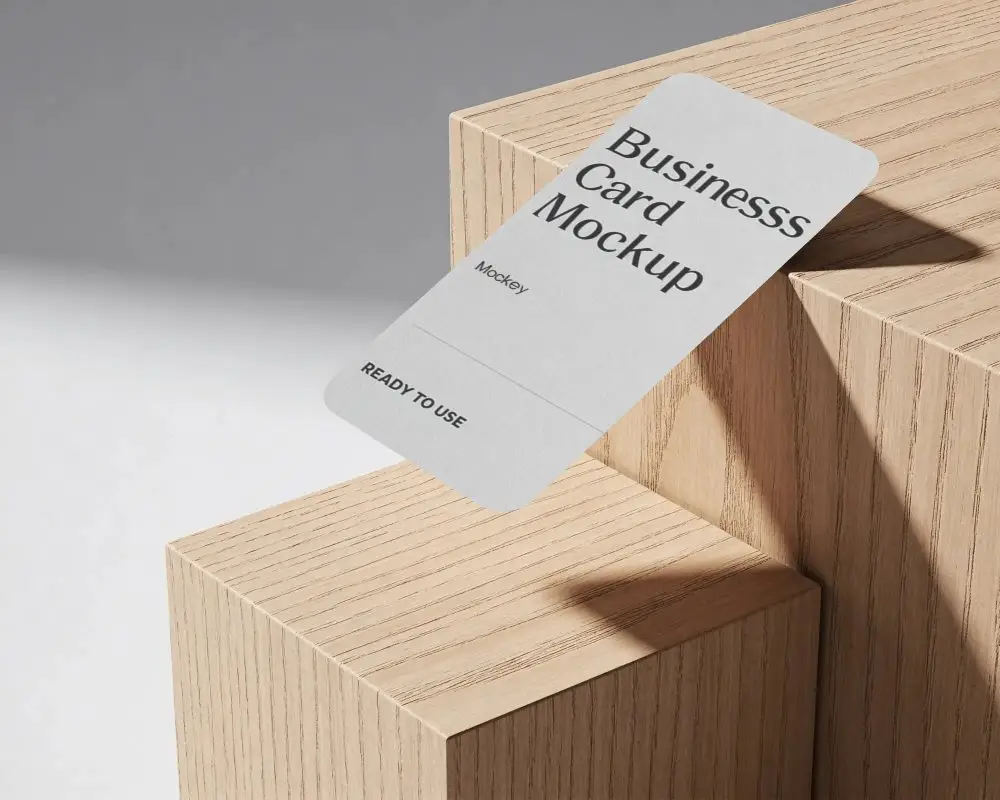
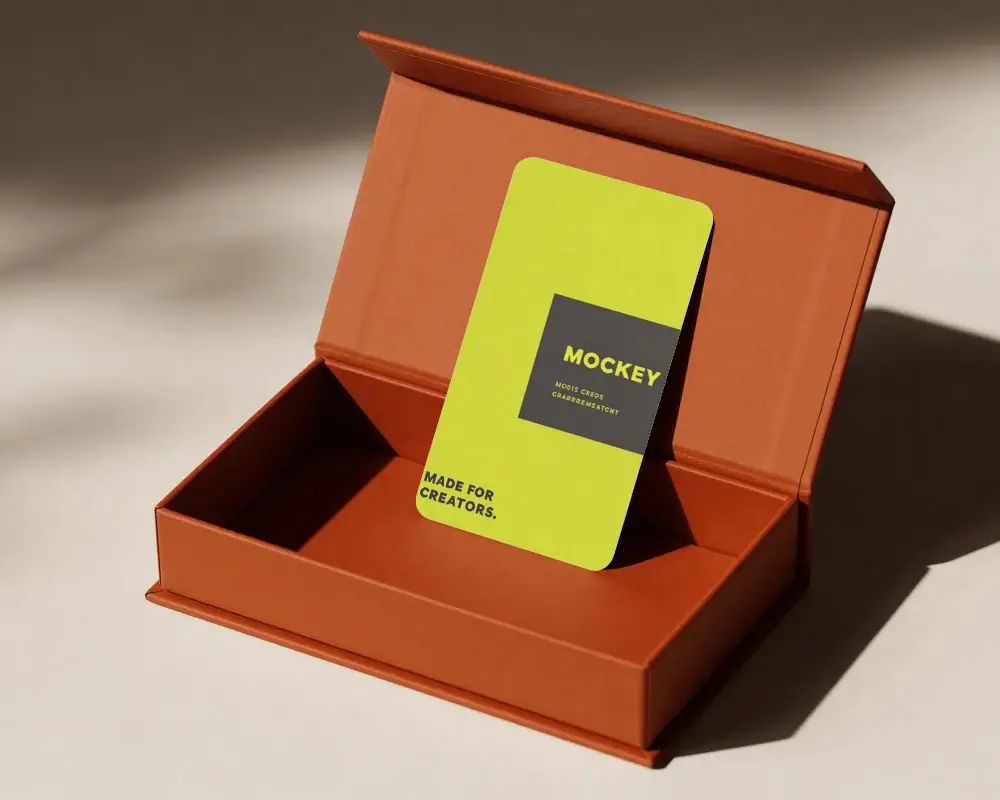
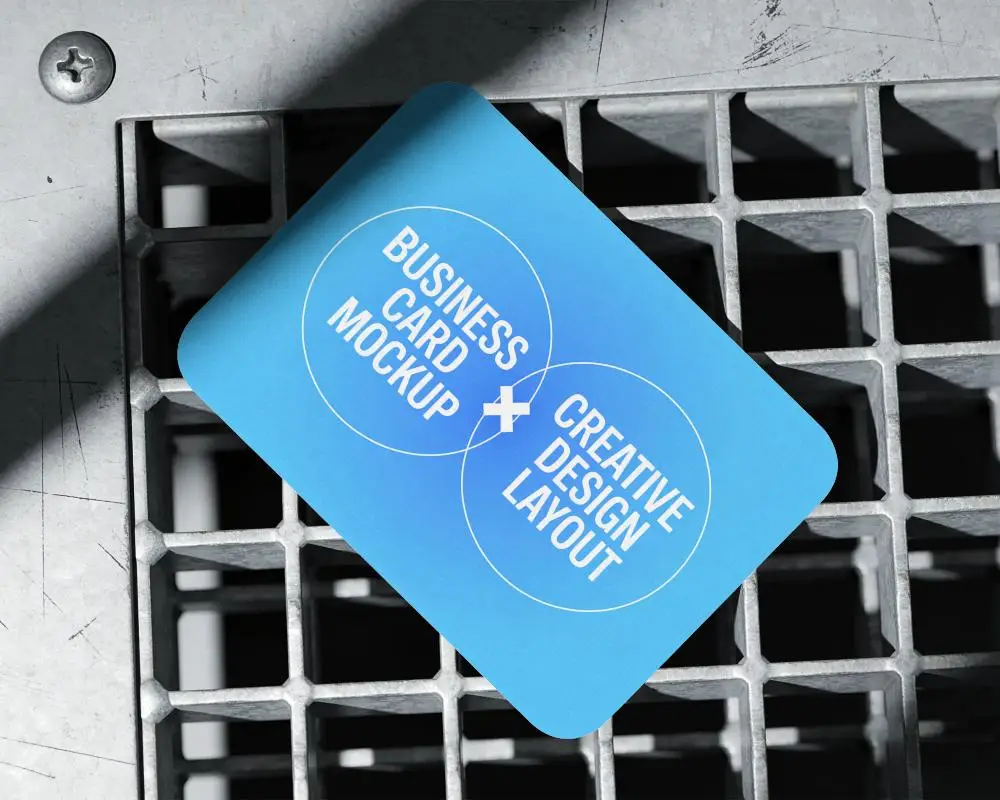
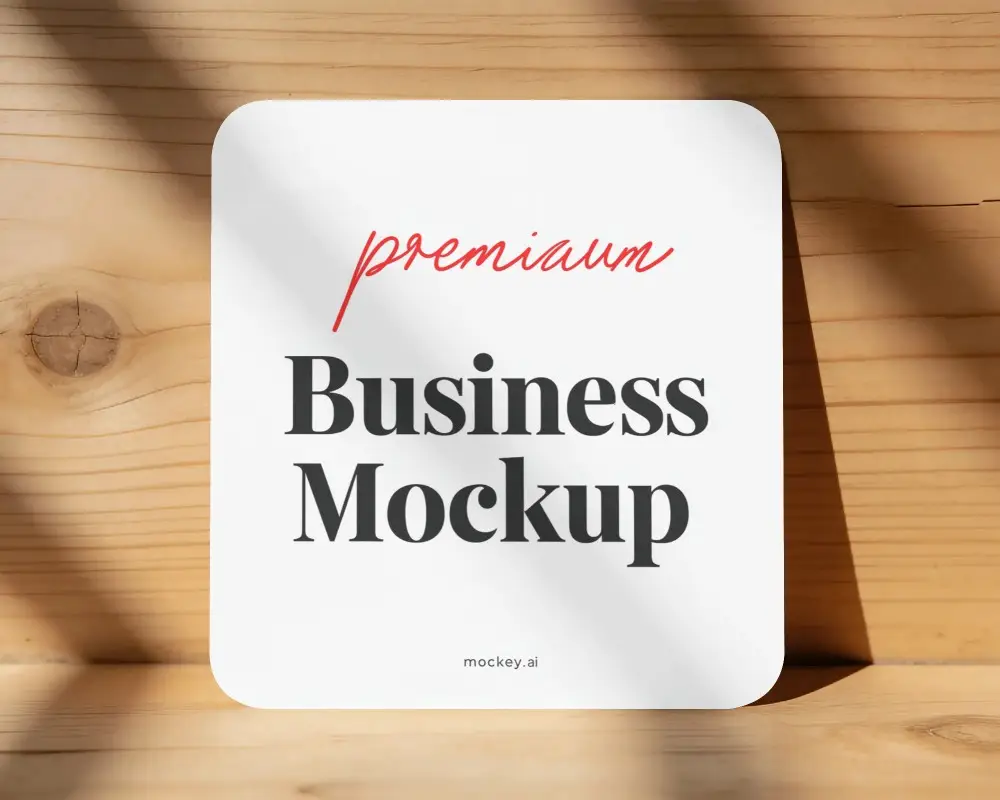
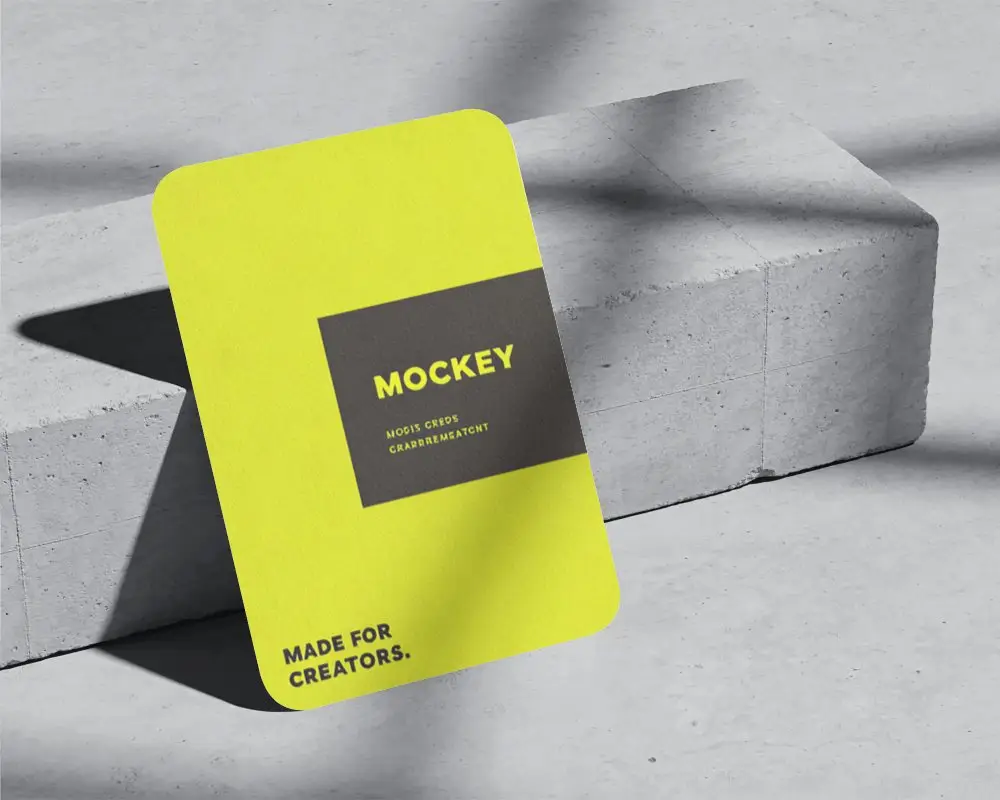
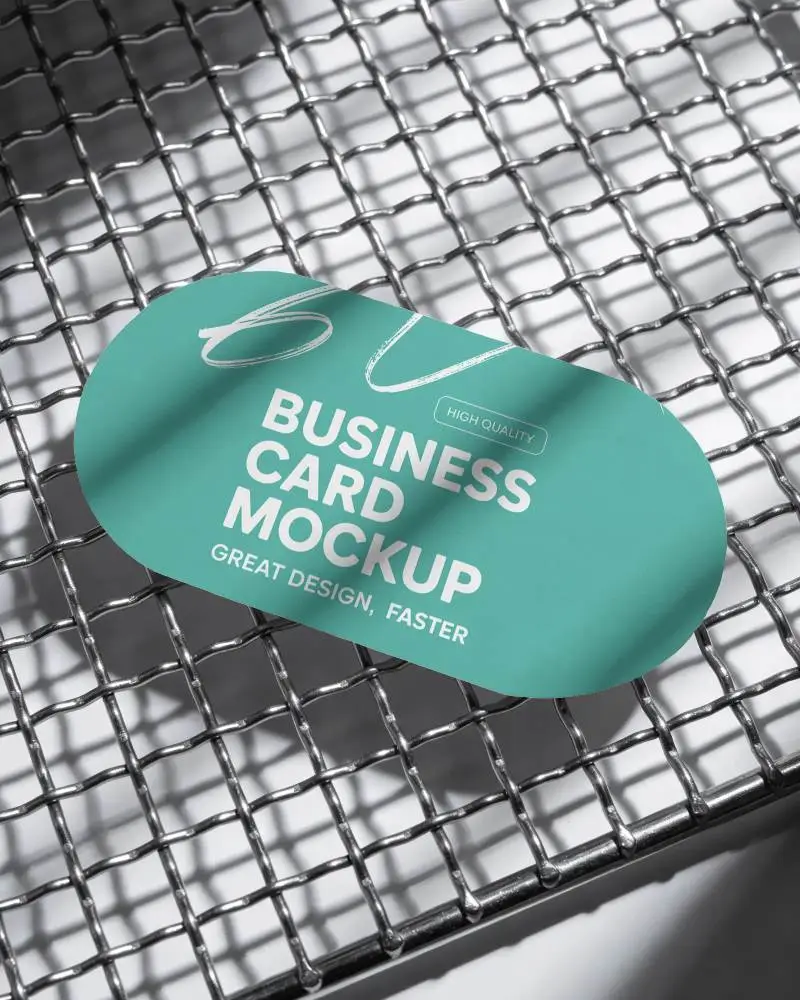
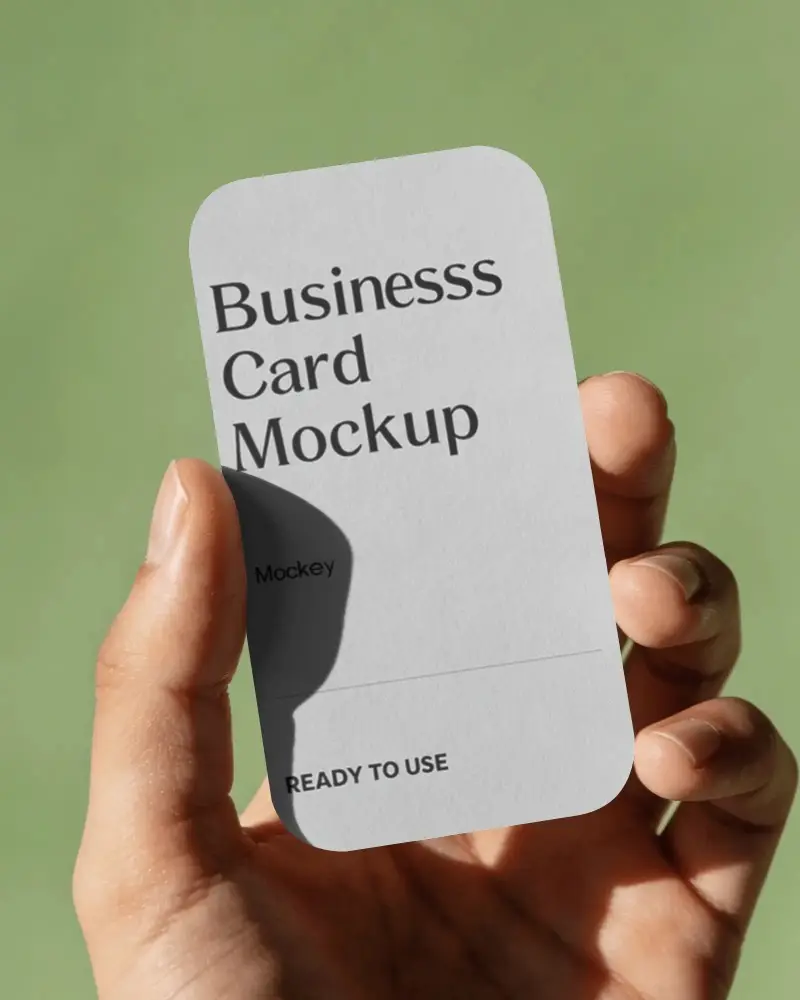
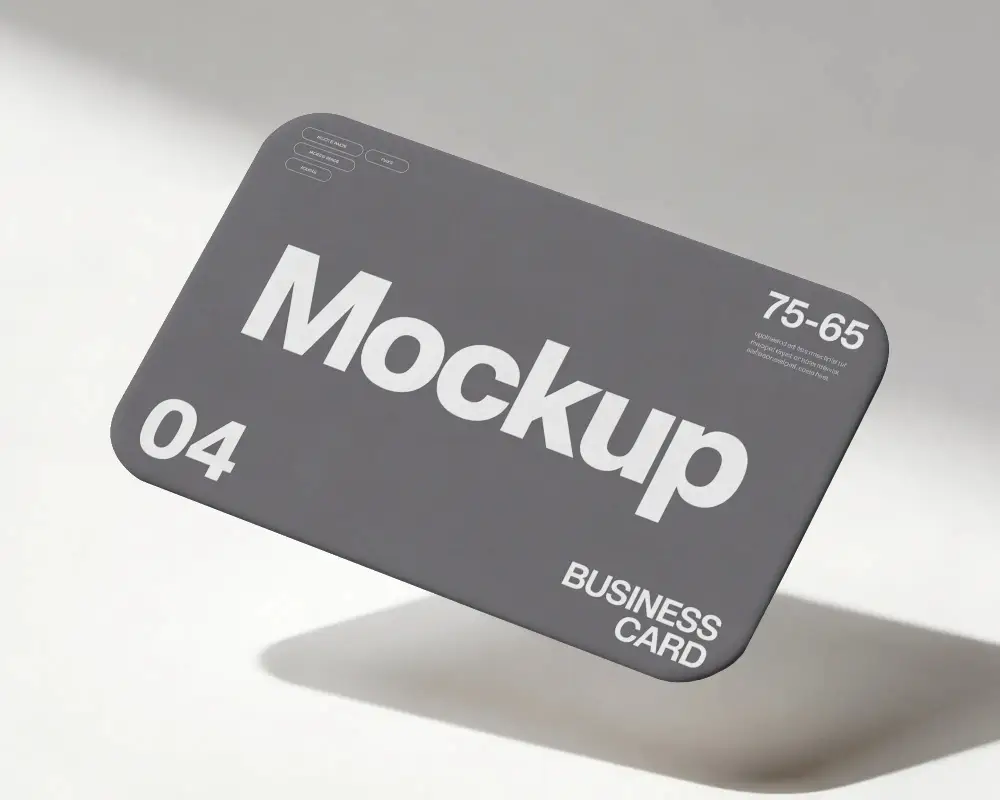
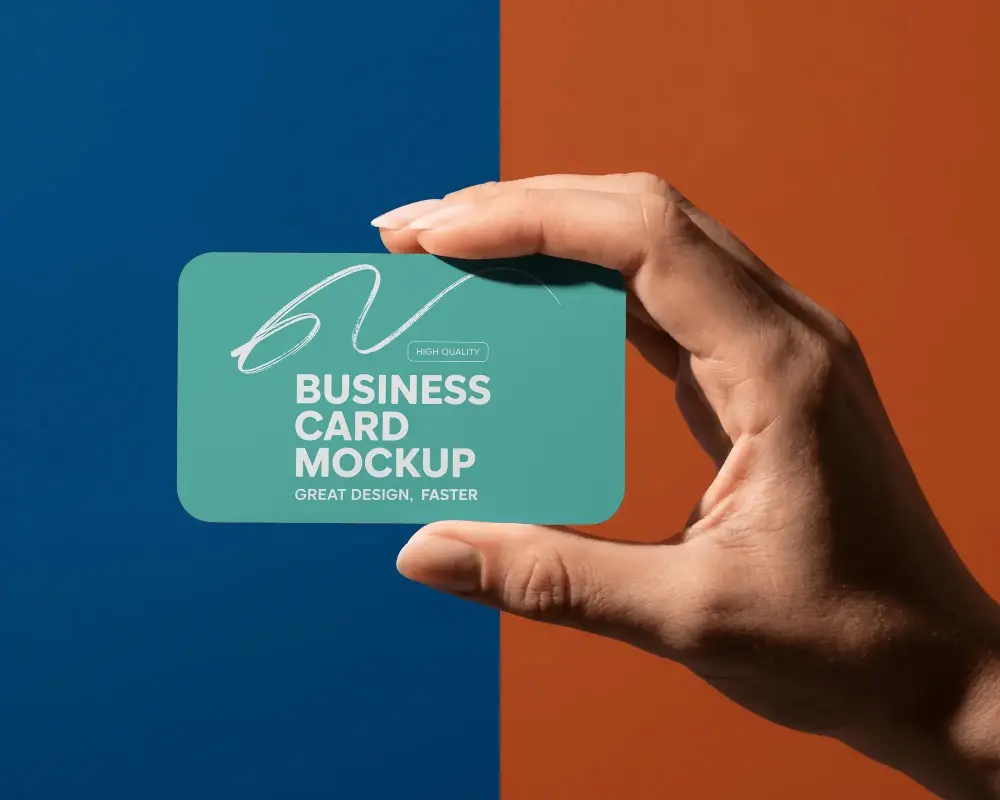
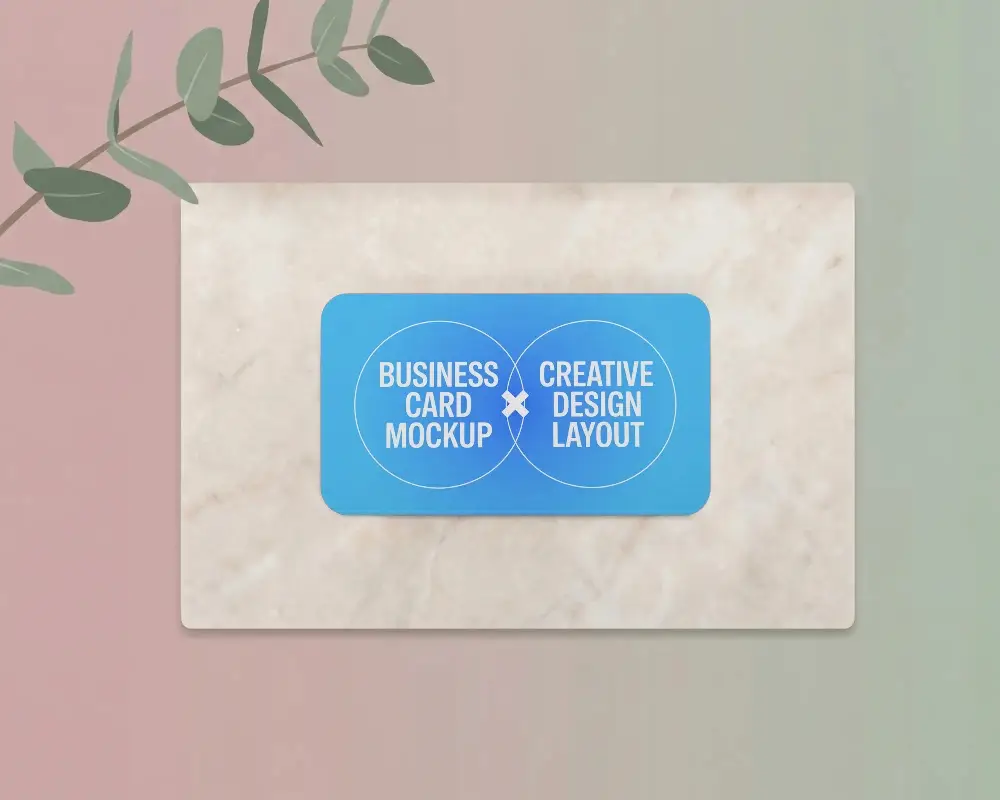
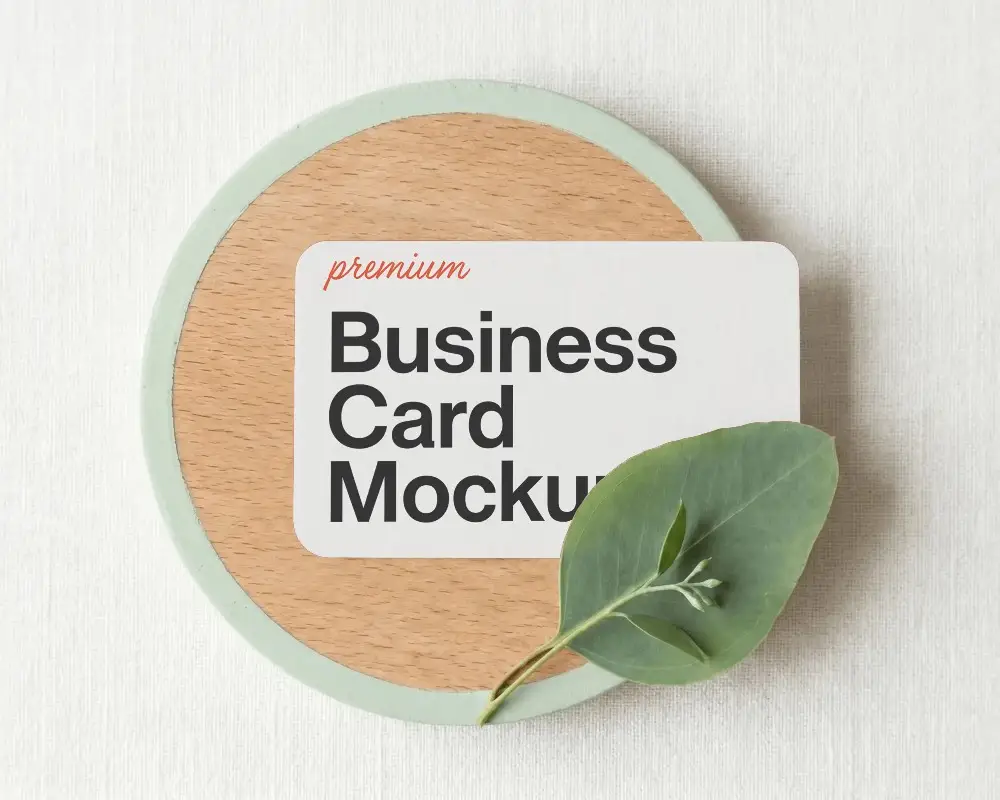
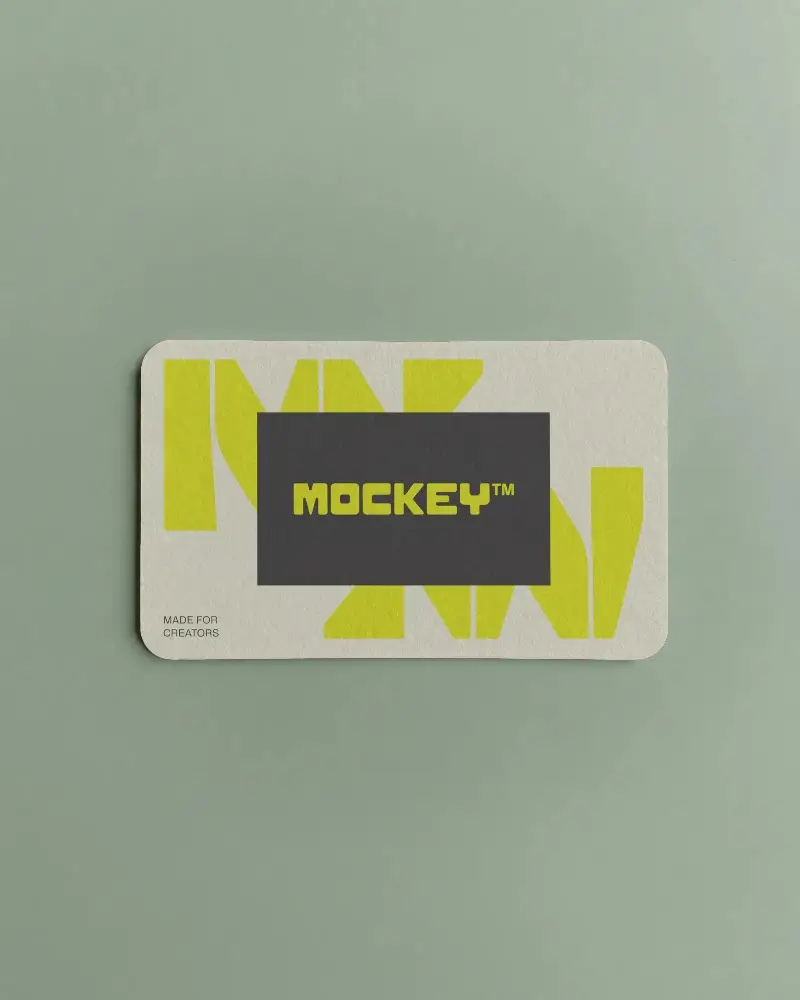
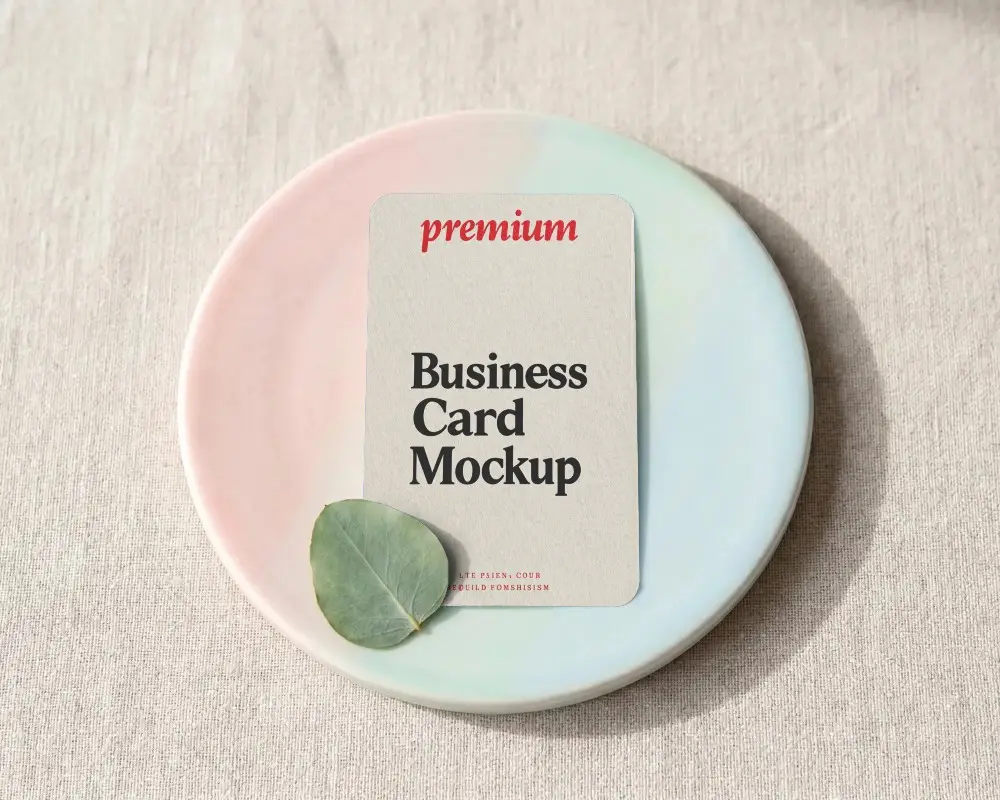

How to Create Rounded Business Card Mockup with Mockey
To create a rounded business card mockup in Mockey AI:
- Step 1: Head to Mockups > Print > Business Card > Rounded and pick a template from the library.
- Step 2: On the next page, click Upload Design to add your design. You can also change the template’s color in the Edit section. If you upgrade to the Creator Plan, you’ll get access to AI Photoshoots and Anime tools.
- Step 3: Finally, hit the Download button to save your rounded business card mockup as a PNG or JPEG in various sizes.


FAQs on Rounded Business Card Mockups
What is a Rounded Business Card Mockup?
A rounded business card mockup is a digital template that shows how a business card with rounded corners would look in real life.
Why create a Rounded Business Card mockup?
Make a rounded mockup of a business card to highlight modern design, improve customer feedback, and set your business apart with an elegant, modern look.
Why Use Mockey’s Rounded Business Card Mockup?
Use Mockey's rounded business card mockup for versatility, simplicity of use, and ability to boost design presentation with a modern, clean look.
Is this Rounded Business Card Mockup Free?
Yes, Mockey AI lets you create, customize, and download rounded business mockups for free.
Can I download high-resolution Rounded Business Card Mockups from Mockey?
Download the rounded business card mockup as a PNG file to obtain a high-quality image.
What file formats can I download my Rounded Business Card Mockup in?
You can download your rounded business card mockups from Mockey AI in JPEG or PNG format for easy sharing and use.
Can I use Rounded Business Card Mockups for commercial projects?
Mockey AI offers rounded business card mockups suitable for both commercial and personal use.
