Invitation Mockups for Events, Weddings & Brand Previews
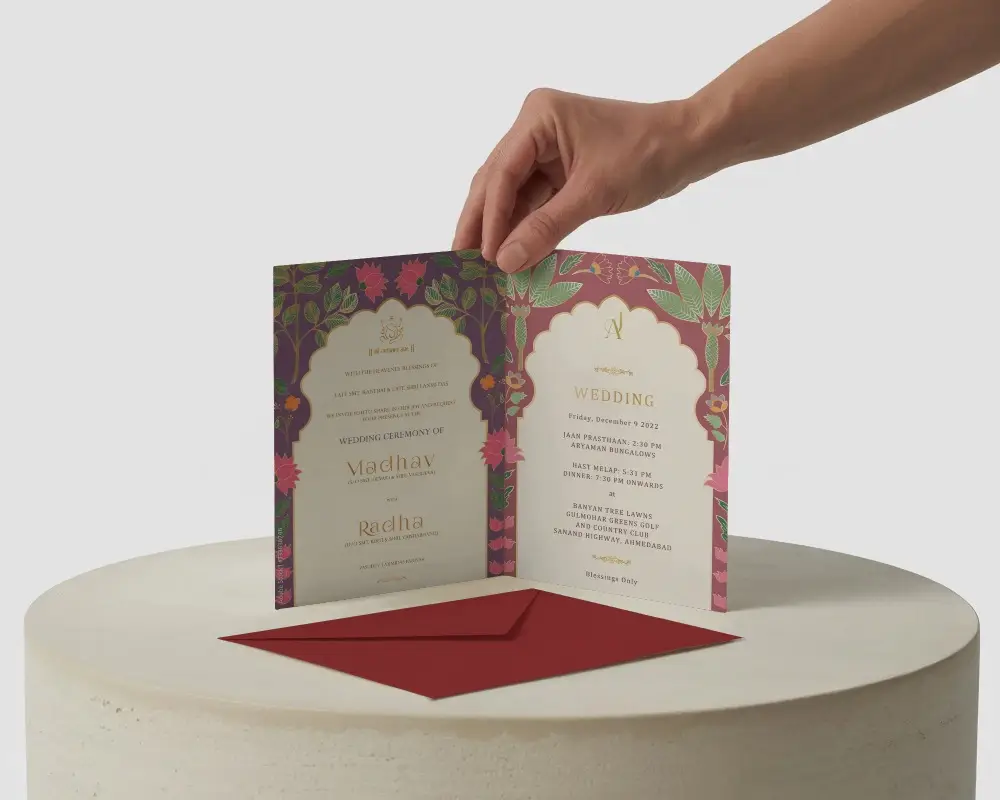
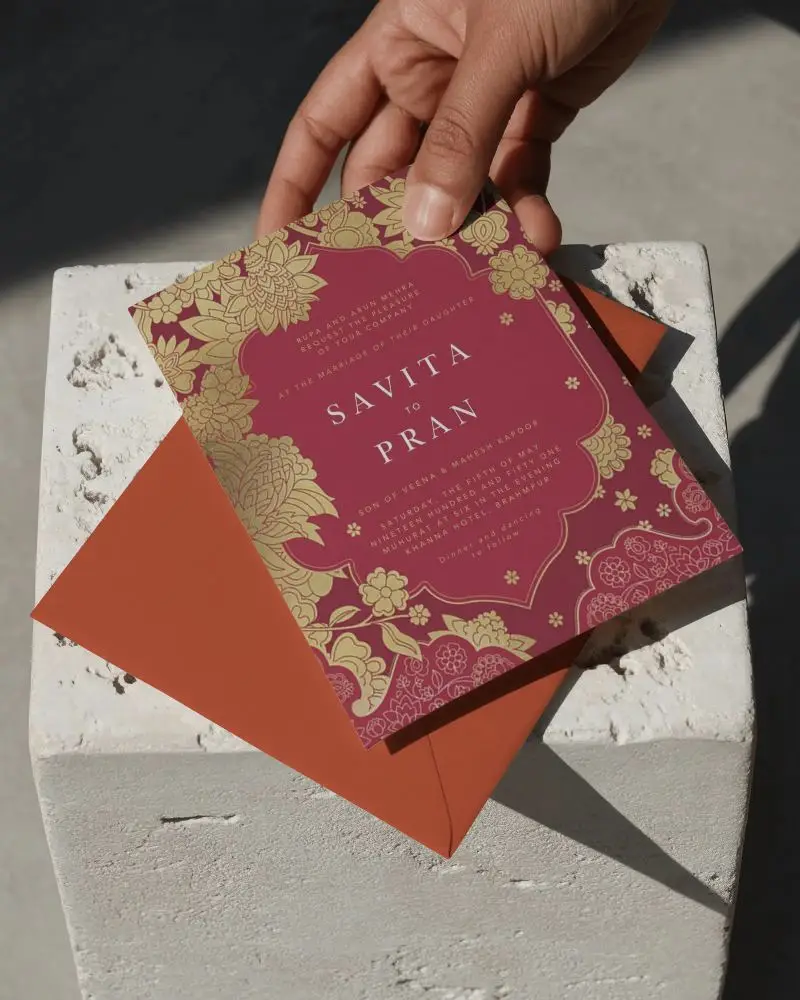
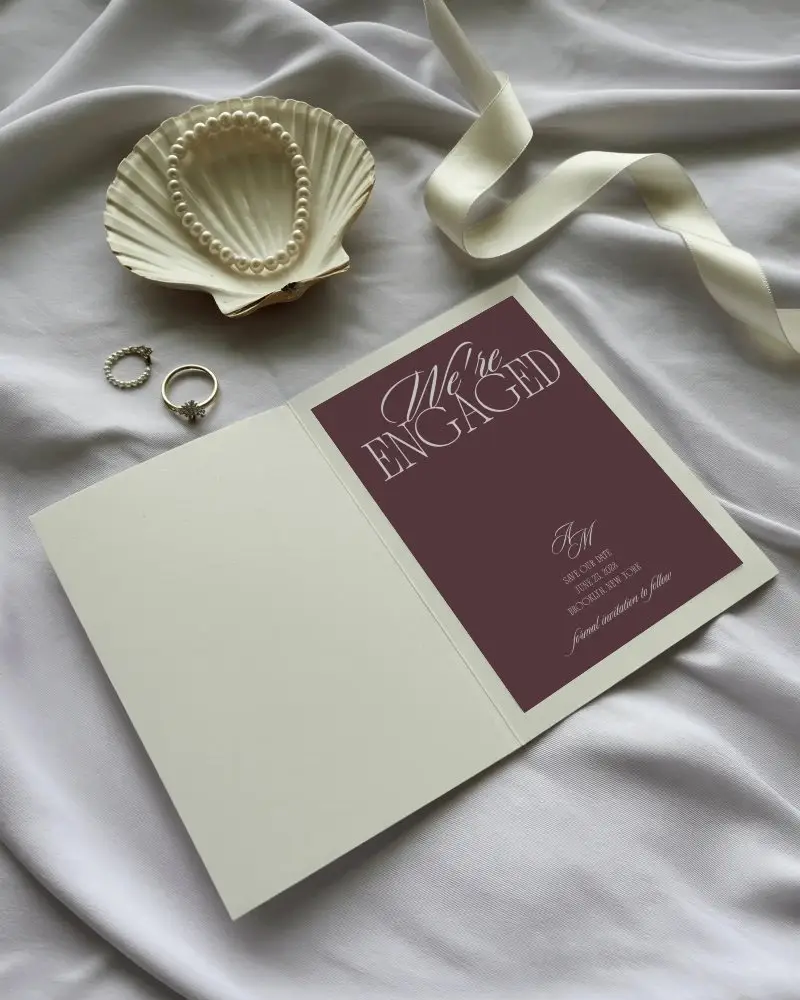
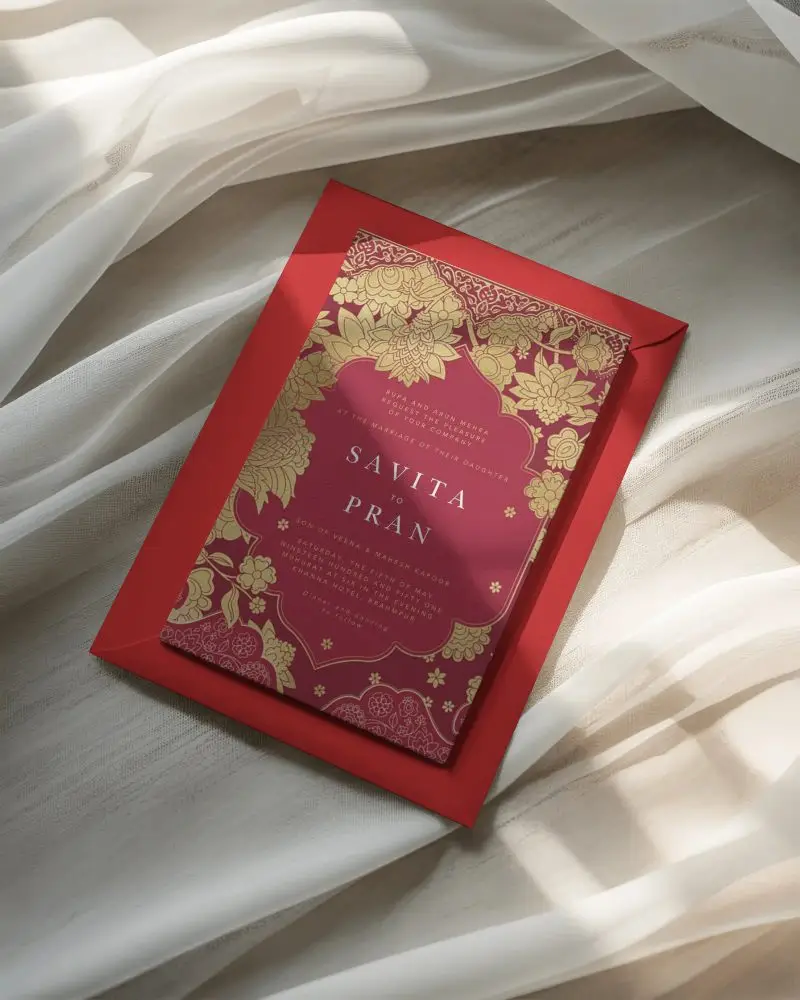
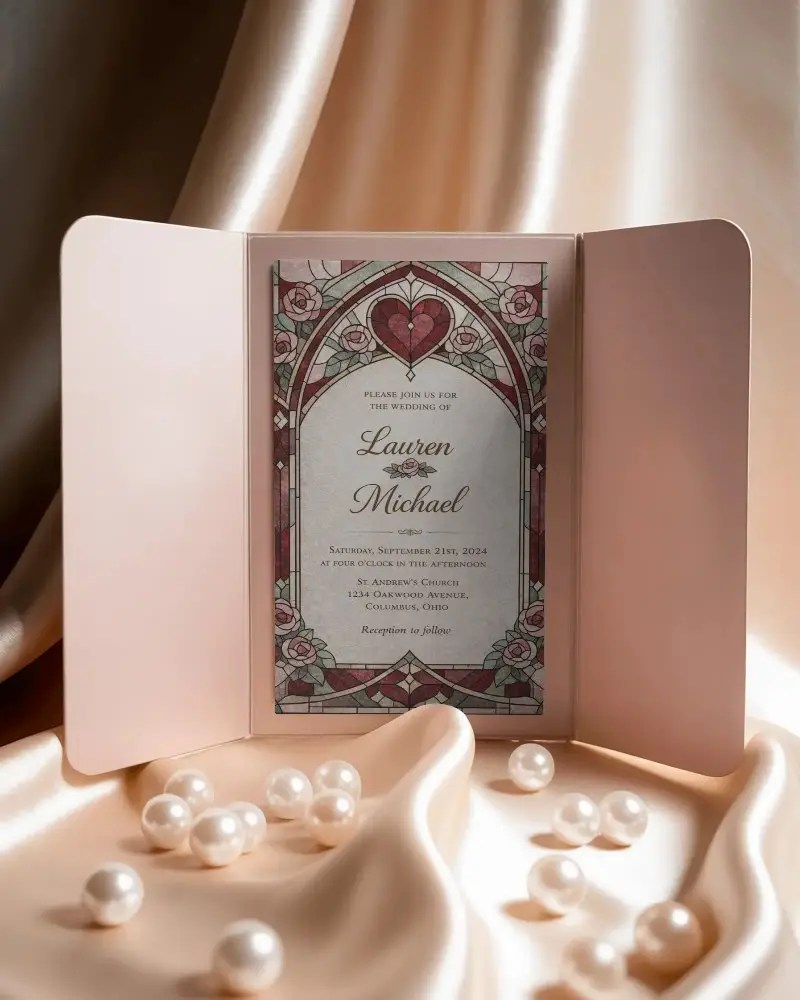
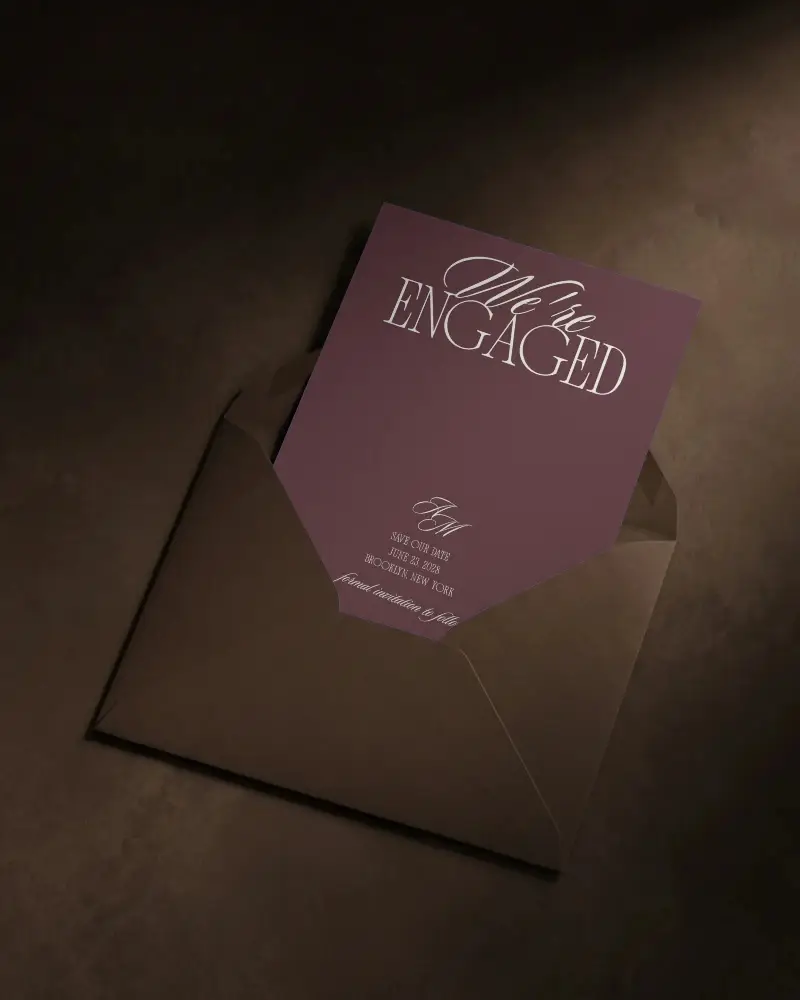
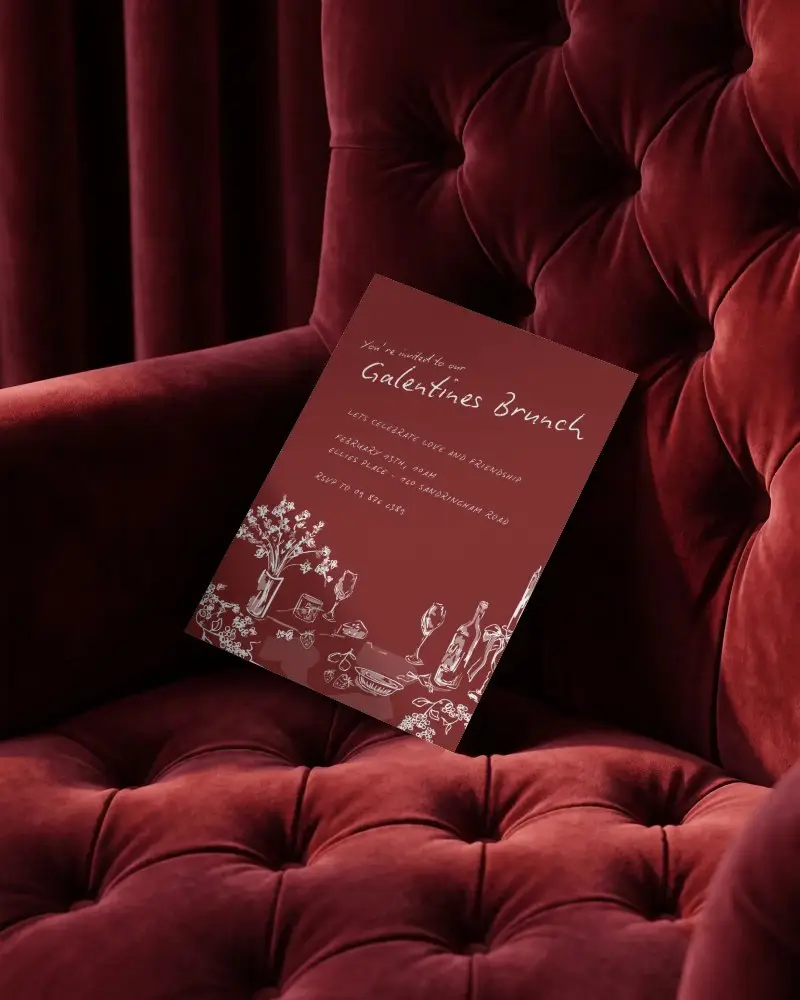
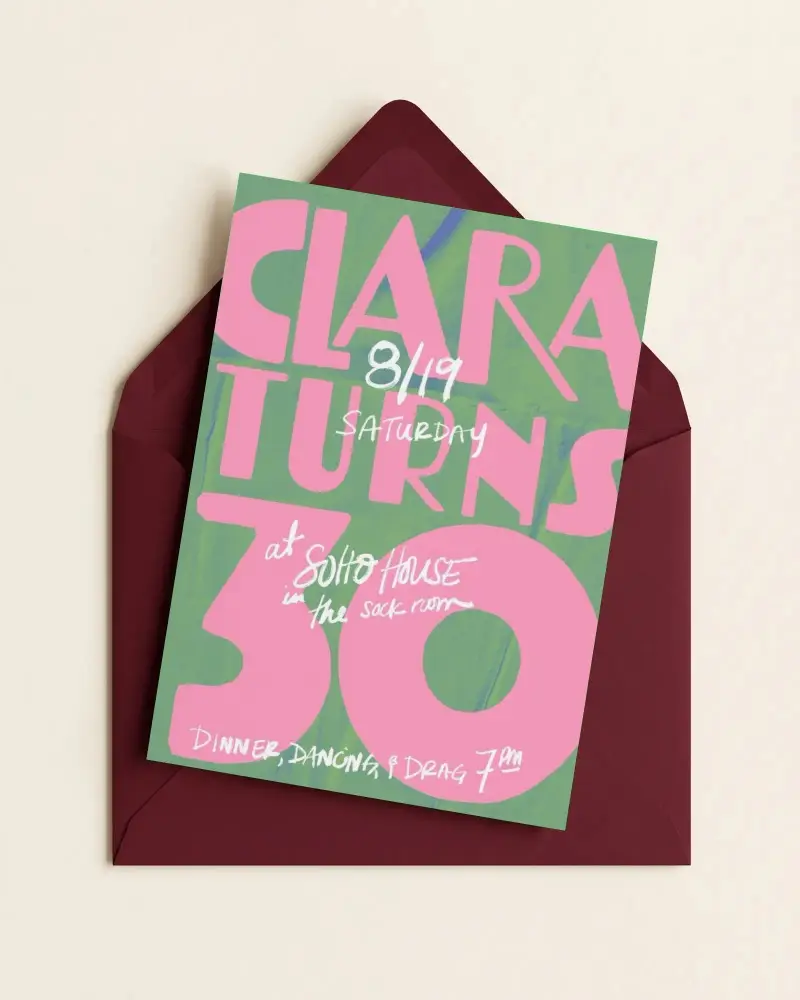
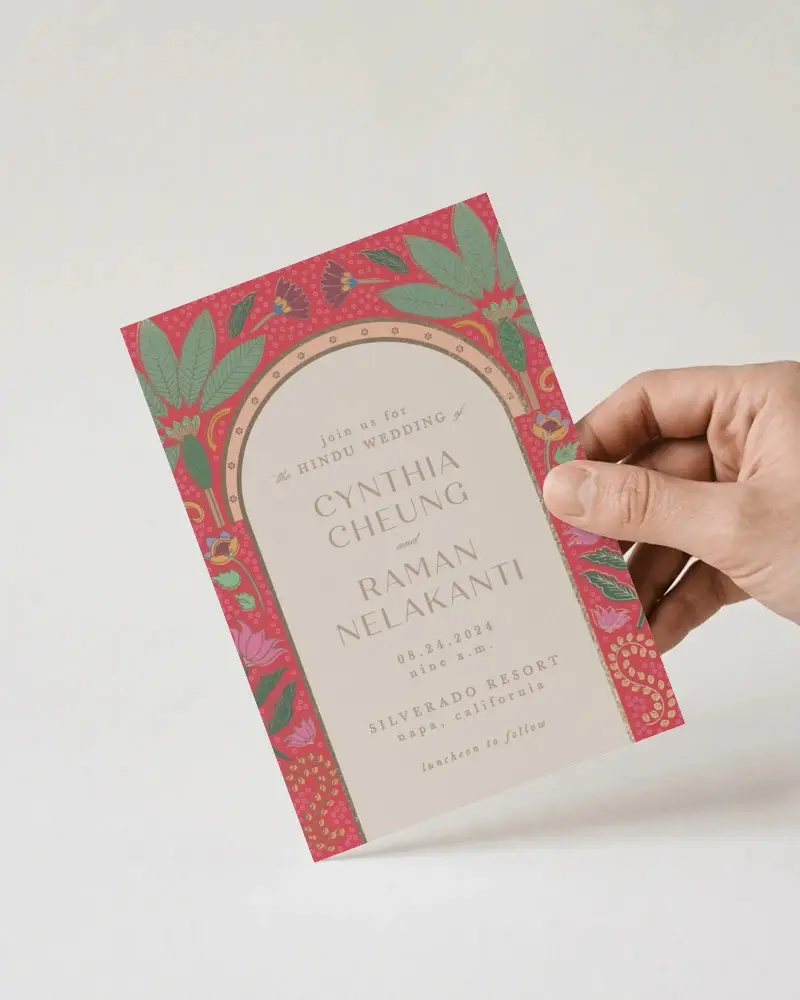
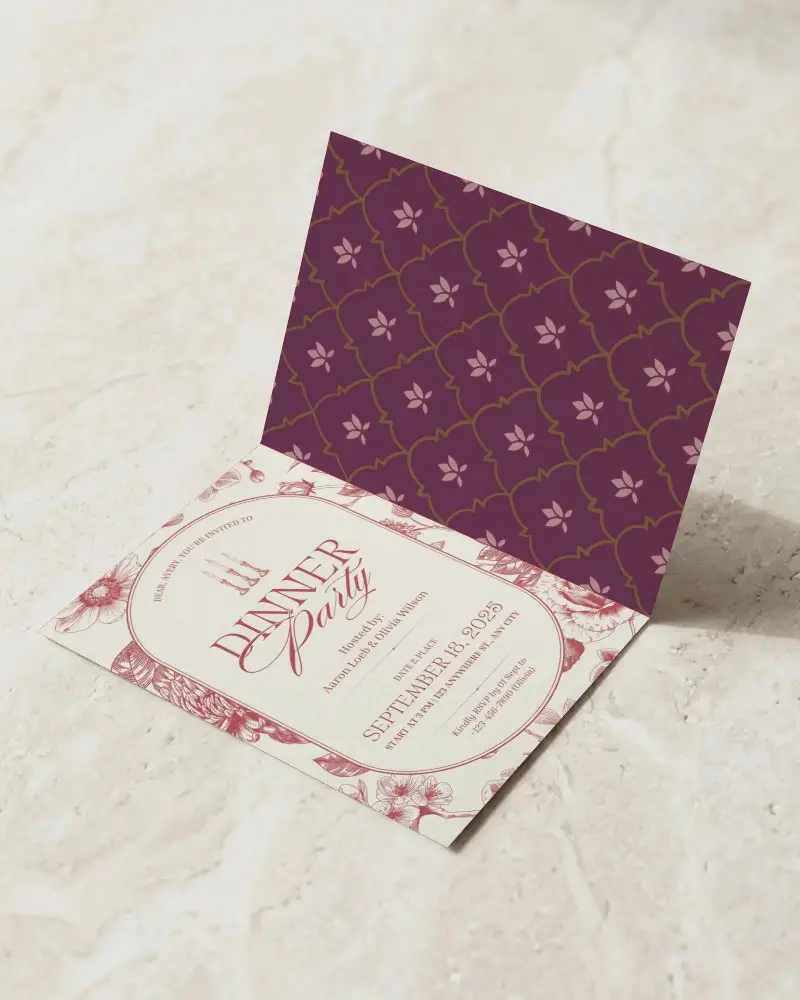
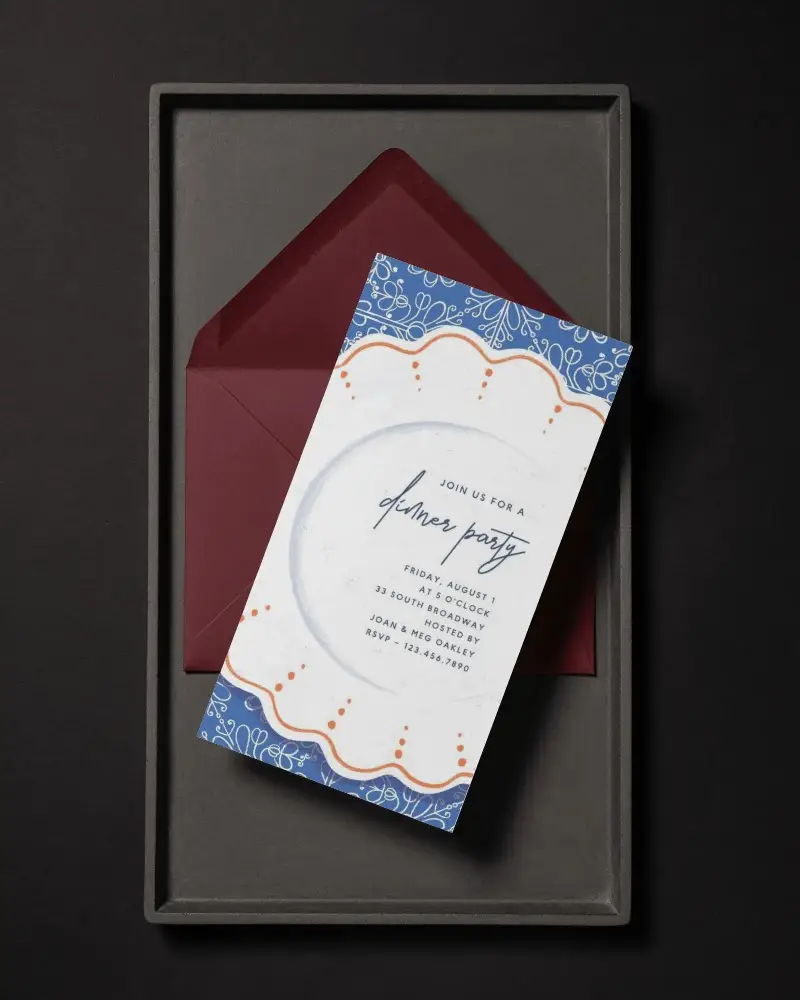
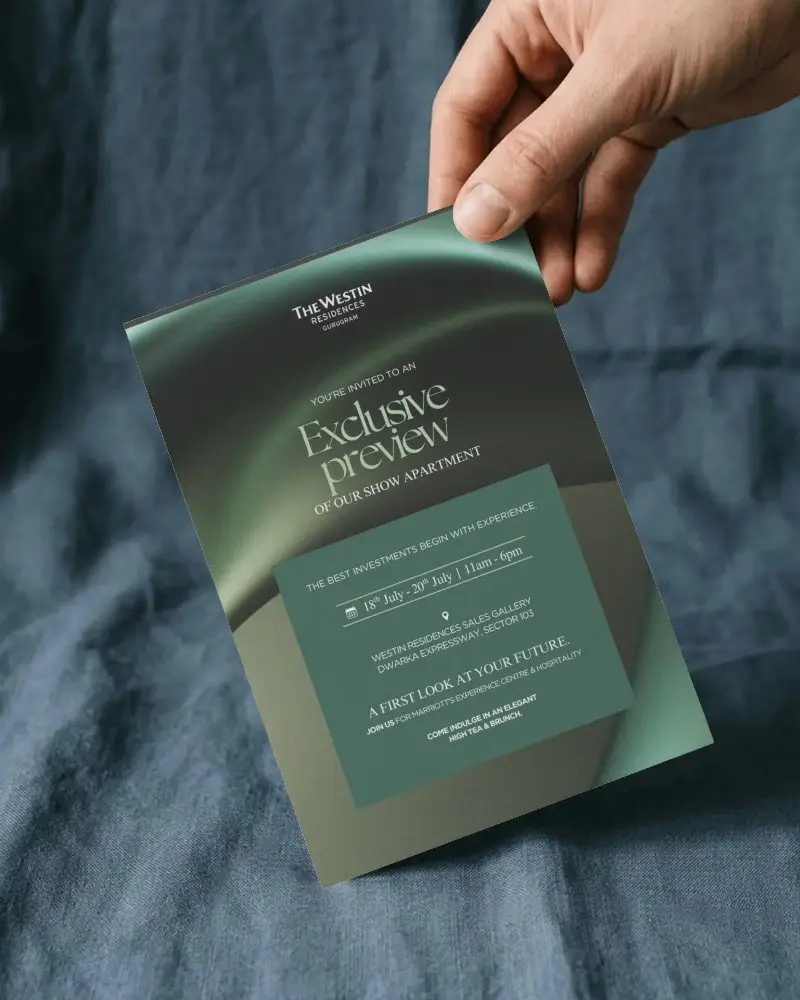
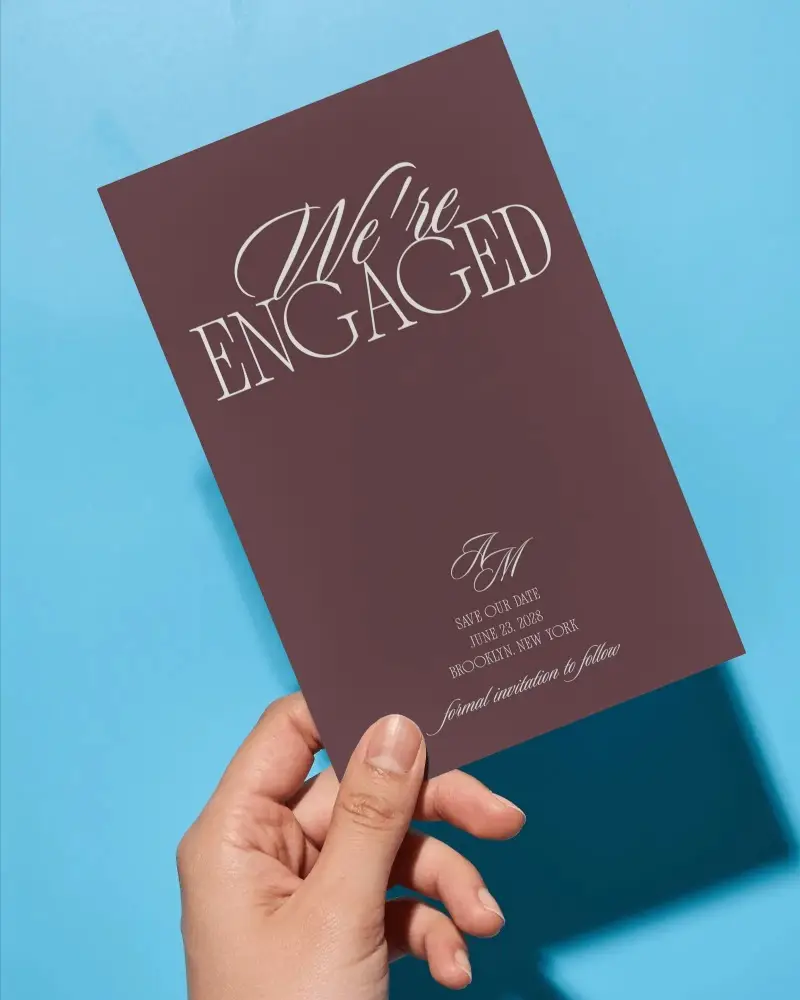
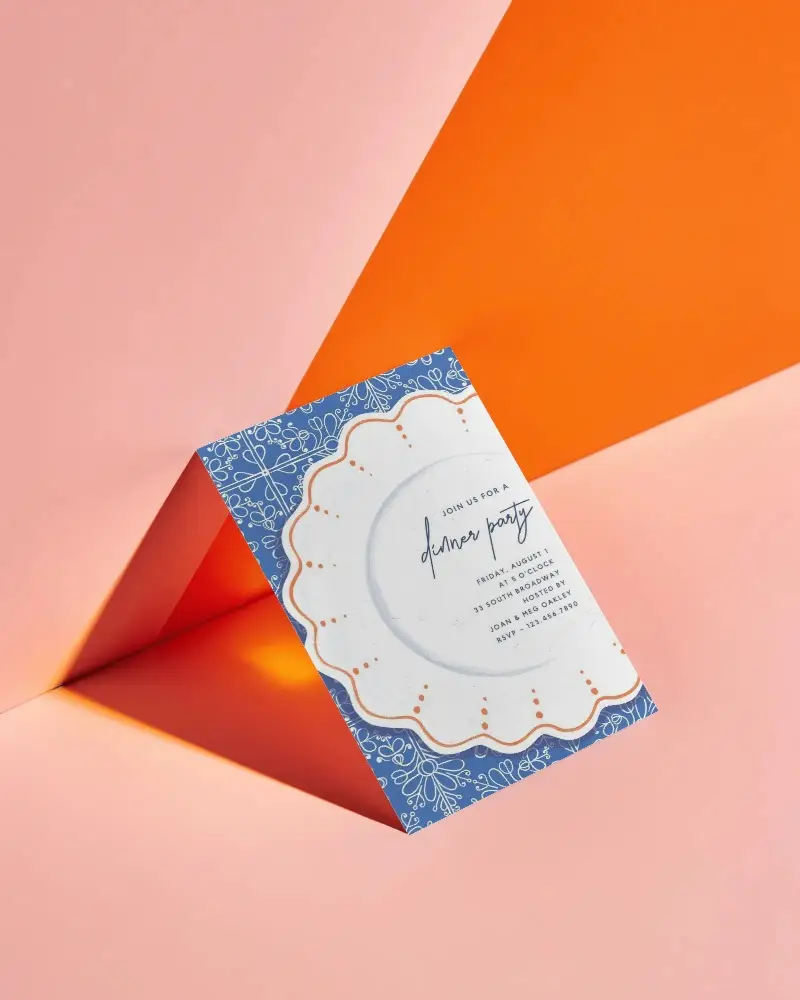
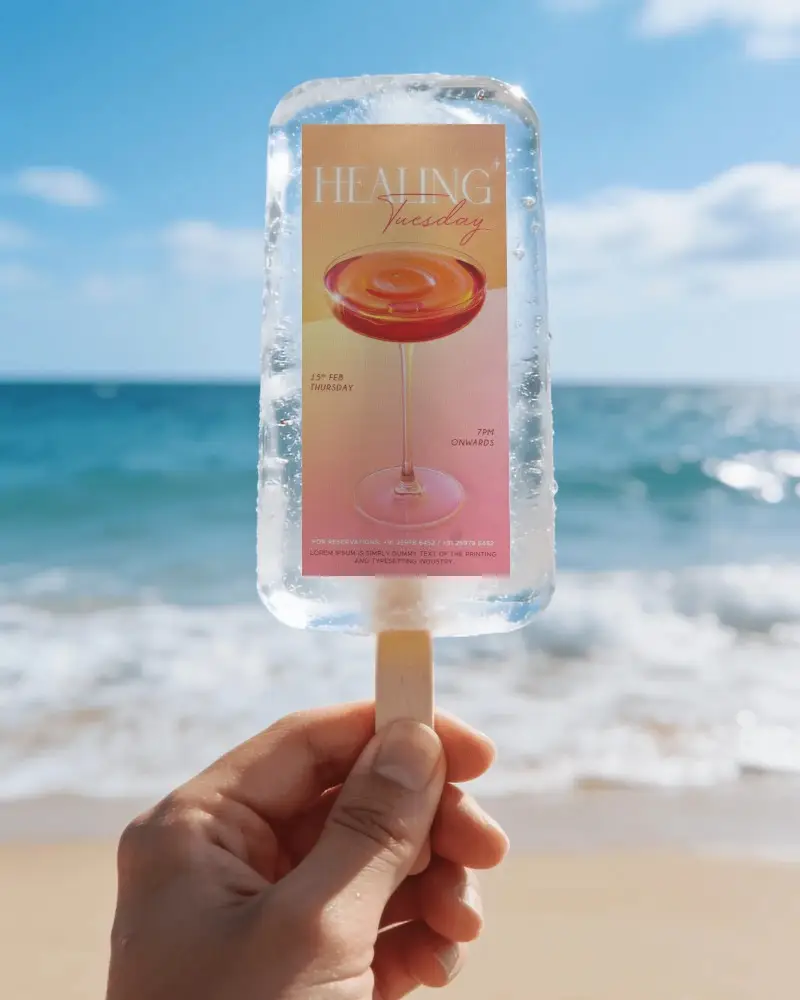
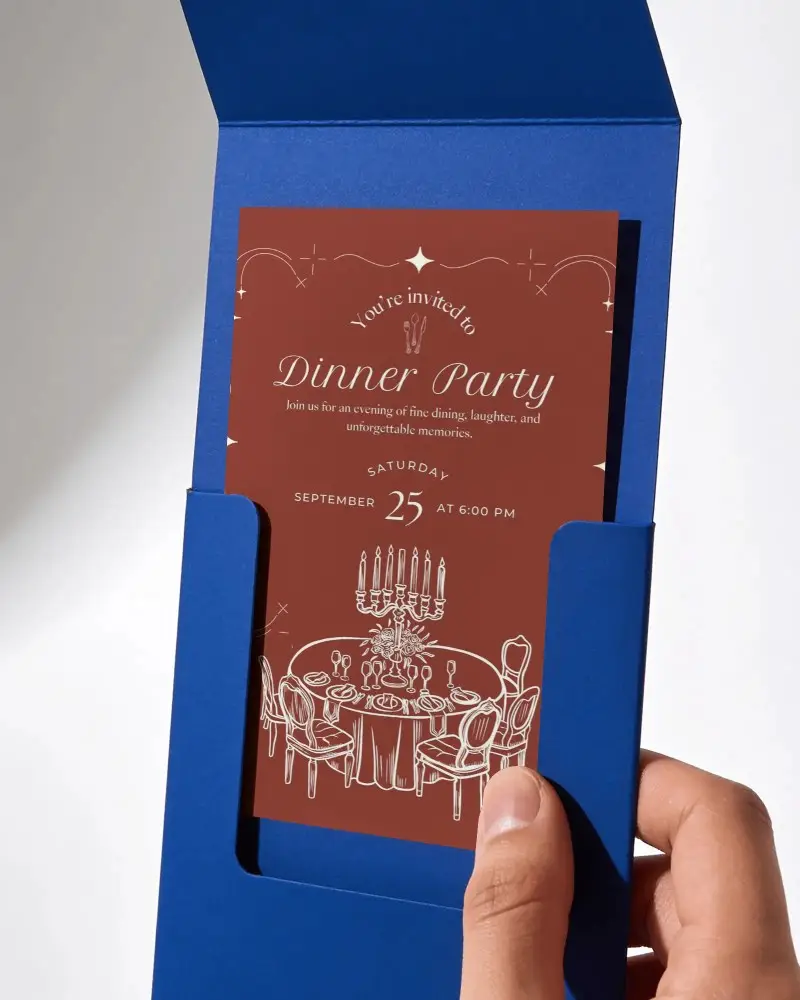
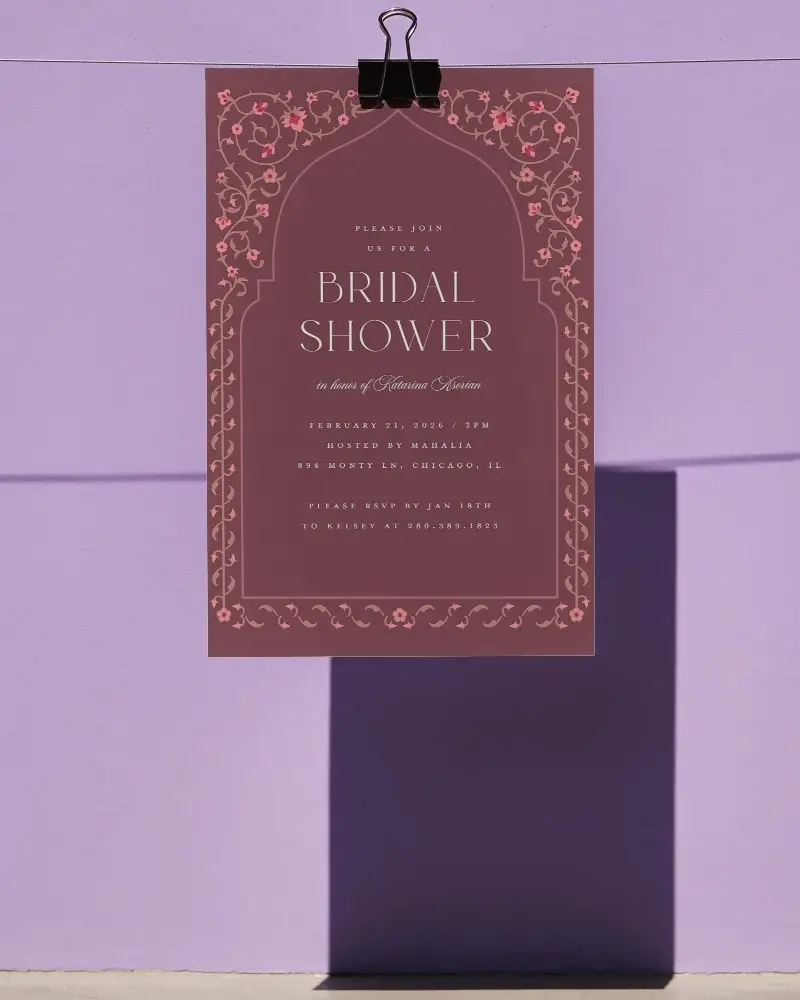
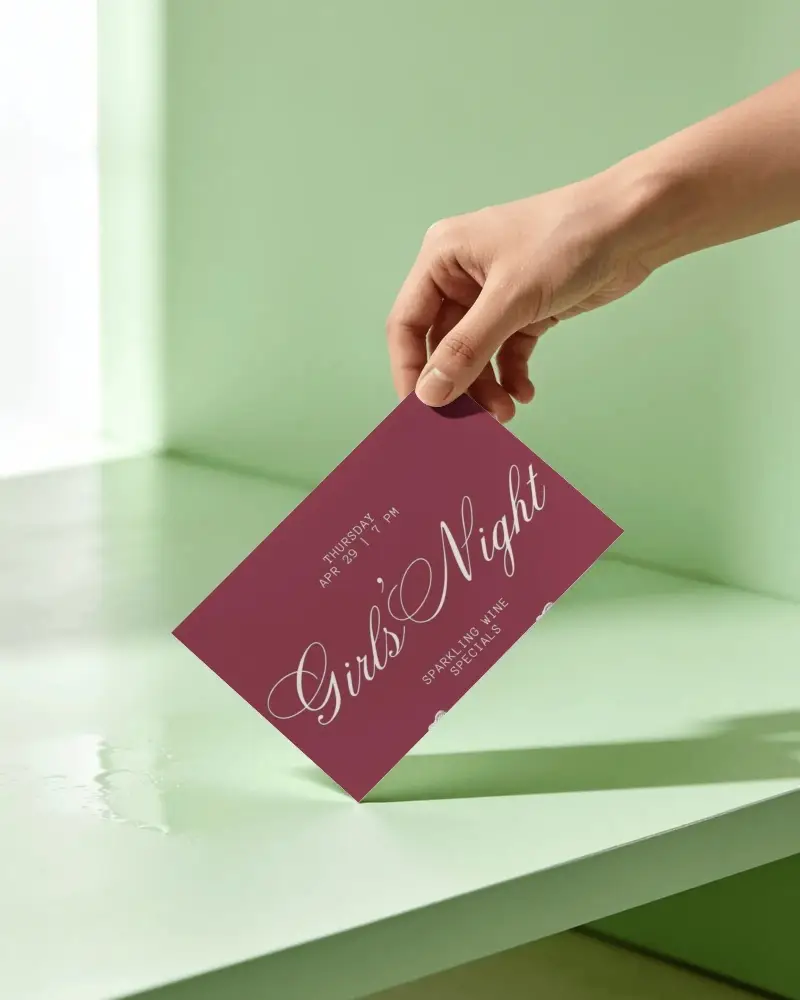
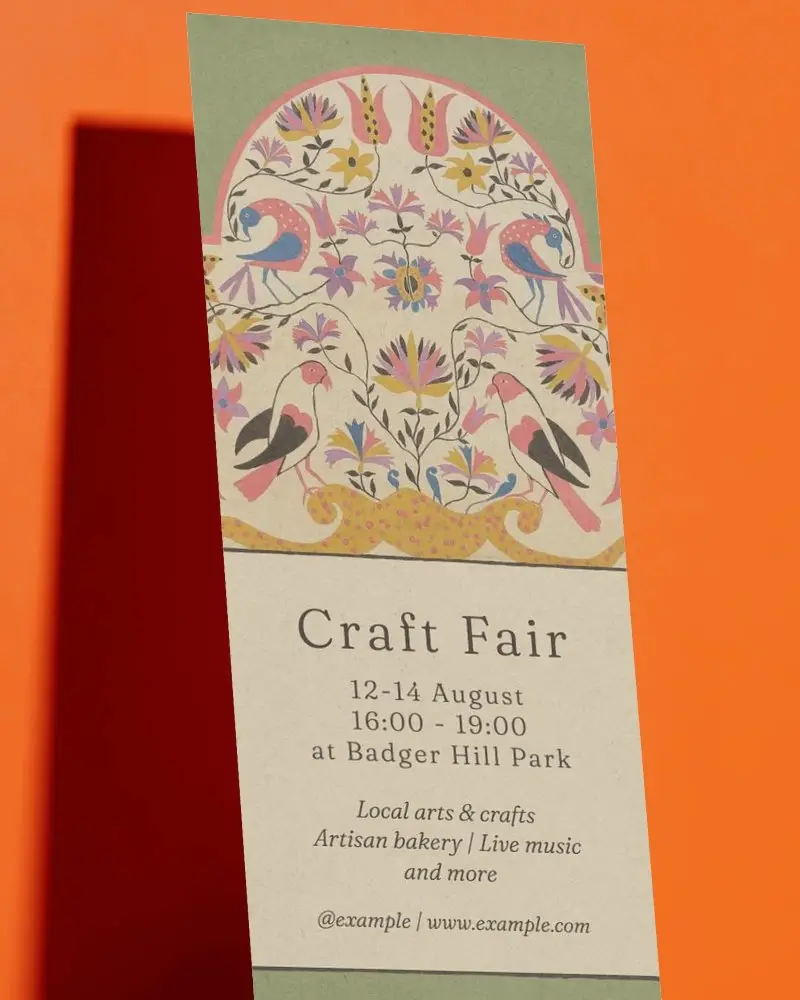
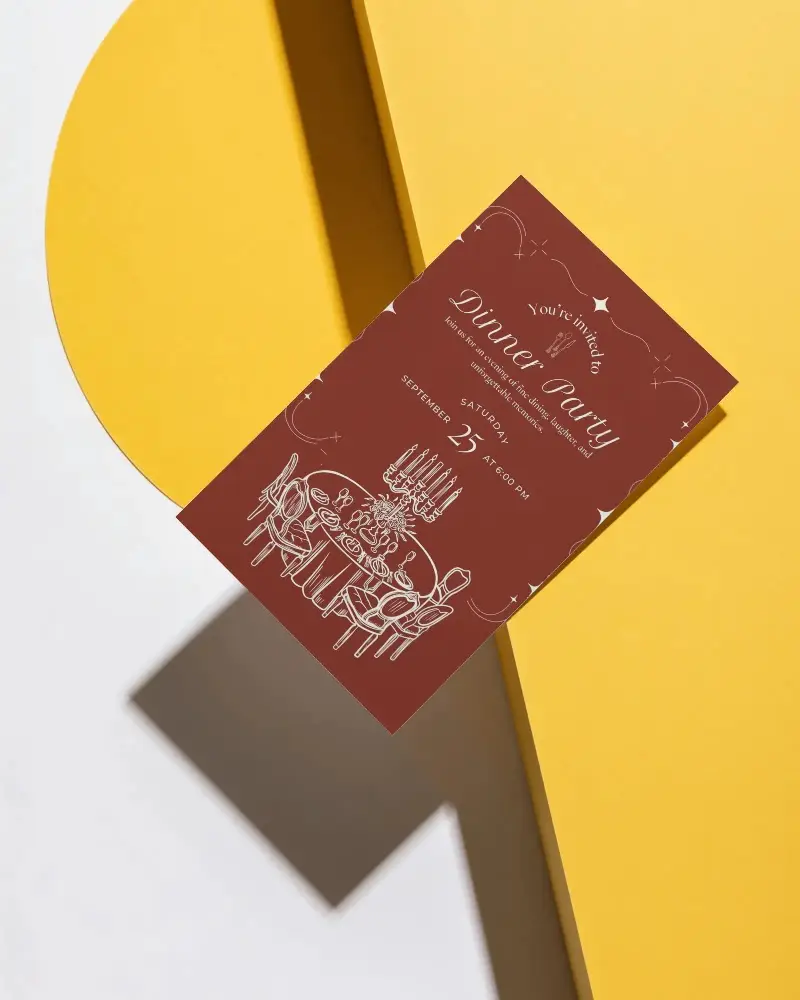
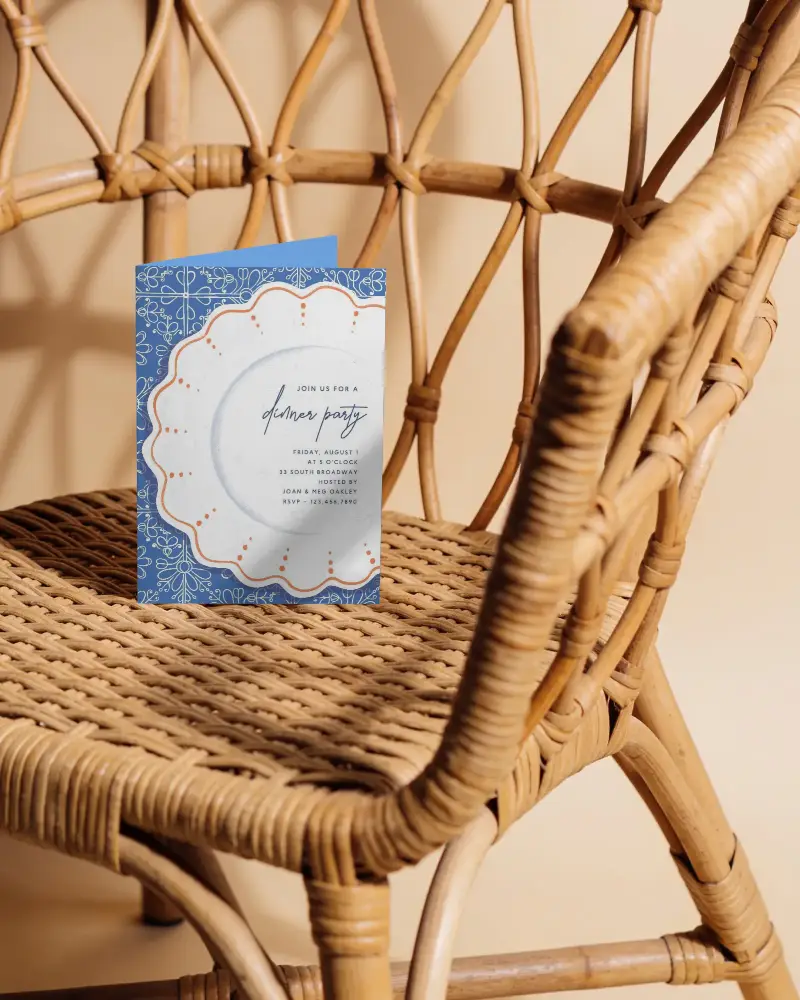
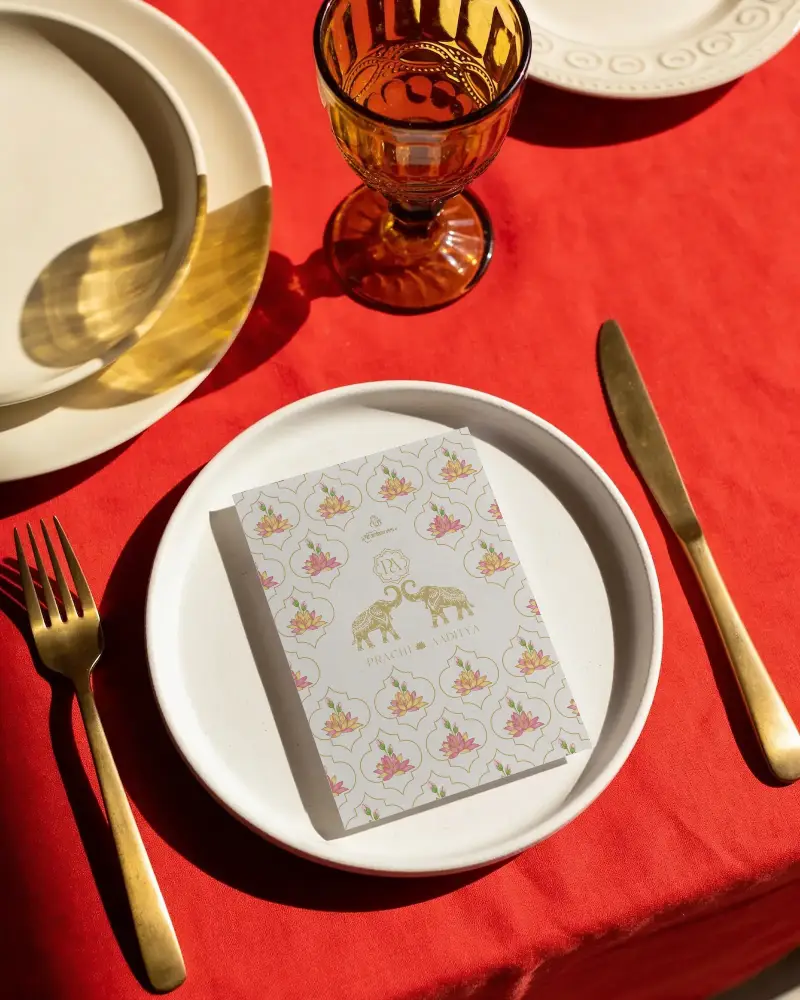
Free invitation mockup options make it easier to preview your design on realistic invitation cards. Whether it's a wedding invitation, party invite, or event card, you can see how everything looks before final use. Test different styles on Mockey AI and adjust your design until it feels right.





How to Create an Invitation Mockup with Mockey?
To create an invitation mockup:
- Step 1: Pick an invitation template from the library, whether for a wedding, event, or birthday.
- Step 2: Upload your design. Edit colors or convert it into an animation.
- Step 3: Preview your mockup. Download it in PNG or JPG, with three size options.


FAQs on invitation-card Mockups
What is an invitation mockup?
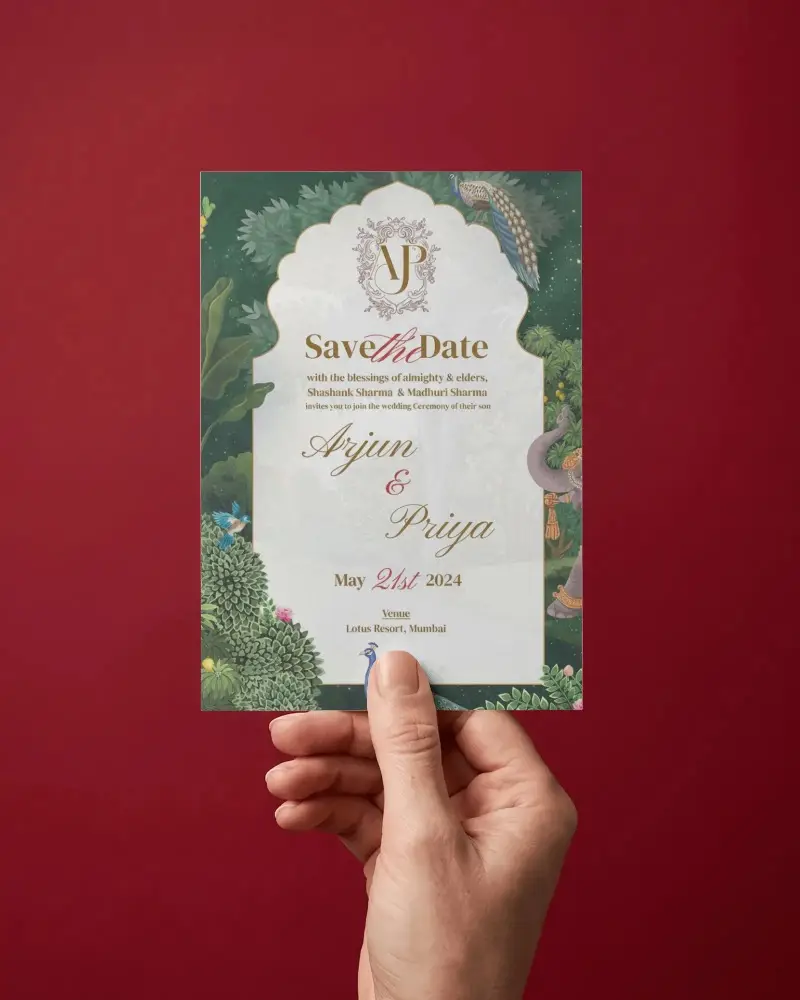
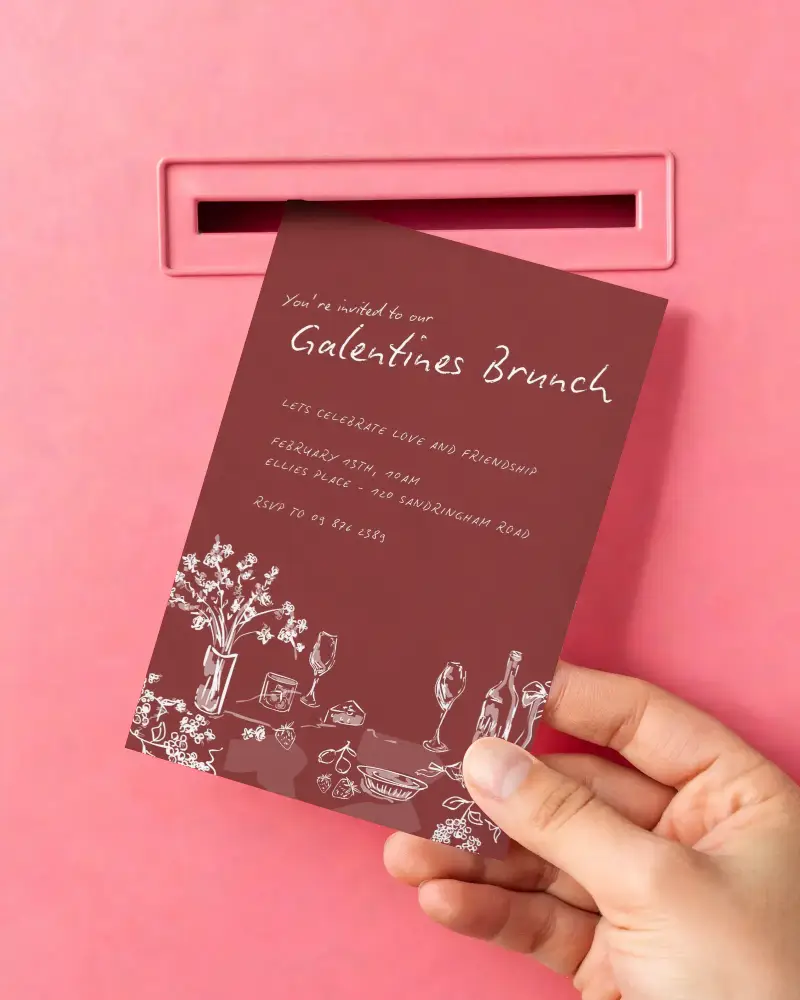
An invitation mockup is a template of different invitations, like wedding, event, birthday, and even a hand holding it. Use a mockup generator to upload designs and personalize them.
Can I use invitation mockups for weddings or events?
You can use an invitation mockup for weddings, events, birthdays, or even corporate gatherings. It helps reduce printing costs and gives you a preview before final printing.
Can I download my invitation mockup?
You can download invitation mockups from the Mockey platform. You get 3 downloads per day, and the output is in JPG format without any watermark.
What types of designs can I test with a free invitation mockup?
You can test any type of design, like a wedding, birthday party, hand-holding, or corporate event, using the free invitation mockup.
Will my free invitation mockup have a watermark?
No, Mockey's free invitation mockups do not have any watermark. The output file is in JPG format.
