Anniversary Invitation Card Mockup Templates
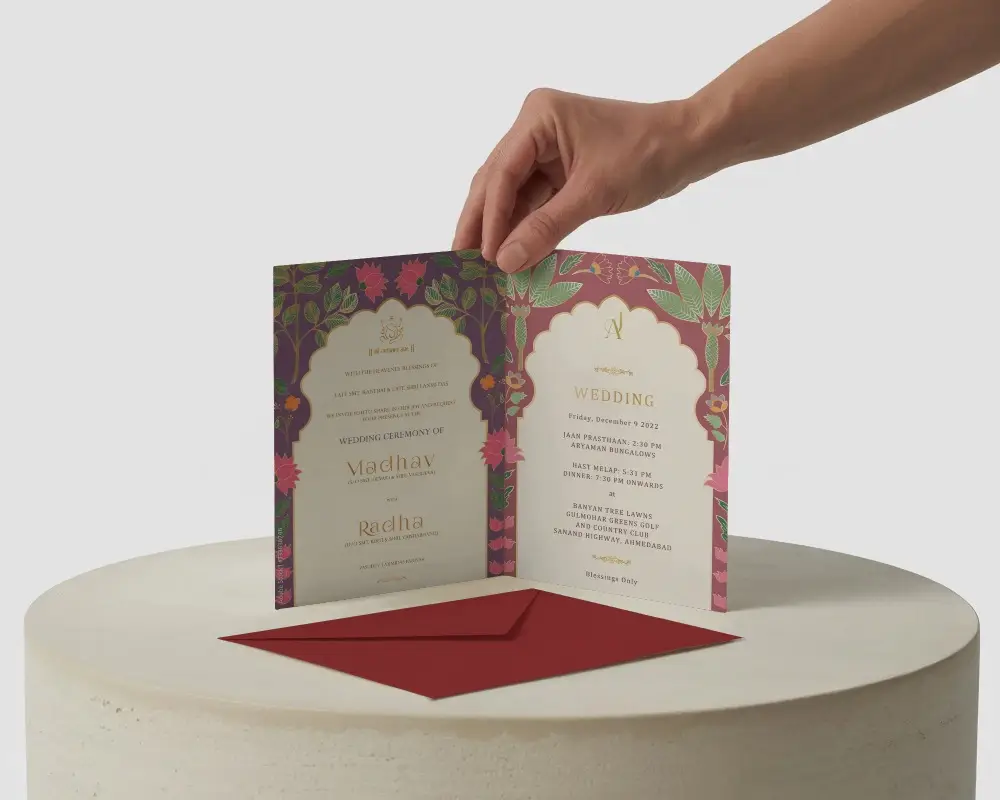
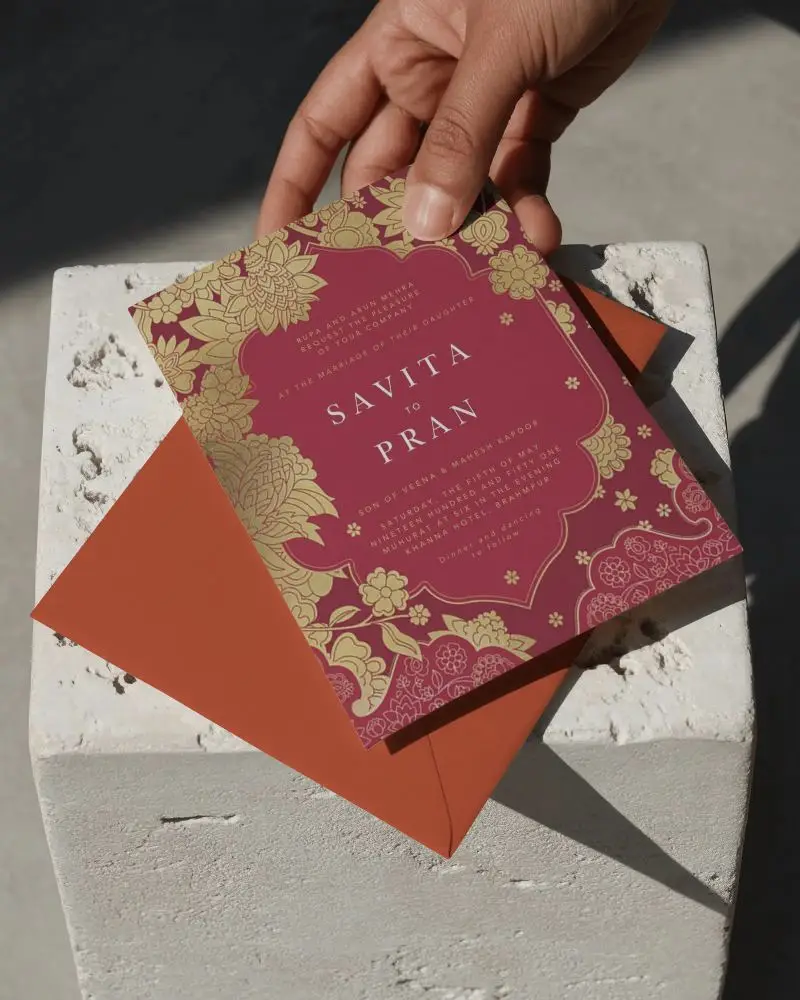
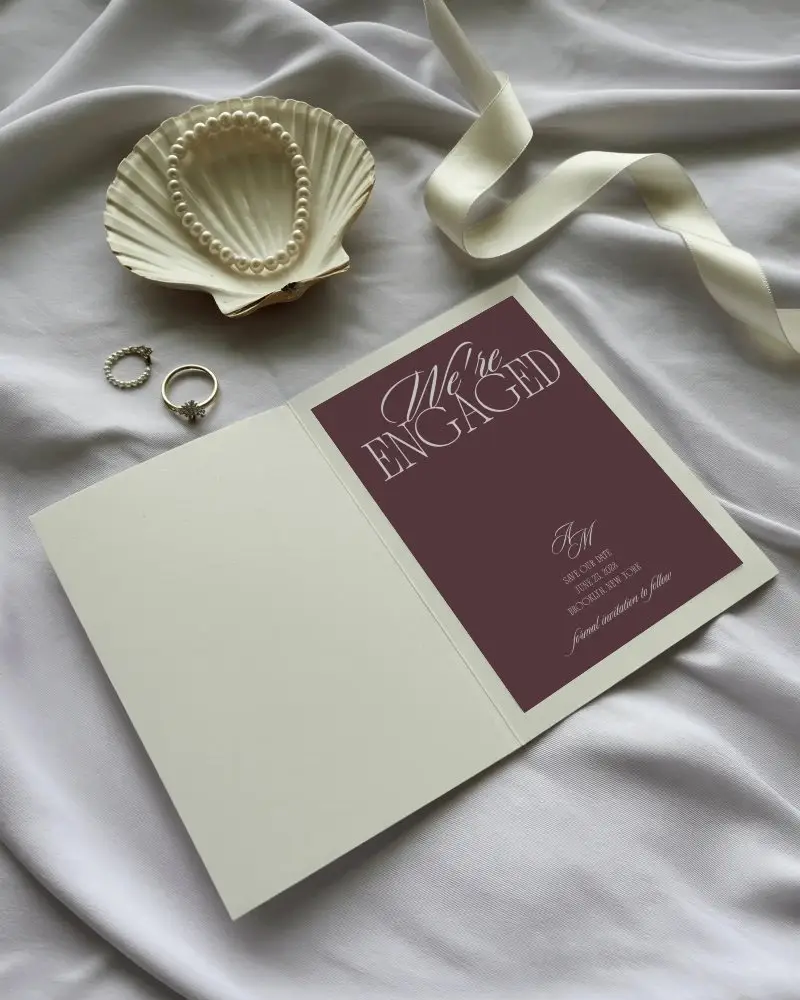
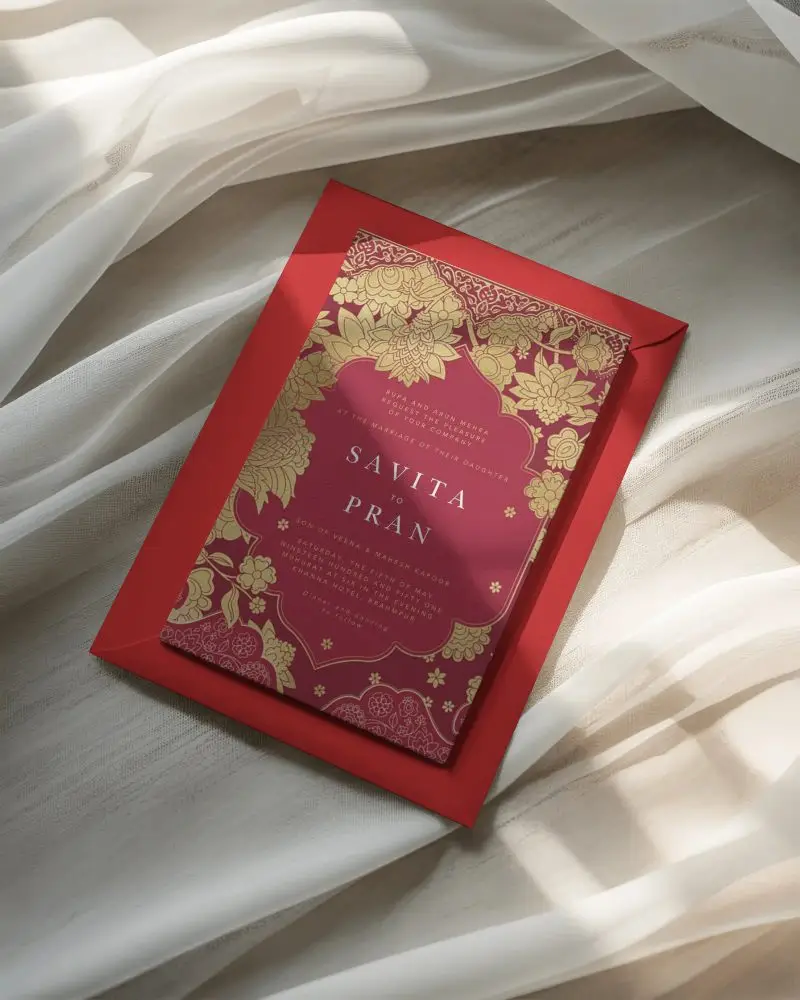
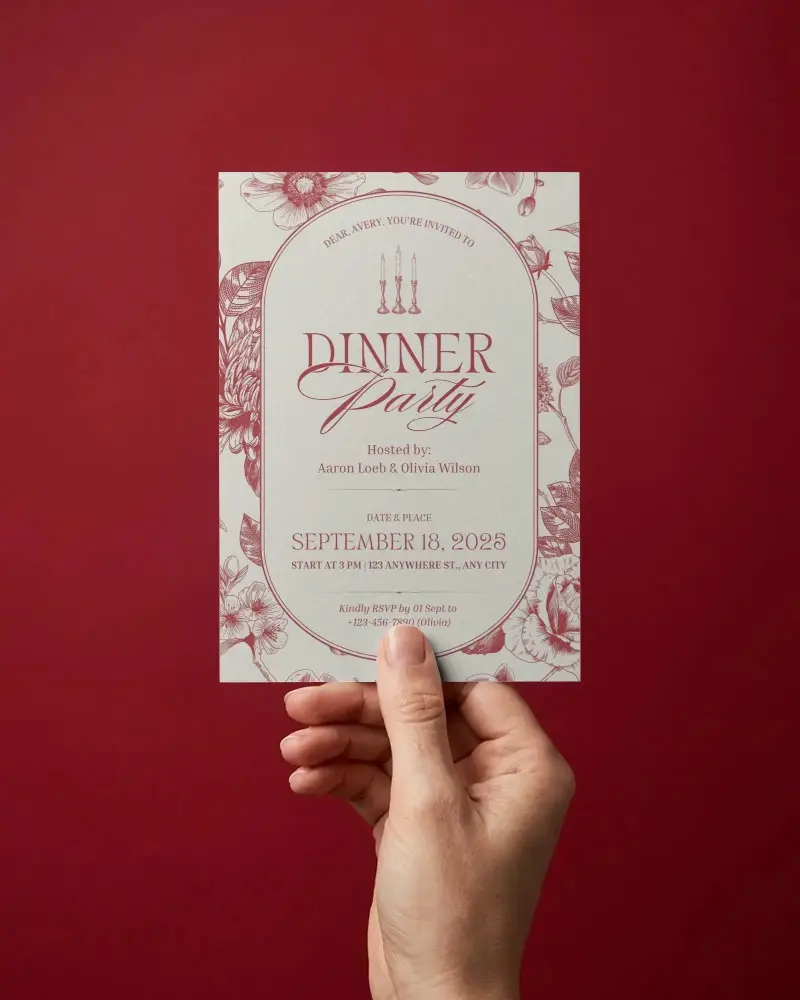
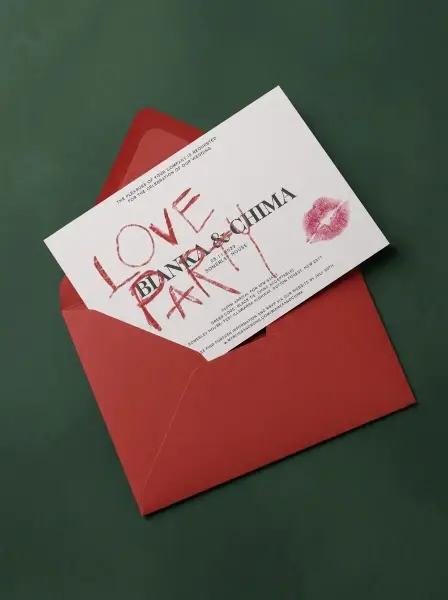
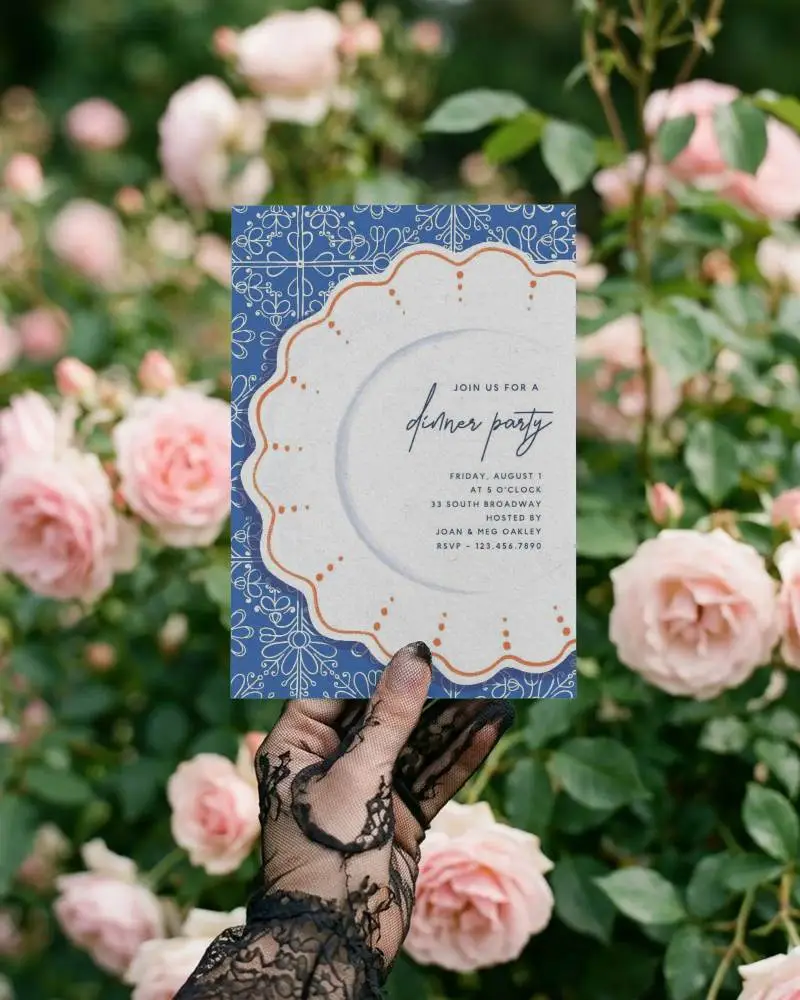
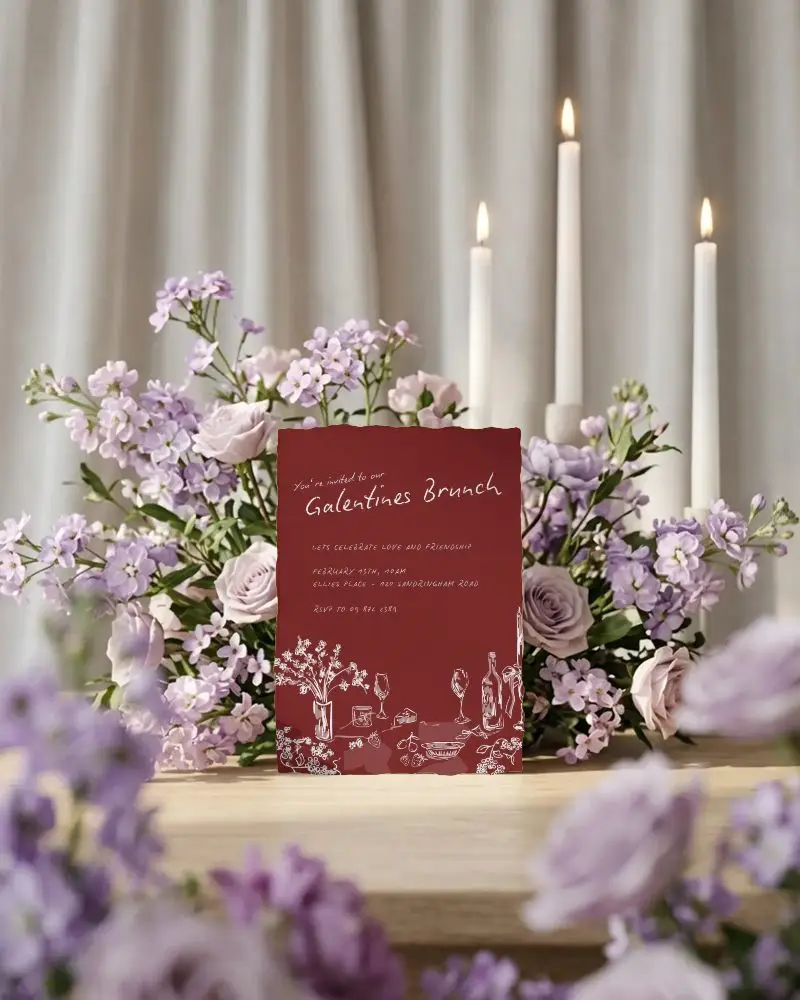
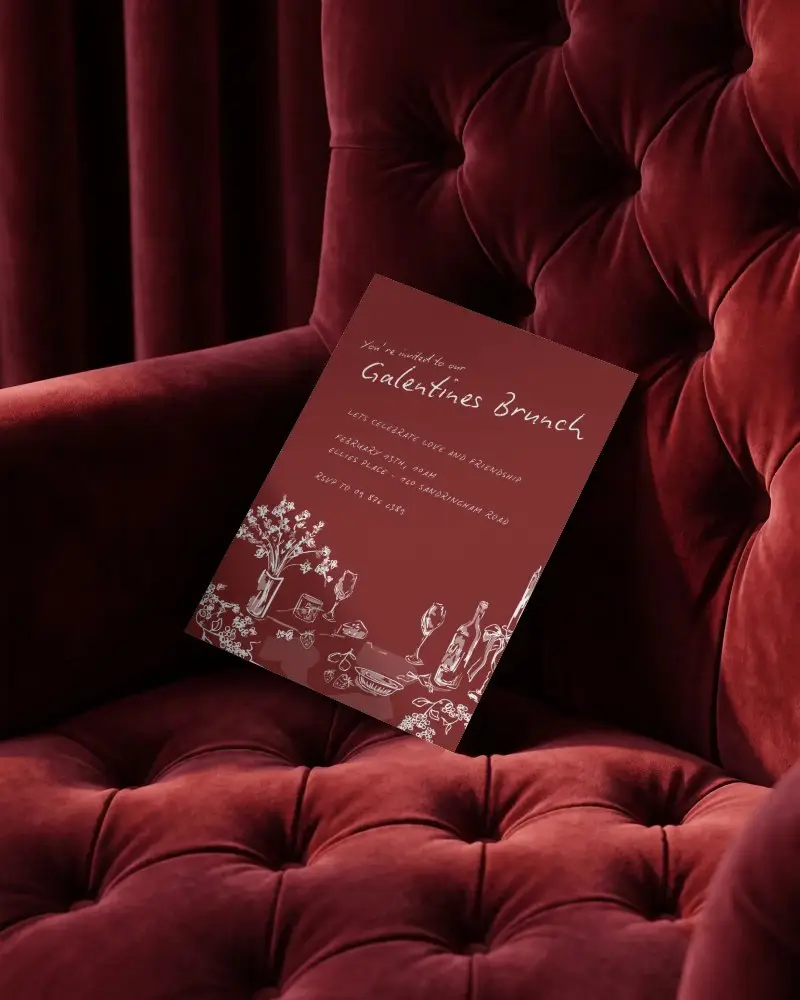
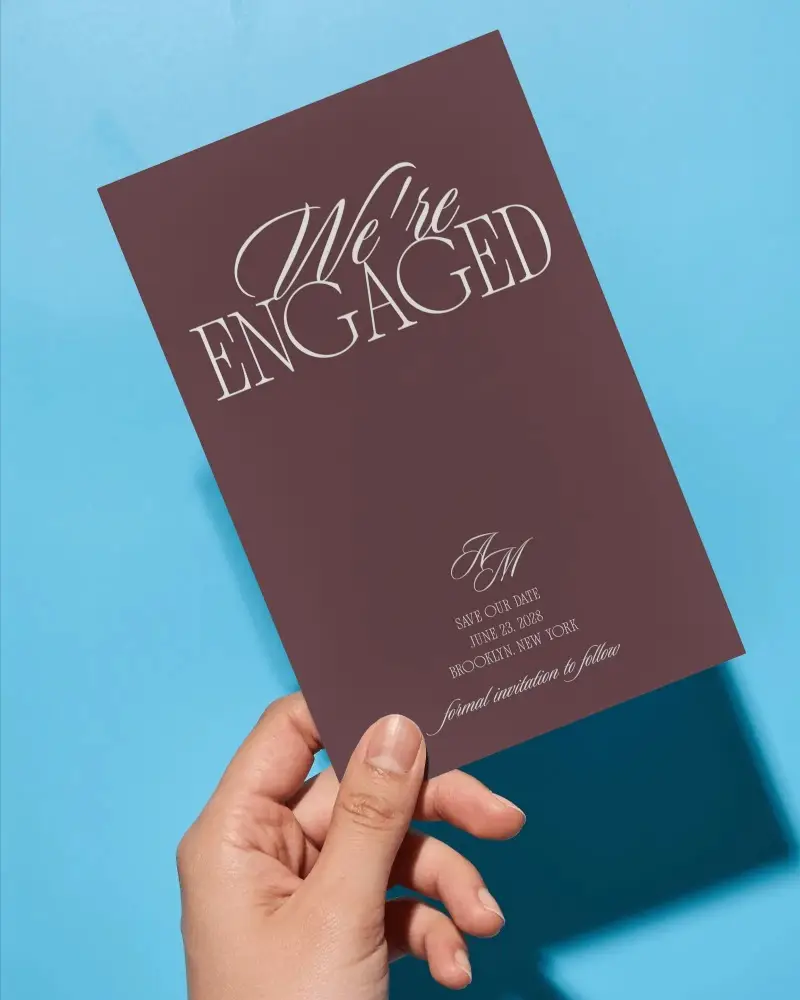
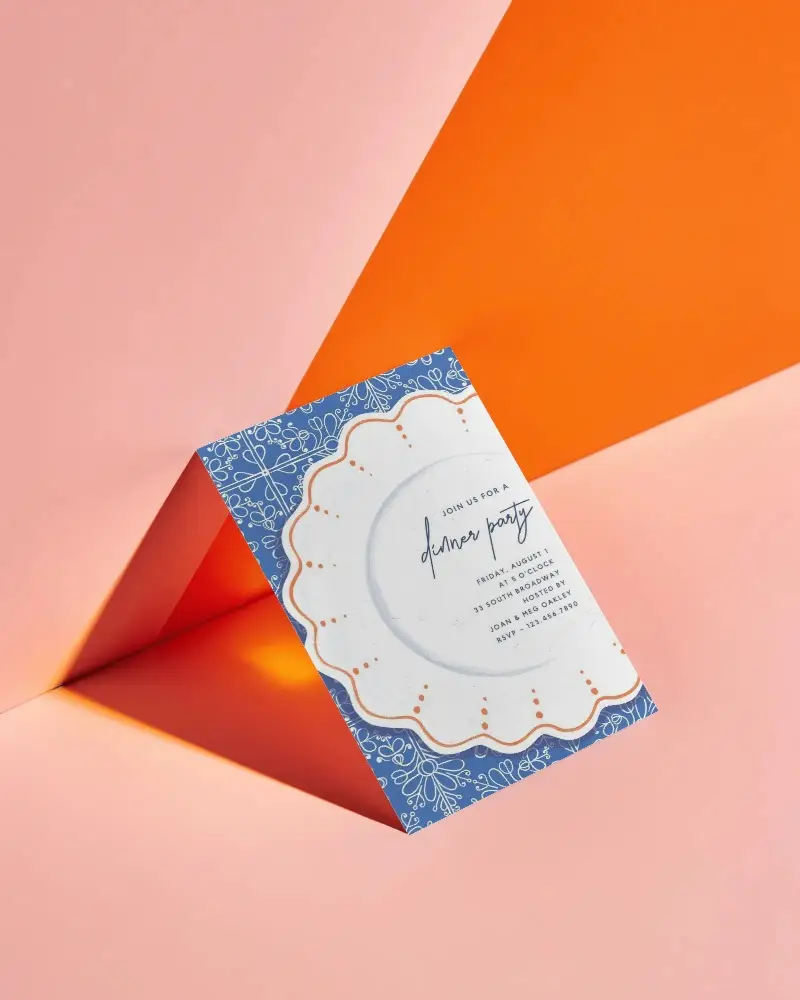
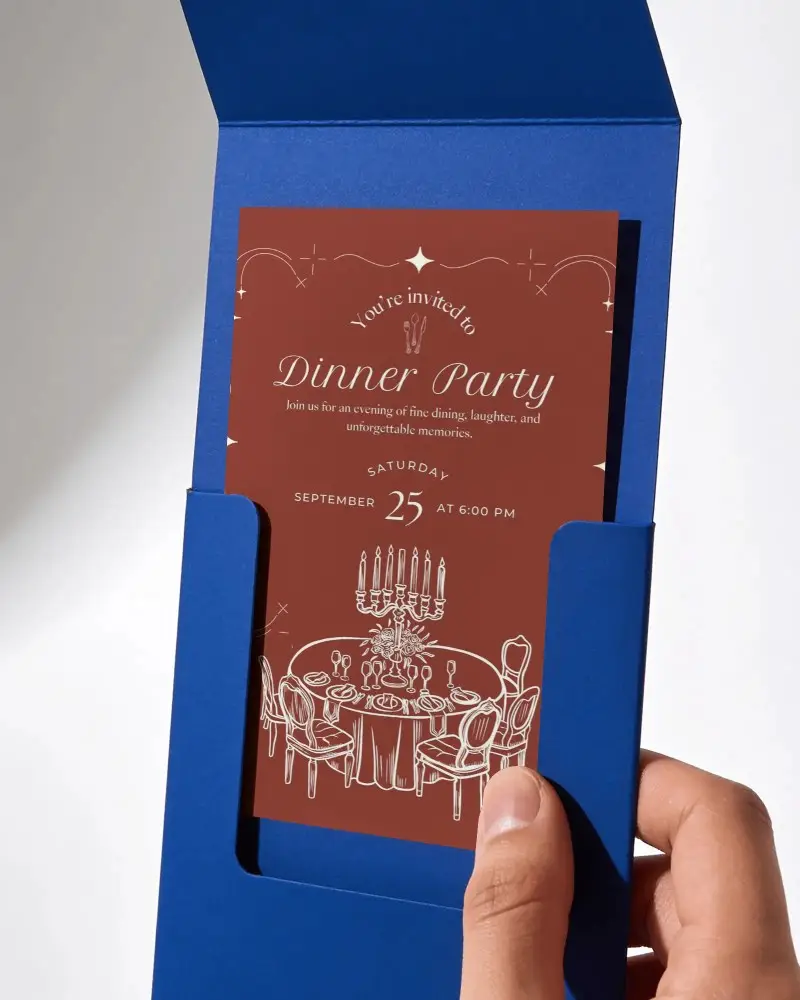
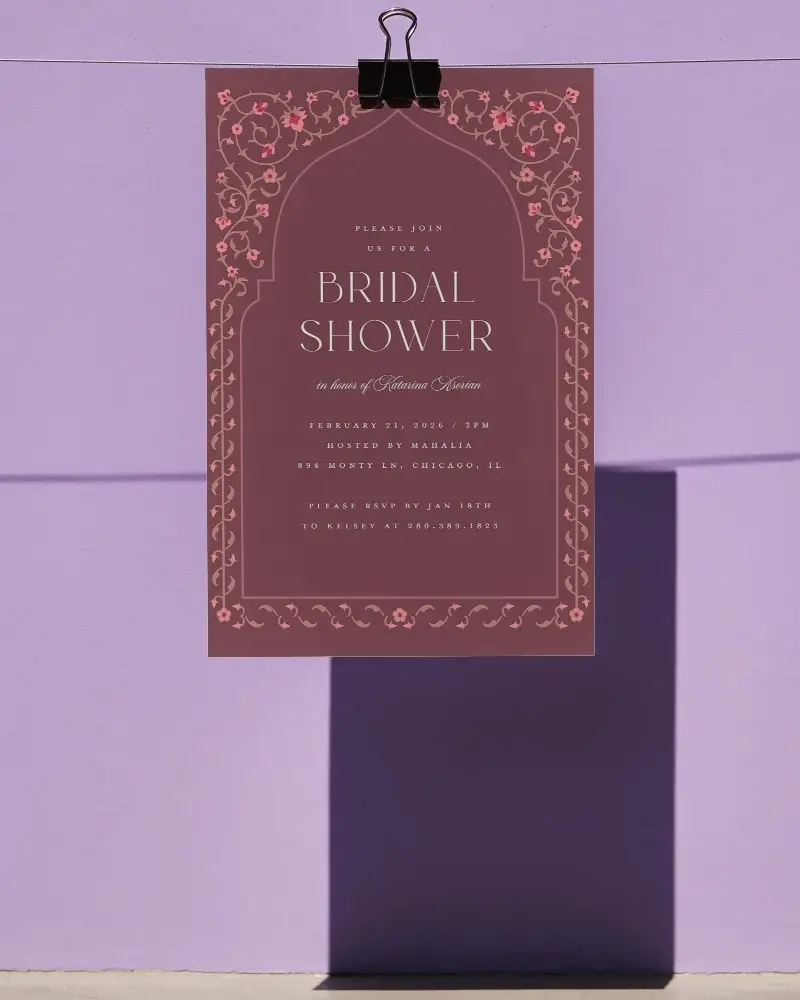
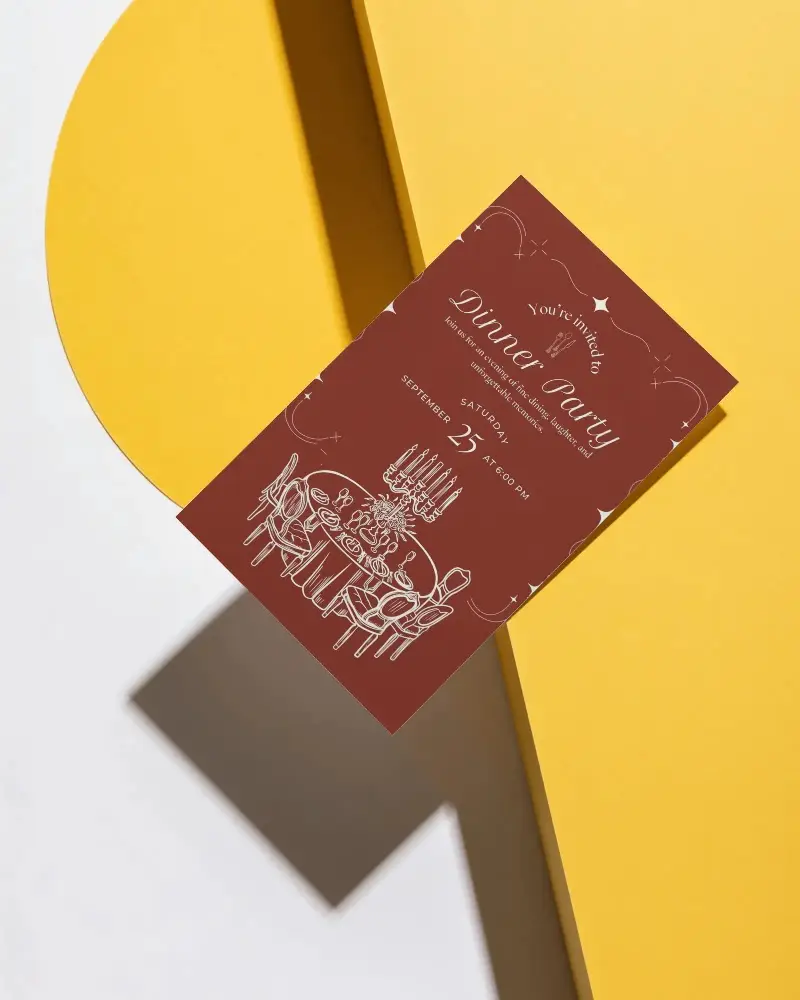
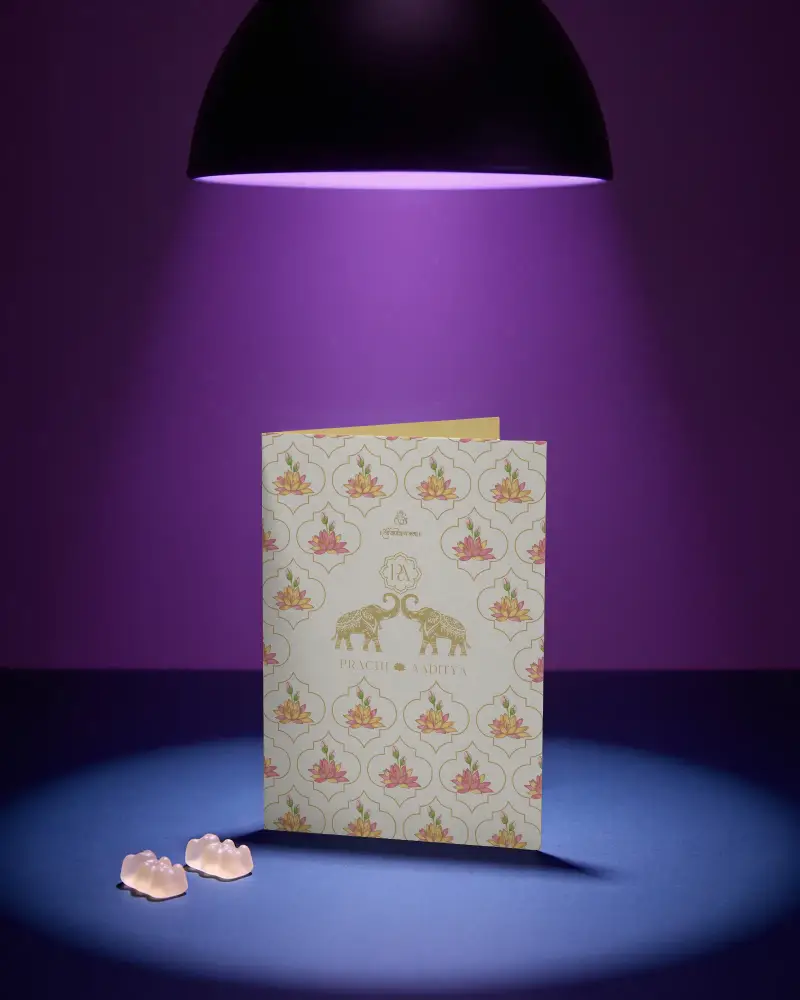
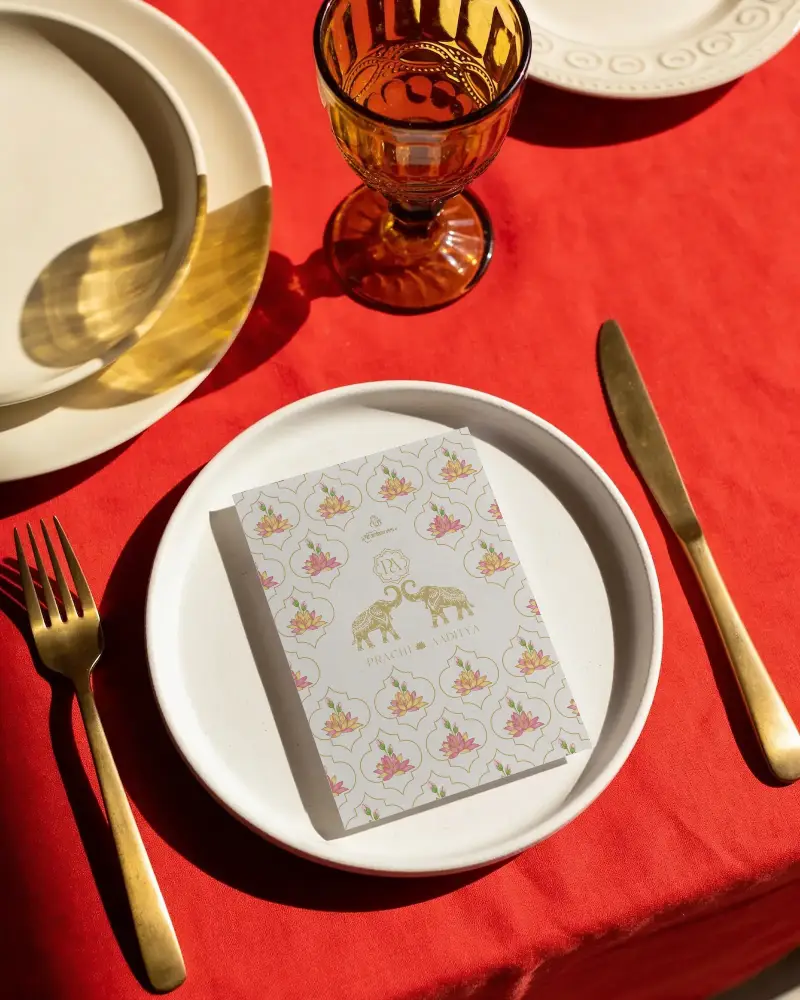
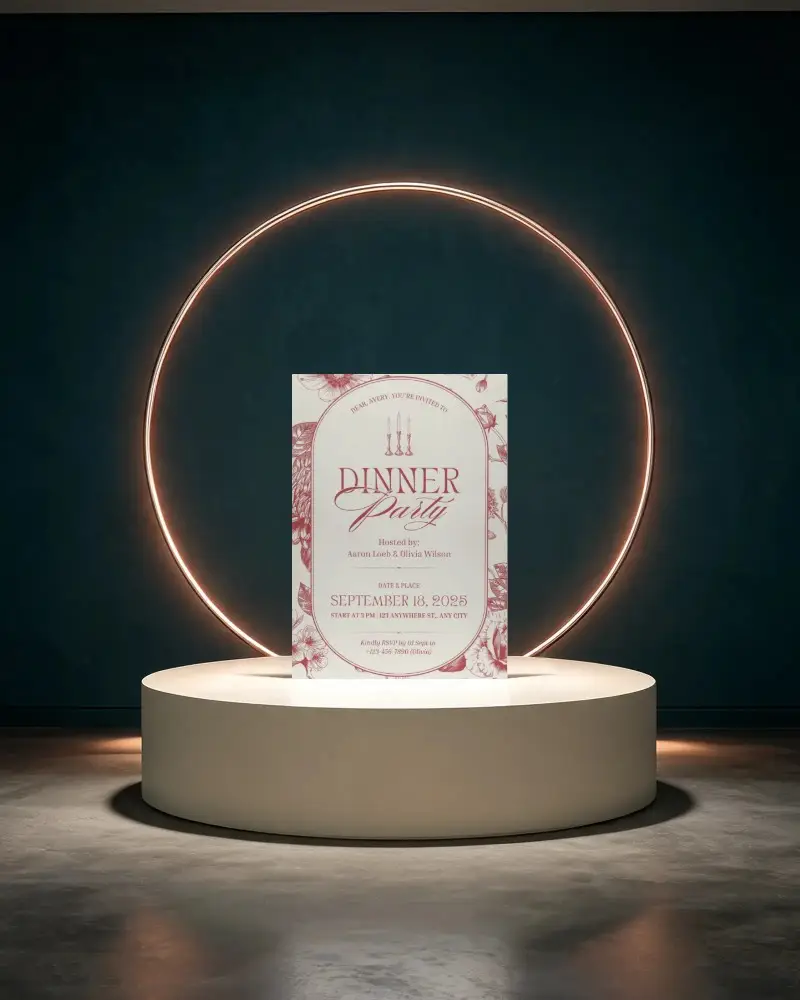
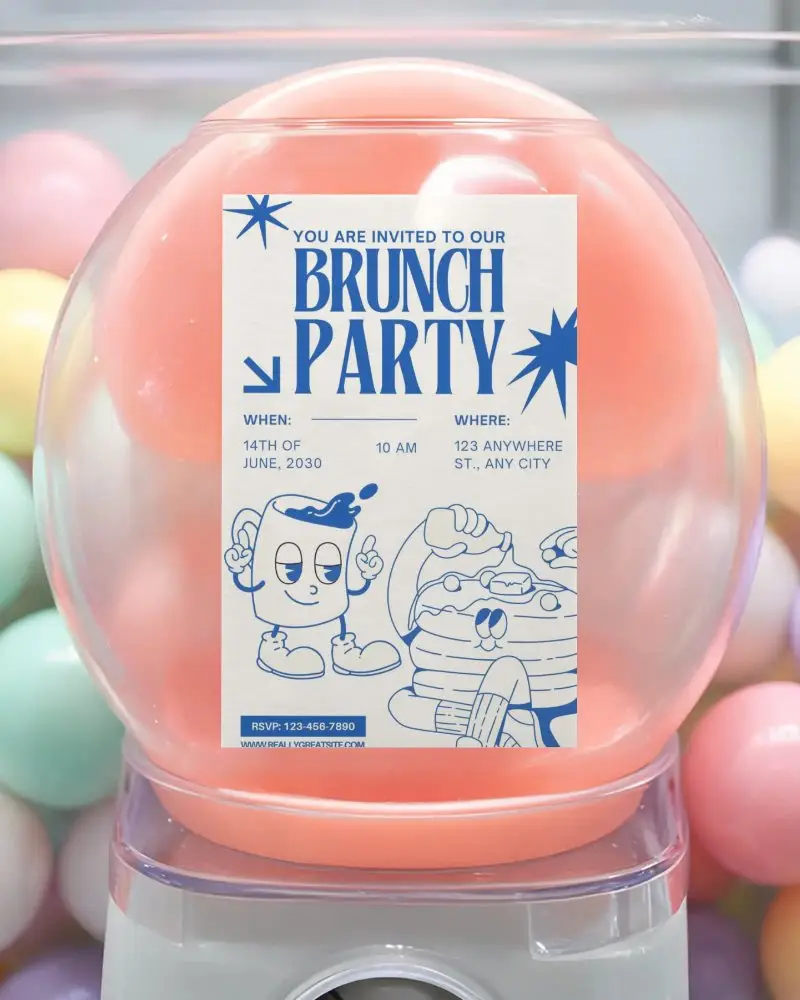
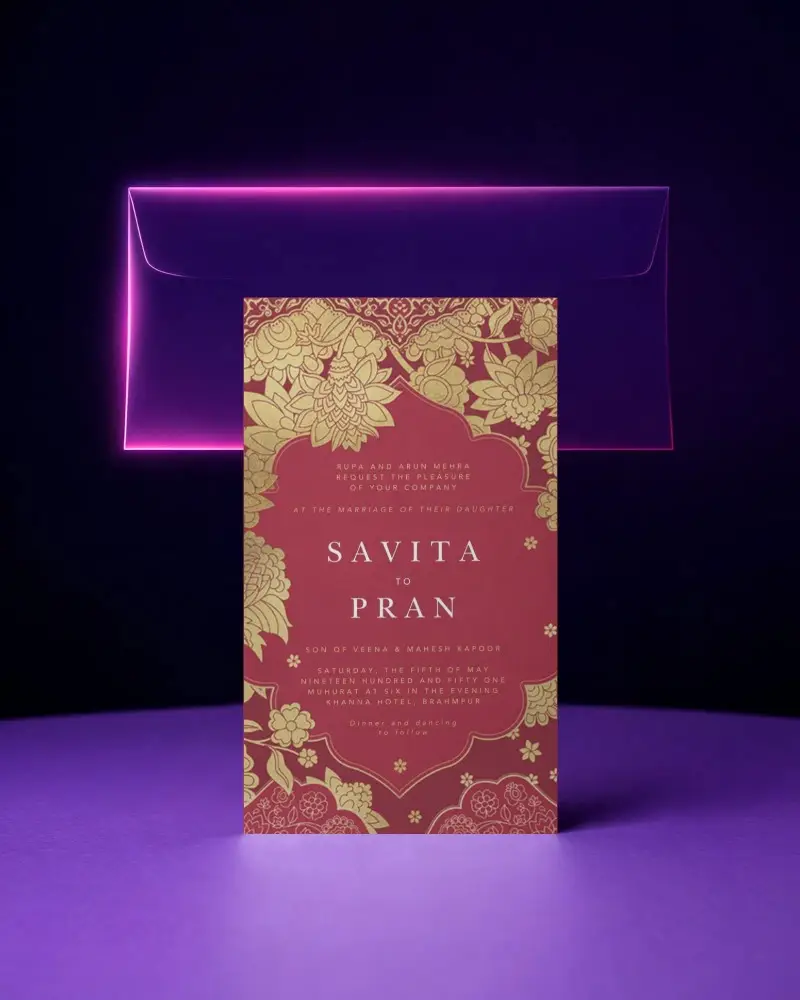
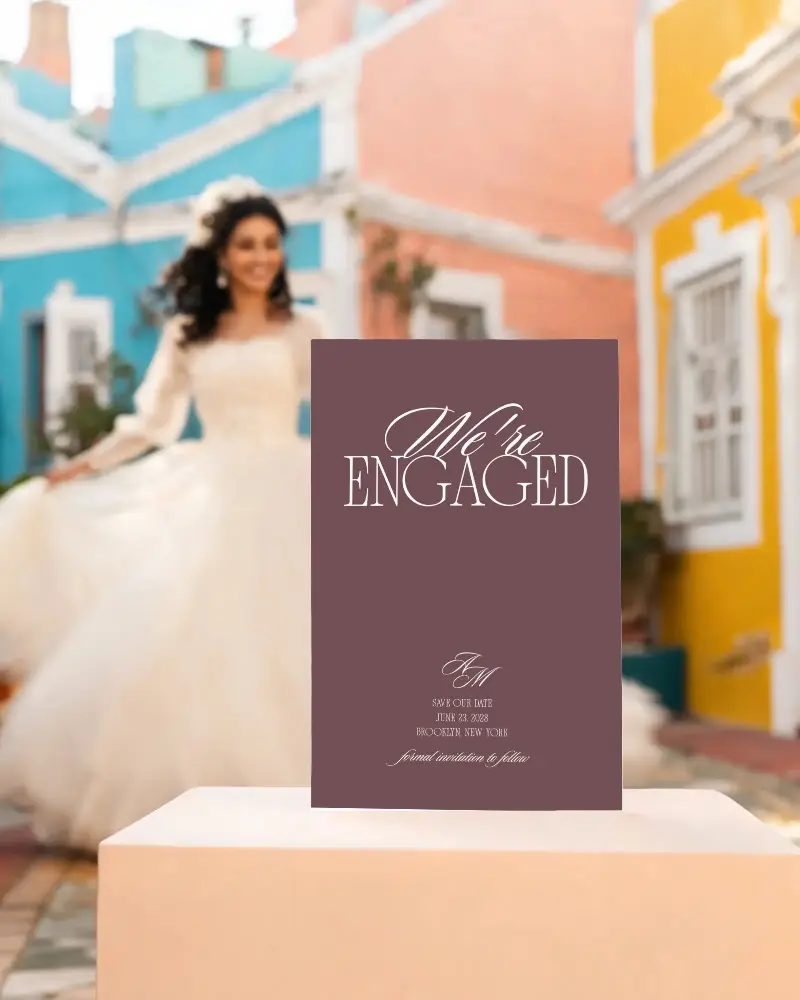
See how your design fits a real Anniversary Invitation Card mockup before final use. Test different styles, adjust colors, and preview the layout on Mockey AI until everything feels right.







_compressed.png)
How to Create a Anniversary Invitation Card Mockup with Mockey?
To create a Anniversary Invitation Card mockup:
- Step 1: Pick a Anniversary Invitation Card template from the library.
- Step 2: Upload your design. Edit colors or convert it into an animation.
- Step 3: Preview your mockup. Download it in PNG or JPG, with three size options.


FAQs on Anniversary Invitation Card Mockups
What is a Anniversary Invitation Card mockup?
A Anniversary Invitation Card mockup is a ready-made template that lets you preview your design before printing. Use a mockup generator to upload your artwork and personalize it instantly.
Can I use a Anniversary Invitation Card mockup for real events?
Yes, you can use it to preview your design before final printing. It helps reduce printing costs and lets you check the layout in advance.
Can I download my Anniversary Invitation Card mockup?
You can download it from the Mockey platform. You get 3 downloads per day, and the output is in JPG format without any watermark.
What design styles can I test with a Anniversary Invitation Card mockup?
You can test different layouts, colors, and themes to find the design that works best for your occasion.
