Knitted Scarf Mockup Free Download - Knitted Scarf Mockup Templates
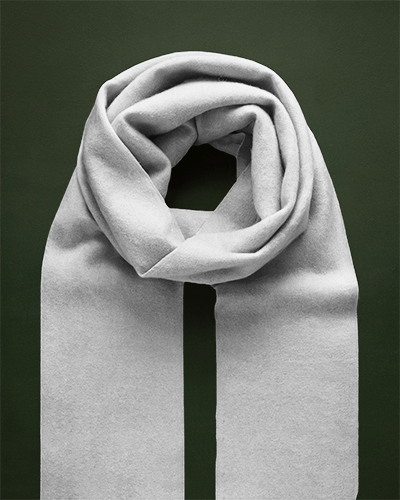
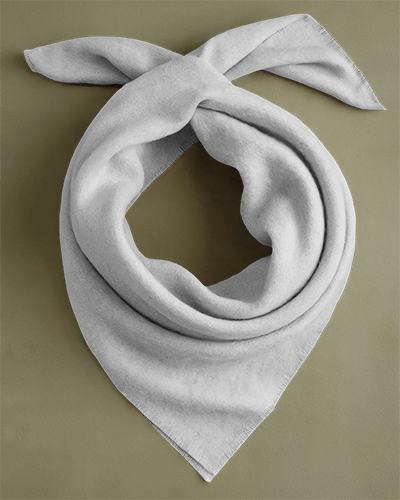
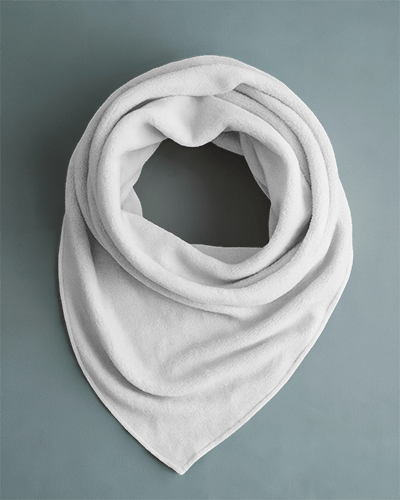
Mockey makes Knitted Scarf mockup creation easy! Customize, preview, and download high-quality free scarf mockups for your online store or design projects.


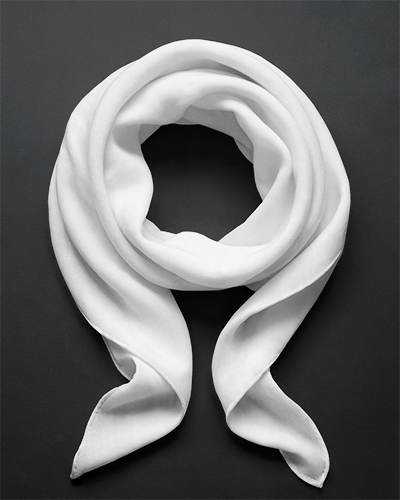
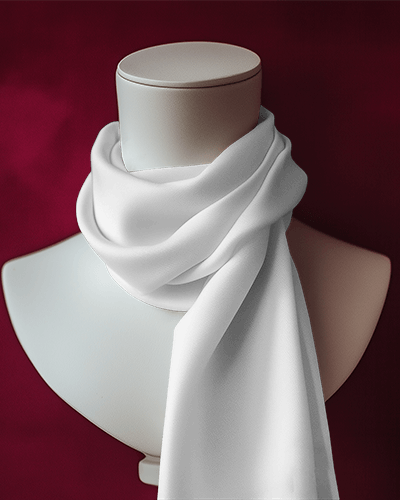
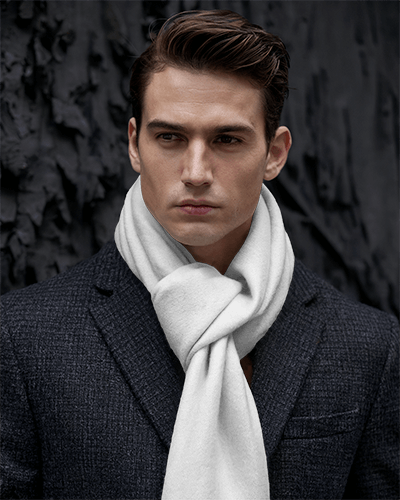
.png)
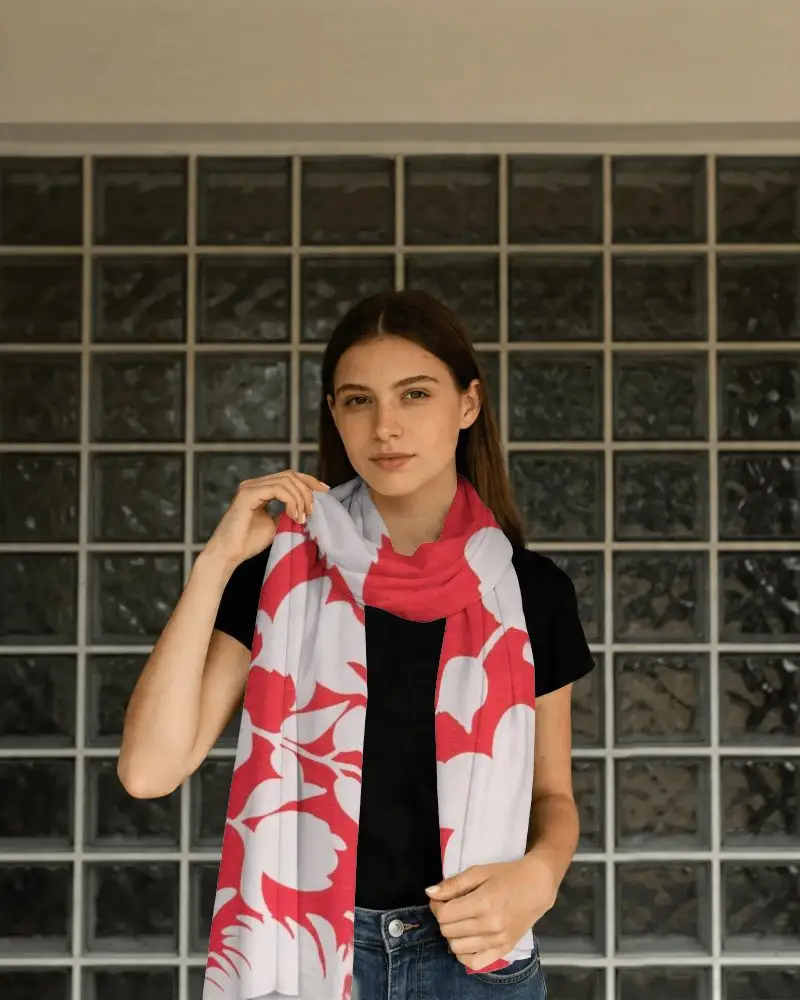
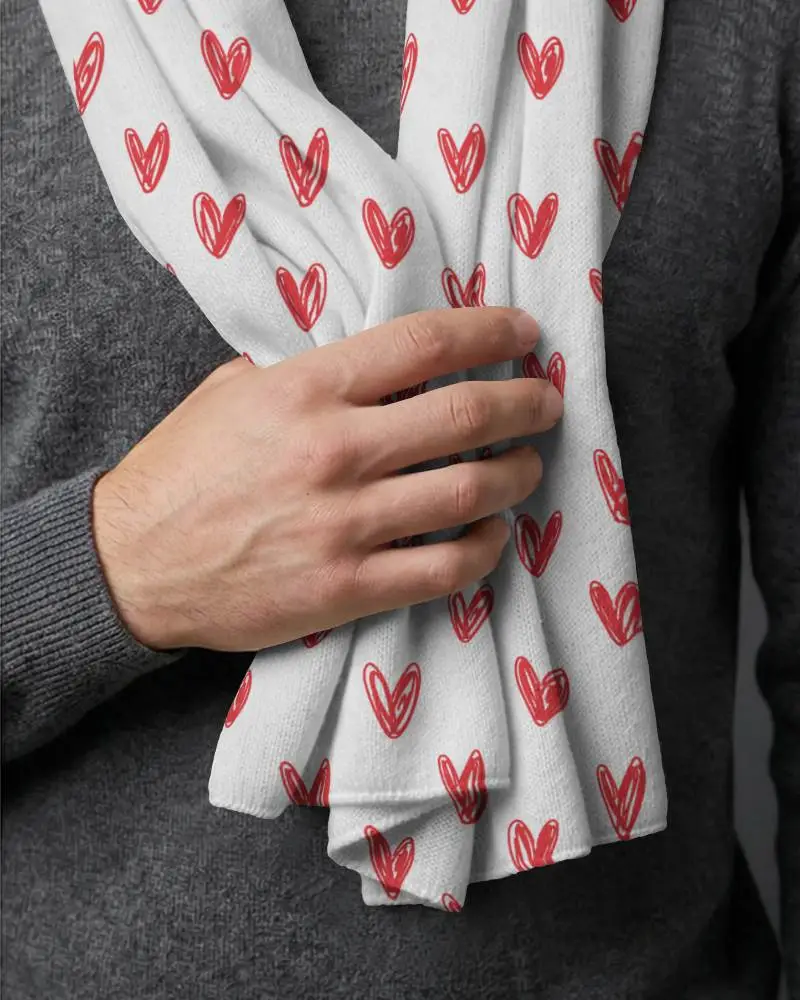
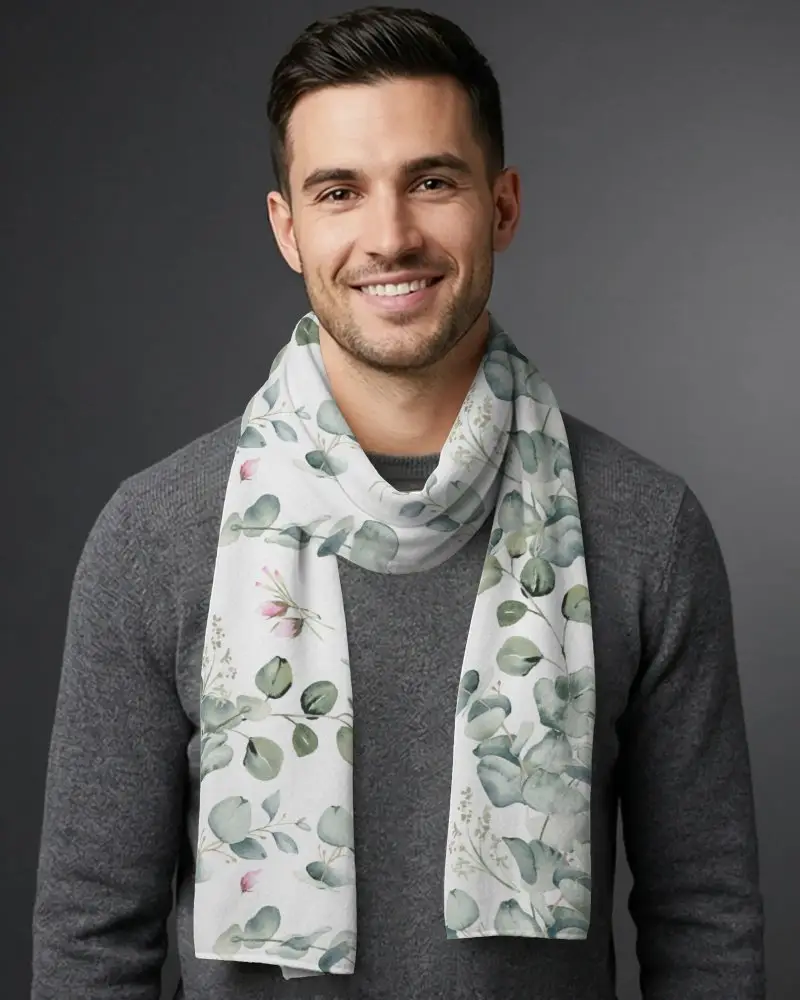
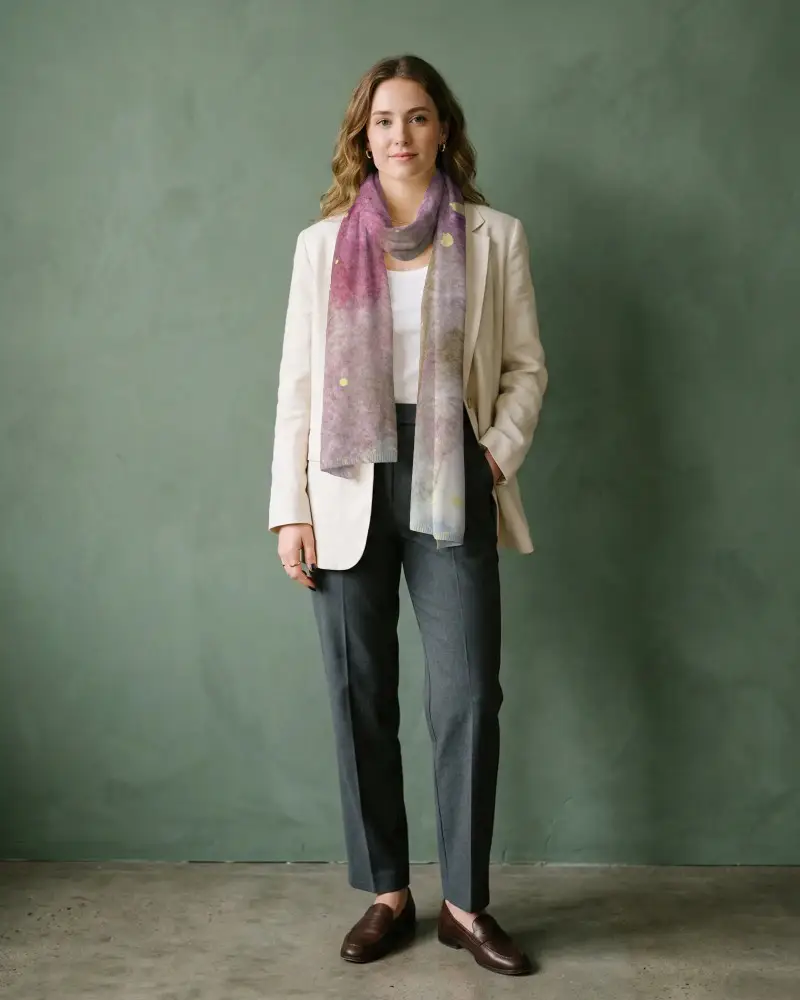
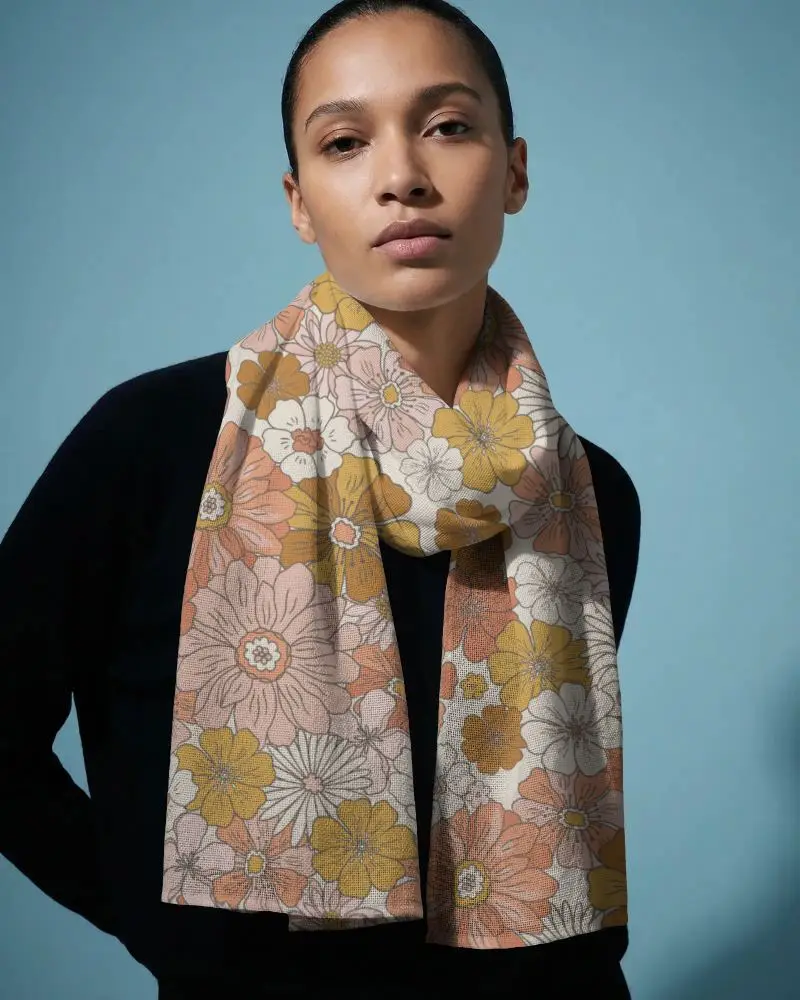
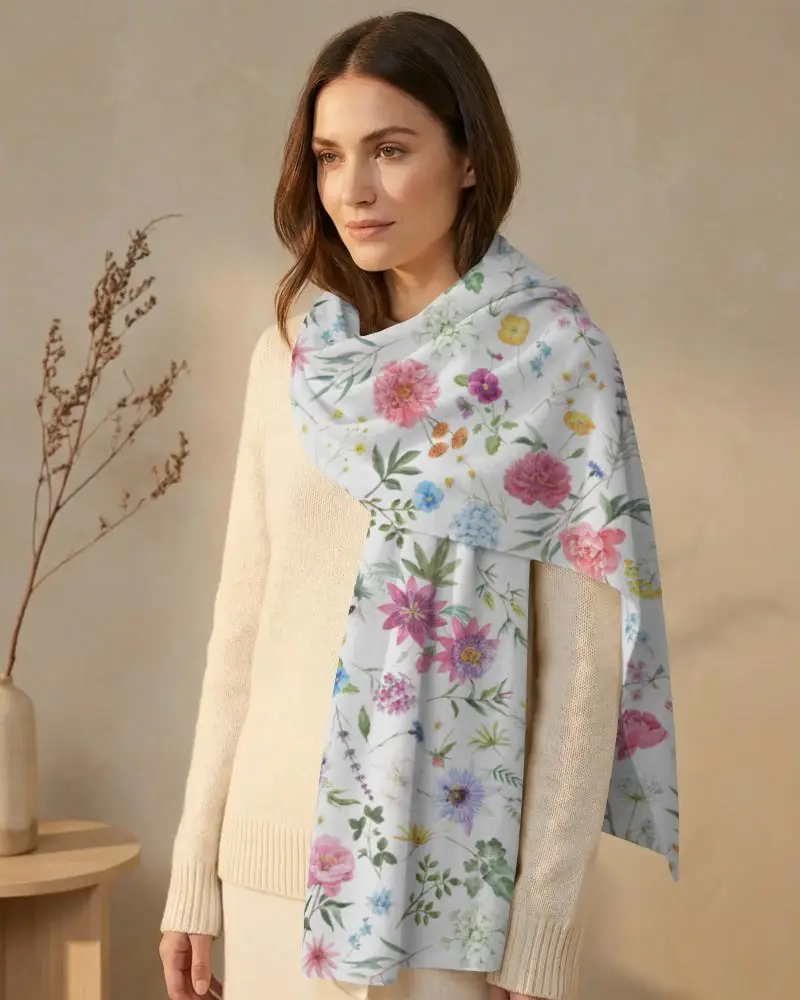
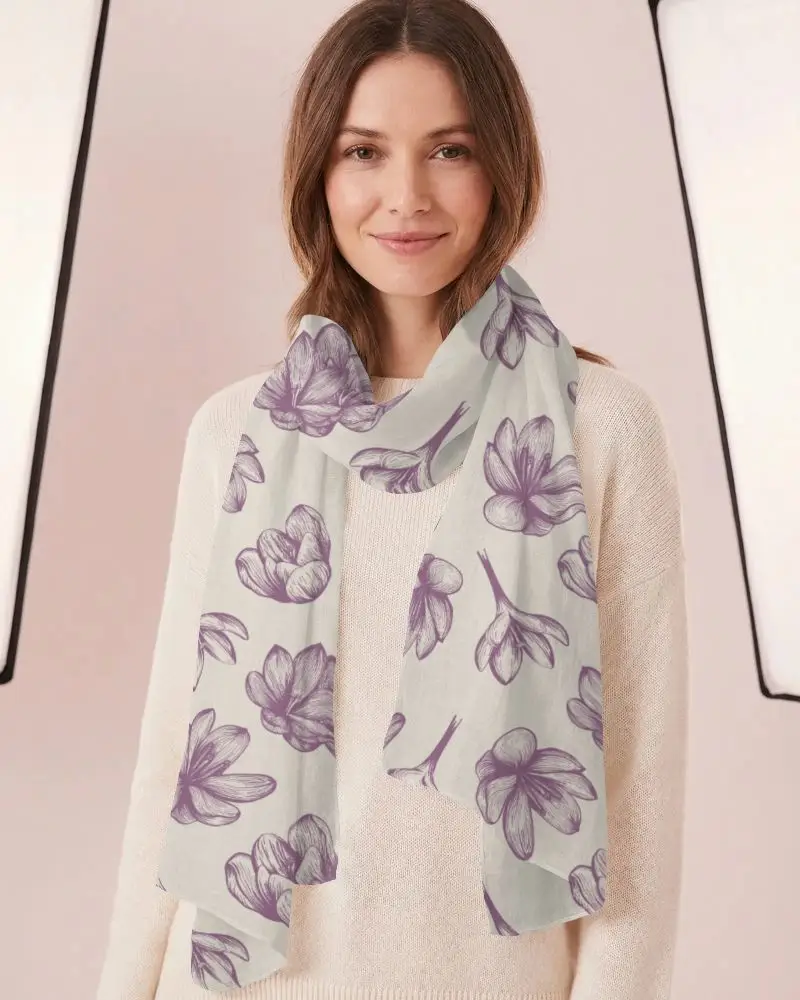
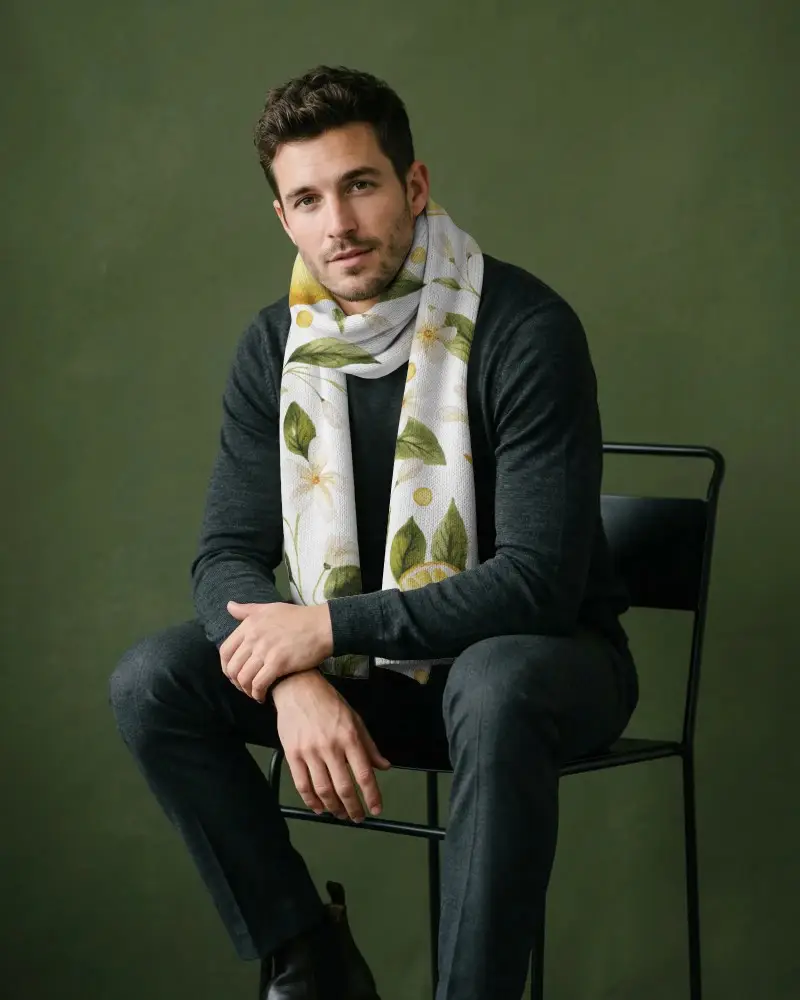
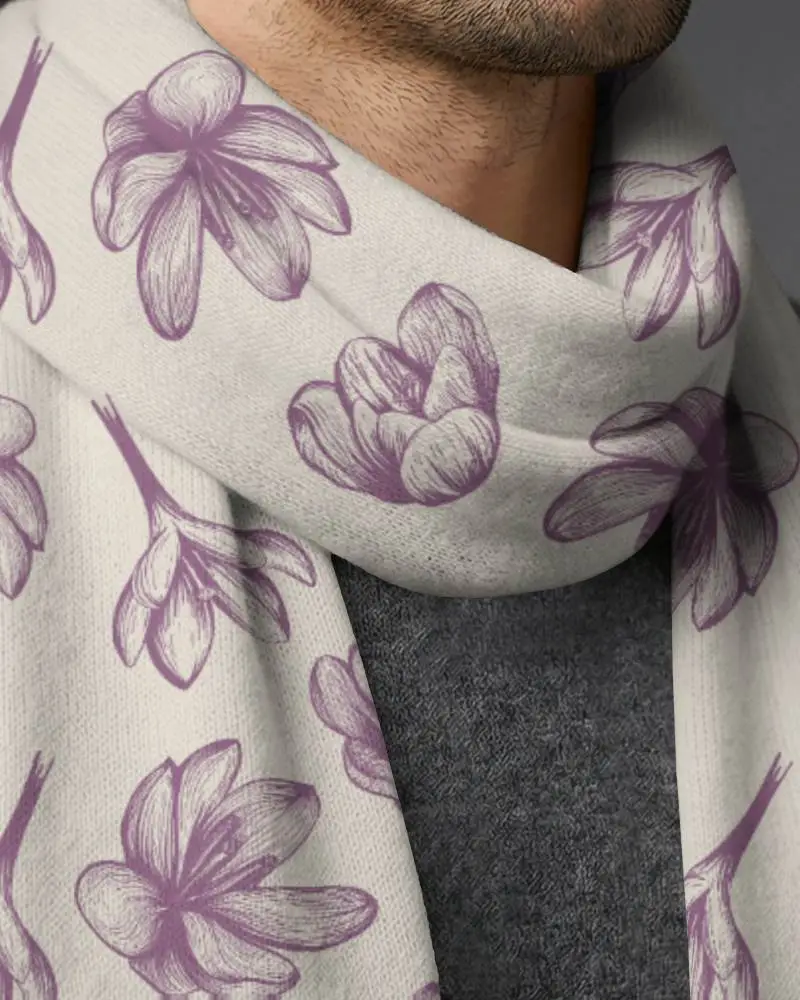
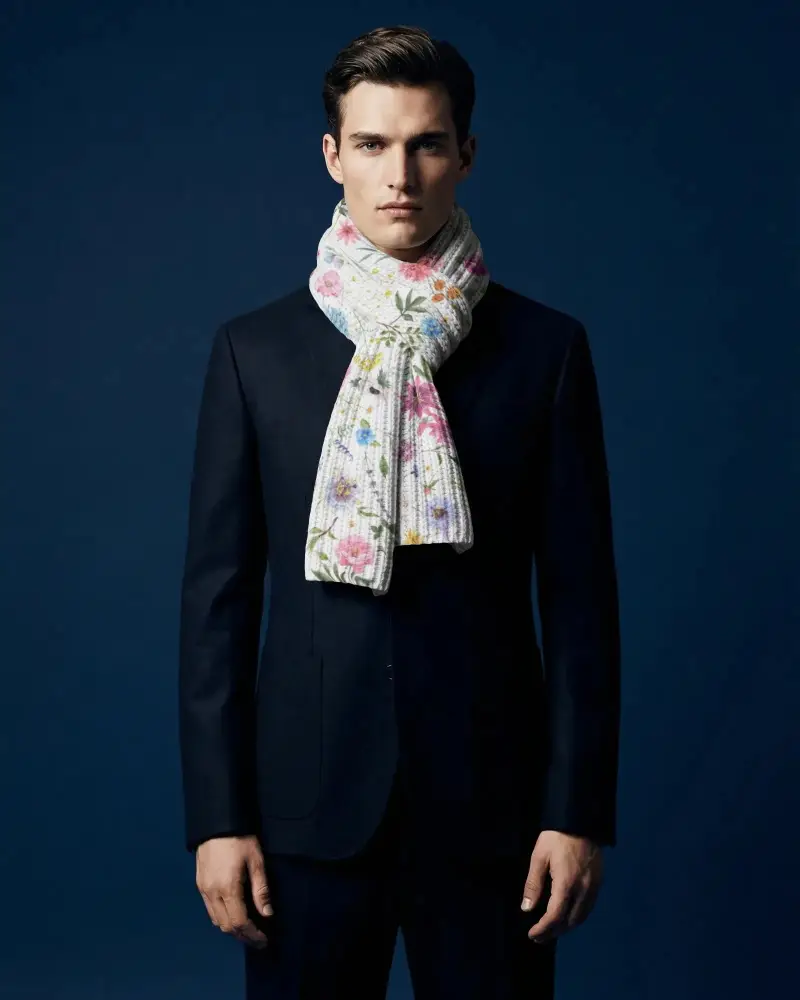
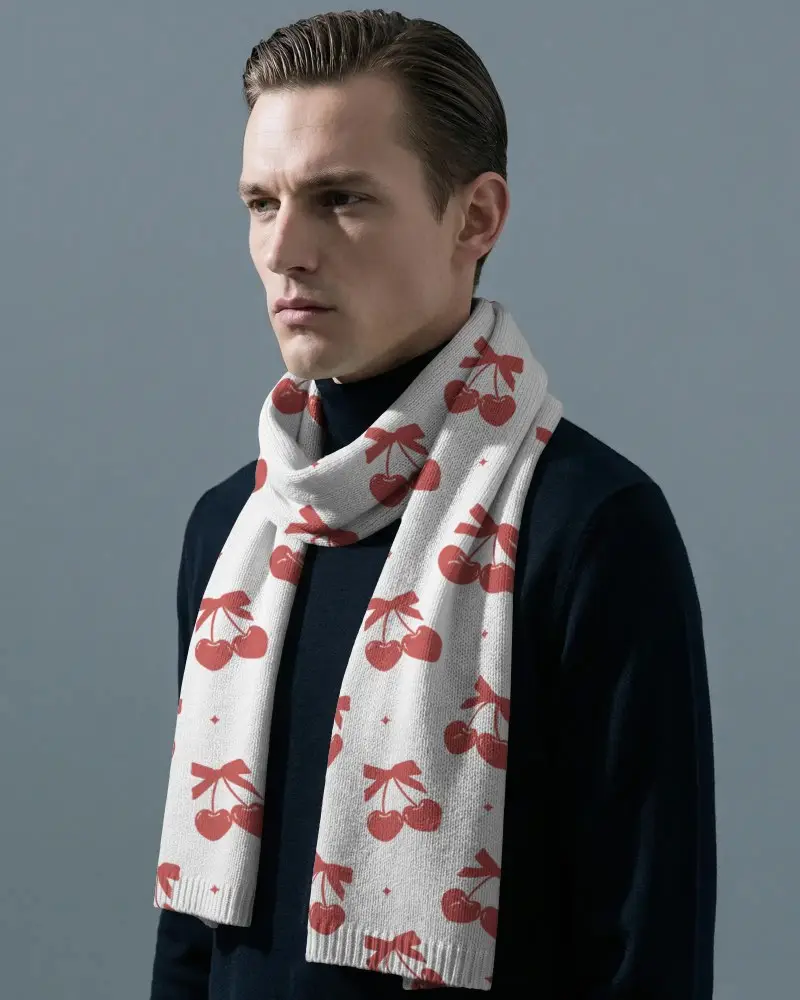
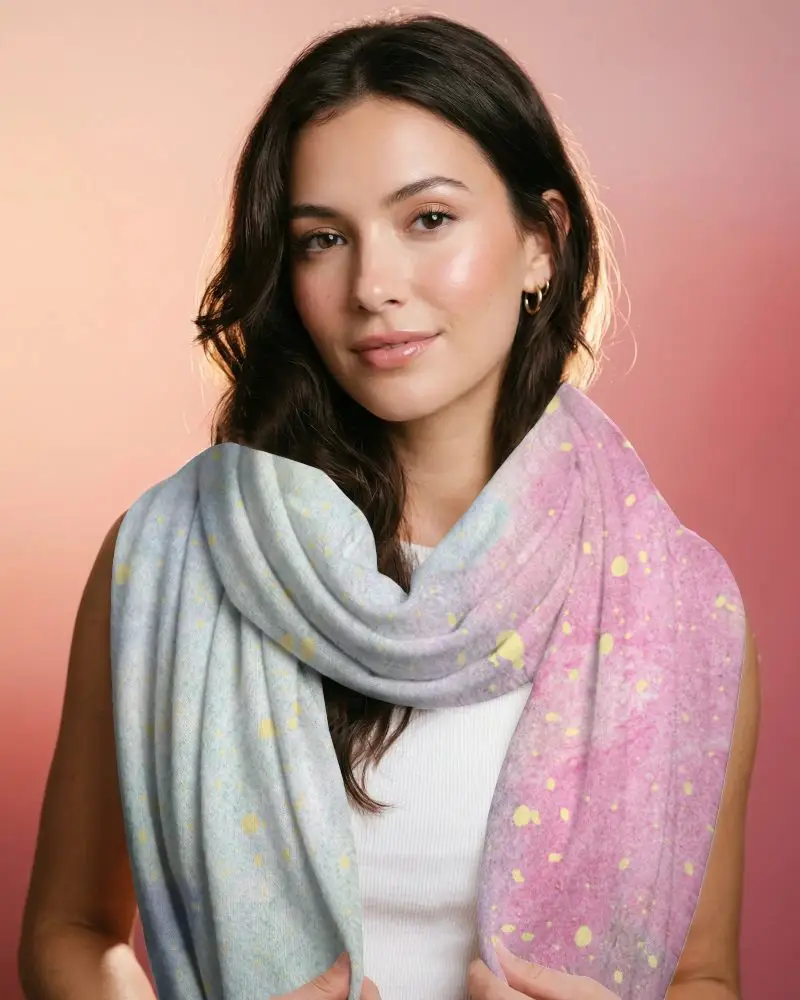
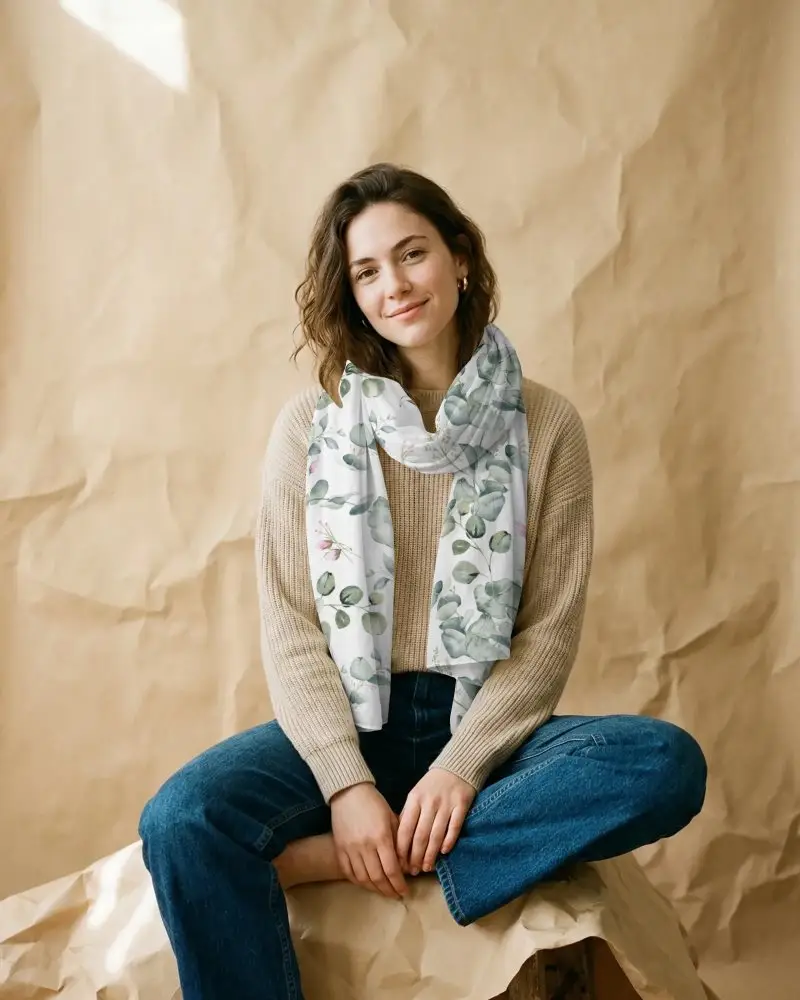


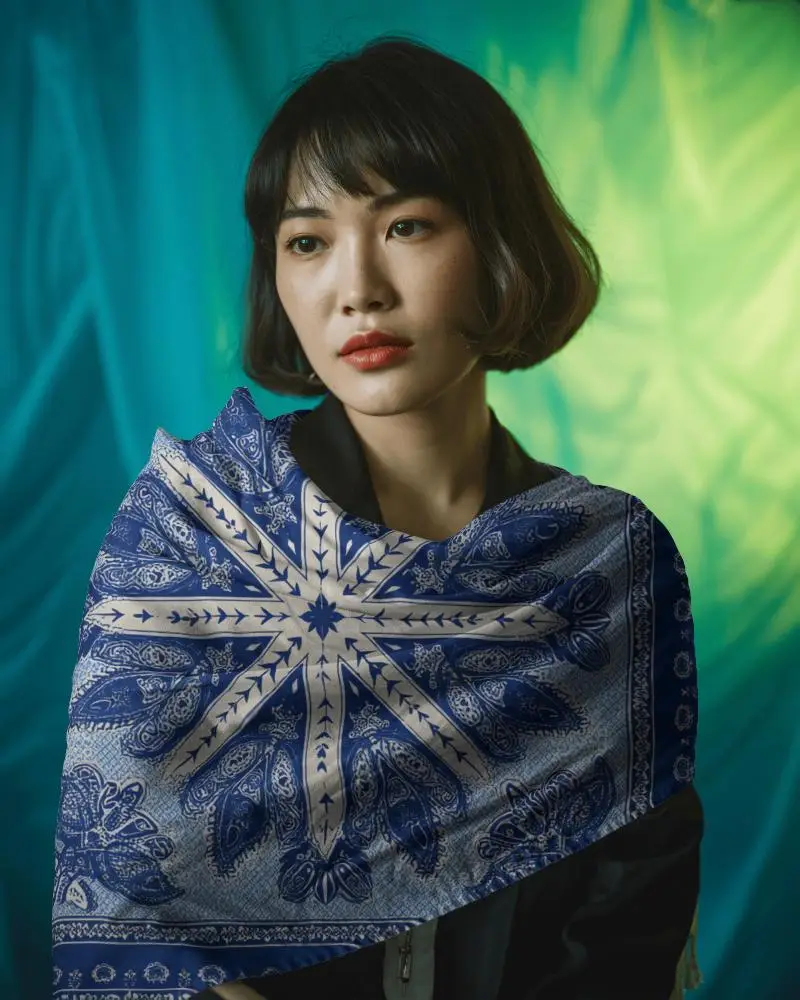
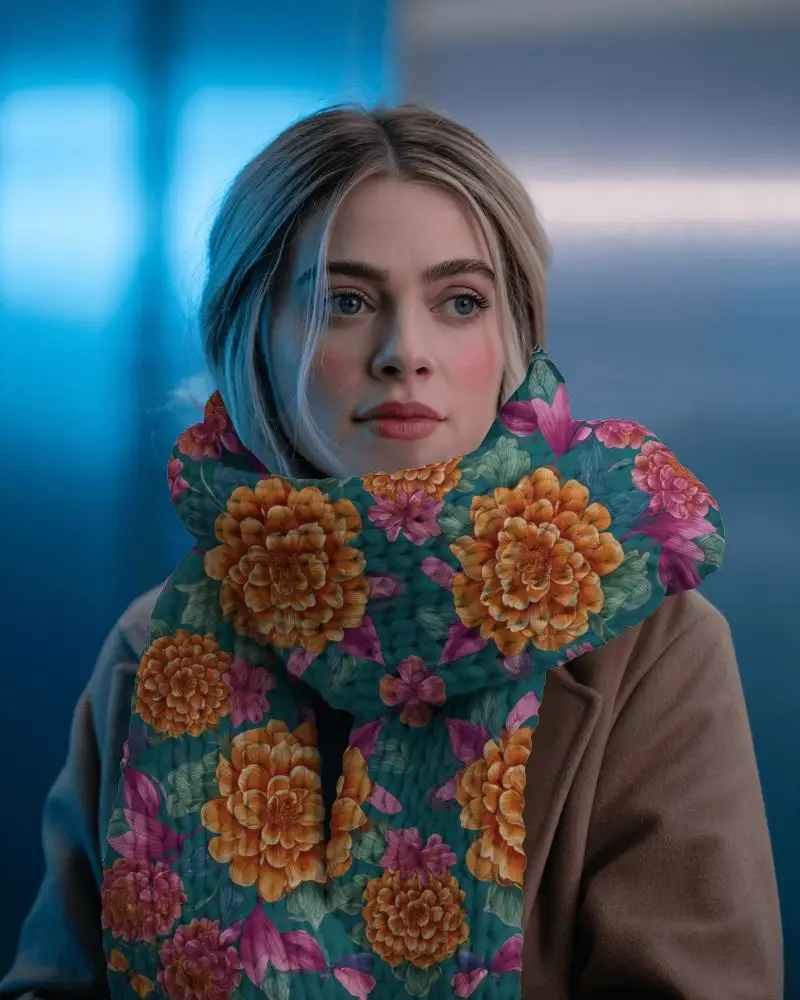
How to Make Knitted Scarf Mockup with Mockey
Follow the steps to create Knitted Scarf Mockups in Mockey AI
- Step 1: Click Mockups, then look for the Knitted Scarf category in the apparel section
- Step 2: Then click Upload Design and pick your Knitted Scarf Mockup template
- Step 3: Customize and export it by hitting the Download button for free without any watermark.


FAQs on Knitted Scarf Mockups
What is Knitted Scarf Mockup?
A Knitted Scarf mockup is a ready-made template you can use to see what your design will look like on a scarf. Using your logo, patterns, and textures will give your brand a professional look.
Why create a Knitted Scarf mockup?
Creating a Knitted Scarf mockup is like creating a digital preview of your scarf design using a nice, high-quality template. With online mockup generators, you can add and customize your design, download it, and share it with others.
Why Use Mockey’s Knitted Scarf Mockup?
Mockey AI is easy to use and provides the best customization feature to easily add your design, and you can adjust the background, and color with advanced AI tools.
Is this Knitted Scarf Mockup Free?
Mockey AI gives you many free Knitted Scarf mockups to use. You can try out their free templates and change them how you like. However, some of their AI tools might need a subscription.
Do I need design skills to use Mockey’s Knitted Scarf mockup tool?
You don't have to be a design expert to use Mockey's Knitted Scarf mockup tool. It's really easy and anyone can use it.
