Fashion Tote Bag Mockup Free to Download
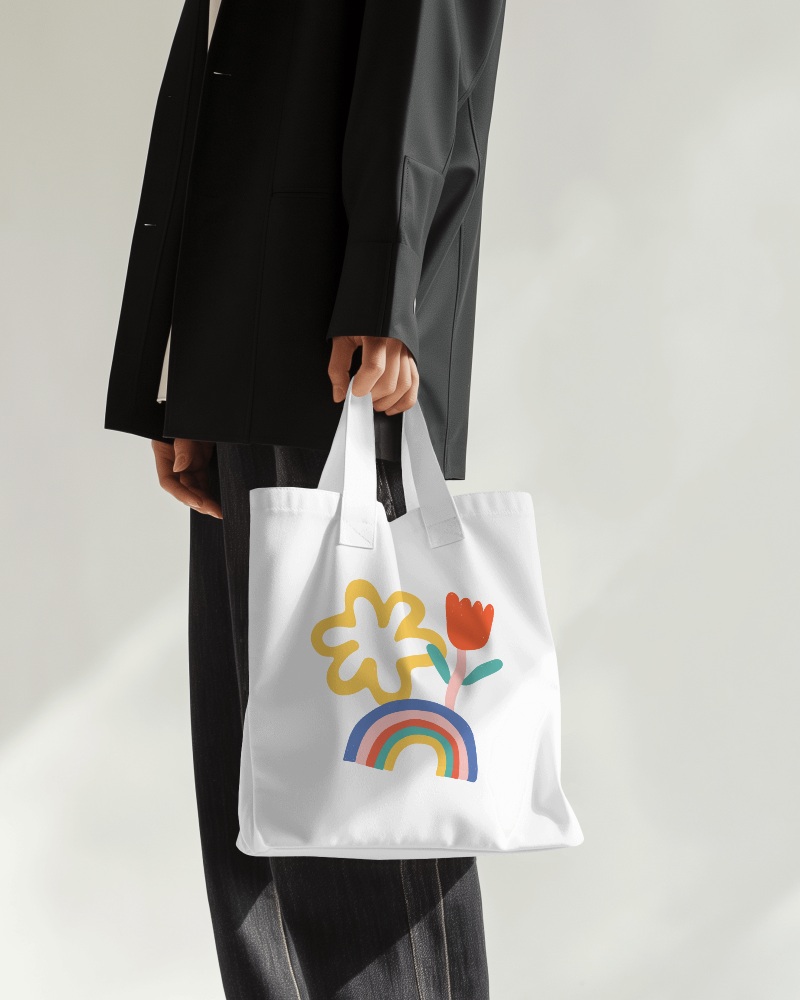
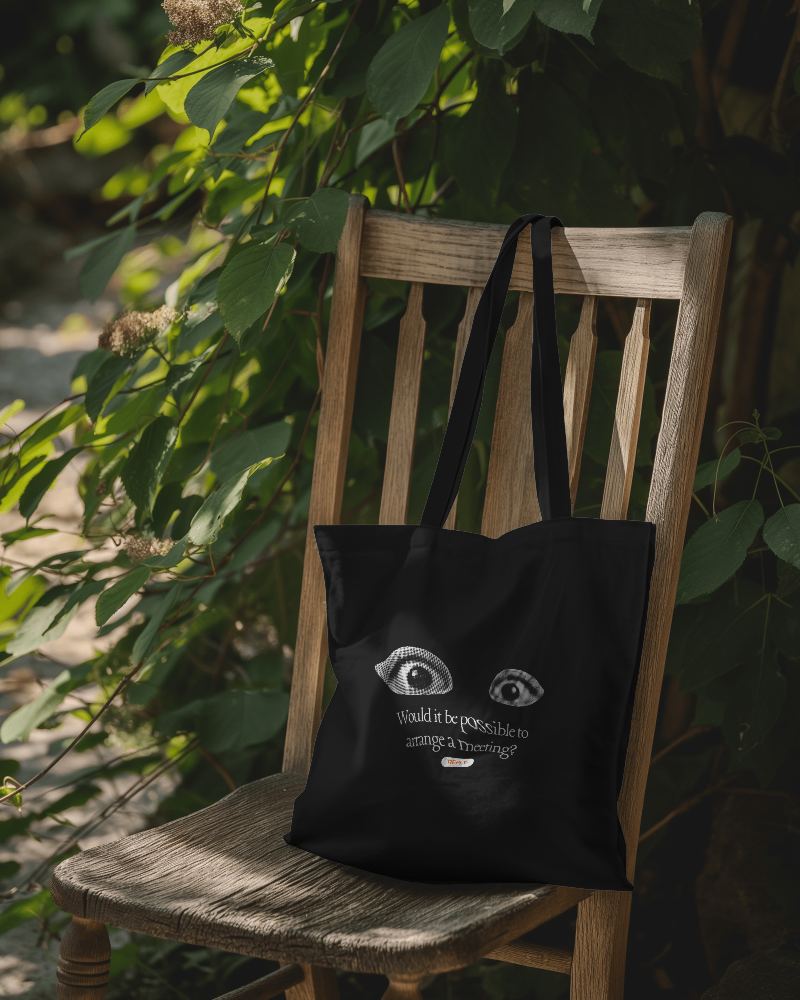
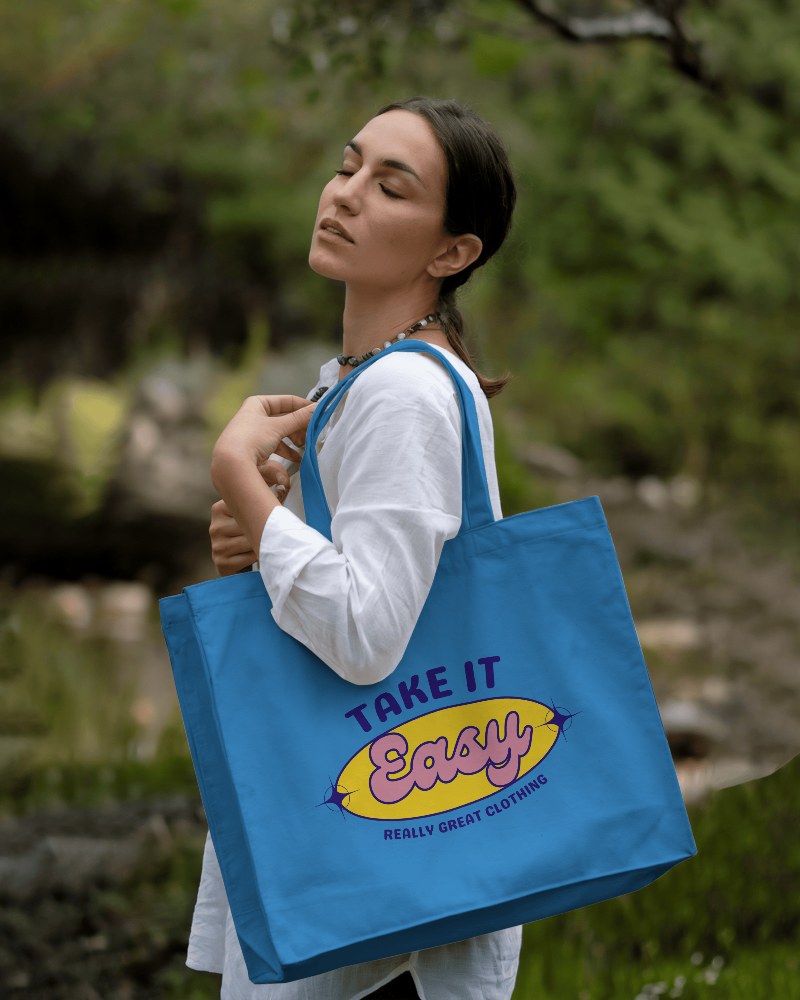
Bring Your Mockup Designs to Life with Mockey's Fashion Tote Bag mockups and showcase your brand like a pro. Try it now!
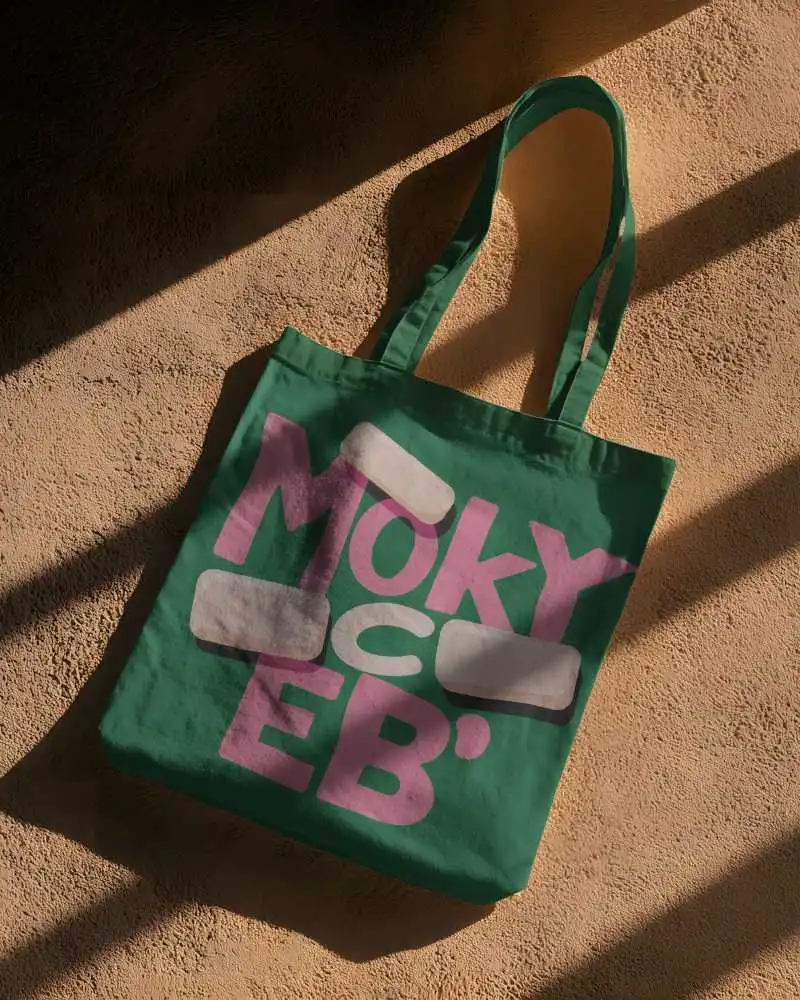
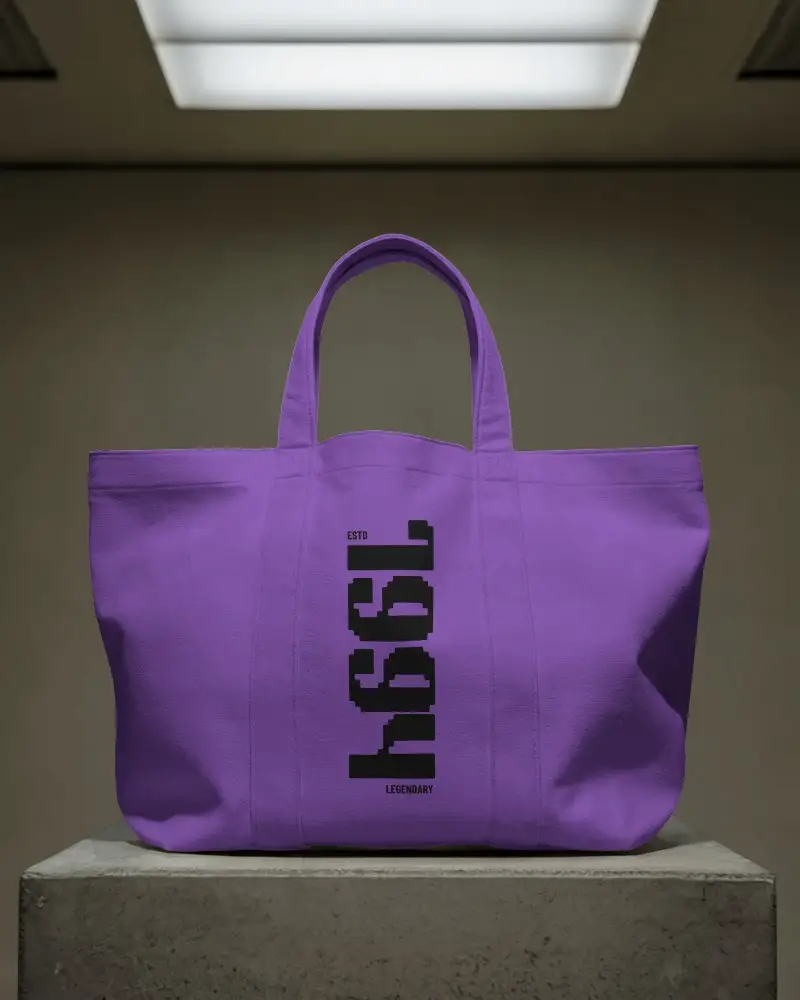
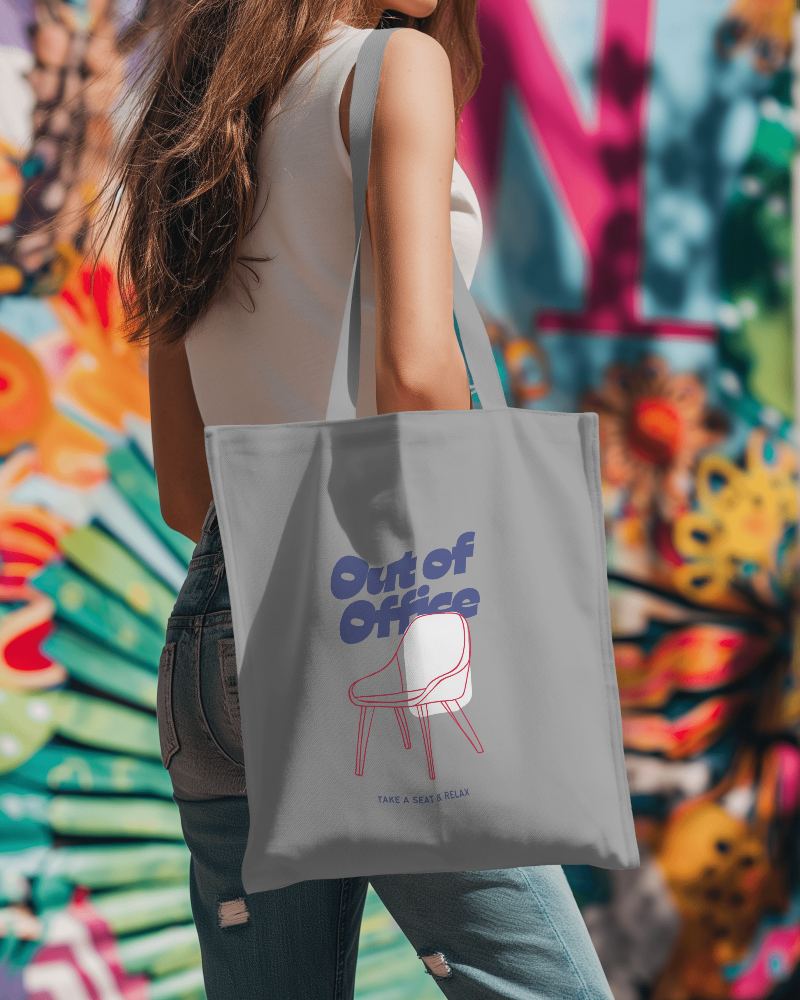
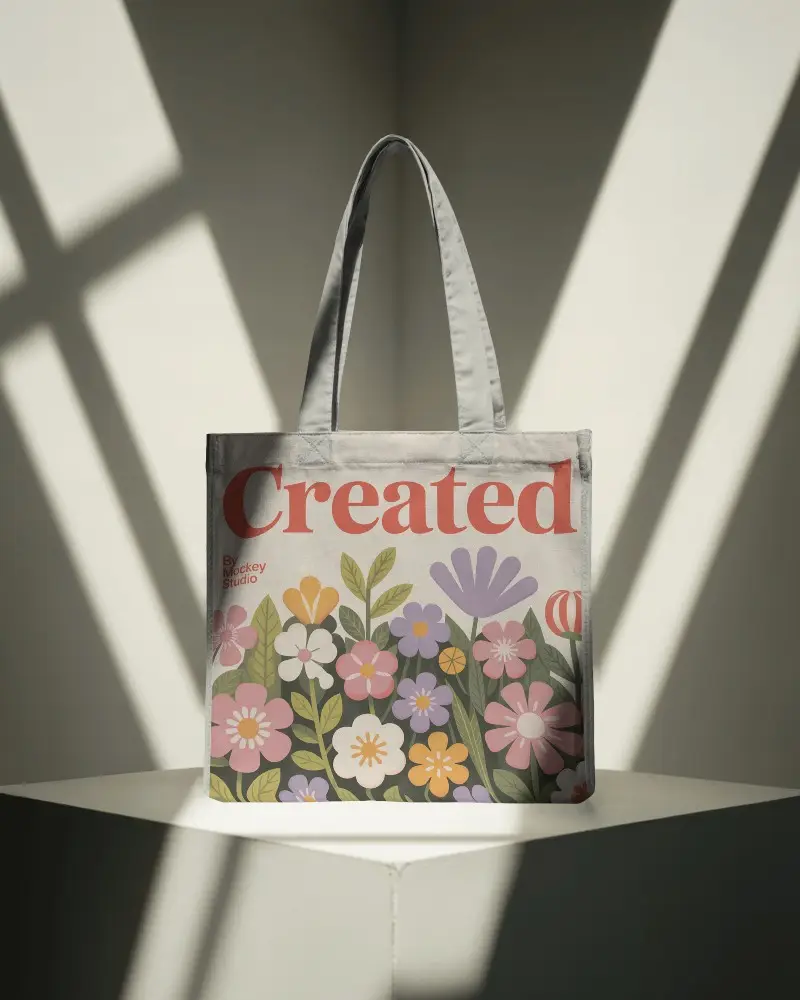
.png)
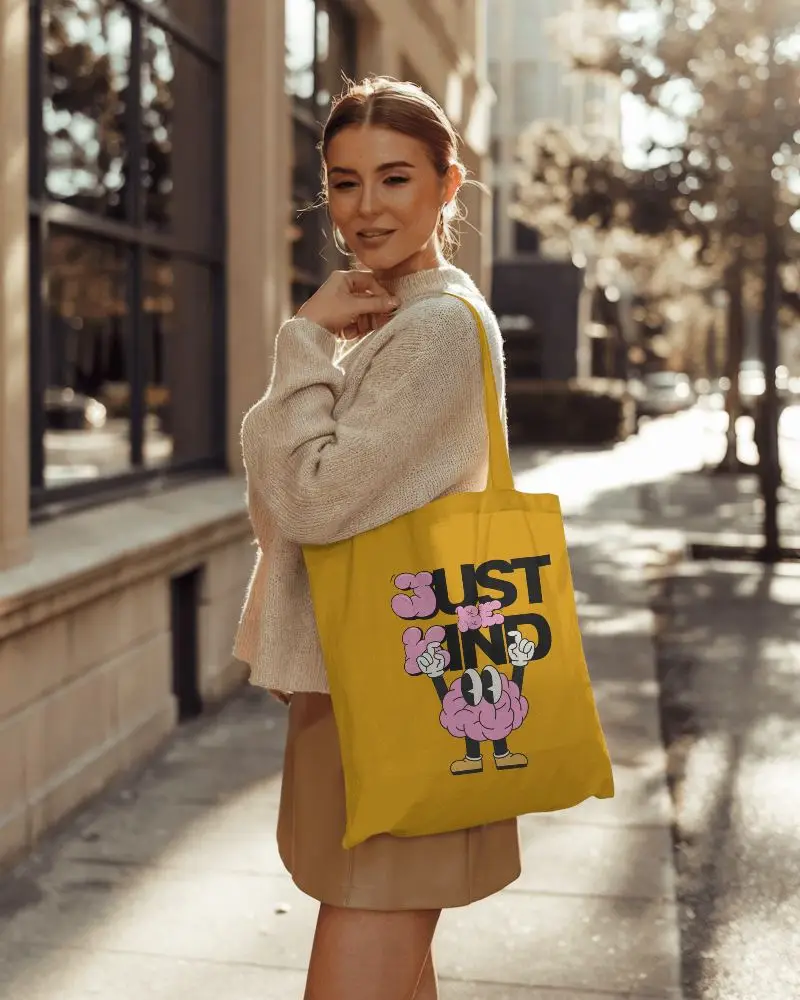
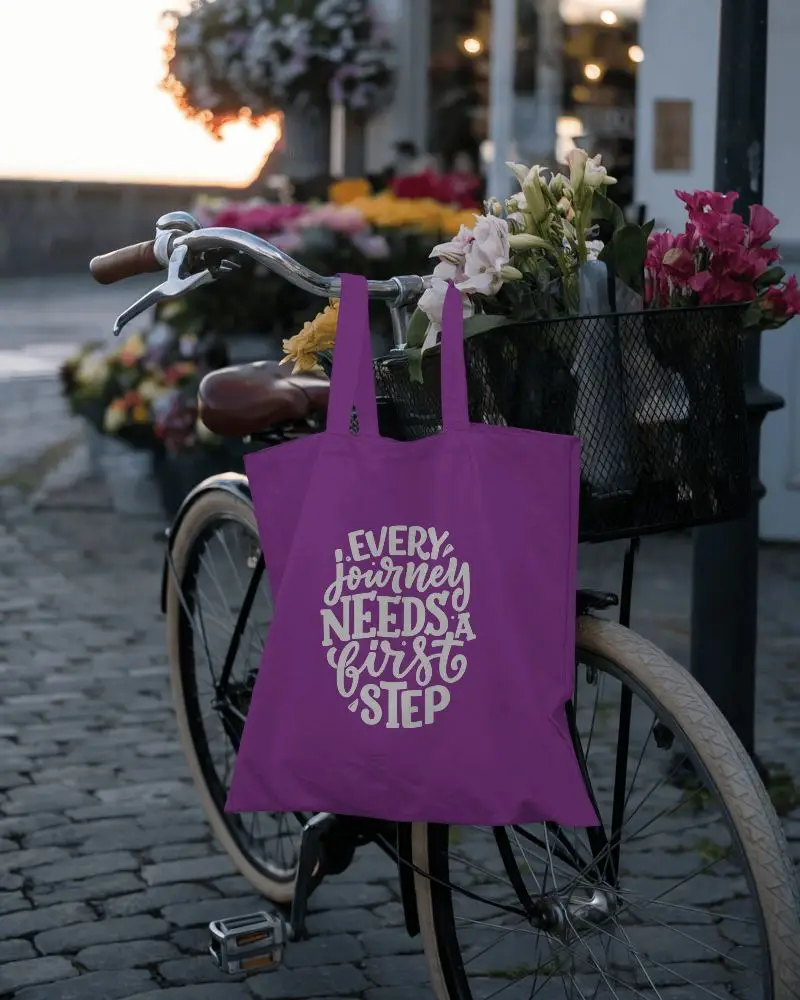
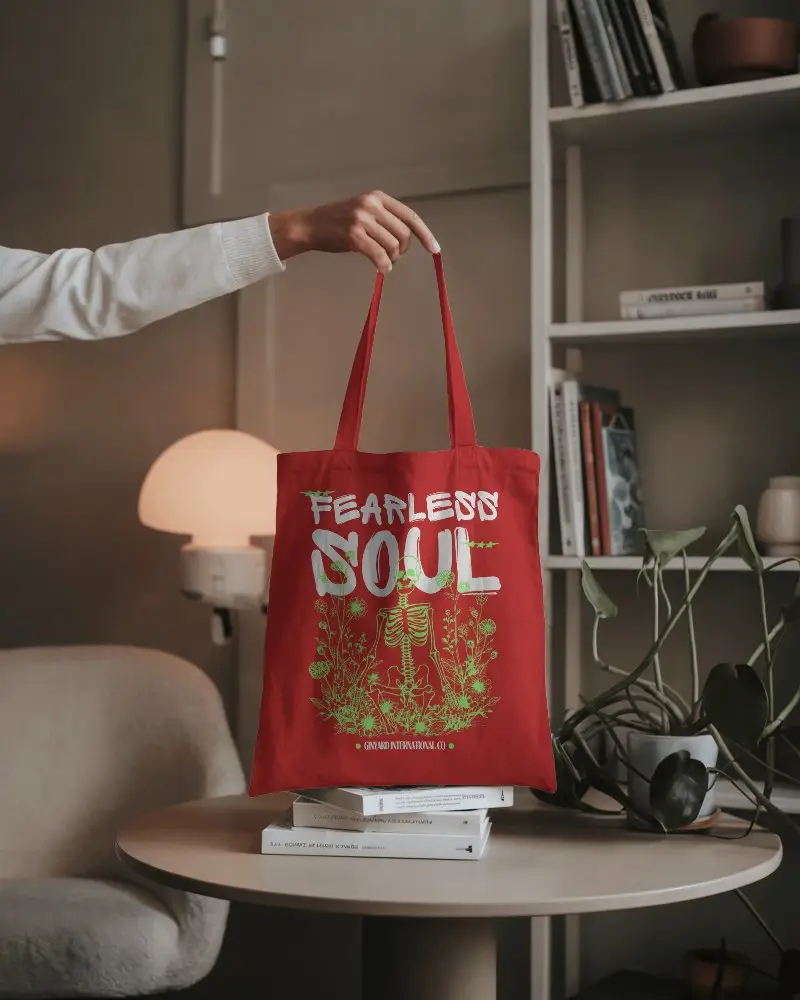
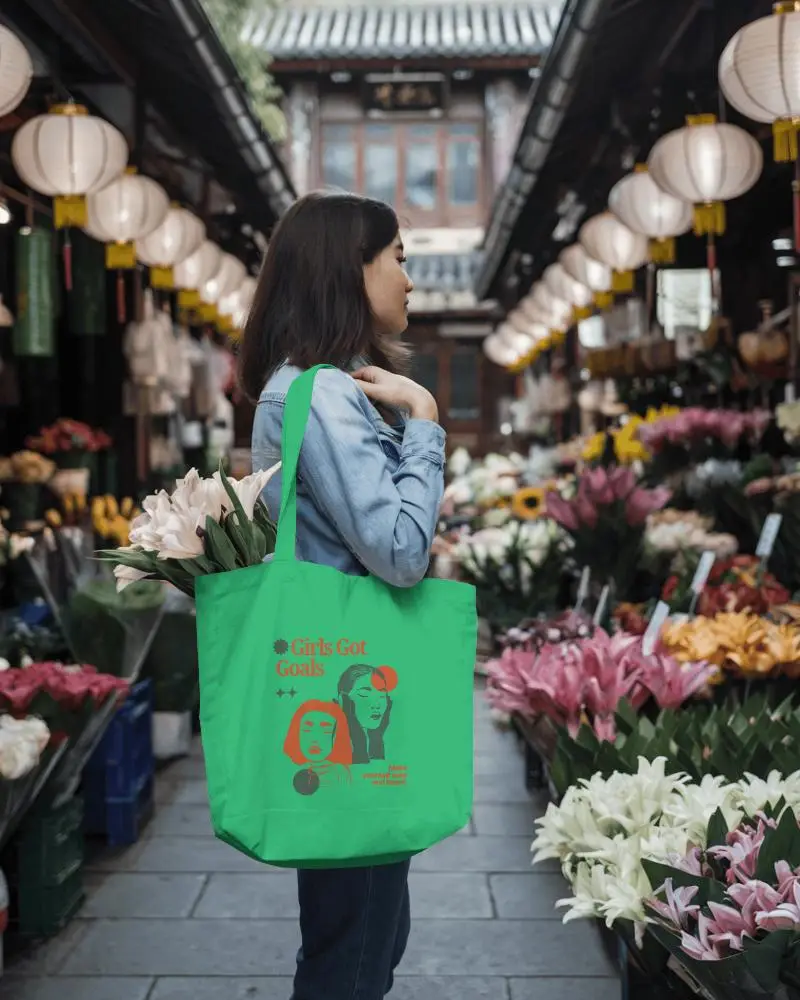
.png)
.png)
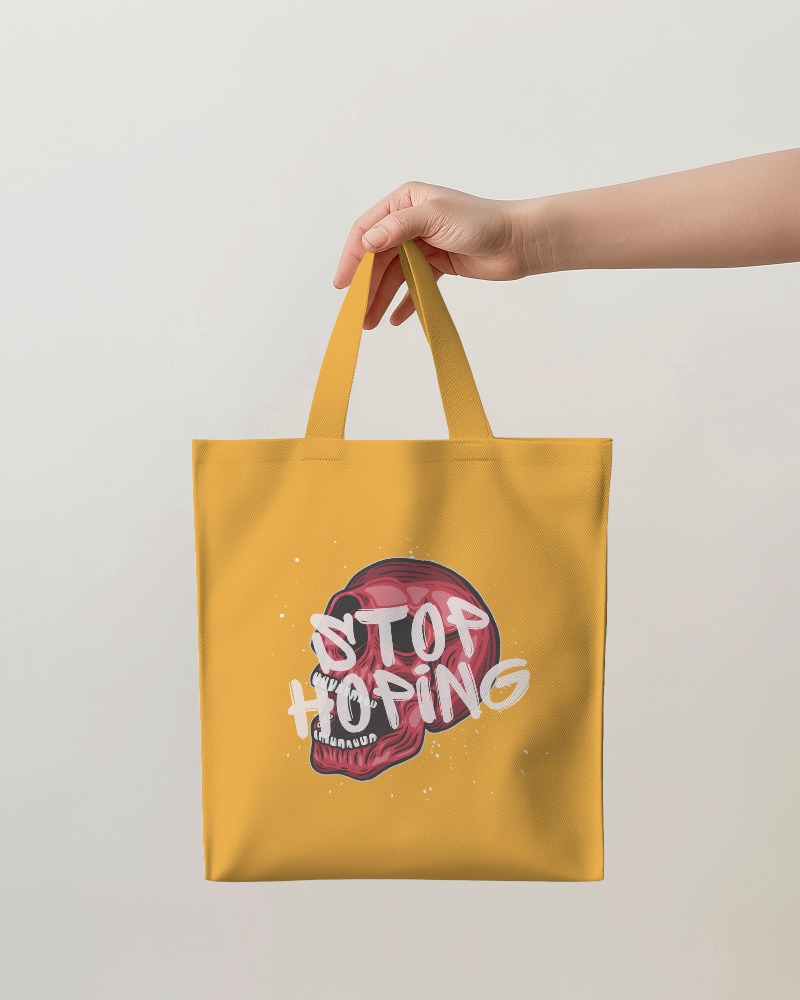
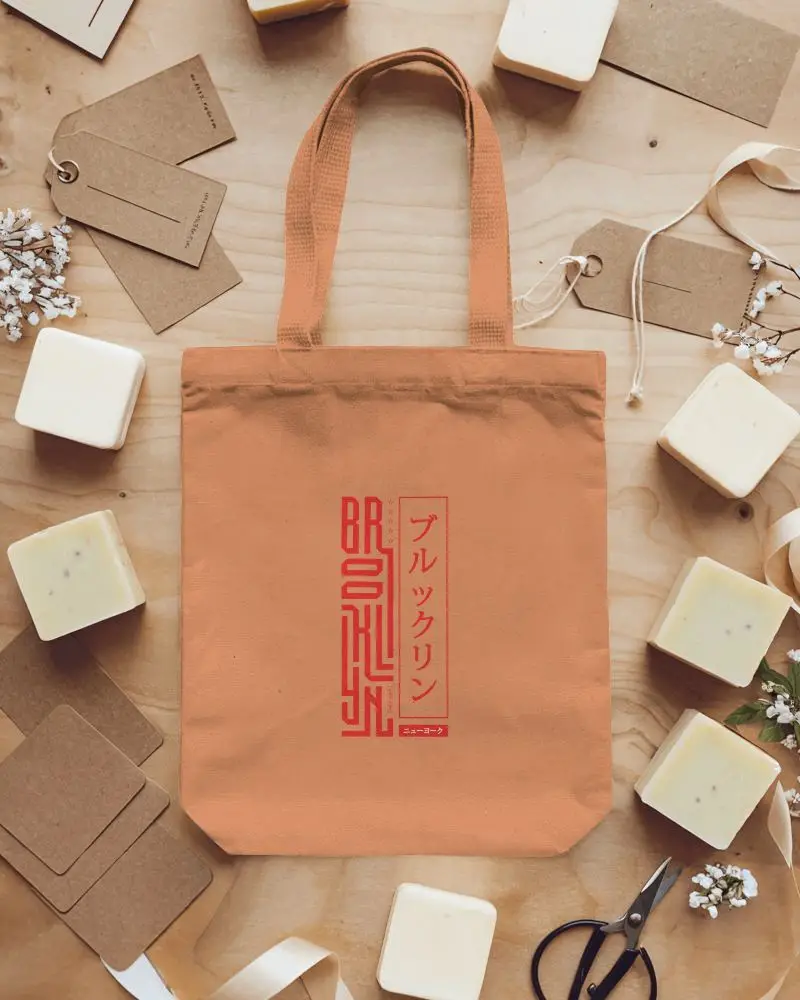
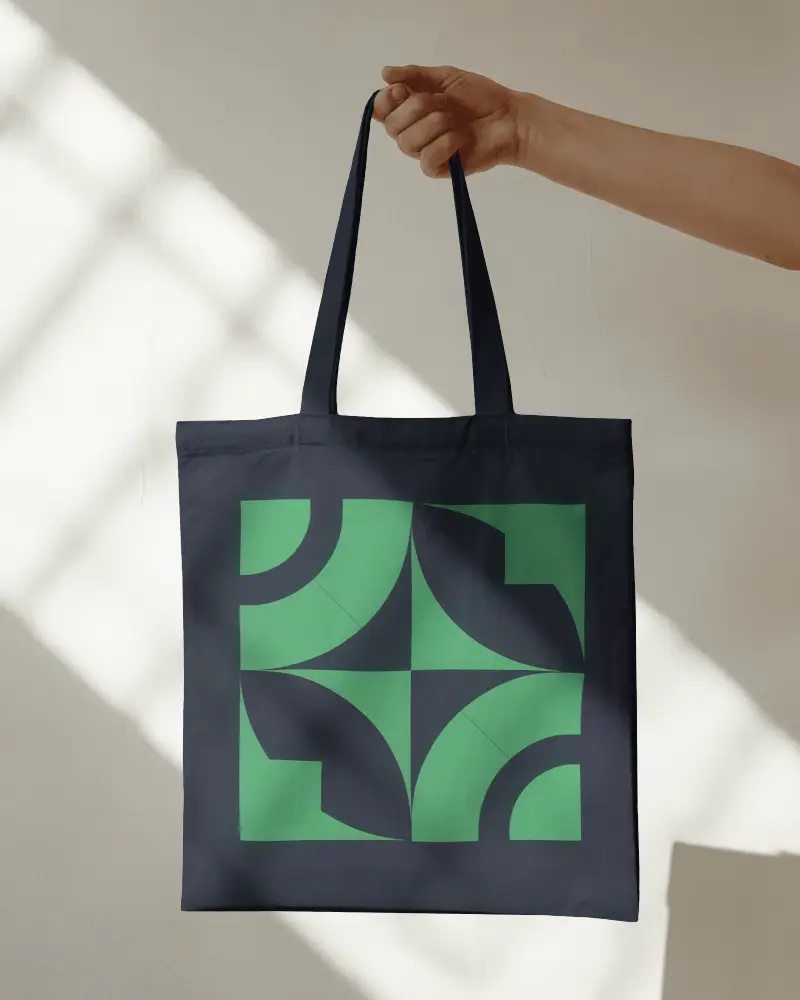
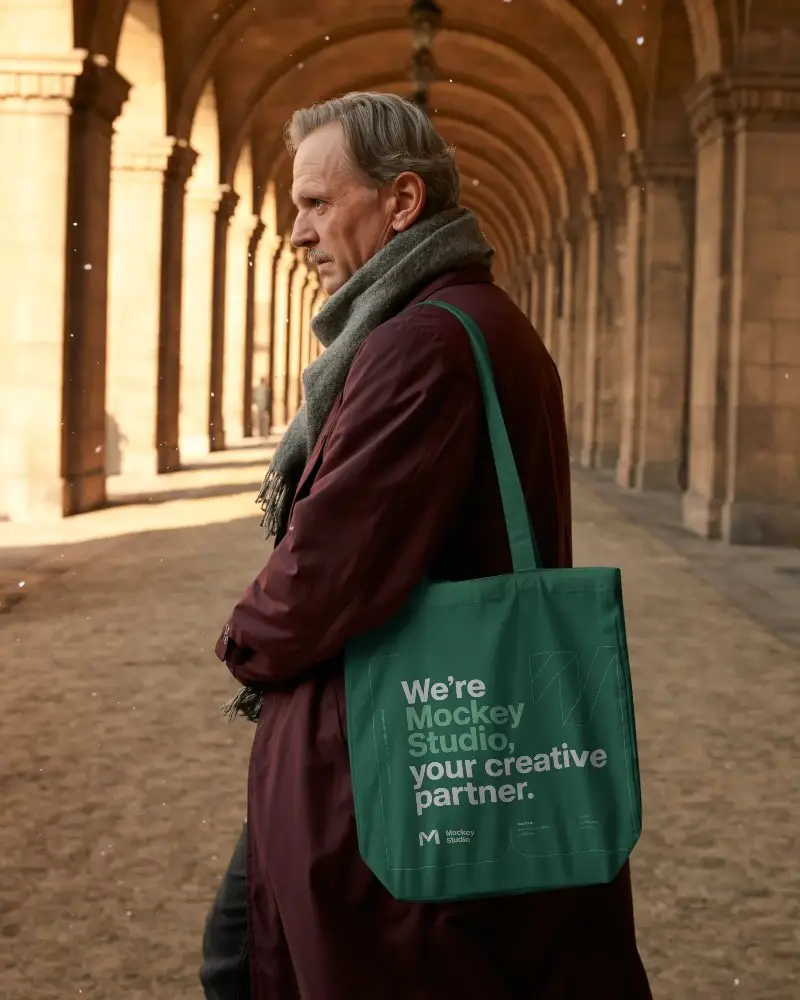
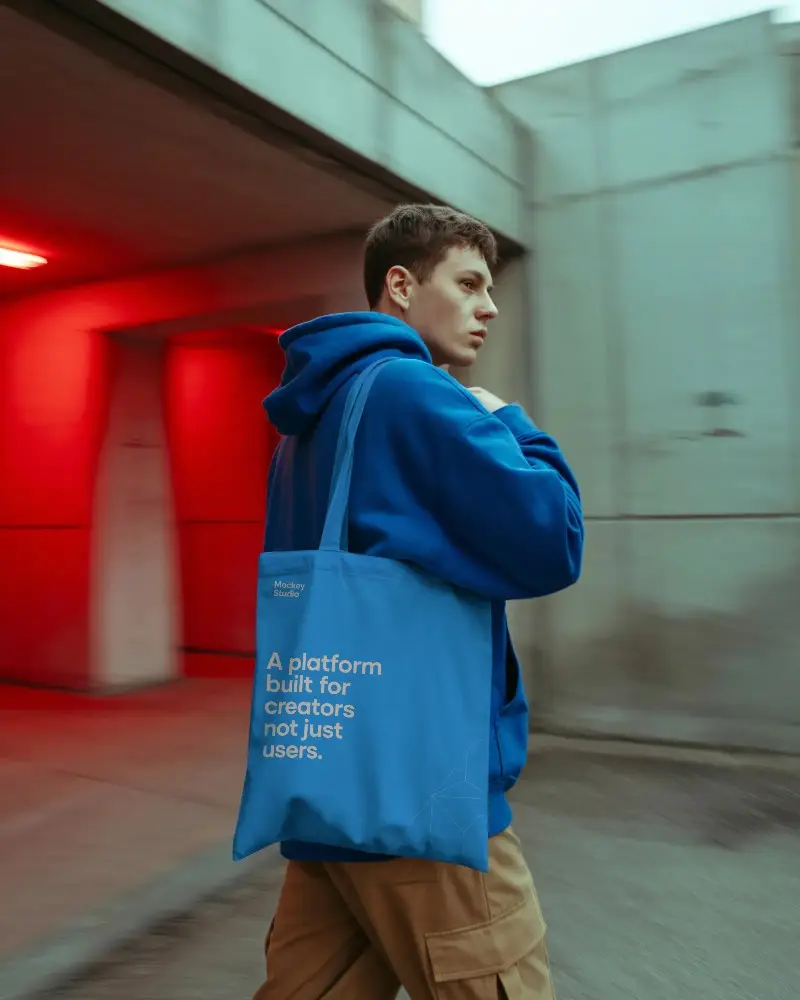
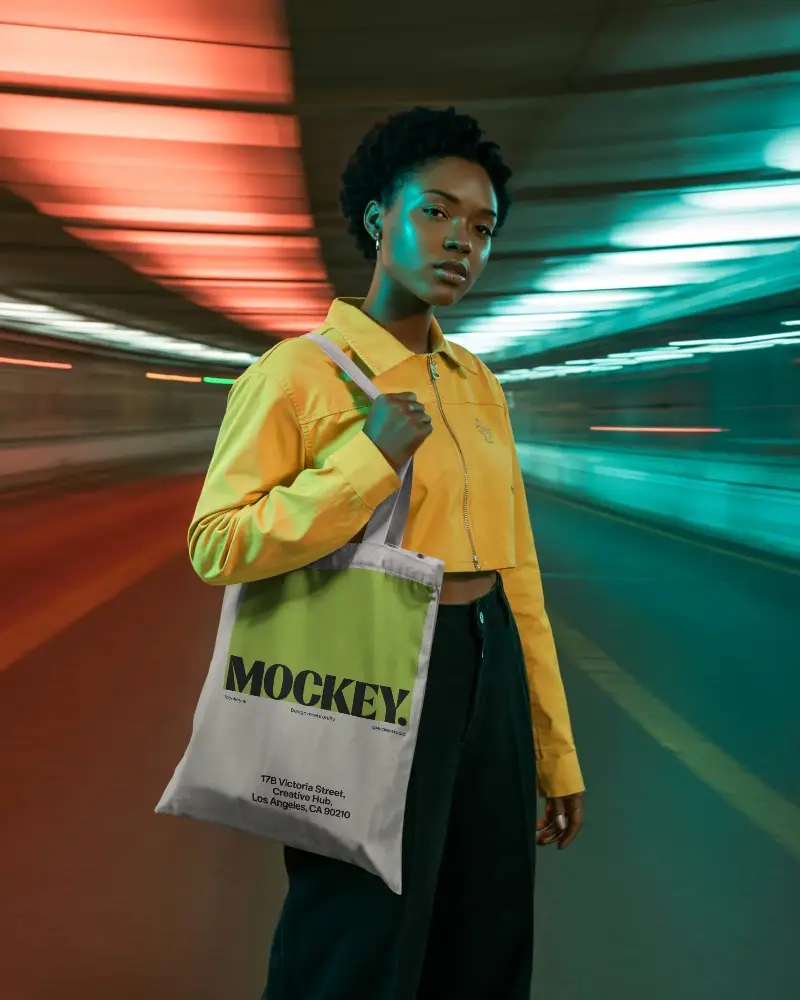
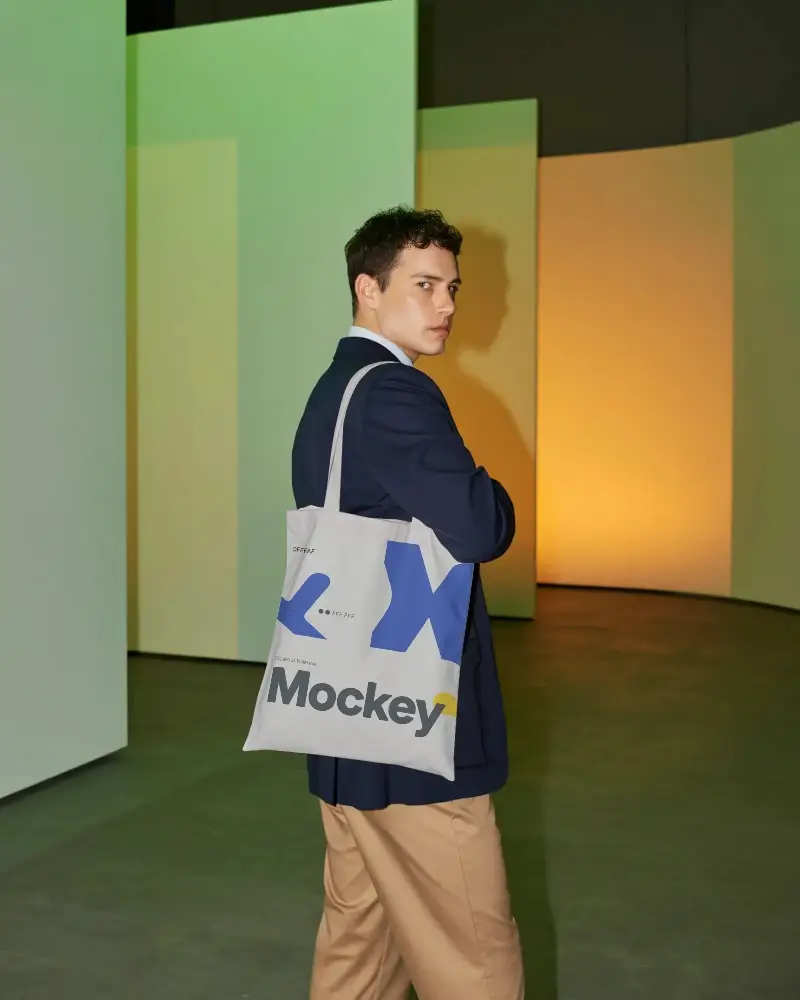
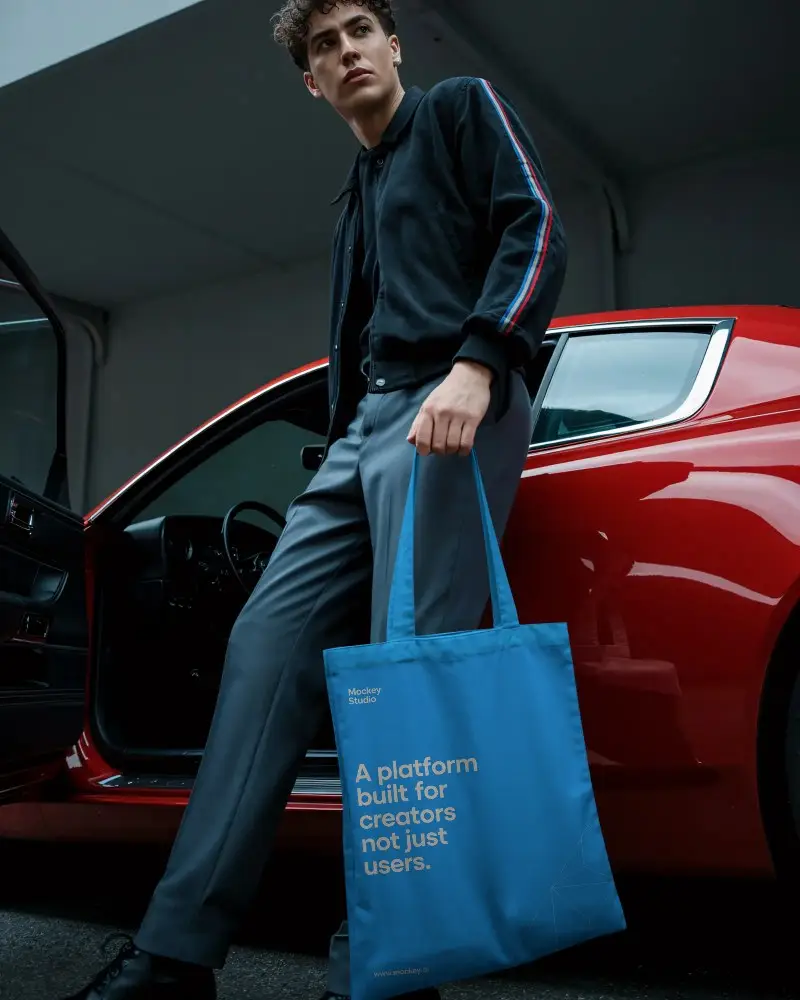
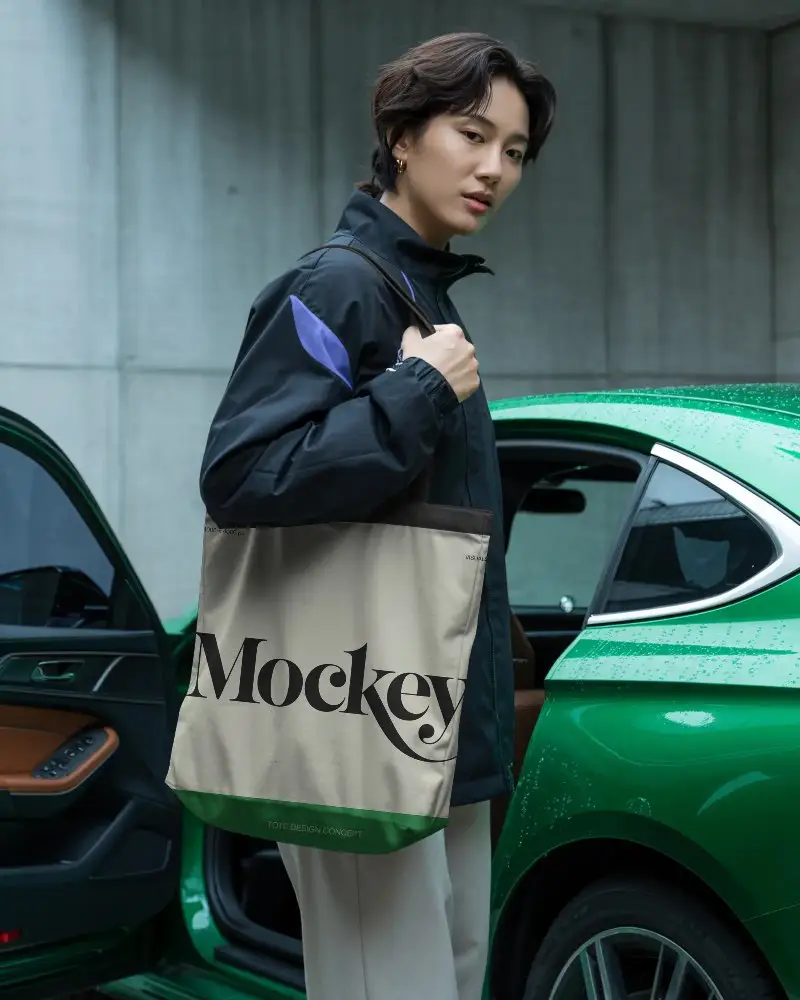
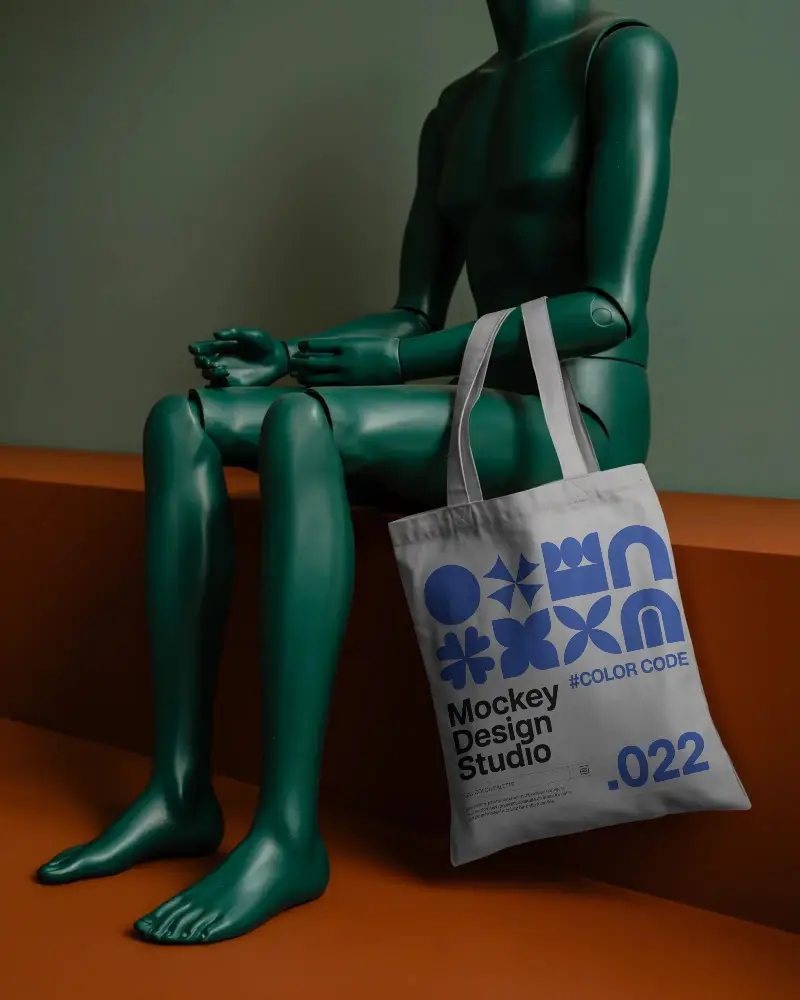
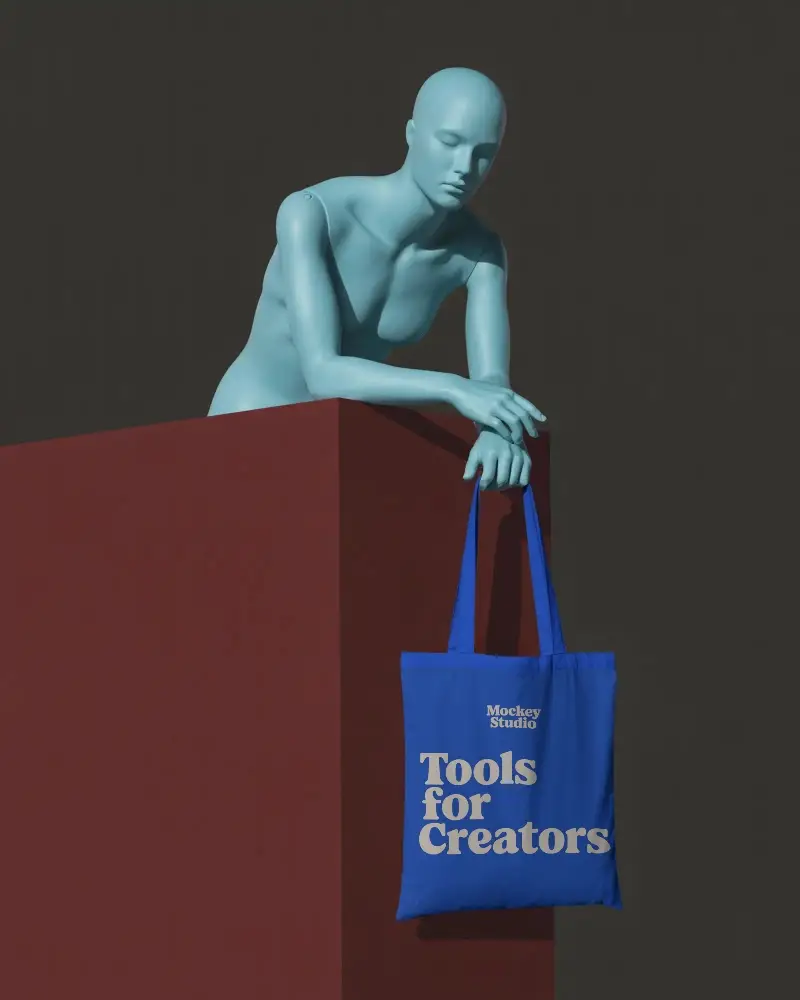
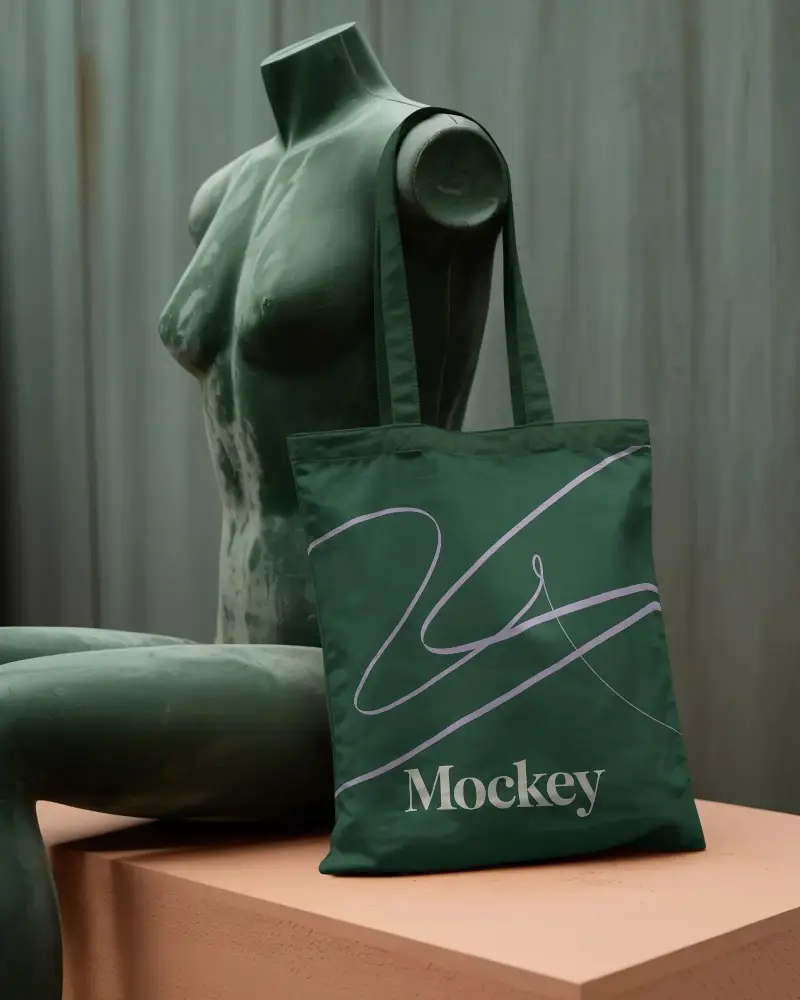
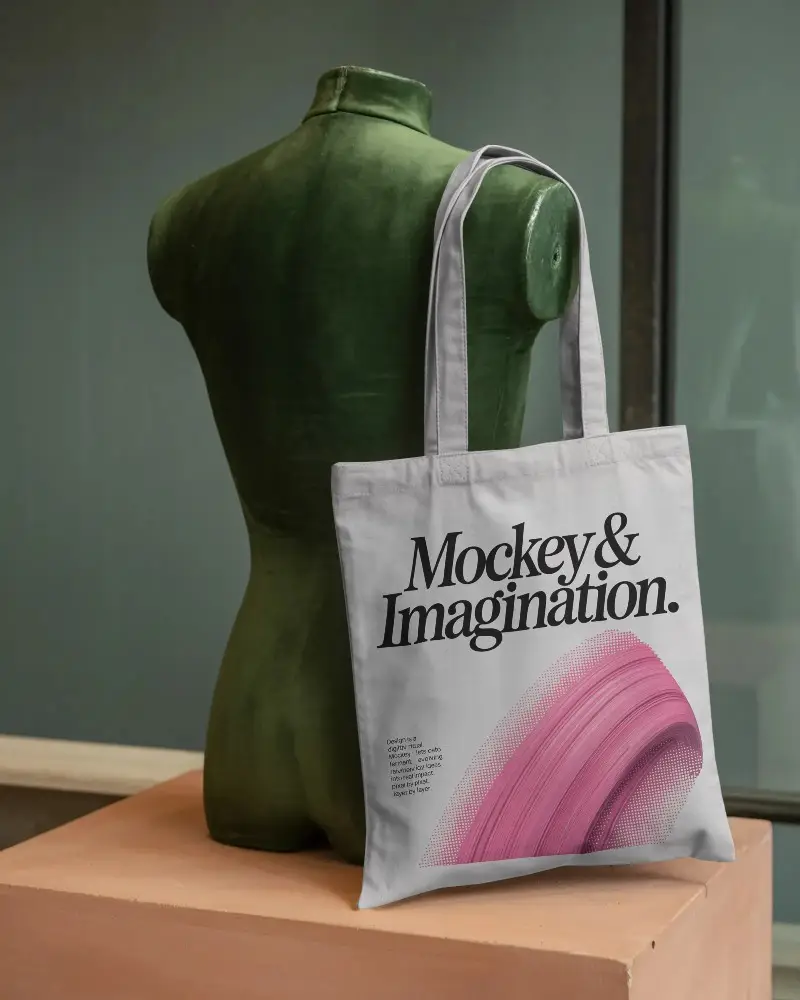
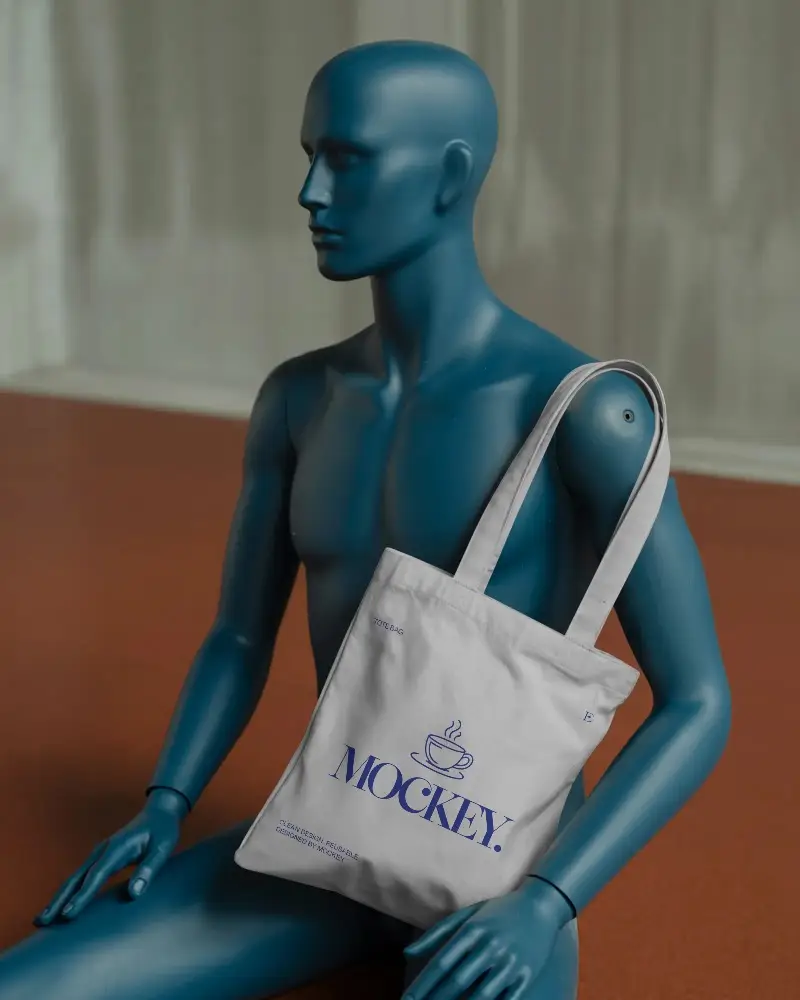
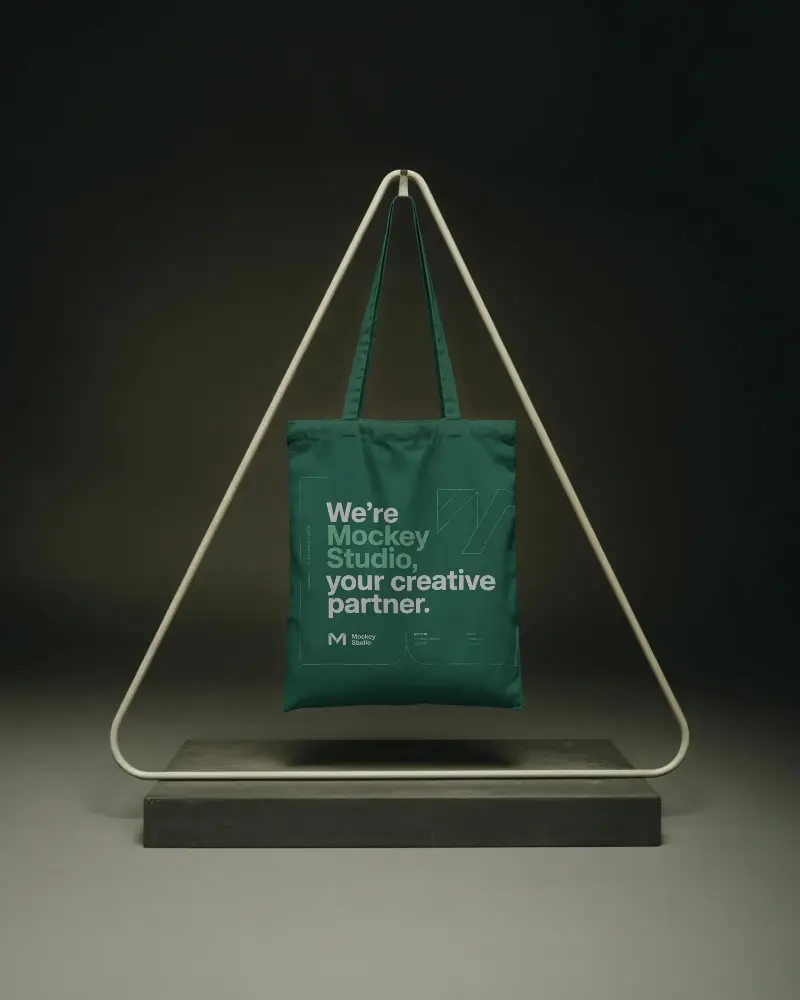
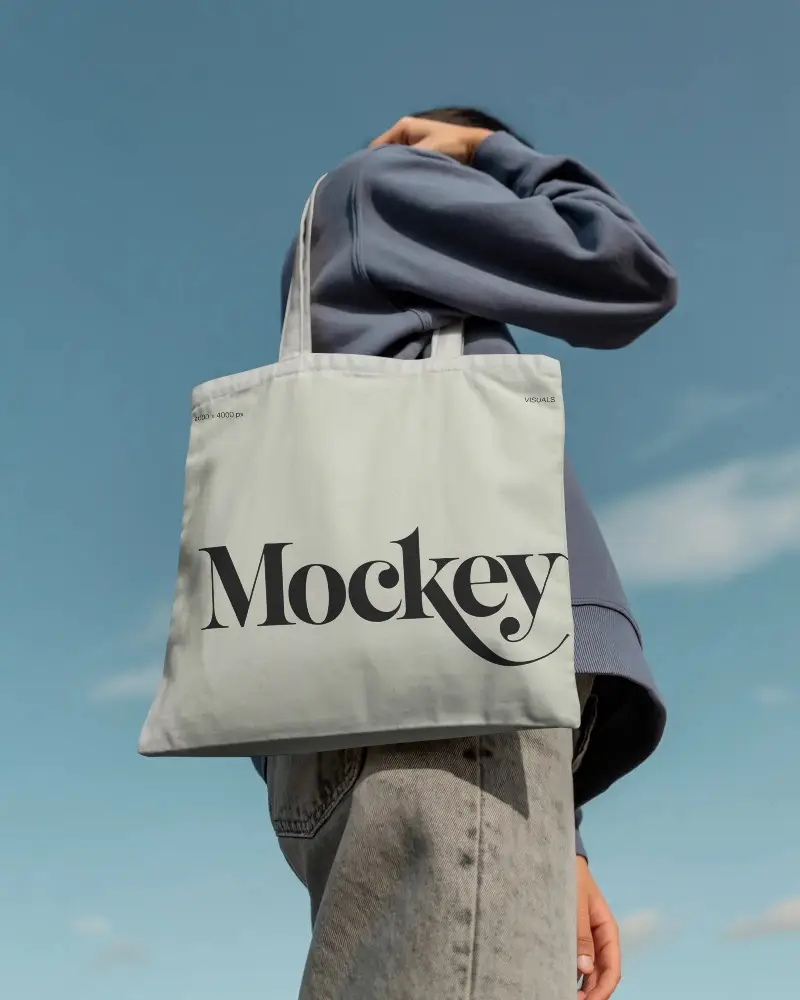
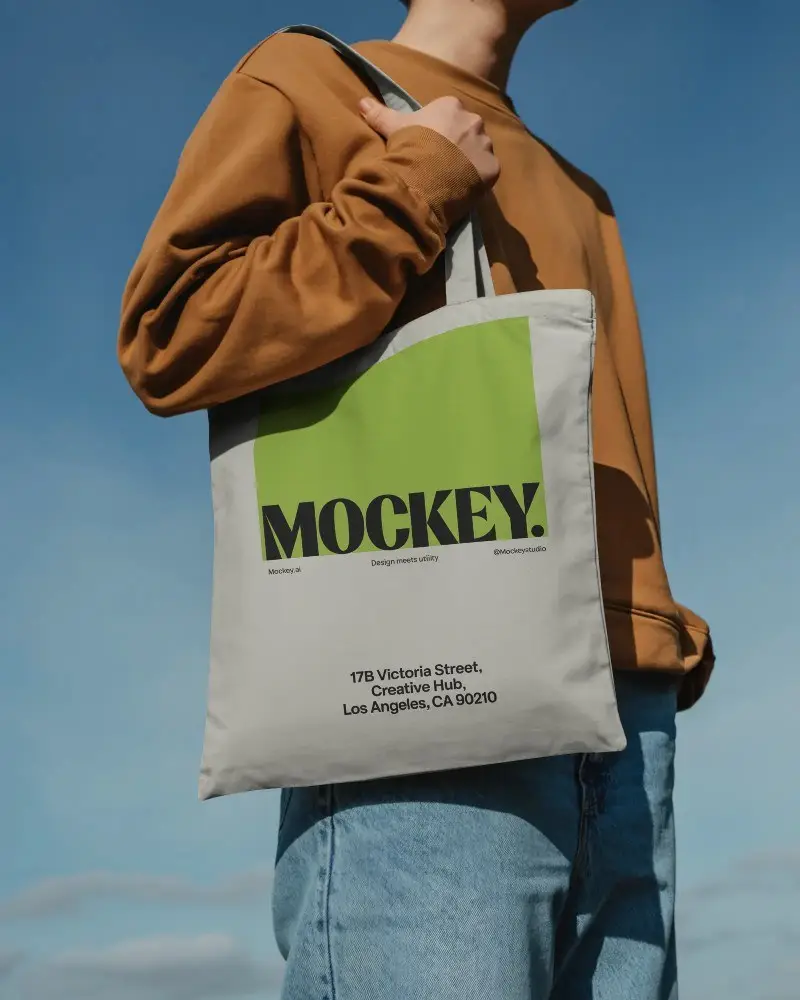
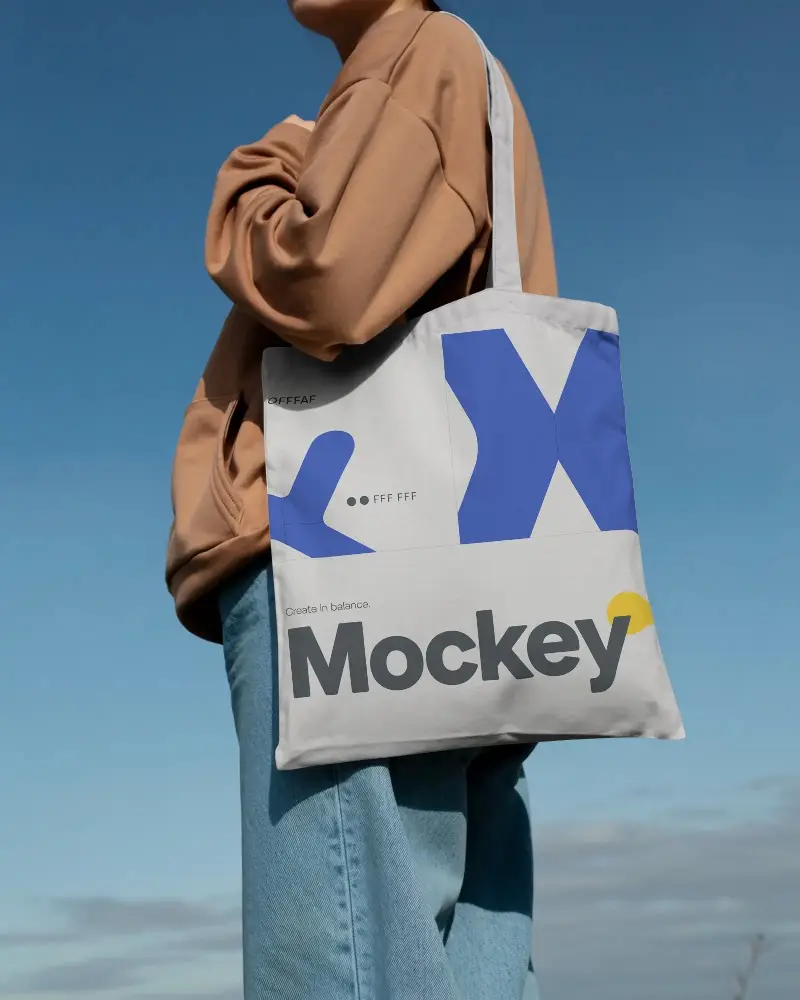
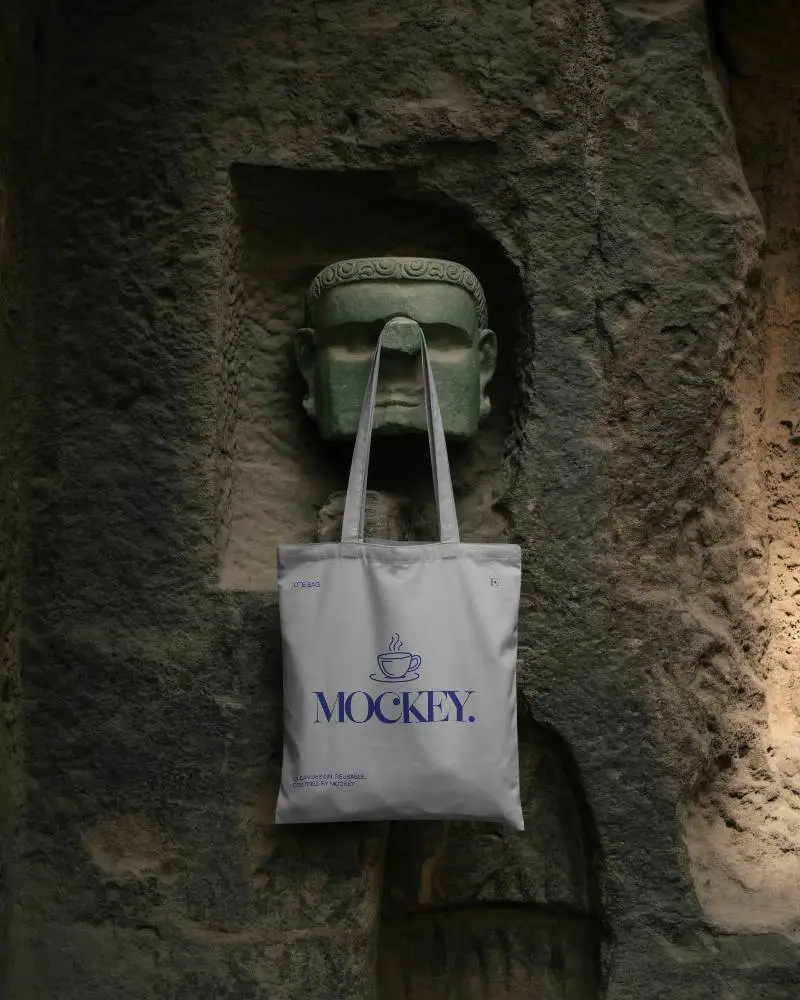
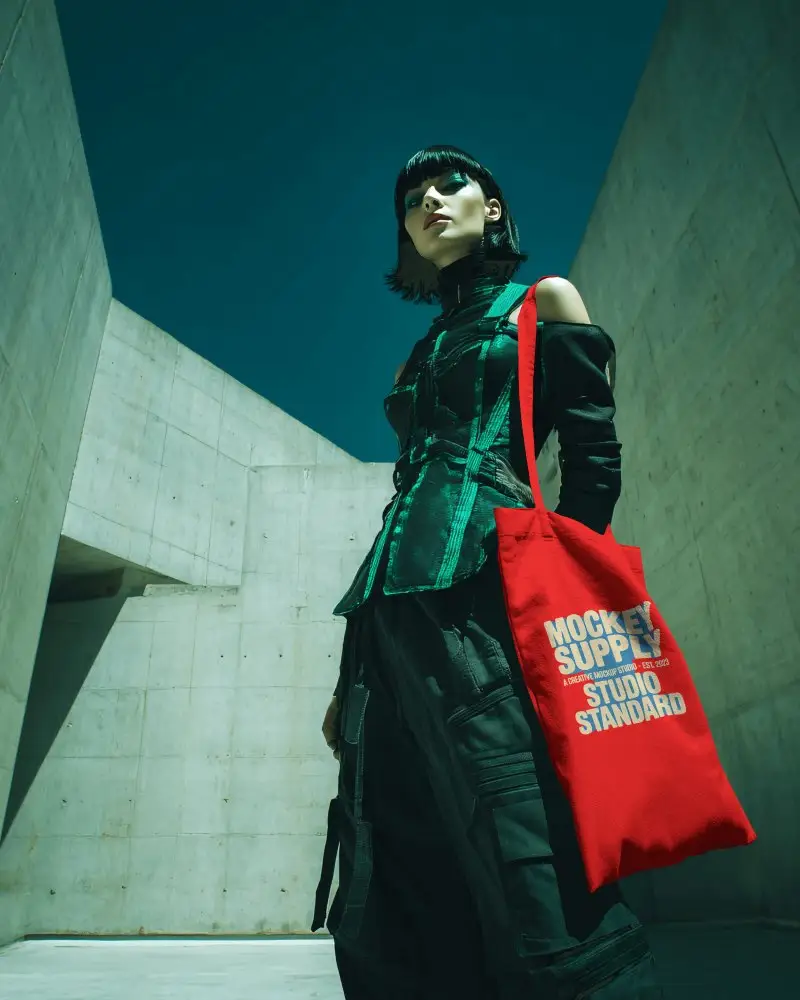
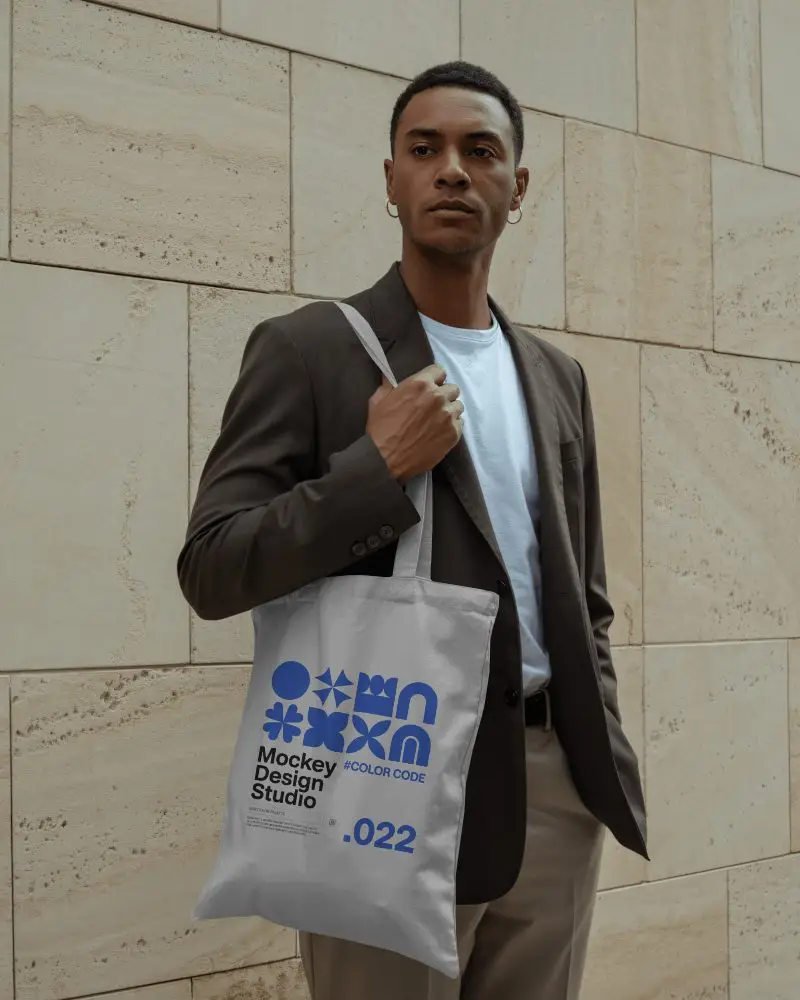
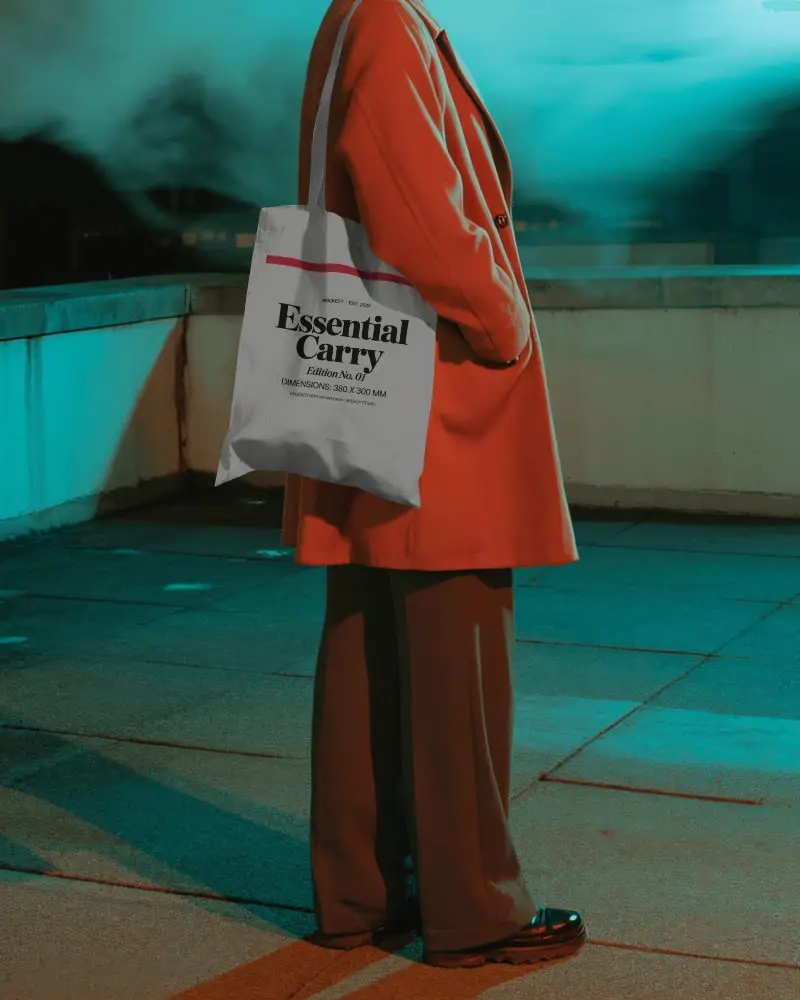
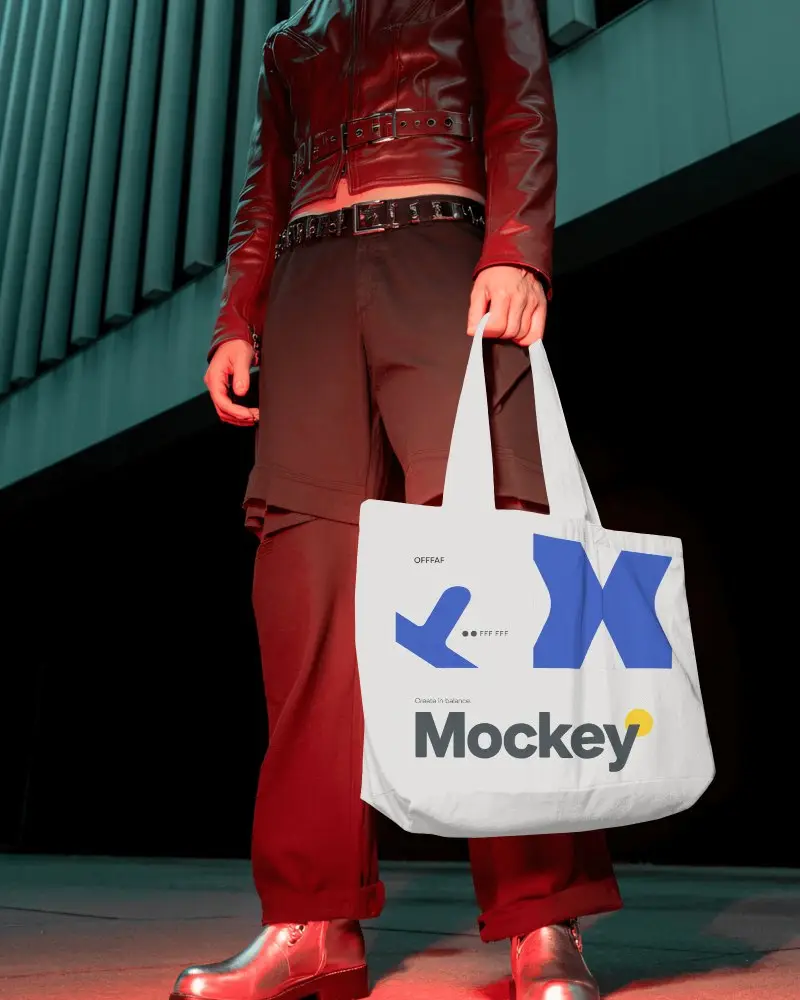
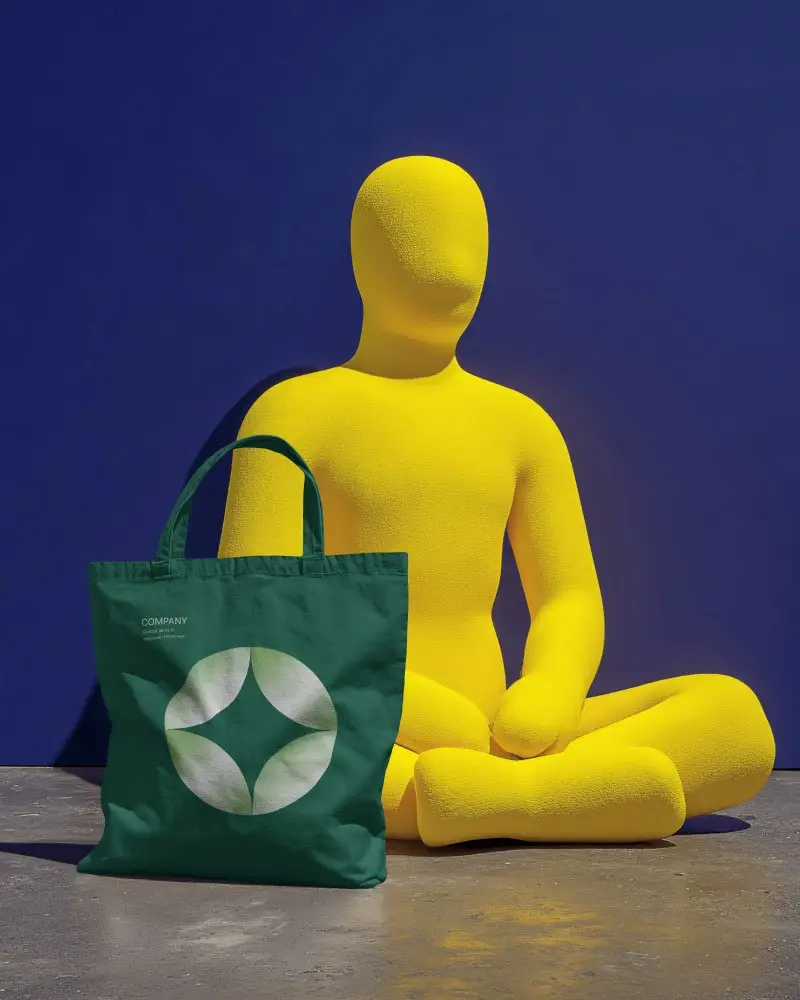
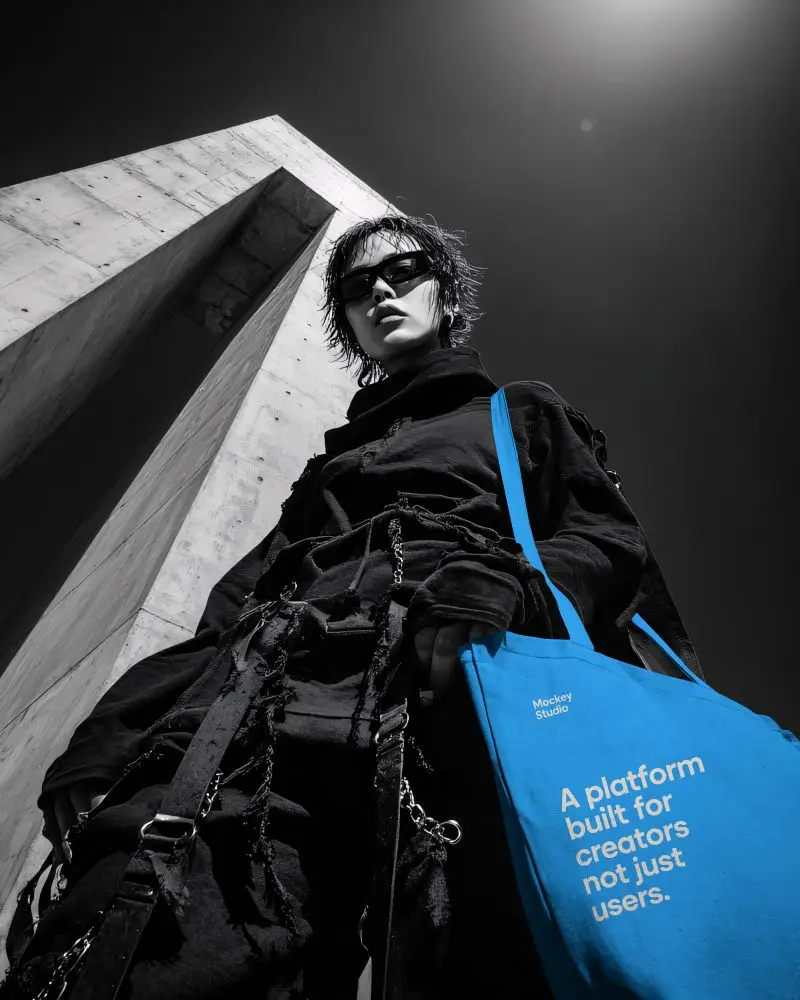
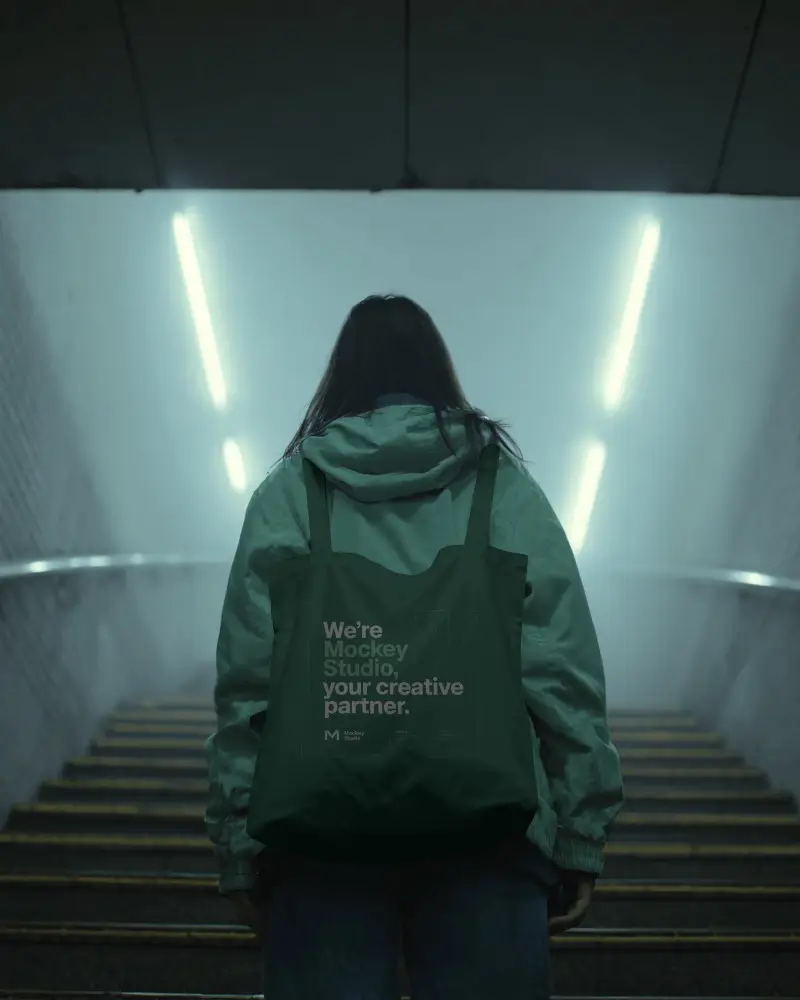
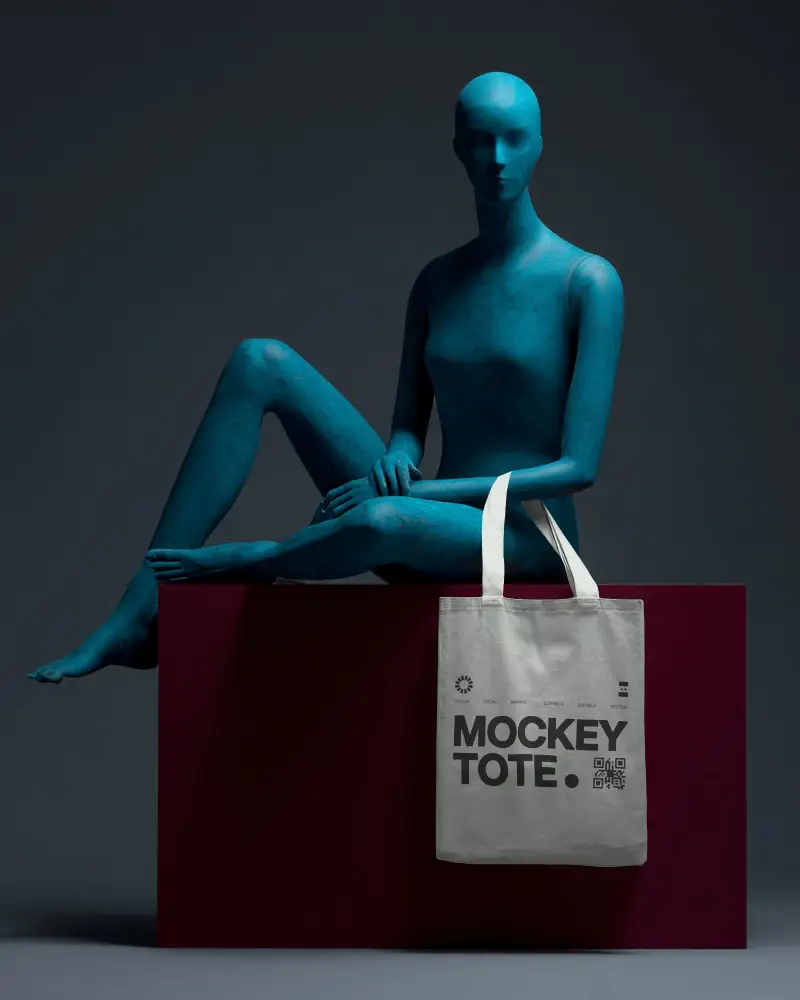
How to Create Fashion Tote Bag Mockup with Mockey
Follow the steps to create Fashion Tote Bag Mockups in Mockey AI
- Step 1: Go to Mockups > Accessories > Tote Bag > Fashion Tote Bag in the menu.
- Step 2: Select the template you want and upload your design.
- Step 3: Customize your Fashion Tote Bag mockup and download it in high quality.


FAQs on Fashion Tote Bag Mockups
What is a Fashion Tote Bag Mockup?
A Fashion Tote Bag mockup is like a digital preview of your tote bag design. It lets you see how your design will look before making the real thing, showing off your design, branding, and how the bag will look overall.
Why create a Fashion Tote Bag mockup?
Making a Fashion Tote Bag mockup helps you see your design before making it, try out different looks, and show your idea to clients or partners. It's a key part of making a new product.
Why Use Mockey’s Fashion Tote Bag Mockup?
Mockey's Fashion Tote Bag mockup generator offers several benefits. It allows you to preview your design on a tote bag before printing, provides high-quality and customizable mockups to showcase your brand, enables fast, real-time previewing of your designs, and offers unlimited free downloads of tote bag mockups.
Is this Fashion Tote Bag Mockup Free?
You can use the Fashion Tote Bag mockup generator on Mockey.ai for free. You can download as many mockups as you want without paying anything.
