Download Free Cotton Tote Bag Mockups
Create stunning Cotton Tote Bag Mockups with Mockey.ai! Showcase your designs in realistic, high-quality mockups effortlessly. Try it now!
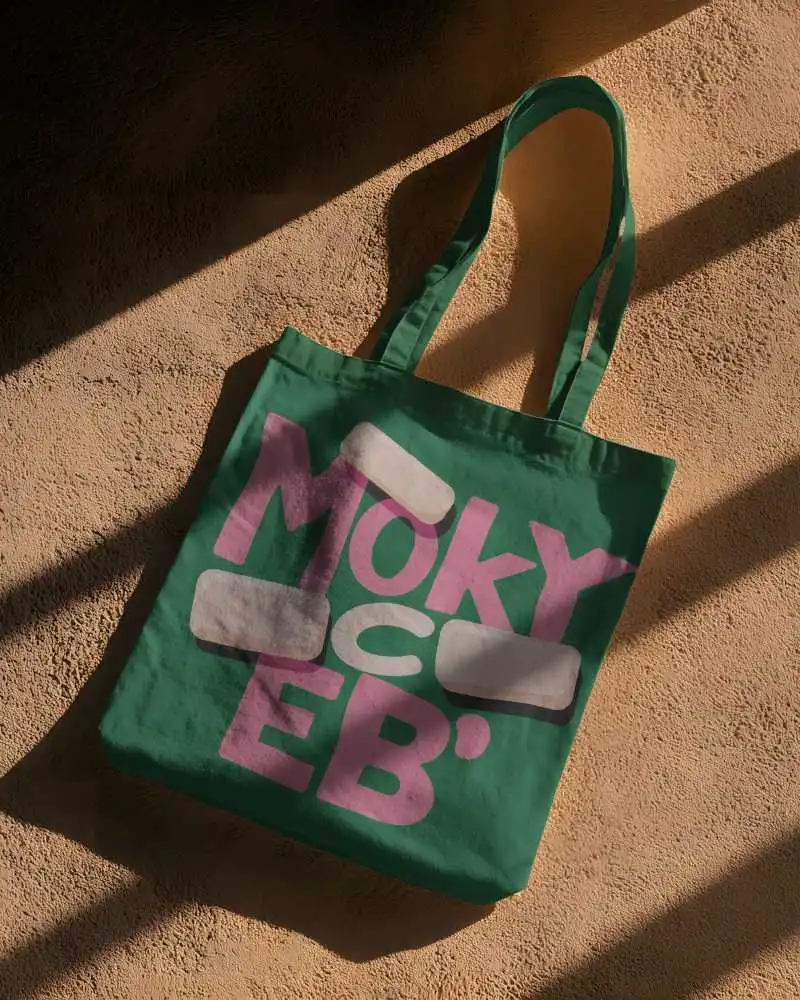
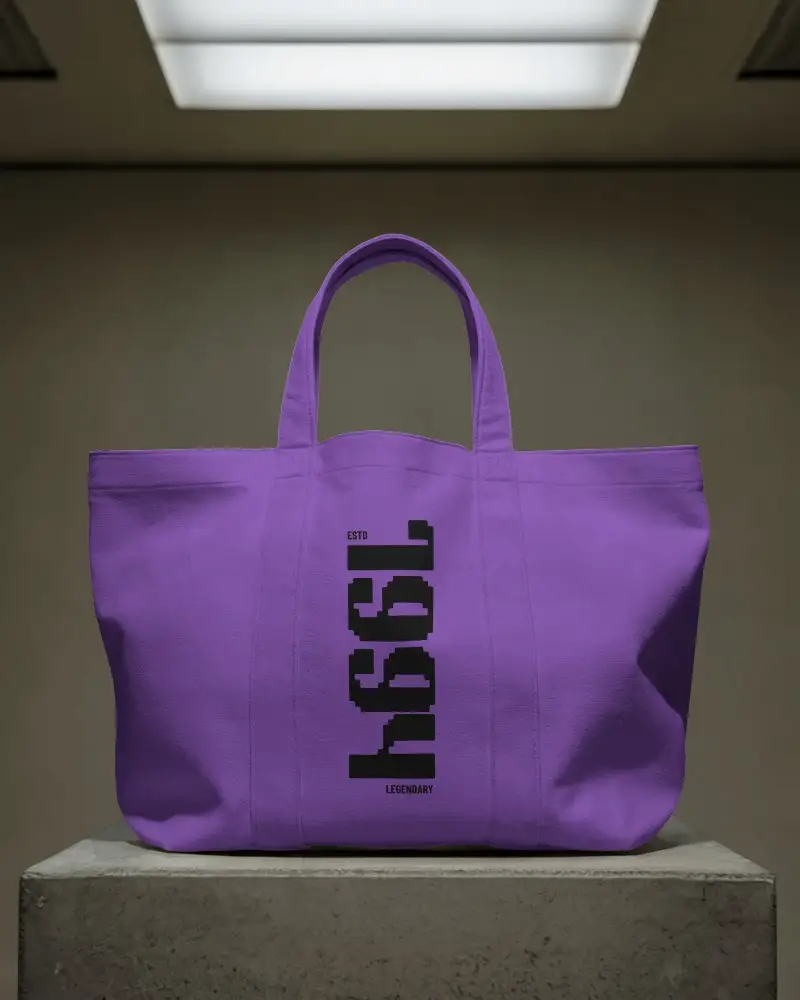
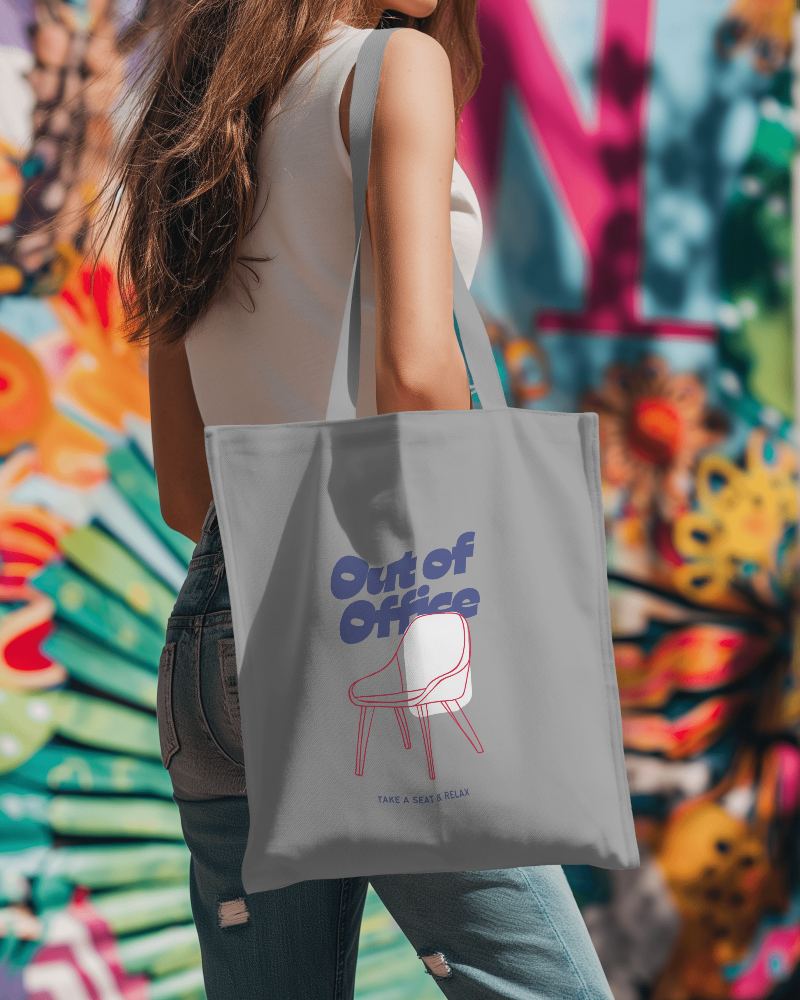
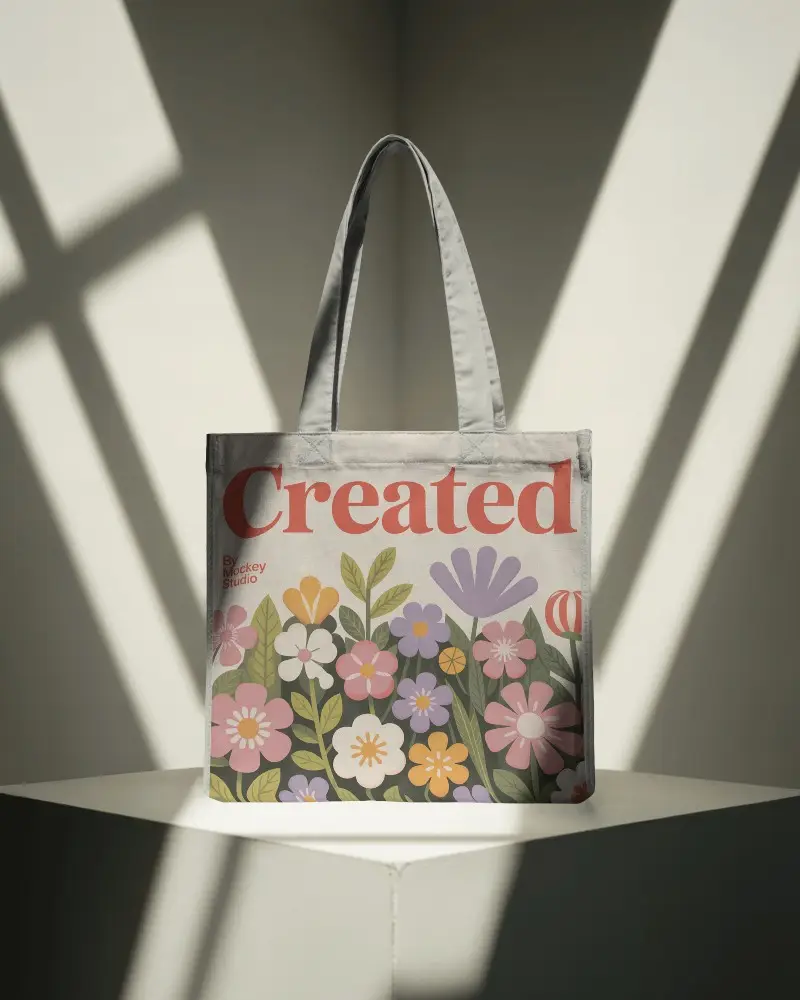
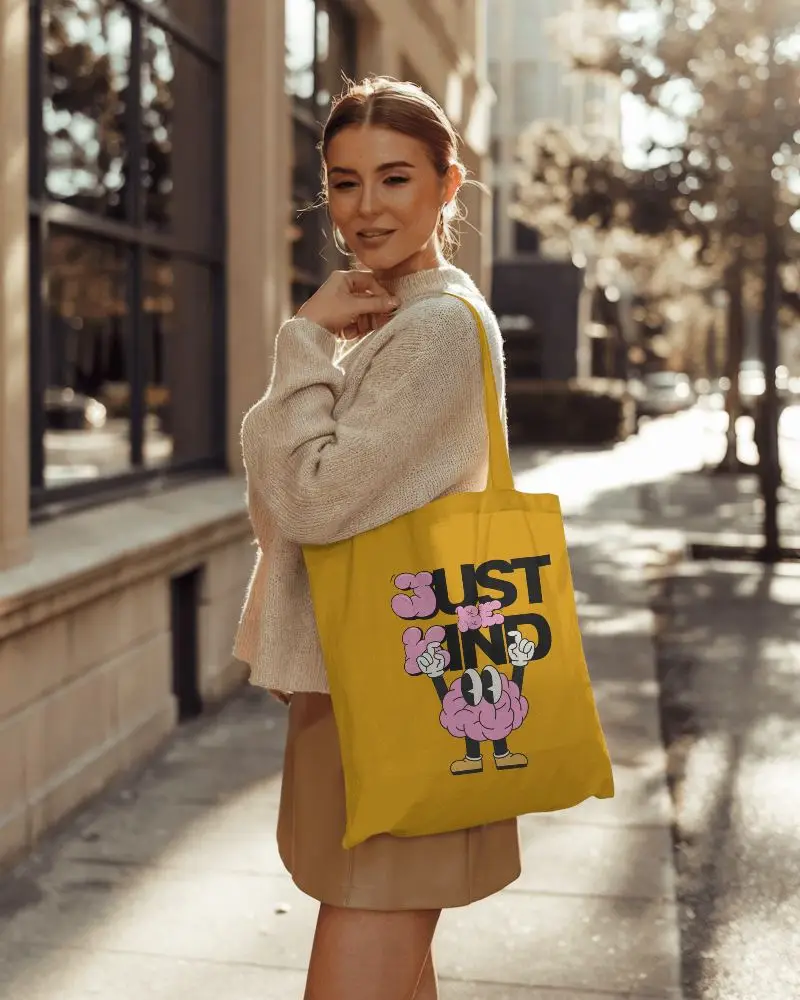
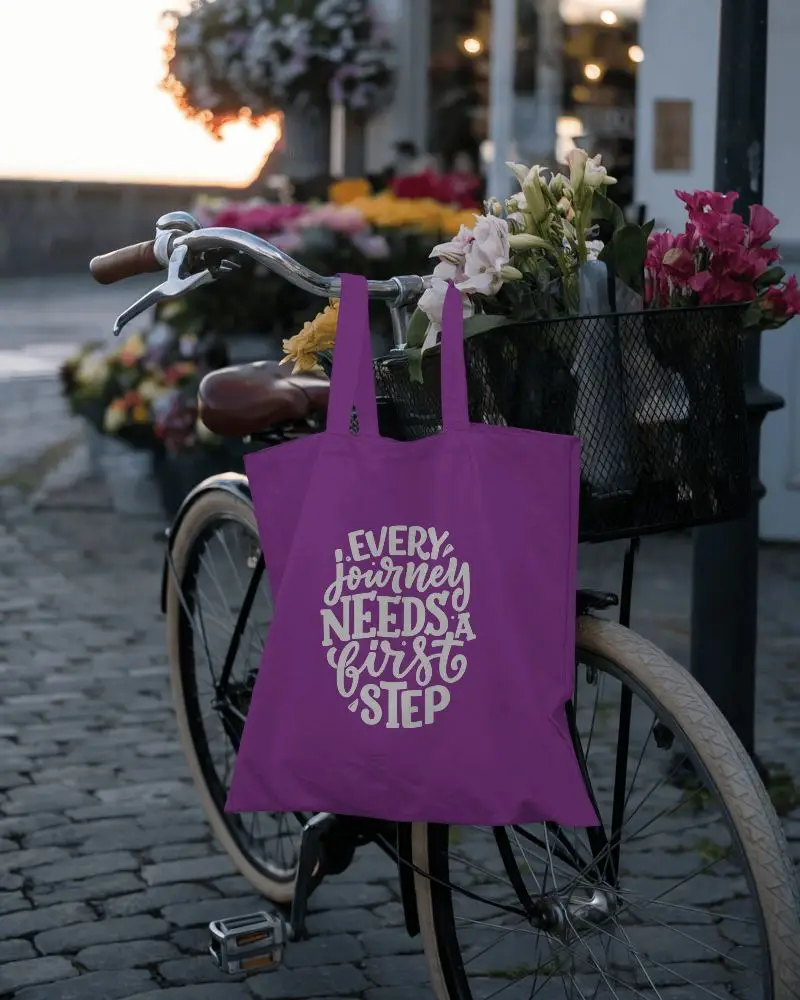



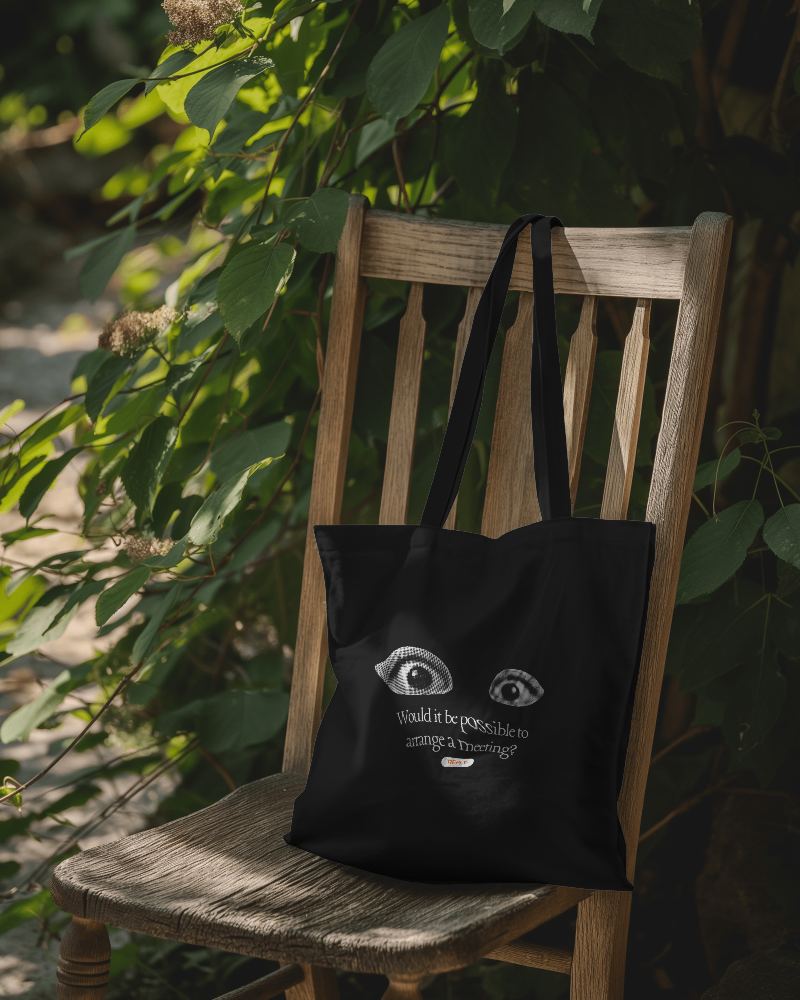
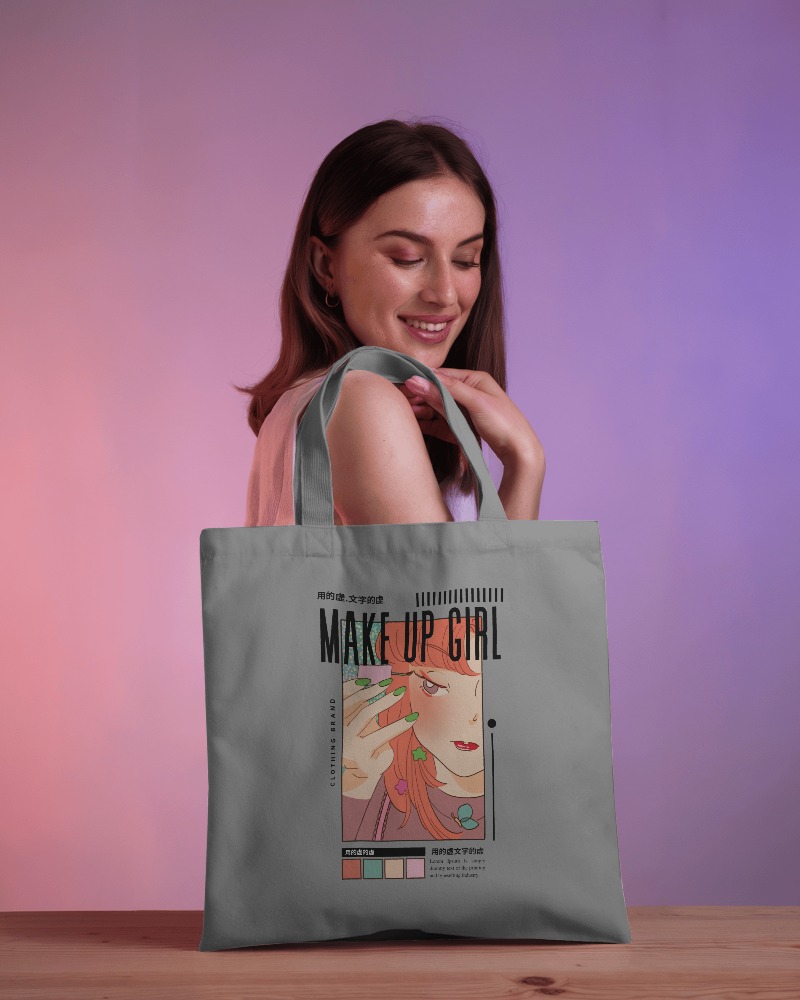

.png)
.png)
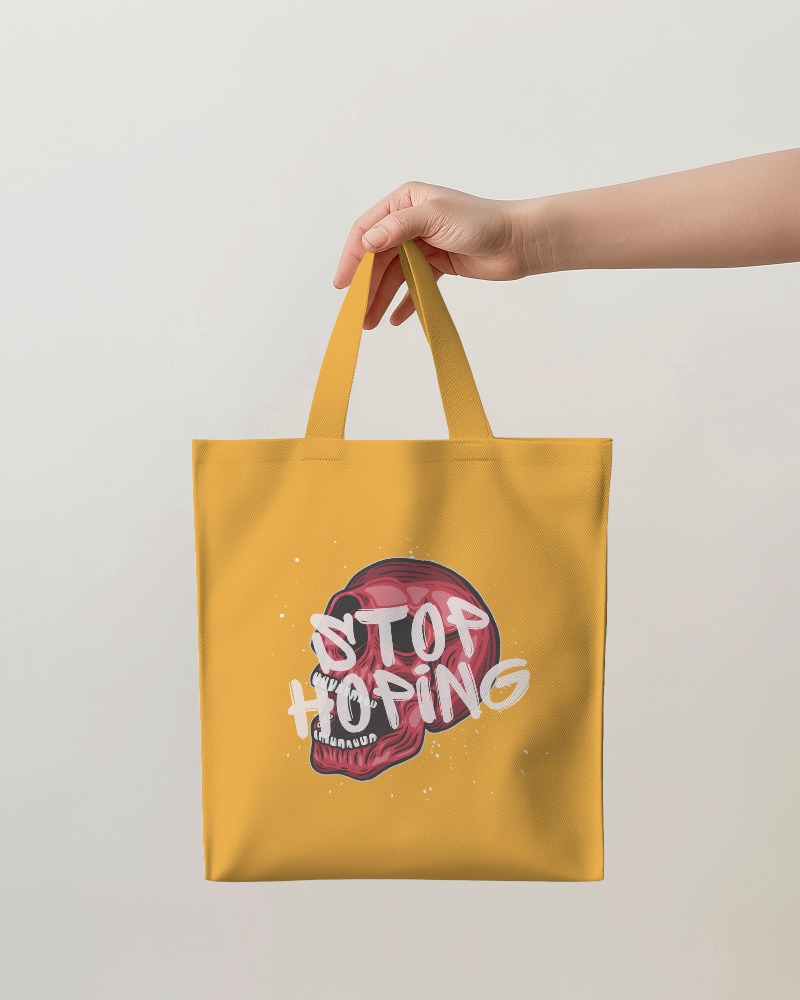
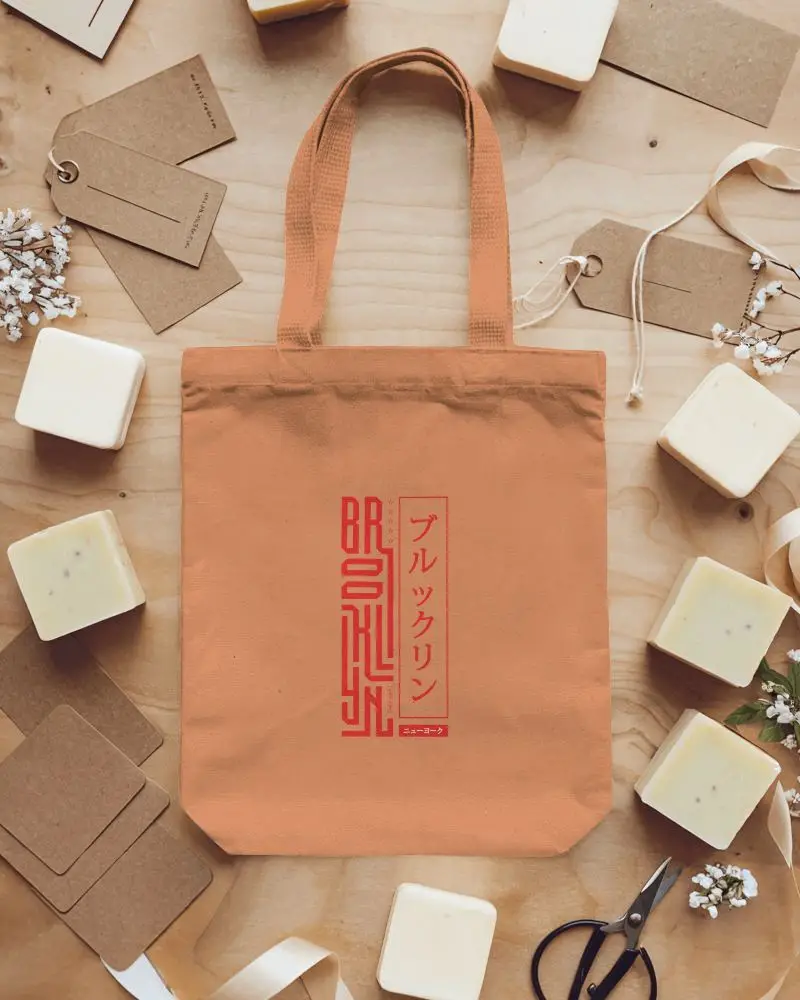
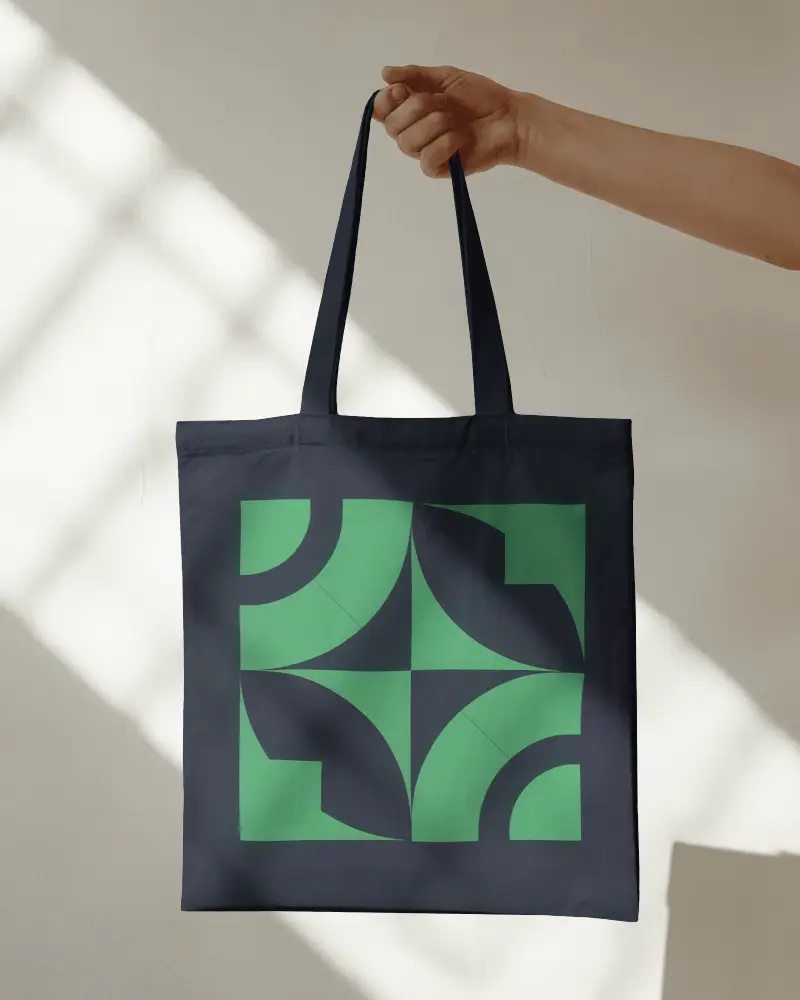
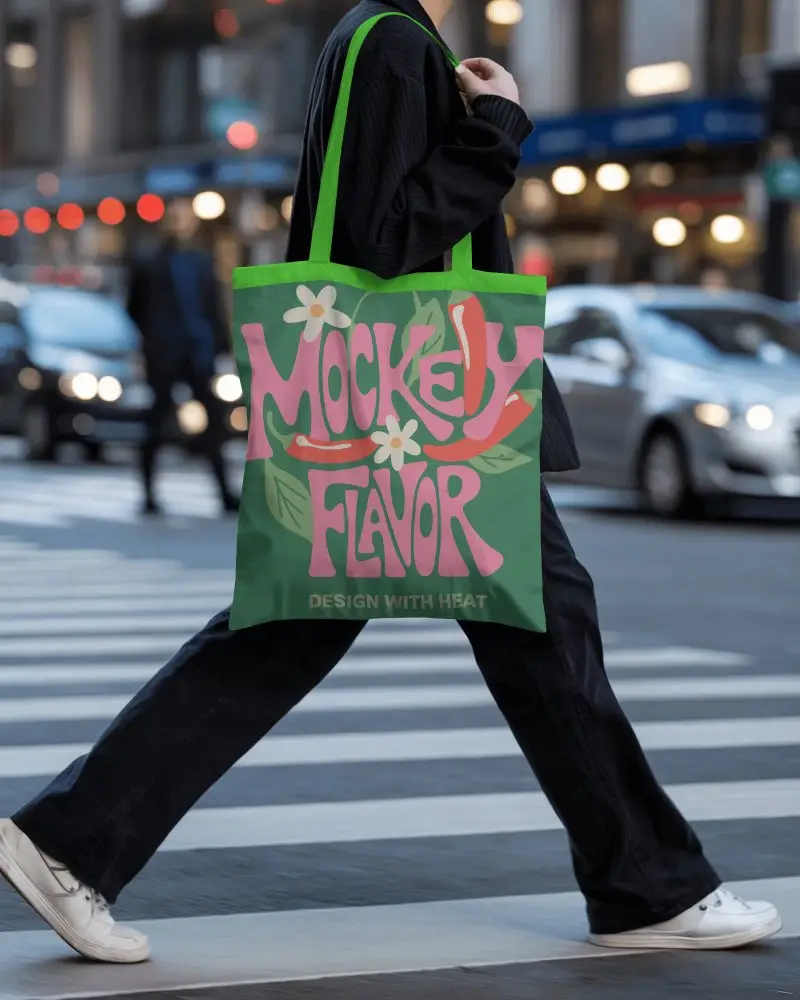
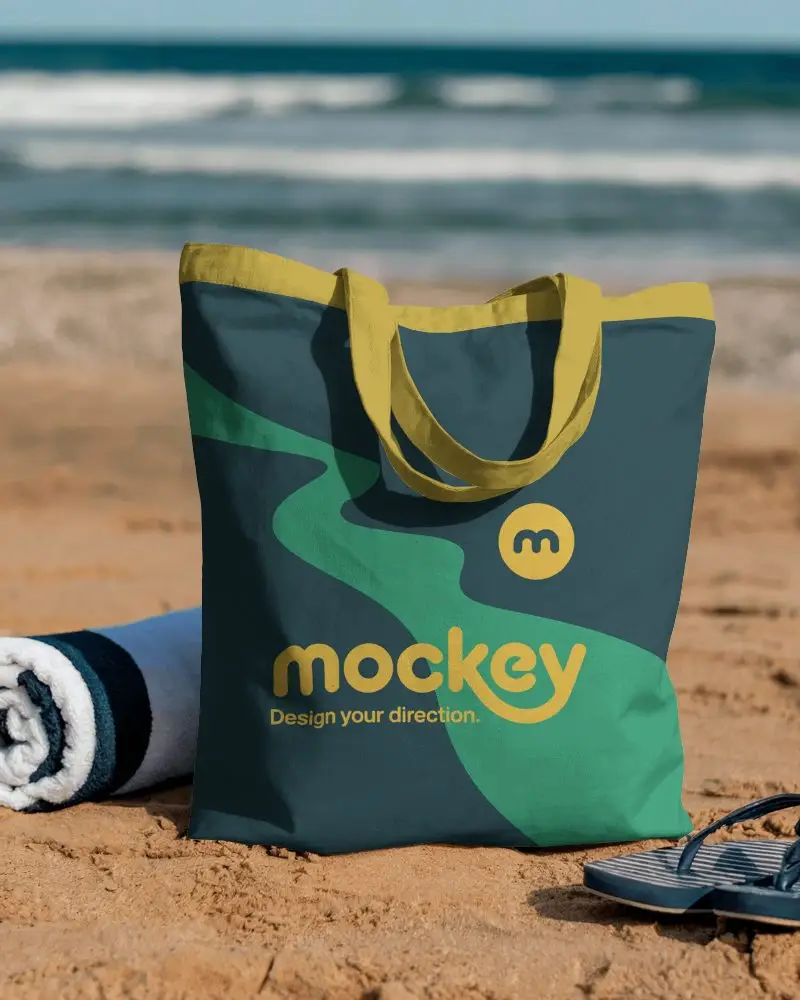
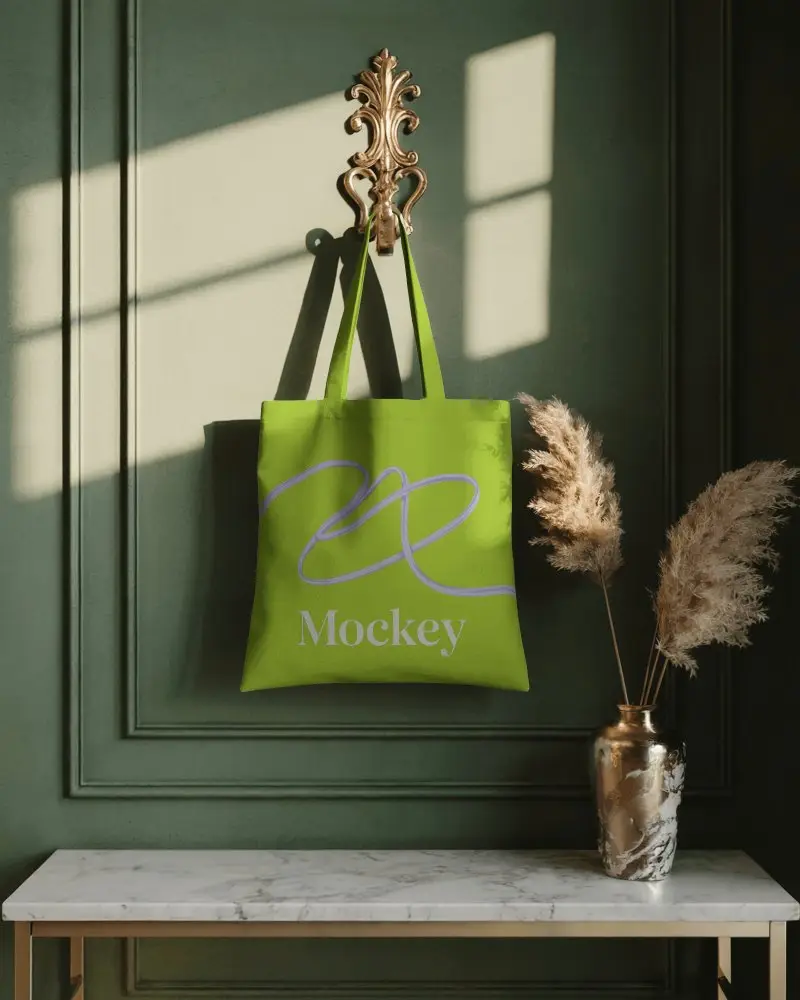



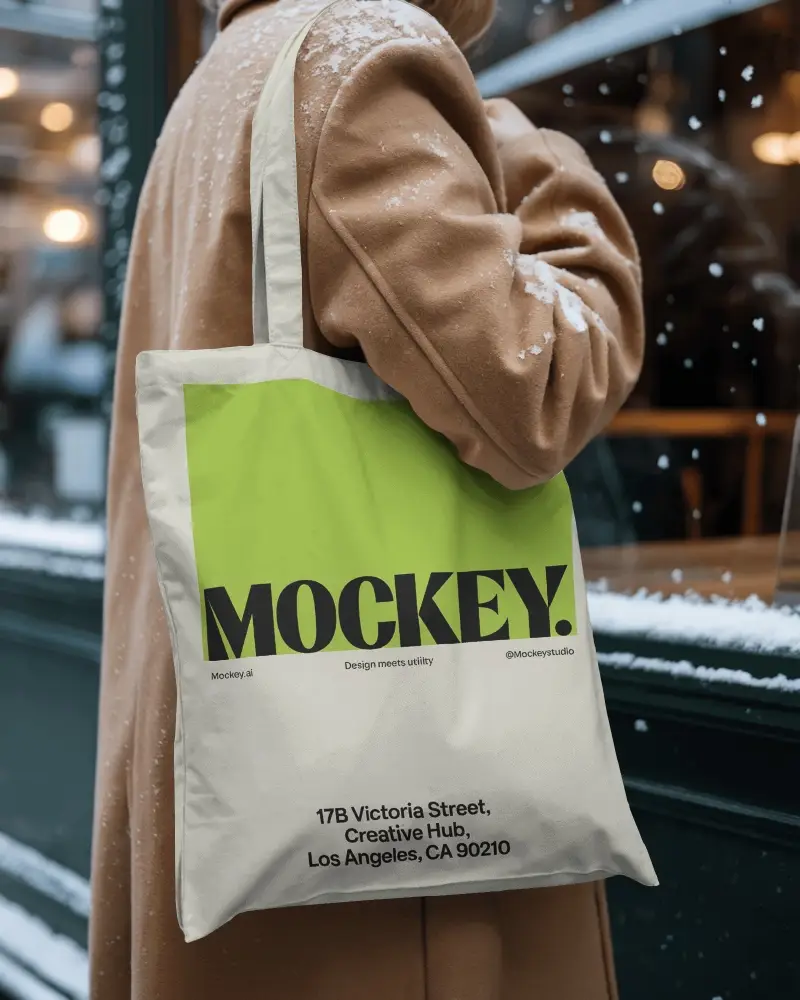
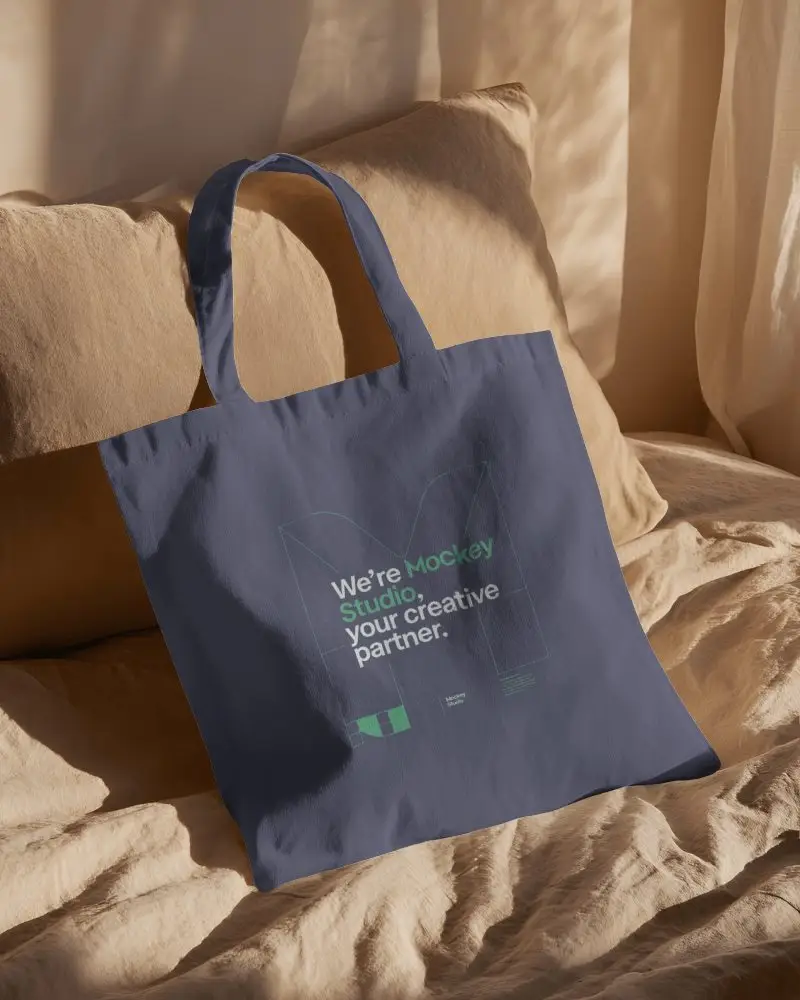
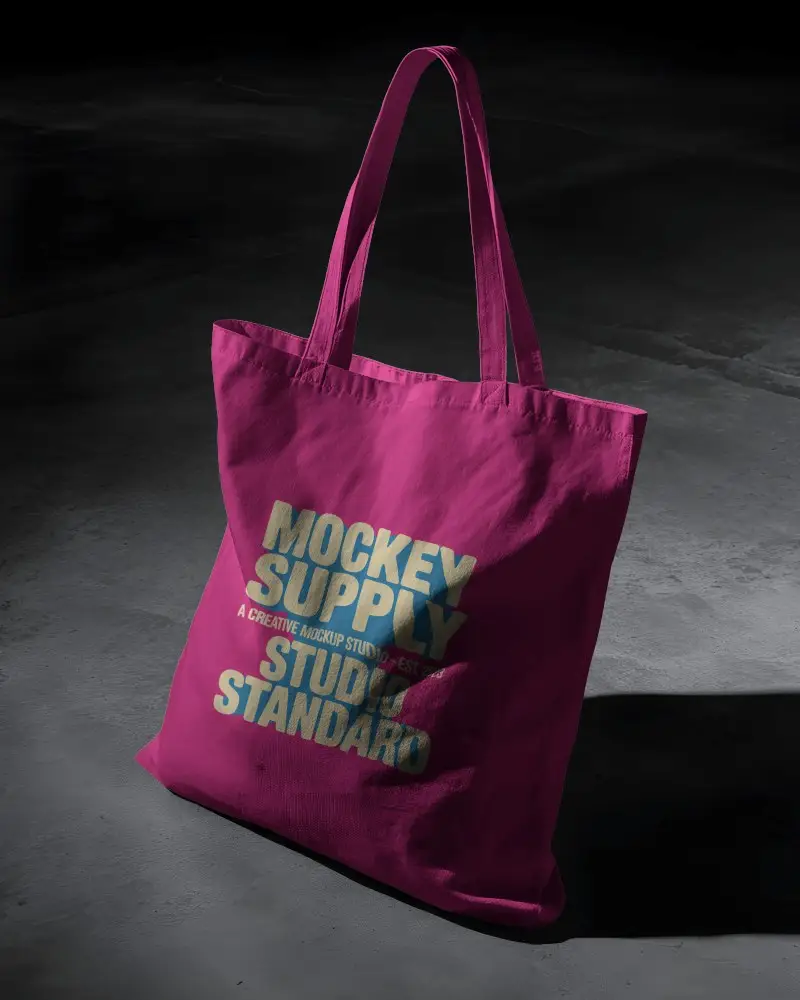
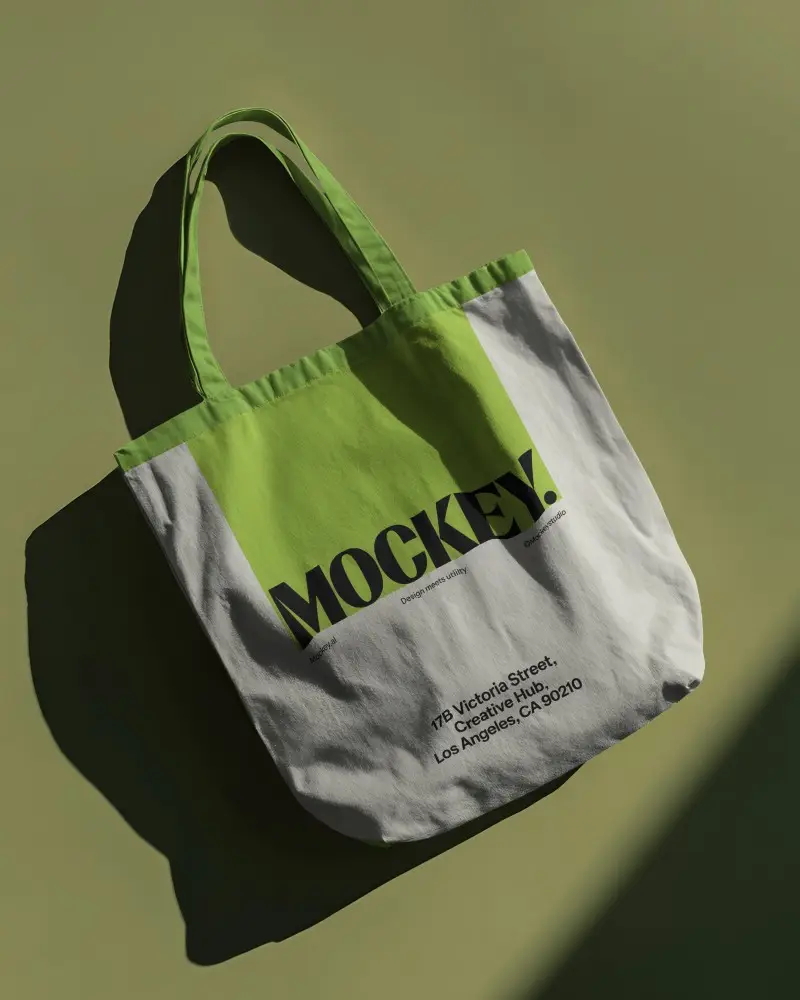
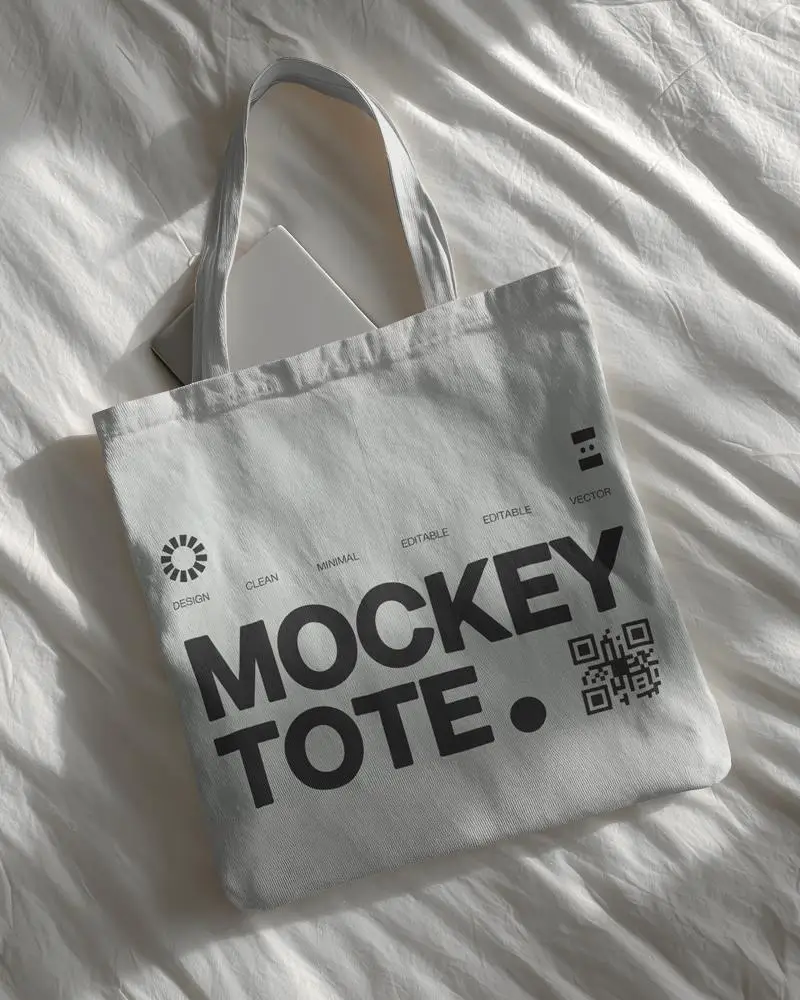
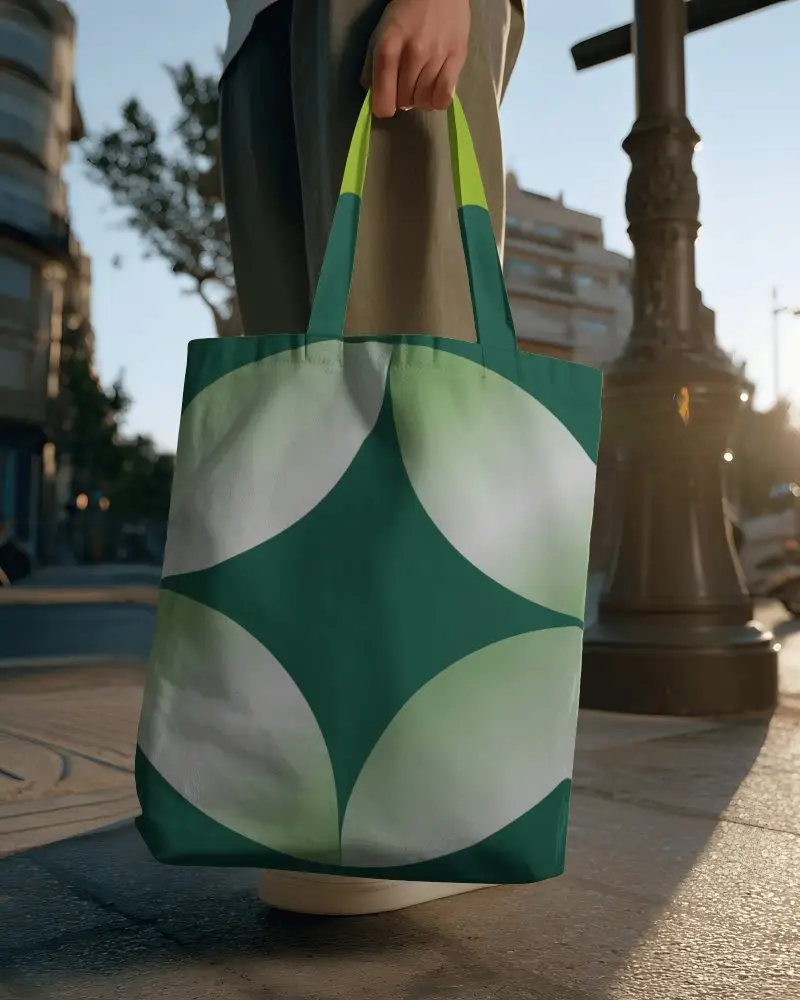
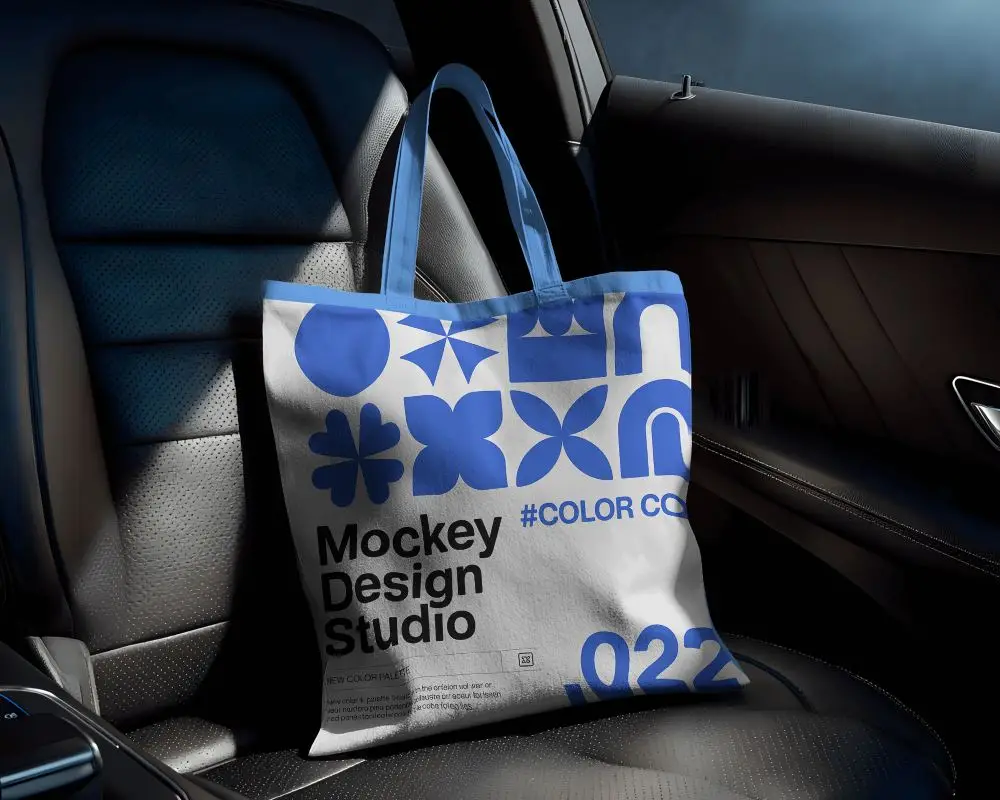
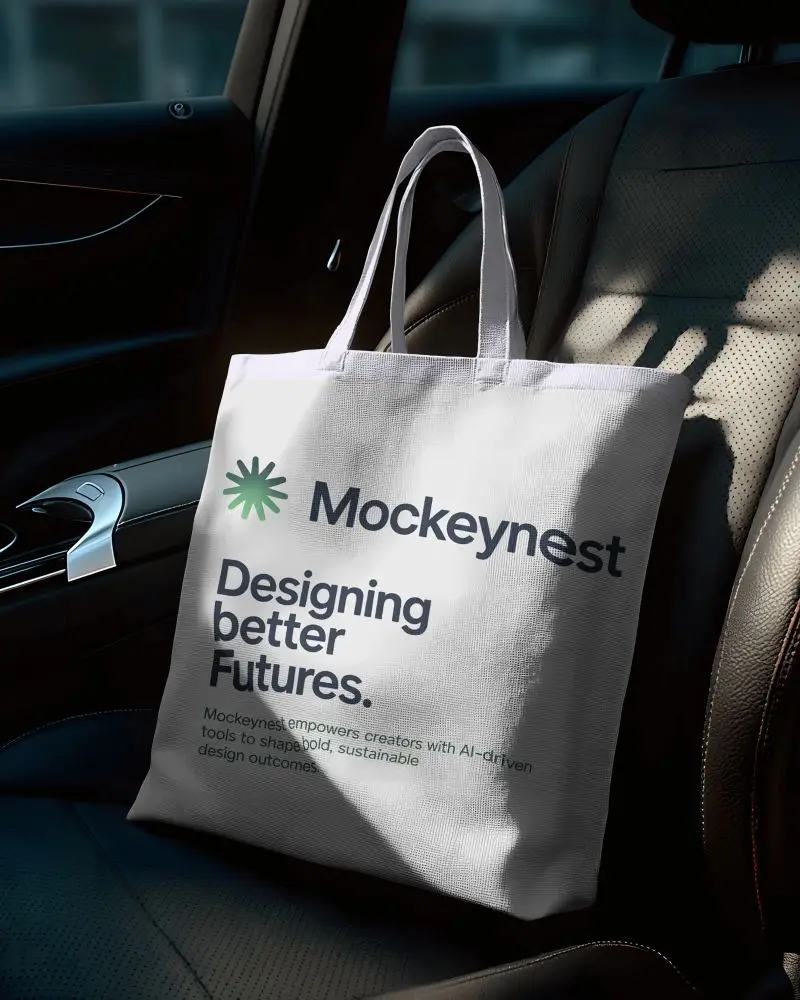

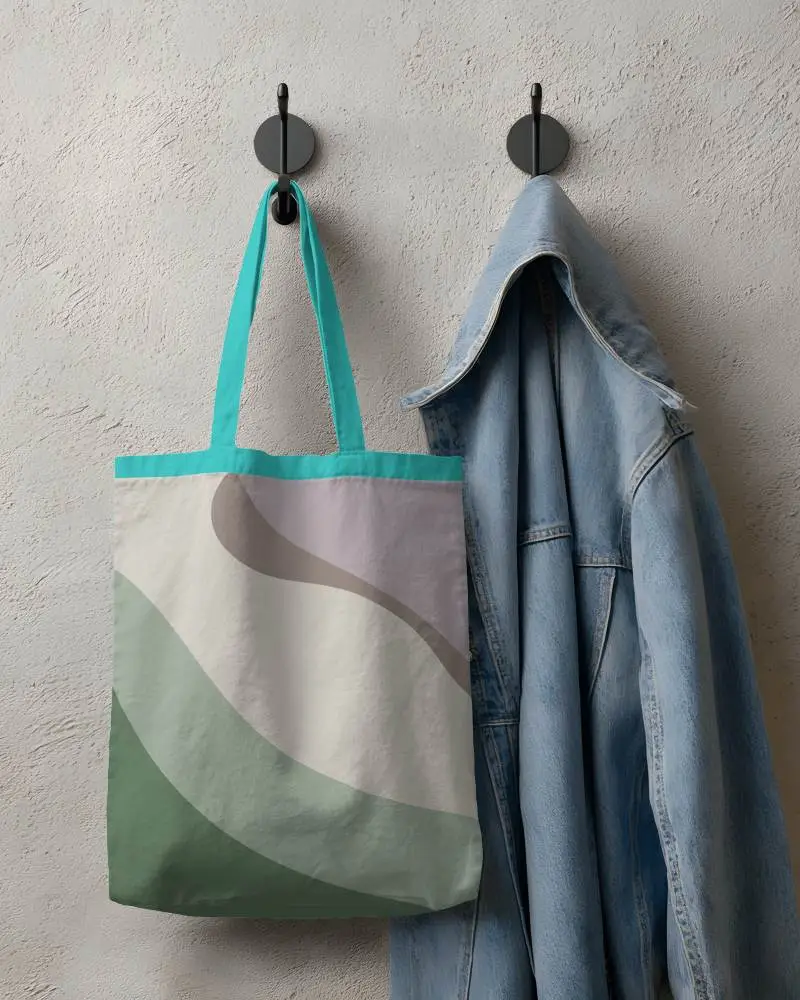
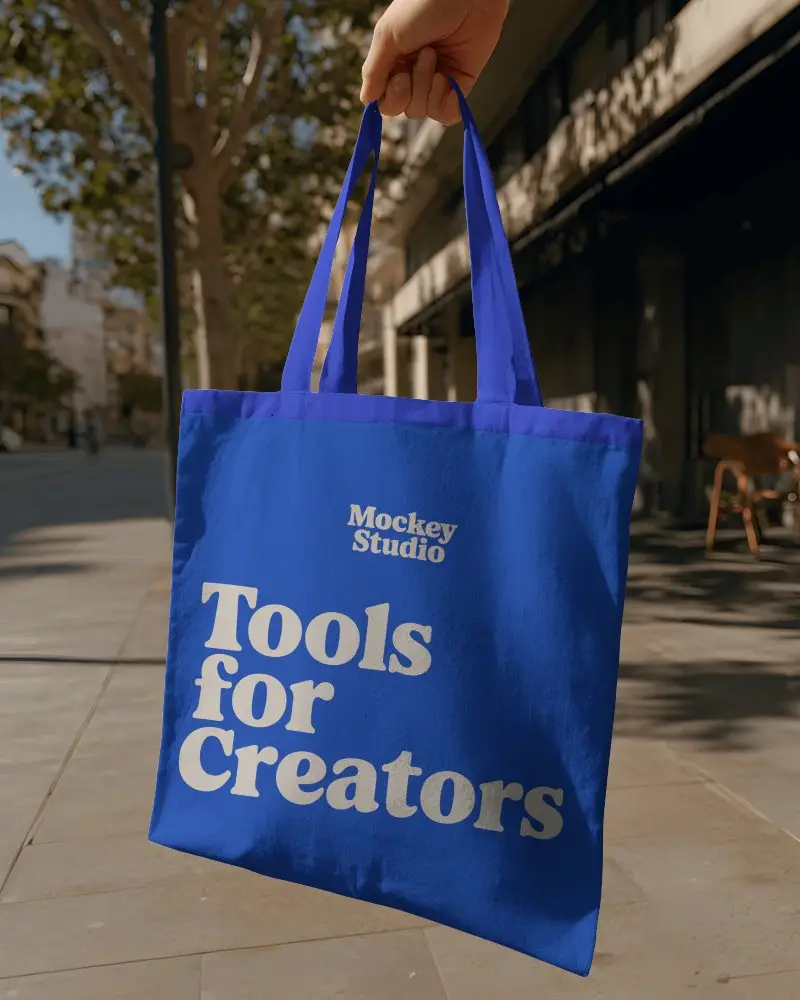
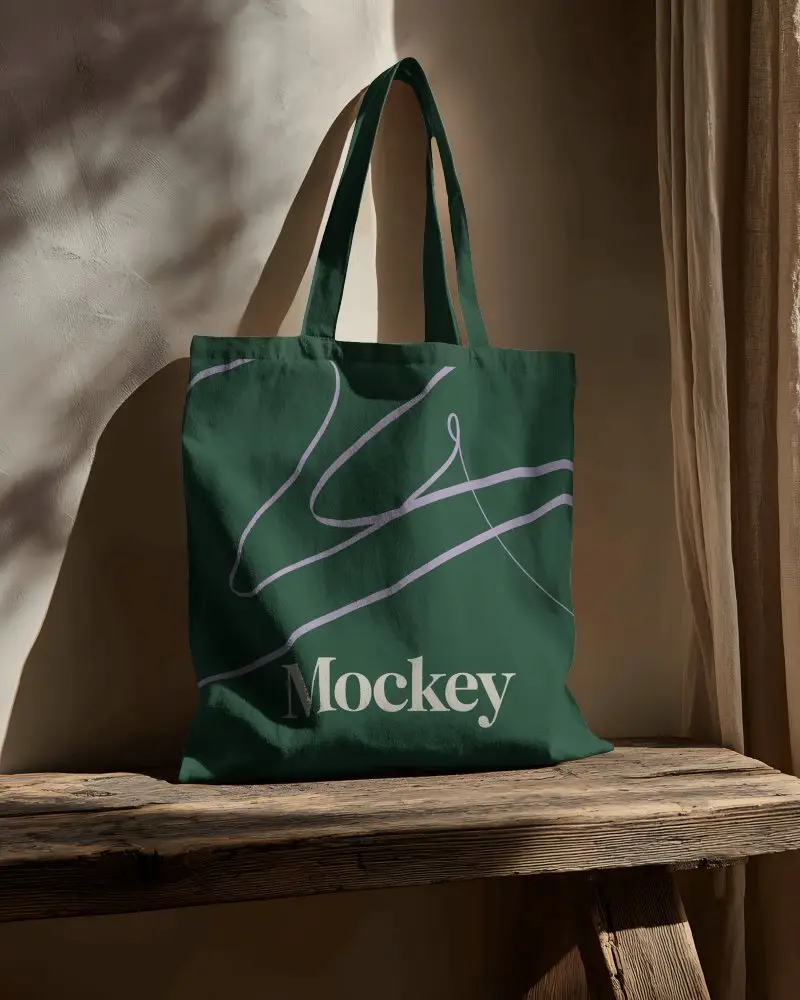

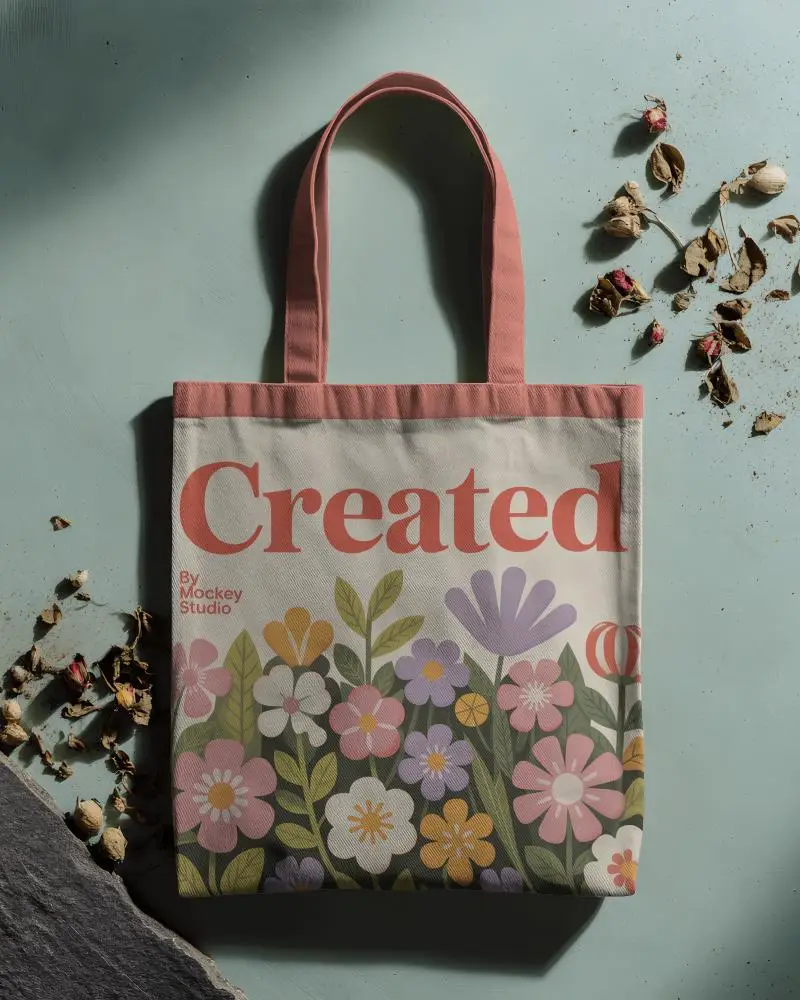

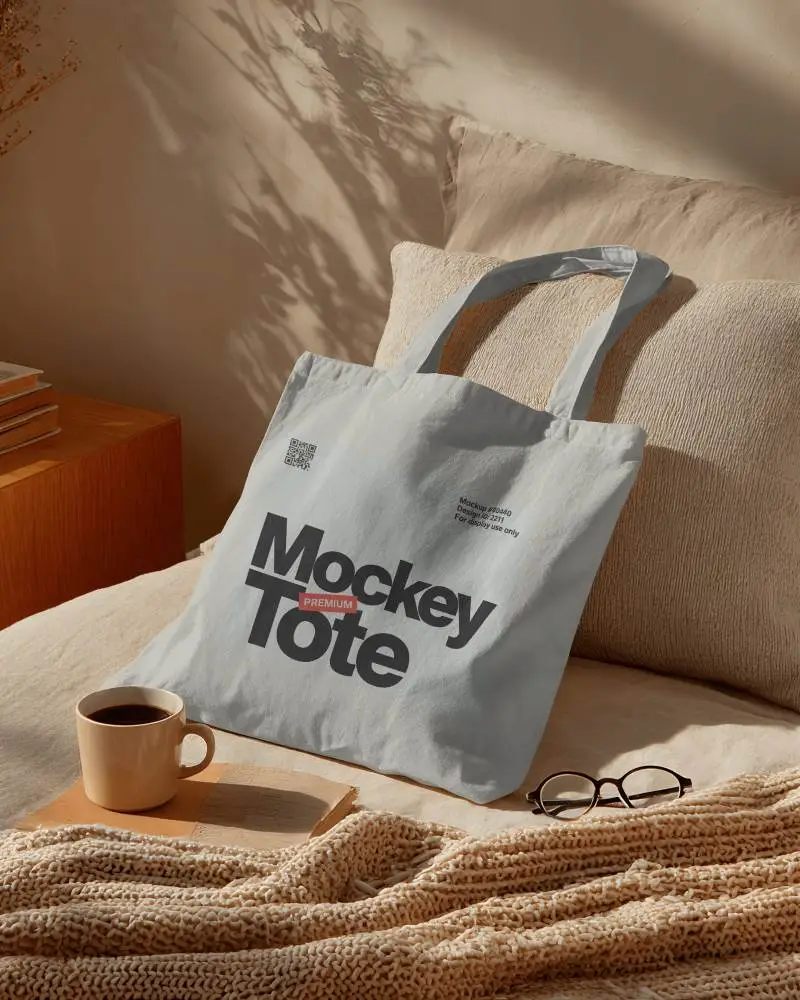
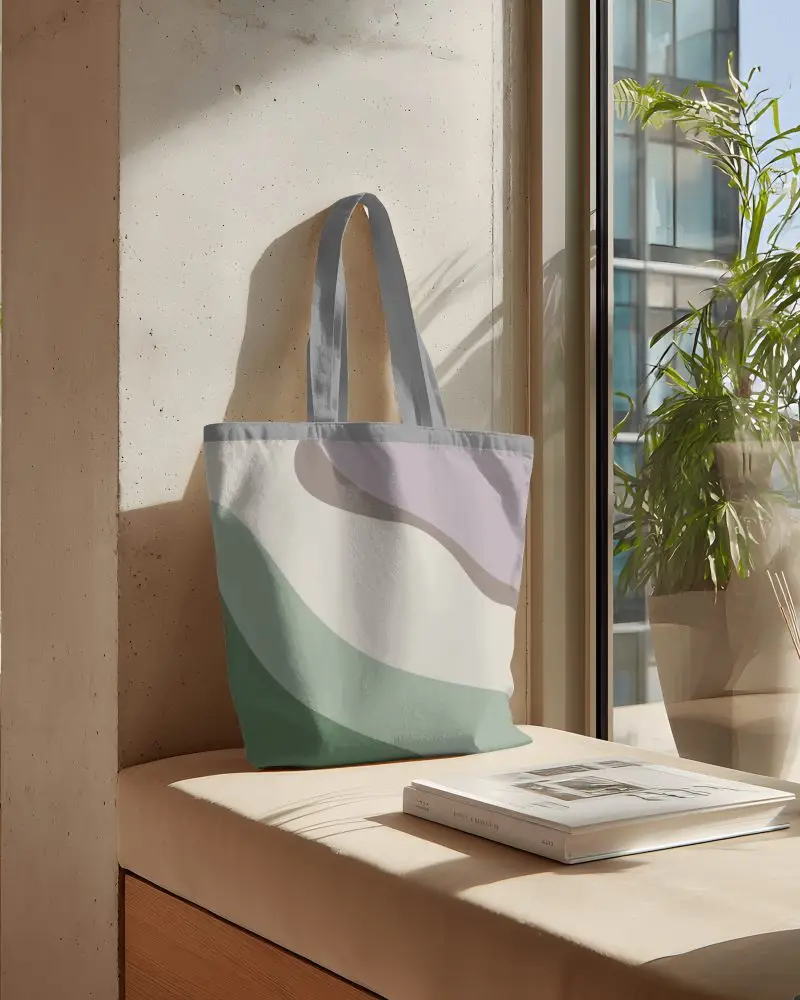
How to Create Cotton Tote Bag Mockup with Mockey
Follow the steps to create cotton tote bag mockups in Mockey AI
- Step 1: Go to Mockups > Accessories > Tote Bag > tag in the menu.
- Step 2: Select the template you want and upload your design.
- Step 3: Customize your Cotton Tote Bag mockup and download it in high quality.


FAQs on Cotton Tote Bag Mockups
What is a Cotton Tote Bag Mockup?
A cotton tote bag mockup is a mimic picture of a real bag. It shows how your logo or design will look on it. People use it to check the look before making the real bag.
Why create a Cotton Tote Bag mockup?
Creating a cotton tote bag mockup helps you show your design, saves money, helps test ideas, looks nice for ads, and shows an eco-friendly style.
Why Use Mockey’s Cotton Tote Bag Mockup?
Mockey's tote bag mockup can change colors, try new ideas, and show it to clients. It’s fast, easy to use, works online, looks real, and helps you save money without making real samples.
Is this Cotton Tote Bag Mockup Free?
Mockey AI has cotton tote bag mockups. Some are free, and some cost money. To see the free ones, choose the free option while searching. Paid ones need a subscription or payment to use.
